
From The Fog Mod (26.3, 1.20.1) – Never Wander Alone Again
 145,521
 1


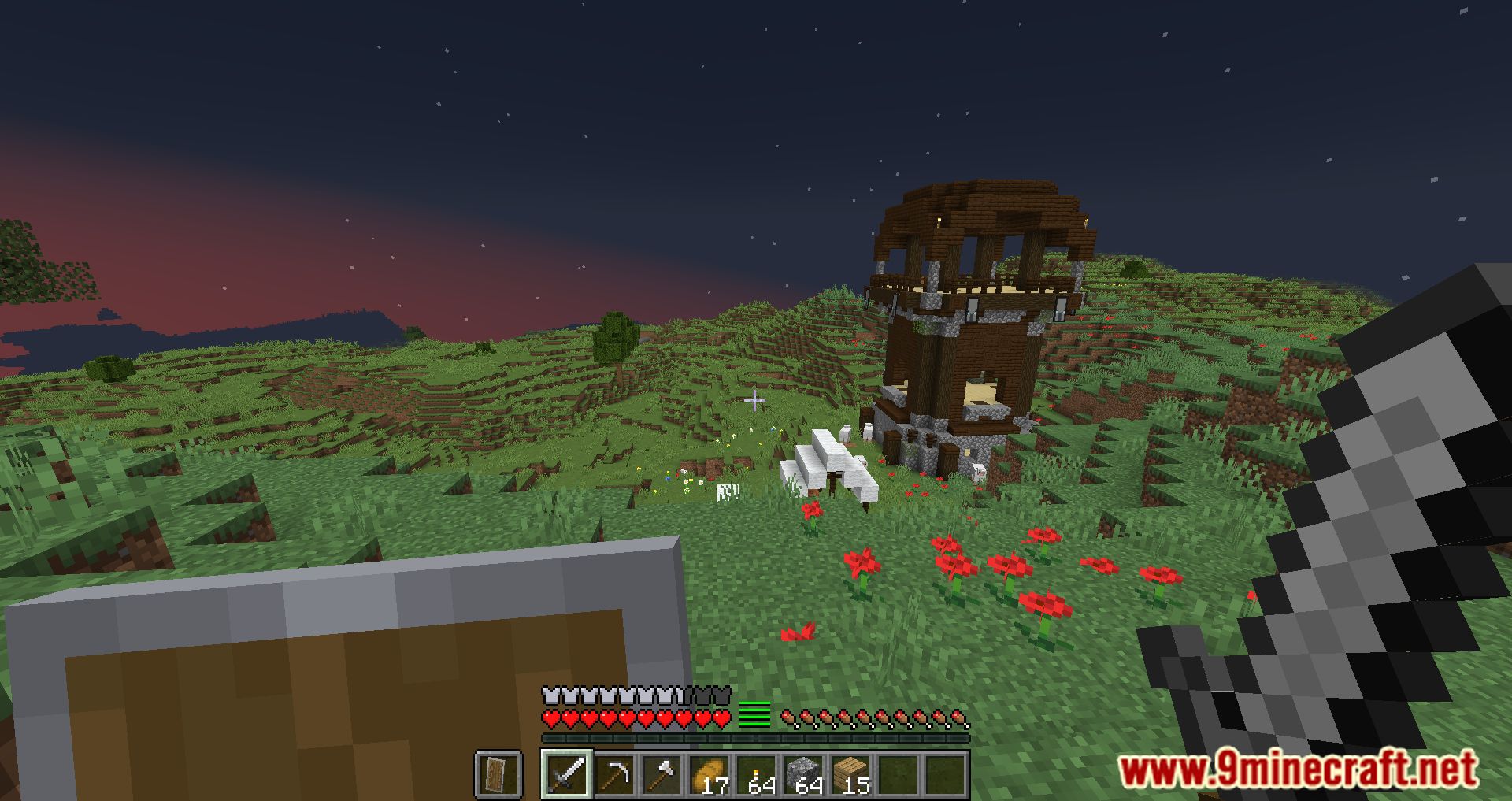
From The Fog Mod brings the spooky legend of Herobrine into your Minecraft world. This silent stalker watches you from dark trees, hills, mine tunnels, and house windows without an instant attack. He leaves eerie signs across the map, sets traps, and builds strange structures like leafless groves, 2×2 tunnels, and small pyramids. You do not need to summon him because he appears on his own in a new survival world, or you can build his classic shrine by hand. This mod also adds jumpscares, creepy sounds, extra Herobrine skins, and an in-game config menu to adjust how scary the game feels. It works in multiplayer worlds on Minecraft Java Edition and turns normal survival into a tense horror challenge for you and your friends.

Features:
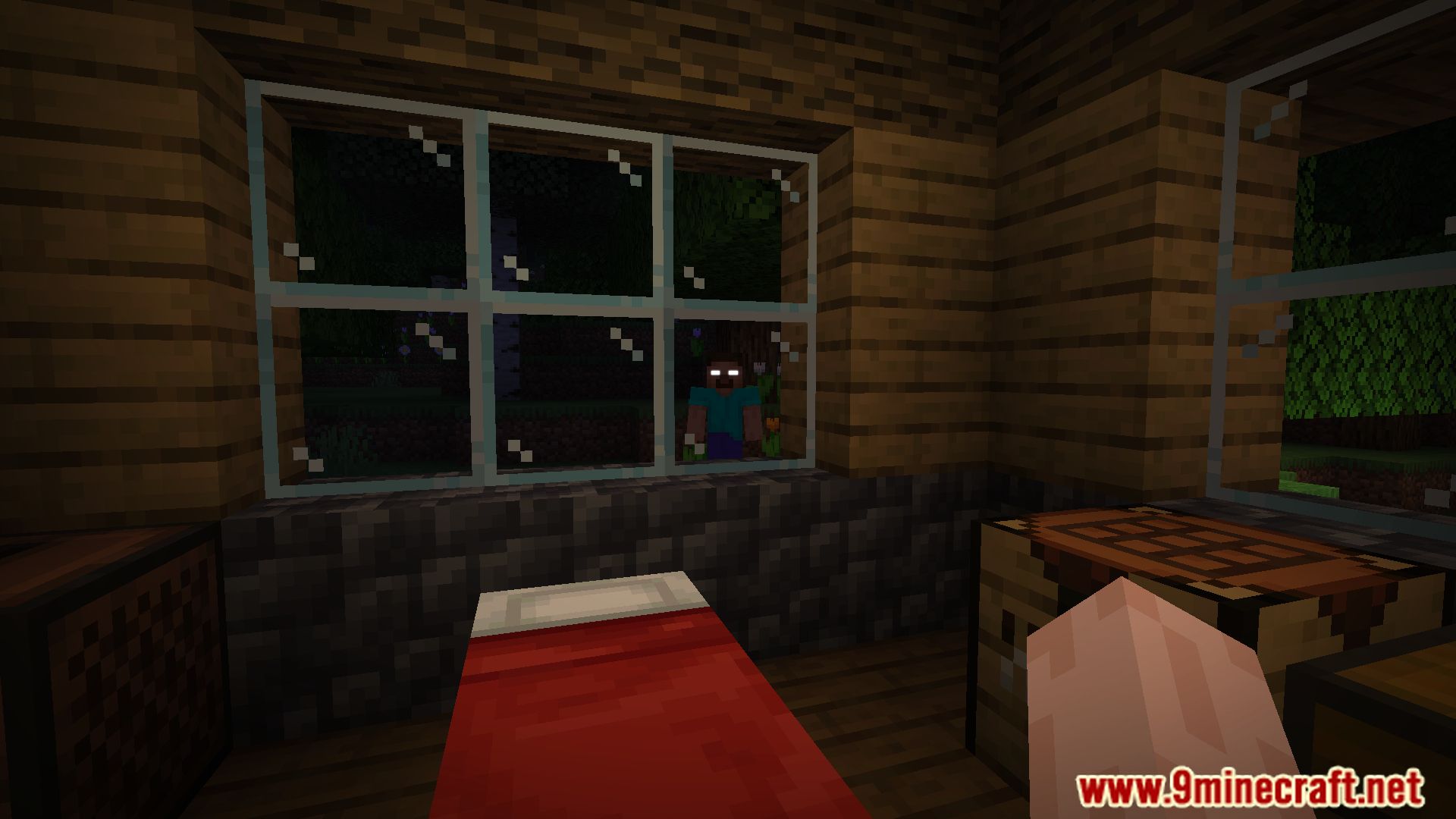
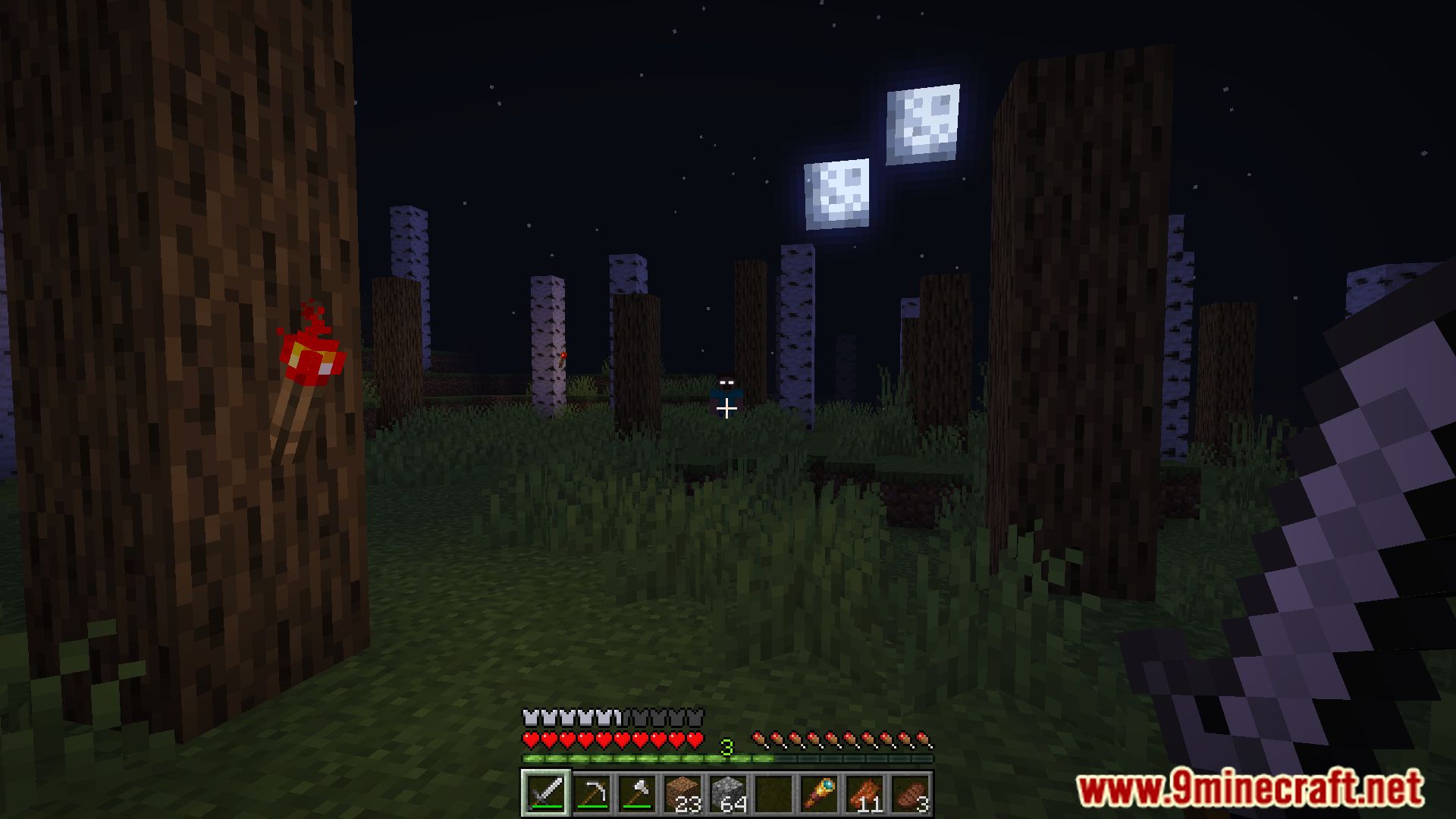
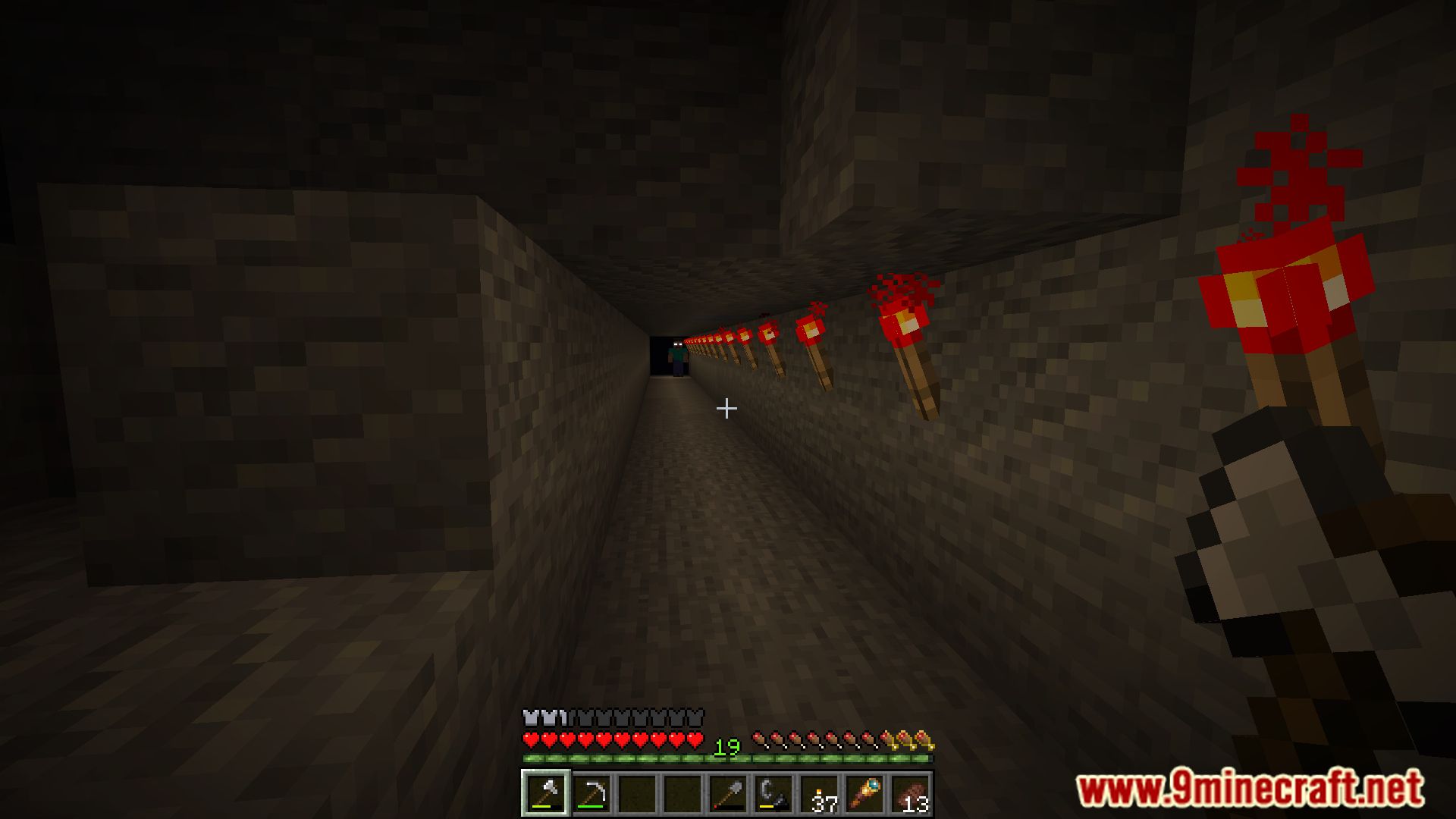
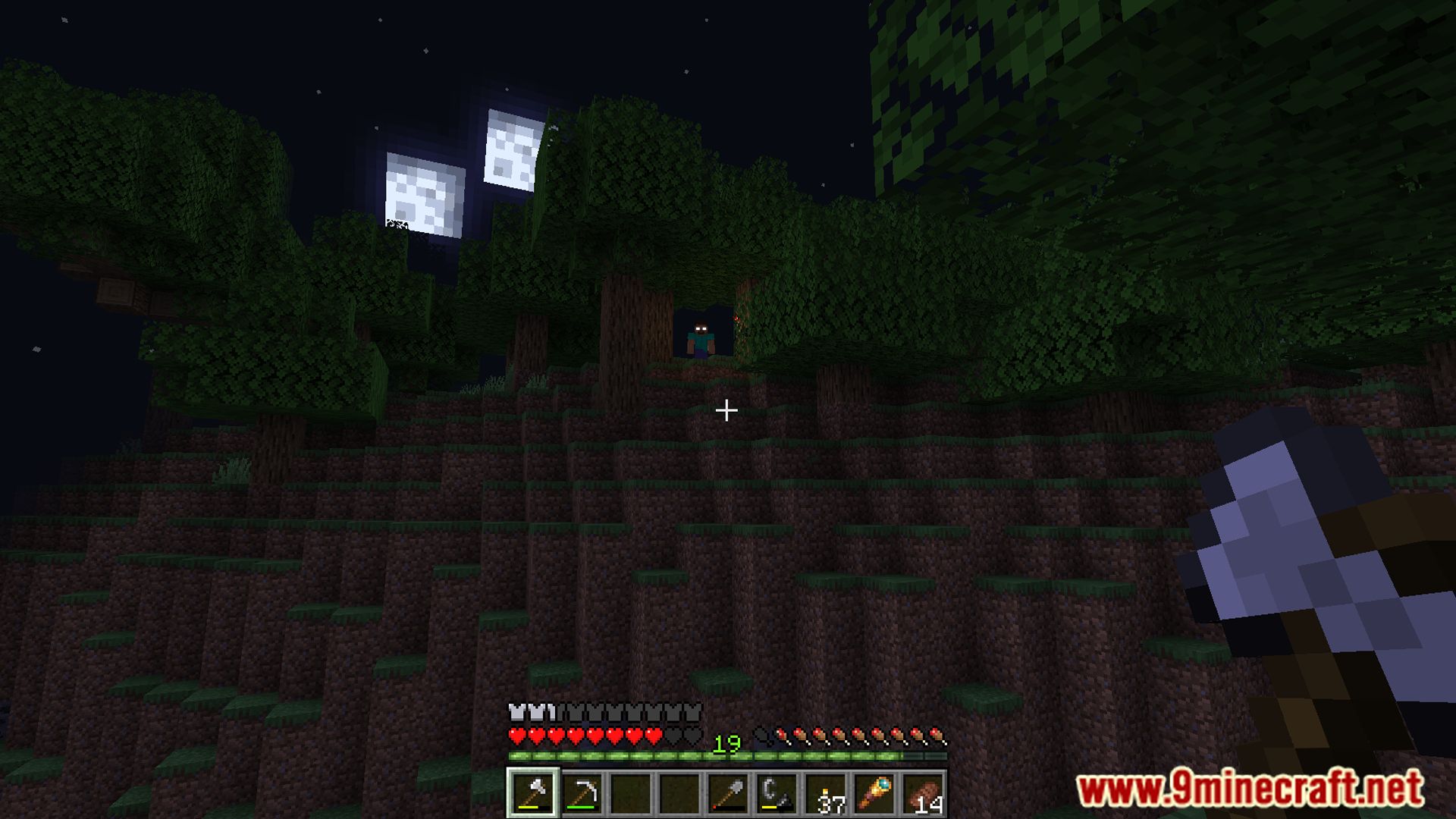
- Silent Stalker: Herobrine watches you quietly from dark trees, hills, mine tunnels, and wooden house windows without attacking right away.
- Natural Spawning: Herobrine starts leaving signs and stalking you on his own in a new survival world, so you do not need to summon him first.
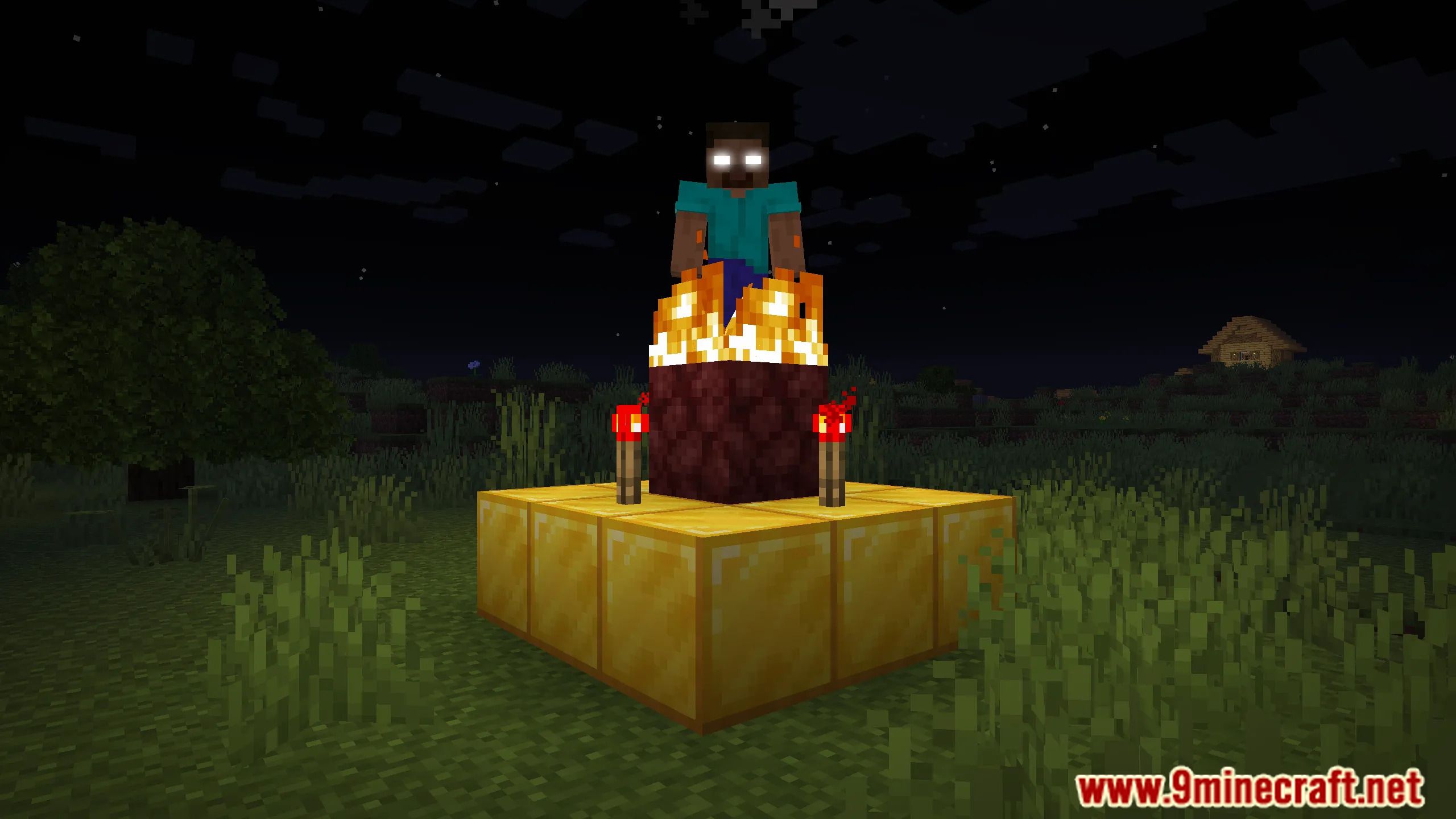
- Summoning Shrine: Lets you summon Herobrine by hand using gold blocks (or mossy cobblestone instead), netherrack, and redstone torches.
- Creepy Events and Traps: Adds jumpscares, strange sounds, hidden traps, and cryptic signs to keep you on edge.
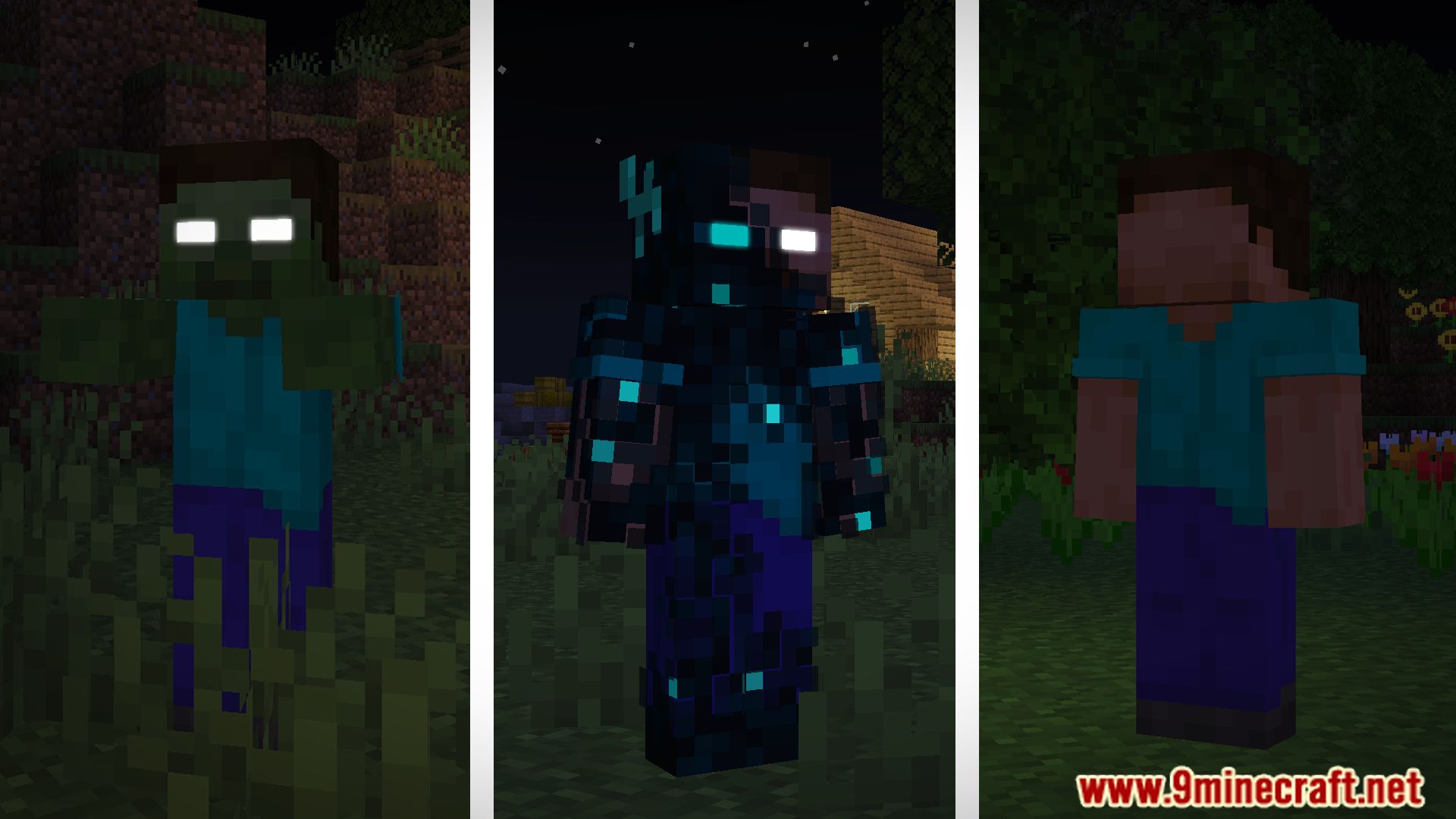
- Includes several Herobrine looks and skins, such as glowing white eyes, faceless Steve, zombie, and sculk styles.
- Lets you open an in-game config menu to change Herobrine’s behavior, adjust event frequency, turn mechanics on or off, and pick a scarier or calmer pace.
- Works smoothly in multiplayer worlds so you and your friends can experience the hauntings together.
Mysterious Structures:
- Leafless forest groves and stripped wood areas that make the woods feel empty and eerie.
- Dark 2×2 stone tunnels lined with glowing redstone torches.
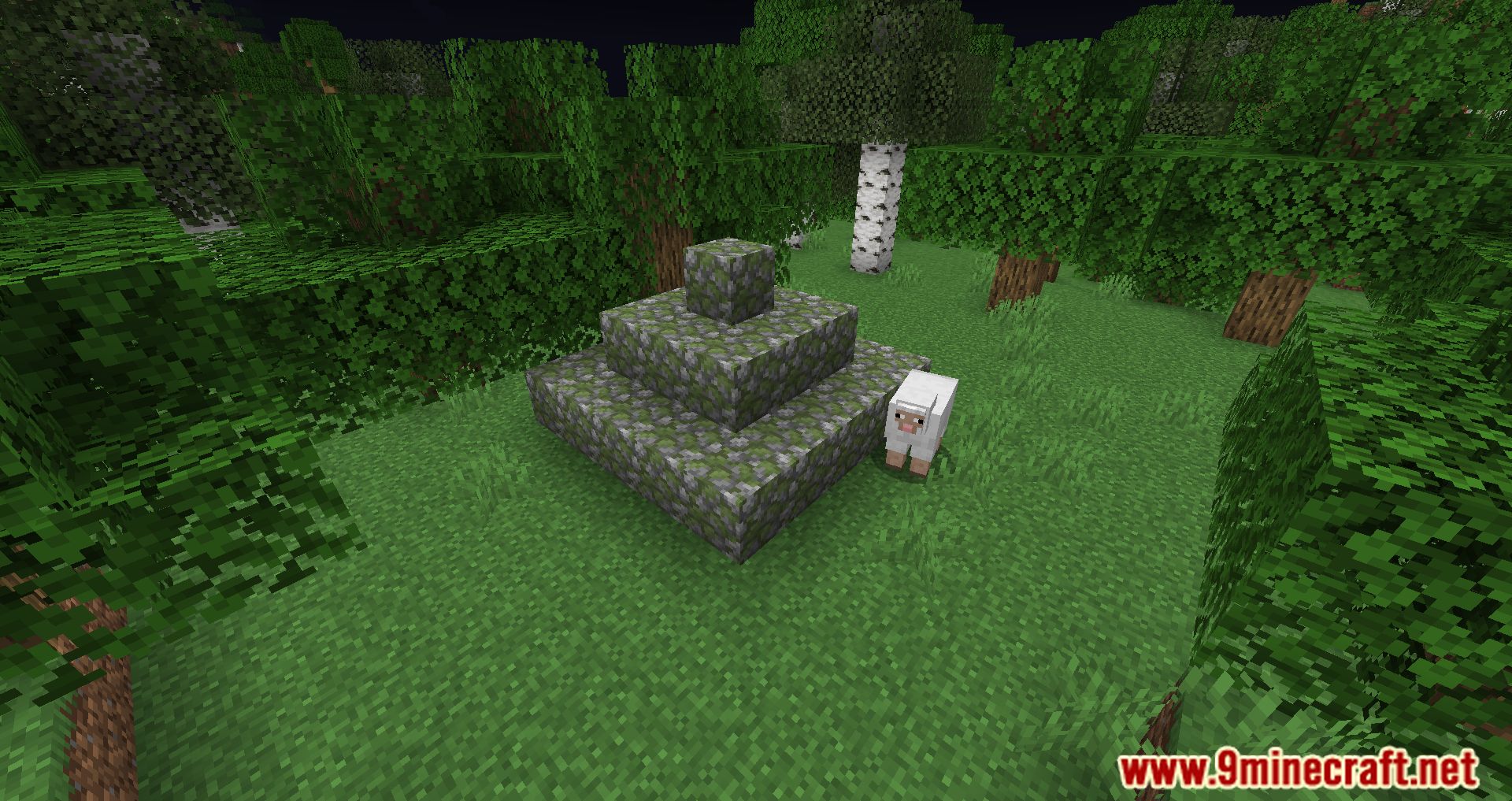
- Small pyramids built from sand in the ocean or mossy cobblestone in forests.
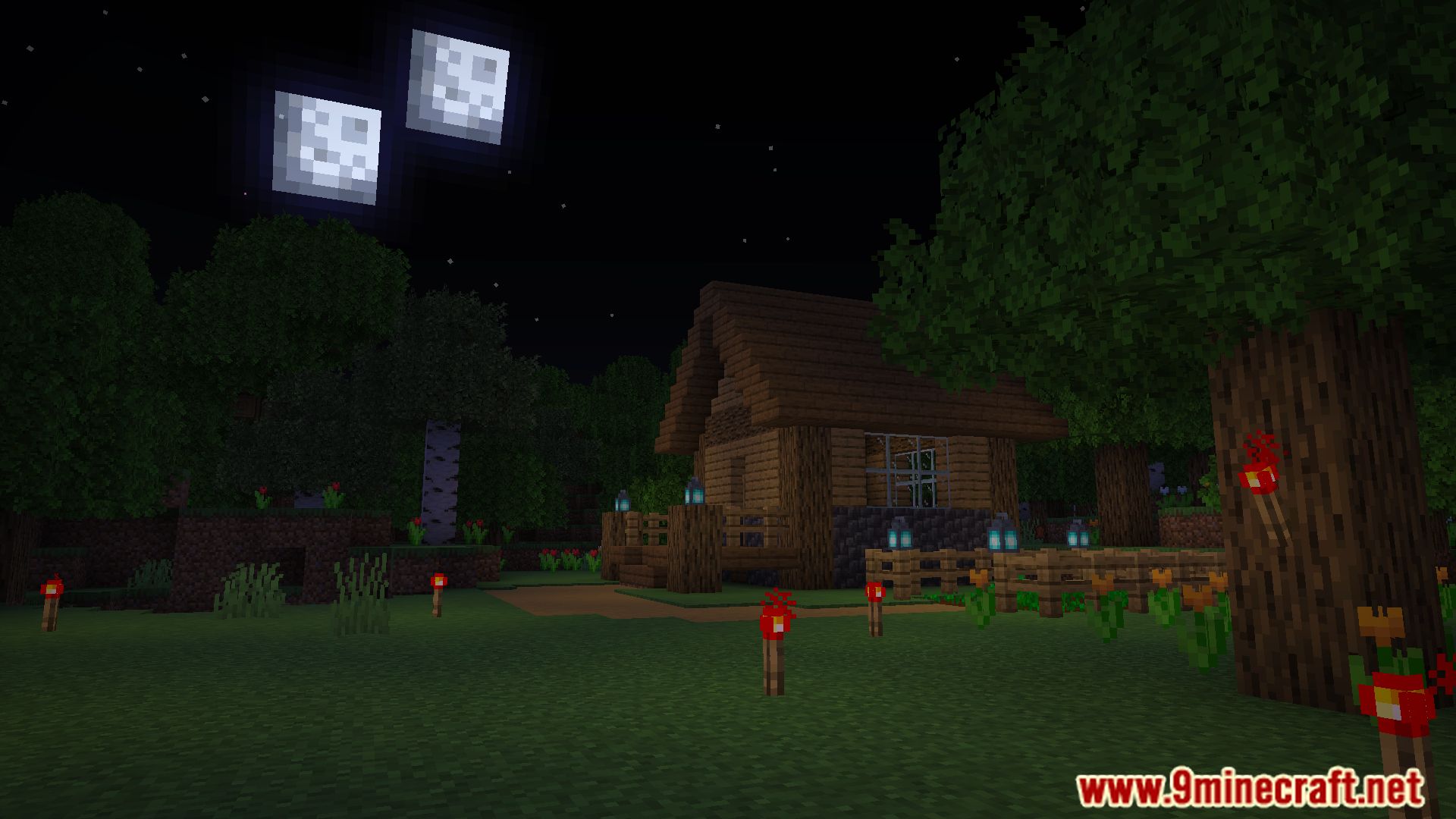
- Redstone torch paths and redstone torches placed around wooden cabins at night.
Commands:
/function fromthefog:admin/config: Opens the in-game config menu where you can change Herobrine’s behavior, set how often events happen, and turn specific mechanics on or off.
How to Use:
- Create a new survival world or open an existing one; Herobrine begins leaving eerie signs, building structures, and watching you on his own over time.
- Build the classic shrine with gold blocks (or mossy cobblestone instead), netherrack, and redstone torches to summon Herobrine by hand.
- Type
/function fromthefog:admin/configin chat to open the in-game config menu, where you can change Herobrine’s behavior, toggle specific mechanics, and make the game scarier or calmer.
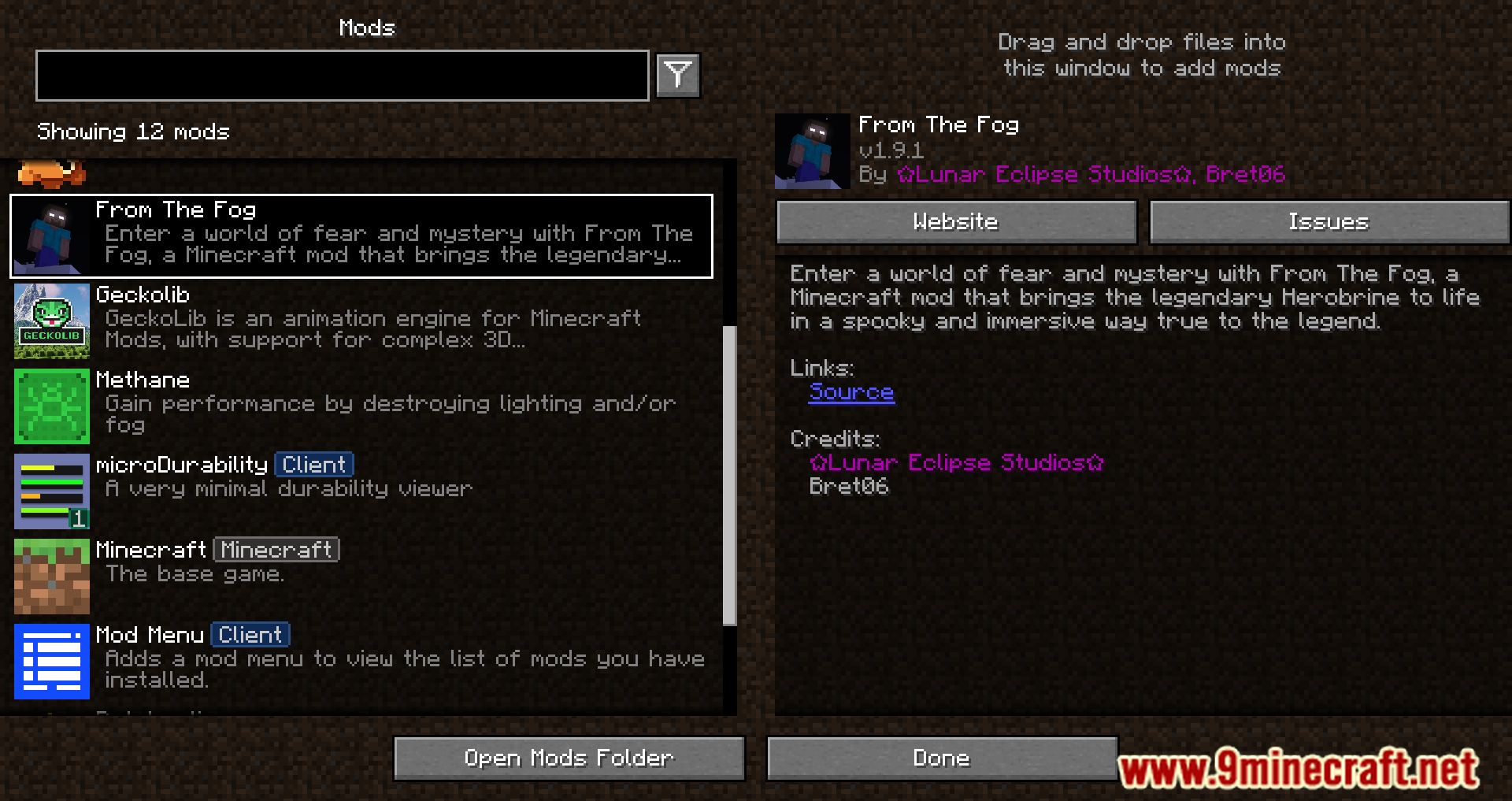
Screenshots:



How to Install:
New to Minecraft? Follow our step-by-step guide to install Mods on your PC.View Guide



From The Fog Mod Download Links
For Minecraft 26.2+
We’ve developed a brand-new version of From The Fog Mod called From The Fog 9minecraft Mod, fully ported and tested for the latest Minecraft. Download the new version here: From The Fog 9minecraft Mod.
For Minecraft 26.3
For Minecraft 26.2
For Minecraft 26.1.2, 26.1.1, 26.1
For Minecraft
1.21.11,
1.21.10,
1.21.9
All Versions Covered
1.21.11
1.21.10
1.21.9
1.21.8
1.21.7
1.21.6
1.21.5
1.21.4
1.21.1
1.21
For Minecraft 1.21.10, 1.21.9
For Minecraft 1.21.8, 1.21.7, 1.21.6
For Minecraft 1.21.5
For Minecraft 1.21.4
For Minecraft 1.20.6
For Minecraft 1.20.4
For Minecraft 1.20.1, 1.20
For Minecraft 1.19.4, 1.19.3, 1.19.2

1 Comment
What do you think?
Your opinion means a lot - we'd love to hear from you.
You May Also Like
Picked for this page
 Corail Tombstone Mod (26.2, 1.20.1) – Never Lose Your Items Again
 Iron Barrels Mod (1.21.11, 1.20.1) – Iron Chests, But for Barrels
 UNU Parts Pack Mod (1.20.1) – Library for MTS Content Packs
 YUNG’s Better End Island Mod (1.21.11, 1.20.1) – A New Arena for the Dragon
 Enjarai’s Show Me Your Skin! Mod (26.2, 1.20.1) – Unveiling The True Minecraft Avatar
 Decorative Computers Mod (26.2, 1.20.1) – Add Stylish Computers To Your Minecraft World
 Deimos Lib Mod (26.3, 1.20.1) – Provides a Data Generation and Configuration Library
 Drop Confirm Mod (26.3, 1.20.1) – Safeguard Your Items
 Particle Mimicry Mod (26.1.2, 1.20.1) – Adds A Particle Emitter Block That Generates Particles
 Villager Trading Plus Mod (26.3, 1.20.1) – Faster Villager Trading
 Orbital Strike Plus Mod (26.2, 1.20.1) – Rain Destruction with Fishing Rods
 Drop Spread 2 Mod (26.3, 1.20.1) – Adjust The Drop Spread
Most viewed in Mods over the last 7 days
 Ala Industrial Mod (26.3) – Run Electric Power Grids and Automated Factories
 PleasureCraft Mod (26.3, 1.21.1) – Jenny Mod Remake for Fabric
 Jennycraft Mod (26.3, 1.20.1) – Virtual Girlfriend in Minecraft
 Fapcraft Mod (26.3, 1.12.2) – Comprehensive and Detailed Content
 Jenny Mod (Fapcraft) Official Complete Guide – How to use, Tutorial
 BangCraft Mod (1.20.1) – Jenny, Ellie and Elliot
 Fabric Loader (26.3, 1.20.1) – Fabric Installer for All Minecraft Versions
 The Shooting Star Demo Mod (26.3, 1.20.1) – Vaporize Terrain From Orbit
 Meteor Client Mod (26.3, 1.20.1) – Xray, HUD, Fly
 OptiFine HD (26.3, 1.20.1) – Run Faster, FPS Boost, Shaders Support
 Aristois Client Mod (1.21.4, 1.20.1) – World Class Minecraft Utility
 Prestige Client Mod (1.21.11, 1.21.4) – Powerful Ghost Features for Crystal & Sword PvP
More from Mods
 Morrowless Mod (1.21.1) – Defend Your Shelter From Nightmare Creatures
 THE SLOPSTROSITY Mod (1.21.1) – Battle a Ridiculous Slime Boss
 Decoween Mod (1.21.1, 1.20.1) – Transform Ordinary Survival Bases
 Simply Light 9minecraft Mod (26.3) – Decorate Builds Without Torches
 Alex’s Caves Continued Mod (26.3, 1.20.1) – Conquer Six Massive Underground
 Anvil Uses Mod (26.3, 1.20.1) – Track Item Anvil Usage
 Animal Info Mod (26.3, 1.21.11) – Quick Stats For Your Animals
 Timber Tales Dynamic Tree System Mod (26.3, 1.20.1) – Watch Entire Trees Topple
 Gabou’s Libs Mod (26.3, 1.20.1) – Keep Custom Weather and Survival Mods Stable
 /Sit Mod (26.3, 1.21.1) – Make The Player Sit Down
 Arcane Redstone Dial Mod (26.3, 1.20.1) – Trigger Commands and Shortcuts
 The Graveyard Mod (26.3, 1.20.1) – Cemeteries in Minecraft

КРУТОЙ