
Level = Border Mod (1.19.2, 1.18.1) – Expand the World Border As Your Level

 0


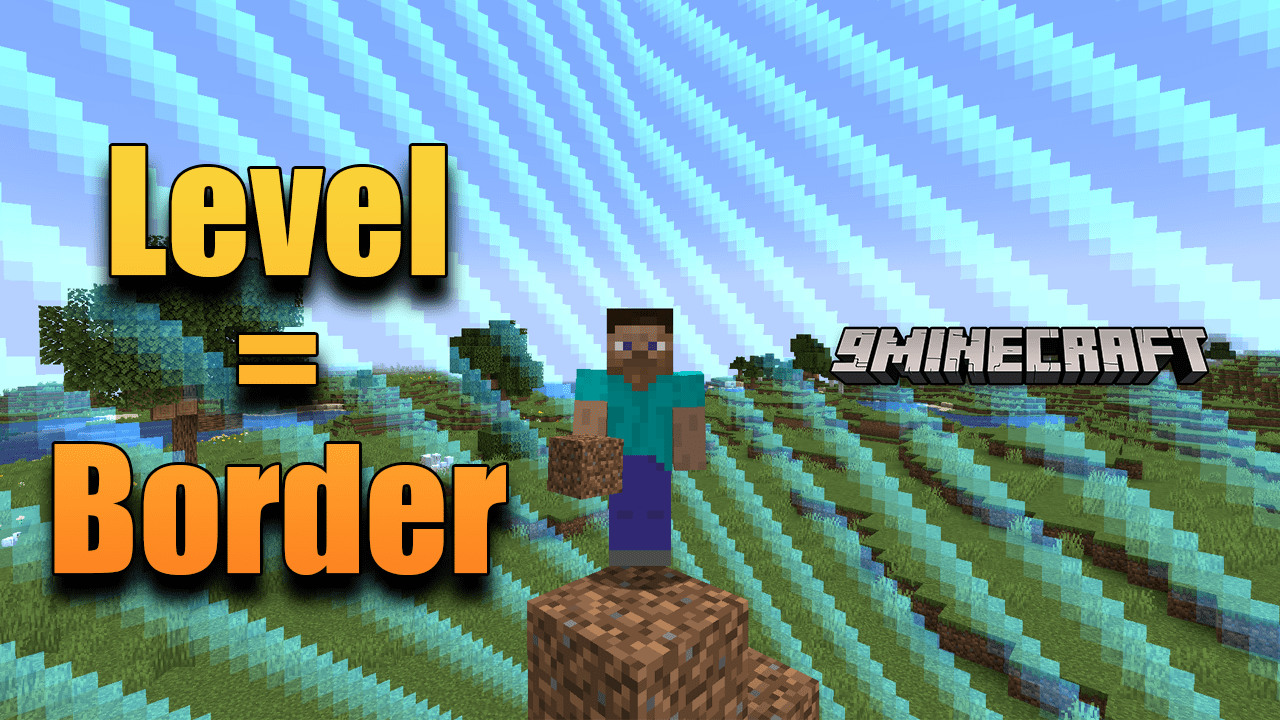
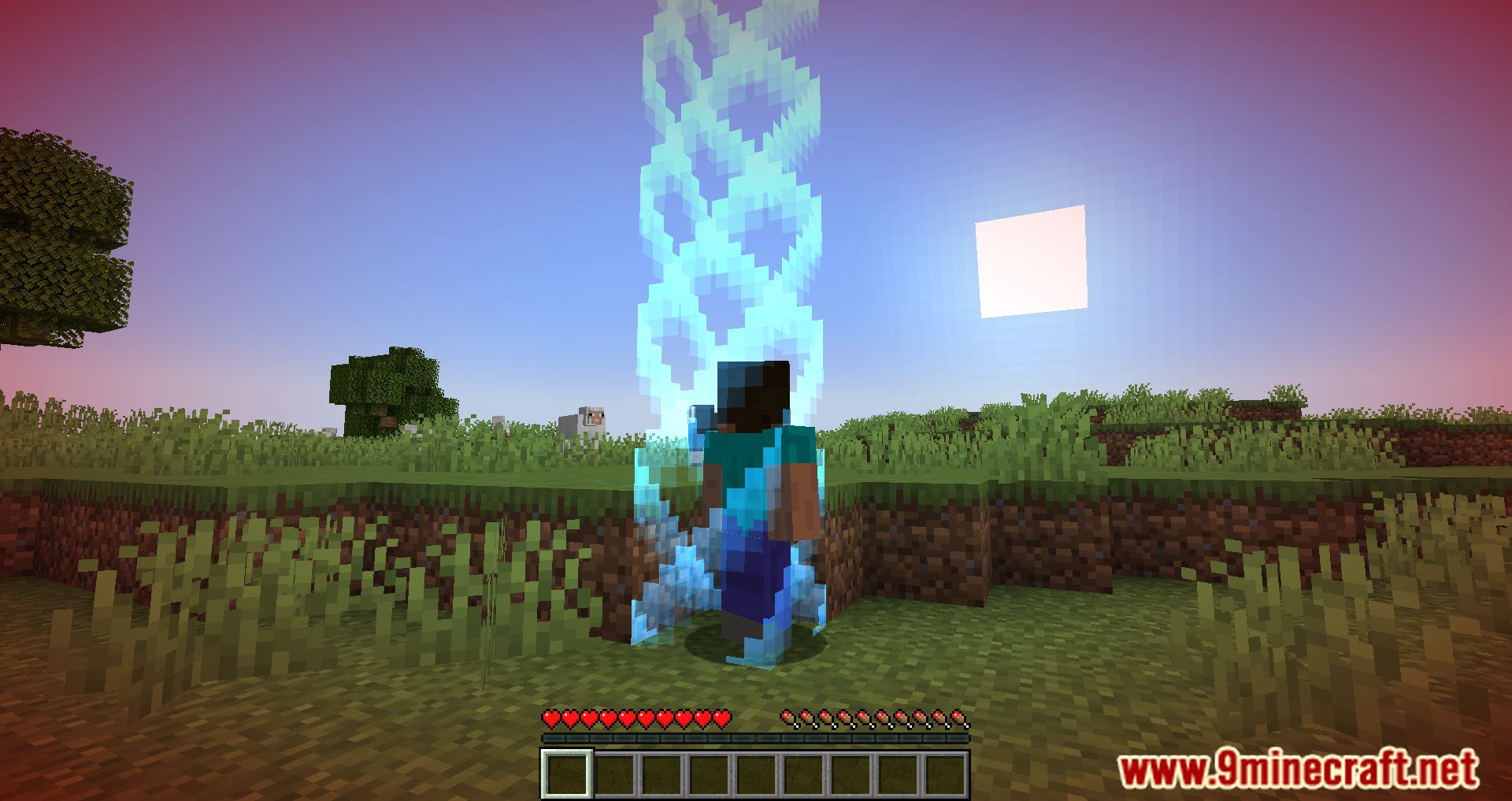
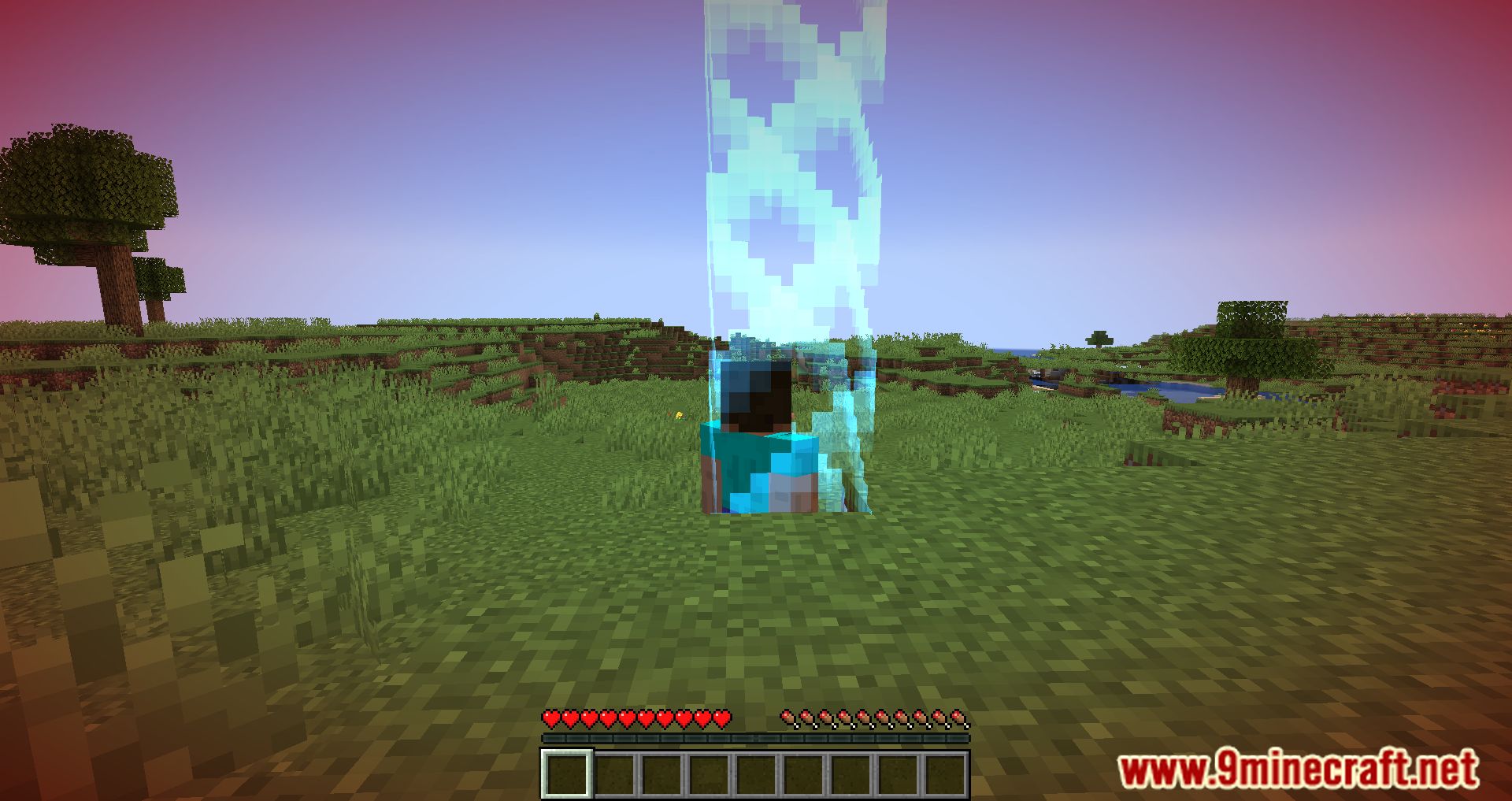
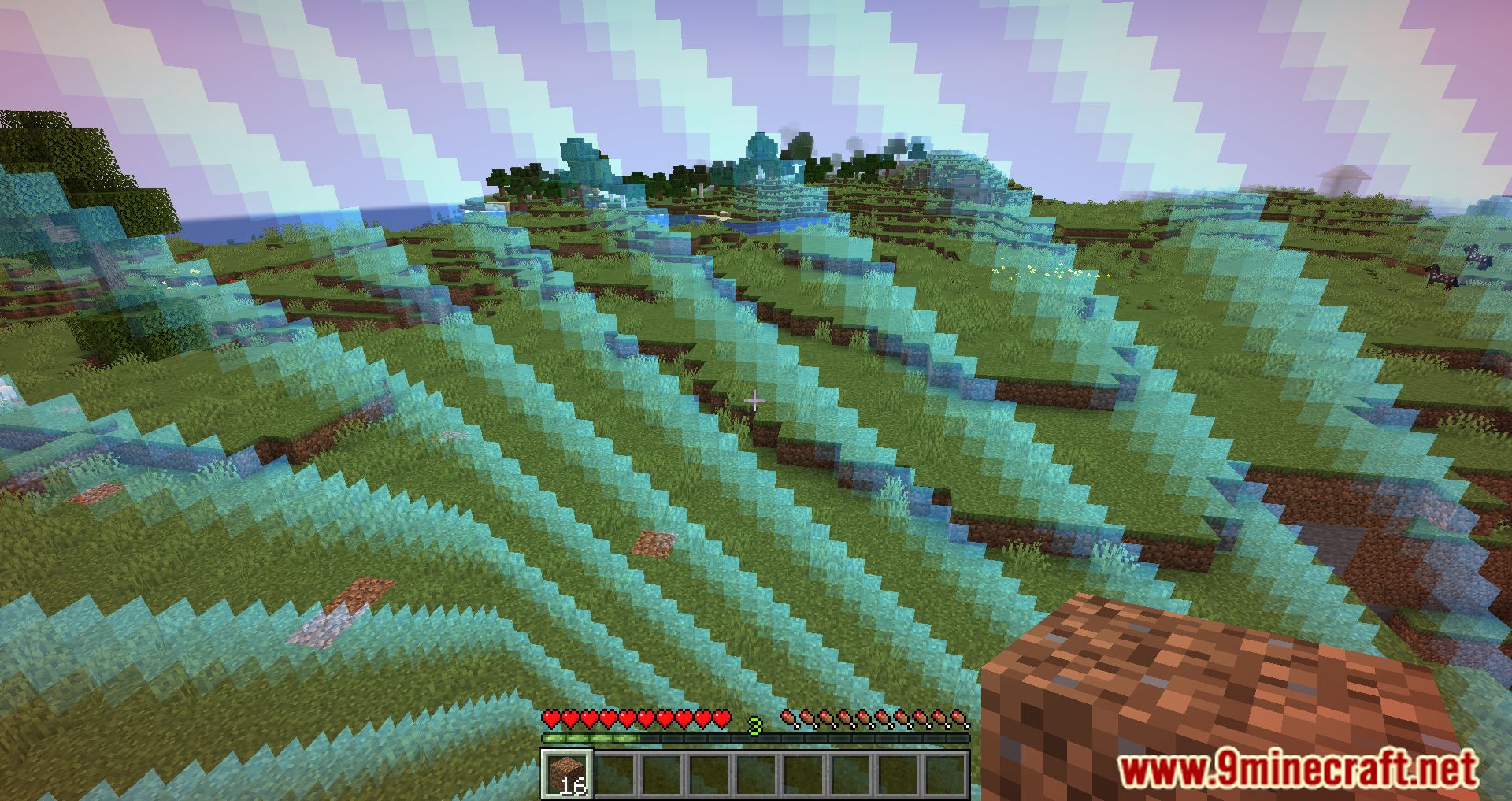
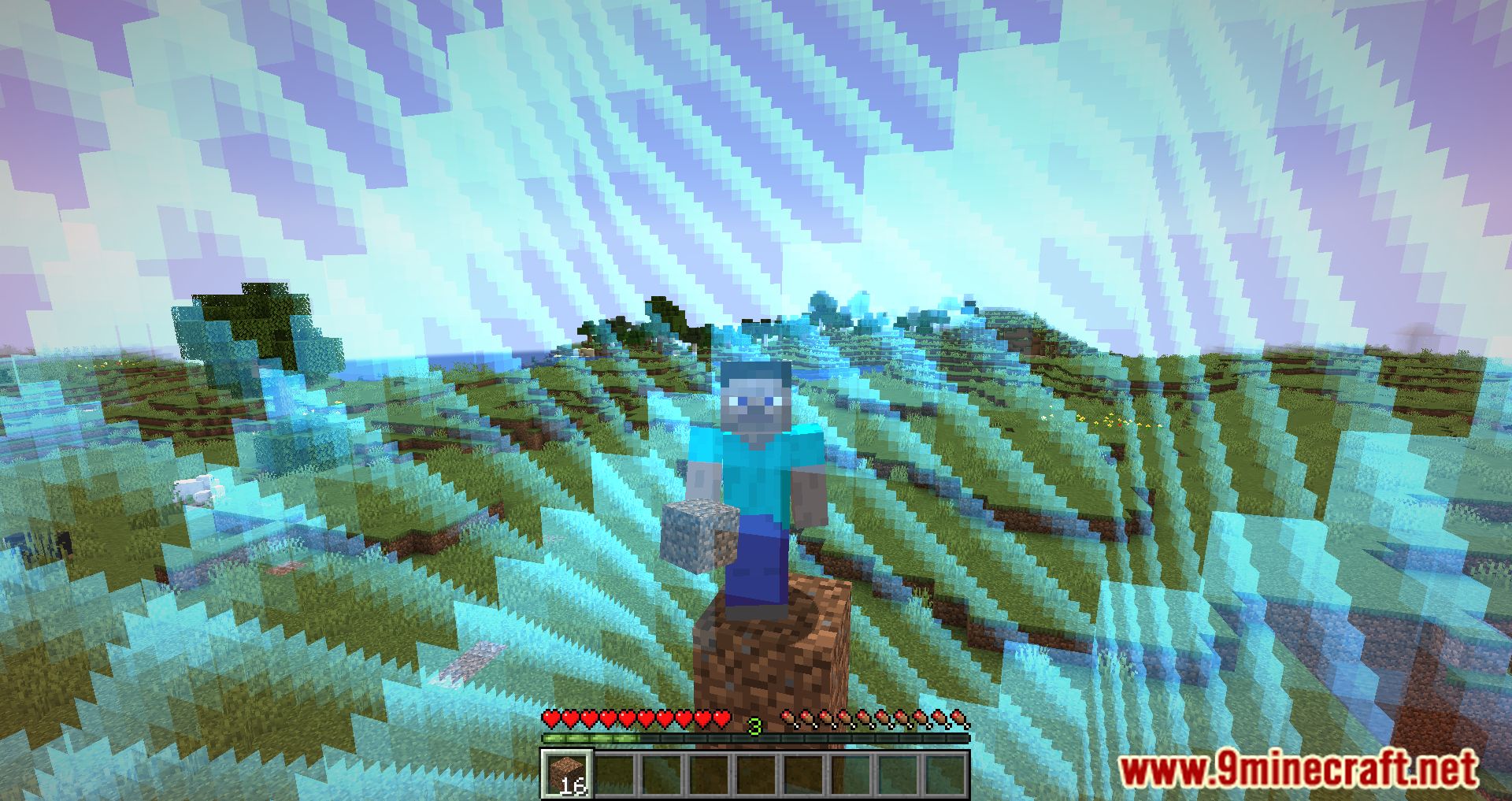
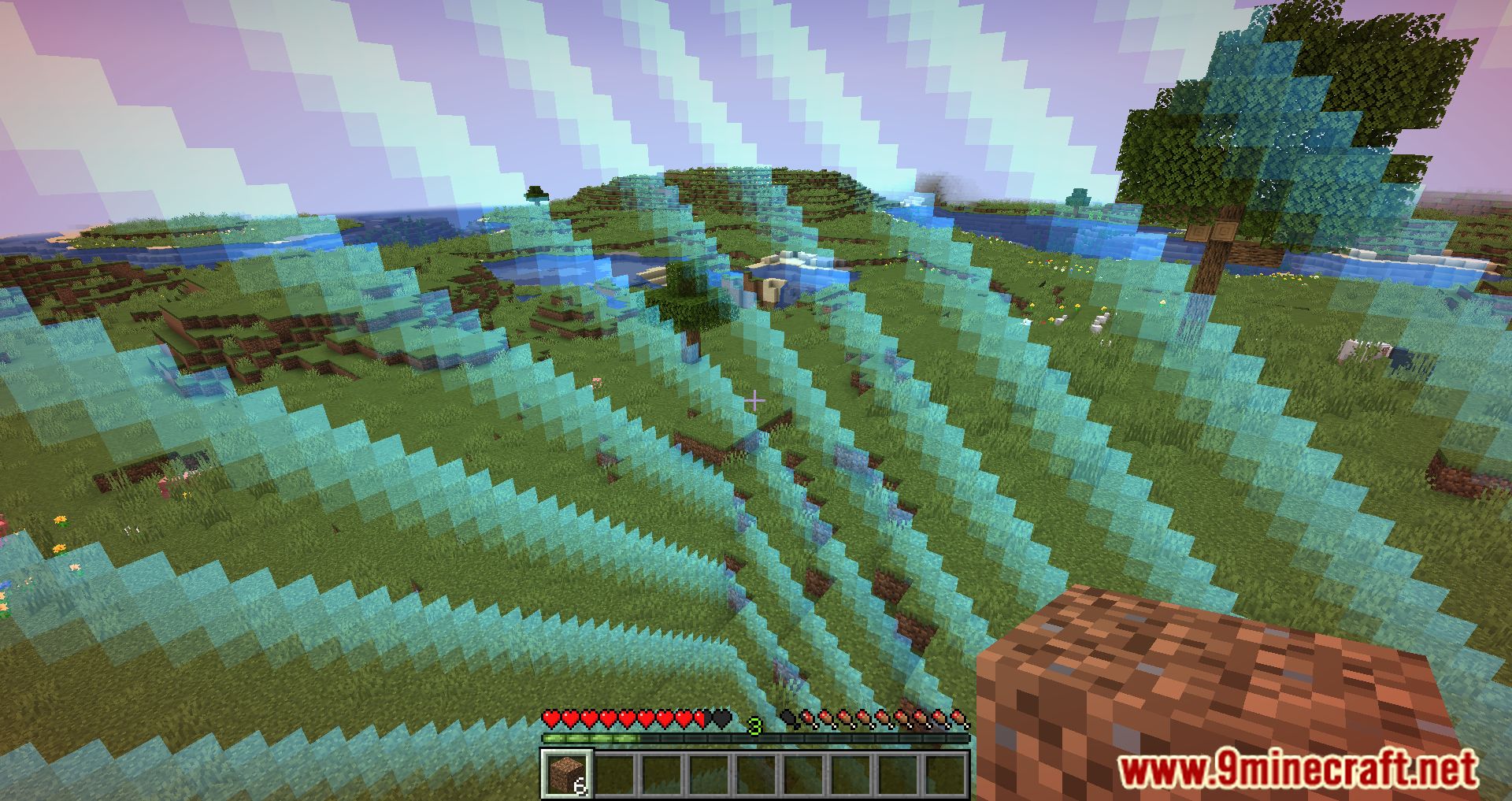
Level = Border Mod adds a unique gameplay mechanic that ties the world border’s radius directly to your current experience level. The exploration boundaries expand or contract automatically as you gain or lose experience. Every level-up increases your available space, while dying and losing levels shrinks the map size. It turns standard survival into a strategic challenge where managing experience points controls how far you can travel.
Features:
- The world border radius matches your exact experience level at all times.
- Expands the playable area automatically whenever you reach a higher level.
- Contracts the border size when you lose experience levels.
- Supports multiple mod loaders including Fabric, Quilt, Paper, Forge, and Sponge.
Commands:
/levelborder: configures the mod settings directly in the game./setworldspawn: changes the center point of the world border to a new location.
How to Use:
- Gain experience points by mining, killing mobs, or smelting items to expand your exploration radius.
- Check the distance between your overworld portal and the border before traveling into the Nether.
- Use the configuration command in chat if you need to adjust settings during gameplay.
- Rejoin the world after changing the spawn point to update the border center correctly.
Screenshots:
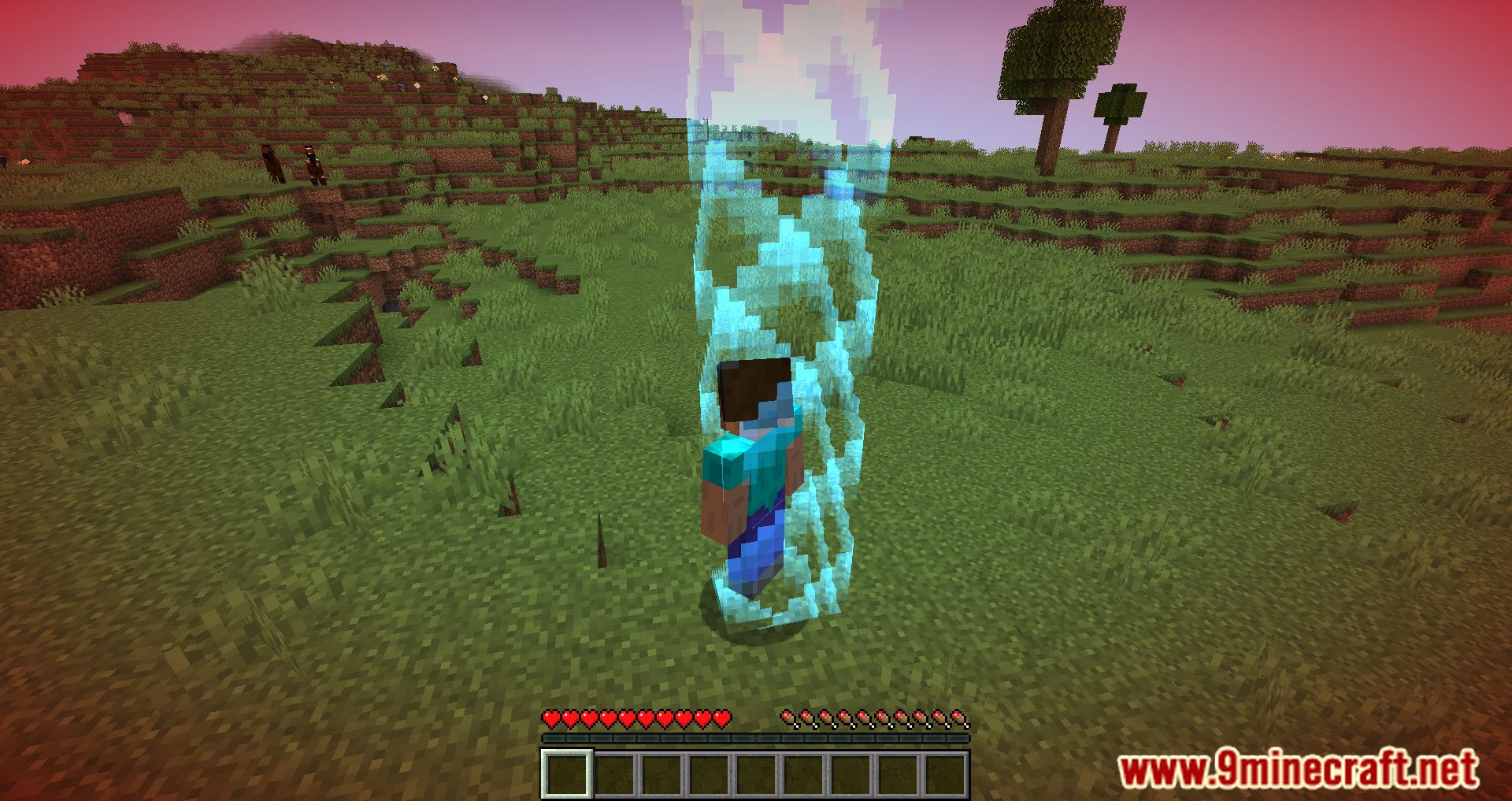
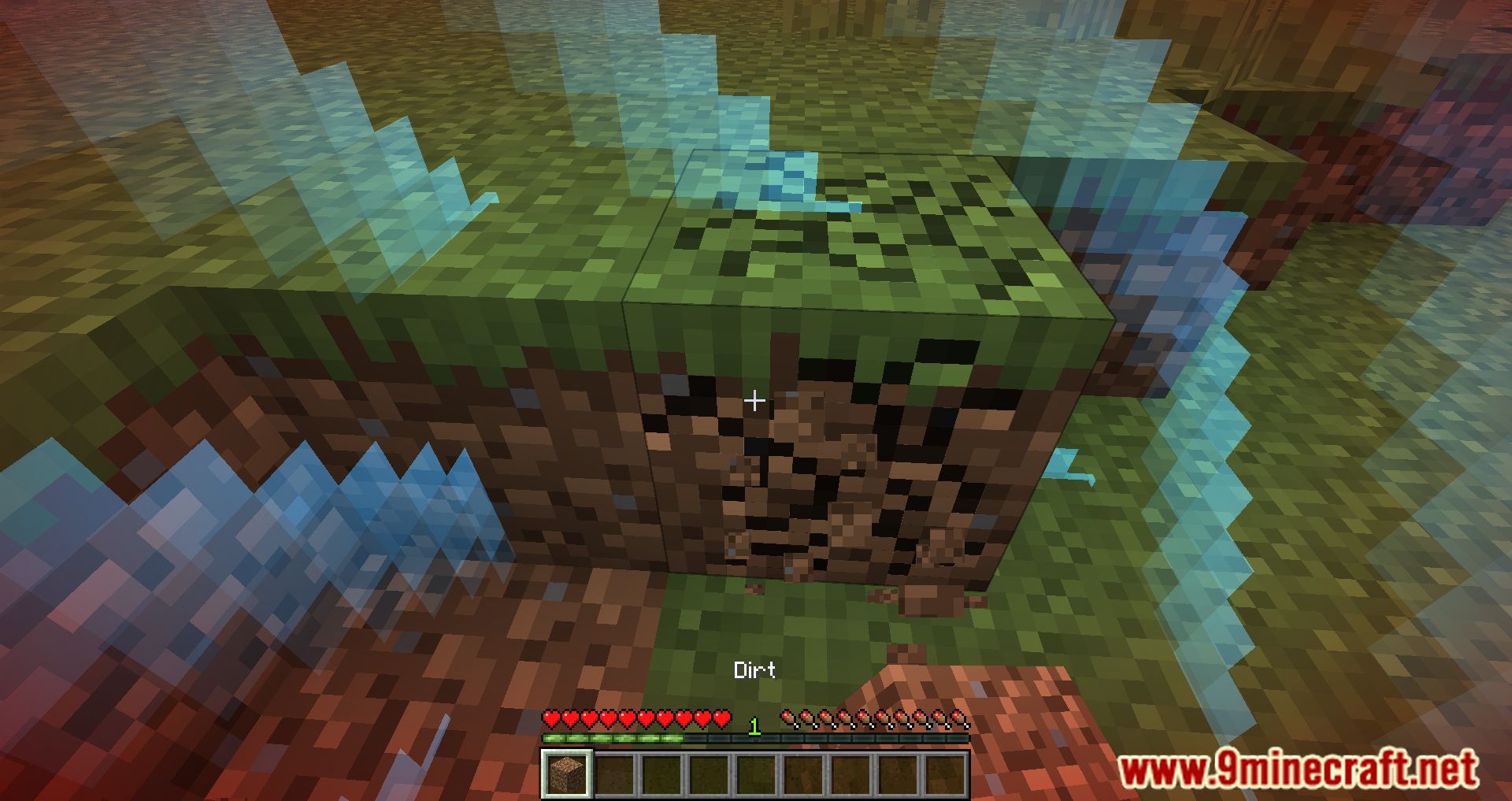
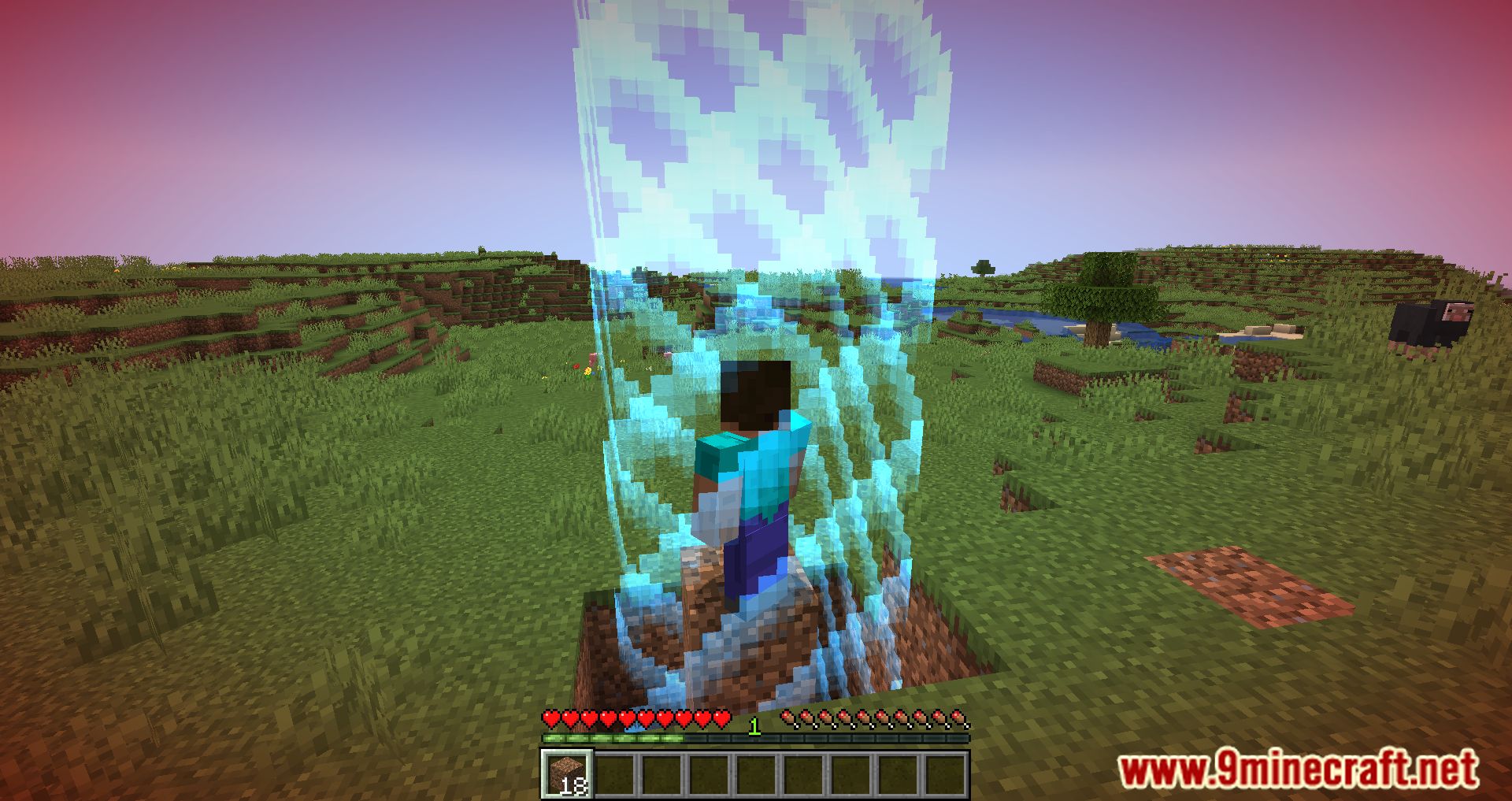
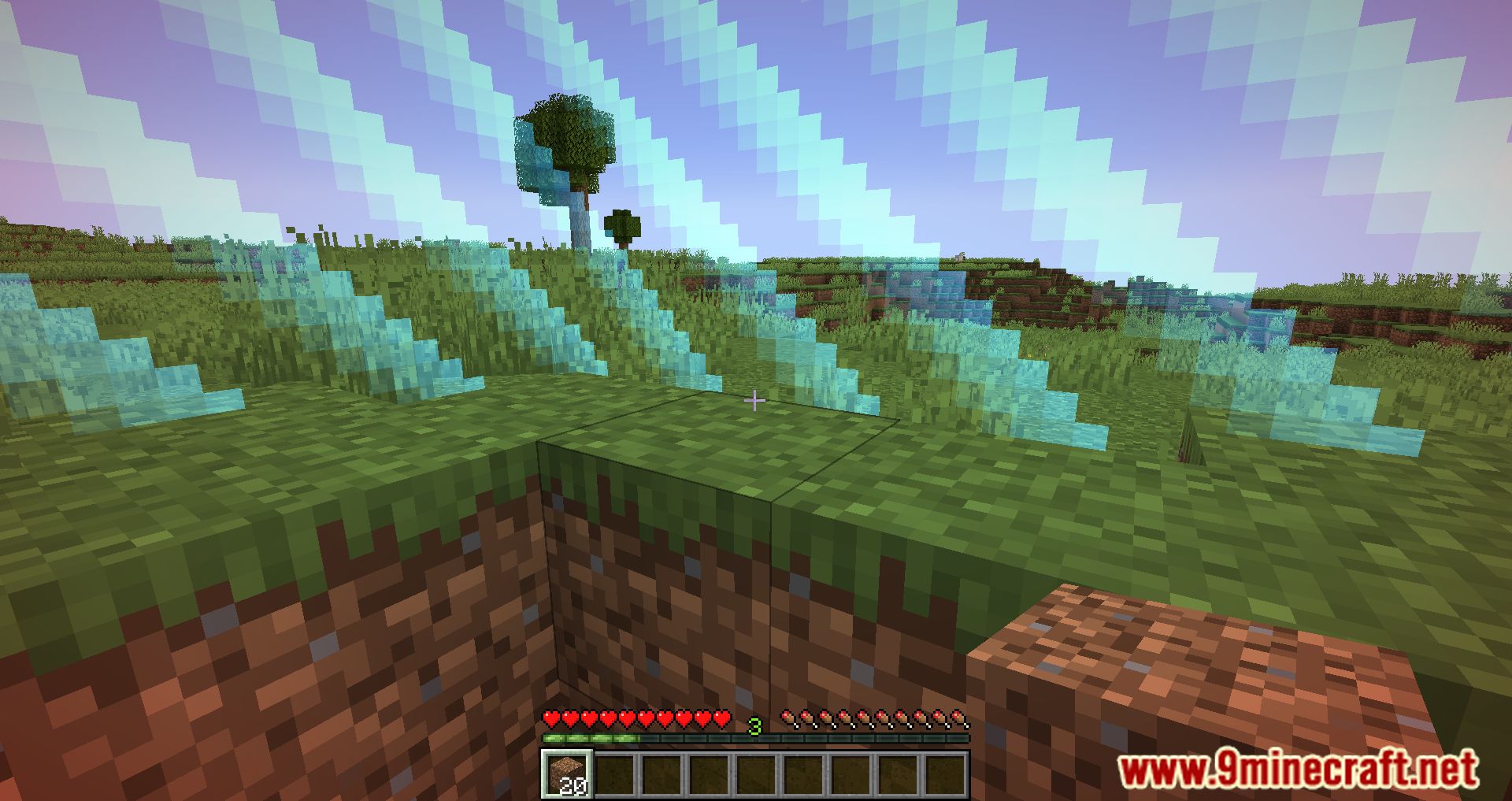
How to Install:
New to Minecraft? Follow our step-by-step guide to install Mods on your PC.View Guide
Level = Border Mod Download Links
For Minecraft 1.19.2
Fabric version: Download from Server 1 – Download from Server 2
For Minecraft 1.18.1
Fabric version: Download from Server 1 – Download from Server 2
Forge version: Download from Server 1 – Download from Server 2
You May Also Like
Picked for this page
 Vein Miner Mod (26.3, 1.20.1) – Make Mining Easier
 Random Mob Sizes Mod (26.3, 1.20.1) – Configure Mobs to Spawn in Different Sizes
 Mighty Mail Mod (1.21.10, 1.20.1) – A Simple Mailing System
 Copper Hopper Mod (26.3, 1.20.1) – Hopper That Acts as a Simple Item Filter
 Doctor Who: Weeping Angels Mod (1.21.11, 1.20.1) – Do Not Blink
 Craftable Nametag Mod (1.21.11, 1.21.1) – Adds A Crafting Recipe For Nametags
 Modify Camera Collision Mod (26.2, 1.20.1) – Customize The Camera’s Interaction
 Don’t Hide The Tooltip Mod (26.3, 1.21.1) – Always Shows Item Tooltips
 Cave Vision Mod (1.21.11, 1.20.1) – Automatic Night Vision
 Alexs Mobs Delight Mod (1.20.1) – Turn Wild Animal Hunts Into Massive Feasts
 Underlay Mod (26.3, 1.20.1) – Build Beneath The Block
 TFC Tumbleweed Mod (1.20.1, 1.20) – Desert Atmosphere
Most viewed in Mods over the last 7 days
 Ala Industrial Mod (26.3) – Run Electric Power Grids and Automated Factories
 PleasureCraft Mod (26.3, 1.21.1) – Jenny Mod Remake for Fabric
 Jennycraft Mod (26.3, 1.20.1) – Virtual Girlfriend in Minecraft
 Fapcraft Mod (26.3, 1.12.2) – Comprehensive and Detailed Content
 Jenny Mod (Fapcraft) Official Complete Guide – How to use, Tutorial
 BangCraft Mod (1.20.1) – Jenny, Ellie and Elliot
 Fabric Loader (26.3, 1.20.1) – Fabric Installer for All Minecraft Versions
 Meteor Client Mod (26.3, 1.20.1) – Xray, HUD, Fly
 The Shooting Star Demo Mod (26.3, 1.20.1) – Vaporize Terrain From Orbit
 OptiFine HD (26.3, 1.20.1) – Run Faster, FPS Boost, Shaders Support
 Aristois Client Mod (1.21.4, 1.20.1) – World Class Minecraft Utility
 SchnurriTV Mod (1.12.2) – Characters and Features
More from Mods
 Better Enchantment Bookshelf Placement Mod (26.3, 1.20.1)
 RFTools Builder Mod (26.3, 1.20.1) – The Builder, Powerful Machine
 Block & Board Mod (26.3, 1.20.1) – Play Classic Tabletop Games with Friends
 Hammers 3×3 Mod (1.21.8, 1.20.1) – Carve Caves with One Swing
 Huge Structure Blocks Mod (26.3, 1.20.1) – Pushing Limits With Huge Structure Blocks Mod
 Rctapi Fix Mod (1.21.1) – Fight Cobblemon Trainers Without Any Server Crashes
 Better Title Screen Mod (26.3, 1.20.1) – Adding Custom Text Messages
 Log Cleaner Mod (26.3, 1.20.1) – Cleans Old and Unused Log Files
 Brick Variety Mod (26.3, 1.20.1) – More Brick Variants
 Fast Xp Mod (26.3, 1.21.1) – Faster XP Bottle Usage
 Cherry Villages Mot’s Structures Mod (26.3, 1.21.11) – Find Fresh Settlements
 XinexLib Mod (1.21.1) – Keep Your Ultreon Studios Mods Running

This post has no comments yet. Be the first — your comment will appear here.