


Deferred Lighting Shader (1.26+) – MCPE/Bedrock


Deferred Lighting Shader is the ultimate shader for Minecraft Bedrock Edition! Shaders have returned, and now there are official methods to install them. You don’t need a costly graphics card to enjoy shaders in Minecraft Bedrock anymore! Deferred Lighting is one of the first shaders that work in Minecraft 1.20+.
Deferred Lighting This resource pack enhances the graphics of Minecraft with stunning effects. The shader is not very demanding, it runs on consoles, PCs, and mobiles. It’s very simple to install, so let’s check out the shader!
Hardware Requirement:
This pack’s lighting effects depend on your device’s GPU. On a capable GPU (e.g. NVIDIA RTX-series or similarly modern hardware), you should see the intended effect. On other devices, this pack may show no visible change from vanilla; that is expected on unsupported hardware, not an installation error.
Features:
- Dynamic shadows
- Tone mapping
- Custom sun/moon texture
- Bloom
- Point light
- Adjustable settings
Currently, the shader only works in Minecraft Preview/Beta 1.20.30.xx but we hope the Deferred Rendering Technology, which is needed to run shaders, gets added to the main game.
Don’t forget to enable RenderDragon Features for Creators in the experimental settings.
Screenshots:
- Cheery Grove:
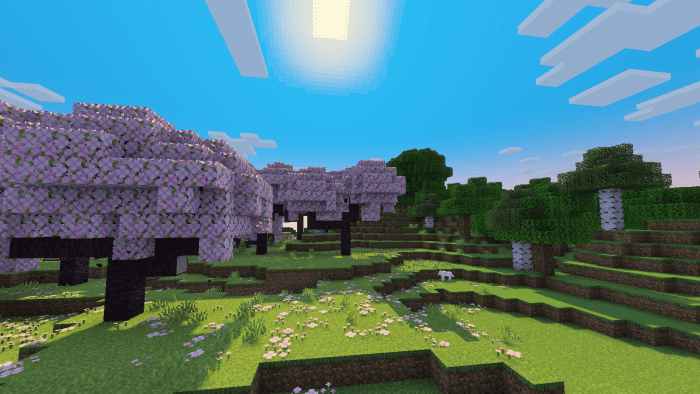
- Wooded Mesa Plateau:
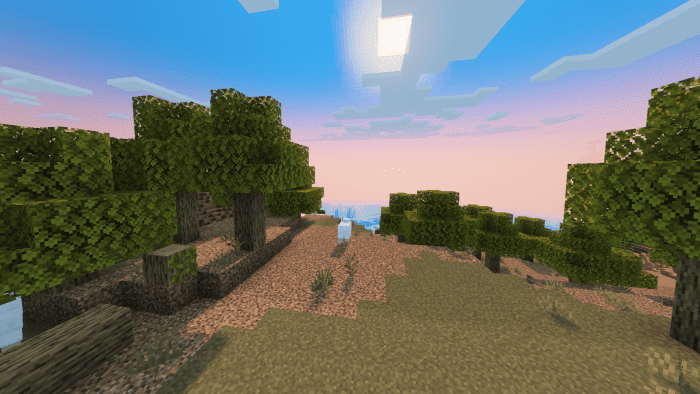
- Birch Forest with River:
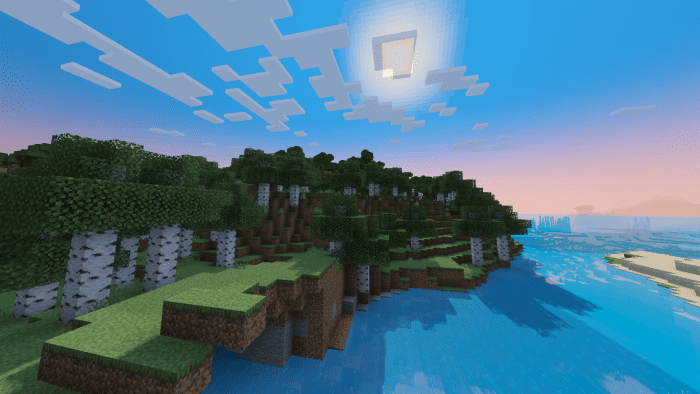
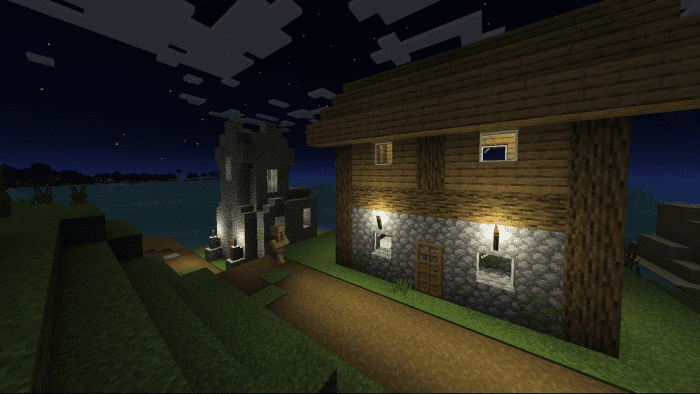
- Village (night):
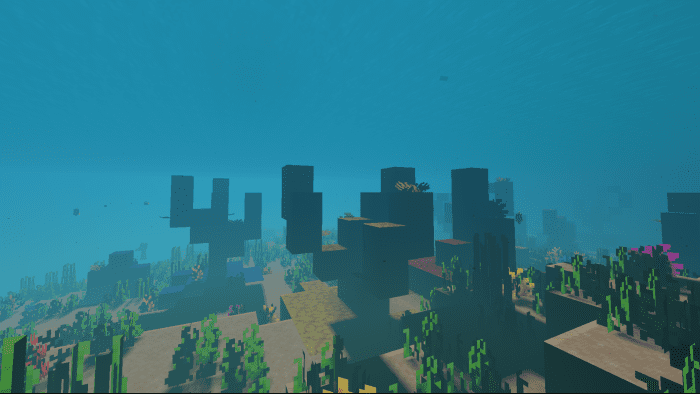
- Coral Roof:
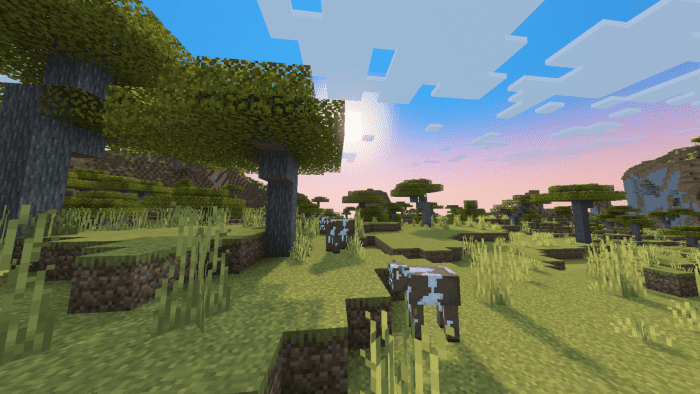
- Savanna:
Settings:
- This shader comes with custom settings:
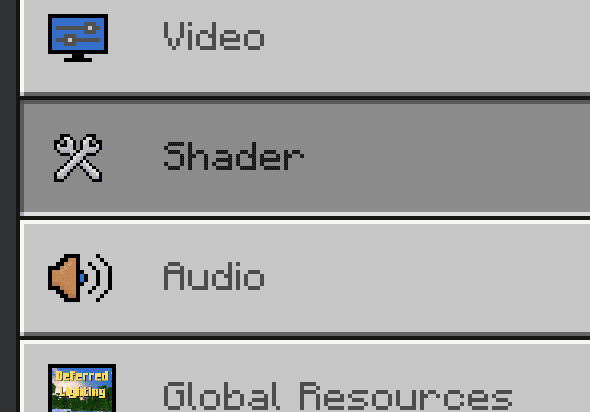
- Note: You need to activate Render Dragon Features for Creators in the experimental world settings:
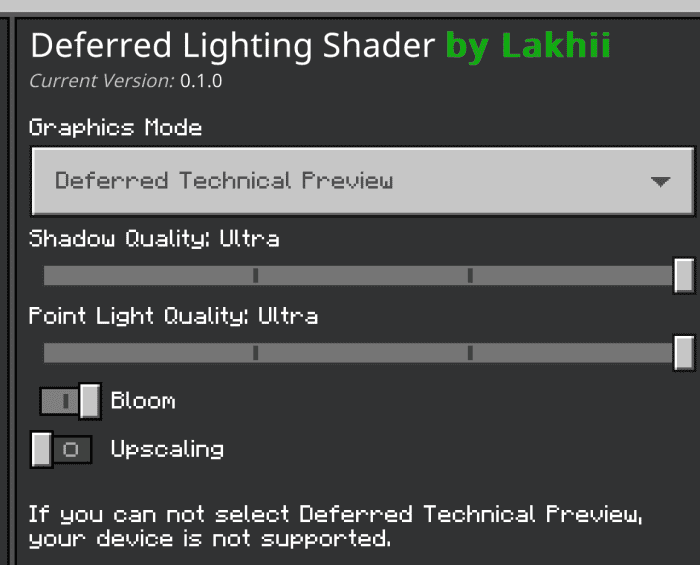
Installation Note:
- The “Render Dragon Features for Creators” toggle must be turned on:

- Enable the new rendering technology:
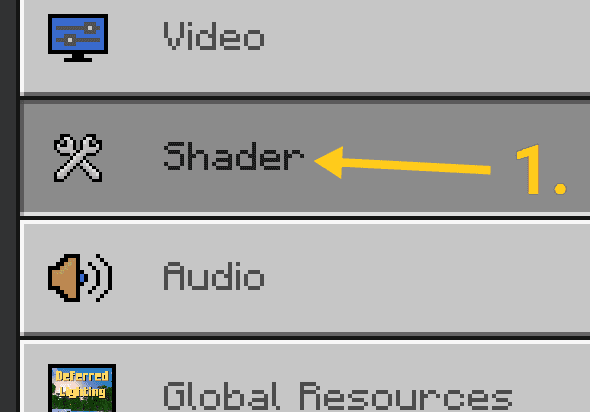
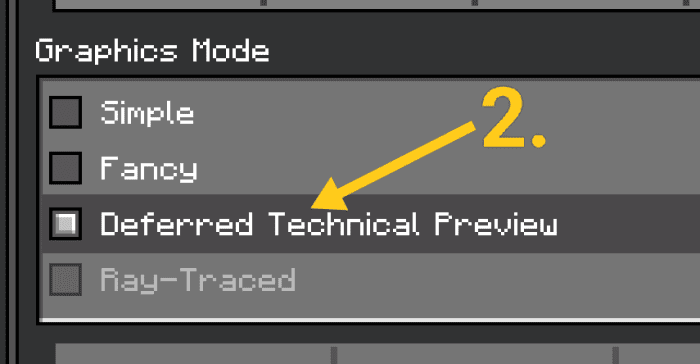
How to Install:
New to Minecraft PE? Follow our step-by-step guide to install Shaders on your Mobile.View Guide
Deferred Lighting Shader Download Links
You may also like
For Minecraft PE/Bedrock 1.20.30.20 or above
mcpack: Download from server 1 – Download from server 2
For MCPE/Bedrock 26.30+

2 Comments
 What do you think?
Your opinion means a lot - we'd love to hear from you.
What do you think?
Your opinion means a lot - we'd love to hear from you.
You May Also Like



Can i use this to unlock vibrant visuals? But if not thank you so much for this
ashfak I love you too baby