
Shuffle Mod (1.21.5, 1.20.1) – Textured Walls in Seconds

 0


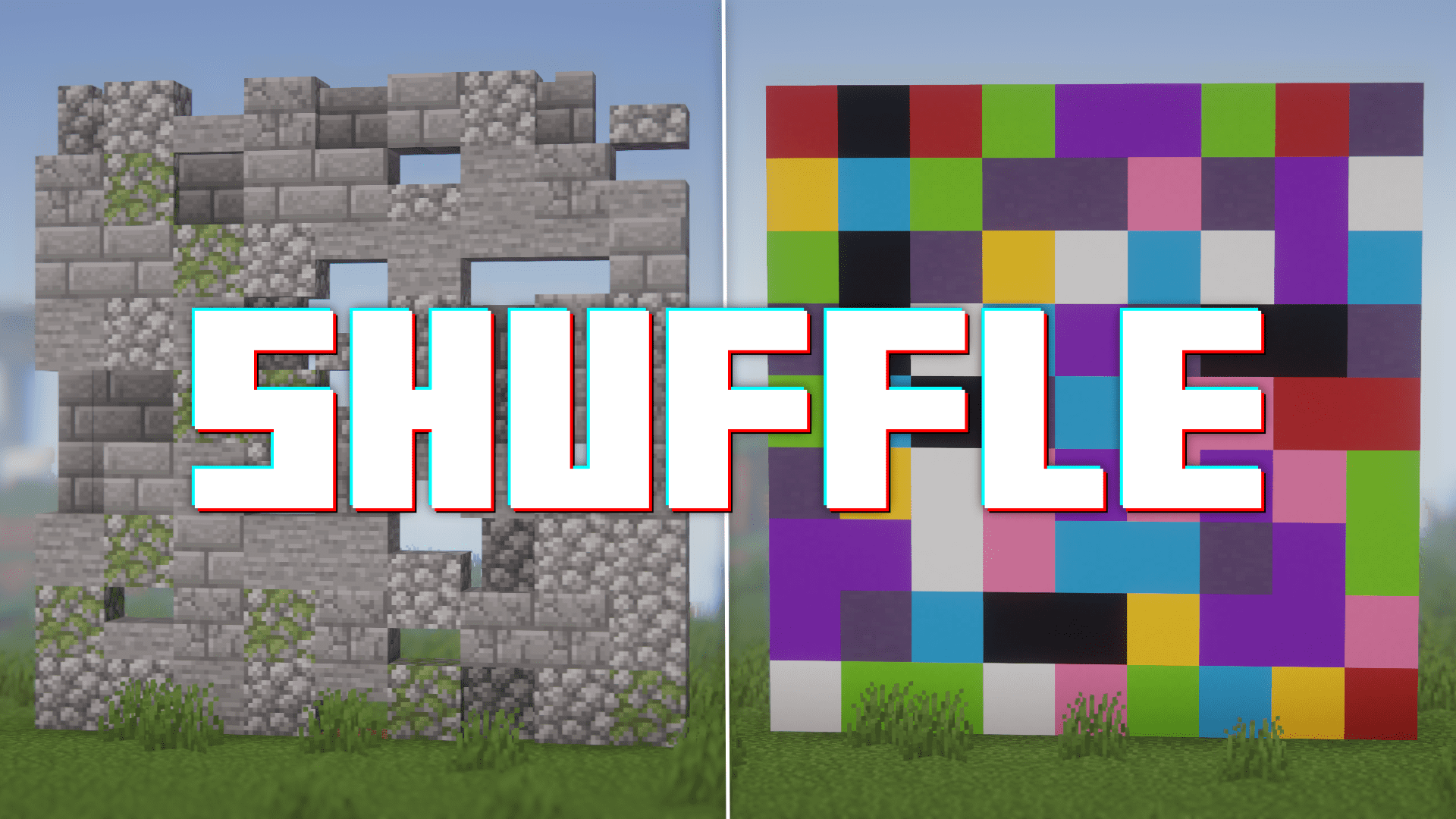
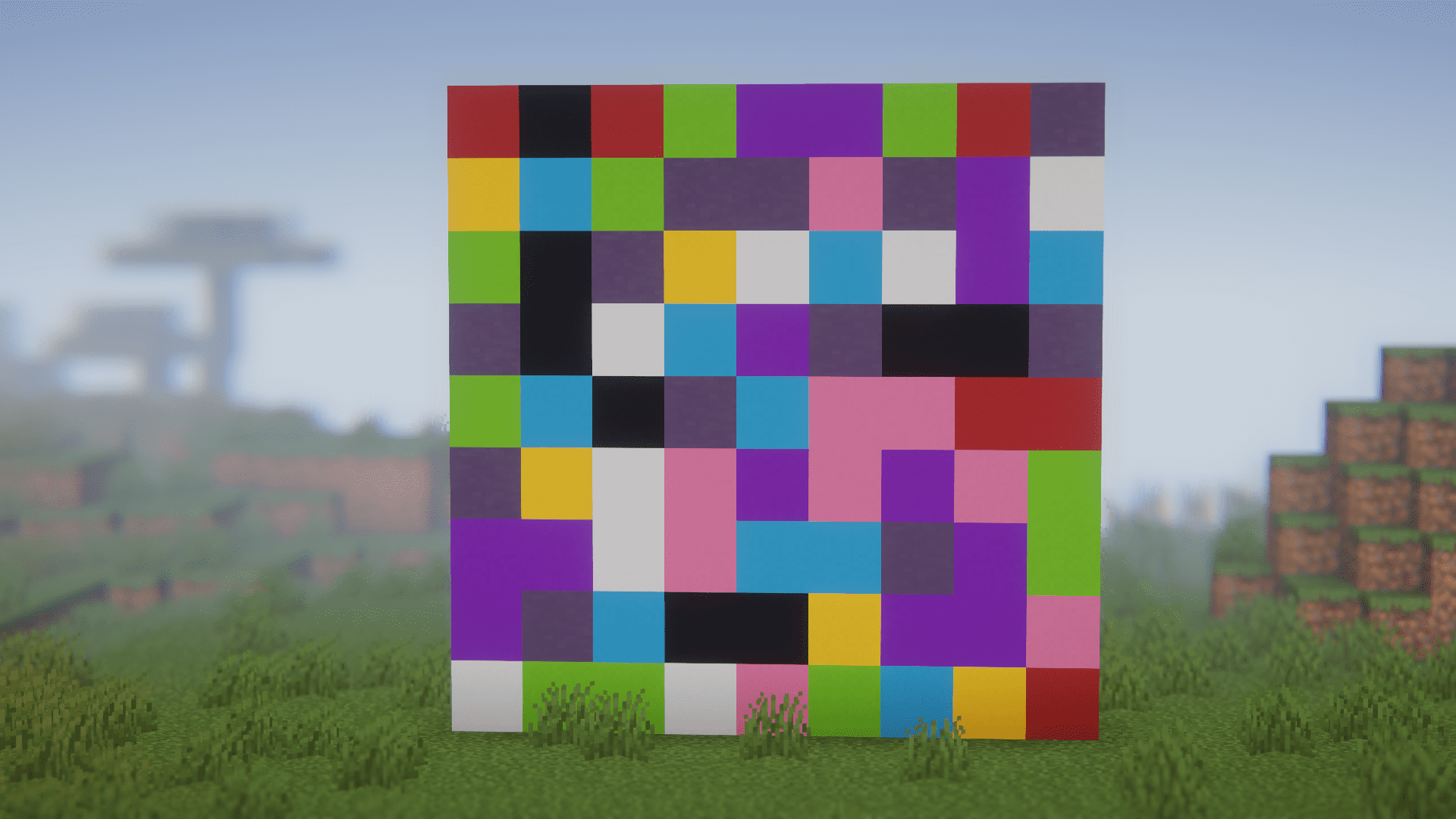
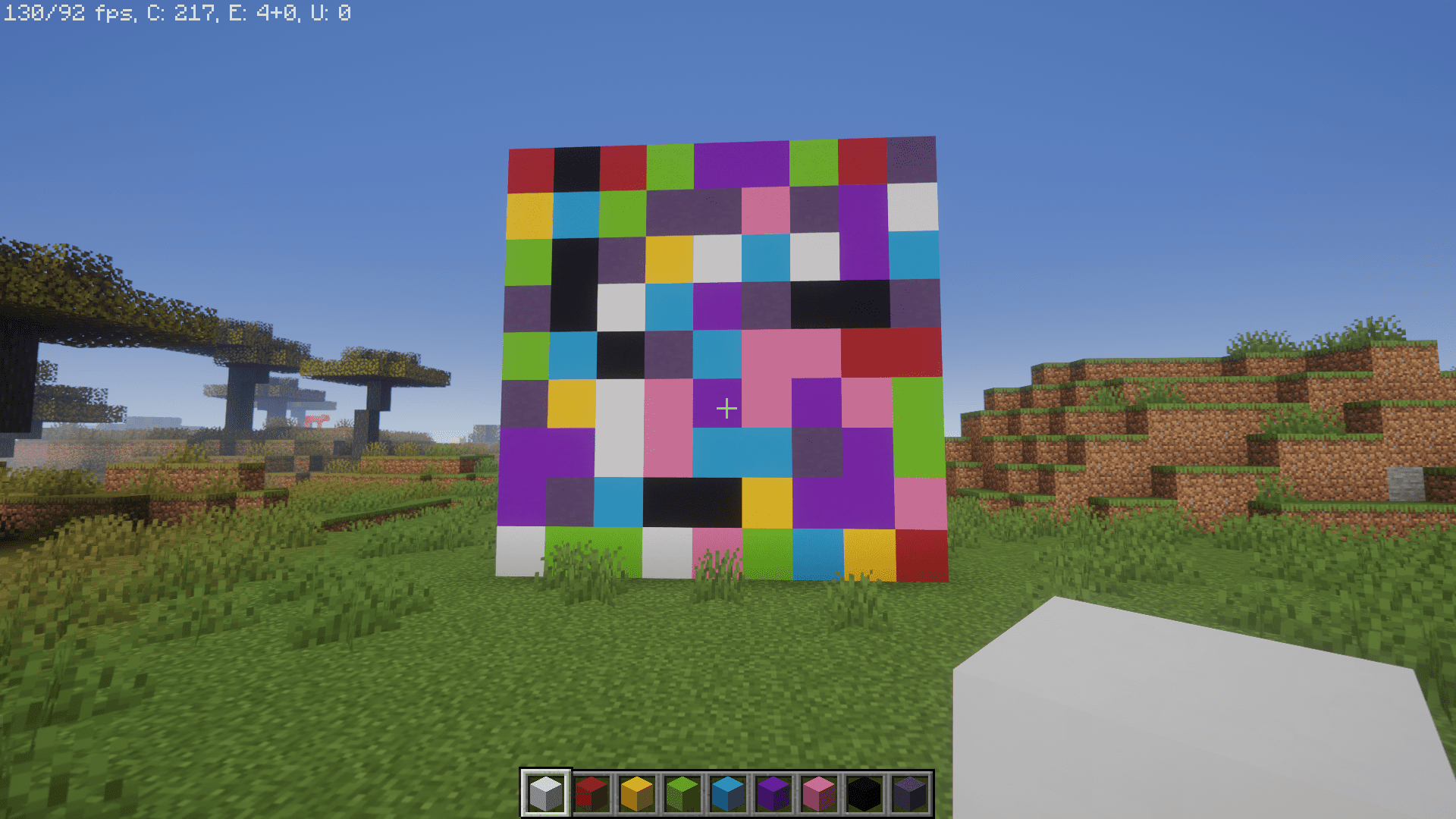
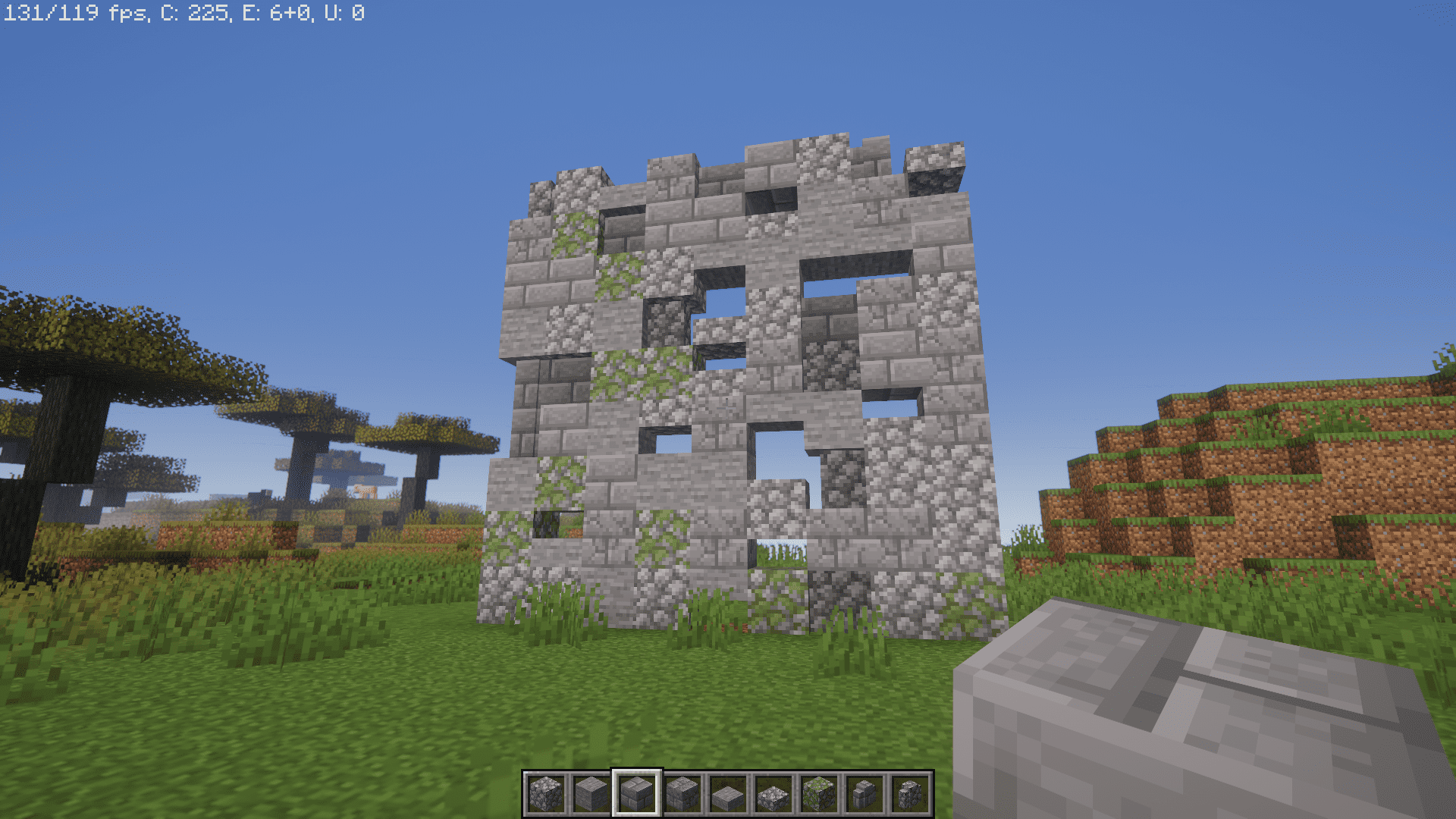
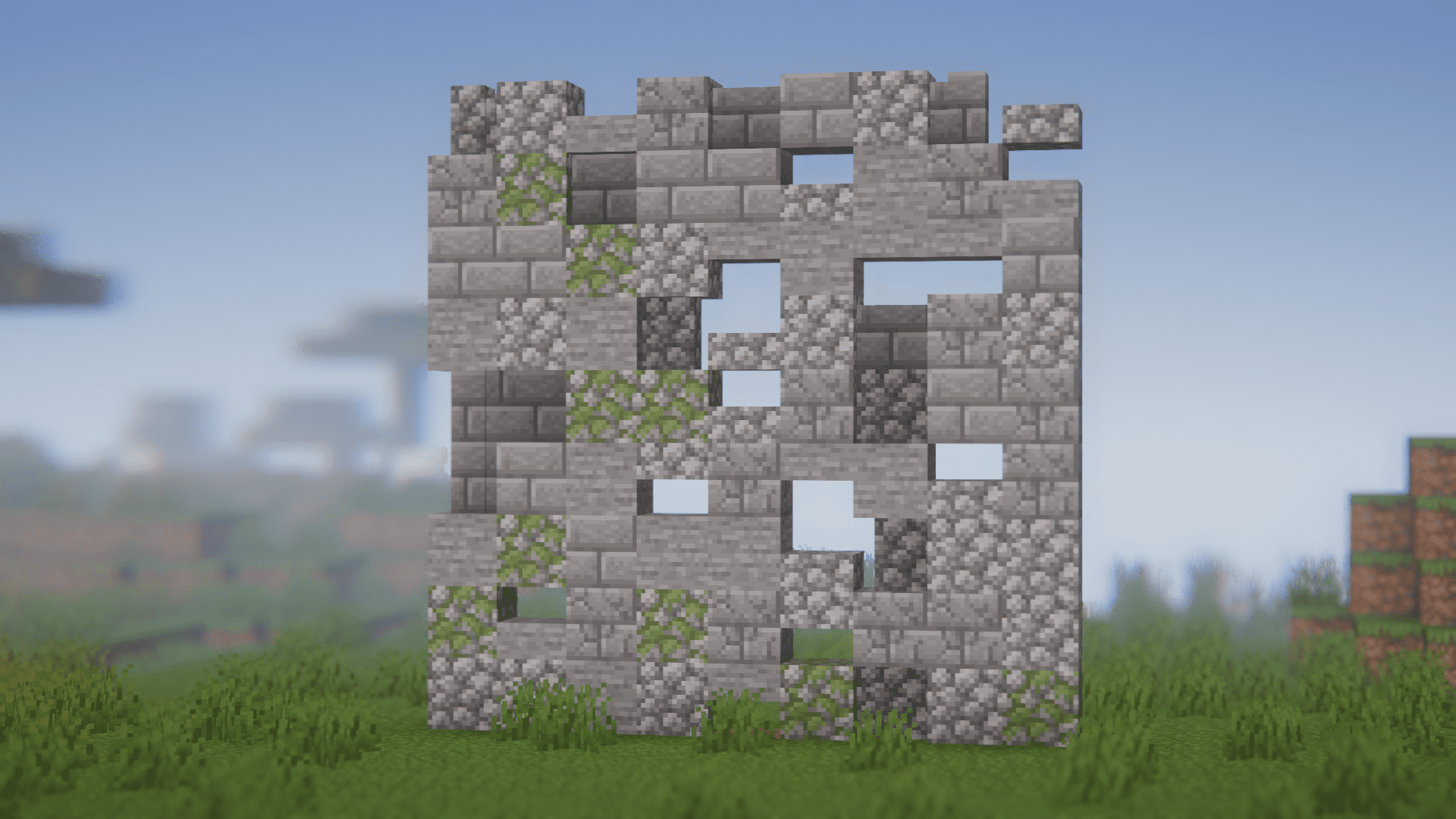
Shuffle Mod lets you place random blocks straight from your hotbar. It speeds up building and adds natural variety to walls and other structures without manual slot switching. You can turn this feature on or off anytime with a single key press.
Features:
- Places blocks randomly from your active hotbar to give walls and buildings a varied look.
- Speeds up the building process so you spend less time switching hotbar slots by hand.
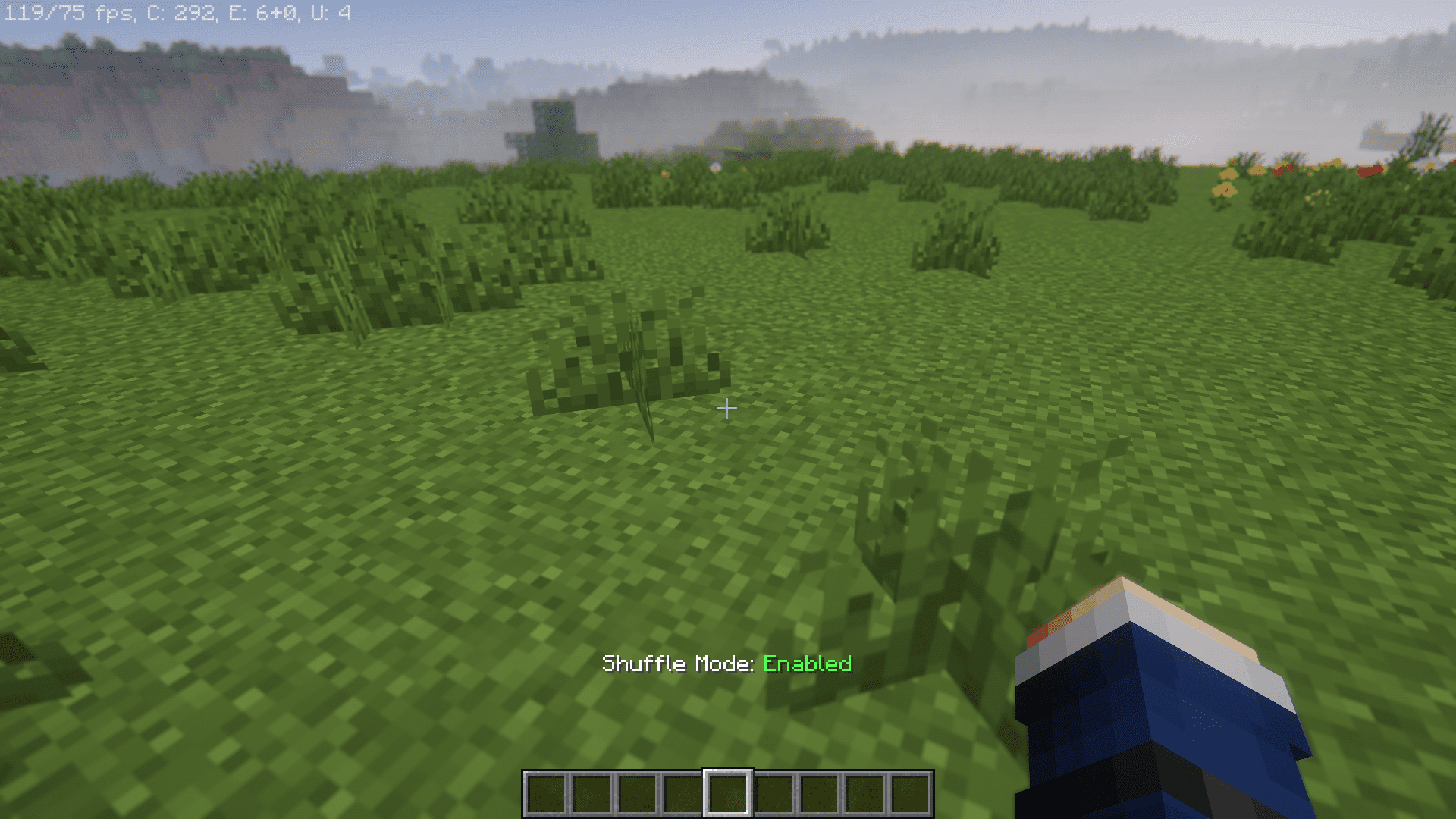
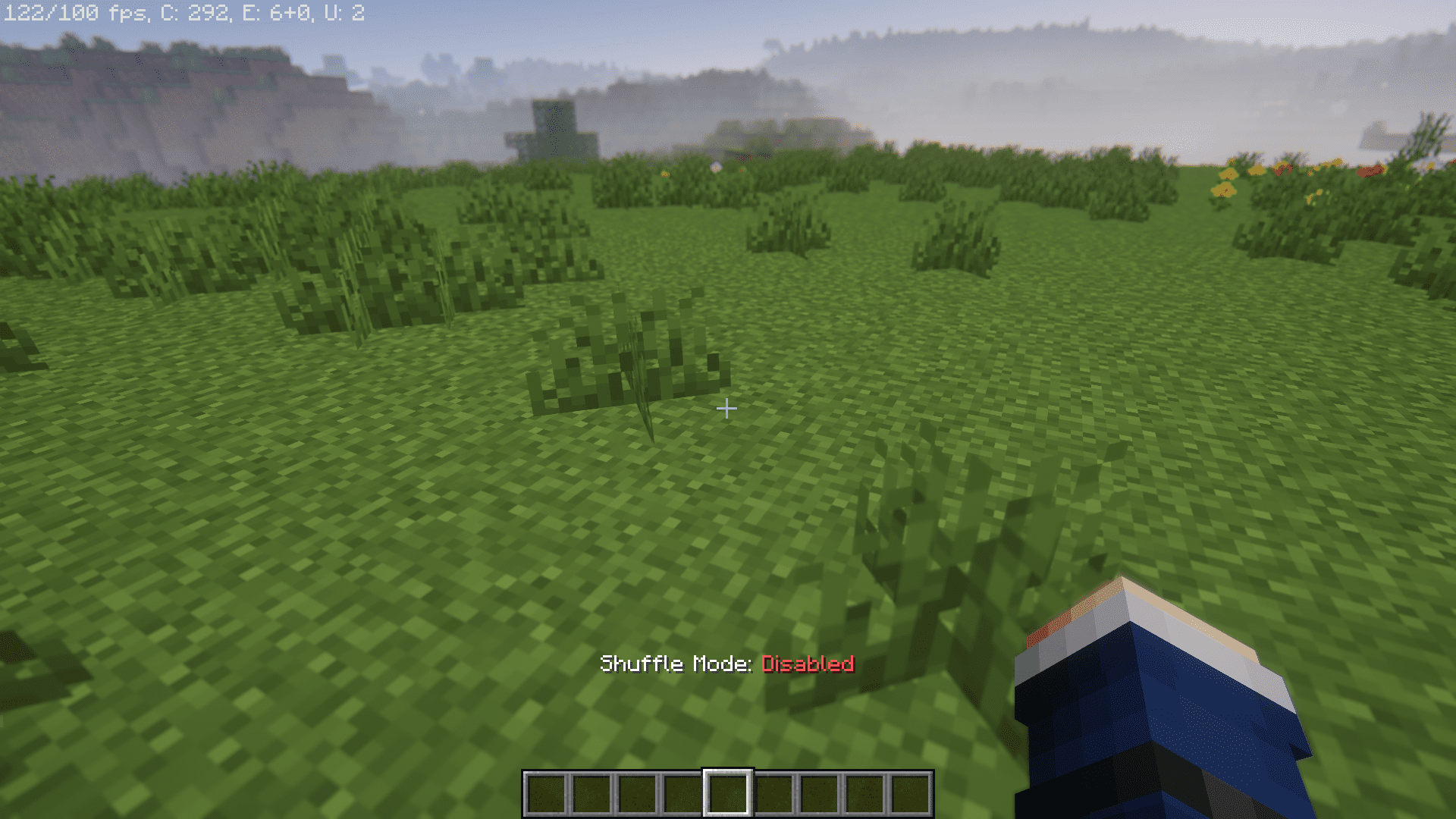
- Shows an on-screen message whenever the mode turns on or off so you always know its status.
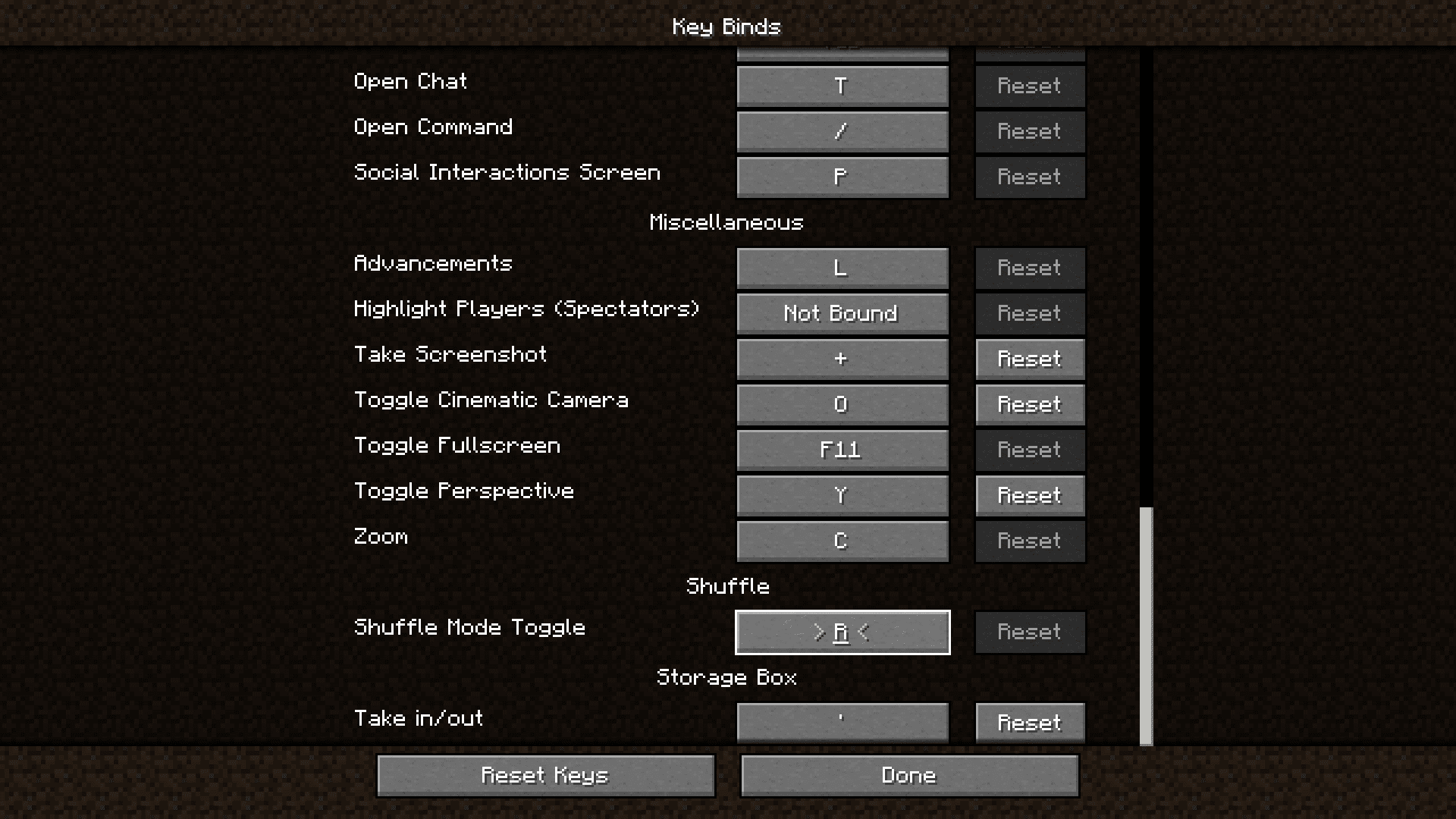
- Uses the R key by default to toggle random block placement on or off at any time.
- Lets you rebind the toggle key in Minecraft’s controls options menu to any button you prefer.
How to Use:
- Put the building blocks you want to mix together into your hotbar.
- Press the R key to turn shuffling on; a message appears on screen showing it is enabled.
- Place blocks normally, and this mod switches your active hotbar slot to a random block after each placement.
- Press the R key again to disable shuffling when you want normal building back.
- Open Minecraft’s controls options menu anytime to change the R key to another button.
Screenshots:
How to Install:
New to Minecraft? Follow our step-by-step guide to install Mods on your PC.View Guide
Requirements:

Shuffle Mod Download Links
For Minecraft 1.16.5
Fabric version: Download from Server 1 – Download from Server 2
For Minecraft 1.17.1
Forge version: Download from Server 1 – Download from Server 2
Fabric version: Download from Server 1 – Download from Server 2
For Minecraft 1.18.2
Forge version: Download from Server 1 – Download from Server 2
Fabric version: Download from Server 1 – Download from Server 2
Quilt version: Download from Server 1 – Download from Server 2
For Minecraft 1.19.2
Forge version: Download from Server 1 – Download from Server 2
Fabric version: Download from Server 1 – Download from Server 2
Quilt version: Download from Server 1 – Download from Server 2
For Minecraft 1.19.4
Forge version: Download from Server 1 – Download from Server 2
Fabric version: Download from Server 1 – Download from Server 2
Quilt version: Download from Server 1 – Download from Server 2
For Minecraft 1.20.1
Forge version: Download from Server 1 – Download from Server 2
Fabric version: Download from Server 1 – Download from Server 2
Quilt version: Download from Server 1 – Download from Server 2
For Minecraft 1.20.2
Forge version: Download from Server 1 – Download from Server 2
Fabric version: Download from Server 1 – Download from Server 2
NeoForge version: Download from Server 1 – Download from Server 2
For Minecraft 1.20.4
Forge version: Download from Server 1 – Download from Server 2
Fabric version: Download from Server 1 – Download from Server 2
NeoForge version: Download from Server 1 – Download from Server 2
For Minecraft 1.20.6
Forge version: Download from Server 1 – Download from Server 2
Fabric/Quilt version: Download from Server 1 – Download from Server 2
NeoForge version: Download from Server 1 – Download from Server 2
For Minecraft 1.21.1, 1.21
NeoForge version: Download from Server 1 – Download from Server 2
Fabric/Quilt version: Download from Server 1 – Download from Server 2
For Minecraft 1.21.4
NeoForge version: Download from Server 1 – Download from Server 2
Fabric/Quilt version: Download from Server 1 – Download from Server 2
For Minecraft 1.21.5
NeoForge version: Download from Server 1 – Download from Server 2
Fabric/Quilt version: Download from Server 1 – Download from Server 2
Do you add mods when playing on Bedrock Edition (Add-Ons, behavior packs, or Marketplace content)?
0 responses · See the full results →
You May Also Like
Picked for this page
 No Hostiles Around Campfire Mod (26.3, 1.20.1) for Minecraft
 World Host Mod (1.21.5, 1.20.1) – Host Your Singleplayer Worlds
 Theurgy Mod (26.3, 1.20.1) – Use Alchemy to Find Any Ore
 Symbol Chat Mod (26.3, 1.20.1) – Symbol Panel, Unicode Fonts
 Aerial Hell Mod (26.3, 1.20.1) – New Floating Dimension
 FuelInfo Mod (26.2, 1.20.1) – Extend Your Info on Your Fuels
 Hardcore Revive+ Mod (1.21.11, 1.20.1) – Revival Mechanism In Hardcore Worlds
 Configurable Mob Potion Effects Mod (26.3, 1.20.1) – Set Potion Effects for All Living Entities
 Clover Mod (1.21.10, 1.20.1) – View Pronouns & Name Colors
 Stonecutter GUI Remastered Mod (26.3, 1.20.1) – Better Stonecutter GUI
 Skyfall Meteorites Mod (1.20.1, 1.19.2) – Mine Impact Craters for New Ores
 Panorama Screenshot Mod (26.3, 1.20.1) – Make Your World the Main Menu
Most viewed in Mods over the last 7 days
 Ala Industrial Mod (26.3) – Run Electric Power Grids and Automated Factories
 PleasureCraft Mod (26.3, 1.21.1) – Jenny Mod Remake for Fabric
 Jennycraft Mod (26.3, 1.20.1) – Virtual Girlfriend in Minecraft
 Fapcraft Mod (26.3, 1.12.2) – Comprehensive and Detailed Content
 Jenny Mod (Fapcraft) Official Complete Guide – How to use, Tutorial
 BangCraft Mod (1.20.1) – Jenny, Ellie and Elliot
 Fabric Loader (26.3, 1.20.1) – Fabric Installer for All Minecraft Versions
 The Shooting Star Demo Mod (26.3, 1.20.1) – Vaporize Terrain From Orbit
 Meteor Client Mod (26.3, 1.20.1) – Xray, HUD, Fly
 OptiFine HD (26.3, 1.20.1) – Run Faster, FPS Boost, Shaders Support
 Aristois Client Mod (1.21.4, 1.20.1) – World Class Minecraft Utility
 Prestige Client Mod (1.21.11, 1.21.4) – Powerful Ghost Features for Crystal & Sword PvP
More from Mods
 Far Lands Traveler Mod (26.1.2) – Survive the Long Trek to the Edge of the World
 Beli’s SkyLyrics Mod (1.21.11) – Sing Along to Desktop Tracks Projected in the Night Sky
 Explainstone and Songmelyn Mod (1.21.1) – Broadcast Custom Music Across Your Base
 Rockstar Shaders Mod (26.3) – Cast Ray-Traced Light Across Vast Distant Horizons
 ERYDON Mod (1.20.1) – Design Grand Courtyards with Carved Marble Pillars
 Infinity Bound Mod (1.21.1) – Snap Away Enemies with Legendary Superhero Gear
 Legacy Gecko Lib Fabric Mod (1.16.5) – Power Animated Creatures in Modpacks
 The Man from the Shadow Horror Mod (1.20.1) – Fight Hallucinations to Survive
 Shade & Saturation Slider Mod (26.2, 1.21.11) – Make Every Biome Vibrant
 Cataclysm X Yung’s Better Nether Fortresses Compat Mod (1.21.1, 1.20.1)
 Patchouli 9minecraft Mod (26.3) – Read Mod Guides Without Leaving Minecraft
 Paintings ++ 9minecraft Mod (26.3) – Pick the Exact Painting You Want

This post has no comments yet. Be the first — your comment will appear here.