
Alternative World Save Location Mod (26.3, 1.20.1) – Redirect World Saves

 0


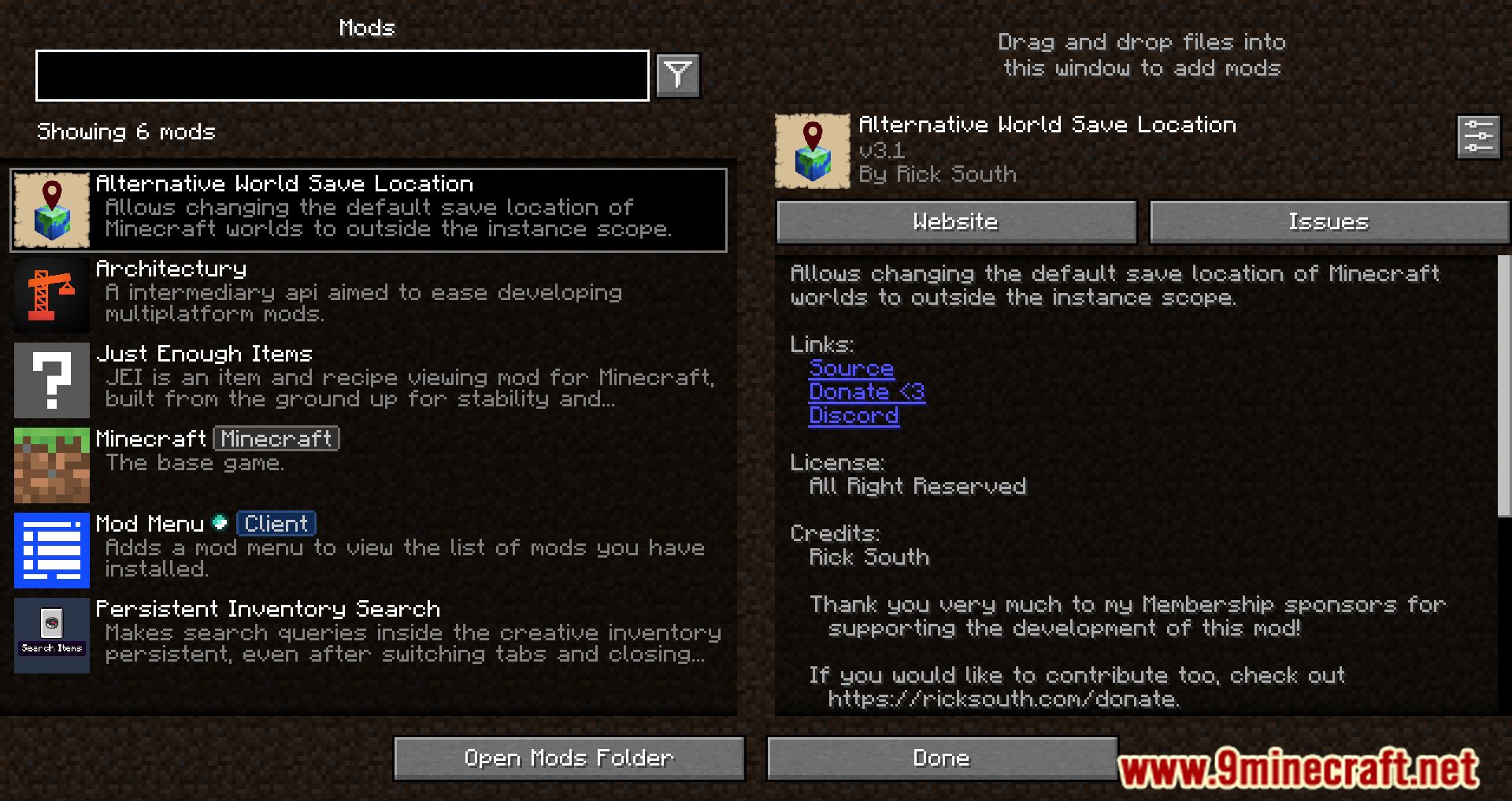
Alternative World Save Location Mod lets you change where Minecraft stores and loads your world saves. It helps you keep all your worlds in a single location, such as a cloud-synced folder, making it easy to organize multiple modpacks and transfer data between different PCs or operating systems.

Features:
- Redirects the Minecraft world save folder to any custom directory you choose.
- Sets a separate location for world backups when enabled.
- Remains inactive by default so it does not interfere with your existing setups until you configure it.
- Supports both double backslashes ( ) and single forward slashes ( / ) as path separators in the configuration.
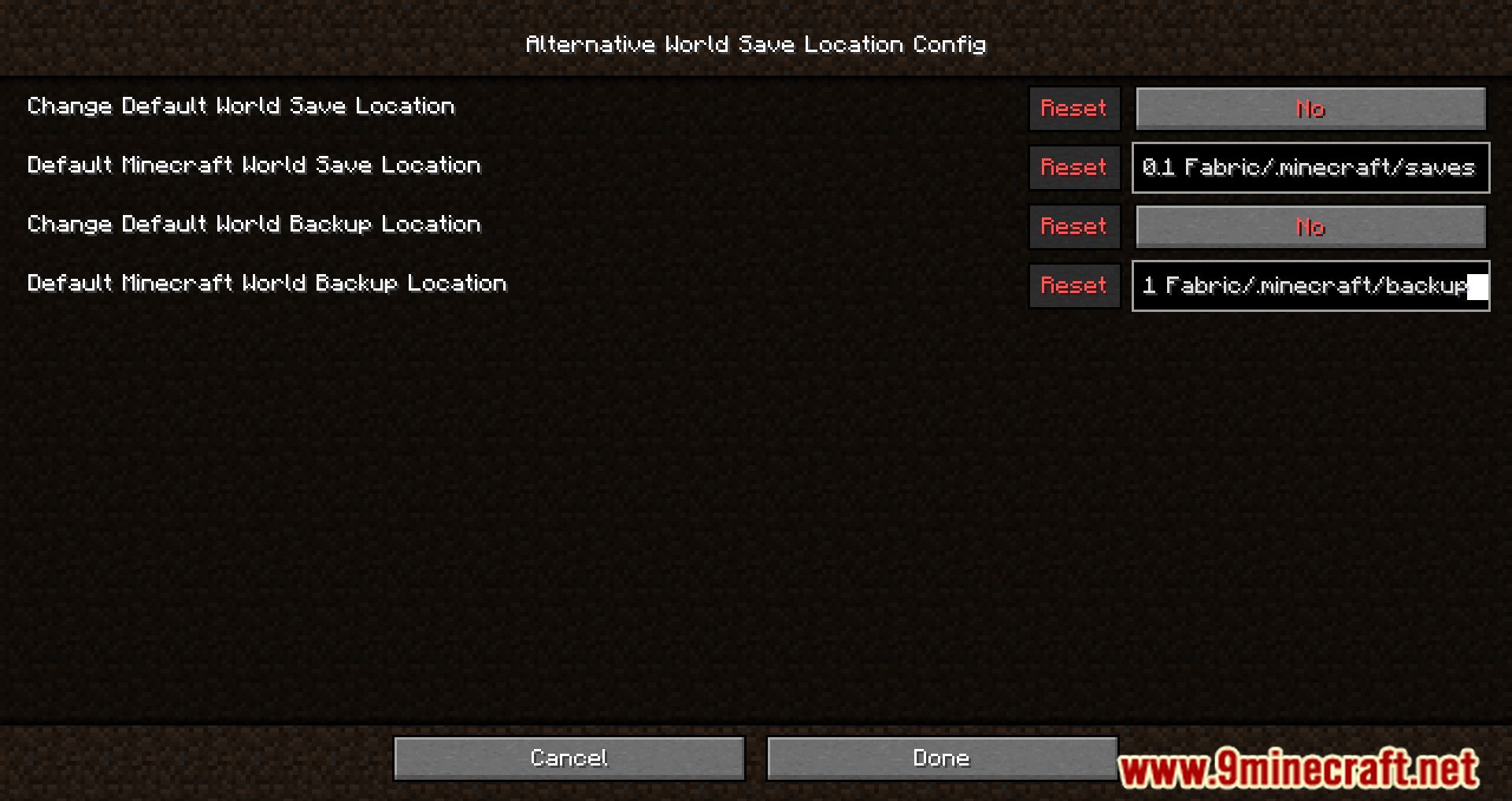
- ChangeDefaultWorldSaveLocation: Enables the custom world save path when set to true.
- DefaultMinecraftWorldSaveLocation: Defines the file path for your new world save folder.
- ChangeDefaultWorldBackupLocation: Enables a specific folder path for world backups.
- DefaultMinecraftWorldBackupLocation: Defines the file path for your backup folder.
How to Use:
- Open the configuration file for the mod.
- Change the ChangeDefaultWorldSaveLocation setting to true.
- Input your custom folder path in the DefaultMinecraftWorldSaveLocation setting using either double backslashes or forward slashes.
- Save the configuration file and launch the Minecraft client to start loading worlds from your new directory.
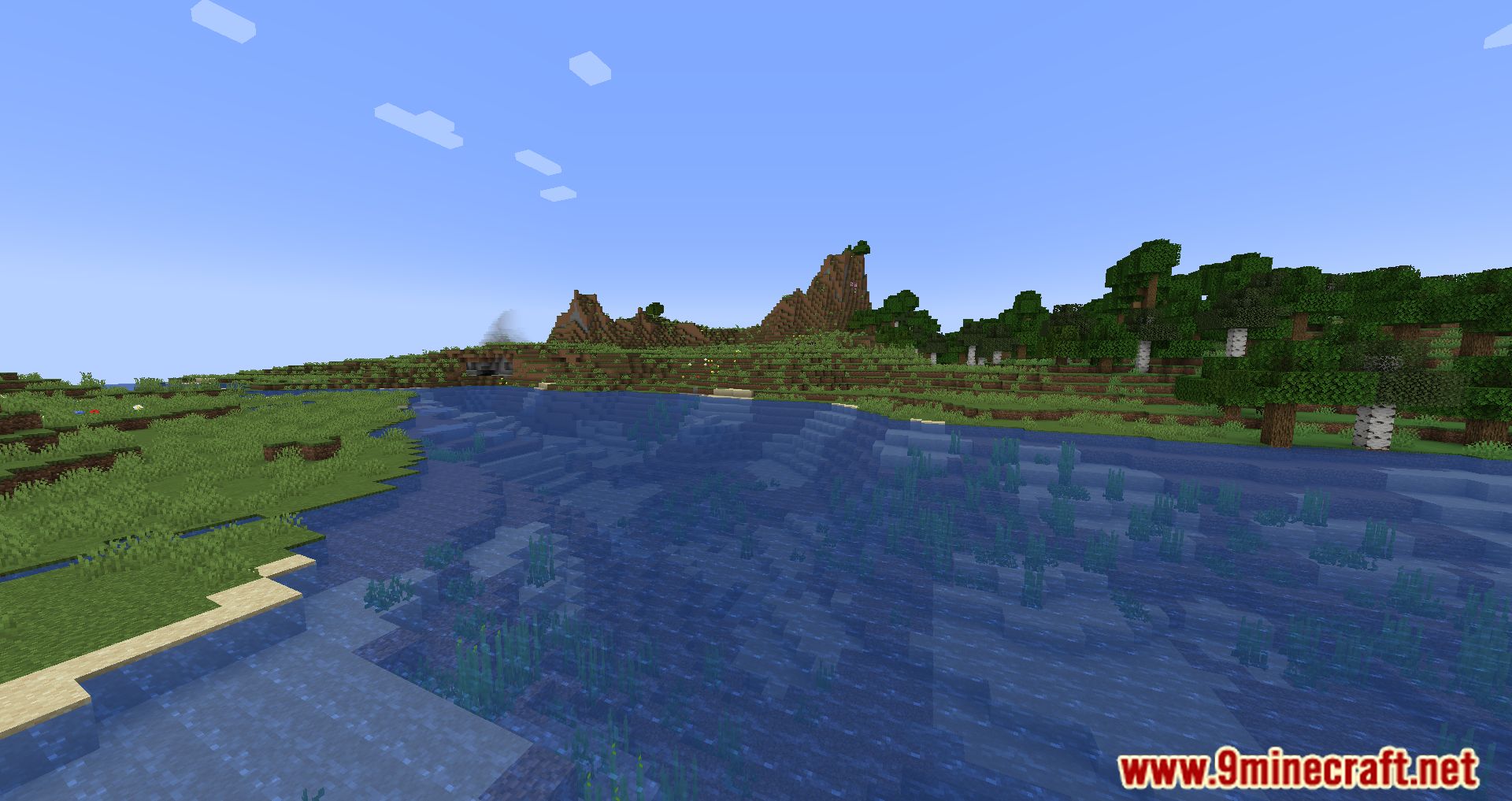
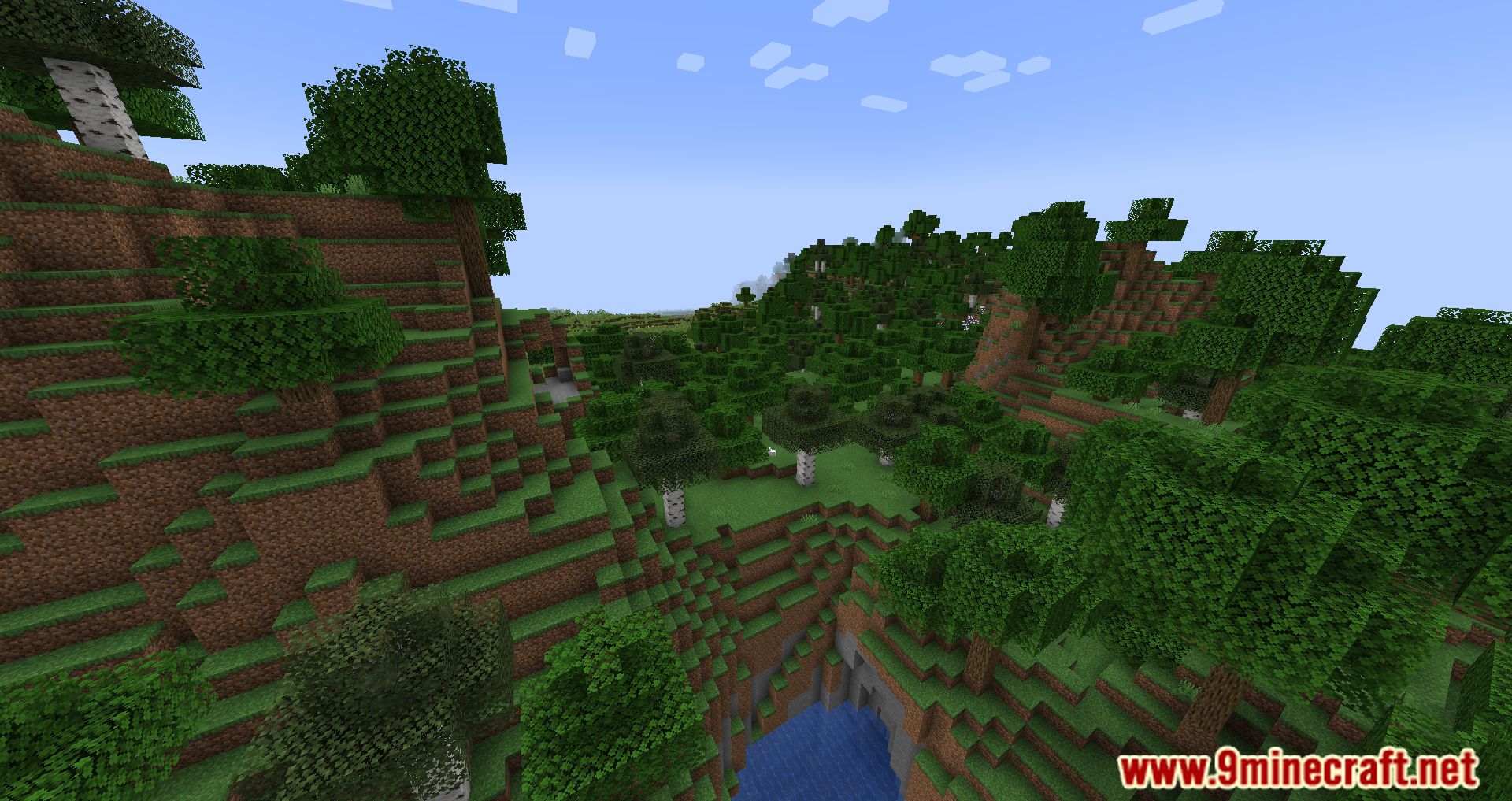
Screenshots:
How to Install:
New to Minecraft? Follow our step-by-step guide to install Mods on your PC.View Guide
Requirements:




Alternative World Save Location Mod Download Links
For Minecraft 26.3
For Minecraft 26.2
For Minecraft 26.1.2, 26.1.1, 26.1
For Minecraft
1.21.11,
1.21.10,
1.21.9
All Versions Covered
1.21.11
1.21.10
1.21.9
1.21.8
1.21.7
1.21.6
1.21.5
1.21.4
1.21.1
1.21
All Versions Covered
1.21.11
1.21.10
1.21.9
1.21.8
1.21.7
1.21.6
1.21.5
1.21.4
1.21.1
1.21
For Minecraft 1.21.10, 1.21.9
For Minecraft 1.21.8, 1.21.7, 1.21.6
For Minecraft 1.21.5
For Minecraft 1.21.4
For Minecraft 1.21.3, 1.21.2
For Minecraft 1.21.1, 1.21
For Minecraft 1.20.6
For Minecraft 1.20.4
For Minecraft 1.20.2
For Minecraft 1.20.1, 1.20
For Minecraft 1.19.4
For Minecraft 1.19.3
For Minecraft 1.19.2
For Minecraft 1.19.1
For Minecraft 1.19
For Minecraft 1.18.2
For Minecraft 1.18.1
For Minecraft 1.17.1
For Minecraft 1.16.5
Click to rate this post!
[Total: 0 Average: 0]
You May Also Like
Picked for this page
 MrCrayfish’s Goblin Traders Mod (26.2, 1.20.1) – Unique and Useful Trades
 ItemPhysic Lite Mod (26.3, 1.20.1) – Enhanced Item Animation
 Global DataPacks Resourcepacks Mod (26.3, 1.20.1) – Global Packs Mod
 Patbox’s Brewery Mod (26.3, 1.20.1) – Cauldron-Based Brewing
 Convenient Curios Container Mod (26.1.2, 1.20.1) – Managing Curios Items
 No Telemetry Mod (26.3, 1.20.1) – Disable the Usage Data Collection
 Champions Unofficial Mod (26.3, 1.20.1) – Take On Mighty Mobs
 Servux Mod (26.3, 1.20.1) – Essential Server-Side Support
 retiNO Mod (26.2, 1.20.1) – Say NO to Retina
 Head Name Fix Mod (1.21.11, 1.20.1) – Custom Mob Head Name Retaining
 Rose Bush Mod (26.3, 1.20.1) – Library Dependency Mod
 Slyde More Mod (1.21.11, 1.20.1) – Push Settings Beyond Vanilla Limits
Most viewed in Mods over the last 7 days
 Ala Industrial Mod (26.3) – Run Electric Power Grids and Automated Factories
 PleasureCraft Mod (26.3, 1.21.1) – Jenny Mod Remake for Fabric
 Jennycraft Mod (26.3, 1.20.1) – Virtual Girlfriend in Minecraft
 Fapcraft Mod (26.3, 1.12.2) – Comprehensive and Detailed Content
 Jenny Mod (Fapcraft) Official Complete Guide – How to use, Tutorial
 BangCraft Mod (1.20.1) – Jenny, Ellie and Elliot
 Fabric Loader (26.3, 1.20.1) – Fabric Installer for All Minecraft Versions
 Meteor Client Mod (26.3, 1.20.1) – Xray, HUD, Fly
 OptiFine HD (26.3, 1.20.1) – Run Faster, FPS Boost, Shaders Support
 The Shooting Star Demo Mod (26.3, 1.20.1) – Vaporize Terrain From Orbit
 Aristois Client Mod (1.21.4, 1.20.1) – World Class Minecraft Utility
 SchnurriTV Mod (1.12.2) – Characters and Features
More from Mods
 CrewX Mod (1.8.9) – Dominate Competitive Server Matches Without Lag
 Vanilla Refit Mod (1.21.1) – Build Thinner Walls with Vertical Slabs
 IZeMod Mod (26.2) – Helpful Survival Tools for Everyday Fabric Adventures
 SkullLIB Mod (1.20.1) – Bring Prehistoric Beasts and New Animals to Your World
 EasyGui Mod (1.21.11, 1.21.1) – Build Custom Screen Menus and Animated HUD
 Legacy Wavey Capes Mod (1.8.9) – Watch Your Cape Flow Naturally While Sprinting
 Warrior Cats Events Mod (1.21.1, 1.20.1) – Live As a Wild Clan Cat
 Apex Enchantment Freedom Mod (26.3) – Stack Conflicting Enchantments
 Tensura GUI Mod (1.21.1) – Track Your Fantasy Skills and Race Evolutions
 Remnants Roguelite Dungeons Mod (26.3, 1.20.1) – Risk It All in Procedural
 Lib Lib Lib Mod (26.3, 1.20.1) – Keep Your Favorite Modpacks Running Smooth
 Cinematic Interactions Mod (26.3, 1.20.1) – Watch Your Hands Work

This post has no comments yet. Be the first — your comment will appear here.