
Creative Block Replacer Mod (26.3, 1.20.1) – Swap Any Building Block

 0


Creative Block Replacer Mod streamlines building in Creative Mode by letting you replace blocks instantly without breaking them first. It speeds up the creative process by allowing easy switching between normal placement and block replacing mode.
Features:
- Press the I key to toggle between normal placement and block replacing mode.
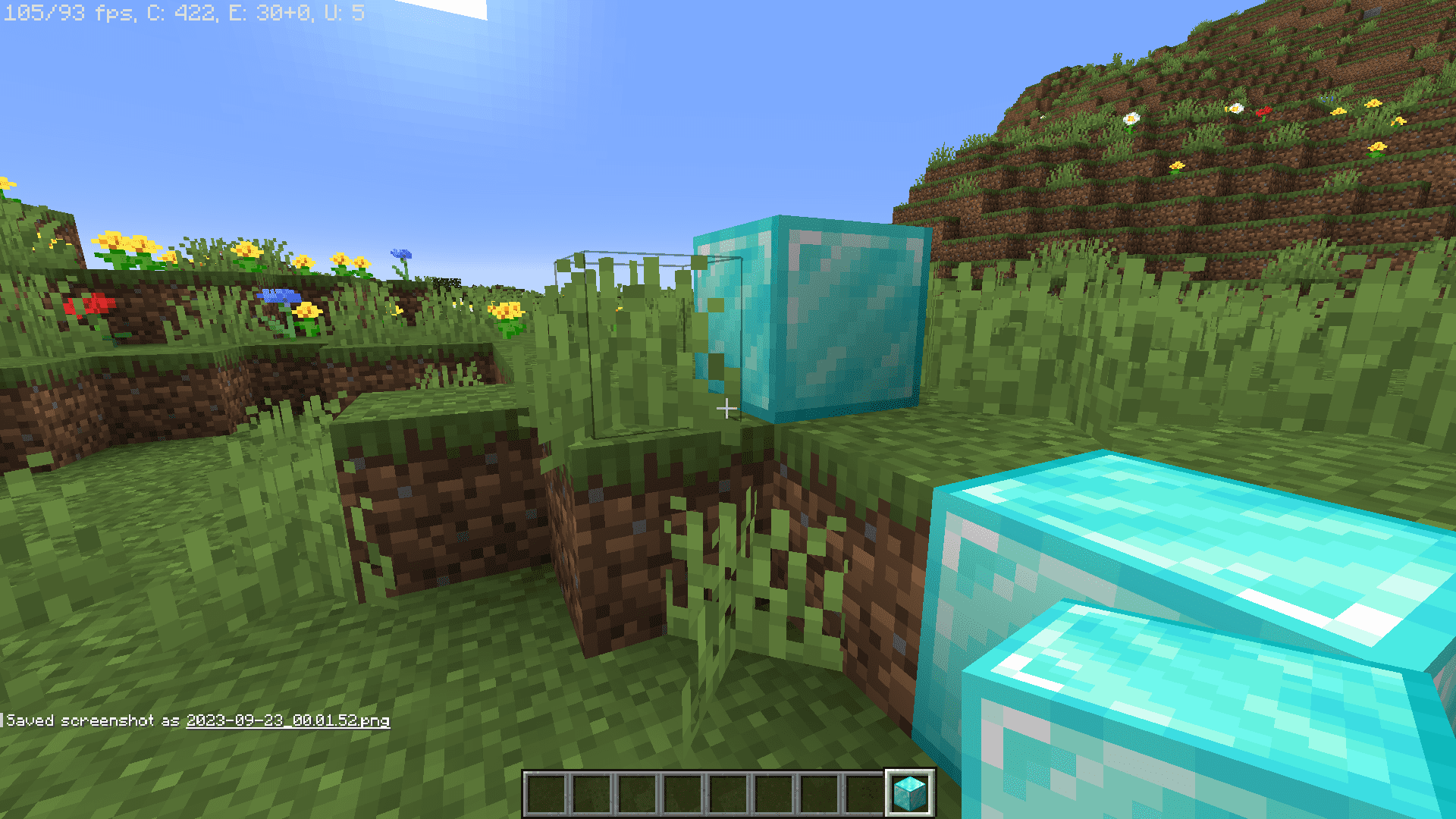
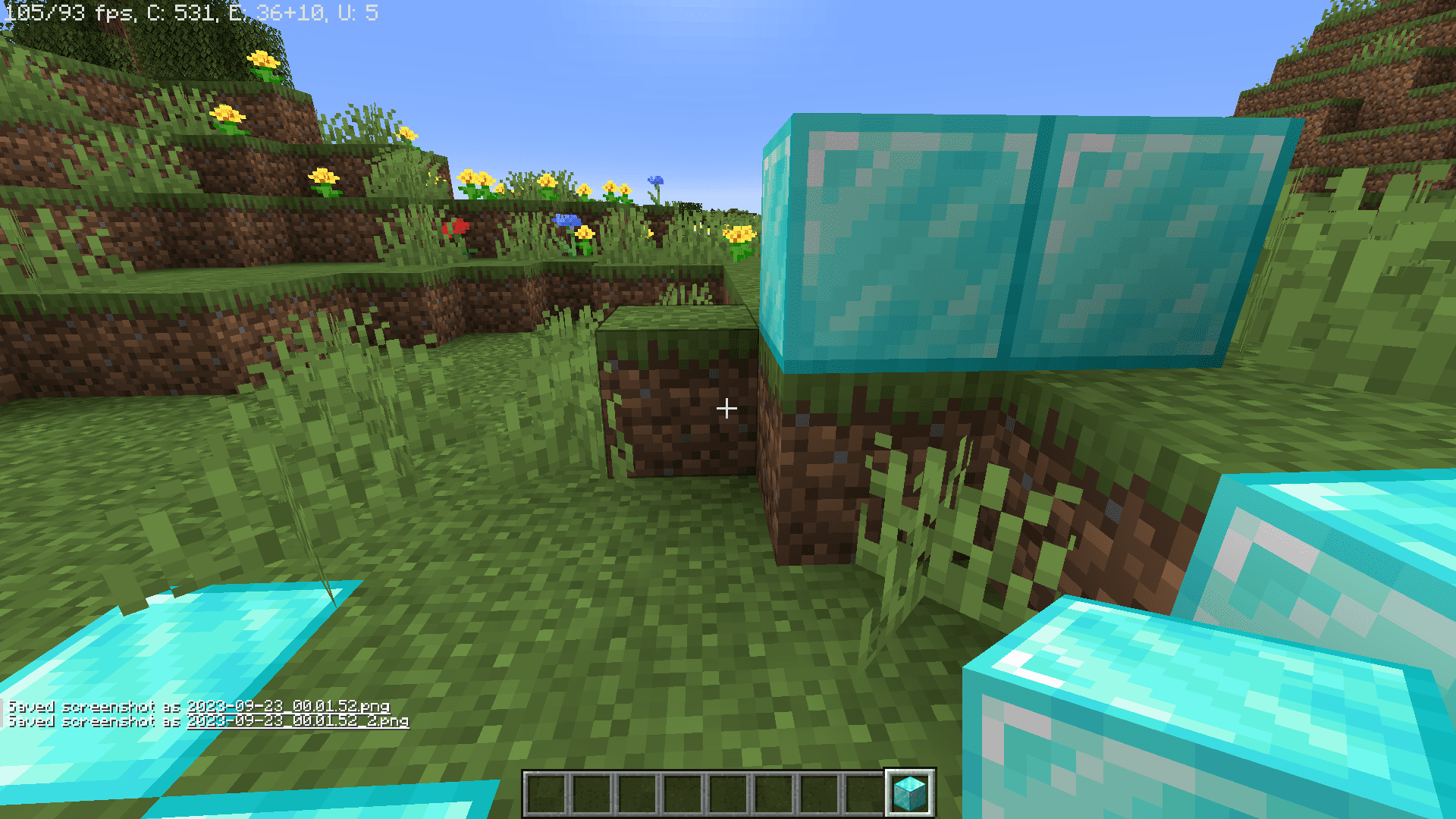
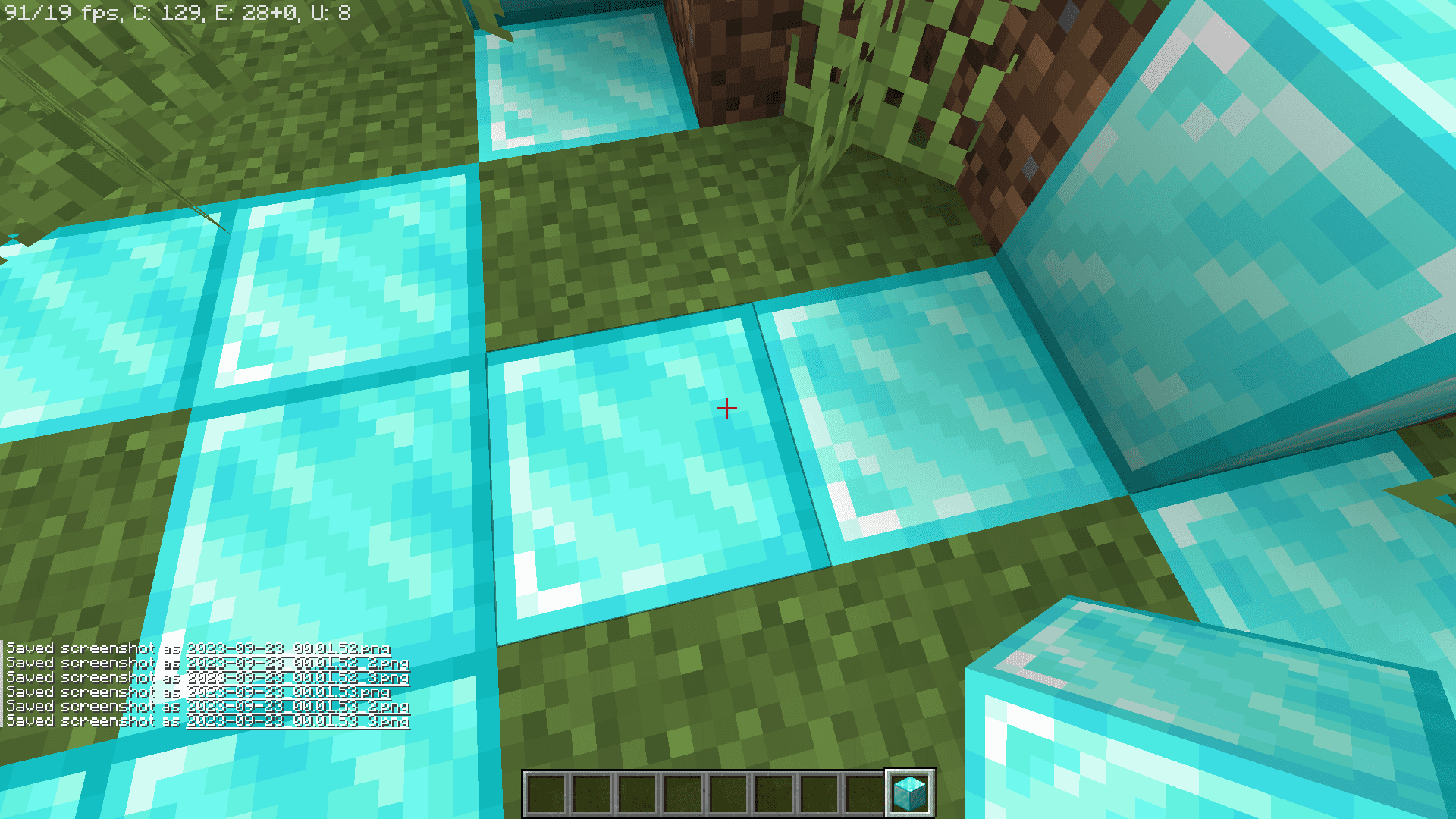
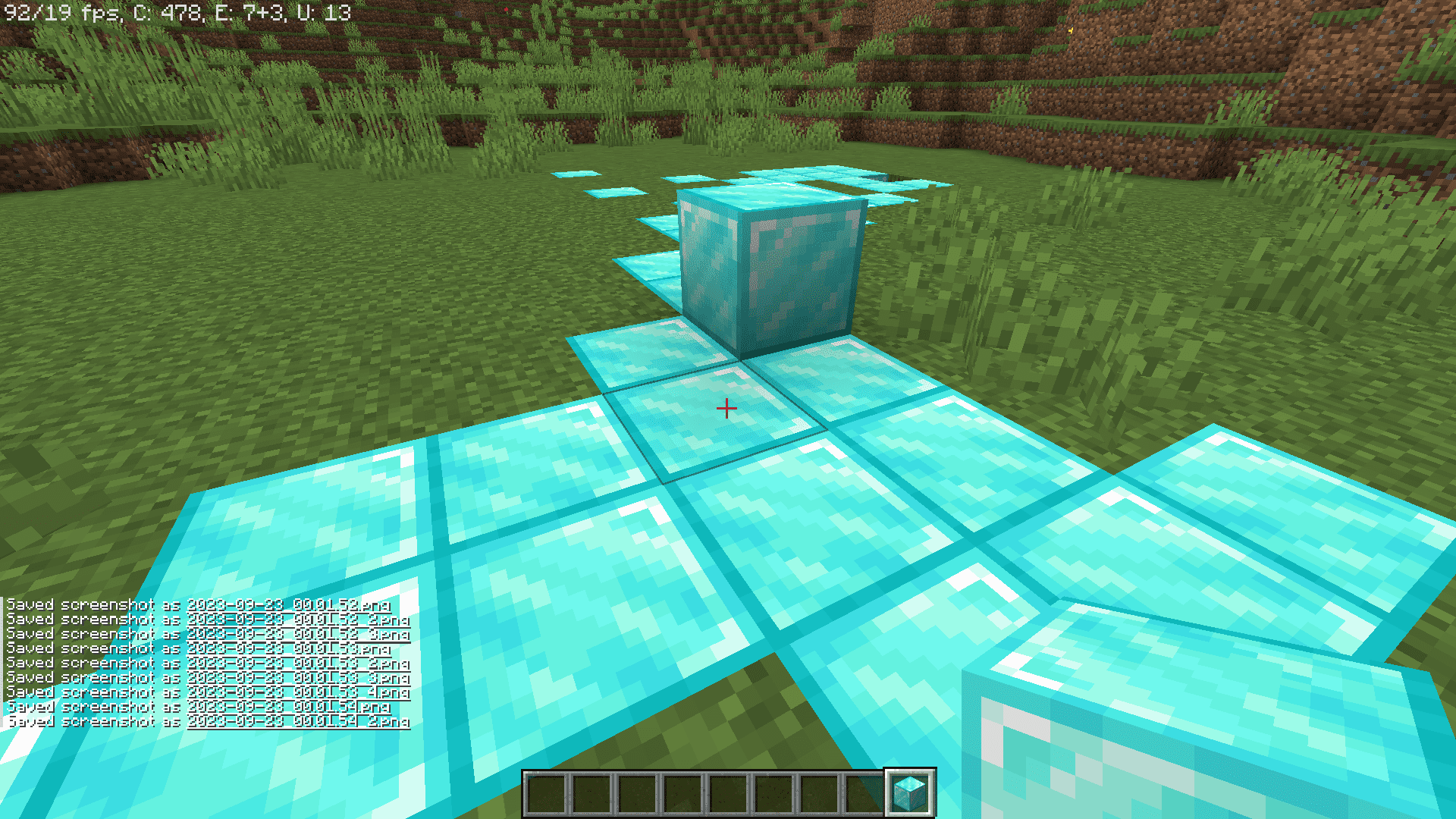
- Right-click any block in replace mode to swap it instantly with the item in your hand without breaking it manually.
- Keep the rotation of the old block when replacing, so stairs continue facing the same way.
- Sneak three times while standing still to toggle the mode for players without the mod on their client.
Commands:
/creativeblockreplacer: alternative command name for the mod./cbr: alternative command name for the mod./cbr toggle: turns block replacing mode on or off./cbr enable: turns block replacing mode on./cbr disable: turns block replacing mode off./cbr usage: shows the list of available commands.
How to Use:
- Press the I key or use the
/cbr togglecommand to turn on block replacing mode. - Hold any block in your hand while in Creative Mode.
- Right-click an existing block in the world to replace it instantly with the item you hold.
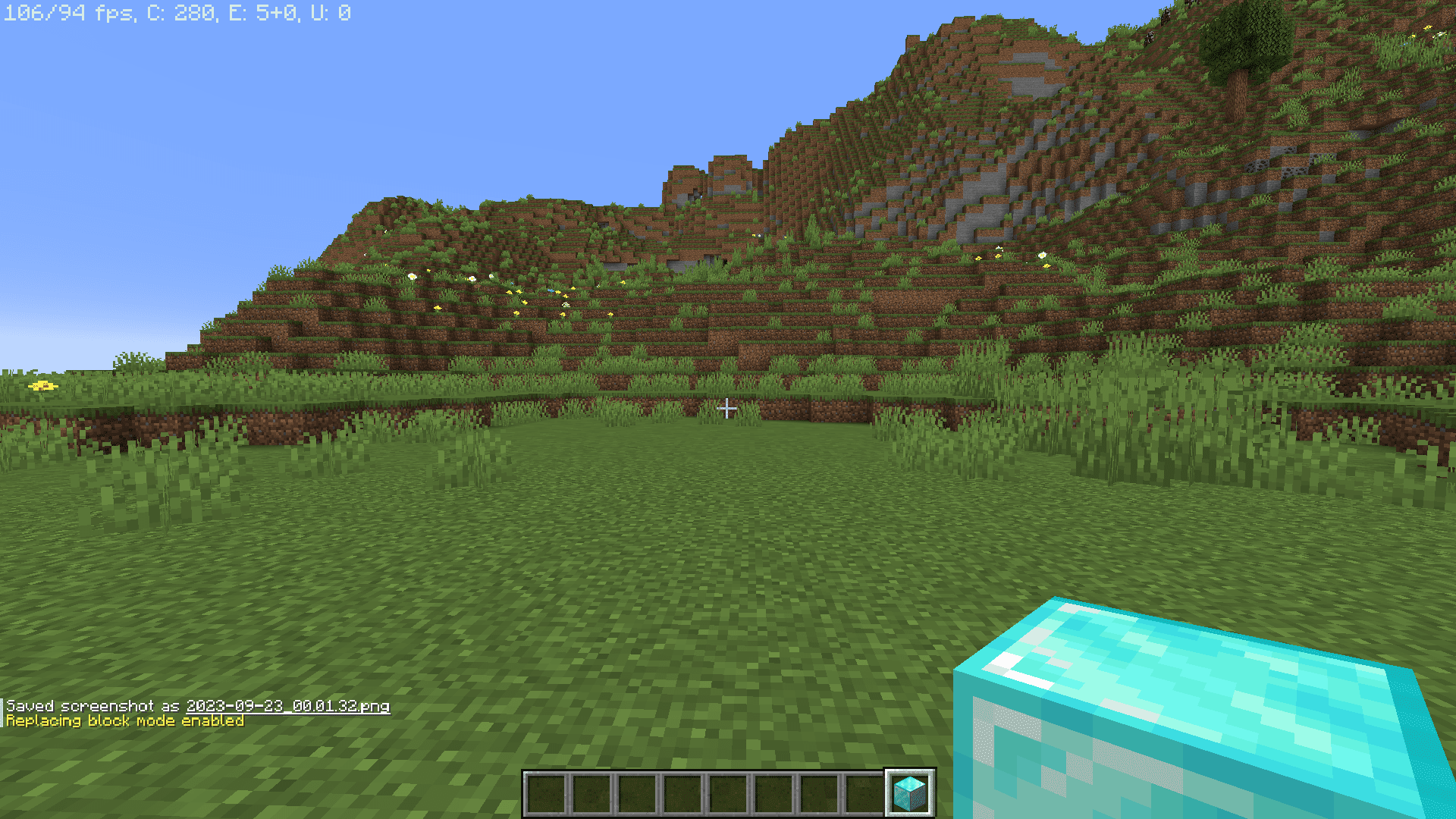
Screenshots:
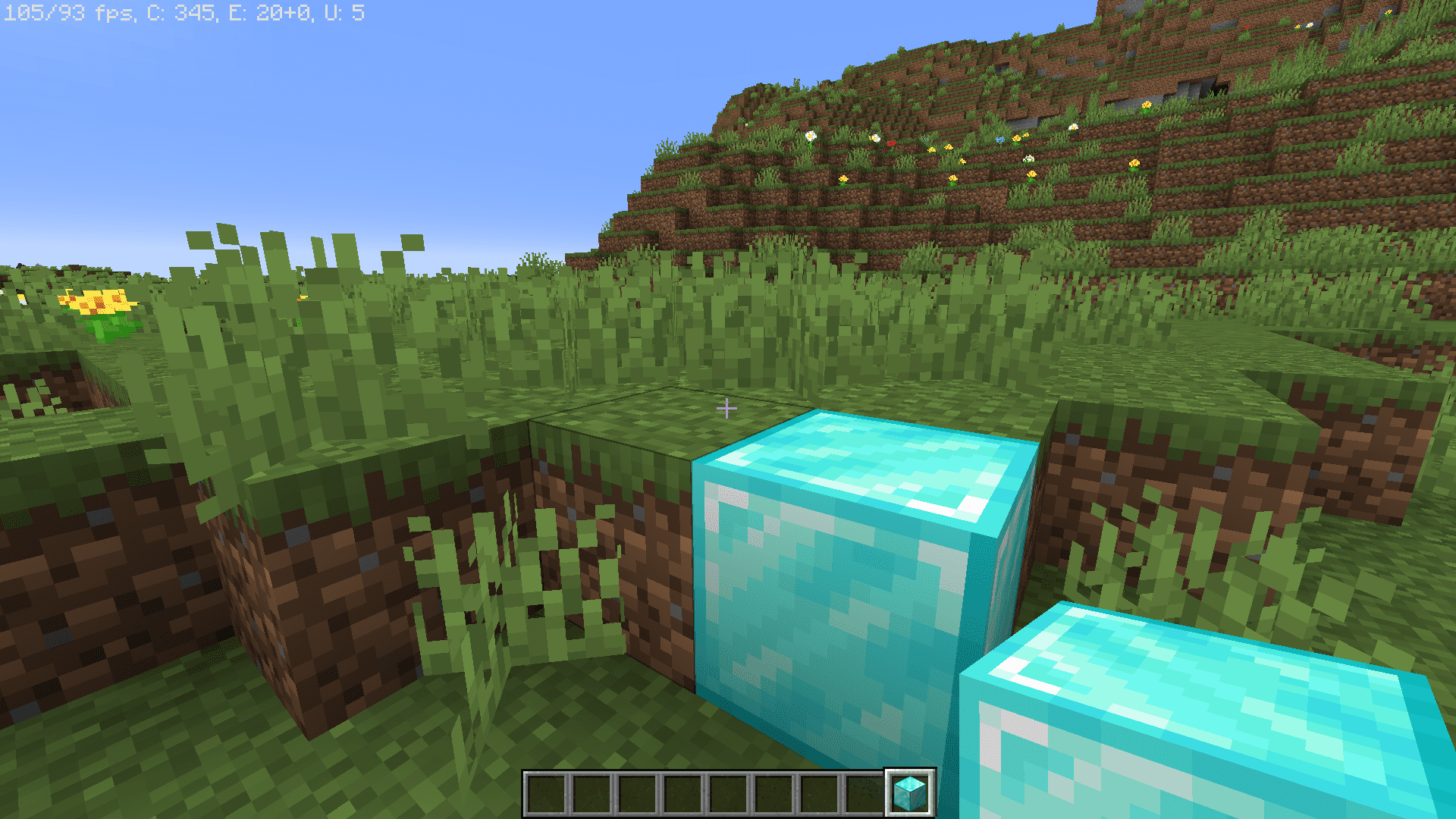
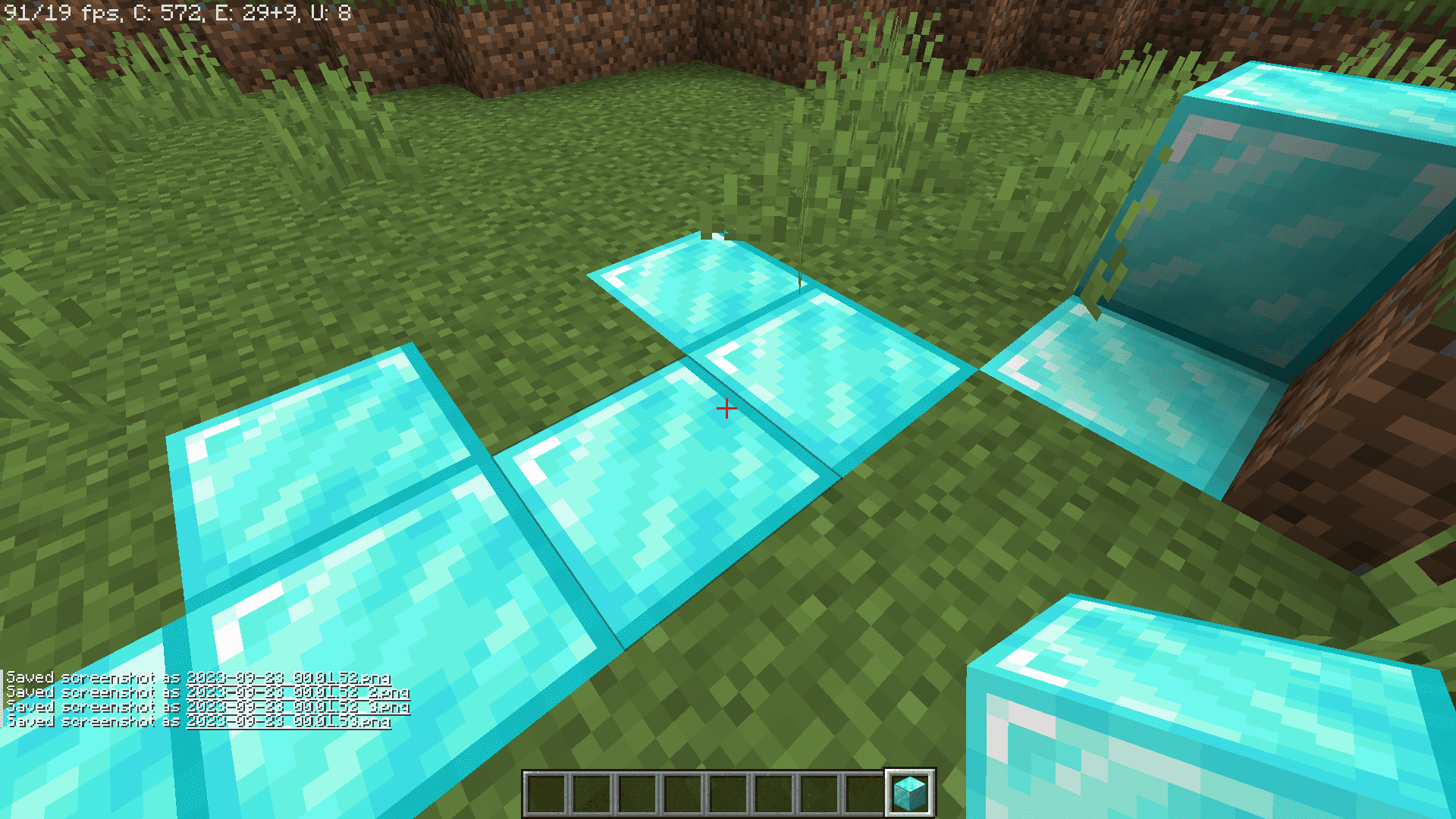
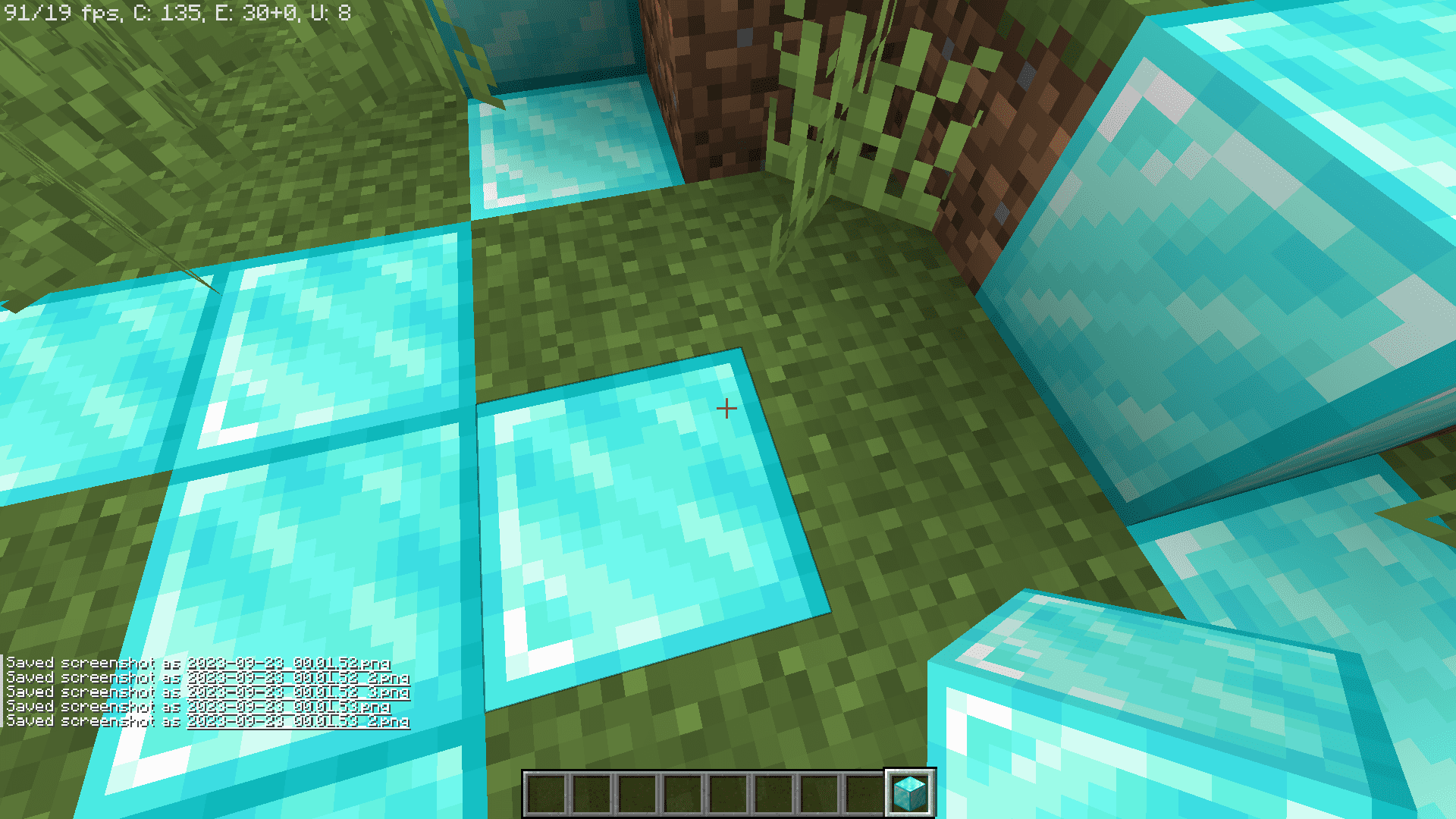
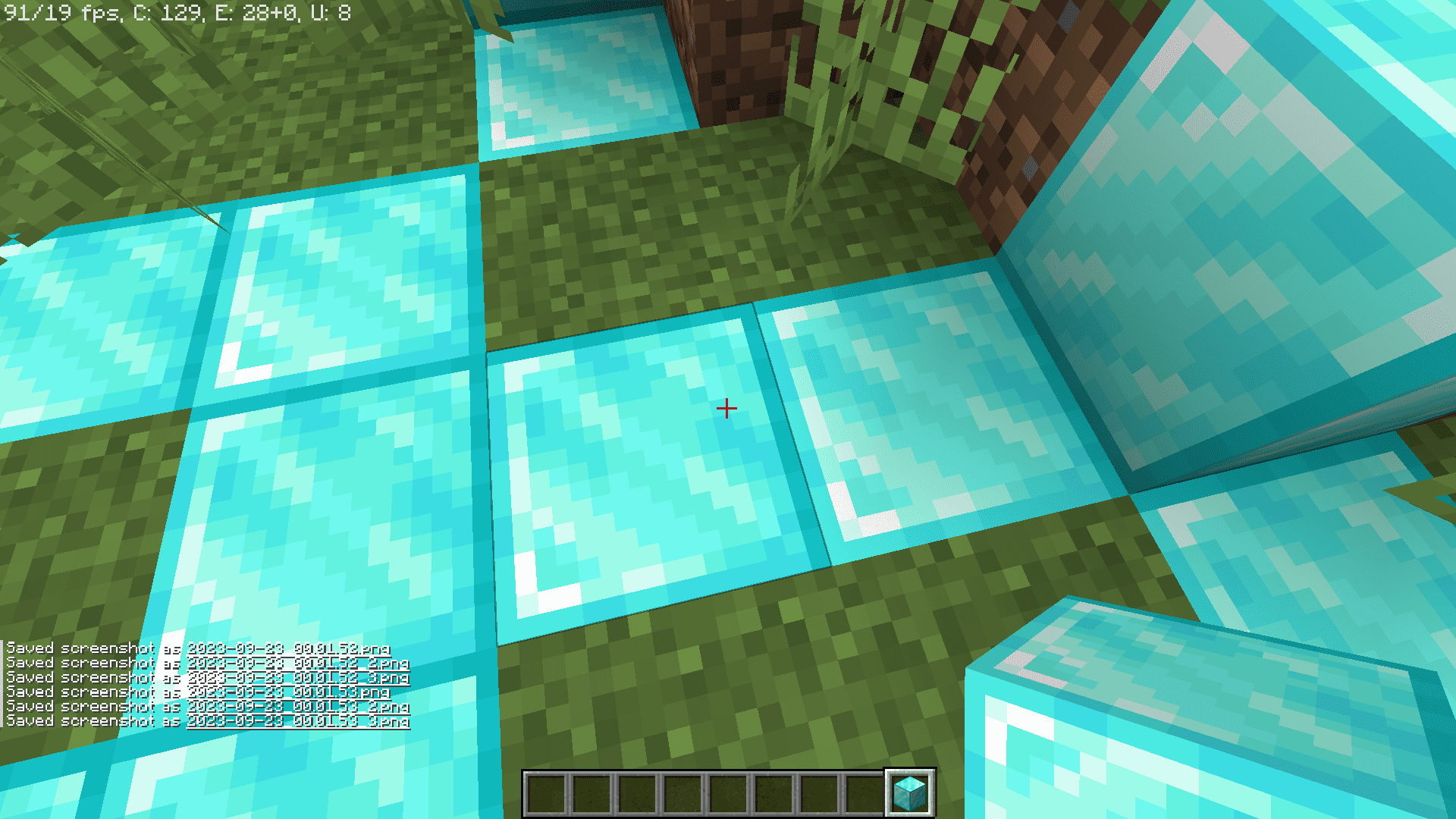
How to Install:
New to Minecraft? Follow our step-by-step guide to install Mods on your PC.View Guide
Requirements:




Creative Block Replacer Mod Download Links
For Minecraft 26.3
For Minecraft 26.2
For Minecraft 26.1.2, 26.1.1, 26.1
For Minecraft
1.21.11,
1.21.10,
1.21.9
All Versions Covered
1.21.11
1.21.10
1.21.9
1.21.8
1.21.7
1.21.6
1.21.5
1.21.4
1.21.1
1.21
All Versions Covered
1.21.11
1.21.10
1.21.9
1.21.8
1.21.7
1.21.6
1.21.5
1.21.4
1.21.1
1.21
For Minecraft 1.21.10, 1.21.9
For Minecraft 1.21.8, 1.21.7, 1.21.6
For Minecraft 1.21.5
For Minecraft 1.21.4
For Minecraft 1.21.3, 1.21.2
For Minecraft 1.21.1, 1.21
For Minecraft 1.20.6
For Minecraft 1.20.4
For Minecraft 1.20.2
For Minecraft 1.20.1, 1.20
For Minecraft 1.19.4
For Minecraft 1.19.2
For Minecraft 1.18.2
For Minecraft 1.17.1
For Minecraft 1.16.5
For Minecraft 1.15.2
For Minecraft 1.14.4
For Minecraft 1.13.2
For Minecraft 1.12.2
Click to rate this post!
[Total: 0 Average: 0]
You May Also Like
Picked for this page
 Melon Golem Mod (26.1.2, 1.20.1) – Almighty Beast
 Mystical Agriculture Mod (26.1.2, 1.20.1) – Grow Diamonds From a Seed
 Theurgy Mod (26.3, 1.20.1) – Use Alchemy to Find Any Ore
 Thermoo Mod (26.1.2, 1.20.1) – Temperature and Environment API
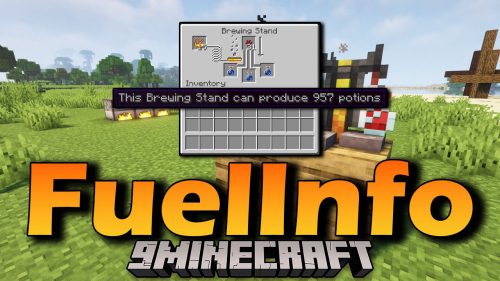 FuelInfo Mod (26.2, 1.20.1) – Extend Your Info on Your Fuels
 TPS HUD Mod (26.3, 1.20.1) – Displays the Server’s TPS
 Rebind Narrator Mod (26.1.2, 1.20.1) – Change Keybinding to Toggle Narrator
 BlueMap Marker Manager Mod (26.3, 1.20.1) – Provides an Interactive Setup Menu
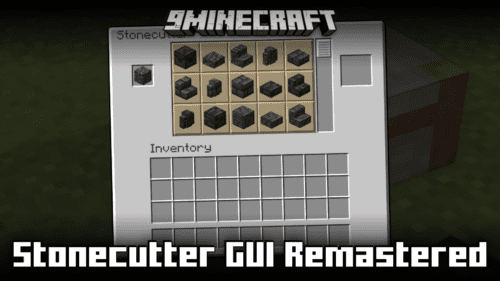 Stonecutter GUI Remastered Mod (26.3, 1.20.1) – Better Stonecutter GUI
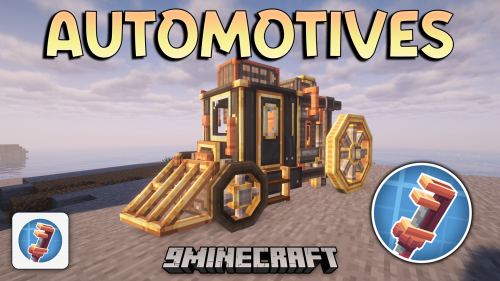 Create Automotives Mod (26.1.2, 1.20.1) – Drive Steam Powered Vehicles
 Glow Squids Actually Glow Mod (26.3, 1.20.1) – Underwater Brightness
 Panorama Screenshot Mod (26.3, 1.20.1) – Make Your World the Main Menu
Most viewed in Mods over the last 7 days
 Ala Industrial Mod (26.3) – Run Electric Power Grids and Automated Factories
 PleasureCraft Mod (26.3, 1.21.1) – Jenny Mod Remake for Fabric
 Jennycraft Mod (26.3, 1.20.1) – Virtual Girlfriend in Minecraft
 Fapcraft Mod (26.3, 1.12.2) – Comprehensive and Detailed Content
 Jenny Mod (Fapcraft) Official Complete Guide – How to use, Tutorial
 BangCraft Mod (1.20.1) – Jenny, Ellie and Elliot
 Fabric Loader (26.3, 1.20.1) – Fabric Installer for All Minecraft Versions
 The Shooting Star Demo Mod (26.3, 1.20.1) – Vaporize Terrain From Orbit
 Meteor Client Mod (26.3, 1.20.1) – Xray, HUD, Fly
 OptiFine HD (26.3, 1.20.1) – Run Faster, FPS Boost, Shaders Support
 Aristois Client Mod (1.21.4, 1.20.1) – World Class Minecraft Utility
 Prestige Client Mod (1.21.11, 1.21.4) – Powerful Ghost Features for Crystal & Sword PvP
More from Mods
 CinematicInteractions Mod (1.21.1) – Watch Your Hands Work at Every Crafting Table
 Earth Platform Mod (1.21.1) – Travel Across Real Continents in a True Scale World
 Taunahi Mod (26.1.2) – Automate Daily Farming and Slayers in Hypixel Skyblock
 HORROR Fake Join Leave Messages Mod (1.20.1) – Trigger Creepy Chat Scares
 Bons Voyage Mod (1.20.1) – Teleport Across Biomes Through Hidden Waystones
 Orbital Railgun UPDATED Mod (26.3) – Flatten Giant Landscapes From Space
 Automobility Autoradio Mod (26.3, 26.1.2) – Trade Custom Mixtapes with Friends
 Towers of the Wild 9minecraft Mod (26.3, 26.2) – Climb Tall Towers for Loot
 Ender Storage 9minecraft Mod (26.3, 26.2) – Send Loot Back Home From Any Dimension
 Snad 9minecraft Mod (26.3, 26.2) – Build Faster Sugar Cane and Nether Wart Farms
 Together Forever Unofficial Mod (1.12.2) – Share Team Advancements
 GroovyDuvet Mod (1.21.11, 1.20.1) – Run Groovy Scripted Addons Without Game

This post has no comments yet. Be the first — your comment will appear here.