
MobZ Mod (26.2, 1.20.1) – Face Fierce New Bosses Every Day

 0


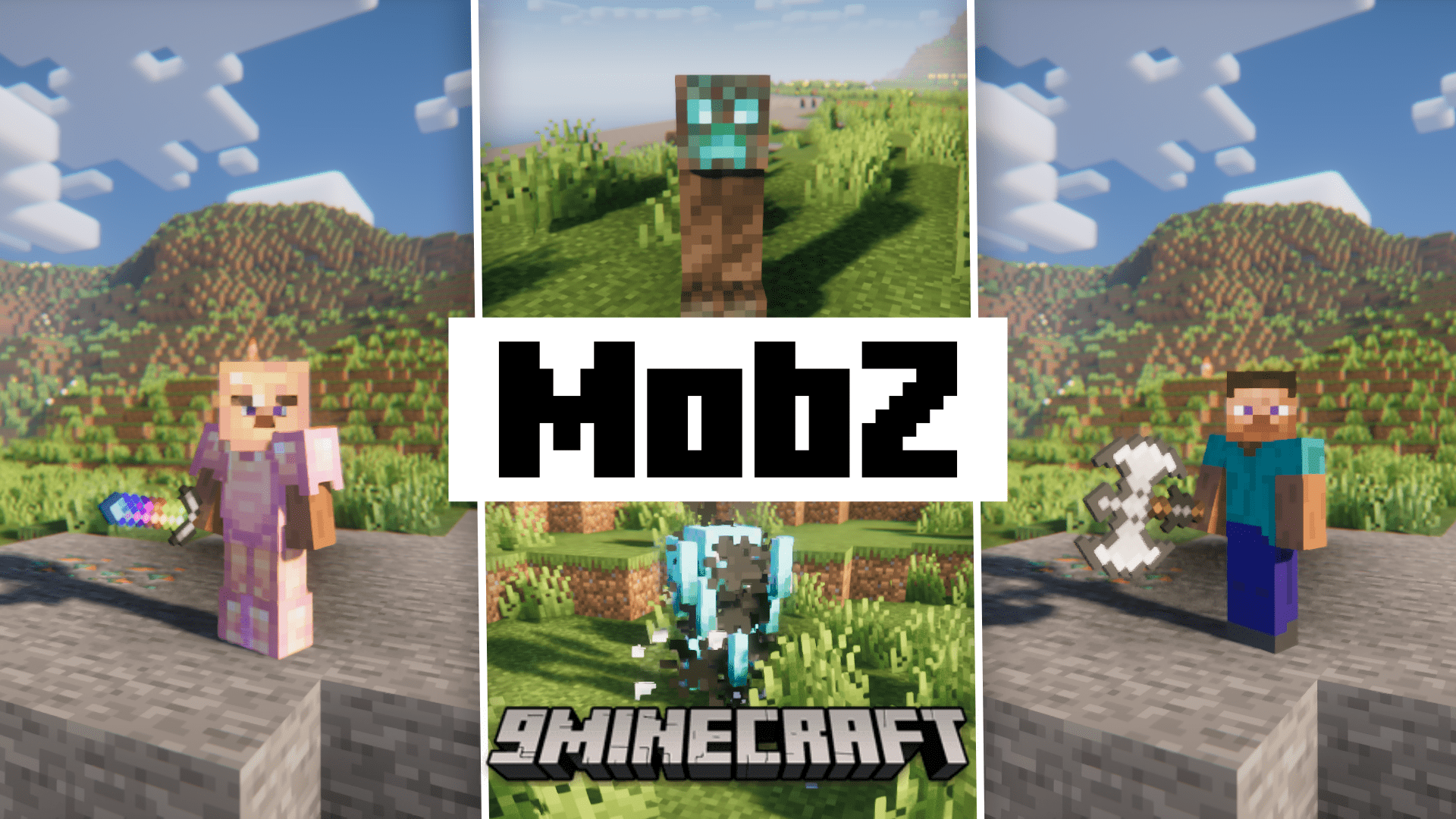
MobZ Mod introduces a variety of new and challenging monsters to make survival much harder. Hostile creatures spawn even during daylight hours, pushing players to stay fully equipped and cautious at all times. Advancements track defeated enemies across the world, and unique threats wait in the Badlands biome.
Features:
- Adds a collection of challenging new hostile mobs to the game.
- Allows hostile creatures to spawn during the day to increase overall difficulty.
- Tracks defeated enemies using in-game advancements.
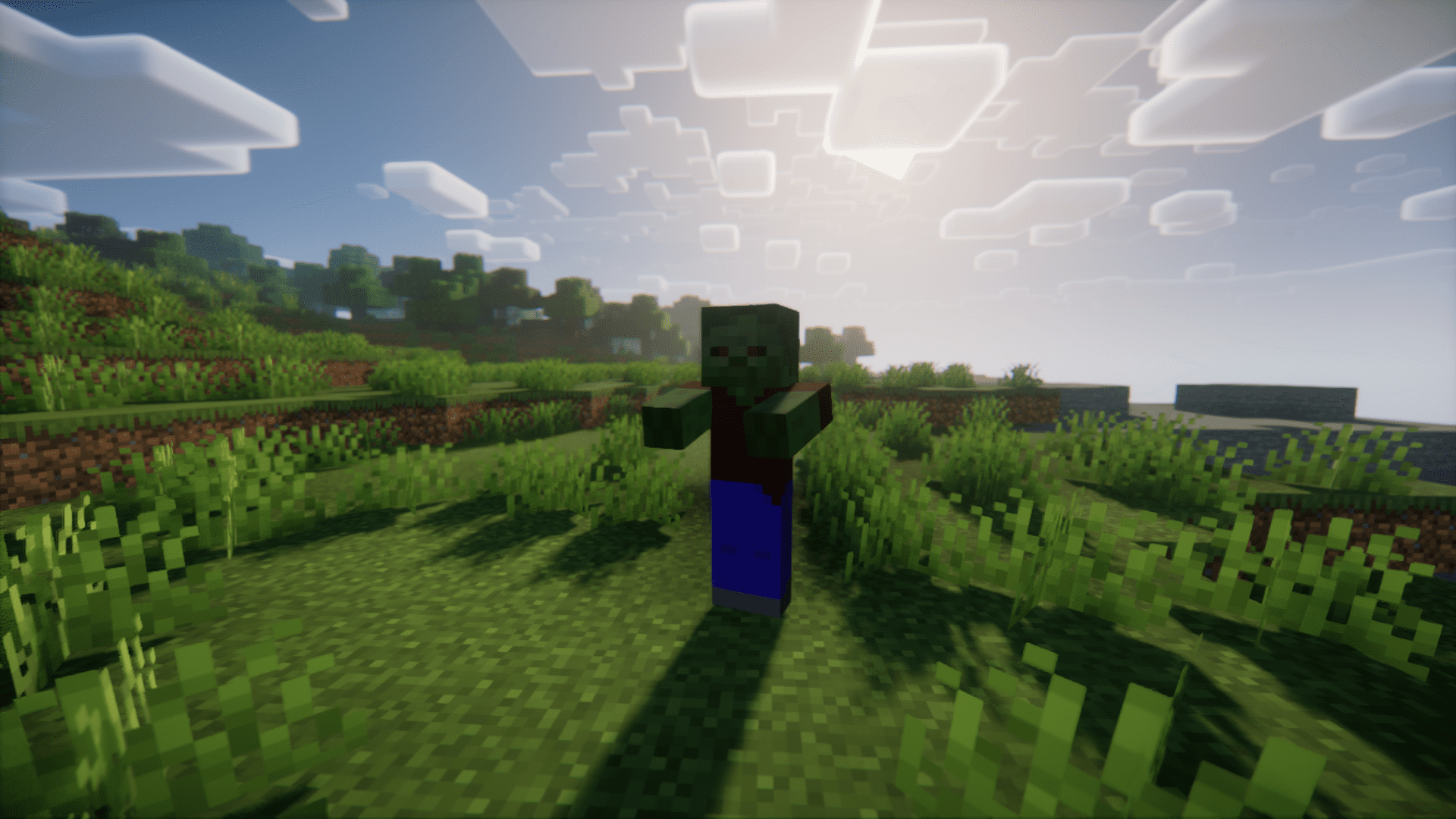
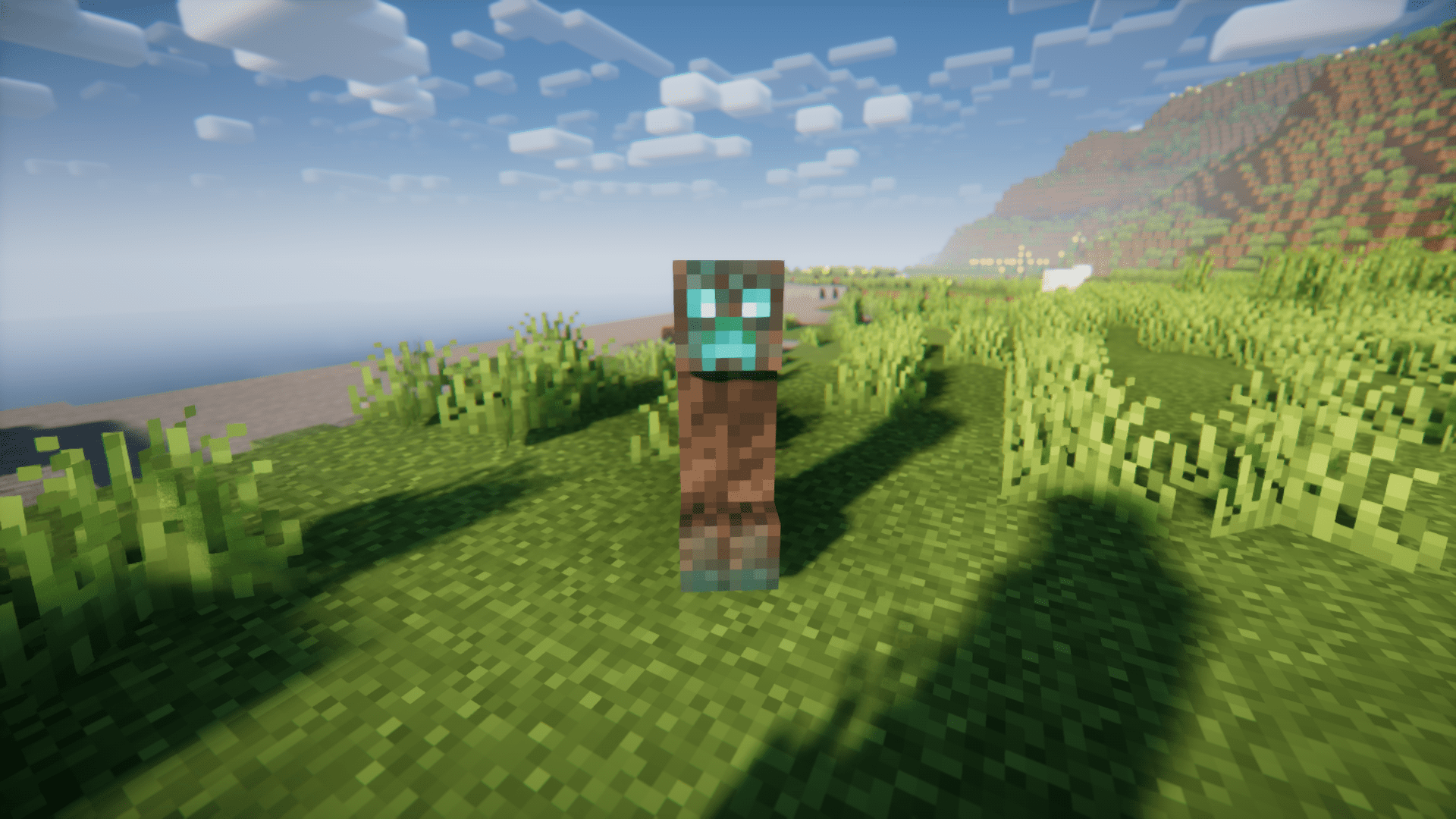
- Features the Badlands biome where powerful zombies spawn naturally.
Mob Variants:
- Tank: A slow but very powerful mob with high Life Points that used to be a human miner infected by zombies.
- Archer: A hostile mob with a possible backstory as a former bounty hunter.
- Fiora: A character who likes gold nuggets and melons, and becomes happy when paid enough.
- Overgrown Skeleton: A green skeleton that spends too much time in the forest and poses a serious threat.
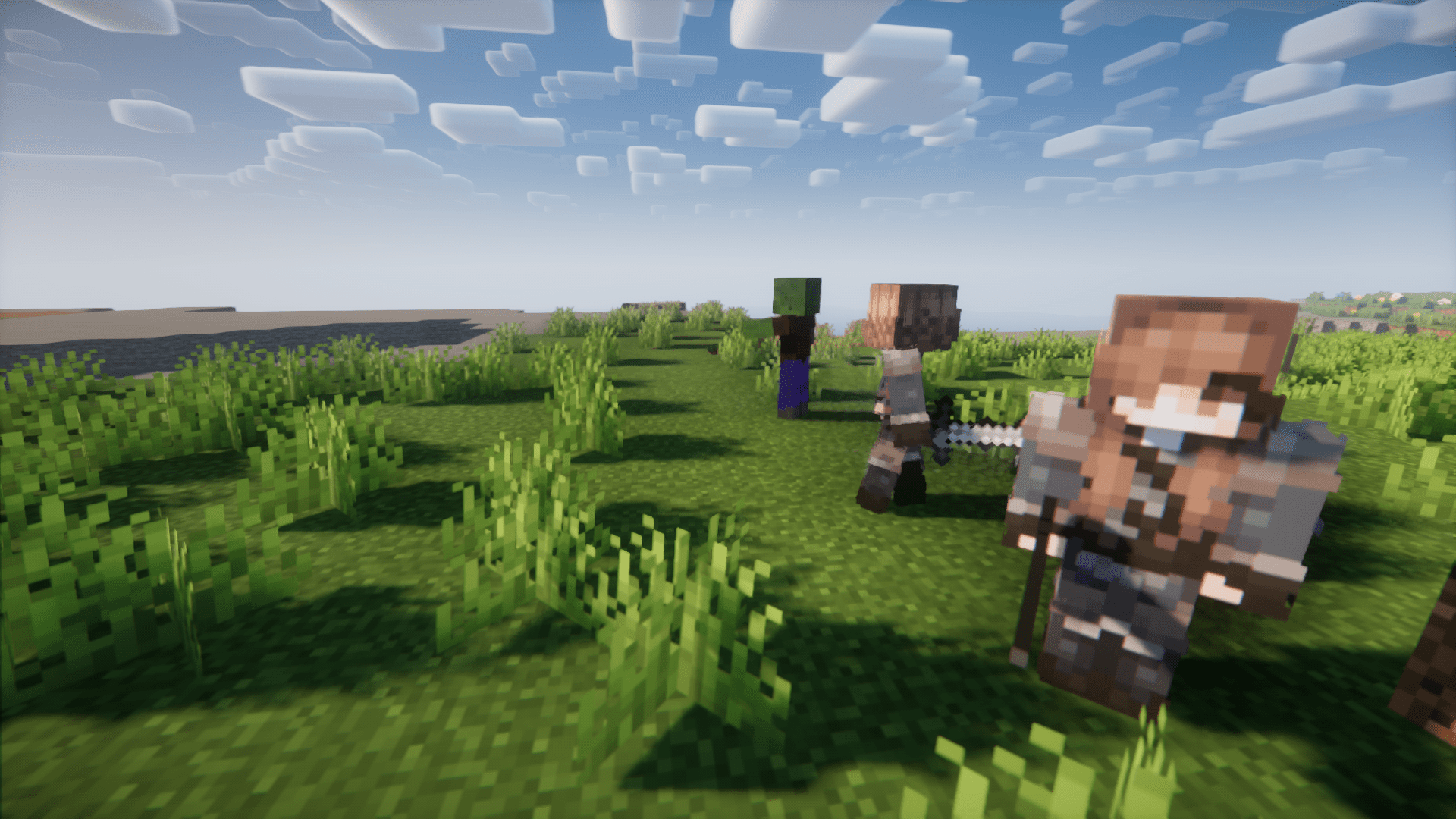
- Warrior: An equipped mob carrying a sharp sword and a shield.
- Nether Golem: An Iron Golem lost in the Nether that has not seen humans in a long time.
- Zombie Mage: A mob that captures other zombies and controls them as puppets.
Bosses and Summoning:
- Spawns boss mobs naturally in the Mesa biome.
- Allows players to summon the Pillager Boss using three parts of a Pillager Totem.
- Requires a bloody sacrifice knife with enough blood to start the Pillager Boss ritual.
- Drops the Wither Staff upon defeating the Pillager Boss.
- Enables summoning of the Withender by building a statue with Enderman heads instead of Wither skulls and interacting with the middle head.
How to Use:
- Explore the world to encounter new hostile mobs and bosses in biomes like the Badlands.
- Collect three parts of the Pillager Totem from specific mobs and use a sacrifice knife to start the summoning ritual.
- Defeat the Pillager Boss to obtain the Wither Staff for summoning the Withender.
- Access the mod settings through the config file or ModMenu to adjust gameplay options.
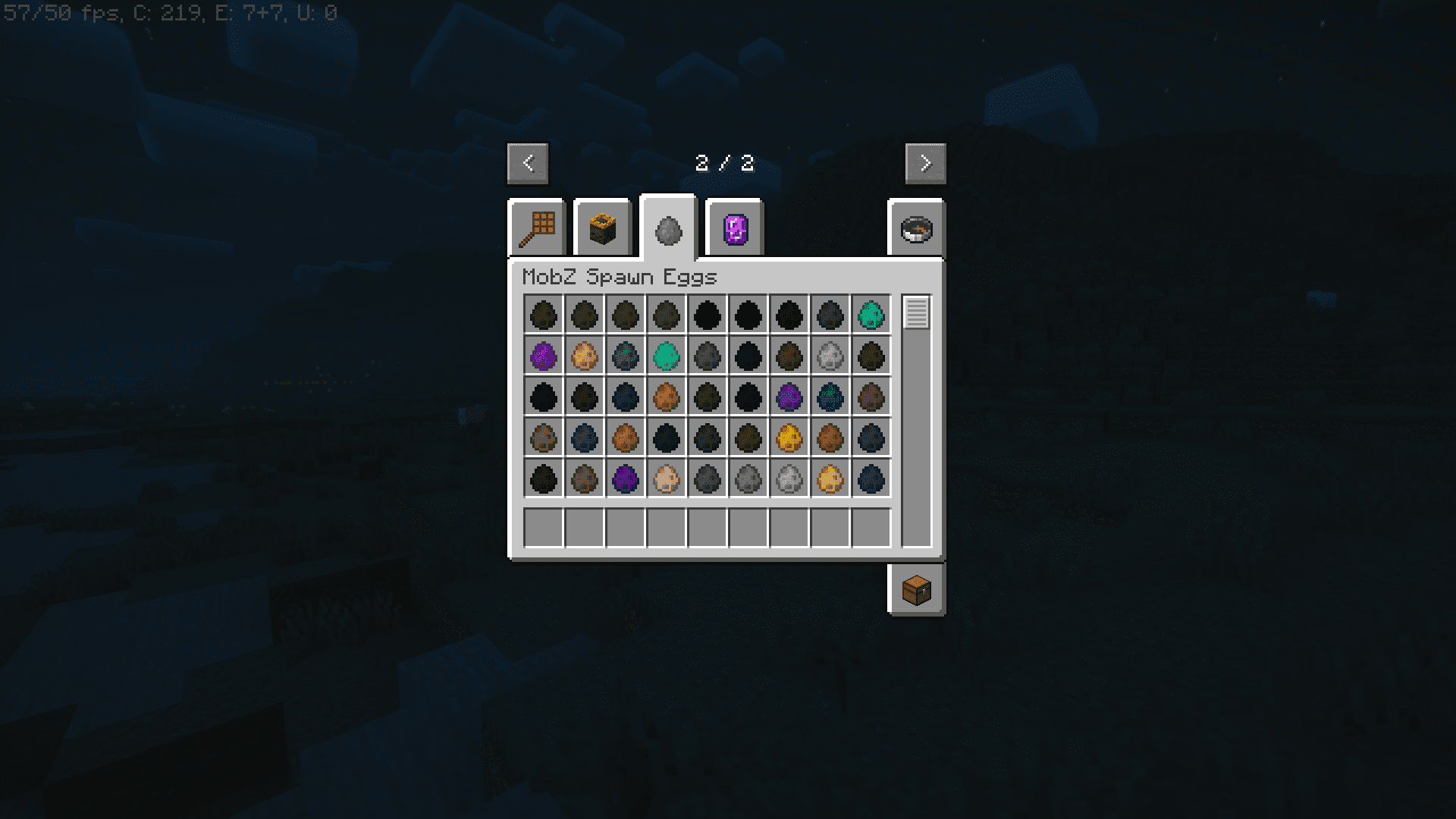
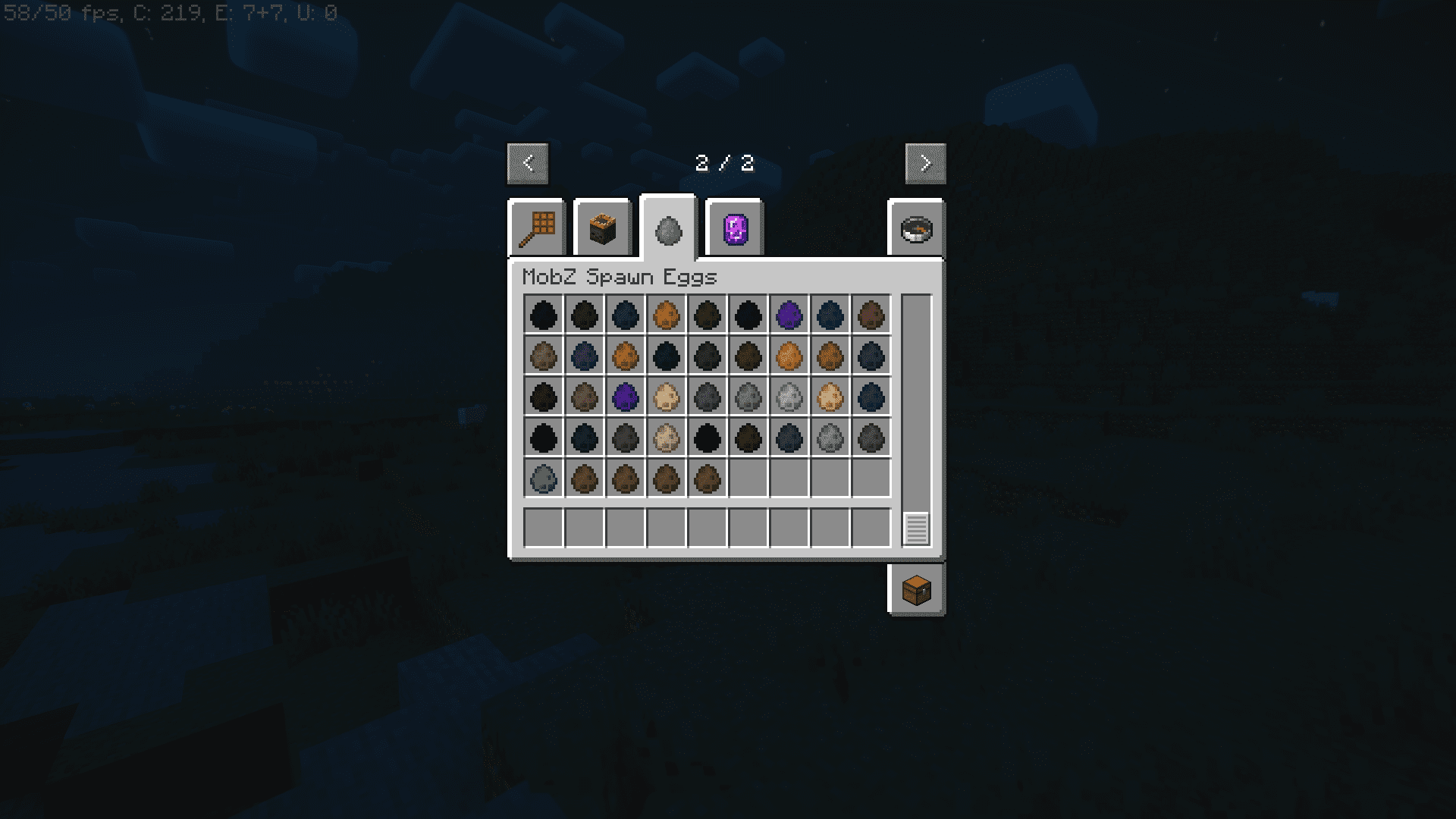
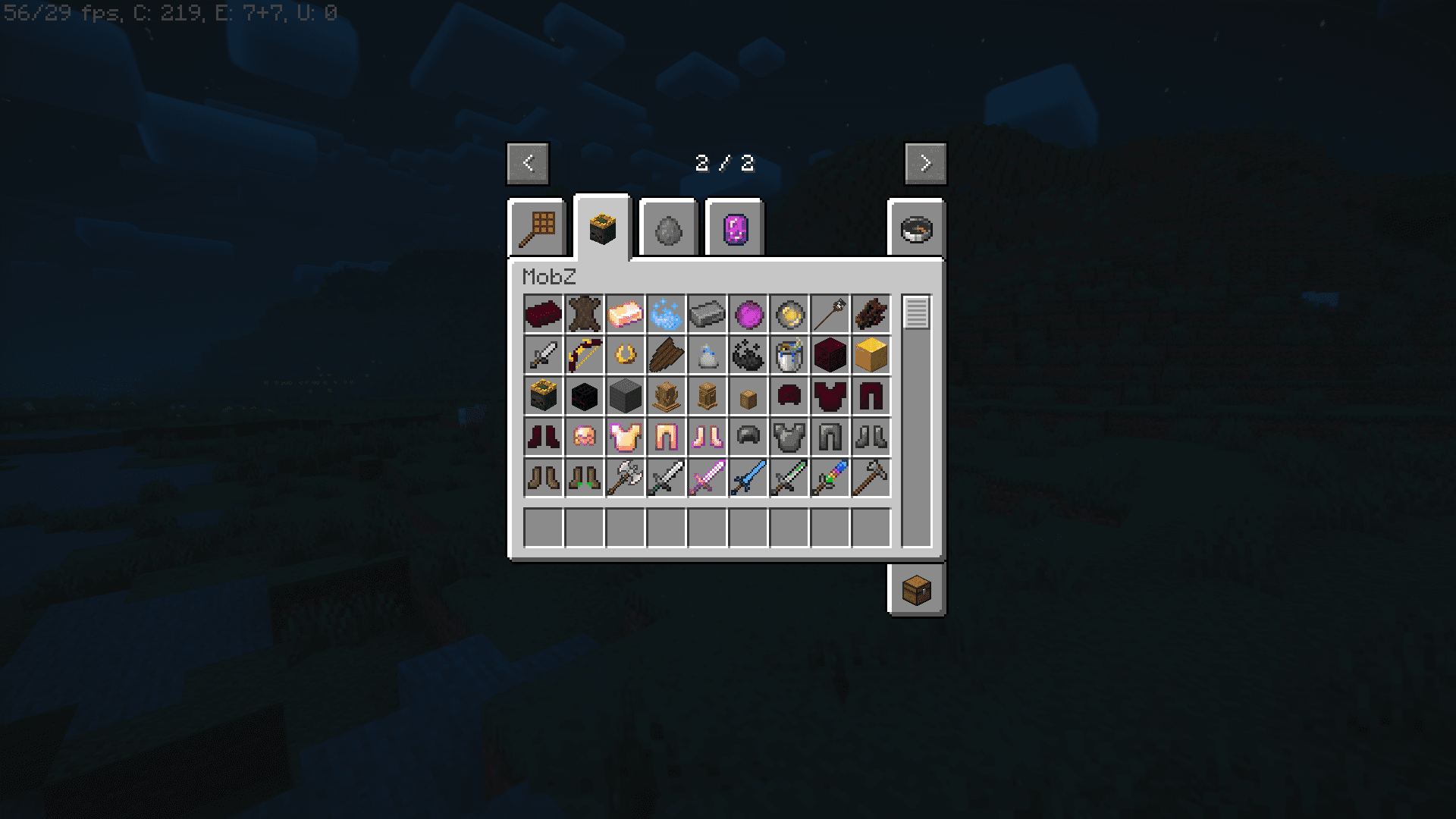
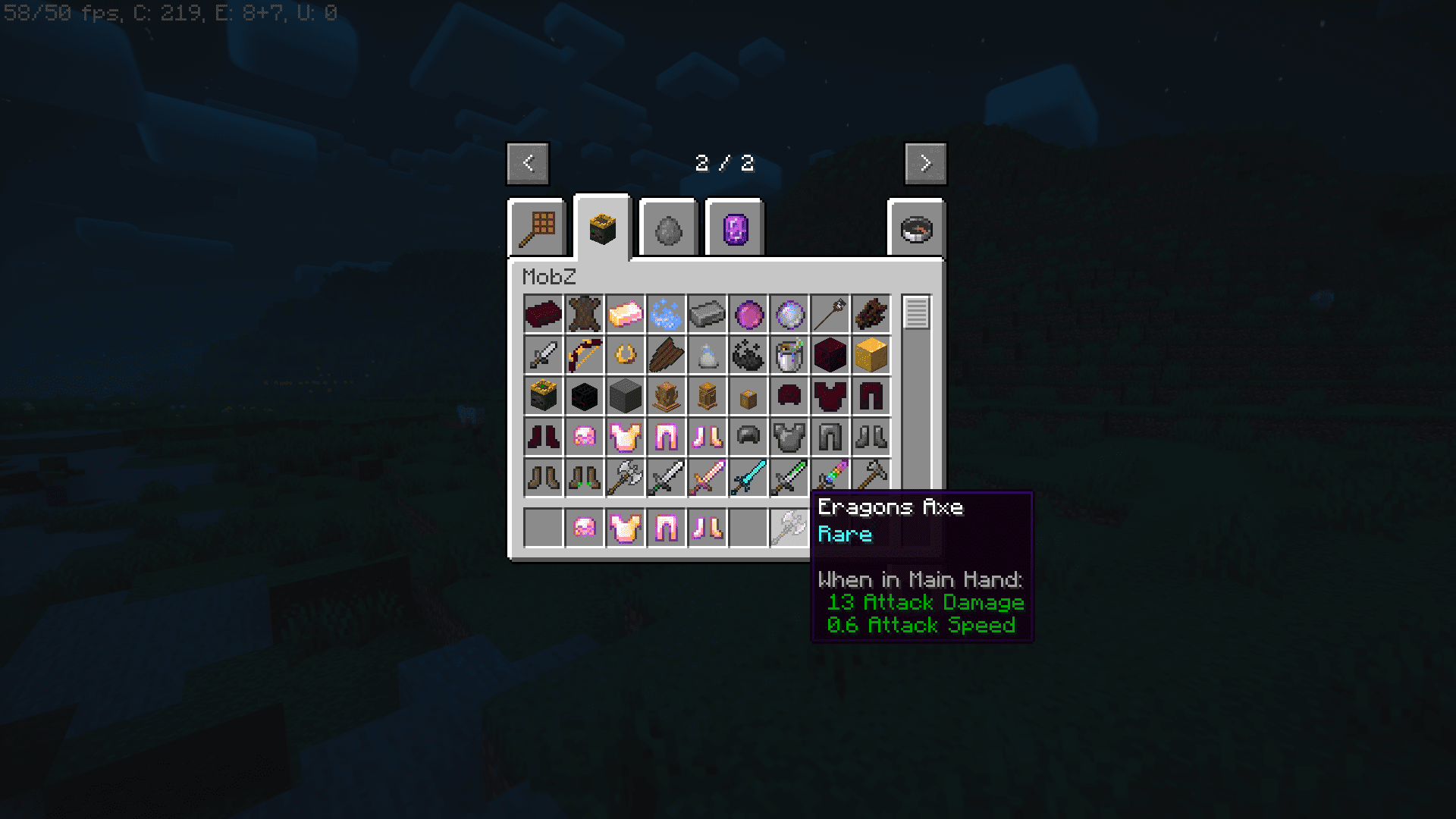
Screenshots:


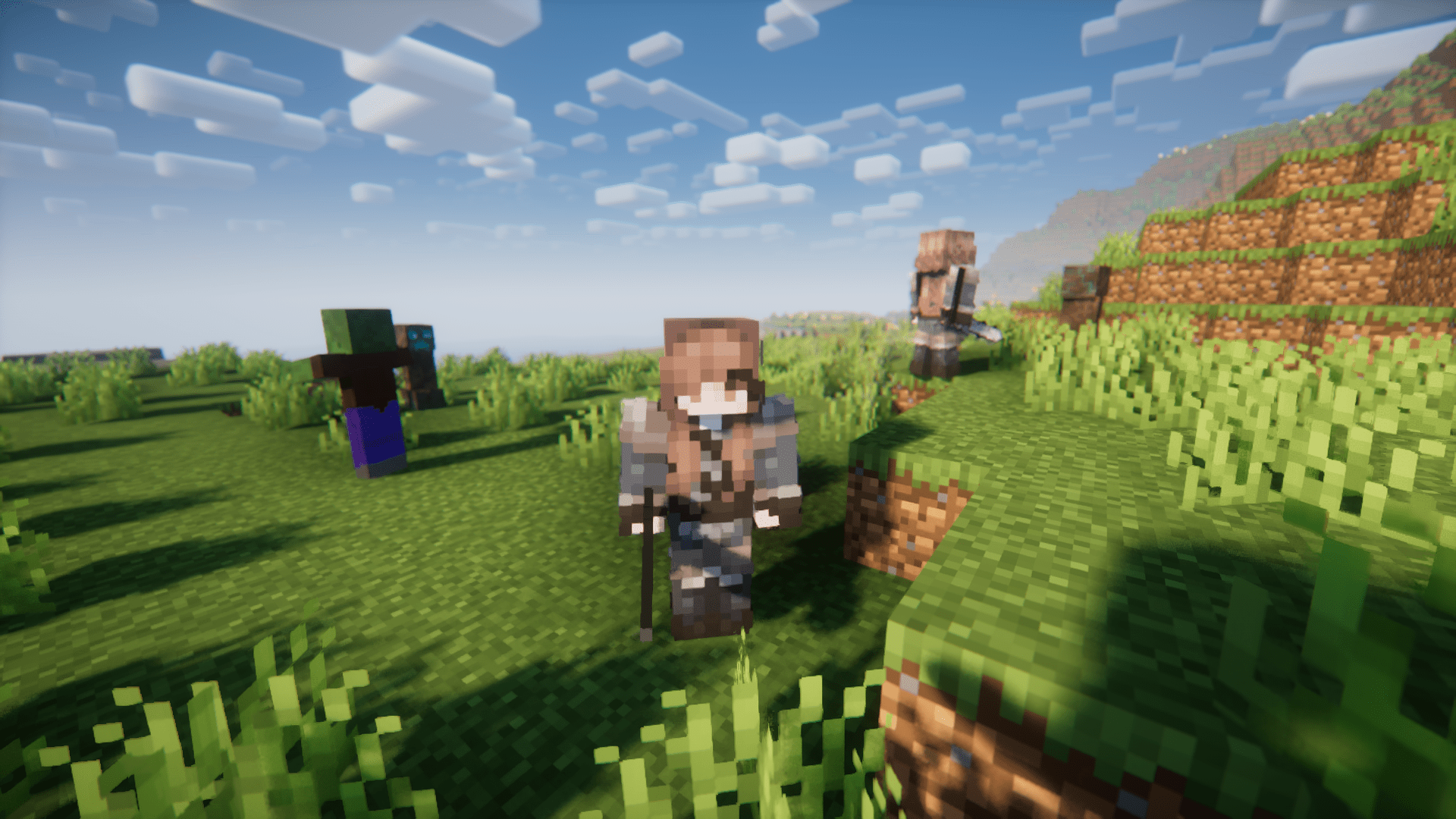
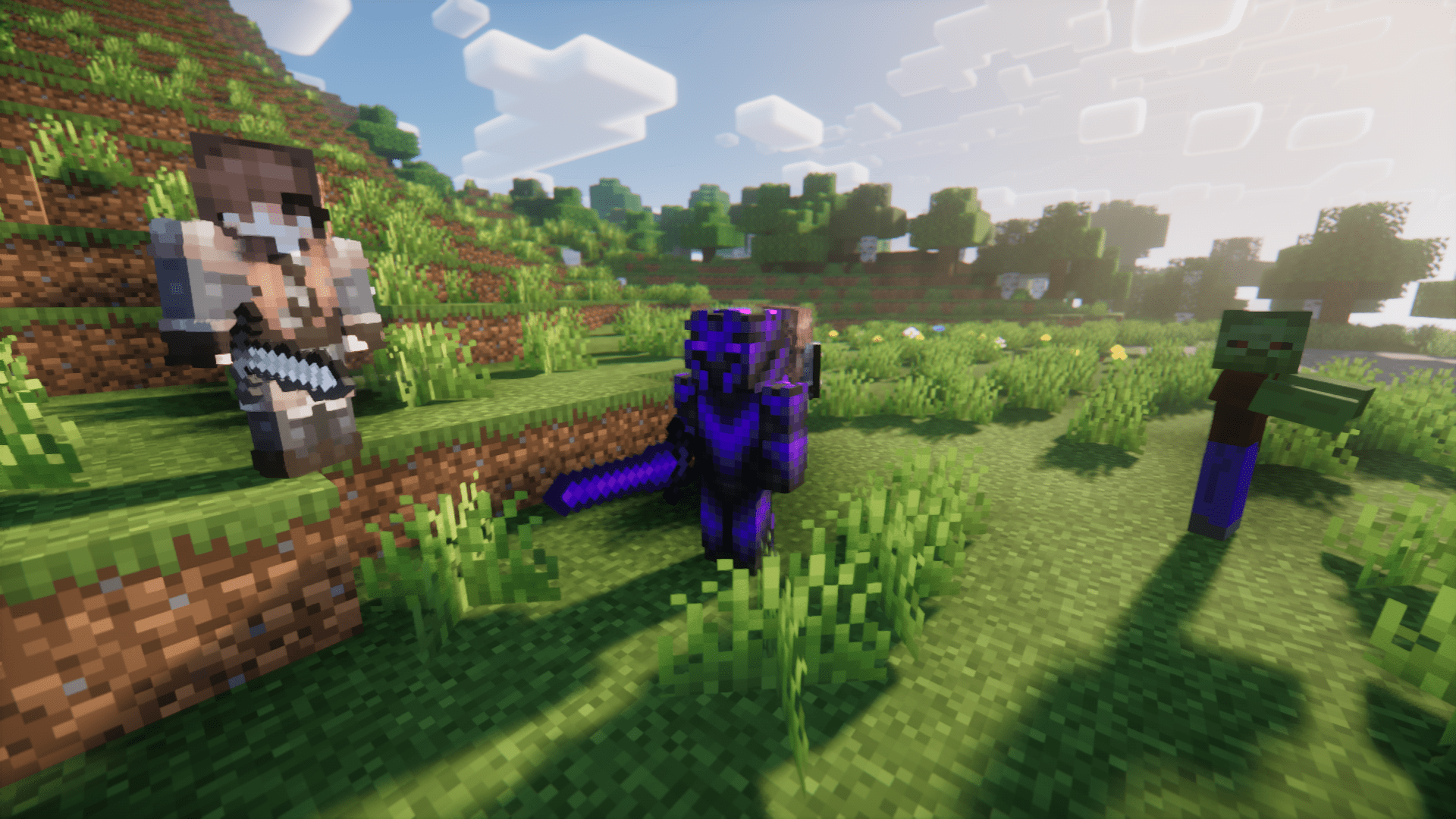
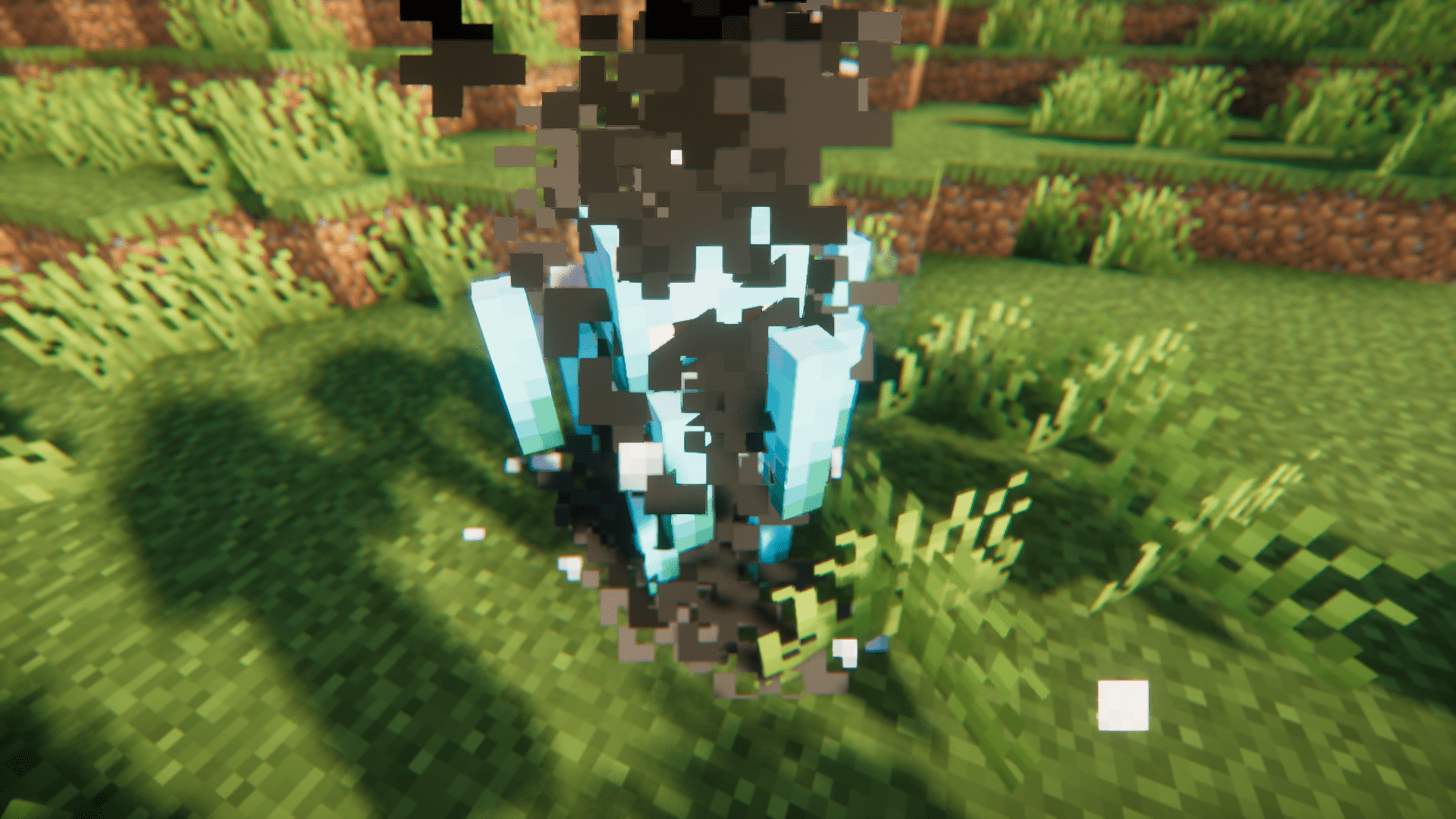
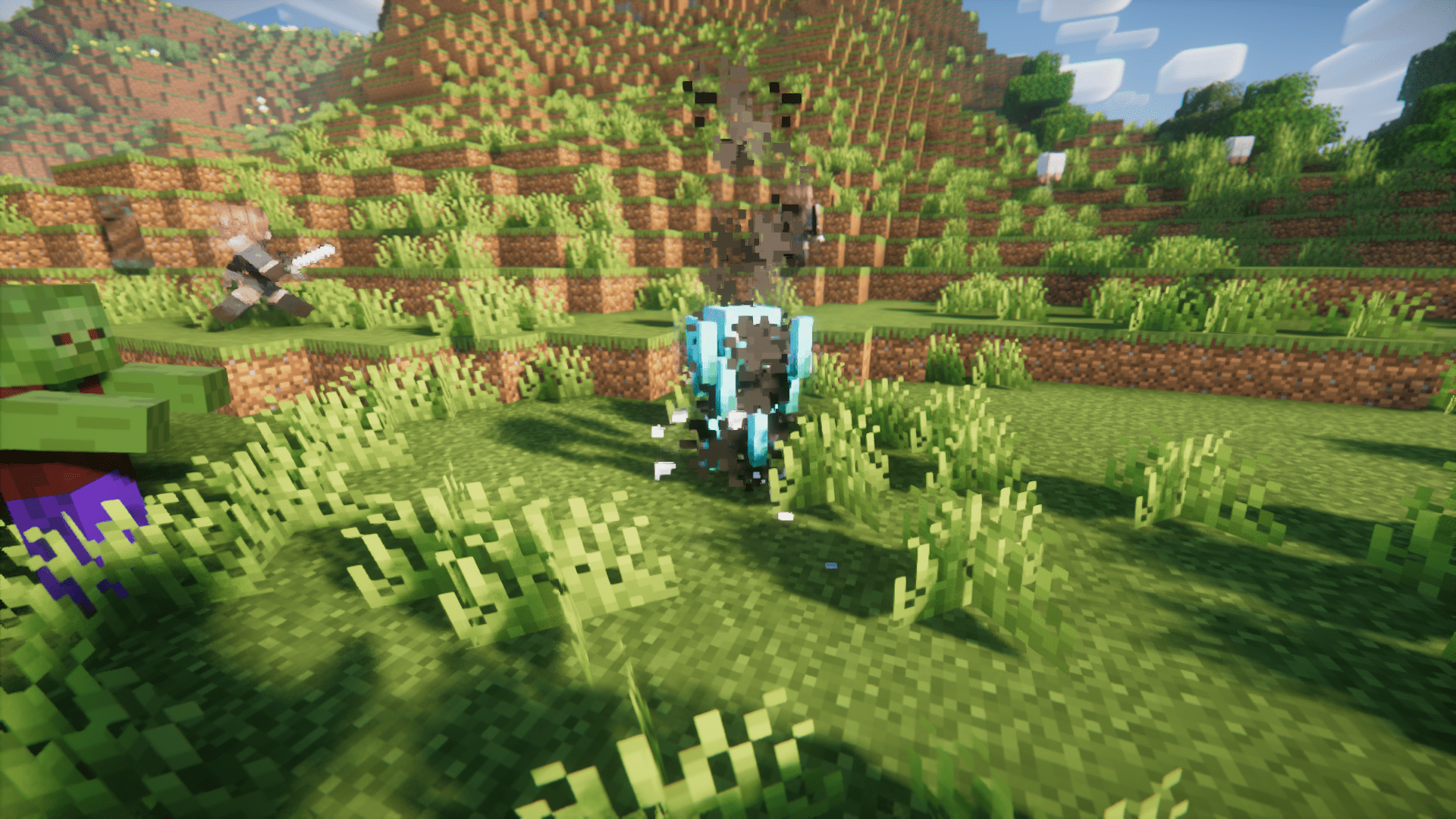
How to Install:
New to Minecraft? Follow our step-by-step guide to install Mods on your PC.View Guide



MobZ Mod Download Links
For Minecraft 26.2
For Minecraft 26.1.2, 26.1.1, 26.1
For Minecraft 1.21.11
For Minecraft 1.21.10, 1.21.9
For Minecraft 1.21.8, 1.21.7, 1.21.6
For Minecraft 1.21.5
For Minecraft 1.21.4
For Minecraft 1.21.3, 1.21.2
For Minecraft 1.21.1, 1.21
For Minecraft 1.20.6
For Minecraft 1.20.4
For Minecraft 1.20.2
For Minecraft 1.20.1, 1.20
For Minecraft 1.19.2
For Minecraft 1.18.2
For Minecraft 1.17.1
For Minecraft
1.16.5,
1.16.4,
1.16.3
All Versions Covered
1.16.5
1.16.4
1.16.3
1.16.2
All Versions Covered
1.16.5
1.16.4
1.16.3
1.16.2
For Minecraft 1.15.2
For Minecraft 1.14.4
Click to rate this post!
[Total: 1 Average: 5]
You May Also Like
Picked for this page
 Tropicraft Mod (26.2, 1.20.1) – Tropical Paradise, Let’s Go On Holidays
 Mouse Tweaks Mod (26.3, 1.20.1) – Enhanced Drag and Scroll Actions
 Corail Tombstone Mod (26.2, 1.20.1) – Never Lose Your Items Again
 AI Improvements Mod (26.3, 1.20.1) – Performance & Logic Upgrades for Mod AIs
 Krypton Mod (26.3, 1.20.1) – Optimize the Minecraft Networking Stack
 Necronomicon API (26.1.2, 1.20.1) – Library for ElocinDev’s Mods
 Farsighted Mobs Mod (1.21.4, 1.20.1) – Mobs See Farther
 TimeOutOut Mod (26.1, 1.20.1) – Configurable Connection Timeouts
 Mo’ Glowstone Mod (26.3, 1.20.1) – Colored Glowstone
 Extract Poison Mod (26.3, 1.20.1) – Harvest Poison from Certain Mobs
 More Zombie Villagers Mod (26.3, 1.20.1) – Increased Spawn Rate
 Preventer Mod (26.3, 1.20.1) – Prevents You From Doing Unwanted Actions
Most viewed in Mods over the last 7 days
 Ala Industrial Mod (26.3) – Run Electric Power Grids and Automated Factories
 PleasureCraft Mod (26.3, 1.21.1) – Jenny Mod Remake for Fabric
 Jennycraft Mod (26.3, 1.20.1) – Virtual Girlfriend in Minecraft
 Fapcraft Mod (26.3, 1.12.2) – Comprehensive and Detailed Content
 Jenny Mod (Fapcraft) Official Complete Guide – How to use, Tutorial
 BangCraft Mod (1.20.1) – Jenny, Ellie and Elliot
 Fabric Loader (26.3, 1.20.1) – Fabric Installer for All Minecraft Versions
 Meteor Client Mod (26.3, 1.20.1) – Xray, HUD, Fly
 The Shooting Star Demo Mod (26.3, 1.20.1) – Vaporize Terrain From Orbit
 OptiFine HD (26.3, 1.20.1) – Run Faster, FPS Boost, Shaders Support
 Aristois Client Mod (1.21.4, 1.20.1) – World Class Minecraft Utility
 Prestige Client Mod (1.21.11, 1.21.4) – Powerful Ghost Features for Crystal & Sword PvP
More from Mods
 Villagers Plus Mod (26.3, 1.20.1) – Expanded Villager Types and Villages
 Ore Excavation 9minecraft Mod (26.3) – Mine Ores and Chop Trees in a Single Swing
 Dirigo Mod (26.1.2, 1.21.1) – Walk Across Nether Lava Seas and Automate Animal
 HandLib Mod (26.3, 1.21.1) – Keep Your Multiplayer World Stable
 Happy Ghasts Boost Mod (26.1.2, 1.20.1) – Fly Across Vast Distances at Top Speed
 LiquidBounce Client Mod (26.3, 1.20.1) – LiquidLauncher, A Free Client
 Create Hand Made Mod (1.21.1) – Craft Create Recipes By Hand in Your Workshop
 Seed Map for Xaero Mod (26.1) – See Rare Biomes and Dungeons Before You Travel
 MCPersist Mod (26.3) – Keep Your World Online for Friends Even After Logging Off
 Minecraft Java MCP Server Mod (1.21.11) – Command Your World Through External AI Tools
 Arcanism Mod (26.2) – Build Magic Factories and Program Custom Spells
 Archangel Client Mod (1.21.11) – Master Every PvP Duel with Clean Screen Stats

This post has no comments yet. Be the first — your comment will appear here.