


Resource Pack Overrides Mod (26.2, 1.20.1) – Set Your Modpack’s Style

 0
0 

🌐 Read this article in your language! Choose your preferred language below.
Or pick the one you like:
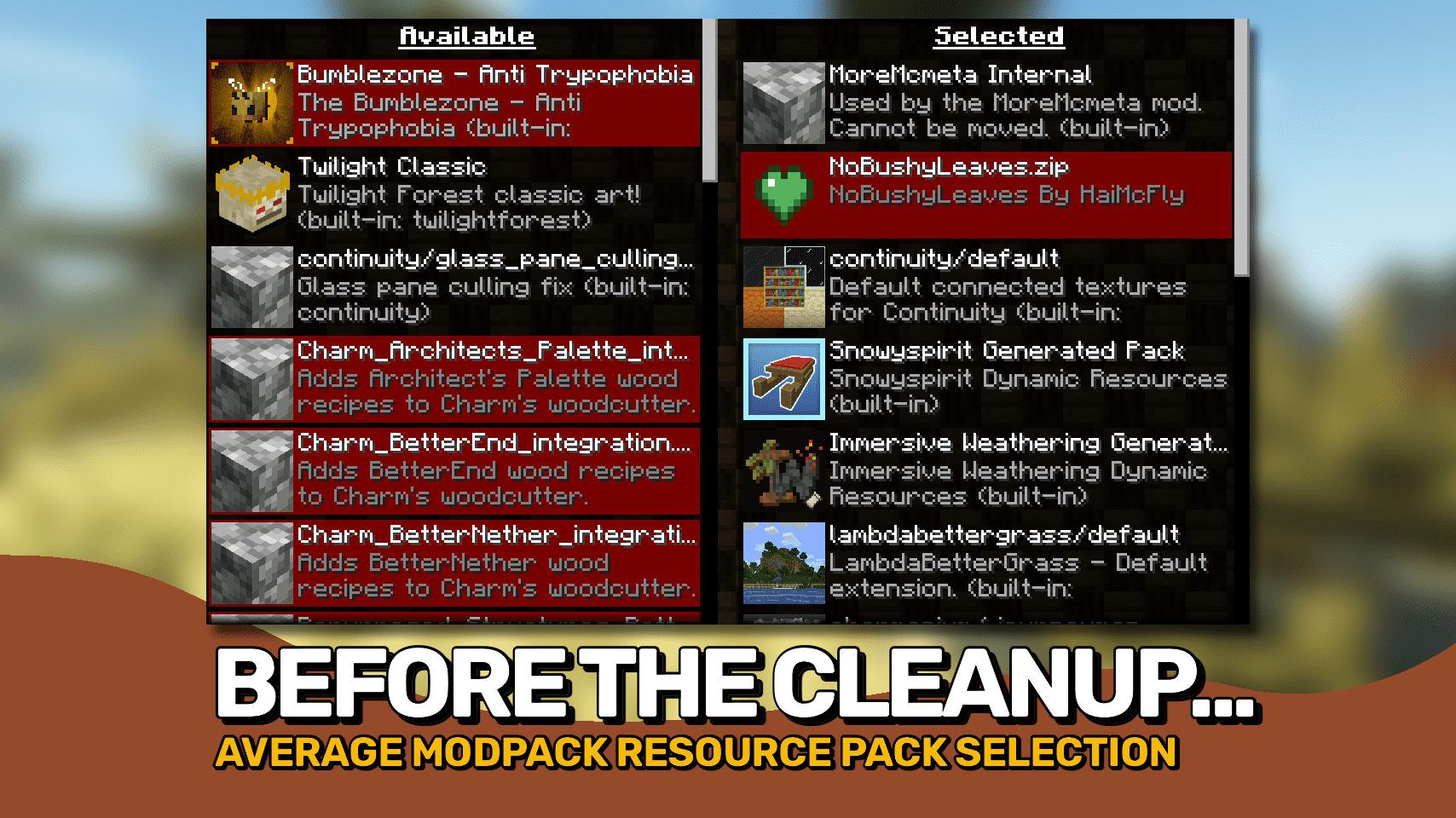
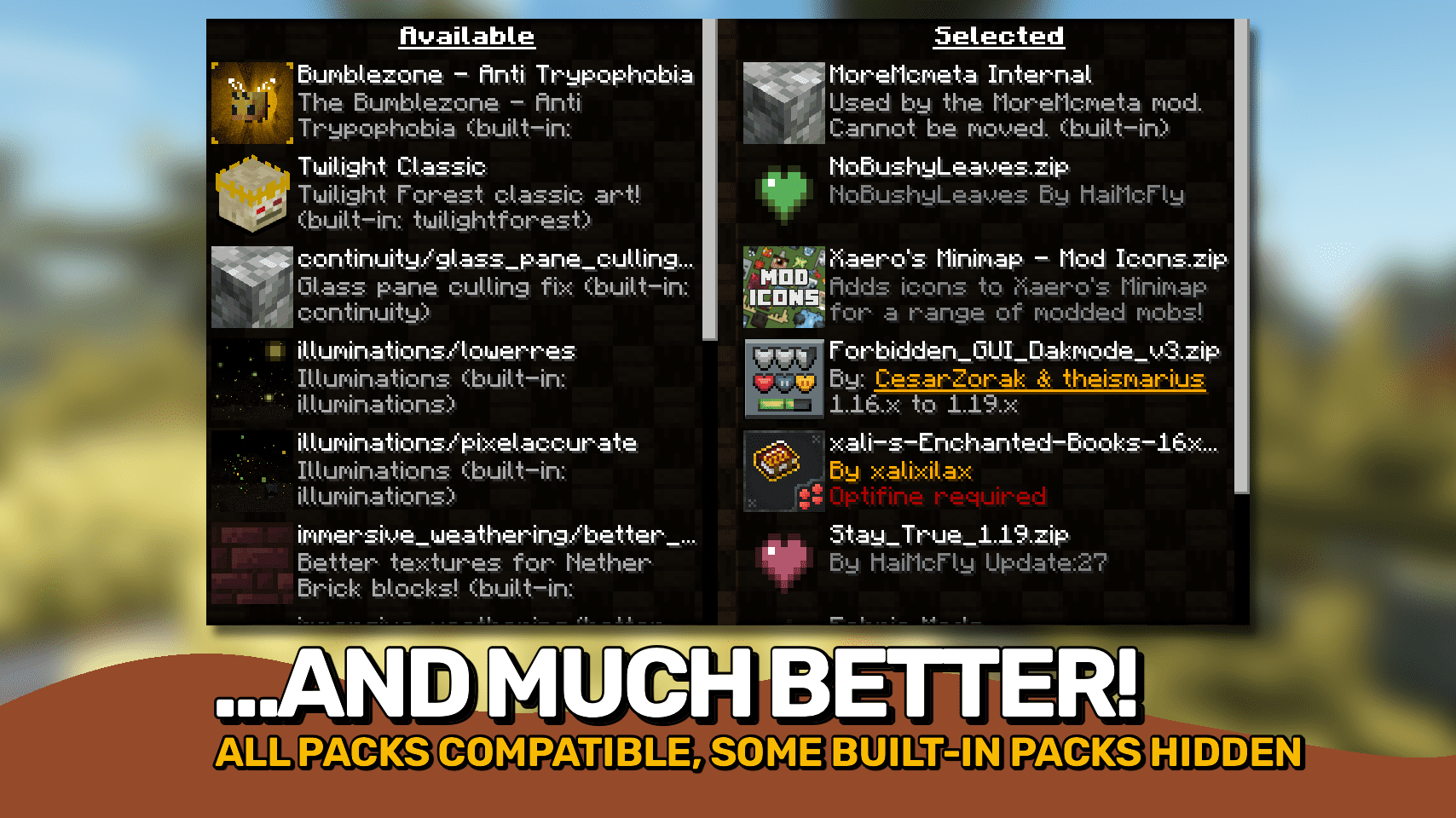
Resource Pack Overrides Mod helps modpack makers manage which resource packs are active. If your modpack needs certain packs to work, this mod ensures they always stay enabled. It can also hide these required packs from the selection screen, preventing players from accidentally disabling them.
Features:
- Set a default list of resource packs that are always enabled, even if a reload fails.
- Keep the order of resource packs the same every time you launch the game.
- Hide specific packs from the selection menu so they cannot be changed by players.
- Force a resource pack to appear as compatible with your version of Minecraft.
- Change the names and descriptions for packs displayed in the list.
- Lock packs into place, making them required and unmovable.
How to Use:
While on the resource pack selection screen, you can use these keys for quick actions:
- R: Reload the configuration file without restarting the game.
- D: Show the internal IDs for all available packs.
- C: Copy the ID of the currently selected pack.
- T: Restore the resource packs to their default settings.
Configuration:
You can configure this mod by editing the resourcepackoverrides.json file. This file is found in your .minecraft/config/ folder and is created automatically.
Screenshots:
How to Install:
New to Minecraft? Follow our step-by-step guide to install Mods on your PC.View Guide
Requirements:





Resource Pack Overrides Mod Download Links
For Minecraft 26.2
For Minecraft 26.1.2, 26.1.1, 26.1
For Minecraft 1.21.11
For Minecraft 1.21.10, 1.21.9
For Minecraft 1.21.8, 1.21.7, 1.21.6
For Minecraft 1.21.5
For Minecraft 1.21.4
For Minecraft 1.21.3, 1.21.2
For Minecraft 1.21.1, 1.21
For Minecraft 1.20.4
For Minecraft 1.20.1
For Minecraft
1.19.3,
1.19.2,
1.19.1
All Versions Covered
1.19.3
1.19.2
1.19.1
1.19
All Versions Covered
1.19.3
1.19.2
1.19.1
1.19
For Minecraft 1.18.2, 1.18.1, 1.18
For Minecraft 1.16.5
Click to rate this post!
[Total: 1 Average: 5]
You May Also Like


This post has no comments yet. Be the first — your comment will appear here.