
Thermal Systeams Mod (1.20.1, 1.19.2) – Double Your Power Output with Steam

 0


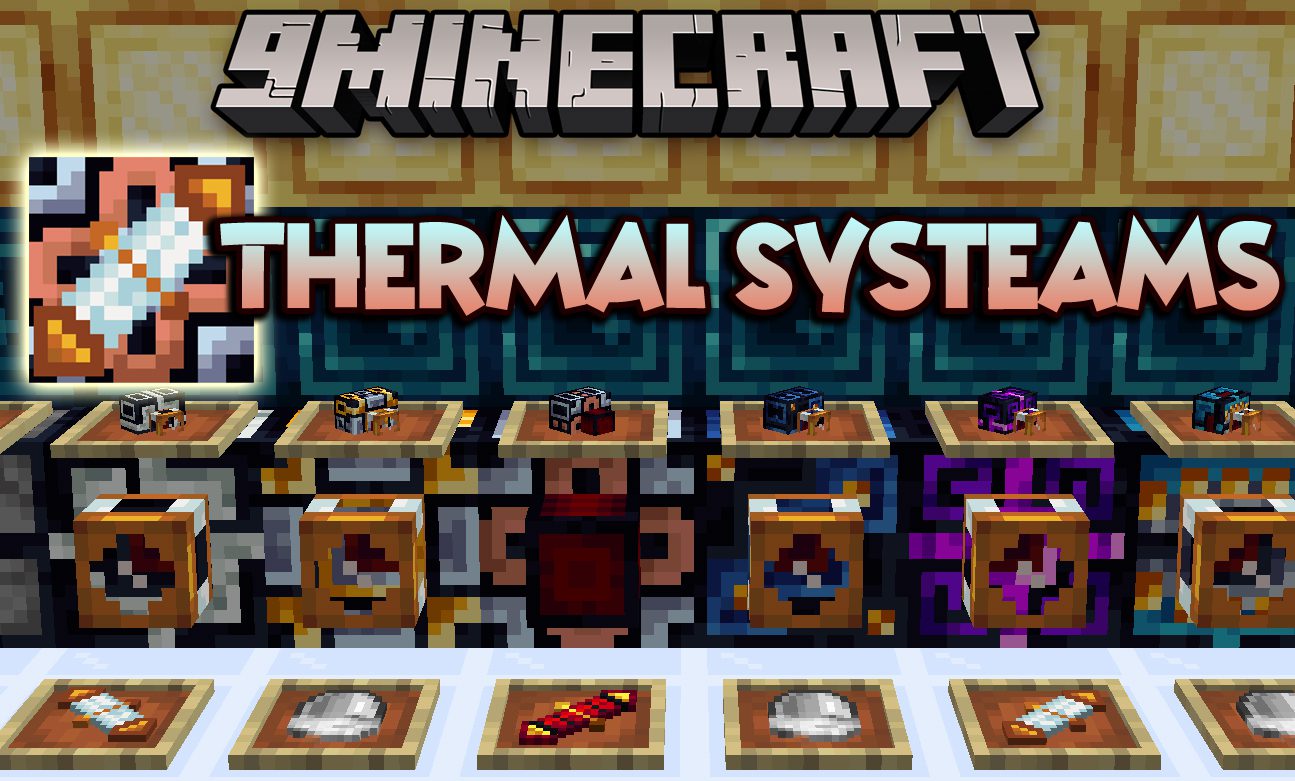
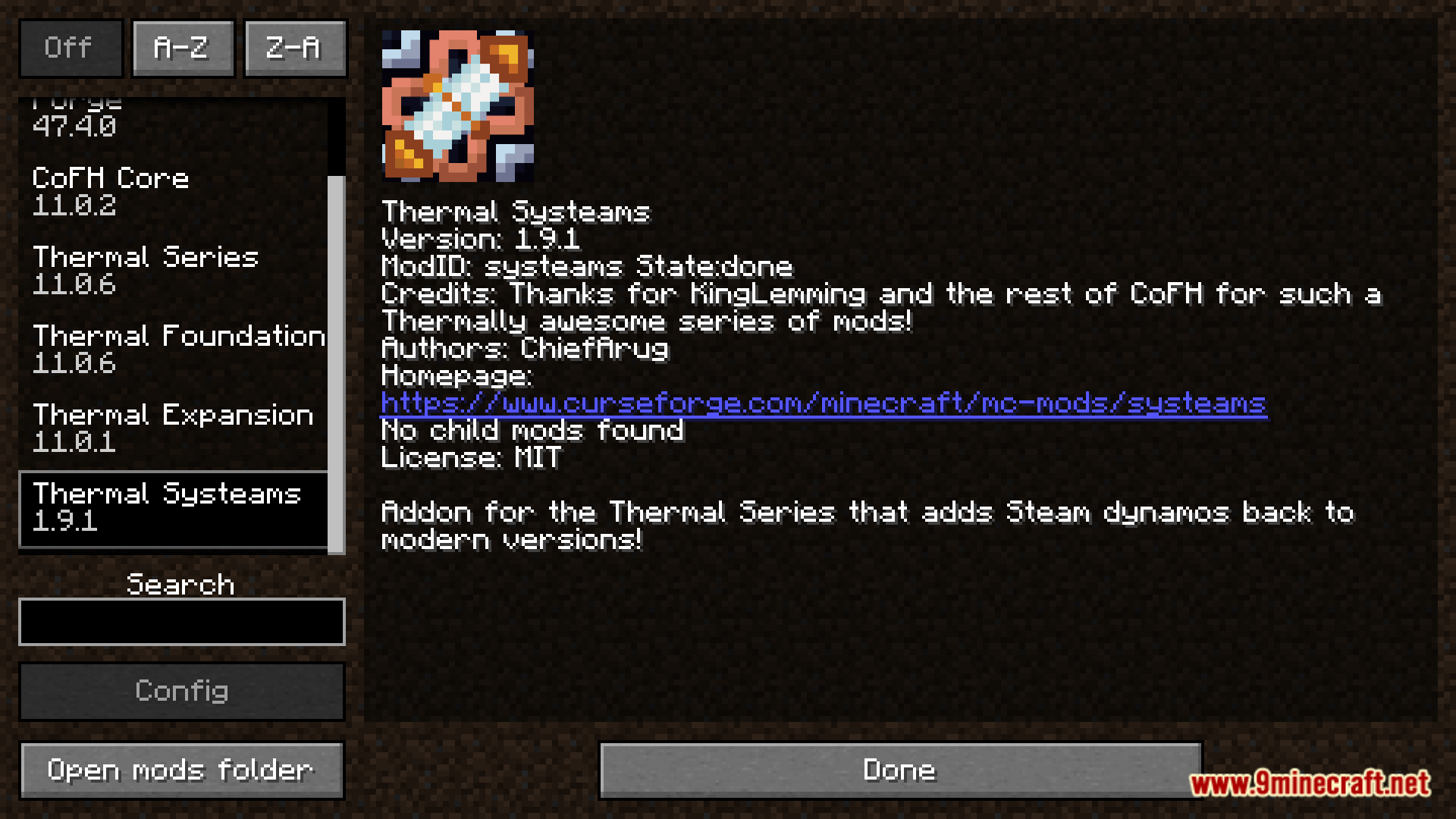
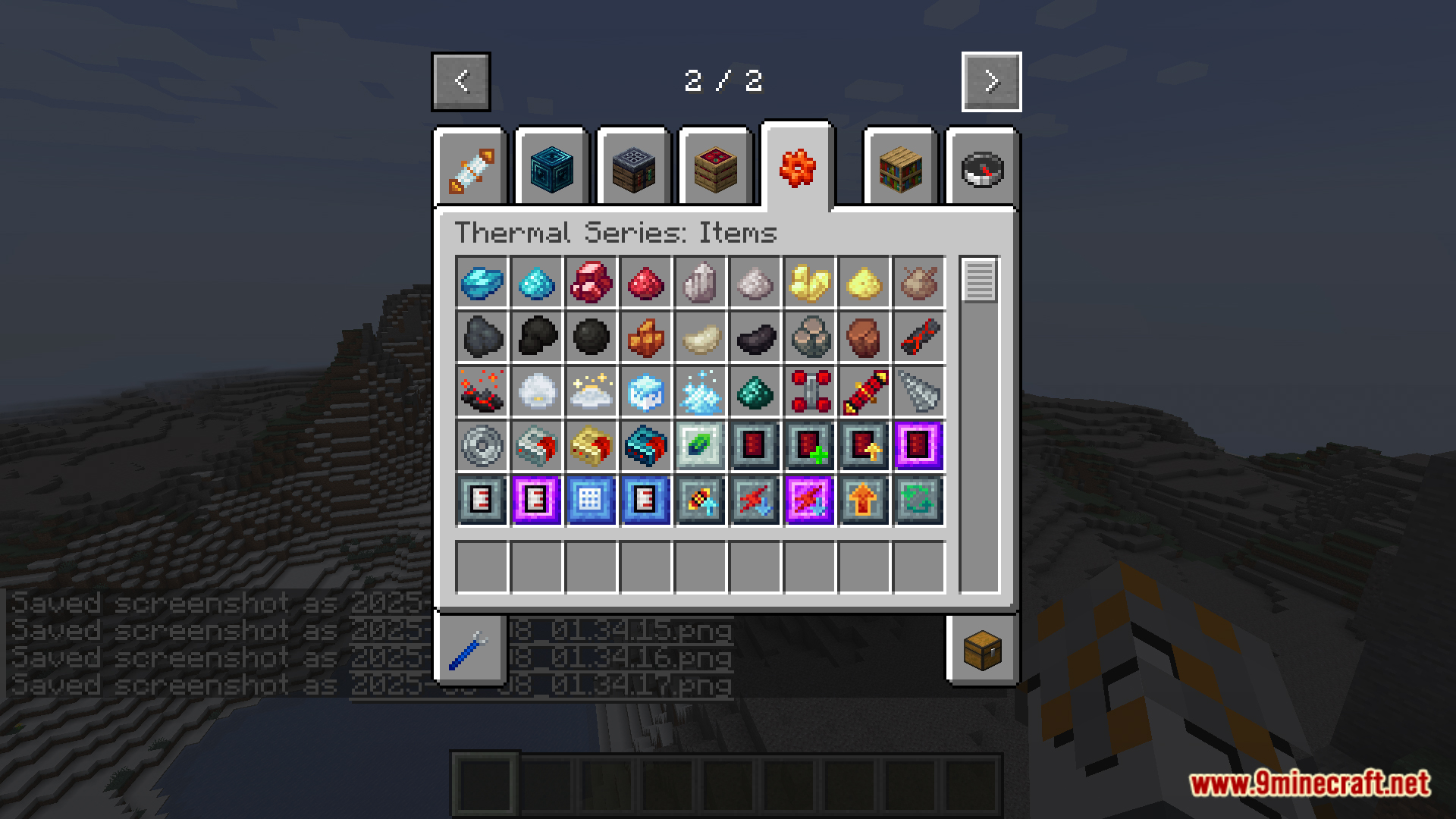
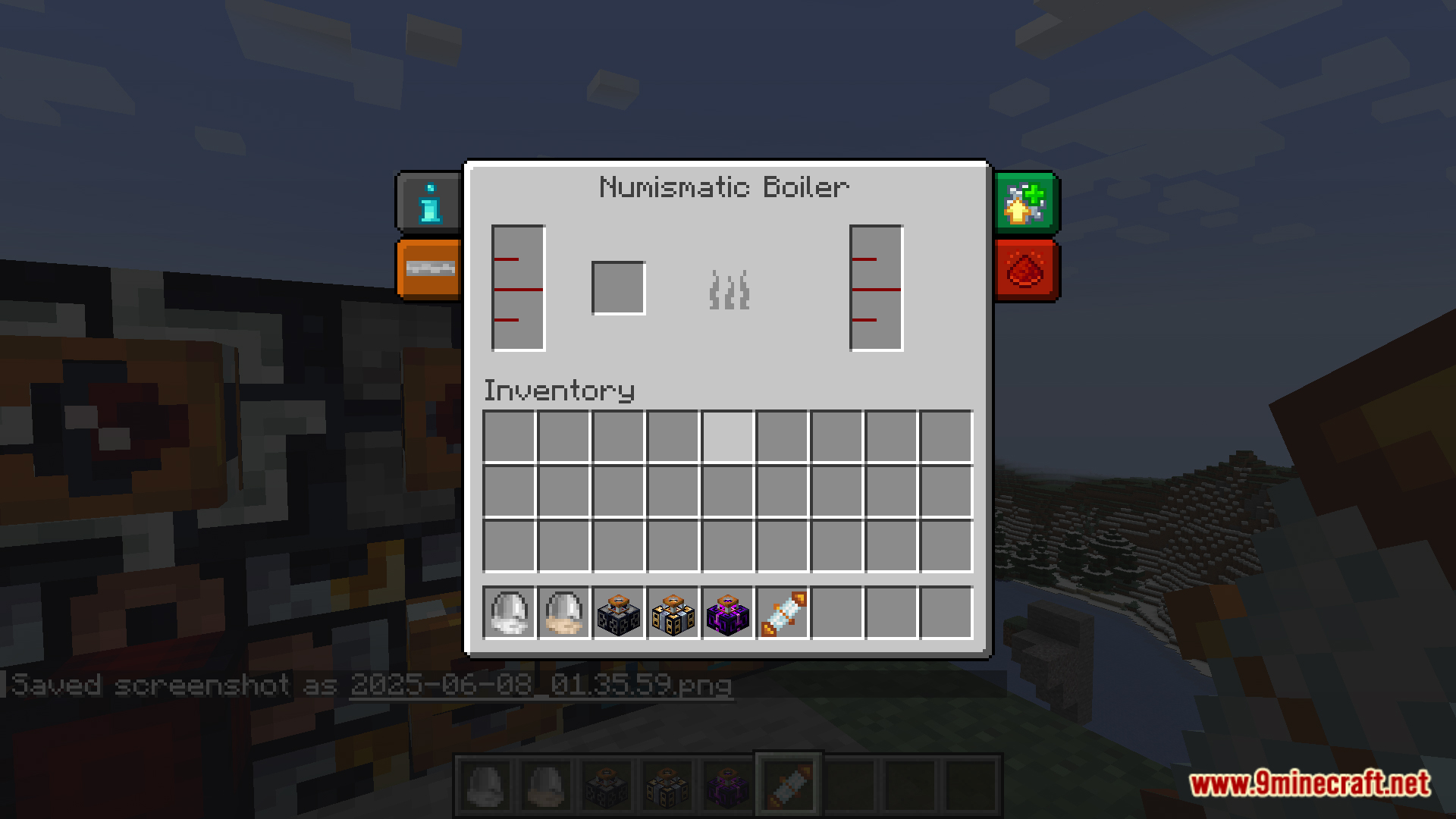
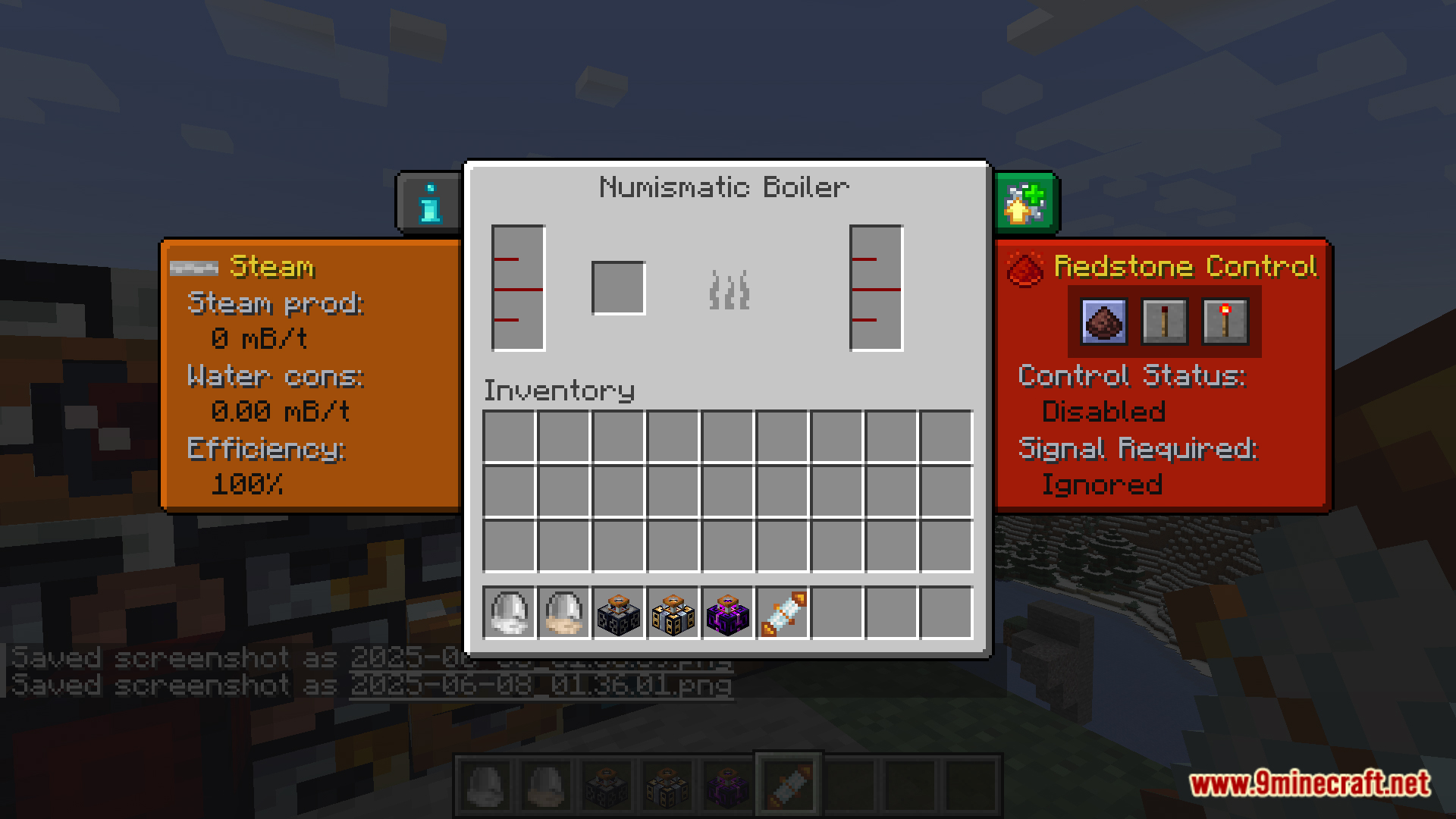
Thermal Systeams Mod extends the Thermal Series with steam power mechanics for your energy setups. This addon brings nine different boilers, a steam dynamo, and plasma generation to help you get more power from fuel. Each boiler turns water and normal dynamo fuels into steam that creates twice the default power of a regular dynamo. You can also swap dynamos and boilers right in the world with a boiler pipe or redstone flux coil. It works alongside Thermal Expansion, Thermal Extra, PneumaticCraft: Repressurized, Mekanism, and JEI, and you can tweak power rates or recipes through server configs, datapacks, KubeJS, or CraftTweaker.
Features:
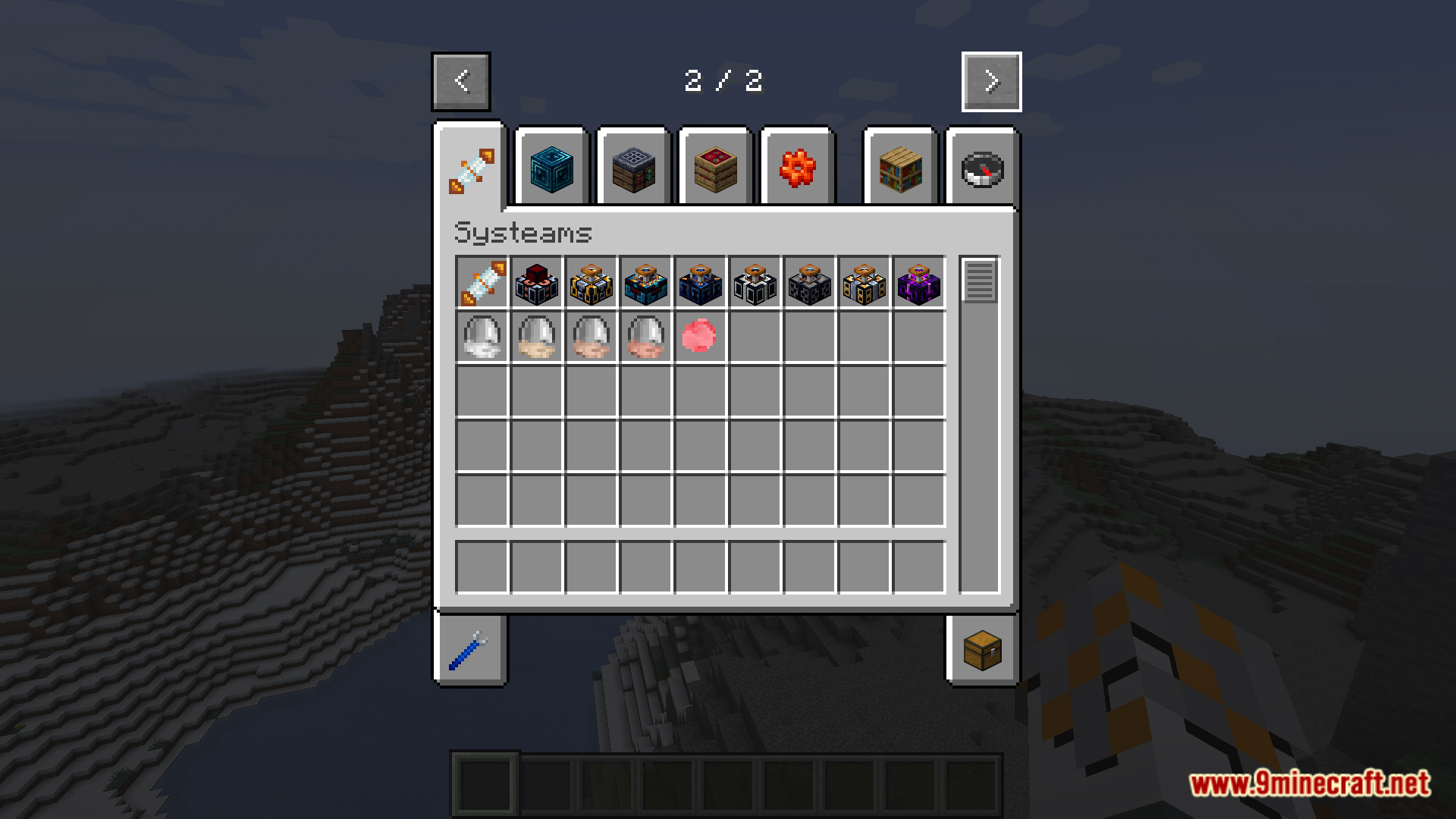
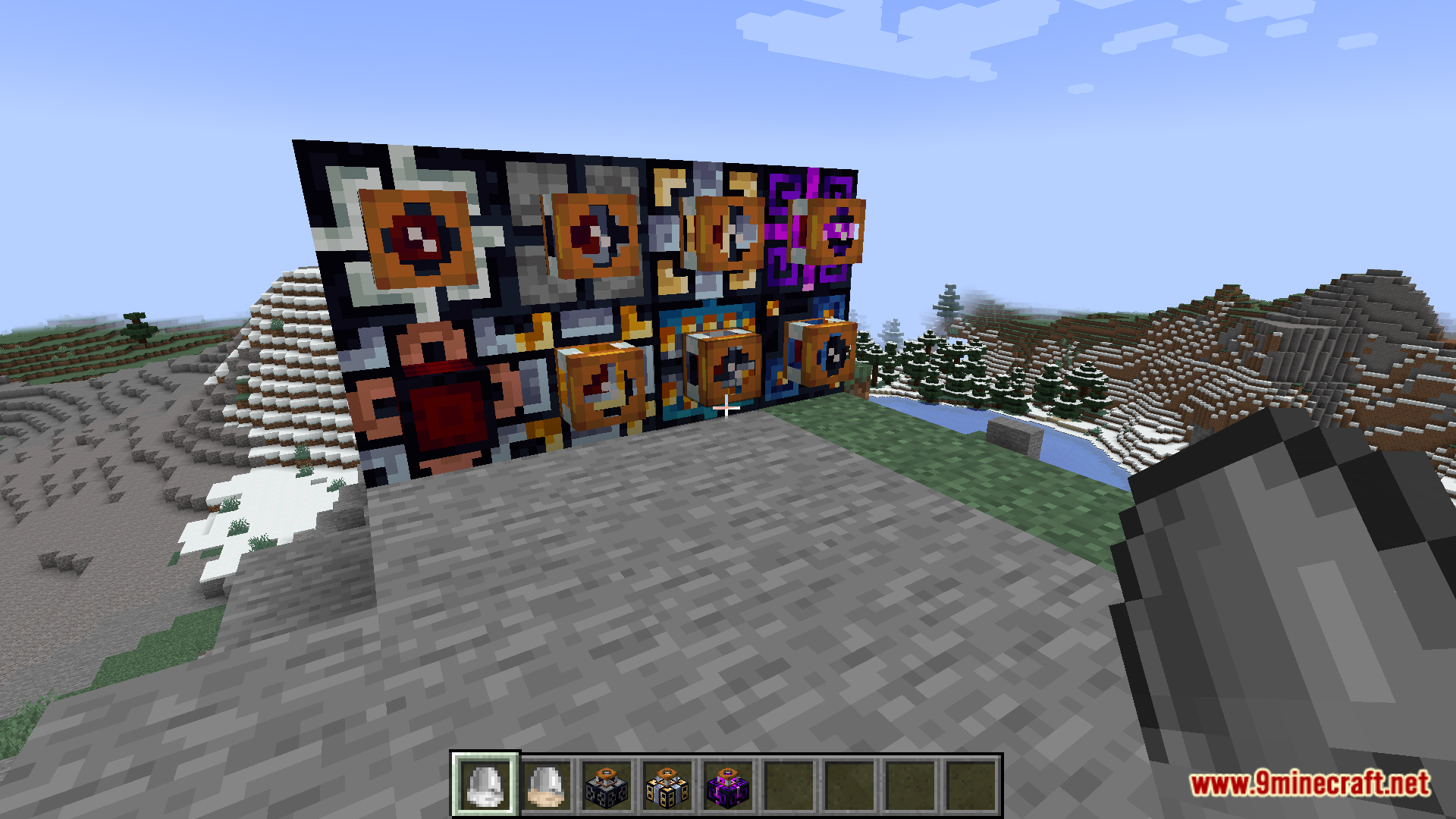
- Adds nine different boilers, including one for each Thermal Expansion dynamo type, one for Thermal Extra’s frost dynamo, and one for PneumaticCraft: Repressurized’s pneumatic dynamo.
- Generates steam from water and the normal fuel of each matching dynamo, which a steam dynamo then turns into power at twice the default rate of a regular dynamo.
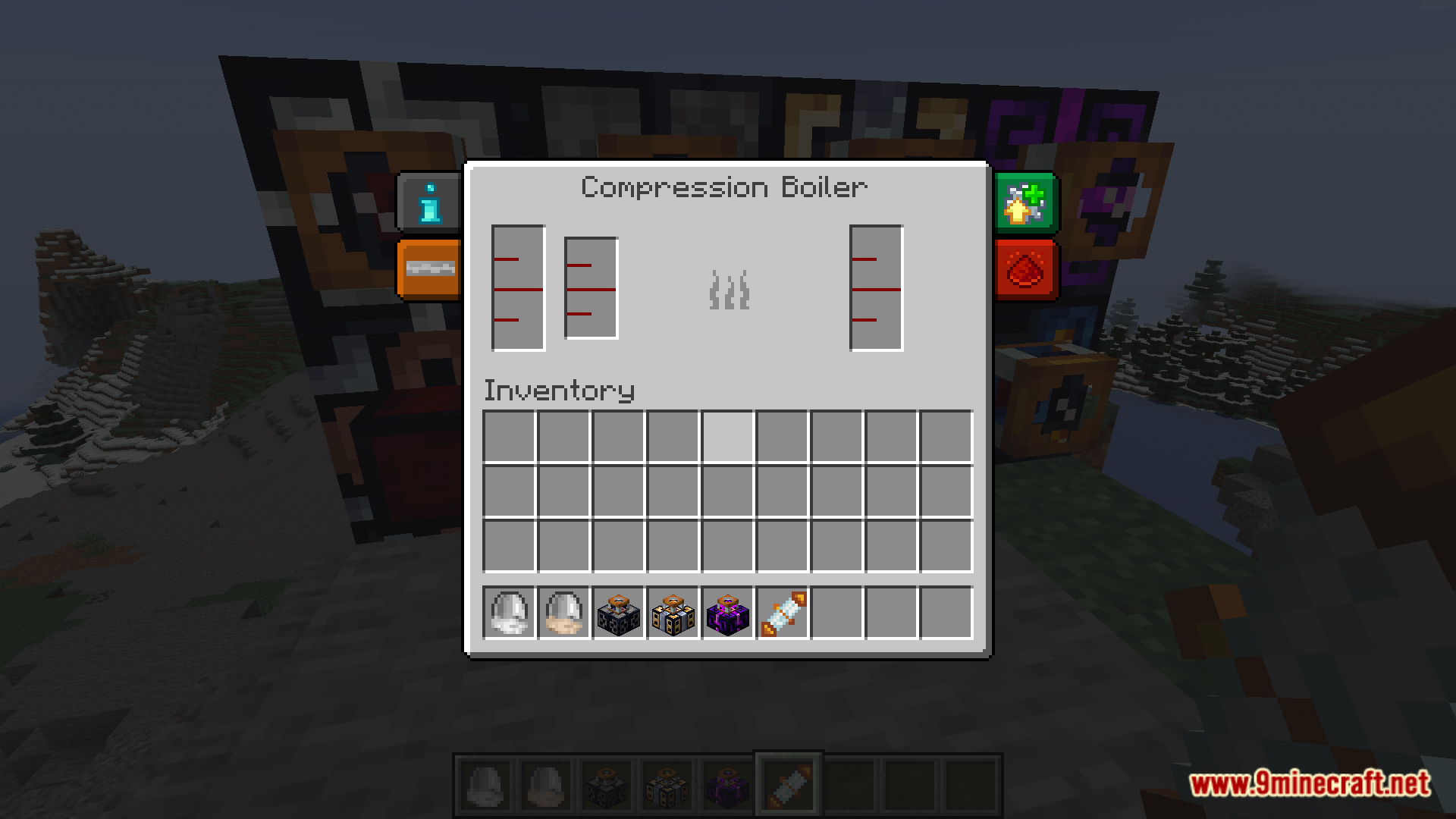
- Lets you place dynamo augments inside boilers to improve generation speed and efficiency.
- Includes in-world block swaps so you can shift right-click a dynamo with a boiler pipe to make a boiler, or shift right-click a boiler with a redstone flux coil to turn it back while getting the replaced part back and keeping contents as much as possible.
- Supports custom boiling recipes and plasma generation as a more efficient way to produce power from fuel.
- Outputs steam as a Mekanism gas so you can pipe it straight into a Mekanism turbine.
- Shows all recipes inside JEI for easy viewing in-game.
- Allows recipe changes through datapacks, KubeJS, or CraftTweaker, with boilers sharing the same recipe lot as their matching dynamos so edits must target the dynamo recipes.
Configuration:
worldname/serverconfig/systeams-server.toml: Adjusts rates and ratios for steam generation and consumption, including the RF to steam ratio.defaultconfigs: Copysysteams-server.tomlinto this folder to apply your settings to all new worlds.
How to Use:
- Hold a boiler pipe and press Shift + Right-click on a dynamo to convert it into a boiler; the coil returns to you and contents stay inside when possible.
- Supply the boiler with water and the normal fuel used by its matching dynamo to make steam.
- Send the steam into a steam dynamo to produce twice the default power of a regular dynamo, or output it as a Mekanism gas into a Mekanism turbine.
- Insert dynamo augments into your boiler to improve its generation speed and efficiency.
- Hold a redstone flux coil and press Shift + Right-click on a boiler to convert it back into a dynamo; the boiler pipe returns to you and contents stay inside when possible.
- Open
worldname/serverconfig/systeams-server.tomlto tweak steam generation, consumption, and RF to steam ratios, and copy the file to thedefaultconfigsfolder to apply those settings to every new world.
Screenshots:

How to Install:
New to Minecraft? Follow our step-by-step guide to install Mods on your PC.View Guide



Thermal Systeams Mod Download Links
For Minecraft 1.20.1, 1.20
Forge/NeoForge version: Download from Server 1 – Download from Server 2
For Minecraft 1.19.2
Forge version: Download from Server 1 – Download from Server 2
For Minecraft 1.18.2
Forge version: Download from Server 1 – Download from Server 2
How do you handle updating your mods when a new Minecraft version drops?
32 responses · See the full results →
You May Also Like
Picked for this page
 Immersive Petroleum Mod (1.21.1, 1.20.1) – Power Your World with Oil
 Create Crafts and Additions Mod (1.21.1, 1.20.1) – Electrifying the Create Mod
 OpenBlocks Elevator Mod (26.3, 1.20.1) – Fastest Elevator Ever
 Project Red Mod (1.21.1, 1.20.1) – Run Redstone Up Your Walls
 Create The Factory Must Grow Mod (1.21.11, 1.20.1) – The Age of Diesel and Electricity
 Compact Machines Mod (1.21.8, 1.20.1) – Build a Factory in a Block
 Integrated Dynamics Mod (26.3, 1.20.1) – Automation & Integration Networks
 Deep Resonance Mod (1.21.1, 1.20.1) – Build a Power Plant Fueled By Crystals
 Extreme Reactors Mod (1.21.1, 1.20.1) – Fuel Your Industrial Base
 Crossroads MC Mod (1.21.11, 1.20.1) – Earn Magic with Technology
 Maid Restaurant Mod (1.21.1, 1.20.1) – Makes Maids Cook And Serve Food
 Kaleidoscope Texture Expansion Mod (1.21.1, 1.20.1) – See Unique Meals
Most viewed in Mods over the last 7 days
 Ala Industrial Mod (26.3) – Run Electric Power Grids and Automated Factories
 PleasureCraft Mod (26.3, 1.21.1) – Jenny Mod Remake for Fabric
 Jennycraft Mod (26.3, 1.20.1) – Virtual Girlfriend in Minecraft
 Fapcraft Mod (26.3, 1.12.2) – Comprehensive and Detailed Content
 Jenny Mod (Fapcraft) Official Complete Guide – How to use, Tutorial
 BangCraft Mod (1.20.1) – Jenny, Ellie and Elliot
 Fabric Loader (26.3, 1.20.1) – Fabric Installer for All Minecraft Versions
 The Shooting Star Demo Mod (26.3, 1.20.1) – Vaporize Terrain From Orbit
 Meteor Client Mod (26.3, 1.20.1) – Xray, HUD, Fly
 OptiFine HD (26.3, 1.20.1) – Run Faster, FPS Boost, Shaders Support
 Aristois Client Mod (1.21.4, 1.20.1) – World Class Minecraft Utility
 Prestige Client Mod (1.21.11, 1.21.4) – Powerful Ghost Features for Crystal & Sword PvP
More from Mods
 Naruto Shippuden Mod (26.3, 1.16.5) – Immerse Yourself in The World of Ninja
 Araxer’s Bestiary Mod (26.3, 1.20.1) – Build an In-Game Encyclopedia of Every Mob
 Villagers Plus Mod (26.3, 1.20.1) – Expanded Villager Types and Villages
 Ore Excavation 9minecraft Mod (26.3) – Mine Ores and Chop Trees in a Single Swing
 Dirigo Mod (26.1.2, 1.21.1) – Walk Across Nether Lava Seas and Automate Animal
 HandLib Mod (26.3, 1.21.1) – Keep Your Multiplayer World Stable
 Happy Ghasts Boost Mod (26.1.2, 1.20.1) – Fly Across Vast Distances at Top Speed
 LiquidBounce Client Mod (26.3, 1.20.1) – LiquidLauncher, A Free Client
 Create Hand Made Mod (1.21.1) – Craft Create Recipes By Hand in Your Workshop
 Seed Map for Xaero Mod (26.1) – See Rare Biomes and Dungeons Before You Travel
 MCPersist Mod (26.3) – Keep Your World Online for Friends Even After Logging Off
 Minecraft Java MCP Server Mod (1.21.11) – Command Your World Through External AI Tools

This post has no comments yet. Be the first — your comment will appear here.