
WorldEditCUI Forge Edition 3 Mod (1.18.1, 1.16.5) – Build with Zero Guesswork

 0


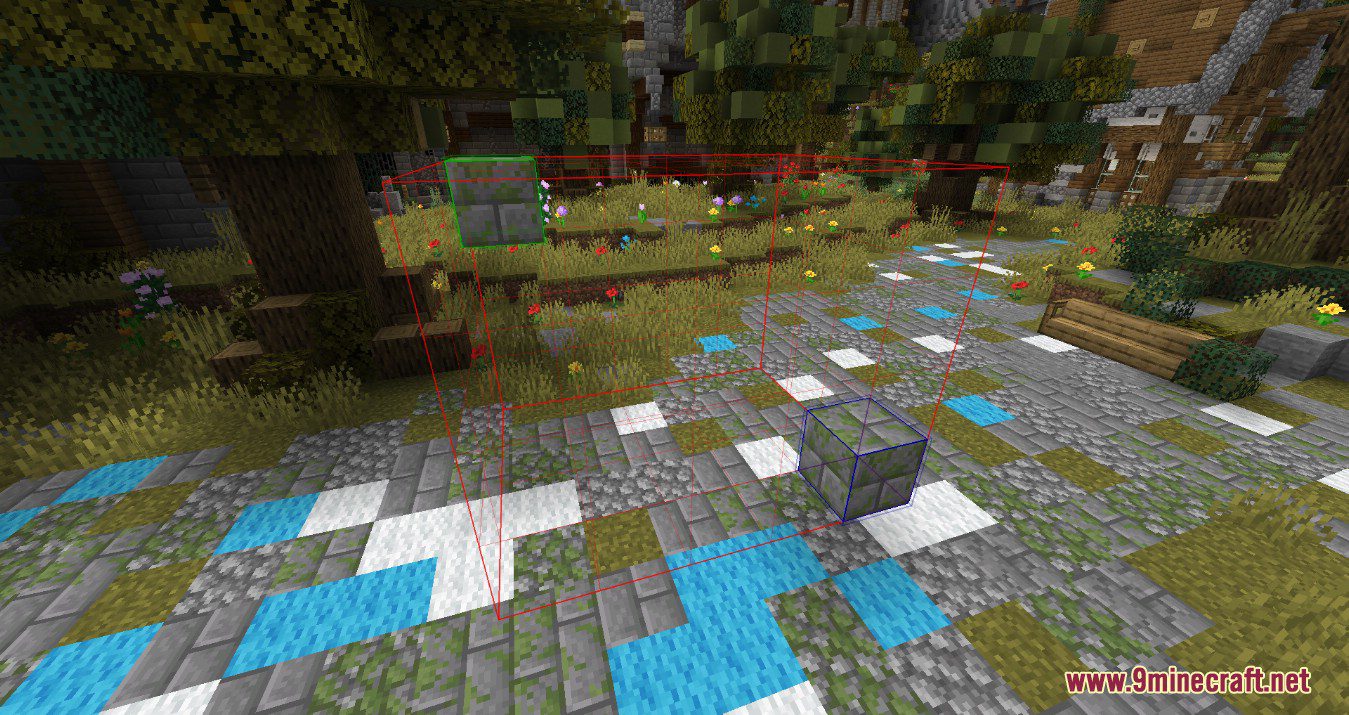
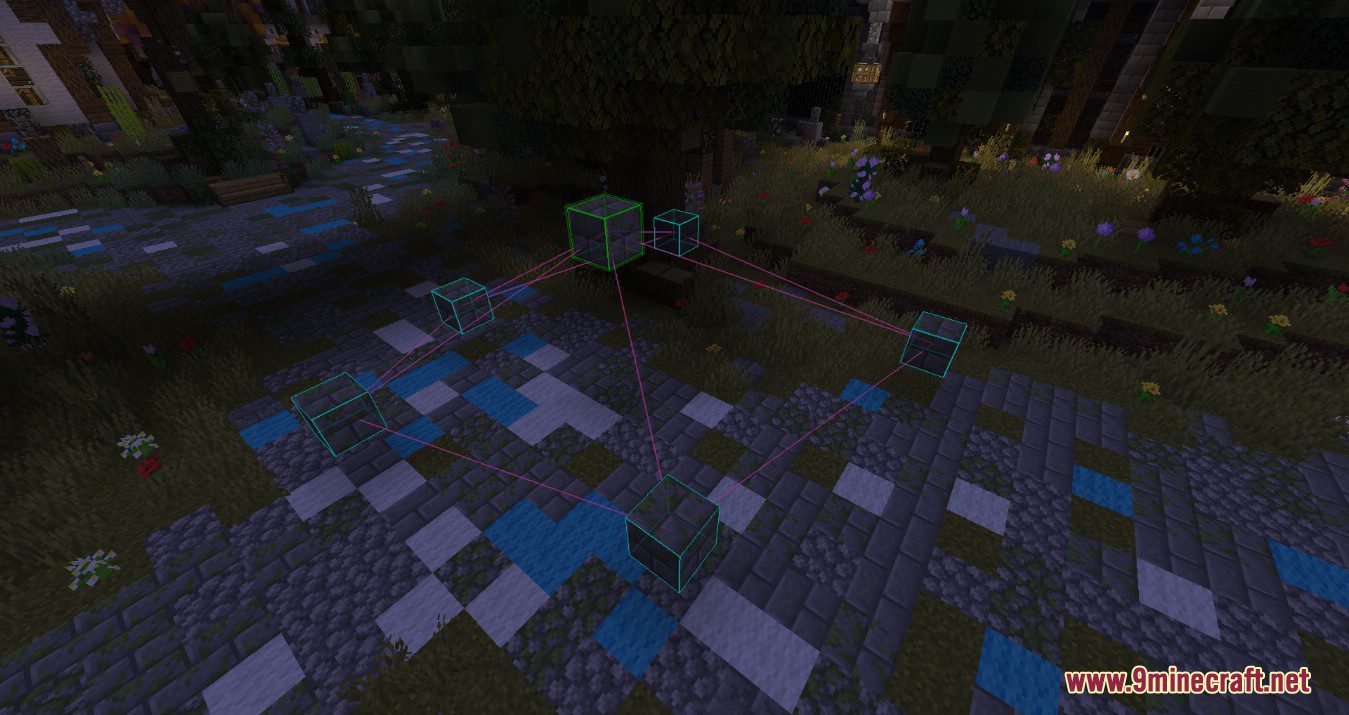
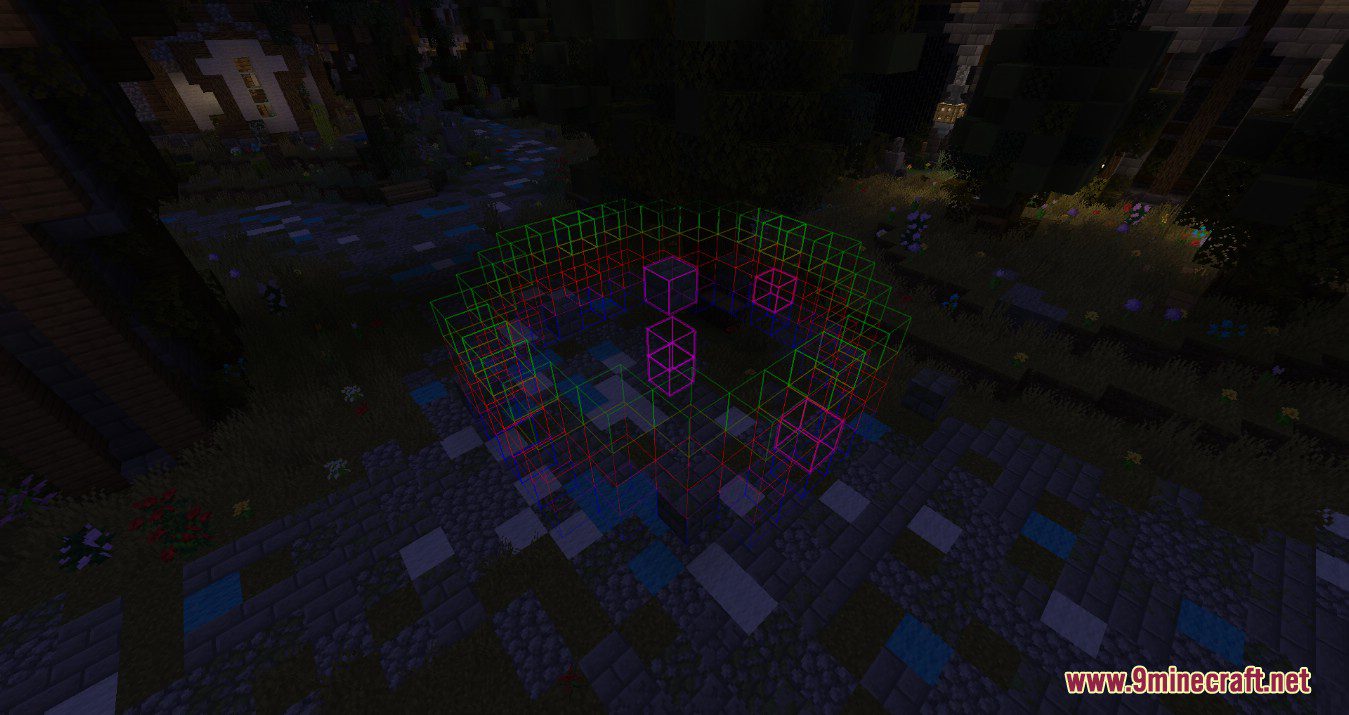
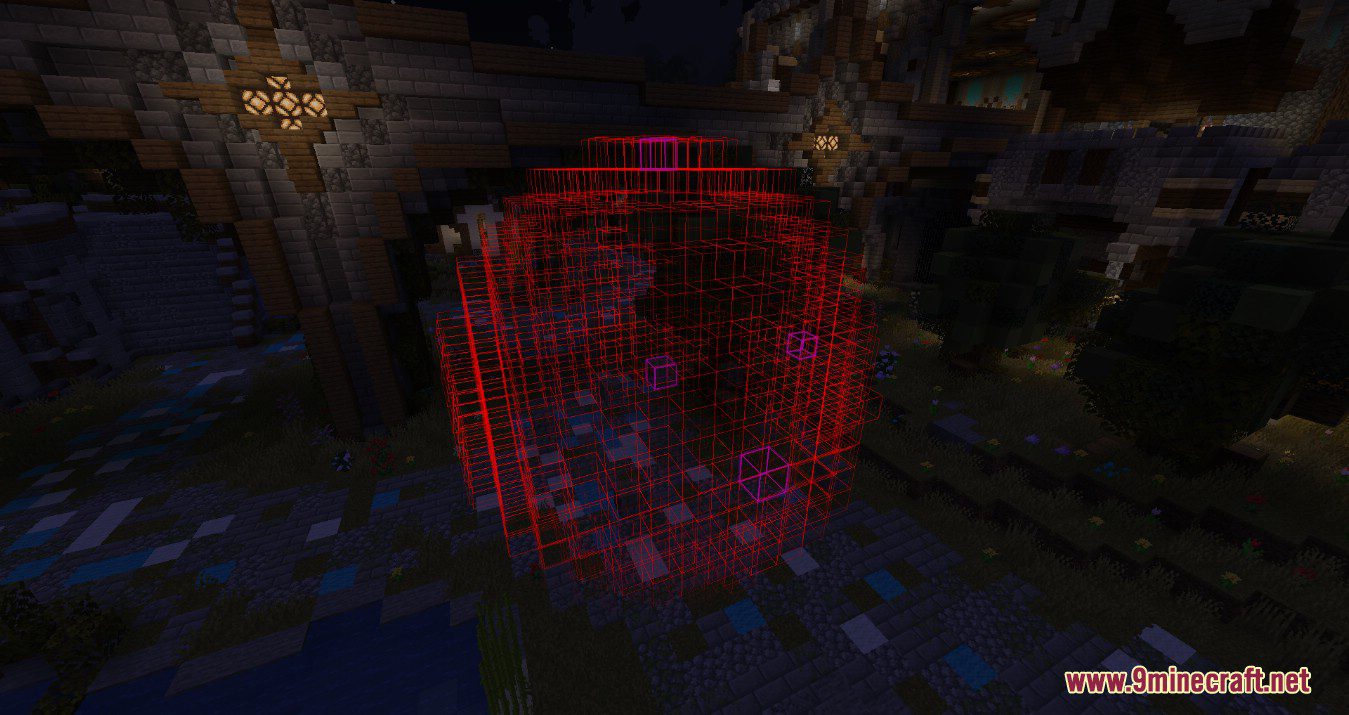
WorldEditCUI Forge Edition 3 Mod adds a client-side user interface for WorldEdit so you can see your selected region right in the game in real time. It helps you work faster and with better accuracy, especially when you make Polygon, Convex Hull, and Cylinder selections. The mod supports both WorldEdit and GriefDefender, and it also brings a custom chunk renderer and a distance measurer. You can pick any color you like through its options screen instead of using only standard Minecraft colors. This mod runs on the client side, has no connection to WorldEdit, and does not include WorldEdit itself.

Features:
- Displays your WorldEdit and GriefDefender selections on screen right away in real time.
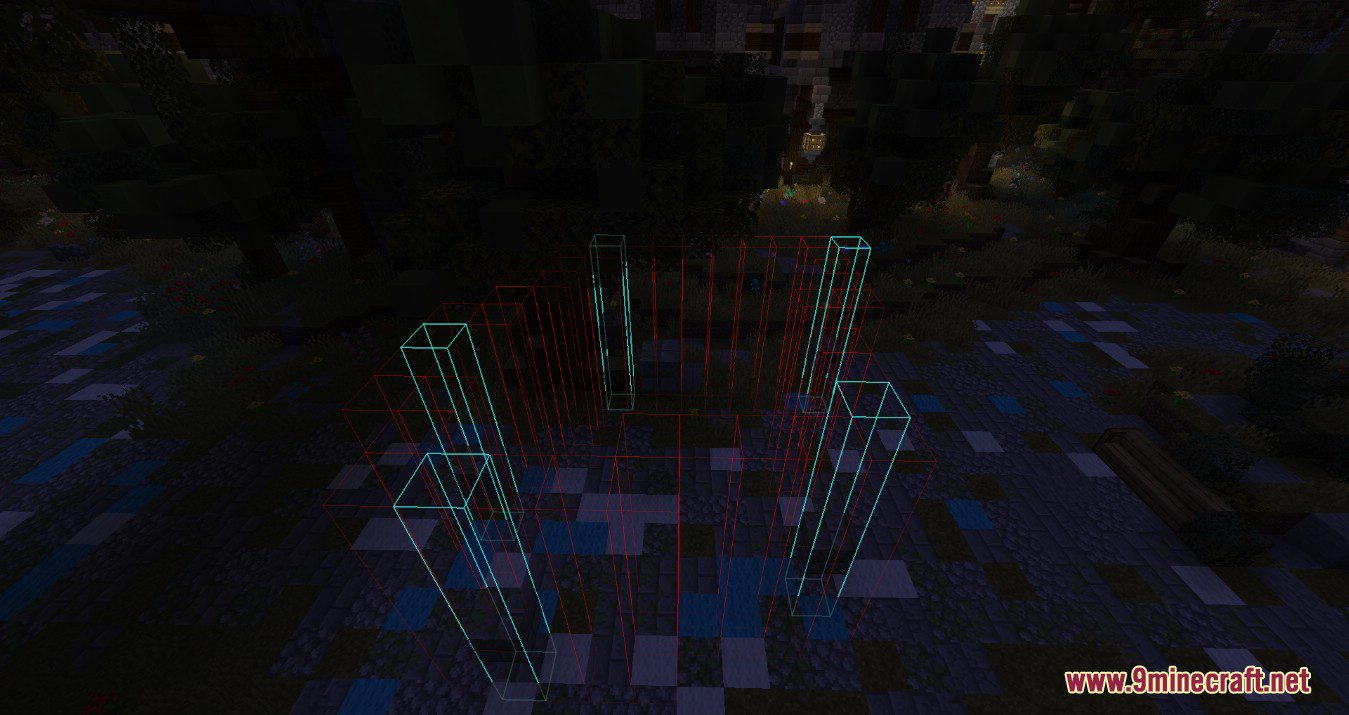
- Makes complex selection shapes like Polygon, Convex Hull, and Cylinder easier to see and edit accurately.
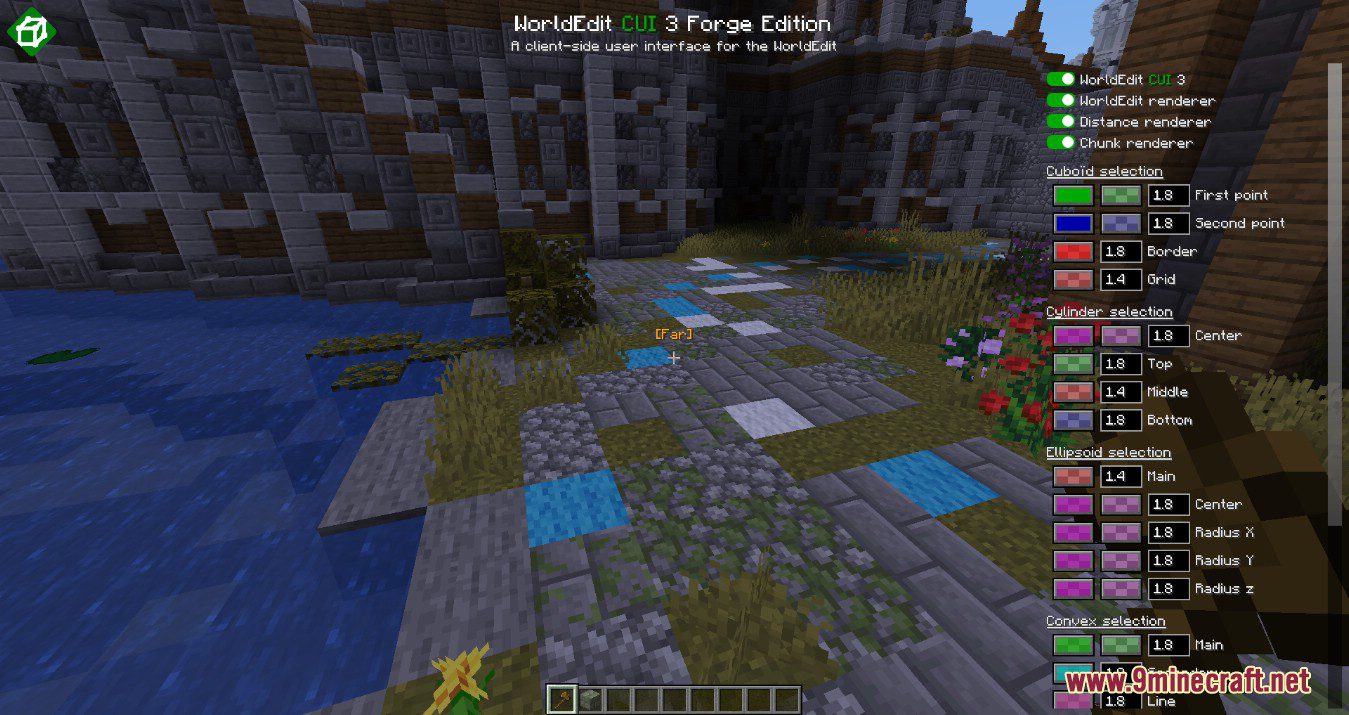
- Lets you customize every single color using a new style of options screen.
- Removes the limit of standard Minecraft colors so you can choose any color that fits your style.
- Includes a chunk renderer that works like the Forge chunk renderer with fully customizable colors.
- Adds a distance measurer tool so you can check block positions in the game.
Commands:
//sel: Clears your current selection from the screen.
How to Use:
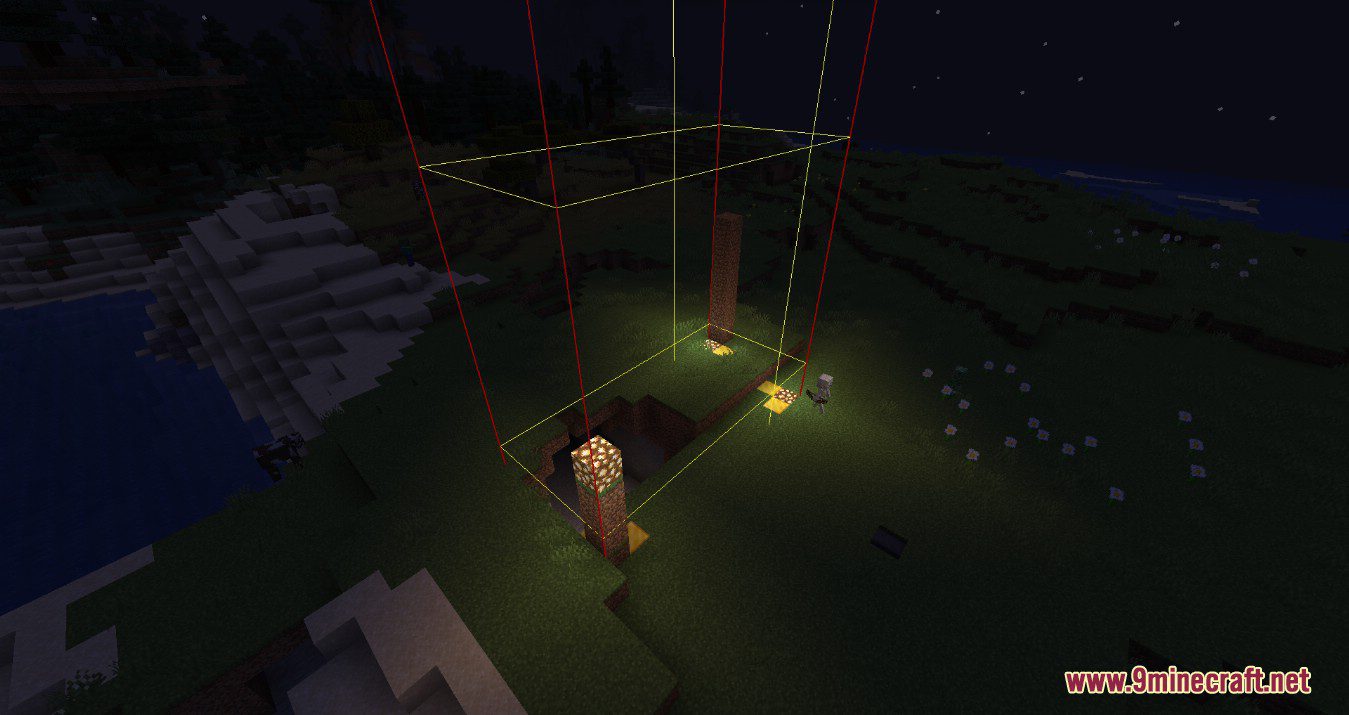
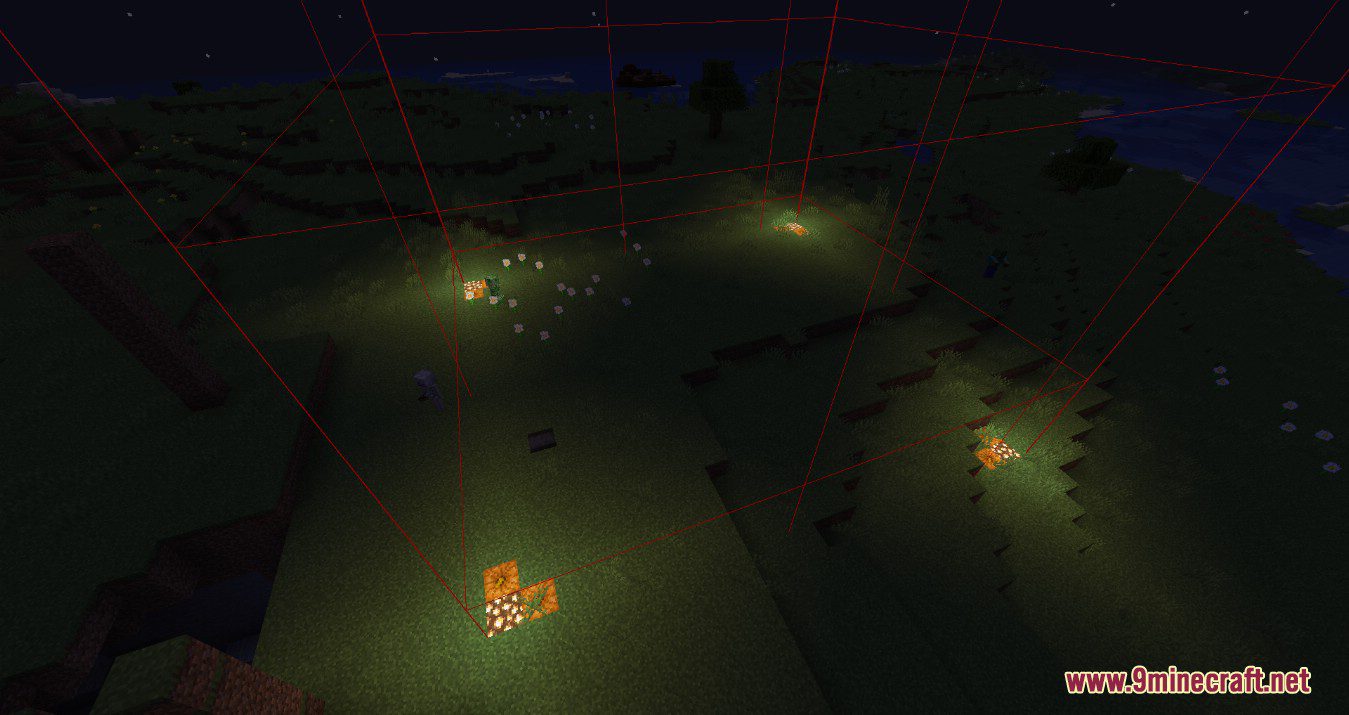
- Join a server with WorldEdit and make a region selection; your selected boundary appears on screen right away.
- Open the options screen to change the colors of your selections and chunk renderer to any shade you want.
- Type
//selin chat whenever you want to clear your active selection.
Screenshots:
How to Install:
New to Minecraft? Follow our step-by-step guide to install Mods on your PC.View Guide
WorldEditCUI Forge Edition 3 Mod Download Links
For Minecraft 1.18.1
Forge version: Download from Server 1
For Minecraft 1.17.1
Forge version: Download from Server 1
For Minecraft 1.16.5
Forge version: Download from Server 1
For Minecraft 1.15.2
Forge version: Download from Server 1
For Minecraft 1.14.4
Forge version: Download from Server 1
For Minecraft 1.12.2
Forge version: Download from Server 1
For Minecraft 1.11.2
Forge version: Download from Server 1
For Minecraft 1.10.2
Forge version: Download from Server 1
For Minecraft 1.9.4
Forge version: Download from Server 1
You May Also Like
Picked for this page
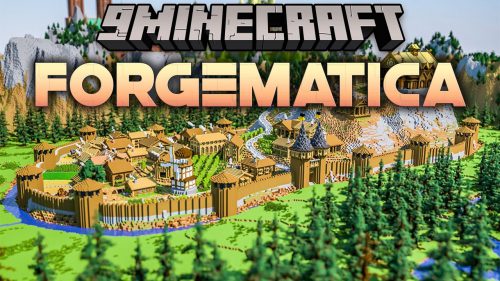 Forgematica Mod (26.2, 1.20.1) – Litematica Forge Version
 Potion Rings Mod (26.3, 1.21.1) – Simple Bauble Rings with Potion Effects
 YUNG’s API (26.3, 1.21.11) – Explore Better Structures
 Smooth Boot Mod (1.21.1, 1.20.1) – Improve and Tweak Minecraft CPU Scheduling
 Nature’s Compass Mod (26.3, 1.20.1) – Find Any Biome
 MaFgLib Mod (26.3, 1.20.1) – MaLiLib Forge Port
 Advanced Finders Mod (26.3, 1.20.1) – New Compasses
 Sinytra Connector Mod (1.21.11, 1.20.1) – Fabric Mod Support on Forge and NeoForge
 VTDownloader Mod (26.2, 1.20.1) – In-Game Resource Pack Downloads
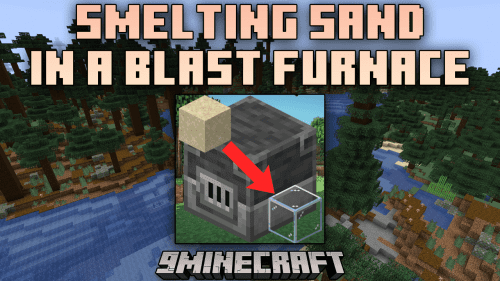 Smelting Sand In A Blast Furnace Mod (26.2, 1.20.1) – Faster Smelting
 FPS Overlay Mod (26.2, 1.20.1) – Displays FPS on the Screen
 ViesCraft Machines Mod (1.19.2, 1.12.2) – Build Machines to Travel the World
Most viewed in Mods over the last 7 days
 Ala Industrial Mod (26.3) – Run Electric Power Grids and Automated Factories
 PleasureCraft Mod (26.3, 1.21.1) – Jenny Mod Remake for Fabric
 Jennycraft Mod (26.3, 1.20.1) – Virtual Girlfriend in Minecraft
 Fapcraft Mod (26.3, 1.12.2) – Comprehensive and Detailed Content
 Jenny Mod (Fapcraft) Official Complete Guide – How to use, Tutorial
 BangCraft Mod (1.20.1) – Jenny, Ellie and Elliot
 Fabric Loader (26.3, 1.20.1) – Fabric Installer for All Minecraft Versions
 Meteor Client Mod (26.3, 1.20.1) – Xray, HUD, Fly
 The Shooting Star Demo Mod (26.3, 1.20.1) – Vaporize Terrain From Orbit
 OptiFine HD (26.3, 1.20.1) – Run Faster, FPS Boost, Shaders Support
 Aristois Client Mod (1.21.4, 1.20.1) – World Class Minecraft Utility
 SchnurriTV Mod (1.12.2) – Characters and Features
More from Mods
 Offgrid Mod (26.3, 1.20.1) – Furnish Compact Interiors Without Strict Grid
 Tempest Almanac Iron’s Spells ‘n Spellbooks Mod (1.21.1, 1.20.1)
 Chat Guides Mod (26.3, 1.21.11) – Never Memorize Complex Server Commands Again
 TRMT Reimagined the Roads More Travelled Mod (26.3, 1.20.1)
 Morrowless Mod (1.21.1) – Defend Your Shelter From Nightmare Creatures
 THE SLOPSTROSITY Mod (1.21.1) – Battle a Ridiculous Slime Boss
 Decoween Mod (1.21.1, 1.20.1) – Transform Ordinary Survival Bases
 Simply Light 9minecraft Mod (26.3) – Decorate Builds Without Torches
 Alex’s Caves Continued Mod (26.3, 1.20.1) – Conquer Six Massive Underground
 Anvil Uses Mod (26.3, 1.20.1) – Track Item Anvil Usage
 Animal Info Mod (26.3, 1.21.11) – Quick Stats For Your Animals
 Timber Tales Dynamic Tree System Mod (26.3, 1.20.1) – Watch Entire Trees Topple

This post has no comments yet. Be the first — your comment will appear here.