
Slabs Expanded Mod (1.20.4, 1.19.4) – Build Detailed Structures with Any Block

 0


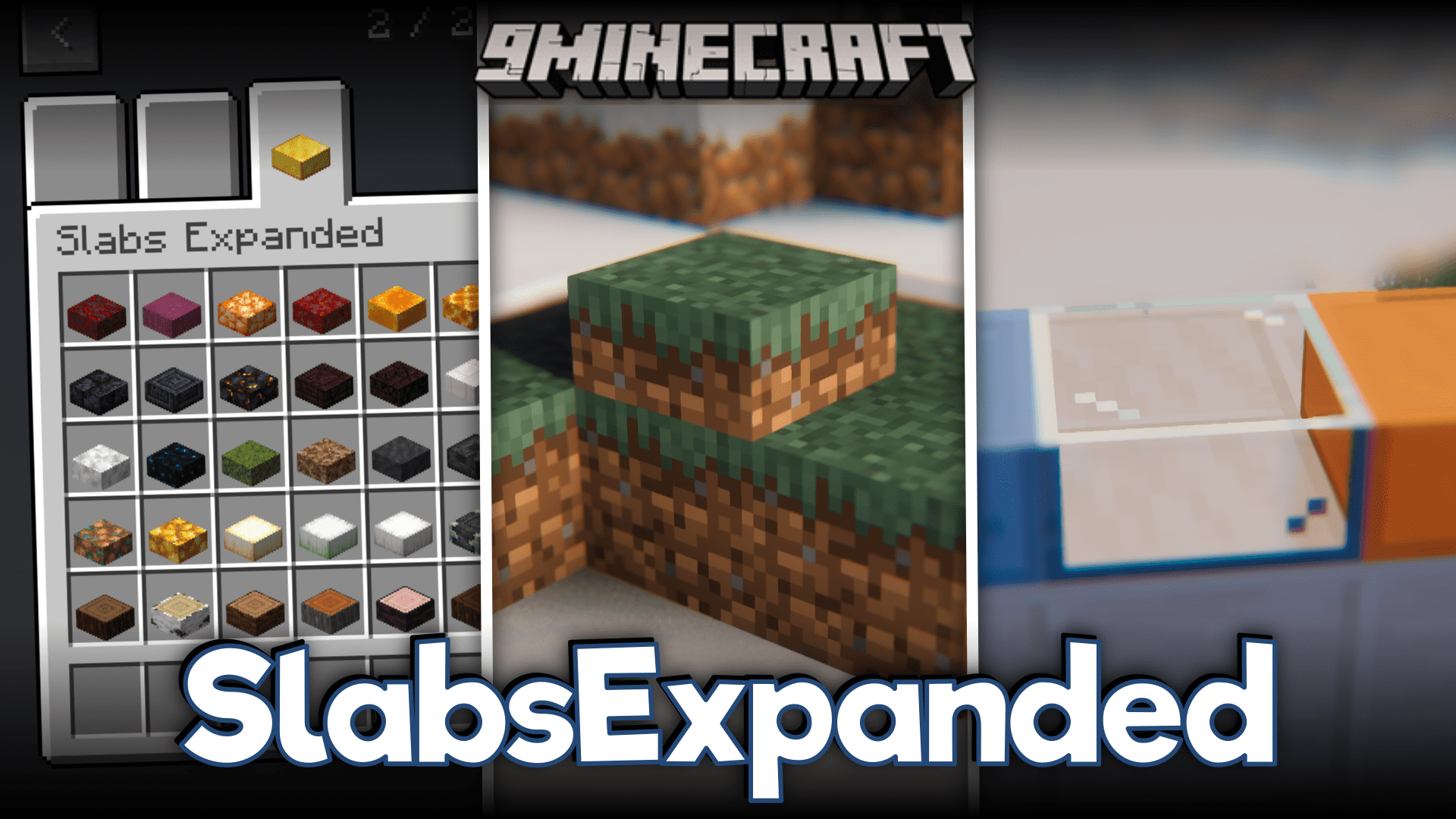
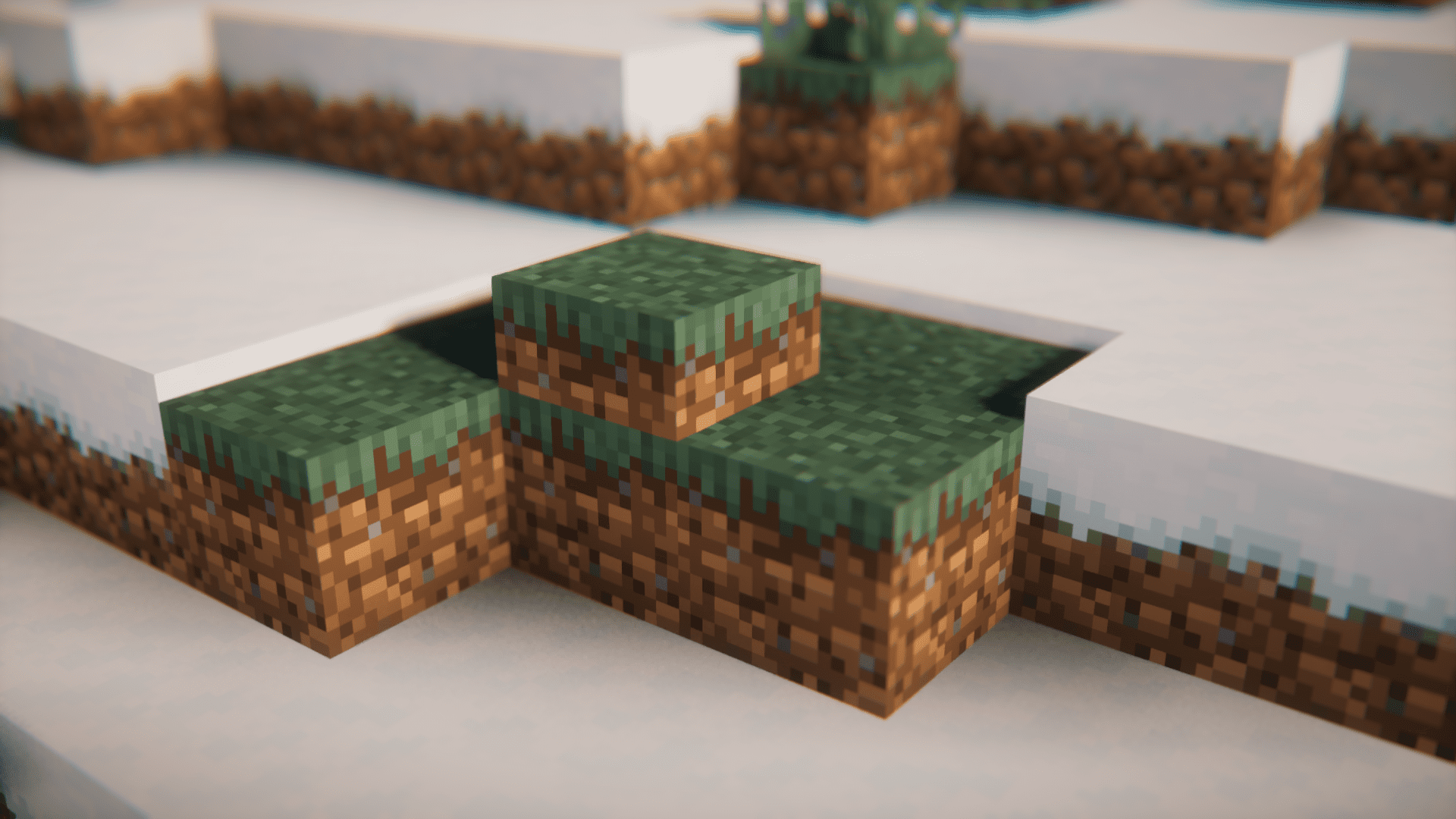
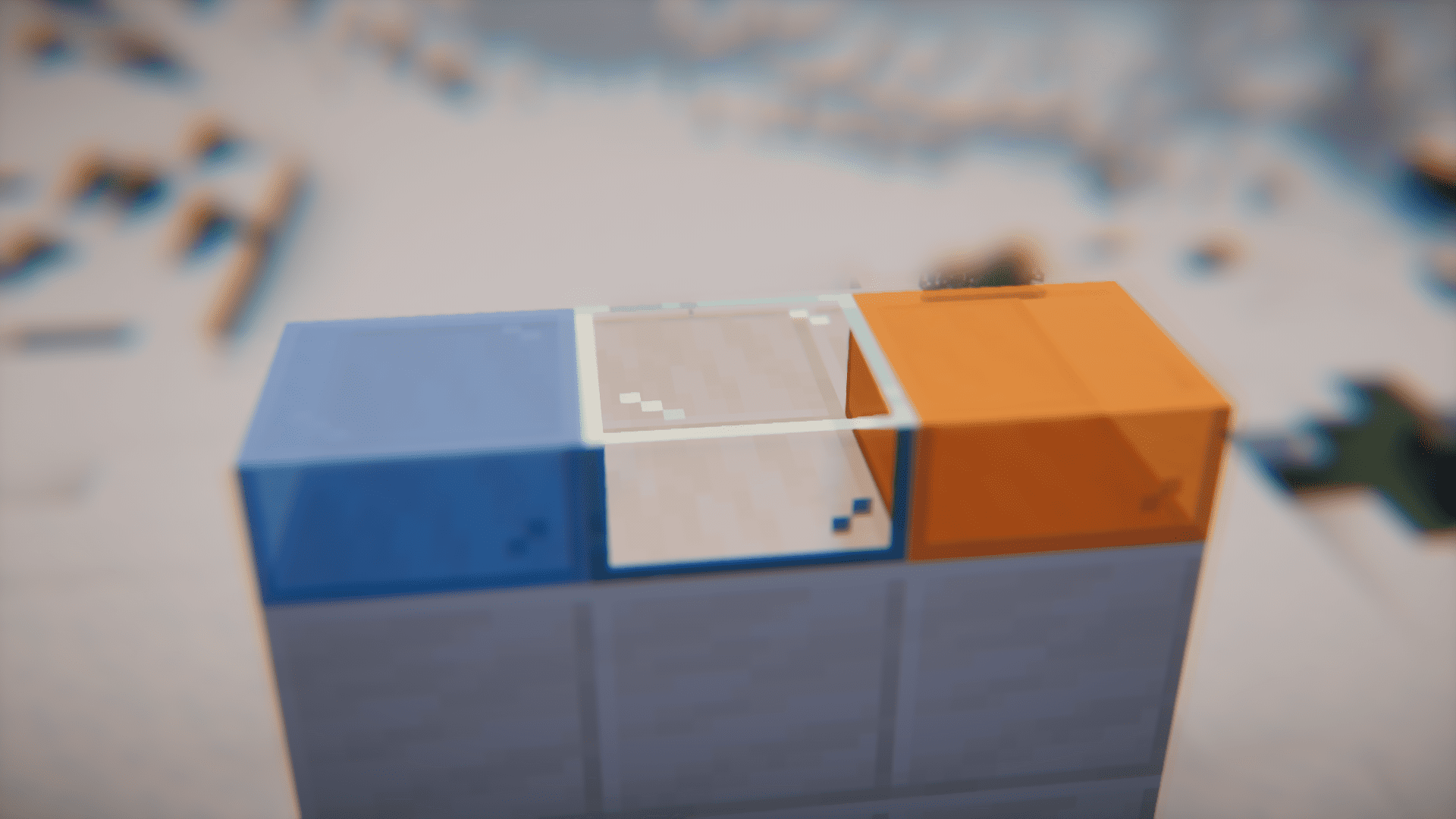
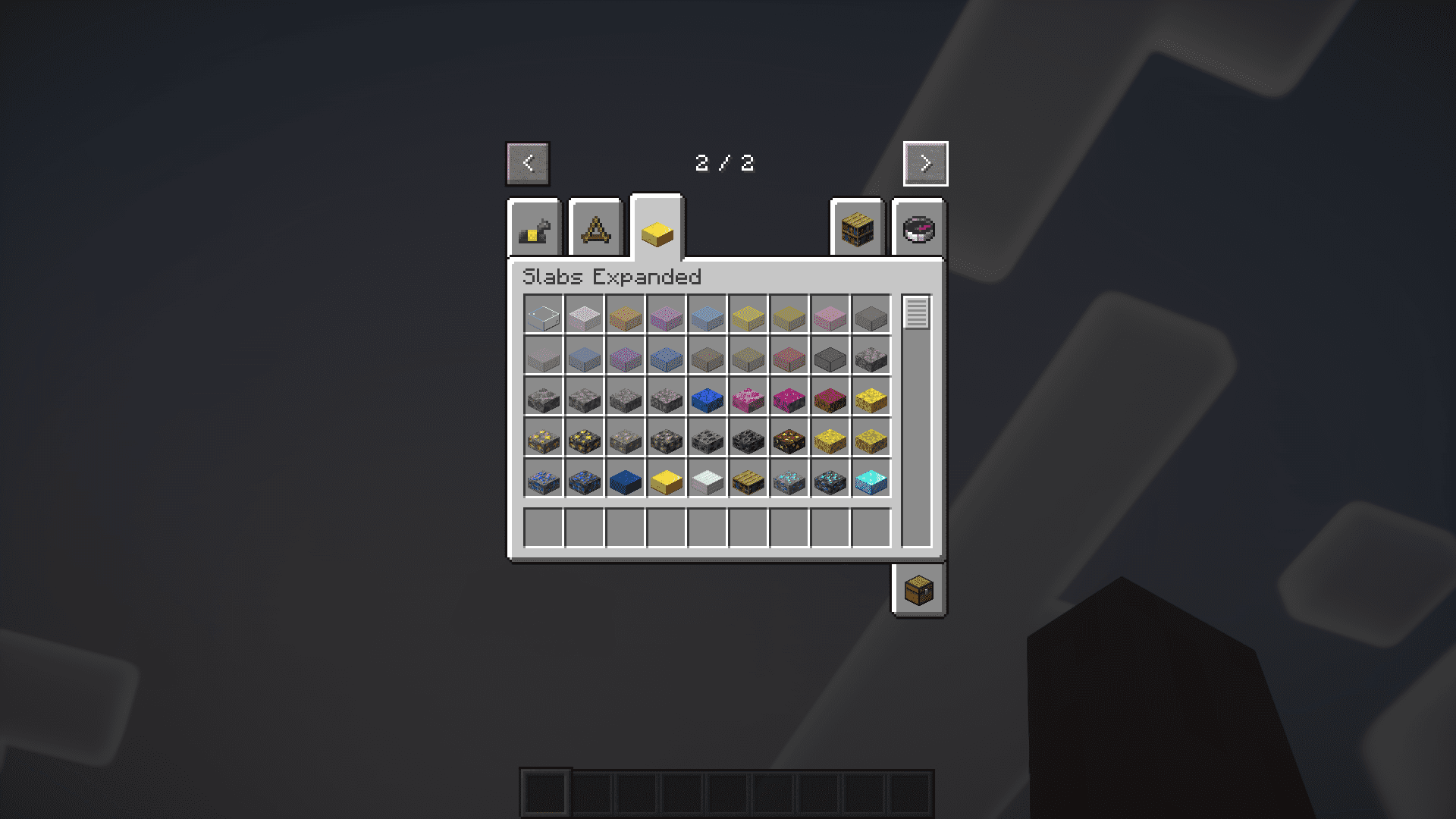
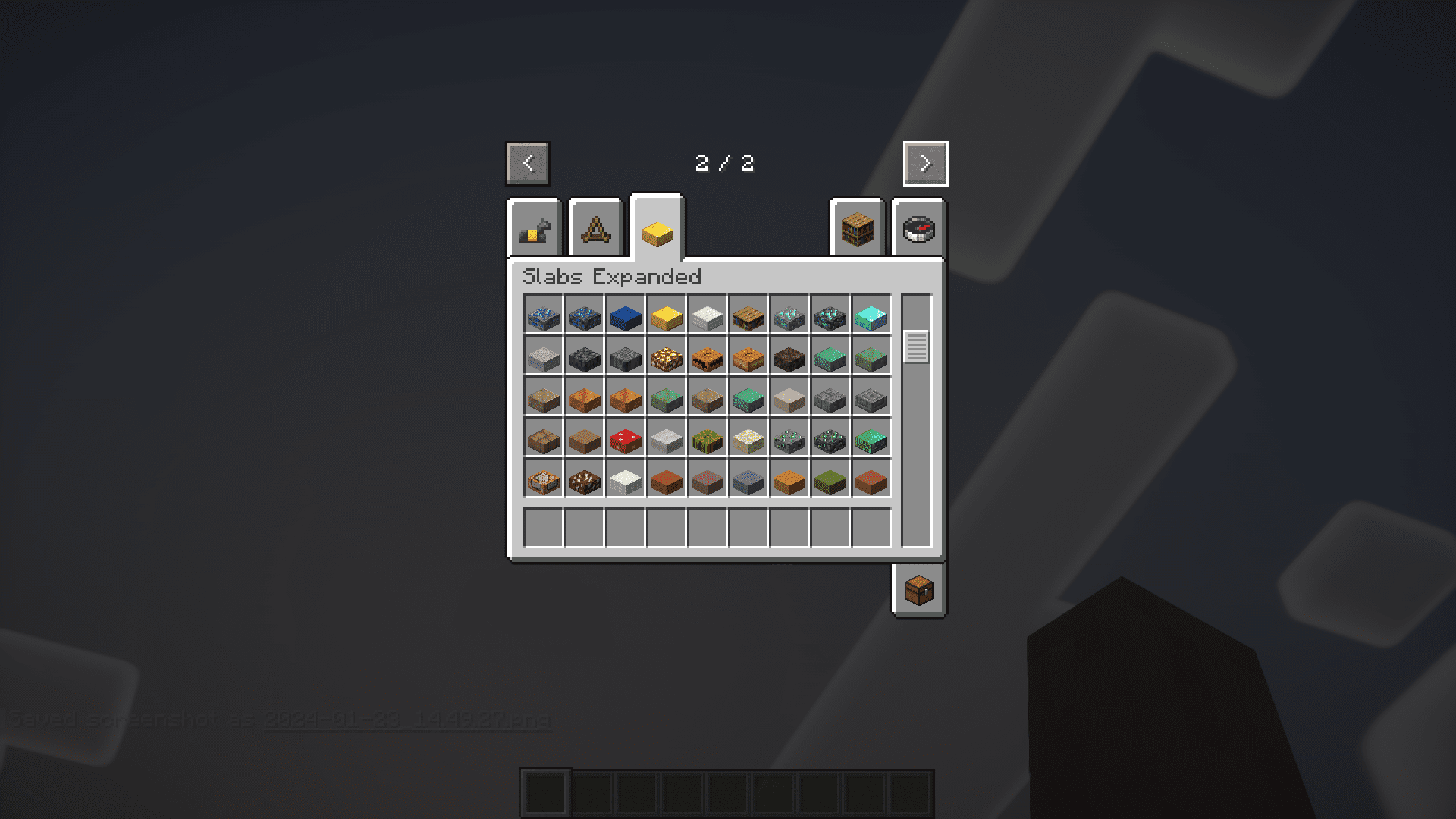
Slabs Expanded Mod adds slab variants for almost all blocks in the game. It lets players craft new slabs using the stonecutter, turning any block into two specific slabs. This mod also allows players to stack different slabs on top of each other and craft slabs back into full blocks.
Features:
- Adds slab variants for almost every block in the game, including glass, logs, dirt, ores, and more.
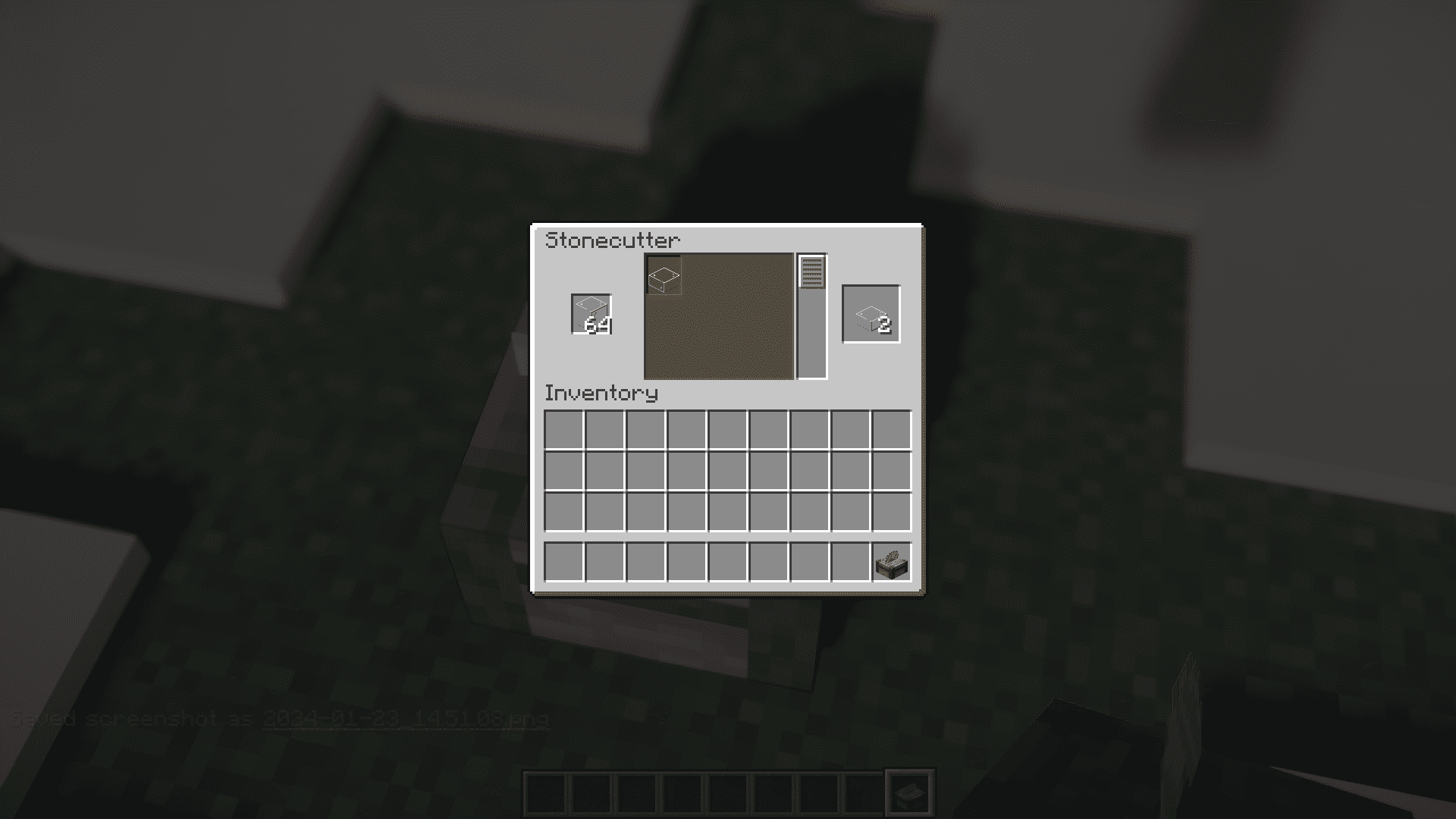
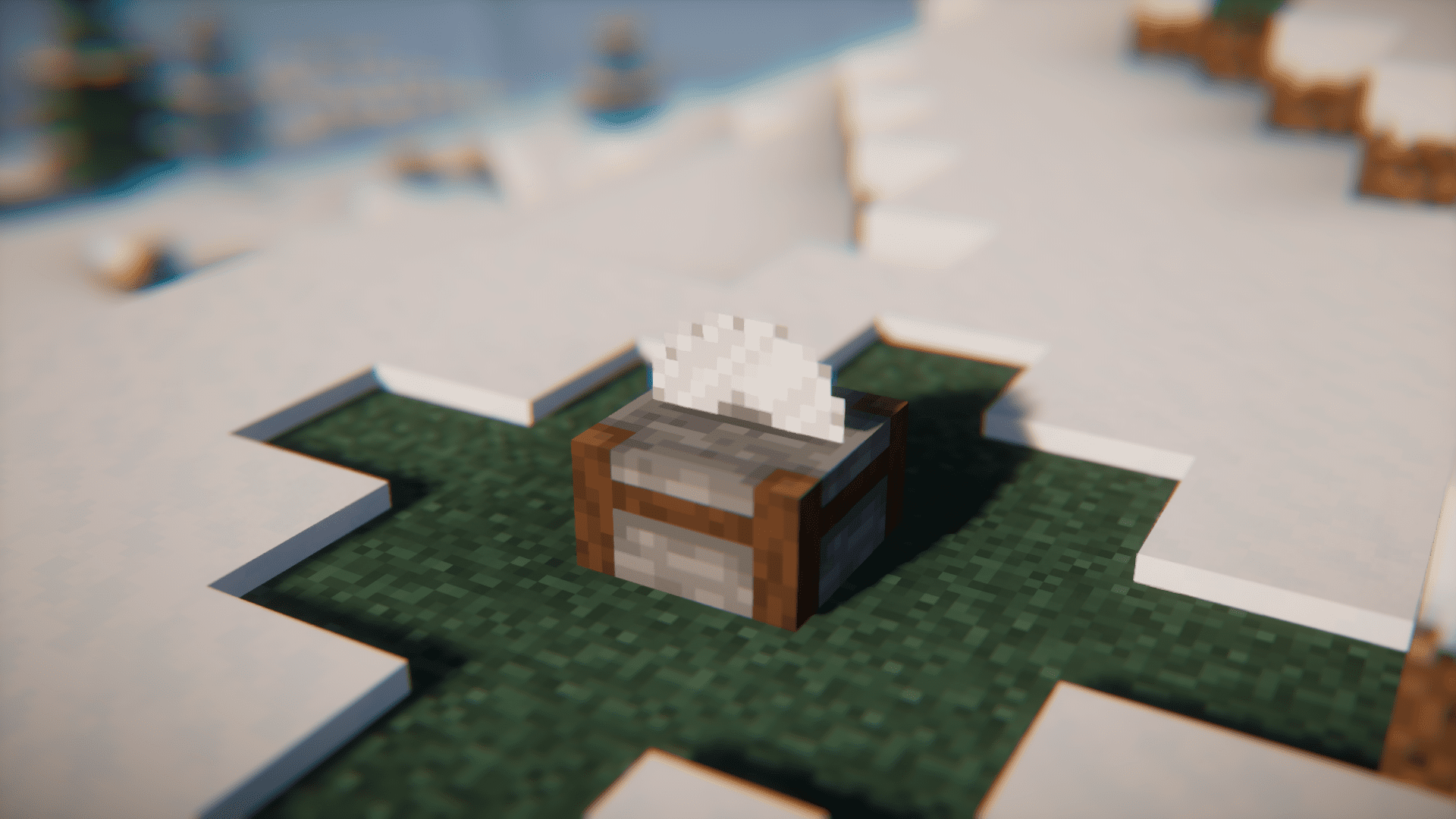
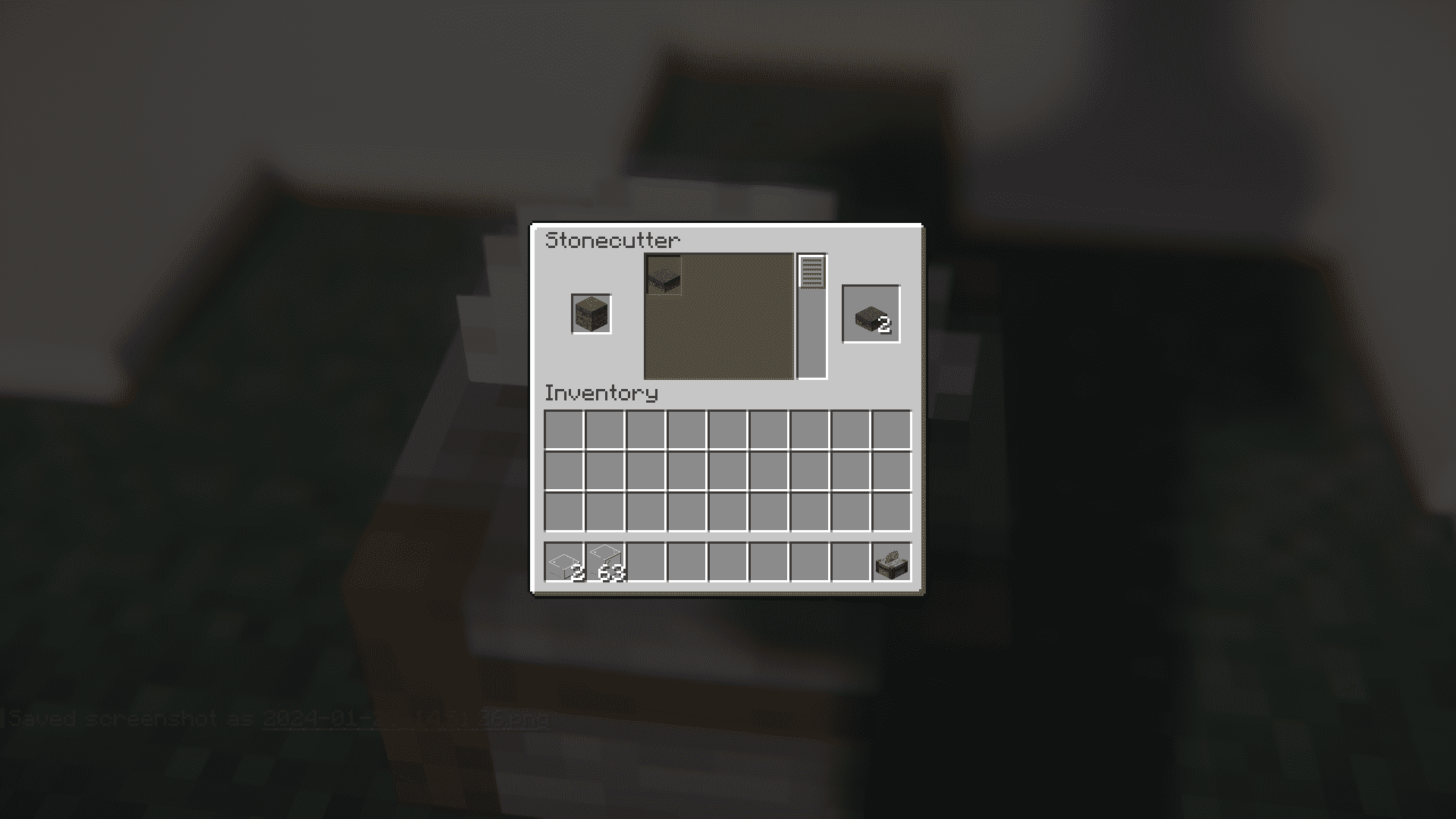
- Lets you use the stonecutter to easily craft two slabs from any supported block.
- Calculates hardness for double slab blocks based on the specific slabs they are built from.
- Drops the exact slabs that a double slab is built from when mined.
- Allows you to craft slabs back into full blocks for both this mod and vanilla slabs.
How to Use:
- Place any block into the stonecutter to receive two slabs of that specific block.
- Stack different slabs on top of each other to create double slab blocks.
- Craft existing slabs back into full blocks using standard crafting methods.
Screenshots:
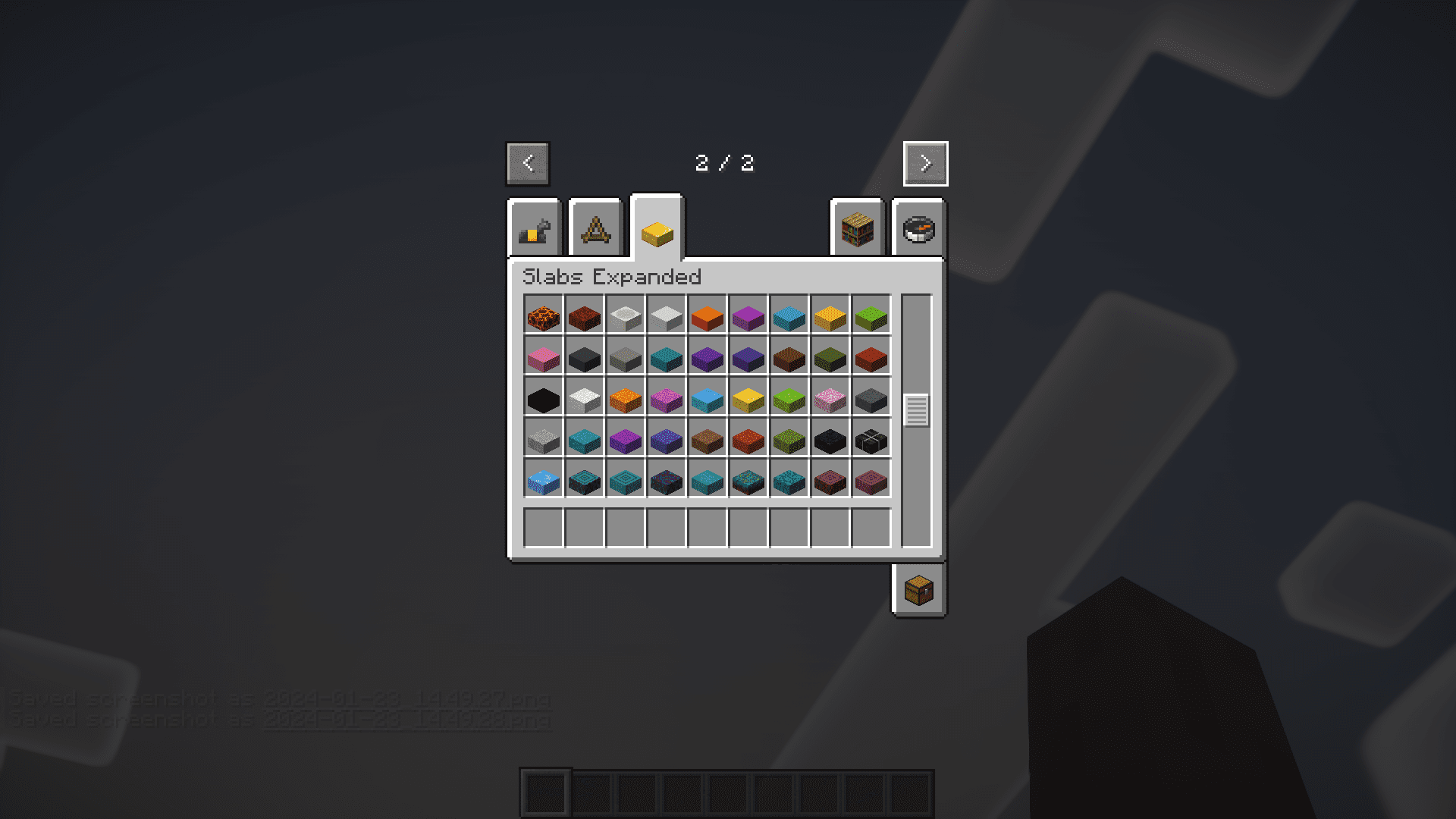
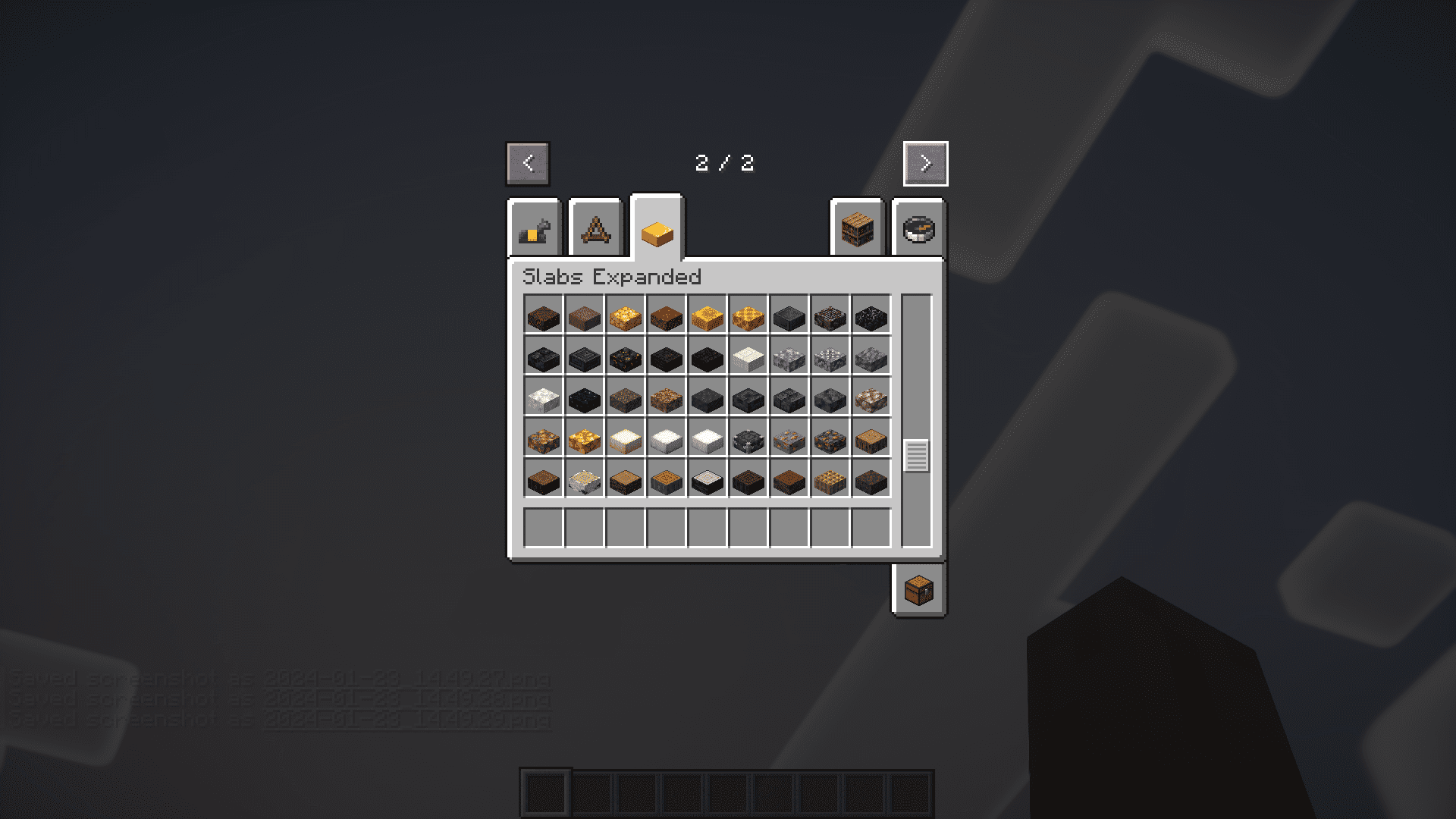
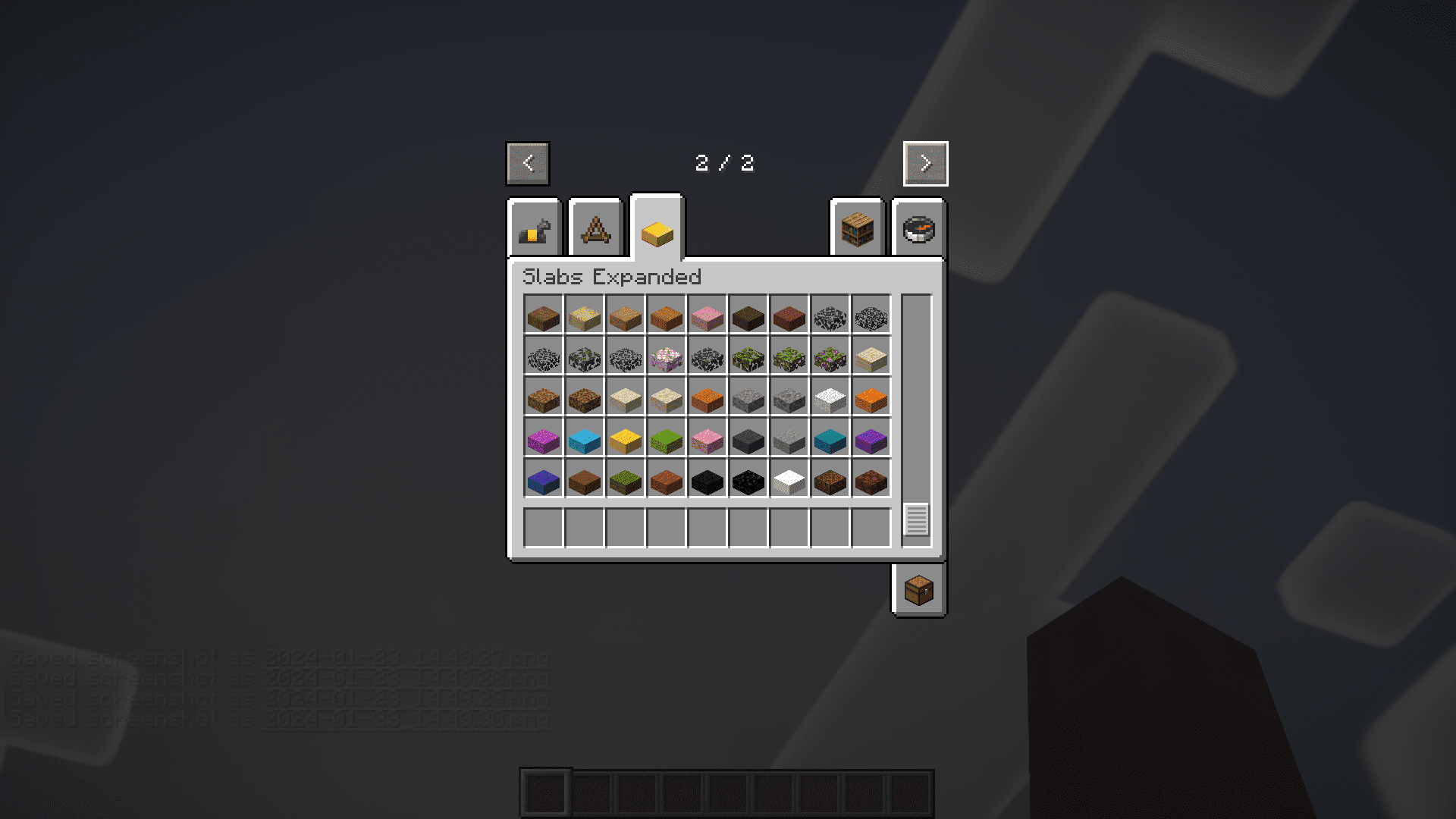
How to Install:
New to Minecraft? Follow our step-by-step guide to install Mods on your PC.View Guide
Slabs Expanded Mod Download Links
For Minecraft 1.20.4
Fabric/Quilt version: Download from Server 1 – Download from Server 2
For Minecraft 1.20.1
Forge version: Download from Server 1 – Download from Server 2
Fabric/Quilt version: Download from Server 1 – Download from Server 2
For Minecraft 1.19.4
Forge version: Download from Server 1 – Download from Server 2
Fabric/Quilt version: Download from Server 1 – Download from Server 2
For Minecraft 1.19.2
Forge version: Download from Server 1 – Download from Server 2
Fabric/Quilt version: Download from Server 1 – Download from Server 2
For Minecraft 1.18.2
Forge version: Download from Server 1 – Download from Server 2
Fabric/Quilt version: Download from Server 1 – Download from Server 2
How do you feel about quest books in modpacks?
15 responses · See the full results →
You May Also Like
Picked for this page
 MrCrayfish’s Backpacked Mod (26.1.2, 1.20.1) – Keep Your Items on Dead
 Nether Portal Spread Mod (26.3, 1.20.1) – Nether Portals in the Overworld
 Crying Ghasts Mod (26.3, 1.20.1) – Passive Ghast Tear Drops
 SuperMartijn642s Config Lib (26.3, 1.20.1) – External Library
 Horse Statistics Mod (26.3, 1.20.1) – Attribute Display, Taming Assistance
 Old Combat Mod (26.3, 1.20.1) – Brings Back Old Combat Mechanics
 Set Home Mod (26.3, 1.21.11) – Easy Home Teleportation
 No Increasing Repair Cost Mod (26.1, 1.20.1) – Cheaper Tool Repairing
 Inventory Tabs Mod (1.21.1, 1.20.1) – Quick Access to Nearby Containers
 Super Simple Voice Radio Mod (1.21.11, 1.20.1) – Simple Handheld Radio
 Epic Knights Japanese Armory Mod (1.21.1, 1.20) – Japanese Armor And Weaponry
 Better Equipment Smithing Mod (26.3, 1.20.1) – Improves The Functionality Of The Smithing Table
Most viewed in Mods over the last 7 days
 Ala Industrial Mod (26.3) – Run Electric Power Grids and Automated Factories
 PleasureCraft Mod (26.3, 1.21.1) – Jenny Mod Remake for Fabric
 Jennycraft Mod (26.3, 1.20.1) – Virtual Girlfriend in Minecraft
 Fapcraft Mod (26.3, 1.12.2) – Comprehensive and Detailed Content
 Jenny Mod (Fapcraft) Official Complete Guide – How to use, Tutorial
 BangCraft Mod (1.20.1) – Jenny, Ellie and Elliot
 Fabric Loader (26.3, 1.20.1) – Fabric Installer for All Minecraft Versions
 The Shooting Star Demo Mod (26.3, 1.20.1) – Vaporize Terrain From Orbit
 Meteor Client Mod (26.3, 1.20.1) – Xray, HUD, Fly
 OptiFine HD (26.3, 1.20.1) – Run Faster, FPS Boost, Shaders Support
 Aristois Client Mod (1.21.4, 1.20.1) – World Class Minecraft Utility
 Prestige Client Mod (1.21.11, 1.21.4) – Powerful Ghost Features for Crystal & Sword PvP
More from Mods
 Waddles Mod (26.3, 1.20.1) – Make Icy Biomes Feel Alive
 Artemis’ Thin Logs Mod (26.3, 1.20.1) – Build Custom Trees and Detailed Wood
 Asterion Mod (26.3, 1.20.1) – Survive Ancient Mazes and Slay the Legendary Minotaur
 Passthrough Signs Mod (26.3, 1.20.1) – Right-Click Through Wall Signs
 Packing Tape Mod (26.3, 1.20.1) – Move Chests, Machines
 No XP Anvils Mod (26.3, 1.20.1) – Repair And Enchant Without XP
 Naruto Shippuden Mod (26.3, 1.16.5) – Immerse Yourself in The World of Ninja
 Araxer’s Bestiary Mod (26.3, 1.20.1) – Build an In-Game Encyclopedia of Every Mob
 Villagers Plus Mod (26.3, 1.20.1) – Expanded Villager Types and Villages
 Ore Excavation 9minecraft Mod (26.3) – Mine Ores and Chop Trees in a Single Swing
 Dirigo Mod (26.1.2, 1.21.1) – Walk Across Nether Lava Seas and Automate Animal
 HandLib Mod (26.3, 1.21.1) – Keep Your Multiplayer World Stable

This post has no comments yet. Be the first — your comment will appear here.