
Isometric Renders Mod (1.21.4, 1.20.1) – Capture Beautiful Dioramas

 0


Isometric Renders Mod lets you take isometric screenshots and make custom renders of items, blocks, mobs, and parts of the world. Every image gets a transparent background automatically, and an in-game menu lets you change the scale, position, and other options. This mod also supports batch exports for multiple blocks or items and creates item atlases for quick overviews. It runs smoothly, stays easy to use, and works well for making modded wikis or guides.
Features:
- Takes high-resolution isometric screenshots and custom renders of game objects.
- Adds a transparent background to every image automatically.
- Includes an easy-to-use in-game menu to adjust scale, position, and other options.
- Renders items, blocks, mobs, and chosen areas of the world.
- Supports batch exports for multiple blocks or items at the same time.
- Creates item atlases for quick overviews.
- Runs smoothly and works well for building modded wikis and guides.
Commands:
/isorender: opens the in-game rendering menu and controls.
How to Use:
- Type
/isorenderin chat to open the in-game rendering menu. - Choose what you want to render, such as an item, block, mob, world area, multiple items or blocks, or an item atlas.
- Use the menu to adjust the scale, position, and other options.
- Take your render, and this mod gives the image a transparent background automatically.
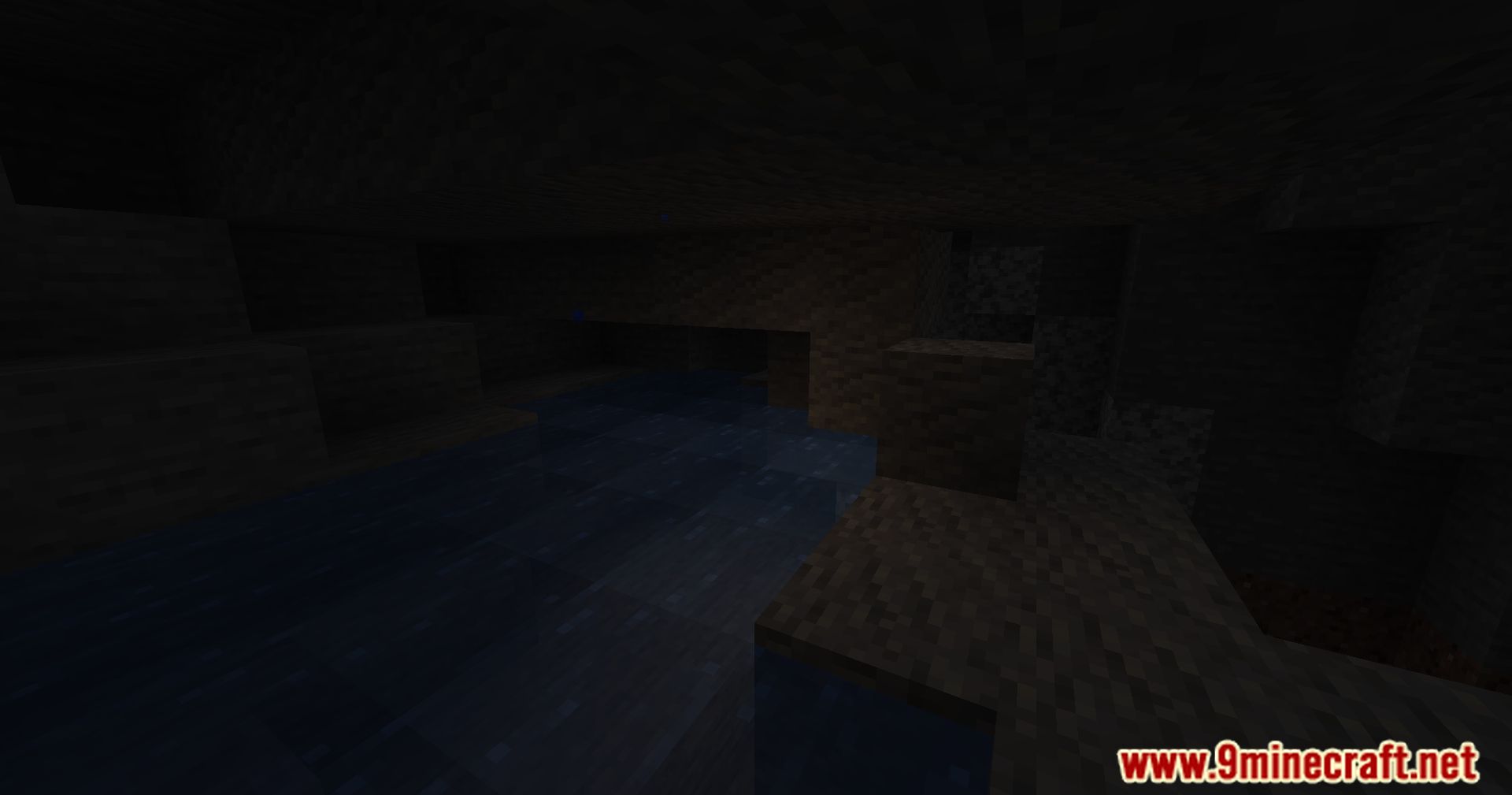
Screenshots:
How to Install:
New to Minecraft? Follow our step-by-step guide to install Mods on your PC.View Guide
Requirements:
Isometric Renders Mod Download Links
For Minecraft 1.16.5
Fabric version: Download from Server 1 – Download from Server 2
For Minecraft 1.17.1
Fabric version: Download from Server 1 – Download from Server 2
For Minecraft 1.18.1
Fabric version: Download from Server 1 – Download from Server 2
For Minecraft 1.18.2
Fabric version: Download from Server 1 – Download from Server 2
For Minecraft 1.19.2, 1.19.1, 1.19
Fabric version: Download from Server 1 – Download from Server 2
For Minecraft 1.19.3
Fabric version: Download from Server 1 – Download from Server 2
For Minecraft 1.19.4
Fabric/Quilt version: Download from Server 1 – Download from Server 2
For Minecraft 1.20.1, 1.20
Fabric/Quilt version: Download from Server 1 – Download from Server 2
For Minecraft 1.20.2
Fabric/Quilt version: Download from Server 1 – Download from Server 2
For Minecraft 1.20.4, 1.20.3
Fabric/Quilt version: Download from Server 1 – Download from Server 2
For Minecraft 1.20.6
Fabric/Quilt version: Download from Server 1 – Download from Server 2
For Minecraft 1.21.1, 1.21
Fabric/Quilt version: Download from Server 1 – Download from Server 2
For Minecraft 1.21.3, 1.21.2
Fabric/Quilt version: Download from Server 1 – Download from Server 2
For Minecraft 1.21.4
Fabric/Quilt version: Download from Server 1 – Download from Server 2
You May Also Like
Picked for this page
 Modular Routers Mod (26.2, 1.20.1) – Item Routers with Pluggable Modules
 Cook Your Food Mod (26.3, 1.20.1) – Negative Effects for Raw Food
 Ore Detector Mod (26.3, 1.21.1) – Advanced Finders
 Forever A Child Mod (1.21.11, 1.20.1) – Eternally Small Animals
 Overworld Piglins Mod (26.3, 1.20.1) – Piglin Survival in Overworld
 Craft Spawner Mod (1.21.11, 1.20.6) – Adds A Crafting Recipe For The Spawner
 Totem Tweaks Mod (26.2, 1.20.1) – Small Totem Pop and Extensive Customizability
 Bocchium Mod (1.21.1, 1.20.1) – Performance-Boosting Rendering
 PictureSign Mod (1.21.11, 1.20.1) – How To Display GIFs And Videos On Signs
 Stonecutter Damage Mod (26.3, 1.20.1) – Make Stonecutters Dangerous
 Charcoal Blocks Mod (26.3, 1.20.1) – Efficient Fuel Without Ever Mining
 SCP 906 Mod (1.20.1, 1.19.2) – Worm Swarm
Most viewed in Mods over the last 7 days
 Ala Industrial Mod (26.3) – Run Electric Power Grids and Automated Factories
 PleasureCraft Mod (26.3, 1.21.1) – Jenny Mod Remake for Fabric
 Jennycraft Mod (26.3, 1.20.1) – Virtual Girlfriend in Minecraft
 Fapcraft Mod (26.3, 1.12.2) – Comprehensive and Detailed Content
 Jenny Mod (Fapcraft) Official Complete Guide – How to use, Tutorial
 BangCraft Mod (1.20.1) – Jenny, Ellie and Elliot
 Fabric Loader (26.3, 1.20.1) – Fabric Installer for All Minecraft Versions
 The Shooting Star Demo Mod (26.3, 1.20.1) – Vaporize Terrain From Orbit
 Meteor Client Mod (26.3, 1.20.1) – Xray, HUD, Fly
 OptiFine HD (26.3, 1.20.1) – Run Faster, FPS Boost, Shaders Support
 Aristois Client Mod (1.21.4, 1.20.1) – World Class Minecraft Utility
 Prestige Client Mod (1.21.11, 1.21.4) – Powerful Ghost Features for Crystal & Sword PvP
More from Mods
 Shield System Mod (1.21.1) – Tank Heavy Monster Hits Without Losing Hearts
 Shin’s Tensura Race Models Mod (1.19.2) – Play As Unique 3D Anime Race
 Offgrid Mod (26.3, 1.20.1) – Furnish Compact Interiors Without Strict Grid
 Tempest Almanac Iron’s Spells ‘n Spellbooks Mod (1.21.1, 1.20.1)
 Chat Guides Mod (26.3, 1.21.11) – Never Memorize Complex Server Commands Again
 TRMT Reimagined the Roads More Travelled Mod (26.3, 1.20.1)
 Morrowless Mod (1.21.1) – Defend Your Shelter From Nightmare Creatures
 THE SLOPSTROSITY Mod (1.21.1) – Battle a Ridiculous Slime Boss
 Decoween Mod (1.21.1, 1.20.1) – Transform Ordinary Survival Bases
 Simply Light 9minecraft Mod (26.3) – Decorate Builds Without Torches
 Alex’s Caves Continued Mod (26.3, 1.20.1) – Conquer Six Massive Underground
 Anvil Uses Mod (26.3, 1.20.1) – Track Item Anvil Usage

This post has no comments yet. Be the first — your comment will appear here.