
Photon Editor Mod (26.3, 1.20.1) – Bring Custom Particle Magic to Life

 0


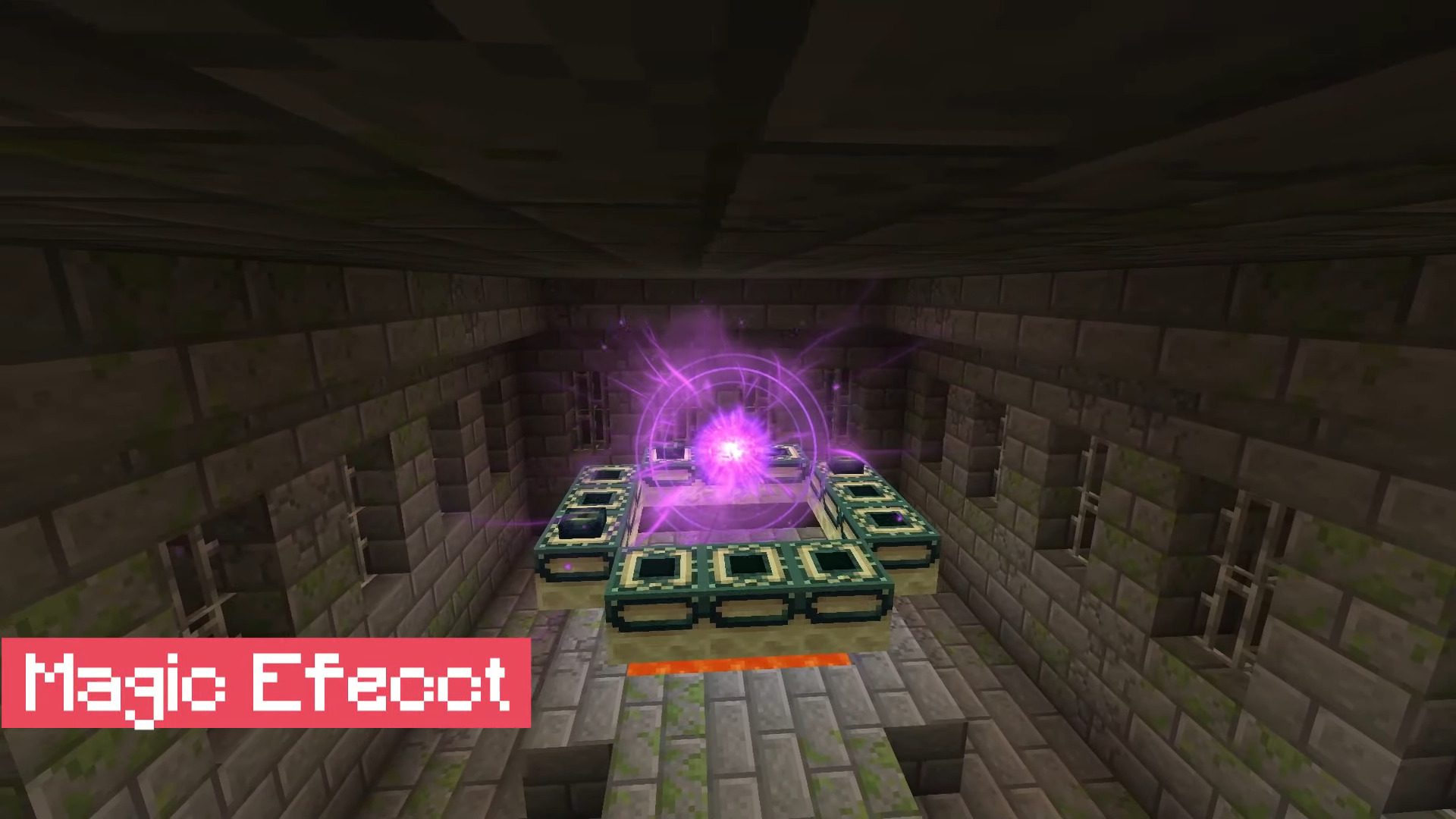
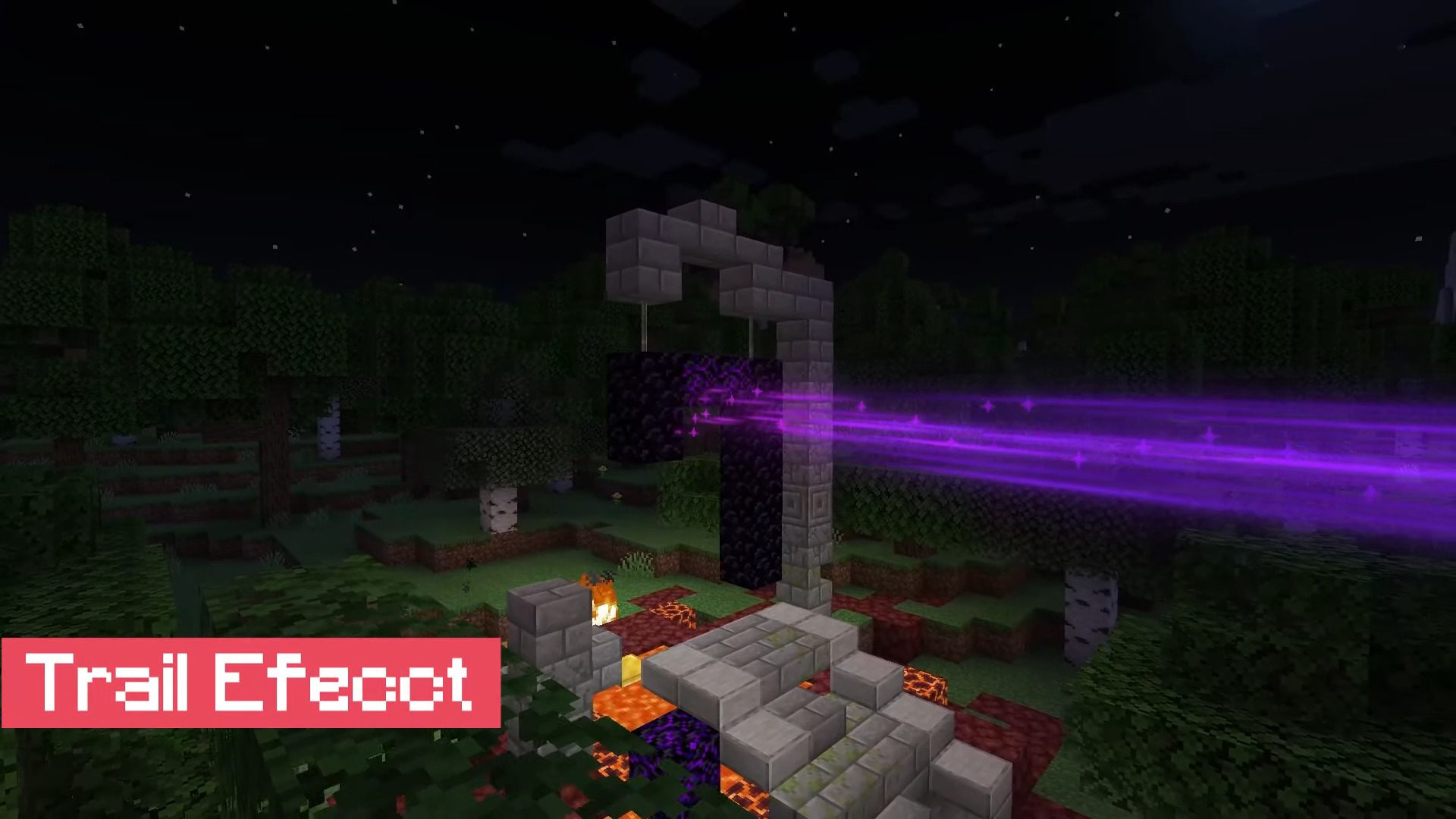
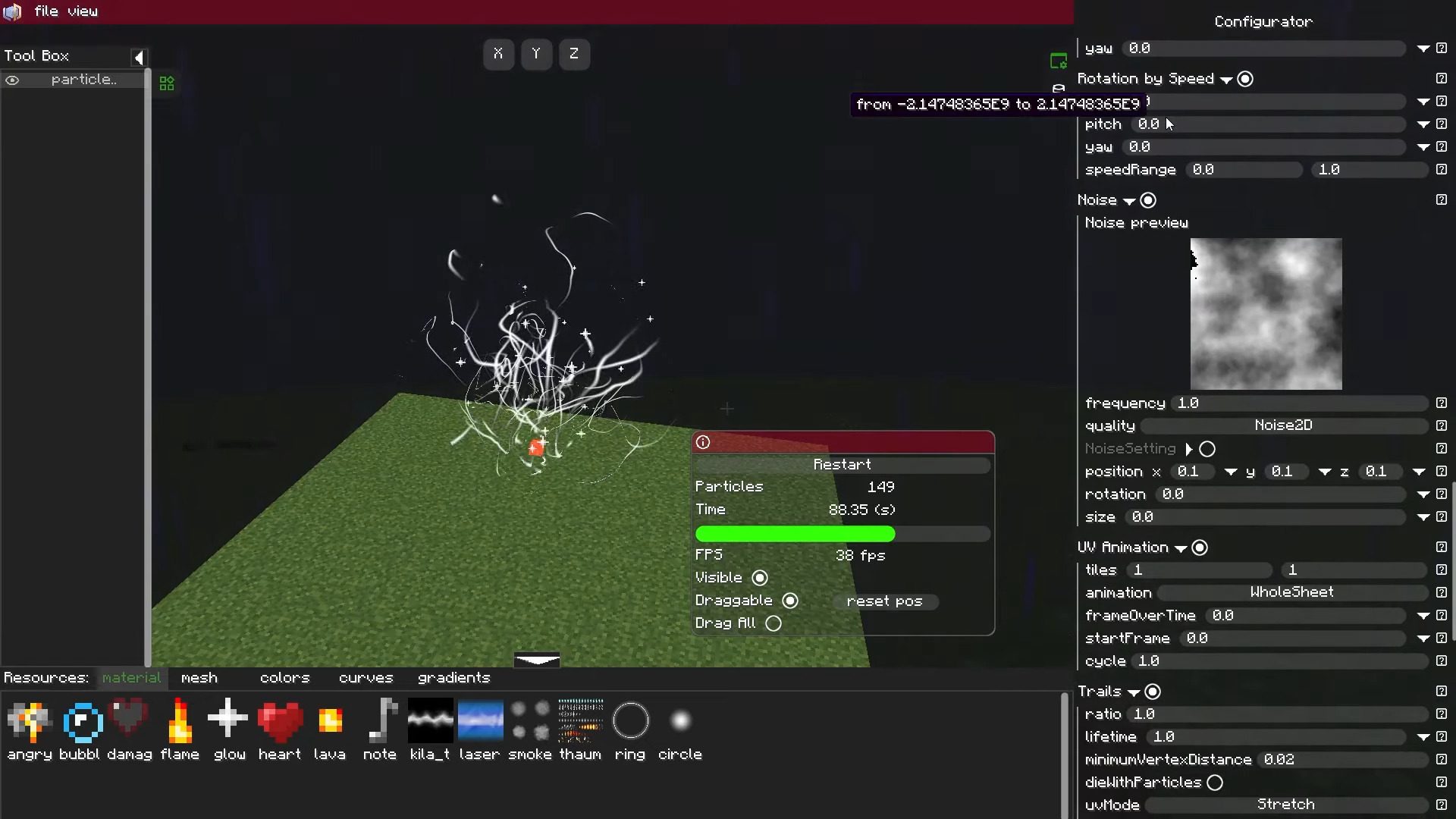
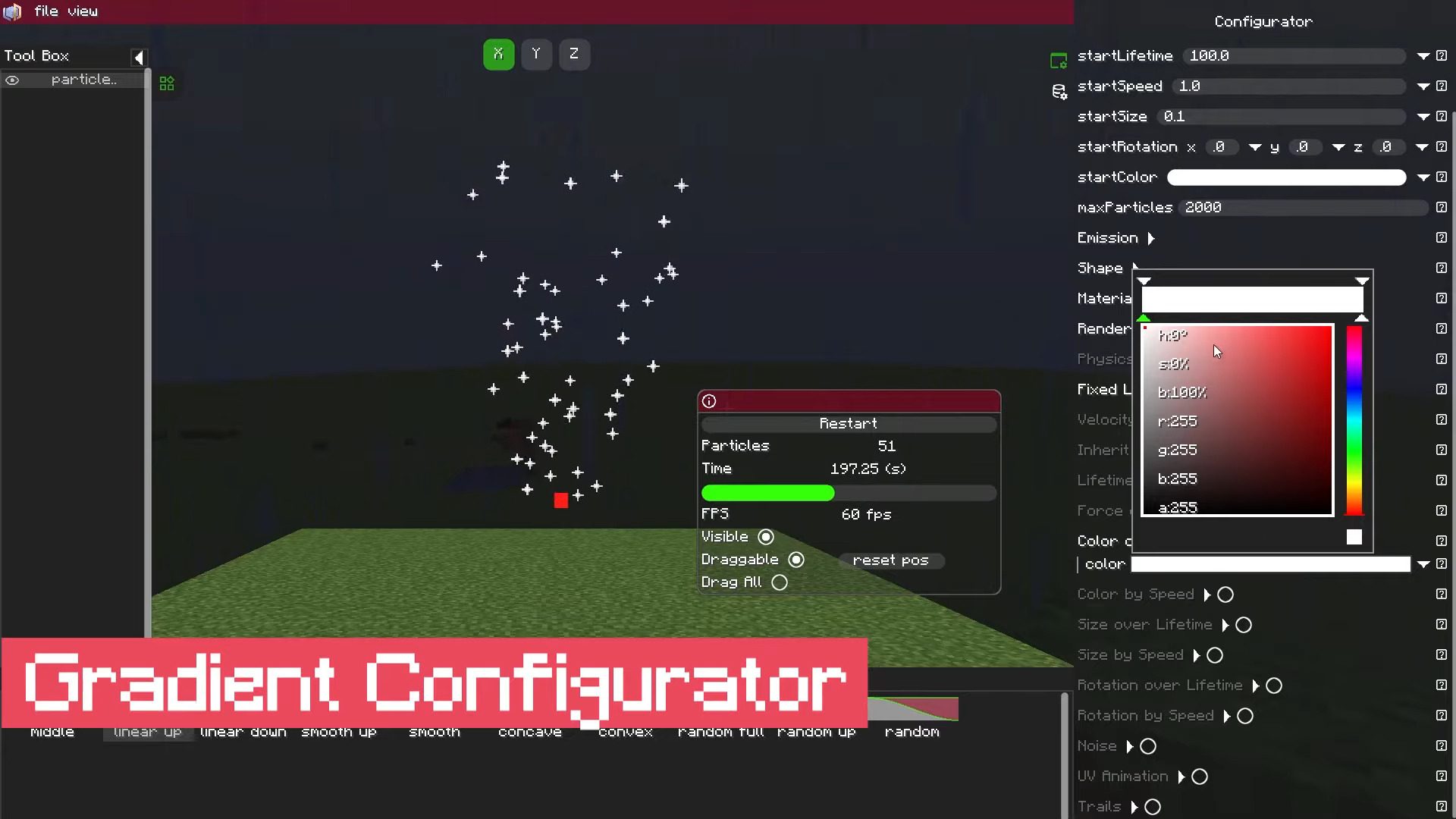
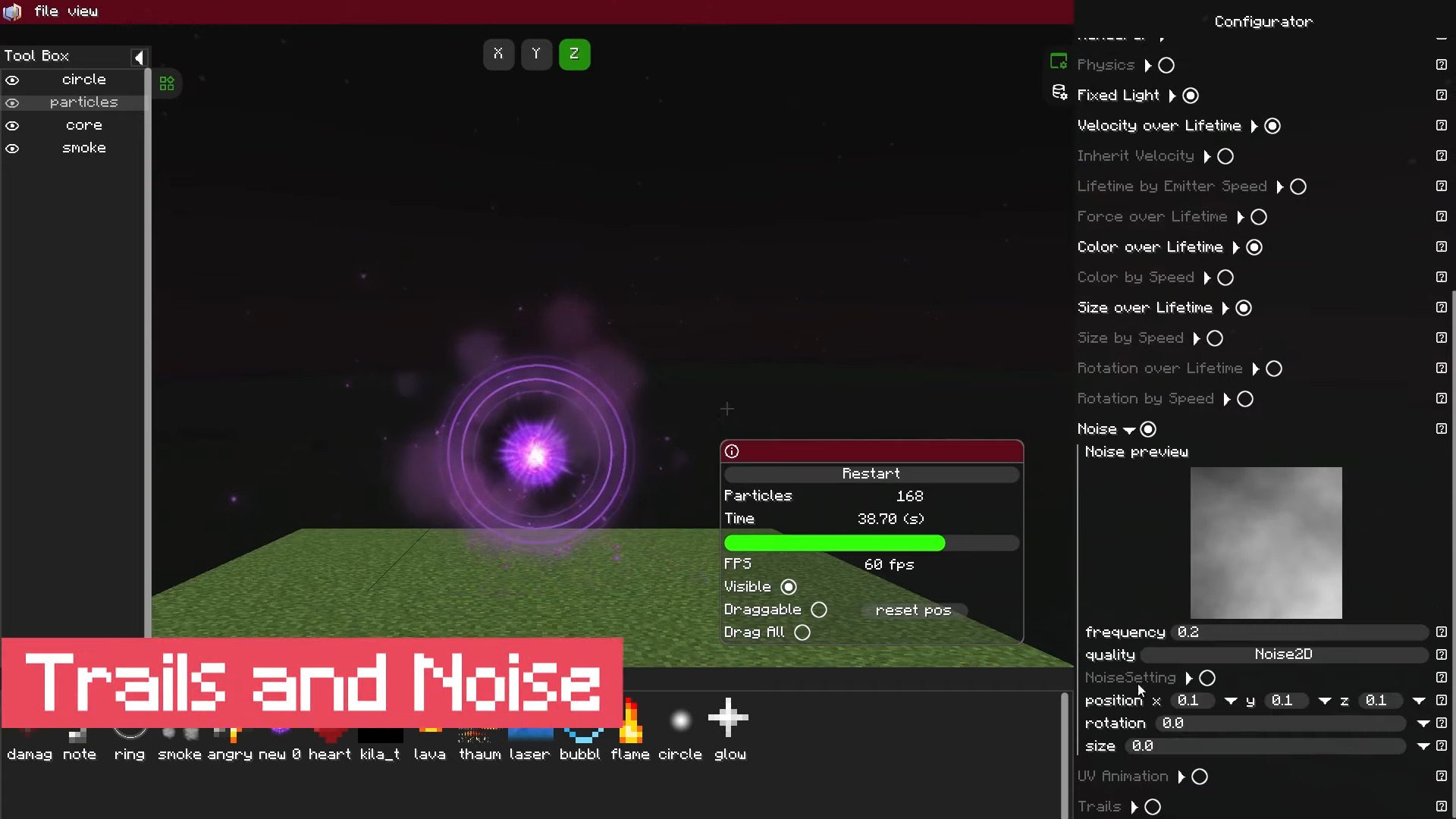
Photon Editor Mod brings a Unity-style visual effect toolkit to Minecraft in real time. This mod includes a full in-game editor, a particle system, trail and beam rendering, dynamic lights with soft shadows, volumetric fog, a non-linear timeline, node-based shader graphs, and fullscreen post-processing. It also adds Kila Material with 27 presets, prefab-style FX instances, animated glTF model support, and swept particle collision. You can build custom effects right inside the game without writing code or worrying about hard math, then play them with commands or bind them to blocks and entities. The mod works with Iris shader packs for dynamic lighting and requires LDLib2 to run, with KilaGraph bundled inside.
Features:
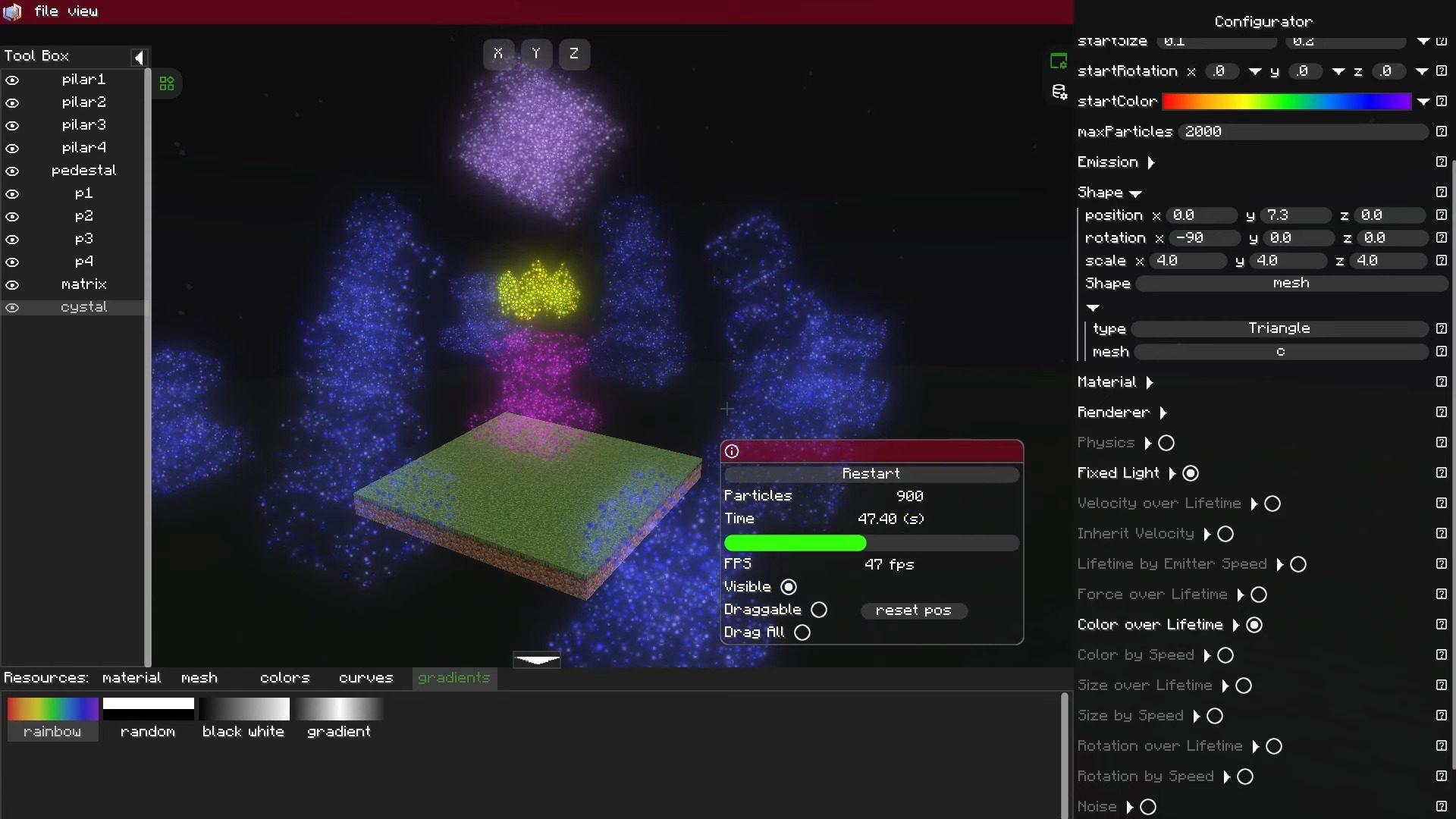
- In-Game FX Editor: Adds a Unity-style visual effect editor right inside Minecraft with real-time preview, dockable views, a resource browser, an FX hierarchy, undo history, and keyboard shortcuts. You can open it and start building right away without restarting the game or using outside tools.
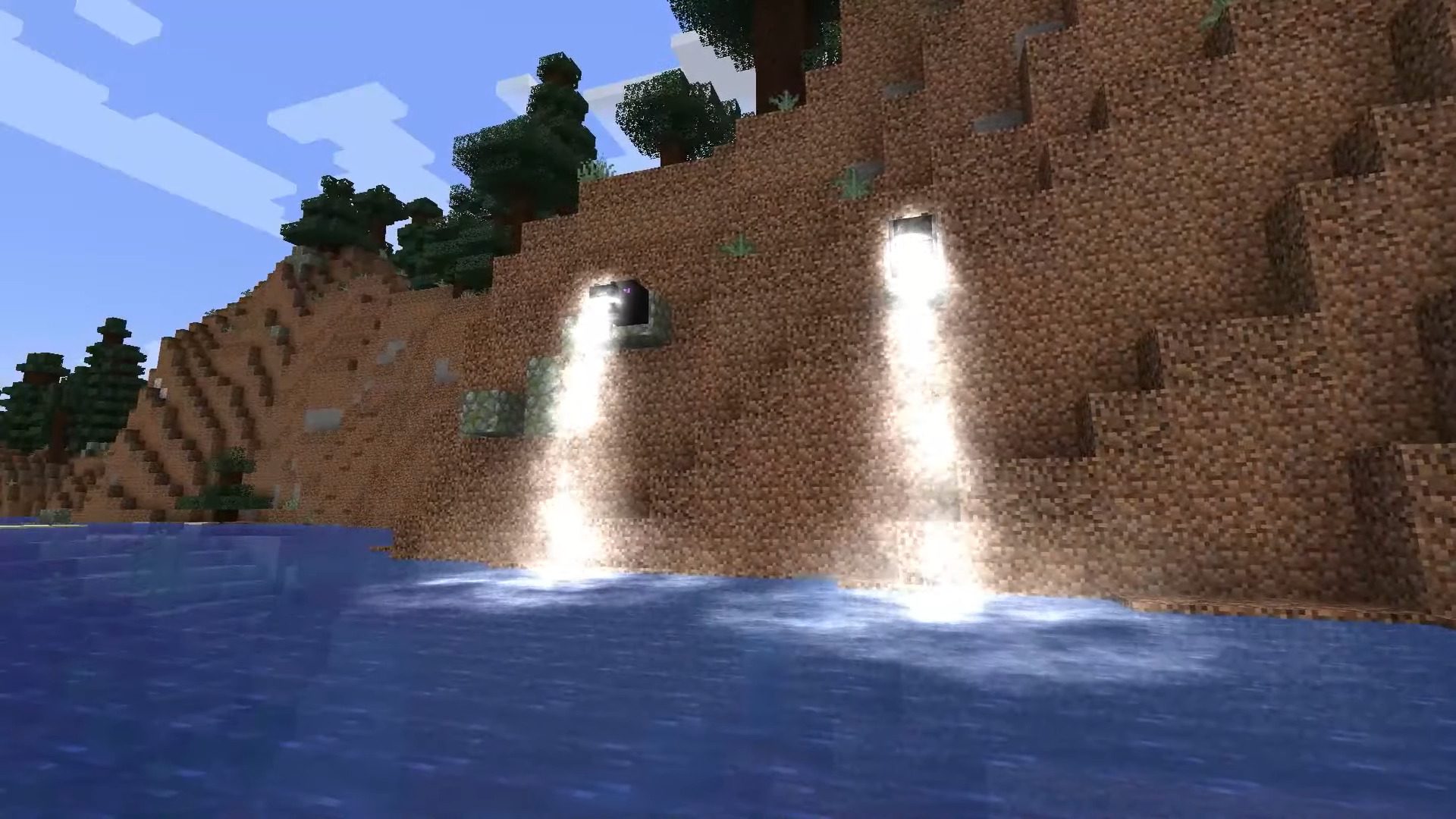
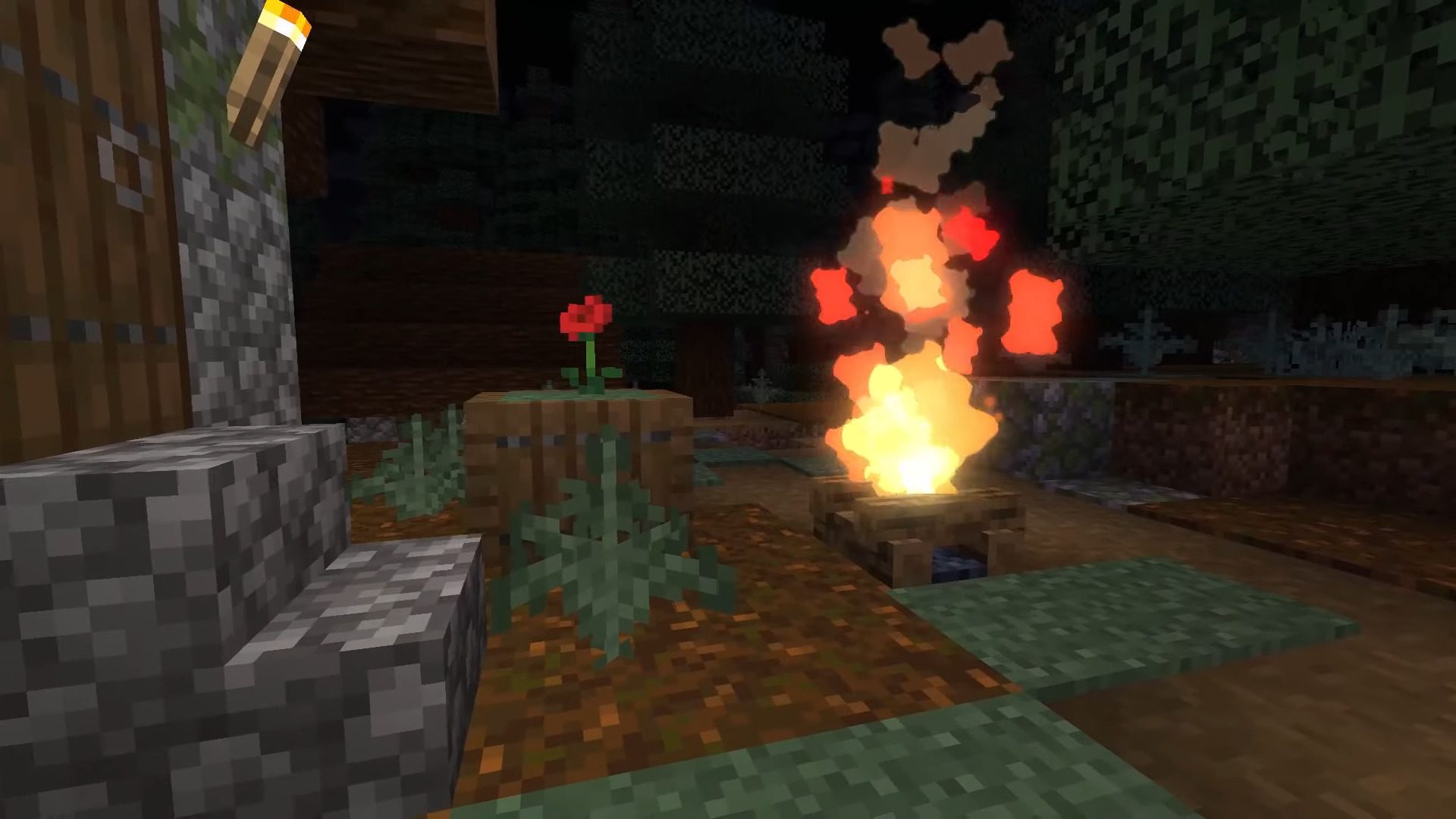
- Dynamic Lights: Includes point lights and spot lights that light up blocks, entities, and particles with voxel soft shadows that never leak through walls. You can place a Light object, let particles emit light through the Light Emission module, or add lights from Java, and it also works with Iris shader packs.
- Volumetric Lights and Fog: Adds halos around point lights, beams from spot lights, and box or sphere fog volumes for them to shine through. Shadowed lights cast real light shafts through doors and windows.
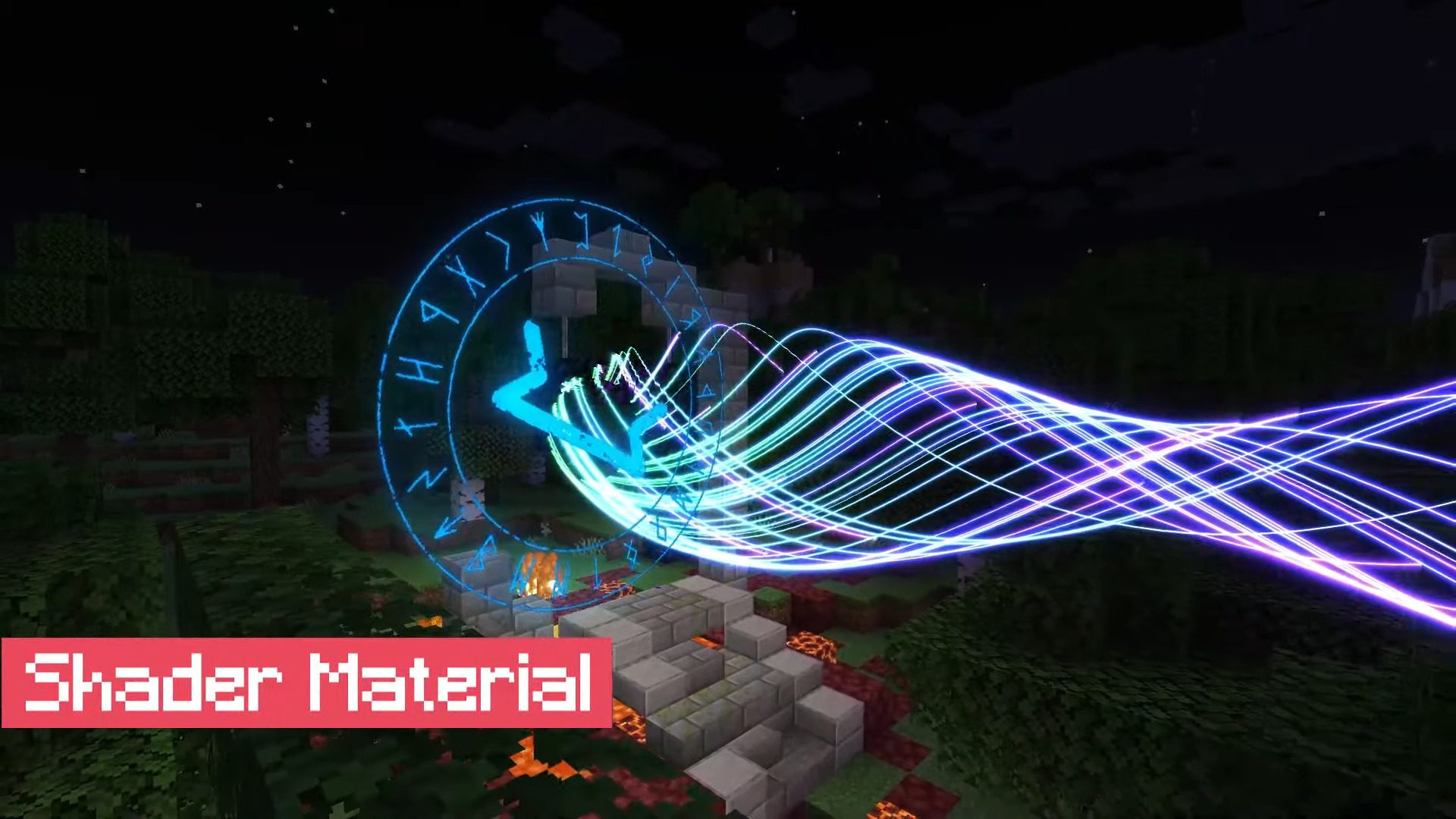
- Kila Material: Provides an all-in-one visual effect material with 27 presets so you can turn on flipbooks, masks, dissolve, distortion, color ramps, soft edges, fresnel, lighting, and decals without building a graph. You can export the material as a Shader Graph whenever you need more control.
- Node-Based Shader Graph: Lets you build particle, trail, and beam materials with visual node graphs instead of writing GLSL code, while keeping full support for hand-written shaders. Available nodes cover scene color and depth, geometry and camera nodes, UVs, math, textures, curve and gradient values, dynamic lights, and reusable subgraphs.
- Adds a non-linear timeline to sequence effects over time and lets you stack fullscreen post-processing effects using node graphs.
- Provides Unity-style emitter modules including shape, velocity, rotation, size, and color over lifetime, along with noise, collision, sub-emitters, and external forces.
- Lets you edit almost every value inline as a curve, a gradient, a random range, or a constant.
- Includes FX instances that act like Unity prefabs, letting you place one
.fxfile inside another at any depth and override, disable, delete, or add objects. Only your changes are saved, so the instance keeps following updates from its source effect. - Adds swept particle collision against block shapes, fluid surfaces, entities, and Collider objects so fast particles stop passing through walls. Particles can bounce, slide, stick, or die on contact, while triggers report particles entering or leaving and contacts can fire sub-emitters or a Java listener.
- Supports animated glTF models by letting you drop a
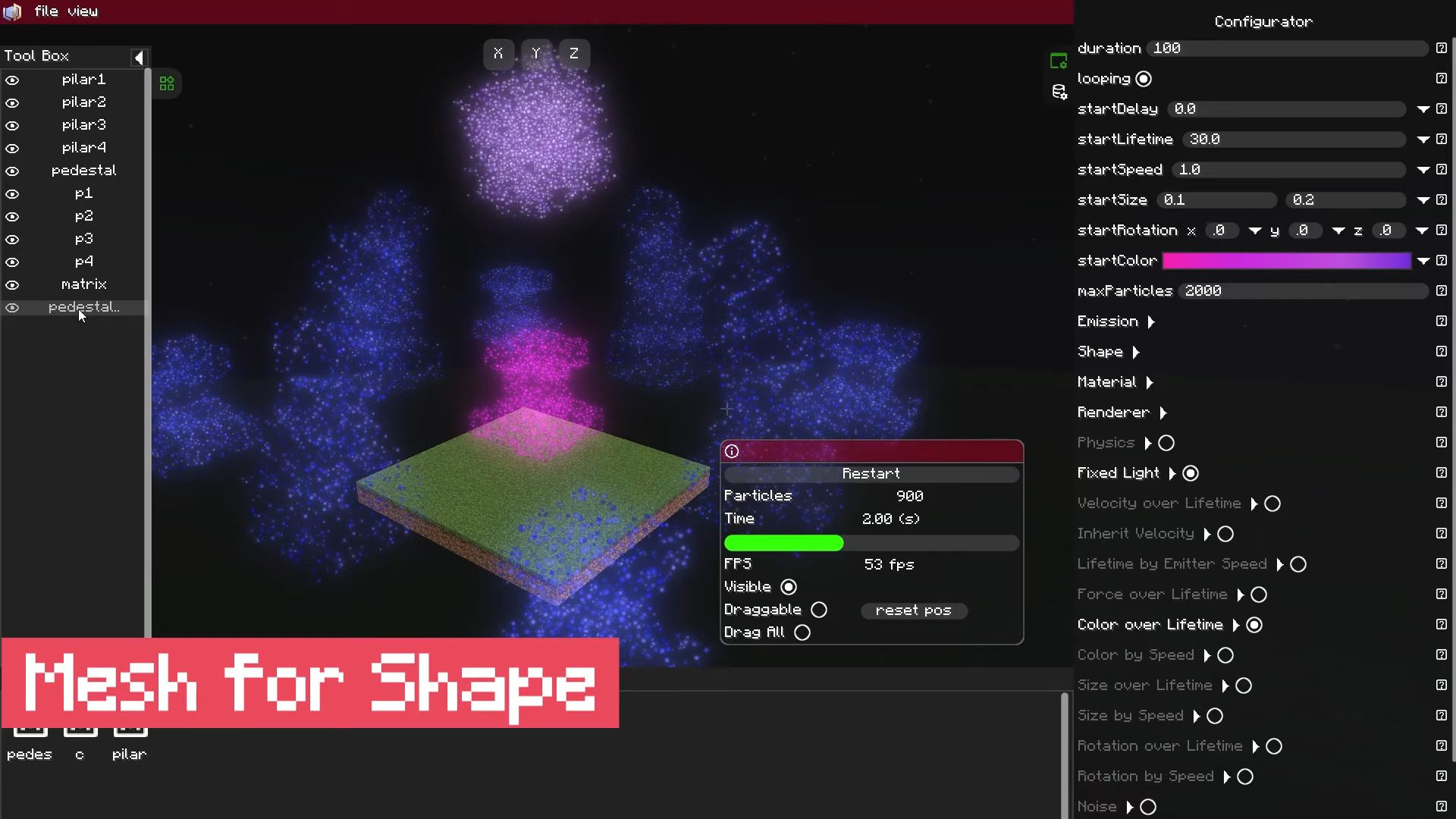
.glbfile into the editor as a particle mesh or a custom emission shape. Rigged files play their animations, and a per-particle animation phase stops a swarm from moving at the exact same time. - Includes custom GPU data streams with per-emitter vector and color functions that shader graphs and hand-written shaders can read per particle. These streams work on tile, trail, beam, and ara-trail particles with selectable time sources.
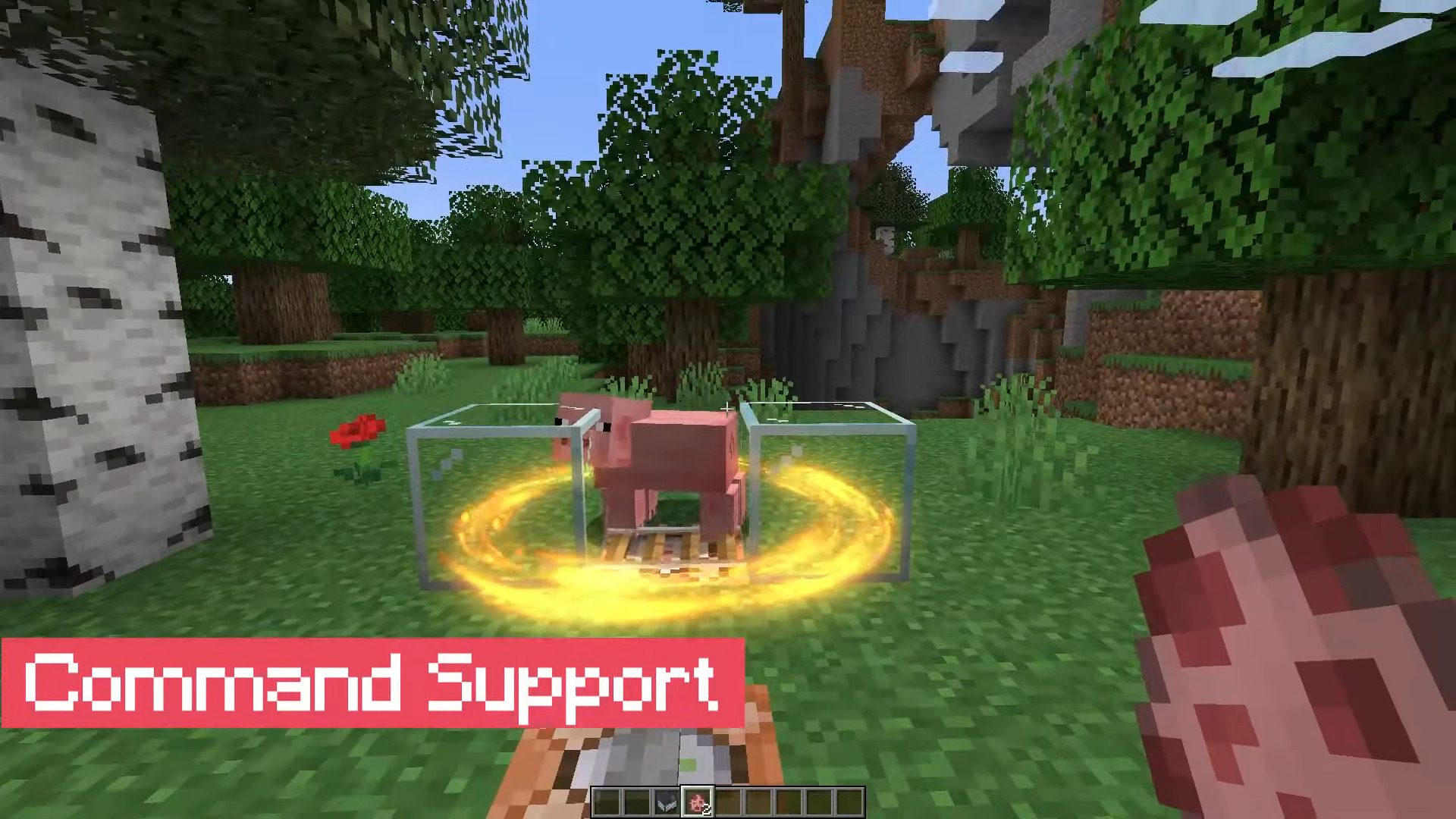
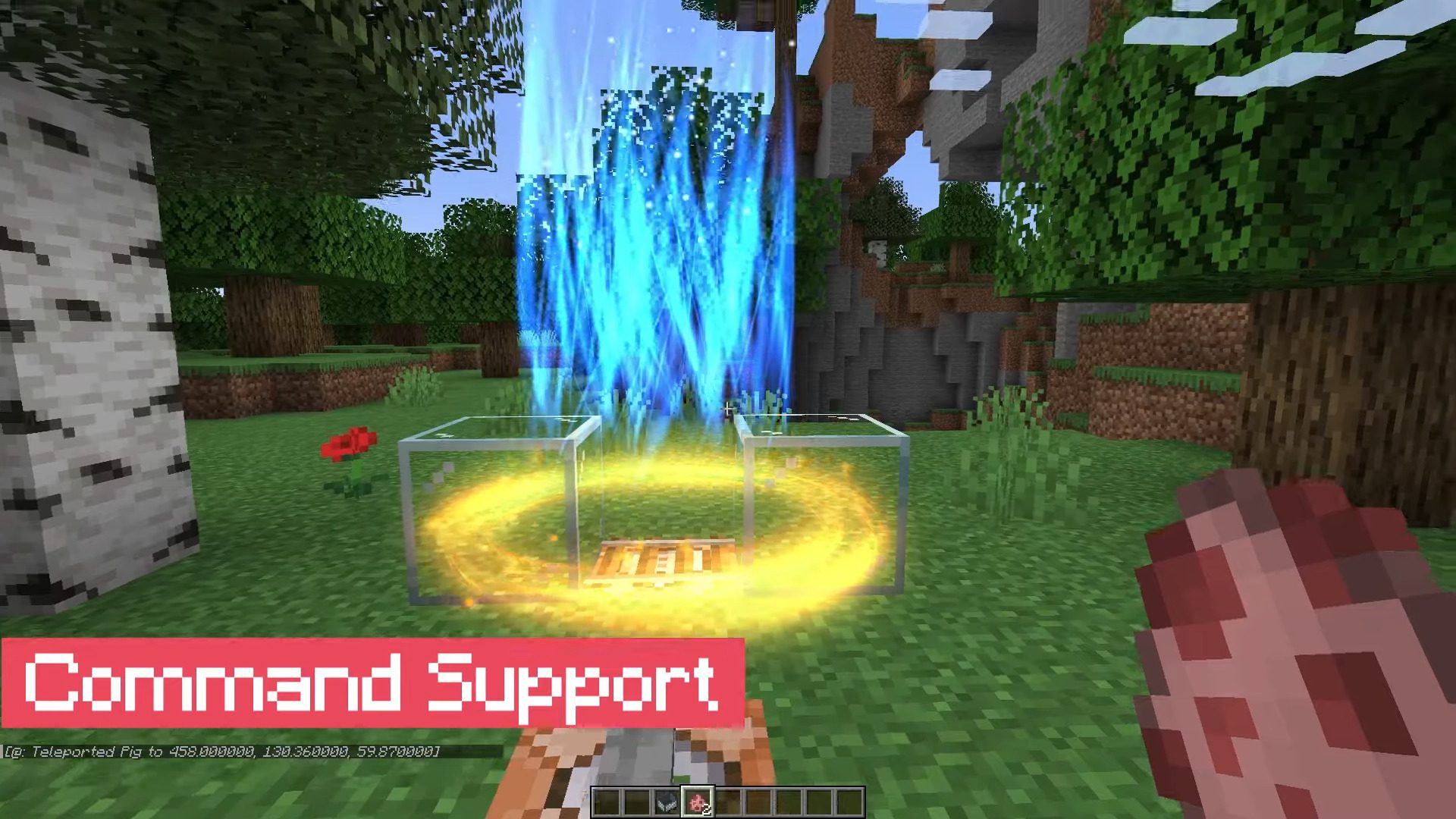
- Lets you trigger finished effects with commands or bind them from Java code to entities, blocks, or your own lifecycle manager.
Commands:
/photon_editor: opens the in-game visual effects editor interface right away with no restart needed./photon: plays your custom visual effects in the world.
How to Use:
- Make sure LDLib2 is loaded alongside this mod before starting your world; KilaGraph is already bundled inside automatically.
- Enter a Creative world and run
/photon_editorin chat to open the in-game visual effects editor. - Create a new FX project in the editor to build and preview particles, lights, timelines, or node-based shader graphs in real time; you can also start from one of the 27 Kila Material presets or drop in a
.glbfile as a particle mesh or emission shape. - Use
/photoncommands to play your finished effect in the world, or bind it through Java code to entities, blocks, or your own lifecycle manager.
Screenshots:
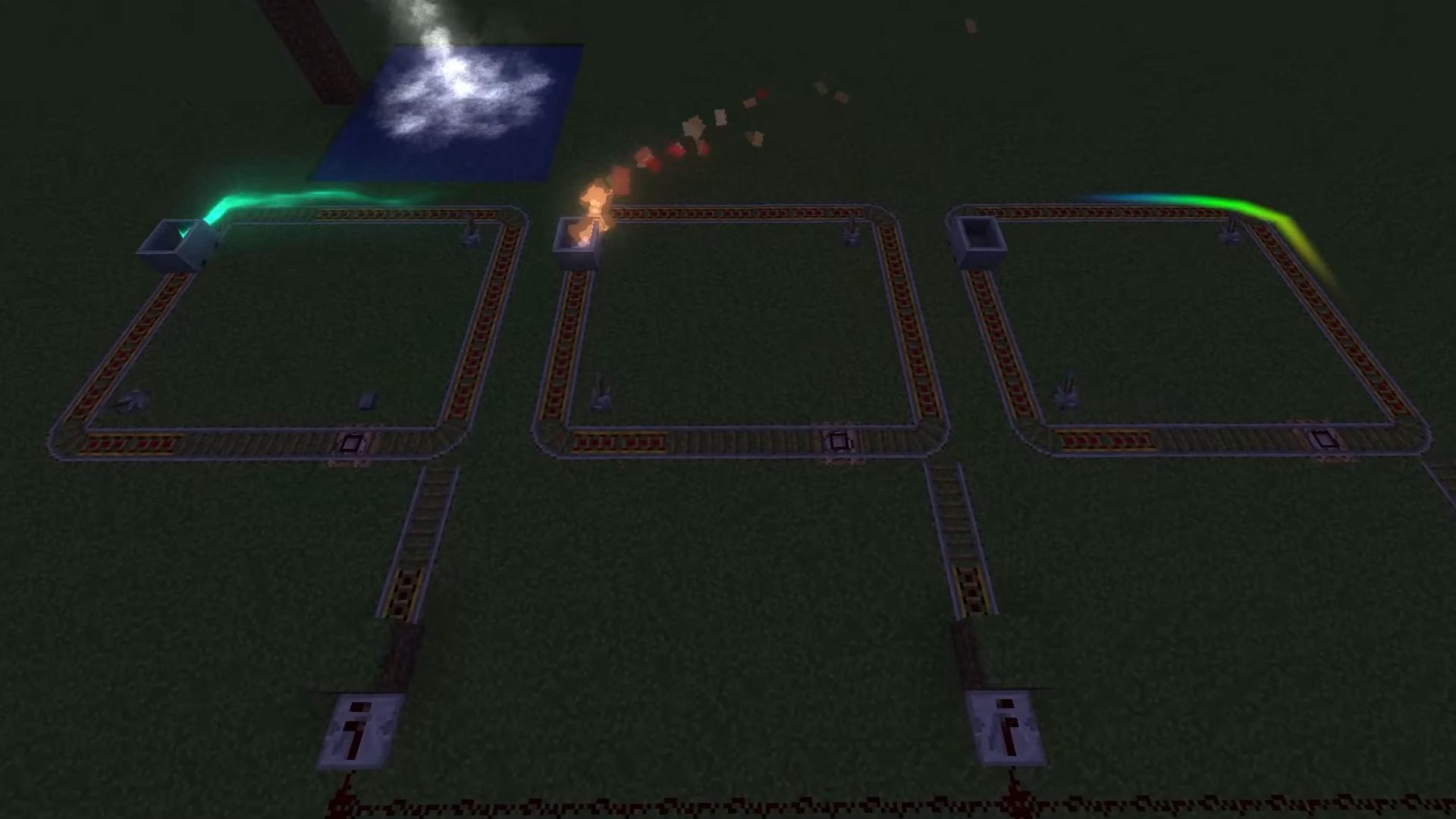
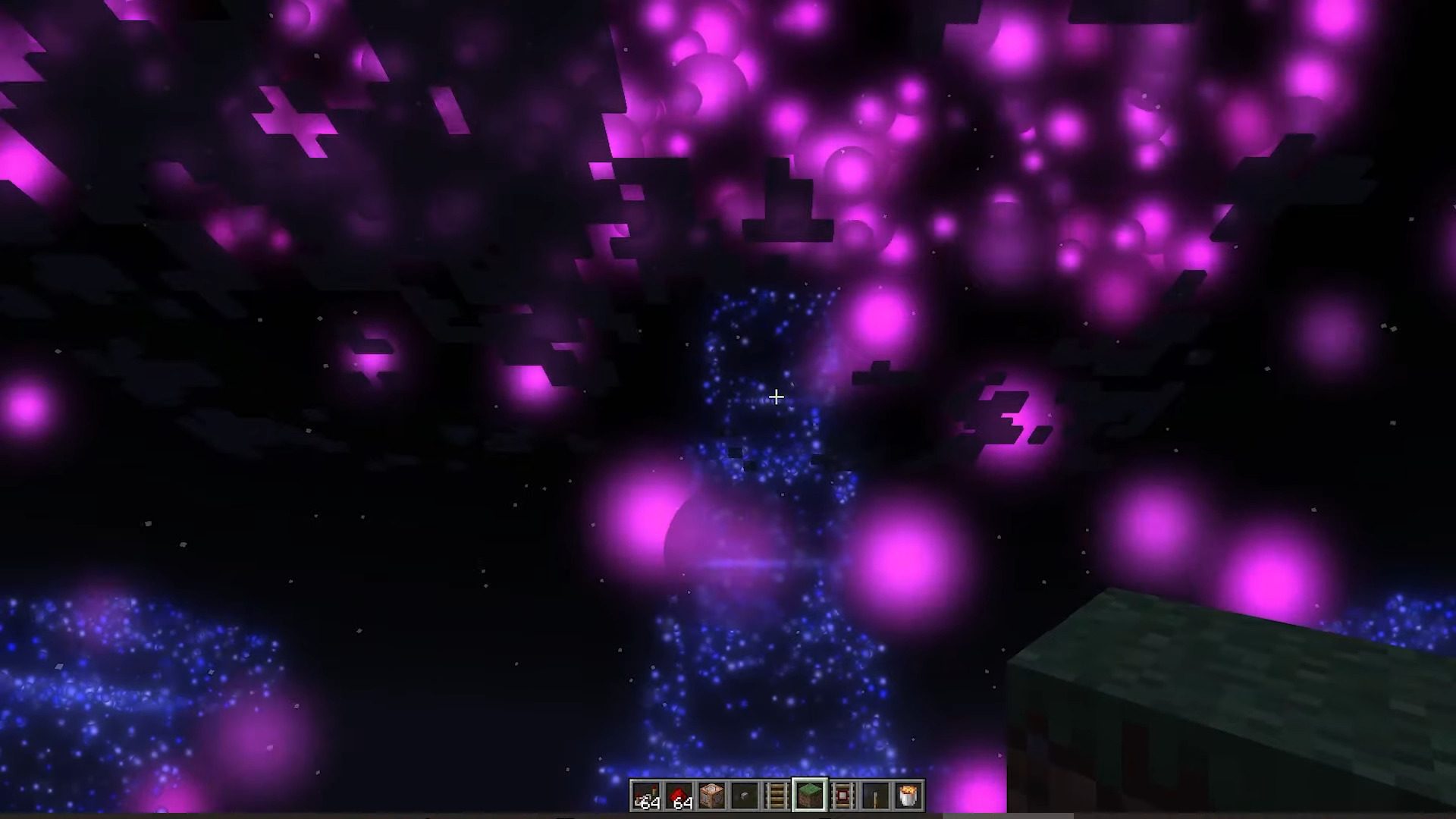
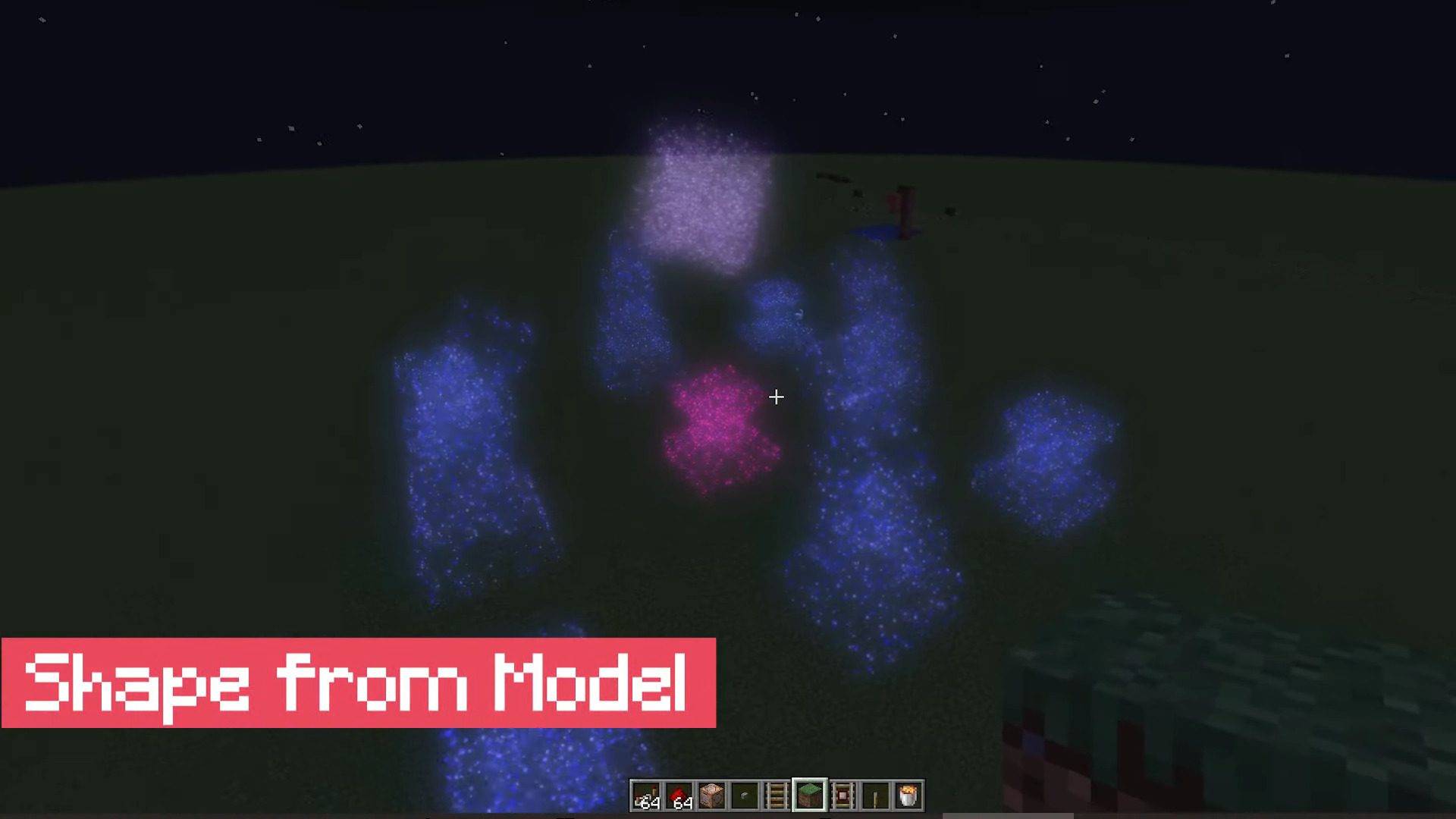
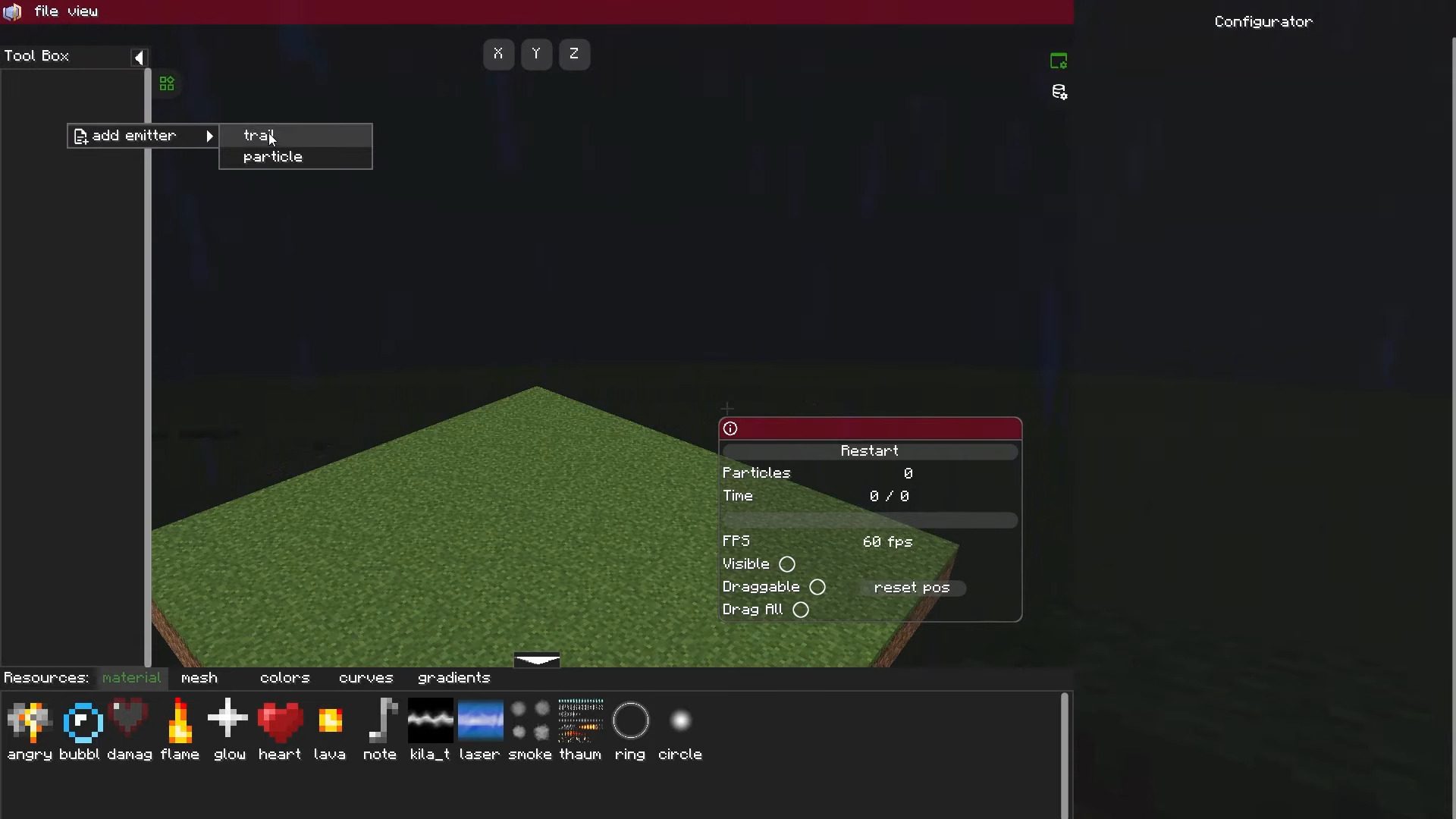
How to Install:
New to Minecraft? Follow our step-by-step guide to install Mods on your PC.View Guide
Requirements:




Photon Editor Mod Download Links
For Minecraft 26.3
For Minecraft 26.2
For Minecraft 26.1.2, 26.1.1, 26.1
For Minecraft
1.21.11,
1.21.10,
1.21.9
All Versions Covered
1.21.11
1.21.10
1.21.9
1.21.8
1.21.7
1.21.6
1.21.5
1.21.4
1.21.1
1.21
For Minecraft 1.20.1, 1.20
For Minecraft 1.19.4
For Minecraft 1.19.2
What is your stance on mods that feel 'overpowered' or break vanilla balance?
0 responses · See the full results →
You May Also Like
Picked for this page
 DecoCraft Mod (1.21.11, 1.20.1) – Finally Furnish Your Home
 Iron Jetpacks Mod (26.1.2, 1.20.1) – Fully Customizable FE Powered Jetpacks
 Sounds Mod (26.3, 1.20.1) – Highly Configurable Sound Overhaul
 Spark Mod (26.3, 1.21.1) – Diagnose Your Game’s Problems
 Universal Bone Meal Mod (26.3, 1.20.1) – New Uses for Bone Meal
 Nutritious Milk Mod (26.3, 1.20.1) – Enhanced Effects for Drinking Milk
 Pipe Goggles Mod 1.14.4, 1.12.2 (Helps with You Plumbing, See Pipes Through Walls) (1.21.1)
 Spice Of Fabric Mod (26.1.2, 1.20.1) – Food Containers
 Stat Tinkerer Mod (26.2, 1.20.1) – Keep Various Stats On Death
 Burn In The Sun Mod (26.3, 1.20.1) – Custom Sun Burn Entities
 Chat Tools Mod (26.3, 1.20.1) – Advanced Tools and Customization Chat Options
 More Kills More Damage Mod (26.3, 1.21.1) – More Kills Increases Player Attack Damage
Most viewed in Mods over the last 7 days
 Ala Industrial Mod (26.3) – Run Electric Power Grids and Automated Factories
 PleasureCraft Mod (26.3, 1.21.1) – Jenny Mod Remake for Fabric
 Jennycraft Mod (26.3, 1.20.1) – Virtual Girlfriend in Minecraft
 Fapcraft Mod (26.3, 1.12.2) – Comprehensive and Detailed Content
 Jenny Mod (Fapcraft) Official Complete Guide – How to use, Tutorial
 BangCraft Mod (1.20.1) – Jenny, Ellie and Elliot
 Fabric Loader (26.3, 1.20.1) – Fabric Installer for All Minecraft Versions
 The Shooting Star Demo Mod (26.3, 1.20.1) – Vaporize Terrain From Orbit
 Meteor Client Mod (26.3, 1.20.1) – Xray, HUD, Fly
 OptiFine HD (26.3, 1.20.1) – Run Faster, FPS Boost, Shaders Support
 Aristois Client Mod (1.21.4, 1.20.1) – World Class Minecraft Utility
 Prestige Client Mod (1.21.11, 1.21.4) – Powerful Ghost Features for Crystal & Sword PvP
More from Mods
 Universe3090 Mod (1.20.1) – Survive Corrupted Dimensions Filled
 Wireless Automate Mod (1.21.1) – Automate Base Logistics Without Messy Pipes
 Vaskars Opus Faction War Quests & Bosses Mod (1.21.11, 1.20.1)
 Multitools and More Mod (26.3, 1.20.1) – Clear Your Hotbar and Travel
 Luxium Let There Be Light Mod (1.20.1) – Stunning Lighting on Low-End Computers
 Soulscraft Tarnished Legacy Mod (1.21.1) – Hunt Relics to Forge Dark Fantasy
 Fetzi’s Displays Mod (26.1.2, 1.20.1) – Turn Rare Gear and Weapons
 Primal Plushies Paleo Pals Mod (1.21.1, 1.20.1) – Decorate Your Base
 Ipla Mod (26.3, 1.20.1) – Showcase Your Favorite Items
 MesdagPortLib Mod (1.20.1) – Run Modern Minecraft Mechanics on Older Versions
 Hellion’s API Mod (1.21.11, 1.21.1) – Play Hellion Series Addons Without Crashes
 Terrestria Mod (26.3, 1.20.1) – Highly Detailed Biomes

This post has no comments yet. Be the first — your comment will appear here.