


Better Questing Tweaker Mod (1.12.2) – Scroll Through Quests Without Clicks

 0
0 

Better Questing Tweaker Mod changes and improves some parts of the Better Questing mod. It redesigns the user interface and adds new quality-of-life features to make managing your quests easier and more convenient. This mod is client-side, which means it only needs to be installed on your game.
Features:
- Adds a button on the BetterQuesting home page to turn quest notifications on or off.
- Redesigns the questline page for a cleaner look.
- Adds right-click menus for quickly adding or editing tasks.
- Puts all tasks for a single quest onto one scrollable page, so you no longer need to click between pages.
- Combines quest descriptions and rewards into a single scrolling page as well.
- Lets you add images and links directly into quest descriptions.
- Includes a patch to fix stuttering models in task previews when using the MoBends mod.
How to Use:
Embedding Content in Descriptions
You can add clickable links and images into quest descriptions. These will only appear for players who have the mod installed and will not break quests for others.
- To add content, you must use a special format in the description text.
- The text must start with
{Embed}and end with{Embed}. - Inside, you specify the type and arguments, separated by semicolons (;).
Image Embed Example:
{Embed}TypeImage;<ResourceLocation>;<DisplayWidth>;<DisplayHeight>;<ImageWidth>;<ImageHeight>{Embed}Link Embed Example:
{Embed}TypeLink;<WebsiteLink>;<DisplayWidth>;<DisplayHeight>;<ButtonText>{Embed}Configuration:
- A new keybind is added to quickly go back to the previous page. The default key is Backspace.
- You can enable or disable every feature of the mod through its config file.
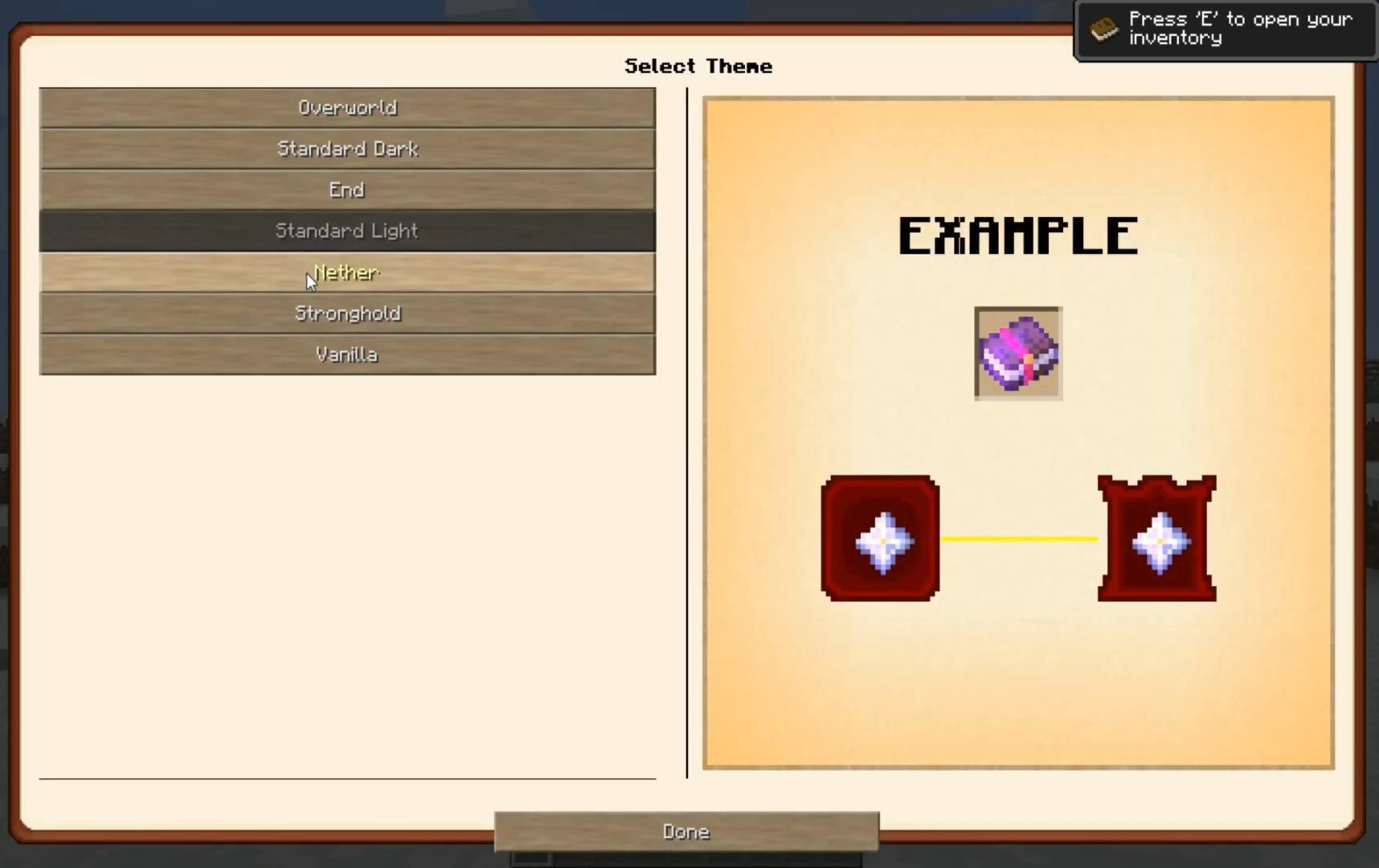
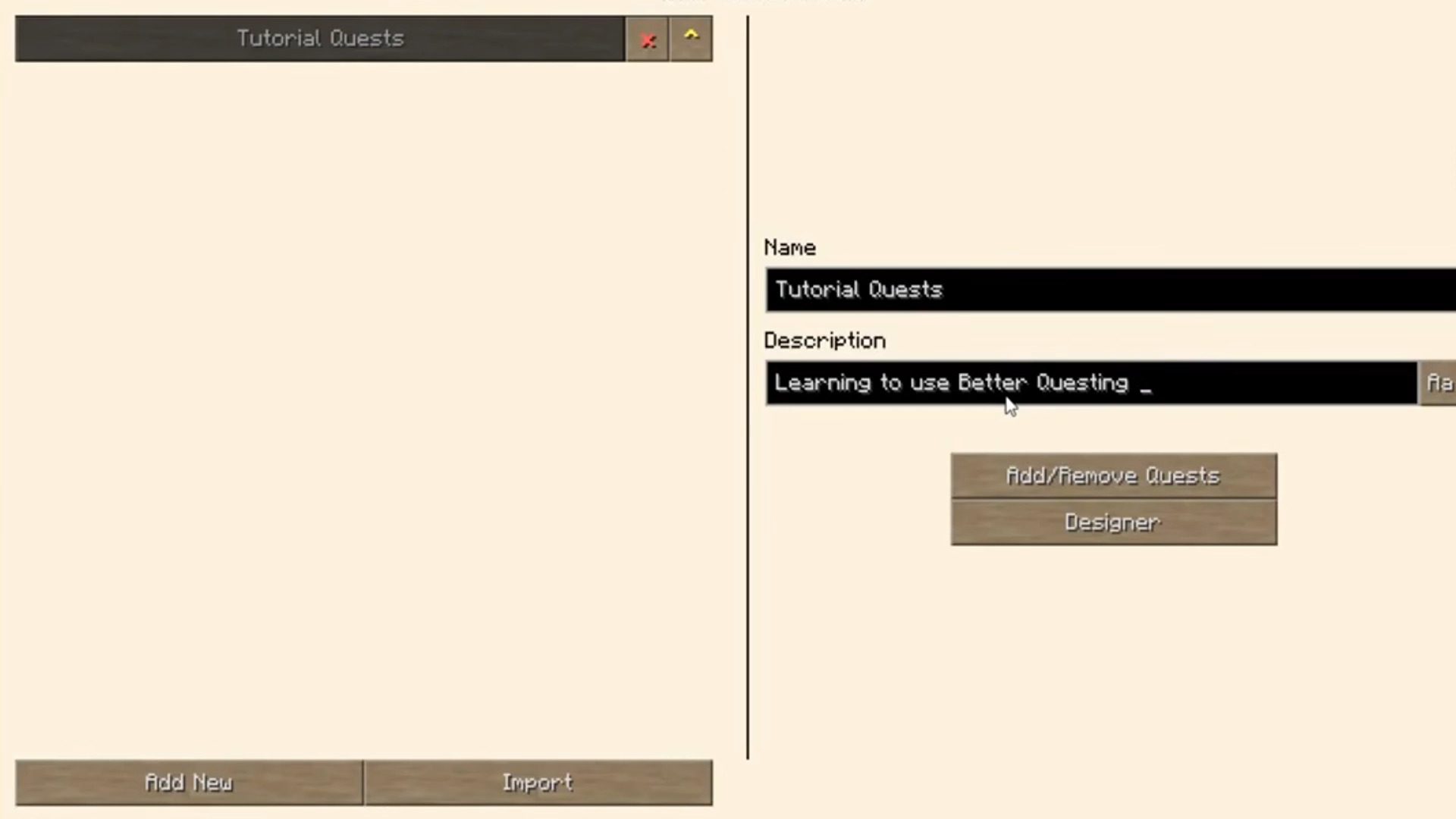
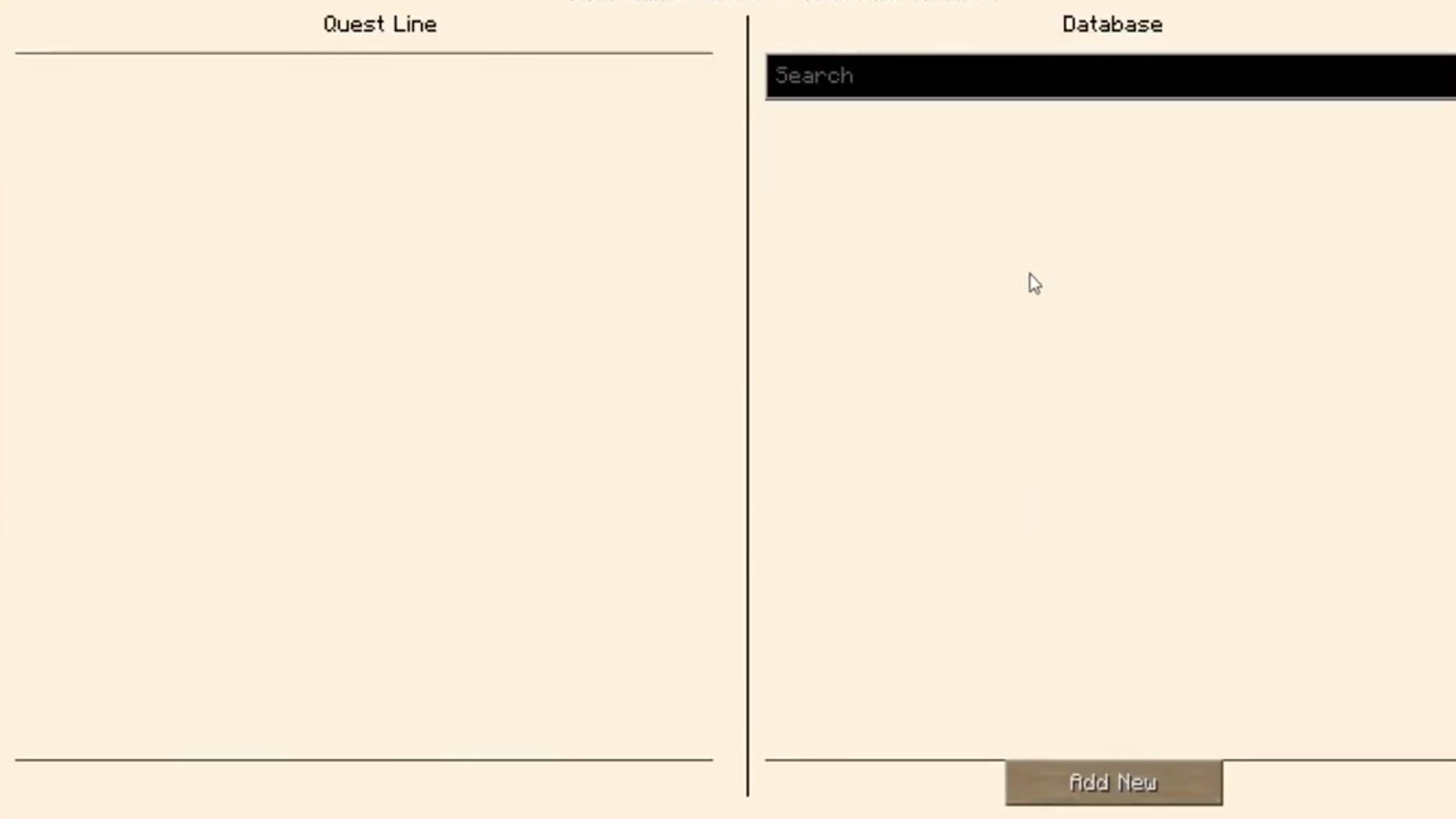
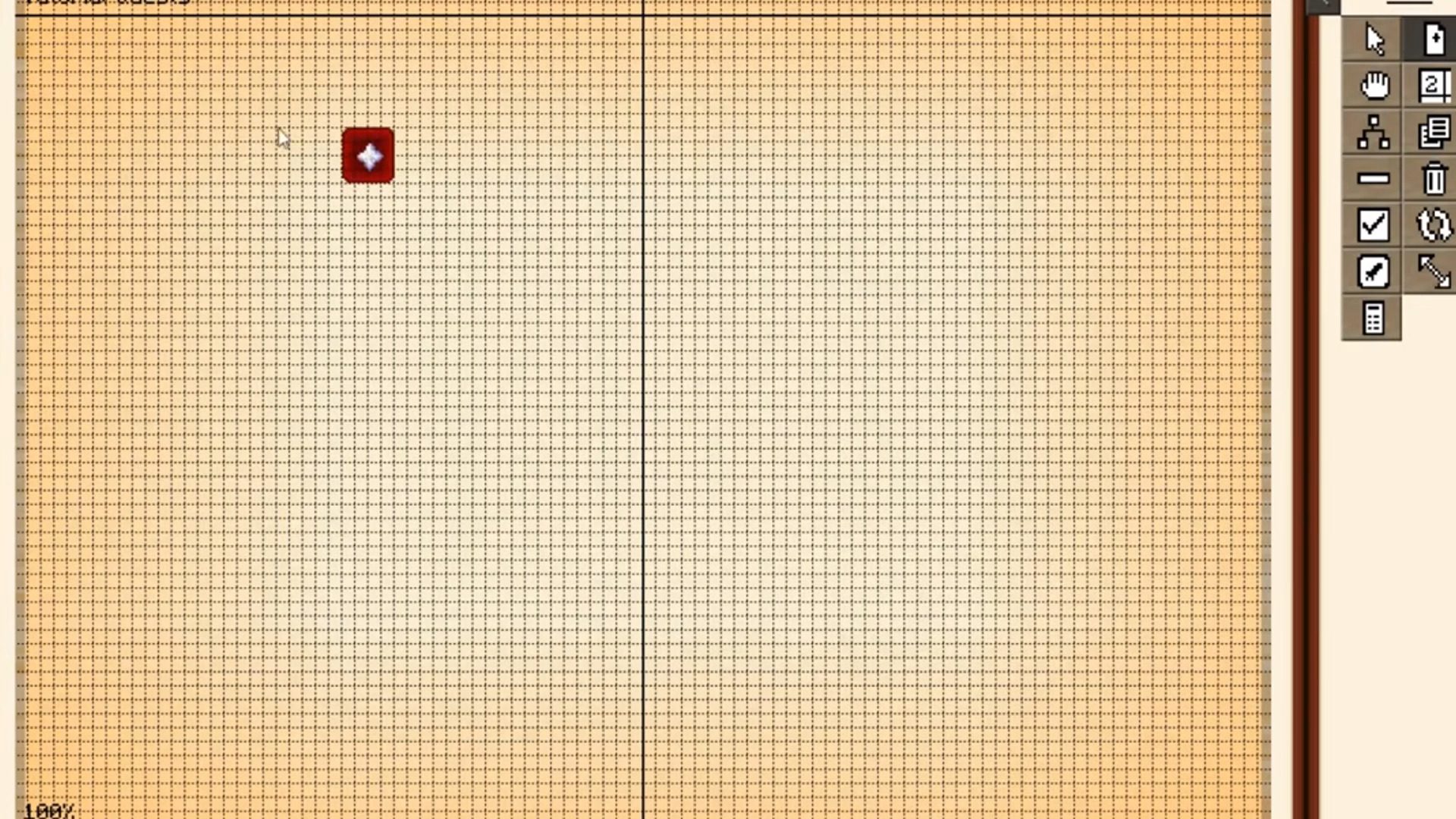
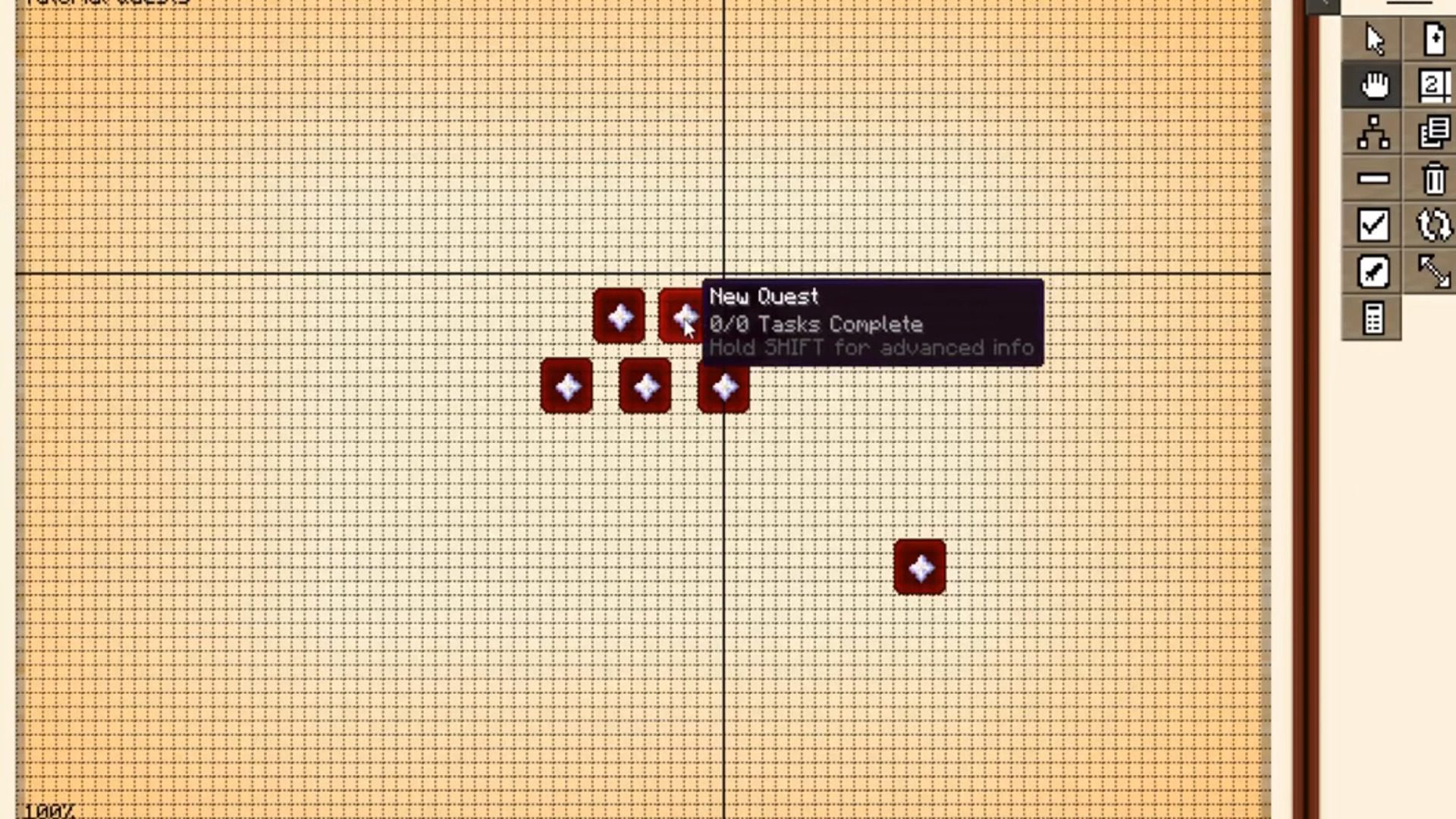
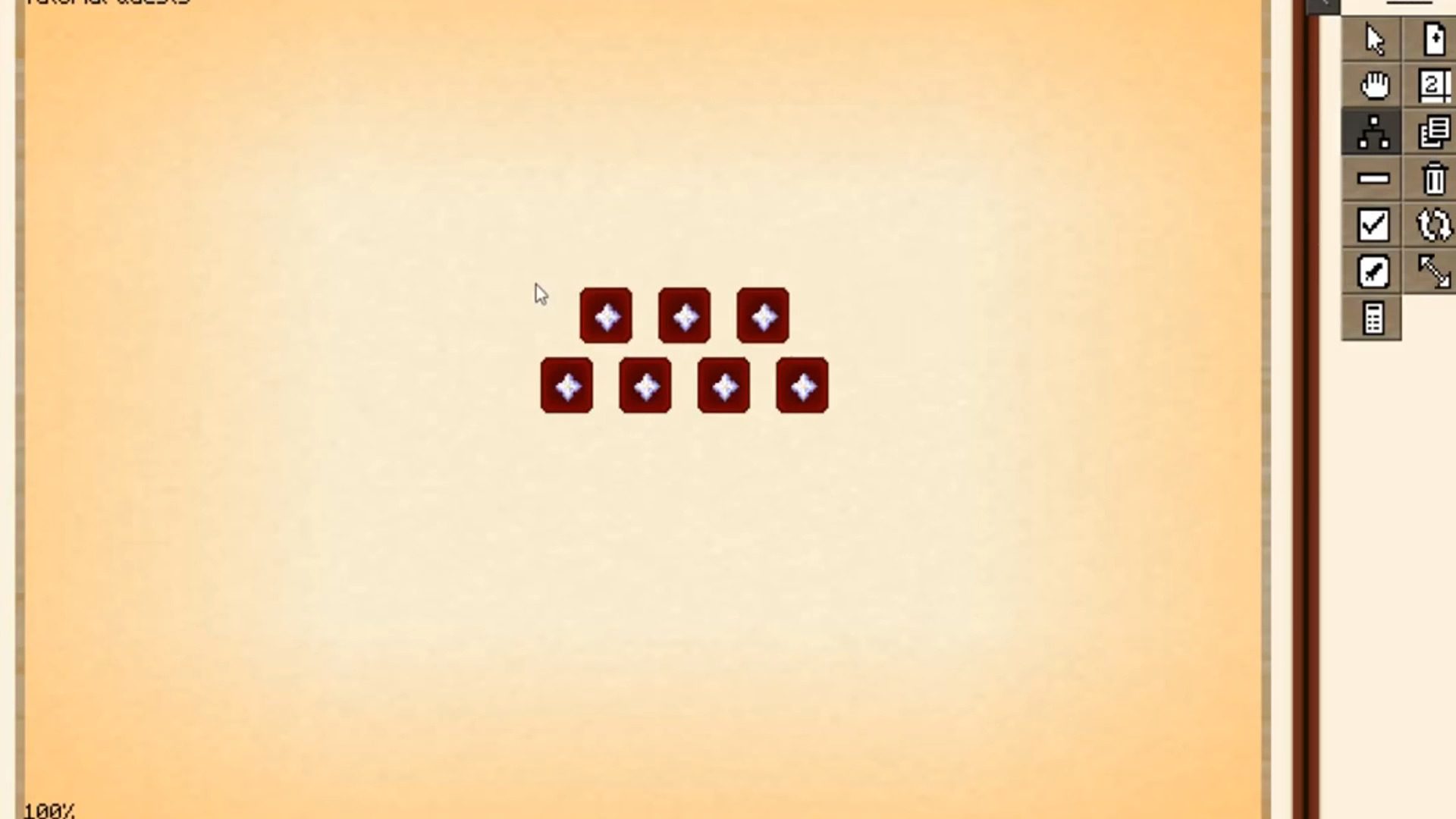
Screenshots:
How to Install:
New to Minecraft? Follow our step-by-step guide to install Mods on your PC.View Guide
Requirements:
Better Questing Tweaker Mod Download Links
For Minecraft 1.12.2
Forge version: Download from Server 1 – Download from Server 2
Click to rate this post!
[Total: 0 Average: 0]
You May Also Like




This post has no comments yet. Be the first — your comment will appear here.