
WorldGen Block Replacer Mod (1.12.2) – Transform Every Biome with Custom Blocks
 555
 0


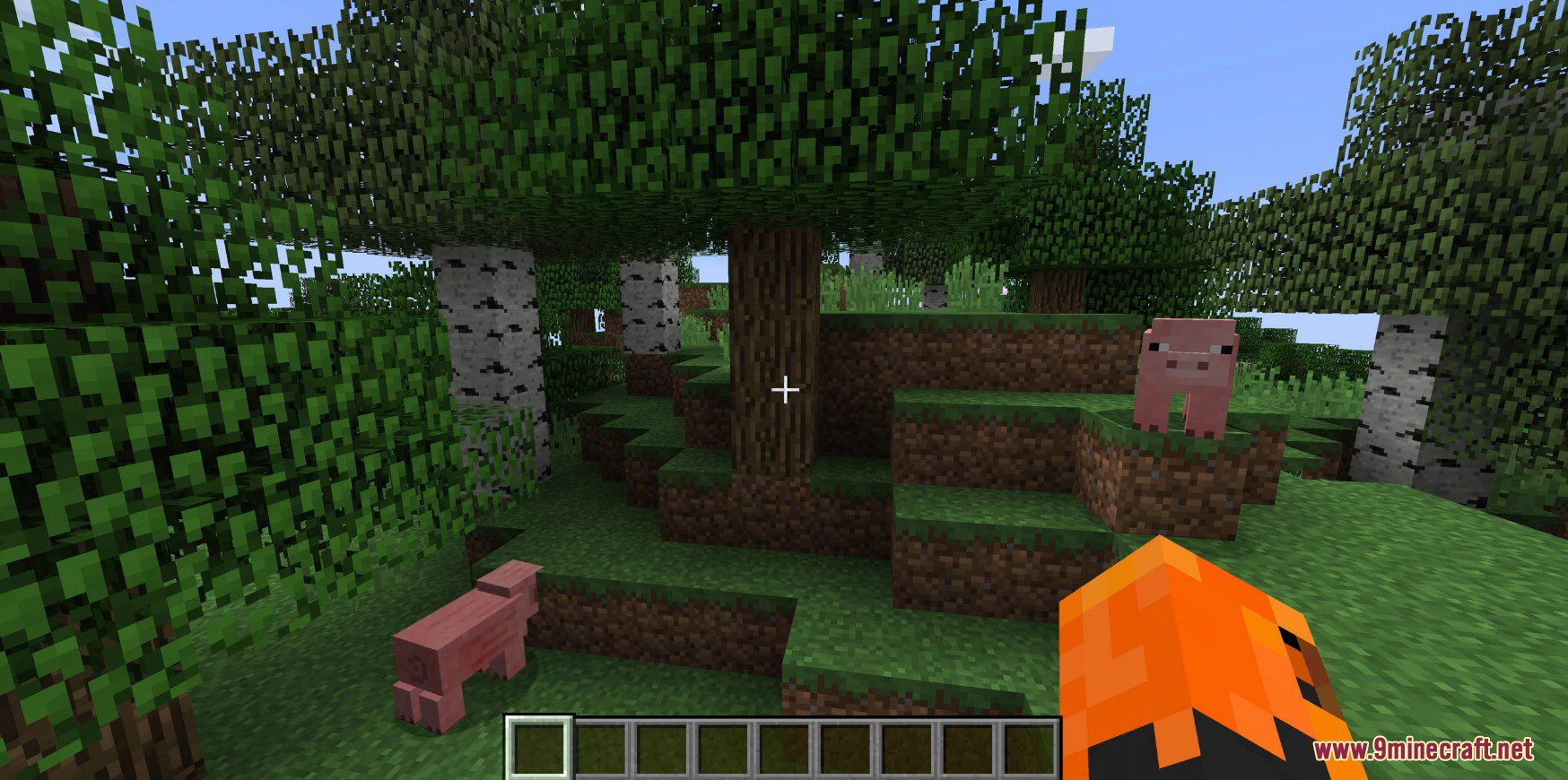
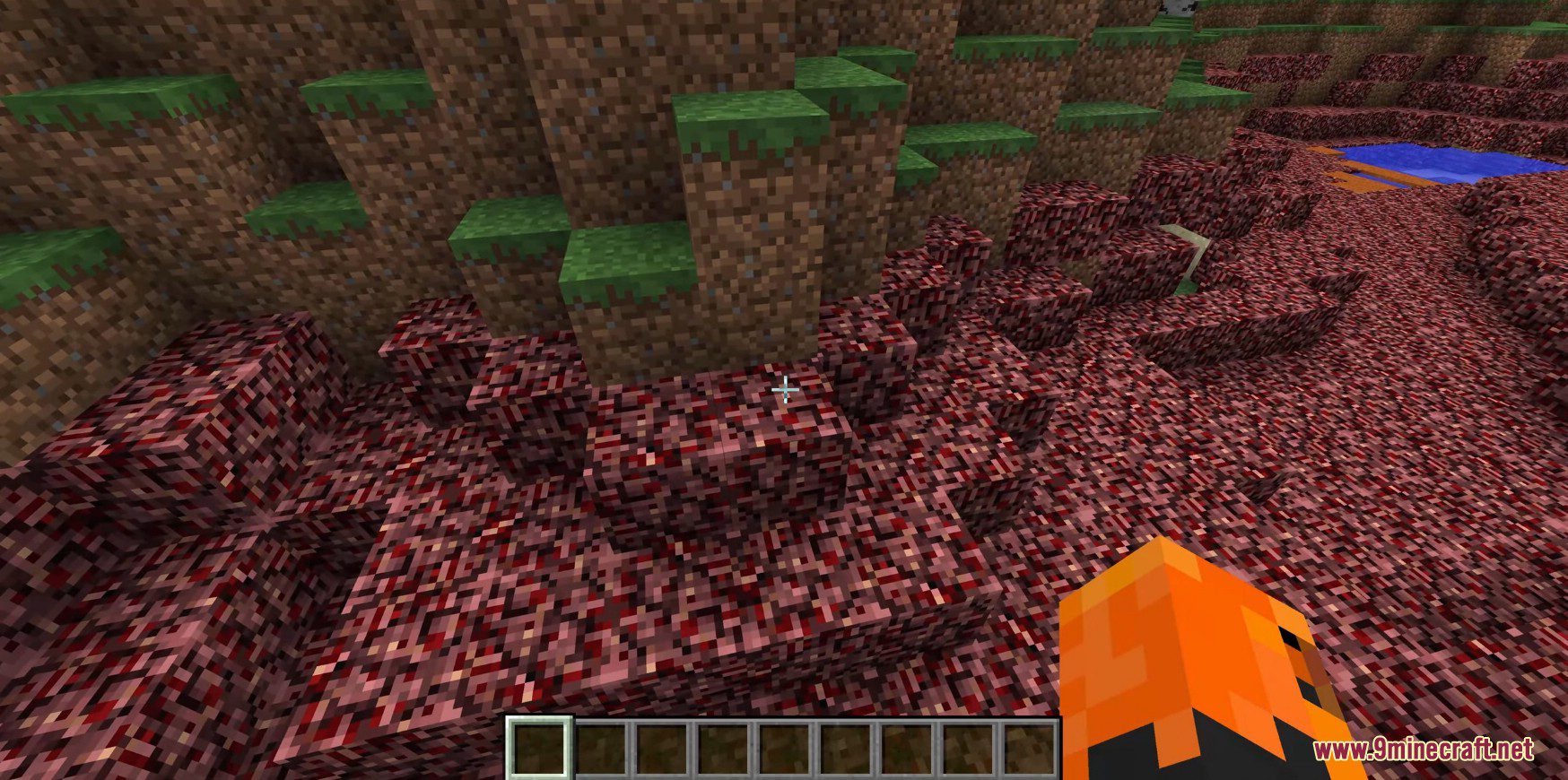
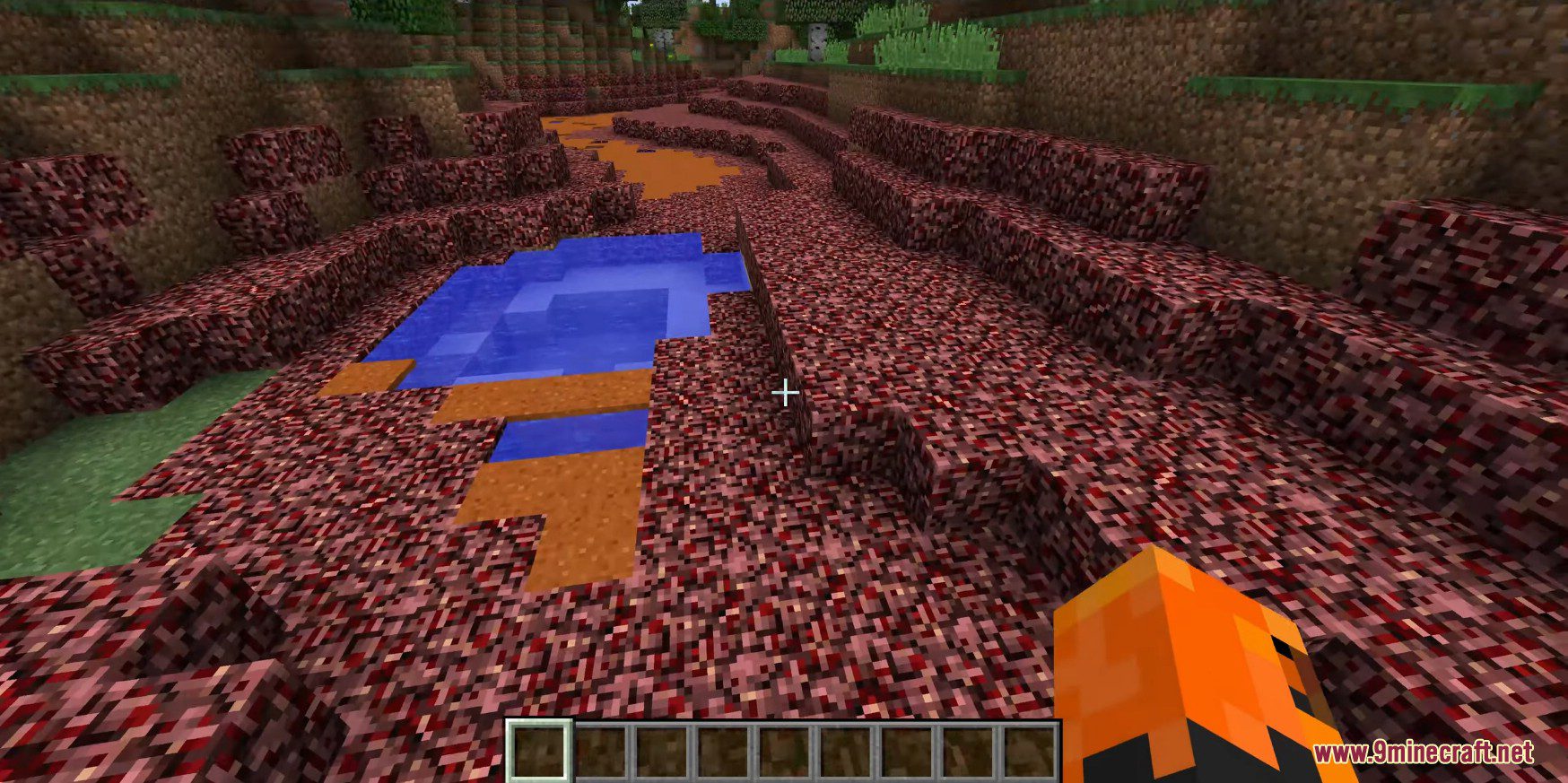
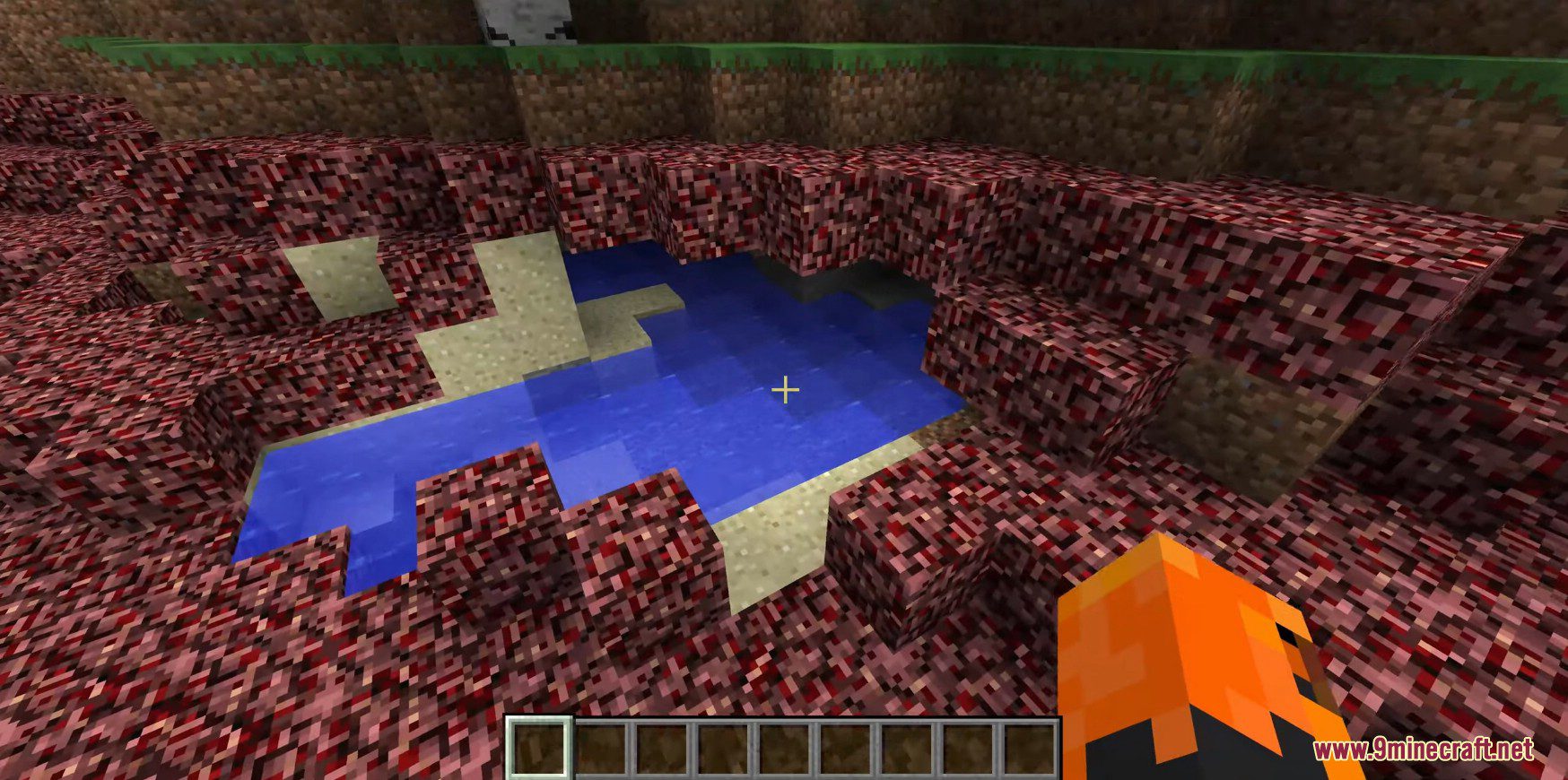
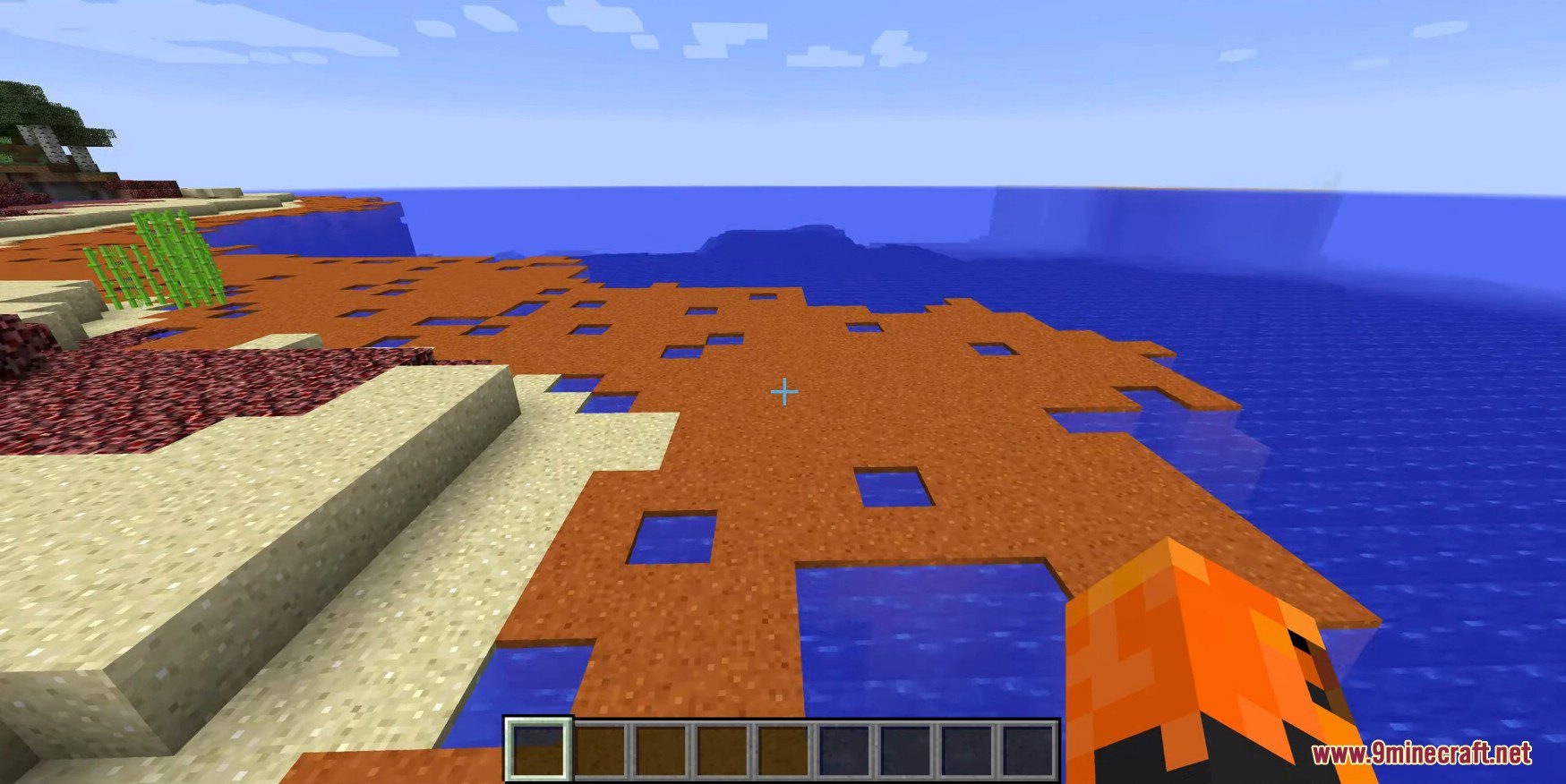
WorldGen Block Replacer Mod lets you swap blocks in your Minecraft world with other blocks during world generation. It runs when new chunks load and also works on existing worlds. You can pick vanilla blocks or blocks added by other mods, then control where swaps happen with biome and dimension rules. The mod does nothing by default until you set up your own block swaps in the config menu. It also runs on multiplayer servers without needing any client-side installation.

Features:
- Replaces chosen blocks with other blocks whenever new chunks generate in your world.
- Works on both new worlds and preexisting worlds.
- Supports vanilla blocks as well as blocks added by other mods.
- Runs on multiplayer servers without needing to be installed on the client side.
- Does nothing by default because the starting setting swaps stone with stone until you change it.
- Lets you set up multiple block swaps at once using multi-value config options.
- Filters where block swaps happen by biome or dimension with whitelist and blacklist rules.
- Includes universal settings to adjust biome edge accuracy and allow risky, lag-heavy blocks.
- Tile entity blocks like furnaces and pistons should not be used as replacement blocks because they can make your world much slower.
Configuration:
Biome Filter: Controls which biomes get block replacements using a comma-separated list with no spaces before or after commas. Including an asterisk (*) turns the list into a blacklist (for example,*alone allows all biomes, while*with plains replaces blocks in every biome except plains), and leaving out the asterisk makes it a whitelist (such as only plains and forest).Dimension List: Sets which dimensions get block replacements using the same comma-separated list with no spaces around commas. Adding*makes it a blacklist, and leaving*out makes it a whitelist.Enable Risky Blocks: A universal setting that lets the mod use replacement blocks that may cause heavy lag in your world.Biome Precision: A universal setting enabled by default that detects biome edges accurately for biome-restricted replacements. Disabling it can improve performance when loading new chunks, but edges become chunk-based and often look rough on common blocks like dirt, grass, or stone.
How to Use:
- Open the Minecraft main menu and click Mods, since the mod does nothing by default (it starts by replacing stone with stone) until you configure it.
- Find and click WorldGen Block Replacer in the mod list, then click Config to open the configuration screen.
- Click any option on the Config screen to change your block replacement settings.
- Move your mouse over any option name to read a description of what it does.
- Add multiple entries inside the multi-value options if you want to swap more than one block. Make sure every multi-value option has the exact same number of entries, or the mod will not work.
- Fill in
Biome FilterandDimension Listusing comma-separated lists with no spaces before or after commas; add*to use a blacklist or leave*out to use a whitelist. - Change
Enable Risky BlocksorBiome Precisionif you want to allow lag-heavy blocks or trade accurate biome edges for faster chunk loading on biome-restricted swaps. - Do not set tile entity blocks like furnaces or pistons as replacement blocks, or your world will likely become much slower.
Screenshots:
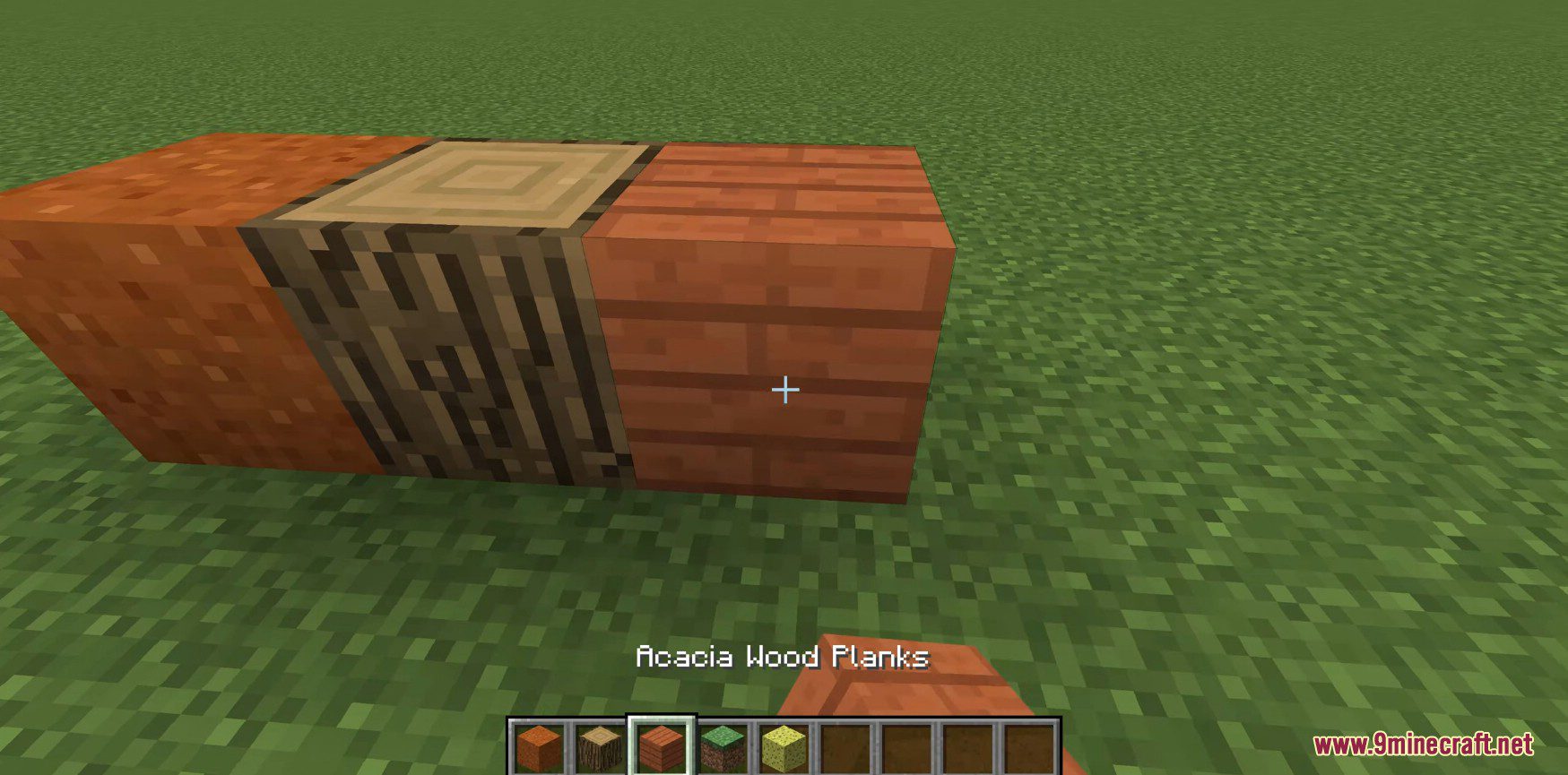
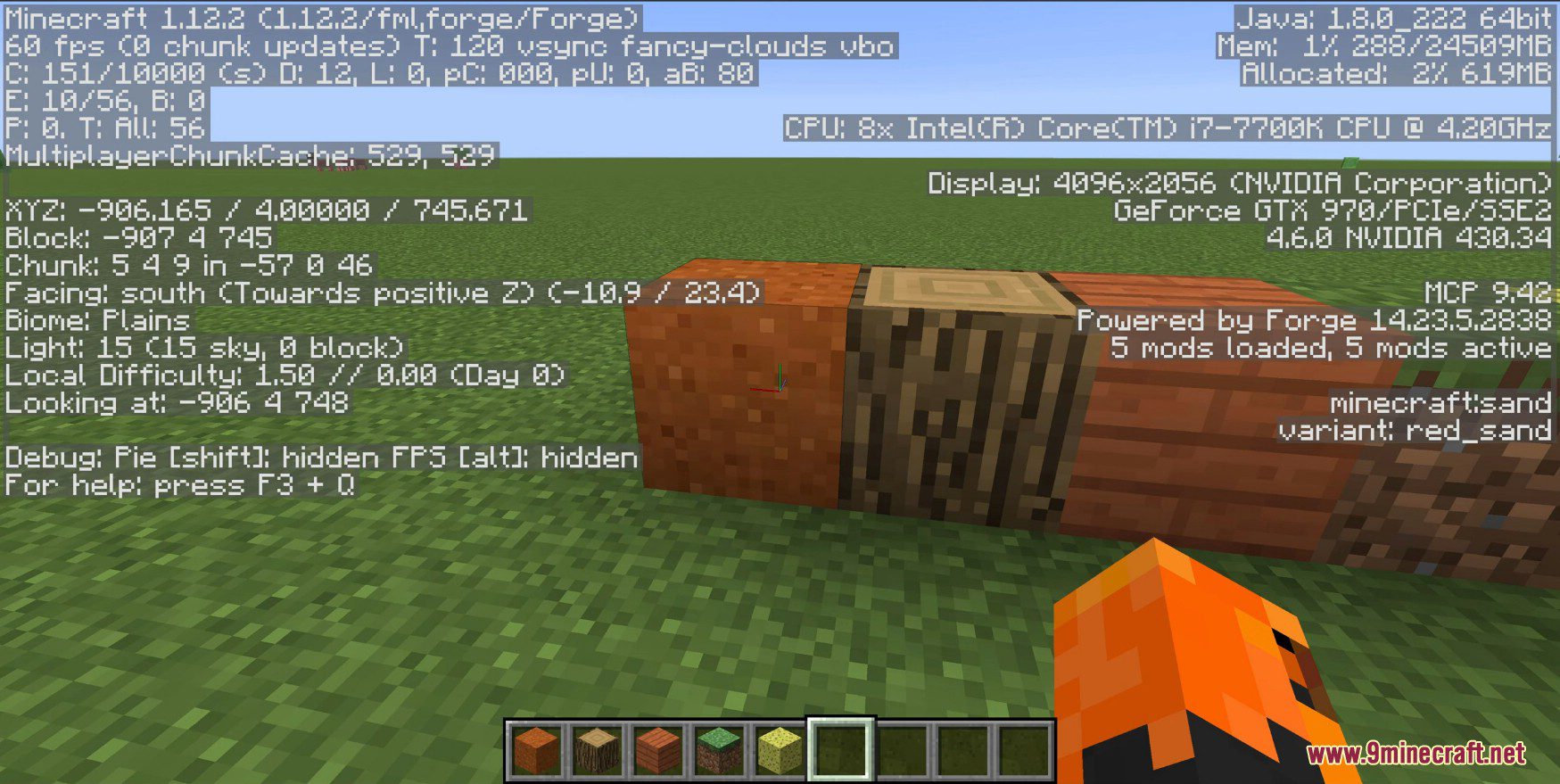
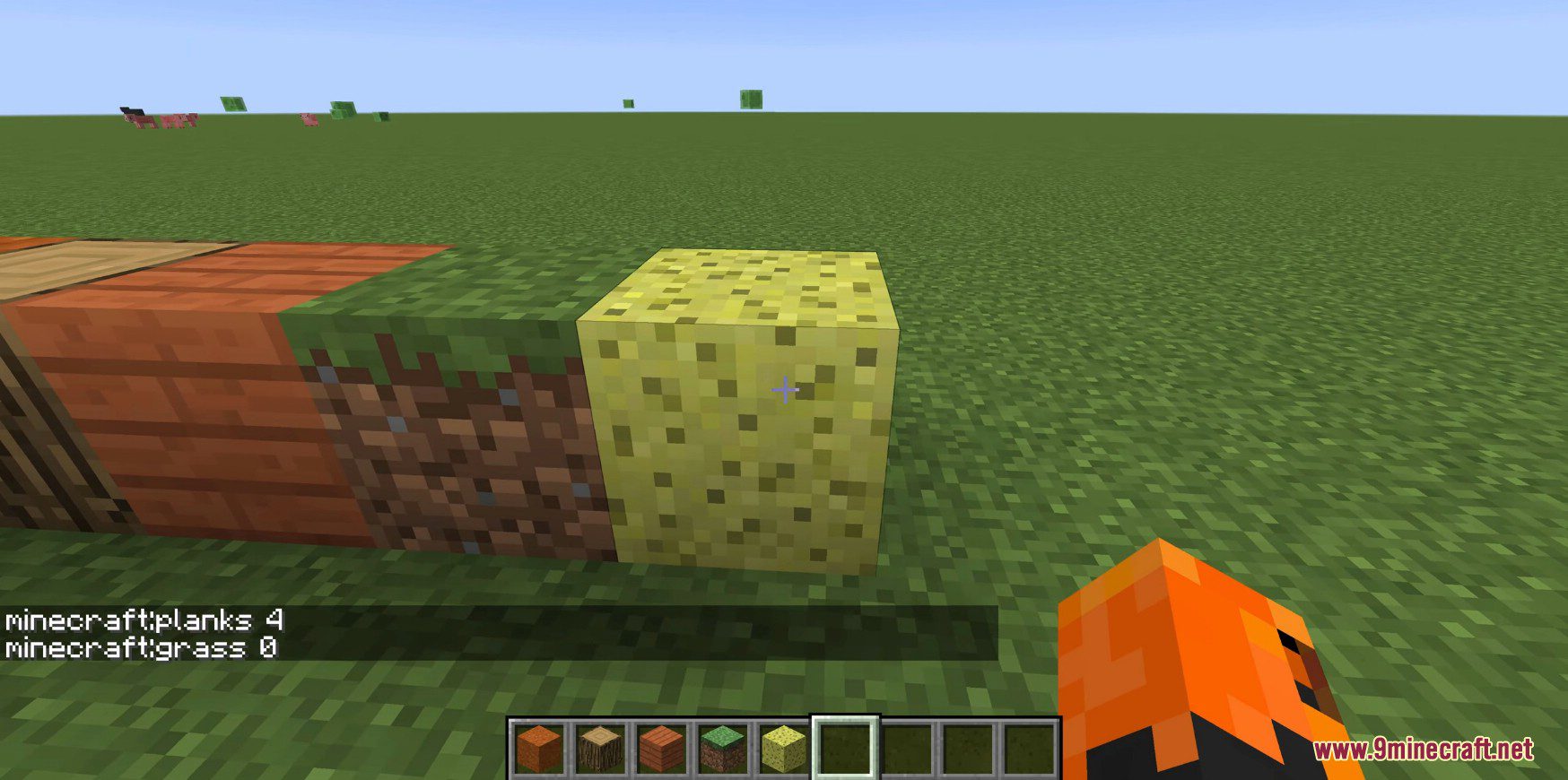

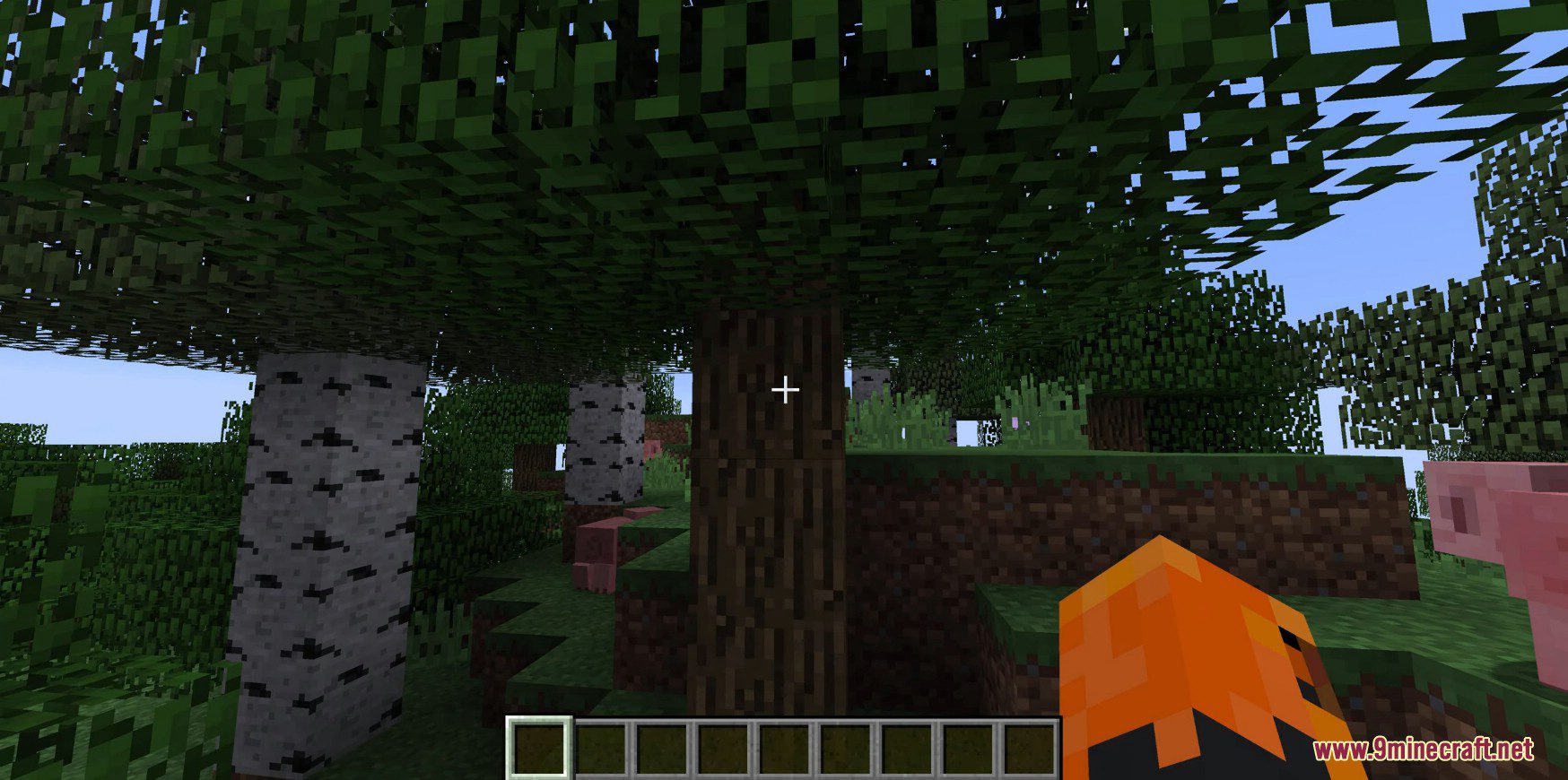
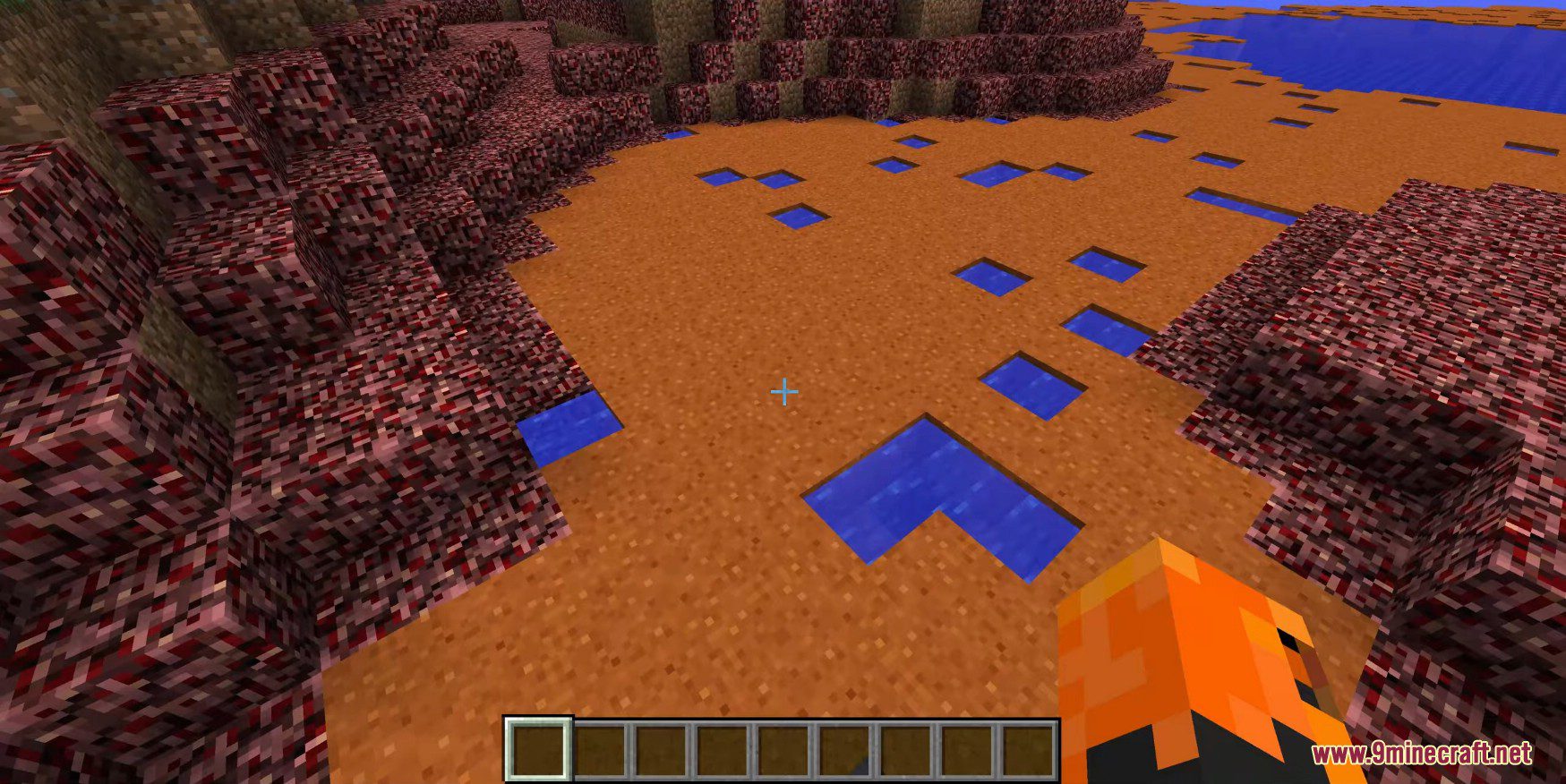
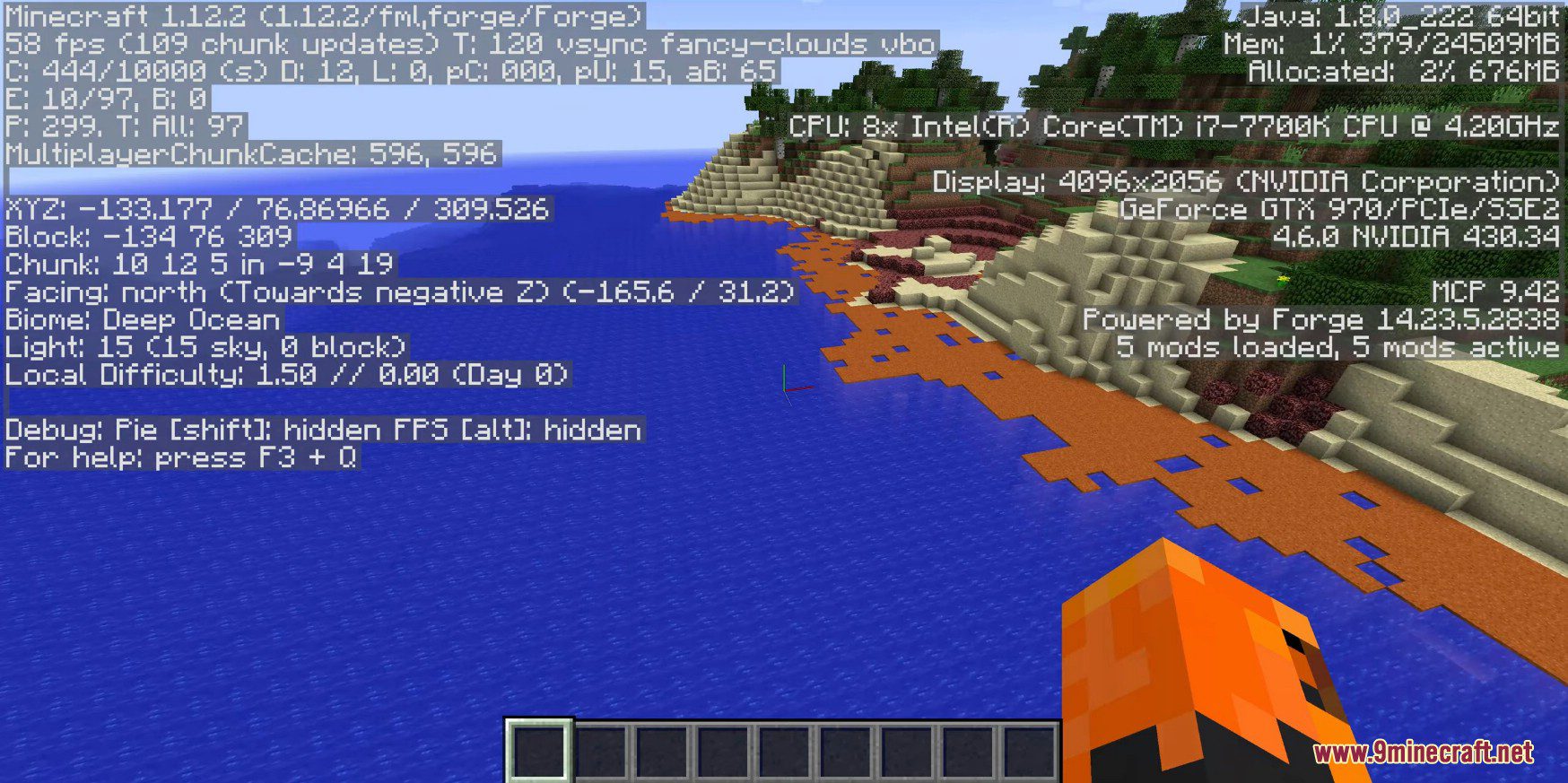
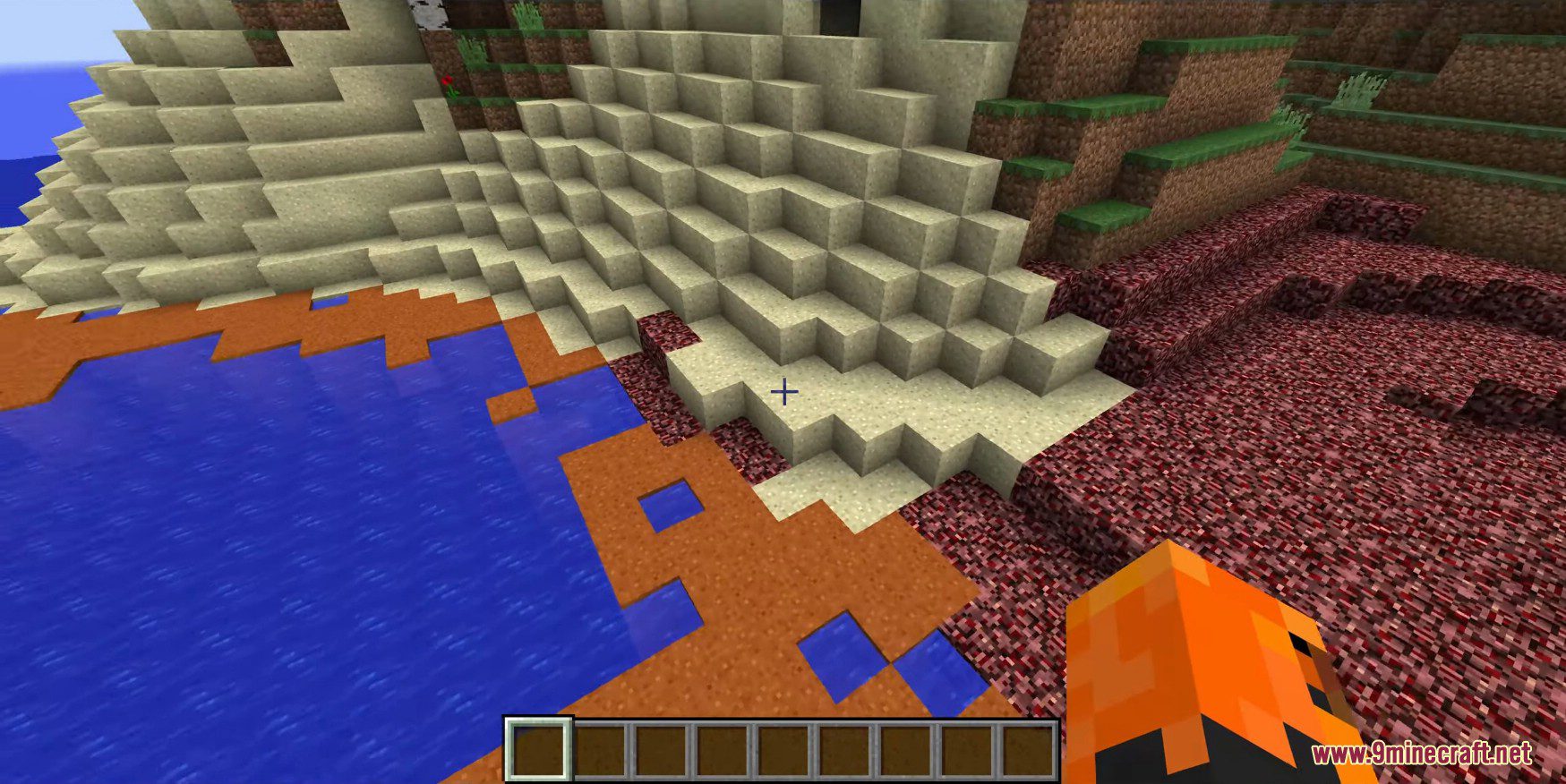
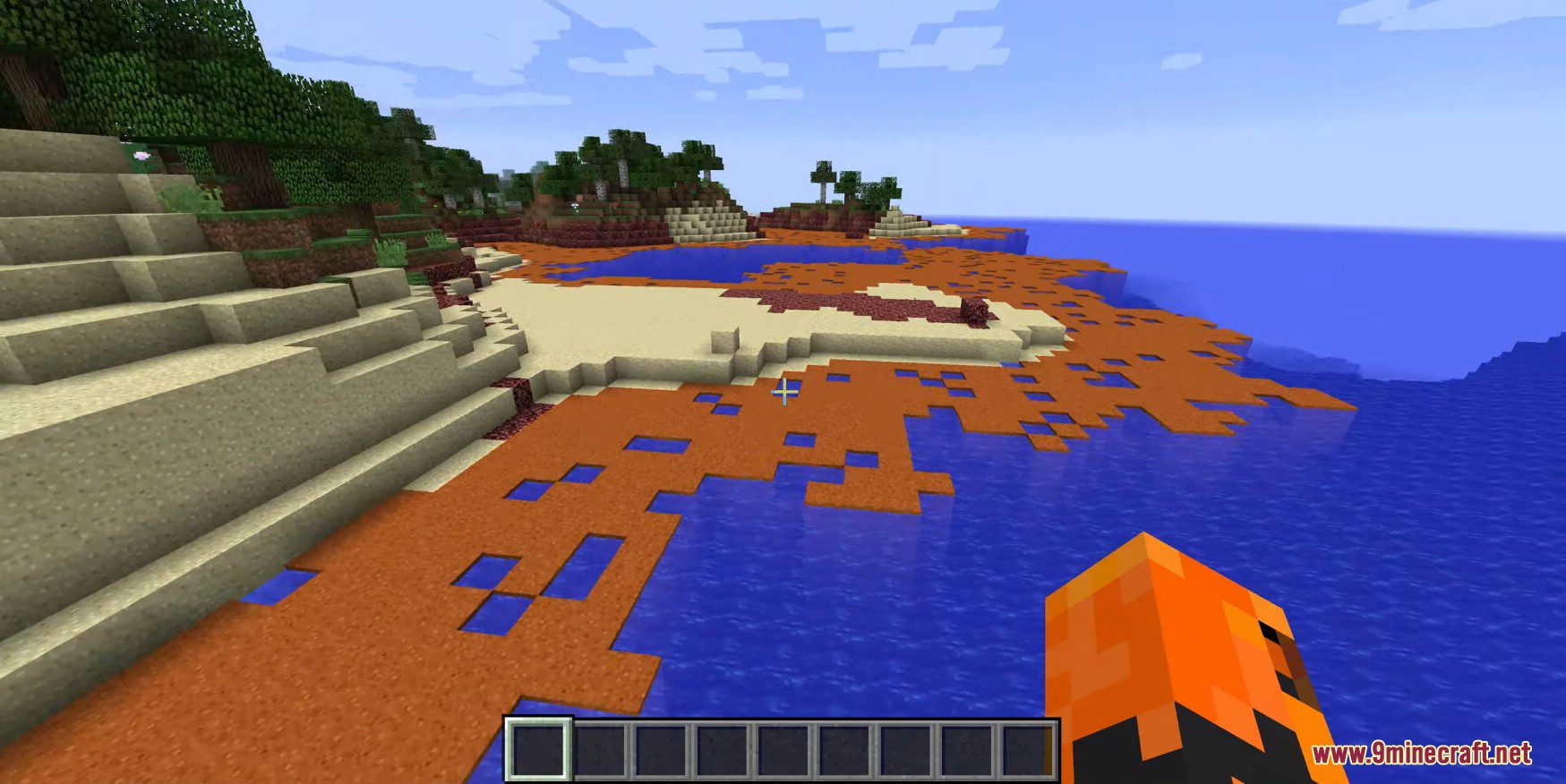
How to Install:
New to Minecraft? Follow our step-by-step guide to install Mods on your PC.View Guide
WorldGen Block Replacer Mod Download Links
For Minecraft 1.13.2
Forge version: Download from Server 1
For Minecraft 1.12.2
Forge version: Download from Server 1 – Download from Server 2
Click to rate this post!
[Total: 0 Average: 0]
You May Also Like
Picked for this page
 Stone Chest Mod (26.2, 1.20.1) – Stone Variations Vanilla Chests
 Aerial Hell Mod (26.3, 1.20.1) – New Floating Dimension
 TPS HUD Mod (26.3, 1.20.1) – Displays the Server’s TPS
 Project Red Expansion Mod (1.21.1, 1.20.1) – Project Red Mechanical
 Ocean Core Mod (1.20.1) – Survive On Scattered Islands In An Endless Ocean
 Create Automotives Mod (26.1.2, 1.20.1) – Drive Steam Powered Vehicles
 Cobblemon CRZ Moves Pokemon Mod (1.21.1) – Teach Your Cobblemon Authentic
 BetterEnd Elytra Fix Mod (1.21.1, 1.21) – Fix Elytra Error With BetterEnd And Trinkets
 Realm RPG Treasure Balloons Mod (1.21.8, 1.20.1) – Shoot Down Flying Loot Balloons
 Applied Construction Sticks Mod (26.1.2, 1.21.1) – AE2 Building Utility
 Rideable Blazes Mod (26.1.2, 1.20.1) – Ride And Shoot Fireballs
 Partial Hearts Mod (26.2, 1.20.1) – Shows Exact Fractional Player Health
Most viewed in Mods over the last 7 days
 Ala Industrial Mod (26.3) – Run Electric Power Grids and Automated Factories
 PleasureCraft Mod (26.3, 1.21.1) – Jenny Mod Remake for Fabric
 Jennycraft Mod (26.3, 1.20.1) – Virtual Girlfriend in Minecraft
 Fapcraft Mod (26.3, 1.12.2) – Comprehensive and Detailed Content
 Jenny Mod (Fapcraft) Official Complete Guide – How to use, Tutorial
 BangCraft Mod (1.20.1) – Jenny, Ellie and Elliot
 Fabric Loader (26.3, 1.20.1) – Fabric Installer for All Minecraft Versions
 Meteor Client Mod (26.3, 1.20.1) – Xray, HUD, Fly
 The Shooting Star Demo Mod (26.3, 1.20.1) – Vaporize Terrain From Orbit
 OptiFine HD (26.3, 1.20.1) – Run Faster, FPS Boost, Shaders Support
 Aristois Client Mod (1.21.4, 1.20.1) – World Class Minecraft Utility
 Prestige Client Mod (1.21.11, 1.21.4) – Powerful Ghost Features for Crystal & Sword PvP
More from Mods
 Berlin Client Mod (1.21.11) – Hunt Stashes and Win Crystal Fights
 Kaleidoscope Cookery Refabricated Mod (26.3, 1.20.1) – Cook Hearty Meals
 Minecraft MusicBox Mod (1.21.12) – Play Your Favorite Songs While Mining and Building
 Legacy Wavey Capes Mod (1.8.9) – Watch Your Cape Flow Naturally While Sprinting
 Warrior Cats Events Mod (1.21.1, 1.20.1) – Live As a Wild Clan Cat
 Apex Enchantment Freedom Mod (26.3) – Stack Conflicting Enchantments
 Tensura GUI Mod (1.21.1) – Track Your Fantasy Skills and Race Evolutions
 Remnants Roguelite Dungeons Mod (26.3, 1.20.1) – Risk It All in Procedural
 Lib Lib Lib Mod (26.3, 1.20.1) – Keep Your Favorite Modpacks Running Smooth
 Cinematic Interactions Mod (26.3, 1.20.1) – Watch Your Hands Work
 Macro Keybinds Mod (26.3, 1.20.1) – Macro Creation, Keybind Execution
 Better Enchantment Bookshelf Placement Mod (26.3, 1.20.1)

This post has no comments yet. Be the first — your comment will appear here.