
Boss Rifts Mod (26.3, 1.20.1) – Skip the Long Trek Home After Boss Battles

 0


Boss Rifts Mod gives you an easy way back home after long journeys and tough boss fights. When you defeat a boss, this addon spawns a rift core right where it dies so you do not have to travel all the way back. You activate the rift to send yourself and any nearby entities straight to your home base. It works alongside adventure mods, supports custom boss tags through datapacks, and includes server settings to control how long each rift stays open.
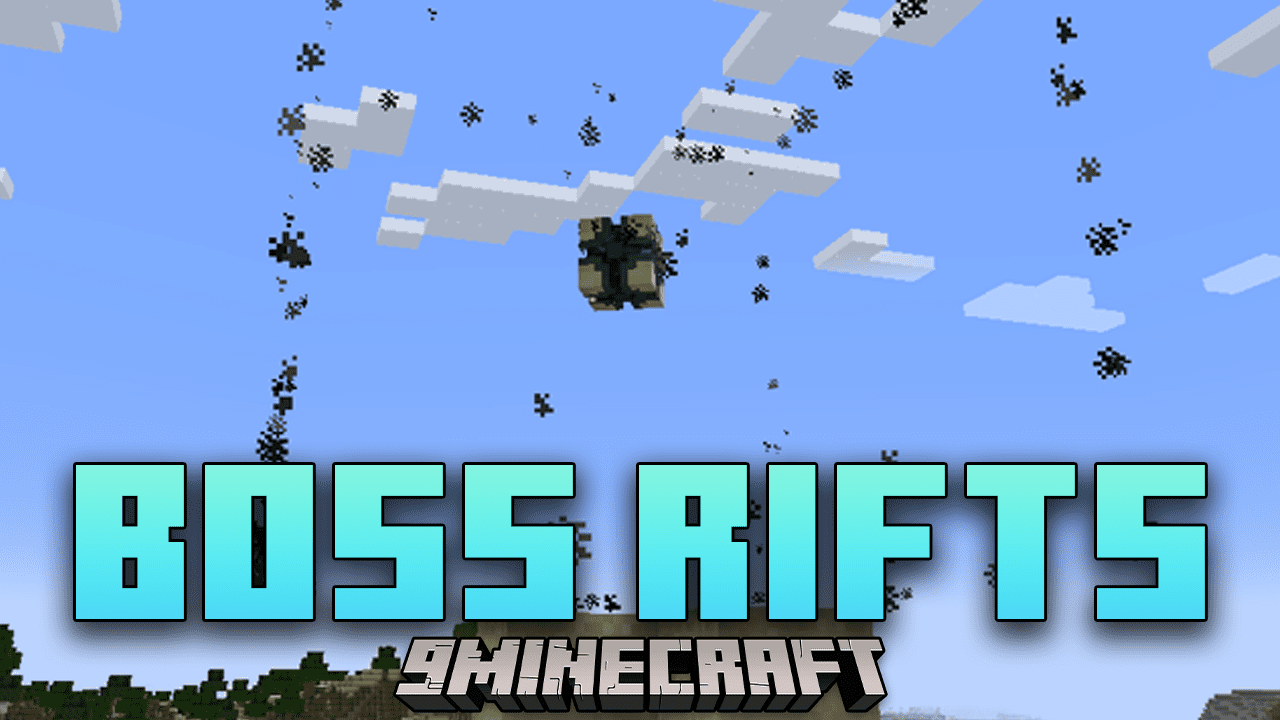
Boss Rifts Mod – Video Showcase
Features:
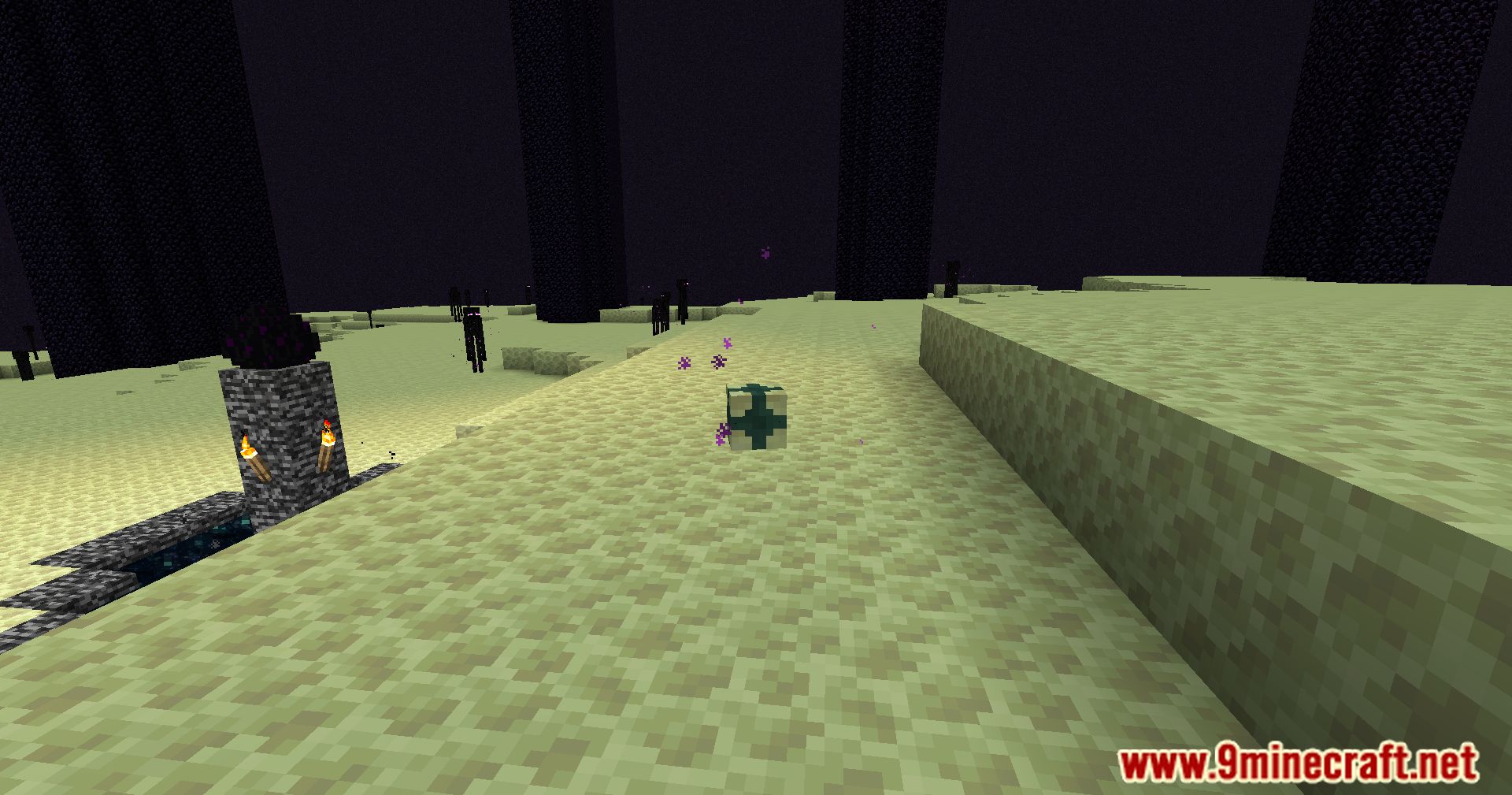
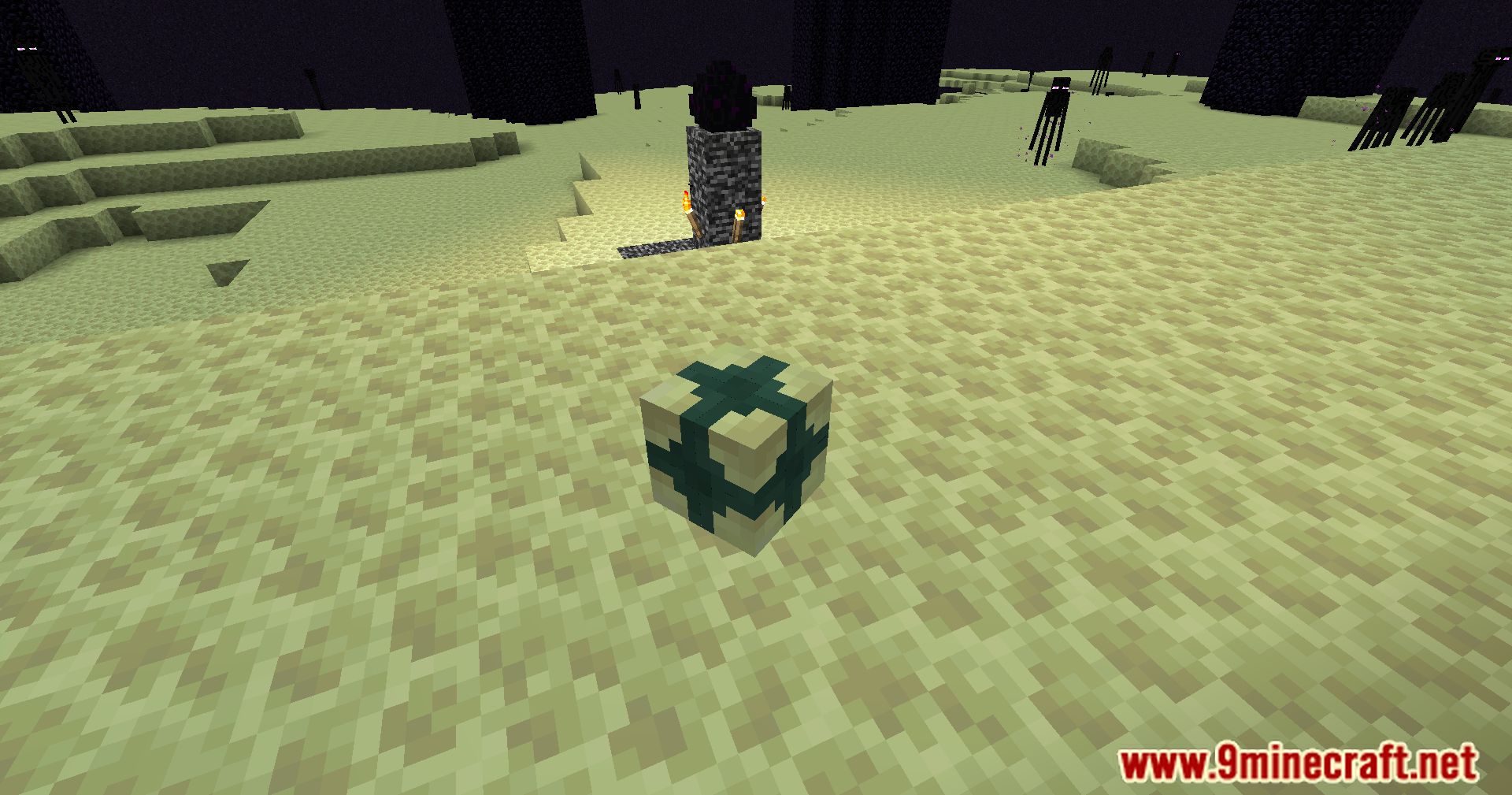
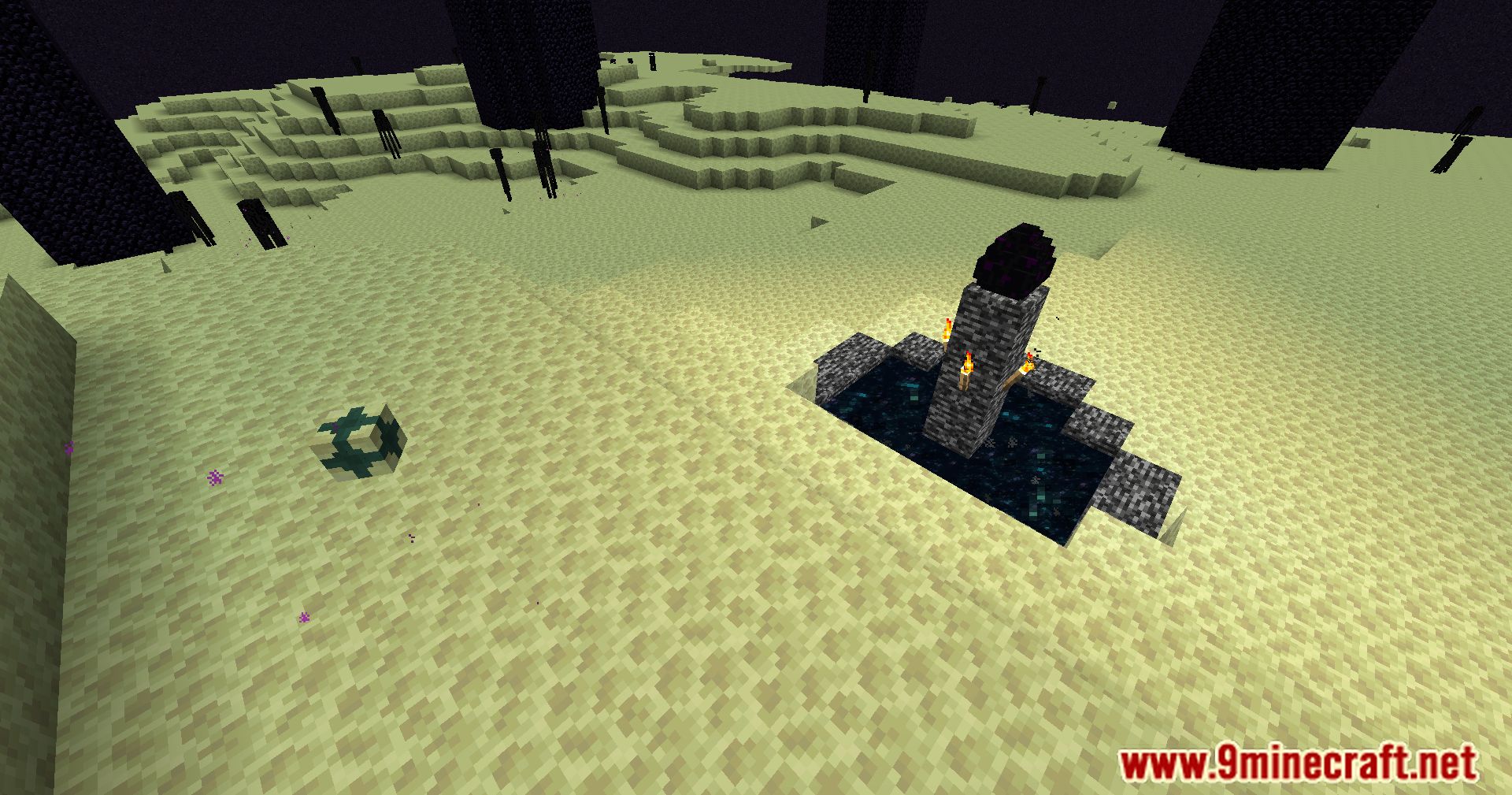
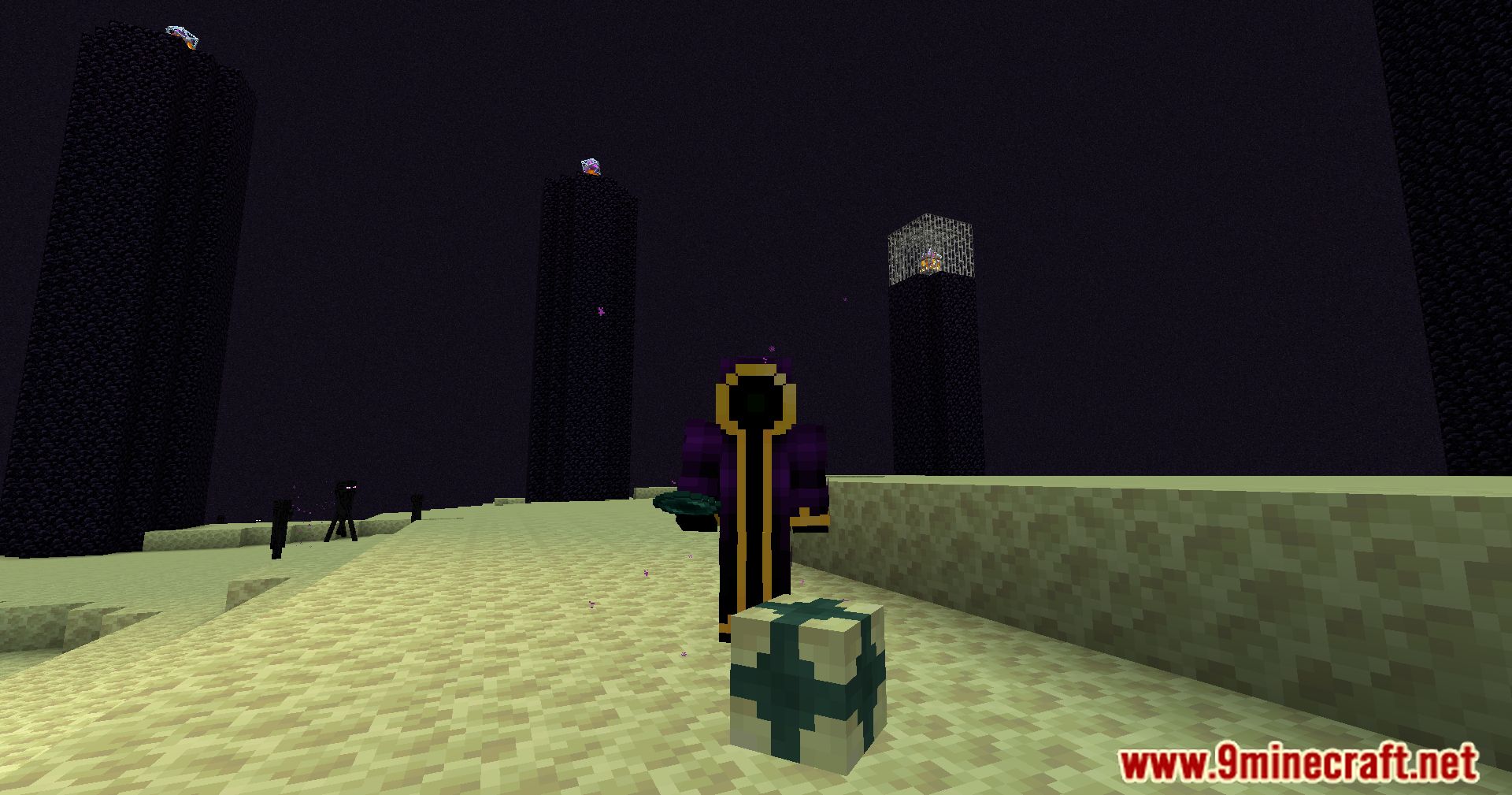
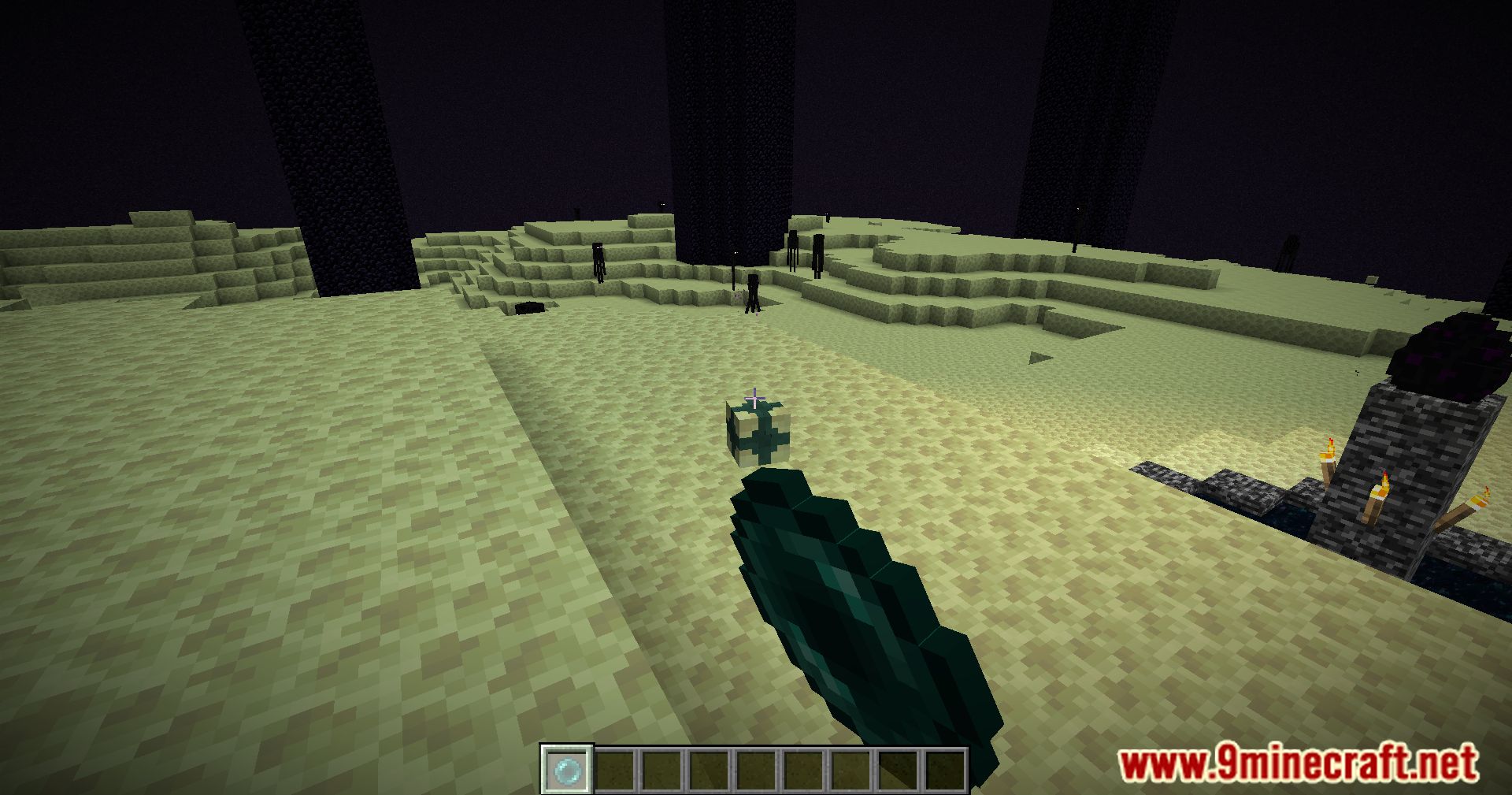
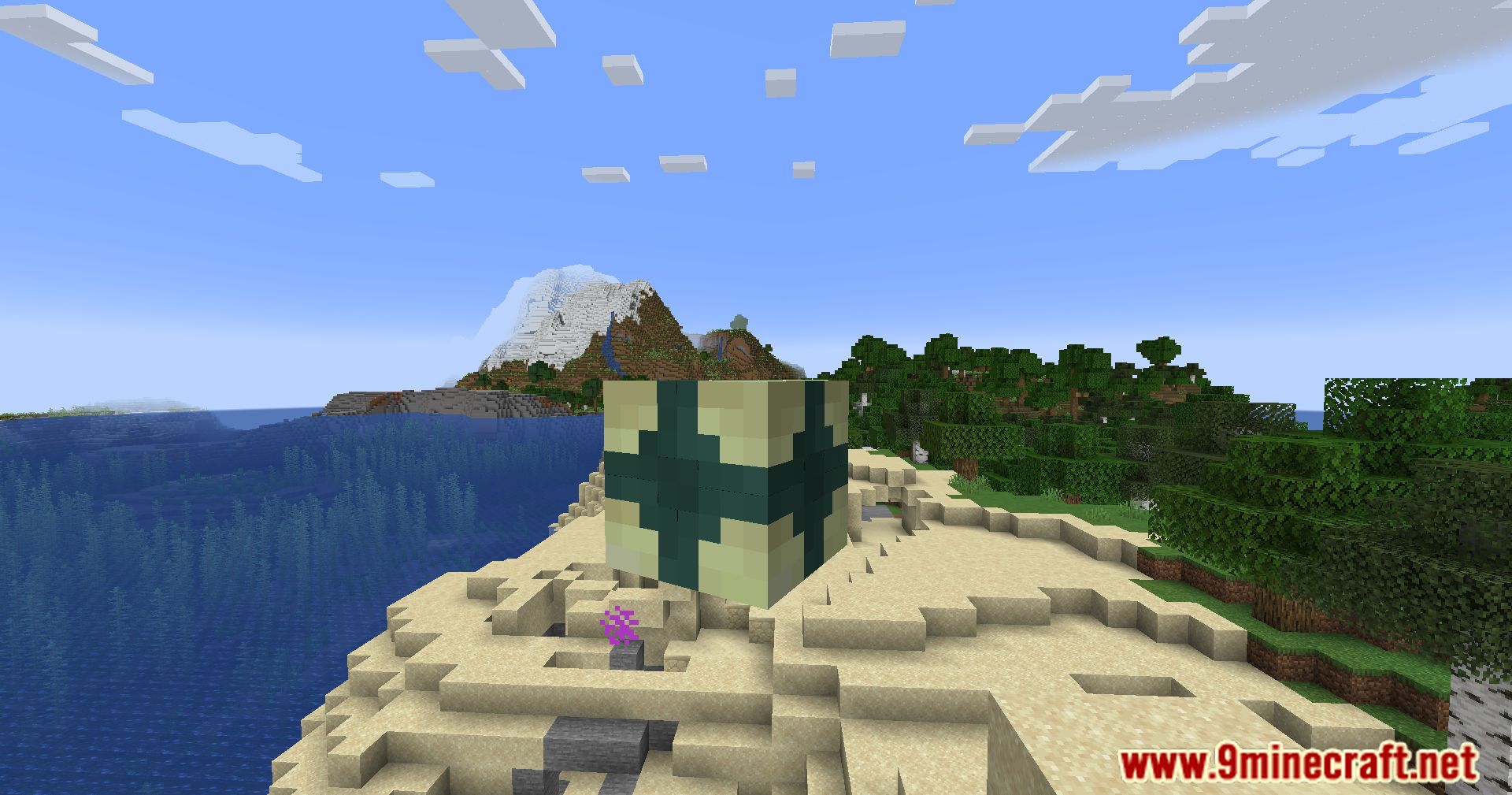
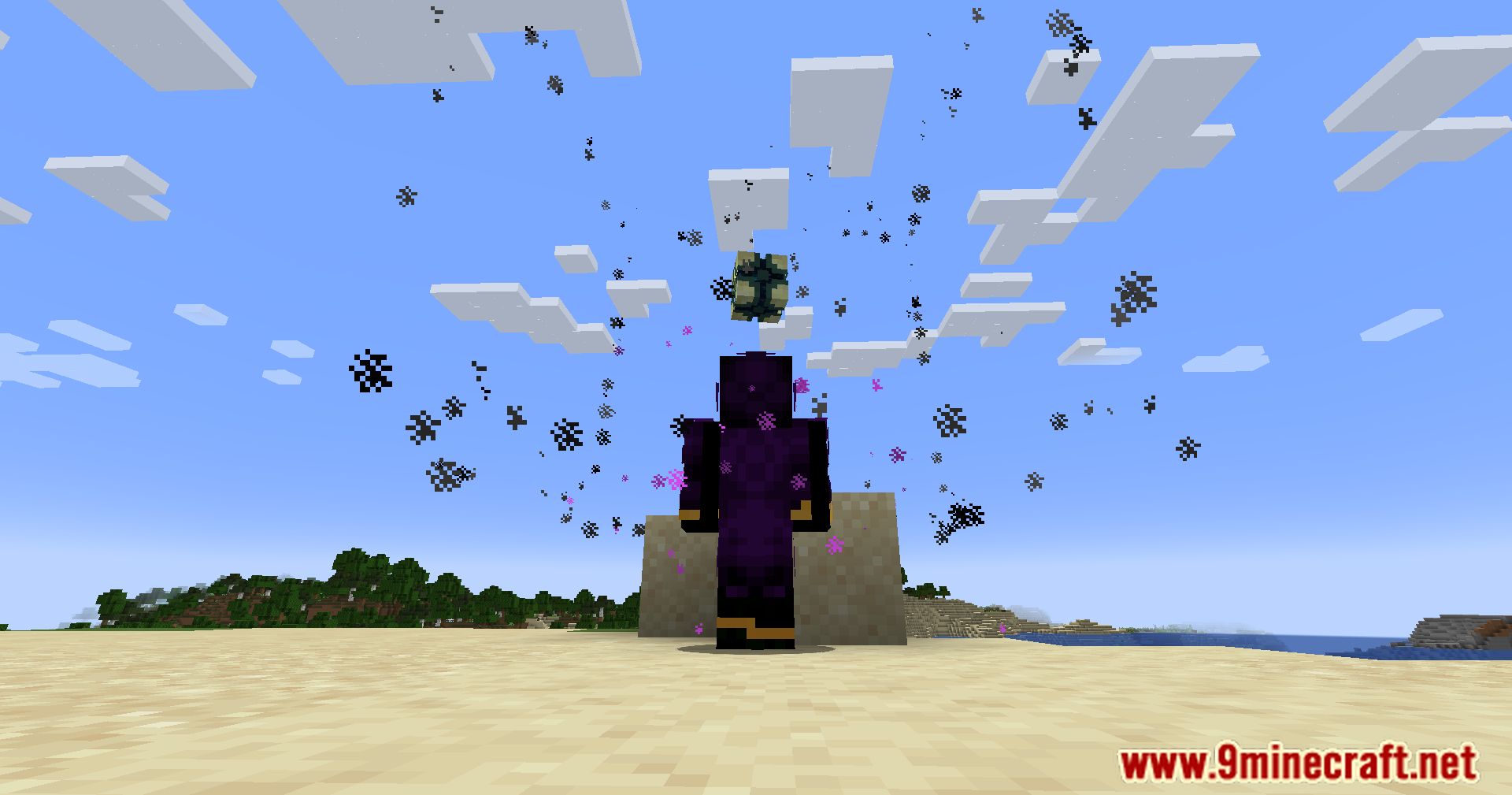
- Spawns a rift core right at the spot where a boss dies after you kill it.
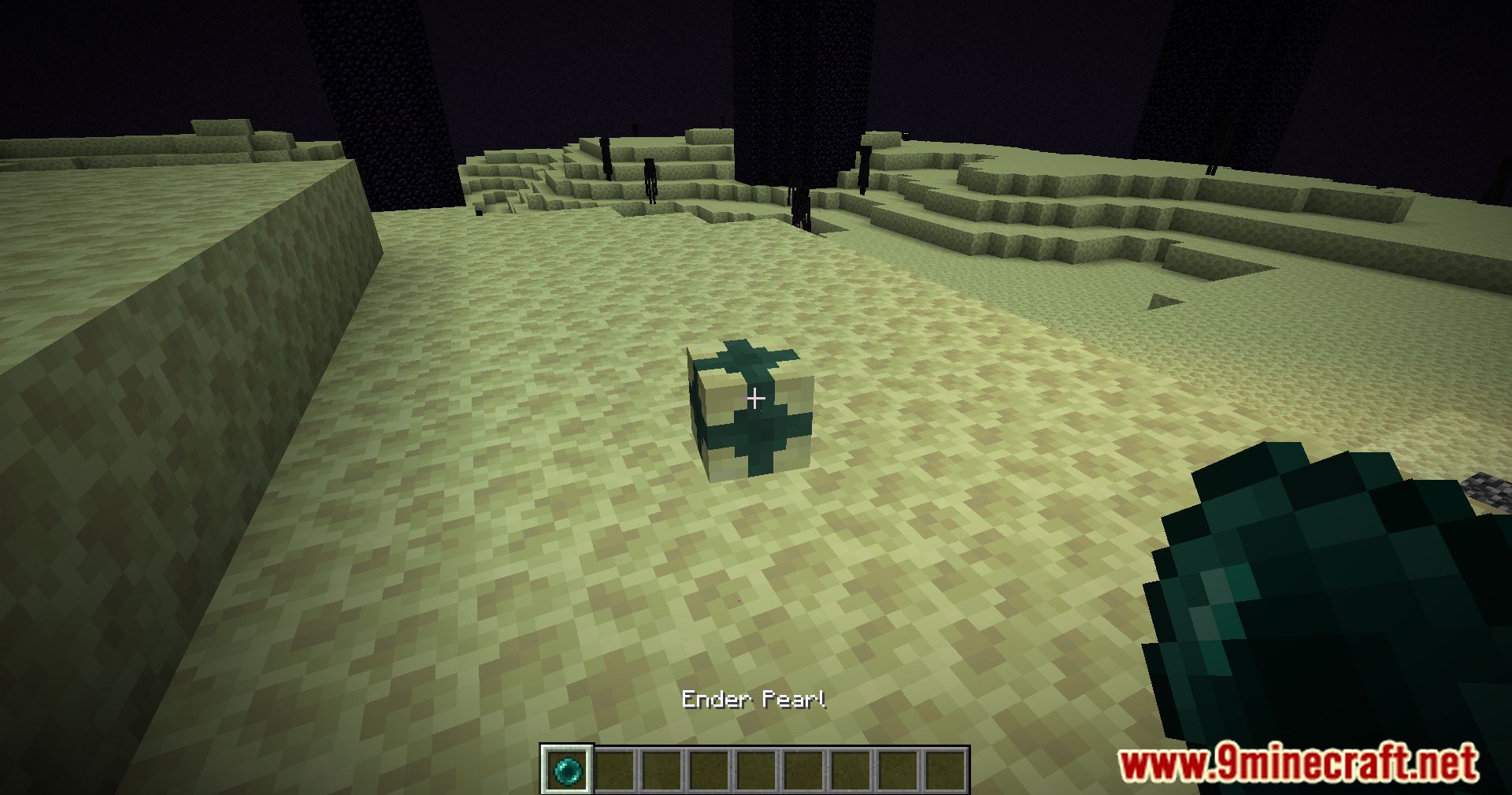
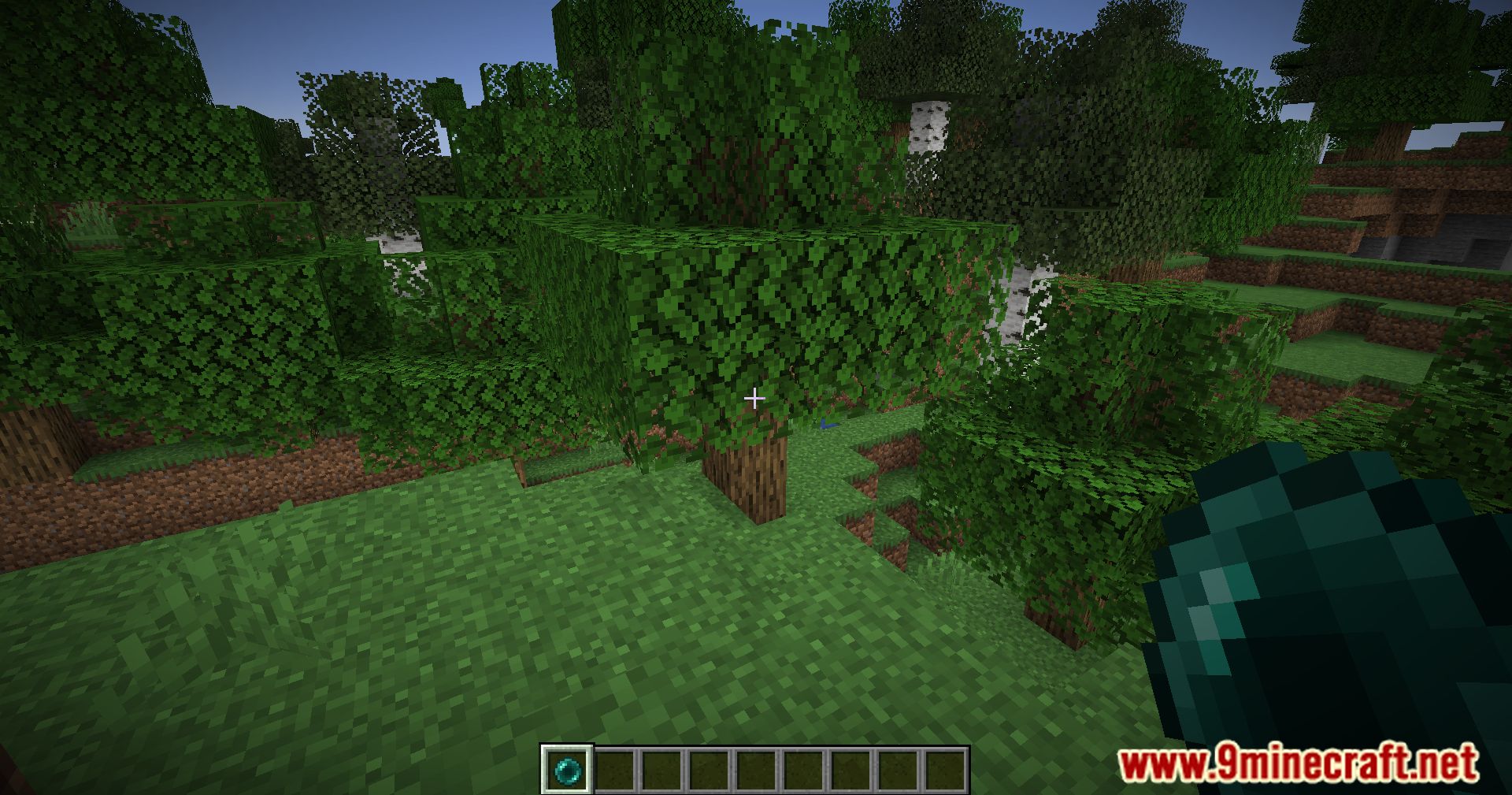
- Lets you activate the rift core by right-clicking it directly, or by tossing an ender pearl at it when it is too far away.
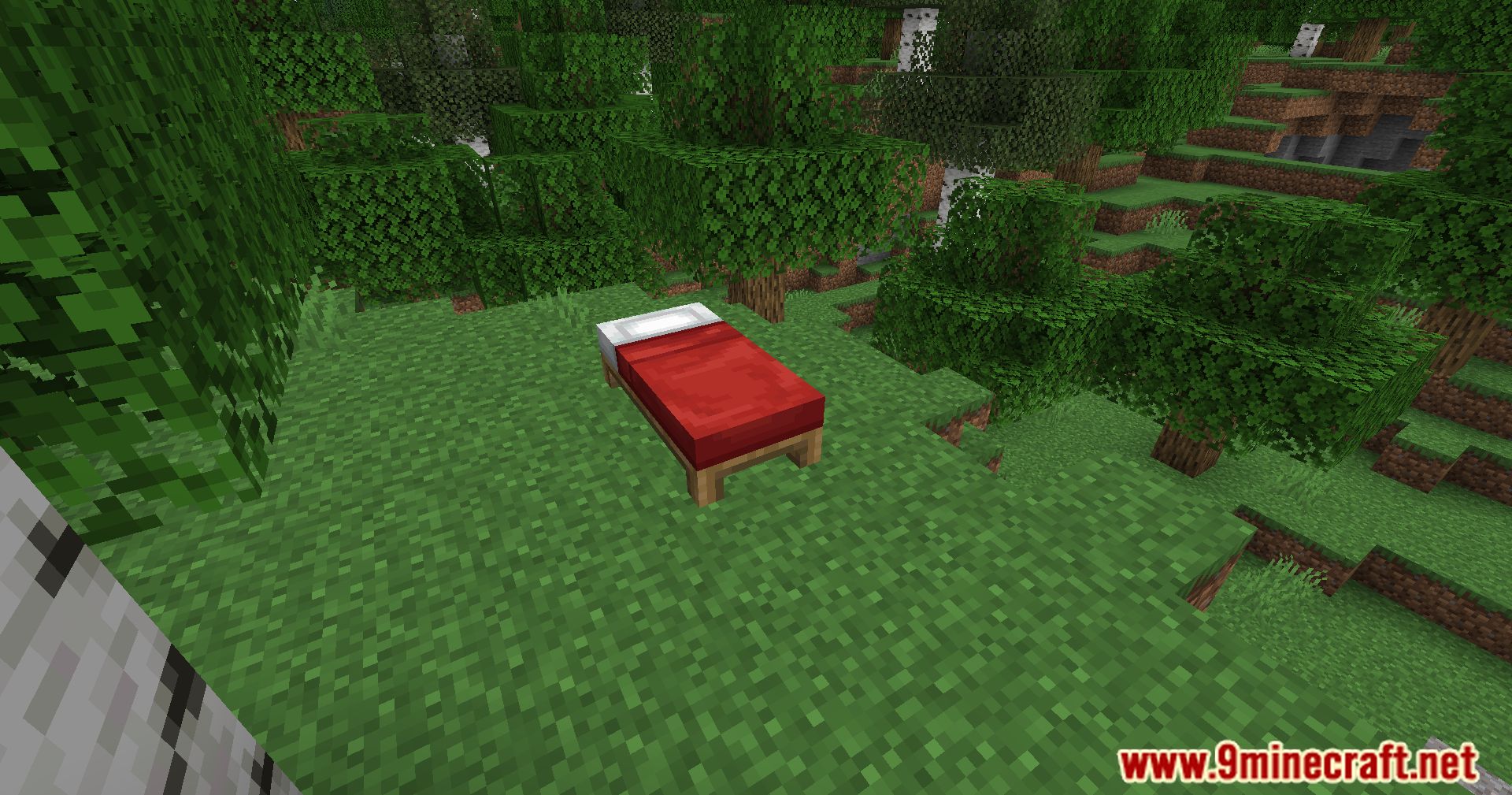
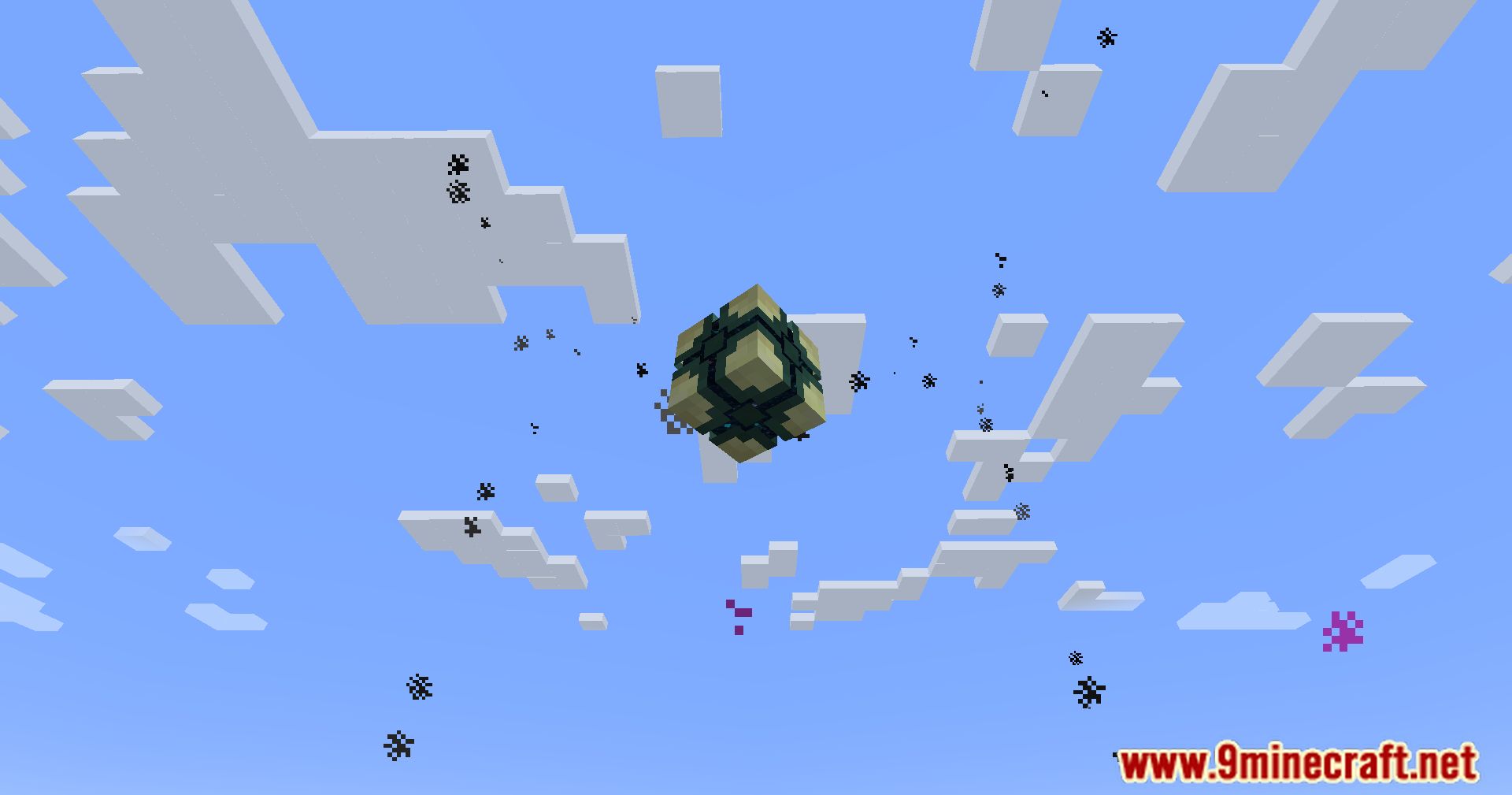
- Takes a few seconds to get ready after activation, then teleports all players and other entities in the area back to the home of the player who activated it.
- Includes a server-config file that lets you set how long a rift takes to disappear, or make it stay forever.
- Uses the Forge boss entity tag on versions after 1.19.2, so any modded boss tagged properly works right away.
- Uses the
rift_bossestag on versions 1.19.1 and lower, covering adventure bosses instead of bosses you can summon anywhere like the vanilla Wither. - Lets you add more bosses into the
rift_bossestag yourself by using a datapack.
Built-in Boss Support (1.19.1 and Lower):
- Twilight Forest: supports all bosses.
- Atum2: supports all pharaohs.
- Mowzie’s Mobs: supports all bosses.
- Advent Of Ascension (Nevermine): supports all bosses that you cannot summon anywhere you want.
- Gaia Dimension: supports the dimension’s boss.
- Blue Skies: supports all bosses.
- Stalwart Dungeons: supports all bosses.
- Dungeons Mod: supports all bosses.
- Astemir’s Forestcraft: supports all bosses.
How to Use:
- Defeat a supported boss in your adventure mod so a rift core appears at its death location.
- Right-click the rift core directly to activate it, or toss an ender pearl at it if it is too far away.
- Stay near the activated rift for a few seconds while it gets ready; once it is ready, it teleports you and any nearby entities back to your home base.
- Edit the server-config file if you want to change how long a rift takes to disappear, or set it to stay forever.
- Use a datapack to add extra bosses to the
rift_bossestag on versions 1.19.1 and lower if you want them to spawn rift cores too.
Screenshots:
How to Install:
New to Minecraft? Follow our step-by-step guide to install Mods on your PC.View Guide



Boss Rifts Mod Download Links
For Minecraft 26.3
For Minecraft 26.2
For Minecraft 26.1.2, 26.1.1, 26.1
For Minecraft
1.21.11,
1.21.10,
1.21.9
All Versions Covered
1.21.11
1.21.10
1.21.9
1.21.8
1.21.7
1.21.6
1.21.5
1.21.4
1.21.1
1.21
All Versions Covered
1.21.11
1.21.10
1.21.9
1.21.8
1.21.7
1.21.6
1.21.5
1.21.4
1.21.1
1.21
For Minecraft 1.21.1, 1.21
For Minecraft 1.20.6
For Minecraft 1.20.5
For Minecraft 1.20.4
For Minecraft 1.20.1, 1.20
For Minecraft 1.19.4
For Minecraft 1.19.3
For Minecraft 1.19.2
For Minecraft 1.19.1
For Minecraft 1.19
For Minecraft 1.18.2
For Minecraft 1.18.1
For Minecraft 1.17.1
For Minecraft 1.16.5
Click to rate this post!
[Total: 0 Average: 0]
QUICK MINECRAFT SURVEY · ONE TAP
Mods & Modpacks
Have you ever financially supported a mod creator (via Patreon, Ko-fi, or donations)?
16 responses · See the full results →
You May Also Like
Picked for this page
 Retraining Mod (26.3, 1.20.1) – Allows Players To Recycle Villager Trades
 Pick Up Notifier Mod (26.3, 1.20.1) – Display for the Items Picked
 Floralis Mod (26.2, 1.20.1) – 16 New Types of Flowers
 Ping Wheel Mod (26.3, 1.20.1) – Marking Points in The World for Everyone
 Bagus Lib Mod (26.3, 1.20.1) – A Valuable Modding Resource
 Comics Bubbles Chat Mod (26.2, 1.20.1) – Communicate in A More Attractive Way
 Alex’s Caves Delight Mod (1.21.1, 1.20.1) – Bring The Flavor Of Caves To Your Table
 Thirsty Bottles Mod (26.3, 1.20.1) – Make Water a Real Resource
 Cooked Carrots Mod (26.3, 1.20.1) – New Dishes Using Cooked Carrots
 Bookling Gear Mod (1.21.1, 1.20.1) – Change Mod Options In-Game
 Actually Useful Stonecutter Mod (26.1.2, 1.20.1) – Practical Stonecutter Expansion
 Haybale Mod (1.21.8, 1.20.1) – Registration, Networking, And Platform Services
Most viewed in Mods over the last 7 days
 Ala Industrial Mod (26.3) – Run Electric Power Grids and Automated Factories
 PleasureCraft Mod (26.3, 1.21.1) – Jenny Mod Remake for Fabric
 Jennycraft Mod (26.3, 1.20.1) – Virtual Girlfriend in Minecraft
 Fapcraft Mod (26.3, 1.12.2) – Comprehensive and Detailed Content
 Jenny Mod (Fapcraft) Official Complete Guide – How to use, Tutorial
 BangCraft Mod (1.20.1) – Jenny, Ellie and Elliot
 Fabric Loader (26.3, 1.20.1) – Fabric Installer for All Minecraft Versions
 The Shooting Star Demo Mod (26.3, 1.20.1) – Vaporize Terrain From Orbit
 Meteor Client Mod (26.3, 1.20.1) – Xray, HUD, Fly
 OptiFine HD (26.3, 1.20.1) – Run Faster, FPS Boost, Shaders Support
 Aristois Client Mod (1.21.4, 1.20.1) – World Class Minecraft Utility
 Prestige Client Mod (1.21.11, 1.21.4) – Powerful Ghost Features for Crystal & Sword PvP
More from Mods
 HandLib Mod (26.3, 1.21.1) – Keep Your Multiplayer World Stable
 Happy Ghasts Boost Mod (26.1.2, 1.20.1) – Fly Across Vast Distances at Top Speed
 LiquidBounce Client Mod (26.3, 1.20.1) – LiquidLauncher, A Free Client
 Create Hand Made Mod (1.21.1) – Craft Create Recipes By Hand in Your Workshop
 Seed Map for Xaero Mod (26.1) – See Rare Biomes and Dungeons Before You Travel
 MCPersist Mod (26.3) – Keep Your World Online for Friends Even After Logging Off
 Minecraft Java MCP Server Mod (1.21.11) – Command Your World Through External AI Tools
 Arcanism Mod (26.2) – Build Magic Factories and Program Custom Spells
 Archangel Client Mod (1.21.11) – Master Every PvP Duel with Clean Screen Stats
 Block Front Survival Patch Mod (1.21.1) – Wage Tactical Warfare in Survival
 Better Enchantment Bookshelf Placement Mod (26.2, 1.20.1)
 SimpleRPGCore Mod (1.21.4, 1.21.1) – Fight with Classic RPG Stats

This post has no comments yet. Be the first — your comment will appear here.