
Bookling Gear Mod (1.21.1, 1.20.1) – Change Mod Options In-Game
 215
 0


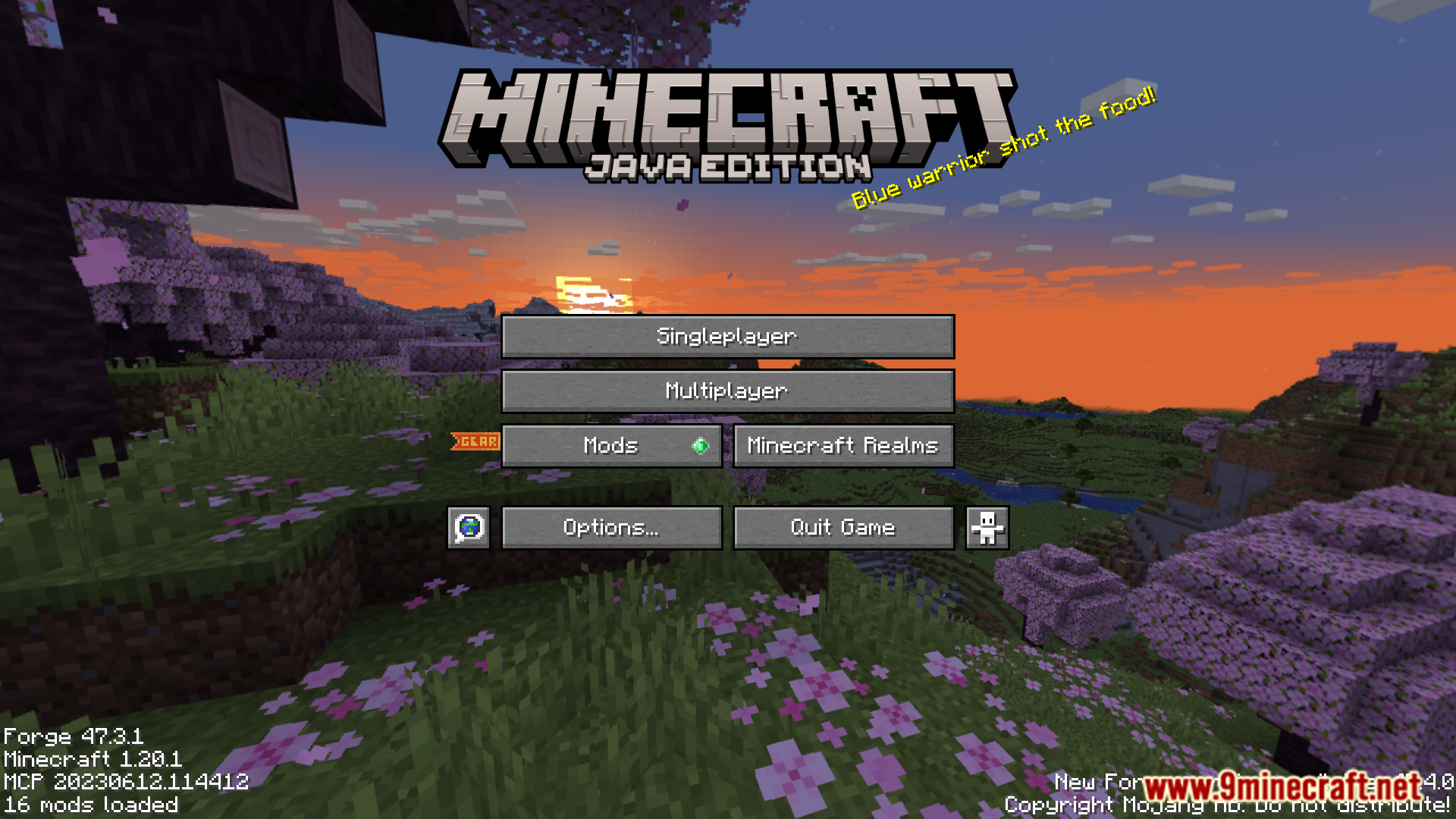
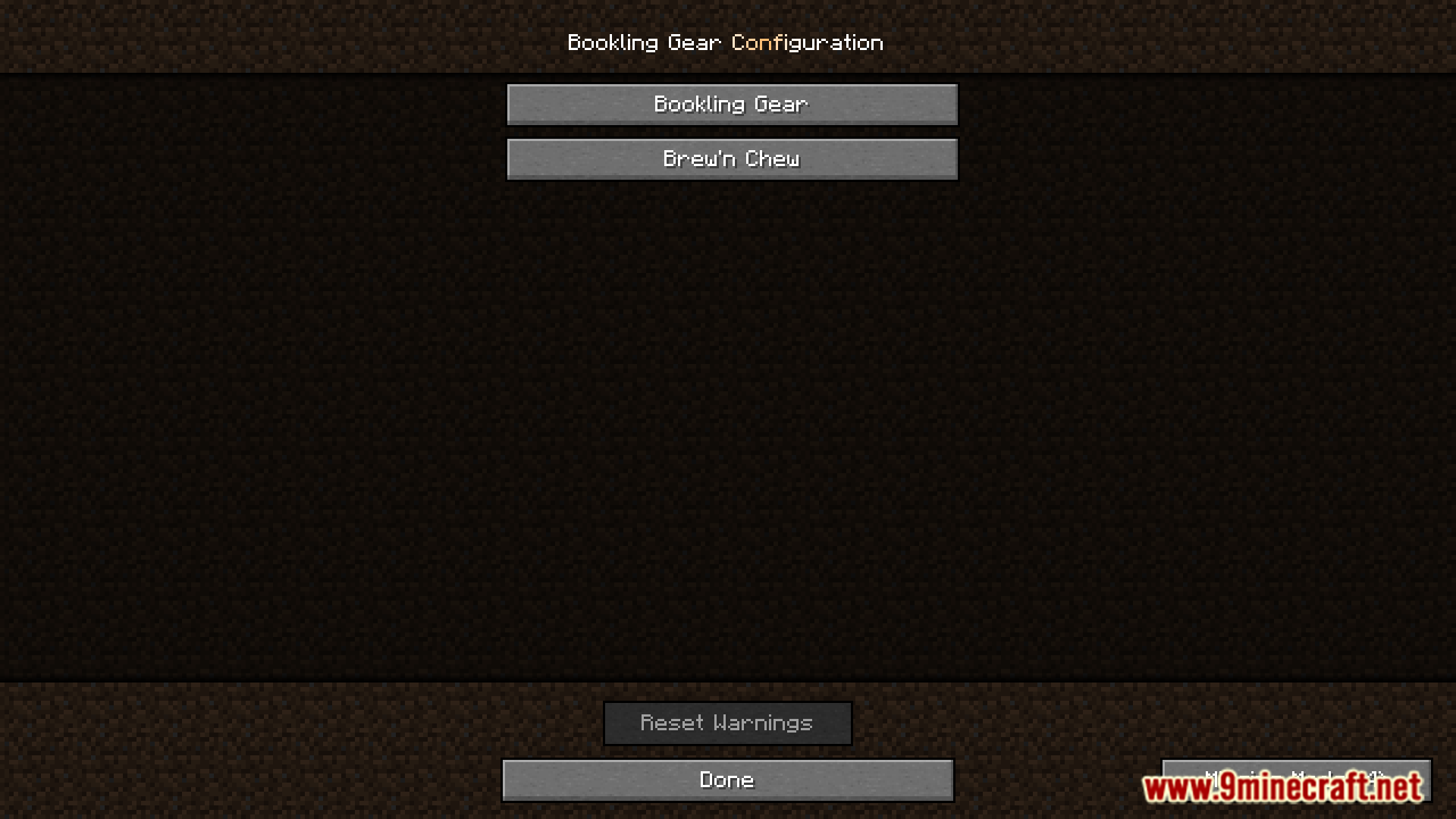
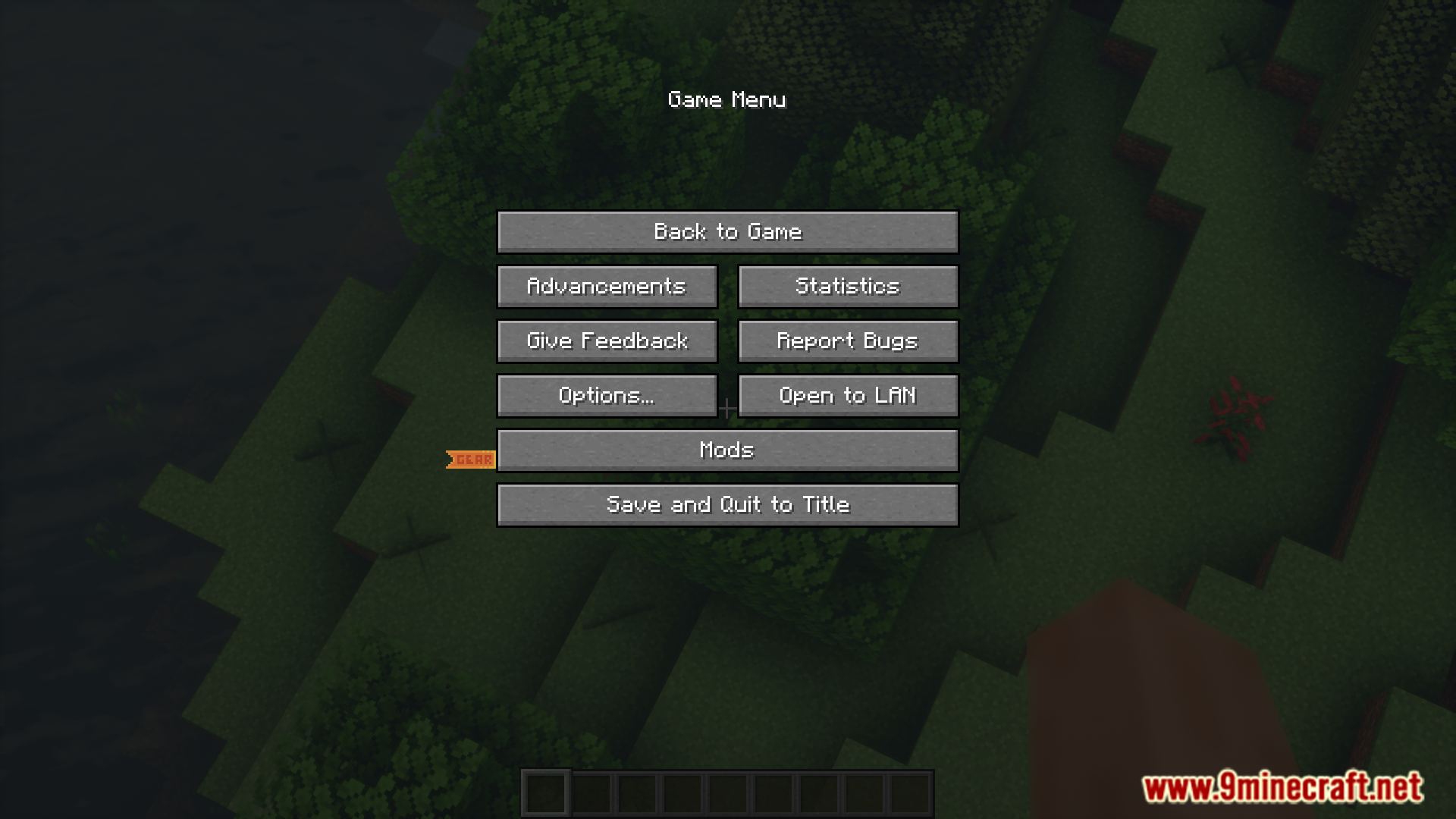
Bookling Gear Mod works as a required library for a collection of other mods to function. On its own, this mod does not add any new content to the game. It provides a shared set of code that helps other mods register blocks and items more easily. The mod also adds a convenient in-game menu, letting you change settings for compatible mods without restarting the game.

Features:
- Adds a new button to the game menu to access mod configurations.
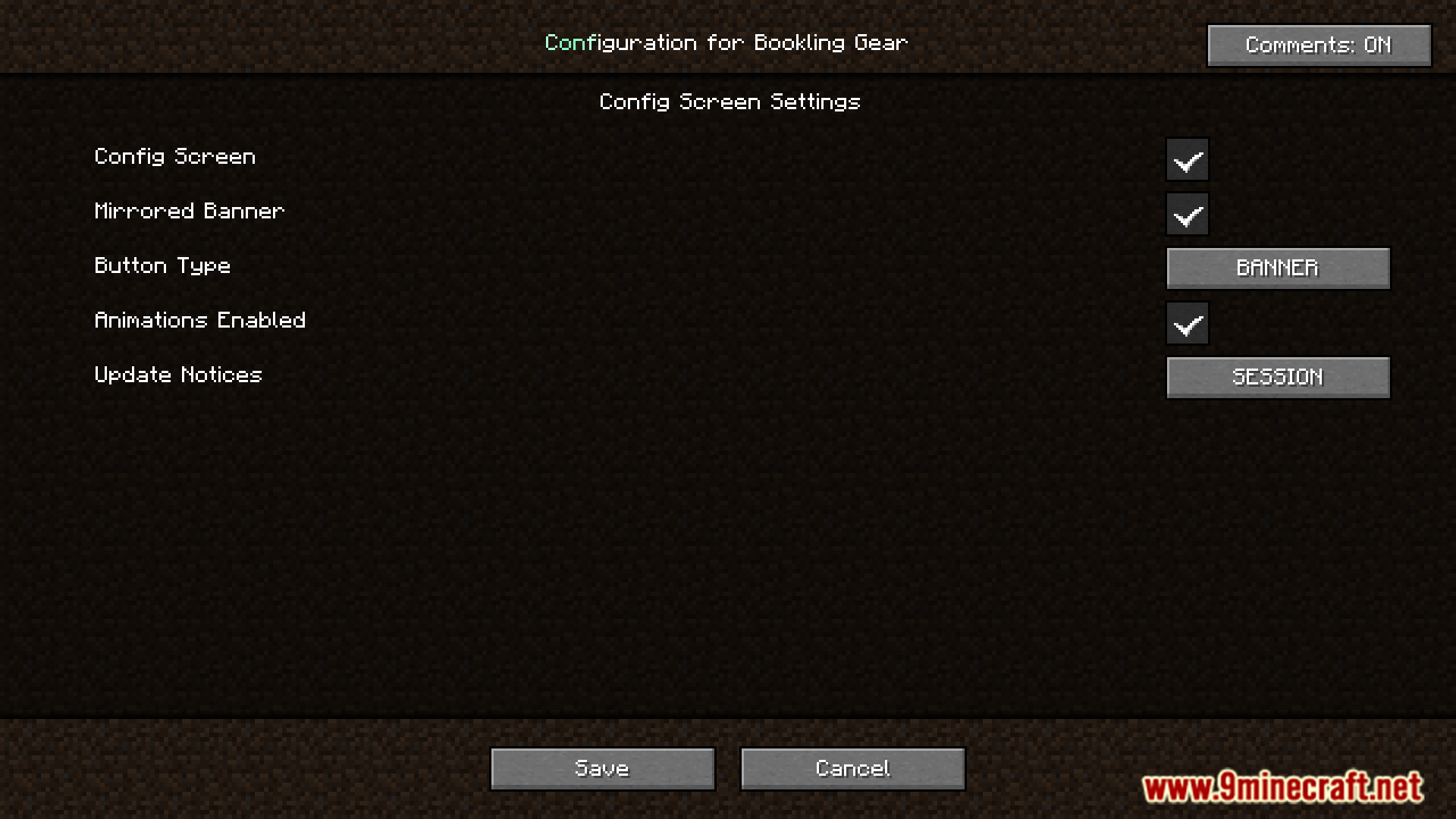
- Lets you change settings for supported mods without restarting Minecraft.
- Provides a cleaner way for other mods to register their blocks, items, and other game elements.
How to Use:
- Find the new button added to the game menu.
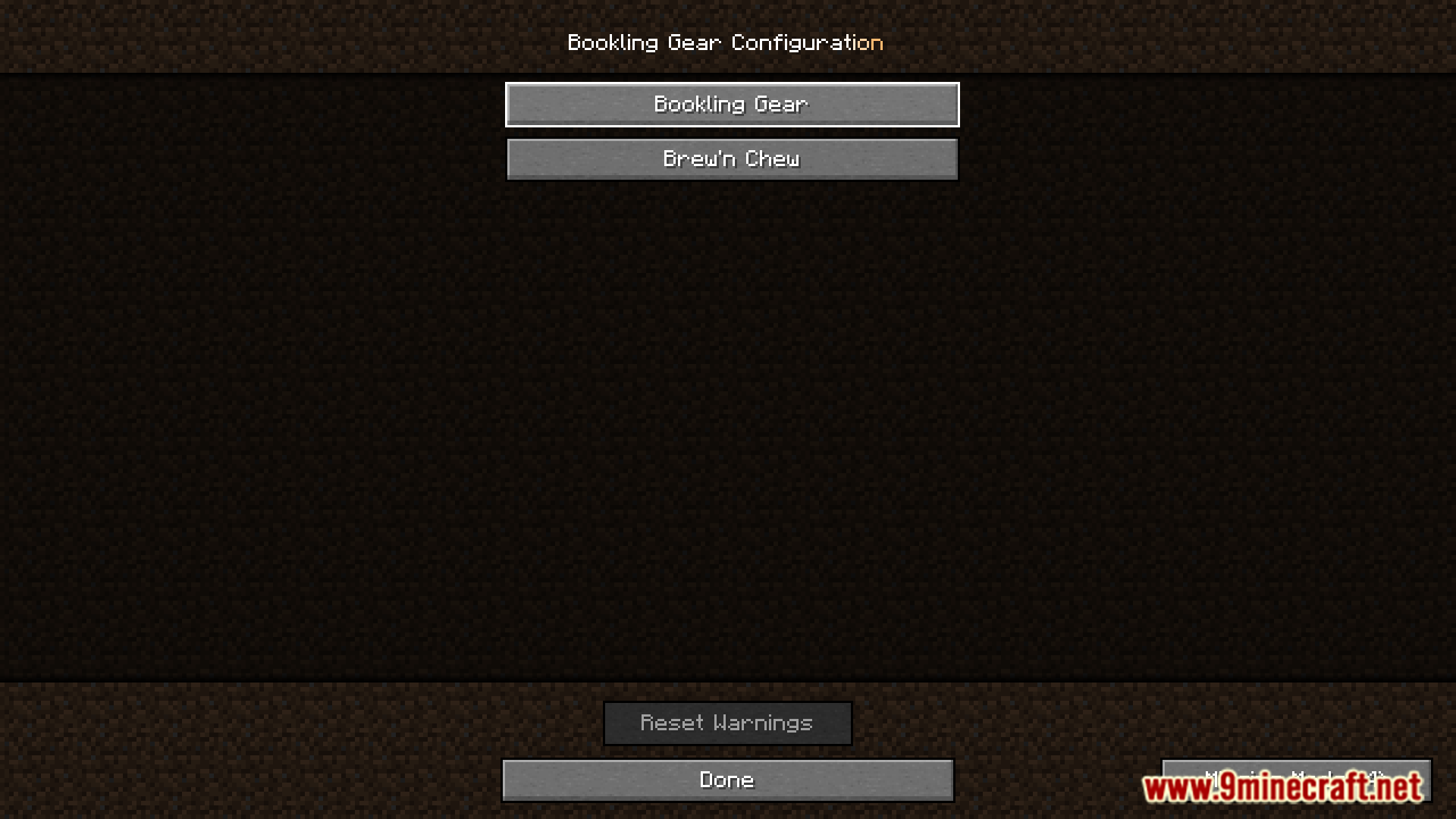
- Click this button to open the in-game configuration screen.
- From here, you can adjust the settings for any supported mods you have installed.
Screenshots:
How to Install:
New to Minecraft? Follow our step-by-step guide to install Mods on your PC.View Guide
Requirements:


Bookling Gear Mod Download Links
For Minecraft 1.21.1, 1.21
For Minecraft 1.20.4
For Minecraft 1.20.1, 1.20
For Minecraft 1.19.4
For Minecraft 1.19.2
Click to rate this post!
[Total: 0 Average: 0]
QUICK MINECRAFT SURVEY · ONE TAP
Mods & Modpacks
What graphic style do you prefer for your modded game?
3 responses · See the full results →
You May Also Like
Picked for this page
 Krypton Mod (26.3, 1.20.1) – Optimize the Minecraft Networking Stack
 Simple Cobblestone Generator Mod (26.2, 1.20.1) – A New Feature Added To The Game
 Drink Beer Refill Mod (26.2, 1.20.1) – Beer Mugs & Drunk Effects
 Happy Trails Mod (1.21.11, 1.20.1) – Control Movement Speed
 Advanced Chimneys Mod (26.3, 1.20.1) – Highly Functional Chimneys
 Additional Placements Mod (26.1.2, 1.20.1) – Exploring Possibilities
 Attack Through Grass Mod (26.3, 1.20.1) – Fight Mobs Hiding In Grass And Cobwebs
 Passthrough Signs Mod (26.3, 1.20.1) – Right-Click Through Wall Signs
 Armor Stands Mod (26.3, 1.20.1) – Customizing Armor Stands Made Easy
 TP Utils Mod (26.3, 1.20.1) – Simple Teleport Commands For Ease Of Travel
 Jupiter Mod (26.3, 1.20.1) – Simplifies Config Instance Creation
 Cheaper Maps Mod (26.1.2, 1.20.1) – Simplified Map Crafting
Most viewed in Mods over the last 7 days
 Ala Industrial Mod (26.3) – Run Electric Power Grids and Automated Factories
 PleasureCraft Mod (26.3, 1.21.1) – Jenny Mod Remake for Fabric
 Jennycraft Mod (26.3, 1.20.1) – Virtual Girlfriend in Minecraft
 Fapcraft Mod (26.3, 1.12.2) – Comprehensive and Detailed Content
 Jenny Mod (Fapcraft) Official Complete Guide – How to use, Tutorial
 BangCraft Mod (1.20.1) – Jenny, Ellie and Elliot
 Fabric Loader (26.3, 1.20.1) – Fabric Installer for All Minecraft Versions
 The Shooting Star Demo Mod (26.3, 1.20.1) – Vaporize Terrain From Orbit
 Meteor Client Mod (26.3, 1.20.1) – Xray, HUD, Fly
 OptiFine HD (26.3, 1.20.1) – Run Faster, FPS Boost, Shaders Support
 Aristois Client Mod (1.21.4, 1.20.1) – World Class Minecraft Utility
 Prestige Client Mod (1.21.11, 1.21.4) – Powerful Ghost Features for Crystal & Sword PvP
More from Mods
 SimpleRPGCore Mod (1.21.4, 1.21.1) – Fight with Classic RPG Stats
 Bard RPG Series Plus by Fichte Mod (1.21.1, 1.20.1) – Buff Allies in Combat
 Fabric Gui ImGui Mod (26.3, 1.21.11) – Clean Custom Menus and In-Game Control
 Multi Item Lib Mod (1.20.1) – Wield Custom Gear with Flawless Hand Animations
 Universe3090 Mod (1.20.1) – Survive Corrupted Dimensions Filled
 Wireless Automate Mod (1.21.1) – Automate Base Logistics Without Messy Pipes
 Vaskars Opus Faction War Quests & Bosses Mod (1.21.11, 1.20.1)
 Multitools and More Mod (26.3, 1.20.1) – Clear Your Hotbar and Travel
 Luxium Let There Be Light Mod (1.20.1) – Stunning Lighting on Low-End Computers
 Soulscraft Tarnished Legacy Mod (1.21.1) – Hunt Relics to Forge Dark Fantasy
 Fetzi’s Displays Mod (26.1.2, 1.20.1) – Turn Rare Gear and Weapons
 Primal Plushies Paleo Pals Mod (1.21.1, 1.20.1) – Decorate Your Base

This post has no comments yet. Be the first — your comment will appear here.