
Auto Warden Subtitles Mod (1.21.11, 1.20.1) – Track Threat Warnings

 0


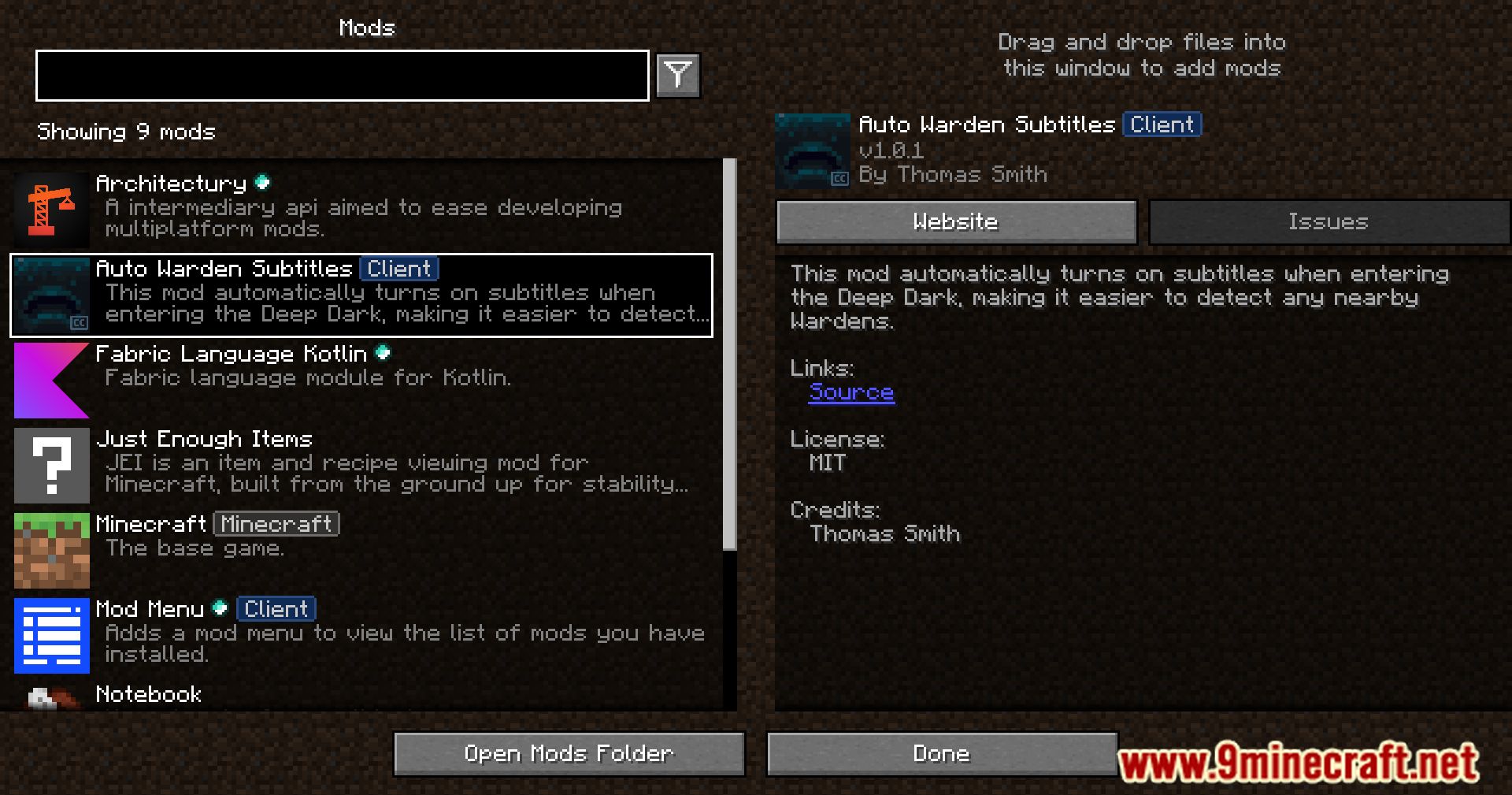
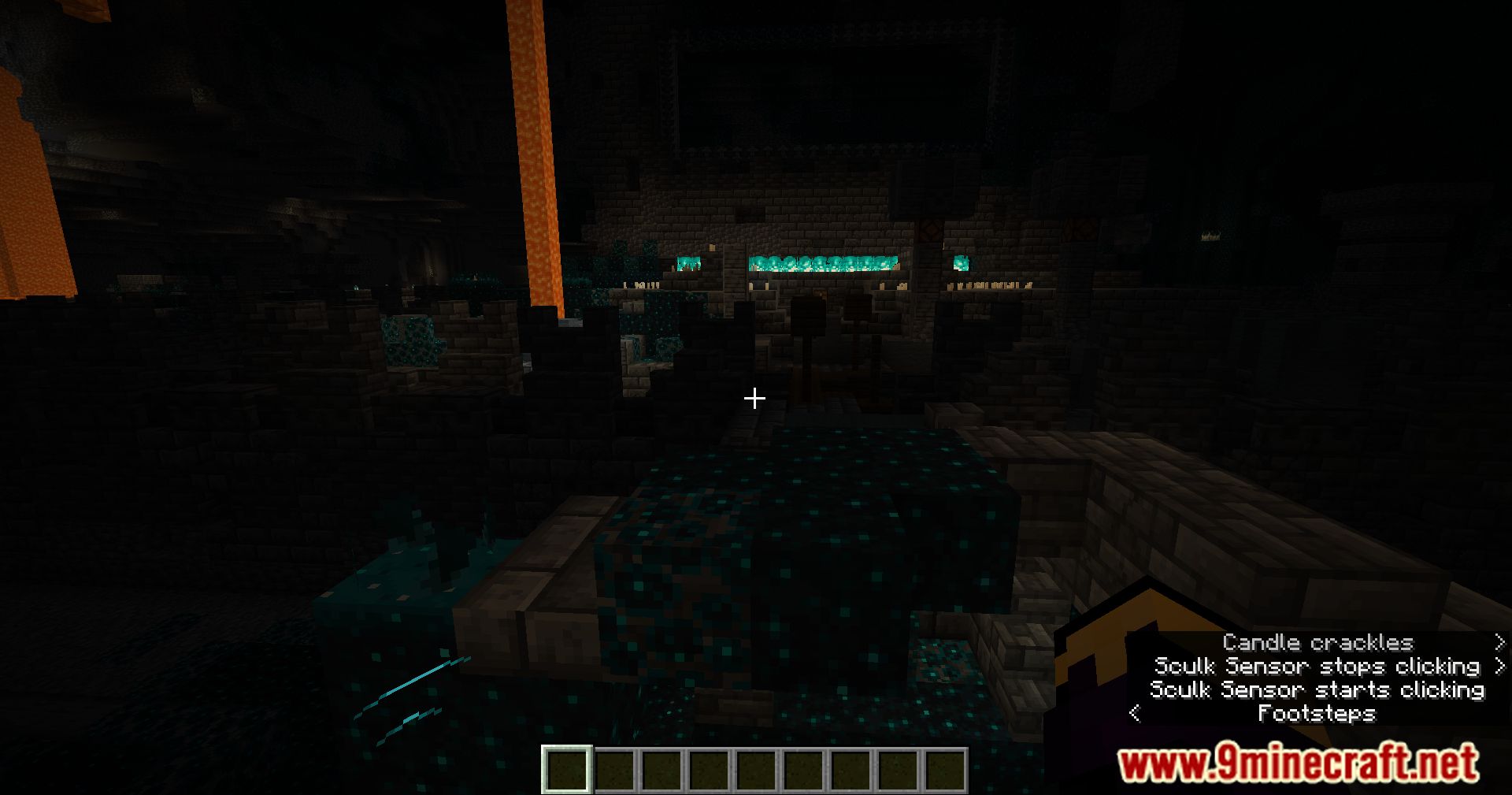
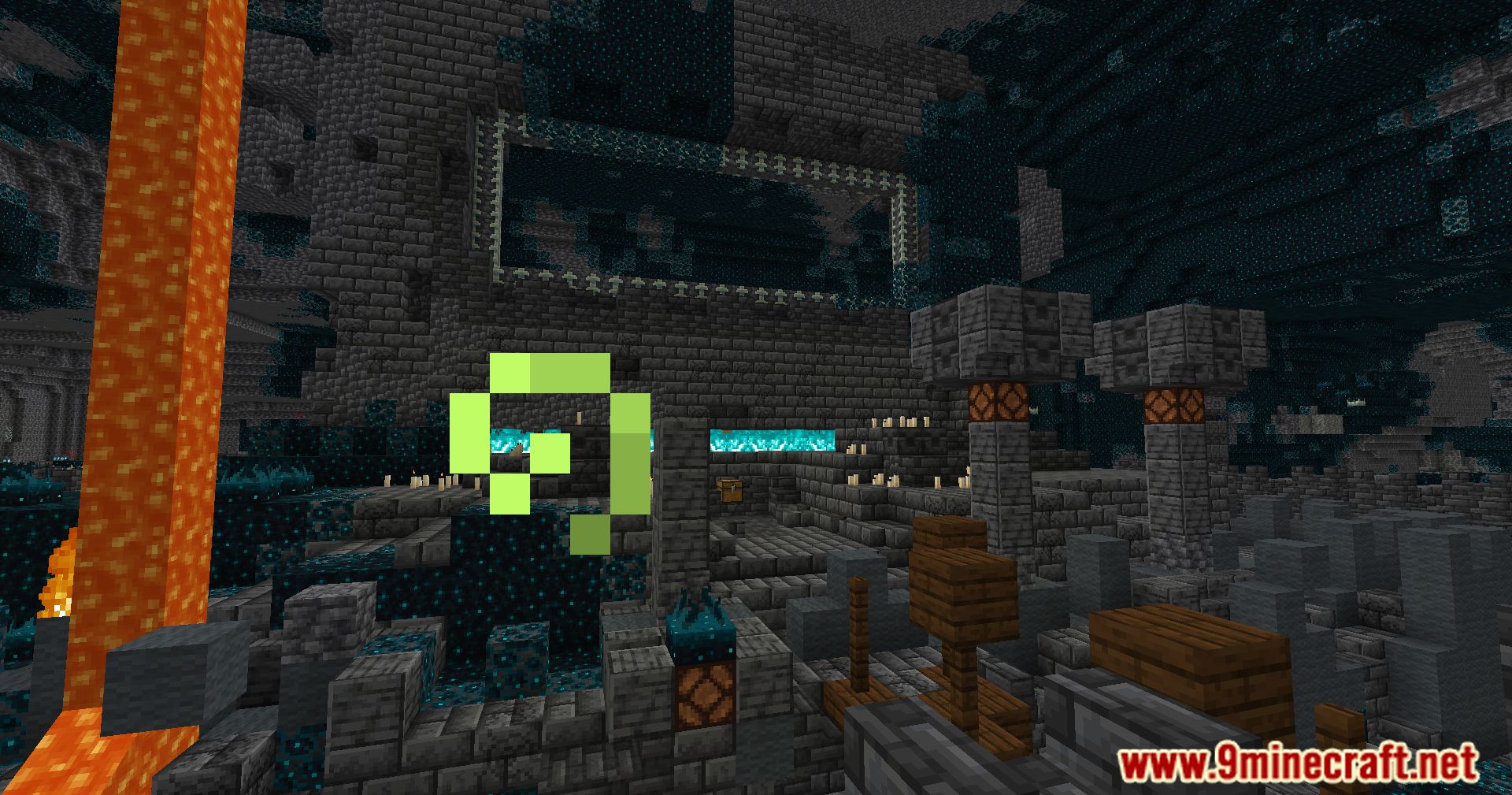
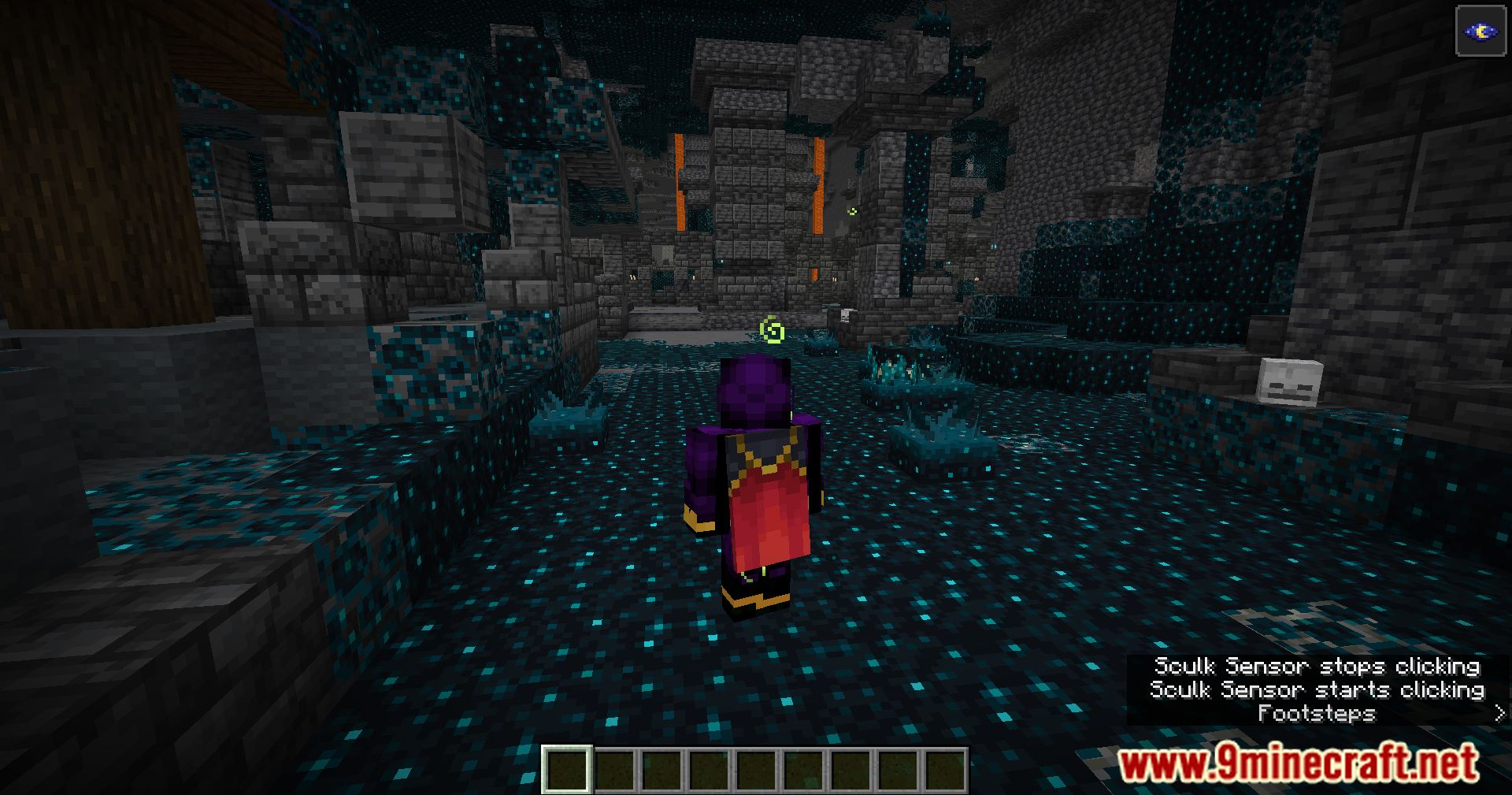
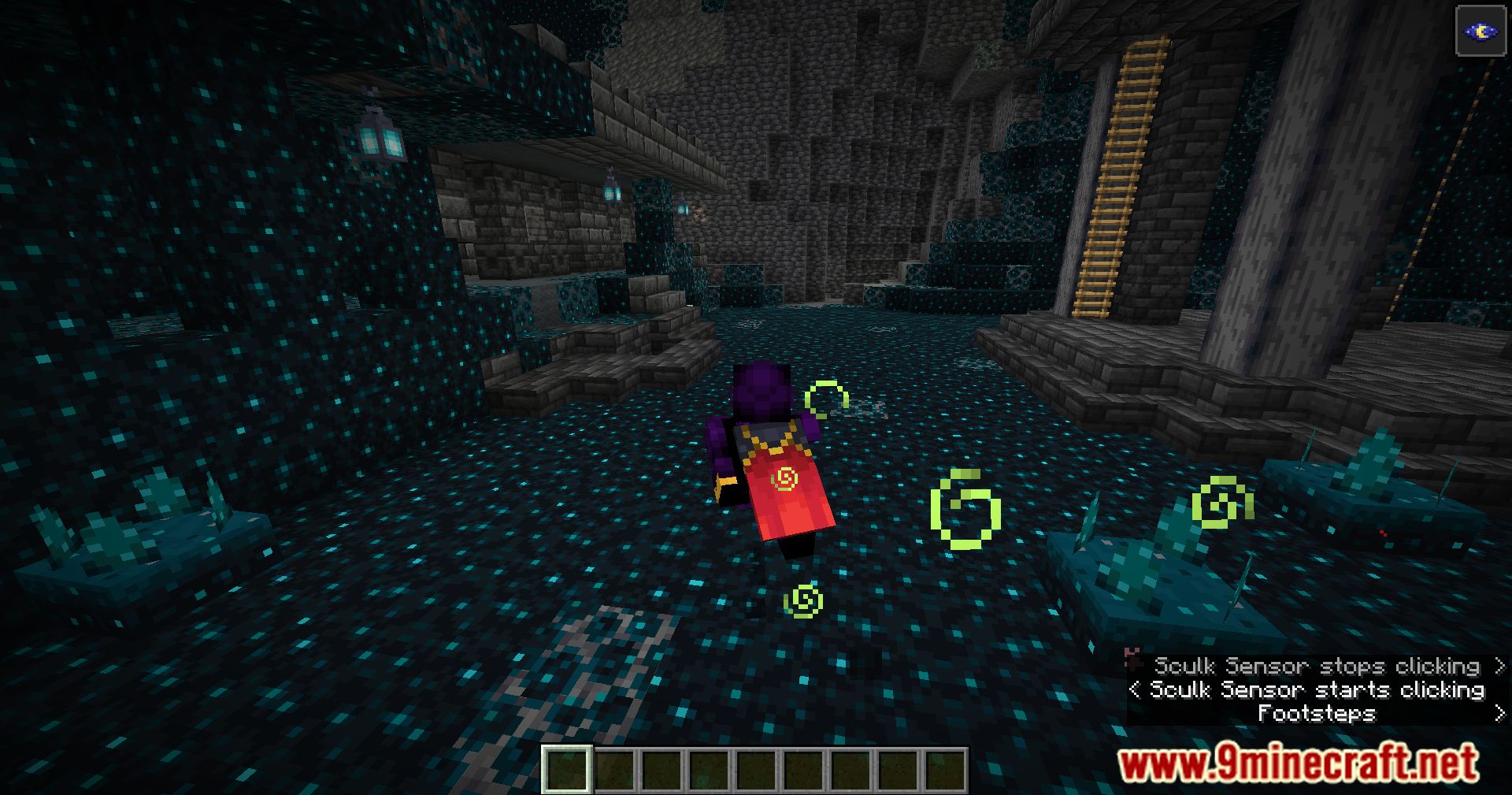
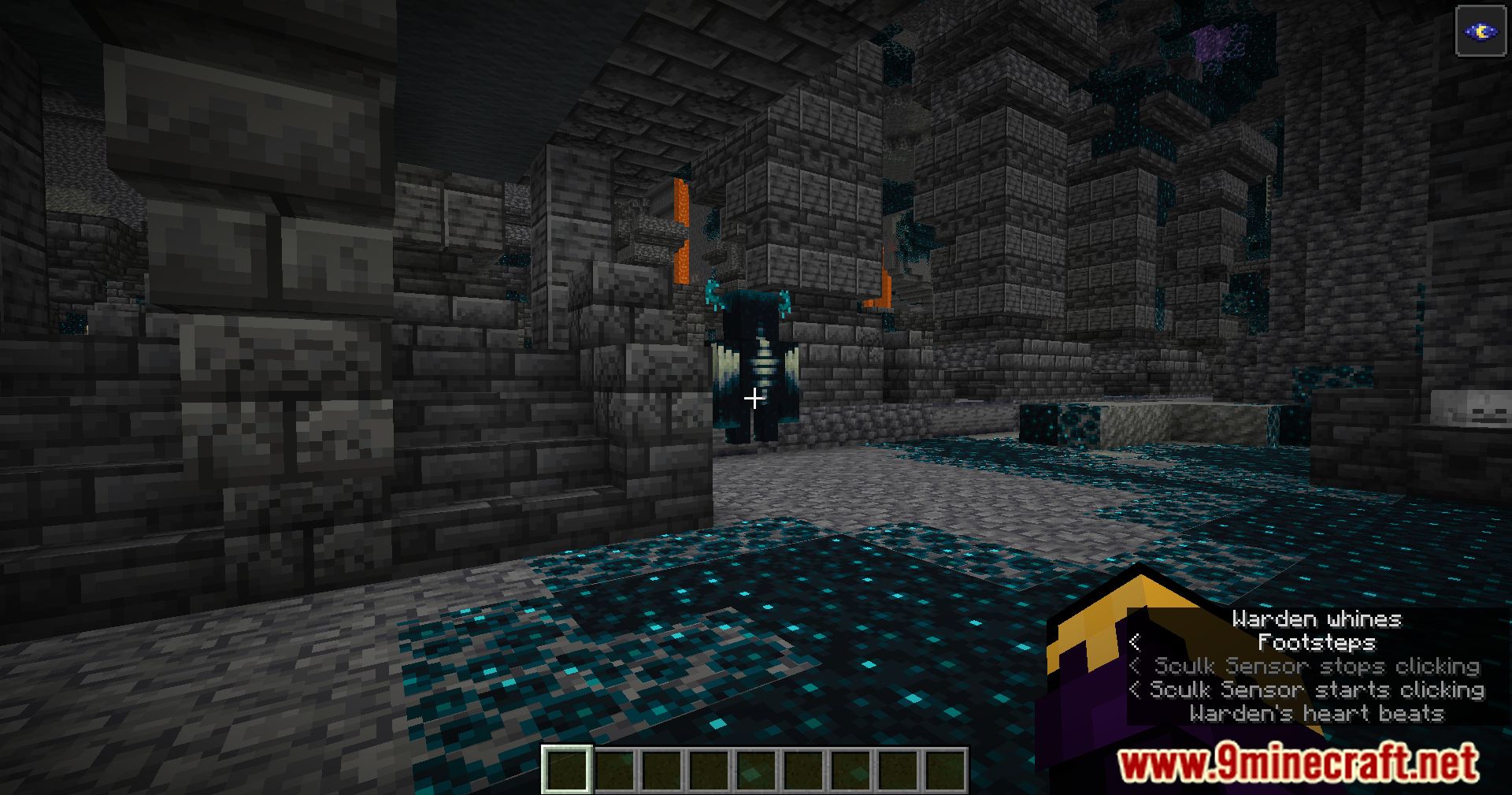
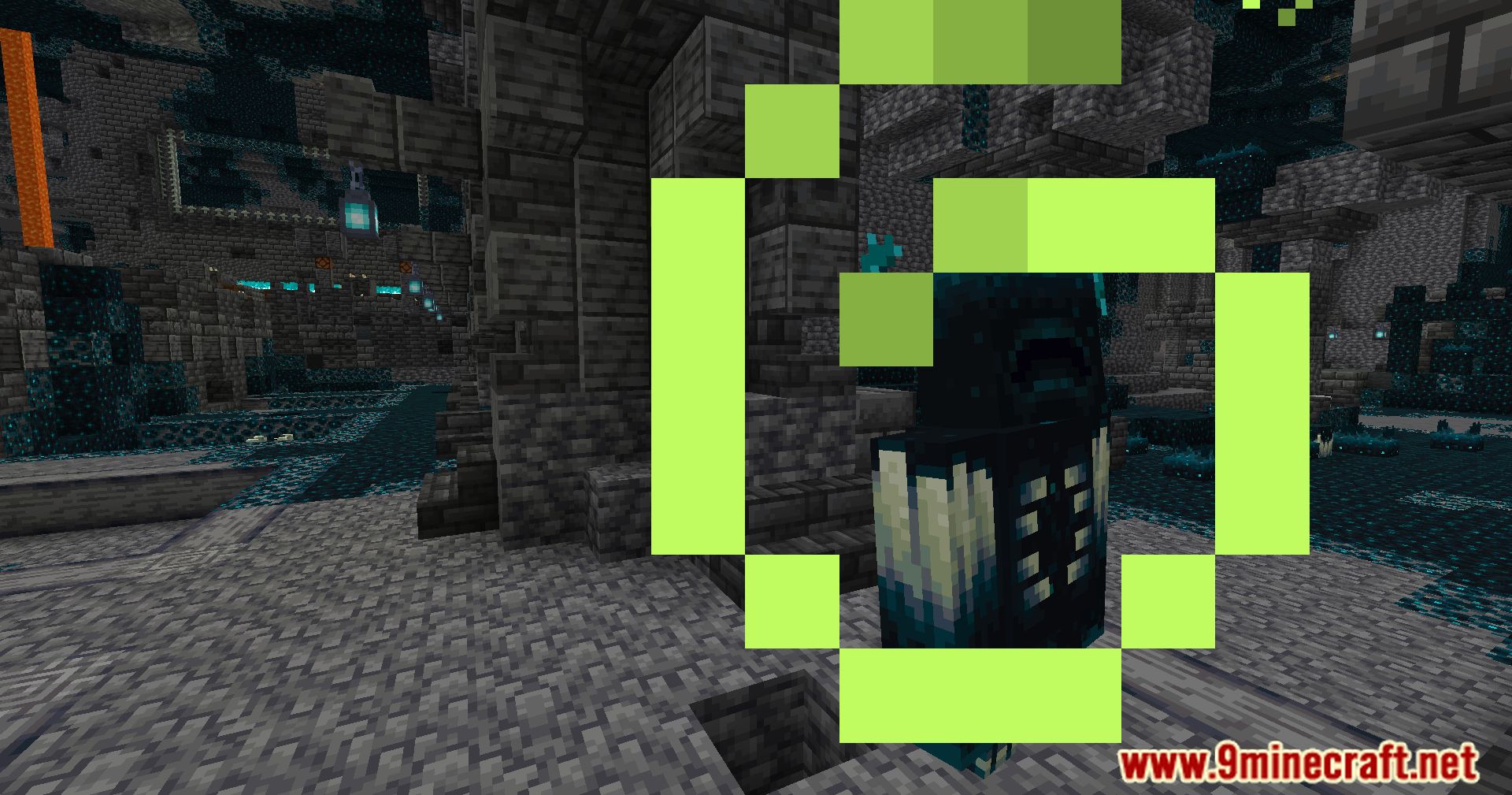
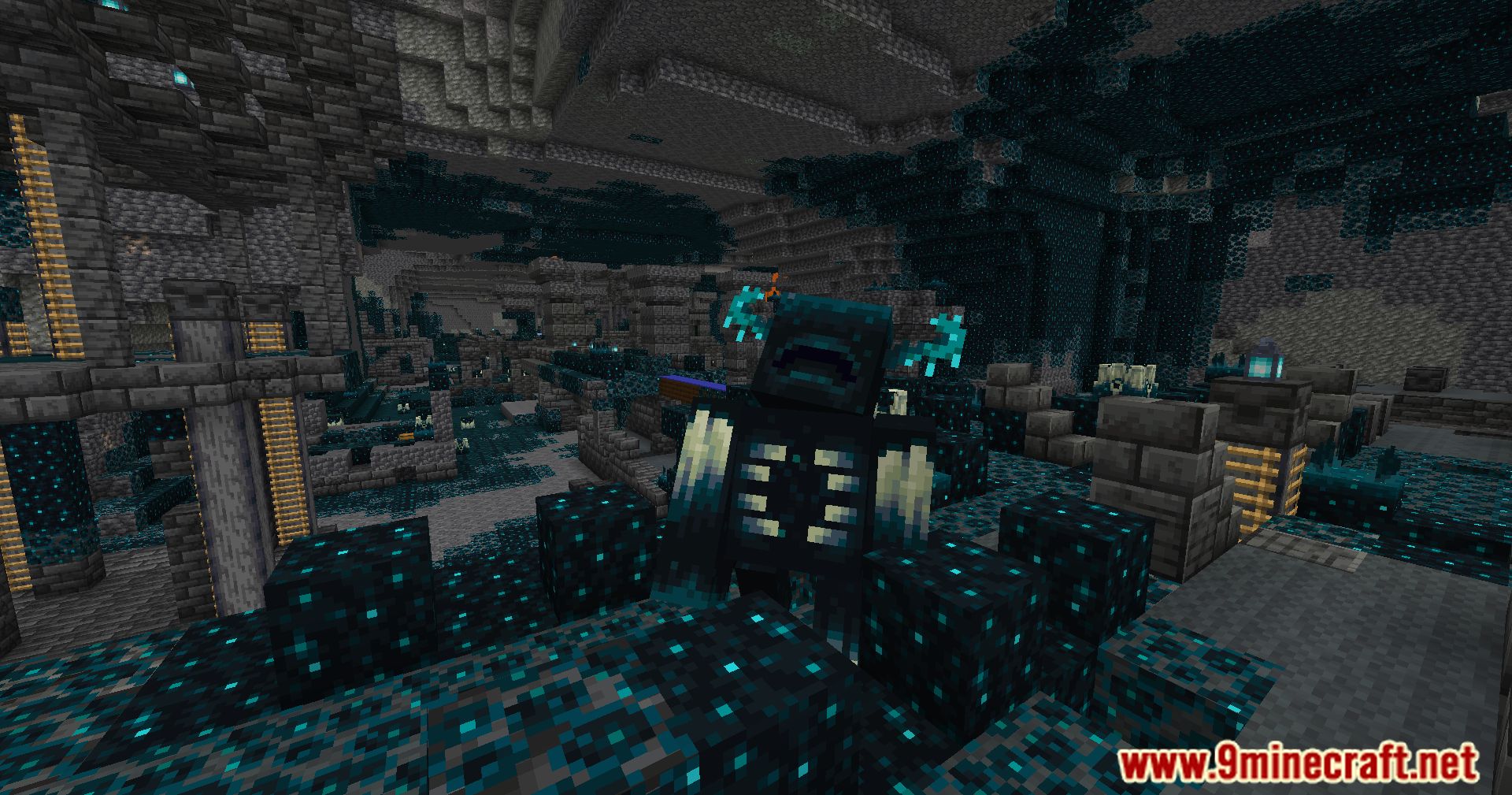
Auto Warden Subtitles Mod turns on subtitles automatically when you step into the Deep Dark biome. It switches them off again as soon as you leave the area. This helps you track nearby enemies and watch warning levels without changing settings manually.
Features:
- Automatically turns on subtitles the moment you enter the Deep Dark biome.
- Switches off subtitles automatically when you leave the biome.
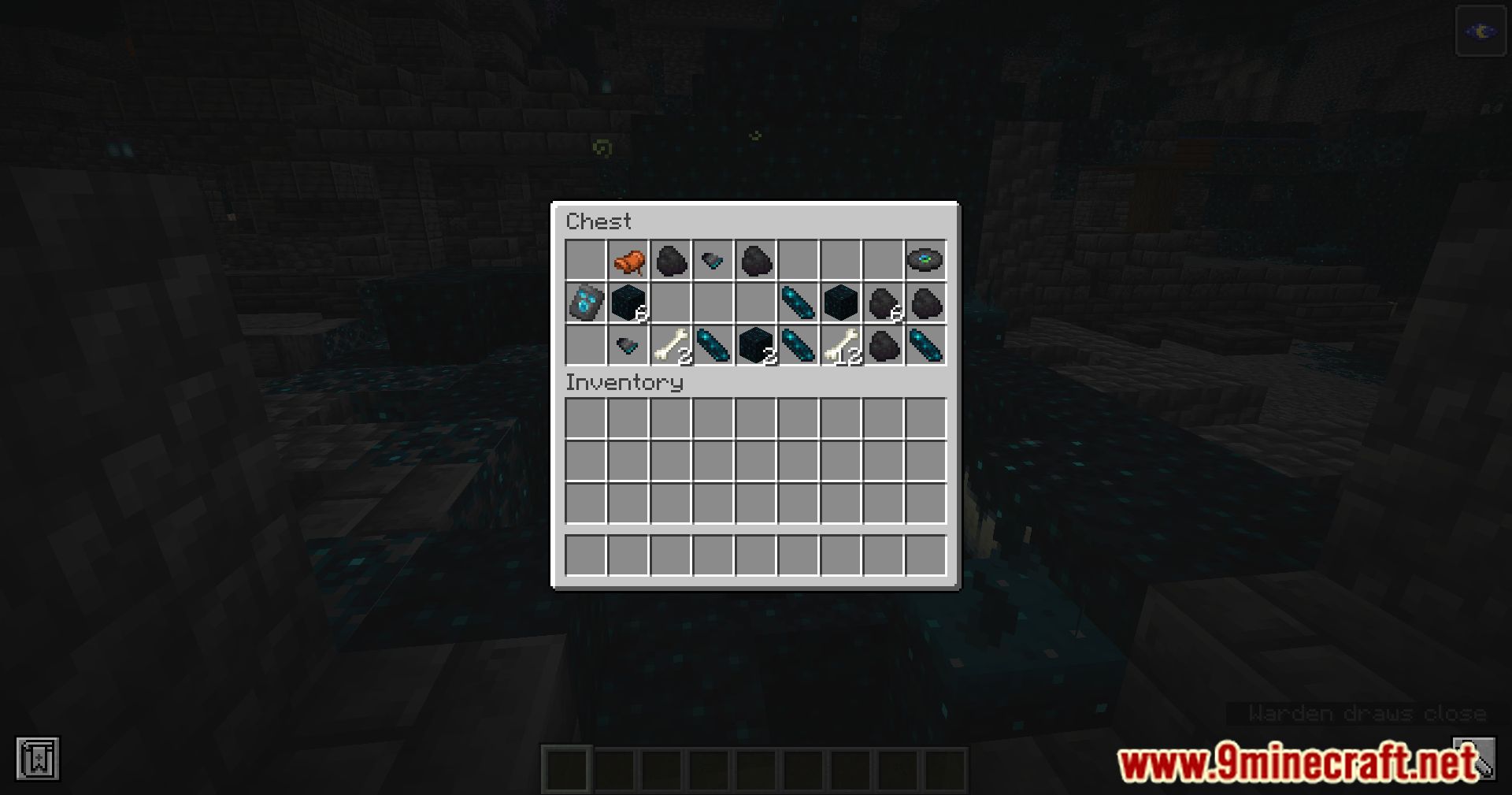
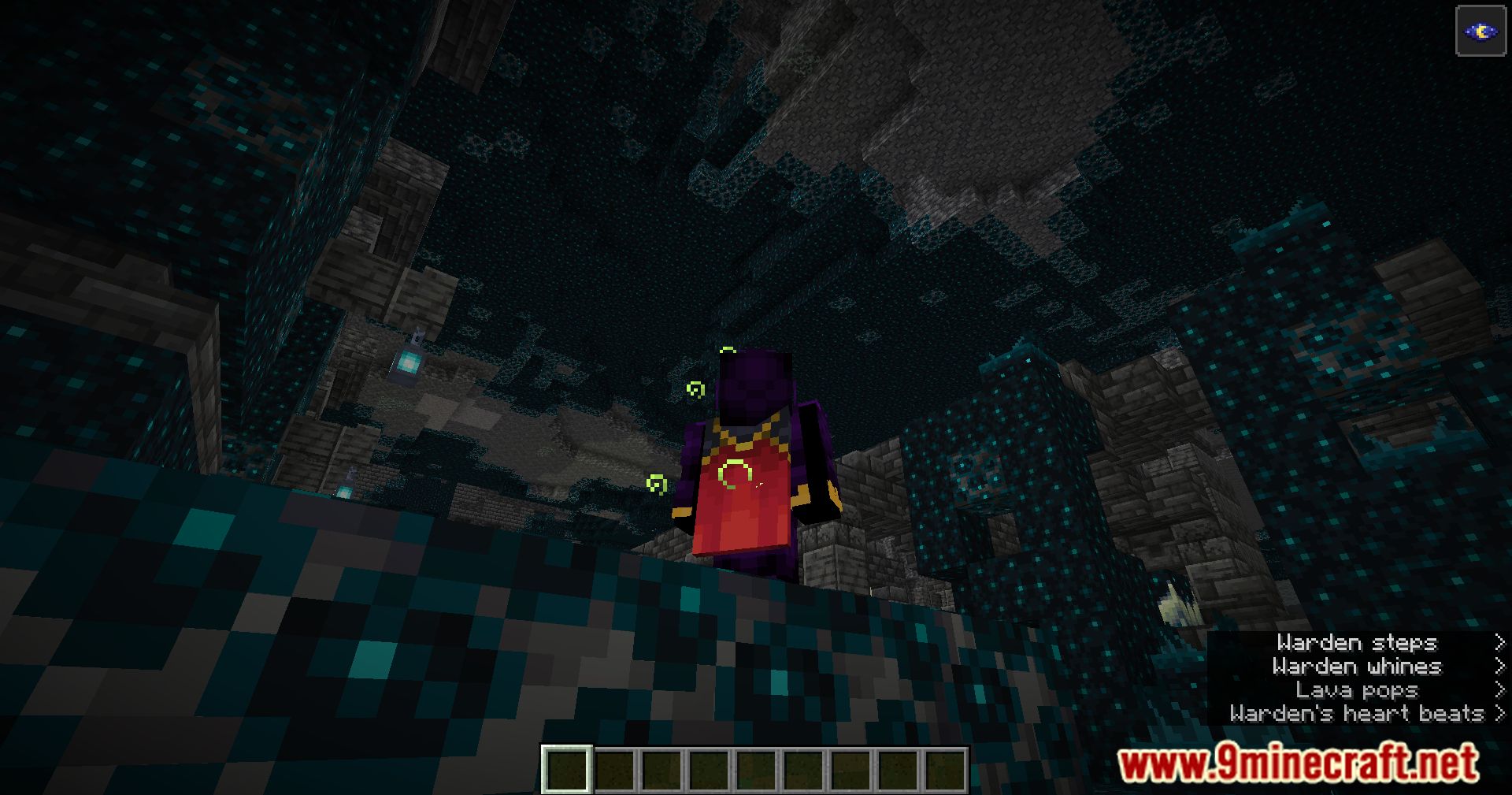
- Displays warning levels through subtitle text so you know how close a Warden is to spawning.
- Shows “Warden approaches.” for Warning Level 1.
- Shows “Warden advances.” for Warning Level 2.
- Shows “Warden draws close.” for Warning Level 3.
- Shows “Warden groans angrily.” for Warning Level 4 when a Warden spawns.
Screenshots:
How to Install:
New to Minecraft? Follow our step-by-step guide to install Mods on your PC.View Guide
Auto Warden Subtitles Mod Download Links
For Minecraft 1.21.11
Fabric Version: Download from Server 1 – Download from Server 2
For Minecraft 1.21.10
Fabric Version: Download from Server 1 – Download from Server 2
For Minecraft 1.21.8, 1.21.7, 1.21.6
NeoForge Version: Download from Server 1 – Download from Server 2
Fabric Version: Download from Server 1 – Download from Server 2
For Minecraft 1.21.5
Fabric Version: Download from Server 1 – Download from Server 2
For Minecraft 1.21.3, 1.21.2
Fabric Version: Download from Server 1 – Download from Server 2
For Minecraft 1.21.1, 1.21
Fabric Version: Download from Server 1 – Download from Server 2
NeoForge Version: Download from Server 1 – Download from Server 2
For Minecraft 1.20.6
Fabric Version: Download from Server 1 – Download from Server 2
NeoForge Version: Download from Server 1 – Download from Server 2
For Minecraft 1.20.4
Forge Version: Download from Server 1 – Download from Server 2
Fabric Version: Download from Server 1 – Download from Server 2
For Minecraft 1.20.3
Fabric Version: Download from Server 1 – Download from Server 2
For Minecraft 1.20.2, 1.20.1, 1.20
Fabric Version: Download from Server 1 – Download from Server 2
What graphic style do you prefer for your modded game?
14 responses · See the full results →
You May Also Like
Picked for this page
 MrCrayfish’s Furniture Refurbished Mod (26.2, 1.20.1)
 Better Ping Display Mod (1.21.11, 1.20.1) – Ping in the Player List
 Red’s More Structures Mod (26.2, 1.20.1) – Best for Adventure & Survival
 More Fossils Mod (26.1.2, 1.20.1) – Expanded Fossil Generation
 Hex Mod (1.21.11, 1.20.1) – Adds New Enchantments
 Librarian’s Balance Mod (26.3, 1.20.1) – Rebalances Librarian Trades
 Pale Garden Backport The Garden Awakens Mod (1.21.1, 1.20.1) – New Features
 FullscreeNO Mod (26.2, 1.20.1) – Stops Minecraft From Opening in Fullscreen
 Blabber Mod (26.1.2, 1.20.1) – Elevate Your Minecraft Dialogues
 Bandanas Mod (1.21.11, 1.20.6) – Sixteen Different Bandanas
 Underwater Village Oceanic Structures Mod (26.3, 1.20.1) – Underwater Libraries, Towers And Houses
 Fleeing Animals Mod (26.2, 1.20.1) – Group Awareness For Passive Mobs
Most viewed in Mods over the last 7 days
 Ala Industrial Mod (26.3) – Run Electric Power Grids and Automated Factories
 PleasureCraft Mod (26.3, 1.21.1) – Jenny Mod Remake for Fabric
 Jennycraft Mod (26.3, 1.20.1) – Virtual Girlfriend in Minecraft
 Fapcraft Mod (26.3, 1.12.2) – Comprehensive and Detailed Content
 Jenny Mod (Fapcraft) Official Complete Guide – How to use, Tutorial
 BangCraft Mod (1.20.1) – Jenny, Ellie and Elliot
 Fabric Loader (26.3, 1.20.1) – Fabric Installer for All Minecraft Versions
 Meteor Client Mod (26.3, 1.20.1) – Xray, HUD, Fly
 The Shooting Star Demo Mod (26.3, 1.20.1) – Vaporize Terrain From Orbit
 OptiFine HD (26.3, 1.20.1) – Run Faster, FPS Boost, Shaders Support
 Aristois Client Mod (1.21.4, 1.20.1) – World Class Minecraft Utility
 SchnurriTV Mod (1.12.2) – Characters and Features
More from Mods
 Explainstone and Songmelyn Mod (1.21.1) – Broadcast Custom Music Across Your Base
 Rockstar Shaders Mod (26.3) – Cast Ray-Traced Light Across Vast Distant Horizons
 ERYDON Mod (1.20.1) – Design Grand Courtyards with Carved Marble Pillars
 Infinity Bound Mod (1.21.1) – Snap Away Enemies with Legendary Superhero Gear
 Legacy Gecko Lib Fabric Mod (1.16.5) – Power Animated Creatures in Modpacks
 The Man from the Shadow Horror Mod (1.20.1) – Fight Hallucinations to Survive
 Shade & Saturation Slider Mod (26.2, 1.21.11) – Make Every Biome Vibrant
 Cataclysm X Yung’s Better Nether Fortresses Compat Mod (1.21.1, 1.20.1)
 Patchouli 9minecraft Mod (26.3) – Read Mod Guides Without Leaving Minecraft
 Paintings ++ 9minecraft Mod (26.3) – Pick the Exact Painting You Want
 owo-lib 9minecraft Mod (26.3) – Run Your Favorite Mods Without Errors
 Moonlight 9minecraft Lib (26.3, 26.2) – Run Complex Mods Without Errors

This post has no comments yet. Be the first — your comment will appear here.