
Shingeki No Craft Mod (1.21.11, 1.21.1) – Defend Settlements



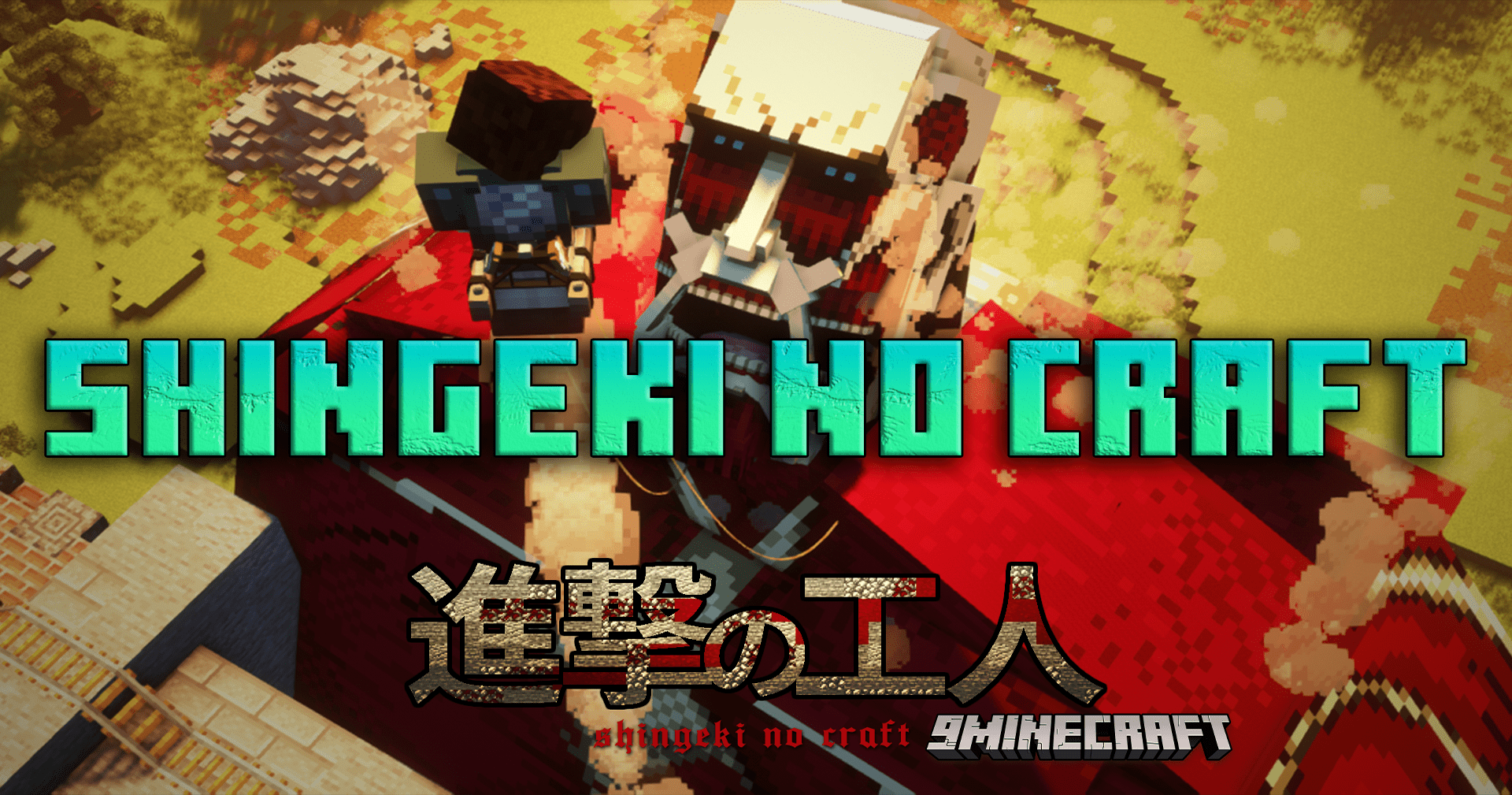
Shingeki No Craft Mod brings the world of Attack on Titan into Minecraft with fast air combat and giant enemies. It adds Pure Titans and Titan Shifters for you to fight, along with Omni-Directional Mobility gear, combat blades, Thunder Spears, cannons, and firearms. You can explore modified villages, take on quests, use Royal Blood features and special abilities, and follow a custom advancement tree for crafting. This mod runs on vanilla command block features, works on multiplayer servers, and requires its matching resource pack for custom sprites, textures, and audio.
Features:
- Battle massive Pure Titans and Titan Shifters across your world.
- Use Omni-Directional Mobility (ODM) gear to swing through the air and move around giant enemies.
- Wield specialized weapons, including combat blades, Thunder Spears, cannons, and firearms.
- Includes Royal Blood features and special combat abilities.
- Explore modified villages across your Minecraft world.
- Adds quests to complete along with a custom advancement tree that guides your crafting progression.
- Lets you change game settings directly in-game through a built-in configuration menu.
- Uses a required resource pack for custom sprites, textures, and audio effects, with an optional music pack also supported.
- Runs on vanilla Minecraft command block features and works in both singleplayer worlds and multiplayer servers.
Commands:
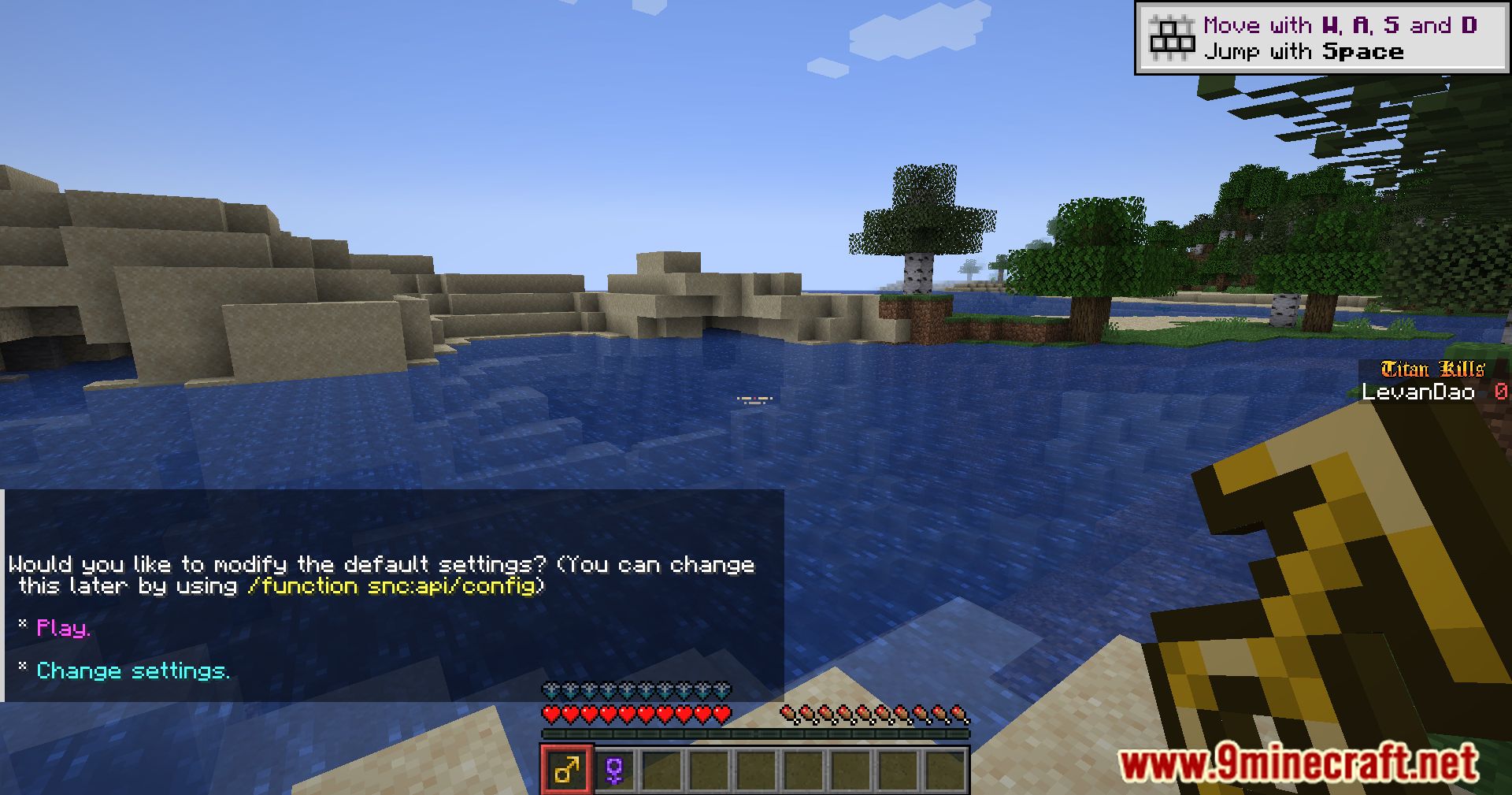
/function snc:api/config: Opens the configuration menu so you can change game settings./function snc:api/all_items: Gives you all items included in this mod./function snc:api/...: Runs built-in test functions to try out different features in the pack.
How to Use:
- Enable the required resource pack before playing so all custom sprites, textures, and sound effects load properly, and add the optional music pack if you want extra background audio.
- Open your advancements screen in-game to follow the custom advancement tree, which shows you the crafting progression step by step.
- Type
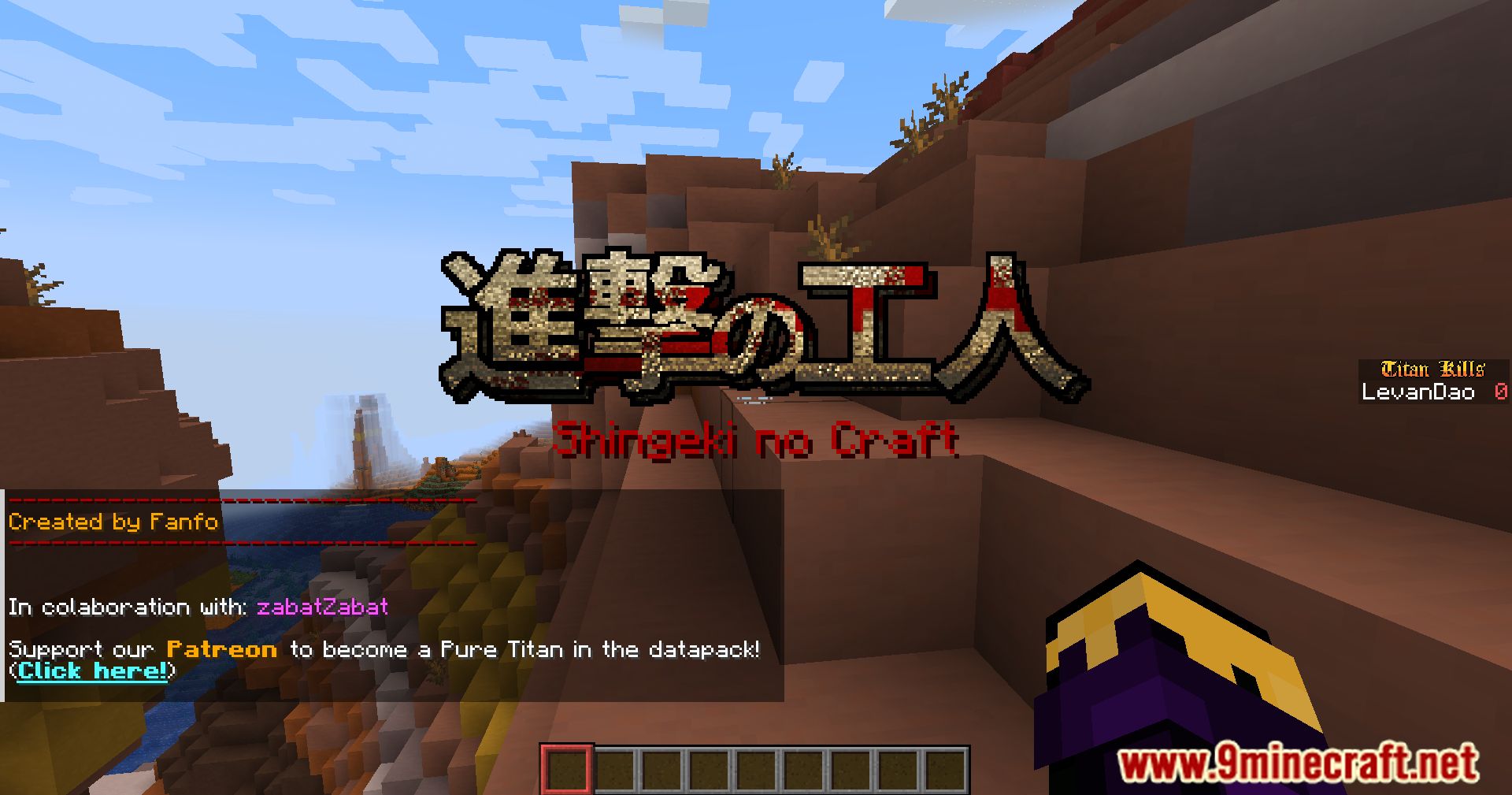
/function snc:api/configin chat to open the setup menu and customize game settings for your world. - Type
/function snc:api/all_itemsin chat if you want to receive every item right away for testing.
Screenshots:
How to Install:
New to Minecraft? Follow our step-by-step guide to install Mods on your PC.View Guide



Shingeki No Craft Mod Download Links
For Minecraft
1.21.11,
1.21.10,
1.21.9
All Versions Covered
1.21.11
1.21.10
1.21.9
1.21.8
1.21.7
1.21.6
1.21.5
1.21.4
1.21.1
1.21
For Minecraft 1.21.10, 1.21.9
For Minecraft 1.21.8, 1.21.7, 1.21.6
For Minecraft 1.21.5
For Minecraft 1.21.4
For Minecraft 1.21.1, 1.21
For Minecraft 1.20.6, 1.20.5
For Minecraft 1.20.2
Do you include client-side quality-of-life mods (like inventory tweaks or mini-maps) when playing on public servers?
12 responses · See the full results →

2 Comments
 What do you think?
Your opinion means a lot - we'd love to hear from you.
You May Also Like
Picked for this page
 Pickle Tweaks Mod (26.1.2, 1.20.1) – Never Break Your Tools Again
 Awesome Dungeon Ocean Mod (26.2, 1.20.1) – Underwater Dungeons & Temples
 Bigger Stack Size Mod (26.3, 1.20.1) – Increased Stack Sizes
 Toro’s Auto Mine Mod (26.3, 1.20.1) – Automatically Mine While Being AFK
 Fish On The Line Mod (26.3, 1.20.1) – Fish Without Having to Watch
 SkyBlock Standard Mod (1.21.11, 1.20.1) – Classic Skyblock Returns
 Delete Worlds To Trash Mod (26.3, 1.20.1) – Move to Recycle Bin
 Omega Config Mod (1.21.11, 1.20.1) – Ultimate Configuration Library
 The Bread Dweller Mod (1.19.2) – Bread-Dropping Cave Horror Stalker
 Anvil Uses Mod (26.3, 1.20.1) – Track Item Anvil Usage
 Shadow Config Mod (1.21.11, 1.20.1) – Stop Modpack Crashes From Broken Config
 Async Logger Mod (26.2, 1.20.1) – Stop Console Logs From Freezing Your Game
Most viewed in Mods over the last 7 days
 Ala Industrial Mod (26.3) – Run Electric Power Grids and Automated Factories
 PleasureCraft Mod (26.3, 1.21.1) – Jenny Mod Remake for Fabric
 Jennycraft Mod (26.3, 1.20.1) – Virtual Girlfriend in Minecraft
 Fapcraft Mod (26.3, 1.12.2) – Comprehensive and Detailed Content
 Jenny Mod (Fapcraft) Official Complete Guide – How to use, Tutorial
 BangCraft Mod (1.20.1) – Jenny, Ellie and Elliot
 Fabric Loader (26.3, 1.20.1) – Fabric Installer for All Minecraft Versions
 The Shooting Star Demo Mod (26.3, 1.20.1) – Vaporize Terrain From Orbit
 Meteor Client Mod (26.3, 1.20.1) – Xray, HUD, Fly
 OptiFine HD (26.3, 1.20.1) – Run Faster, FPS Boost, Shaders Support
 Aristois Client Mod (1.21.4, 1.20.1) – World Class Minecraft Utility
 Prestige Client Mod (1.21.11, 1.21.4) – Powerful Ghost Features for Crystal & Sword PvP
More from Mods
 Soulscraft Tarnished Legacy Mod (1.21.1) – Hunt Relics to Forge Dark Fantasy
 Fetzi’s Displays Mod (26.1.2, 1.20.1) – Turn Rare Gear and Weapons
 Primal Plushies Paleo Pals Mod (1.21.1, 1.20.1) – Decorate Your Base
 Ipla Mod (26.3, 1.20.1) – Showcase Your Favorite Items
 MesdagPortLib Mod (1.20.1) – Run Modern Minecraft Mechanics on Older Versions
 Hellion’s API Mod (1.21.11, 1.21.1) – Play Hellion Series Addons Without Crashes
 Terrestria Mod (26.3, 1.20.1) – Highly Detailed Biomes
 Tre’s Tack Library Mod (1.20.1) – Outfit Your Horses with Fully Detailed Tack
 YDM’s coreX Library Mod (1.20.1) – Loot RPG Gear with Random Names
 Gunpowder Recipe Mod (26.3, 1.20.1) – Gunpowder is Craftable
 Villager Timetable Mod (26.3, 1.20.1) – Master Villager Schedules
 Artemis Laboratory Blocks Mod (26.3, 1.20.1) – Lab Blocks And Dynamic Decorations

020702076464231
I hope this can be done, hopefully this is really true, really