


PlaceholderAPI Plugin (26.1.2, 1.20.1) – Flexible Plugin Information Integration Tool
 3,881
3,881
 0
0

PlaceholderAPI Plugin is a powerful and versatile plugin for Minecraft servers, designed to provide an extensive system of placeholders that can be used across various plugins. It serves as a central library that enables other plugins to display dynamic content such as player statistics, server information, and more. With over a million downloads and a vibrant community, PlaceholderAPI is a staple in the toolkit of many server administrators.

Features:
- PlaceholderAPI supports a vast array of placeholders out of the box, covering a wide range of data from player statistics to server status. This makes it incredibly versatile for various server setups.
- One of the standout features of PlaceholderAPI is its ability to integrate with numerous other plugins, allowing for dynamic content display in plugin messages, scoreboards, chat, and more.
- Administrators can create custom placeholders to suit specific needs, enhancing the flexibility and utility of the plugin.
- The plugin supports expansion packs, which are additional modules that extend its functionality. This modular approach ensures that PlaceholderAPI can be tailored to meet the specific requirements of any server.
- PlaceholderAPI is actively maintained, with regular updates and a supportive community. The availability of extensive documentation and community resources makes it easy for new users to get started.
Screenshost:
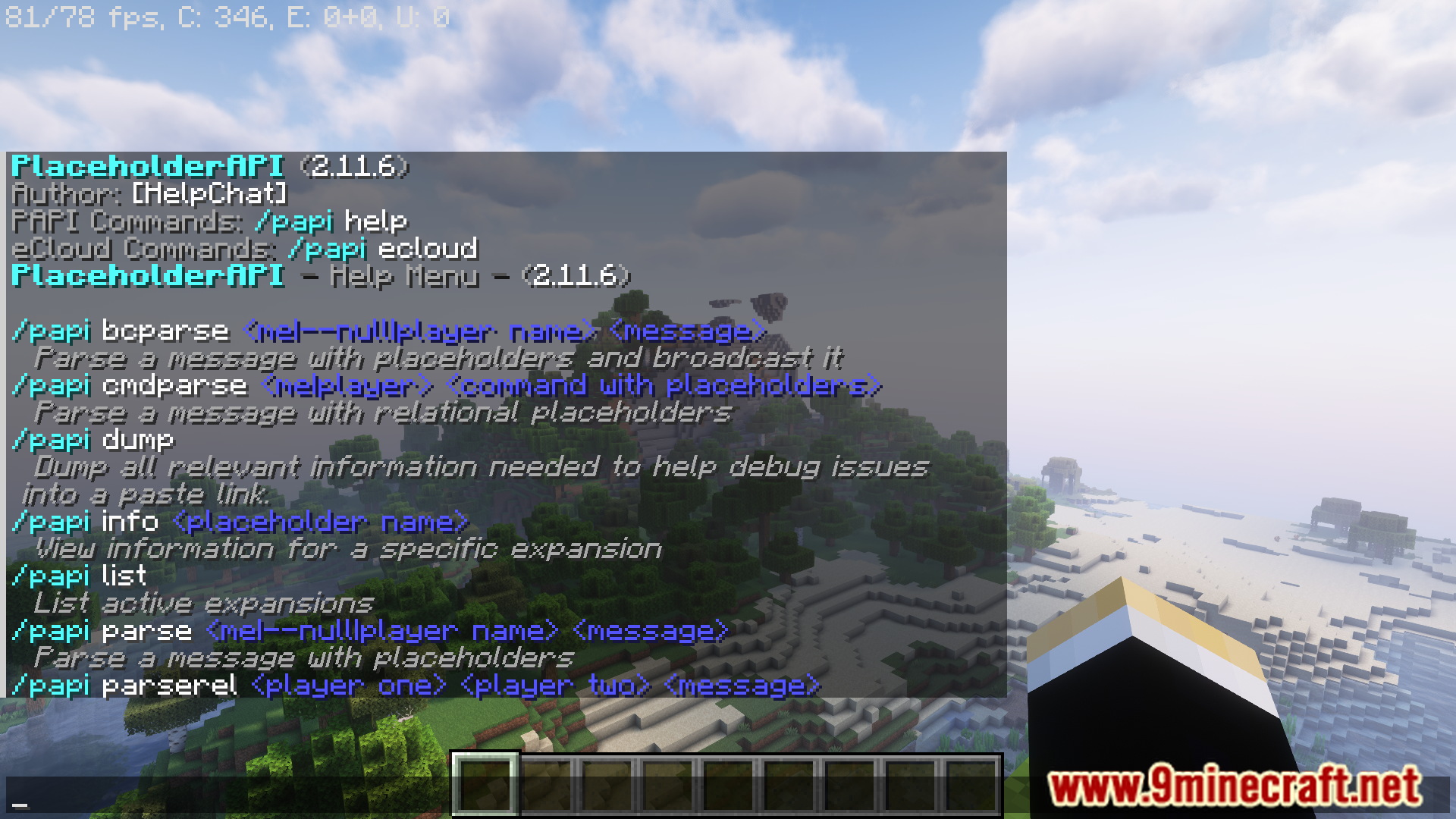
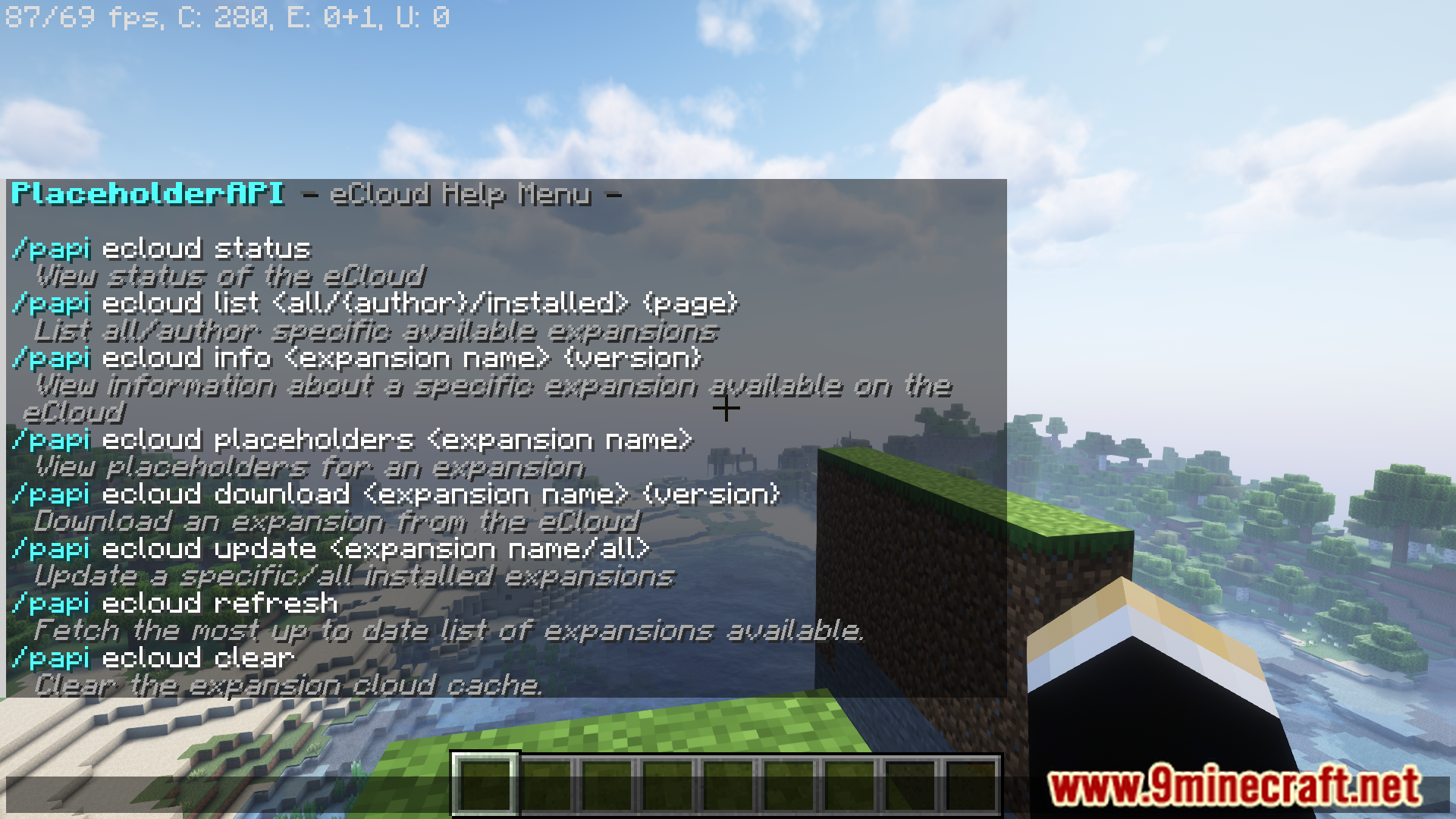
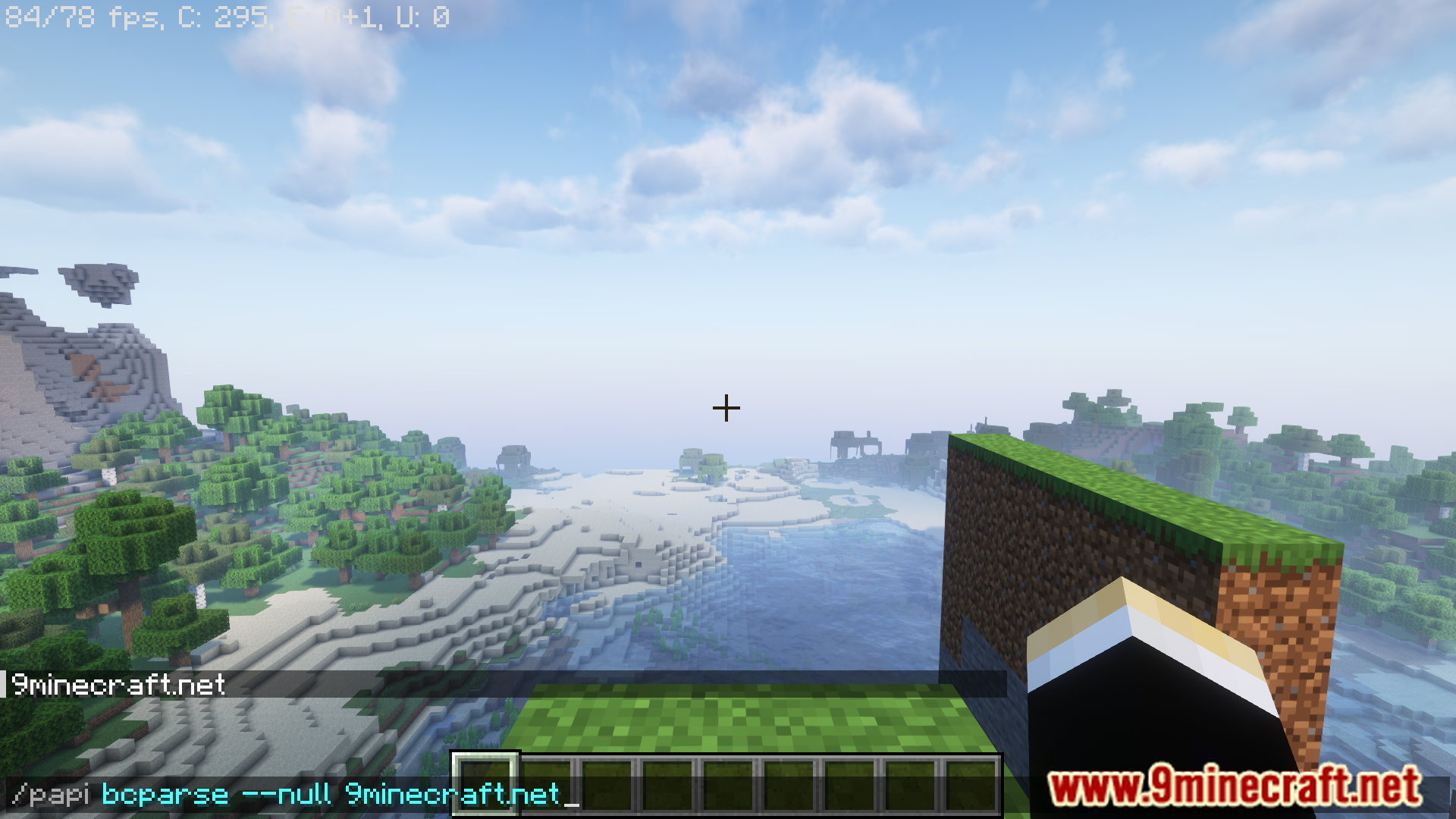
Commands:
Parse Commands
- /papi bcparse <player|–null|me> <string>
- /papi cmdparse <player|me> <string>
- /papi parse <player|–null|me> <string>
- /papi parserel <player> <player> <string>
eCloud Commands
- /papi ecloud status /papi ecloud clear
- /papi ecloud download <expansion> [version]
- /papi ecloud update <expansion/all>
- /papi ecloud info <expansion> [version]
- /papi ecloud list <all|<author>|installed> [page]
- /papi ecloud placeholders <expansion>
- /papi ecloud refresh
Expansion Commands
- /papi info <expansion>
- /papi list
- /papi register <jar file>
- /papi unregister <jar file>
Utility Commands
- /papi dump
- /papi reload
- /papi version
- /papi help
How to Install:
New to Minecraft? Follow our step-by-step guide to install Plugins on your PC.View Guide
PlaceholderAPI Plugin Download Links
For Minecraft
26.1.2,
26.1.1,
26.1
All Versions Covered
26.1.2
26.1.1
26.1
1.21.11
1.21.10
1.21.9
1.21.8
1.21.7
1.21.6
1.21.5
1.21.4
1.21.3
1.21.2
1.21.1
1.21
1.20.6
1.20.5
1.20.4
1.20.3
1.20.2
1.20.1
1.20
1.19.4
1.19.3
1.19.2
1.19.1
1.19
1.18.2
1.18.1
1.18
1.17.1
1.17
1.16.5
1.16
1.15.2
1.15.1
1.15
1.14.4
1.14.3
1.14.2
1.14.1
1.14
1.13.2
1.13.1
1.13
1.12.2
1.12.1
1.12
1.11.2
1.11.1
1.11
1.10.2
1.10.1
1.10
1.9.4
1.9.3
1.9.2
1.9.1
1.9
1.8.9
1.8.8
1.8.7
1.8.6
1.8.5
1.8.4
1.8.3
1.8.2
1.8.1
1.8
All Versions Covered
26.1.2
26.1.1
26.1
1.21.11
1.21.10
1.21.9
1.21.8
1.21.7
1.21.6
1.21.5
1.21.4
1.21.3
1.21.2
1.21.1
1.21
1.20.6
1.20.5
1.20.4
1.20.3
1.20.2
1.20.1
1.20
1.19.4
1.19.3
1.19.2
1.19.1
1.19
1.18.2
1.18.1
1.18
1.17.1
1.17
1.16.5
1.16
1.15.2
1.15.1
1.15
1.14.4
1.14.3
1.14.2
1.14.1
1.14
1.13.2
1.13.1
1.13
1.12.2
1.12.1
1.12
1.11.2
1.11.1
1.11
1.10.2
1.10.1
1.10
1.9.4
1.9.3
1.9.2
1.9.1
1.9
1.8.9
1.8.8
1.8.7
1.8.6
1.8.5
1.8.4
1.8.3
1.8.2
1.8.1
1.8
For Minecraft
1.21.11,
1.21.10,
1.21.9
All Versions Covered
1.21.11
1.21.10
1.21.9
1.21.8
1.21.7
1.21.6
1.21.5
1.21.4
1.21.1
1.21
1.20.6
1.20.5
1.20.4
1.20.3
1.20.2
1.20.1
1.20
1.19.4
1.19.3
1.19.2
1.19.1
1.19
1.18.2
1.18.1
1.18
1.17.1
1.17
1.16.5
1.16
1.15.2
1.15.1
1.15
1.14.4
1.14.3
1.14.2
1.14.1
1.14
1.13.2
1.13.1
1.13
1.12.2
1.12.1
1.12
1.11.2
1.11.1
1.11
1.10.2
1.10.1
1.10
1.9.4
1.9.3
1.9.2
1.9.1
1.9
1.8.9
1.8.8
1.8.7
1.8.6
1.8.5
1.8.4
1.8.3
1.8.2
1.8.1
1.8
All Versions Covered
1.21.11
1.21.10
1.21.9
1.21.8
1.21.7
1.21.6
1.21.5
1.21.4
1.21.1
1.21
1.20.6
1.20.5
1.20.4
1.20.3
1.20.2
1.20.1
1.20
1.19.4
1.19.3
1.19.2
1.19.1
1.19
1.18.2
1.18.1
1.18
1.17.1
1.17
1.16.5
1.16
1.15.2
1.15.1
1.15
1.14.4
1.14.3
1.14.2
1.14.1
1.14
1.13.2
1.13.1
1.13
1.12.2
1.12.1
1.12
1.11.2
1.11.1
1.11
1.10.2
1.10.1
1.10
1.9.4
1.9.3
1.9.2
1.9.1
1.9
1.8.9
1.8.8
1.8.7
1.8.6
1.8.5
1.8.4
1.8.3
1.8.2
1.8.1
1.8
For Minecraft 1.8 –> 1.20.6
Click to rate this post!
[Total: 2 Average: 3.5]
You May Also Like

















This post has no comments yet. Be the first — your comment will appear here.