
Camera Obscura Mod (26.3, 1.20.1) – Capture and Play Back World Memories

 0


Camera Obscura Mod lets you take in-game photos and record videos of your Minecraft world directly on the server. It renders everything through a server-side software rasterizer and saves the output as map items or PNG images. You do not need any client mods to use this feature.
Features:
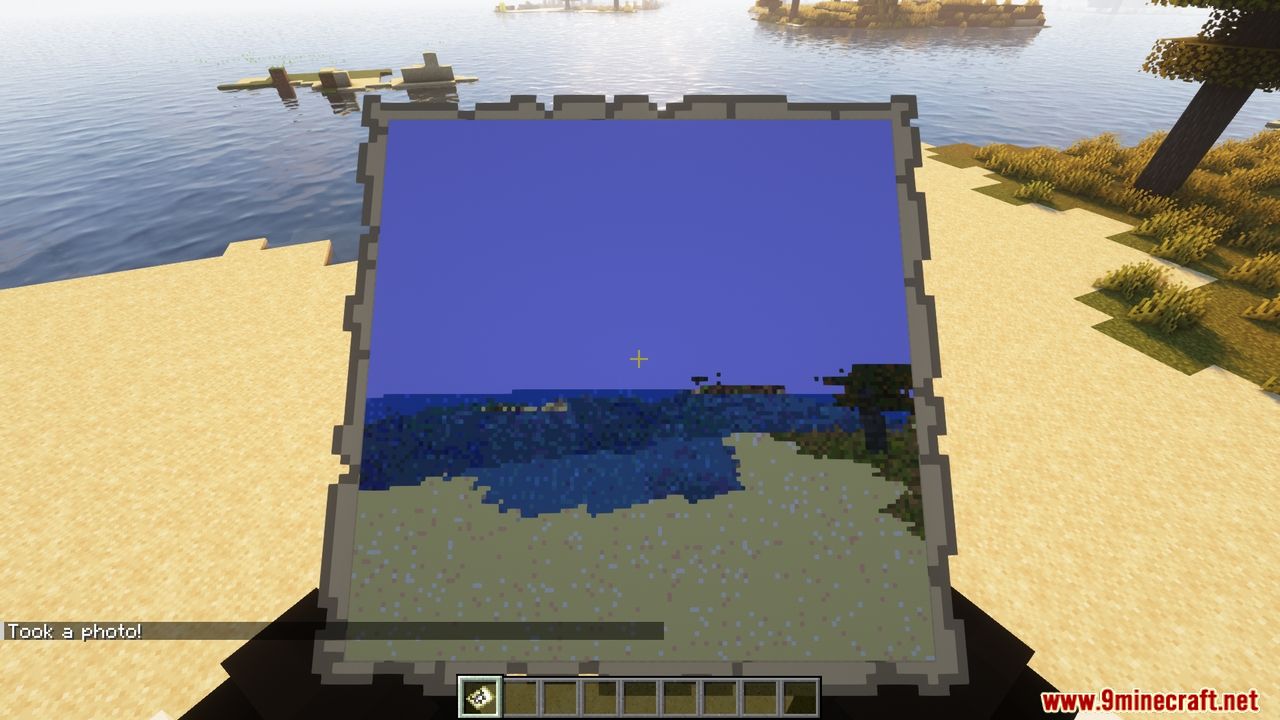
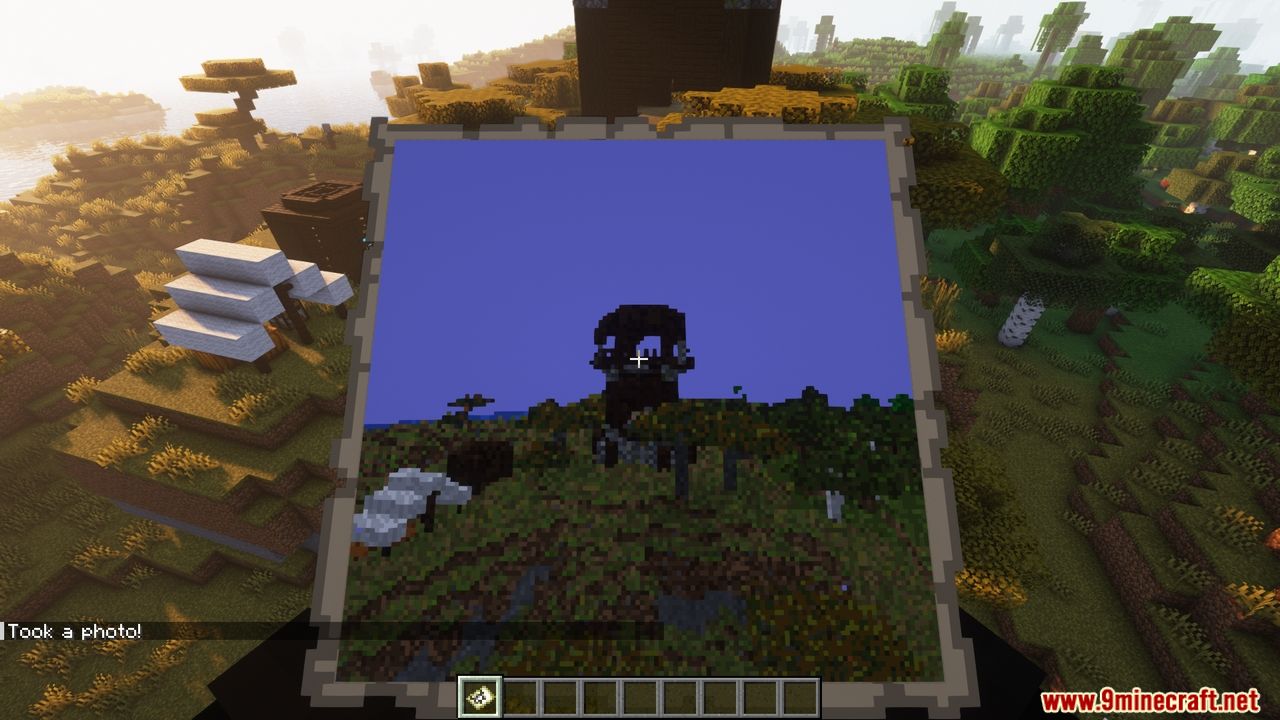
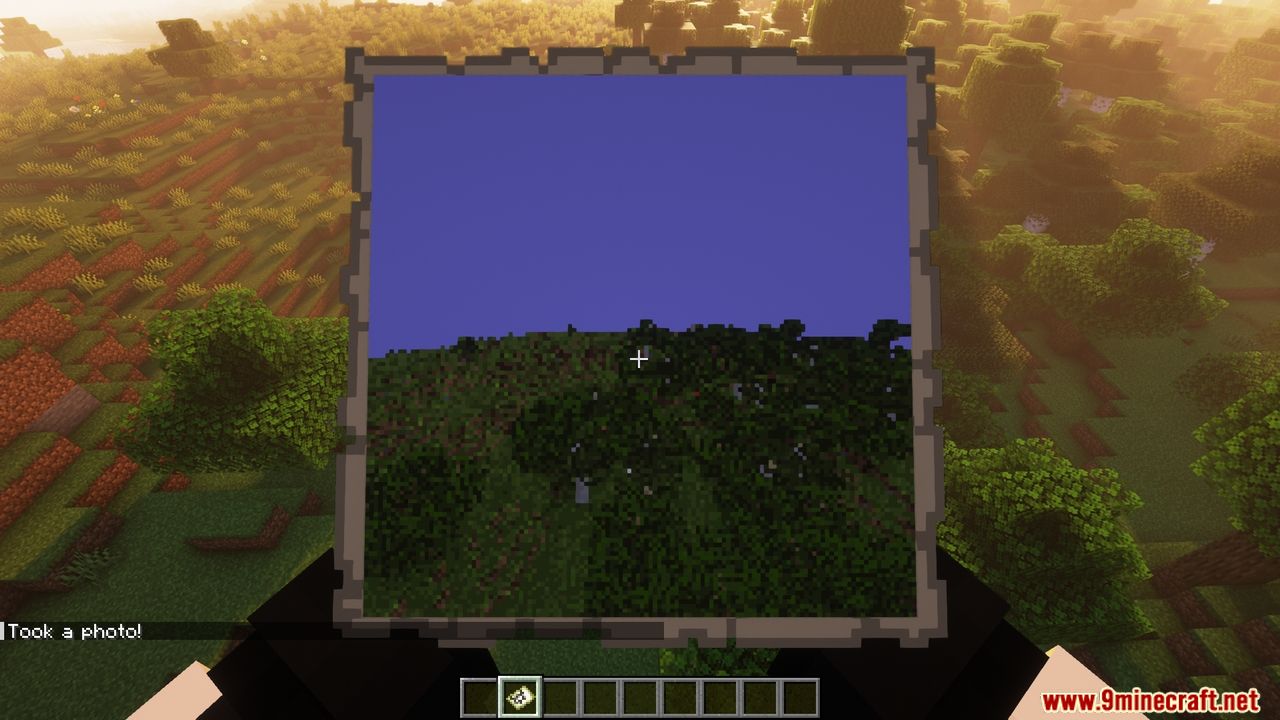
- Generates map items showing what players, mobs, or other entities see in the game world.
- Records videos of your surroundings and plays them back on item frames.
- Runs entirely on the server using a software rasterizer without blocking the main game thread.
- Requires no client-side mods, meaning vanilla players can join and see the maps and recordings.
- Supports custom items and cameras through deep integrations with Nexo and ItemsAdder.
- Allows full configuration of resolution, color modes, dithering, render distance, and video parameters.
Commands:
/camera-obscura [scale]: Takes a map from your perspective using an optional resolution scale./camera-obscura <entity> <player> [scale]: Takes a map of another entity’s perspective and gives it to a player./camera-obscura save [entity] [scale]: Saves a rendered image as a PNG file on the server./camera-obscura reload: Reloads the configuration file and presets./camera-obscura clear-cache: Clears the resource and model cache./camera-obscura give <preset> [player]: Gives a pre-configured camera item to a player based on a preset.
How to Use:
- Hold a camera item in your main hand.
- Right-click to start taking a photo or recording a video.
- Wait for the action to finish so the photo map appears in your inventory or drops on the ground.
- Place a video map into an item frame and right-click it to start playback.
Screenshots:
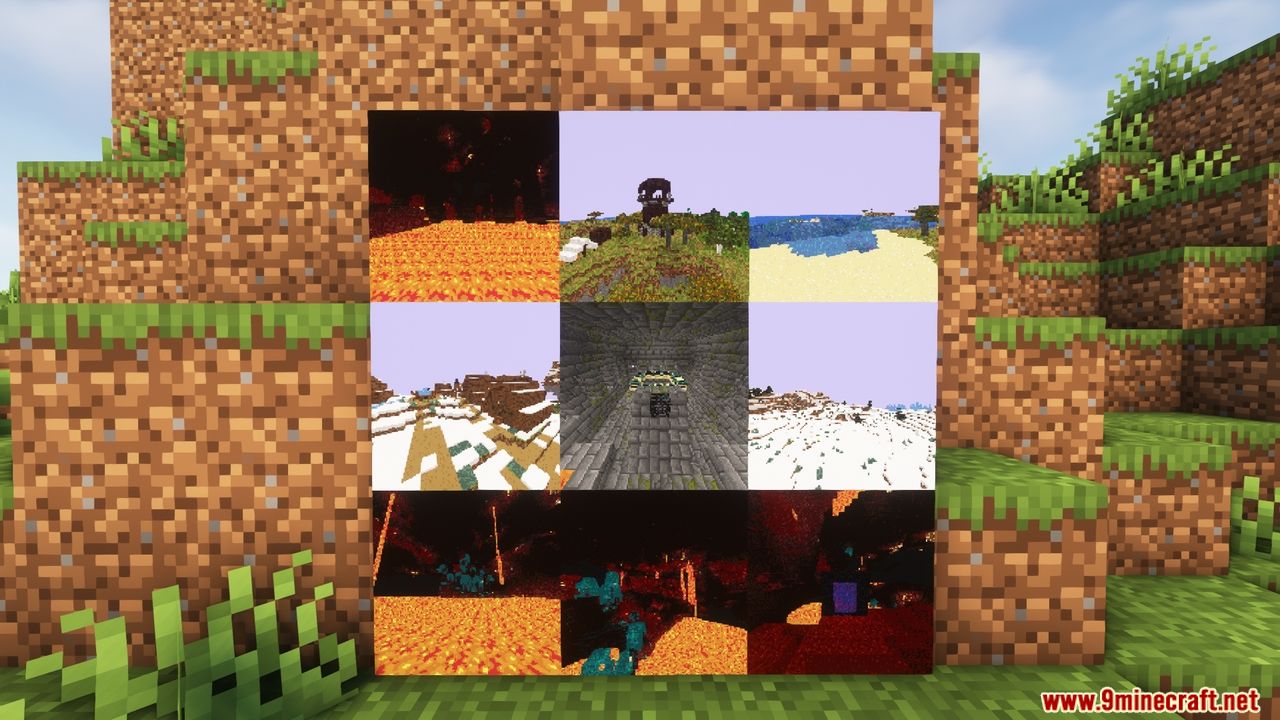
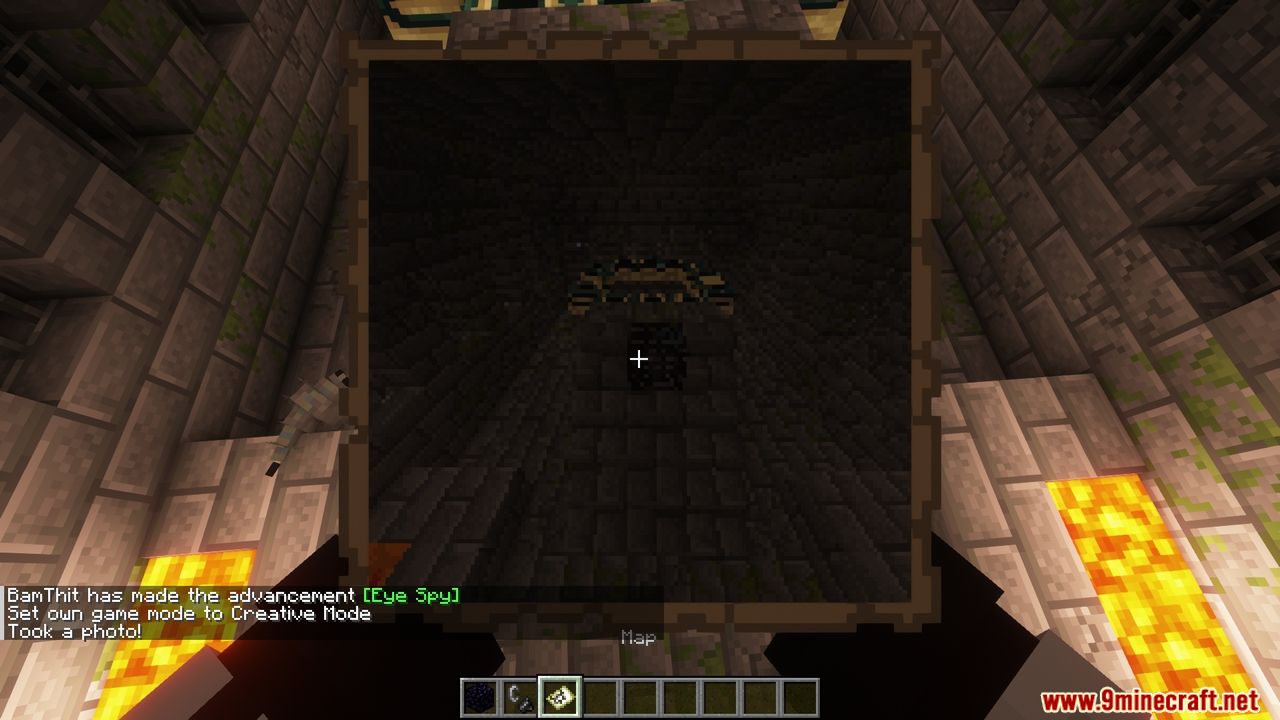
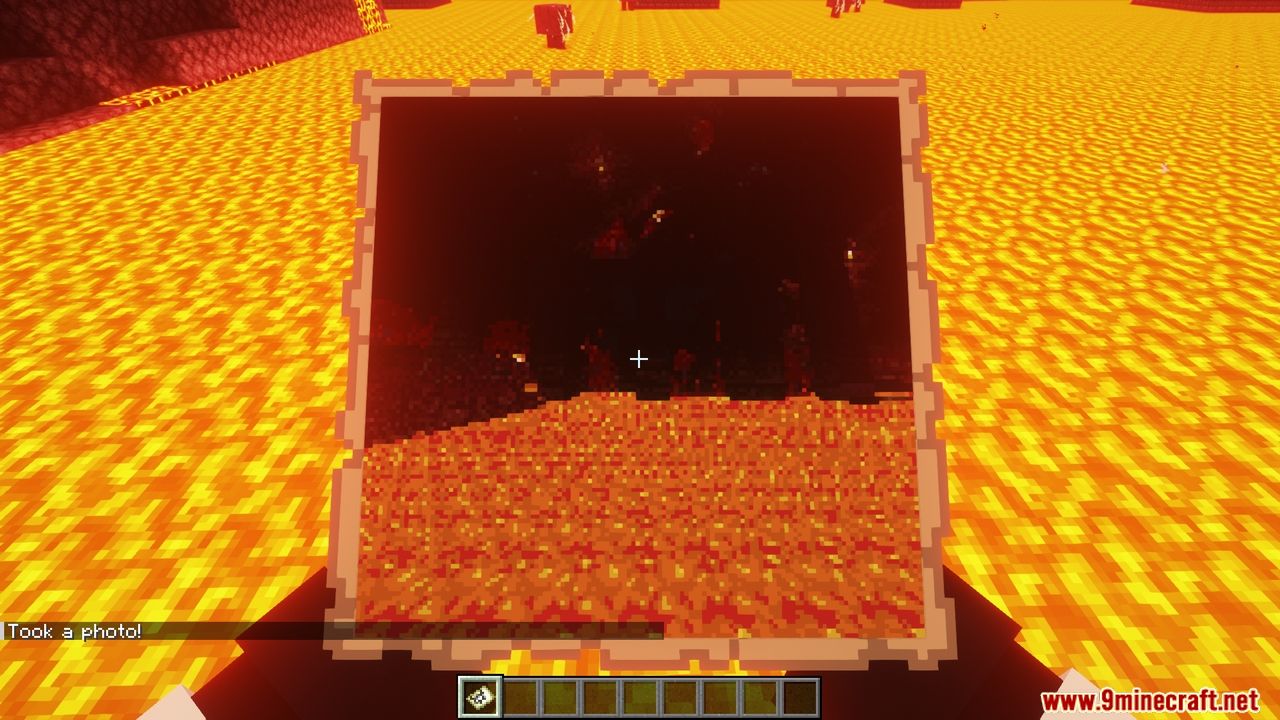
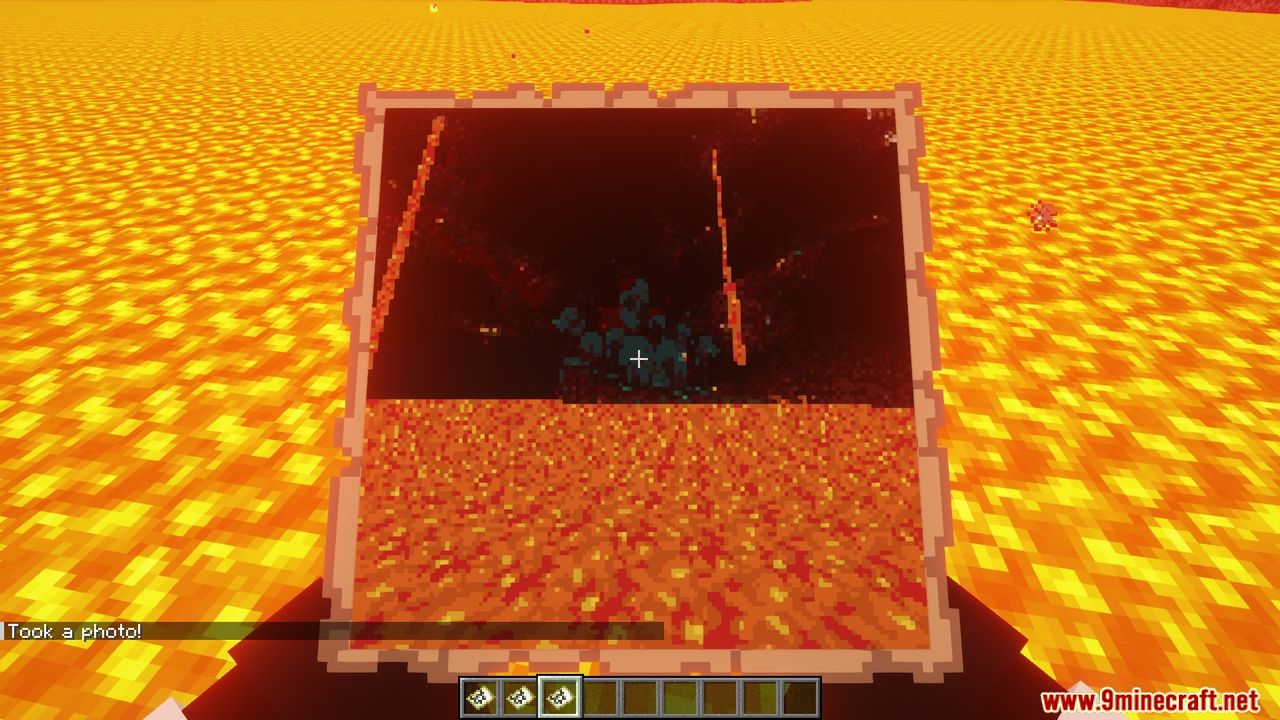
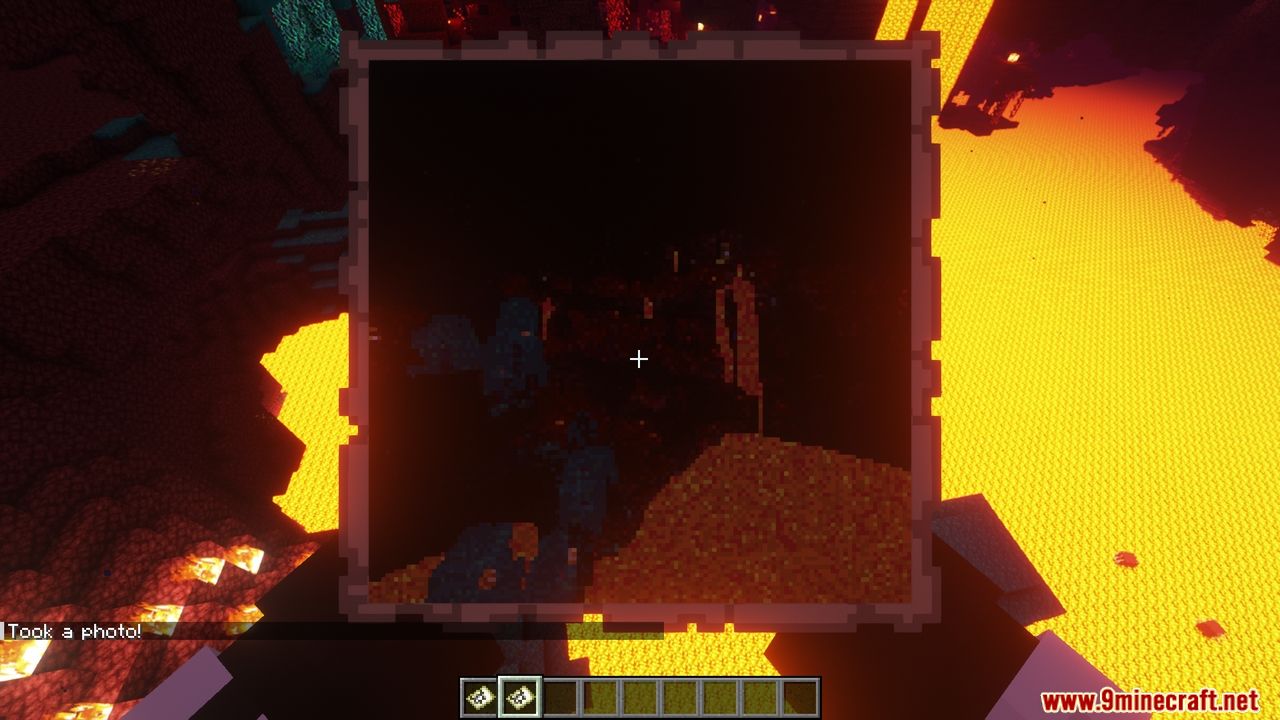
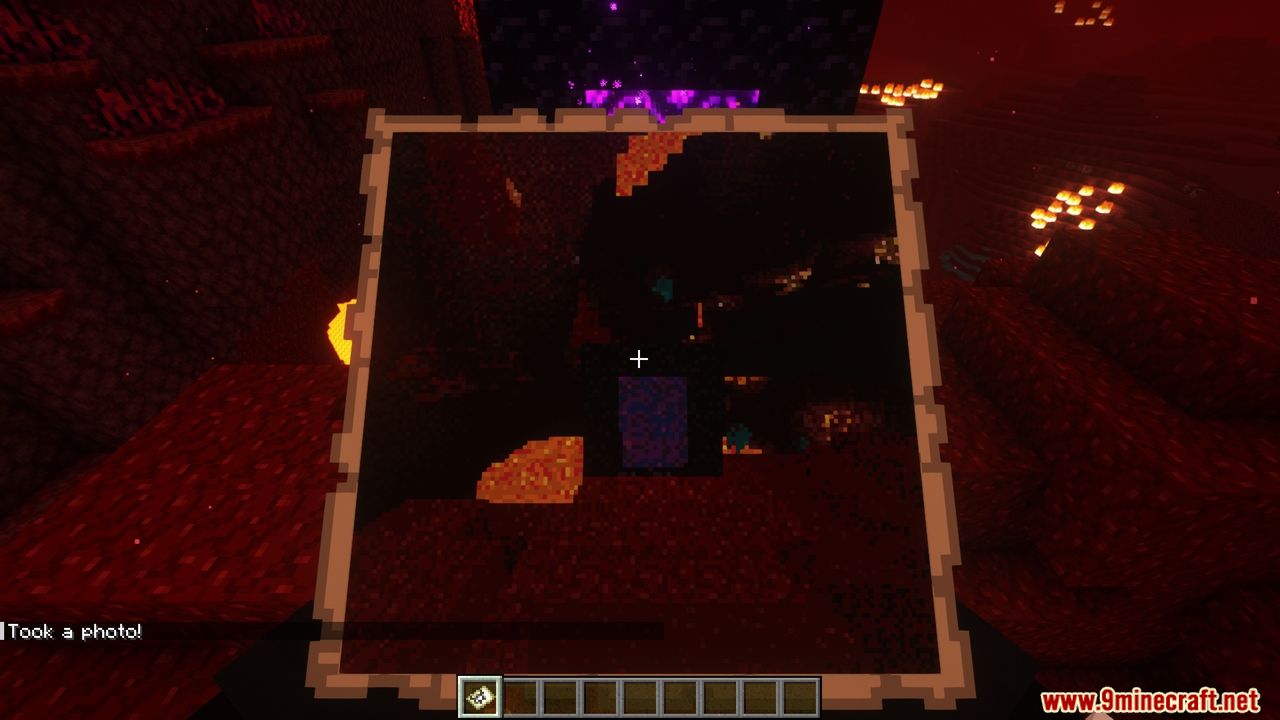
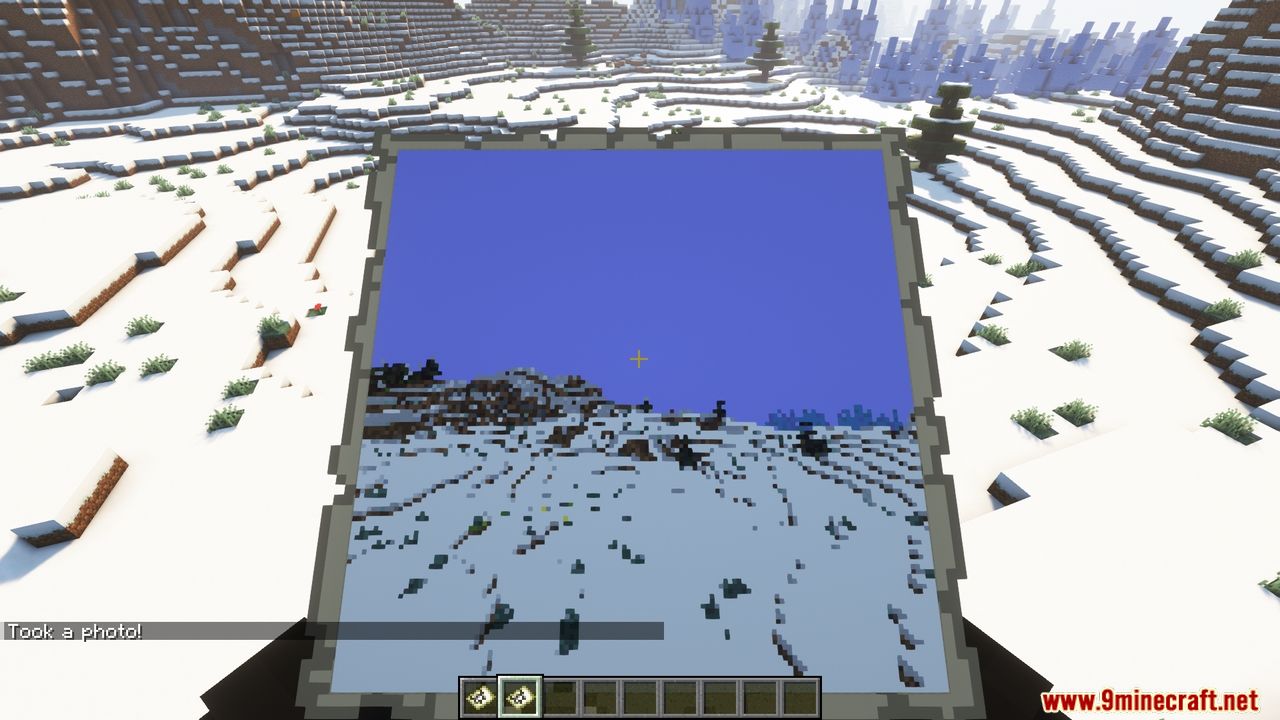
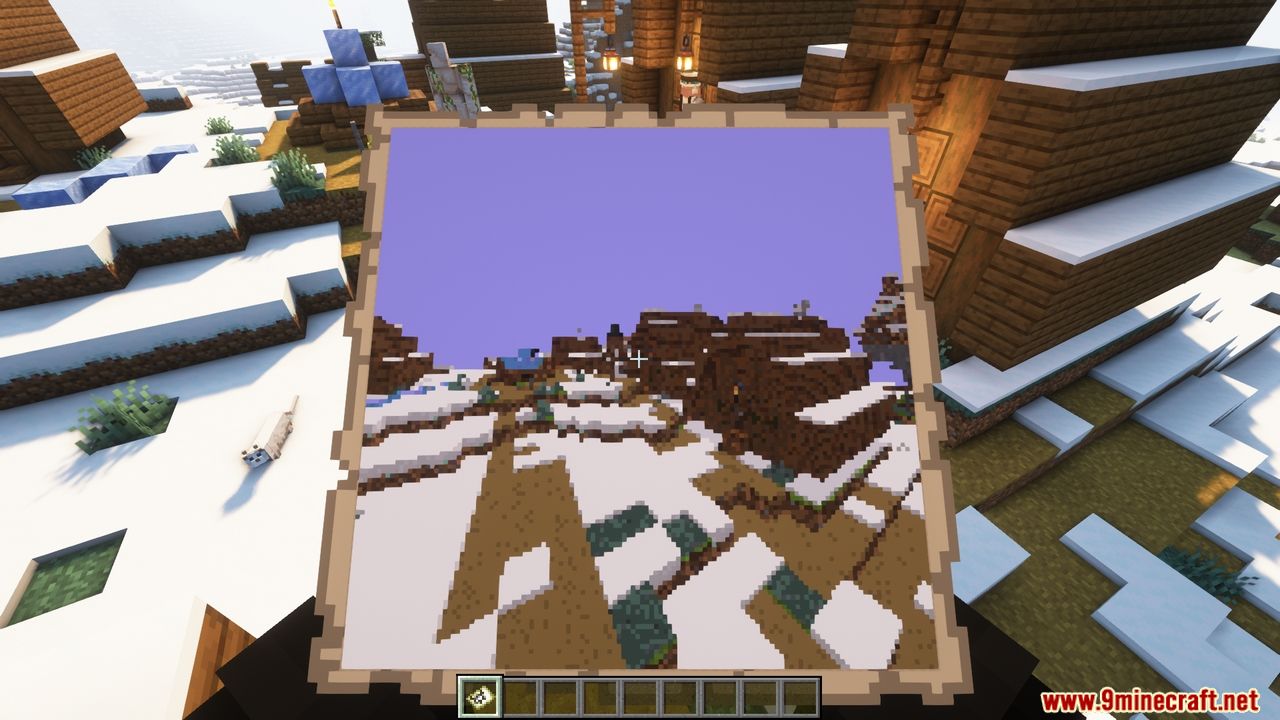
How to Install:
New to Minecraft? Follow our step-by-step guide to install Mods on your PC.View Guide



Camera Obscura Mod Download Links
For Minecraft 26.3
For Minecraft 26.1.2, 26.1.1, 26.1
For Minecraft 1.21.11
For Minecraft 1.21.10, 1.21.9
For Minecraft 1.21.8, 1.21.7, 1.21.6
For Minecraft 1.21.5
For Minecraft 1.21.4
For Minecraft 1.21.1, 1.21
For Minecraft 1.20.6
For Minecraft 1.20.4
For Minecraft 1.20.1, 1.20
Click to rate this post!
[Total: 0 Average: 0]
You May Also Like
Picked for this page
 AppleSkin Mod (26.3, 1.20.1) – Food-Related HUD
 GlitchCore (26.3, 1.20.1) – Library for Glitchfiend’s Mods
 Better Clouds Mod (26.3, 1.20.1) – Realistic Sky
 Blast Mod (26.3, 1.20.1) – Bombs, Explosion
 Fix GPU Memory Leak Mod (26.3, 1.20.1) – Optimized Gaming Experience
 AzureLib Armor Mod (26.3, 1.20.1) – Streamlined Version of AzureLib
 Banner Flags Mod (26.3, 1.20.1) – Customize Your World With Banner Flags
 VeinMiner Companion Mod (26.3, 1.20.1) – Client-side VeinMiner Visual Helper
 Advanced Shulkerboxes Mod (26.2, 1.20.1) – Improved Function of Shulker Box
 Growmeal Mod (26.3, 1.20.1) – Speed Up Your Farming
 No Portals Mod (26.3, 1.20.1) – Take Control Of Dimensional Access
 Crop Critters Mod (26.2, 1.20.1) – Living Crops Farming Automation
Most viewed in Mods over the last 7 days
 Ala Industrial Mod (26.3) – Run Electric Power Grids and Automated Factories
 PleasureCraft Mod (26.3, 1.21.1) – Jenny Mod Remake for Fabric
 Jennycraft Mod (26.3, 1.20.1) – Virtual Girlfriend in Minecraft
 Fapcraft Mod (26.3, 1.12.2) – Comprehensive and Detailed Content
 Jenny Mod (Fapcraft) Official Complete Guide – How to use, Tutorial
 BangCraft Mod (1.20.1) – Jenny, Ellie and Elliot
 Fabric Loader (26.3, 1.20.1) – Fabric Installer for All Minecraft Versions
 The Shooting Star Demo Mod (26.3, 1.20.1) – Vaporize Terrain From Orbit
 Meteor Client Mod (26.3, 1.20.1) – Xray, HUD, Fly
 OptiFine HD (26.3, 1.20.1) – Run Faster, FPS Boost, Shaders Support
 Aristois Client Mod (1.21.4, 1.20.1) – World Class Minecraft Utility
 Prestige Client Mod (1.21.11, 1.21.4) – Powerful Ghost Features for Crystal & Sword PvP
More from Mods
 Berlin Client Mod (1.21.11) – Hunt Stashes and Win Crystal Fights
 Kaleidoscope Cookery Refabricated Mod (26.3, 1.20.1) – Cook Hearty Meals
 Minecraft MusicBox Mod (1.21.12) – Play Your Favorite Songs While Mining and Building
 MTR Navigation Mod (1.21.1) – Plan Railway Trips and Never Miss a Train Stop
 TheHouse Mod (1.21.11) – Host Casino Tables and Track Every Bet in Real Time
 CinematicInteractions Mod (1.21.1) – Watch Your Hands Work at Every Crafting Table
 Earth Platform Mod (1.21.1) – Travel Across Real Continents in a True Scale World
 Taunahi Mod (26.1.2) – Automate Daily Farming and Slayers in Hypixel Skyblock
 HORROR Fake Join Leave Messages Mod (1.20.1) – Trigger Creepy Chat Scares
 Bons Voyage Mod (1.20.1) – Teleport Across Biomes Through Hidden Waystones
 Orbital Railgun UPDATED Mod (26.3) – Flatten Giant Landscapes From Space
 Automobility Autoradio Mod (26.3, 26.1.2) – Trade Custom Mixtapes with Friends

This post has no comments yet. Be the first — your comment will appear here.