
Placeable Goat Horns Mod (1.21.1, 1.20.1) – Build Working Audio Networks
 396
 0


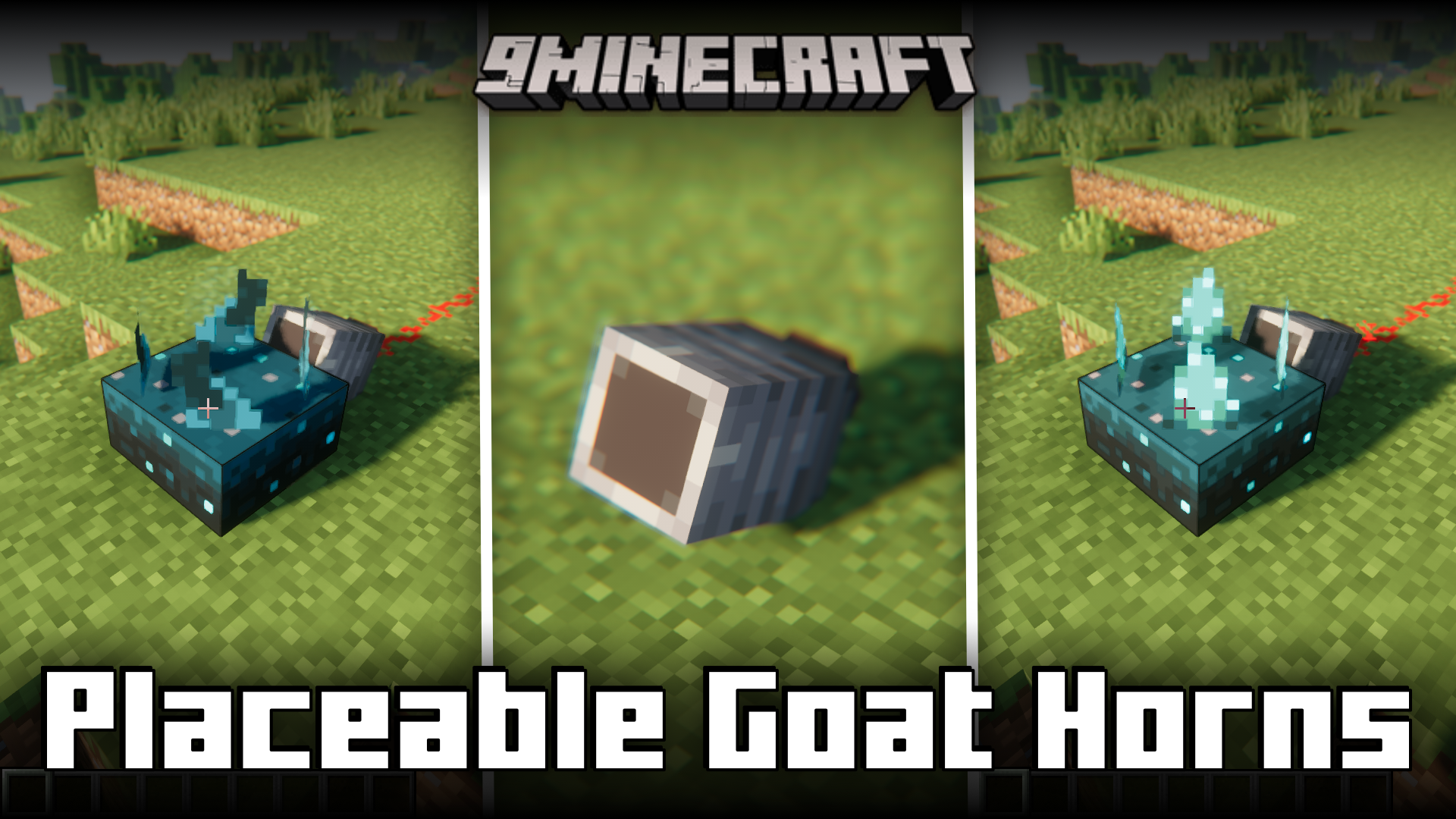
Placeable Goat Horns Mod lets you place goat horns directly onto blocks and surfaces in the world. It turns standard goat horns into functional sound transmitters. You can set up audio networks across your base using simple redstone lines. The mod also transmits voice chat sounds if you have Simple Voice Chat installed.
Features:
- Makes goat horns placeable on any surface by crouching and right-clicking.
- Transfers sound from one goat horn to another when connected by a straight, powered redstone line.
- Activates sculk sensors automatically when sound travels through the connected horn circuit.
- Allows nearby players to clearly hear sounds transmitted across the redstone line.
- Transmits voice chat audio through the horn network when the Simple Voice Chat mod is installed.
How to Use:
- Hold any goat horn in your hand.
- Crouch and right-click on a surface to place the goat horn down.
- Place a second goat horn at another location.
- Connect the two goat horns using a straight line of powered redstone dust.
- Emit a sound near the first horn to transmit it across the redstone circuit to the other end.
Screenshots:
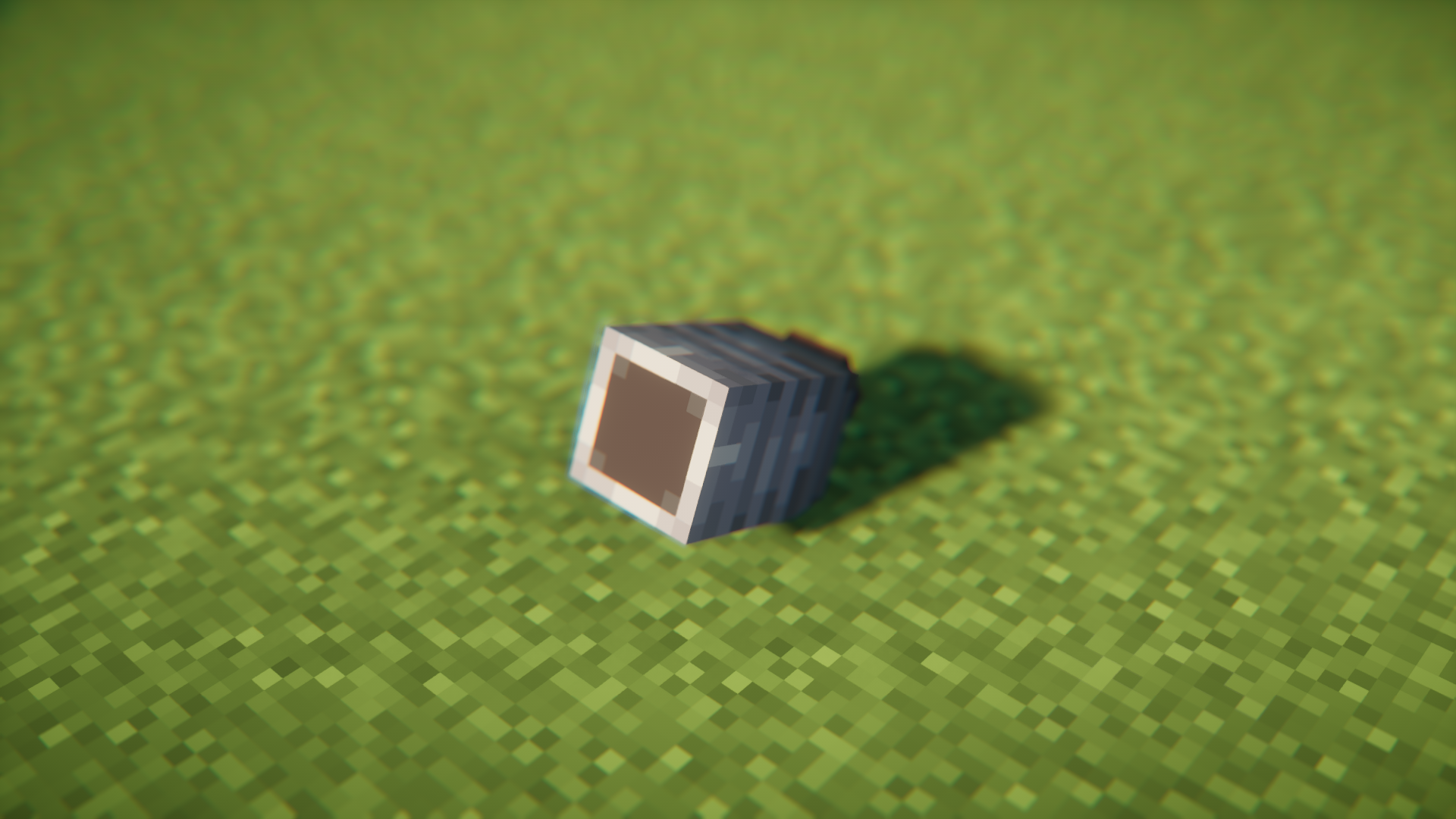
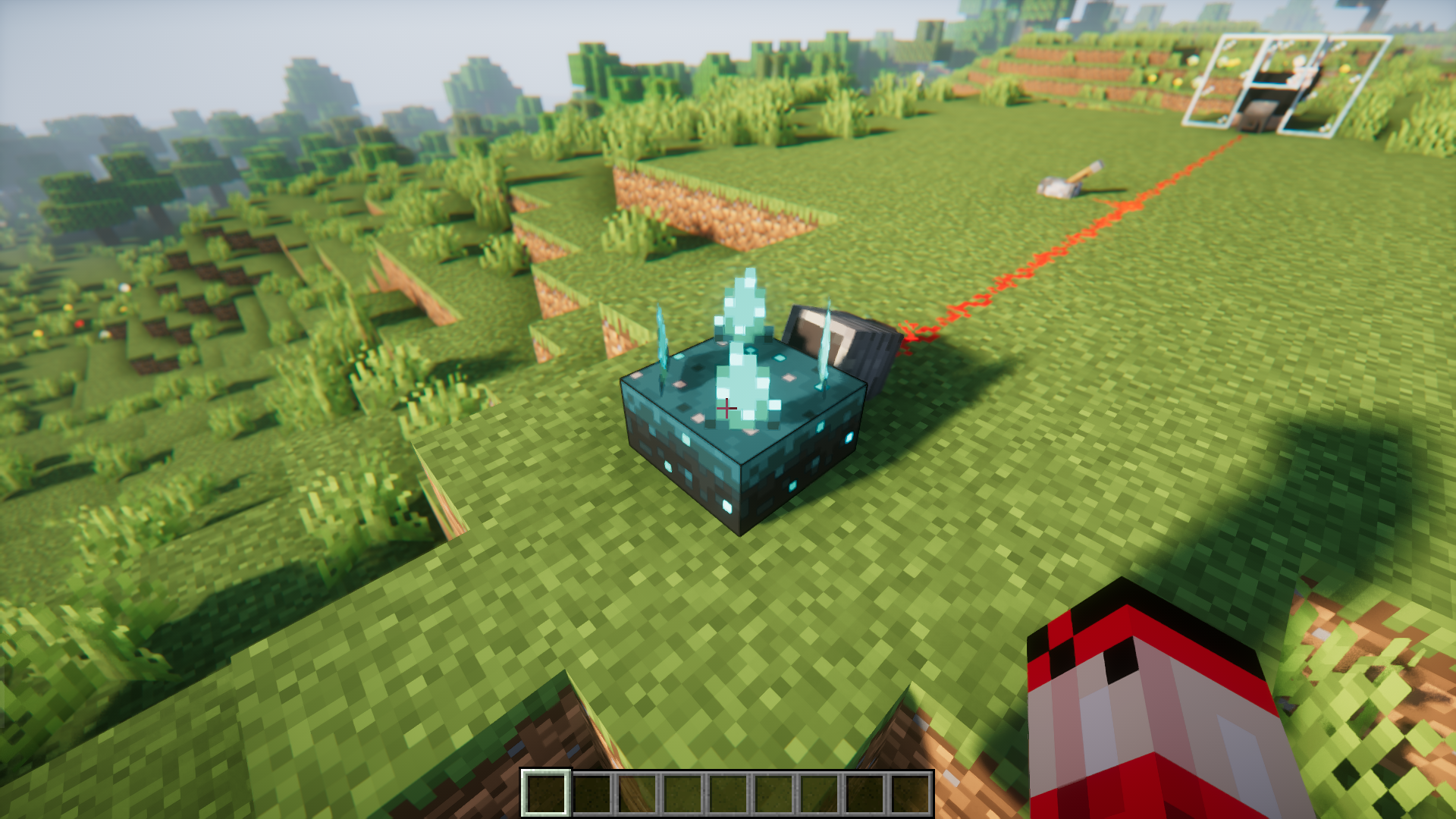
Just right click on a surface to place a goat horn.
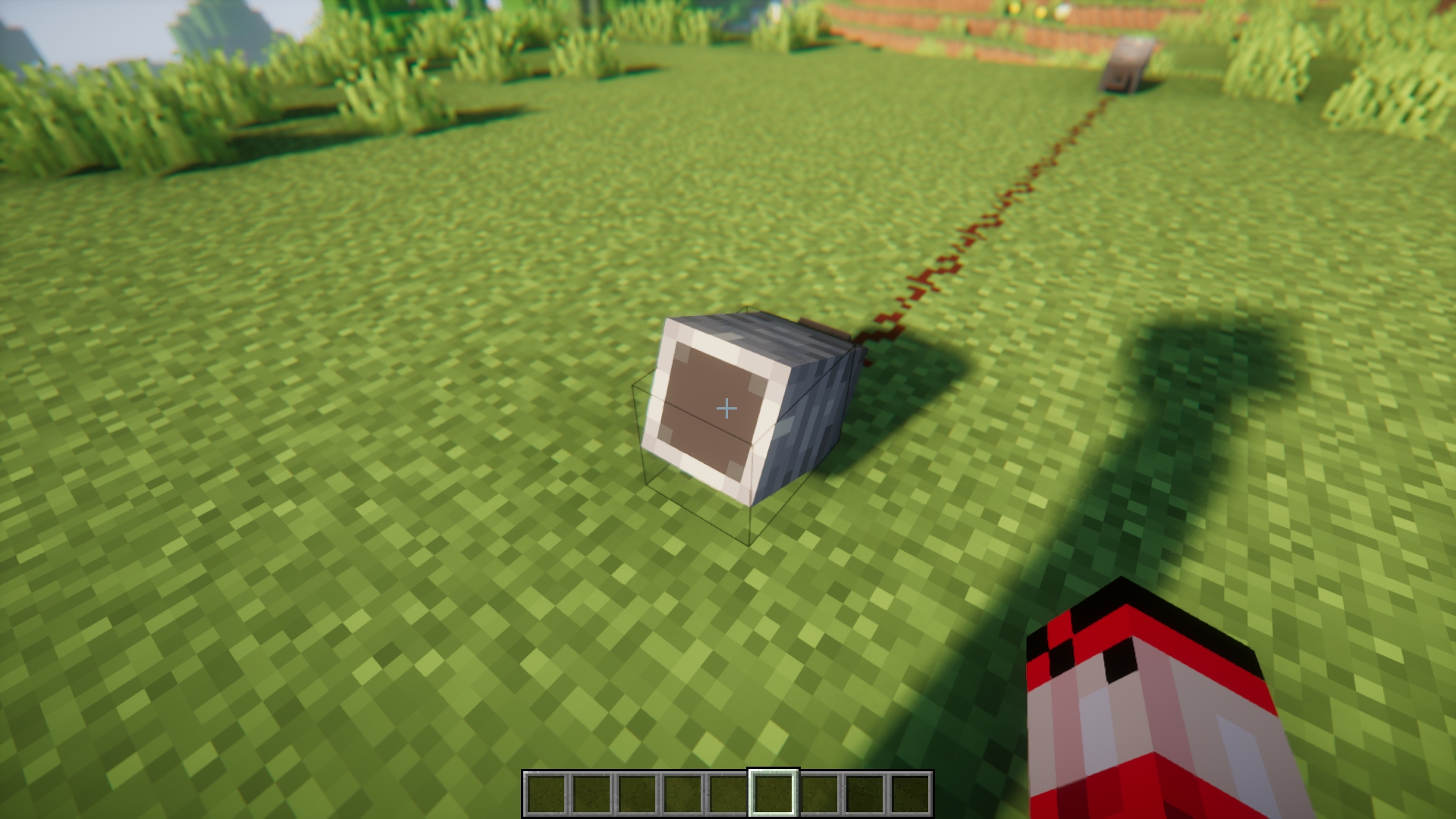
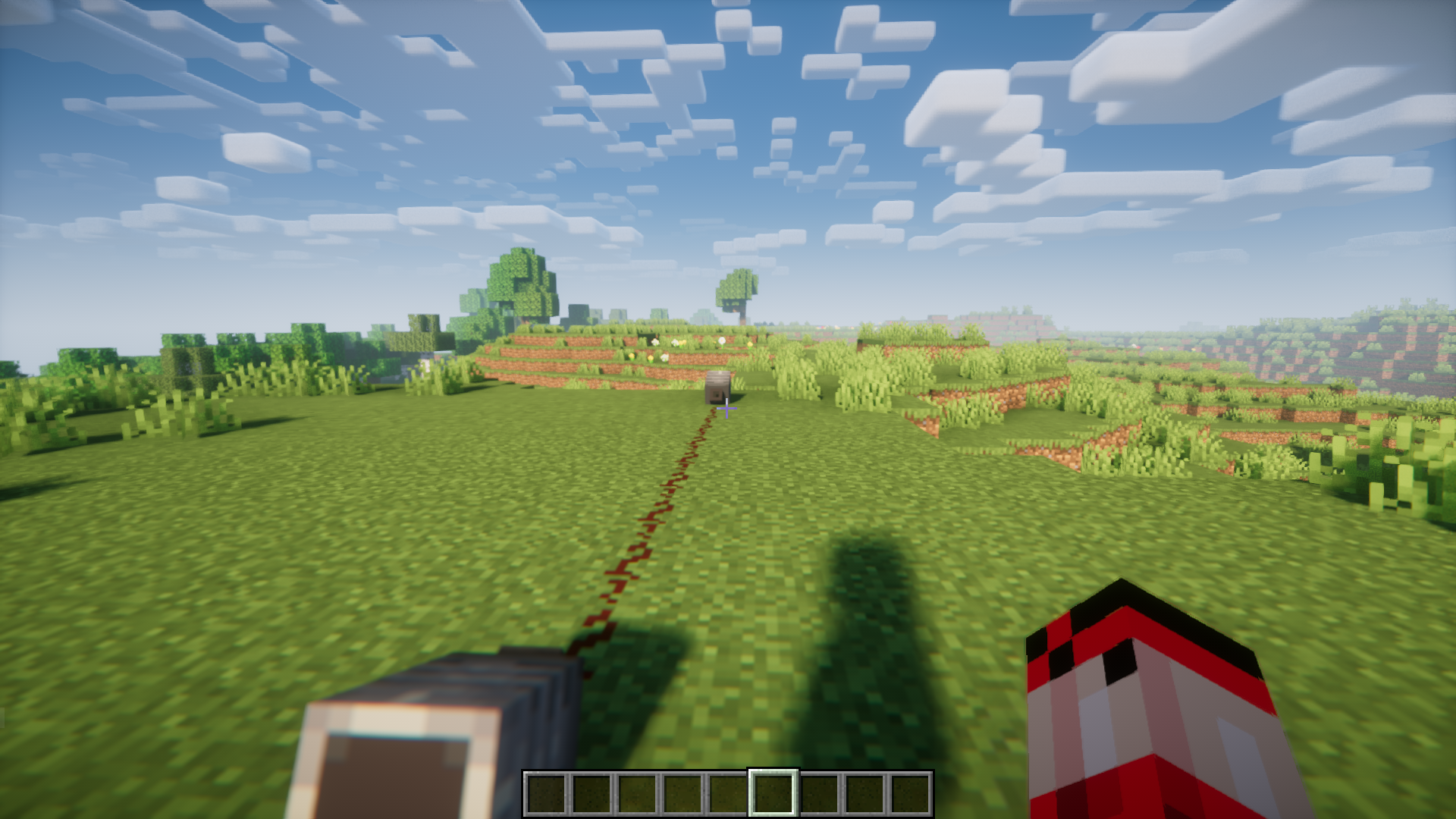
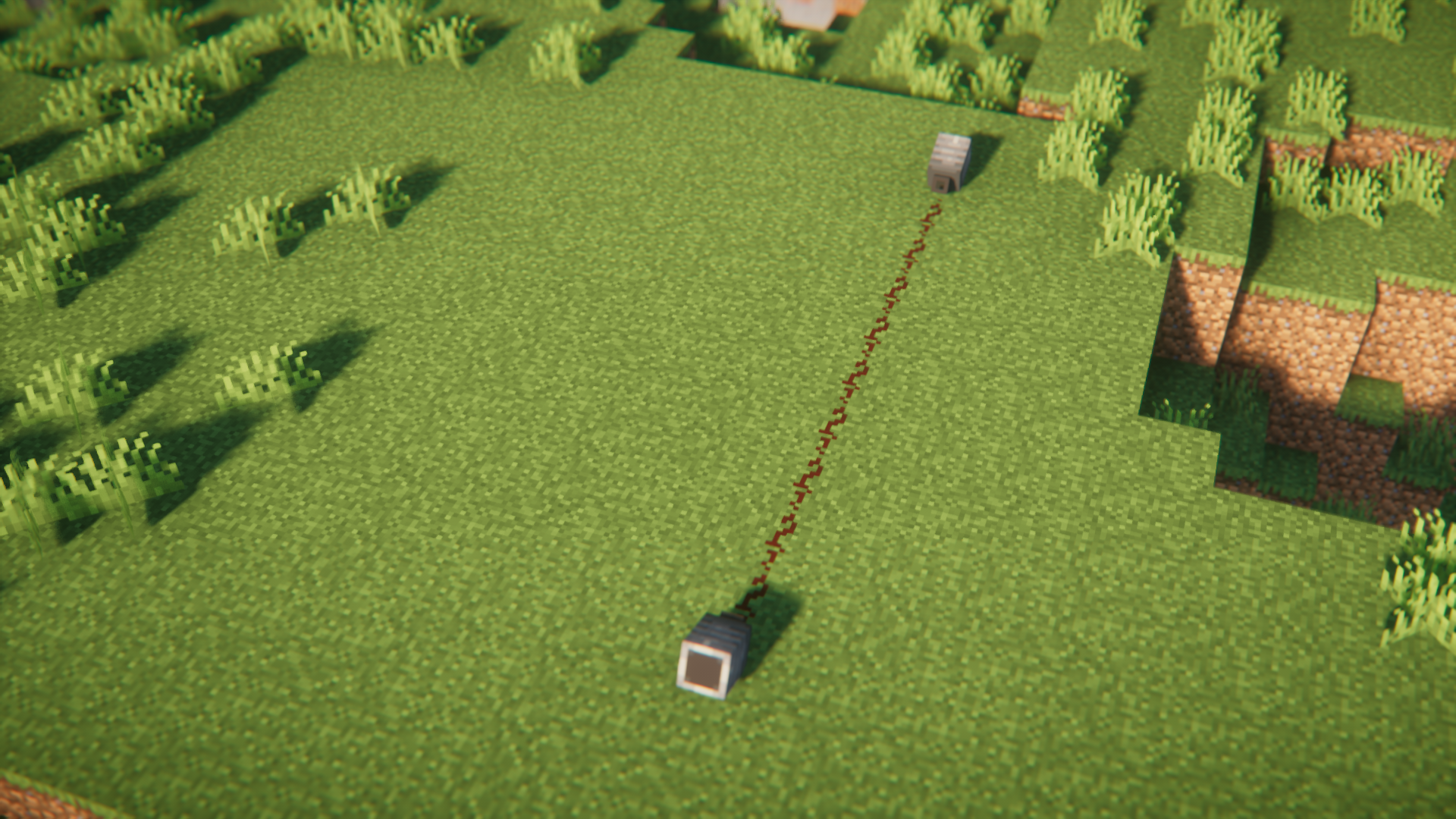
Here, two placed goat horns are connected by a straight line of redstone dust.
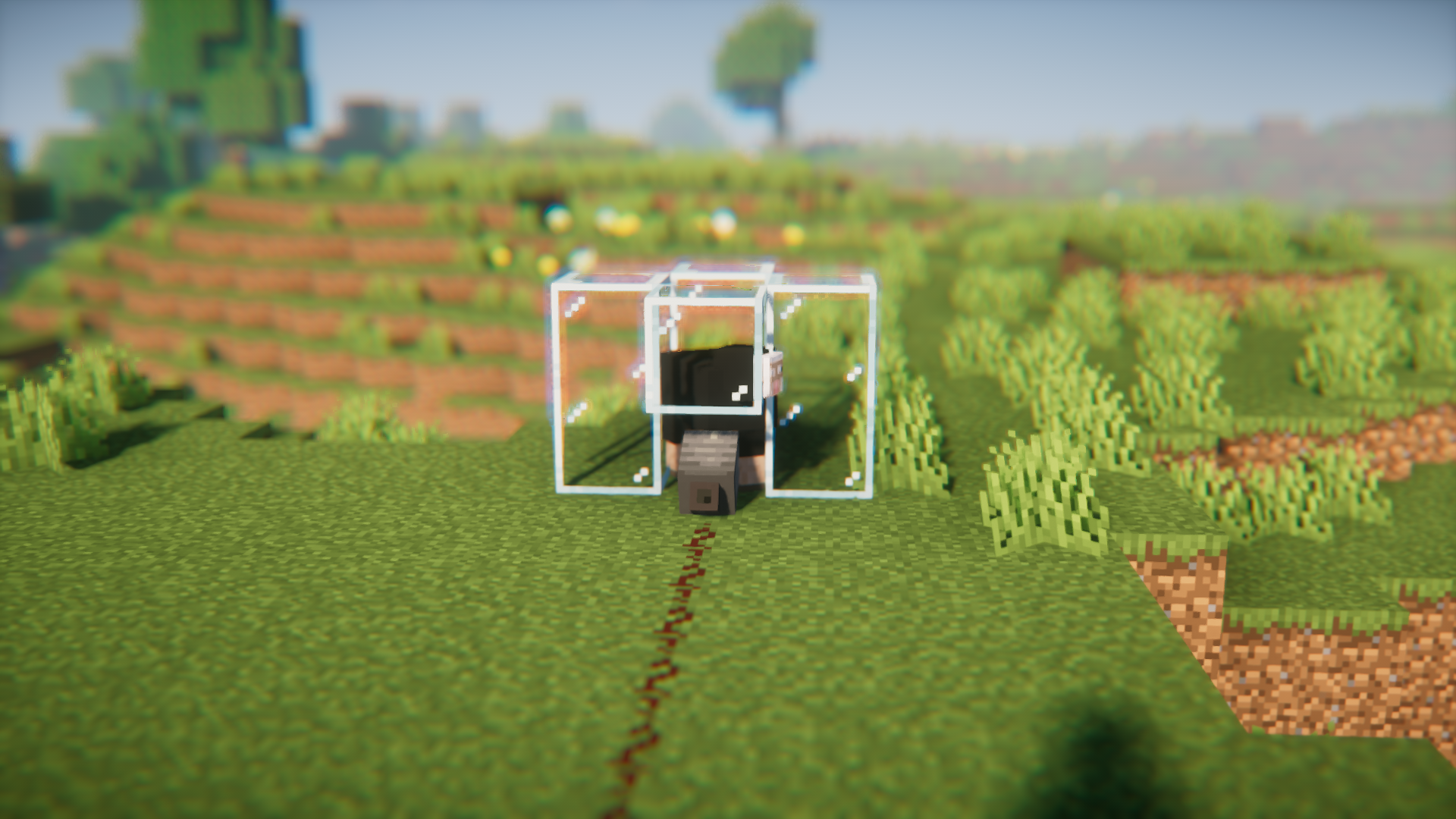
A sheep is trapped on one end of the line.
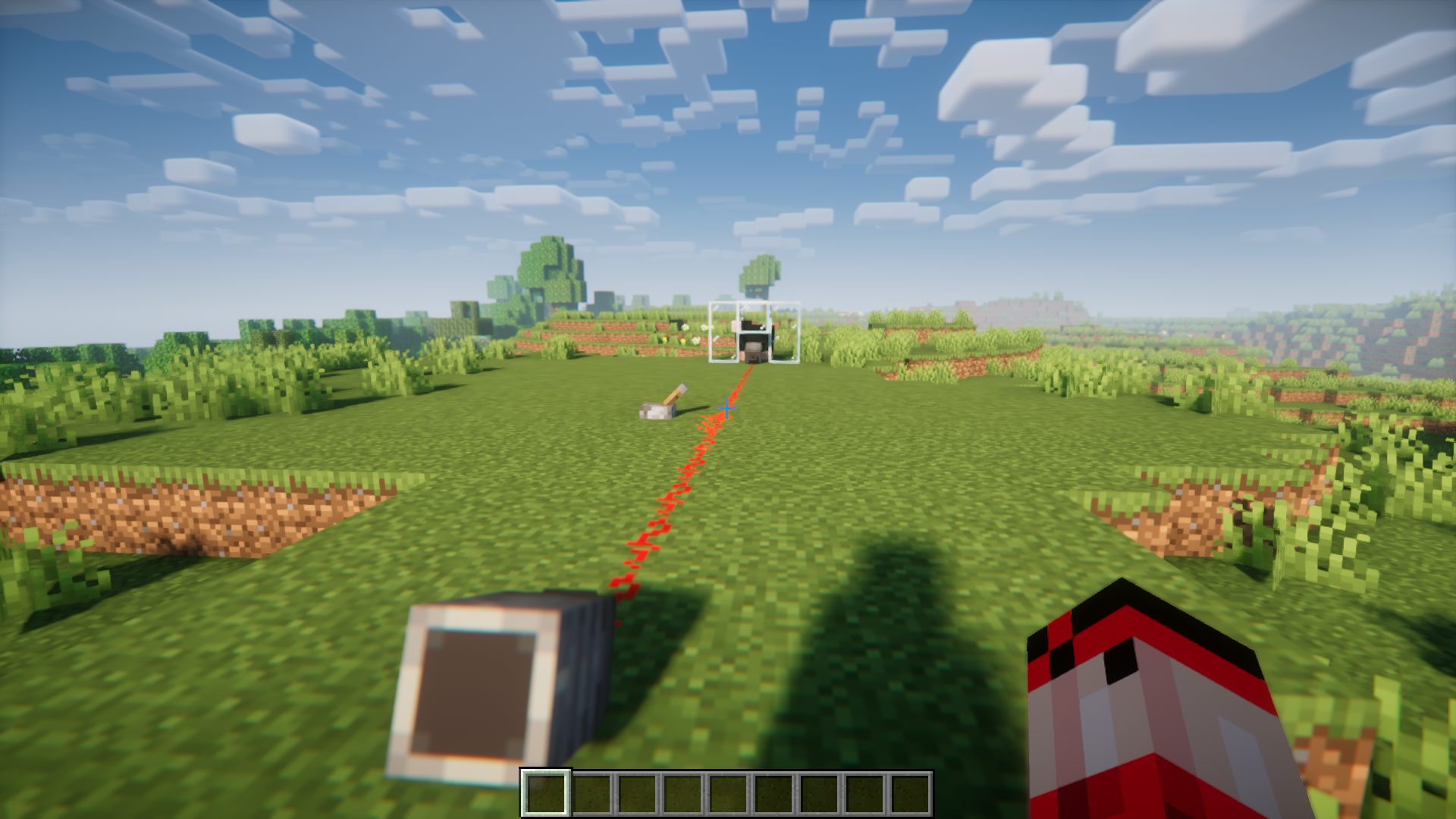
The redstone line is powered by placing a lever at an intermediate point. It is important that all parts of the circuit are powered.
A sculk sensor is placed on the other end.
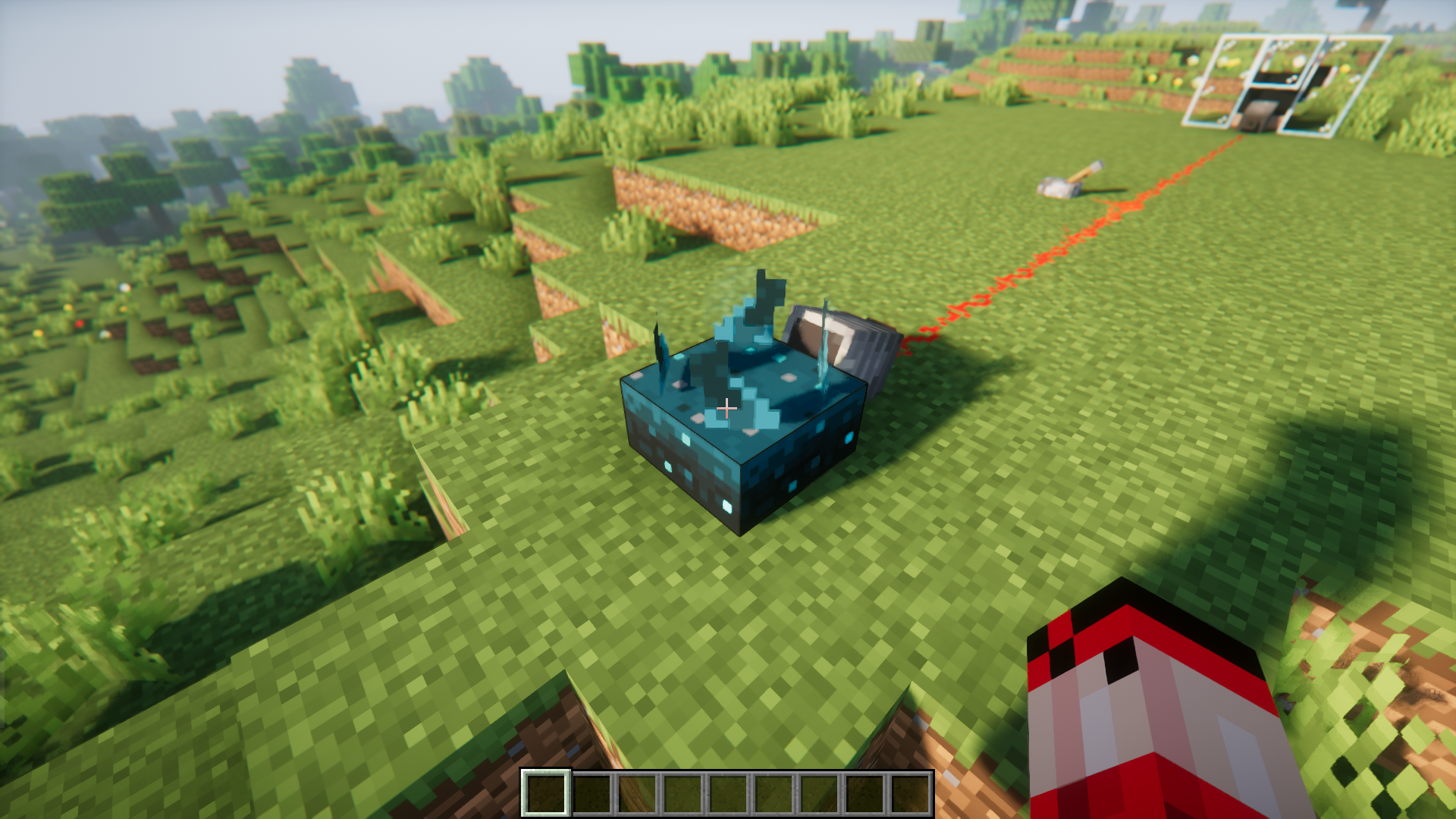
It can be seen that the sounds made by the sheep are transmitted by the goat horn circuit, and it activates the sculk sensor. The transmitted sounds are audible to the player too.
How to Install:
New to Minecraft? Follow our step-by-step guide to install Mods on your PC.View Guide
Placeable Goat Horns Mod Download Links
For Minecraft 1.21.1, 1.21
NeoForge version: Download from Server 1 – Download from Server 2
For Minecraft 1.20.6
NeoForge version: Download from Server 1 – Download from Server 2
For Minecraft 1.20.4
NeoForge version: Download from Server 1 – Download from Server 2
For Minecraft 1.20.1
Forge/NeoForge version: Download from Server 1 – Download from Server 2
For Minecraft 1.19.4
Forge version: Download from Server 1 – Download from Server 2
For Minecraft 1.19.2
Forge version: Download from Server 1 – Download from Server 2
You May Also Like
Picked for this page
 AutoRun Mod (26.3, 1.20.1) – Hands-free Sprinting and Running
 Continents Mod (26.3, 1.20.1) – Simulates Vast Oceans, Islands
 ServerCore Mod (26.3, 1.20.1) – Optimize Your Minecraft Servers
 HCsCR Mod (26.1.2, 1.20.1) – Haram Clientside Crystal Remover
 Better Compatibility Checker Mod (26.3, 1.20.1) – Version Matching
 Time Changer Mod (26.1, 1.20.1) – Control Your Day
 Mute Mod (26.3, 1.20.1) – The Ability to Mute The Game
 Random Item Mod (26.3, 1.20.1) – Giving Players A Random Item with A Cooldown
 Fish No Stuck Mod (26.3, 1.20.1) – Prevent Fish from Getting Trapped
 Better Snowball Fight Mod (1.21.1, 1.20.1) – Making Snowball Battle feels better
 Create Train Utilities Mod (1.21.1, 1.20.1) – Build Modern Train Stations
 No More Score Mod (1.21.11, 1.20.1) – Remove Score Points Displayed on Death Screen
Most viewed in Mods over the last 7 days
 Ala Industrial Mod (26.3) – Run Electric Power Grids and Automated Factories
 PleasureCraft Mod (26.3, 1.21.1) – Jenny Mod Remake for Fabric
 Jennycraft Mod (26.3, 1.20.1) – Virtual Girlfriend in Minecraft
 Fapcraft Mod (26.3, 1.12.2) – Comprehensive and Detailed Content
 Jenny Mod (Fapcraft) Official Complete Guide – How to use, Tutorial
 BangCraft Mod (1.20.1) – Jenny, Ellie and Elliot
 Fabric Loader (26.3, 1.20.1) – Fabric Installer for All Minecraft Versions
 The Shooting Star Demo Mod (26.3, 1.20.1) – Vaporize Terrain From Orbit
 Meteor Client Mod (26.3, 1.20.1) – Xray, HUD, Fly
 OptiFine HD (26.3, 1.20.1) – Run Faster, FPS Boost, Shaders Support
 Aristois Client Mod (1.21.4, 1.20.1) – World Class Minecraft Utility
 Prestige Client Mod (1.21.11, 1.21.4) – Powerful Ghost Features for Crystal & Sword PvP
More from Mods
 Towers of the Wild 9minecraft Mod (26.3, 26.2) – Climb Tall Towers for Loot
 Ender Storage 9minecraft Mod (26.3, 26.2) – Send Loot Back Home From Any Dimension
 Snad 9minecraft Mod (26.3, 26.2) – Build Faster Sugar Cane and Nether Wart Farms
 Together Forever Unofficial Mod (1.12.2) – Share Team Advancements
 GroovyDuvet Mod (1.21.11, 1.20.1) – Run Groovy Scripted Addons Without Game
 Swing Through Grass 9minecraft Mod (26.3, 26.2) – Fight Mobs Without Breaking Tall Grass
 Improved Boss Bars 9minecraft Mod (26.3) – Unique Health Bars for Every Boss Fight
 Cozy’s Improved Wolves Mod (26.3, 1.20.1) – Bond with Loyal Dogs That Never Die
 Cuisine Craft Mod (1.21.11, 1.20.1) – Cook Restaurant Dishes with Fresh Farm
 XinexLib Mod (1.21.1) – Keep Your Ultreon Studios Mods Running
 Libvulpes – Fixed Mod (1.12.2) – Launch Rockets with Fewer Bugs
 Freelook Perspective Mod (26.3, 1.21.1) – Watch Your Back While Sprinting

This post has no comments yet. Be the first — your comment will appear here.