
Legacy Skins Mod (1.21.8, 1.20.1) – Wear Classic Console Skins In-Game
 1,947
 0


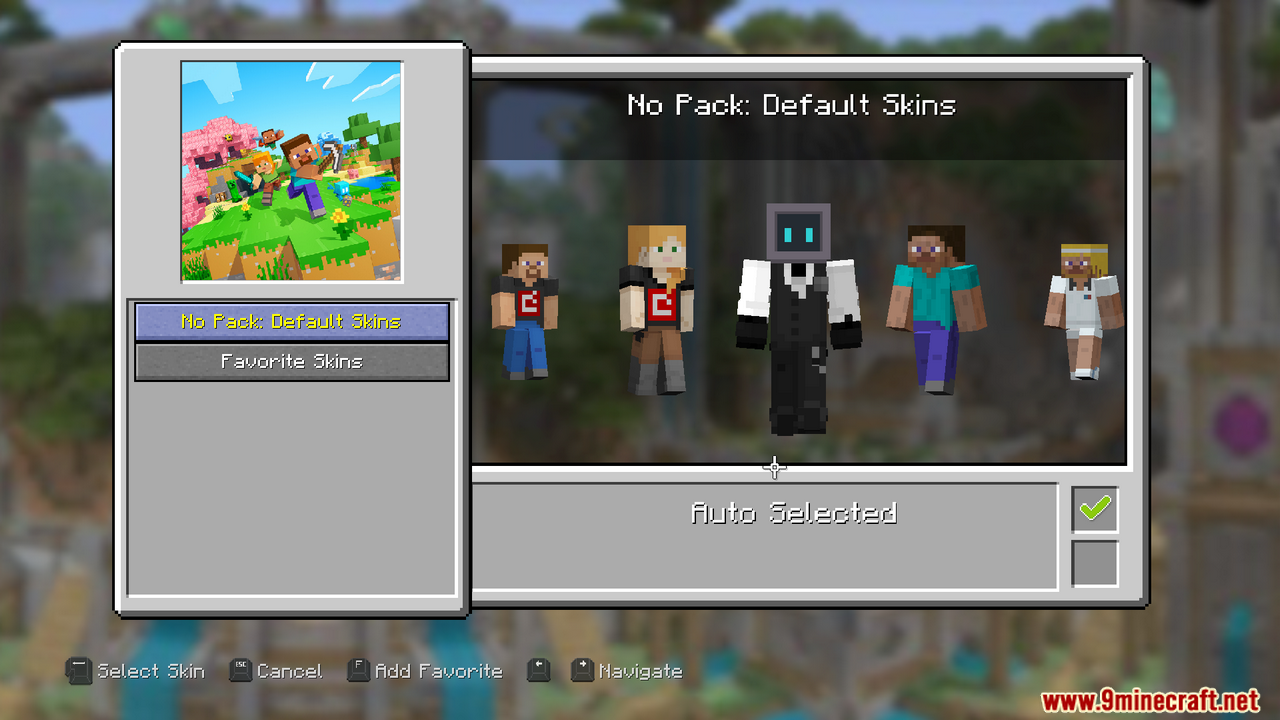
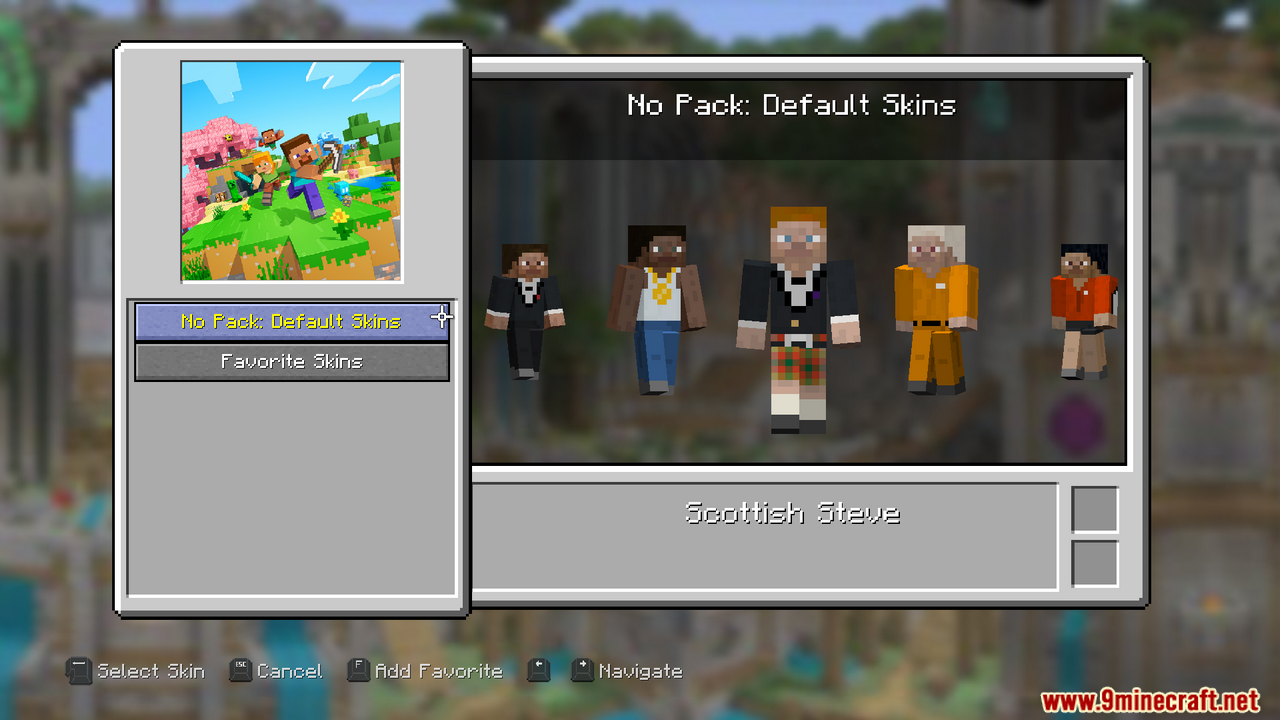
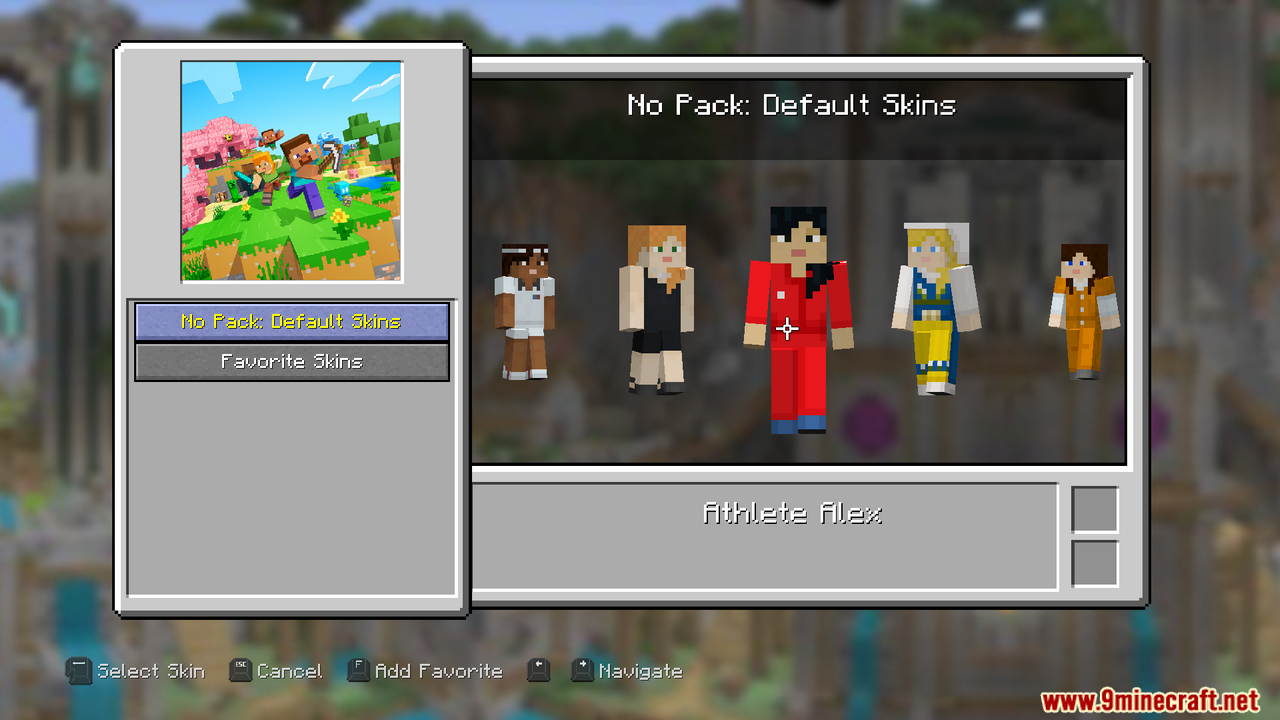
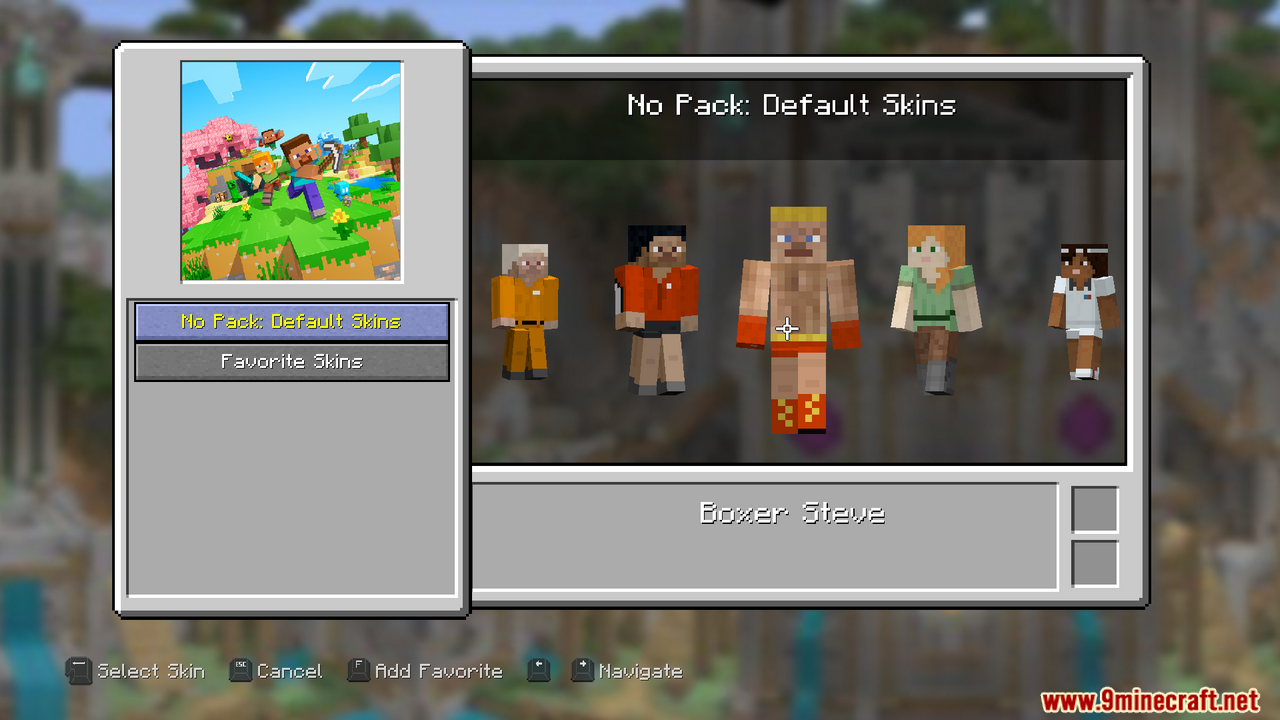
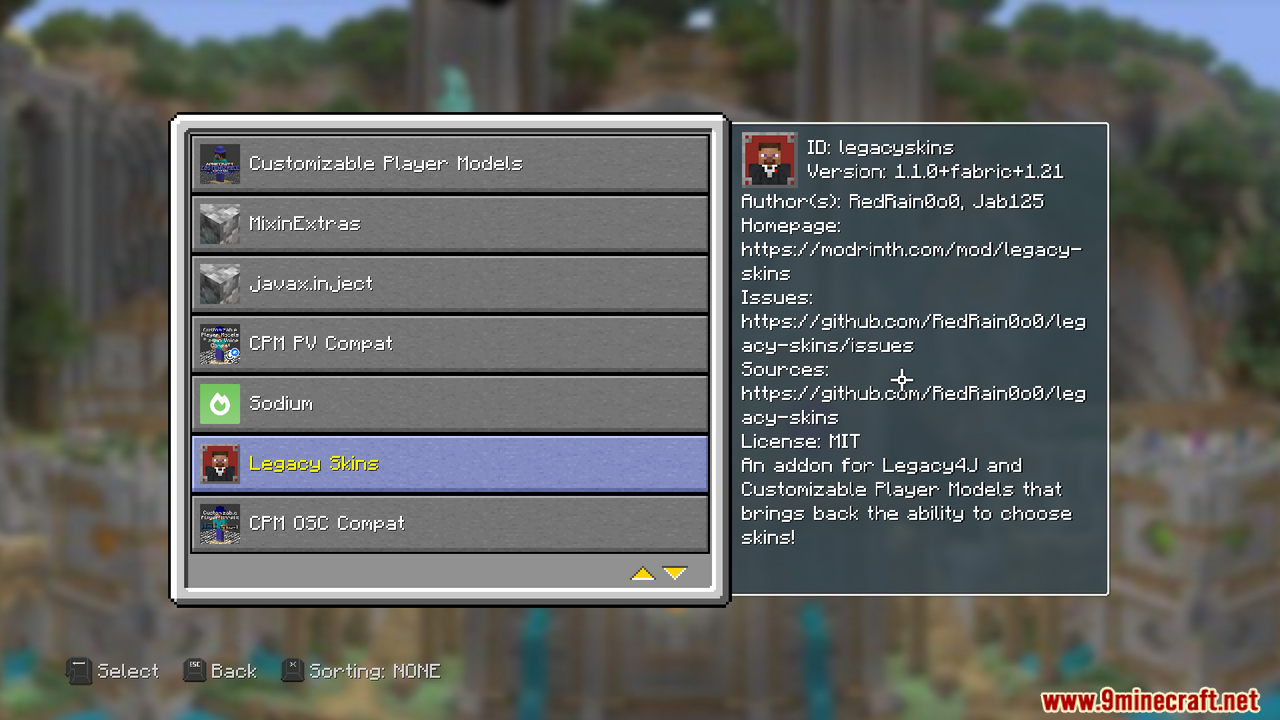
Legacy Skins Mod connects Legacy4J, Customizable Player Models, and Figura so you can switch player skins just like in the old days. This mod runs on a resource-driven system, which makes adding a new skin pack as easy as applying a resource pack. You can use ready-made skin packs from community pages or build your own packs with CPMMODEL files inside a resource pack.
Features:
- Connects Legacy4J, Customizable Player Models, and Figura so they work smoothly together.
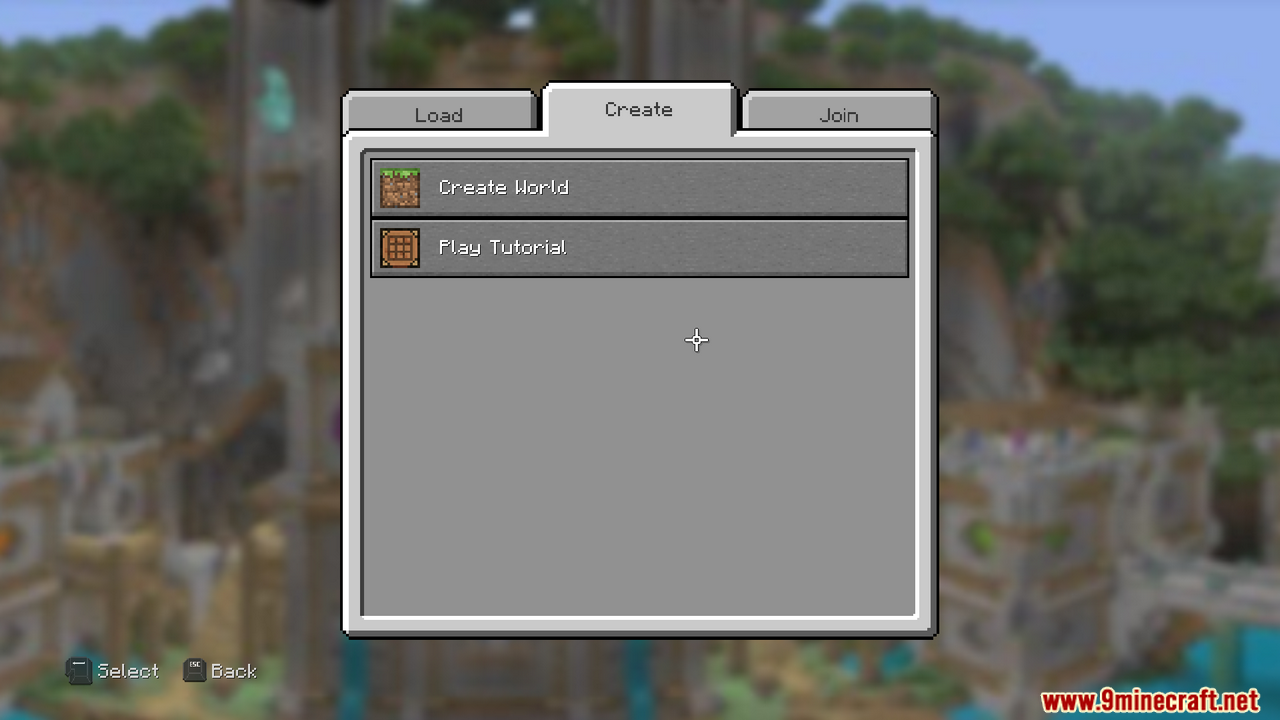
- Lets you switch between character skins like in older versions of Minecraft.
- Uses a resource-driven system that lets you add new skin packs just by applying a resource pack.
- Works with community skin packs from Legacy Skin Packs on Modrinth and GitHub Discussions.
- Supports custom skin packs made with
CPMMODELfiles from the Customizable Player Models editor. - Supports
default,skin, andmashuppack types along with custom pack icons through askin_packs.jsonfile.
How to Use:
Using Ready-Made Skin Packs:
- Get a skin pack from Legacy Skin Packs on Modrinth or GitHub Discussions.
- Apply it as a resource pack in Minecraft so the new skins appear in your game.
Making Your Own Skin Pack:
- Open the Customizable Player Models editor screen and build your skins in the
CPMMODELfile format. - Export each skin as a Model without a UUID lock; you do not need to mark it as “Skin Compatible”.
- Add the exported
CPMMODELfiles into a resource pack. - Create a file named
skin_packs.jsonatassets/namespace/skin_packs.jsonto define your pack icon, pack type, and model file paths. - Apply that resource pack in Minecraft to load your custom skin pack.
Configuration:
Custom skin packs are set up in a skin_packs.json file placed at assets/namespace/skin_packs.json inside your resource pack:
schemaVersion: Sets the file format version (use1).icon: Points to the icon texture for the skin pack (<namespace>:textures/skin_packs/<packname>).type: Sets the pack category todefault,skin, ormashup.skins: Lists eachmodelpath pointing to a.cpmmodelfile in the pack.
{
  "schemaVersion": 1,
  "<namespace>:<packname>": {
    "icon": "<namespace>:textures/skin_packs/<packname>",
    "type": "(default|skin|mashup)",
    "skins": [
      {
        "model": "<namespace>:skinpacks/<packname>/<model1>.cpmmodel"
      },
      {
        "model": "<namespace>:skinpacks/<packname>/<model2>.cpmmodel"
      }
    ]
  },
  "<namespace>:<pack2>": {
    "icon": "<namespace>:textures/skin_packs/<pack2>",
    "type": "(default|skin|mashup)",
    "skins": [
      {
        "model": "<namespace>:skinpacks/<pack2>/<model1>.cpmmodel"
      },
      {
        "model": "<namespace>:skinpacks/<pack2>/<model2>.cpmmodel"
      }
    ]
  }
}
Screenshots:
How to Install:
New to Minecraft? Follow our step-by-step guide to install Mods on your PC.View Guide
Requirements:
 Legacy4J Mod Required
 Configuration API Optional
 Cloth Config API Optional
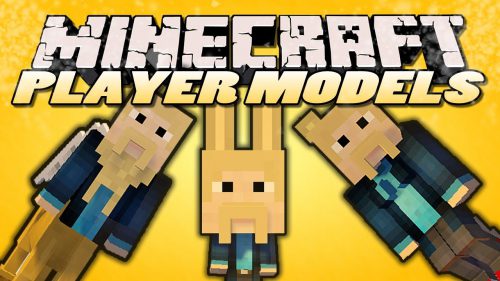 Customizable Player Models Mod Optional
 Mod Menu Mod Optional
Legacy Skins Mod Download Links
For Minecraft 1.20.1, 1.20
Forge Version: Download from Server 1 – Download from Server 2
Fabric Version: Download from Server 1 – Download from Server 2
For Minecraft 1.20.2
Fabric Version: Download from Server 1 – Download from Server 2
NeoForge Version: Download from Server 1 – Download from Server 2
For Minecraft 1.20.4
Fabric Version: Download from Server 1 – Download from Server 2
NeoForge Version: Download from Server 1 – Download from Server 2
For Minecraft 1.20.6
Fabric Version: Download from Server 1 – Download from Server 2
NeoForge Version: Download from Server 1 – Download from Server 2
For Minecraft 1.21.1, 1.21
Fabric Version: Download from Server 1 – Download from Server 2
NeoForge Version: Download from Server 1 – Download from Server 2
For Minecraft 1.21.3, 1.21.2
Fabric Version: Download from Server 1 – Download from Server 2
For Minecraft 1.21.4
Fabric Version: Download from Server 1 – Download from Server 2
NeoForge Version: Download from Server 1 – Download from Server 2
For Minecraft 1.21.5
Fabric Version: Download from Server 1 – Download from Server 2
NeoForge Version: Download from Server 1 – Download from Server 2
For Minecraft 1.21.8, 1.21.7, 1.21.6
Fabric Version: Download from Server 1 – Download from Server 2
NeoForge Version: Download from Server 1 – Download from Server 2
You May Also Like
Picked for this page
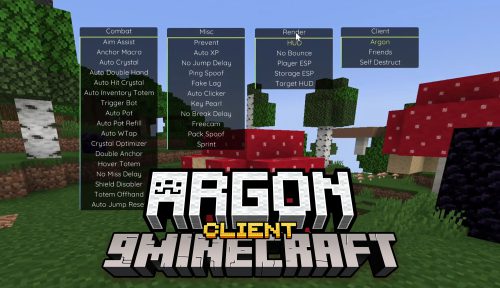 Argon Client Mod (1.21.11, 1.21.1) – Free Version of Nova Client
 Silk Mod (26.3, 1.20.1) – Kotlin Minecraft API
 Numeral Ping Mod (26.2, 1.20.1) – Display The Ping for Each Player
 Bigger Sponge Absorption Radius Mod (26.3, 1.20.1) – Expanded Absorption Radius
 Inventive Inventory Mod (26.3, 1.20.1) – Inventory Management
 Simple Night Vision Mod (1.21.11, 1.20.1) – Permanent Night Vision for Everyone
 No LAN Cheating Mod (26.3, 1.20.1) – Disallow Players From Using Cheats
 Auto Feeder Mod (1.21.11, 1.20.1) – Feed Nearby Entities
 Better Conduit Placement Mod (26.3, 1.20.1) – Placing Conduit Prismarine Blocks Easier
 Item Transform Helper Mod (26.3, 1.20.1) – Set Size & Location Of Items
 Pickaxe Effective Light Source Blocks Mod (26.3, 1.20.1) – Faster Using Pickaxes
 Fishing Ruler Mod (26.3, 1.20.1) – Measure Distances with The Fishing Rod
Most viewed in Mods over the last 7 days
 Ala Industrial Mod (26.3) – Run Electric Power Grids and Automated Factories
 PleasureCraft Mod (26.3, 1.21.1) – Jenny Mod Remake for Fabric
 Jennycraft Mod (26.3, 1.20.1) – Virtual Girlfriend in Minecraft
 Fapcraft Mod (26.3, 1.12.2) – Comprehensive and Detailed Content
 Jenny Mod (Fapcraft) Official Complete Guide – How to use, Tutorial
 BangCraft Mod (1.20.1) – Jenny, Ellie and Elliot
 Fabric Loader (26.3, 1.20.1) – Fabric Installer for All Minecraft Versions
 The Shooting Star Demo Mod (26.3, 1.20.1) – Vaporize Terrain From Orbit
 Meteor Client Mod (26.3, 1.20.1) – Xray, HUD, Fly
 OptiFine HD (26.3, 1.20.1) – Run Faster, FPS Boost, Shaders Support
 Aristois Client Mod (1.21.4, 1.20.1) – World Class Minecraft Utility
 Prestige Client Mod (1.21.11, 1.21.4) – Powerful Ghost Features for Crystal & Sword PvP
More from Mods
 Swing Through Grass 9minecraft Mod (26.3, 26.2) – Fight Mobs Without Breaking Tall Grass
 Improved Boss Bars 9minecraft Mod (26.3) – Unique Health Bars for Every Boss Fight
 Cozy’s Improved Wolves Mod (26.3, 1.20.1) – Bond with Loyal Dogs That Never Die
 Rctapi Fix Mod (1.21.1) – Fight Cobblemon Trainers Without Any Server Crashes
 XinexLib Mod (1.21.1) – Keep Your Ultreon Studios Mods Running
 Libvulpes – Fixed Mod (1.12.2) – Launch Rockets with Fewer Bugs
 Freelook Perspective Mod (26.3, 1.21.1) – Watch Your Back While Sprinting
 FAUNA Engine Mod (1.21.1, 1.20.1) – Powering Legendary Dragons
 Avali Nexus Mod (26.3) – Settle Frozen Frontiers with High-Tech Bird Tribes
 Orient’s Hotpot Chronicles Mod (1.20.1) – Boil Fresh Hotpot Meals Over Open Flames
 Far Lands Traveler Mod (26.1.2) – Survive the Long Trek to the Edge of the World
 Beli’s SkyLyrics Mod (1.21.11) – Sing Along to Desktop Tracks Projected in the Night Sky

This post has no comments yet. Be the first — your comment will appear here.