
VillEdit Mod (1.21.11, 1.21.1) – Design Custom Villager Trades and Professions

 0


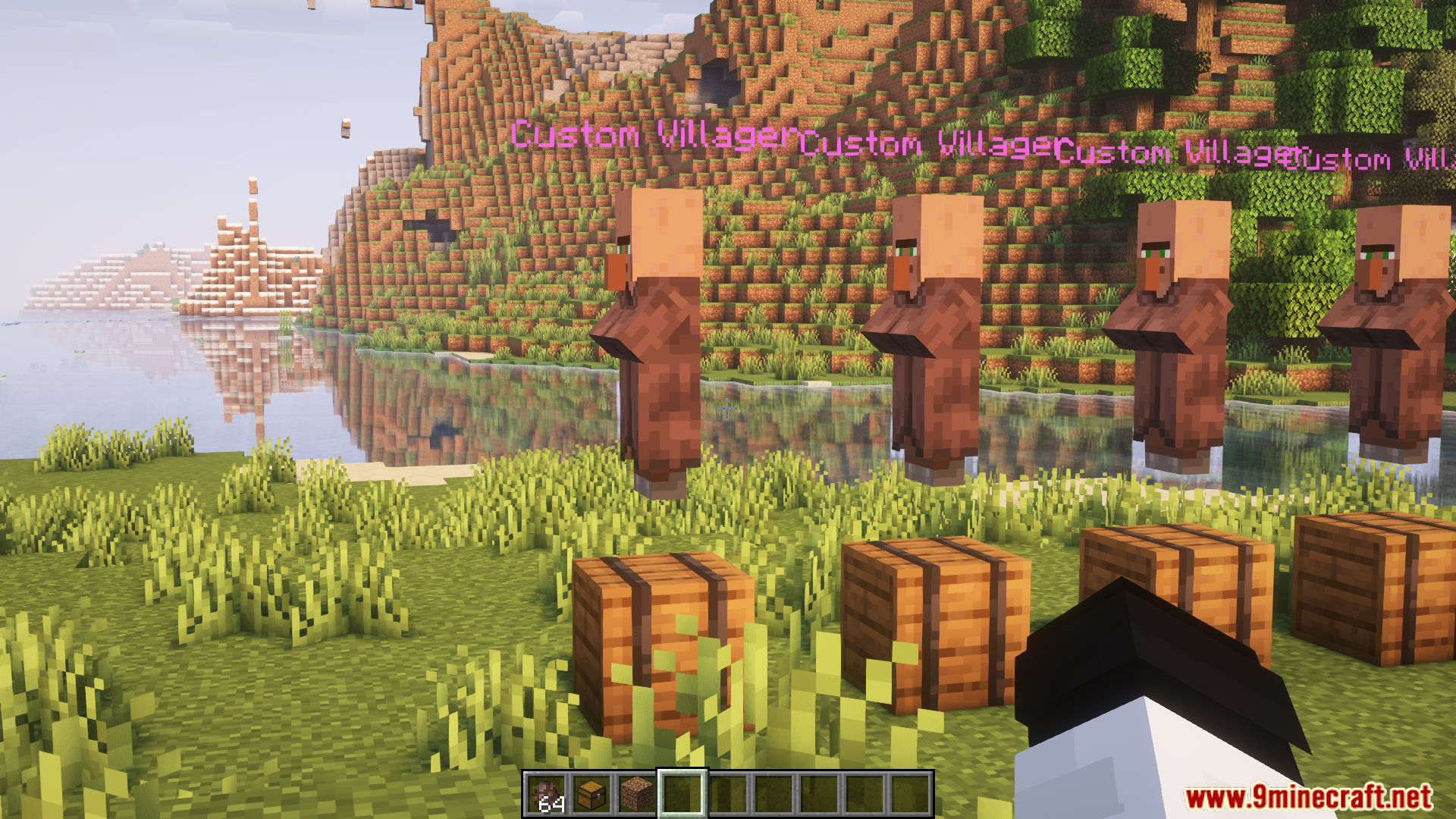
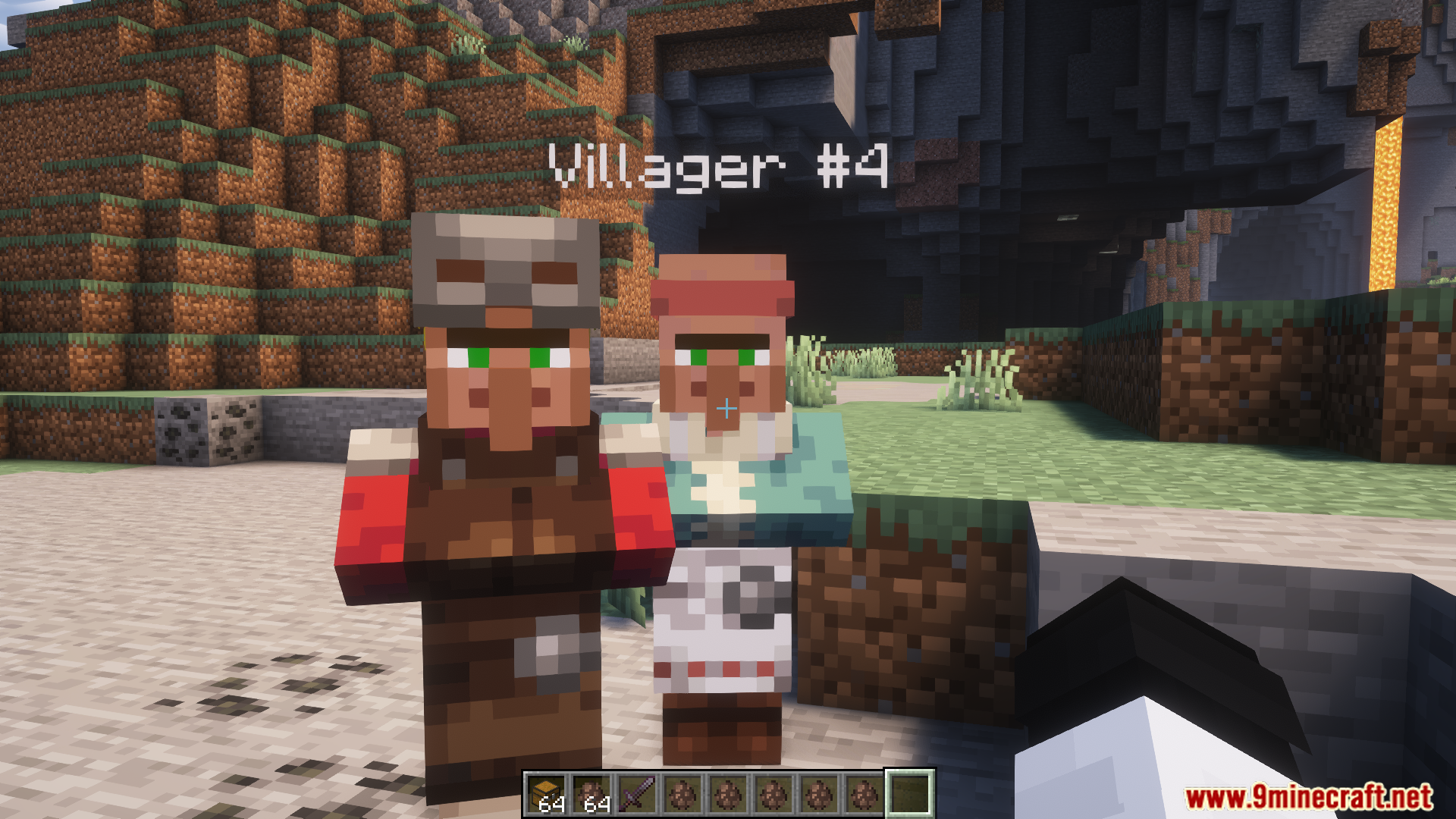
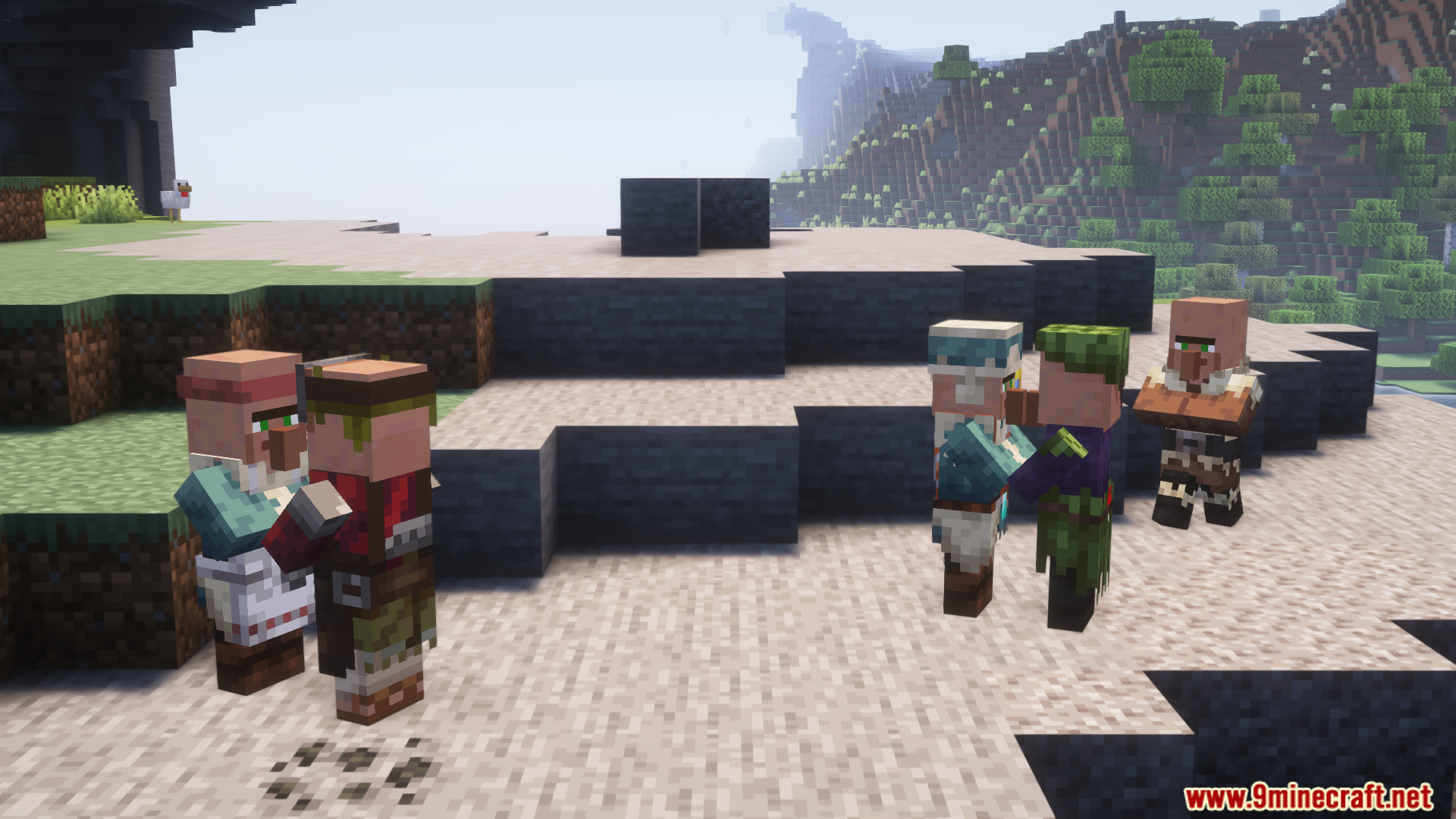
VillEdit Mod lets you create and edit custom villagers in Minecraft using a simple menu. It gives you full control over villager trades, professions, biomes, levels, and custom names. Once you finish designing, the system provides a special spawn egg that retains all villager data even if you remove the pack.

Features:
- Create and edit custom villagers using an easy in-game menu.
- Change villager professions, biomes, levels, and custom names.
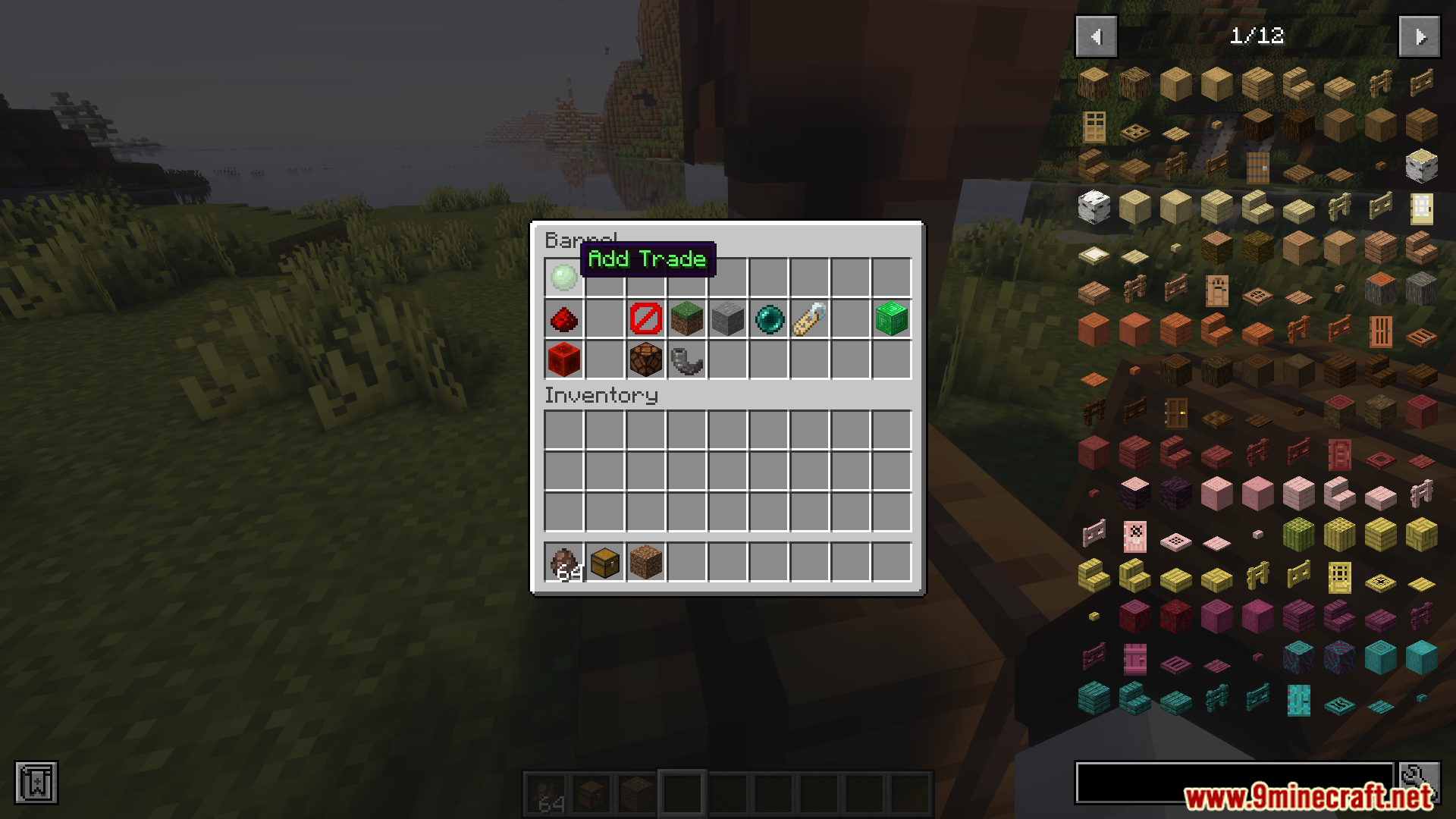
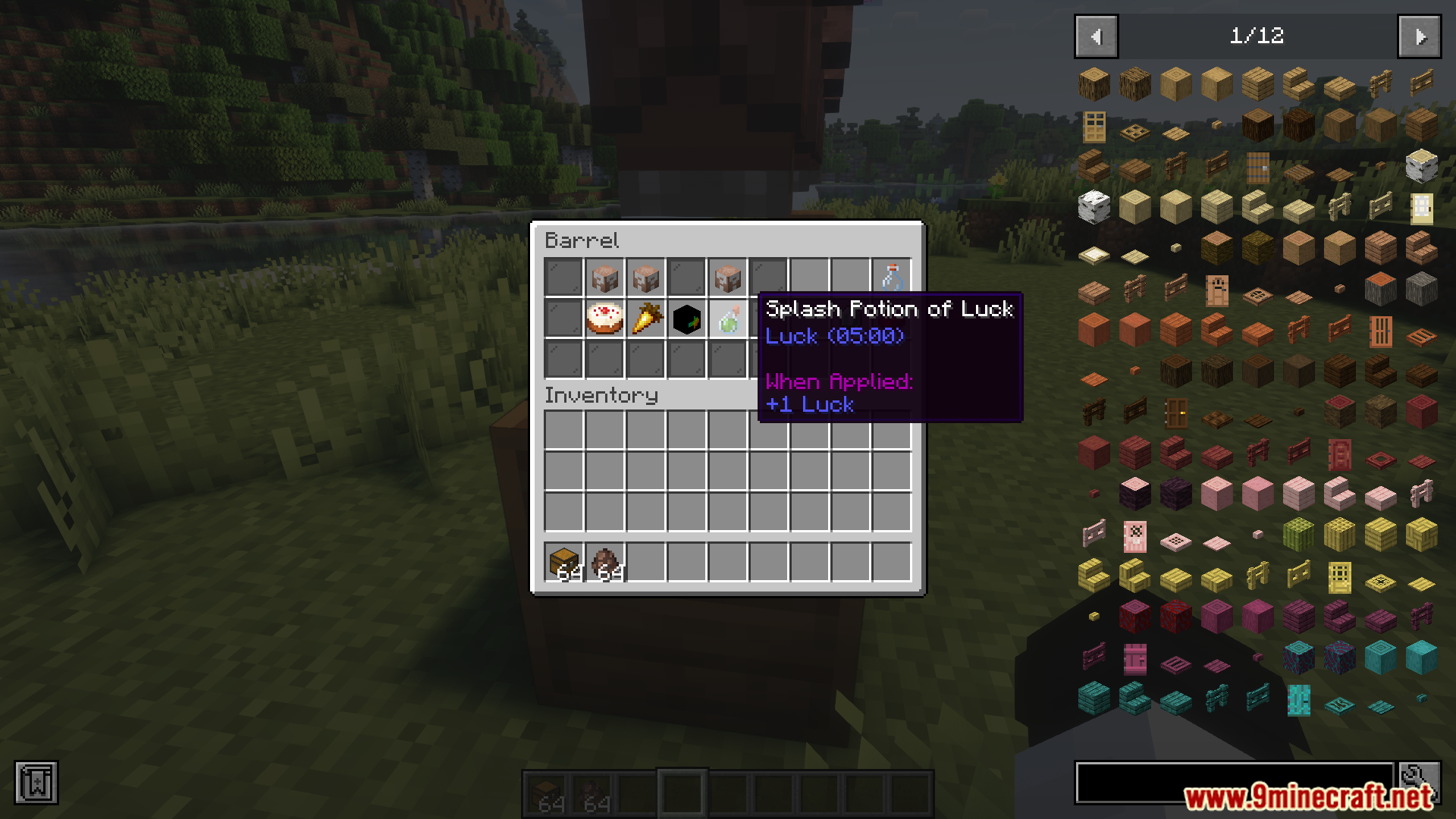
- Add new trades with specific input and output items plus XP rewards.
- Remove the last added trade or reset all trades completely through the interface.
- Toggle static behavior, glowing effects, and silent mode for villagers.
- Receive a custom spawn egg that retains all saved data even after uninstalling the pack.
How to Use:
- Place down a chest anywhere in the world.
- Sneak and right-click the top of the chest using a villager spawn egg to spawn the Villager Editor.
- Right-click the barrel interface to open the menu and configure your custom villager settings.
- Click the save button inside the editor menu to receive your custom spawn egg.
- Break the barrel and chest to remove the editor when you finish.
Screenshots:
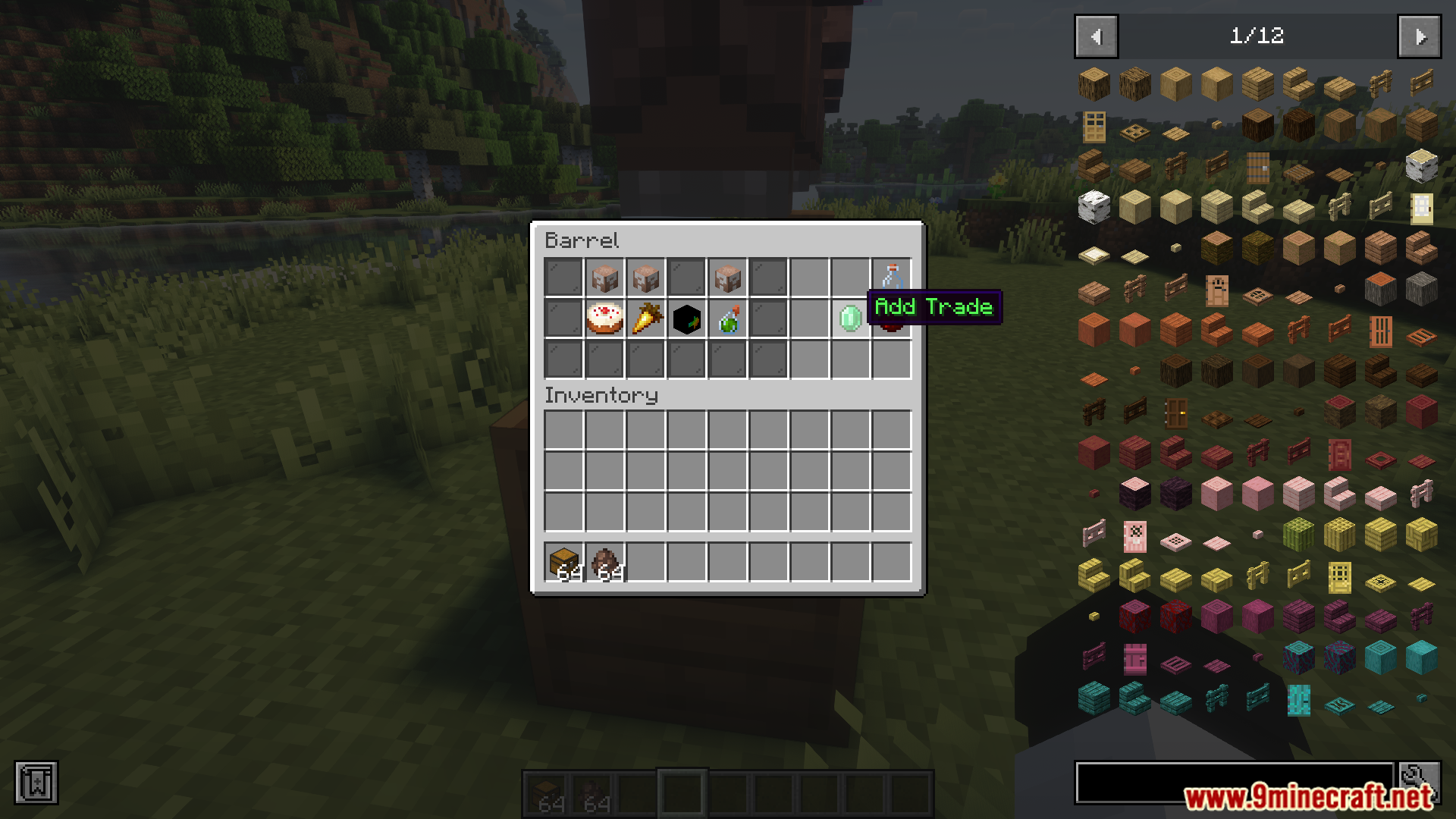
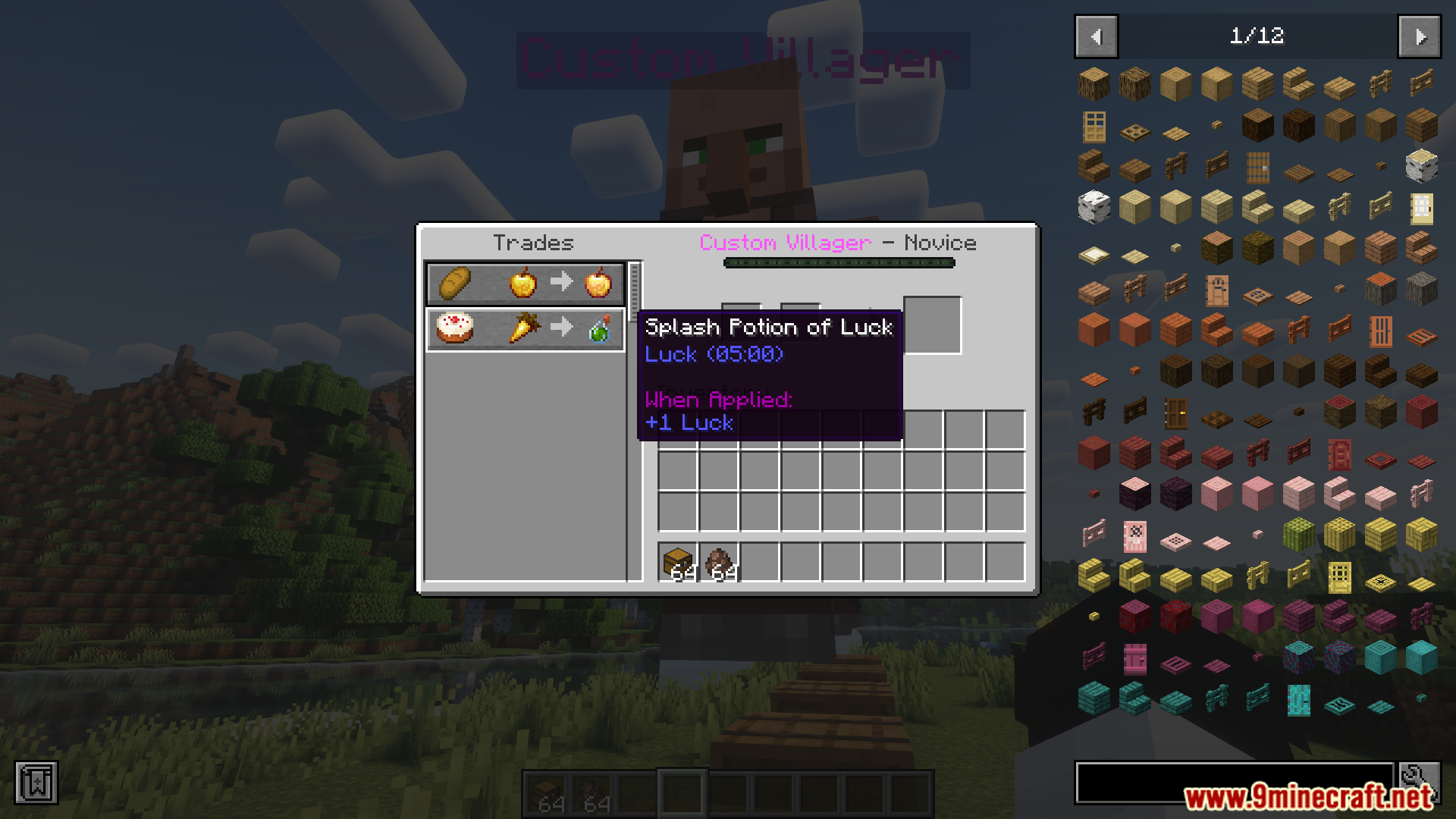
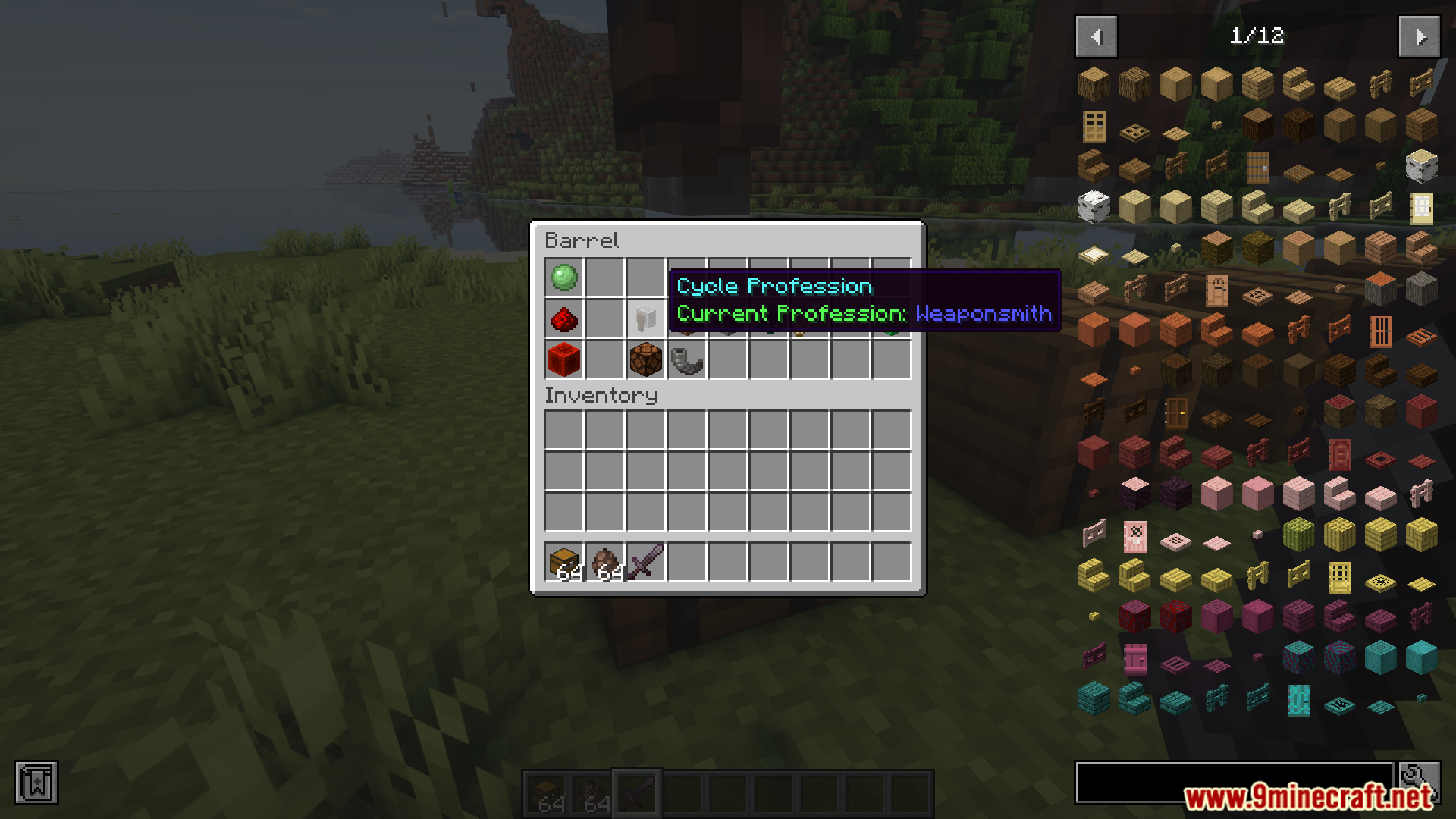
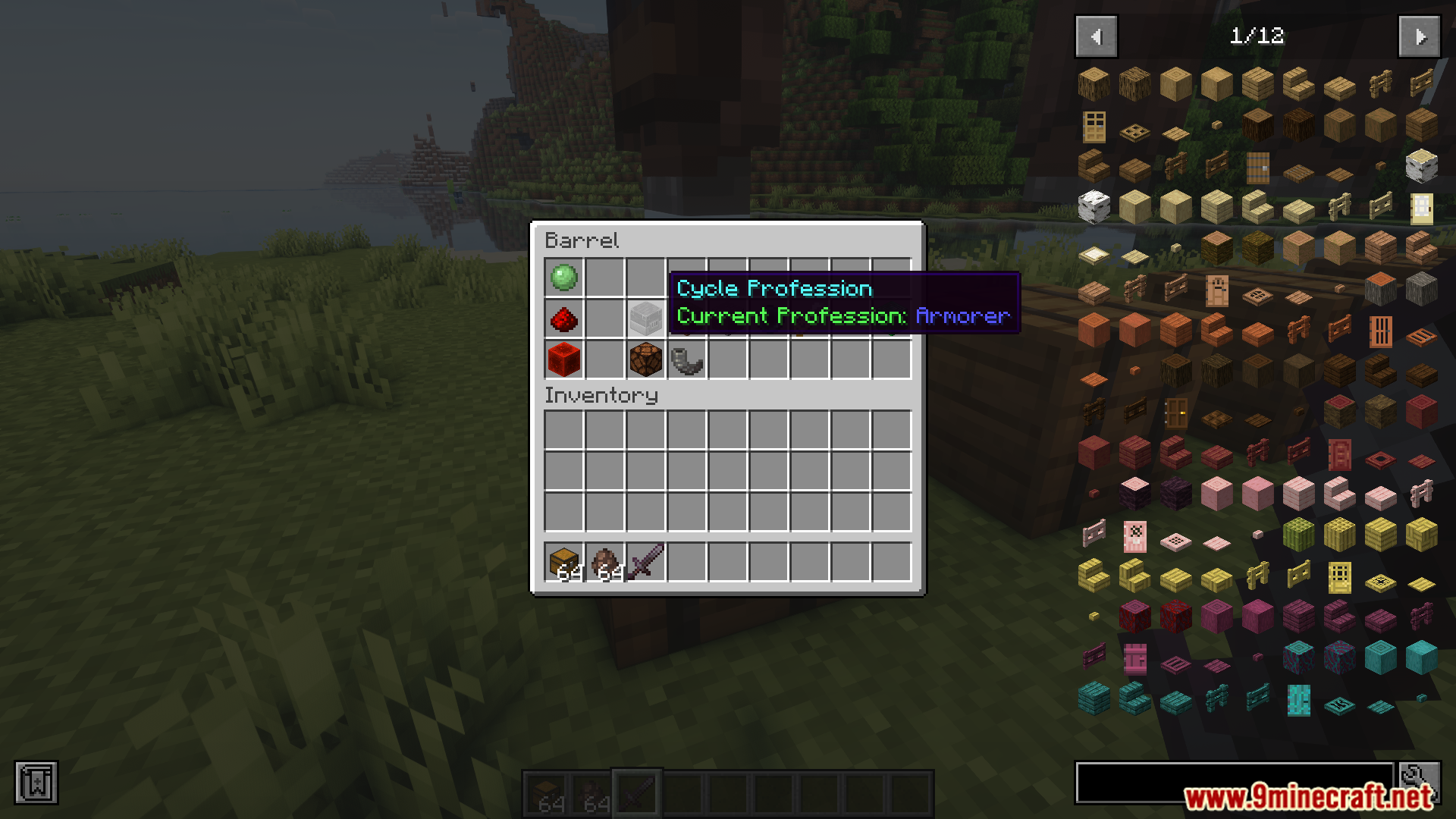
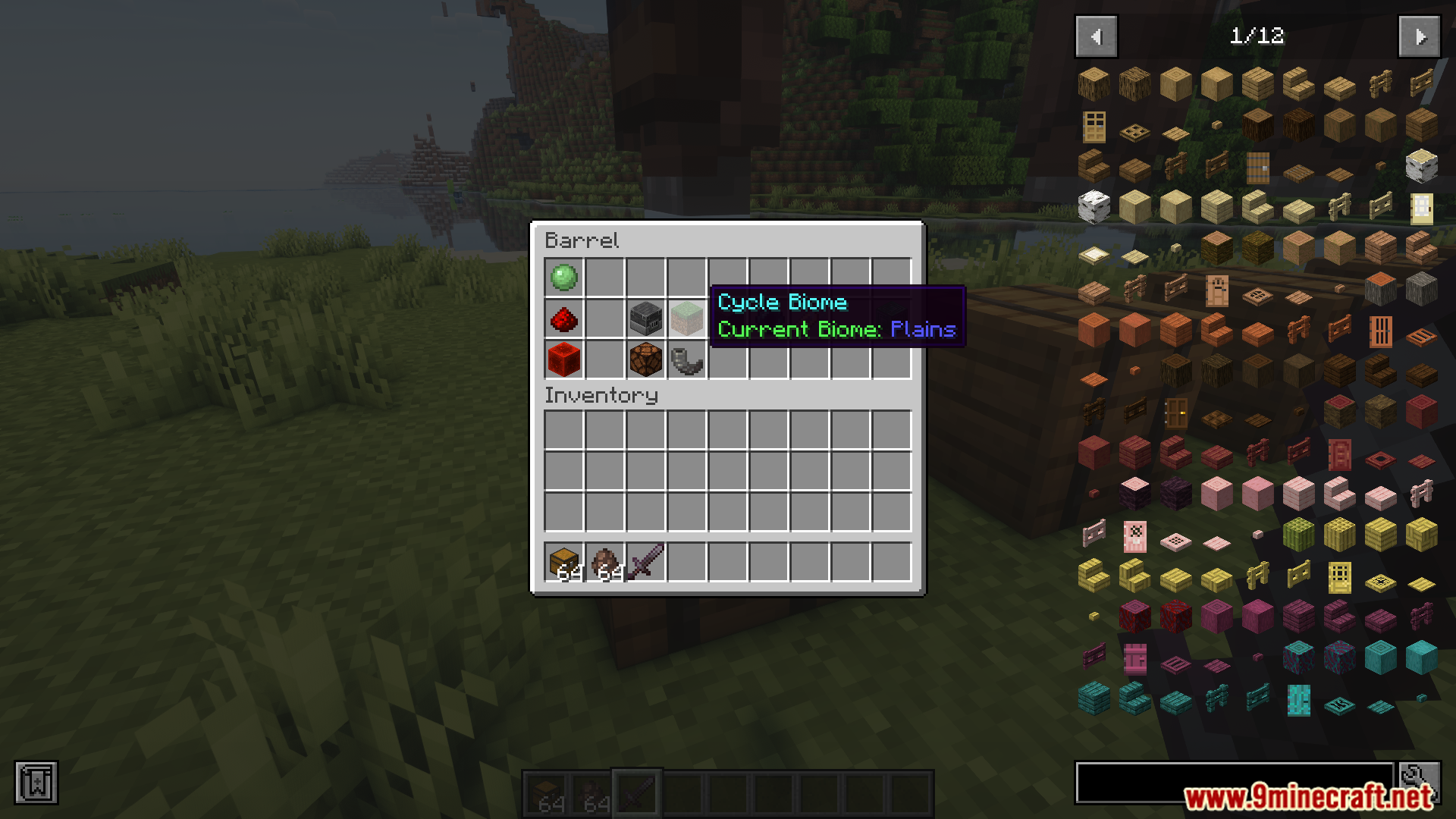
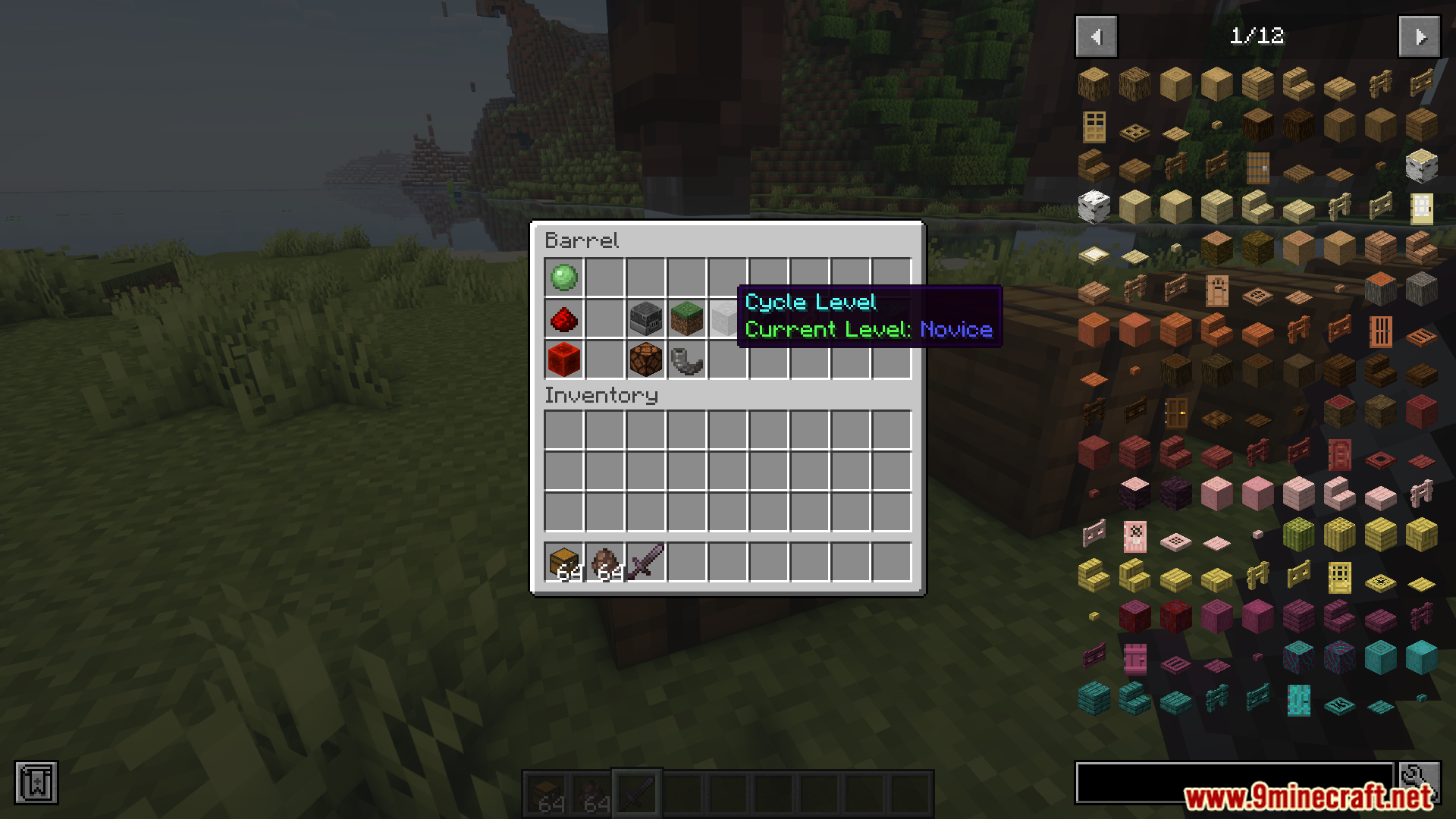
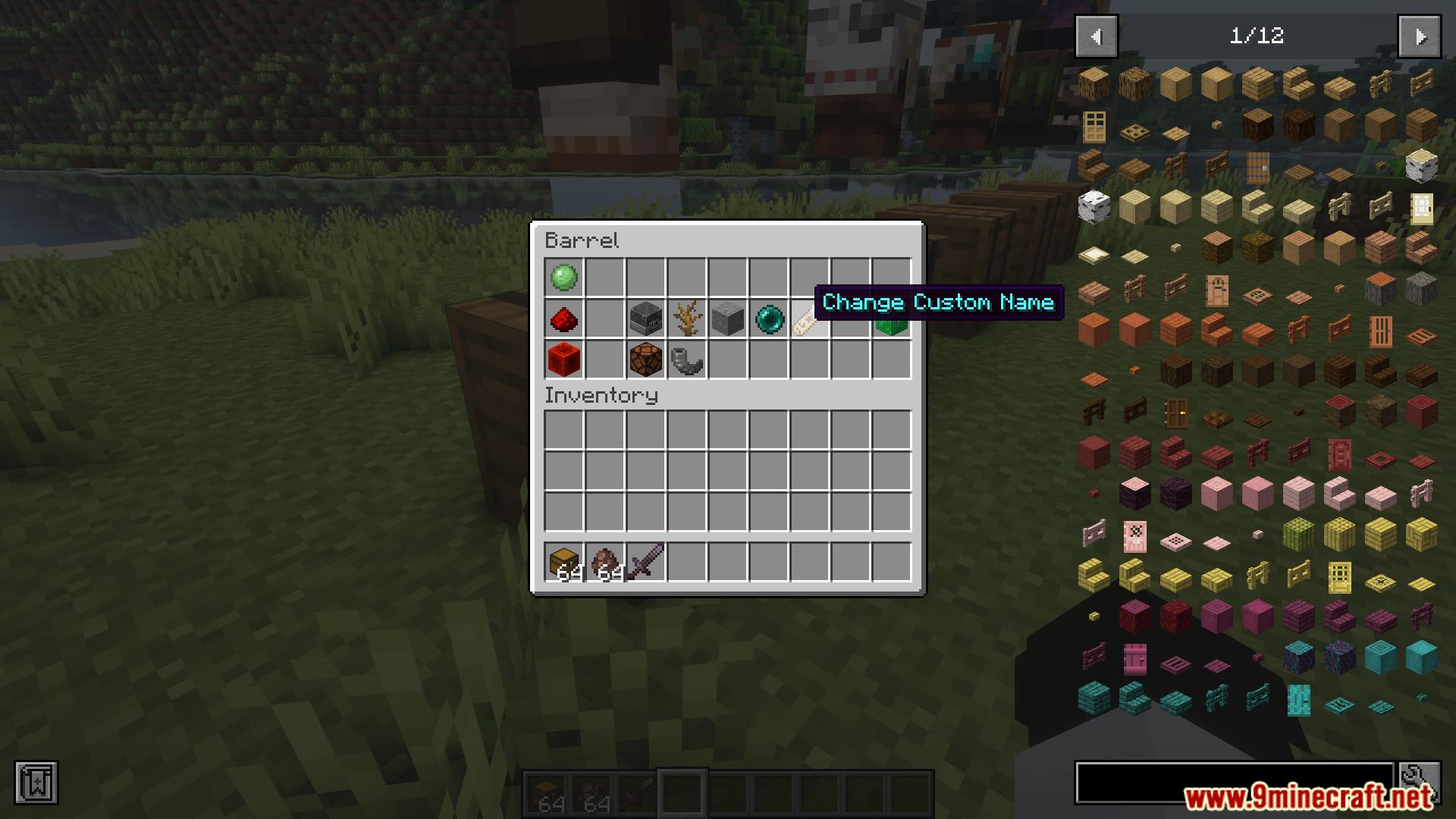
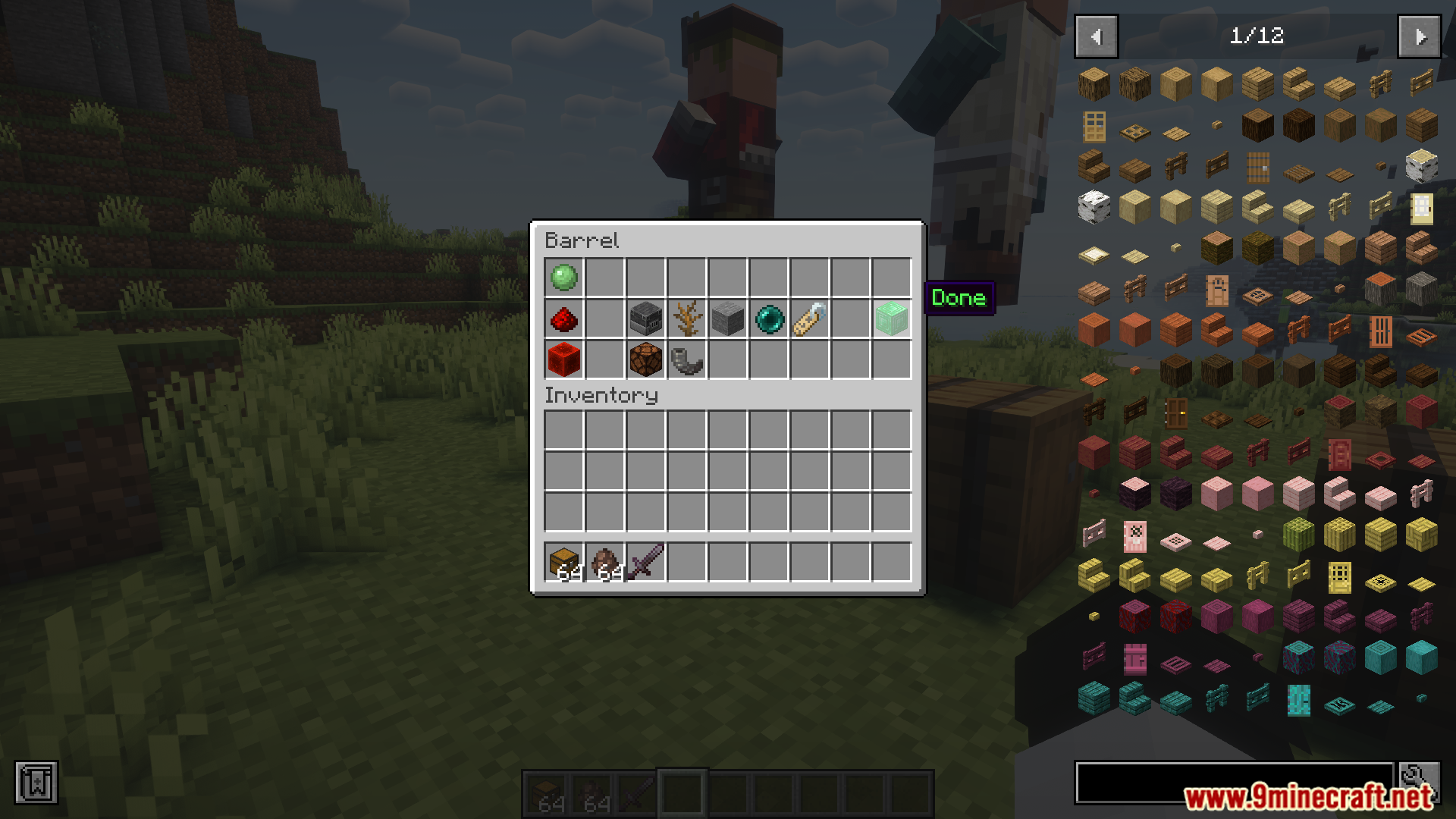

How to Install:
New to Minecraft? Follow our step-by-step guide to install Mods on your PC.View Guide
VillEdit Mod Download Links
For Minecraft 1.21.11, 1.21.10, 1.21.9, 1.21.8, 1.21.7, 1.21.6, 1.21.5
Forge/Fabric/Quilt/NeoForge Version: Download from Server 1 – Download from Server 2
For Minecraft 1.21.1, 1.21
Forge/Fabric/Quilt/NeoForge Version: Download from Server 1 – Download from Server 2
For Minecraft 1.20.6, 1.20.5
Forge/Fabric/Quilt Version: Download from Server 1 – Download from Server 2
For Minecraft 1.20.4, 1.20.3, 1.20.2
Forge/Fabric/Quilt Version: Download from Server 1 – Download from Server 2
For All Versions From Minecraft 1.17 to Minecraft 1.19.3
Forge/Fabric/Quilt Version: Download from Server 1 – Download from Server 2
You May Also Like
Picked for this page
 Lootr Mod (26.3, 1.20.1) – Nobody Misses Out on Loot
 More Berries Mod (26.3, 1.20.1) – New Berry Bushes
 Vanilla Refresh Mod (1.21.11, 1.20.1) – Elevating the Classic Minecraft Experience
 Bactro Mod (26.3, 1.20.1) – QoL Utilities
 No Resource Pack Warnings Mod (26.3, 1.20.1) – Disable Pop-up Warning
 Improved Pillager Outpost Mod (26.3, 1.20.1) – Overhauled Structure
 Epic Knights Addon Mod (1.21.11, 1.20.1) – Expand Your Medieval Arsenal
 FSit Mod (26.3, 1.20.1) – Sit Back And Relax
 Stardew Fishing Mod (26.2, 1.20.1) – A Skill-based Fishing Minigame
 Data API Mod (1.21.11, 1.20.1) – Developer Resources
 Hopper The Hedgehog Mod (26.3, 1.20.1) – Speeds Up Item Transfer
 Mod Sound Volume Options Mod (26.2, 1.20.1) – Individual Mod Sound Adjustment
Most viewed in Mods over the last 7 days
 Ala Industrial Mod (26.3) – Run Electric Power Grids and Automated Factories
 PleasureCraft Mod (26.3, 1.21.1) – Jenny Mod Remake for Fabric
 Jennycraft Mod (26.3, 1.20.1) – Virtual Girlfriend in Minecraft
 Fapcraft Mod (26.3, 1.12.2) – Comprehensive and Detailed Content
 Jenny Mod (Fapcraft) Official Complete Guide – How to use, Tutorial
 BangCraft Mod (1.20.1) – Jenny, Ellie and Elliot
 Fabric Loader (26.3, 1.20.1) – Fabric Installer for All Minecraft Versions
 The Shooting Star Demo Mod (26.3, 1.20.1) – Vaporize Terrain From Orbit
 Meteor Client Mod (26.3, 1.20.1) – Xray, HUD, Fly
 OptiFine HD (26.3, 1.20.1) – Run Faster, FPS Boost, Shaders Support
 Aristois Client Mod (1.21.4, 1.20.1) – World Class Minecraft Utility
 Prestige Client Mod (1.21.11, 1.21.4) – Powerful Ghost Features for Crystal & Sword PvP
More from Mods
 Primal Plushies Paleo Pals Mod (1.21.1, 1.20.1) – Decorate Your Base
 Ipla Mod (26.3, 1.20.1) – Showcase Your Favorite Items
 MesdagPortLib Mod (1.20.1) – Run Modern Minecraft Mechanics on Older Versions
 Hellion’s API Mod (1.21.11, 1.21.1) – Play Hellion Series Addons Without Crashes
 Terrestria Mod (26.3, 1.20.1) – Highly Detailed Biomes
 Tre’s Tack Library Mod (1.20.1) – Outfit Your Horses with Fully Detailed Tack
 YDM’s coreX Library Mod (1.20.1) – Loot RPG Gear with Random Names
 Gunpowder Recipe Mod (26.3, 1.20.1) – Gunpowder is Craftable
 Villager Timetable Mod (26.3, 1.20.1) – Master Villager Schedules
 Artemis Laboratory Blocks Mod (26.3, 1.20.1) – Lab Blocks And Dynamic Decorations
 Fabric ORM Jimmer Mod (26.3, 1.20.1) – Prevent Sudden Server Crashes
 Cafe Core Mod (26.2, 1.21.1) – Bypass Anvil Limits and Tame Pets in Seconds

This post has no comments yet. Be the first — your comment will appear here.