
VR Mod (26.3, 1.20.1) – Mine Blocks and Fight Monsters with Hand Gestures
 17,639
 0

VR Mod transforms Minecraft into an exceptional virtual reality experience with full room-scale and seated play support. It works with SteamVR-compatible hardware such as HTC Vive, Valve Index, Oculus Rift S, and Windows Mixed Reality headsets. Players can enjoy singleplayer or multiplayer servers, and non-VR participants can see head and hand movements during multiplayer sessions. The mod provides three client and server options including the main VR client, a non-VR client for desktop players to view animations, and Forge extensions for server-side compatibility.

Features:
- Full room-scale support: Walk around your physical room as you mine and build in a world where blocks measure one meter in size.
- World scaling: Adjust your size up or down to play as a giant or an ant.
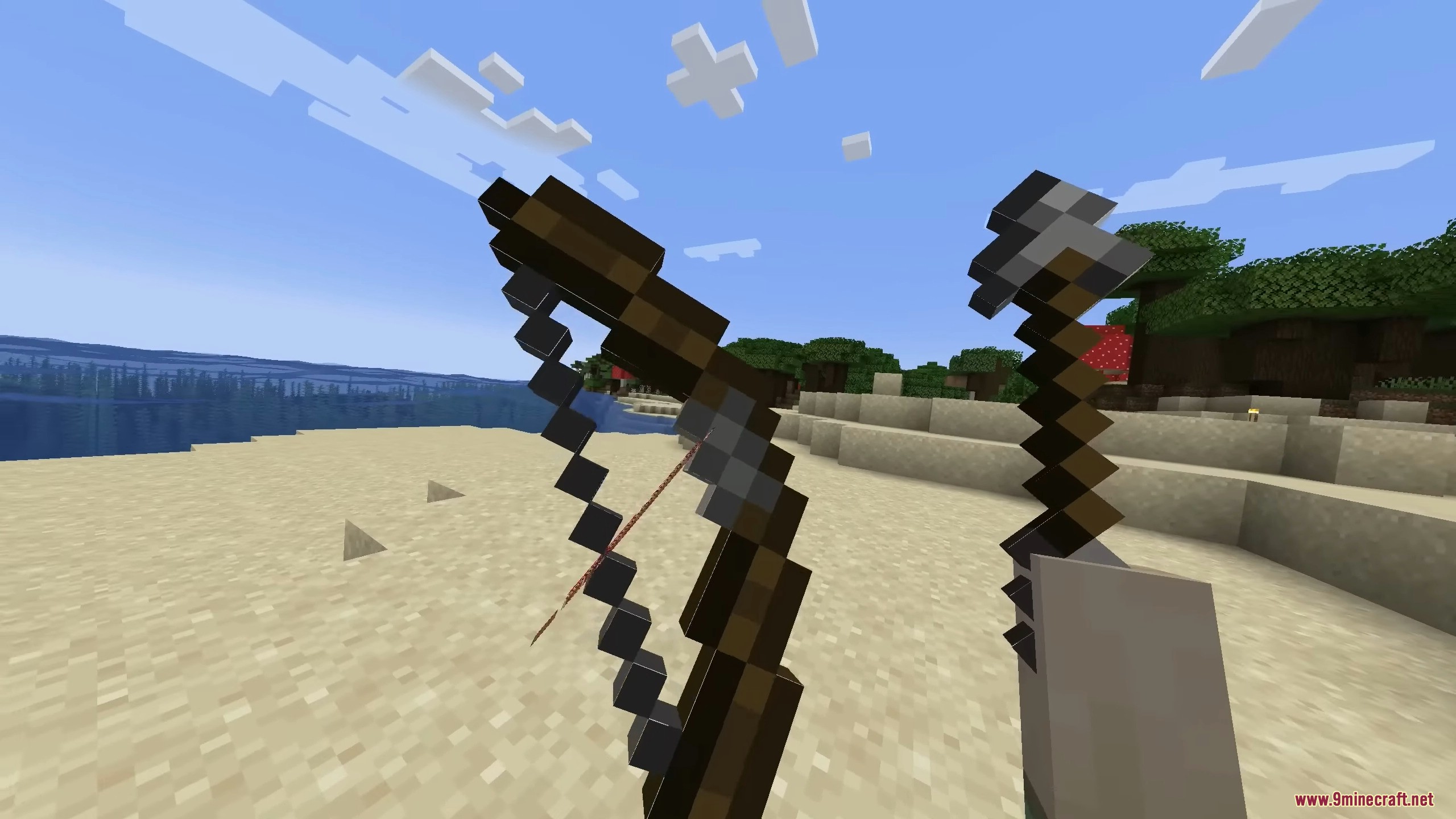
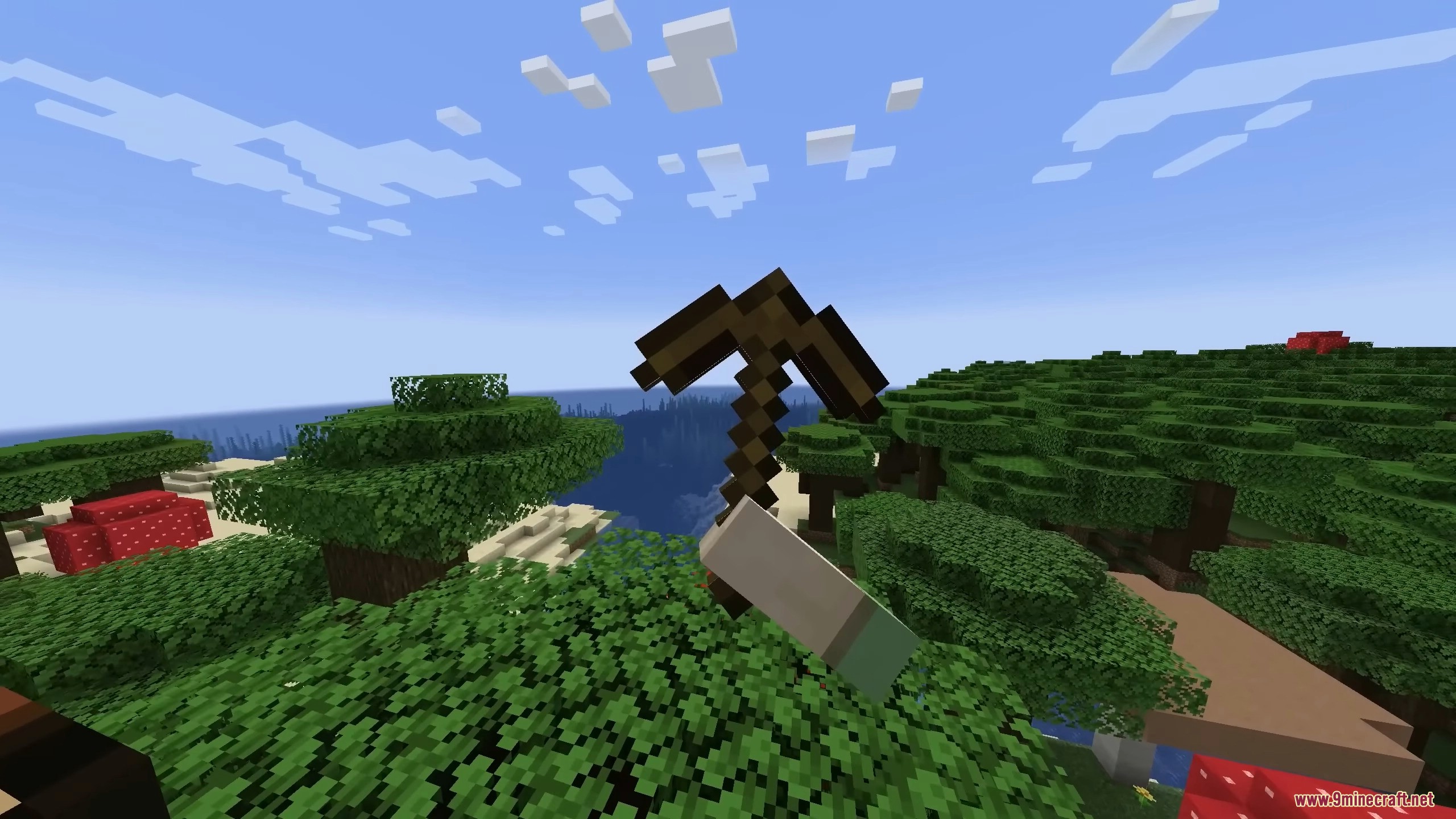
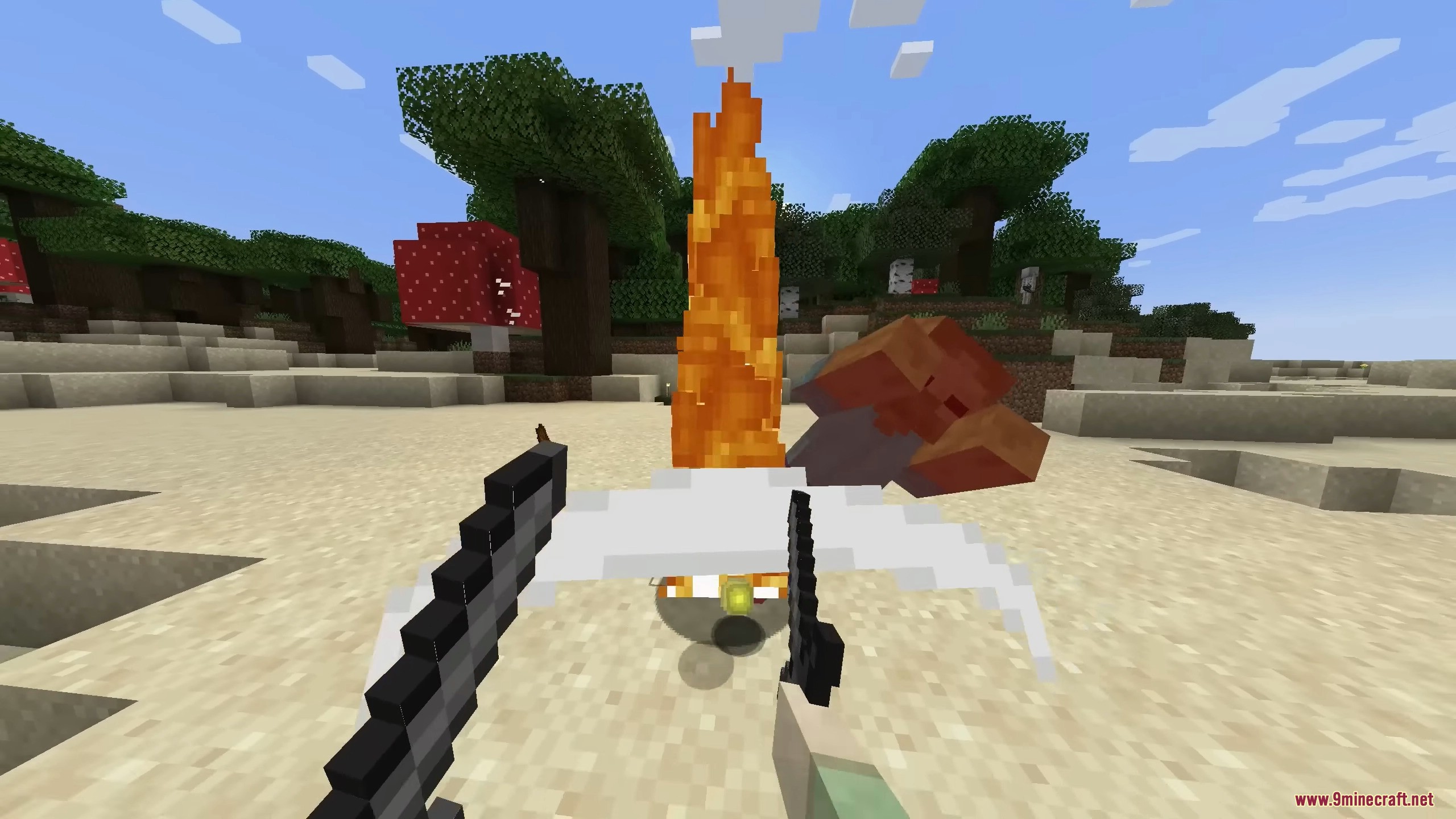
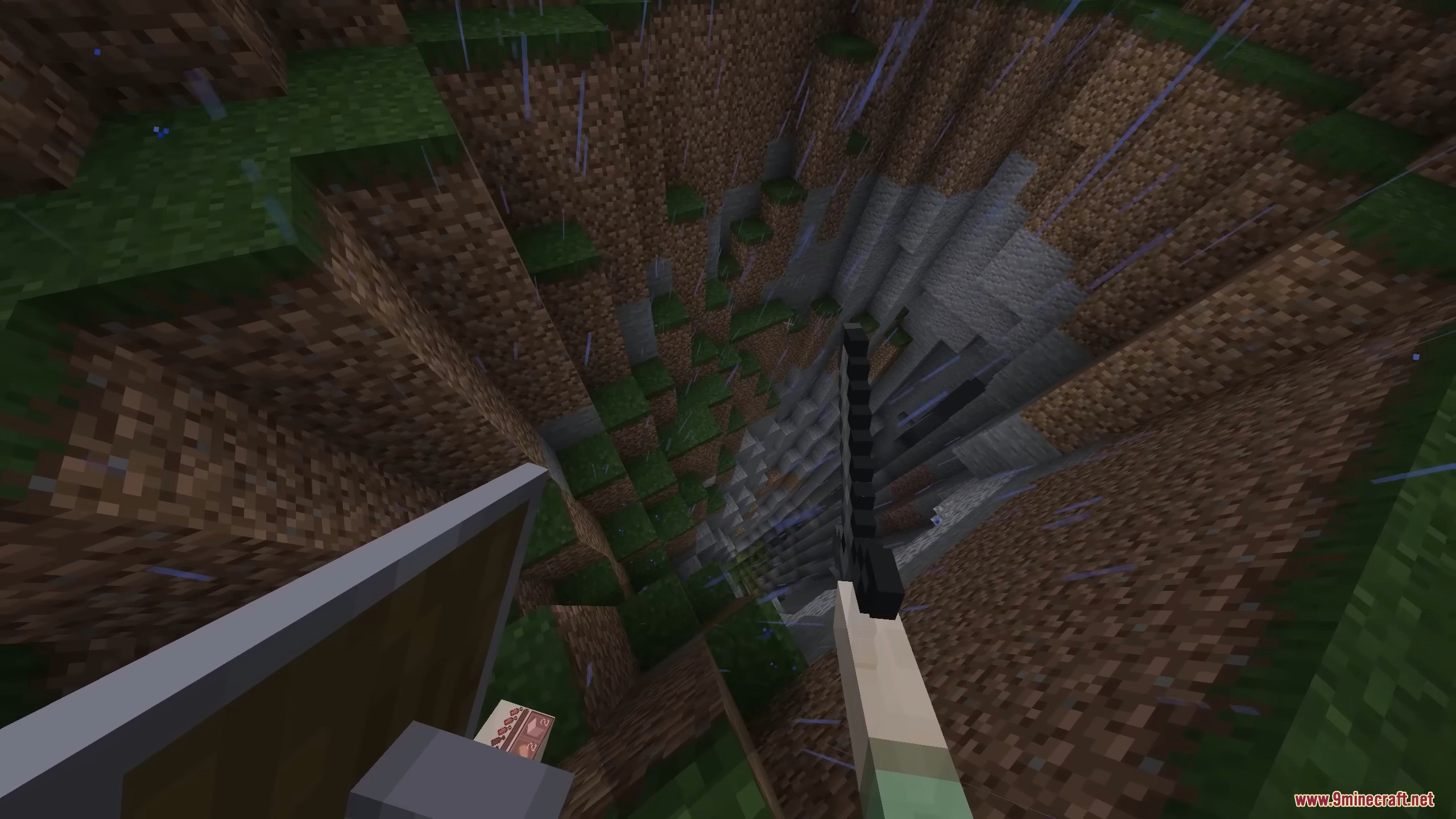
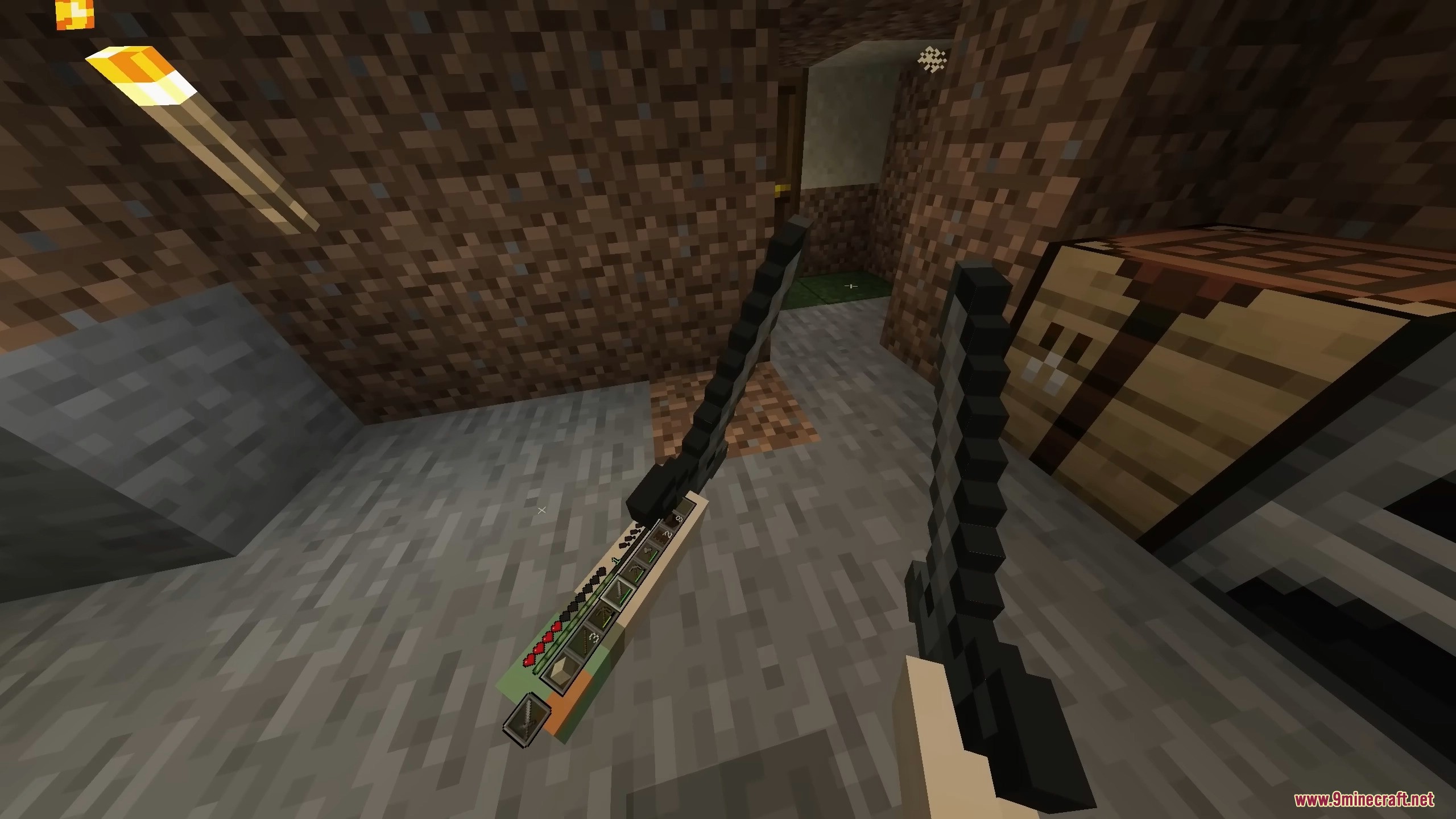
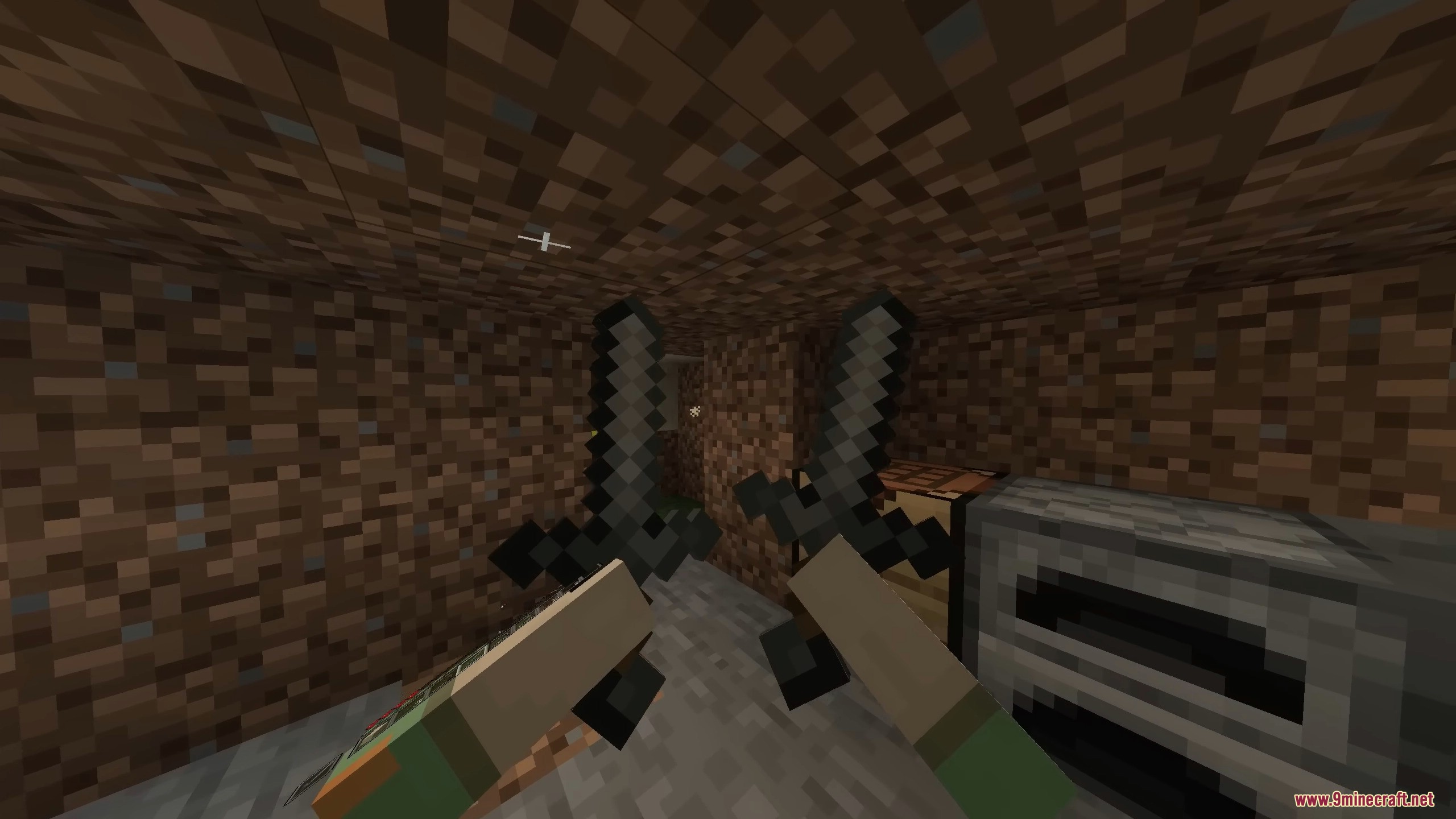
- Break blocks and fight enemies by physically swinging your hands.
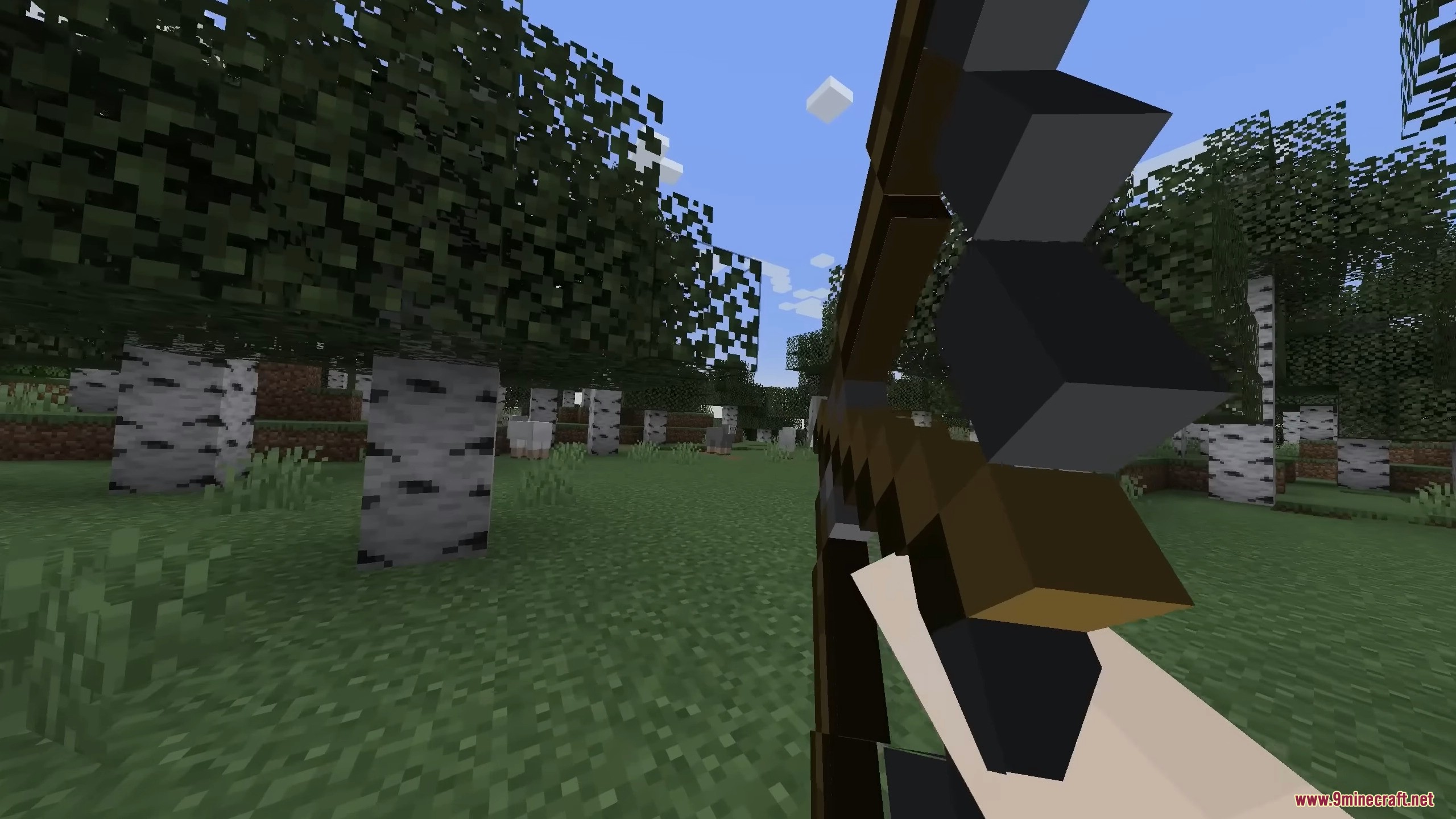
- Shoot bows by drawing and aiming with two hands.
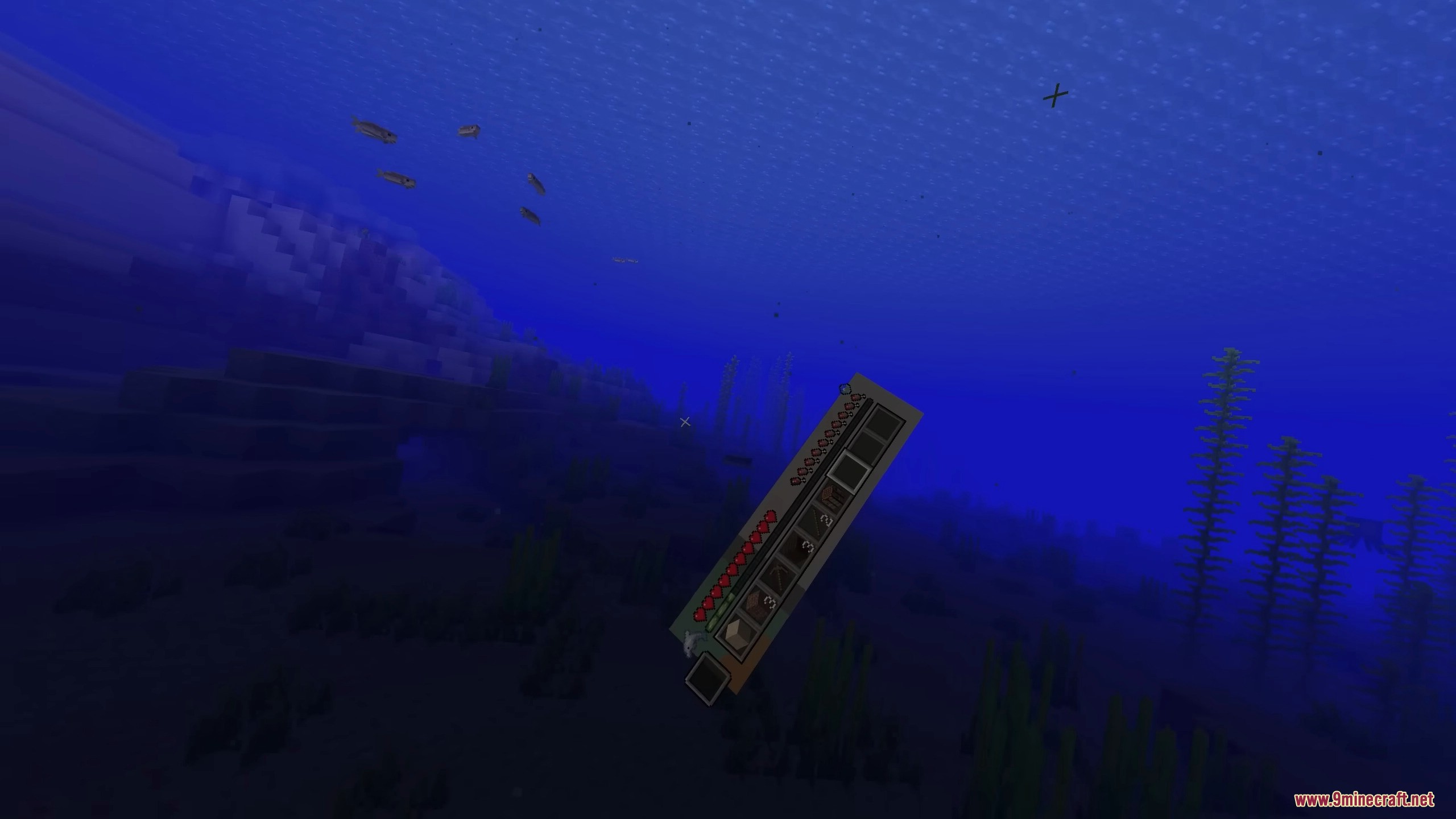
- Climb, swim, run, jump, sneak, eat, crawl, and row by performing physical motions.
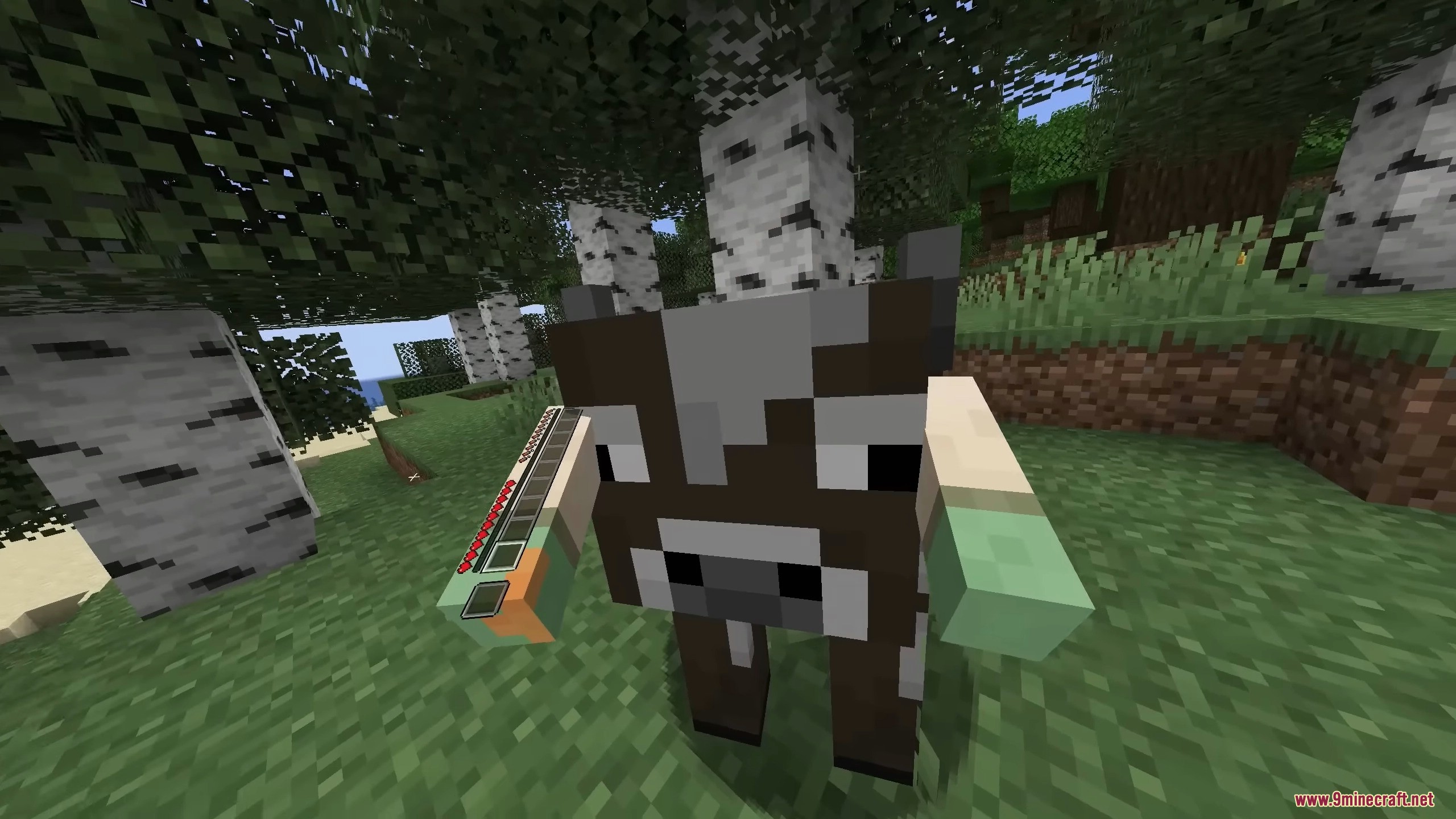
- Interact with doors, pistons, levers, animals, and buckets using context-sensitive controls.
- Choose from multiple locomotion options including arc teleportation, free-movement, and seated play modes.
Commands:
/home: quickly teleport to your saved home location using the game menu button./gamemode: easily switch between game modes from the pre-defined chat menu.
How to Use:
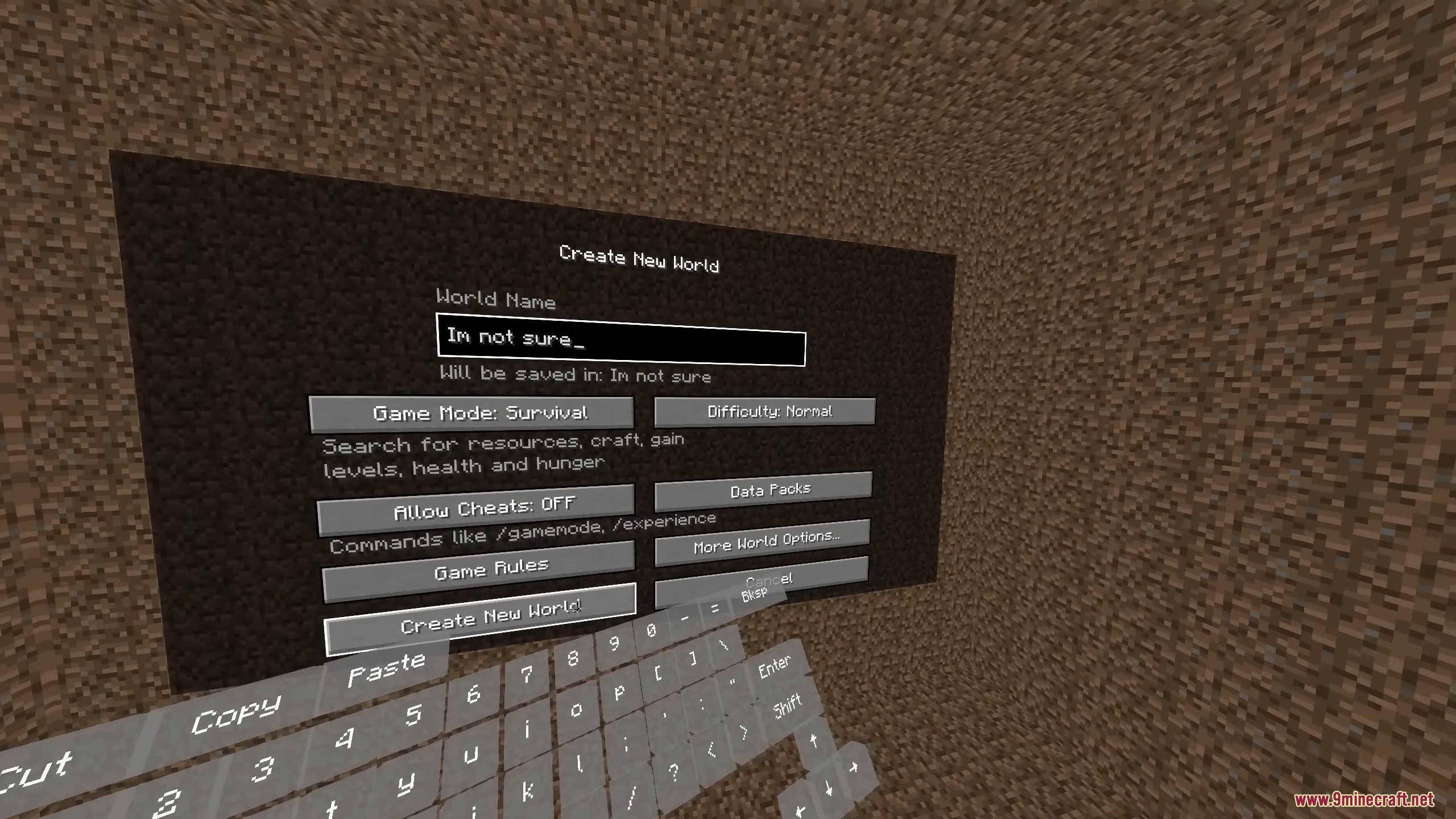
- Open the VR Settings menu to switch between Standing and Seated play modes.
- Use the left joystick for movement and strafing, or the left trigger for teleportation and moving forward.
- Hold the ‘Pick Block’ button for several seconds to toggle the left trigger function between teleport and free-move.
- Press the controller button or physically crouch to activate sneaking, which displays an indicator on the heads-up display.
Screenshots:
How to Install:
New to Minecraft? Follow our step-by-step guide to install Mods on your PC.View Guide
Requirements:




VR Mod Download Links
For Minecraft 26.3
For Minecraft 26.2
For Minecraft 26.1.2, 26.1.1, 26.1
For Minecraft 1.21.11
For Minecraft 1.21.10, 1.21.9
For Minecraft 1.21.8, 1.21.7, 1.21.6
For Minecraft 1.21.5
For Minecraft 1.21.4
For Minecraft 1.21.3, 1.21.2
For Minecraft 1.21.1, 1.21
For Minecraft 1.20.6
For Minecraft 1.20.4
For Minecraft 1.20.2
For Minecraft 1.20.1, 1.20
For Minecraft 1.19.4
For Minecraft 1.19.3
For Minecraft 1.19.2
For Minecraft 1.18.2
For Minecraft 1.17.1
For Minecraft 1.15.2
For Minecraft 1.14.4
For Minecraft 1.13.2
For Minecraft 1.11.2
For Minecraft 1.10.2
Click to rate this post!
[Total: 15 Average: 4.4]
You May Also Like
Picked for this page
 Better PvP Mod (26.3, 1.20.1) – How to Be Good at PVP
 Corail Tombstone Mod (26.2, 1.20.1) – Never Lose Your Items Again
 Indicatia Mod (26.3, 1.20.1) – Simple In-game Info and Utility
 Custom Skin Loader Mod (26.3, 1.20.1) – Wear Any Skin You Can Find
 Replay Mod (26.3, 1.20.1) – Record, Relive, Share Your Experience
 Zume Mod (26.1.2, 1.20.1) – Zoom Without Limitations
 Mystical Agriculture Mod (26.1.2, 1.20.1) – Grow Diamonds From a Seed
 WorldEdit CUI Mod (26.3, 1.20.1) – A Graphical User Interface for WorldEdit
 Just Enough Resources Mod (26.3, 1.20.1) – JER, Efficient Resource Management
 Reap Mod (26.3, 1.20.1) – Auto Tree Mining, Auto Farming
 RPG-Hud Mod (26.2, 1.20.1) – Your Screen Becomes an RPG
 Compact Storage Mod (26.2, 1.20.1) – Carry Everything You Find
Most viewed in Mods over the last 7 days
 Ala Industrial Mod (26.3) – Run Electric Power Grids and Automated Factories
 PleasureCraft Mod (26.3, 1.21.1) – Jenny Mod Remake for Fabric
 Jennycraft Mod (26.3, 1.20.1) – Virtual Girlfriend in Minecraft
 Fapcraft Mod (26.3, 1.12.2) – Comprehensive and Detailed Content
 Jenny Mod (Fapcraft) Official Complete Guide – How to use, Tutorial
 BangCraft Mod (1.20.1) – Jenny, Ellie and Elliot
 Fabric Loader (26.3, 1.20.1) – Fabric Installer for All Minecraft Versions
 The Shooting Star Demo Mod (26.3, 1.20.1) – Vaporize Terrain From Orbit
 Meteor Client Mod (26.3, 1.20.1) – Xray, HUD, Fly
 OptiFine HD (26.3, 1.20.1) – Run Faster, FPS Boost, Shaders Support
 Aristois Client Mod (1.21.4, 1.20.1) – World Class Minecraft Utility
 Prestige Client Mod (1.21.11, 1.21.4) – Powerful Ghost Features for Crystal & Sword PvP
More from Mods
 Avali Nexus Mod (26.3) – Settle Frozen Frontiers with High-Tech Bird Tribes
 Orient’s Hotpot Chronicles Mod (1.20.1) – Boil Fresh Hotpot Meals Over Open Flames
 Far Lands Traveler Mod (26.1.2) – Survive the Long Trek to the Edge of the World
 Beli’s SkyLyrics Mod (1.21.11) – Sing Along to Desktop Tracks Projected in the Night Sky
 Explainstone and Songmelyn Mod (1.21.1) – Broadcast Custom Music Across Your Base
 Rockstar Shaders Mod (26.3) – Cast Ray-Traced Light Across Vast Distant Horizons
 ERYDON Mod (1.20.1) – Design Grand Courtyards with Carved Marble Pillars
 Infinity Bound Mod (1.21.1) – Snap Away Enemies with Legendary Superhero Gear
 Legacy Gecko Lib Fabric Mod (1.16.5) – Power Animated Creatures in Modpacks
 The Man from the Shadow Horror Mod (1.20.1) – Fight Hallucinations to Survive
 Shade & Saturation Slider Mod (26.2, 1.21.11) – Make Every Biome Vibrant
 Cataclysm X Yung’s Better Nether Fortresses Compat Mod (1.21.1, 1.20.1)

This post has no comments yet. Be the first — your comment will appear here.