
QDAA Mod (1.21.4, 1.20.1) – Clearer Graphics Without Jagged Edges
 874
 0


QDAA Mod brings a high-quality antialiasing method using super-sampling to the game. It renders the entire scene at a higher resolution and then downscales it for a cleaner and more detailed visual output.

Features:
- Implements super-sampling antialiasing (SSAA) for pure and accurate visuals.
- Renders the game at a higher resolution before downscaling it to your window size.
- Antialiases in-game GUIs, improving the readability of rotated text and smoothing 3D item models.
- Reuses macOS Retina display handling code for broad compatibility with various setups.
- Optimizes the final render step by replacing a normal quad render with a blit.
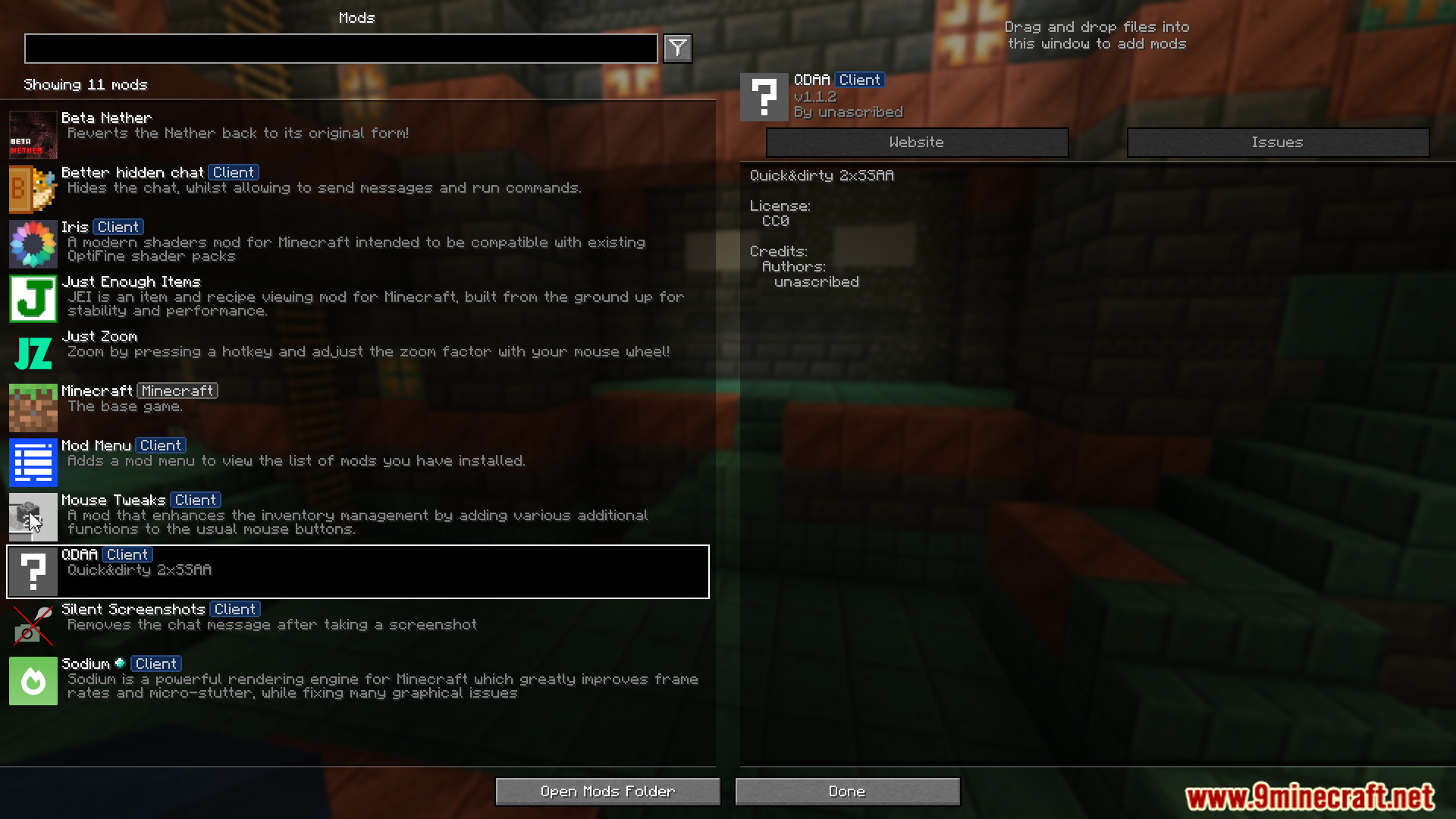
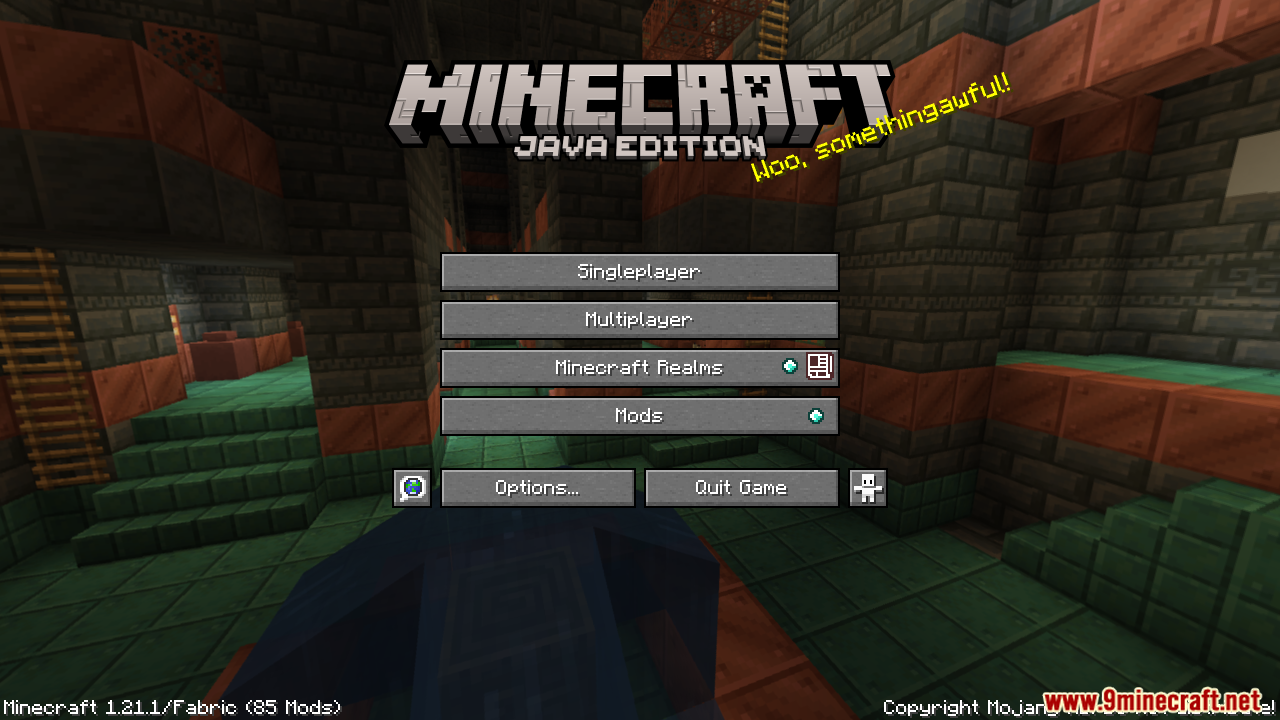
Screenshots:
How to Install:
New to Minecraft? Follow our step-by-step guide to install Mods on your PC.View Guide
QDAA Mod Download Links
For All Versions From Minecraft 1.14.4 to Minecraft 1.21.4
Fabric/Quilt Version: Download from Server 1 – Download from Server 2
Click to rate this post!
[Total: 0 Average: 0]
You May Also Like
Picked for this page
 Falling Tree Mod (26.3, 1.20.1) – Making The Trees Fall in One Cut
 Mouse Wheelie Mod (26.2, 1.20.1) – Great Replacement for Inventory Tweaks
 Dynamic FPS Mod (26.3, 1.20.1) – Best Fps Boosting Mod
 Carpet Mod (1.21.11, 1.20.1) – Game Performance Monitoring
 Together Forever Mod (26.2, 1.20.1) – Synchronize All Team Members
 GPU Tape Mod (26.2, 1.20.1) – Boosts Game Rendering Performance
 Fast IP Ping Mod (26.3, 1.20.1) – Fix Slow Server Ping Times
 Crash Exploit Fixer Mod (26.3, 1.20.1) – Keep Your Server Running Smoothly
 Clear Water Lava PowderSnow Mod (26.3, 1.20.1) – Clear Fog
 Andromeda Mod (26.2, 1.20.1) – Adds New Options and Functions
 Not Interested Mod (26.3, 1.20.1) – Dismiss Wandering Traders
 Underwater Swim Fix Mod (1.21.11, 1.20.1) – MC220390 Fix
Most viewed in Mods over the last 7 days
 Ala Industrial Mod (26.3) – Run Electric Power Grids and Automated Factories
 PleasureCraft Mod (26.3, 1.21.1) – Jenny Mod Remake for Fabric
 Jennycraft Mod (26.3, 1.20.1) – Virtual Girlfriend in Minecraft
 Fapcraft Mod (26.3, 1.12.2) – Comprehensive and Detailed Content
 Jenny Mod (Fapcraft) Official Complete Guide – How to use, Tutorial
 BangCraft Mod (1.20.1) – Jenny, Ellie and Elliot
 Fabric Loader (26.3, 1.20.1) – Fabric Installer for All Minecraft Versions
 The Shooting Star Demo Mod (26.3, 1.20.1) – Vaporize Terrain From Orbit
 Meteor Client Mod (26.3, 1.20.1) – Xray, HUD, Fly
 OptiFine HD (26.3, 1.20.1) – Run Faster, FPS Boost, Shaders Support
 Aristois Client Mod (1.21.4, 1.20.1) – World Class Minecraft Utility
 Prestige Client Mod (1.21.11, 1.21.4) – Powerful Ghost Features for Crystal & Sword PvP
More from Mods
 Winter Client Mod (1.21.11) – Survive Ruthless PvP on Anarchy Servers
 LARP Client Mod (1.21.11) – Dominate Crystal PvP on Anarchy Servers
 Berlin Client Mod (1.21.11) – Hunt Stashes and Win Crystal Fights
 Kaleidoscope Cookery Refabricated Mod (26.3, 1.20.1) – Cook Hearty Meals
 Minecraft MusicBox Mod (1.21.12) – Play Your Favorite Songs While Mining and Building
 MTR Navigation Mod (1.21.1) – Plan Railway Trips and Never Miss a Train Stop
 TheHouse Mod (1.21.11) – Host Casino Tables and Track Every Bet in Real Time
 CinematicInteractions Mod (1.21.1) – Watch Your Hands Work at Every Crafting Table
 Earth Platform Mod (1.21.1) – Travel Across Real Continents in a True Scale World
 Taunahi Mod (26.1.2) – Automate Daily Farming and Slayers in Hypixel Skyblock
 HORROR Fake Join Leave Messages Mod (1.20.1) – Trigger Creepy Chat Scares
 Bons Voyage Mod (1.20.1) – Teleport Across Biomes Through Hidden Waystones

This post has no comments yet. Be the first — your comment will appear here.