
Forge Early Loading Screen for Fabric Mod (1.21.1, 1.20.1)

 0


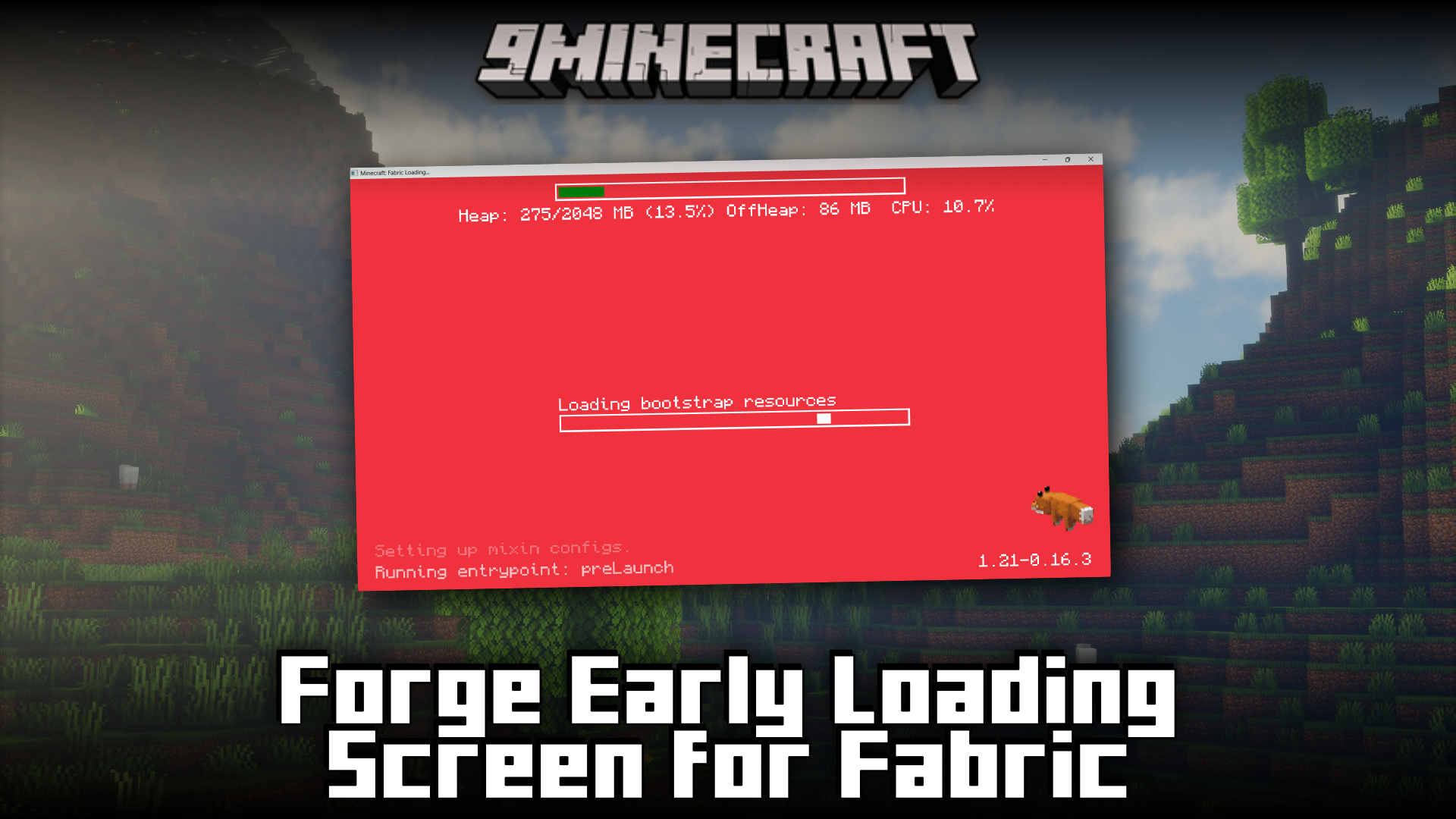
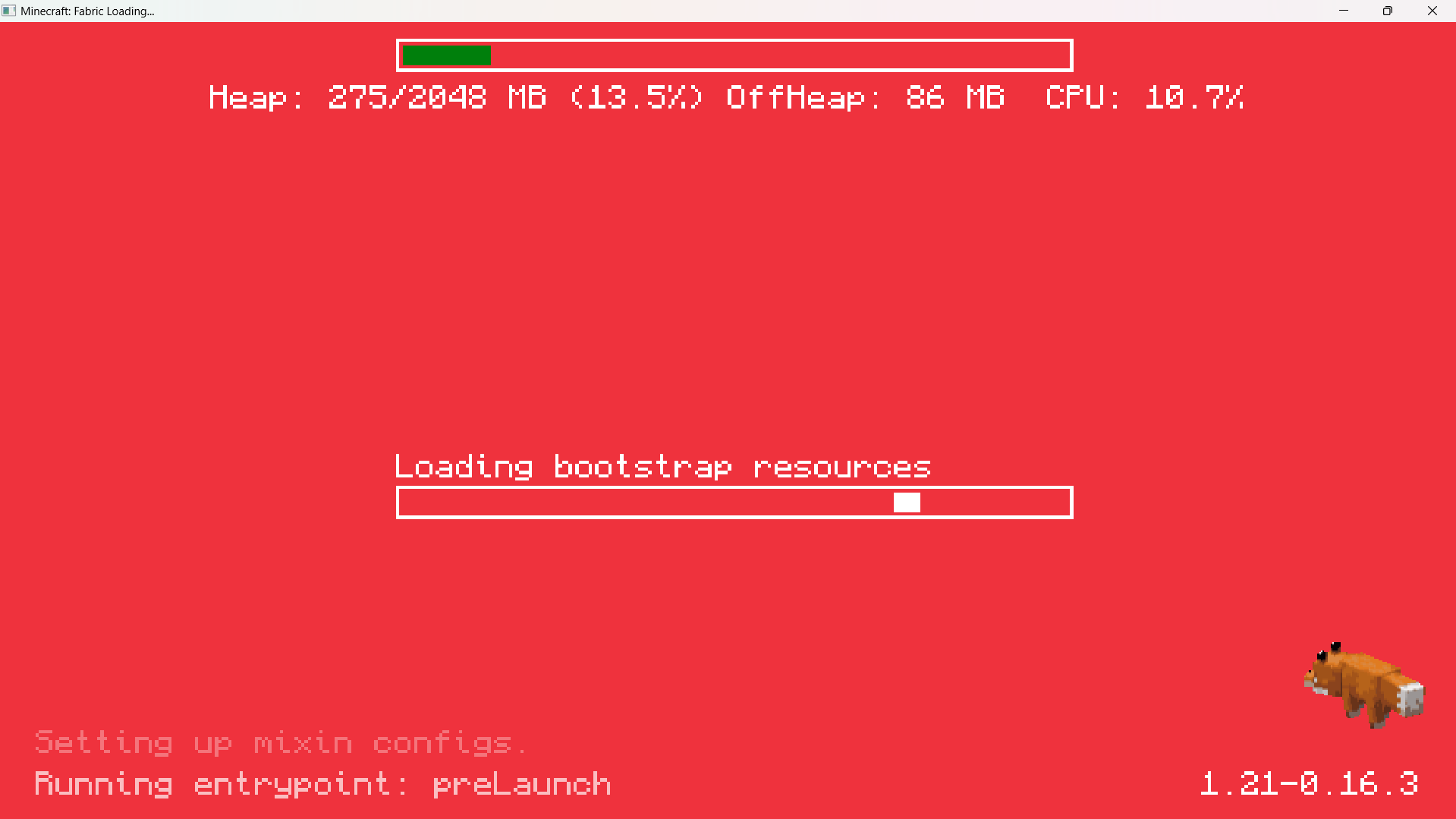
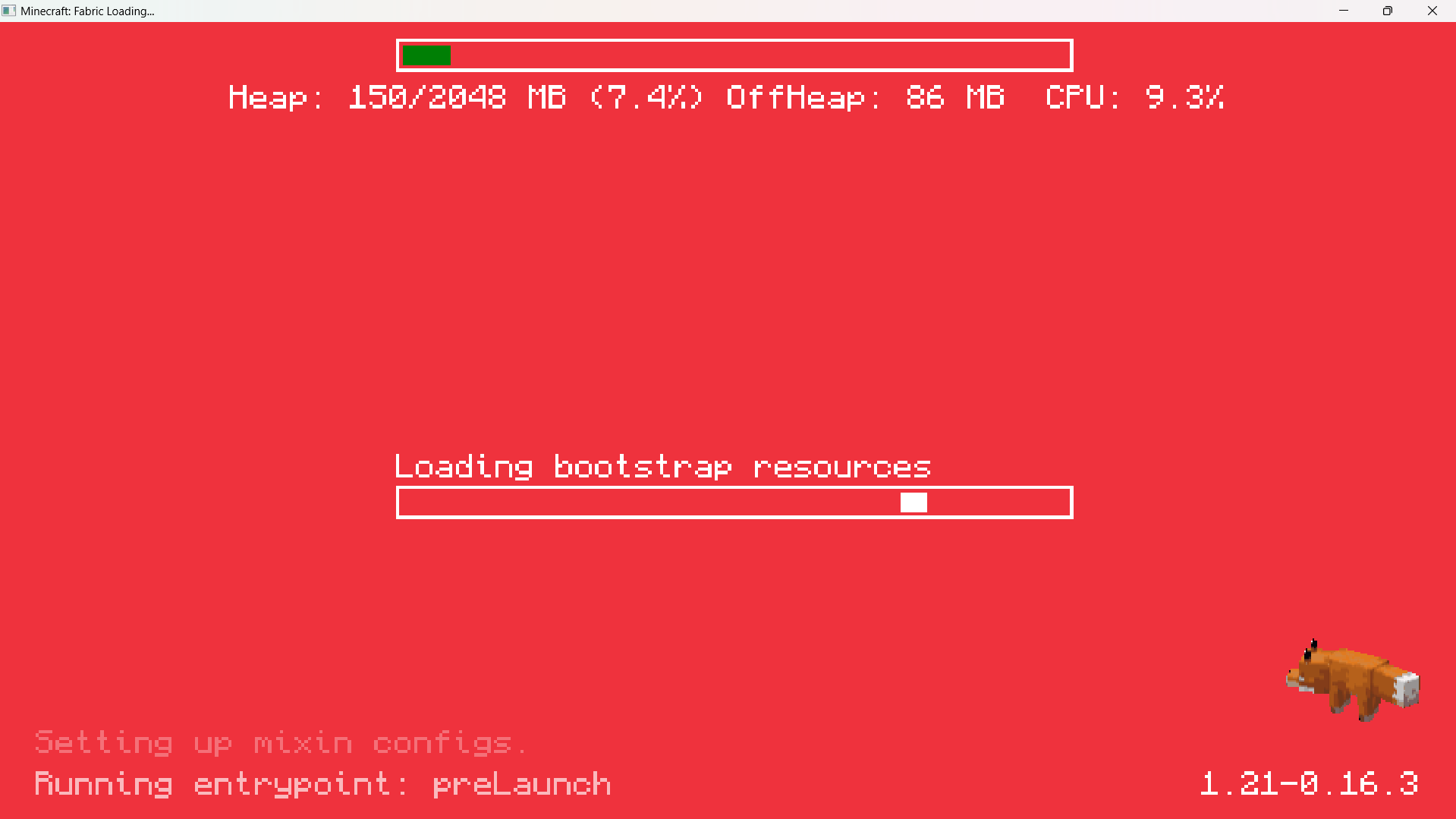
(Neo)Forge Early Loading Screen for Fabric brings the familiar loading screen from Forge and NeoForge directly to the Fabric modloader. It ports the early display system so players can see bootstrap resources, memory usage, and loading progress right as the game starts.
Features:
- Brings the startup loading screen to the Fabric modloader.
- Shows a live progress bar and bootstrap resources during game startup.
- Displays current memory usage on the loading screen.
Configuration:
- Select “Monochrome Logo” in the ingame options menu to make the background monochrome.
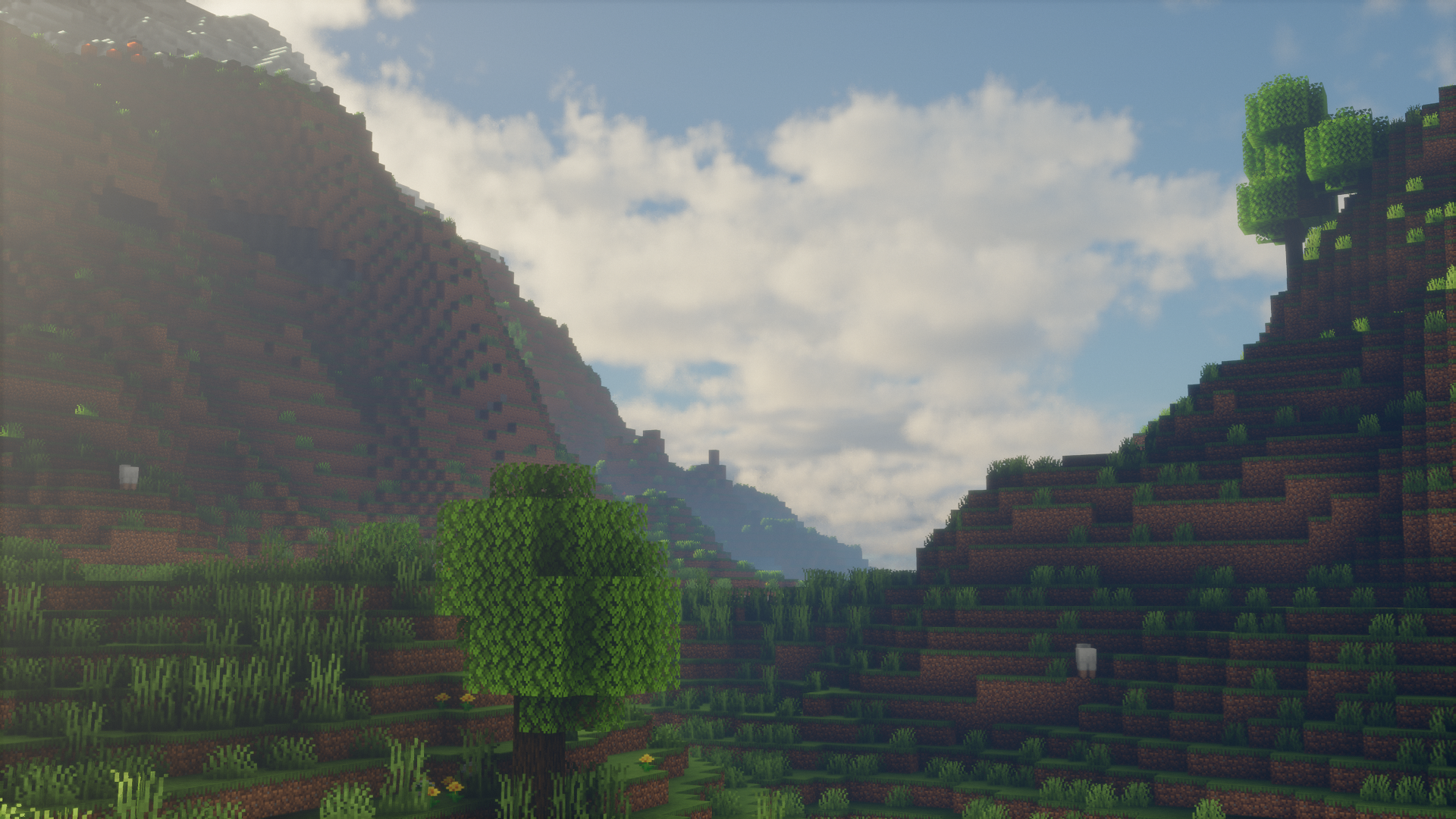
Screenshots:

How to Install:
New to Minecraft? Follow our step-by-step guide to install Mods on your PC.View Guide
Forge Early Loading Screen for Fabric Mod Download Links
For All Versions from Minecraft 1.20.1 to Minecraft 1.21.1, 1.21
Fabric version: Download from Server 1 – Download from Server 2
Click to rate this post!
[Total: 0 Average: 0]
You May Also Like
Picked for this page
 Sinytra Connector Mod (1.21.11, 1.20.1) – Fabric Mod Support on Forge and NeoForge
 Just Enough Effect Descriptions Mod (1.21.11, 1.20.1) – Display Information on All Status Effects
 Just Enough Characters Mod (26.3, 1.20.1) – Find Any Item Using Pinyin
 Fire Spread Tweaks Mod (26.3, 1.20.1) – Disables Default Fire Spread
 Simply No Shading Mod (26.2, 1.20.1) – Uniform Brightness Across All Blocks
 VTDownloader Mod (26.2, 1.20.1) – In-Game Resource Pack Downloads
 Raise Sound Limit Simplified Mod (26.3, 1.20.1) – Fix Audio Cutoffs In Minecraft
 Dimensional Sync Fixes Mod (1.21.1, 1.20.1) – Fixes Two Dimension Teleportation Bugs
 Fragmentum Mod (26.1.2, 1.20.1) – Base Module For Obscuria Mods
 Warfare Wings Mod (1.21.11, 1.20.1) – Rule the Skies in Classic WWII Fighter
 Smidgeon O’ Bliss REMASTERED Mod (1.20.6, 1.20.1) – Eat for Buffs, Not Hunger
 More Recipes and More Mod (26.1.2, 1.21.1) – Mine Custom Ores and Forge
Most viewed in Mods over the last 7 days
 Ala Industrial Mod (26.3) – Run Electric Power Grids and Automated Factories
 PleasureCraft Mod (26.3, 1.21.1) – Jenny Mod Remake for Fabric
 Jennycraft Mod (26.3, 1.20.1) – Virtual Girlfriend in Minecraft
 Fapcraft Mod (26.3, 1.12.2) – Comprehensive and Detailed Content
 Jenny Mod (Fapcraft) Official Complete Guide – How to use, Tutorial
 BangCraft Mod (1.20.1) – Jenny, Ellie and Elliot
 Fabric Loader (26.3, 1.20.1) – Fabric Installer for All Minecraft Versions
 Meteor Client Mod (26.3, 1.20.1) – Xray, HUD, Fly
 The Shooting Star Demo Mod (26.3, 1.20.1) – Vaporize Terrain From Orbit
 OptiFine HD (26.3, 1.20.1) – Run Faster, FPS Boost, Shaders Support
 Aristois Client Mod (1.21.4, 1.20.1) – World Class Minecraft Utility
 SchnurriTV Mod (1.12.2) – Characters and Features
More from Mods
 Load My Tags 9minecraft Mod (26.3) – Mix Mods Without Breaking Recipes
 Kambrik 9minecraft Mod (26.3) – Run Kotlin Mods Without Game Lag
 Fast Paintings 9minecraft Mod (26.3, 26.2) – Place Wall Art Exactly Where You Want It
 Bonsai Trees 9minecraft Mod (26.3, 26.2) – Automate Wood Farming in Tiny Pots
 Enhanced Block Entities 9minecraft Mod (26.3) – Build Lag-Free Storage Rooms
 Better Nether 9minecraft Mod (26.3, 26.2) – Survive Forever in the Nether
 BCLib 9minecraft Mod (26.3, 26.2) – Power Custom Nether and End Overhauls
 ForgedLoaderAPI Mod (1.19.2, 1.18.2) – Bring Ported Fabric Creations
 Shield System Mod (1.21.1) – Tank Heavy Monster Hits Without Losing Hearts
 Shin’s Tensura Race Models Mod (1.19.2) – Play As Unique 3D Anime Race
 Offgrid Mod (26.3, 1.20.1) – Furnish Compact Interiors Without Strict Grid
 Tempest Almanac Iron’s Spells ‘n Spellbooks Mod (1.21.1, 1.20.1)

This post has no comments yet. Be the first — your comment will appear here.