
Knowlogy Book Mod (1.21.4, 1.21.1) – Unlock Answers As You Play
 313
 0


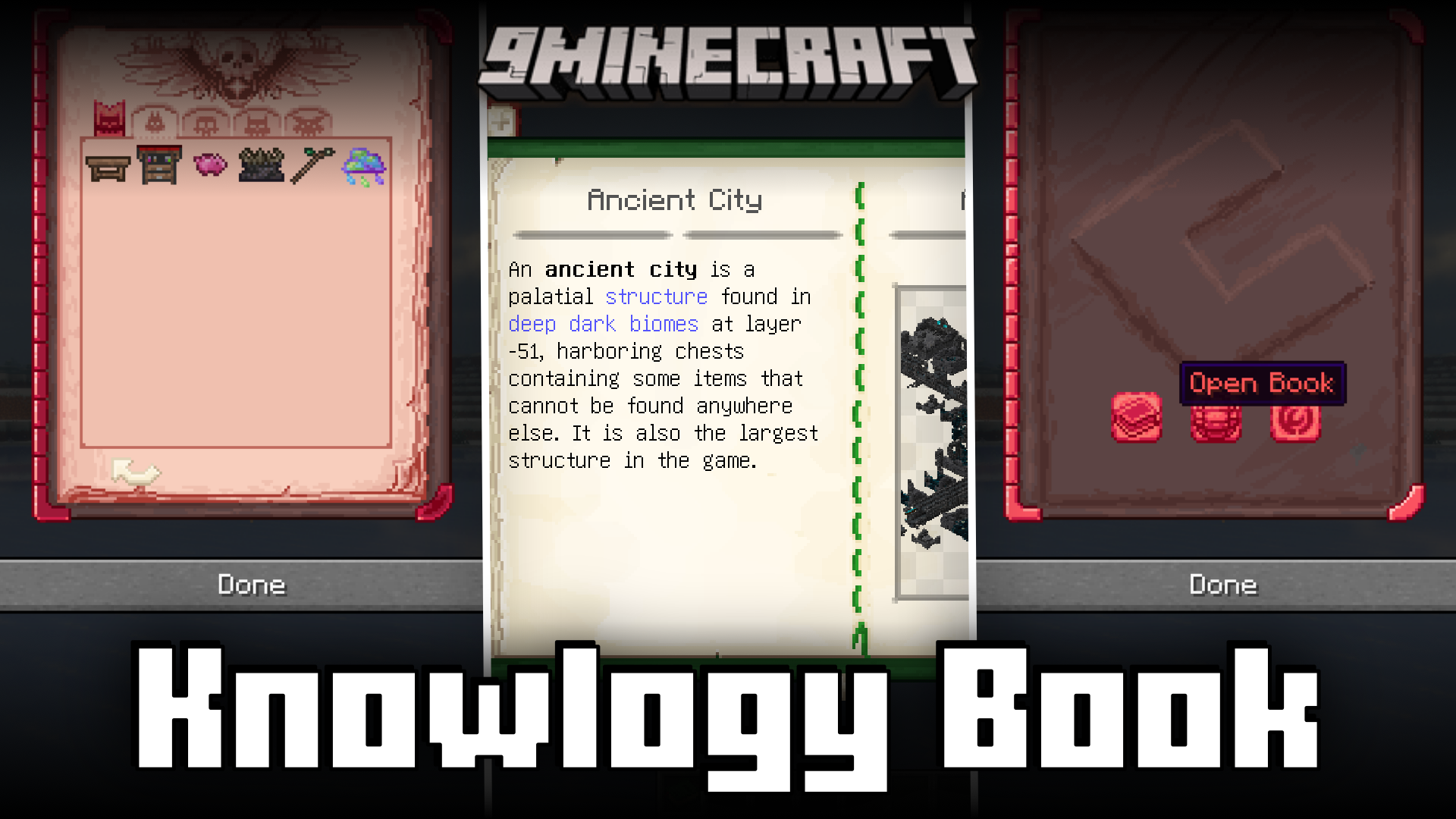
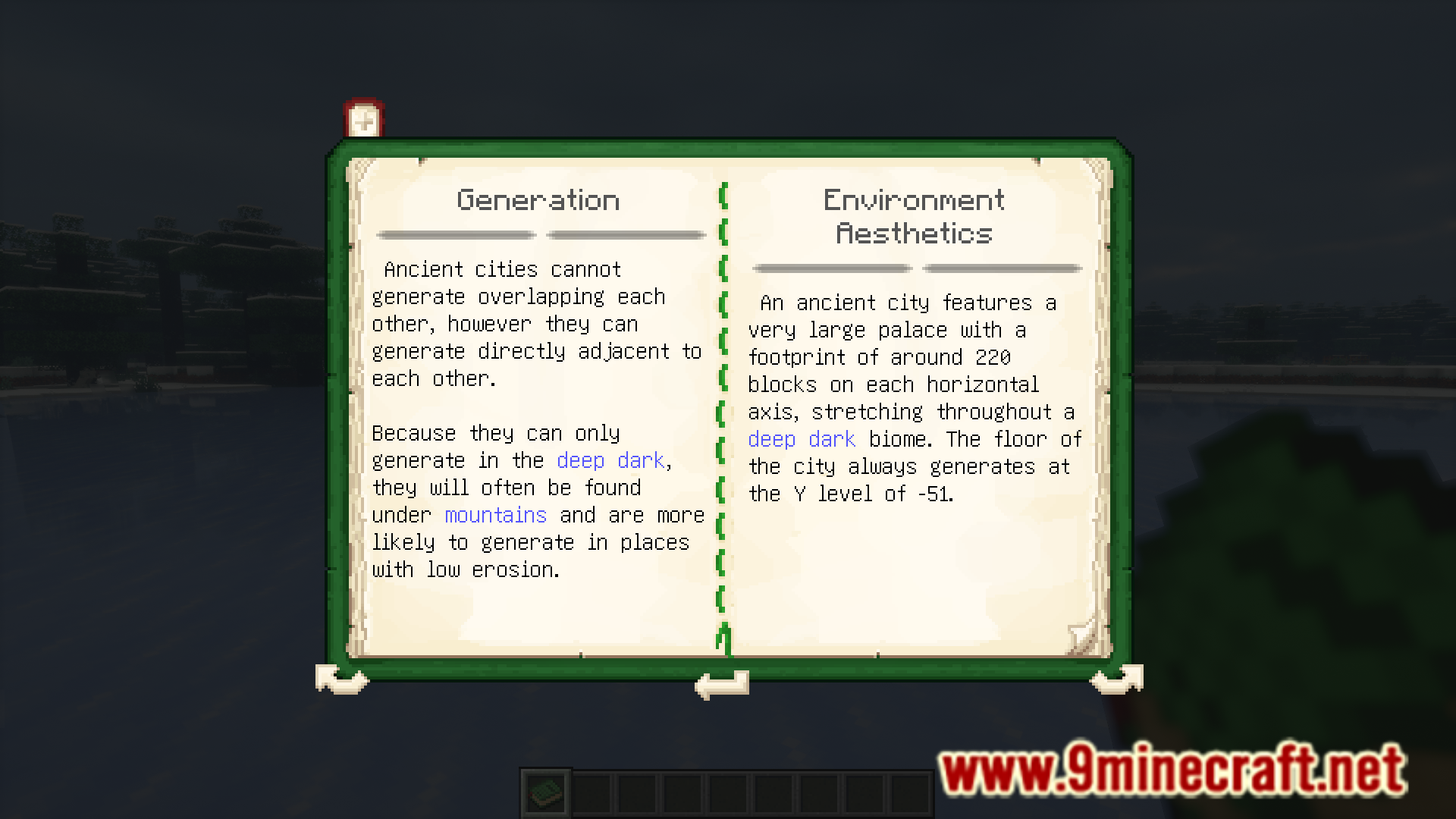
Knowlogy Book Mod adds an in-game guidebook that brings Minecraft Wiki information straight into your world. New pages unlock step by step as you complete achievements, so helpful details appear right when you need them instead of flooding you with giant walls of text at the start. Rather than acting as a plain recipe list, the guidebook explains how items connect and how gameplay mechanics and structures work, and it pairs well with recipe viewers like JEI and EMI. Built-in resource packs organize the guide by game updates and let players add or edit pages and categories anytime. This mod runs on both Fabric and NeoForge and needs Lavender and owo Lib to work.
Features:
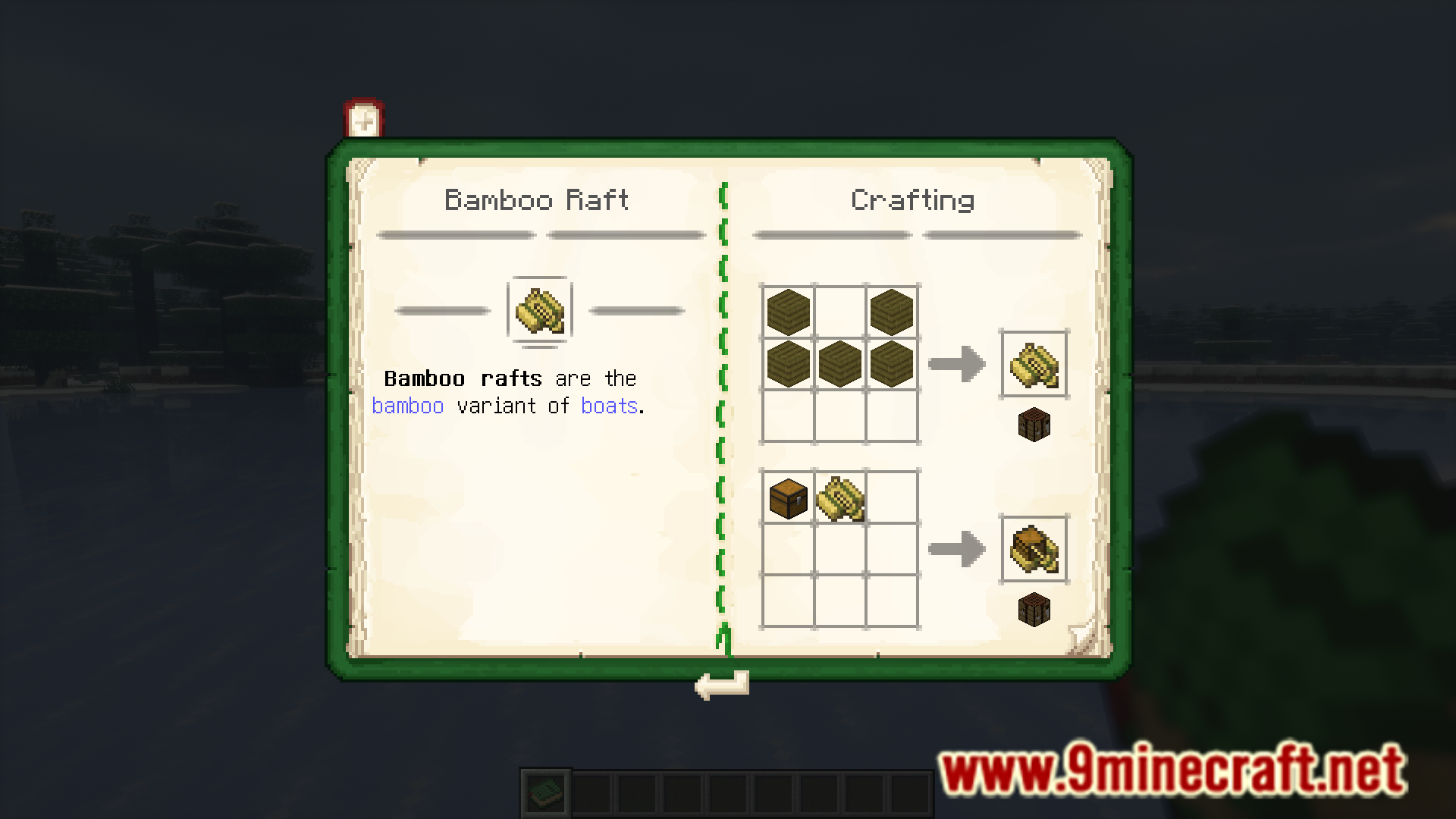
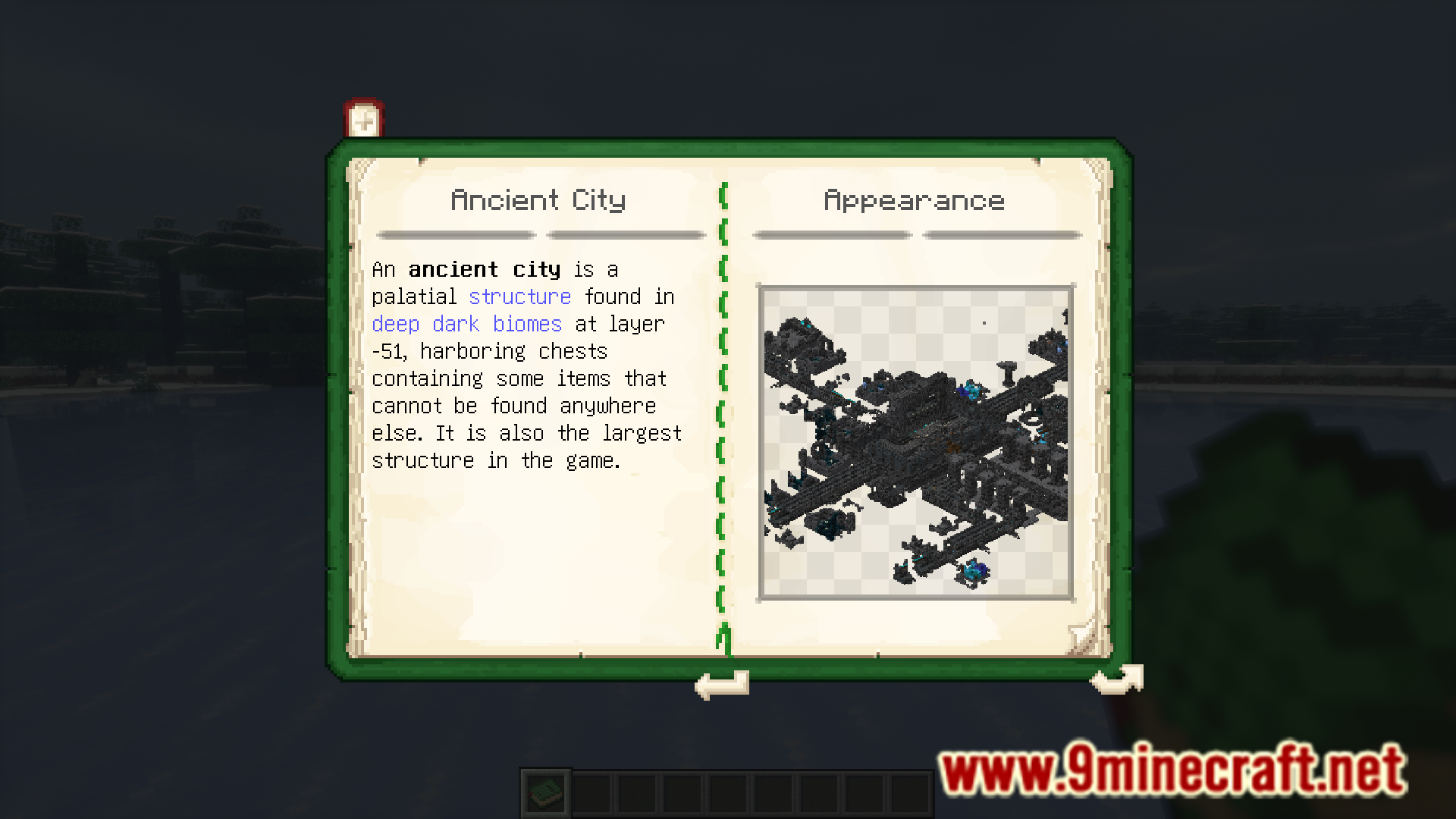
- In-Game Wiki Guidebook: Adds the Book ‘o Knowlogy, a guidebook that puts Minecraft Wiki details about gameplay mechanics, items, and structures right inside your game so you do not need to open a web browser.
- Achievement-Based Unlocks: Unlocks new pages as you complete achievements, giving you useful information as you progress instead of showing huge walls of text or long item lists right away.
- Expandable Resource Packs: Stores all guide pages inside built-in resource packs sorted by game updates, letting you add or edit pages and categories with your own resource packs.
- Draws inspiration from the Knowledge Book and the Host of Knowledge in Minecraft: Legends, with lore describing the book as a magical artifact that learns from its surroundings and shares that knowledge with its reader.
- Focuses on showing how items connect and explaining how gameplay mechanics work instead of acting as a basic recipe viewer.
- Works alongside recipe viewer mods like JEI and EMI so they show automatic crafting recipes while this book handles deeper guides.
- Gives you a free book through an achievement the first time you place a Crafting Table on the ground.
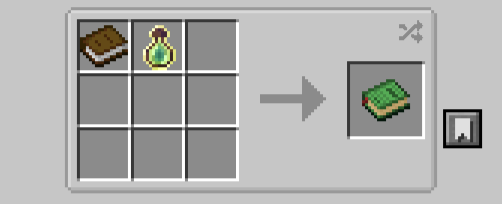
- Lets you craft the book on a crafting grid with one Book and one Bottle o’ Enchanting in any shape.
- Places the book in the Tools and Utilities tab in Creative mode for quick access.
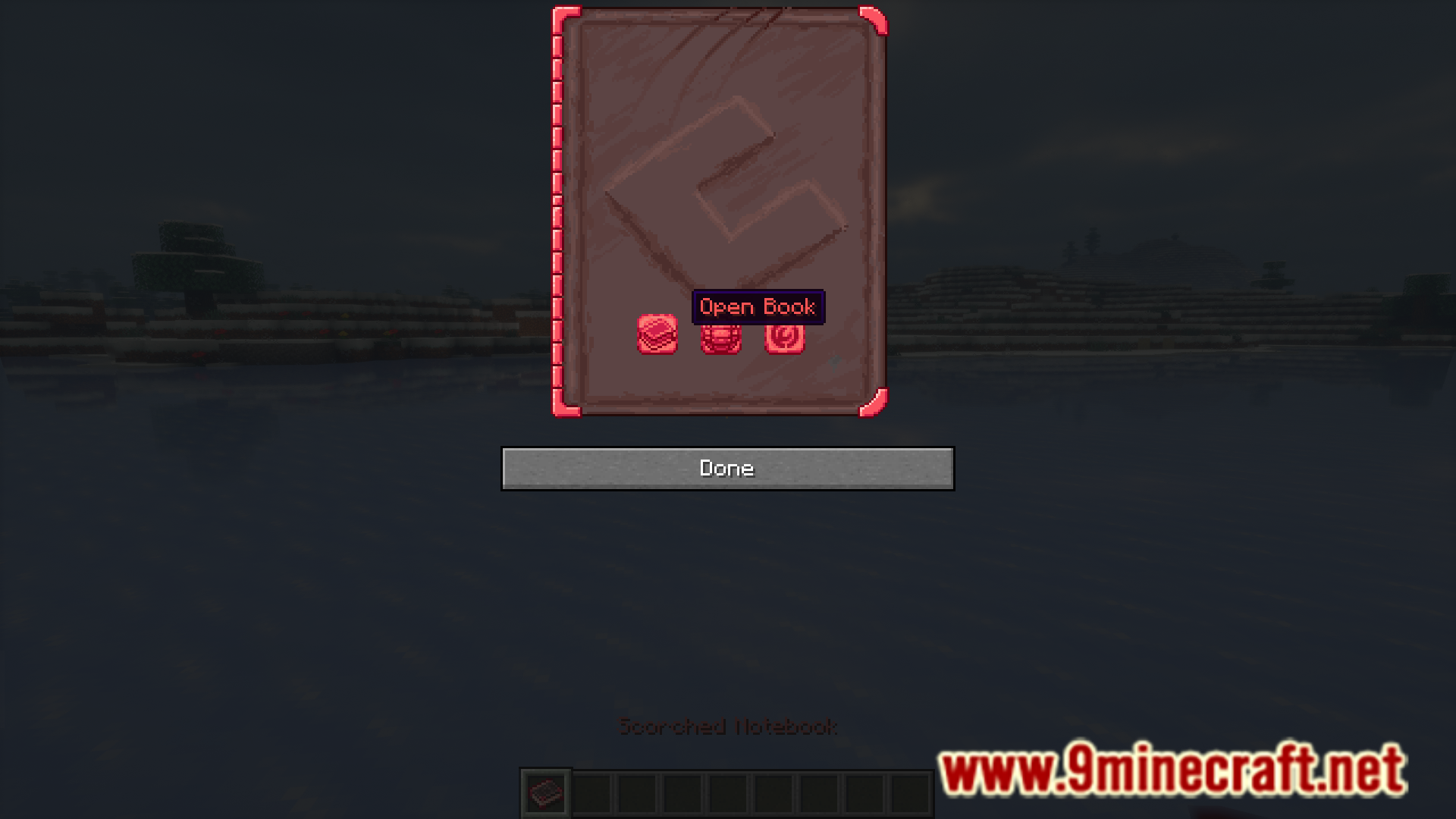
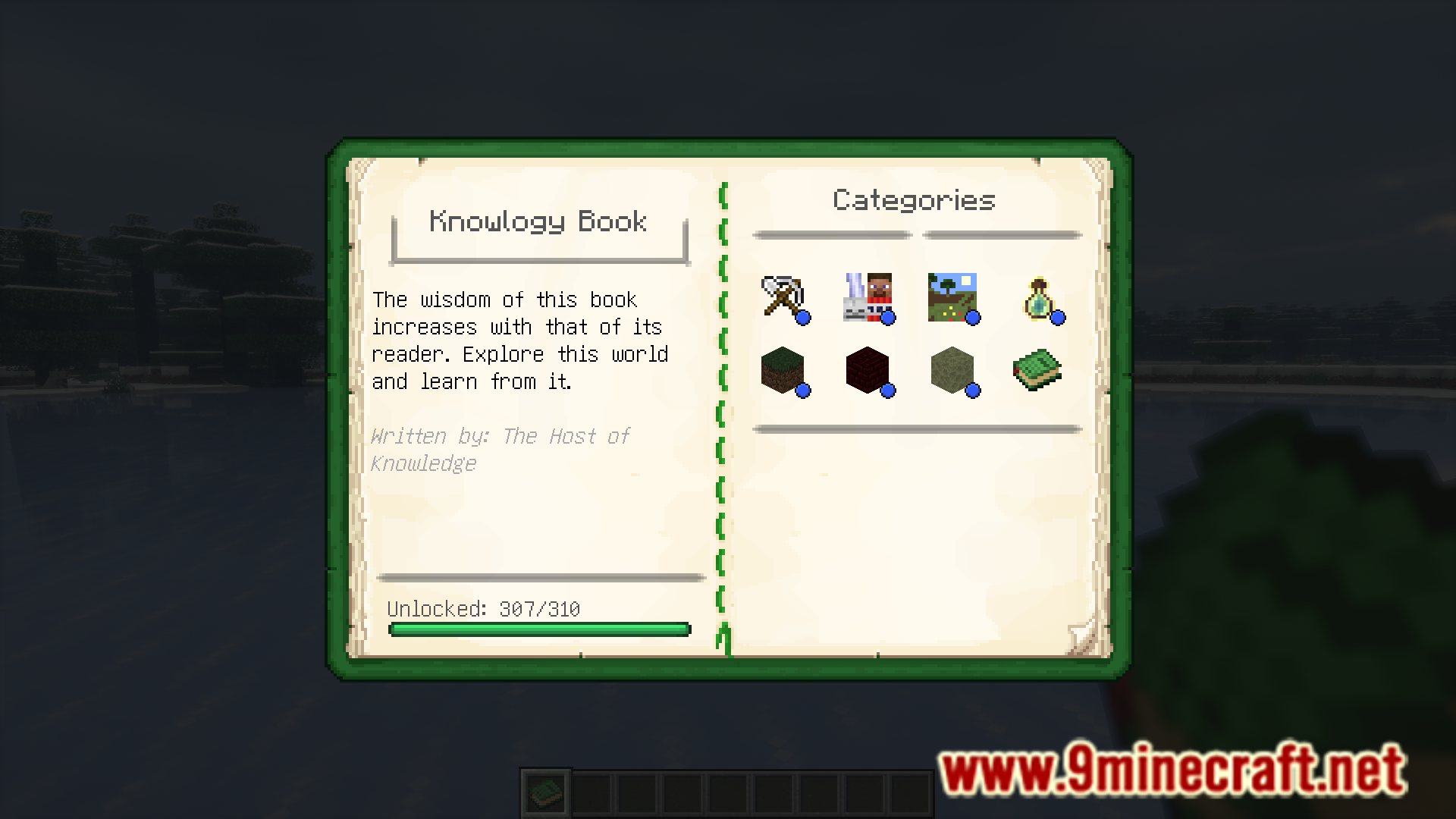
- Displays an unlocked progress bar and ten category icons on the landing page so you can easily track how many entries you have unlocked.
Commands:
/get-lavender-book knowlogy:knowlogy_book: Gives you the Book ‘o Knowlogy on both Fabric and NeoForge./give @s knowlogy:knowlogy_book: Gives you the guidebook item directly on Fabric only (this item ID does not work on NeoForge).
How to Use:
- Place a Crafting Table on the ground for the first time to trigger an achievement and receive a free Book ‘o Knowlogy.
- Craft extra copies anytime by placing one Book and one Bottle o’ Enchanting in any shape on a crafting grid, grab one from the Tools and Utilities Creative tab, or run
/get-lavender-book knowlogy:knowlogy_book. On Fabric, you can also run/give @s knowlogy:knowlogy_book. - On NeoForge, do not take the
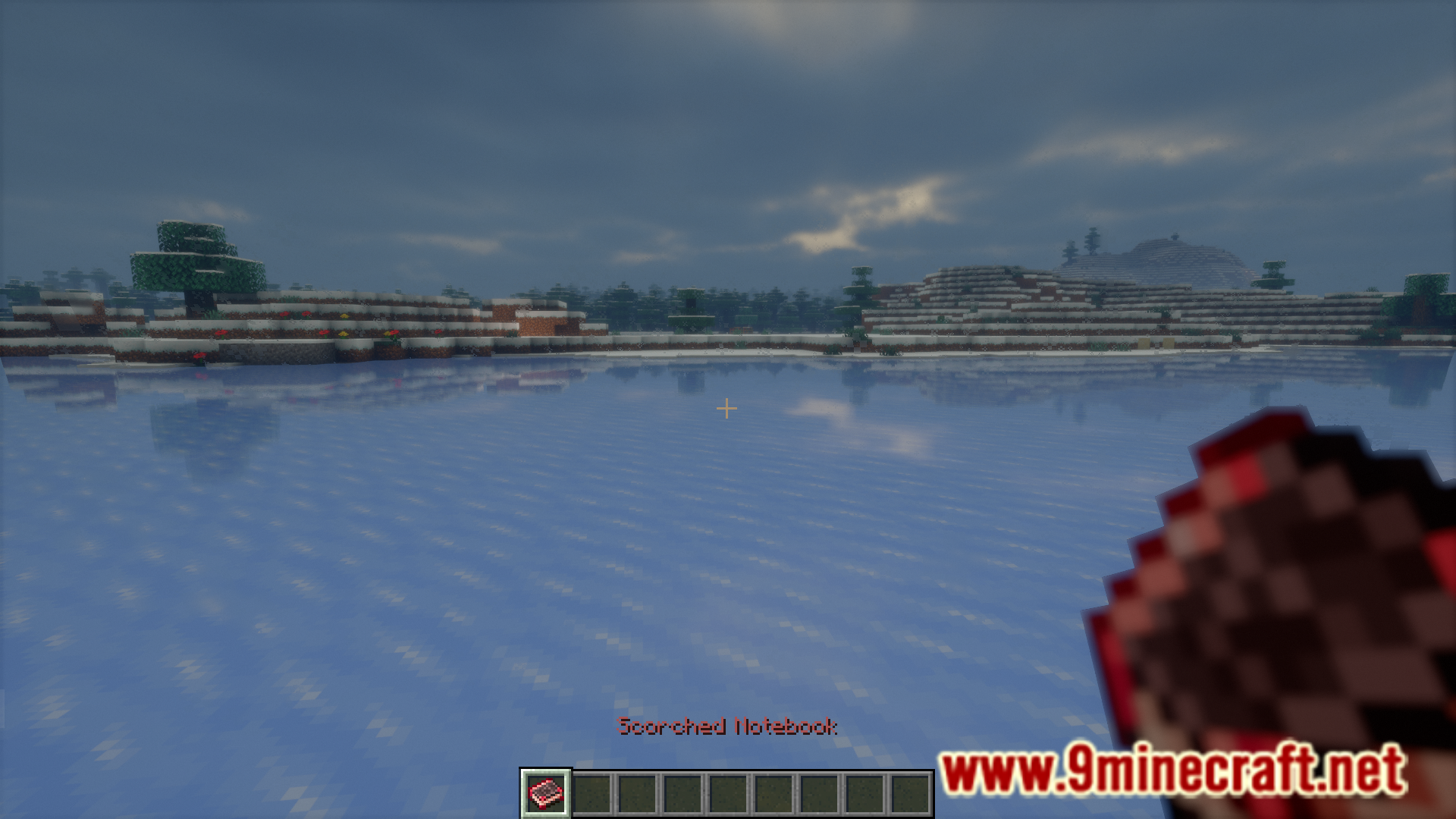
knowlogy:knowlogy_bookitem from JEI or EMI because that item ID does not work there; get your book from the achievement, crafting recipe, or/get-lavender-book knowlogy:knowlogy_bookinstead. - Hold the book in your hand and Right-click to open it, check your unlocked progress bar, and pick a category to read.
- Keep playing and completing achievements to unlock more pages and guides as you explore.
- If the book opens empty and shows
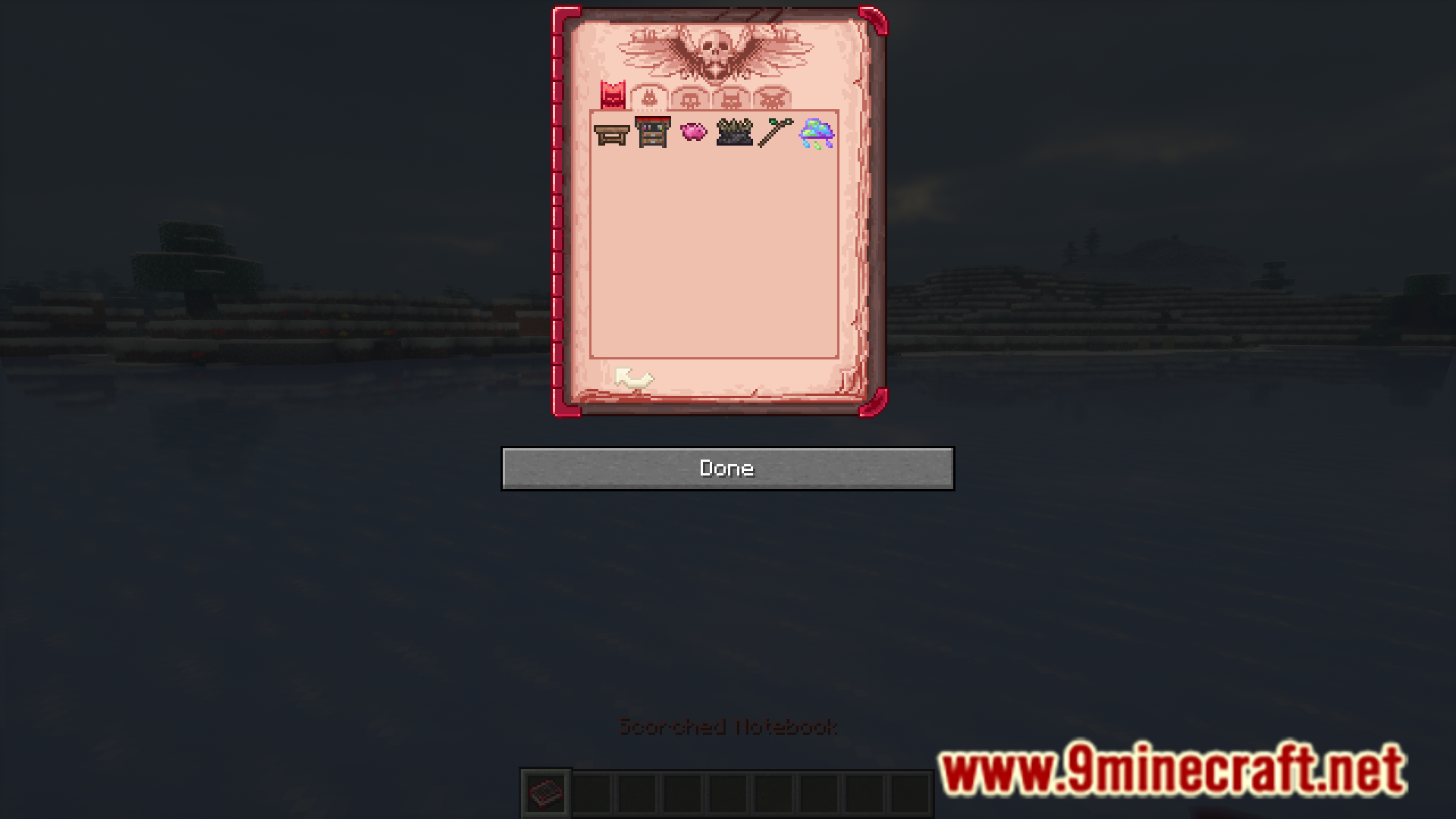
Unlocked: 0/0with all categories locked, open your Resource Packs menu and enable the built-in packs that have “Knowlogy” in the name and the book icon so the page data loads.
Crafting Recipes:
Screenshots:
How to Install:
New to Minecraft? Follow our step-by-step guide to install Mods on your PC.View Guide
Requirements:
Knowlogy Book Mod Download Links
For Minecraft 1.21.4
Fabric version: Download from Server 1 – Download from Server 2
For Minecraft 1.21.3, 1.21.2
Fabric version: Download from Server 1 – Download from Server 2
For Minecraft 1.21.1, 1.21
Fabric version: Download from Server 1 – Download from Server 2
How often do you actually finish a progression-based modpack (reaching the final quest or endgame item)?
7 responses · See the full results →
You May Also Like
Picked for this page
 Iron Jetpacks Mod (26.1.2, 1.20.1) – Fully Customizable FE Powered Jetpacks
 Enderman Overhaul Mod (1.21.11, 1.20.1) – Hunt Endermen for New Loot
 Tree Timber Mod (26.3, 1.21.1) – Smarter Logging
 Benched Mod (26.3, 1.20.1) – Now You Can Craft Picnic Benches
 Illusory Walls Mod (1.21.11, 1.20.1) – The Wall Will Fade
 CoffeeG’s Wall Climbing Mod (1.21.11, 1.20.1) – Climb Walls Like A Pro
 Early Loading Screen Mod (1.21.4, 1.20.1) – Display Information While The Game is Loading
 Create Cobblestone Mod (1.21.1, 1.20.1) – Reduce Lag Caused By Block Generators
 Transparent Nametags Mod (26.2, 1.21.11) – Makes Nametag Backgrounds Transparent
 Bonemeal Sugarcane Mod (26.3, 1.21.1) – Grow Sugarcane Faster
 Bandanas Mod (1.21.11, 1.20.6) – Sixteen Different Bandanas
 Logarithmic Volume Control Mod (26.3, 1.20.1) – Natural Audio Scaling
Most viewed in Mods over the last 7 days
 Ala Industrial Mod (26.3) – Run Electric Power Grids and Automated Factories
 PleasureCraft Mod (26.3, 1.21.1) – Jenny Mod Remake for Fabric
 Jennycraft Mod (26.3, 1.20.1) – Virtual Girlfriend in Minecraft
 Fapcraft Mod (26.3, 1.12.2) – Comprehensive and Detailed Content
 Jenny Mod (Fapcraft) Official Complete Guide – How to use, Tutorial
 BangCraft Mod (1.20.1) – Jenny, Ellie and Elliot
 Fabric Loader (26.3, 1.20.1) – Fabric Installer for All Minecraft Versions
 Meteor Client Mod (26.3, 1.20.1) – Xray, HUD, Fly
 The Shooting Star Demo Mod (26.3, 1.20.1) – Vaporize Terrain From Orbit
 OptiFine HD (26.3, 1.20.1) – Run Faster, FPS Boost, Shaders Support
 Aristois Client Mod (1.21.4, 1.20.1) – World Class Minecraft Utility
 SchnurriTV Mod (1.12.2) – Characters and Features
More from Mods
 Fast Paintings 9minecraft Mod (26.3, 26.2) – Place Wall Art Exactly Where You Want It
 Bonsai Trees 9minecraft Mod (26.3, 26.2) – Automate Wood Farming in Tiny Pots
 Enhanced Block Entities 9minecraft Mod (26.3) – Build Lag-Free Storage Rooms
 Better Nether 9minecraft Mod (26.3, 26.2) – Survive Forever in the Nether
 BCLib 9minecraft Mod (26.3, 26.2) – Power Custom Nether and End Overhauls
 ForgedLoaderAPI Mod (1.19.2, 1.18.2) – Bring Ported Fabric Creations
 Shield System Mod (1.21.1) – Tank Heavy Monster Hits Without Losing Hearts
 Shin’s Tensura Race Models Mod (1.19.2) – Play As Unique 3D Anime Race
 Offgrid Mod (26.3, 1.20.1) – Furnish Compact Interiors Without Strict Grid
 Tempest Almanac Iron’s Spells ‘n Spellbooks Mod (1.21.1, 1.20.1)
 Chat Guides Mod (26.3, 1.21.11) – Never Memorize Complex Server Commands Again
 TRMT Reimagined the Roads More Travelled Mod (26.3, 1.20.1)

This post has no comments yet. Be the first — your comment will appear here.