
Structure Credits Mod (1.21.1, 1.20.1) – Identify Modded Dungeons
 431
 0


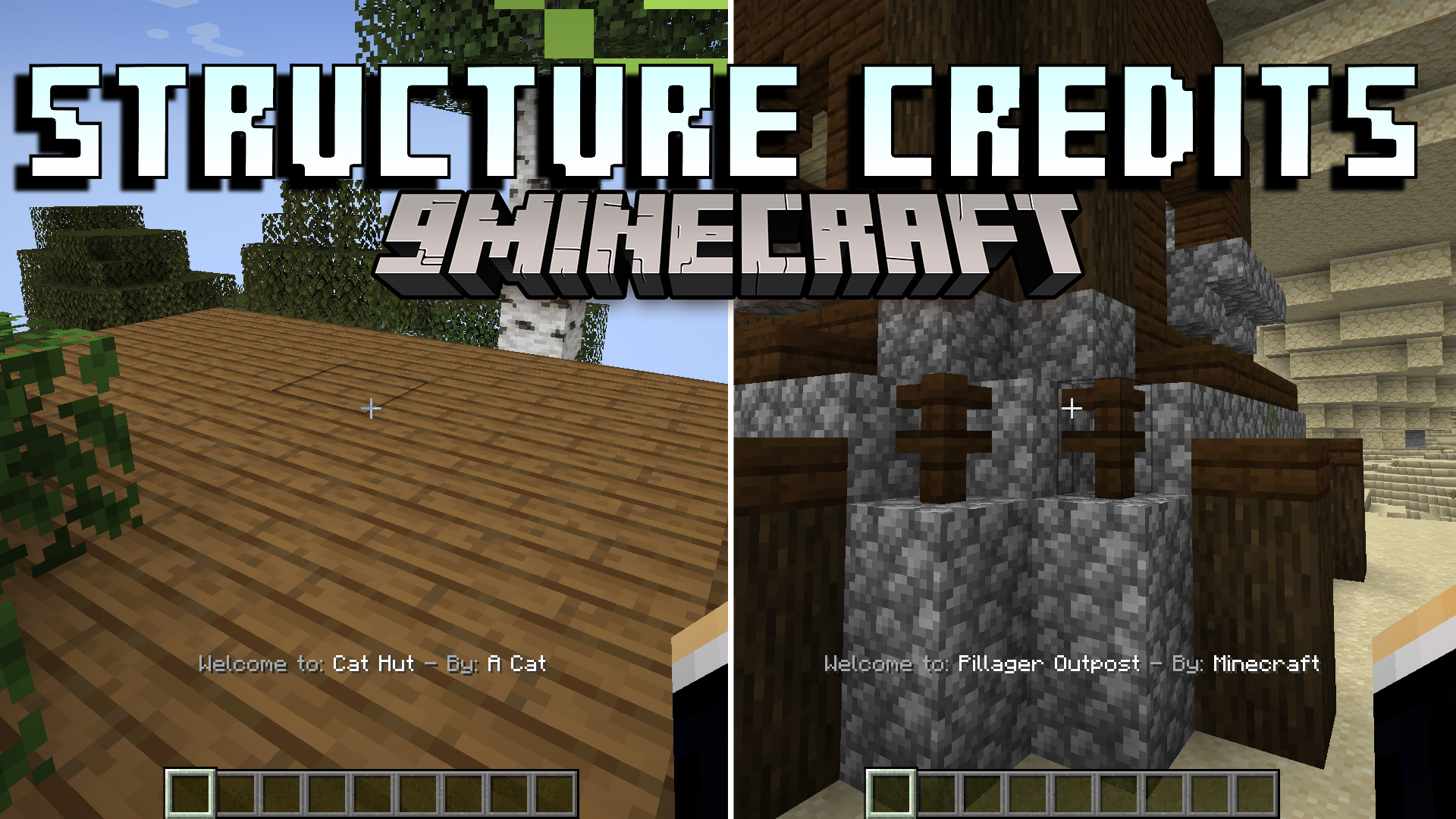
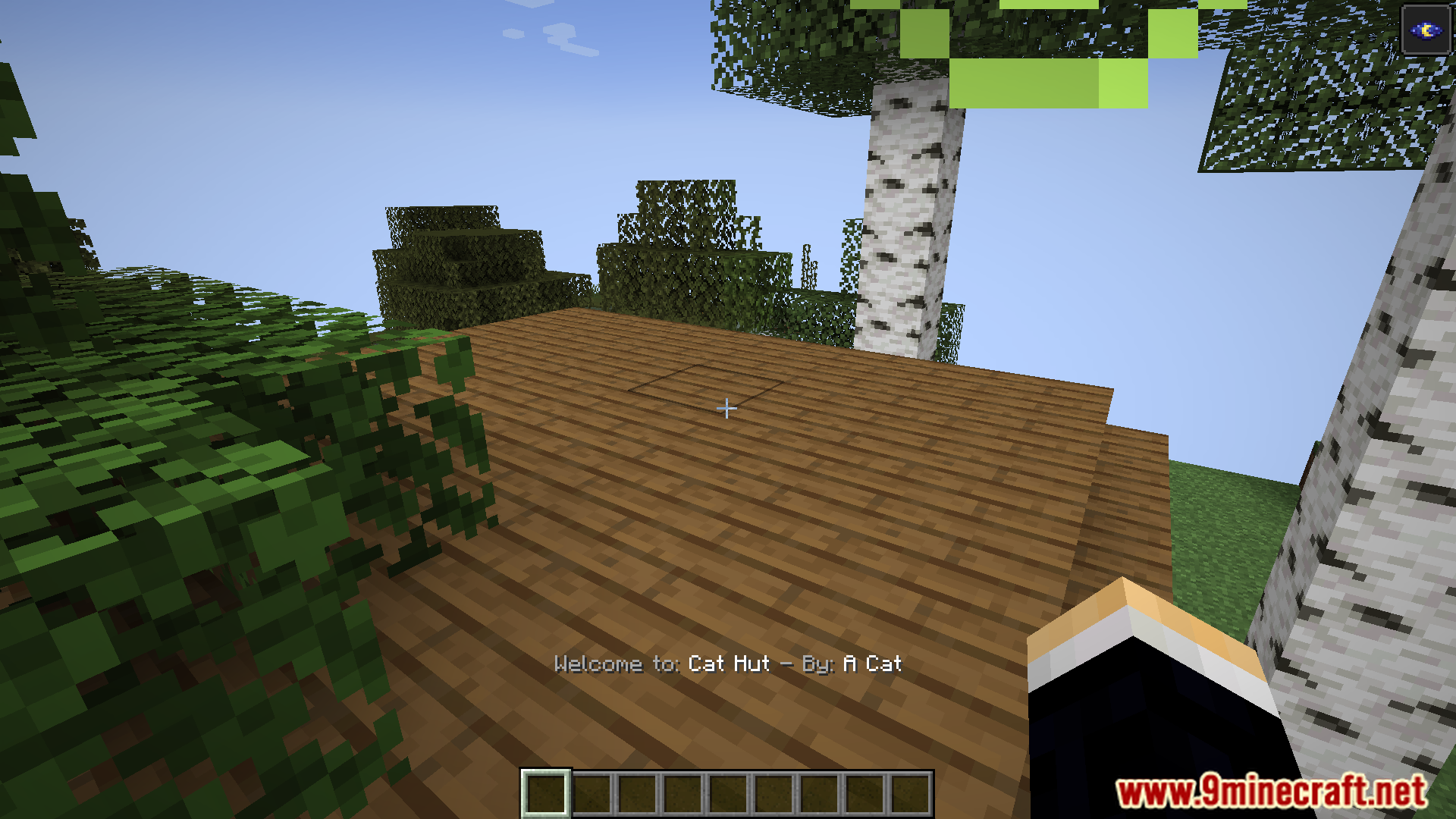
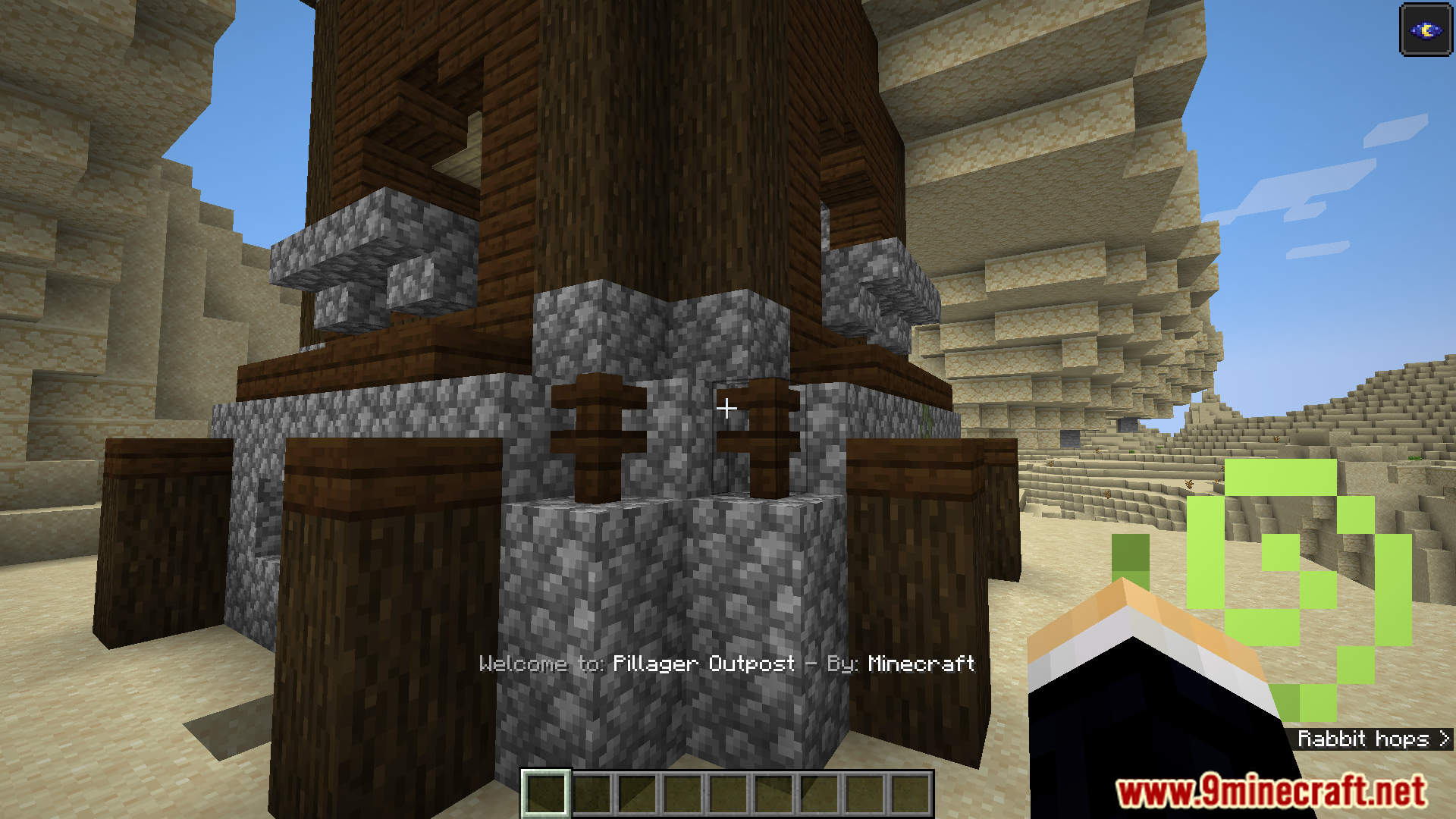
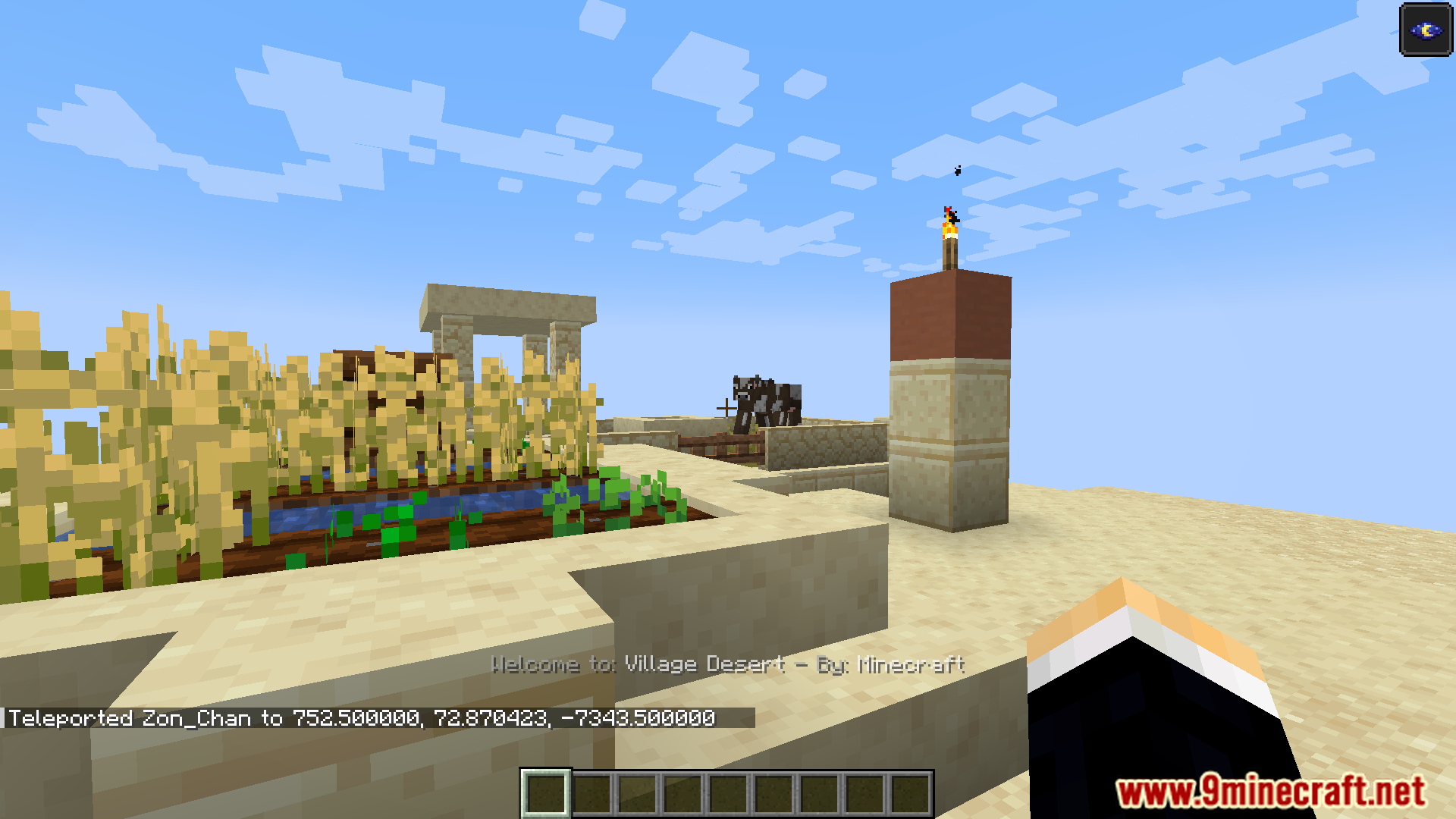
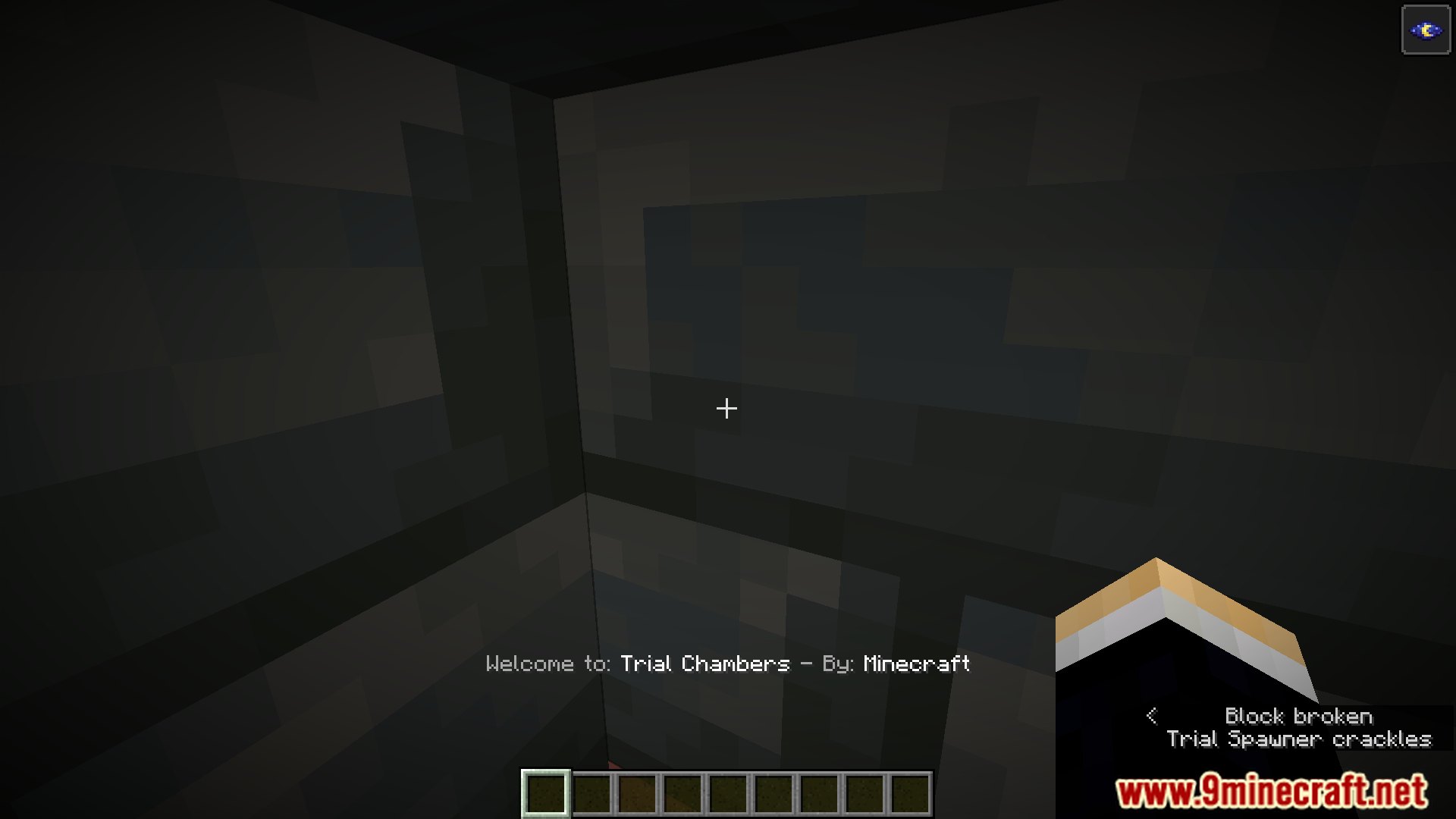
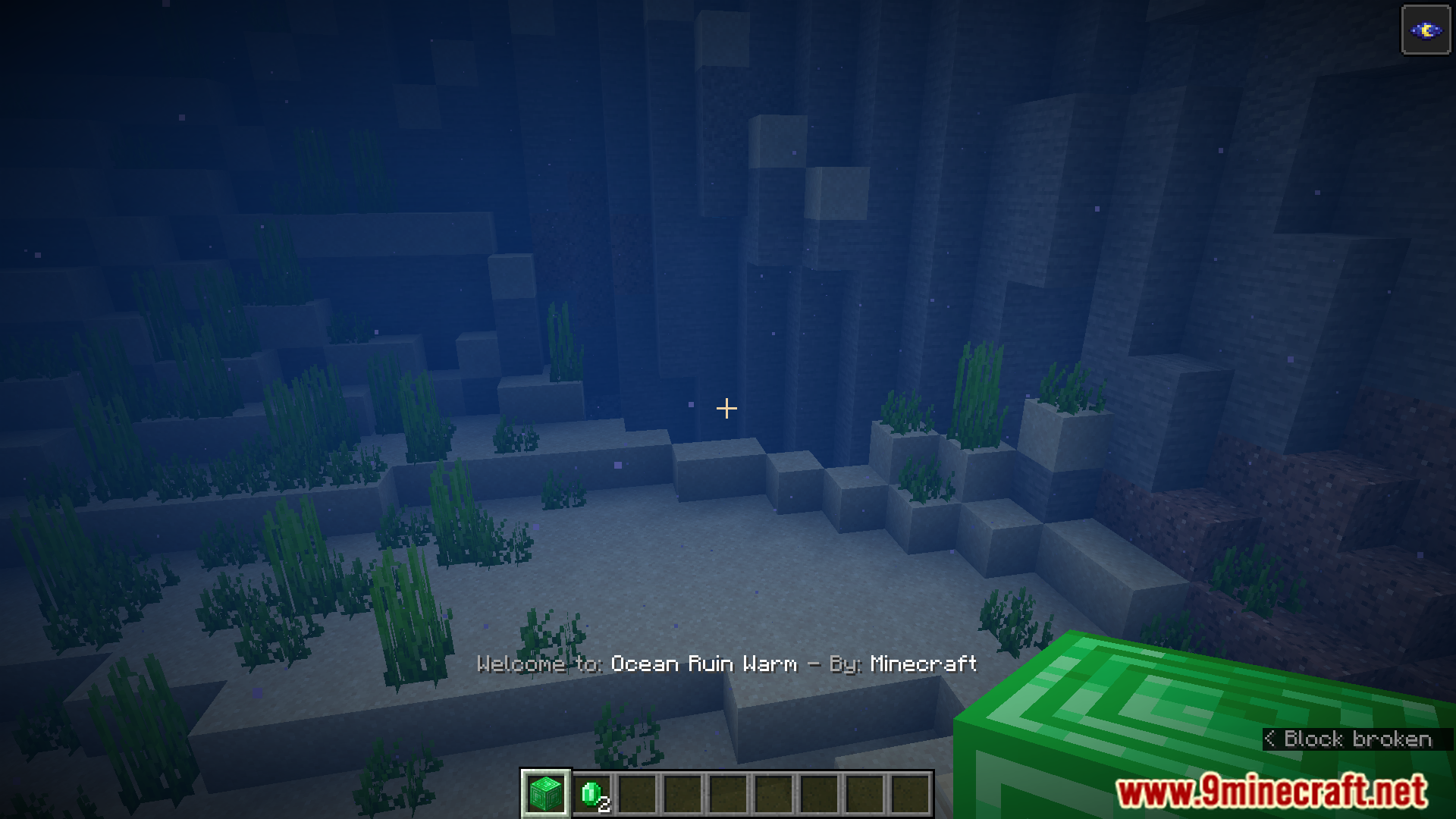
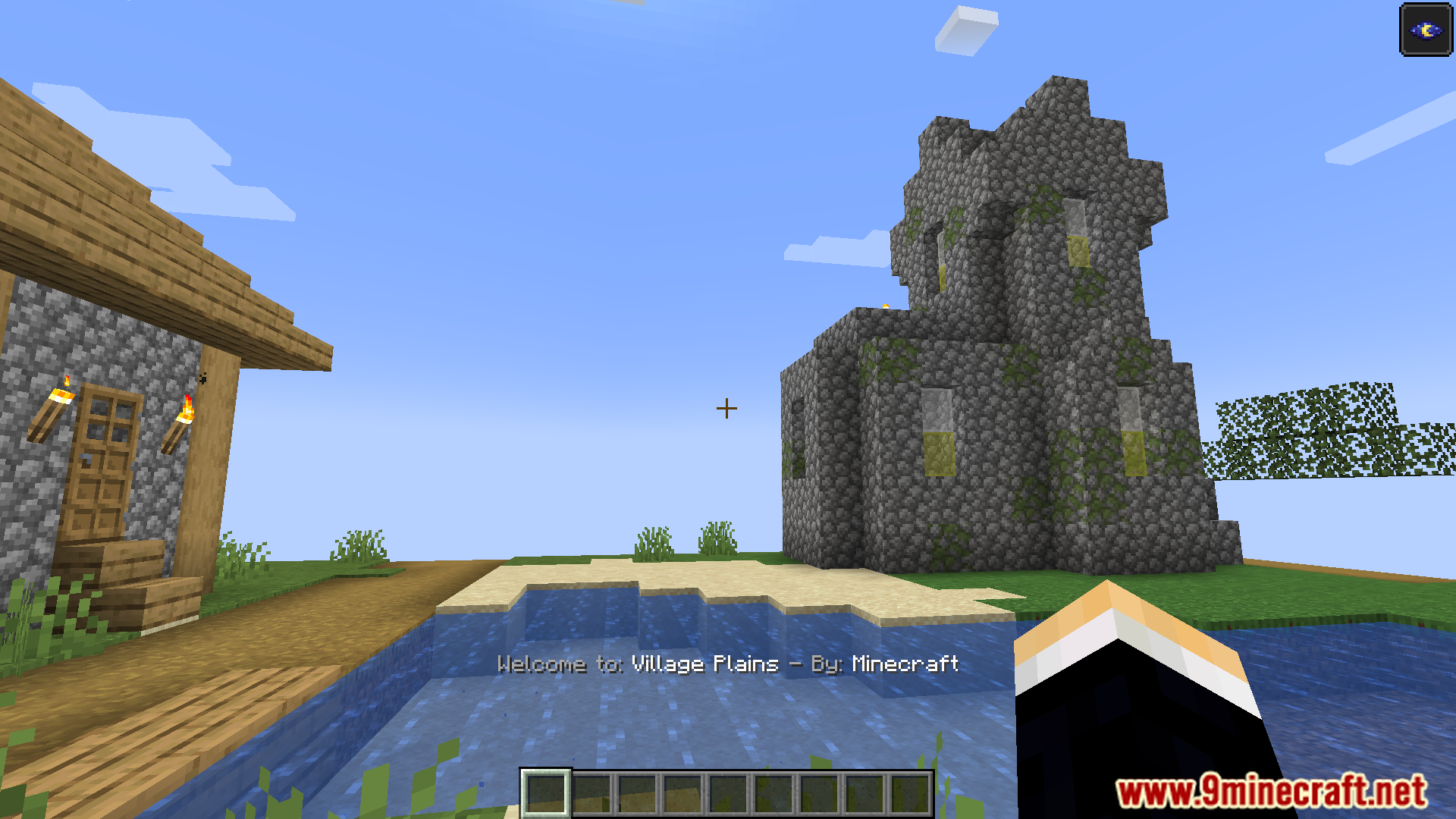
Structure Credits Mod displays the name and source mod of any structure as soon as you step inside it. This mod works with structures from other mods, including custom rooms from Dimensional Dungeons. By default, each message appears only once per structure, so bases built inside structures stay free of spam. You can also rename structures, filter out specific buildings or vanilla structures, toggle chat messages, and disable all alerts with a keybind.
Features:
- Displays the structure name and source mod on your screen the moment you step inside.
- Works smoothly with structures added by other mods.
- Shows each structure alert only once by default, so living inside a structure never feels spammy.
- Avoids repeat popups even when one-time mode is off, since you must leave, visit a different structure, and come back to see the same message again.
- Hides vanilla Minecraft structures by default, with an option to turn them on in the config file.
- Lets you set custom names for specific structures instead of using their default names.
- Lets you filter out whole mod namespaces or hide individual structures you do not want to see.
- Supports showing structure notifications in chat as an option.
- Includes an in-game keybind so you can turn off all structure messages at any time.
- Works with Dimensional Dungeons to show messages only in custom rooms under the default settings, using the package name for “By: X” and the structure name for “Welcome to: X”.
- Can be included in custom modpacks.
Configuration:
active: Turns the mod on or off (default:true).showOnlyOneTime: Shows each structure message only once per structure (default:true).chatMessage: Displays structure messages in chat when set totrue(default:false).customStructureName: Replaces the default name and label of specific structures with custom text.dontShowAll: Hides all structures from listed namespaces, such as"minecraft:"and"dimdungeons:"by default.dontShow: Hides messages for specific individual structures.
Default structurecredits-config.json file:
{
  "active": true,
  "showOnlyOneTime": true,
  "chatMessage": false,
  "customStructureName": {
    "minecraft:swamp_hut": "a_cat:cat_hut"
  },
  "dontShowAll": [
    "minecraft:",
    "dimdungeons:"
  ],
  "dontShow": [
    "minecraft:plains_village",
    "minecraft:desert_village"
  ]
}
How to Use:
- Step inside any generated structure in your world to see its name and source mod appear on your screen.
- Open the
structurecredits-config.jsonfile inside your config folder to adjust how messages work. - Delete the lines starting with
"minecraft:"underdontShowAllif you want alerts to appear for vanilla Minecraft structures. - Add entries under
customStructureName(for example,"minecraft:swamp_hut": "a_cat:cat_hut") to change the name and label shown for a structure. - Add mod namespaces to
dontShowAllor individual structure IDs todontShowto hide messages you do not want to see, and keep"dimdungeons:"indontShowAllwhen using Dimensional Dungeons so alerts only appear in custom rooms. - Set
showOnlyOneTimetofalseif you want messages to show again after visiting another structure, or setchatMessagetotrueto send alerts to chat. - Open your in-game Controls menu and assign a key to the Structure Credits Mod keybind so you can press it anytime to turn off all messages.
Screenshots:
How to Install:
New to Minecraft? Follow our step-by-step guide to install Mods on your PC.View Guide
Requirements:

Structure Credits Mod Download Links
For Minecraft 1.21.1, 1.21
NeoForge version: Download from Server 1 – Download from Server 2
For Minecraft 1.20.1
Forge version: Download from Server 1 – Download from Server 2
What do you prefer for world generation in a modded playthrough?
19 responses · See the full results →
You May Also Like
Picked for this page
 Zombie Awareness Mod (1.21.11, 1.20.1) – You Can Not Hide
 Pickle Tweaks Mod (26.1.2, 1.20.1) – Never Break Your Tools Again
 Litematica Printer Mod (26.3, 1.20.1) – Redstone-Aware Fast Block Auto Placement
 Cosmetic Armor Reworked Mod (1.21.11, 1.20.1) – Your Style with Max Armor
 Horse Statistics Mod (26.3, 1.20.1) – Attribute Display, Taming Assistance
 Giant Spawn Mod (26.3, 1.20.1) – Giant Zombie
 Toro’s Auto Mine Mod (26.3, 1.20.1) – Automatically Mine While Being AFK
 Danny’s Attack On Titan Mod (1.21.1) – Titan Has AI
 All Arrows Infinity Fix Mod (26.3, 1.21.1) – Using “Infinity” with All Arrows
 Adaptive Performance Tweaks (Bundle) Mod (26.3, 1.20.1) – Support Server Performance
 All The Wood We’ve Got Mod (1.21.11, 1.20.1) – Adds New Wooden Blocks to Existing Wood Types
 The Fence Unleashed Mod (26.3, 1.20.1) – Prevents Mobs Passing Through Fence Gates
Most viewed in Mods over the last 7 days
 Ala Industrial Mod (26.3) – Run Electric Power Grids and Automated Factories
 PleasureCraft Mod (26.3, 1.21.1) – Jenny Mod Remake for Fabric
 Jennycraft Mod (26.3, 1.20.1) – Virtual Girlfriend in Minecraft
 Fapcraft Mod (26.3, 1.12.2) – Comprehensive and Detailed Content
 Jenny Mod (Fapcraft) Official Complete Guide – How to use, Tutorial
 BangCraft Mod (1.20.1) – Jenny, Ellie and Elliot
 Fabric Loader (26.3, 1.20.1) – Fabric Installer for All Minecraft Versions
 The Shooting Star Demo Mod (26.3, 1.20.1) – Vaporize Terrain From Orbit
 Meteor Client Mod (26.3, 1.20.1) – Xray, HUD, Fly
 OptiFine HD (26.3, 1.20.1) – Run Faster, FPS Boost, Shaders Support
 Aristois Client Mod (1.21.4, 1.20.1) – World Class Minecraft Utility
 Prestige Client Mod (1.21.11, 1.21.4) – Powerful Ghost Features for Crystal & Sword PvP
More from Mods
 Gabou’s Libs Mod (26.3, 1.20.1) – Keep Custom Weather and Survival Mods Stable
 /Sit Mod (26.3, 1.21.1) – Make The Player Sit Down
 Arcane Redstone Dial Mod (26.3, 1.20.1) – Trigger Commands and Shortcuts
 The Graveyard Mod (26.3, 1.20.1) – Cemeteries in Minecraft
 Enhanced Overlay Mod (26.3, 1.21.11) – Remove Screen Clutter
 Flint Mod (1.21.11) – Run DiamondFire Community Addons Without Crashing
 Not Just Sandwich Mod (26.3, 1.20.1) – Edibles, Sandwiches
 Waddles Mod (26.3, 1.20.1) – Make Icy Biomes Feel Alive
 Artemis’ Thin Logs Mod (26.3, 1.20.1) – Build Custom Trees and Detailed Wood
 Asterion Mod (26.3, 1.20.1) – Survive Ancient Mazes and Slay the Legendary Minotaur
 Passthrough Signs Mod (26.3, 1.20.1) – Right-Click Through Wall Signs
 Packing Tape Mod (26.3, 1.20.1) – Move Chests, Machines

This post has no comments yet. Be the first — your comment will appear here.