
Requious Frakto Mod (1.12.2) – Build Custom Tech Stations
 371
 0


Requious Frakto Mod lets you create custom single-block machines in Minecraft, similar to Modular Machinery. Each machine works like a 9×5 board where you can arrange slots for items, fluids, energy, duration, lasers, and selection. You set up basic machine details through JSON files and handle the rest using CraftTweaker scripts. This mod also includes wireless energy and fluid emitters, ready-to-use GUI graphics, and 3 basic machine models. If you want to load your own custom assets for a modpack, it works alongside a mod like Resource Loader.
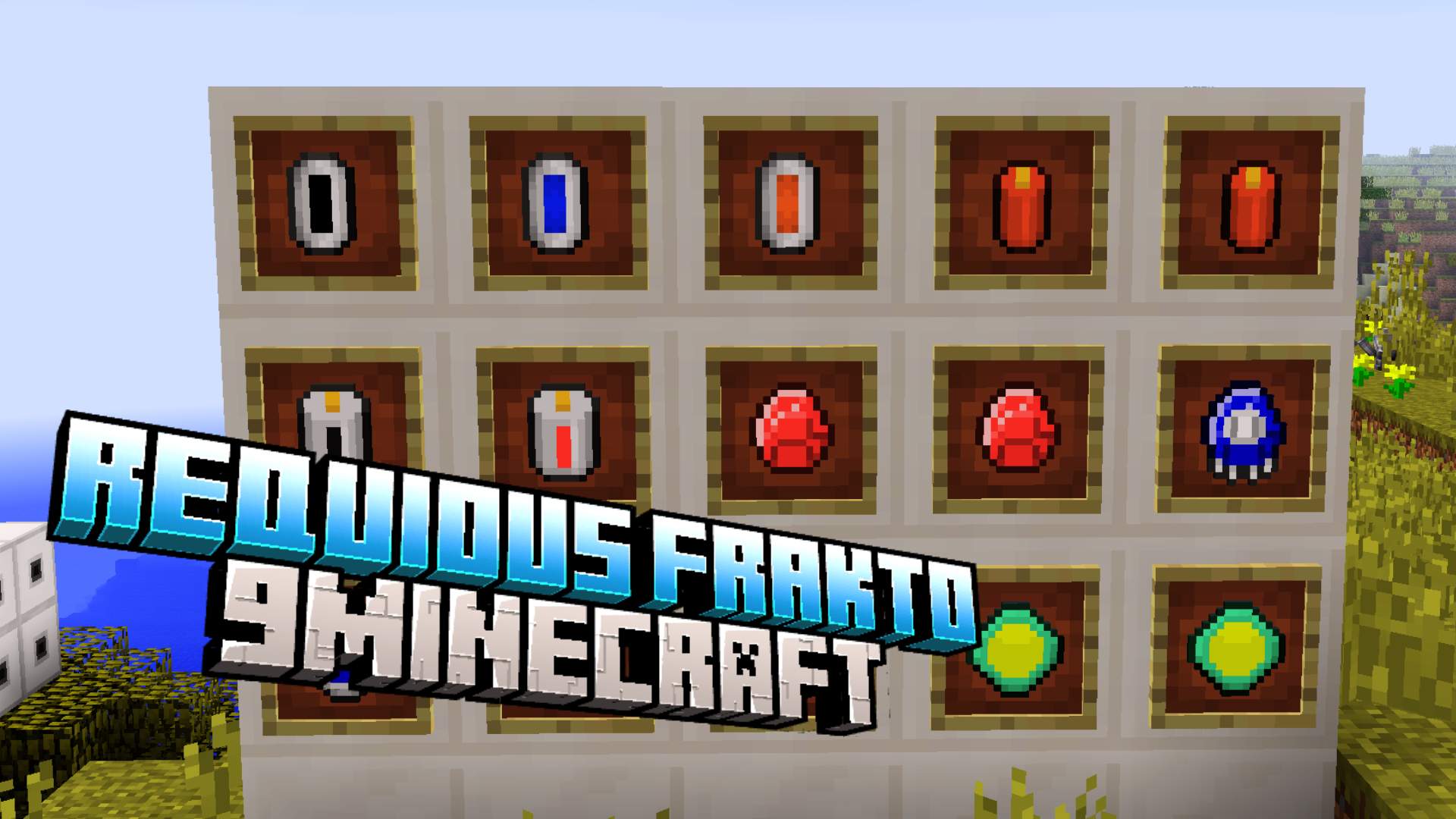
Features:
- Lets you create custom single-block machines in a style similar to Modular Machinery.
- Uses JSON config files to define each machine’s model, resource name, and placement data.
- Connects with CraftTweaker scripts to control all other machine settings.
- Turns every machine into a 9×5 board where you can place different slots.
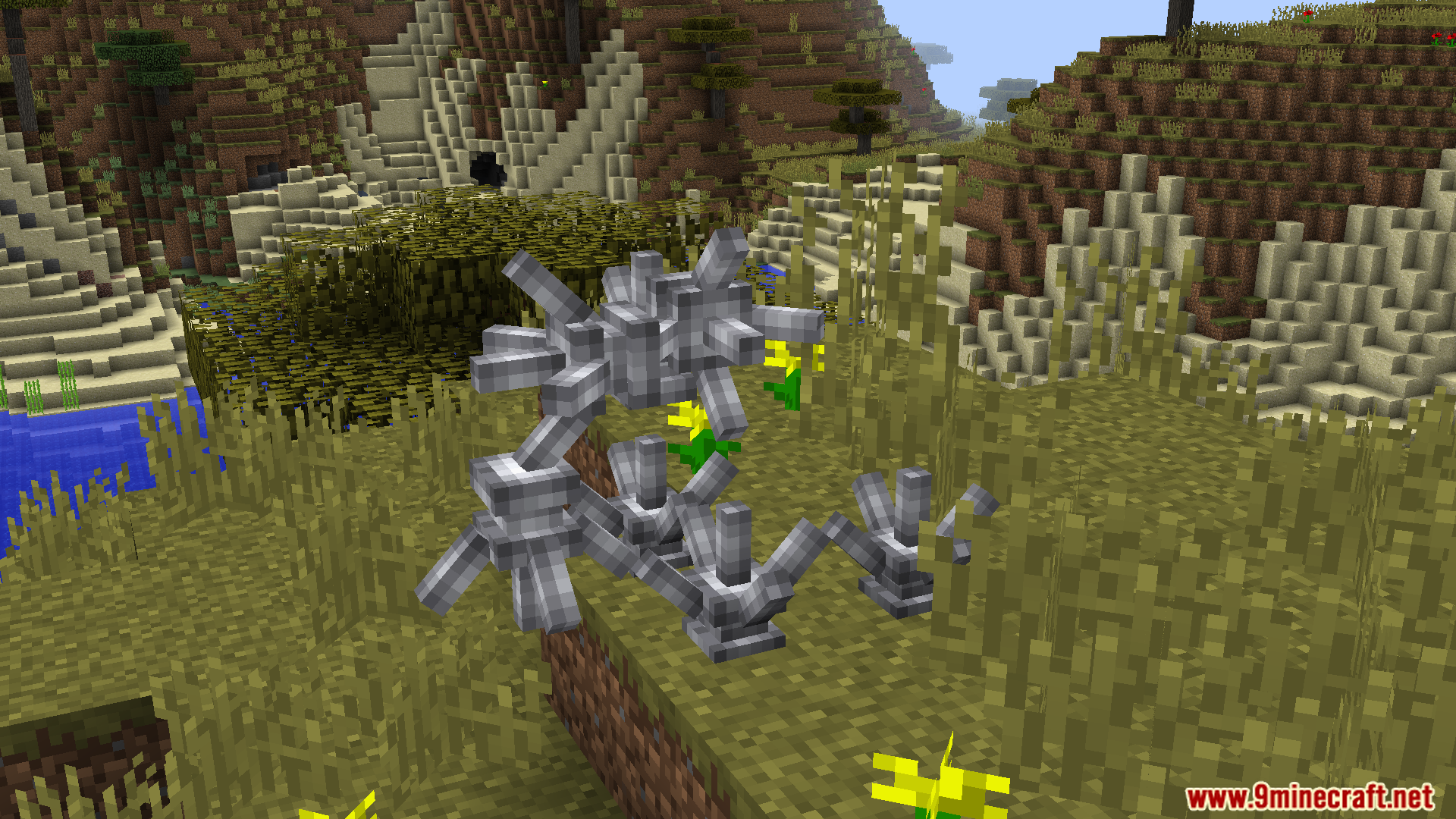
- Adds custom red emitters for wireless FE power transfer based on the Embers transfer system.
- Adds custom fluid emitters for wireless fluid transfer based on the Embers transfer system.
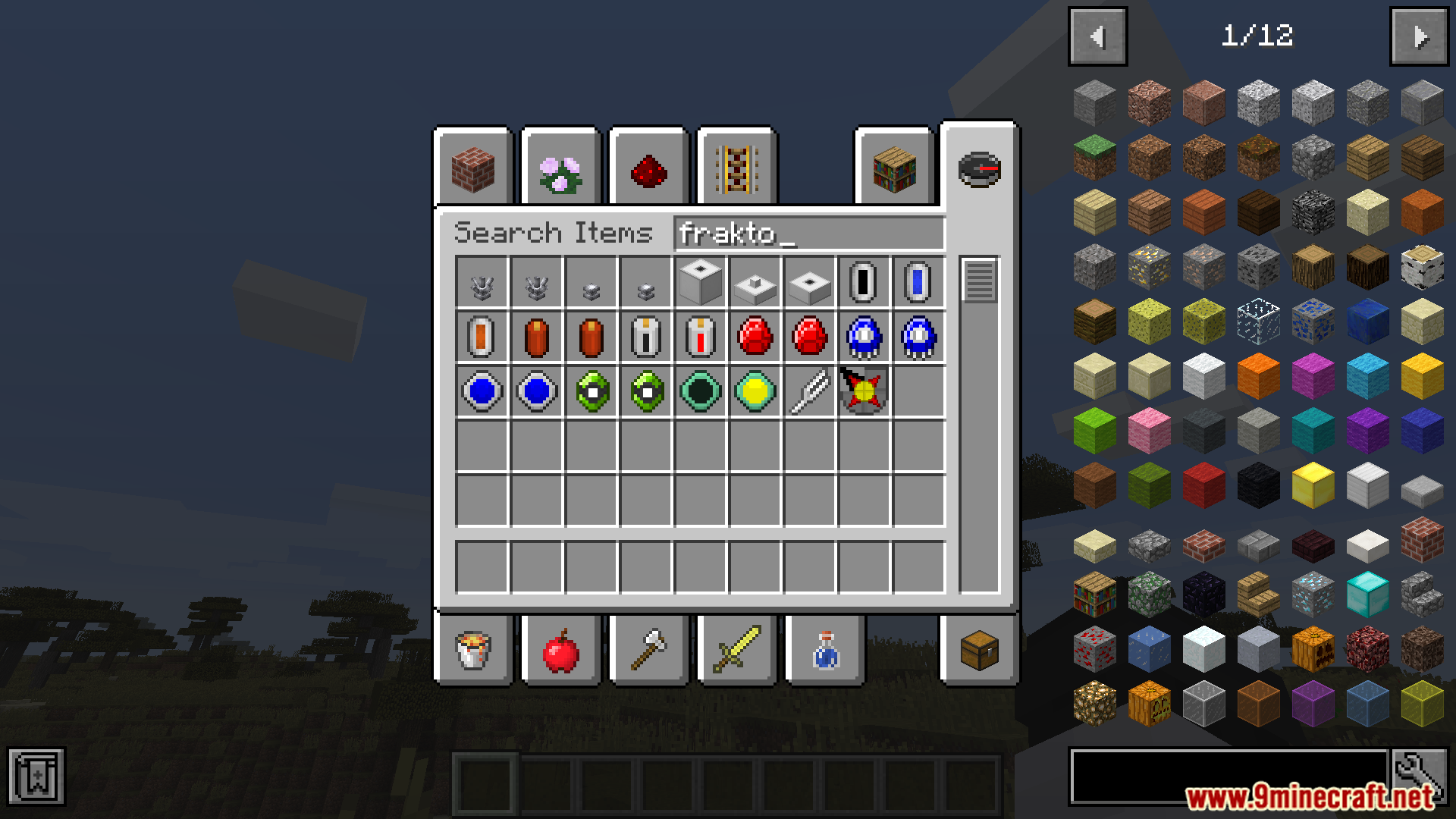
- Includes many built-in GUI elements and 3 basic machine models.
- Supports loading your own custom assets when paired with a mod like Resource Loader.
Slot Types:
- Item Slots: handle items inside a machine.
- Fluid Slots: handle fluids inside a machine.
- Energy Slots: handle energy inside a machine.
- Duration Slots: track duration inside a machine.
- Laser Slots: add a generic laser component that works like BuildCraft lasers.
- Selection Slots: work like the BuildCraft assembly table.
Screenshots:
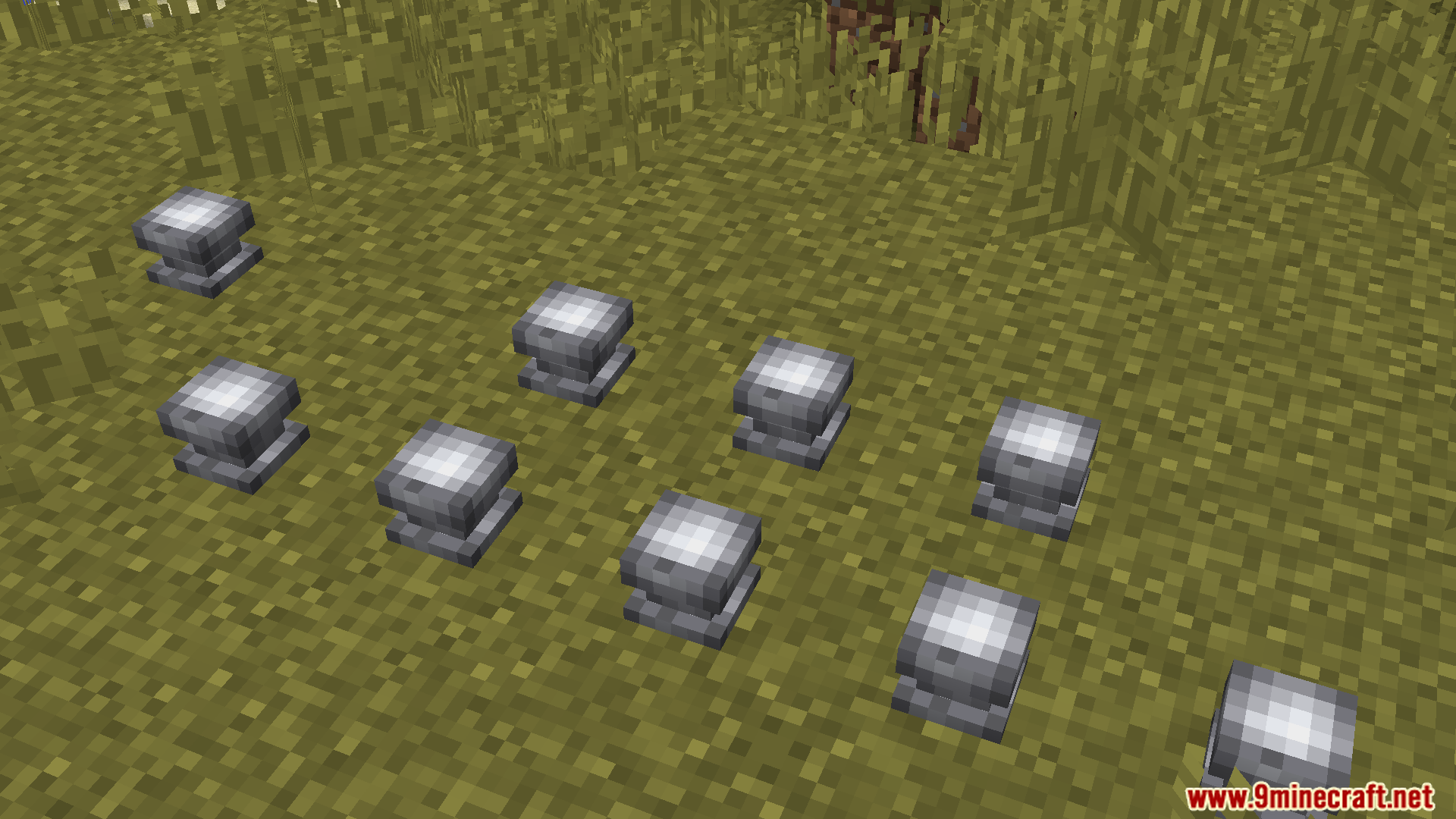
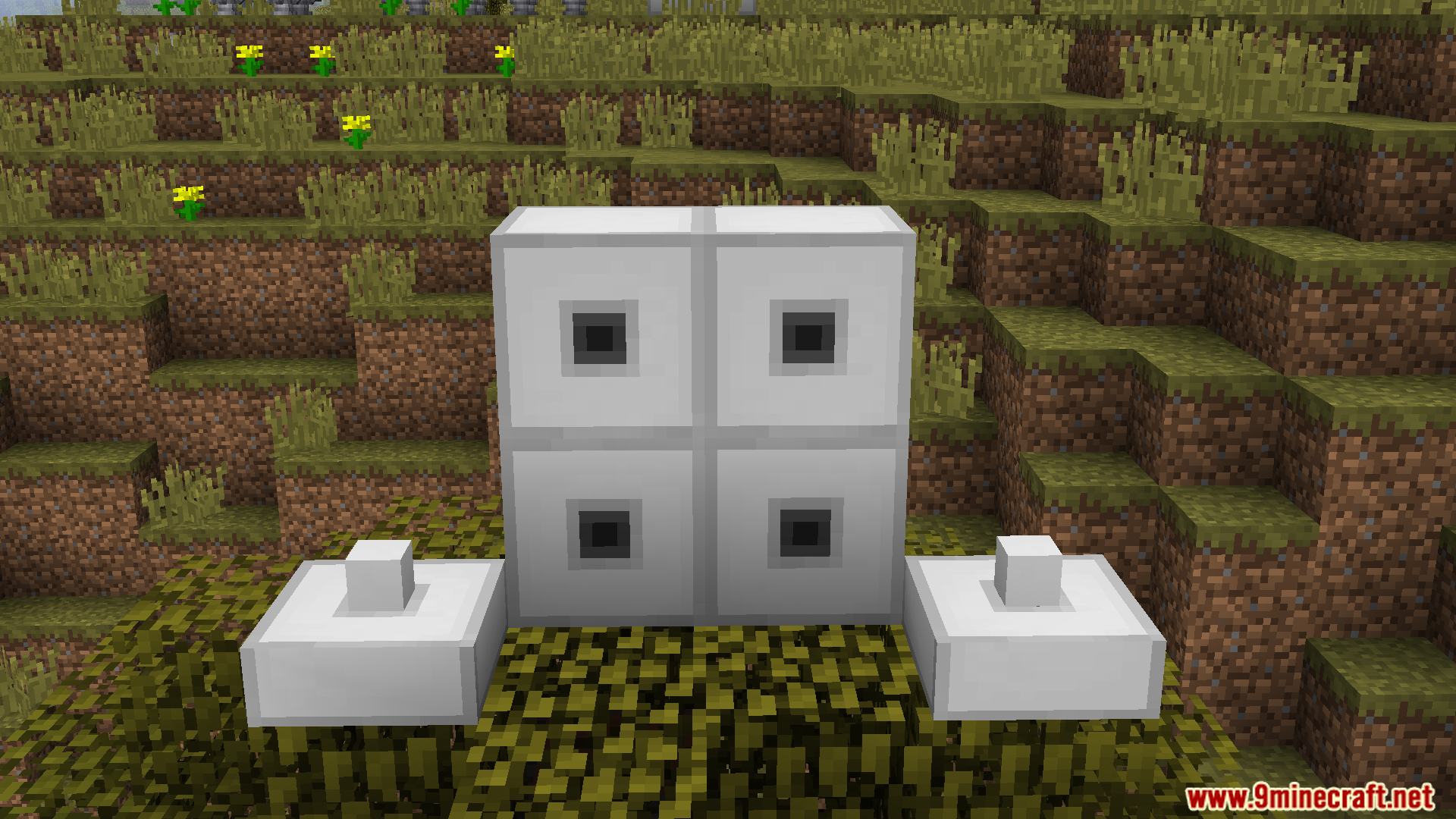
How to Install:
New to Minecraft? Follow our step-by-step guide to install Mods on your PC.View Guide
Requious Frakto Mod Download Links
For Minecraft 1.12.2
Forge Version: Download from Server 1 – Download from Server 2
Have you ever created your own Minecraft mod or modpack, even a simple one?
41 responses · See the full results →
You May Also Like
Picked for this page
 Harvest With Ease Mod (26.1.2, 1.20.1) – Right-Click Harvesting
 Audio Player Mod (26.3, 1.20.1) – Put Your Own Audio Files on Music Discs
 Alternate Current Mod (26.3, 1.20.1) – An Efficient Redstone Dust Implementation
 Torch Hit Mod (26.1.2, 1.20.1) – Set Things Ablaze with Your Torch
 Memory Settings Mod (26.3, 1.20.1) – Allocate More RAM
 Command Keys Mod (26.3, 1.20.1) – Send Pre-Written Messages & Commands
 Fast Item Frames Mod (26.3, 1.20.1) – More Colors, Less Lag
 Robin’s Fishery Mod (26.2, 1.21.1) – New Biome Dependent Fish
 Toggle Scoreboard Mod (26.2, 1.20.1) – Keybind To Toggle Scoreboard Visibility
 ManasCore Mod (1.21.1) – Library for ManasMods’s Mods
 Animal Garden Crocodile Mod (26.3, 1.20.1) – Survive Deadly Swamp Crocodiles
 Enhanced Searchability Mod (1.20.1) – Adds Search Bar Wherever Necessary
Most viewed in Mods over the last 7 days
 Ala Industrial Mod (26.3) – Run Electric Power Grids and Automated Factories
 PleasureCraft Mod (26.3, 1.21.1) – Jenny Mod Remake for Fabric
 Jennycraft Mod (26.3, 1.20.1) – Virtual Girlfriend in Minecraft
 Fapcraft Mod (26.3, 1.12.2) – Comprehensive and Detailed Content
 Jenny Mod (Fapcraft) Official Complete Guide – How to use, Tutorial
 BangCraft Mod (1.20.1) – Jenny, Ellie and Elliot
 Fabric Loader (26.3, 1.20.1) – Fabric Installer for All Minecraft Versions
 Meteor Client Mod (26.3, 1.20.1) – Xray, HUD, Fly
 OptiFine HD (26.3, 1.20.1) – Run Faster, FPS Boost, Shaders Support
 The Shooting Star Demo Mod (26.3, 1.20.1) – Vaporize Terrain From Orbit
 Aristois Client Mod (1.21.4, 1.20.1) – World Class Minecraft Utility
 SchnurriTV Mod (1.12.2) – Characters and Features
More from Mods
 Arcane Redstone Dial Mod (26.3, 1.20.1) – Trigger Commands and Shortcuts
 The Graveyard Mod (26.3, 1.20.1) – Cemeteries in Minecraft
 Enhanced Overlay Mod (26.3, 1.21.11) – Remove Screen Clutter
 Flint Mod (1.21.11) – Run DiamondFire Community Addons Without Crashing
 Not Just Sandwich Mod (26.3, 1.20.1) – Edibles, Sandwiches
 Waddles Mod (26.3, 1.20.1) – Make Icy Biomes Feel Alive
 Artemis’ Thin Logs Mod (26.3, 1.20.1) – Build Custom Trees and Detailed Wood
 Asterion Mod (26.3, 1.20.1) – Survive Ancient Mazes and Slay the Legendary Minotaur
 Passthrough Signs Mod (26.3, 1.20.1) – Right-Click Through Wall Signs
 Packing Tape Mod (26.3, 1.20.1) – Move Chests, Machines
 No XP Anvils Mod (26.3, 1.20.1) – Repair And Enchant Without XP
 Naruto Shippuden Mod (26.3, 1.16.5) – Immerse Yourself in The World of Ninja

This post has no comments yet. Be the first — your comment will appear here.