
Display Delight Mod (1.21.1, 1.20.1) – Turn Every Meal Into a 3D Feast

 0


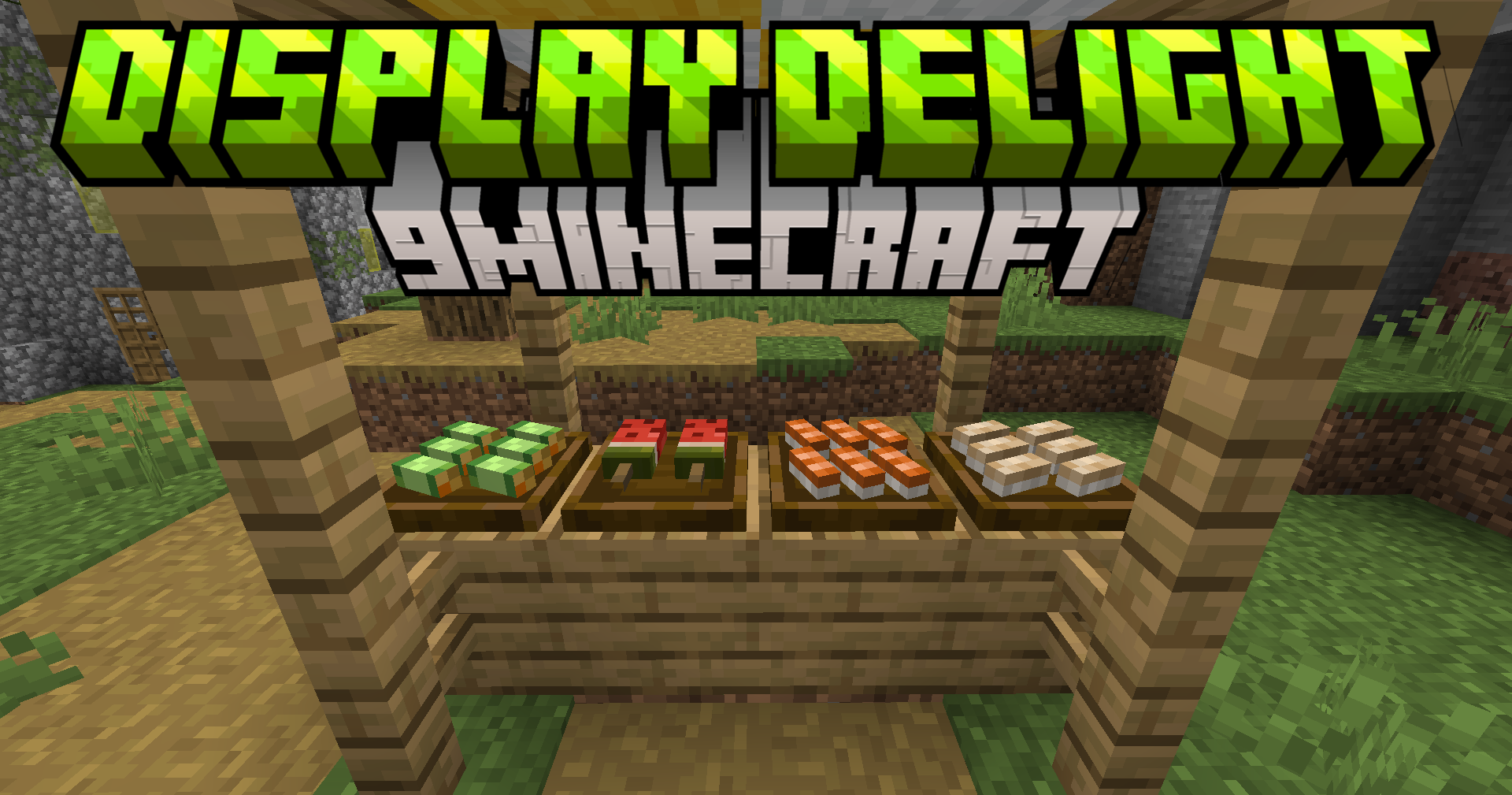
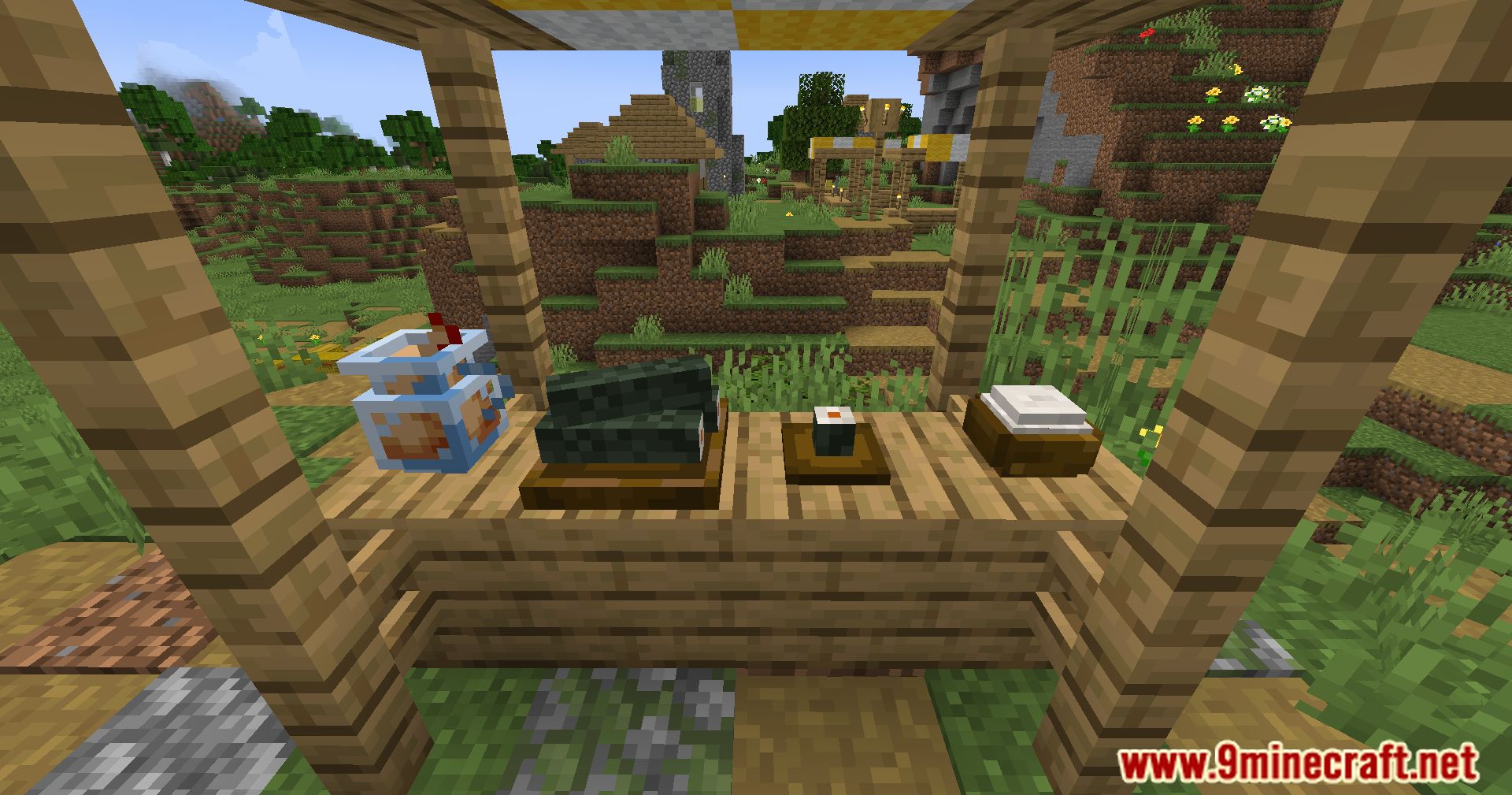
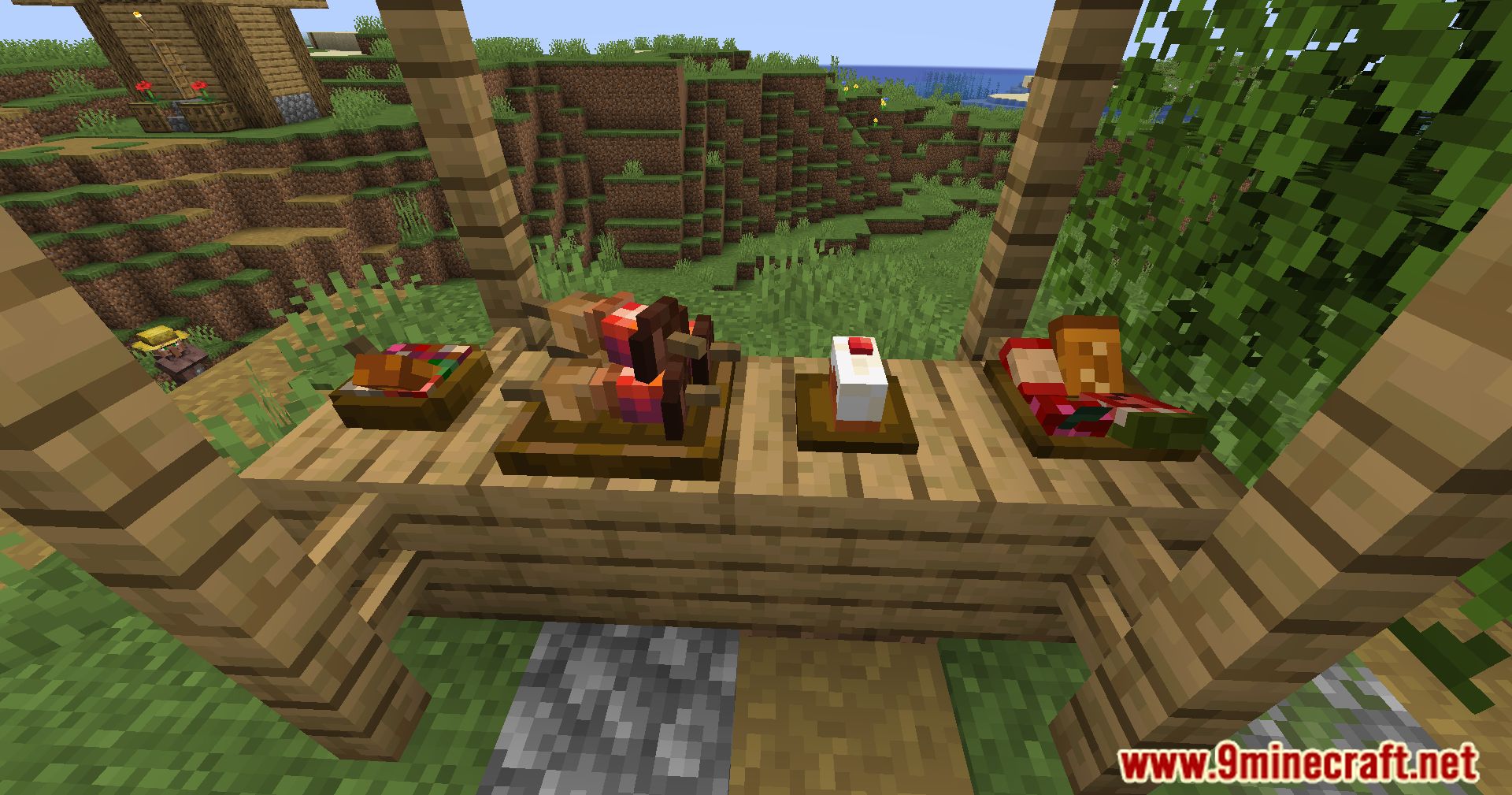
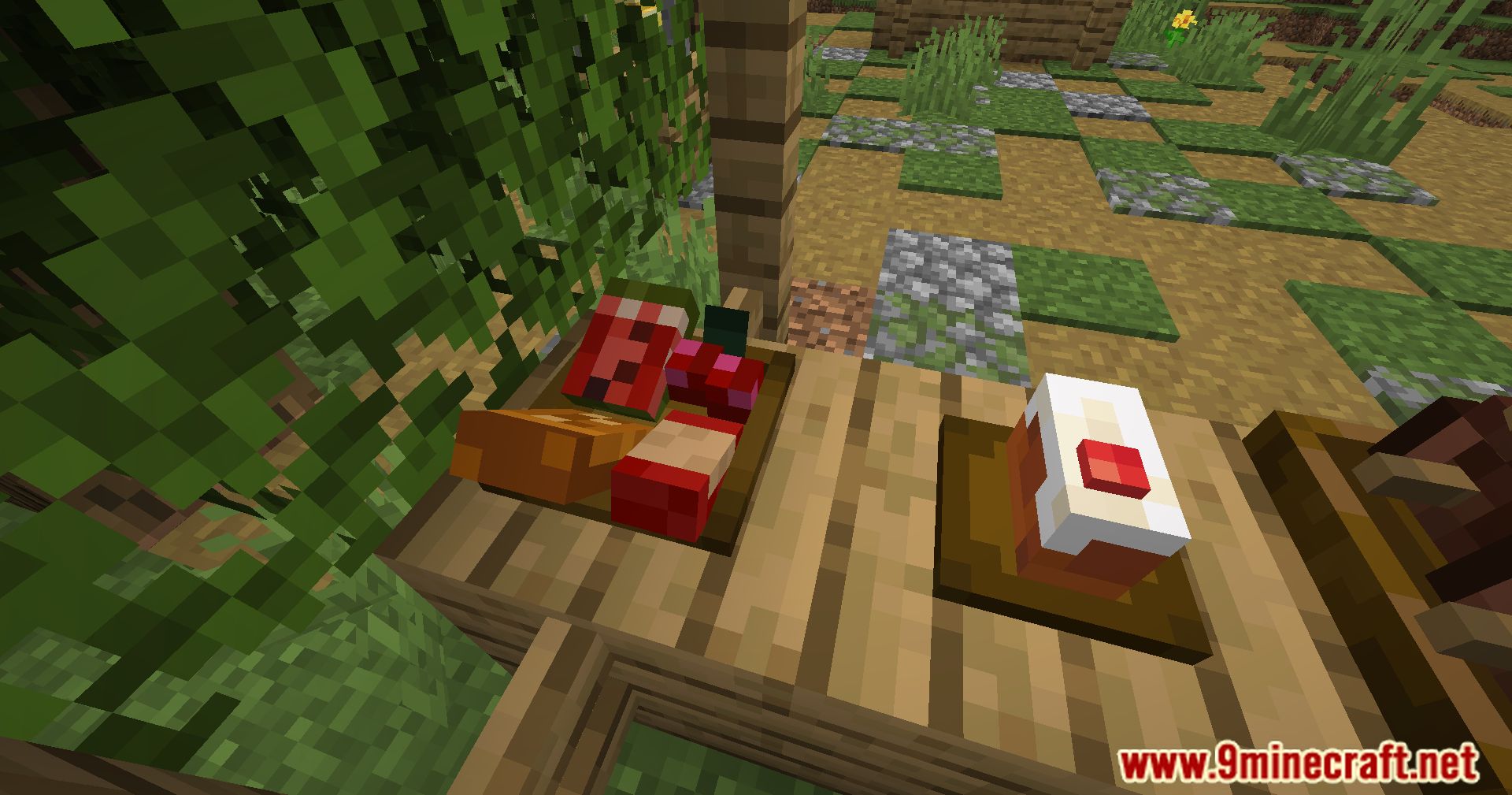
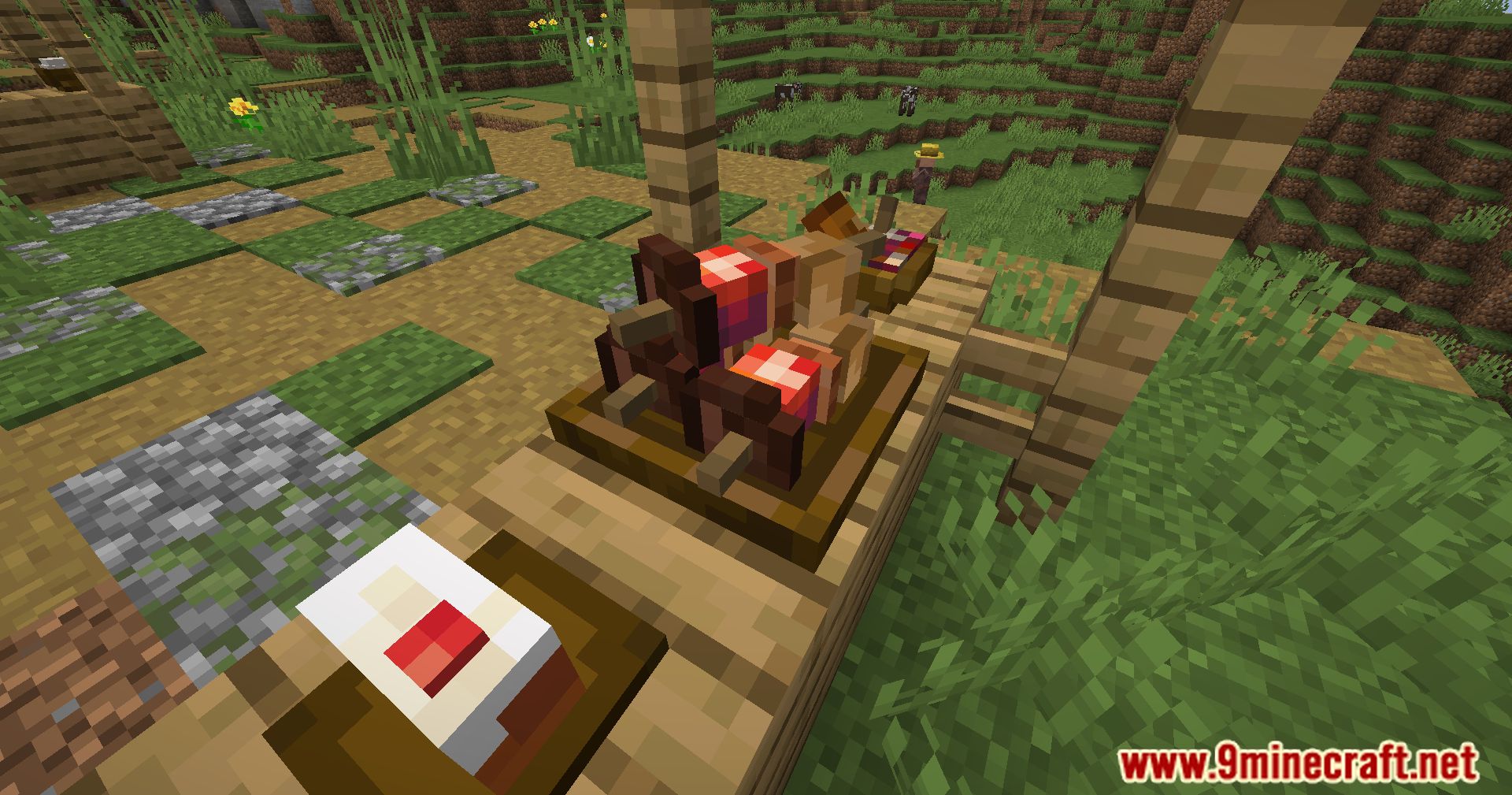
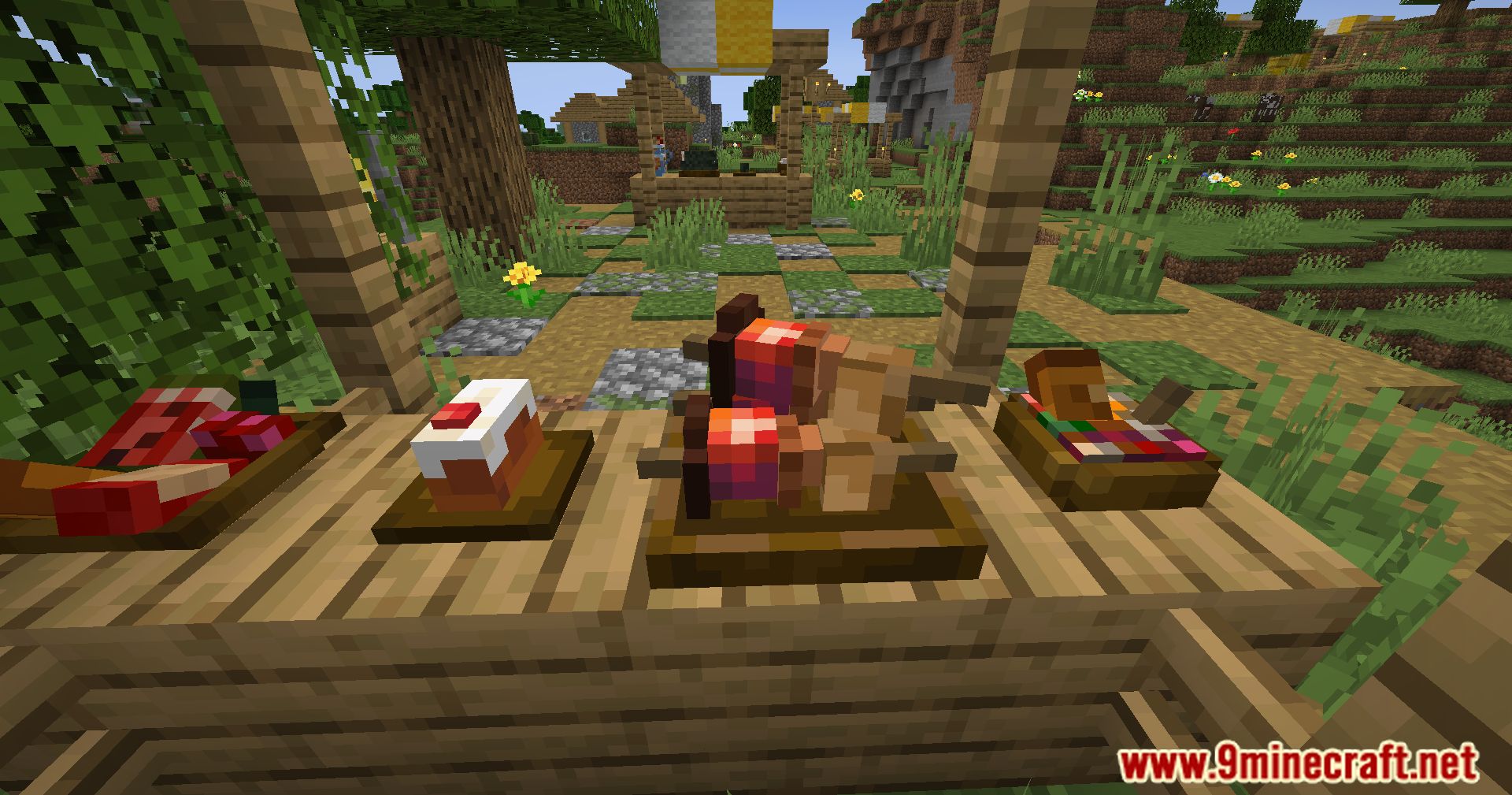
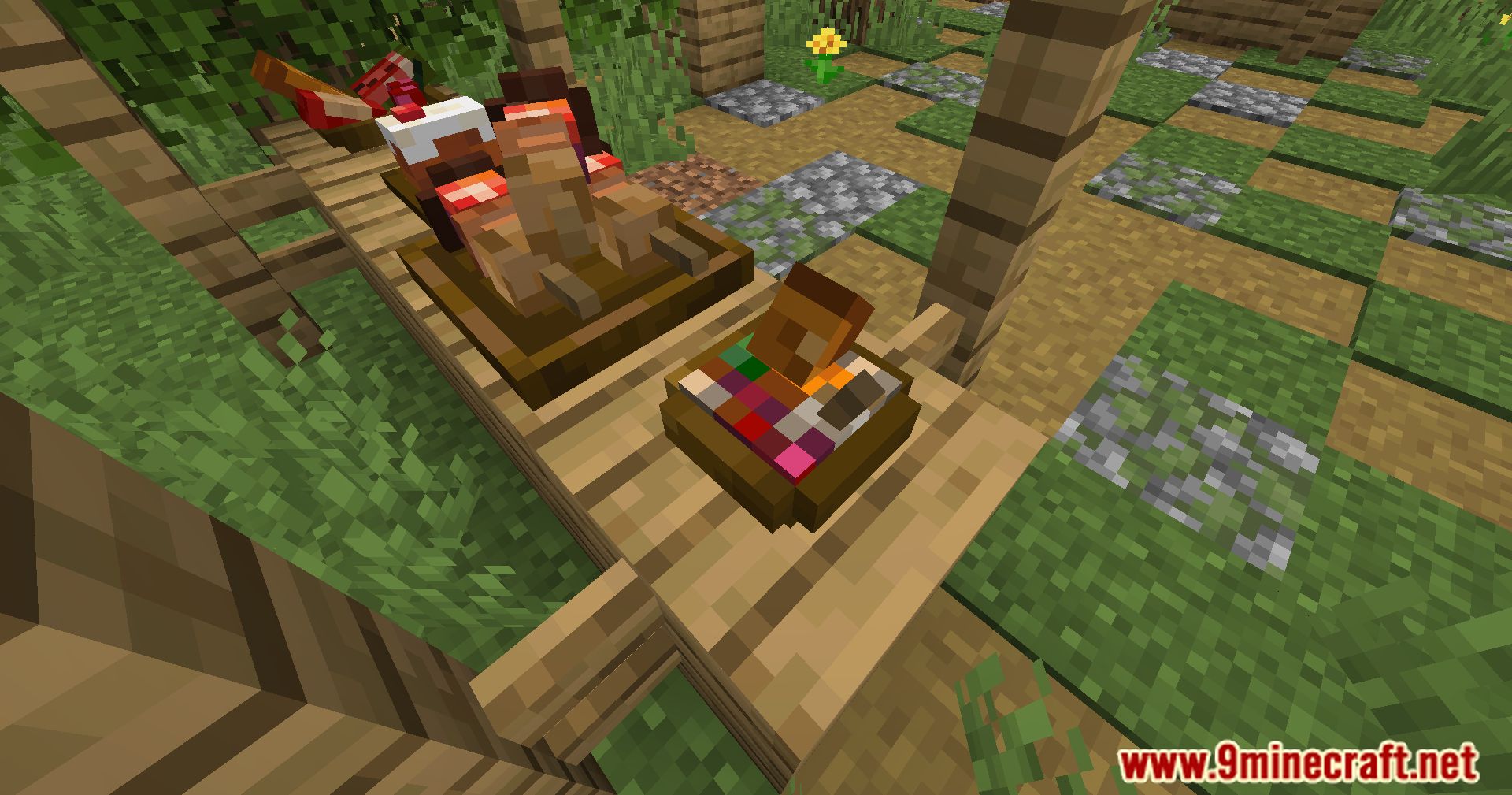
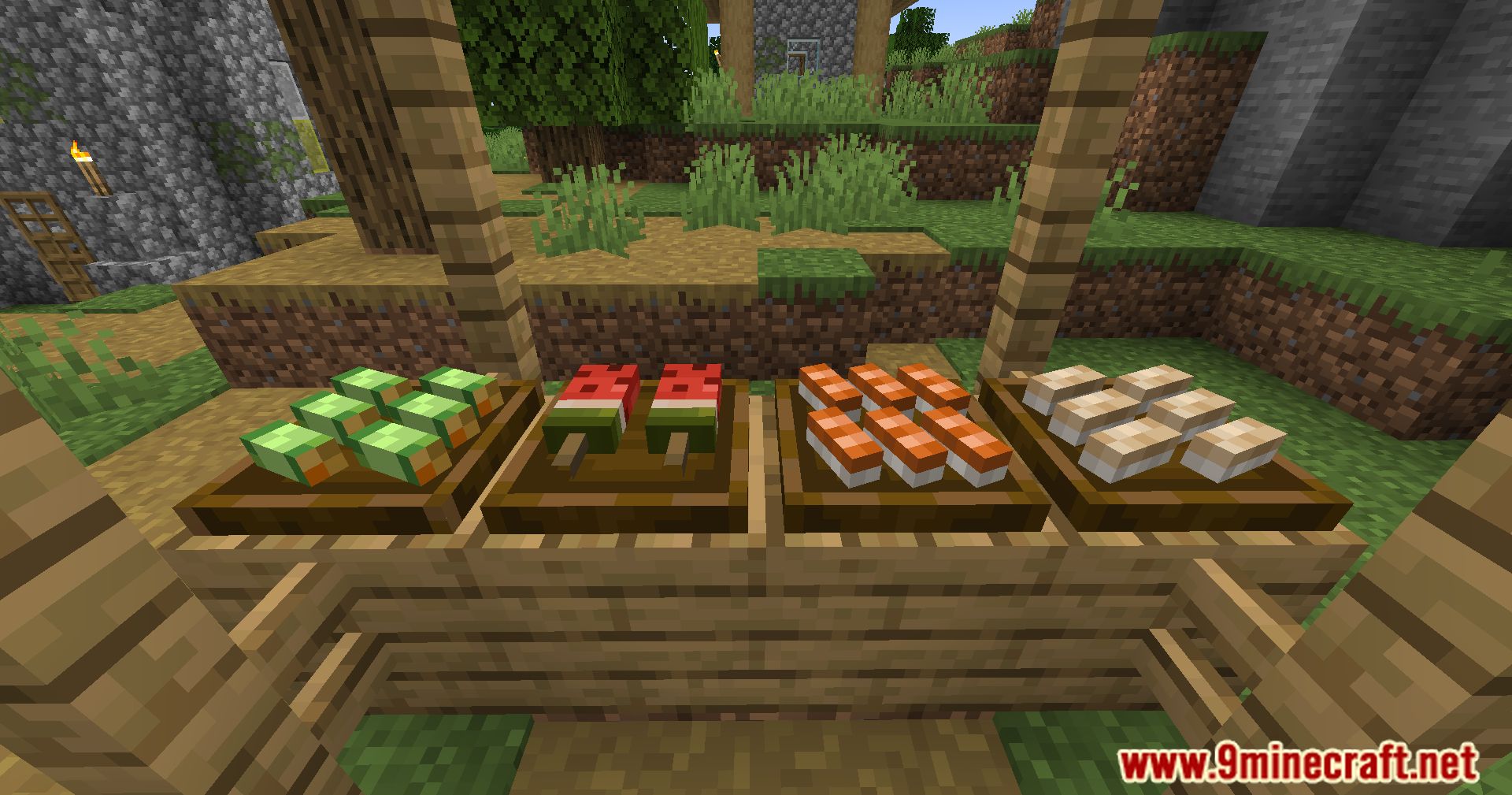
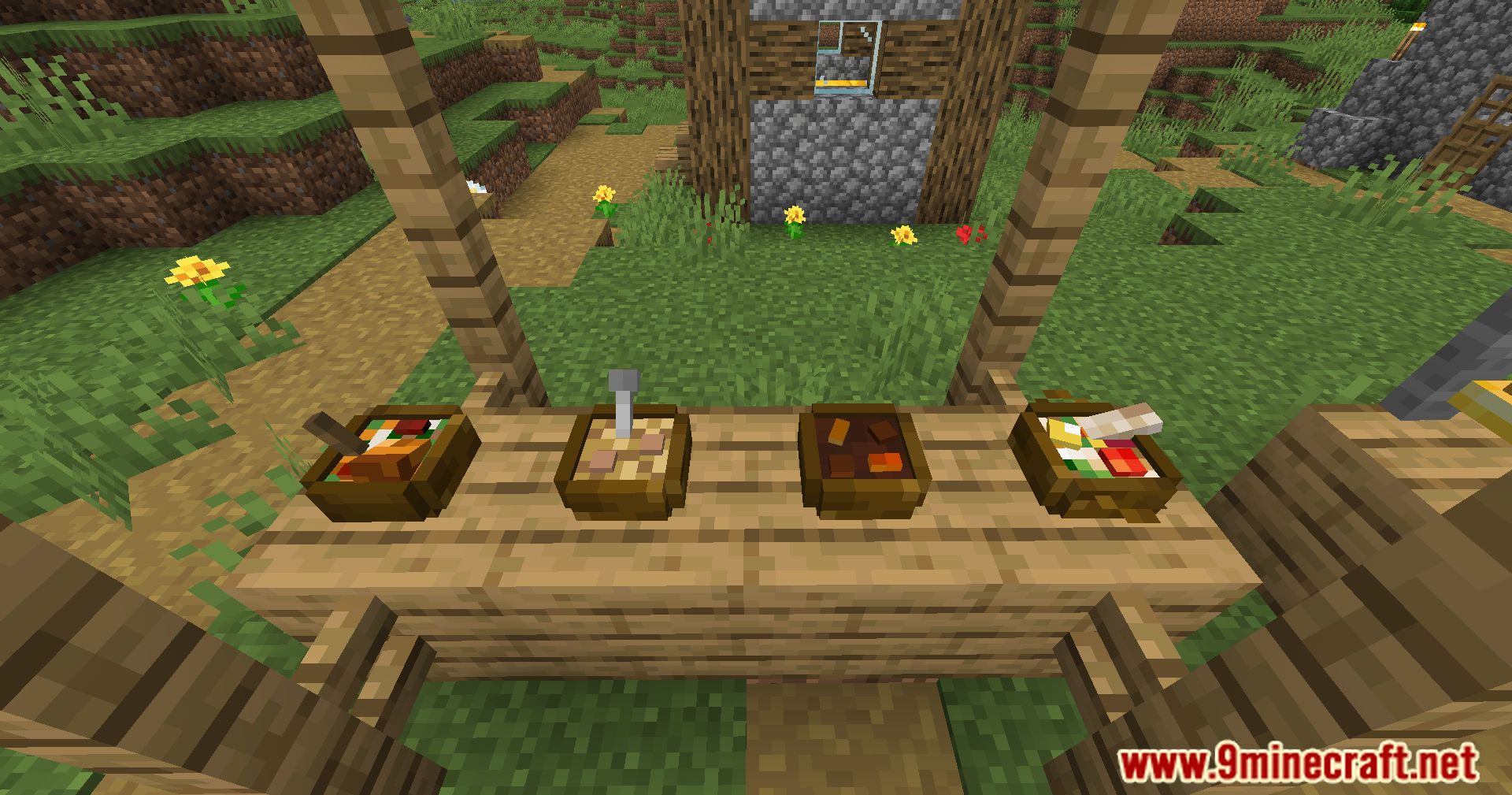
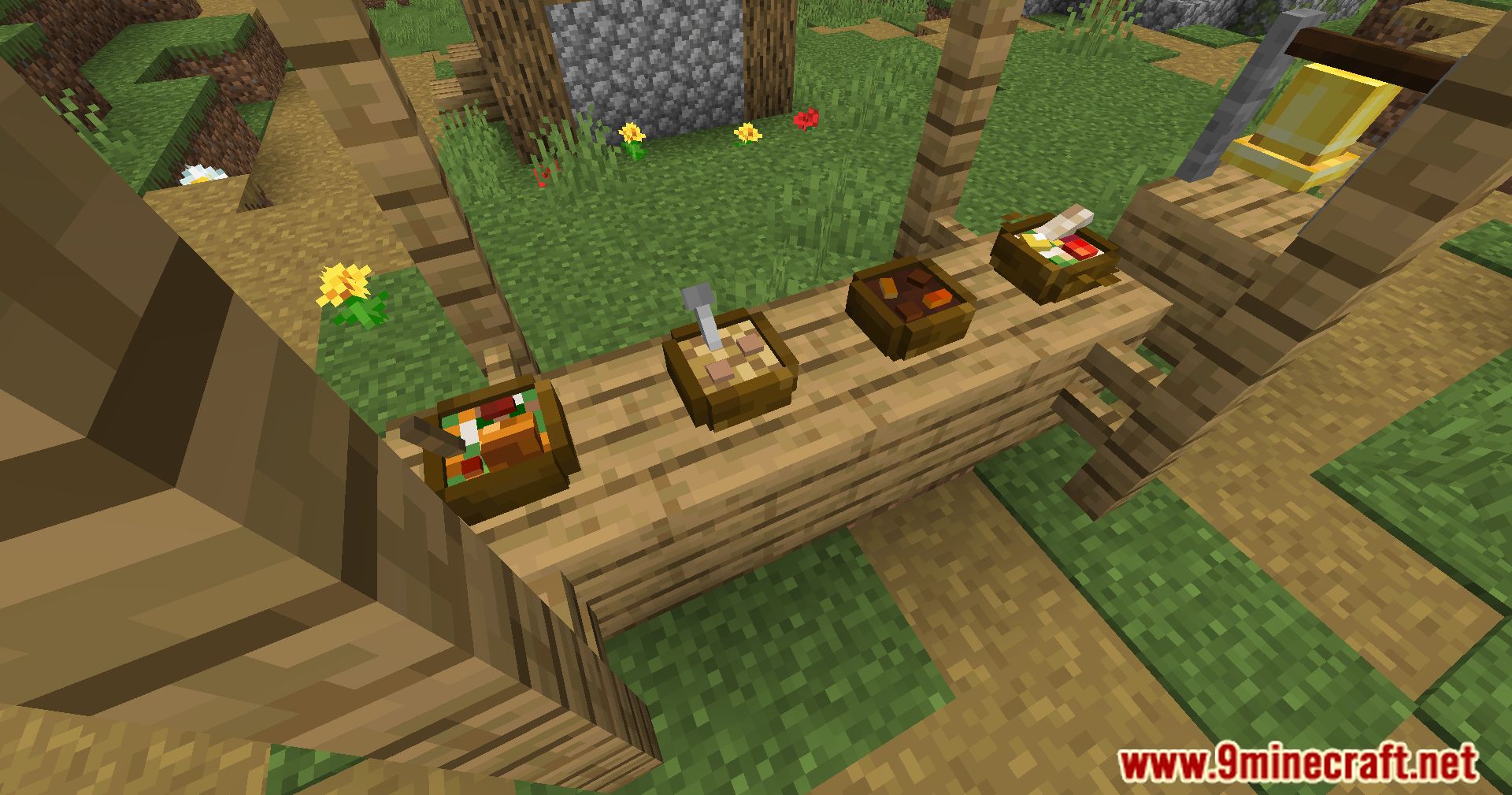
Display Delight Mod adds 3D food placement for Farmer’s Delight and 19 compatible food addons. You can place dishes in bowls or bottles straight on the ground, or craft wooden plates to display and stack smaller finger foods. Every placed food block stays lag-friendly, even when you set out large amounts of food. In Survival mode, you can collect food block items with Silk Touch or buy them from Wandering Traders. This addon also includes a Lite edition for worlds that only use Farmer’s Delight and need a smaller file size.
Features:
- 3D Food Placement: Lets you place every food item from Farmer’s Delight and 19 compatible food addons in your world as 3D models.
- Wooden Food Plates: Adds a regular Food Plate and a Small Food Plate crafted from any wooden slab to hold smaller finger foods without containers.
- Lag-Friendly Displays: Keeps your game smooth even with big food setups because placed food blocks are not block entities or regular entities.
- Lets you stack some finger foods on larger plates, with the max stack size depending on the dish.
- Lets you hide or show wooden plates under placed food so dishes sit neatly on tables, shelves, or counters.
- Drops placed food as a food block item when mined with Silk Touch in Survival, as long as plated food is at its max stack size.
- Makes Wandering Traders sell food block items, putting dishes from addons you do not have installed first so you can still get them in Survival.
- Keeps placed food blocks safe in your world if you remove a compatible addon, dropping the food block item instead of the missing item when broken.
- Hides support tables automatically when you place food on any block with a sturdy top face.
- Includes a Lite version with all features and bug fixes but without extra addon foods for a smaller file size, and it upgrades safely to the full version anytime.
Compatible Addons:
- Corn Delight: 8 placeable 3D foods.
- Expanded Delight: 37 placeable 3D foods.
- Delightful: 22 placeable 3D foods.
- Pineapple Delight: 5 placeable 3D foods.
- Ocean’s Delight: 9 placeable 3D foods.
- Alex’s Delight: 8 placeable 3D foods.
- Cultural Delights: 25 placeable 3D foods.
- Large Meals: 13 placeable 3D foods.
- Festive Delight: 3 placeable 3D foods.
- Brewin’ and Chewin’: 8 placeable 3D foods.
- End’s Delight: 24 placeable 3D foods.
- Ender’s Delight: 17 placeable 3D foods.
- Crabber’s Delight: 15 placeable 3D foods.
- Aquaculture Delight: 18 placeable 3D foods.
- My Nether’s Delight: 37 placeable 3D foods.
- Nether’s Delight: 8 placeable 3D foods.
- Abnormals Delight: 22 placeable 3D foods.
- Miner’s Delight+: 12 placeable 3D foods.
- Farmer’s Respite: 14 placeable 3D foods.
Configuration:
displaydelight/support_exceptions: Edit this tag in a data pack to list blocks that should not show support tables when food sits above them. Addminecraft:airto stop support tables from showing under floating food.
How to Use:
- Hold a food item that comes in a container, like a bowl or glass bottle, then Sneak and Right-click the ground to place it in 3D.
- Craft a Food Plate or Small Food Plate from any wooden slab, then place it down to hold smaller finger foods that do not come in containers.
- Hold a finger food item, then Sneak and Right-click a plate to place all items onto it at once; some finger foods stack on larger plates.
- Right-click a plate with an empty hand to take one food item off it.
- Sneak and Right-click a plate with an empty hand to take all food items off it at once.
- Right-click a placed food plate with any axe to hide the plate while keeping the food visible.
- Right-click a hidden plate with the matching Food Plate item to make the plate appear again.
- Mine placed food with a Silk Touch tool to collect it as a food block item in Survival (plated food must be at max stack size to drop), or trade with Wandering Traders to buy food block items from addons you do not have installed.
Screenshots:
How to Install:
New to Minecraft? Follow our step-by-step guide to install Mods on your PC.View Guide
Display Delight Mod Download Links
For Minecraft 1.21.1, 1.21
NeoForge Version: Download from Server 1 – Download from Server 2
For Minecraft 1.20.1
Forge/NeoForge Version: Download from Server 1 – Download from Server 2
For Minecraft 1.19.2
Forge Version: Download from Server 1 – Download from Server 2
Which Minecraft version do you spend the most time playing with mods?
61 responses · See the full results →
You May Also Like
Picked for this page
 Smart Brain Lib Mod (26.3, 1.20.1) – Mobs That Think and React
 IBE Editor Mod (1.20.4, 1.20.1) – Simple GUI to Edit Item, Block or Entity
 Better Command Block UI Mod (26.3, 1.20.1) – Improved Multi-line
 Trade Uses Mod (26.1.2, 1.20.1) – Find the best trades
 In-Game NBTEdit Reborn Mod (1.21.11, 1.20.1) – GUI to Edit NBT of Entities
 Simple Death Chest Mod (26.1.2, 1.20.1) – Never Lose Items Again
 Lullaby’s Graves Mod (1.21.11, 1.21.1) – Your Loot Stays Safe
 Netherite Compass Mod (26.3, 1.20.1) – Tool for Tracking Ancient Debris Blocks
 Text Formatting Everywhere Mod (26.1, 1.21.1) – Add Creative Text Formatting Across Minecraft
 Iron Spells n Spellbooks Dynamic Skill Trees Mod (1.21.1, 1.20.1)
 Lemoned Mod (1.20.6, 1.20.1) – Lemons And Lemon Delicacies
 Fireflies Mod (1.21.4, 1.20.1) – Adds Fireflies Into The Game
Most viewed in Mods over the last 7 days
 Ala Industrial Mod (26.3) – Run Electric Power Grids and Automated Factories
 PleasureCraft Mod (26.3, 1.21.1) – Jenny Mod Remake for Fabric
 Jennycraft Mod (26.3, 1.20.1) – Virtual Girlfriend in Minecraft
 Fapcraft Mod (26.3, 1.12.2) – Comprehensive and Detailed Content
 Jenny Mod (Fapcraft) Official Complete Guide – How to use, Tutorial
 BangCraft Mod (1.20.1) – Jenny, Ellie and Elliot
 Fabric Loader (26.3, 1.20.1) – Fabric Installer for All Minecraft Versions
 The Shooting Star Demo Mod (26.3, 1.20.1) – Vaporize Terrain From Orbit
 Meteor Client Mod (26.3, 1.20.1) – Xray, HUD, Fly
 OptiFine HD (26.3, 1.20.1) – Run Faster, FPS Boost, Shaders Support
 Aristois Client Mod (1.21.4, 1.20.1) – World Class Minecraft Utility
 Prestige Client Mod (1.21.11, 1.21.4) – Powerful Ghost Features for Crystal & Sword PvP
More from Mods
 Paintings ++ 9minecraft Mod (26.3) – Pick the Exact Painting You Want
 owo-lib 9minecraft Mod (26.3) – Run Your Favorite Mods Without Errors
 Moonlight 9minecraft Lib (26.3, 26.2) – Run Complex Mods Without Errors
 Load My Tags 9minecraft Mod (26.3) – Mix Mods Without Breaking Recipes
 Kambrik 9minecraft Mod (26.3) – Run Kotlin Mods Without Game Lag
 Fast Paintings 9minecraft Mod (26.3, 26.2) – Place Wall Art Exactly Where You Want It
 Bonsai Trees 9minecraft Mod (26.3, 26.2) – Automate Wood Farming in Tiny Pots
 Enhanced Block Entities 9minecraft Mod (26.3) – Build Lag-Free Storage Rooms
 Better Nether 9minecraft Mod (26.3, 26.2) – Survive Forever in the Nether
 BCLib 9minecraft Mod (26.3, 26.2) – Power Custom Nether and End Overhauls
 ForgedLoaderAPI Mod (1.19.2, 1.18.2) – Bring Ported Fabric Creations
 Shield System Mod (1.21.1) – Tank Heavy Monster Hits Without Losing Hearts

This post has no comments yet. Be the first — your comment will appear here.