
Infinity Item Editor Mod (1.16.5, 1.12.2) – Craft Custom Weapons Without Limits

 0


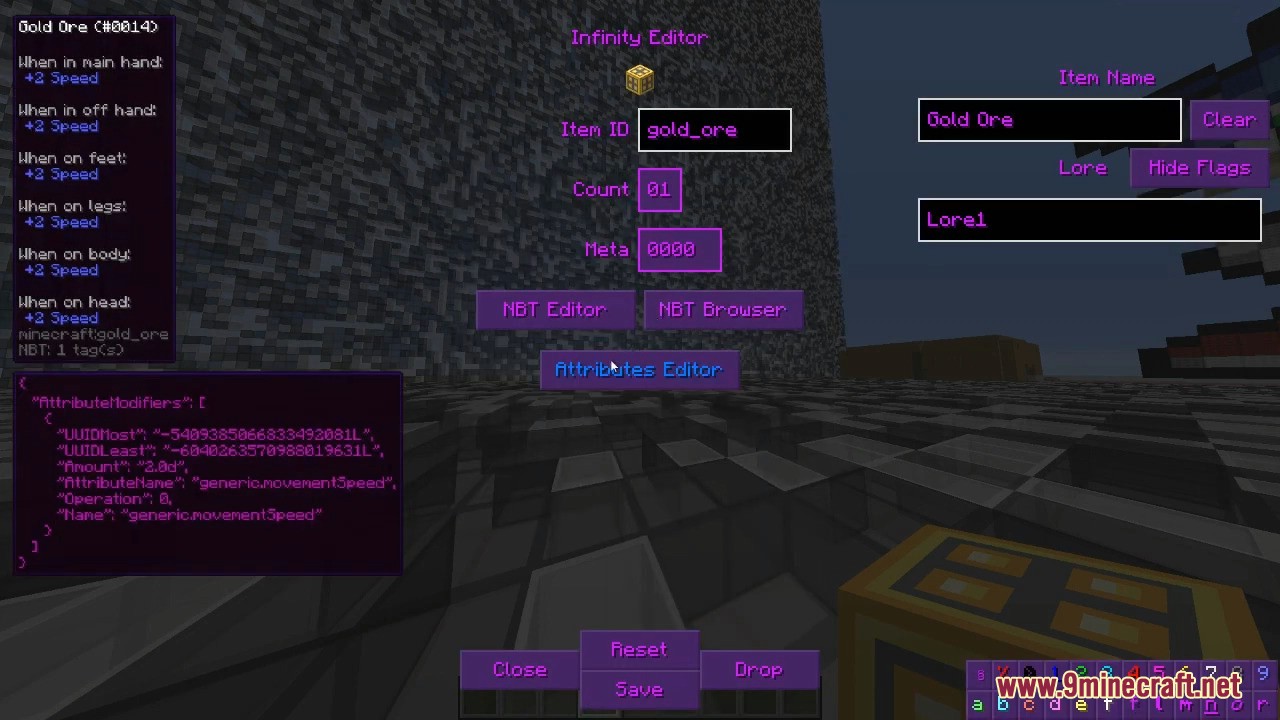
Infinity Item Editor Mod gives server admins, map makers, modpack creators, and creative players custom user interfaces to edit nearly all vanilla NBT data. It lets you customize items down to the smallest details without any manual editing. You can quickly rename items, update their lore, and create custom equipment beyond the limits of vanilla crafting. The mod is fully client-side and works on most servers as long as you have creative mode enabled.
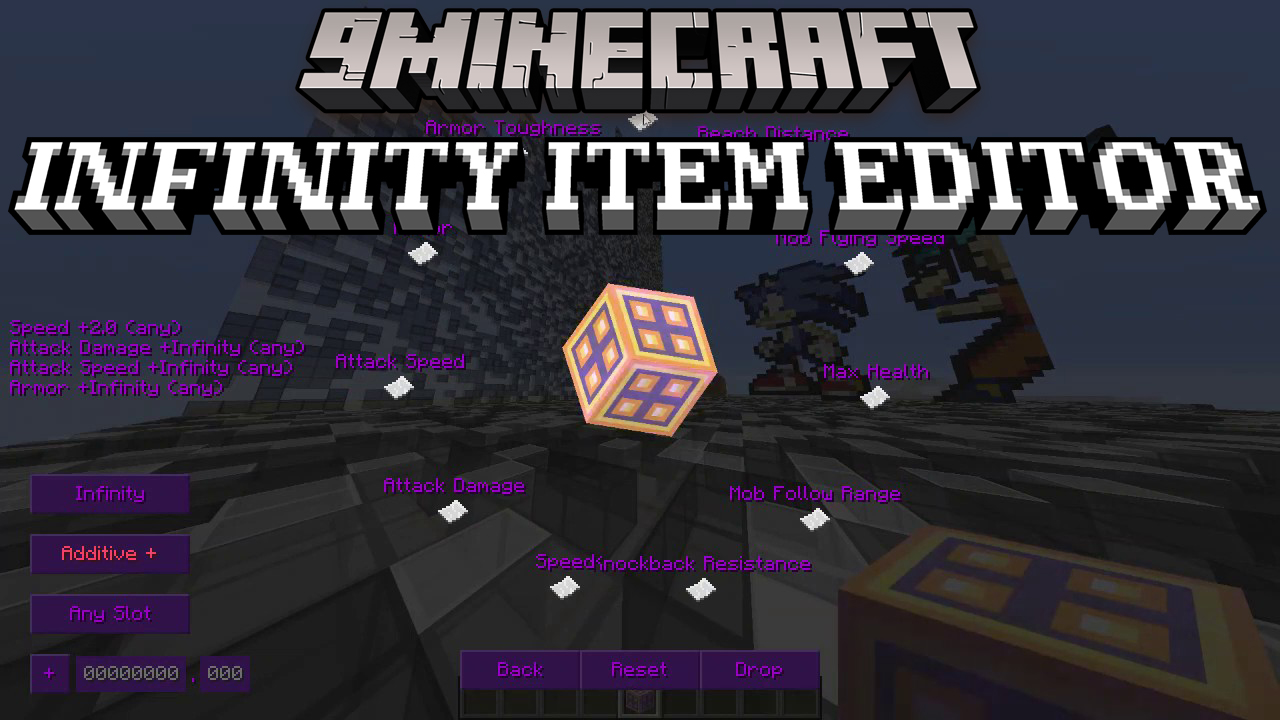
Features:
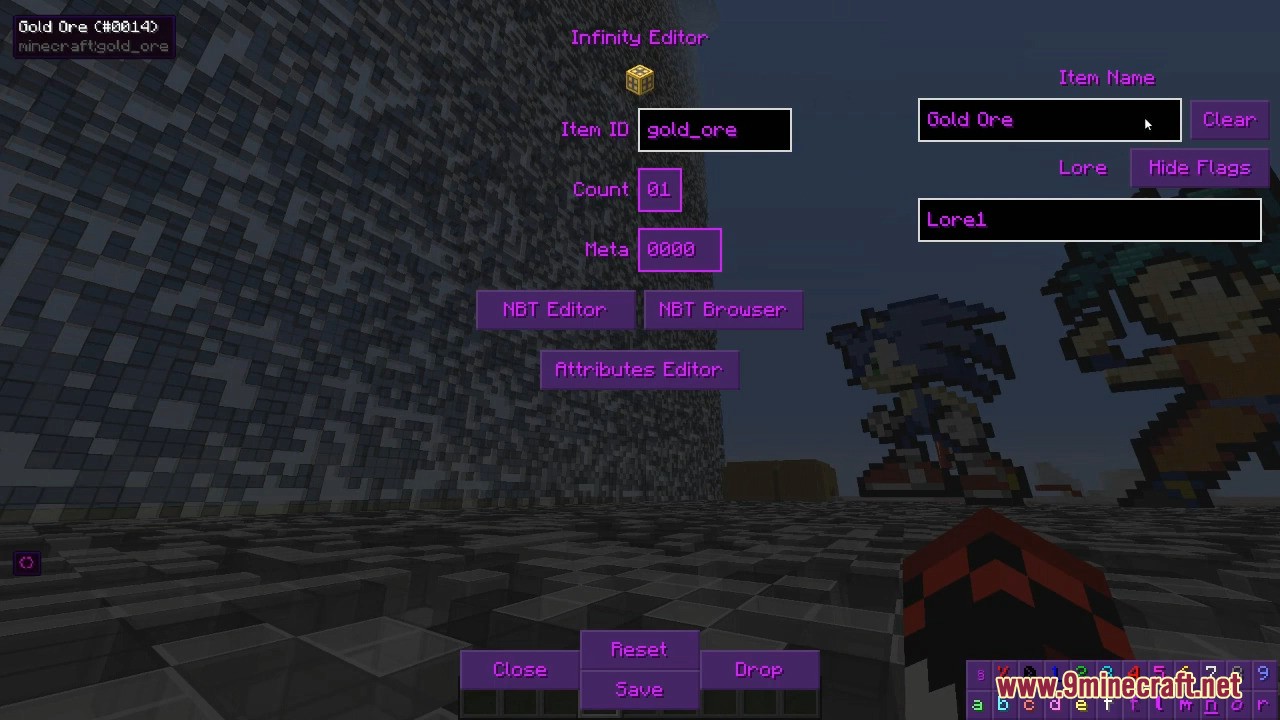
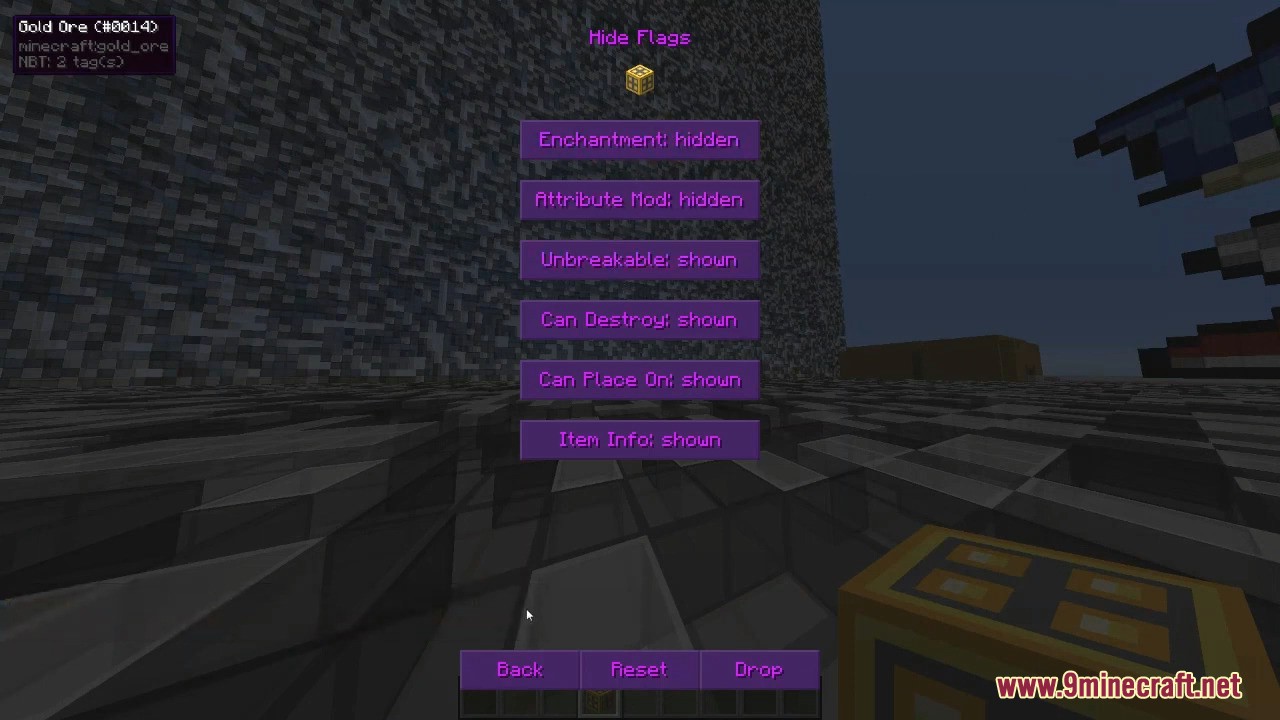
- Provides customized graphical user interfaces for nearly every item in the game so you can edit items without manual NBT editing.
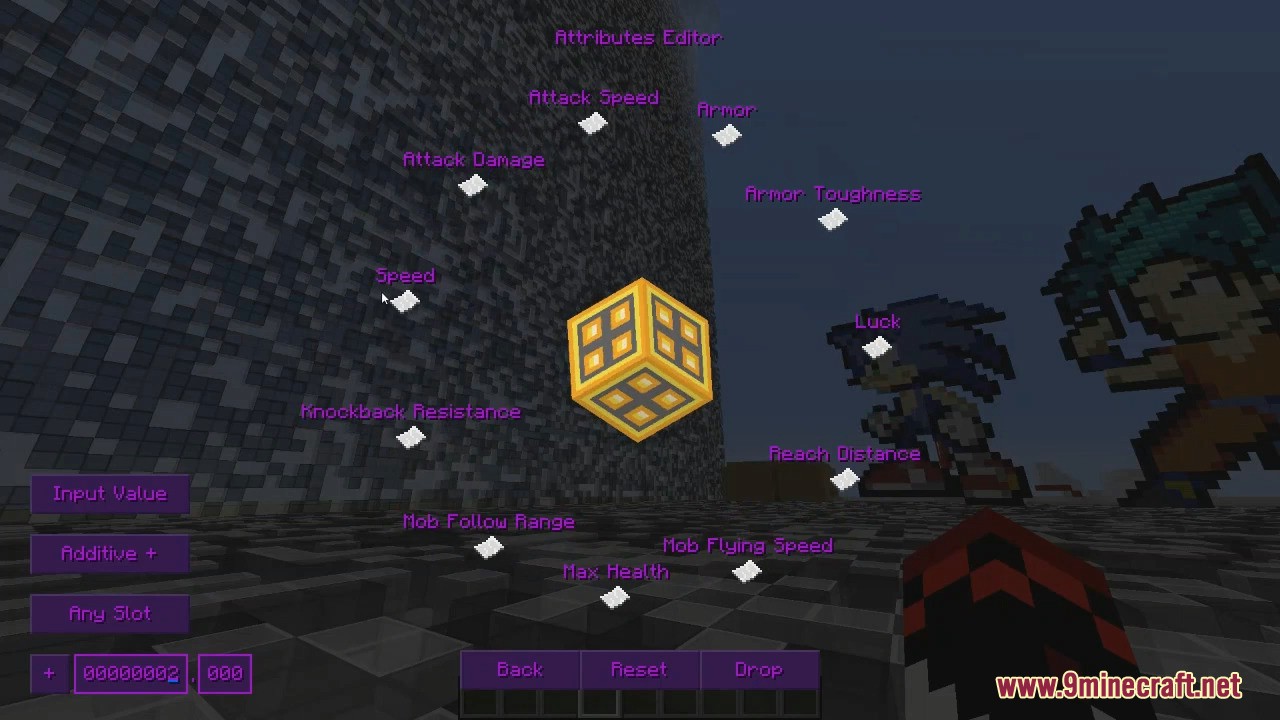
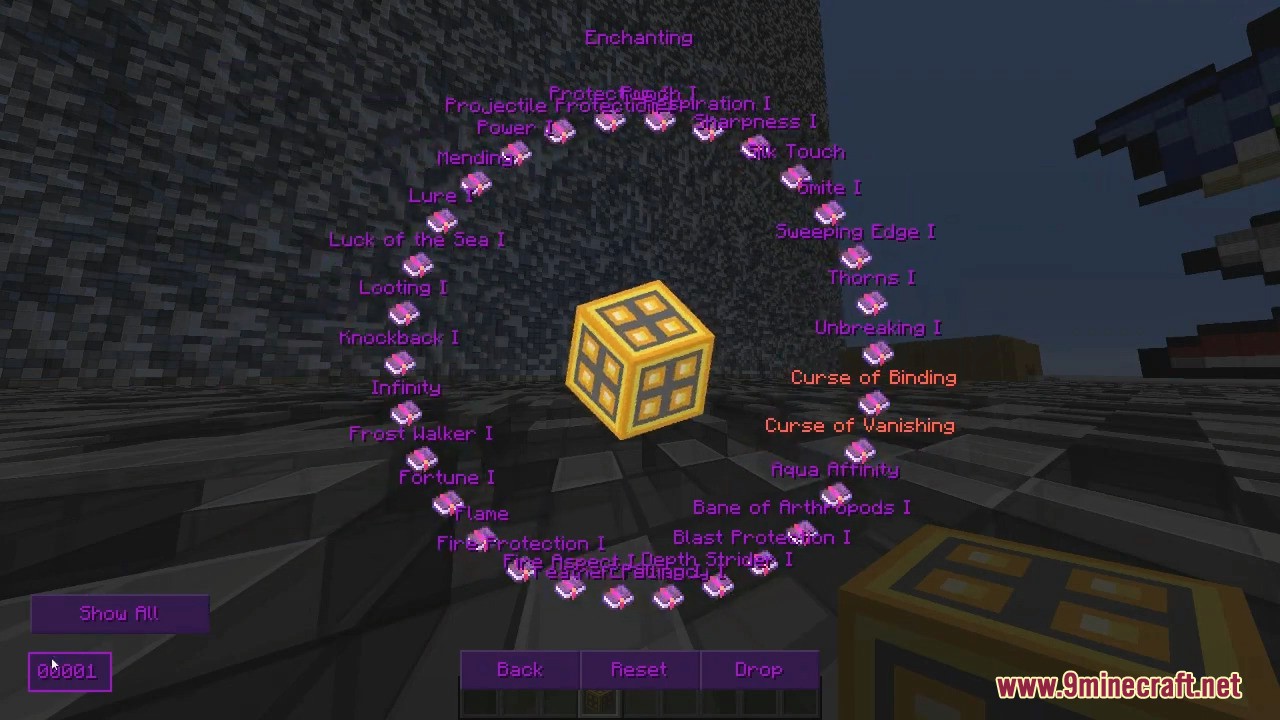
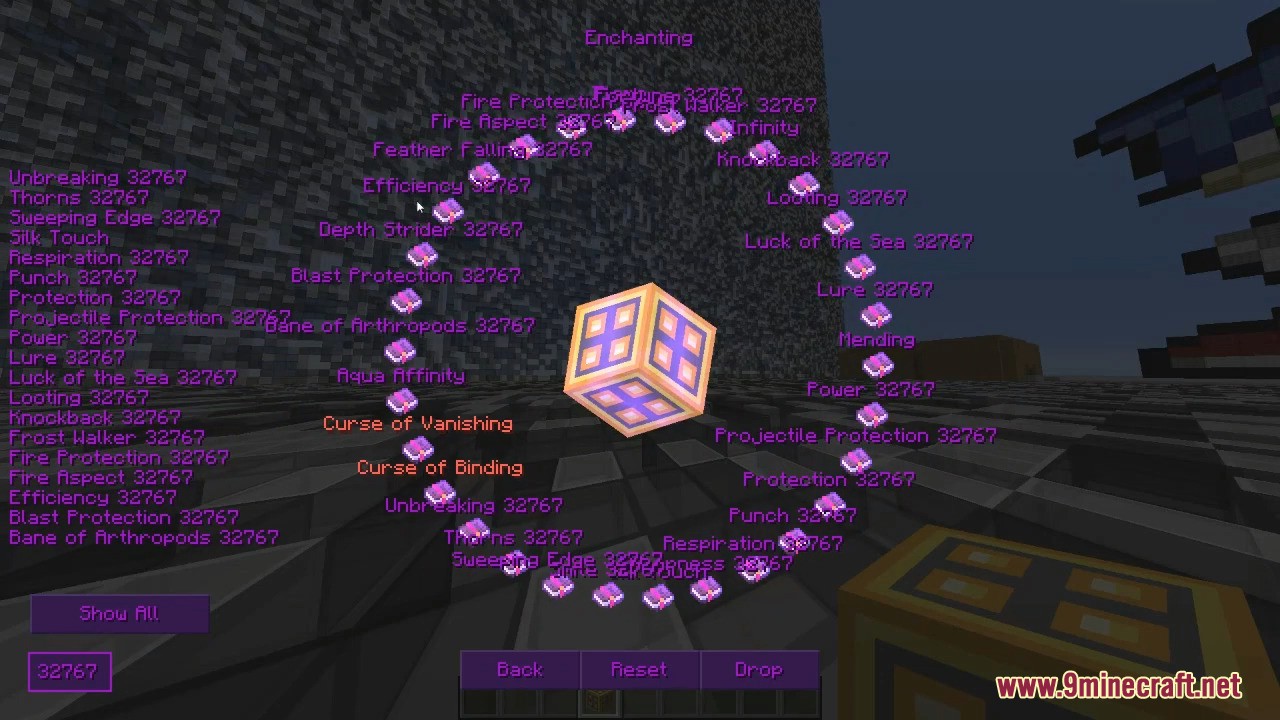
- Lets you modify item attributes, enchantments, and potions to create items that surpass vanilla crafting limits.
- Features a dynamic interface that automatically changes based on the specific item you are editing.
- Includes access to a collection of over 20,000 player heads using the minecraft-heads.com API.
- Adds custom creative tabs that include items not normally found in any creative tab, such as barriers and command blocks, with support for modded items.
- Includes a copy equipment keybinding that copies the armor and hand items of a player you target.
- Provides an NBT browser to explore the NBT data of any item even without creative mode.
- Runs entirely client-side so it works on most servers as long as you have creative mode.
How to Use:
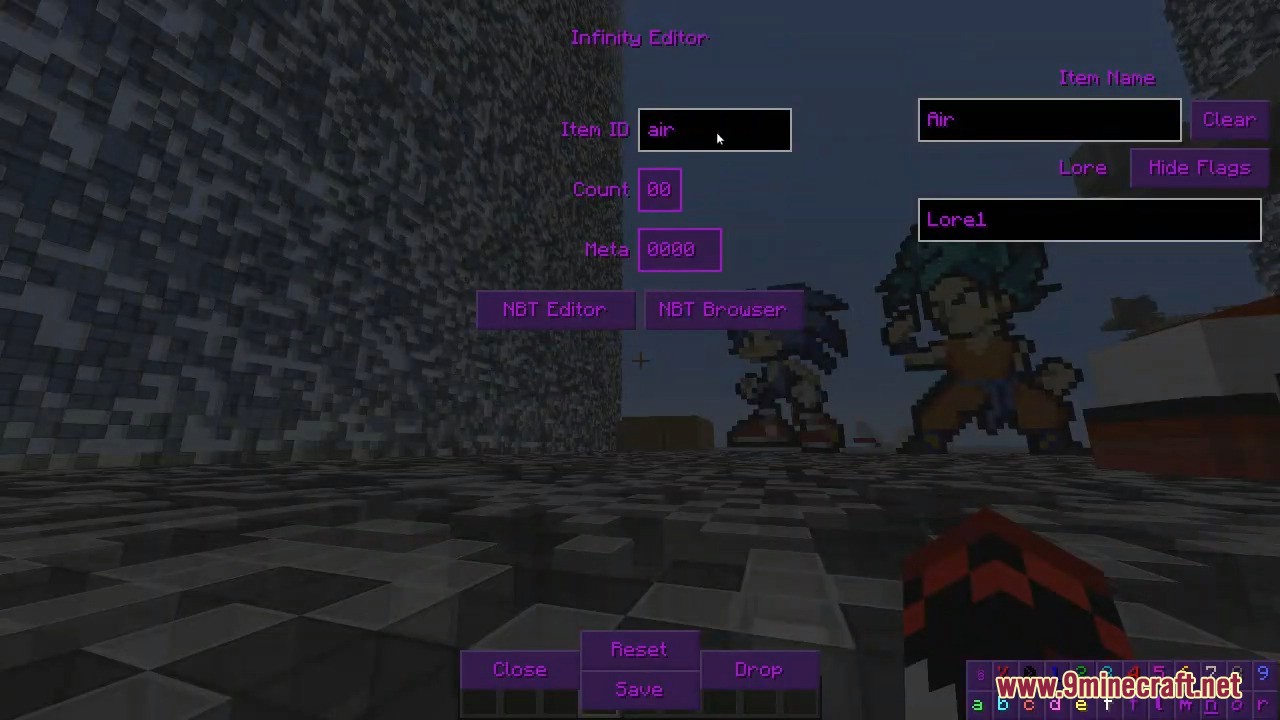
- Press U to open the editor interface for the selected hotbar item or the inventory slot under your mouse.
- Change the keybinding in the game controls menu if you prefer a different button.
Screenshots:
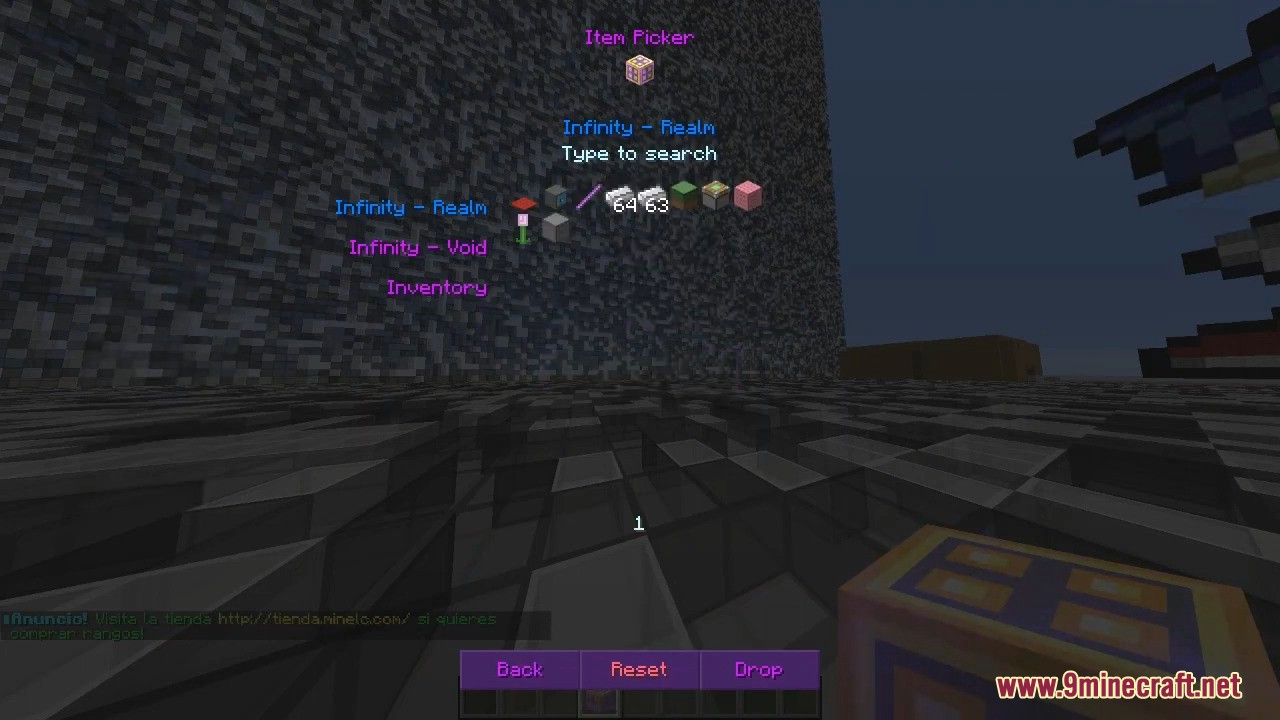
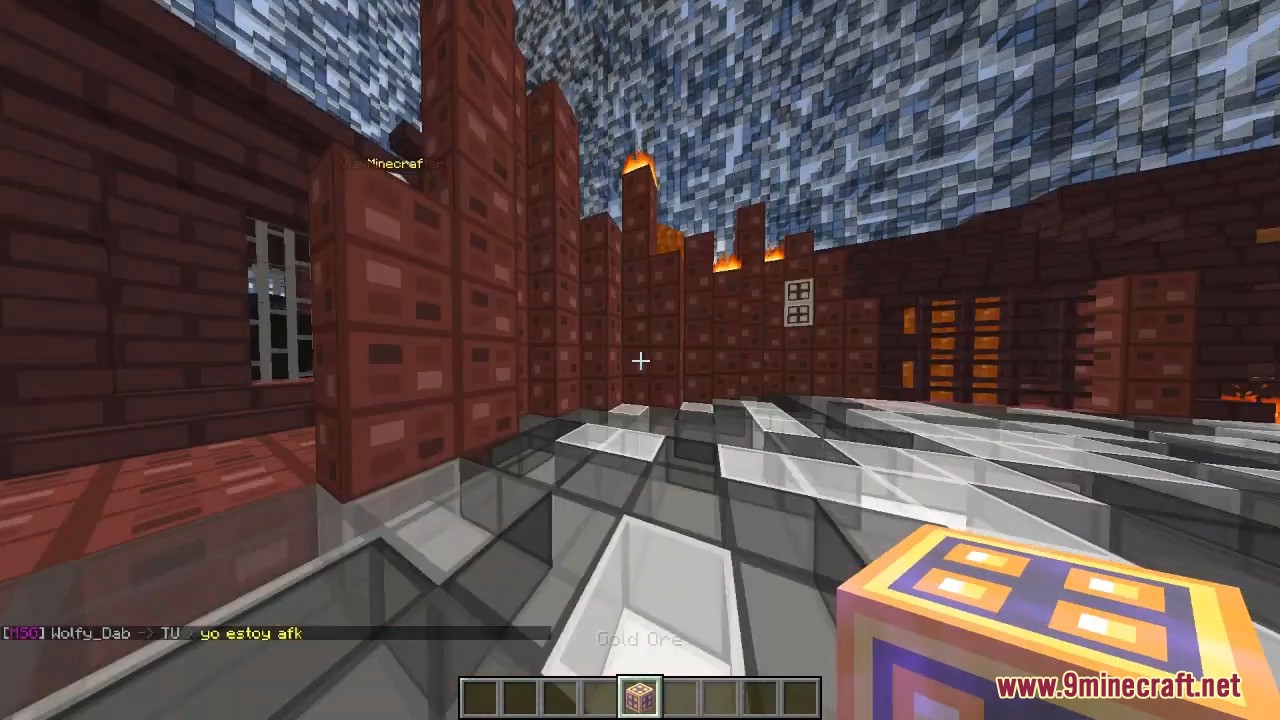
How to Install:
New to Minecraft? Follow our step-by-step guide to install Mods on your PC.View Guide
Infinity Item Editor Mod Download Links
For Minecraft 1.16.5
Forge version: Download from Server 1 – Download from Server 2
For Minecraft 1.12.2
Forge version: Download from Server 1 – Download from Server 2
How often do you play pre-made modpacks instead of making your own?
43 responses · See the full results →
You May Also Like
Picked for this page
 Ctrl Q Mod (26.1, 1.20.1) – Take Control Of Your Inventory
 IBE Editor Mod (1.20.4, 1.20.1) – Simple GUI to Edit Item, Block or Entity
 LDLib Mod (26.3, 1.20.1) – Custom Rendering, Modular GUI
 TaCZ Chamber Clarity Mod (1.20.1, 1.20) – Status Check Addon
 Styled Nicknames Mod (26.3, 1.20.1) – Nickname Customization
 More Advancements Mod (26.1.2, 1.21.1) – Path Of Progression
 Always Sprint Mod (26.3, 1.20.1) – Sprinting Is Always On
 FirmaLife Mod (1.21.1, 1.20.1) – A Cooking Addon for TerraFirmaCraft
 Server Resourcepack Checker Mod (26.3, 1.20.1) – Join And Leave Servers Swiftly
 Trailier Tales Mod (26.3, 1.21.1) – New Features & Improvements
 Chat Tools Mod (26.3, 1.20.1) – Advanced Tools and Customization Chat Options
 Infinity Mending Bows Mod (26.3, 1.21.1) – Allows Infinity & Mending On Bows Simultaneously Bases
Most viewed in Mods over the last 7 days
 Ala Industrial Mod (26.3) – Run Electric Power Grids and Automated Factories
 PleasureCraft Mod (26.3, 1.21.1) – Jenny Mod Remake for Fabric
 Jennycraft Mod (26.3, 1.20.1) – Virtual Girlfriend in Minecraft
 Fapcraft Mod (26.3, 1.12.2) – Comprehensive and Detailed Content
 Jenny Mod (Fapcraft) Official Complete Guide – How to use, Tutorial
 BangCraft Mod (1.20.1) – Jenny, Ellie and Elliot
 Fabric Loader (26.3, 1.20.1) – Fabric Installer for All Minecraft Versions
 Meteor Client Mod (26.3, 1.20.1) – Xray, HUD, Fly
 The Shooting Star Demo Mod (26.3, 1.20.1) – Vaporize Terrain From Orbit
 OptiFine HD (26.3, 1.20.1) – Run Faster, FPS Boost, Shaders Support
 Aristois Client Mod (1.21.4, 1.20.1) – World Class Minecraft Utility
 Prestige Client Mod (1.21.11, 1.21.4) – Powerful Ghost Features for Crystal & Sword PvP
More from Mods
 Patchouli 9minecraft Mod (26.3) – Read Mod Guides Without Leaving Minecraft
 Paintings ++ 9minecraft Mod (26.3) – Pick the Exact Painting You Want
 owo-lib 9minecraft Mod (26.3) – Run Your Favorite Mods Without Errors
 Moonlight 9minecraft Lib (26.3, 26.2) – Run Complex Mods Without Errors
 Load My Tags 9minecraft Mod (26.3) – Mix Mods Without Breaking Recipes
 Kambrik 9minecraft Mod (26.3) – Run Kotlin Mods Without Game Lag
 Fast Paintings 9minecraft Mod (26.3, 26.2) – Place Wall Art Exactly Where You Want It
 Bonsai Trees 9minecraft Mod (26.3, 26.2) – Automate Wood Farming in Tiny Pots
 Enhanced Block Entities 9minecraft Mod (26.3) – Build Lag-Free Storage Rooms
 Better Nether 9minecraft Mod (26.3, 26.2) – Survive Forever in the Nether
 BCLib 9minecraft Mod (26.3, 26.2) – Power Custom Nether and End Overhauls
 ForgedLoaderAPI Mod (1.19.2, 1.18.2) – Bring Ported Fabric Creations

This post has no comments yet. Be the first — your comment will appear here.