
More Cobblemon Tweaks Mod (1.21.1, 1.20.1) – Sort Your Growing Pokemon
 3,942
 0


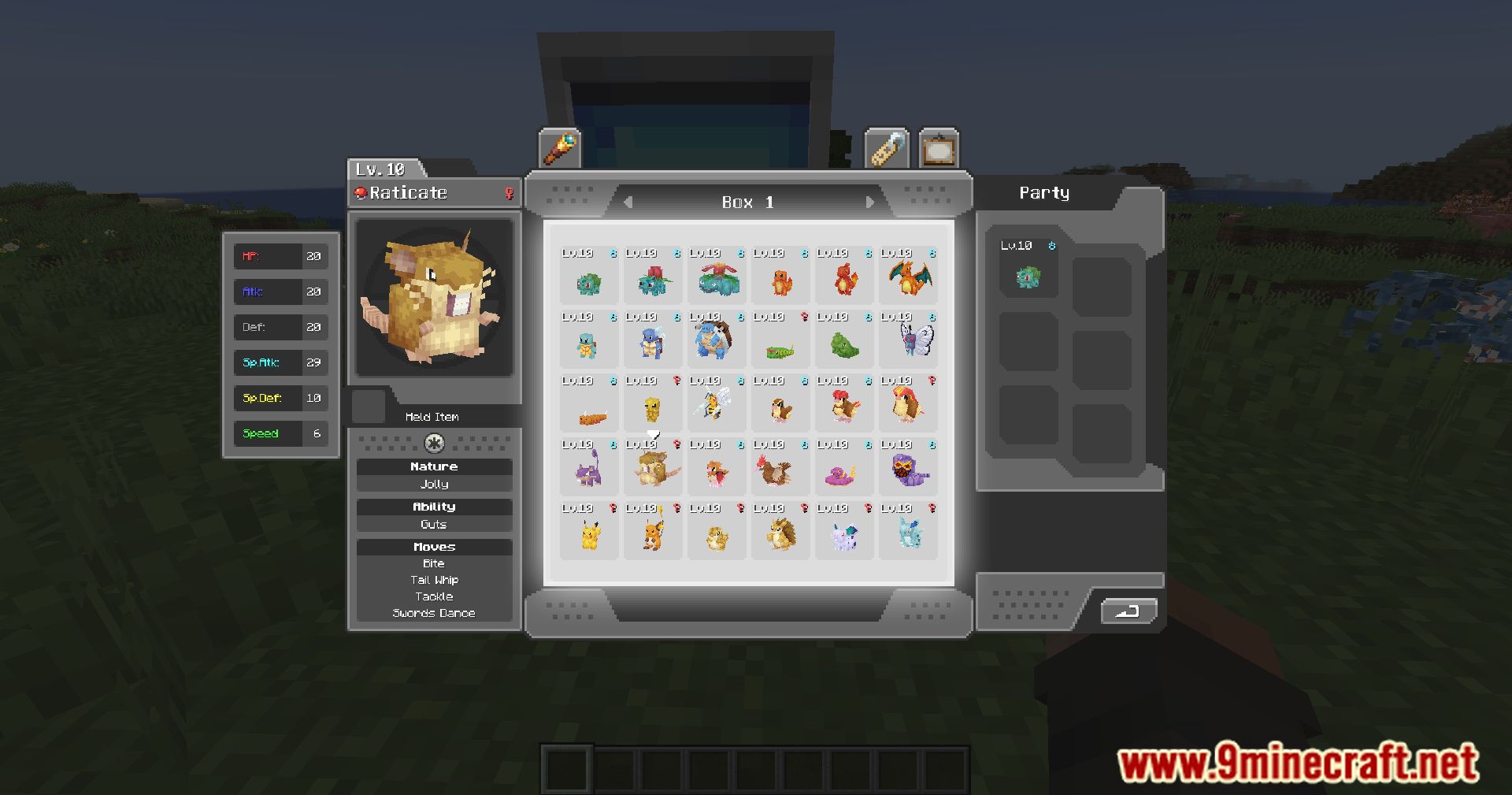
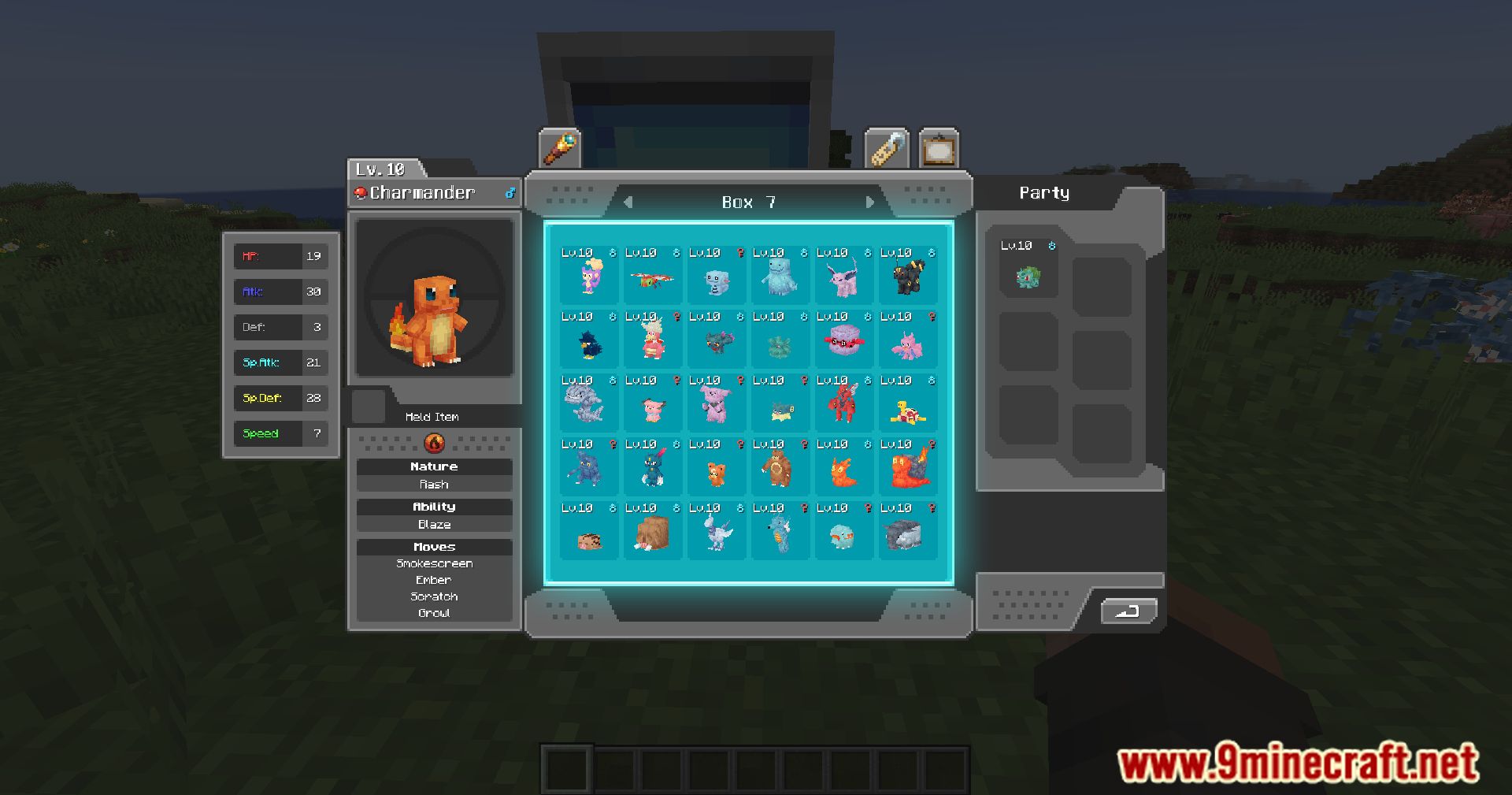
More Cobblemon Tweaks Mod adds useful quality-of-life features for Cobblemon on the client side. This mod improves the PC screen with a 100-character search bar, search autocomplete, a paged box list view, a multiselect mode, and an IV stats panel. It also shows stored egg info and status symbols in item tooltips when you use Cobbreeding or BetterBreeding. You can swap boxes, move or release groups of Pokemon at once, and check IV numbers or percentages right inside the PC. Every feature can be adjusted in the config file or inside the game using Mod Menu and Cloth Config.
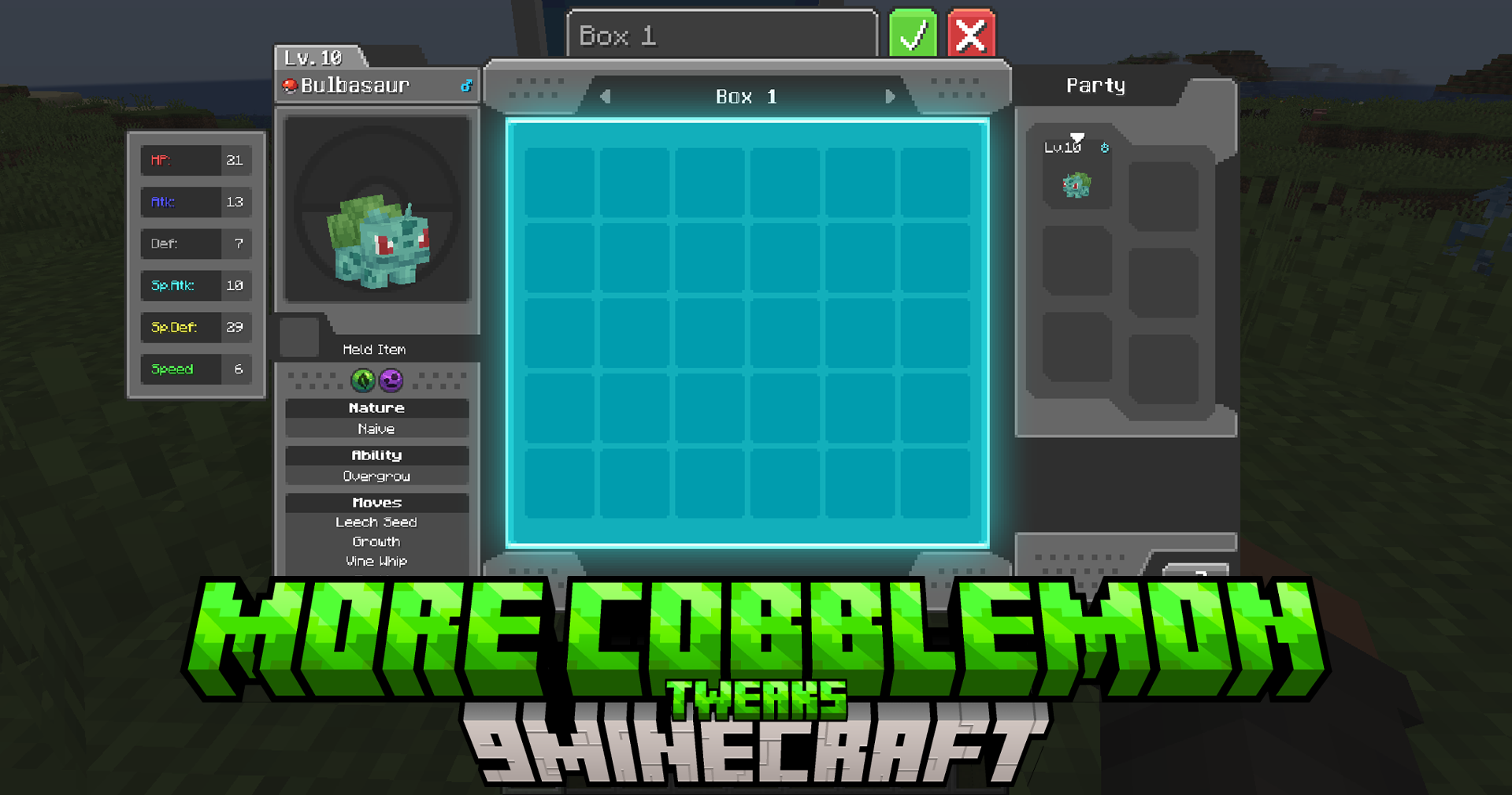
Features:
- Increases the PC search bar limit from 19 characters up to 100 characters while showing the 19 characters around your cursor as you type.
- Shows autocomplete suggestions for search and filter terms at the bottom of the PC screen, letting you press Tab to fill in the suggestion.
- Adds a multiselect toggle button on the bottom right of the PC screen so you can click individual slots or Shift-click a range of slots to select or deselect them.
- Lets you release all selected Pokemon at once with the normal release button or move them together as a group to other boxes.
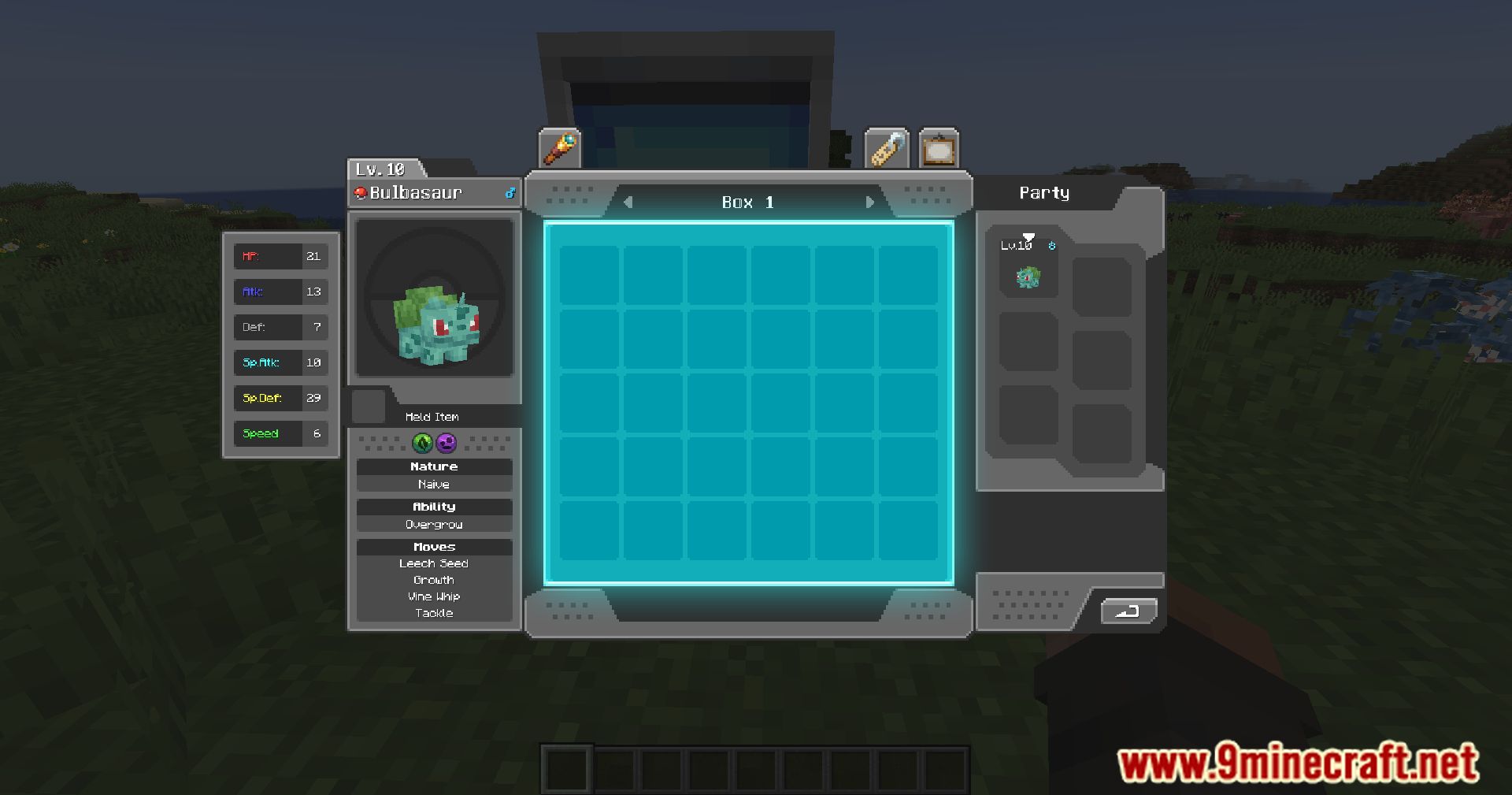
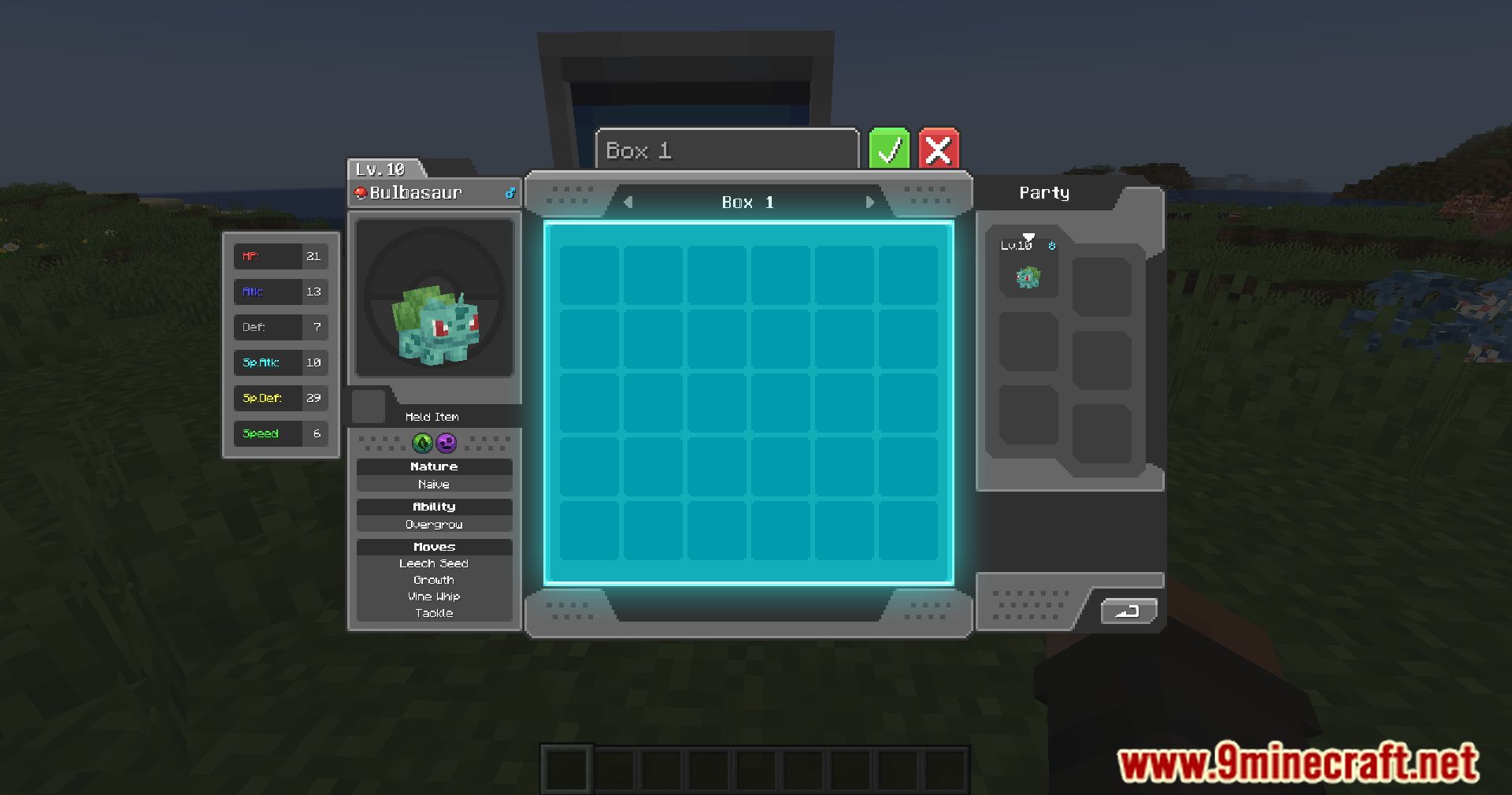
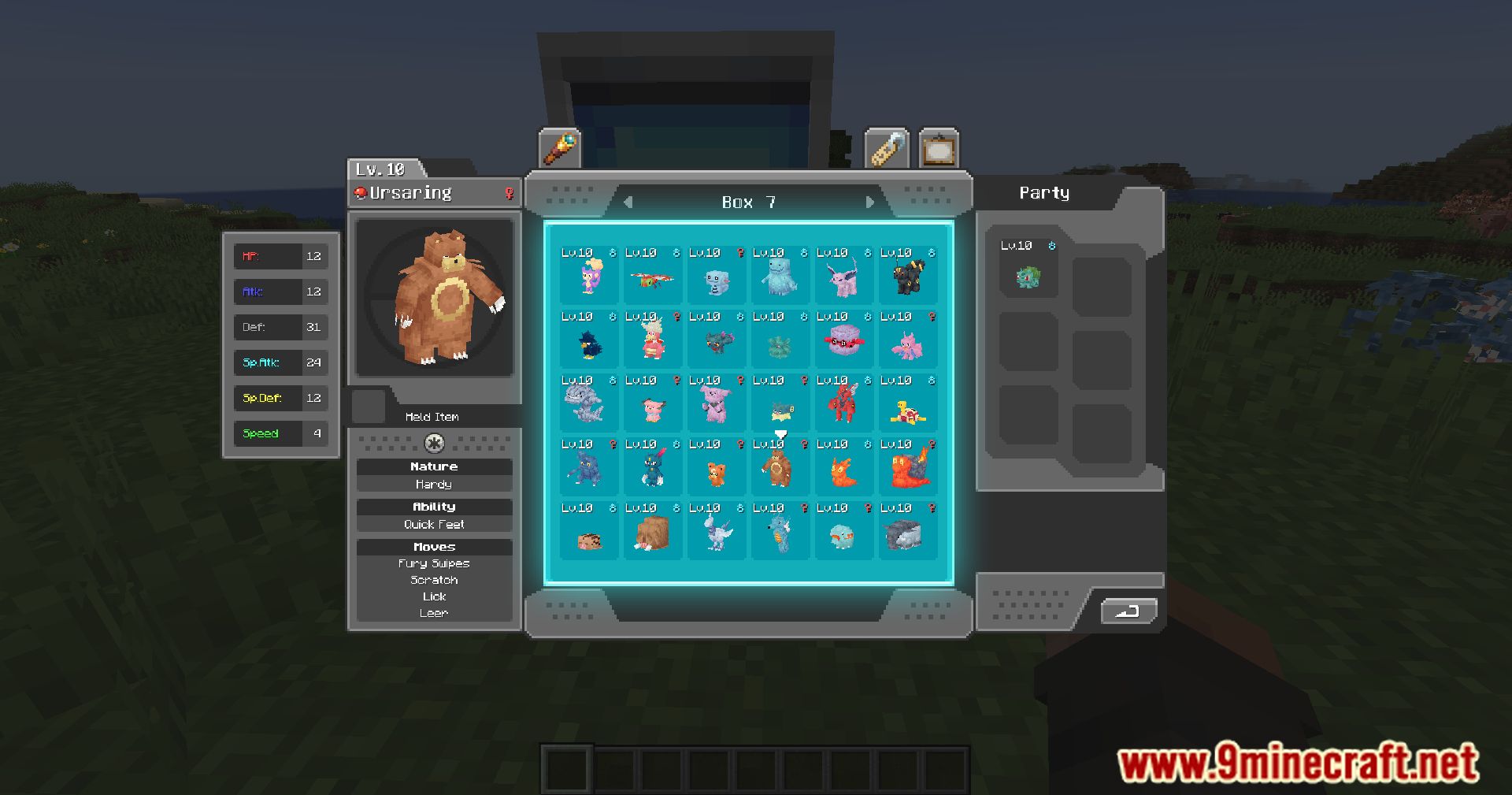
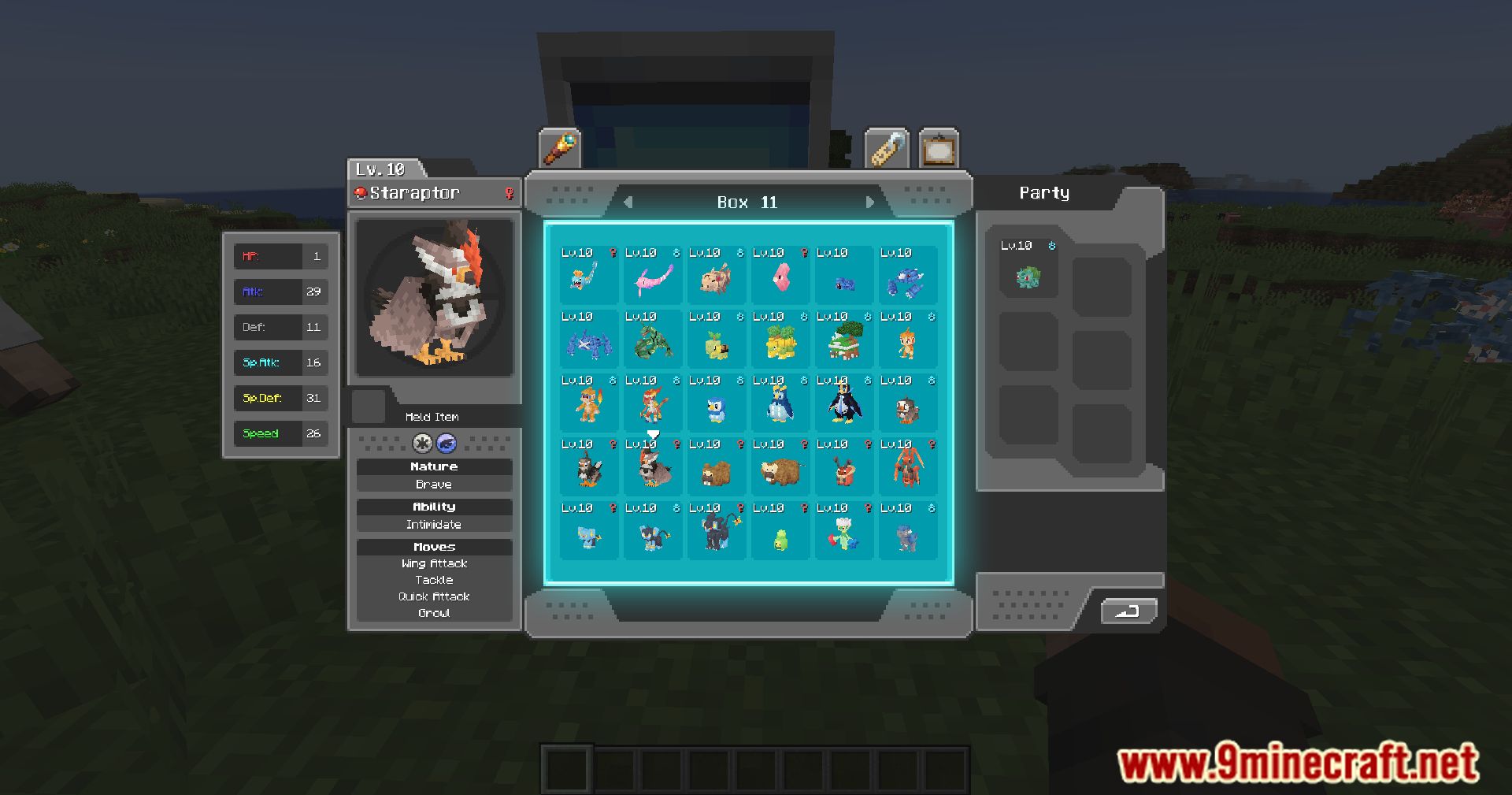
- Adds an IV display panel on the left side of the PC screen that shows every IV stat and the average IV of the previewed Pokemon, with colored stat names on by default that can be turned off in the config.
- Lets you hold Shift in the PC screen to switch the IV display from raw numbers to percentages.
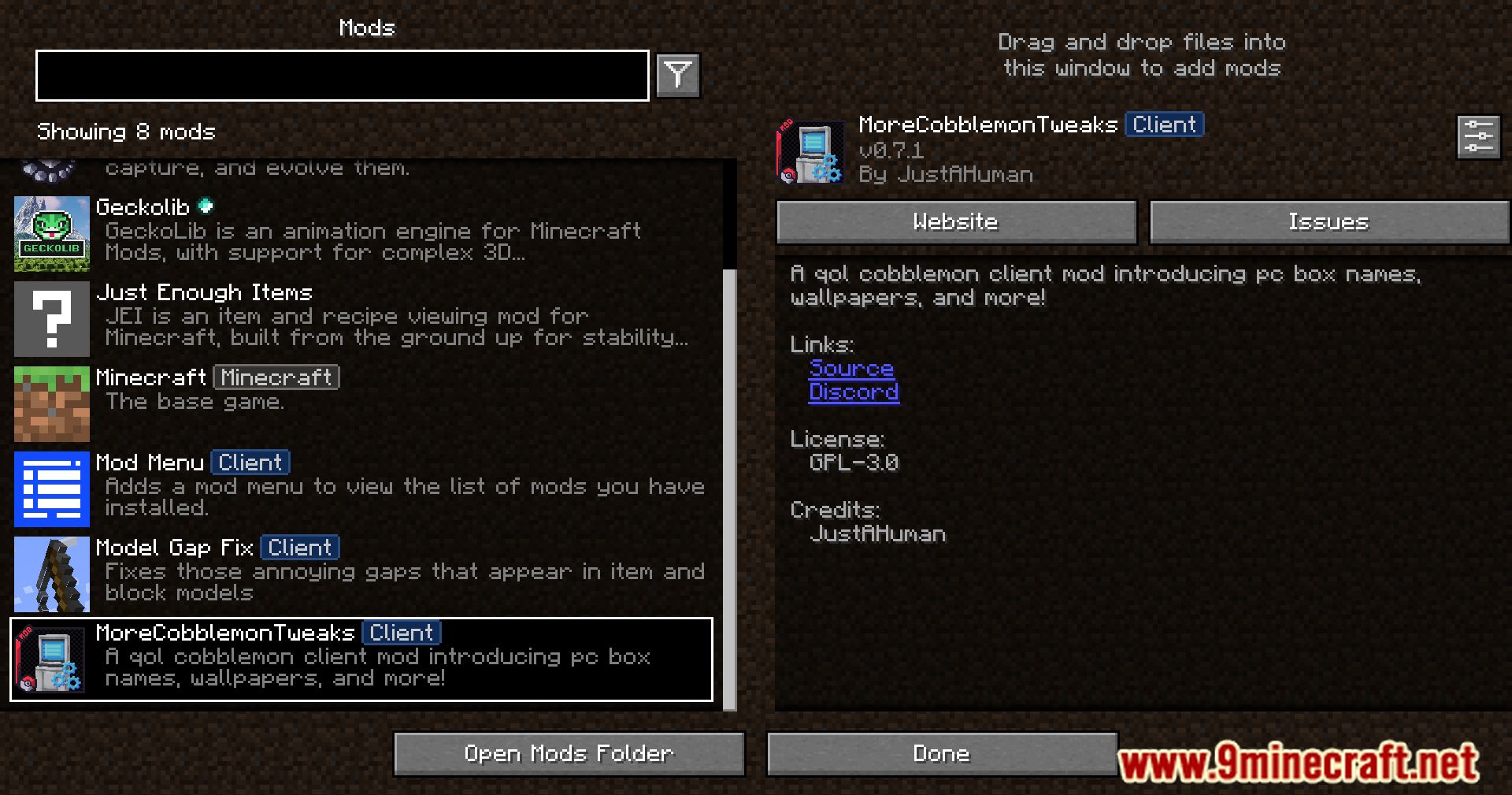
- Lets you turn individual features on or off and tweak settings in the config file or through an in-game editor when Mod Menu and Cloth Config are installed.
PC Box Management:
- Adds a box list view button in the same spot as the release button whenever the release button is not active.
- Opens and closes a paged view that lets you see all of your storage boxes across pages.
- Lets you left-click one box and then left-click another box to swap them, or right-click any box to open it directly.
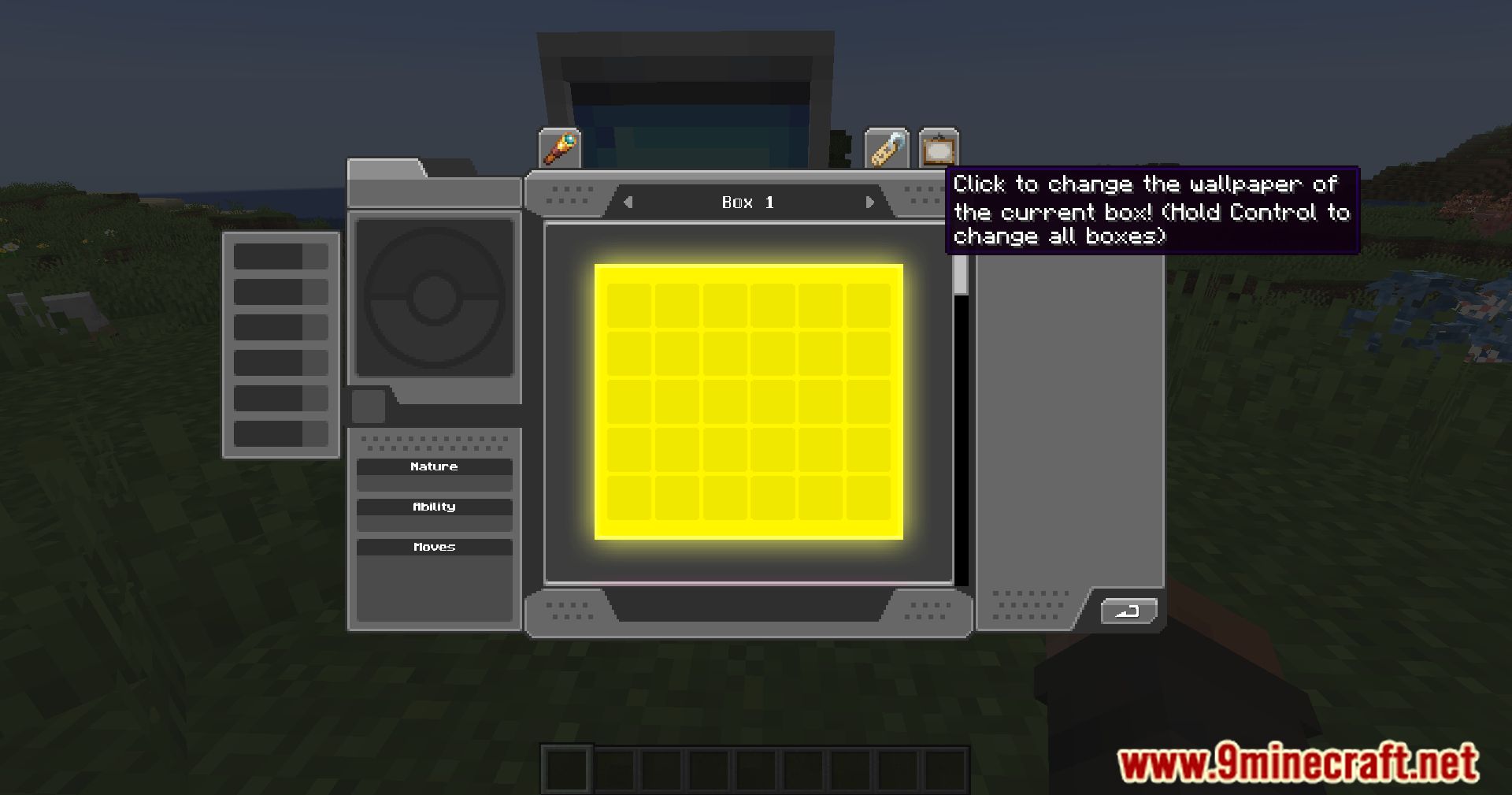
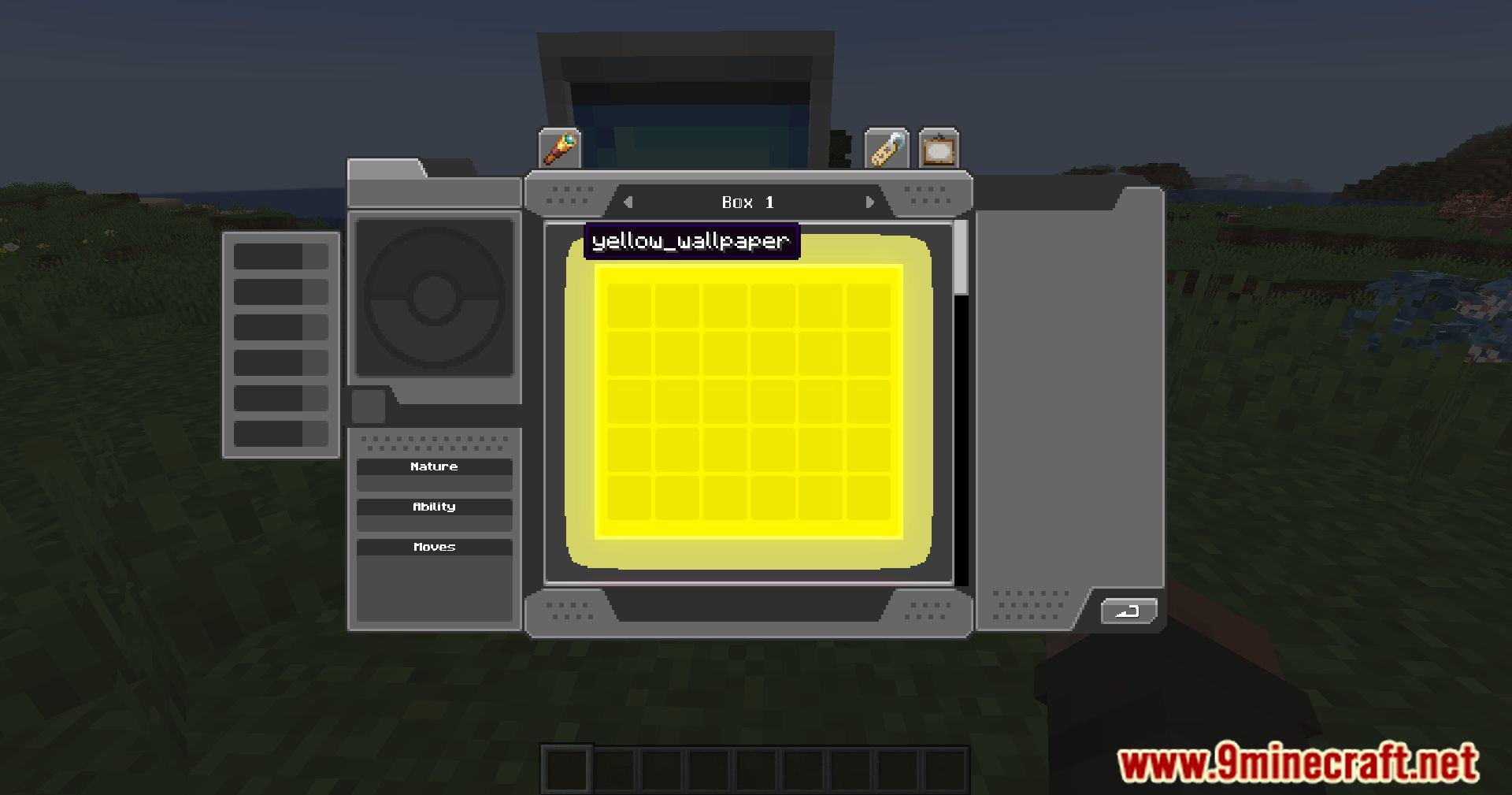
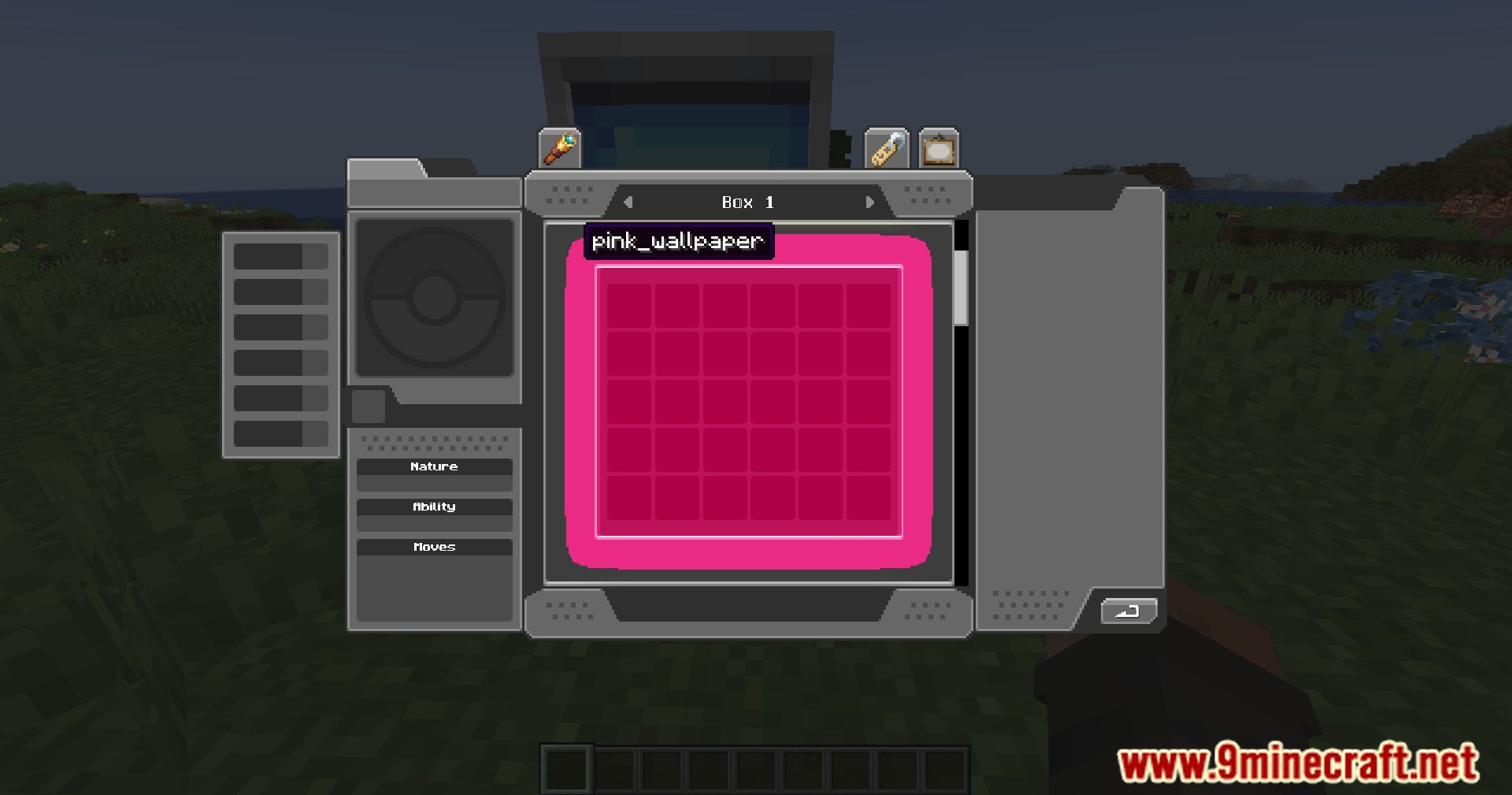
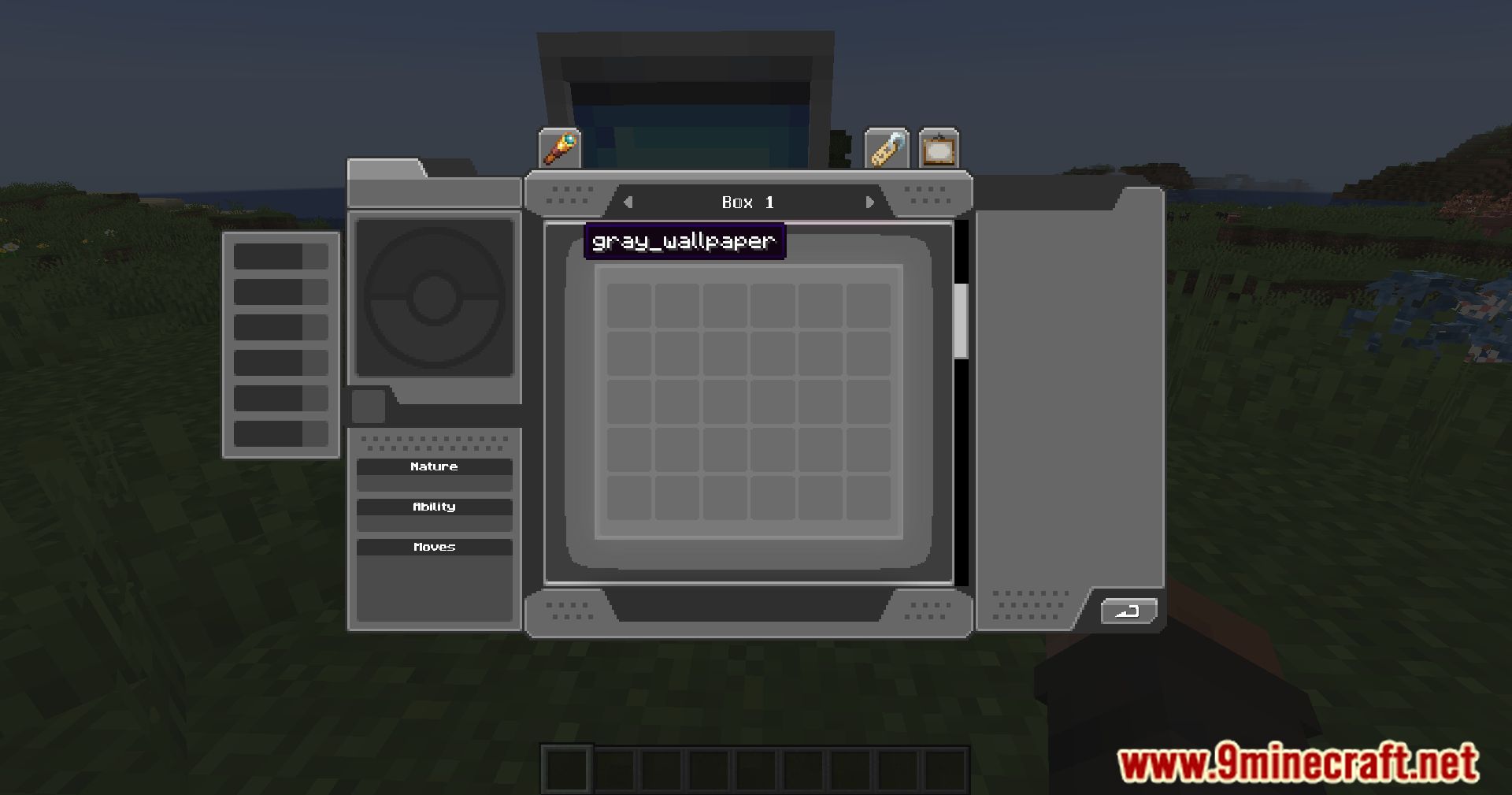
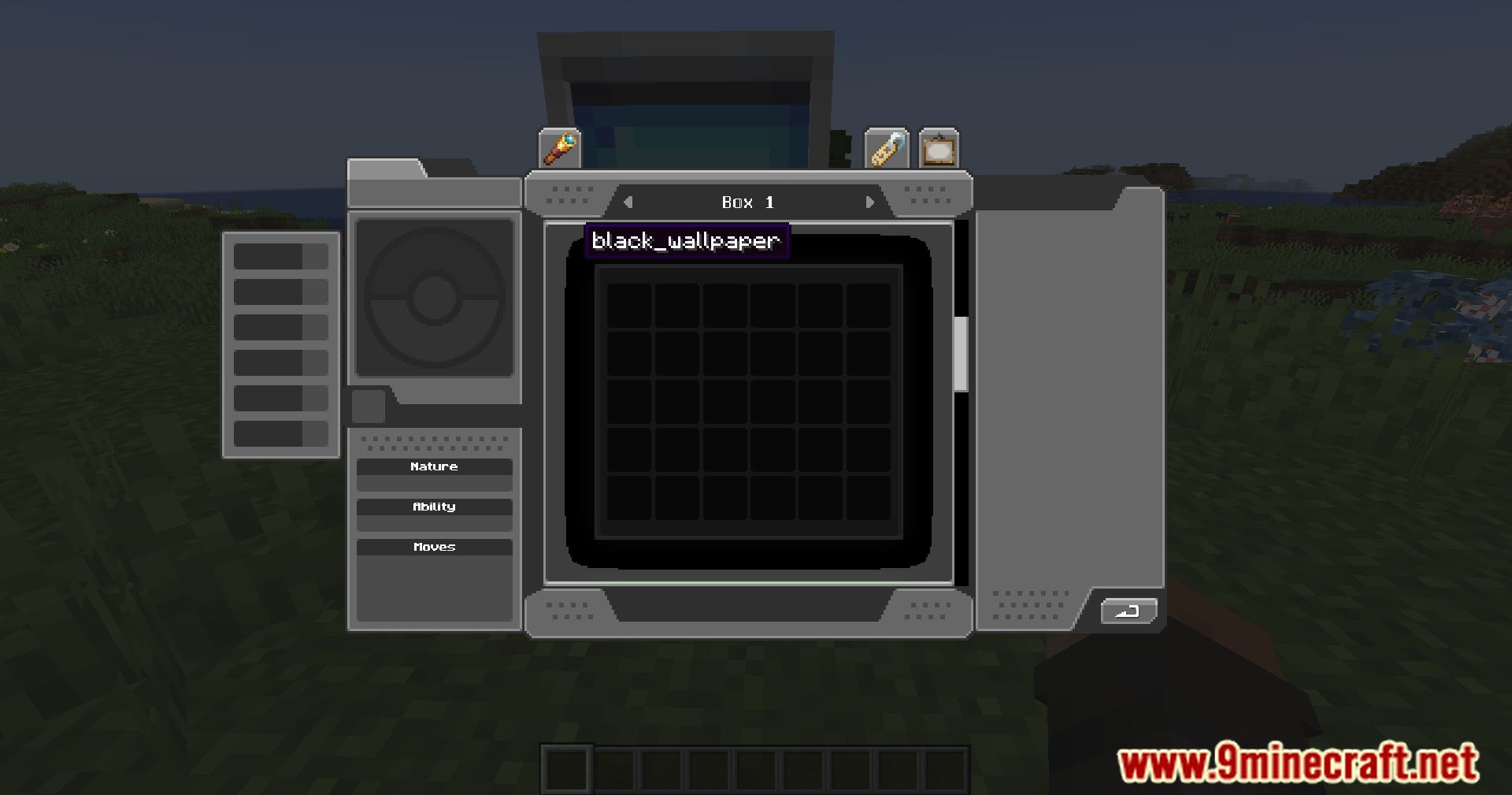
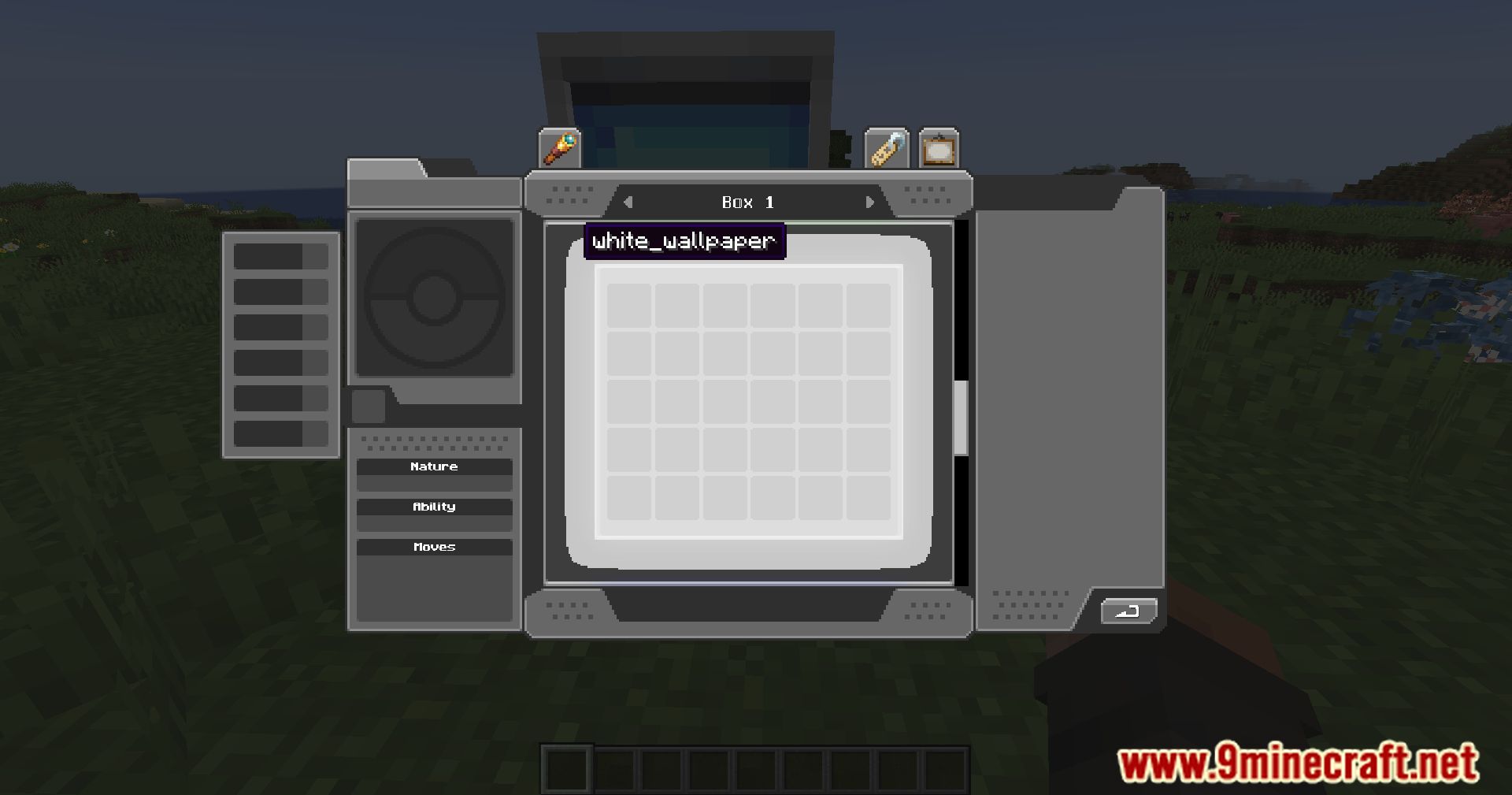
- Changes the wallpaper for every box on the current page when you pick a wallpaper option inside the box list view.
- Supports the PC search filter inside the box list view, filtering boxes based on whether any Pokemon inside matches your search.
Improved Egg Tooltips:
- Works with Cobbreeding and BetterBreeding to show stored egg data, such as name, form, and IVs, right inside the item tooltip depending on your egg mod and server settings.
- Shows a tooltip warning if a server encrypts egg data sent to the client, such as with Cobbreeding, so you know why the info cannot be read, with an option to turn this warning off in the config.
- Places a gold star next to the name of shiny eggs by default.
- Places an aqua triangle next to the name of perfect IV eggs by default.
- Places a red hazard triangle next to the name of 0 IV eggs by default, and lets you replace all three symbols with text lines in the tooltip through the config.
Configuration:
- Edit
configs/more_cobblemon_tweaks.jsonto turn any feature on or off and change its settings. - Use the in-game config editor if you have Mod Menu and Cloth Config installed.
- Toggle the encrypted egg data warning tooltip on or off when playing on servers that encrypt egg info.
- Turn the default egg symbols (gold star for shiny, aqua triangle for perfect IVs, red hazard triangle for 0 IVs) on or off, or replace them with text lines in the tooltip.
- Turn colored IV stat names on or off in the PC IV display panel.
How to Use:
- Open a Cobblemon PC in the game; the IV display panel appears on the left side of the screen, showing all IV stats and the average IV of the previewed Pokemon.
- Hold Shift while viewing the PC to switch the IV display from raw numbers to percentages.
- Click the search bar at the bottom of the PC screen and type up to 100 characters to filter your Pokemon; autocomplete suggestions appear as you type, and pressing Tab fills the suggestion into the bar.
- Click the box list view button (in the same spot as the release button when it is not active) to open or close the paged view of all your storage boxes.
- In the box list view, left-click one box to select it and left-click another box to swap them, or right-click any box to open it directly.
- Pick a wallpaper option in the box list view to change the wallpaper for all boxes on the current page, or type in the search bar to filter boxes that hold matching Pokemon.
- Click the multiselect button on the bottom right of the PC screen to turn multiselect mode on or off.
- While multiselect mode is active, click single slots to select or deselect them, or hold Shift and click to select or deselect a range of slots; then use the release button to release all selected Pokemon at once or move them together to another box.
- Hover over a Pokemon egg in your inventory when playing with Cobbreeding or BetterBreeding to read its stored stats and see shiny, perfect IV, or 0 IV symbols next to its name.
- Open
configs/more_cobblemon_tweaks.jsonor use the in-game editor (with Mod Menu and Cloth Config installed) to tweak any feature, toggle colored IV names, or switch egg symbols to text lines.
Screenshots:
How to Install:
New to Minecraft? Follow our step-by-step guide to install Mods on your PC.View Guide


More Cobblemon Tweaks Mod Download Links
For Minecraft 1.21.1, 1.21
Fabric version: Download from Server 1 – Download from Server 2
NeoForge version: Download from Server 1 – Download from Server 2
For Minecraft 1.20.1, 1.20
Fabric version: Download from Server 1 – Download from Server 2
Which Minecraft version do you spend the most time playing with mods?
17 responses · See the full results →
You May Also Like
Picked for this page
 Wynntils Mod (1.21.11, 1.21.1) – Utilities for Wynncraft
 Hit Range Mod (26.3, 1.20.1) – Reach Visualization
 Custom End Crystals Mod (26.1.2, 1.20.1) – Change How Your End Crystals are Rendered
 Cobblemizer Mod (1.21.1, 1.20.1) – Customize Your Pokémon
 Mute Mod (26.3, 1.20.1) – The Ability to Mute The Game
 Curse of Pandora Mod (1.21.1, 1.20.1) – A lot of Items to Strengthen The Player
 LumyMon Mod (1.21.1, 1.21) – Forge Your Path To Legendary Pokémon
 Better Frost Walker Mod (26.3, 1.20.1) – Improved Frost Walker Enchantment
 FPS Boost Mod (26.1.2, 1.20.1) – Optimize Minecraft For Smoother Gameplay
 Packet Events Mod (26.3, 1.21.1) – Packet Processing and Manipulation
 WaterMedia Youtube Plugin Mod (1.21.11, 1.20.1) – YouTube Extractor
 Potion Combiner Mod (1.21.1, 1.20.1) – Merge Multiple Potions
Most viewed in Mods over the last 7 days
 Ala Industrial Mod (26.3) – Run Electric Power Grids and Automated Factories
 PleasureCraft Mod (26.3, 1.21.1) – Jenny Mod Remake for Fabric
 Jennycraft Mod (26.3, 1.20.1) – Virtual Girlfriend in Minecraft
 Fapcraft Mod (26.3, 1.12.2) – Comprehensive and Detailed Content
 Jenny Mod (Fapcraft) Official Complete Guide – How to use, Tutorial
 BangCraft Mod (1.20.1) – Jenny, Ellie and Elliot
 Fabric Loader (26.3, 1.20.1) – Fabric Installer for All Minecraft Versions
 Meteor Client Mod (26.3, 1.20.1) – Xray, HUD, Fly
 The Shooting Star Demo Mod (26.3, 1.20.1) – Vaporize Terrain From Orbit
 OptiFine HD (26.3, 1.20.1) – Run Faster, FPS Boost, Shaders Support
 Aristois Client Mod (1.21.4, 1.20.1) – World Class Minecraft Utility
 Prestige Client Mod (1.21.11, 1.21.4) – Powerful Ghost Features for Crystal & Sword PvP
More from Mods
 Cataclysm X Yung’s Better Nether Fortresses Compat Mod (1.21.1, 1.20.1)
 Patchouli 9minecraft Mod (26.3) – Read Mod Guides Without Leaving Minecraft
 Paintings ++ 9minecraft Mod (26.3) – Pick the Exact Painting You Want
 owo-lib 9minecraft Mod (26.3) – Run Your Favorite Mods Without Errors
 Moonlight 9minecraft Lib (26.3, 26.2) – Run Complex Mods Without Errors
 Load My Tags 9minecraft Mod (26.3) – Mix Mods Without Breaking Recipes
 Kambrik 9minecraft Mod (26.3) – Run Kotlin Mods Without Game Lag
 Fast Paintings 9minecraft Mod (26.3, 26.2) – Place Wall Art Exactly Where You Want It
 Bonsai Trees 9minecraft Mod (26.3, 26.2) – Automate Wood Farming in Tiny Pots
 Enhanced Block Entities 9minecraft Mod (26.3) – Build Lag-Free Storage Rooms
 Better Nether 9minecraft Mod (26.3, 26.2) – Survive Forever in the Nether
 BCLib 9minecraft Mod (26.3, 26.2) – Power Custom Nether and End Overhauls

This post has no comments yet. Be the first — your comment will appear here.