
Reset Keys Confirmation Screen Mod (26.3, 1.20.1)

 0


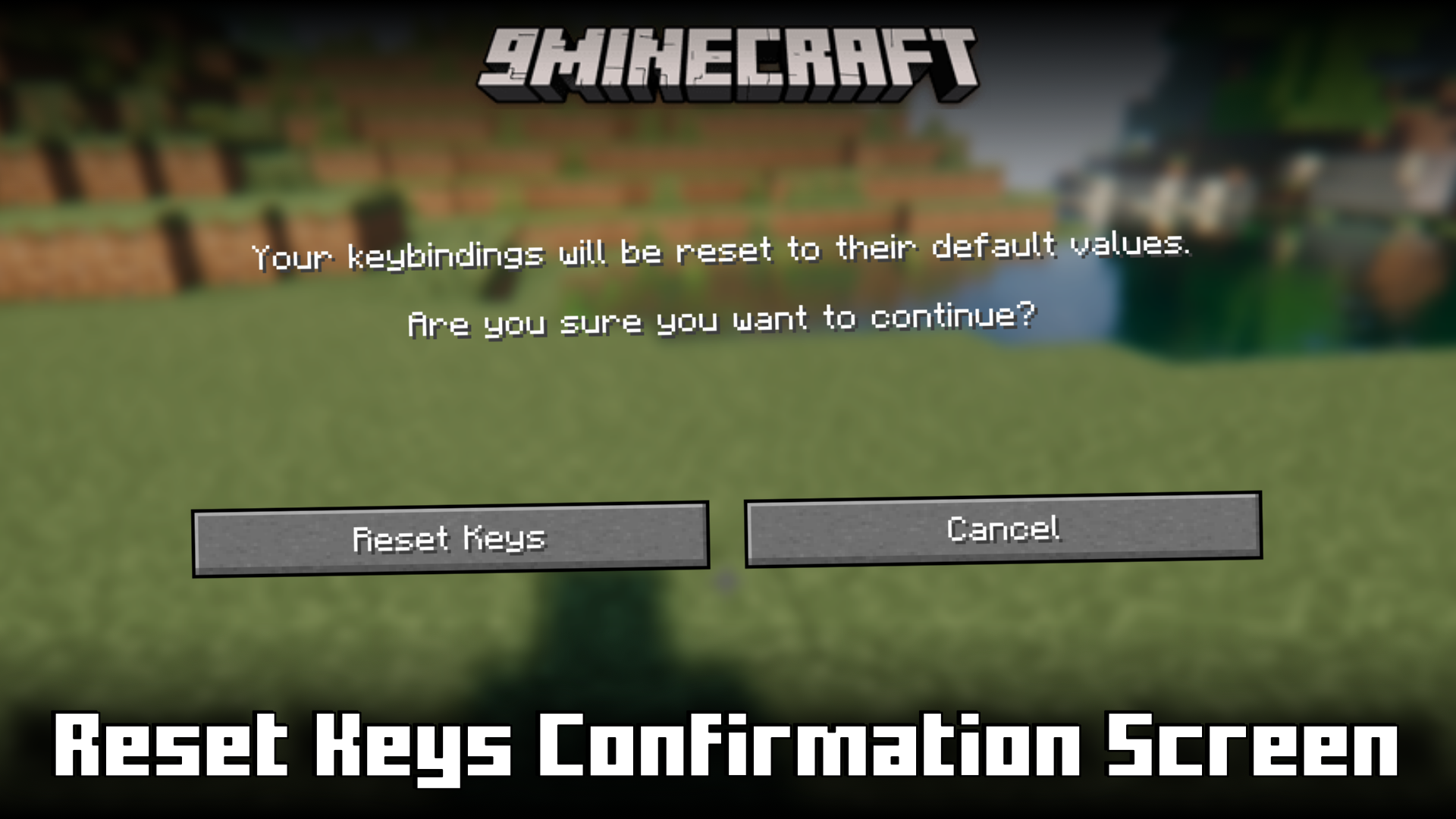
Reset Keys Confirmation Screen Mod adds a second confirmation layer to the reset keybind button in the settings menu. It stops you from losing all your custom control mappings with a single accidental click. The mod gives you peace of mind so you never have to set up your controls again by mistake.
Features:
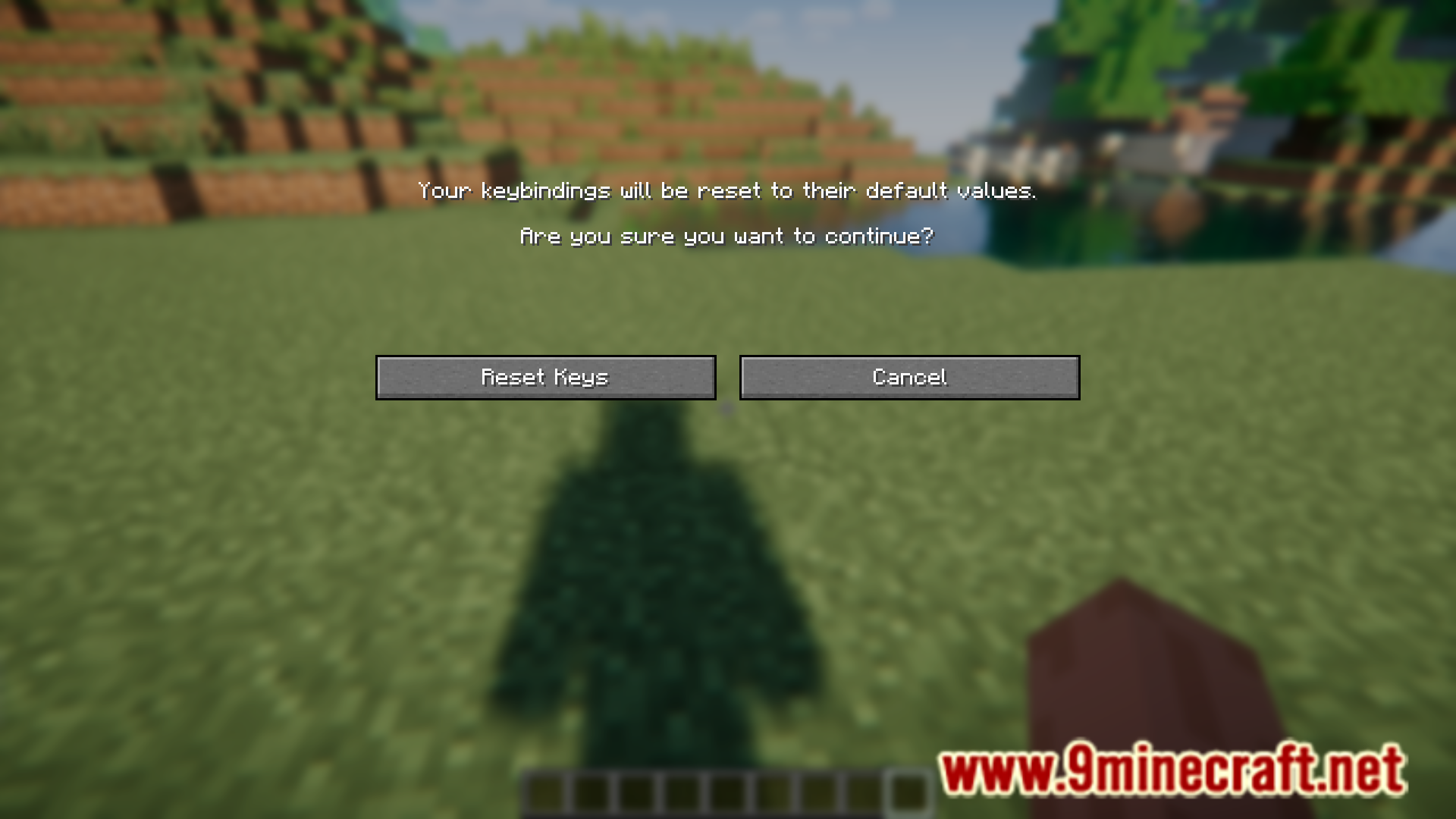
- Adds a clear confirmation prompt that shows up the moment you click the reset button in your keybind settings.
- Protects your custom control layout from unwanted and accidental resets.
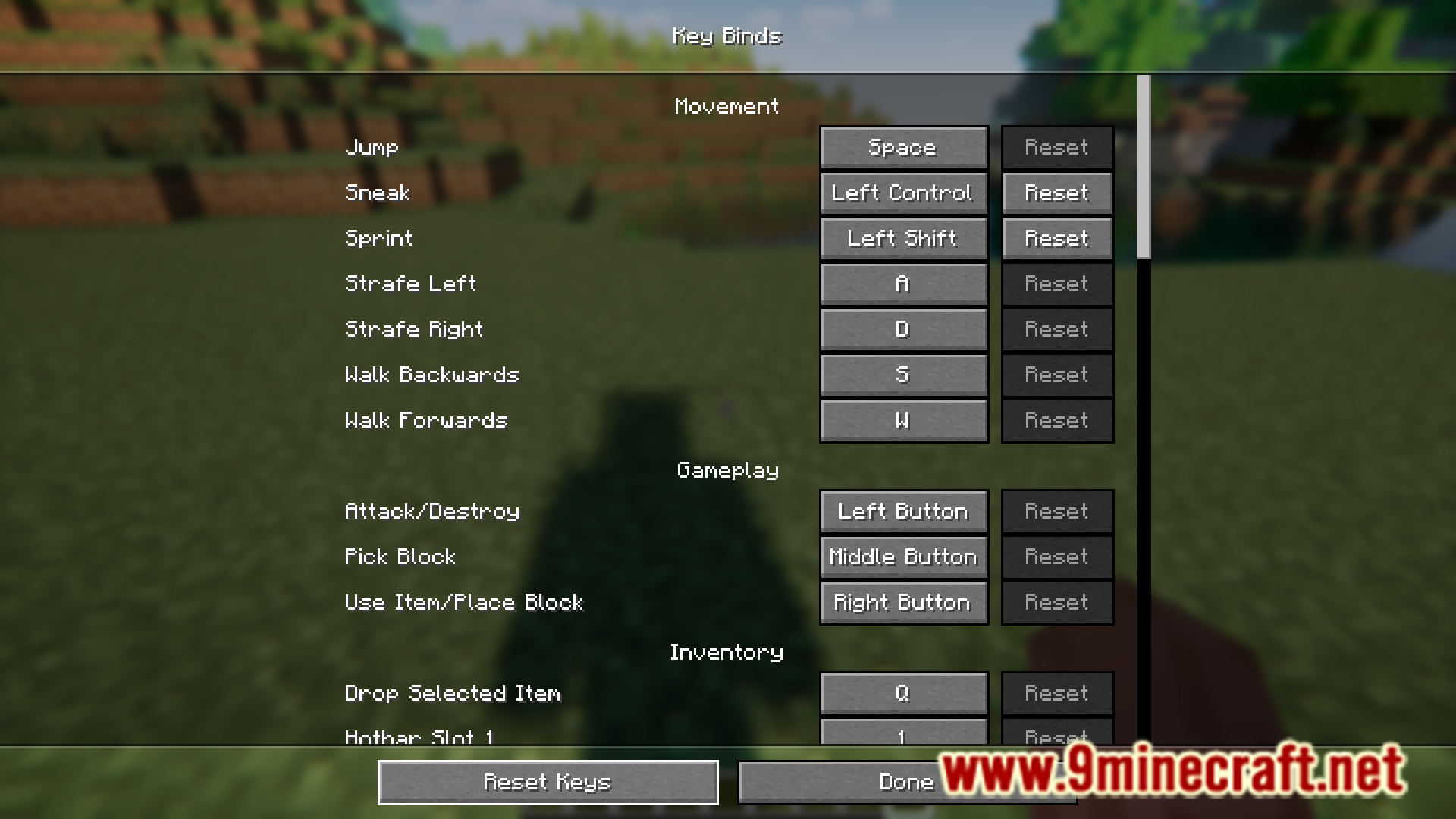
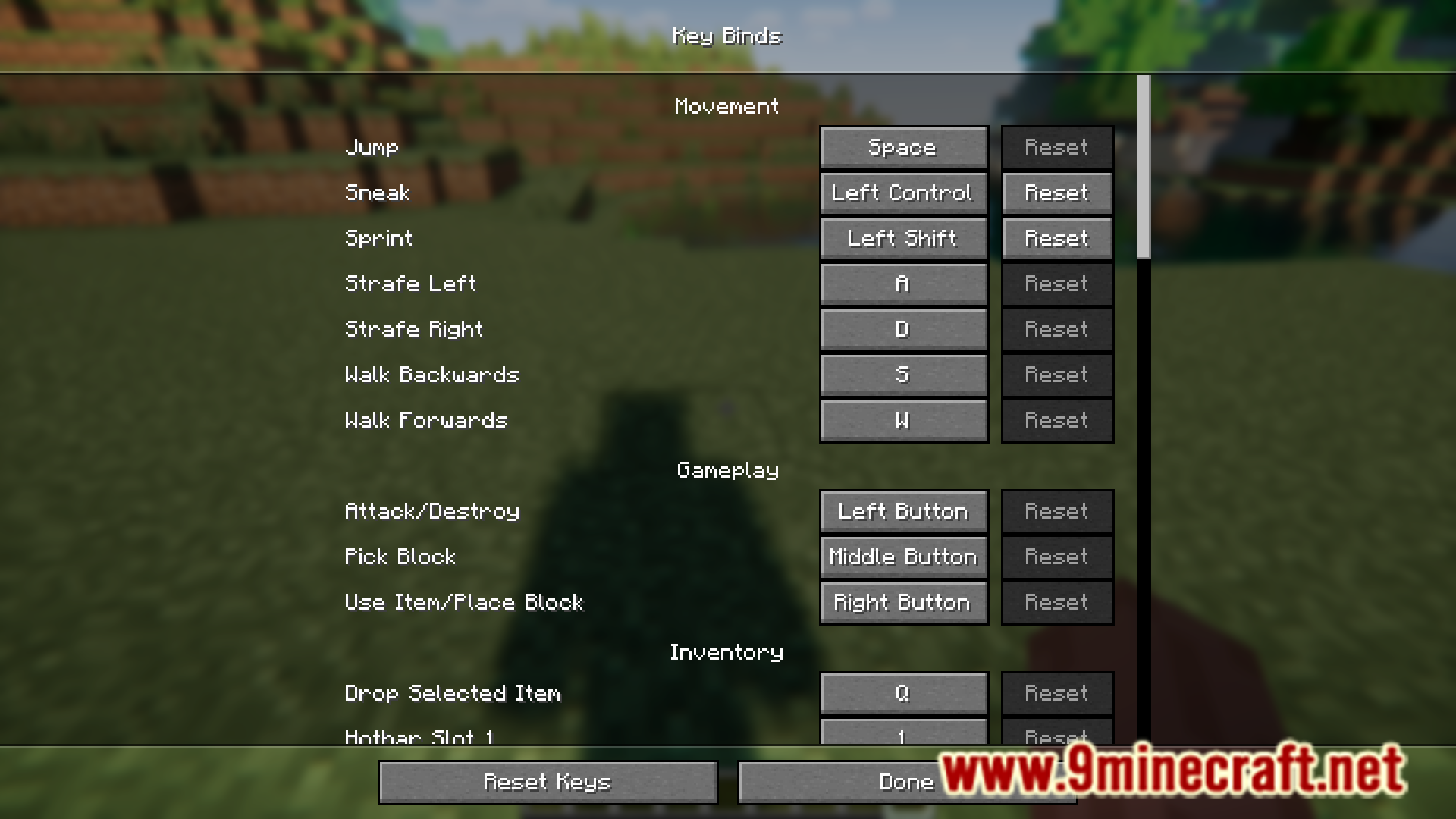
- Integrates directly into the vanilla keybind settings menu without cluttering your screen.
How to Use:
- Open your game settings and go to the Controls menu.
- Click the reset keybind button to see the new confirmation prompt.
- Confirm your choice on the screen if you really want to reset your controls, or cancel to keep them safe.
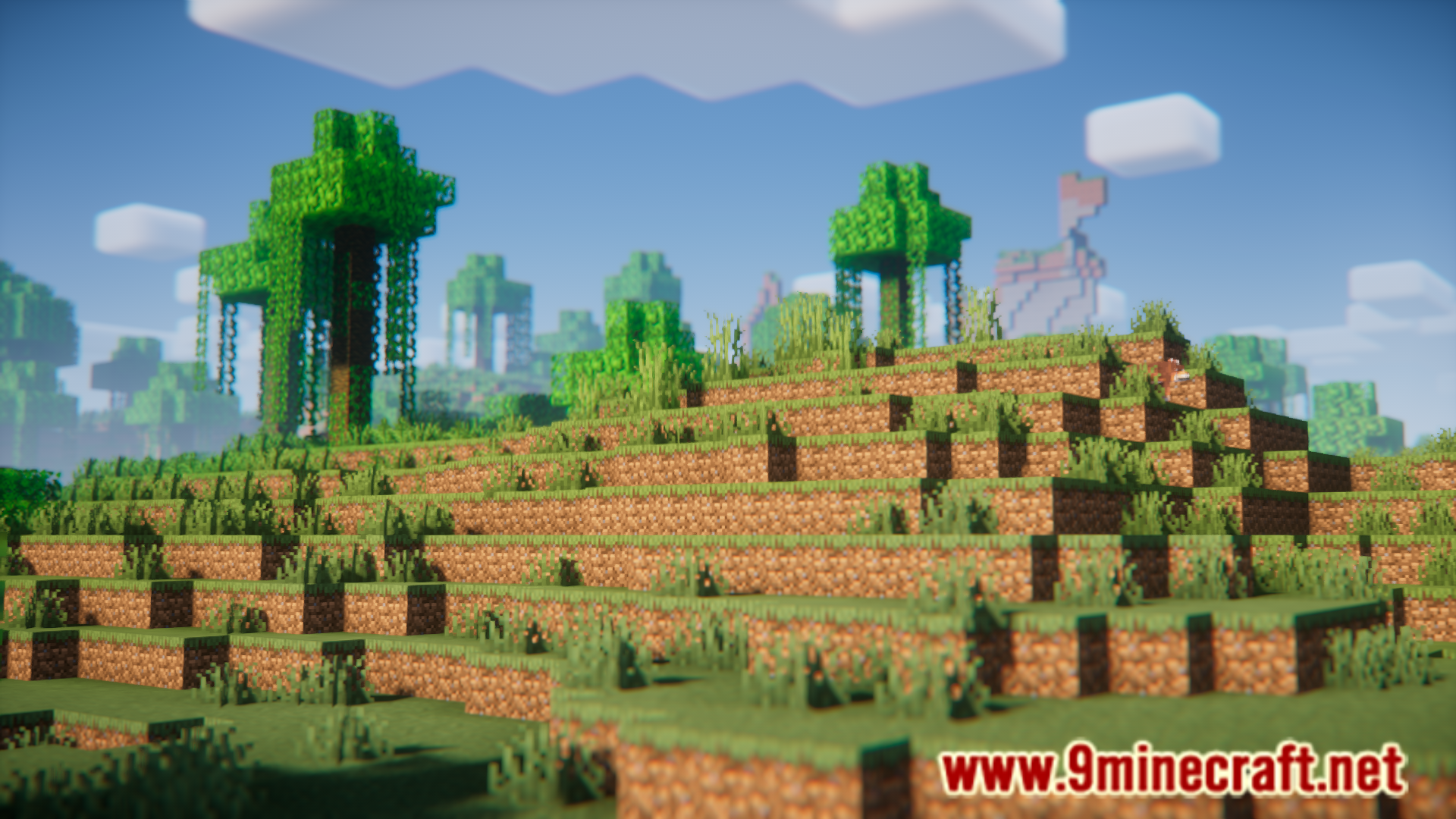
Screenshots:

How to Install:
New to Minecraft? Follow our step-by-step guide to install Mods on your PC.View Guide


Reset Keys Confirmation Screen Mod Download Links
For Minecraft
26.3,
26.2,
26.1.2
All Versions Covered
26.3
26.2
26.1.2
26.1.1
26.1
All Versions Covered
26.3
26.2
26.1.2
26.1.1
26.1
For Minecraft
26.2,
26.1.2,
26.1.1
All Versions Covered
26.2
26.1.2
26.1.1
26.1
All Versions Covered
26.2
26.1.2
26.1.1
26.1
For Minecraft
1.21.11,
1.21.10,
1.21.9
All Versions Covered
1.21.11
1.21.10
1.21.9
1.21.8
1.21.7
1.21.6
1.21.5
1.21.4
1.21.3
1.21.2
1.21.1
1.21
All Versions Covered
1.21.11
1.21.10
1.21.9
1.21.8
1.21.7
1.21.6
1.21.5
1.21.4
1.21.3
1.21.2
1.21.1
1.21
For Minecraft 1.21.8, 1.21.7, 1.21.6
For Minecraft 1.20.6
For Minecraft 1.20.4
For Minecraft 1.20.2, 1.20.1, 1.20
Click to rate this post!
[Total: 0 Average: 0]
You May Also Like
Picked for this page
 Sodium Extra Mod (1.21.11, 1.20.1) – Optifine’s Features for Sodium
 Chisels & Bits Mod (26.1.2, 1.20.1) – The Ultimate of Building Tool
 Fullbright Mod (26.1.2, 1.20.1) – Toggle Fullbright in Minecraft
 Metal Barrels Mod (26.1.2, 1.20.1) – Better than Iron Chest
 Fire Spread Tweaks Mod (26.3, 1.20.1) – Disables Default Fire Spread
 Simply No Shading Mod (26.2, 1.20.1) – Uniform Brightness Across All Blocks
 Better Respawn Mod (26.3, 1.20.1) – Respawn Near Your Death Location
 Blackwolf Library Mod (26.3, 1.20.1) – Library for Theblackwolf’s Mods
 Crash Assistant Mod (26.3, 1.20.1) – Easily Debug Your Modpack
 Smelting Sand In A Blast Furnace Mod (26.2, 1.20.1) – Faster Smelting
 Craftable Bedrock Mod (26.1.2, 1.20.1) – The Craftables Series
 Slyde More Mod (1.21.11, 1.20.1) – Push Settings Beyond Vanilla Limits
Most viewed in Mods over the last 7 days
 Ala Industrial Mod (26.3) – Run Electric Power Grids and Automated Factories
 PleasureCraft Mod (26.3, 1.21.1) – Jenny Mod Remake for Fabric
 Jennycraft Mod (26.3, 1.20.1) – Virtual Girlfriend in Minecraft
 Fapcraft Mod (26.3, 1.12.2) – Comprehensive and Detailed Content
 Jenny Mod (Fapcraft) Official Complete Guide – How to use, Tutorial
 BangCraft Mod (1.20.1) – Jenny, Ellie and Elliot
 Fabric Loader (26.3, 1.20.1) – Fabric Installer for All Minecraft Versions
 Meteor Client Mod (26.3, 1.20.1) – Xray, HUD, Fly
 OptiFine HD (26.3, 1.20.1) – Run Faster, FPS Boost, Shaders Support
 The Shooting Star Demo Mod (26.3, 1.20.1) – Vaporize Terrain From Orbit
 Aristois Client Mod (1.21.4, 1.20.1) – World Class Minecraft Utility
 SchnurriTV Mod (1.12.2) – Characters and Features
More from Mods
 LiquidBounce Client Mod (26.3, 1.20.1) – LiquidLauncher, A Free Client
 Create Hand Made Mod (1.21.1) – Craft Create Recipes By Hand in Your Workshop
 Seed Map for Xaero Mod (26.1) – See Rare Biomes and Dungeons Before You Travel
 MCPersist Mod (26.3) – Keep Your World Online for Friends Even After Logging Off
 Minecraft Java MCP Server Mod (1.21.11) – Command Your World Through External AI Tools
 Arcanism Mod (26.2) – Build Magic Factories and Program Custom Spells
 Archangel Client Mod (1.21.11) – Master Every PvP Duel with Clean Screen Stats
 Block Front Survival Patch Mod (1.21.1) – Wage Tactical Warfare in Survival
 SimpleRPGCore Mod (1.21.4, 1.21.1) – Fight with Classic RPG Stats
 Bard RPG Series Plus by Fichte Mod (1.21.1, 1.20.1) – Buff Allies in Combat
 Fabric Gui ImGui Mod (26.3, 1.21.11) – Clean Custom Menus and In-Game Control
 Multi Item Lib Mod (1.20.1) – Wield Custom Gear with Flawless Hand Animations

This post has no comments yet. Be the first — your comment will appear here.