


Reset Keys Confirmation Screen Mod (26.2, 1.20.1) – Reconsider Your Choice

 0
0 

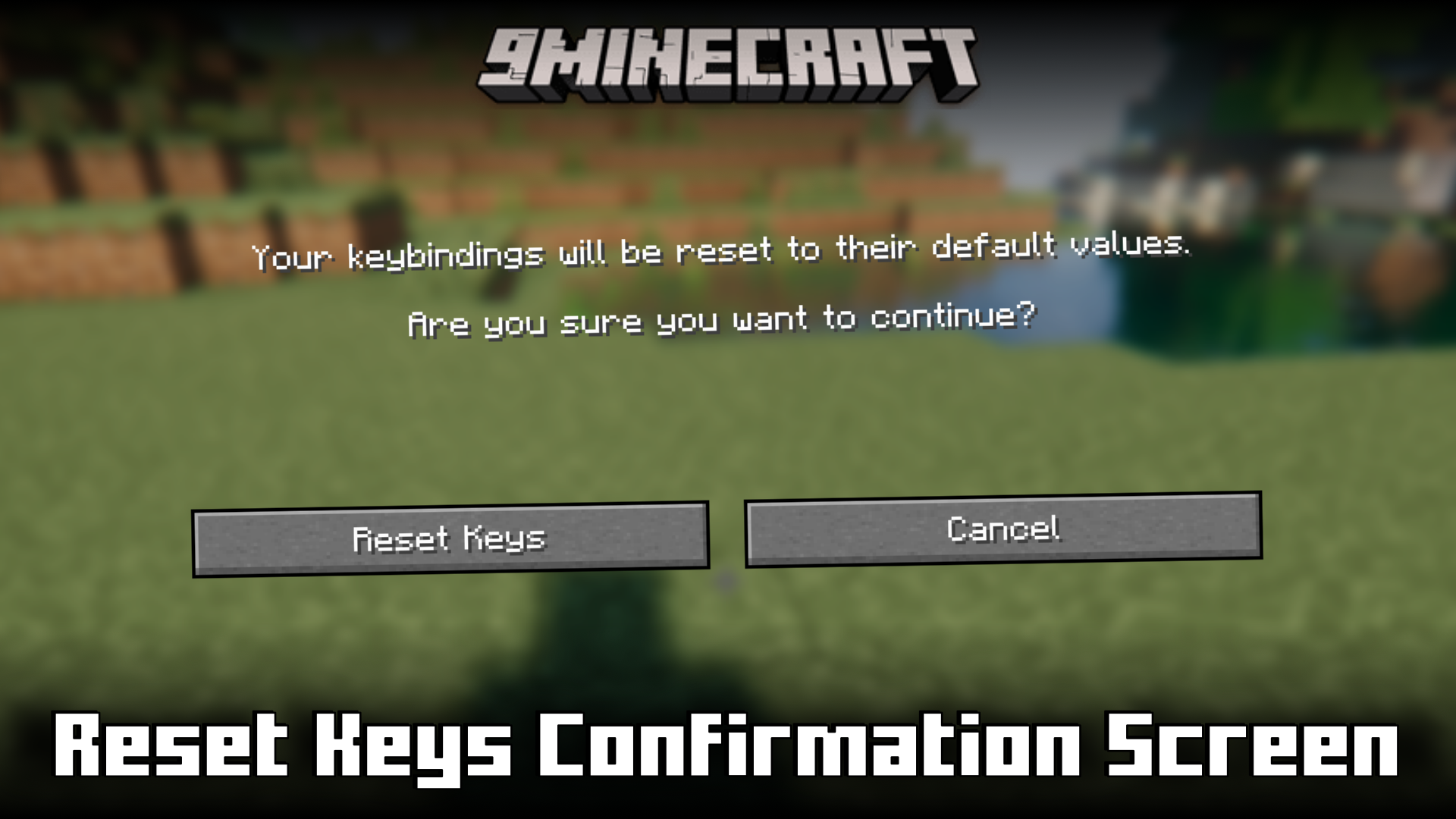
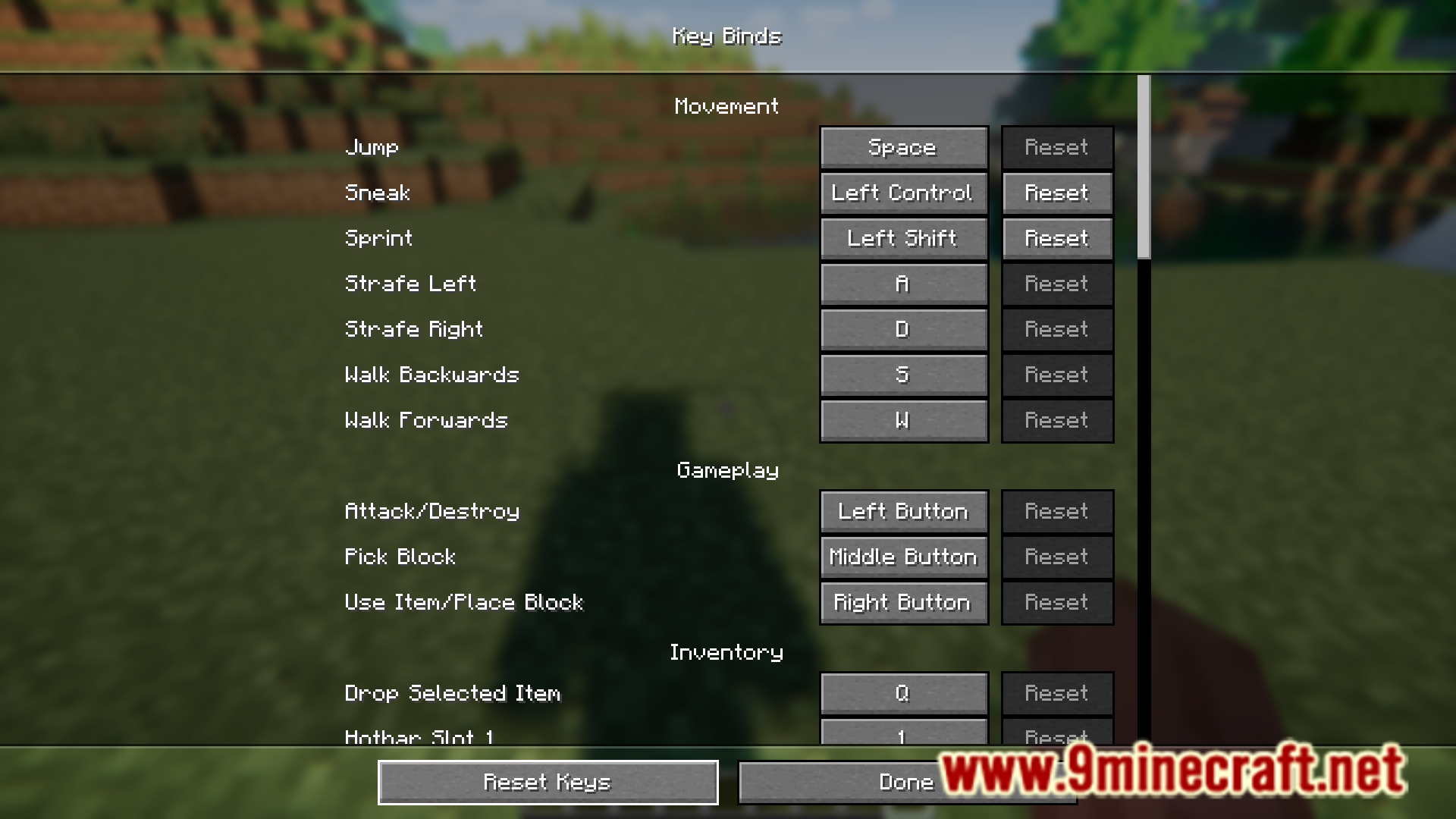
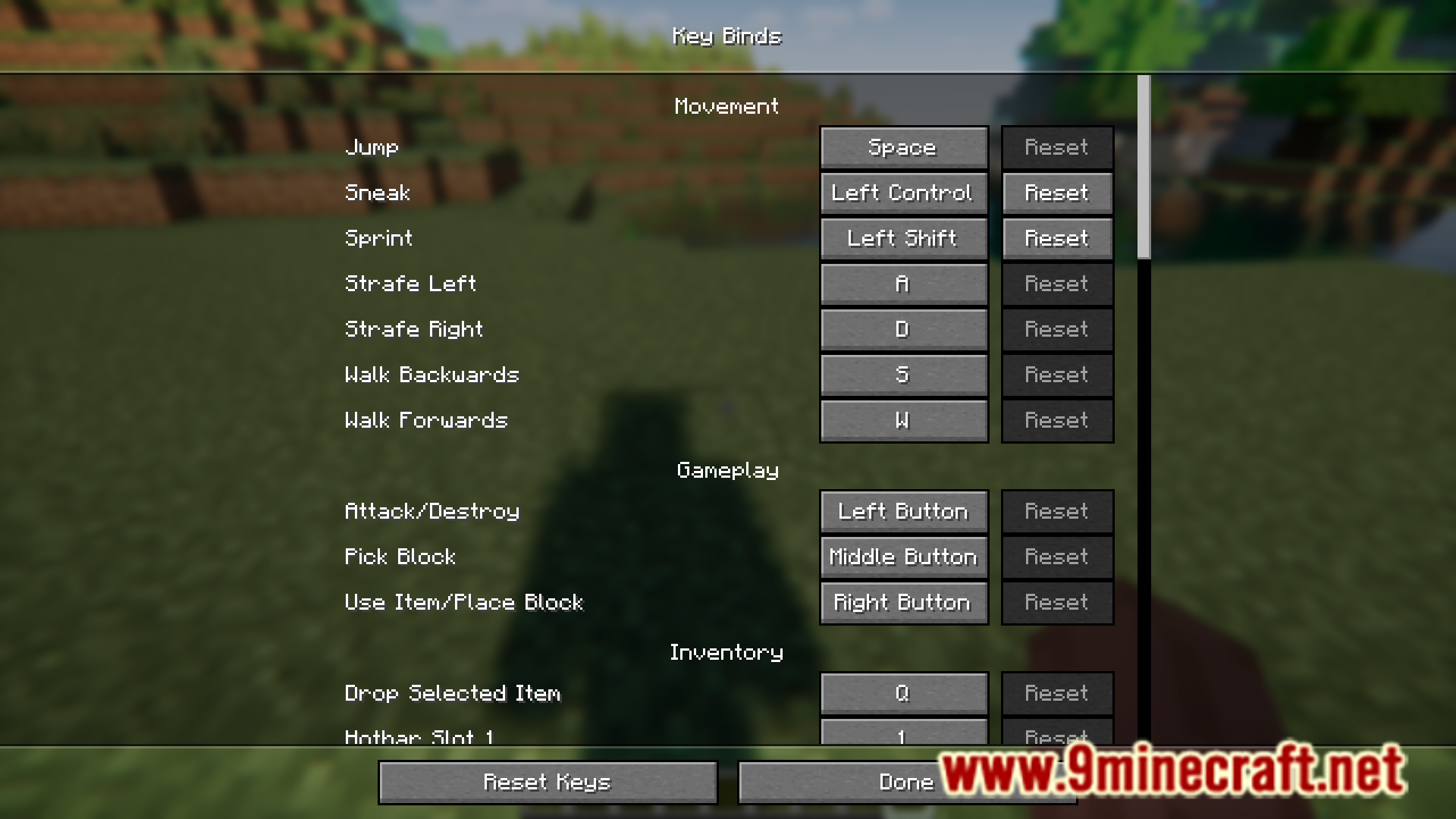
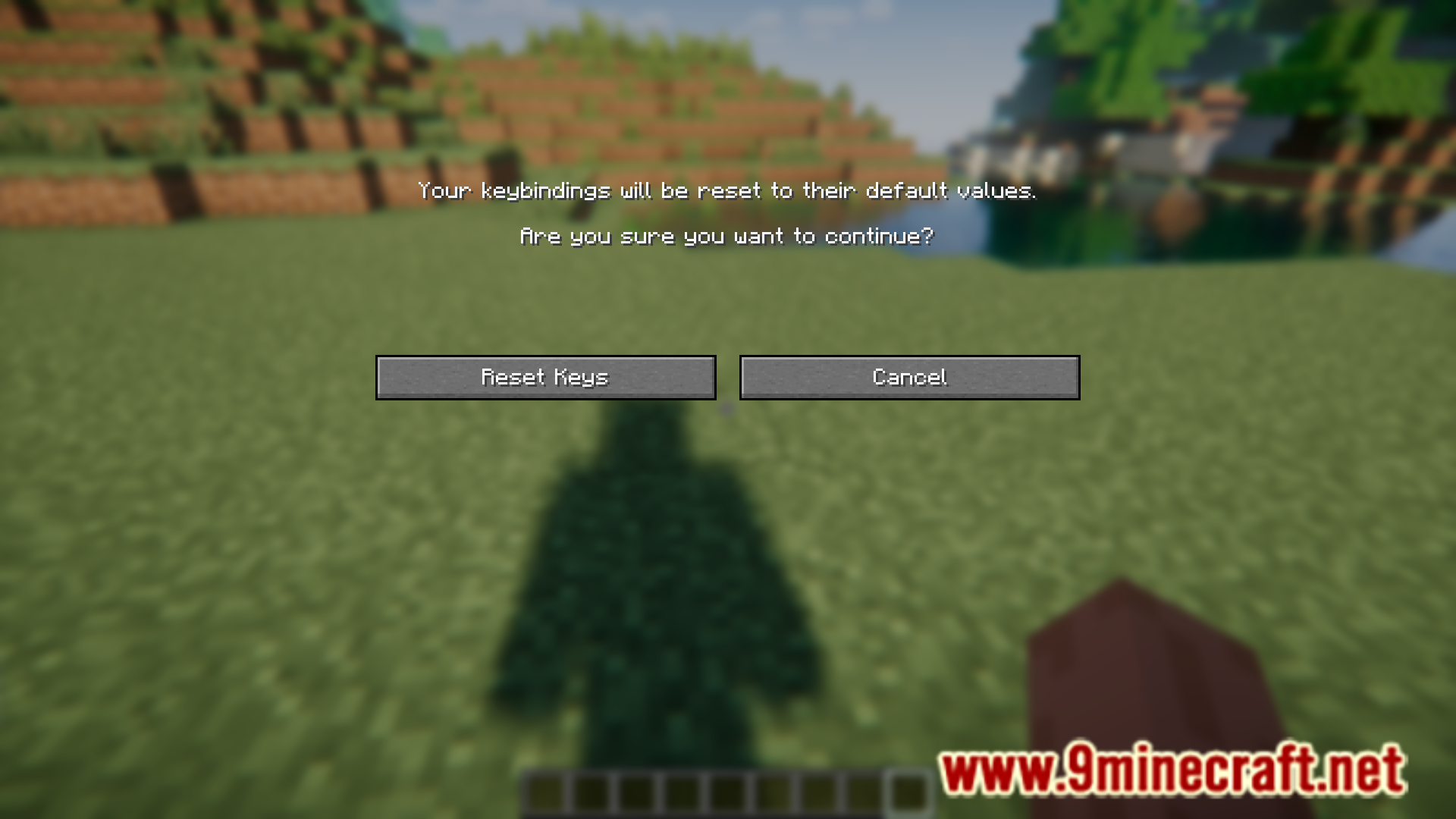
In the keybind settings menu, there is a reset button that allows you to reset all your keybinds to their default values. Accidentally clicking on this button once can cause all your keybinds to be reset, and you will have to manually set them up again. Reset Keys Confirmation Screen Mod is here to add a second confirmation layer to the reset keybind button so that you will not accidentally reset your keybinds.
Features:
- Adds a confirmation prompt that appears when you click on the reset button in the keybind settings.
- Prevents you from accidentally resetting your keybinds.
Screenshots:


How to Install:
New to Minecraft? Follow our step-by-step guide to install Mods on your PC.View Guide
Requirements:


Reset Keys Confirmation Screen Mod Download Links
For Minecraft
26.2,
26.1.2,
26.1.1
All Versions Covered
26.2
26.1.2
26.1.1
26.1
All Versions Covered
26.2
26.1.2
26.1.1
26.1
For Minecraft
1.21.11,
1.21.10,
1.21.9
All Versions Covered
1.21.11
1.21.10
1.21.9
1.21.5
1.21.4
1.21.3
1.21.2
1.21.1
1.21
All Versions Covered
1.21.11
1.21.10
1.21.9
1.21.5
1.21.4
1.21.3
1.21.2
1.21.1
1.21
For Minecraft 1.21.8, 1.21.7, 1.21.6
For Minecraft 1.20.6
For Minecraft 1.20.4
For Minecraft 1.20.2, 1.20.1, 1.20
Click to rate this post!
[Total: 0 Average: 0]
You May Also Like









This post has no comments yet. Be the first — your comment will appear here.