
Cobblemon Wiki Gui Mod (1.21.1, 1.20.1) – Check Spawn Locations and Evolution

 0


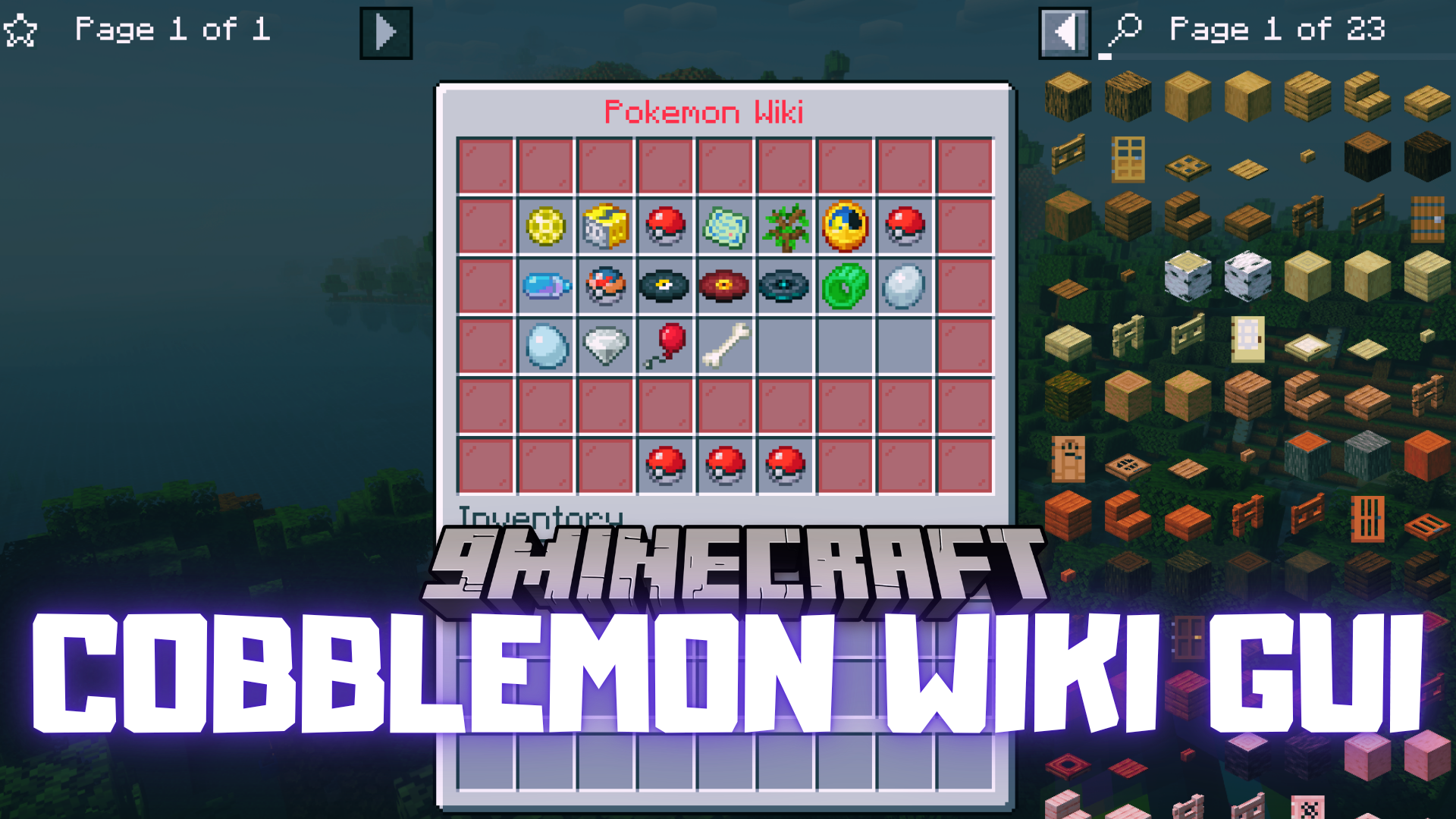
Cobblemon Wiki Gui Mod adds an in-game Pokémon wiki menu for Cobblemon. You can open a simple Pokédex-style screen with a chat command to check base stats, types, weaknesses, abilities, catch rates, and item drops. The menu also shows spawn biomes, spawn times, full evolution chains, Dynamax details, alternate forms, and every move list from level-up to tutor and egg moves. You can browse all Pokémon species across pages or open the wiki screen for another player. This mod works on singleplayer worlds and multiplayer servers, so players can look up Pokémon details without leaving the game.
Features:
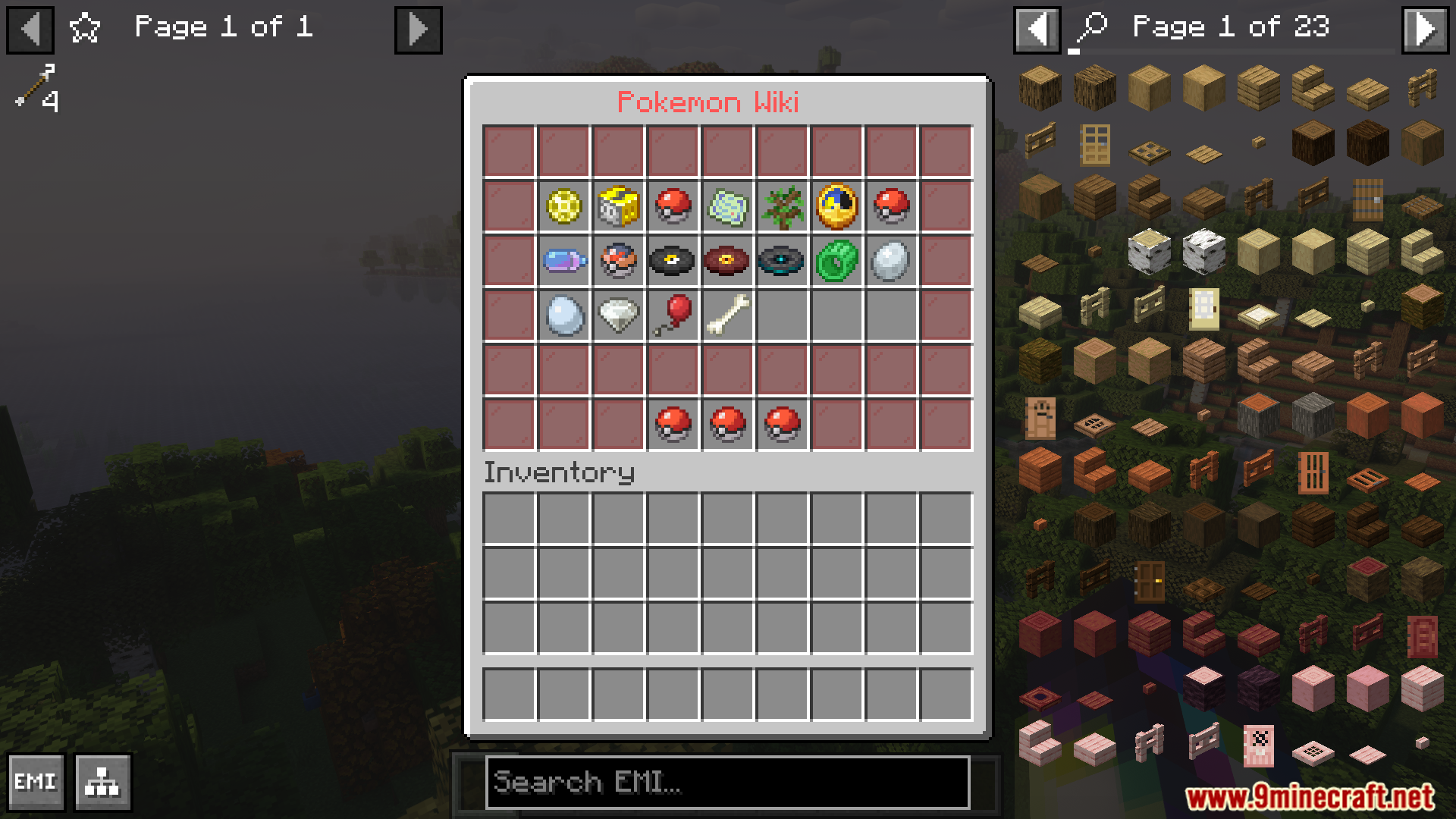
- In-Game Pokémon Wiki Menu: Opens a clear Pokédex-style screen from chat where you can inspect any Pokémon species as well as specific regional or alternate forms.
- Full Species Browser: Adds a multi-page menu that lists every Pokémon species in the game so you can browse without knowing a name first.
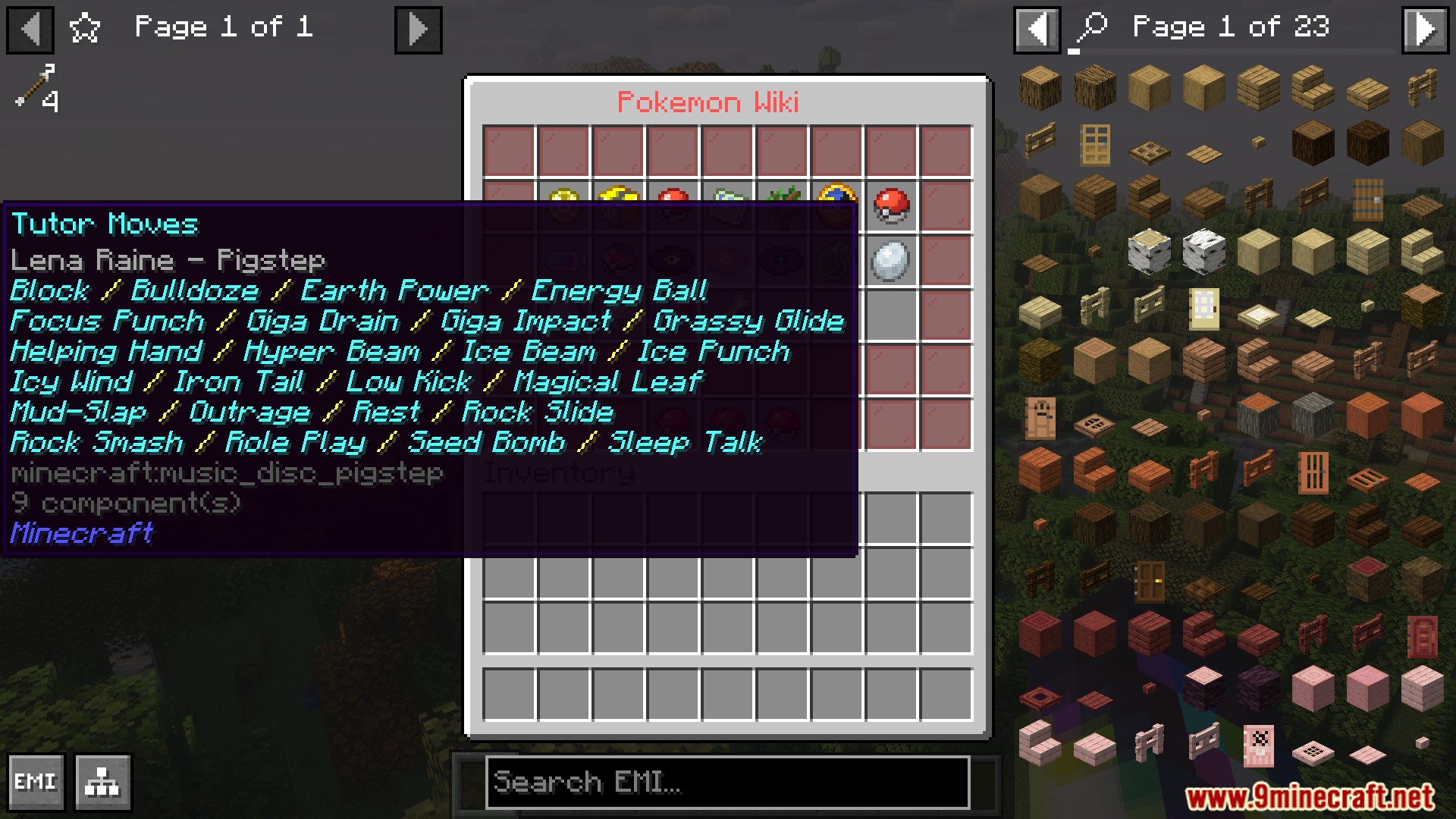
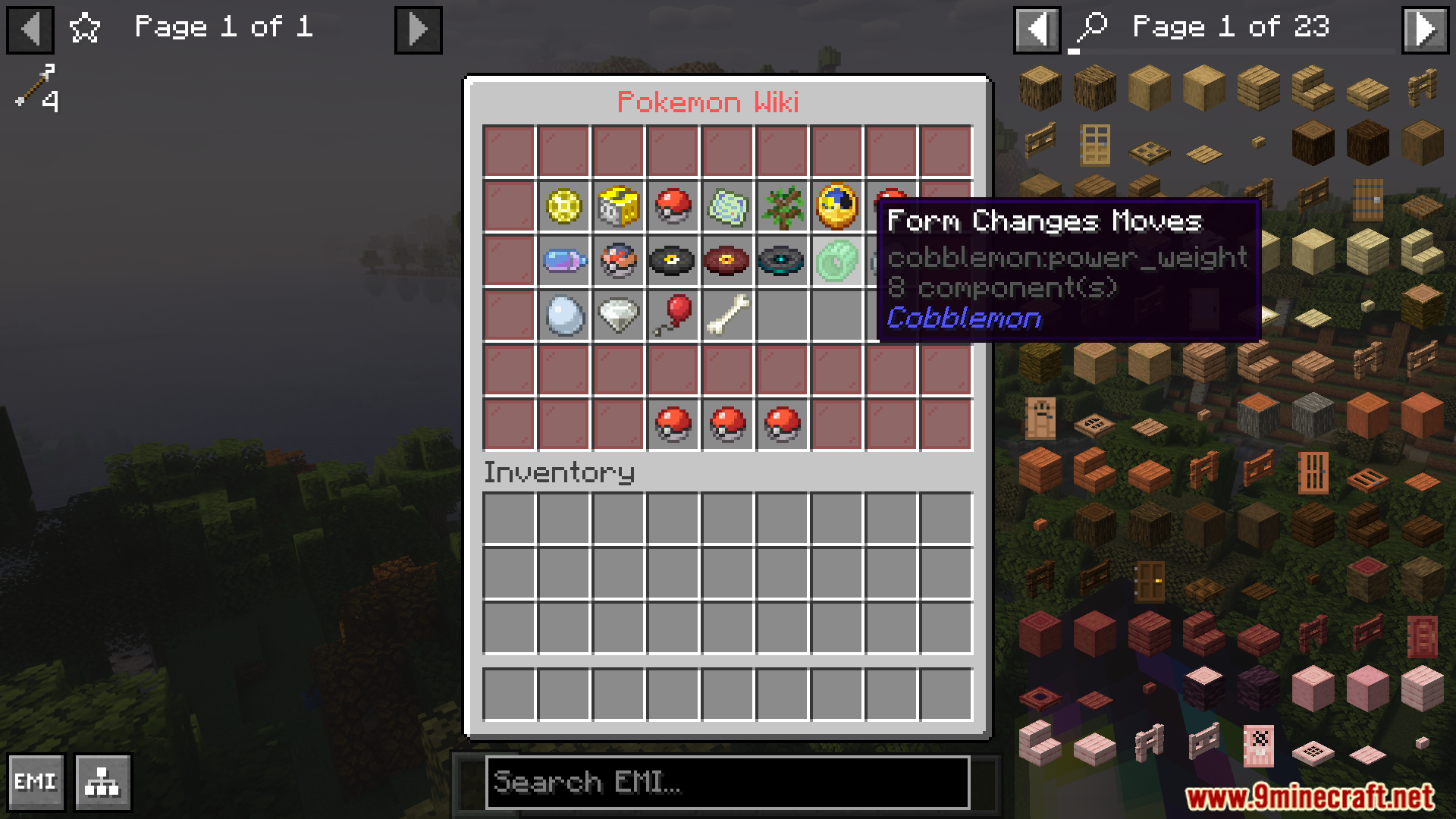
- Complete Move Lists: Displays all moves a Pokémon can learn, sorted into level-up moves, TM moves, tutor moves, egg moves, evolution moves, and form change moves.
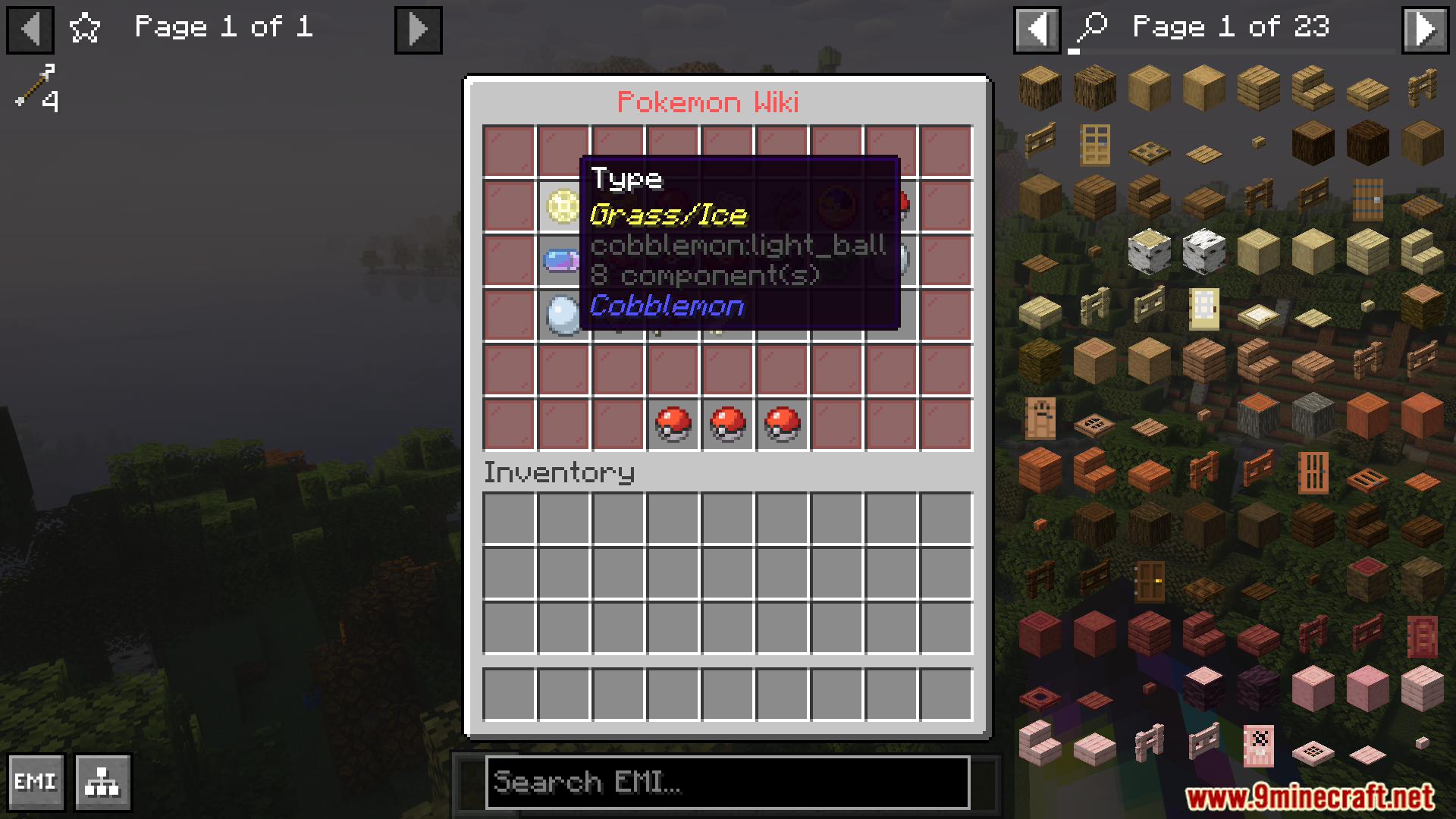
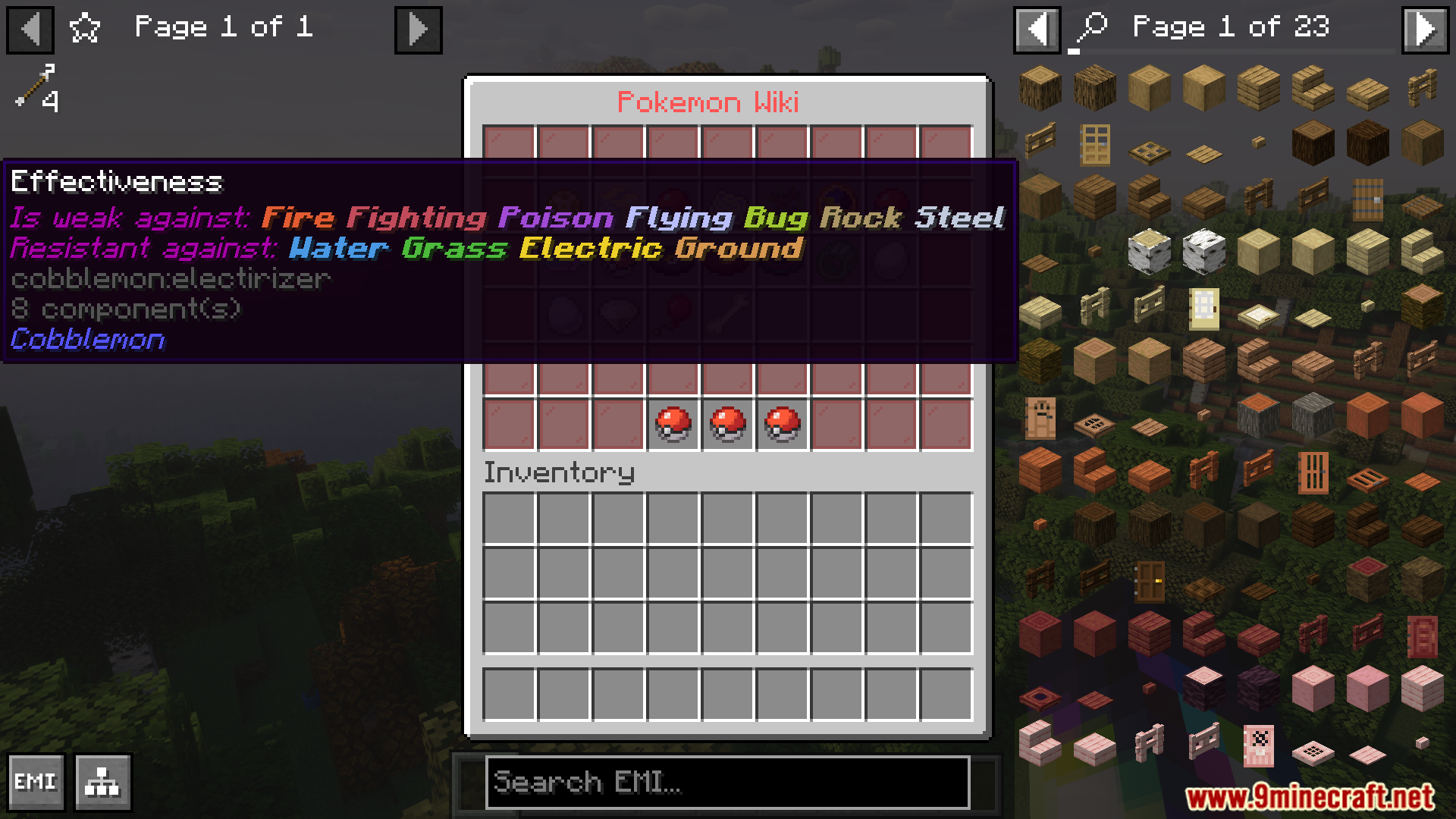
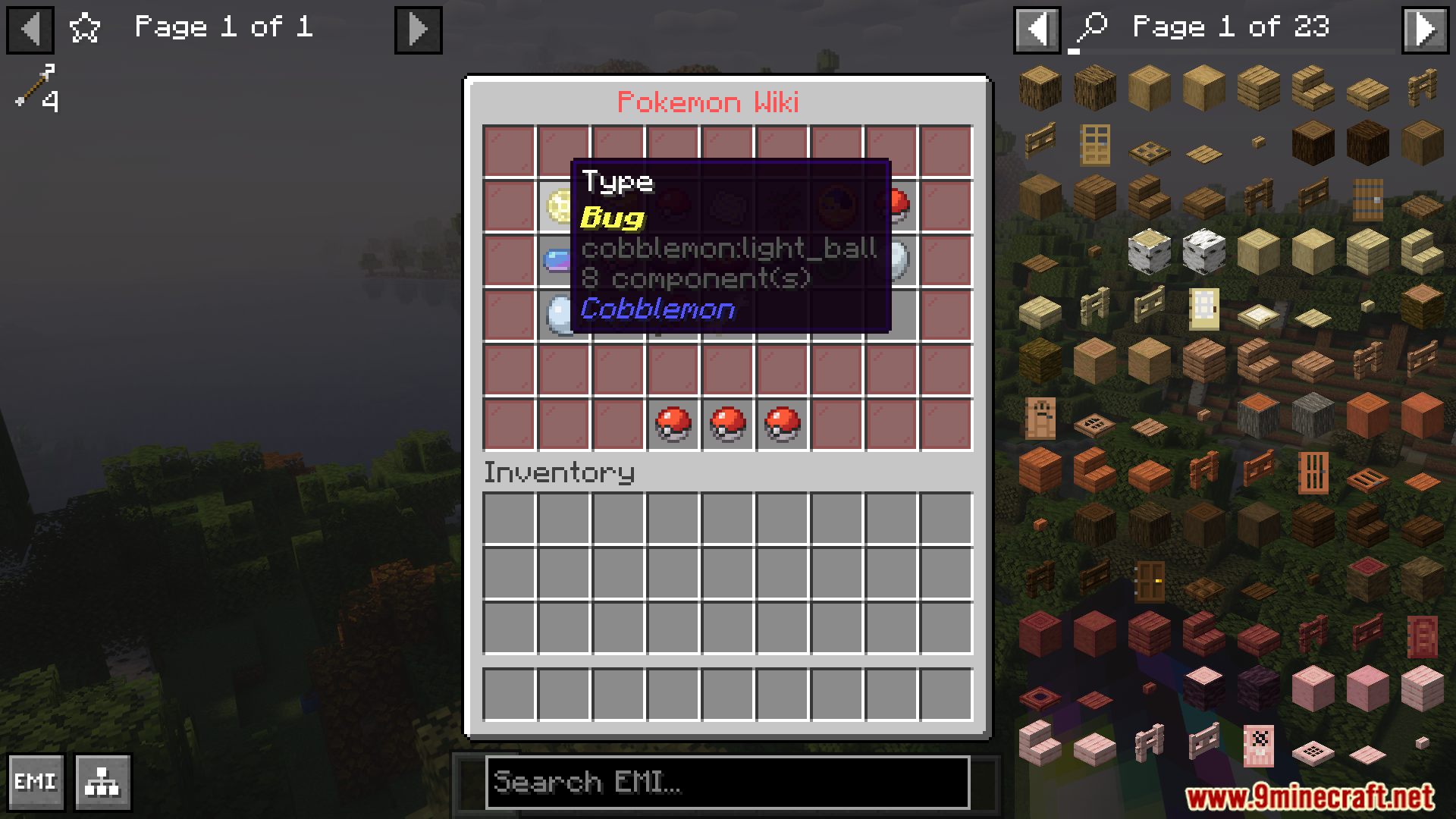
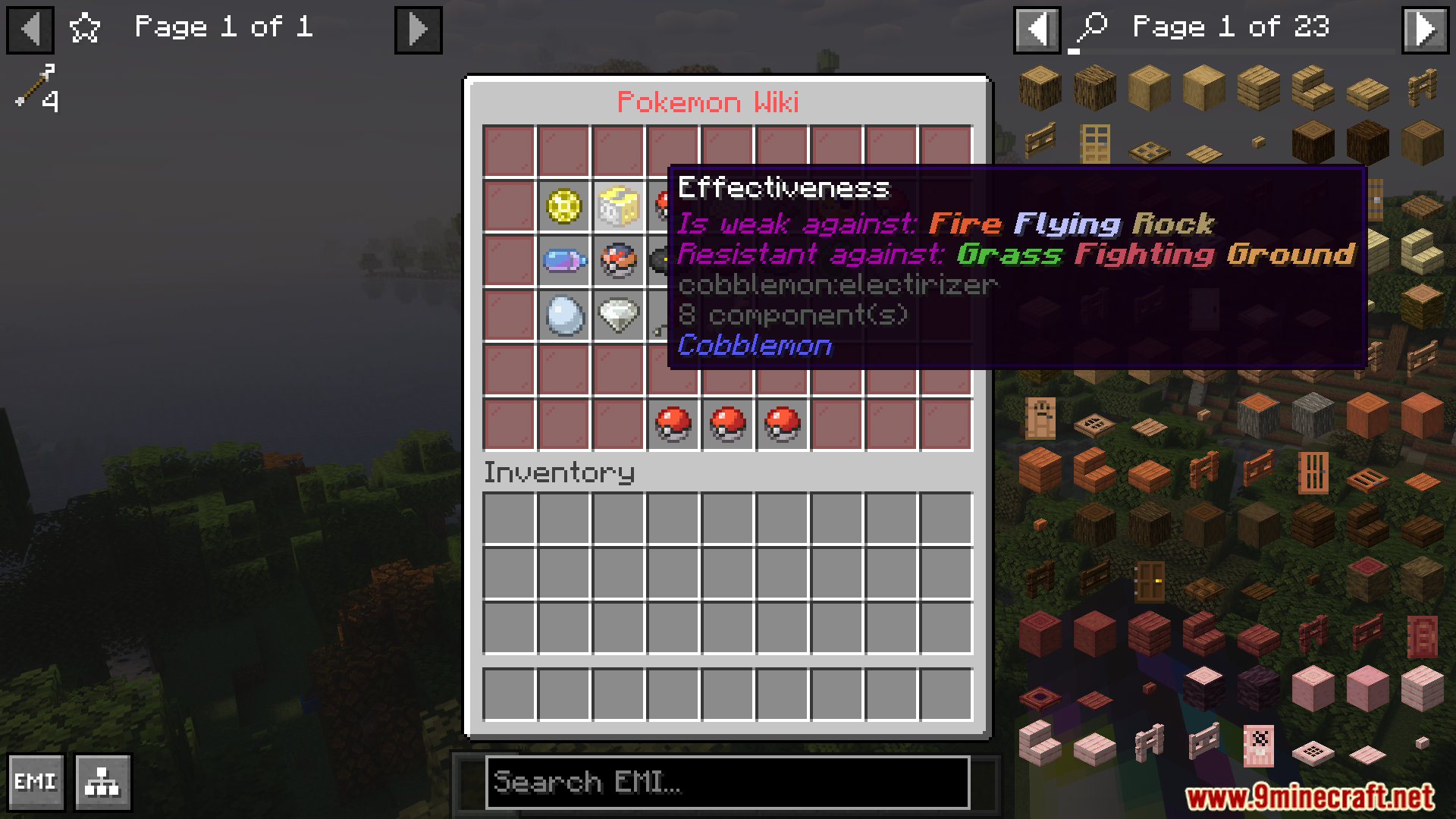
- Shows each Pokémon’s types along with type effectiveness tooltips for weaknesses, resistances, and immunities.
- Displays base stats, catch rate, abilities, egg groups, and item drops on easy-to-read icons.
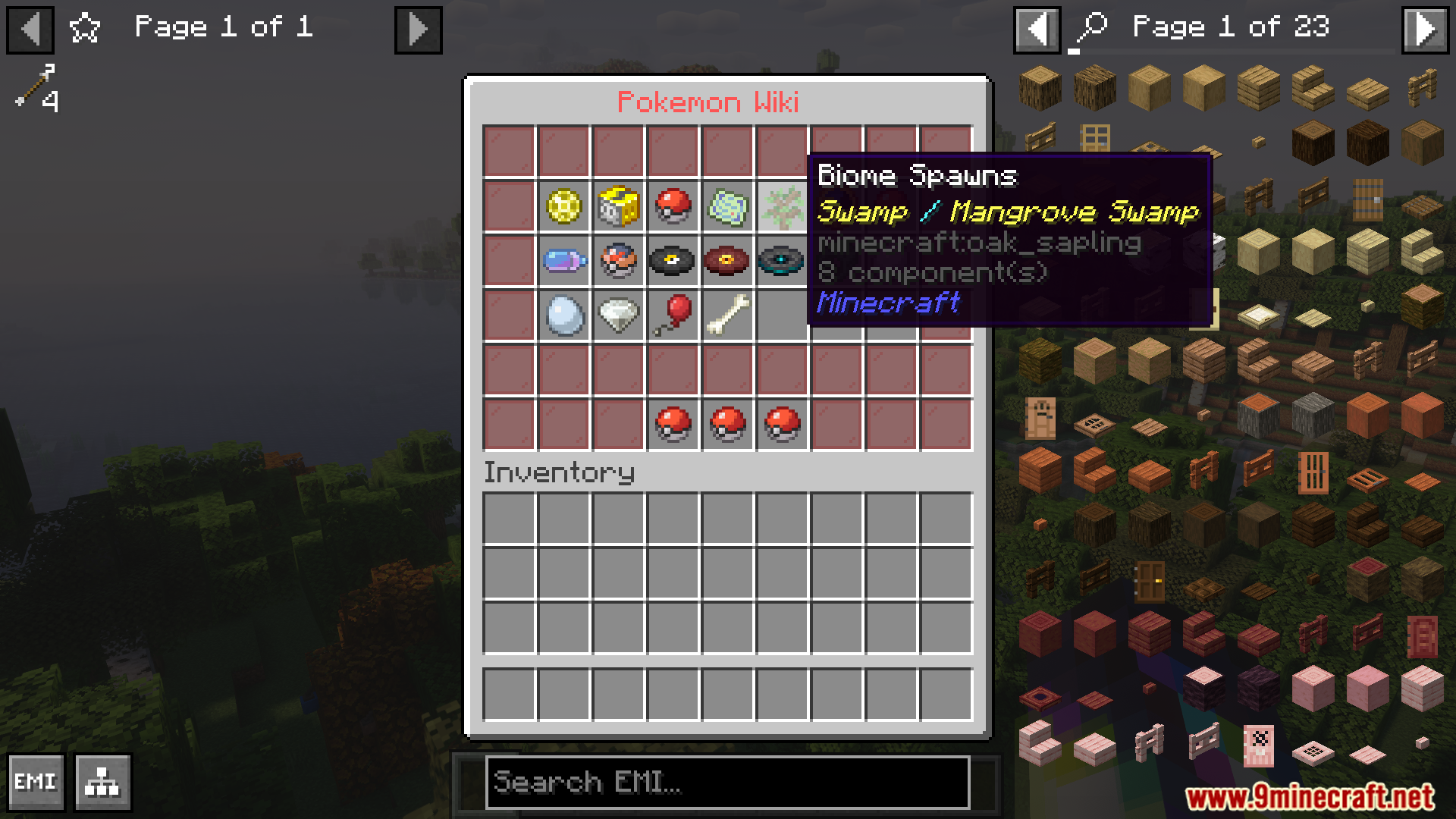
- Lists exact spawn biomes and spawn times so you know where and when to look for each Pokémon.
- Shows full evolution chains along with their specific requirements, including level, friendship, held items, trades, moves, biomes, and structures.
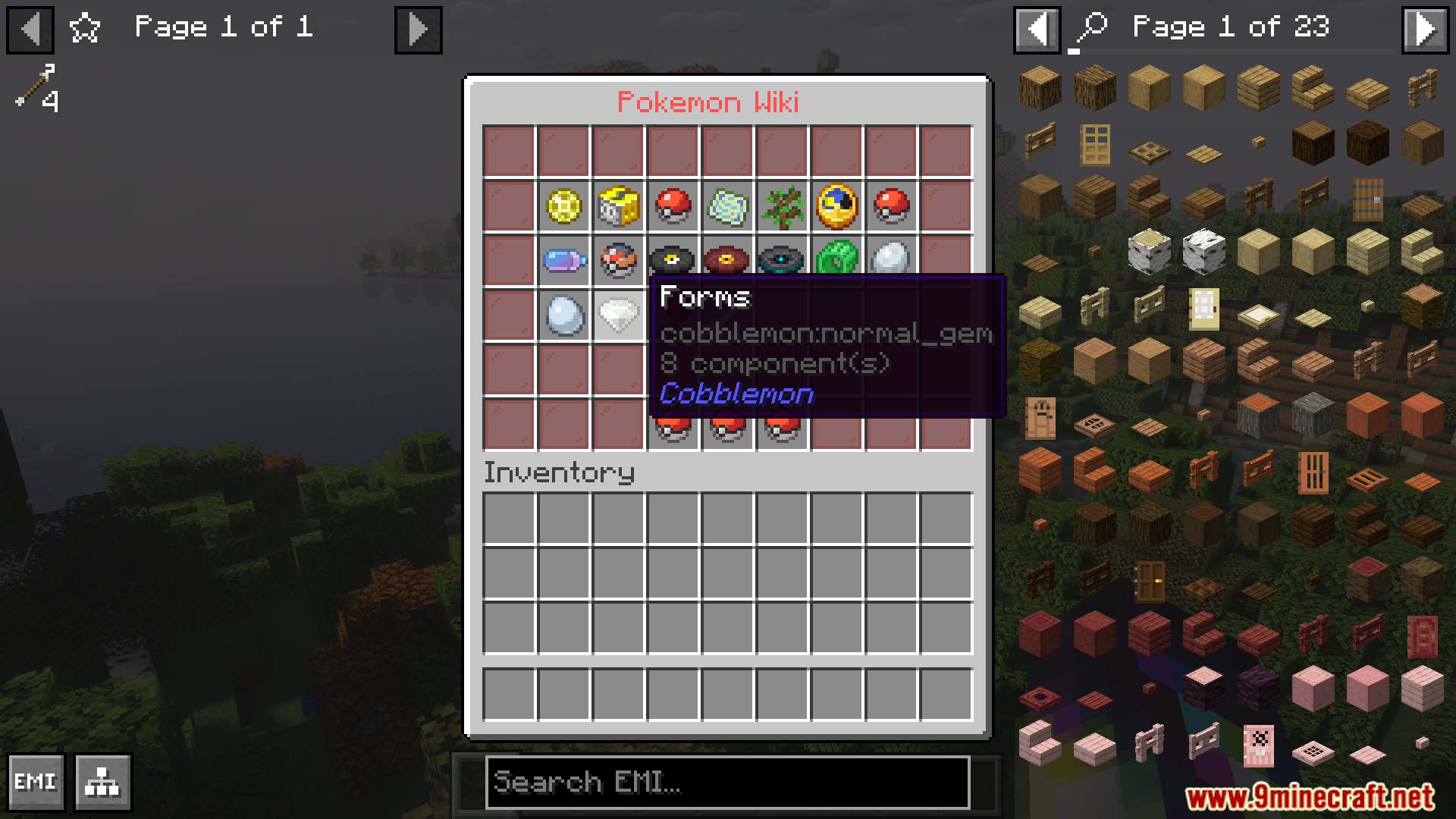
- Includes information on alternate forms and Dynamax details inside the same interface.
- Lets players with permission open a Pokémon’s wiki menu directly on another player’s screen.
- Supports custom menu border items, an optional issue report button in the corner, and editable text labels that reload without restarting the game.
- Works best on multiplayer servers and singleplayer worlds alongside Cobblemon.
Commands:
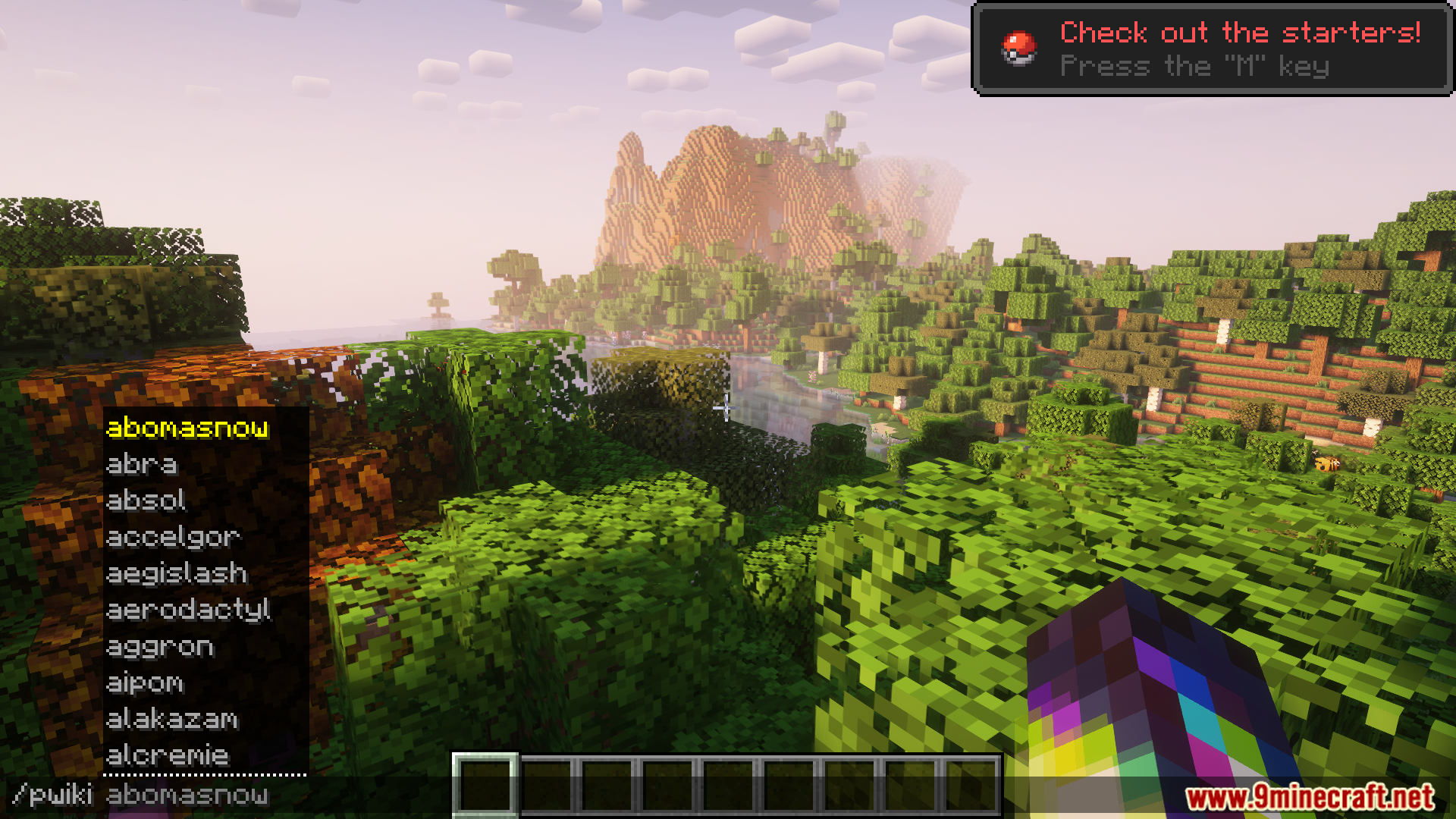
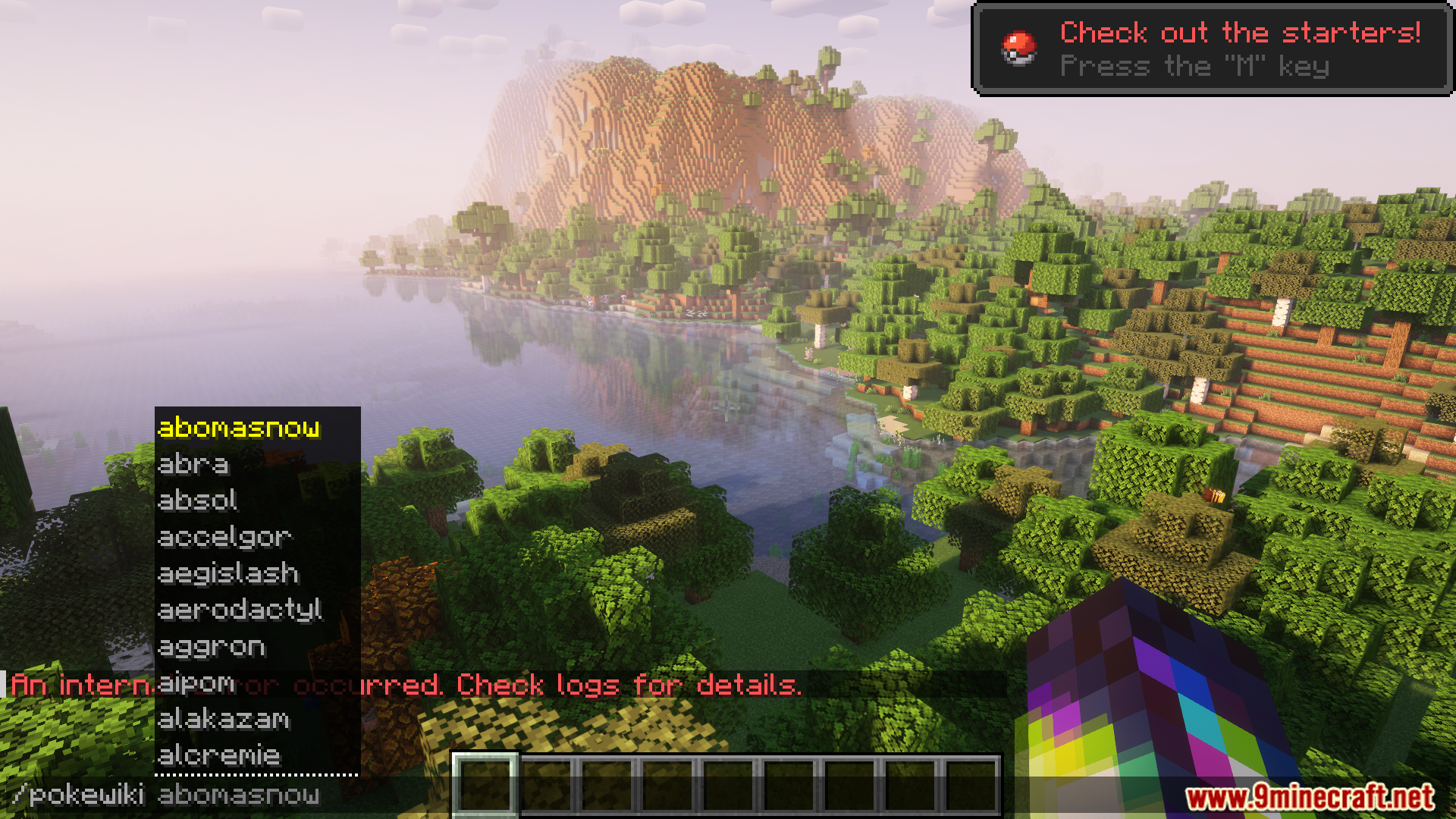
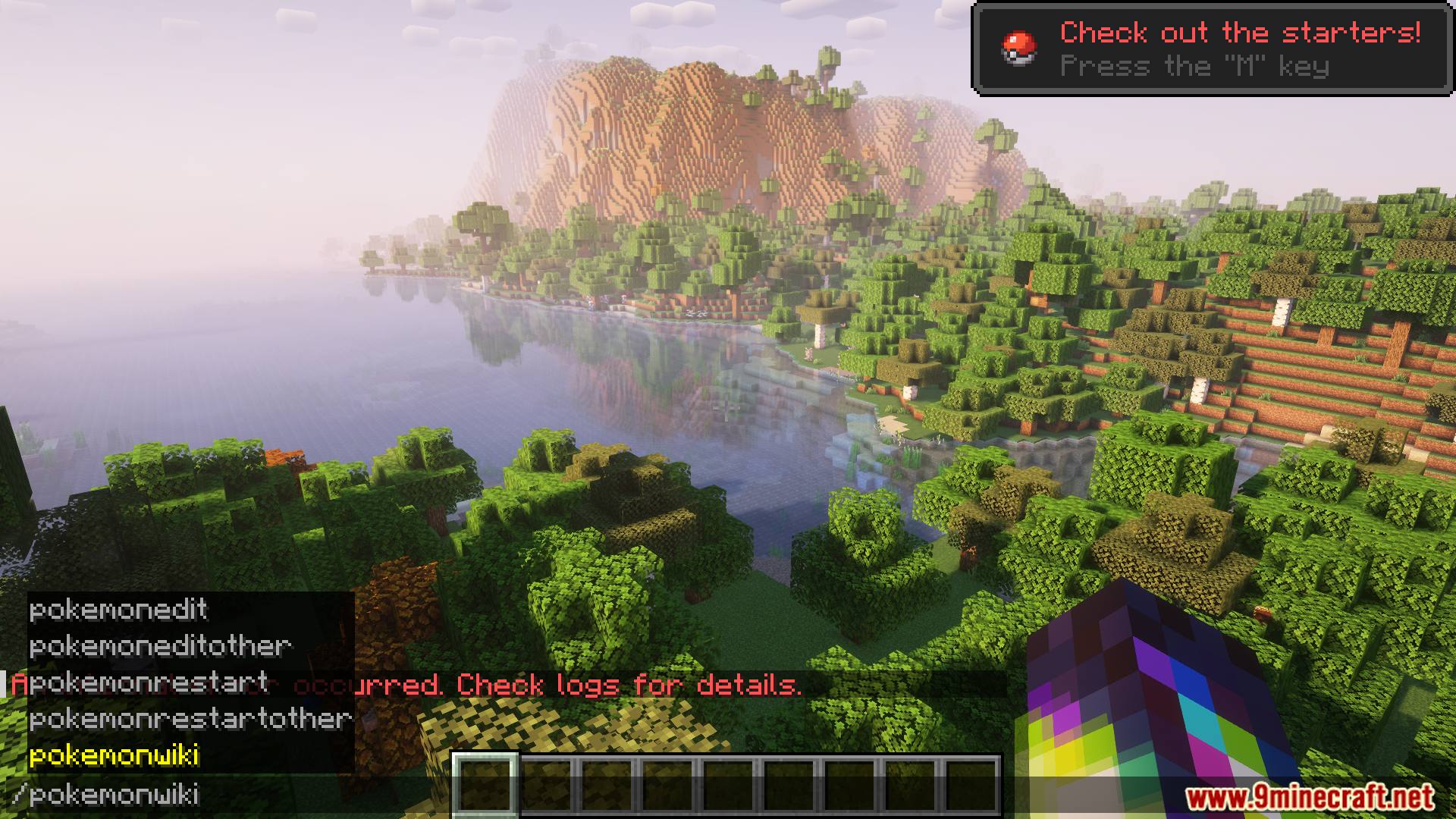
/pwiki <pokemon> [form]: Opens the wiki menu for a Pokémon species. Add an optional form to view only that form (for example,/pwiki zorua hisui). Requires permissioncobblemon_wiki_gui.command.pwiki. Aliases:/pokewiki,/pokemonwiki,/cobblemonwiki,/cobblewiki, and/cwiki./pwikiother <player> <pokemon> [form]: Opens the wiki menu for a species on another player’s screen. Add an optional form to show only that form (for example,/pwikiother Steve zorua hisui). Requires permissioncobblemon_wiki_gui.command.pwikianother. Aliases:/pokewikiother,/pokemonwikiother,/cobblemonwikiother,/cobblewikiother, and/cwikiother./pwikidex: Opens a multi-page browser showing every Pokémon species in the game. This command is off by default through thecobblemon_wiki_gui.command.pwikidexpermission because it lists all species even if a player has not seen them yet./cwg reload: Reloads thelang.jsonfile in-game without restarting. Requires permissioncobblemon_wiki_gui.command.cwgreload.
Configuration:
Config files are stored in the config/cobblemon_wiki_gui folder. Keep valid JSON format and do not rename the keys when editing them.
fillerItem: Sets the item ID used for the border and empty slots in every wiki menu insidemain.json. The default isminecraft:red_stained_glass_pane. Set it to""or"none"to leave empty slots blank. Invalid item IDs fall back to red stained glass pane.showGithubIssuesButton: Controls the “Report an Issue” button in a corner slot of the Wiki and Pokédex screens insidemain.json. The default istrue; set it tofalseto hide the button and show plain filler instead.lang.json: Lets you customize menu titles, stat labels, evolution requirement messages, and tooltips. Run/cwg reloadin chat to apply your edits right away.
{
  "version": "1.0.0",
  "fillerItem": "minecraft:red_stained_glass_pane",
  "showGithubIssuesButton": true
}
How to Use:
- Open chat and type
/pwiki <pokemon>(or an alias such as/pokewikior/cwiki) to open the wiki menu for that Pokémon species. - Add a form name at the end, such as
/pwiki zorua hisui, to open the wiki menu for that specific regional or alternate form only. - Hover your cursor over the icons in the menu to read tooltips for types, weaknesses, resistances, immunities, base stats, abilities, catch rate, drops, spawn biomes, spawn times, Dynamax details, and move lists.
- Click the evolutions icon or info buttons inside the menu to check evolution chains and requirements, then click the back button to return to the previous screen.
- Type
/pwikidexif you have thecobblemon_wiki_gui.command.pwikidexpermission to open the multi-page browser and pick any Pokémon without typing its name. - Type
/pwikiother <player> <pokemon> [form](with thecobblemon_wiki_gui.command.pwikianotherpermission) to open a wiki page directly on another player’s screen, such as/pwikiother Steve zorua hisui. - To change the menu border, hide the corner issue button, or edit text labels, update
main.jsonorlang.jsoninconfig/cobblemon_wiki_gui, then type/cwg reloadin chat to load your newlang.jsontext without restarting.
Screenshots:
How to Install:
New to Minecraft? Follow our step-by-step guide to install Mods on your PC.View Guide
Requirements:
Cobblemon Wiki Gui Mod Download Links
For Minecraft 1.21.1, 1.21
Fabric Version: Download from Server 1 – Download from Server 2
For Minecraft 1.20.1, 1.20
Fabric Version: Download from Server 1 – Download from Server 2
What is your favorite type of Minecraft mod?
8 responses · See the full results →
You May Also Like
Picked for this page
 Hit Range Mod (26.3, 1.20.1) – Reach Visualization
 Cobblemon Pokenav Mod (1.21.1, 1.20.1) – Efficient Pokémon Tracking
 Cobblemon Additions Mod (1.21.11, 1.21.1) – Replaces Standard Village Structures
 Birds: Boids Addon Mod (26.1.2, 1.20.1) – New Bird Species
 Treeplacer Mod (26.2, 1.20.1) – Dynamic Tree Customization
 Cliff Face Mod (1.21.11, 1.21.1) – Makes Cliff Faces Look Better
 Connectored C2ME Mod (1.20.1, 1.20) – Stop Waiting for the World to Load
 Sort It Out Mod (26.3, 1.20.1) – Flexible Inventory Sorting
 ZoomX Smooth Mod (26.3, 1.21.1) – Scout Distant Biomes with Custom Zoom
 Paper Kite Manor Mod (1.20.1) – Host Fancy Dinners in Your Vintage Manor
 Armored Elytra Plus Mod (1.21.11, 1.20.1) – Fly With Armor Protection
 WaterMedia Youtube Plugin Mod (1.21.11, 1.20.1) – YouTube Extractor
Most viewed in Mods over the last 7 days
 Ala Industrial Mod (26.3) – Run Electric Power Grids and Automated Factories
 PleasureCraft Mod (26.3, 1.21.1) – Jenny Mod Remake for Fabric
 Jennycraft Mod (26.3, 1.20.1) – Virtual Girlfriend in Minecraft
 Fapcraft Mod (26.3, 1.12.2) – Comprehensive and Detailed Content
 Jenny Mod (Fapcraft) Official Complete Guide – How to use, Tutorial
 BangCraft Mod (1.20.1) – Jenny, Ellie and Elliot
 Fabric Loader (26.3, 1.20.1) – Fabric Installer for All Minecraft Versions
 Meteor Client Mod (26.3, 1.20.1) – Xray, HUD, Fly
 The Shooting Star Demo Mod (26.3, 1.20.1) – Vaporize Terrain From Orbit
 OptiFine HD (26.3, 1.20.1) – Run Faster, FPS Boost, Shaders Support
 Aristois Client Mod (1.21.4, 1.20.1) – World Class Minecraft Utility
 SchnurriTV Mod (1.12.2) – Characters and Features
More from Mods
 Offgrid Mod (26.3, 1.20.1) – Furnish Compact Interiors Without Strict Grid
 Tempest Almanac Iron’s Spells ‘n Spellbooks Mod (1.21.1, 1.20.1)
 Chat Guides Mod (26.3, 1.21.11) – Never Memorize Complex Server Commands Again
 TRMT Reimagined the Roads More Travelled Mod (26.3, 1.20.1)
 Morrowless Mod (1.21.1) – Defend Your Shelter From Nightmare Creatures
 THE SLOPSTROSITY Mod (1.21.1) – Battle a Ridiculous Slime Boss
 Decoween Mod (1.21.1, 1.20.1) – Transform Ordinary Survival Bases
 Simply Light 9minecraft Mod (26.3) – Decorate Builds Without Torches
 Alex’s Caves Continued Mod (26.3, 1.20.1) – Conquer Six Massive Underground
 Anvil Uses Mod (26.3, 1.20.1) – Track Item Anvil Usage
 Animal Info Mod (26.3, 1.21.11) – Quick Stats For Your Animals
 Timber Tales Dynamic Tree System Mod (26.3, 1.20.1) – Watch Entire Trees Topple

This post has no comments yet. Be the first — your comment will appear here.