


ZoomX Smooth Mod (26.2, 1.21.1) – Scout Distant Biomes with Custom Zoom
 187
187
 0
0


🌐 Good news — we've translated this article into other languages!
Or pick the one you like:
ZoomX Smooth Mod gives you extra controls for zooming your camera in the game. It adds special settings to change how fast or slow your screen zooms in on objects far away. You get to decide if the camera snaps right to the target or moves slowly like a movie. The mod runs well on older computers and does not lower your game frames. It works perfectly alongside other performance tools like Sodium.
Features:
- Lets you change how smooth the zoom feels using a simple slider.
- Adds a speed multiplier so you can pick exactly how fast the camera moves.
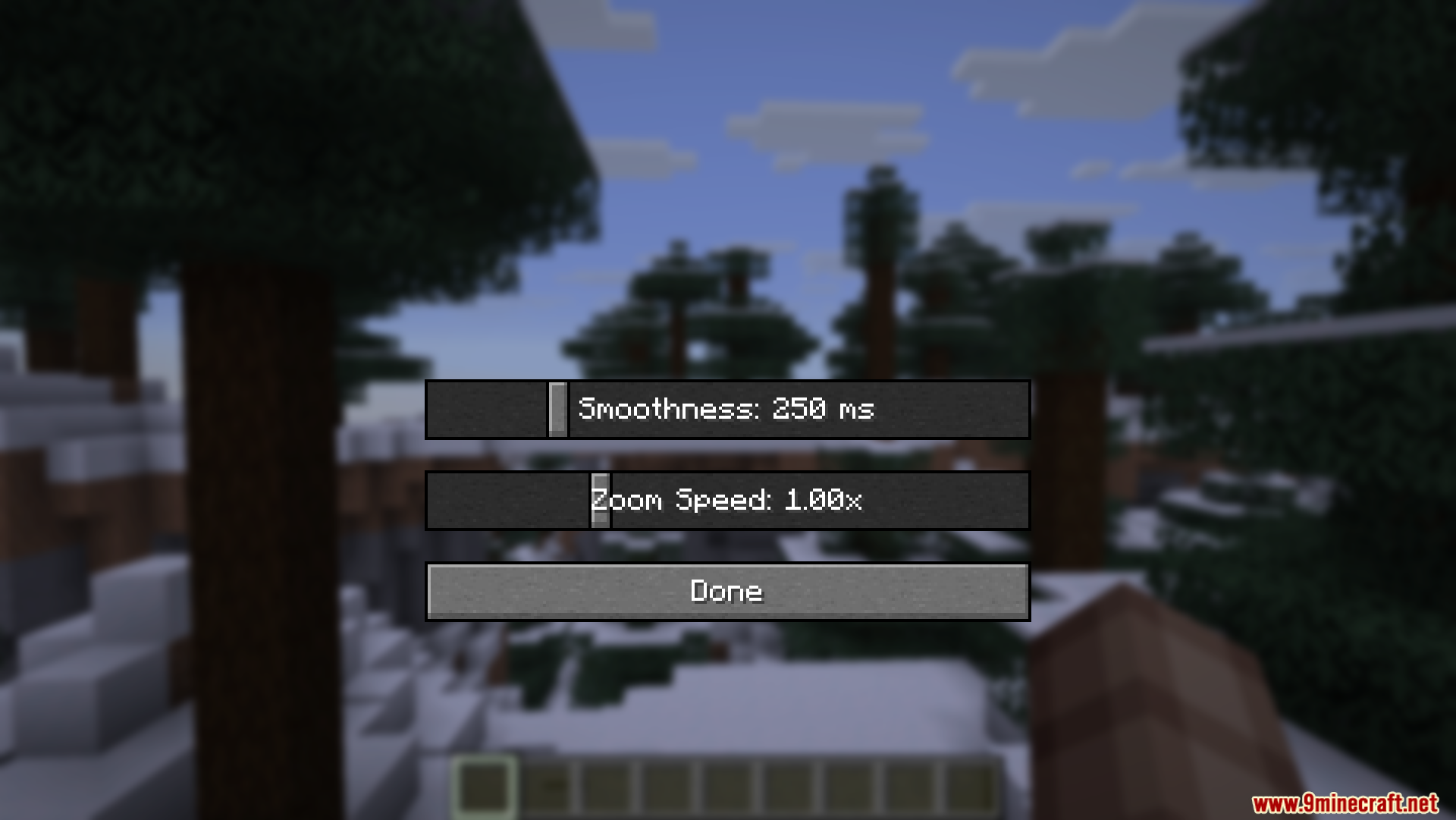
- Players get a clean menu to adjust all the settings without typing commands.
- Works nicely with Sodium to keep your game running fast while you look around.
- Keeps your frame rate high because the code is small and light.
How to Use:
- Press the B key on your keyboard while playing.
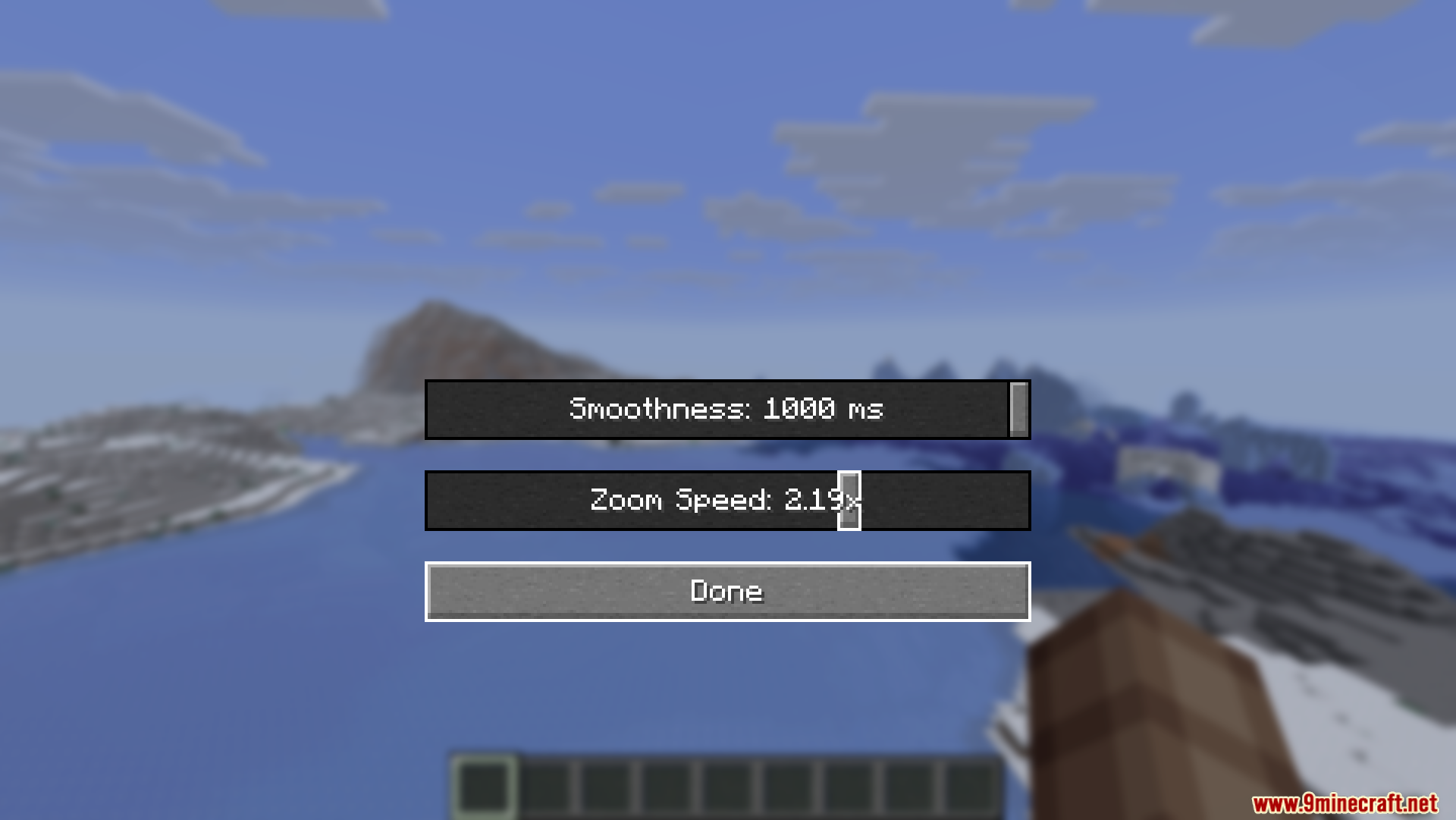
- Look at the menu that pops up on your screen.
- Move the Smoothness slider left or right to change the camera timing.
- Move the Zoom Speed slider to pick how fast the zoom happens.
- Close the menu and test your new camera settings.
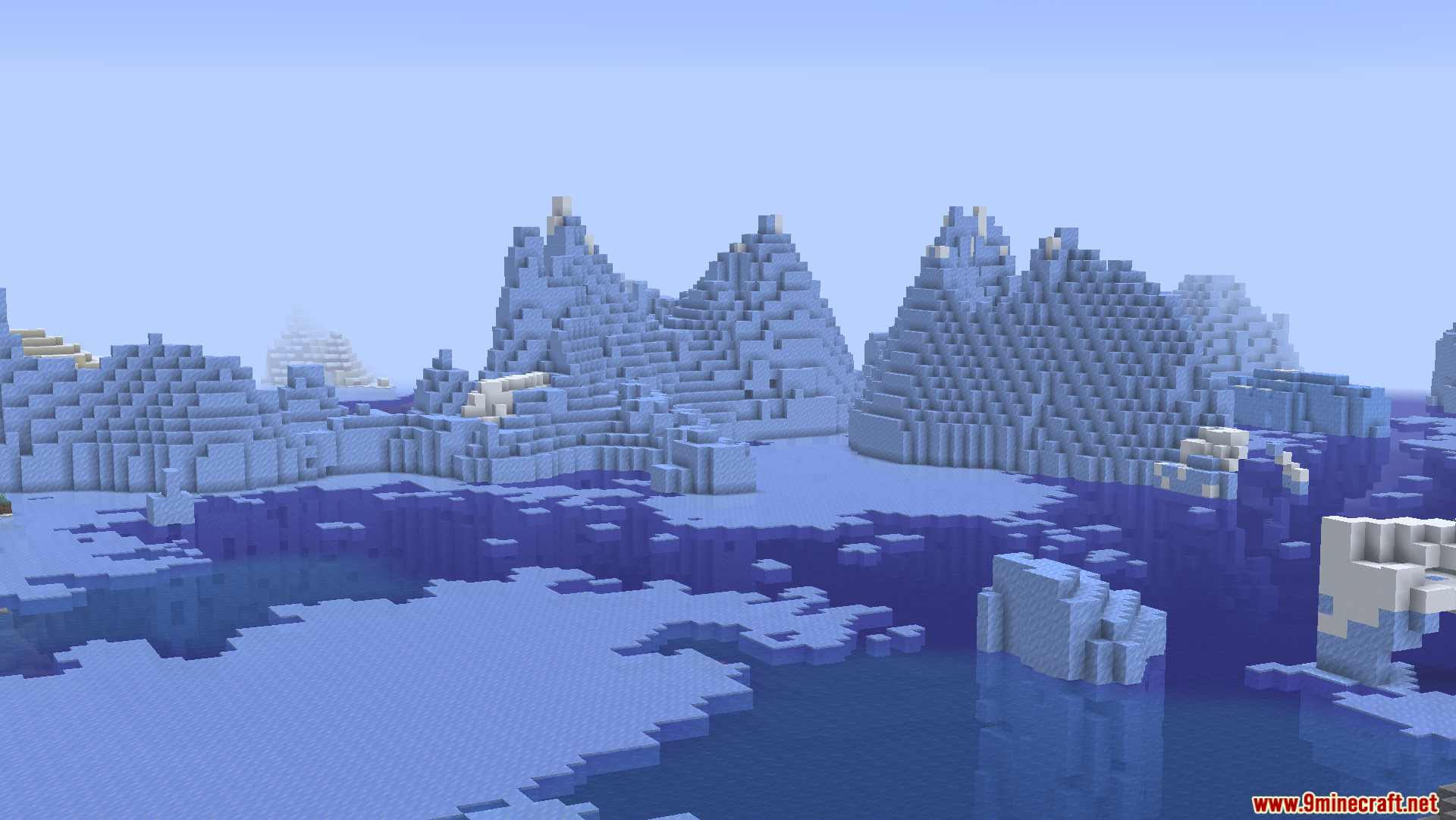
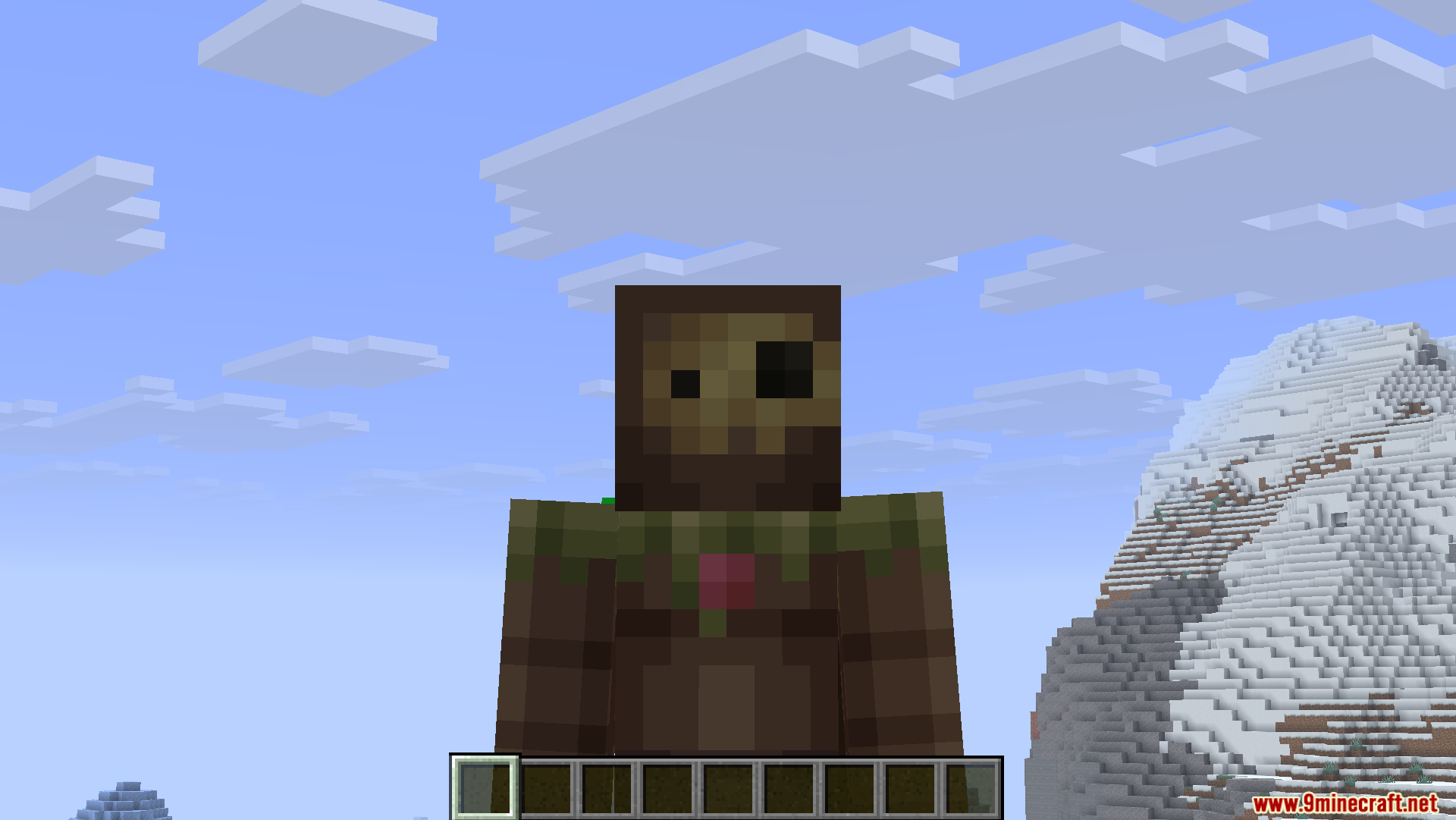
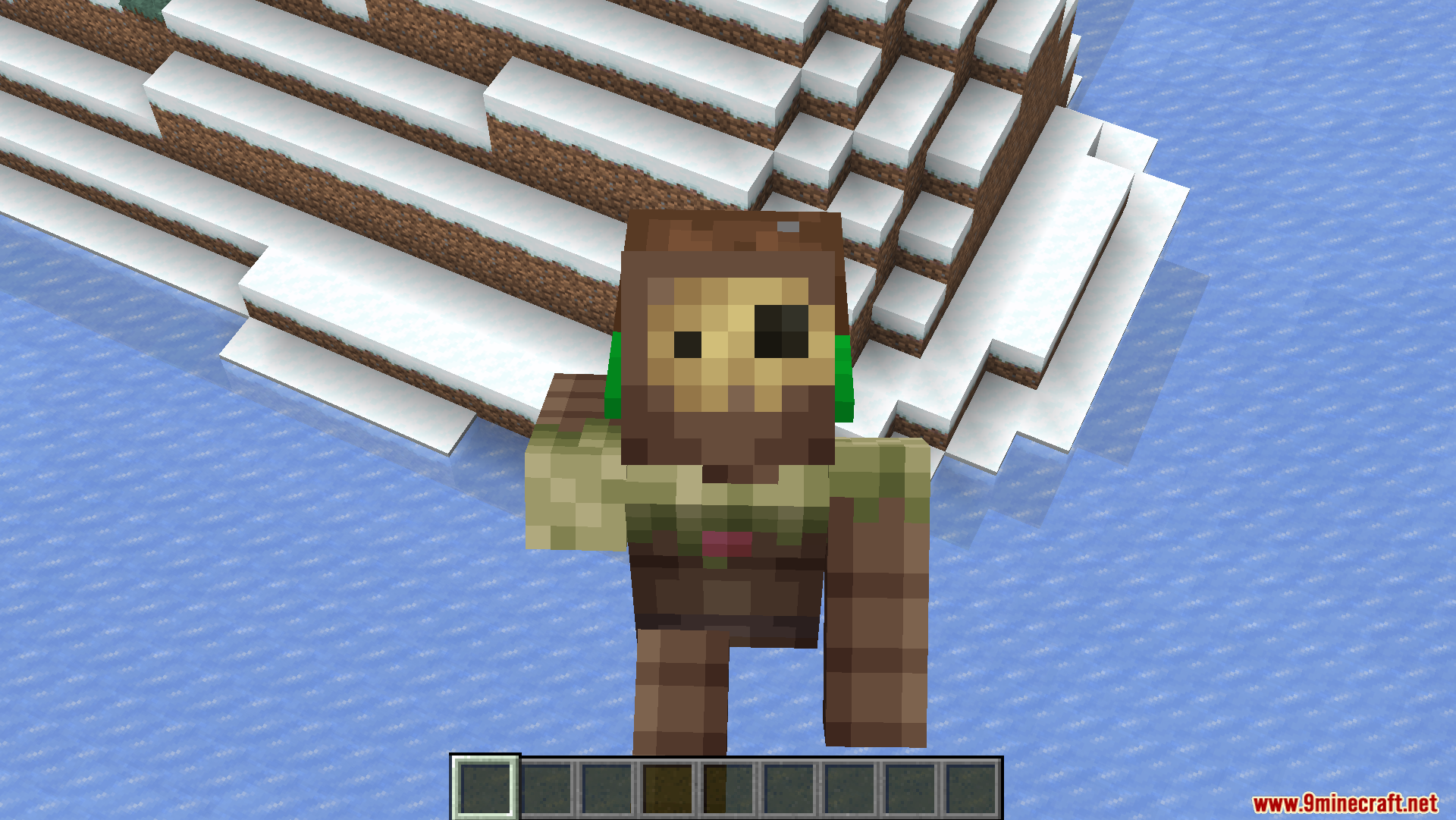
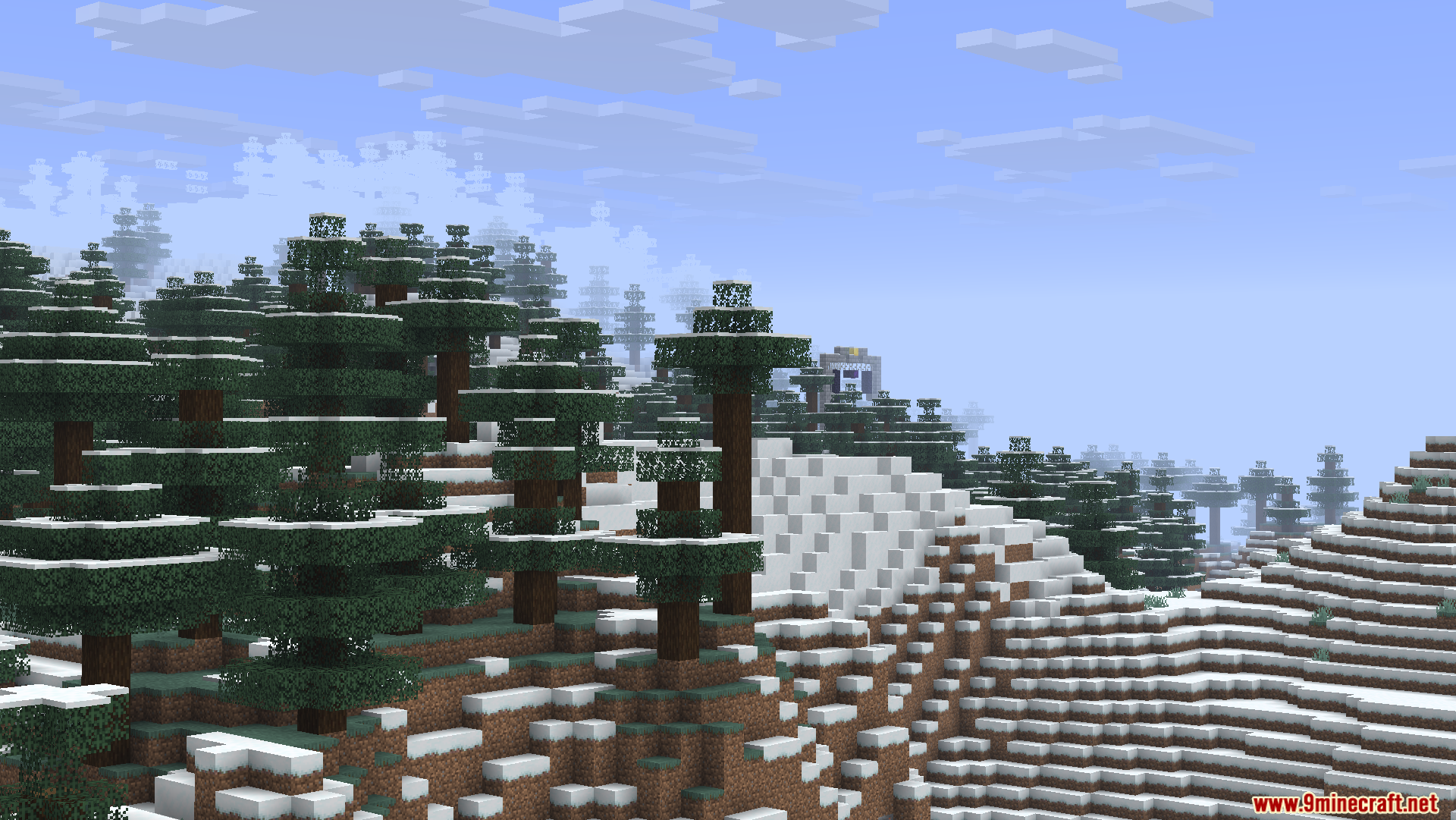
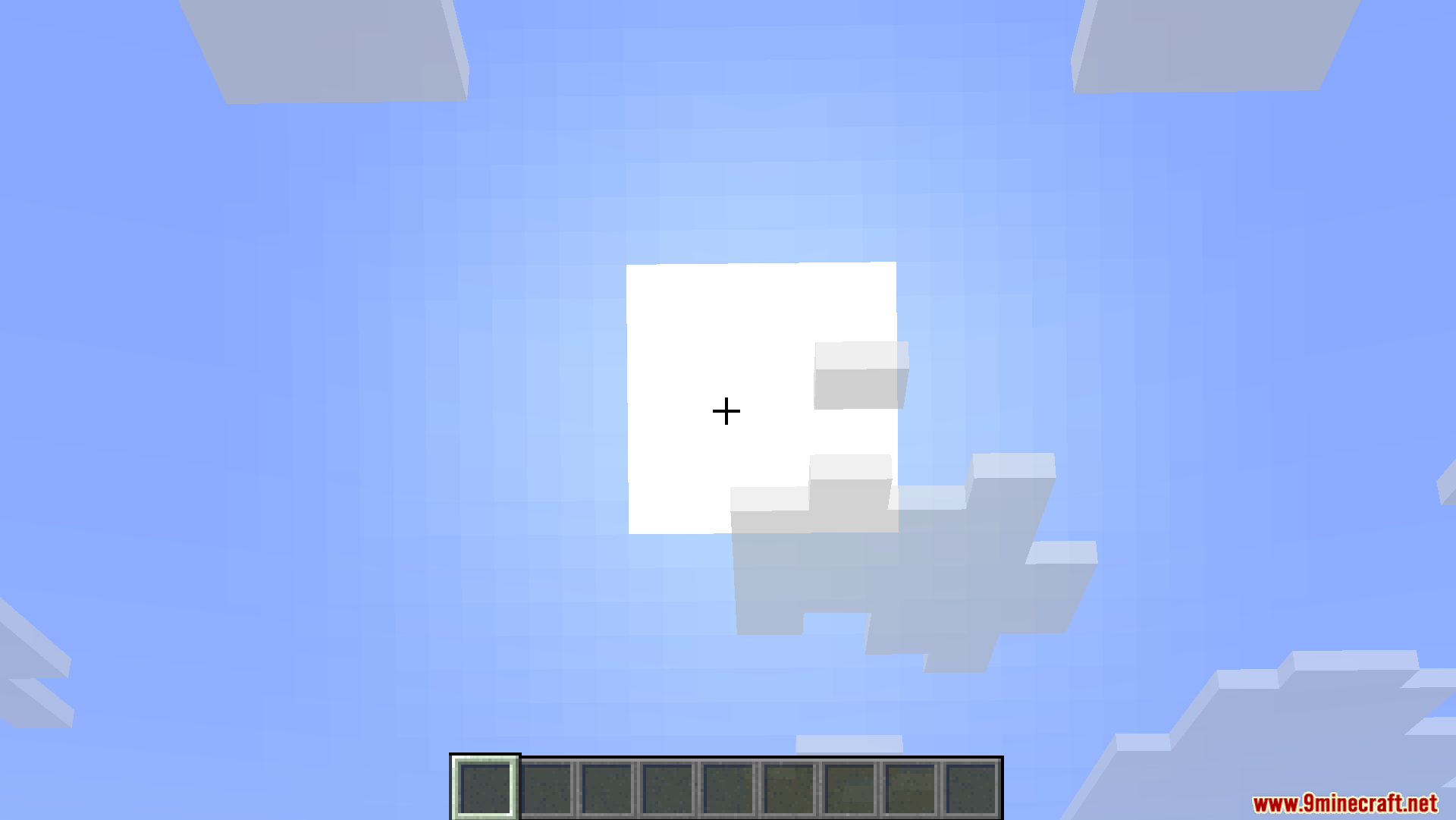
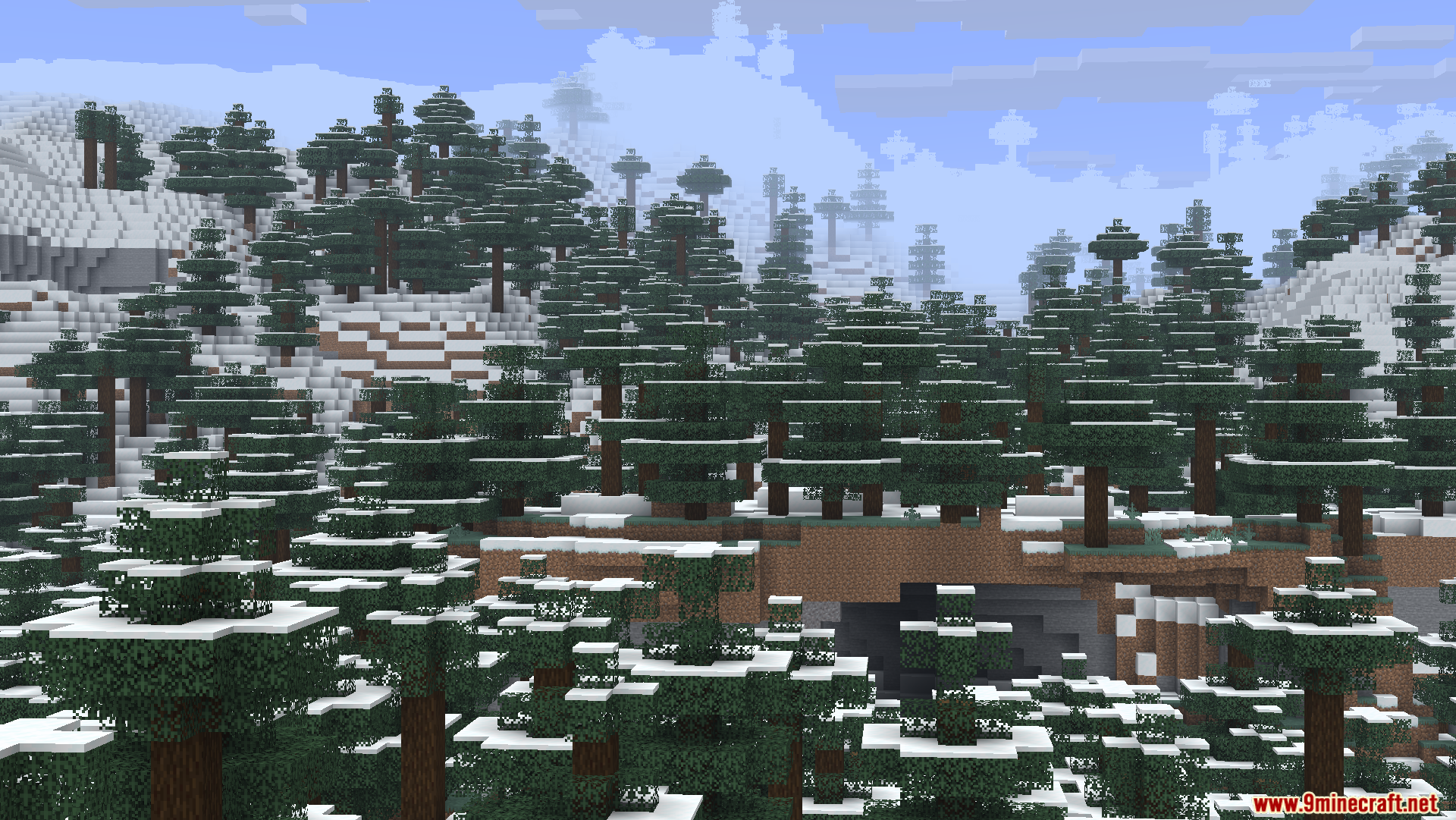
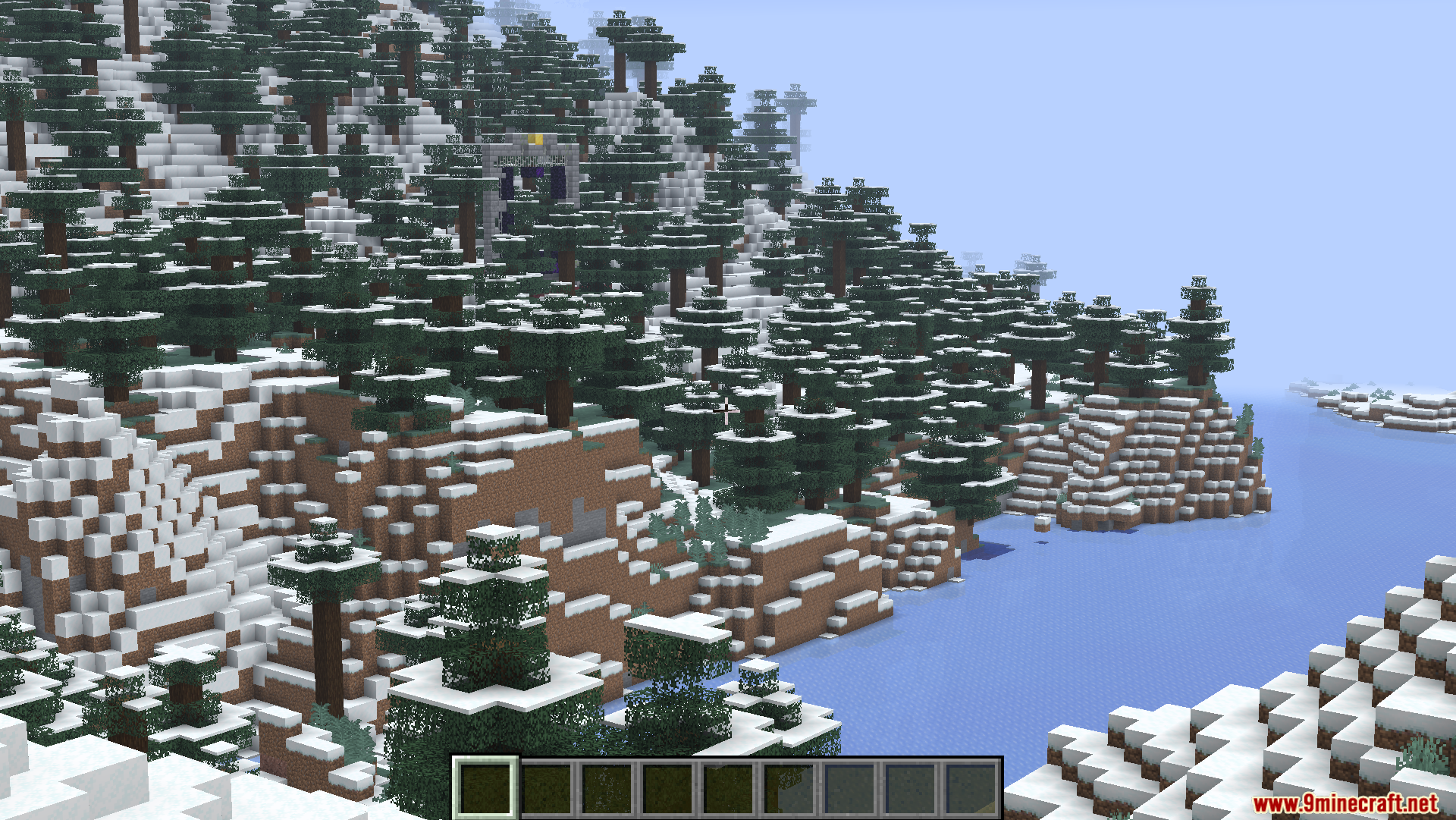
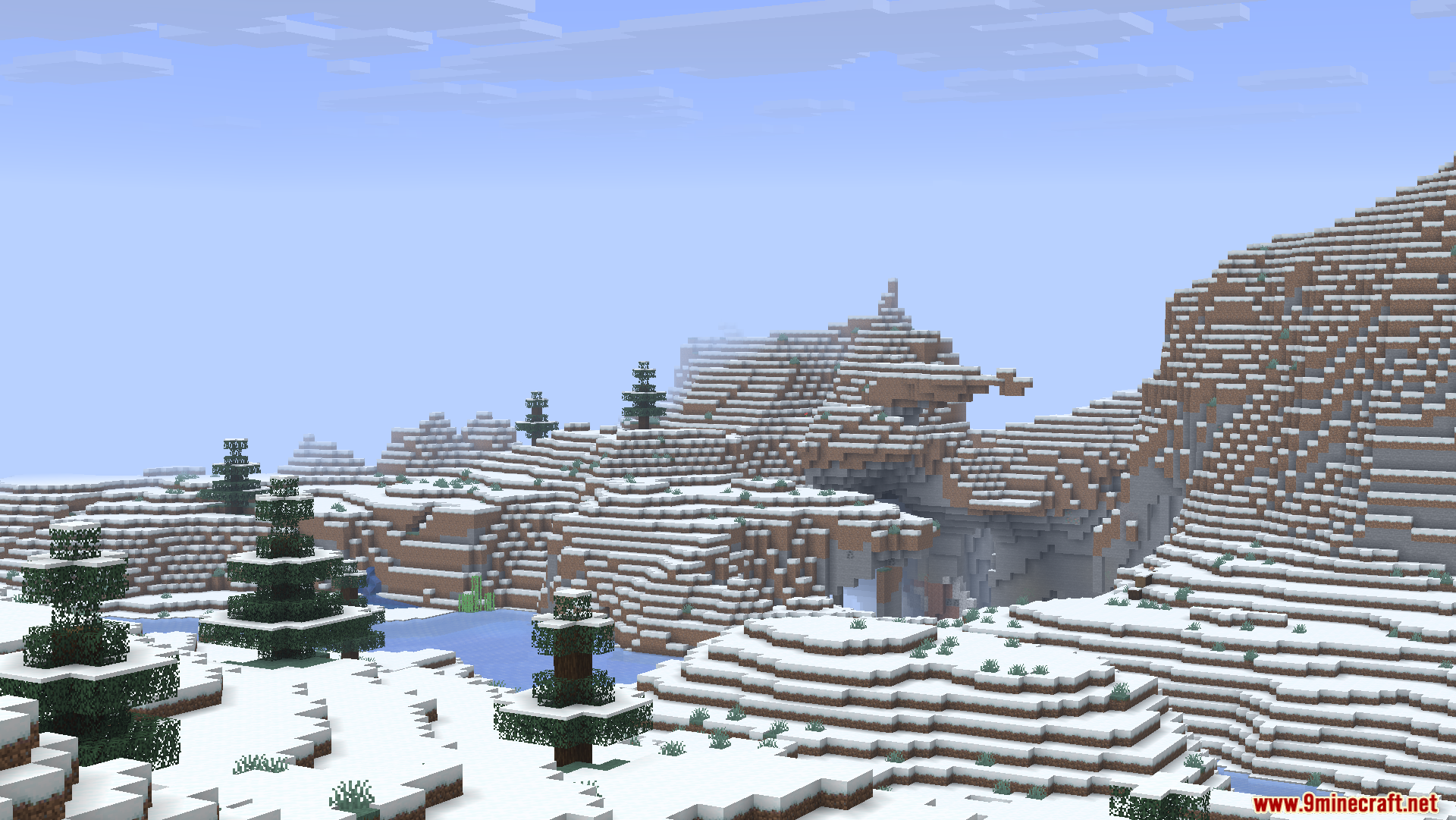
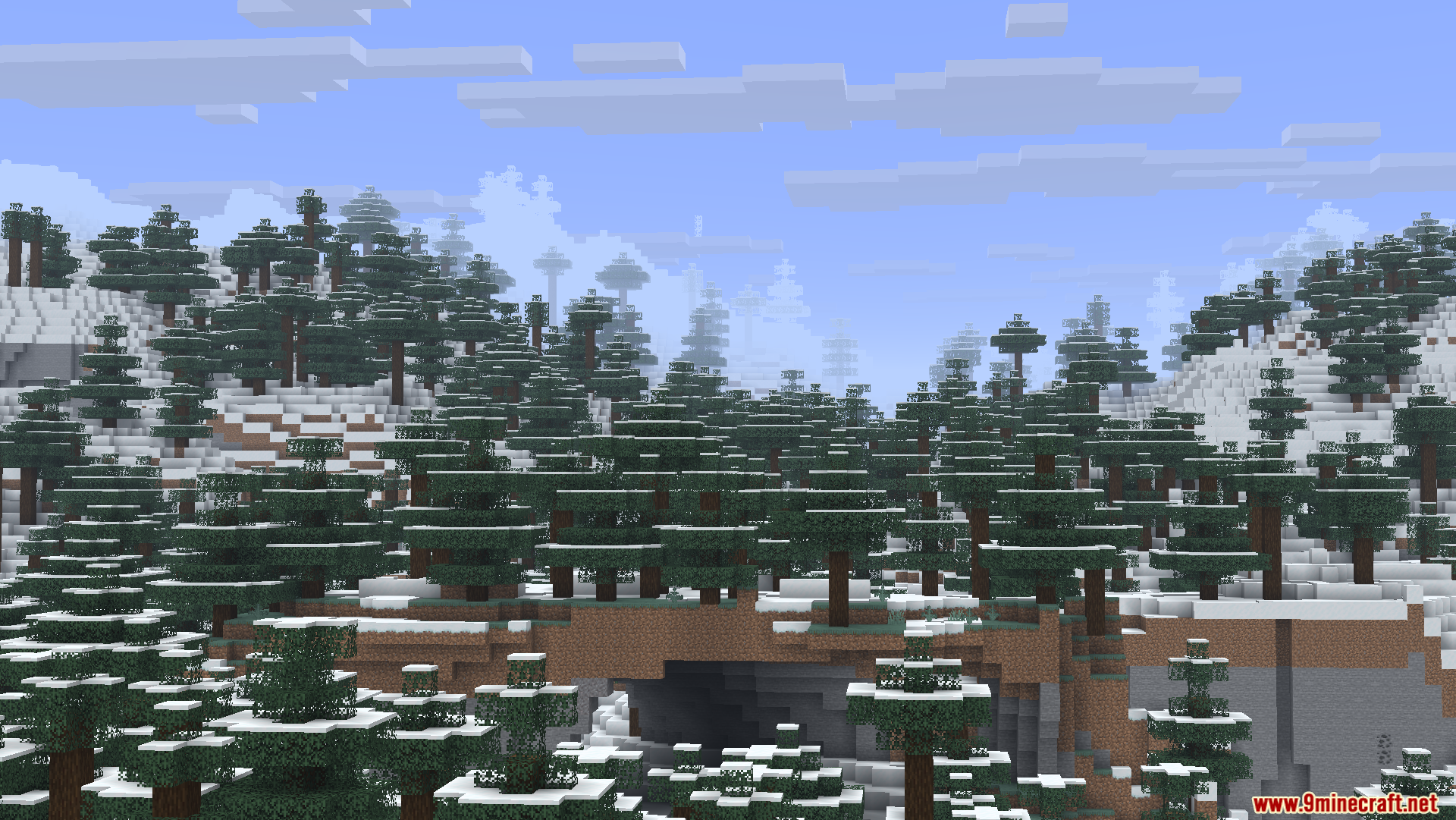
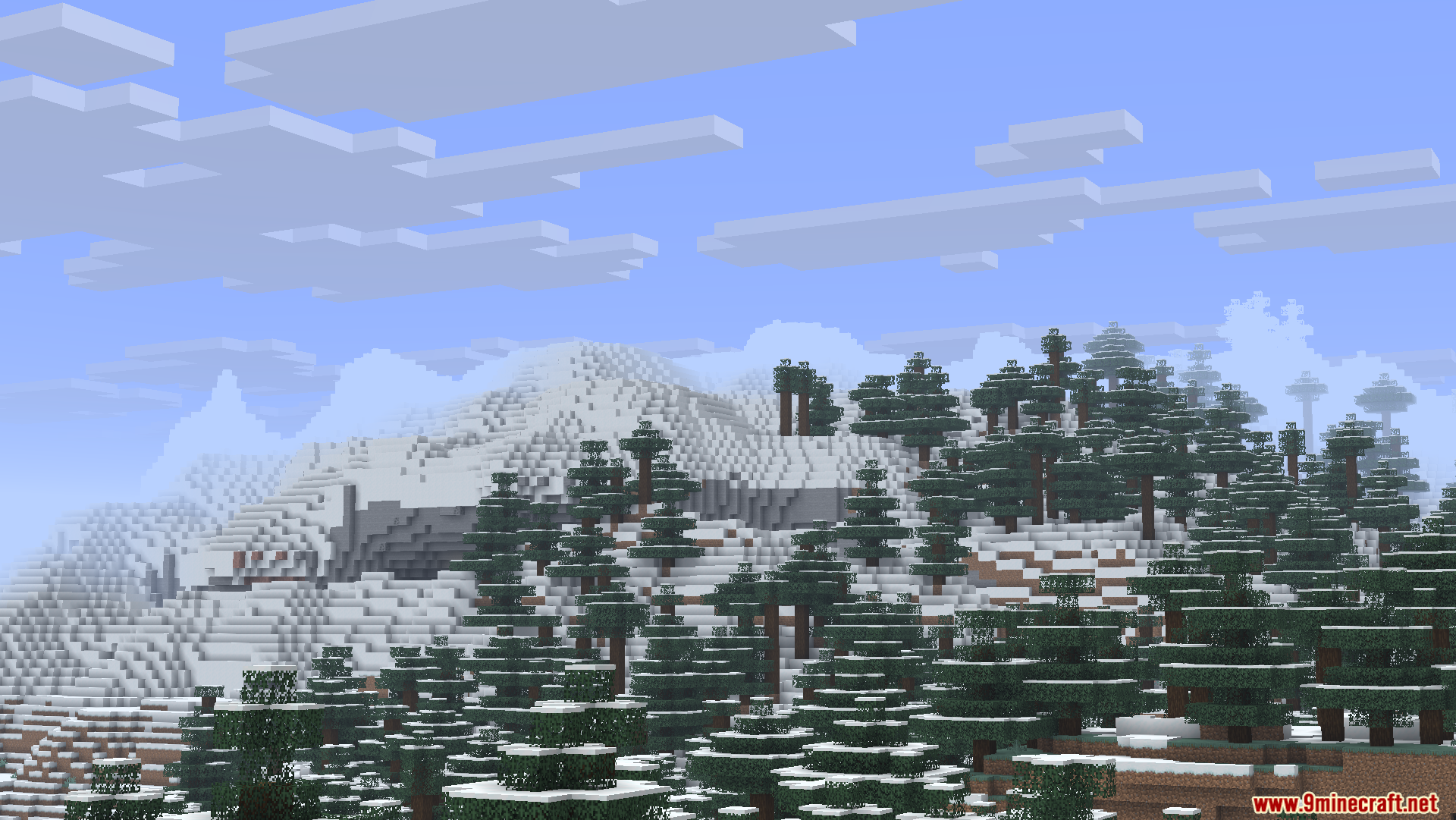
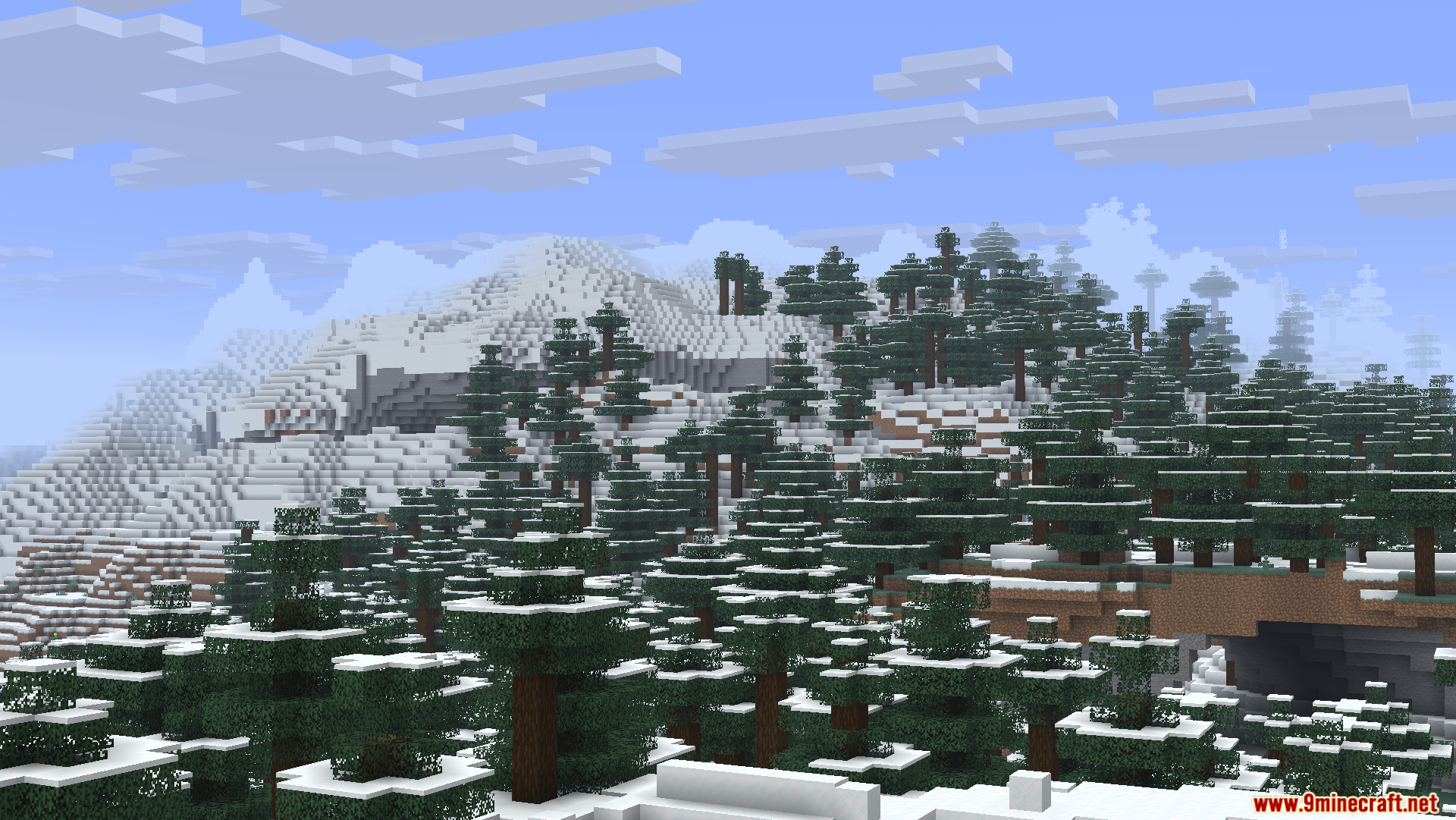
Screenshots:
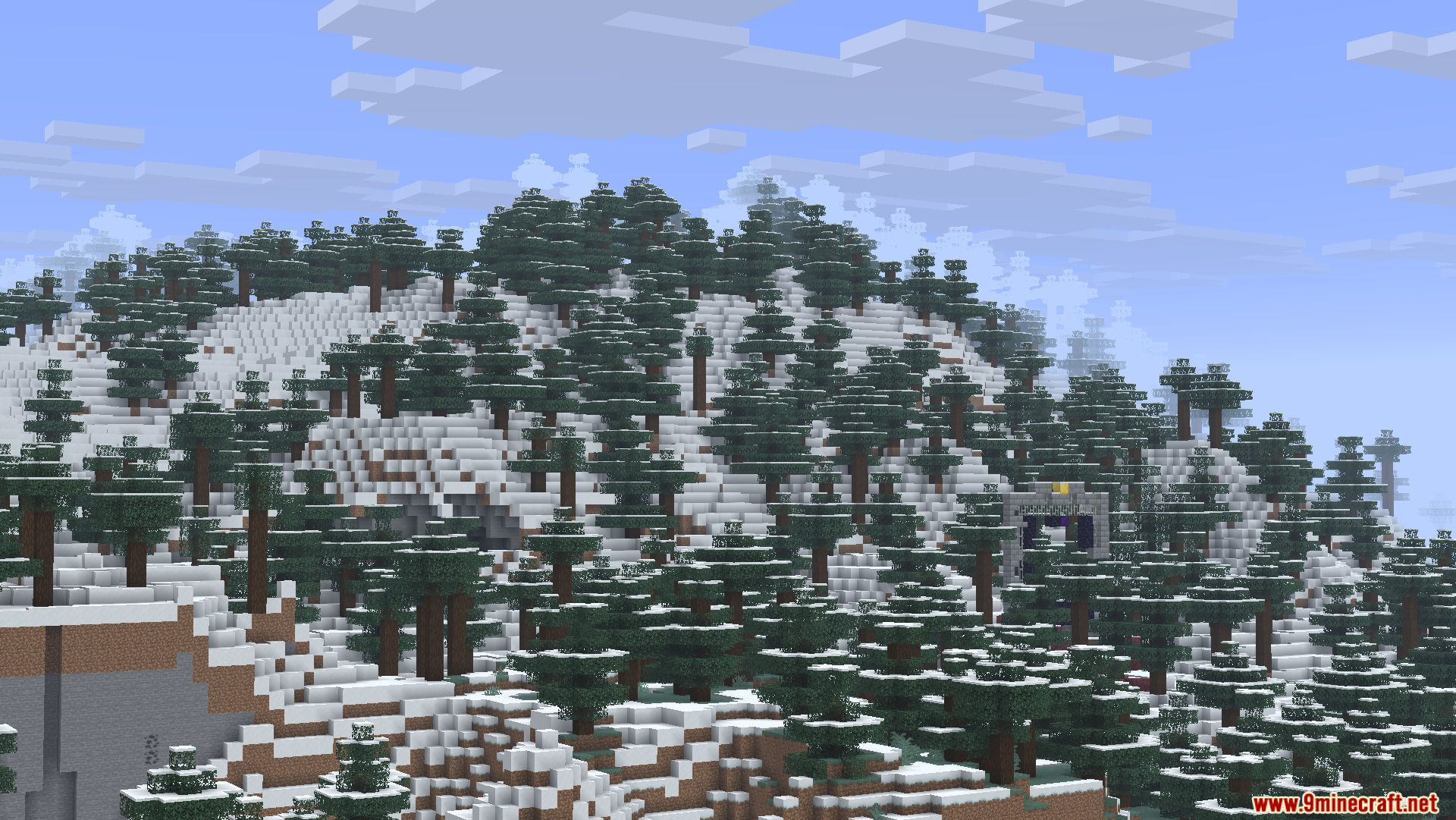
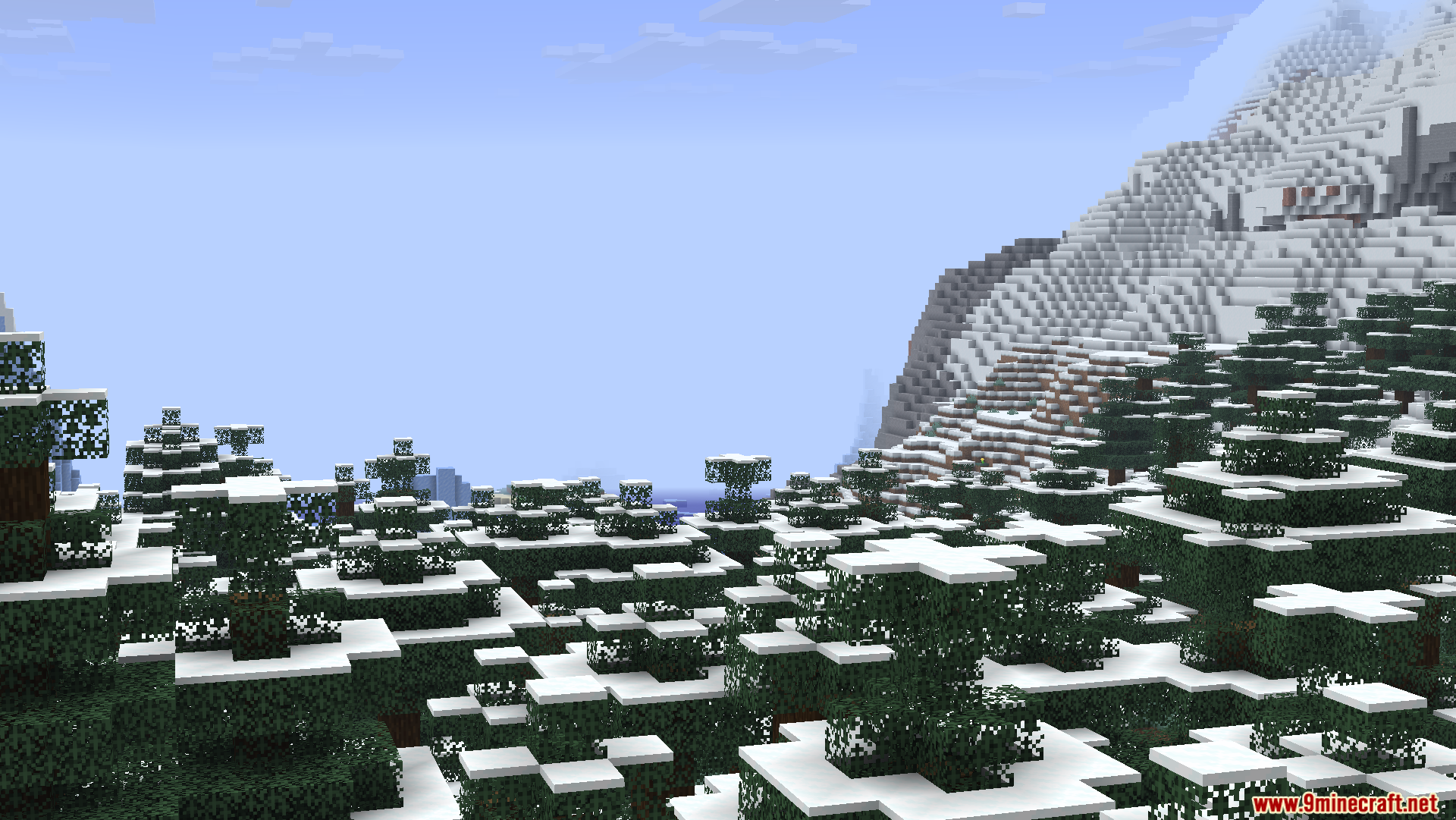
How to Install:
New to Minecraft? Follow our step-by-step guide to install Mods on your PC.View Guide
Requirements:


ZoomX Smooth Mod Download Links
For Minecraft 26.2
For Minecraft 26.1.2, 26.1.1, 26.1
For Minecraft 1.21.11
For Minecraft 1.21.10, 1.21.9
For Minecraft 1.21.8, 1.21.7, 1.21.6
For Minecraft 1.21.5
For Minecraft 1.21.4
For Minecraft 1.21.1, 1.21
Click to rate this post!
[Total: 1 Average: 2]
You May Also Like










This post has no comments yet. Be the first — your comment will appear here.