
SpiffyHUD Mod (26.3, 1.20.1) – Redesign Your Interface
 1,439
 0


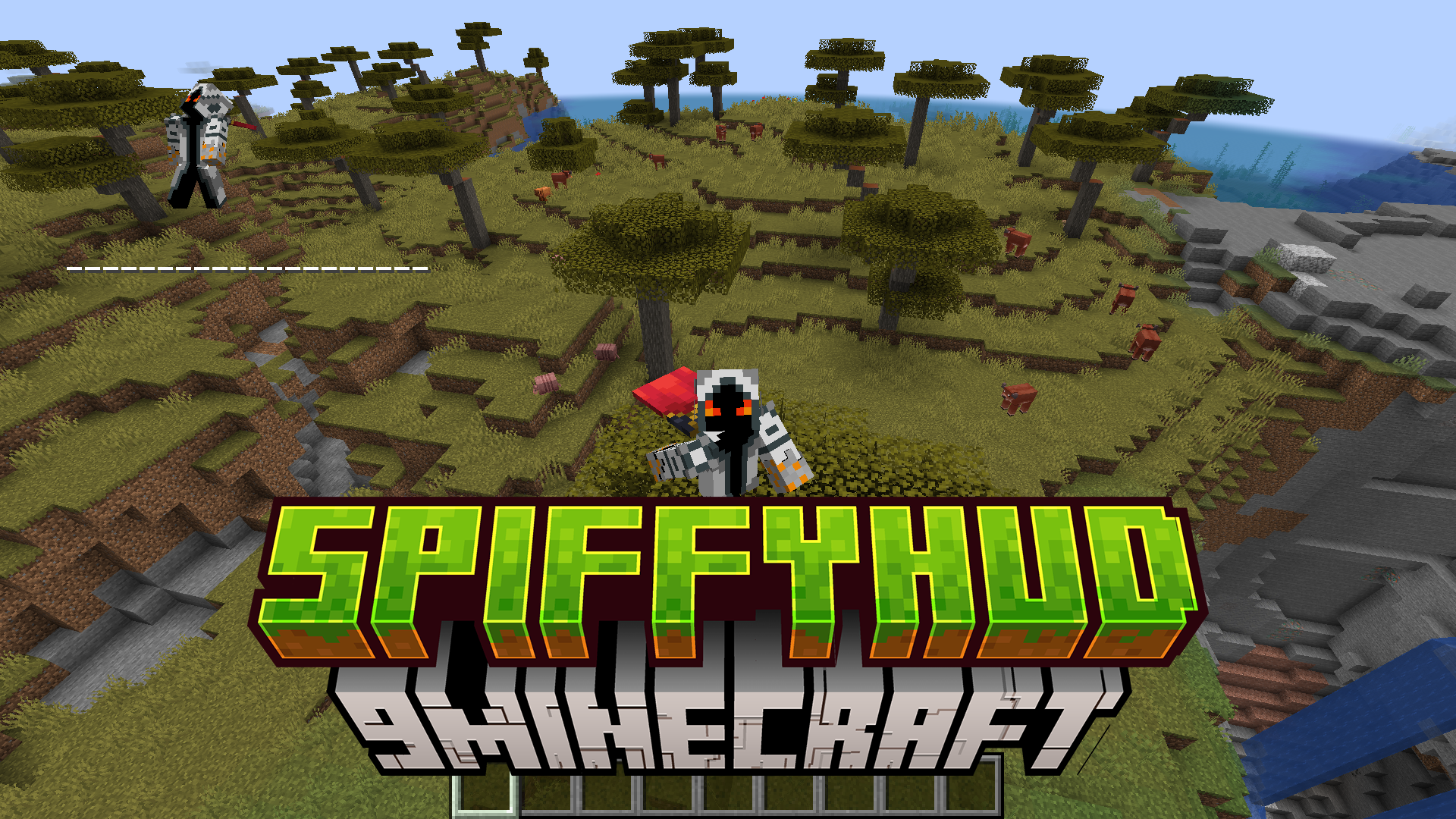
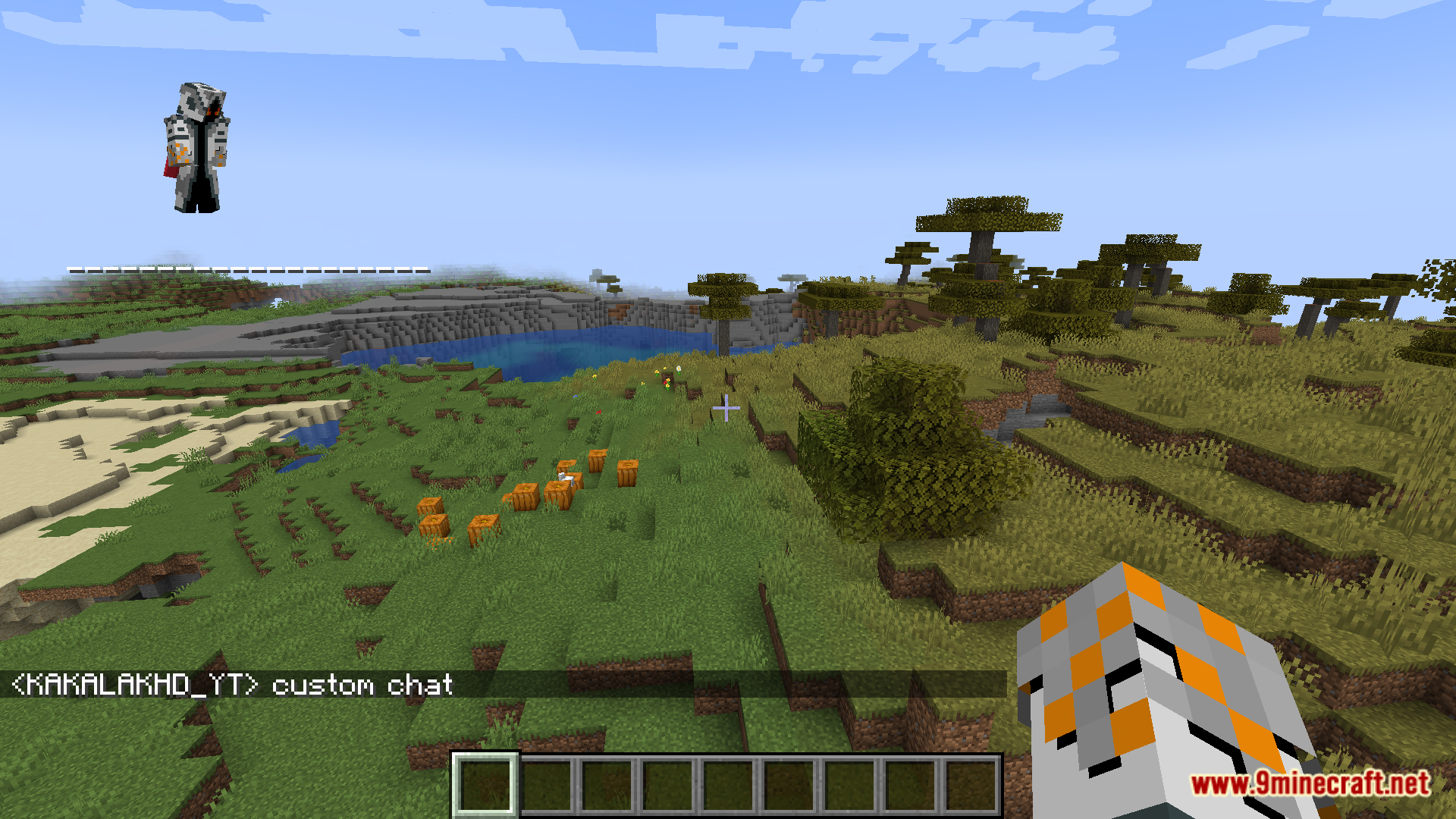
SpiffyHUD Mod extends FancyMenu by giving you complete control over your in-game heads-up display. It lets you personalize every part of the interface, add custom images and animations, and change the layout to fit your style.
Features:
- Adds full custom control over every on-screen interface element including the hotbar, health, and chat.
- Lets you move, resize, or hide individual elements to match unique screen setups.
- Allows you to add custom images, animations, and entirely new visual overlays to the screen.
- Builds on top of FancyMenu to bring familiar customization options directly to your gameplay HUD.
How to Use:
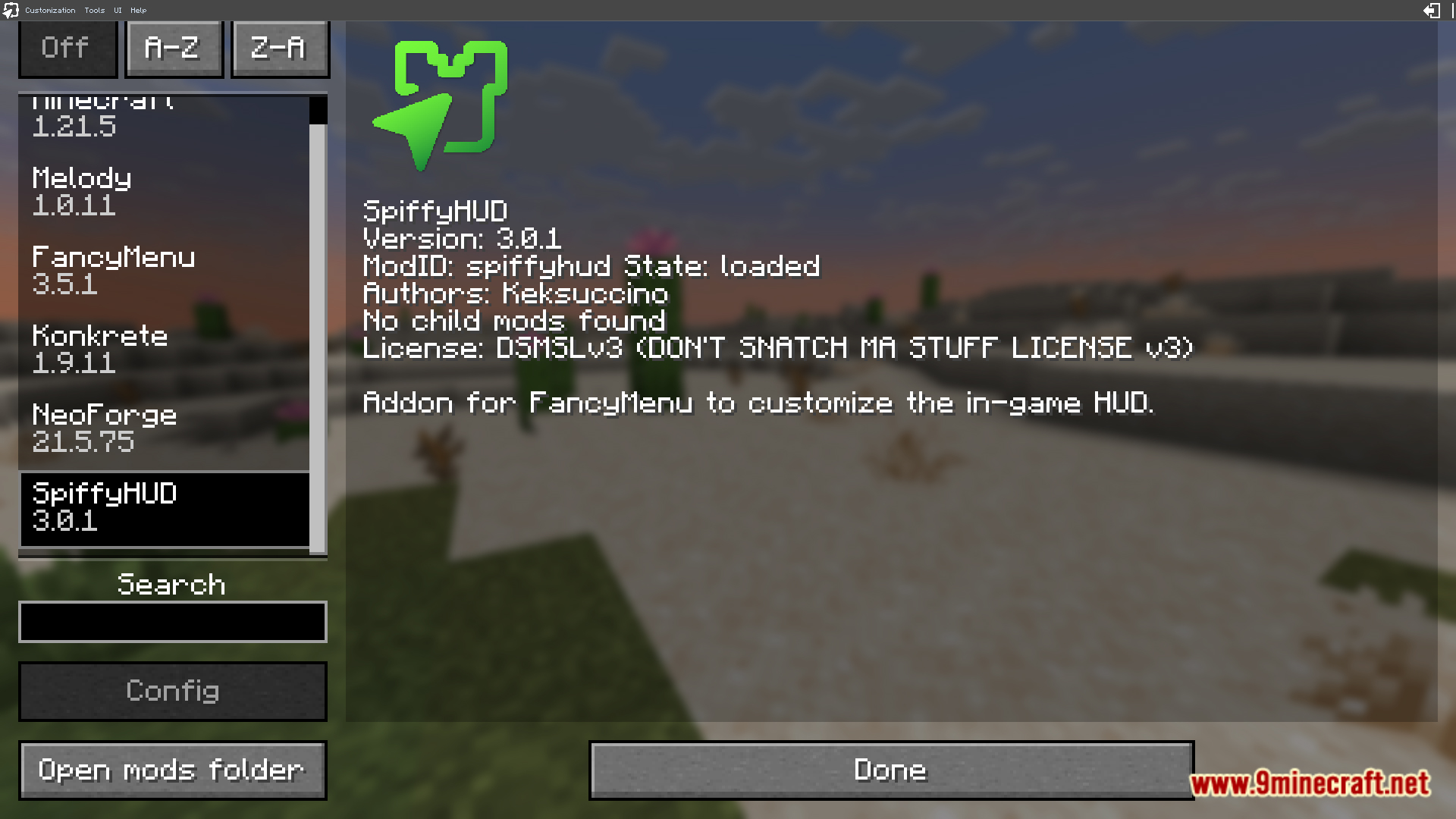
- Open the FancyMenu configuration screen in your game menu.
- Navigate to the HUD customization options to view all available interface elements.
- Click and drag screen elements to reposition them, or use the menu settings to add images and animations.
- Save your layout changes to apply the new custom interface during gameplay.
Screenshots:
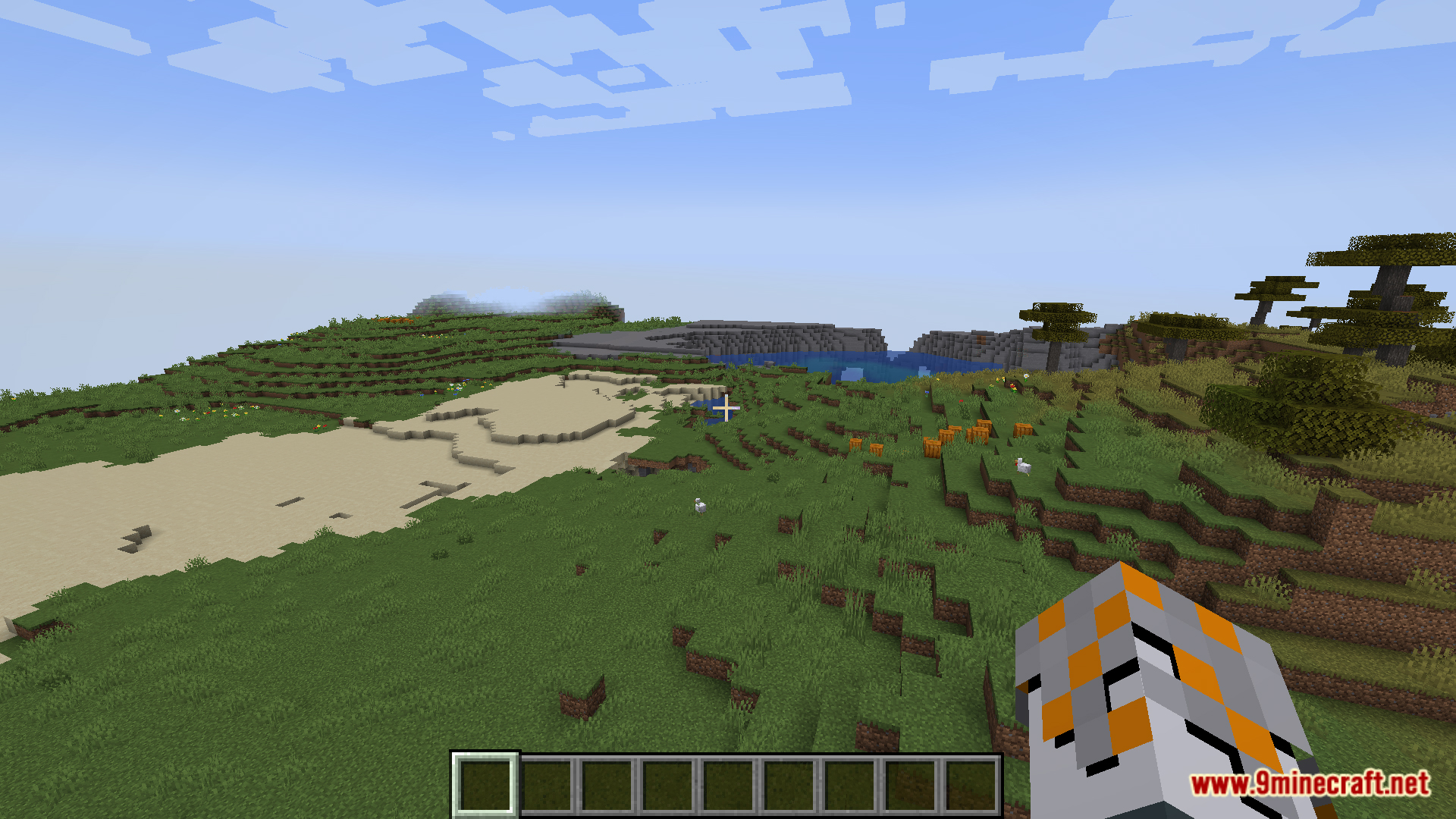

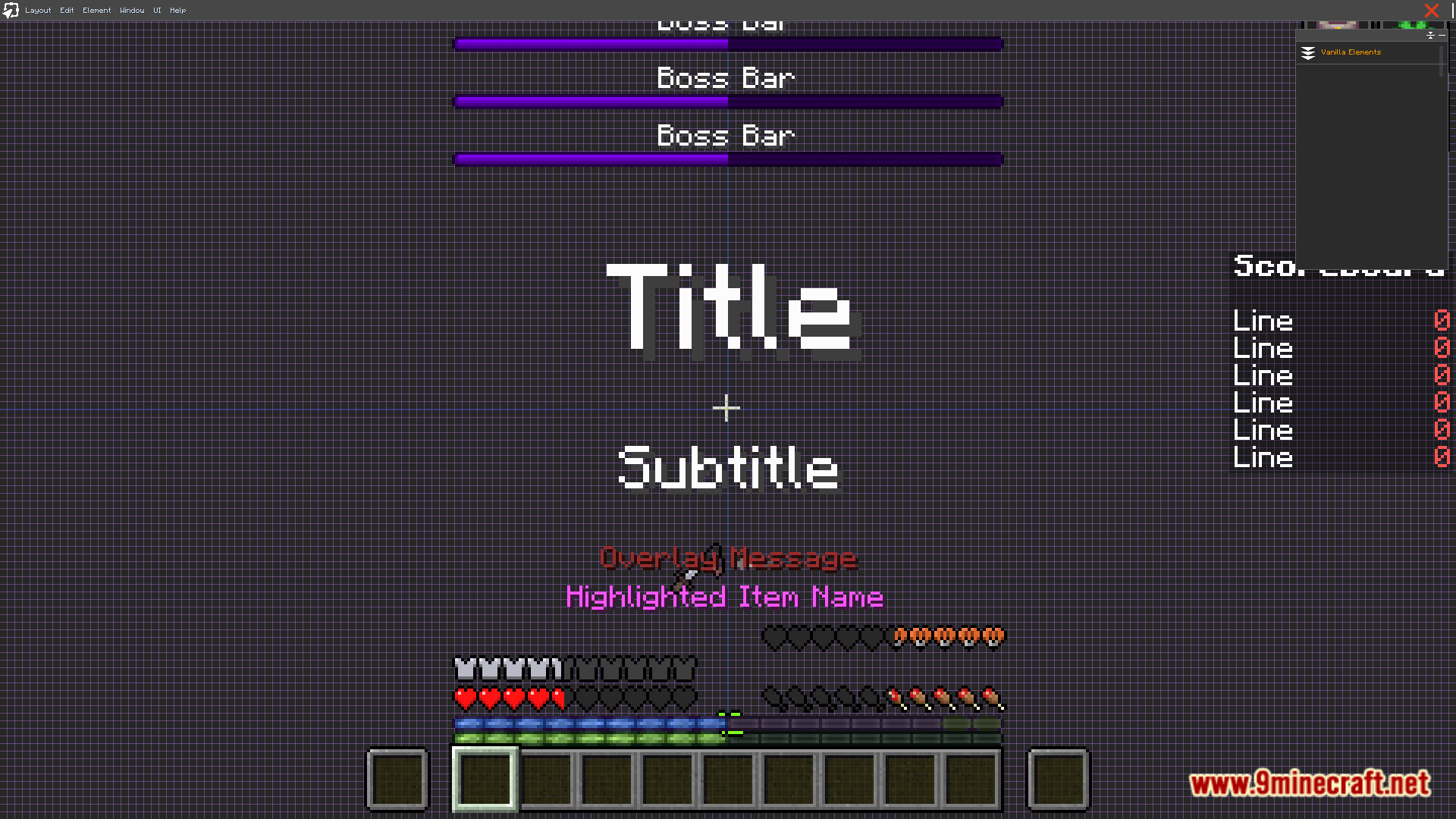
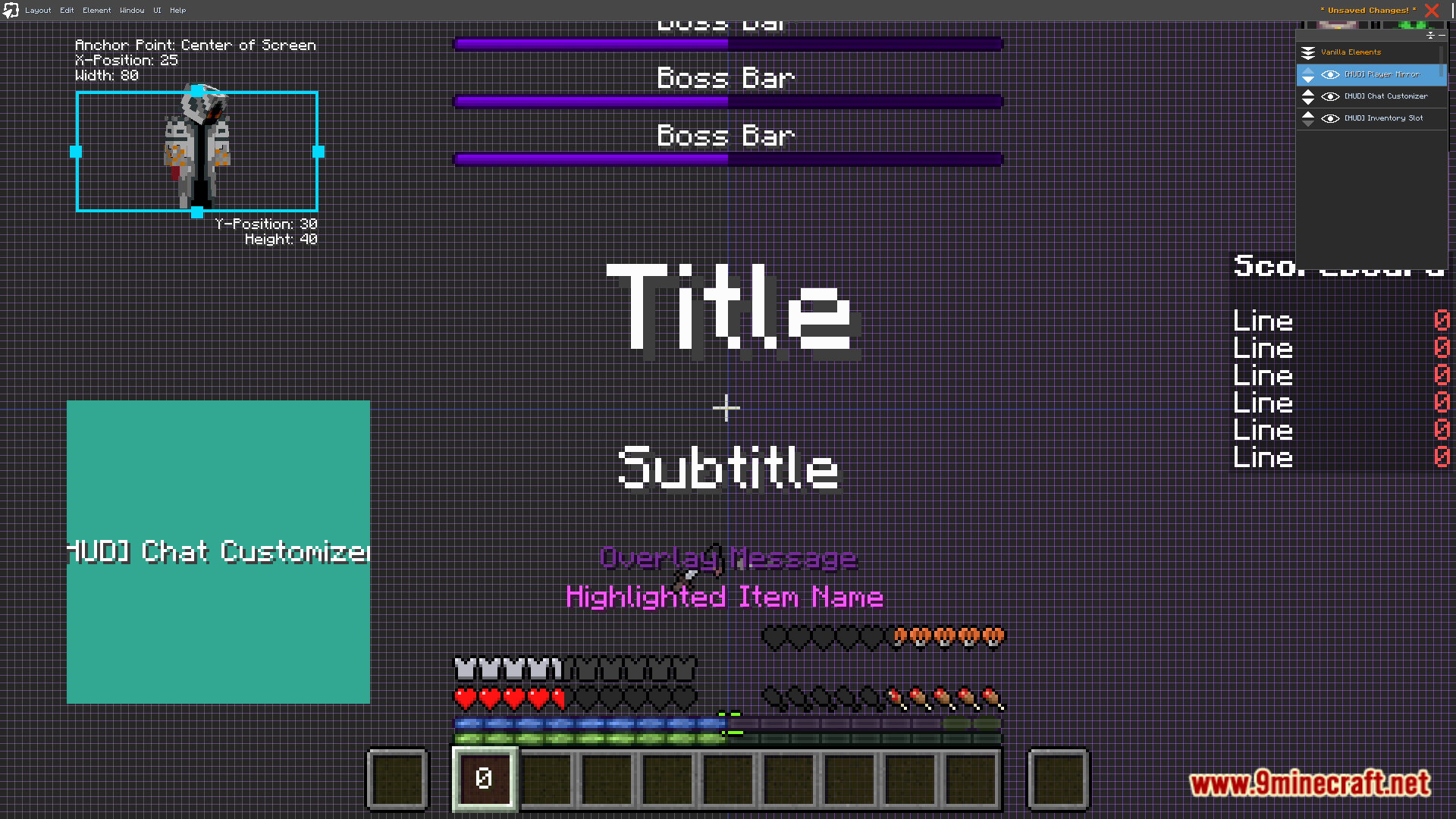
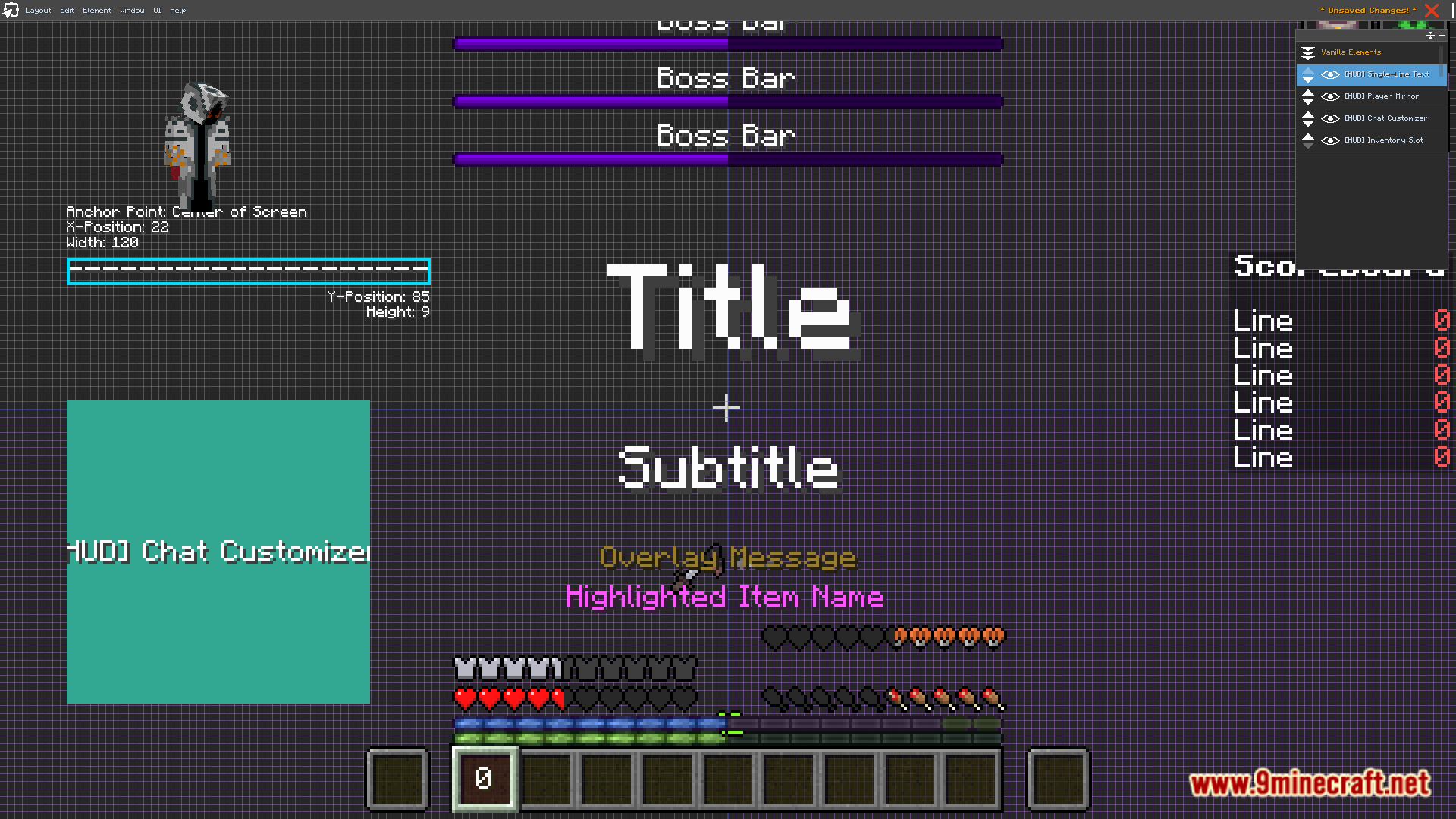
How to Install:
New to Minecraft? Follow our step-by-step guide to install Mods on your PC.View Guide
Requirements:





SpiffyHUD Mod Download Links
For Minecraft 26.3
For Minecraft 26.2
For Minecraft 26.1.2, 26.1.1, 26.1
For Minecraft 1.21.11
For Minecraft 1.21.10, 1.21.9
For Minecraft 1.21.8, 1.21.7, 1.21.6
For Minecraft 1.21.5
For Minecraft 1.21.1, 1.21
For Minecraft 1.20.1, 1.20
For Minecraft 1.19.2
For Minecraft 1.18.2
For Minecraft 1.16.5
Click to rate this post!
[Total: 0 Average: 0]
QUICK MINECRAFT SURVEY · ONE TAP
Mods & Modpacks
How often do you play pre-made modpacks instead of making your own?
27 responses · See the full results →
You May Also Like
Picked for this page
 Veinminer Mod (26.2, 1.20.1) – Quick Mining
 Shield Parry Mod (1.21.1, 1.20.1) – Reflective Shield
 Ceramic Shears Mod (26.3, 1.20.1) – Ceramic Scissors
 More Buckets Mod (26.1.2, 1.20.1) – Adding Bunch of Useful Buckets
 Tschipcraft’s More Mobs Mod (26.3, 1.20.1) – Humanoid Mobs
 Bigger Sponge Absorption Radius Mod (26.3, 1.20.1) – Expanded Absorption Radius
 More Beautiful Doors Mod (26.3, 1.20.1) – 240+ New Doors
 Expanded Axe Enchanting Mod (26.2, 1.20.1) – New Enchantments for Axes
 Loading Screen Tips Mod (1.21.11, 1.20.1) – More Useful Tips
 Dye All The Things Mod (26.3, 1.20.1) – Ultimate Armor Dyeing Mod
 Bone Torch Mod (26.3, 1.20.1) – What If We Use Bones for Torches?
 Deus Ex Machina Reborn Mod (1.21.1, 1.20.1) – Bottle of Ambrosia And Boss-Specific Scaling
Most viewed in Mods over the last 7 days
 Ala Industrial Mod (26.3) – Run Electric Power Grids and Automated Factories
 PleasureCraft Mod (26.3, 1.21.1) – Jenny Mod Remake for Fabric
 Jennycraft Mod (26.3, 1.20.1) – Virtual Girlfriend in Minecraft
 Fapcraft Mod (26.3, 1.12.2) – Comprehensive and Detailed Content
 Jenny Mod (Fapcraft) Official Complete Guide – How to use, Tutorial
 BangCraft Mod (1.20.1) – Jenny, Ellie and Elliot
 Fabric Loader (26.3, 1.20.1) – Fabric Installer for All Minecraft Versions
 Meteor Client Mod (26.3, 1.20.1) – Xray, HUD, Fly
 The Shooting Star Demo Mod (26.3, 1.20.1) – Vaporize Terrain From Orbit
 OptiFine HD (26.3, 1.20.1) – Run Faster, FPS Boost, Shaders Support
 Aristois Client Mod (1.21.4, 1.20.1) – World Class Minecraft Utility
 Prestige Client Mod (1.21.11, 1.21.4) – Powerful Ghost Features for Crystal & Sword PvP
More from Mods
 RFTools Builder Mod (26.3, 1.20.1) – The Builder, Powerful Machine
 Block & Board Mod (26.3, 1.20.1) – Play Classic Tabletop Games with Friends
 Hammers 3×3 Mod (1.21.8, 1.20.1) – Carve Caves with One Swing
 Huge Structure Blocks Mod (26.3, 1.20.1) – Pushing Limits With Huge Structure Blocks Mod
 Rctapi Fix Mod (1.21.1) – Fight Cobblemon Trainers Without Any Server Crashes
 Better Title Screen Mod (26.3, 1.20.1) – Adding Custom Text Messages
 Log Cleaner Mod (26.3, 1.20.1) – Cleans Old and Unused Log Files
 Brick Variety Mod (26.3, 1.20.1) – More Brick Variants
 Fast Xp Mod (26.3, 1.21.1) – Faster XP Bottle Usage
 Cherry Villages Mot’s Structures Mod (26.3, 1.21.11) – Find Fresh Settlements
 XinexLib Mod (1.21.1) – Keep Your Ultreon Studios Mods Running
 Libvulpes – Fixed Mod (1.12.2) – Launch Rockets with Fewer Bugs

This post has no comments yet. Be the first — your comment will appear here.