
P1kl’s 3D Items Resource Pack (26.3, 1.21.1) – Sculpted 3D Vanilla Gear


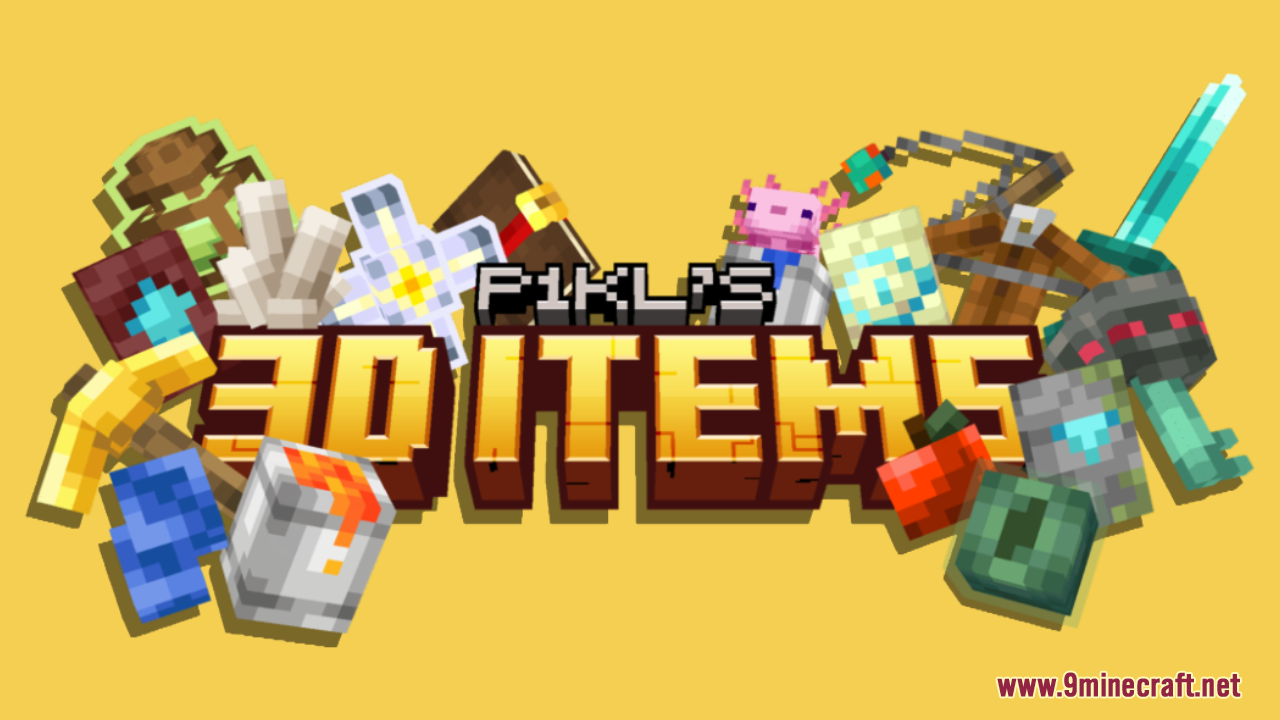
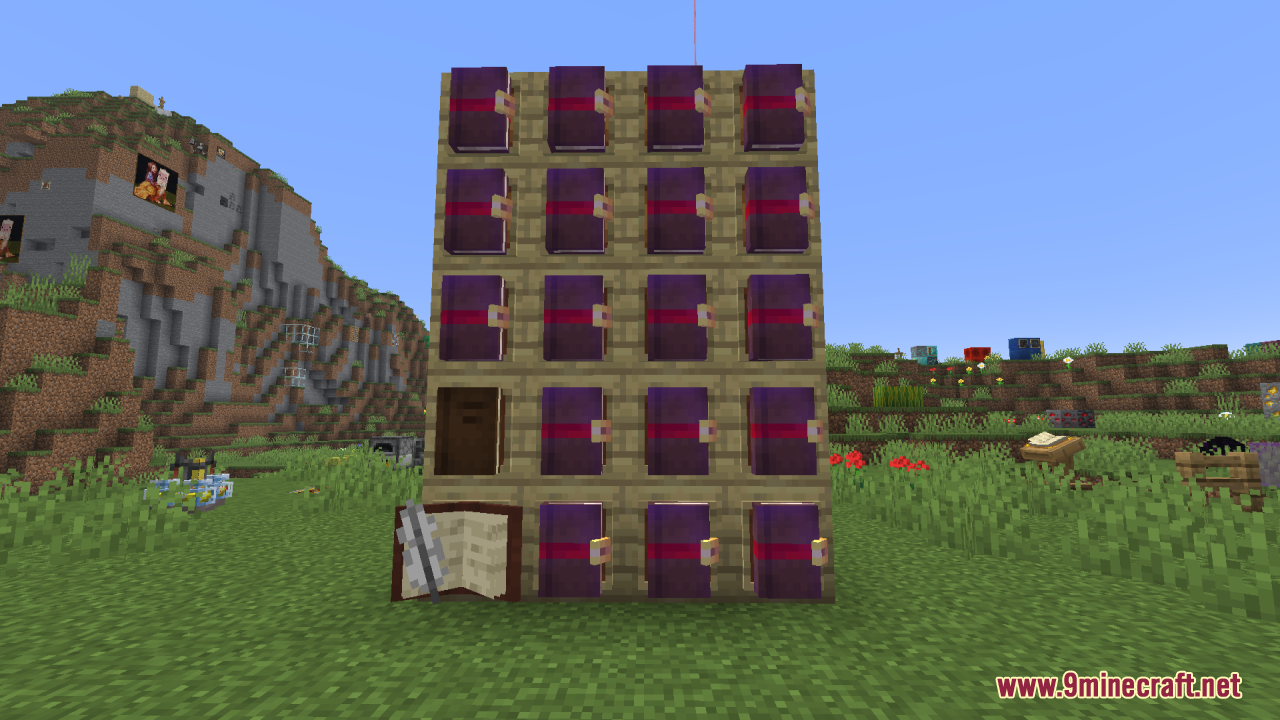
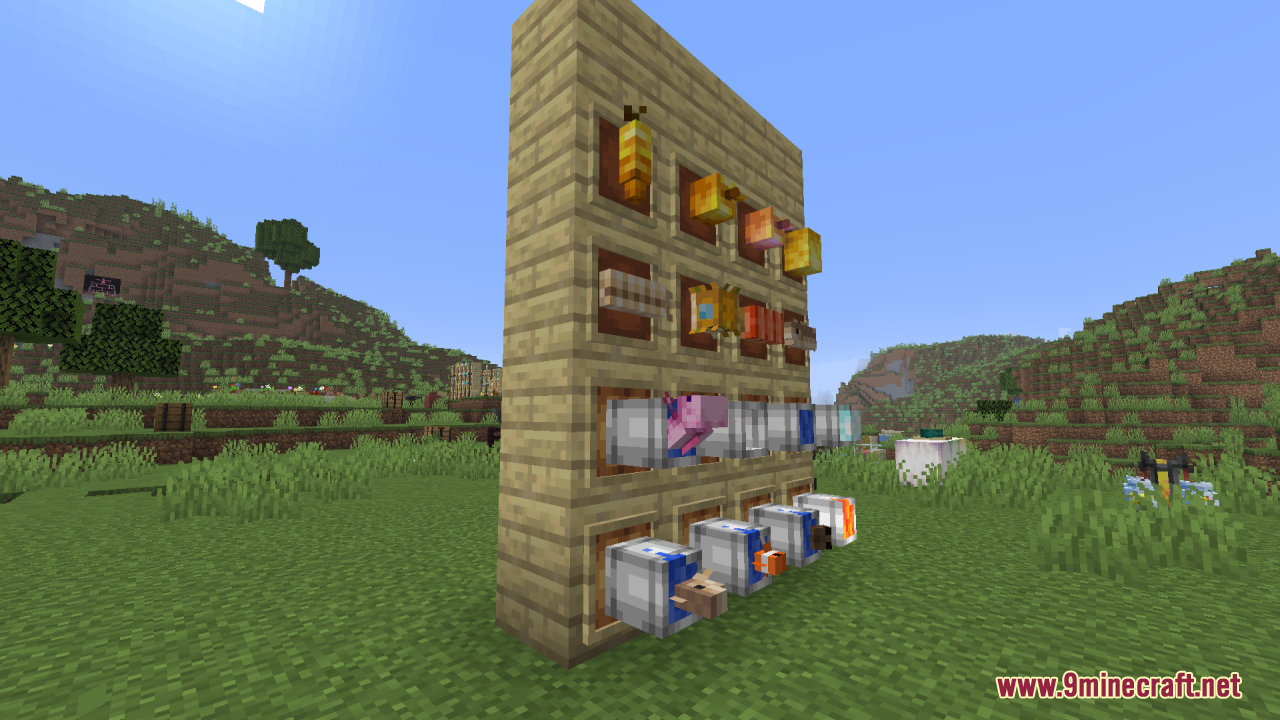
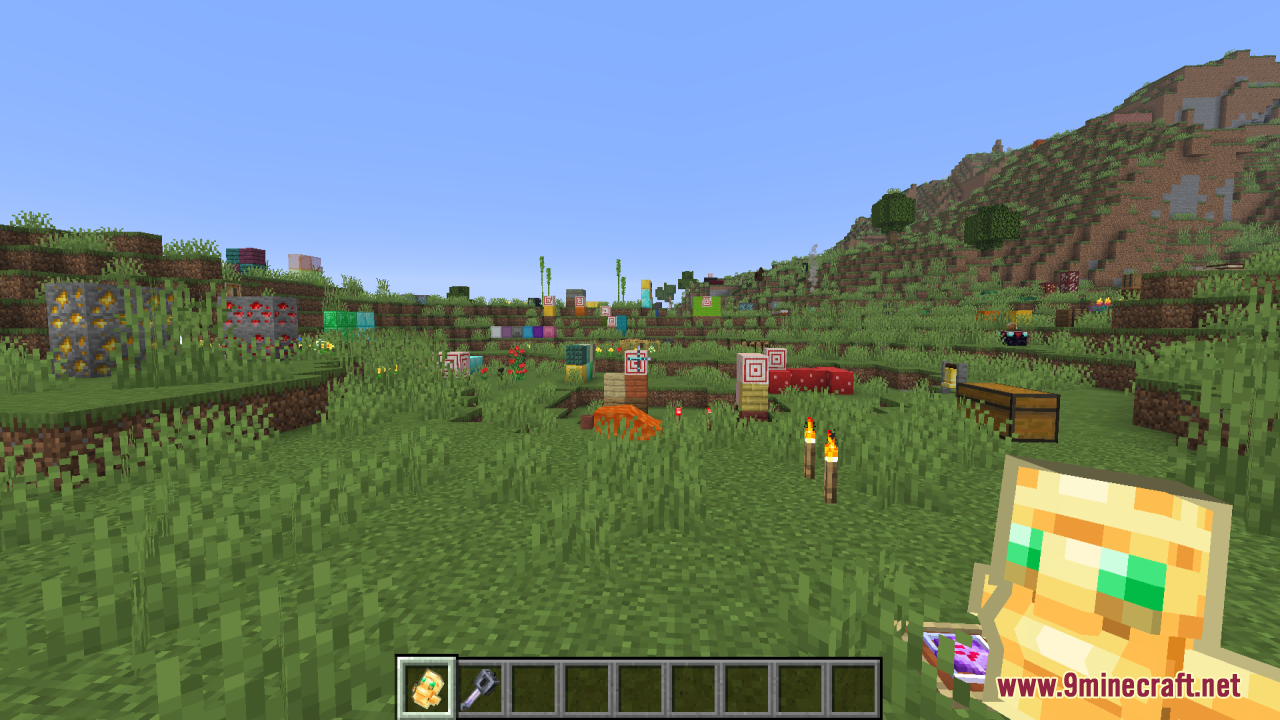
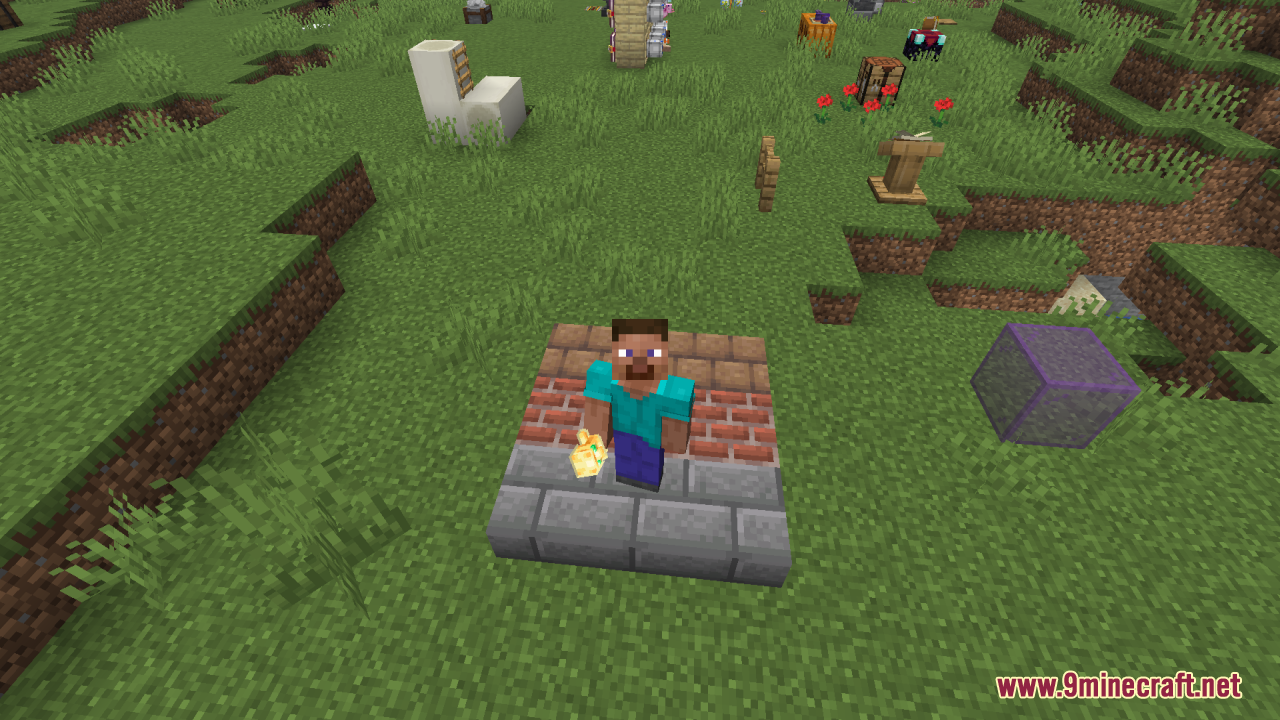
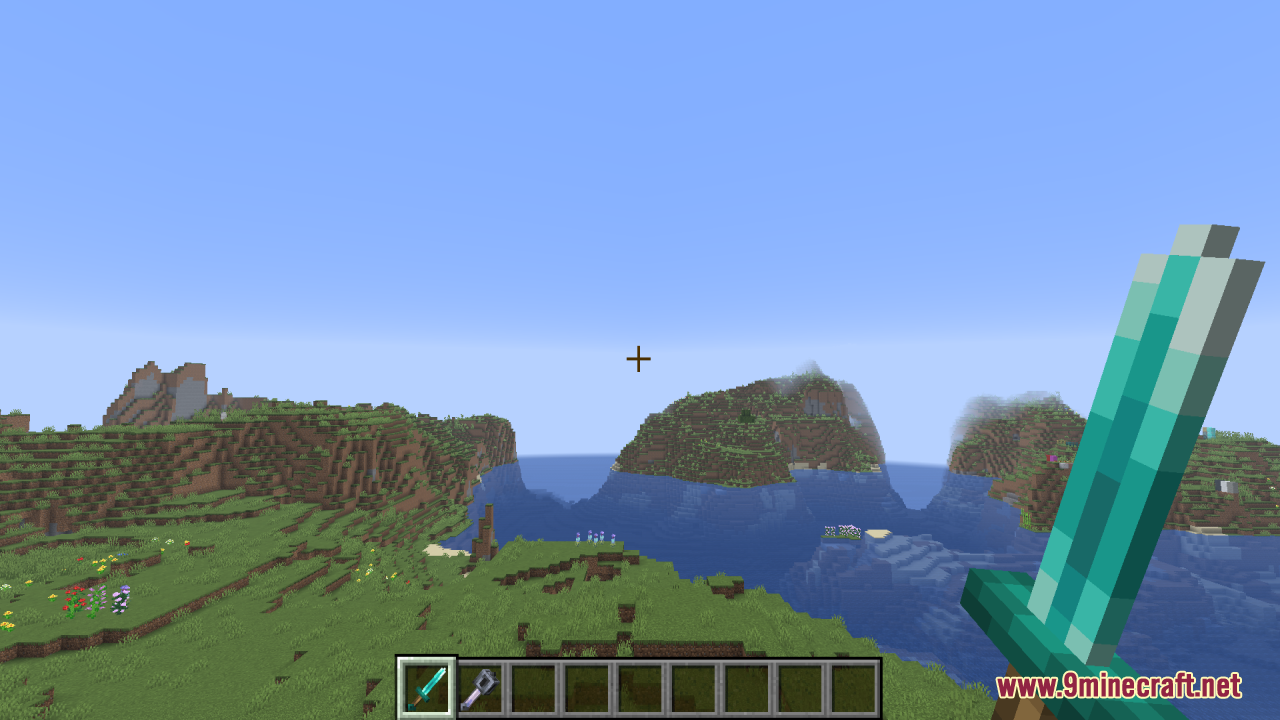
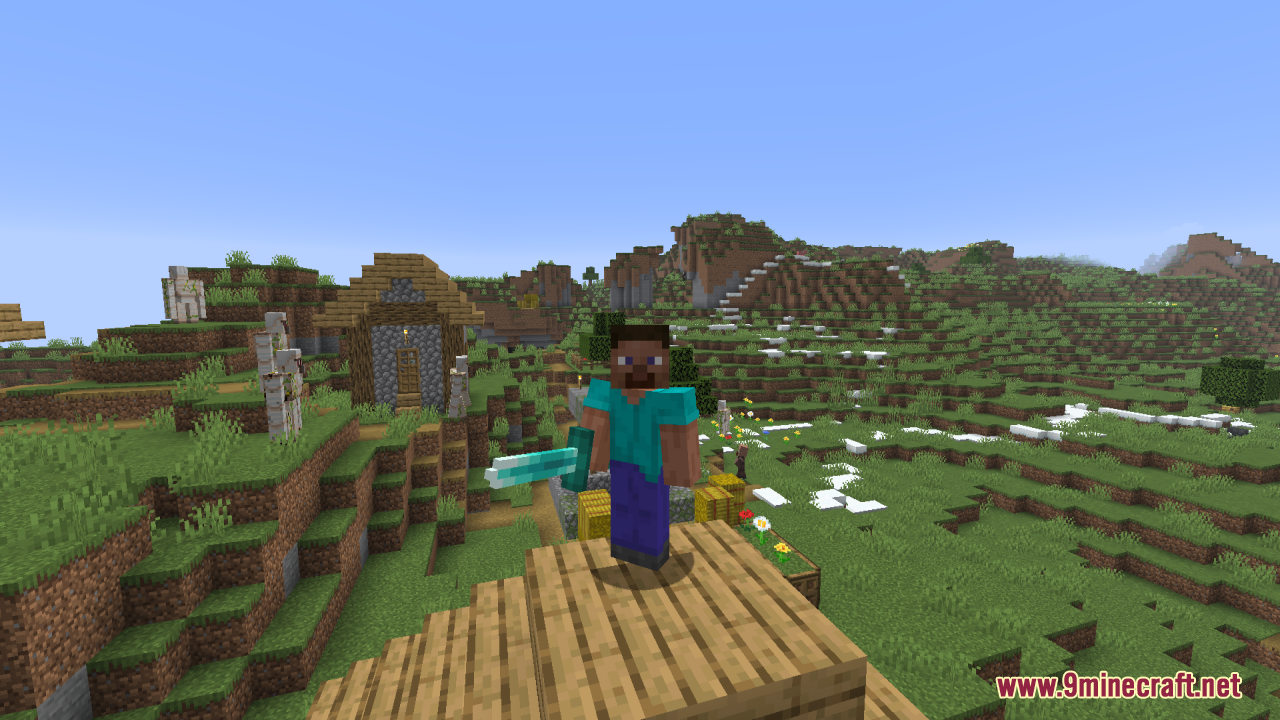
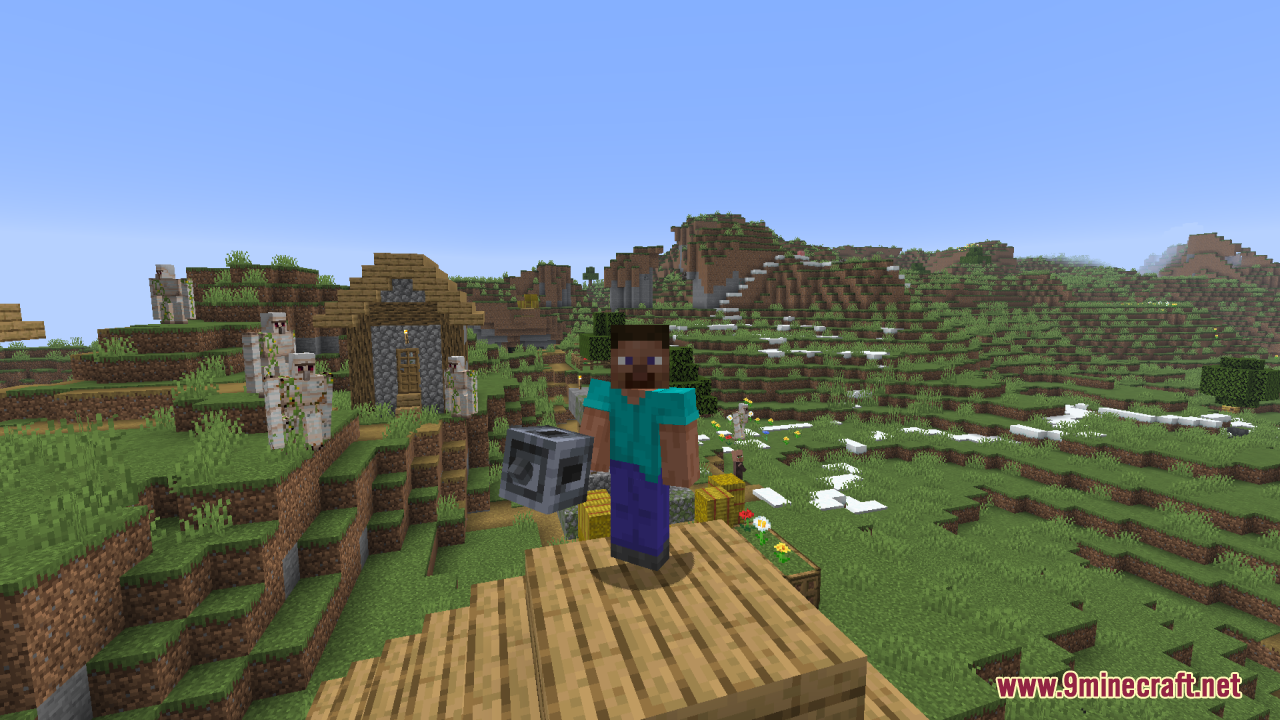
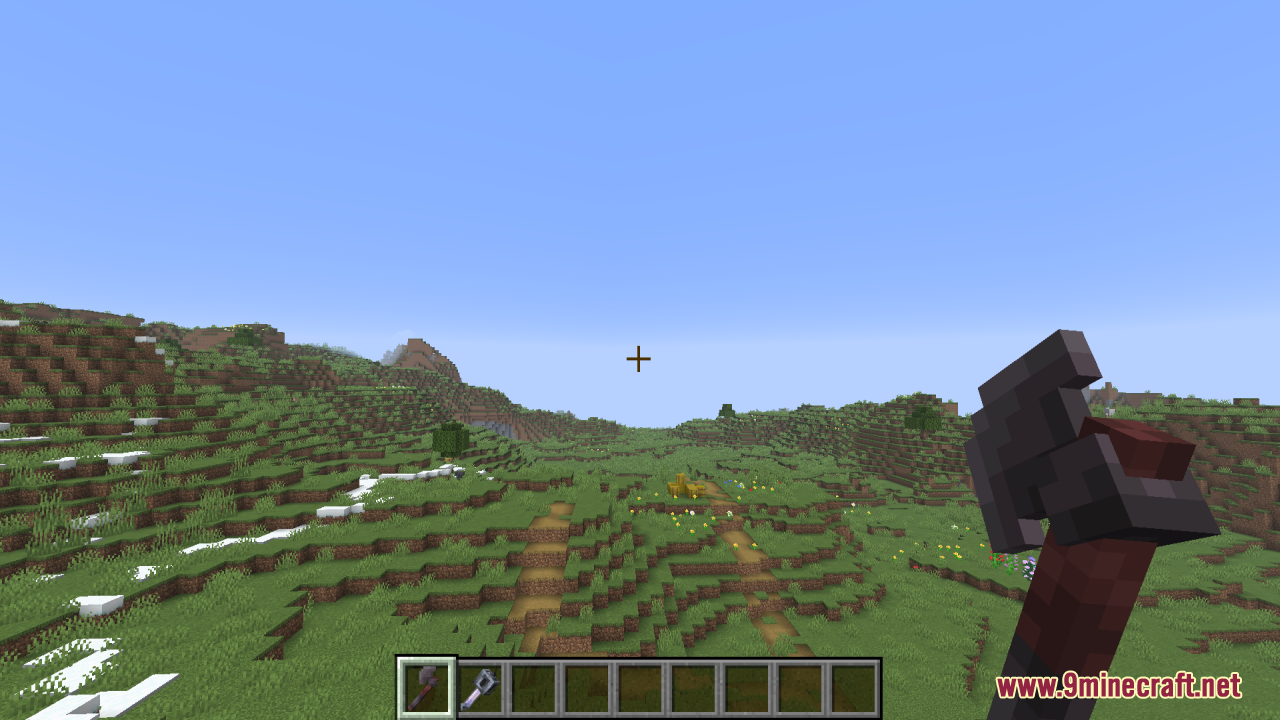
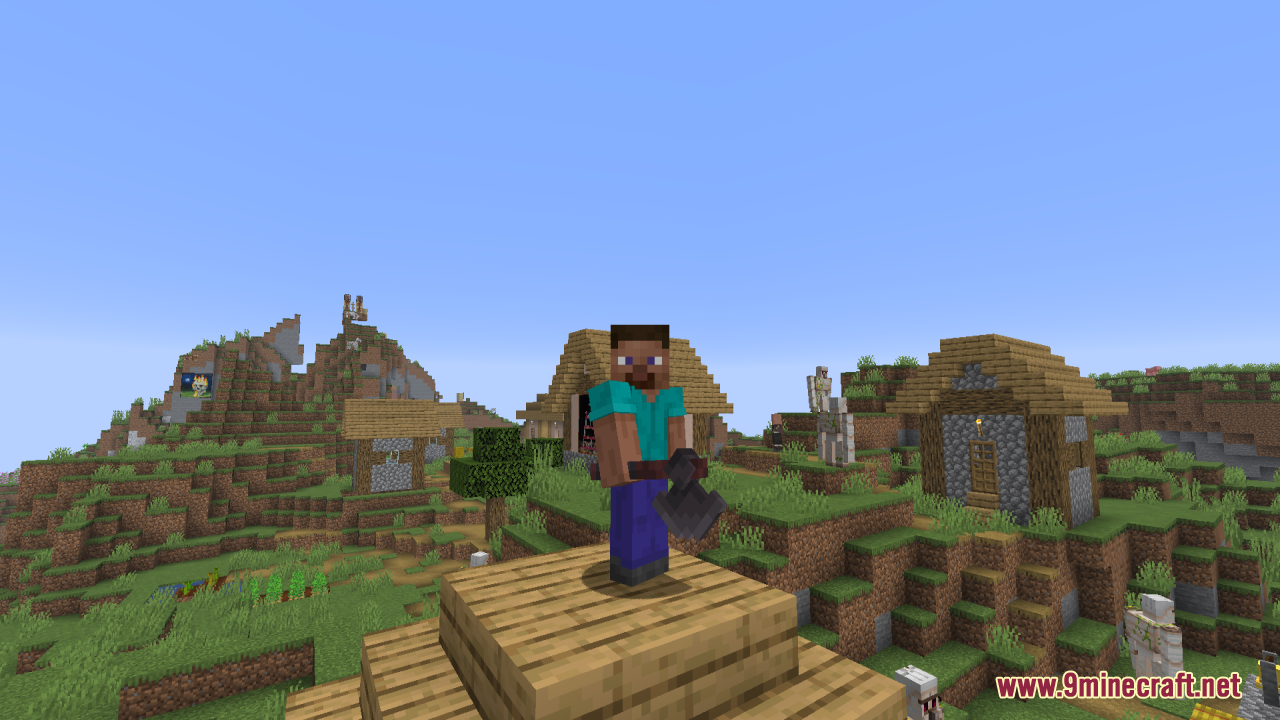
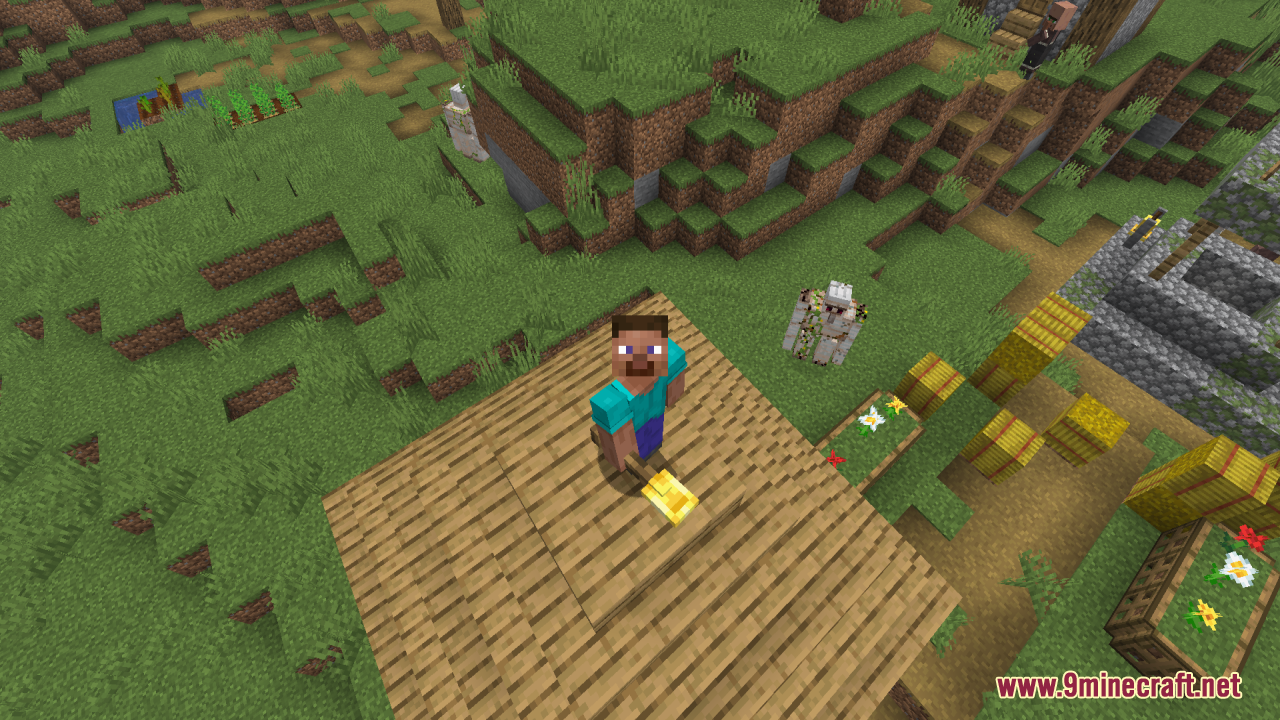
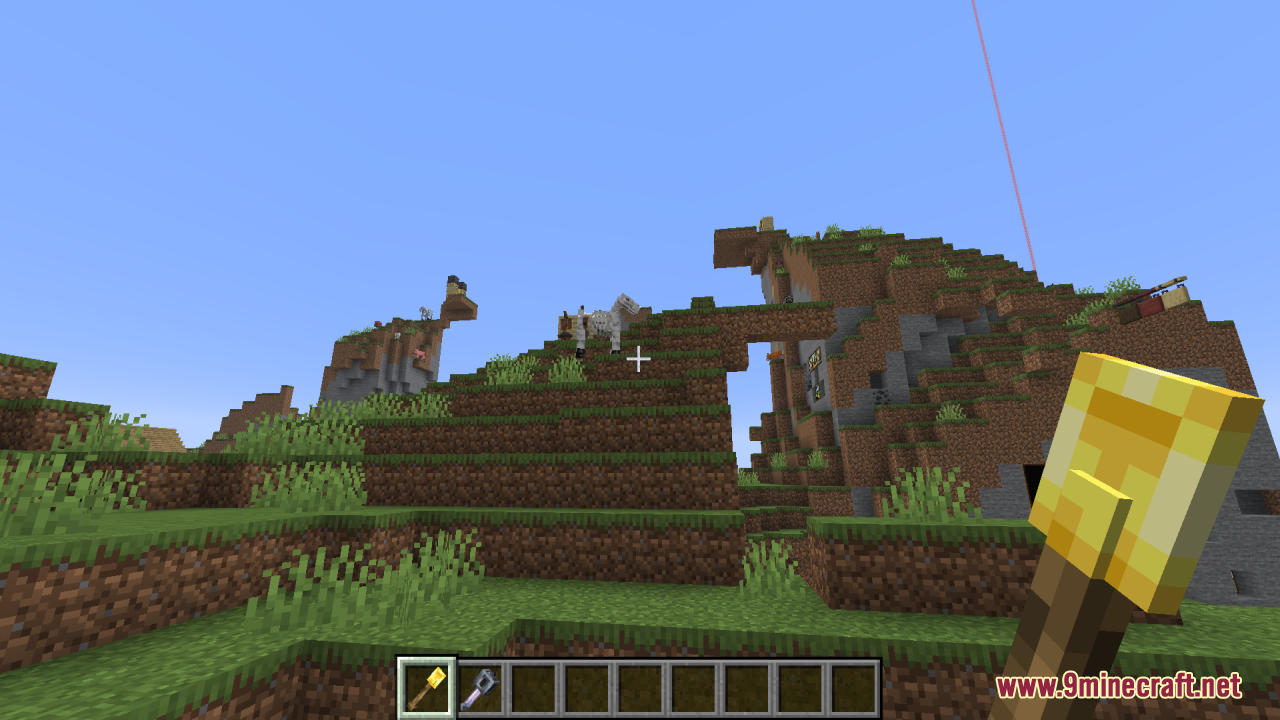
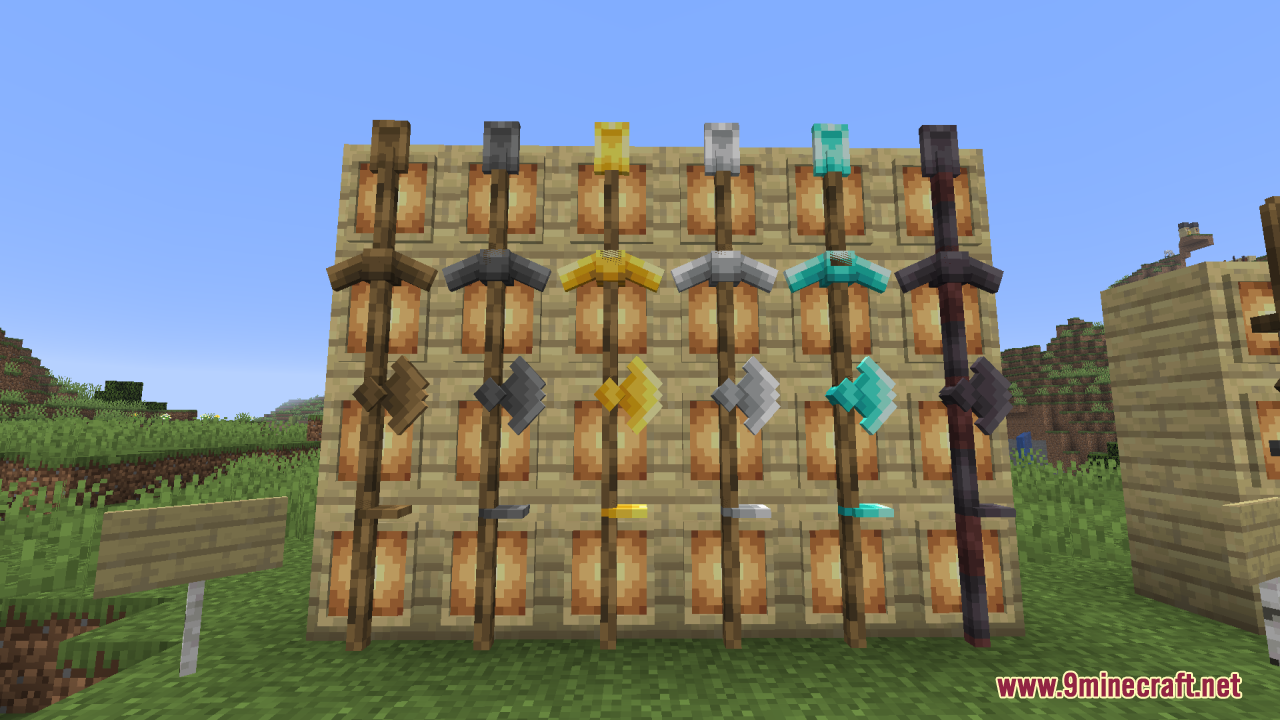
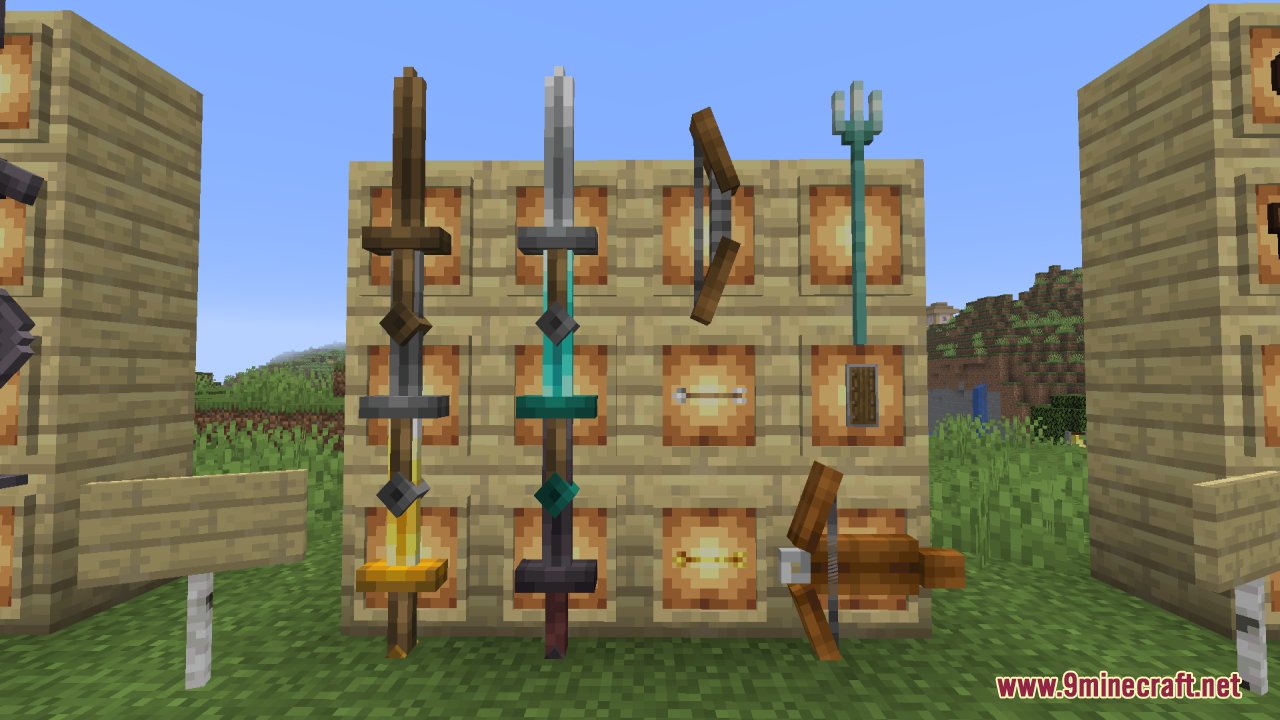
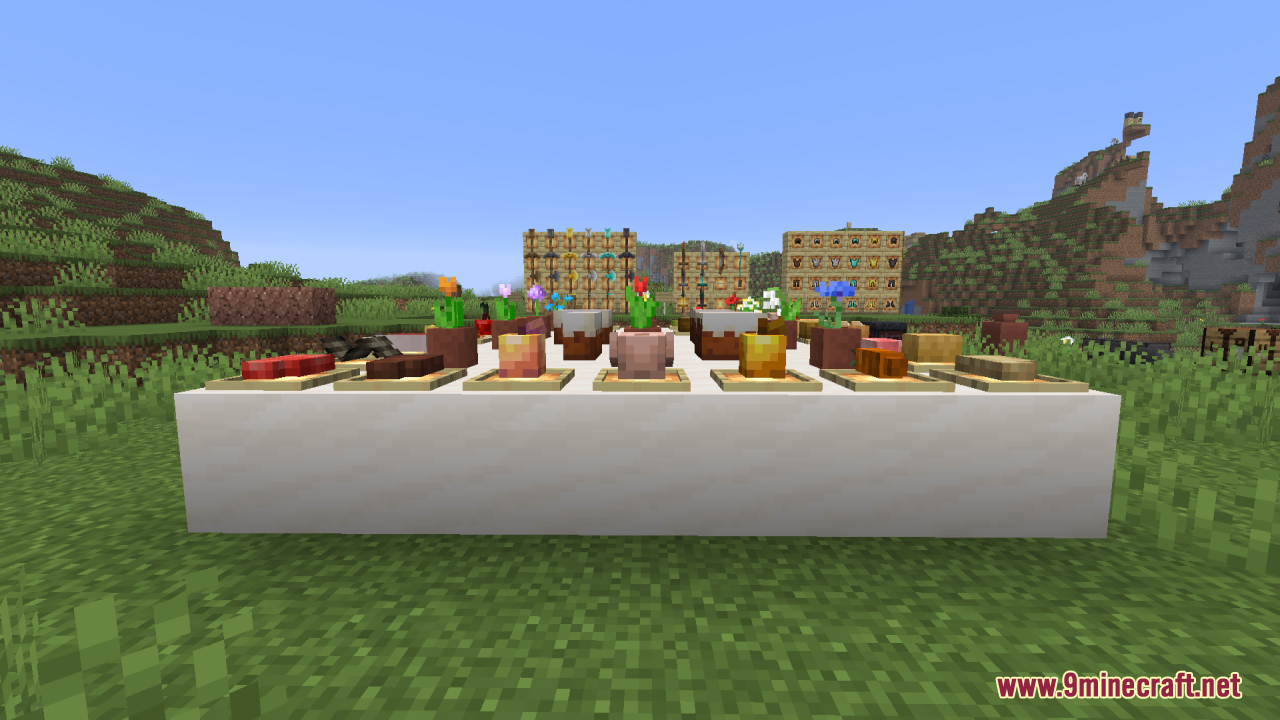
P1kl’s 3D Items Resource Pack turns standard vanilla items into original three-dimensional models. This pack gives gear like tools, armor, and buckets extra depth and includes core shaders to support the new visuals. It also lets you show 3D models inside Item Frames through a quick rename trick. The pack works with Hold My Items, Punchy!, and ResPackOpts, and requires Modefite or Puzzle on certain Minecraft versions.
Features:
- Turns a variety of vanilla items into unique, original 3D models.
- Includes core shaders to support the custom 3D visuals.
- Keeps custom 3D models off in GUIs, Item Frames, and Shelves by default.
- Lets any item appear as a 3D model inside an Item Frame when you rename it to its original name.
- Works with the Hold My Items mod on versions 5.0L1 through 5.1.1.
- Works with the Punchy! Mod on versions 2.3 and 2.4.
- Supports the ResPackOpts mod so you can turn off the custom tool, armor, and bucket models.
- Requires the Modefite mod on Minecraft versions 1.21 through 1.21.3.
- Requires the Puzzle mod on Minecraft versions 1.21.1 through 1.21.10.
How to Use:
- Add the required mod for your version first if needed (Modefite for 1.21 to 1.21.3, or Puzzle for 1.21.1 to 1.21.10), then turn on the pack in the Resource Packs menu.
- To show an item in 3D inside an Item Frame, rename the item to a different name first (for example, rename a Diamond Sword to “Apple”).
- Rename the item back to its original name (such as “Diamond Sword”).
- Place the item into an Item Frame so its 3D model appears.
- Use the ResPackOpts mod whenever you want to turn off the custom tool, armor, or bucket models.
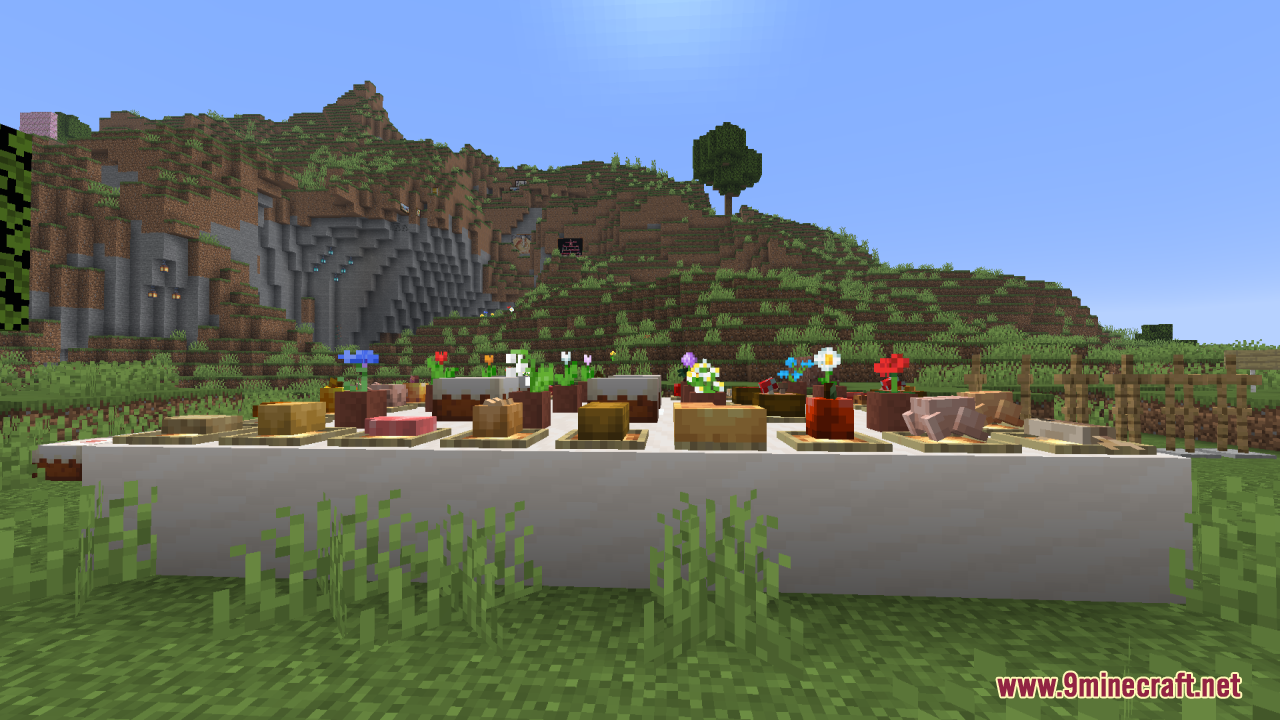
Screenshots:
How to Install:
New to Minecraft? Follow our step-by-step guide to install Resource Packs on your PC.View Guide
Requirements:

P1kl’s 3D Items Resource Pack Download Links
For Minecraft
26.3.x
All Versions Covered
26.3
26.2
26.1.2
26.1.1
26.1
1.21.11
1.21.10
1.21.9
1.21.8
1.21.7
1.21.6
1.21.5
1.21.4
1.21.3
1.21.2
1.21.1
1.21
All Versions Covered
26.3
26.2
26.1.2
26.1.1
26.1
1.21.11
1.21.10
1.21.9
1.21.8
1.21.7
1.21.6
1.21.5
1.21.4
1.21.3
1.21.2
1.21.1
1.21
For Minecraft
26.2.x
All Versions Covered
26.2
26.1.2
26.1.1
26.1
1.21.11
1.21.10
1.21.9
1.21.8
1.21.7
1.21.6
1.21.5
1.21.4
1.21.3
1.21.2
1.21.1
1.21
All Versions Covered
26.2
26.1.2
26.1.1
26.1
1.21.11
1.21.10
1.21.9
1.21.8
1.21.7
1.21.6
1.21.5
1.21.4
1.21.3
1.21.2
1.21.1
1.21
For Minecraft
26.1.x
All Versions Covered
26.1.2
26.1.1
26.1
1.21.11
1.21.10
1.21.9
1.21.8
1.21.7
1.21.6
1.21.5
1.21.4
1.21.3
1.21.2
1.21.1
1.21
All Versions Covered
26.1.2
26.1.1
26.1
1.21.11
1.21.10
1.21.9
1.21.8
1.21.7
1.21.6
1.21.5
1.21.4
1.21.3
1.21.2
1.21.1
1.21
For Minecraft
1.21.x
All Versions Covered
1.21.11
1.21.10
1.21.9
1.21.8
1.21.7
1.21.6
1.21.5
1.21.4
1.21.3
1.21.2
1.21.1
1.21
All Versions Covered
1.21.11
1.21.10
1.21.9
1.21.8
1.21.7
1.21.6
1.21.5
1.21.4
1.21.3
1.21.2
1.21.1
1.21
For Minecraft 1.21.
For Minecraft 1.20.
Click to rate this post!
[Total: 9 Average: 3.3]
QUICK MINECRAFT SURVEY · ONE TAP
Shaders & Resource Packs
Have you ever created or edited your own resource pack?
3 responses · See the full results →

1 Comment
 What do you think?
Your opinion means a lot - we'd love to hear from you.
You May Also Like
Picked for this page
 New Glowing Ores Resource Pack (26.3, 1.20.1) – Texture Pack
 Motschen’s Better Leaves Resource Pack (26.3, 1.20.1) – Texture Pack
 Blue Netherite Resource Pack (26.3, 1.20.1) – Texture Pack
 Default Dark Mode Resource Pack (26.3, 1.20.1) – Texture Pack
 Even Better Enchants Resource Pack (26.2, 1.20.1) – Texture Pack
 Simple Hotbar Resource Pack (26.3, 1.20.1) – Texture Pack
 Darkmode Resource Pack (26.3, 1.21.1) – Texture Pack
 Visual Armor Trims Resource Pack (26.3, 1.20.1) – Texture Pack
 Stellar 3D Resource Pack (26.1.2, 1.20.1) – Texture Pack
 Overgrown Moss Carpet Resource Pack (26.3, 1.20.1) – Texture Pack
 Purple Hearts Resource Pack (1.21.1, 1.20.1) – Texture Pack
 Cubic Stars Resource Pack (26.1.2, 1.20.1) – Texture Pack
Most viewed in Resource Packs over the last 7 days
 Jenny Mod Skins Resource Pack (1.12.2) – Uzaki, Klee, Mita, and More
 Jenny Mod Skin Pack Mega Collection – 310+ Characters
 Jennycraft Resource Pack (1.20.1) – Skins for Jennycraft Mod
 Dewier’s 20k Resource Pack (1.8.9) – Texture Pack
 750 Models Addon for Yes Steve Model Mod
 Animation Collection for Jenny Mod – 60+ Animations, Updated Regularly
 Vanilla+ 3D Crystal Resource Pack (1.21.1, 1.20.1) – Texture Pack
 Mandala’s GUI Dark Mode 9minecraft Resource Pack (26.3) – Eye-Soothing Dark Mode Menus
 Bare Bones 9minecraft Resource Pack (26.3) – Official Cinematic Trailer Look
 Mizuno’s Craft 9minecraft Resource Pack (26.3) – A Cozy Handpainted Storybook World
 Patrix Resource Pack (26.3, 1.20.1) – The Peak of Photorealism
 Stay True 9minecraft Resource Pack (26.3) – Crisper Vanilla Without the Noise
More from Resource Packs
 Fresh Moves by Shadowplyzyt Resource Pack (26.3, 1.20.1)
 Bushy Leaves for Faithful 32x Resource Pack (1.21.11, 1.20.1)
 Fresh Animations Player Compats Resource Pack (26.3, 1.20.1)
 DEVILZ PVP PACK Resource Pack (26.2, 1.20.1) – Sharp Combat Styling
 Modern Font Pack Resource Pack (26.3, 1.20.1) – Sleek Modern Lettering
 Trusty Tools Resource Pack (26.3, 1.21.11) – Chunky 3D Tools for a Classic Vanilla
 Black Pink GUI Resource Pack (26.3, 1.21.1) – Stylish Neon Menu Overhaul
 3 D Models Ulti Craft Sandalone Resource Pack (26.3, 1.20.1)
 Improved RUS Sodium Embeddium Translation Uluchshennyy Russkiy Perevod Sodium Resource Pack (26.3, 1.20.1)
 Whimscape x Fresh Animations Resource Pack (26.3, 1.20.1) – Texture Pack
 Simple Ore Outlines Resource Pack (26.3, 1.21.1) – Crisp Outlines for Classic
 CobblemonCQ Sanimation Resource Pack (1.21.1) – Cinematic Anime Clashes

Can you fix the ender portal texture pls