
AutoMine Plugin (26.1.2, 1.20.1) – Skip the Boring Ore Grind

 0


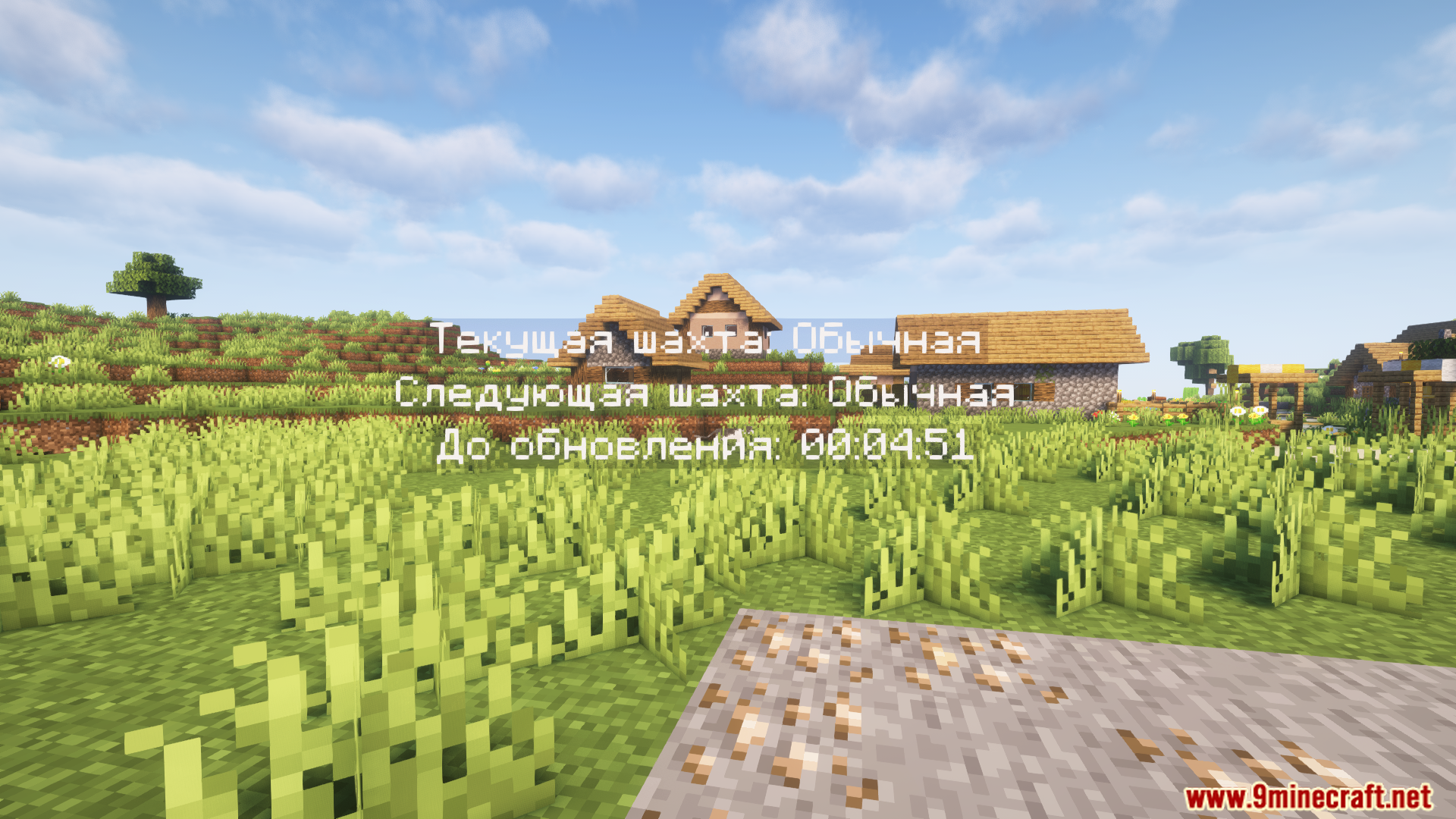
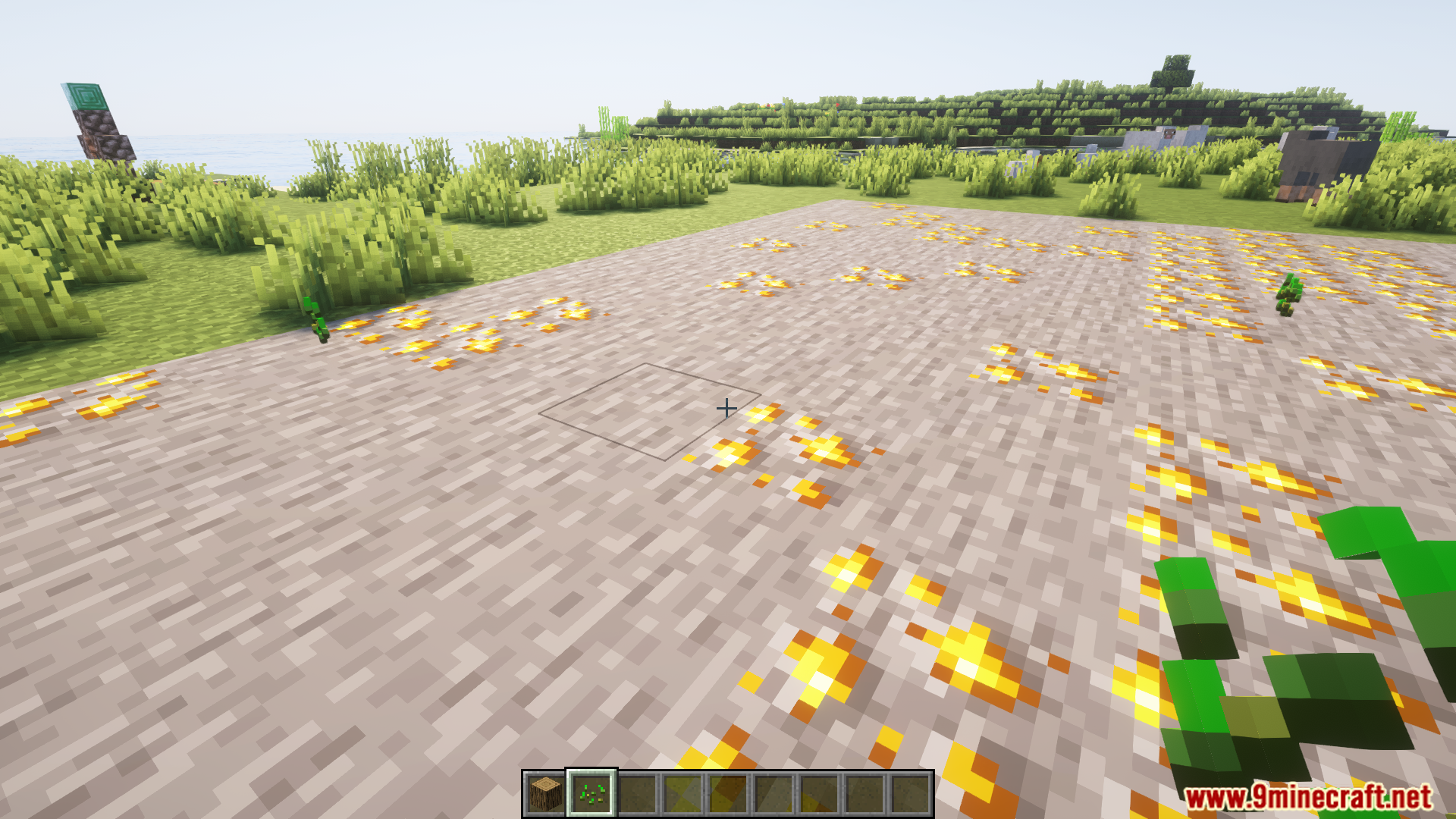
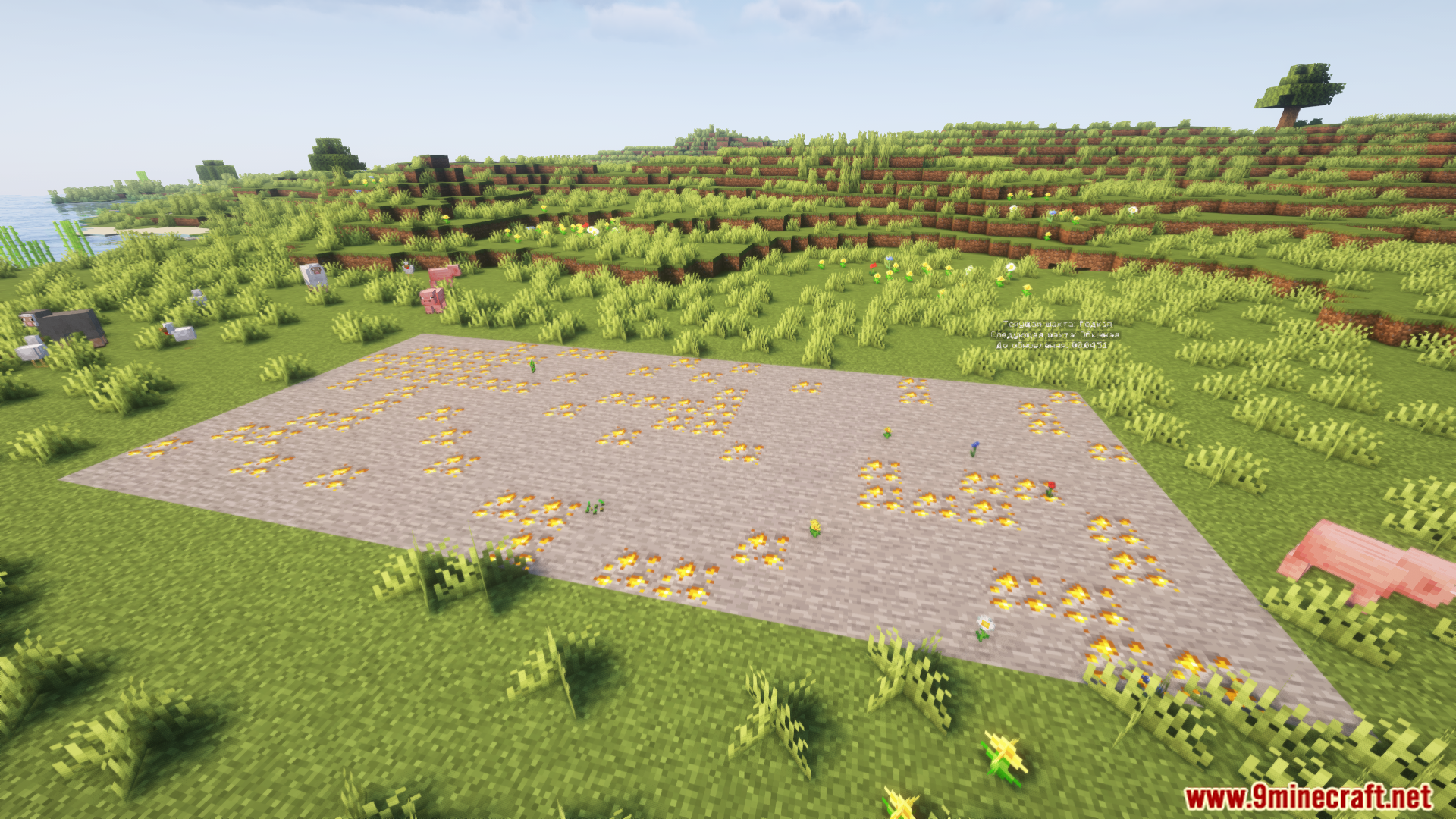
AutoMine Plugin automates mining so players can set up auto-mining systems to gather resources. It handles repetitive tasks like digging up ores and makes large mining setups easier to manage. Server owners can adjust the settings to improve gameplay without manual work. This plugin fits survival and economy servers running Spigot or Paper, and it requires PlaceholderAPI and Decent Holograms.
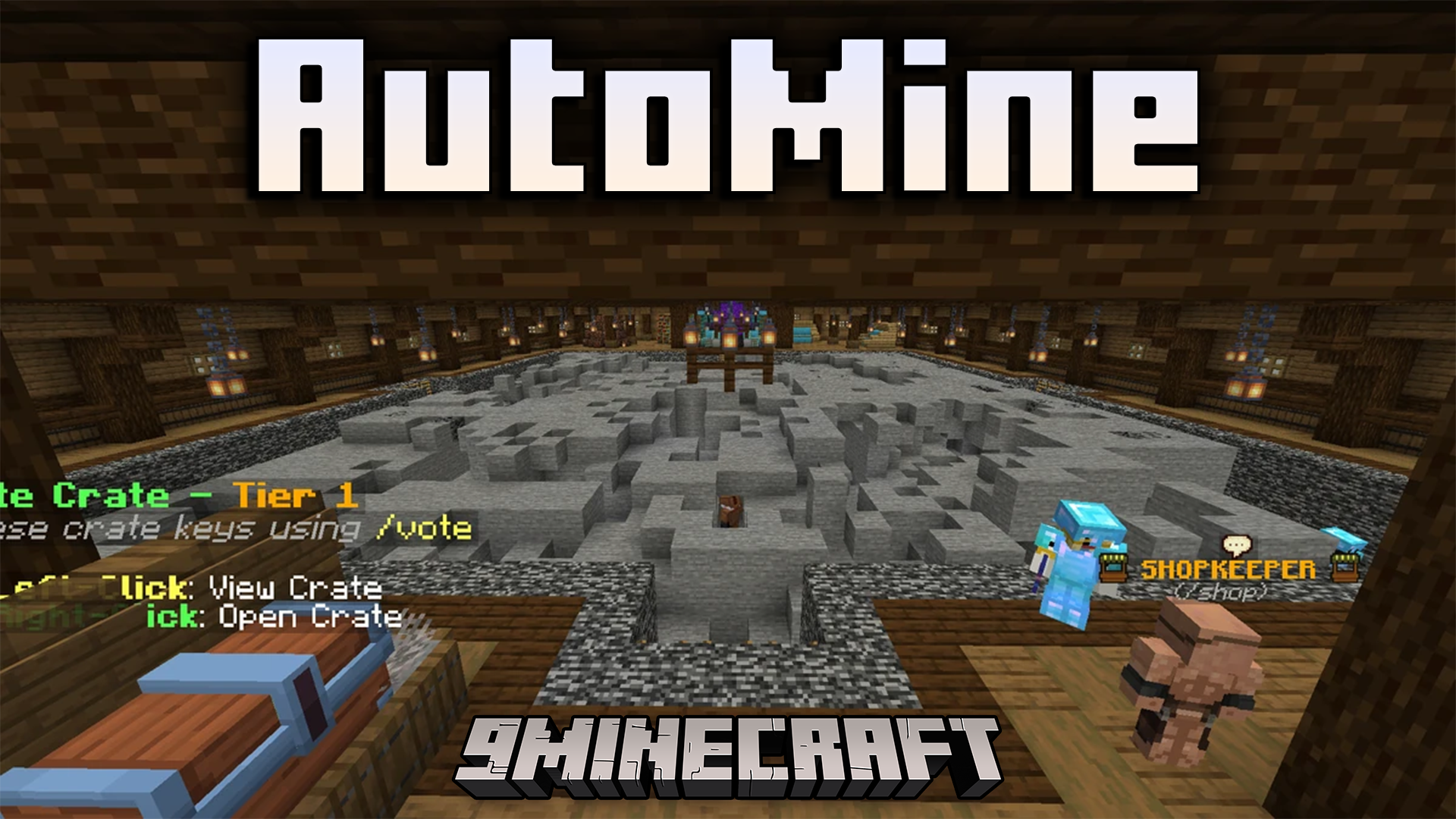
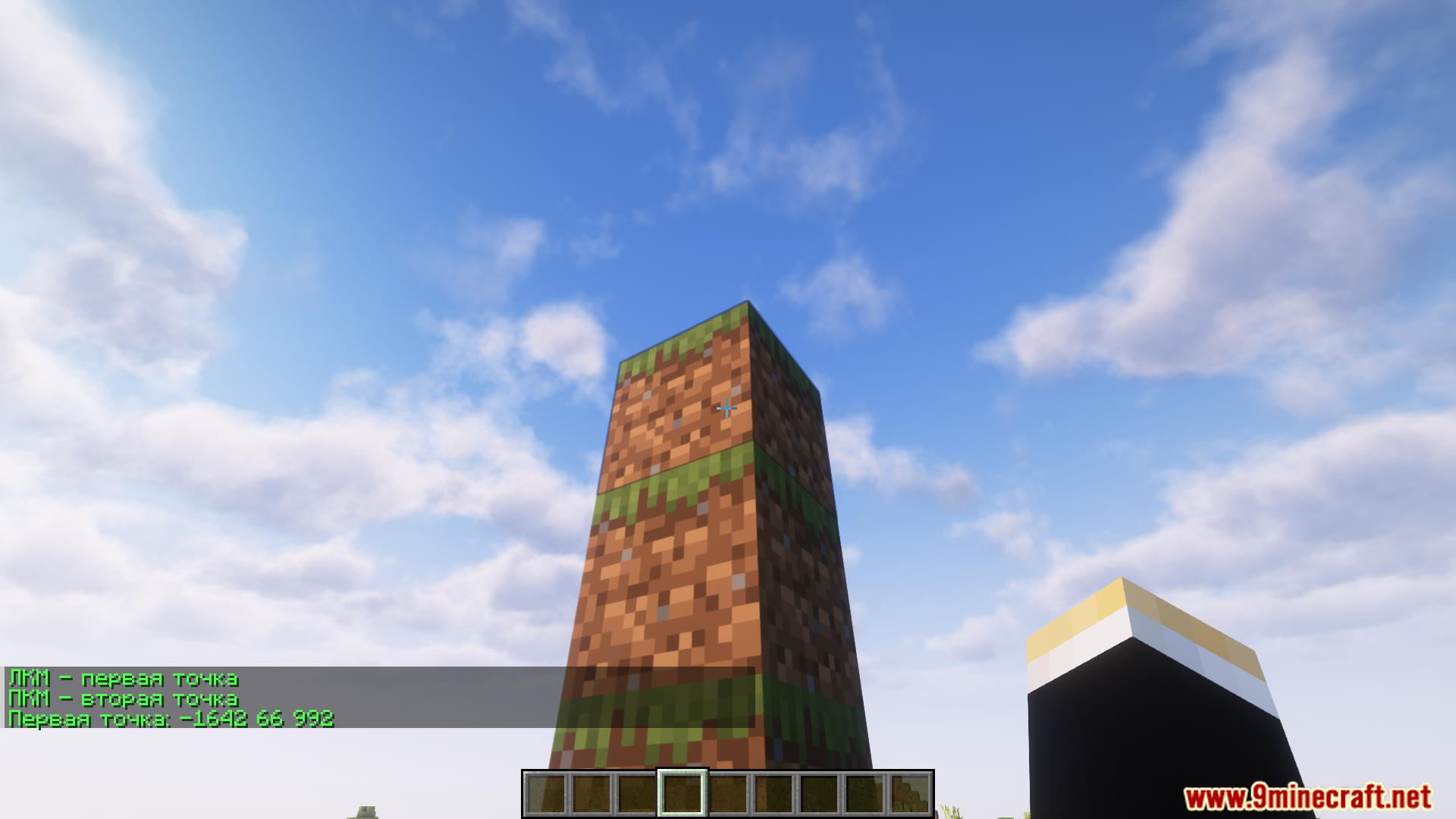
Screenshost:
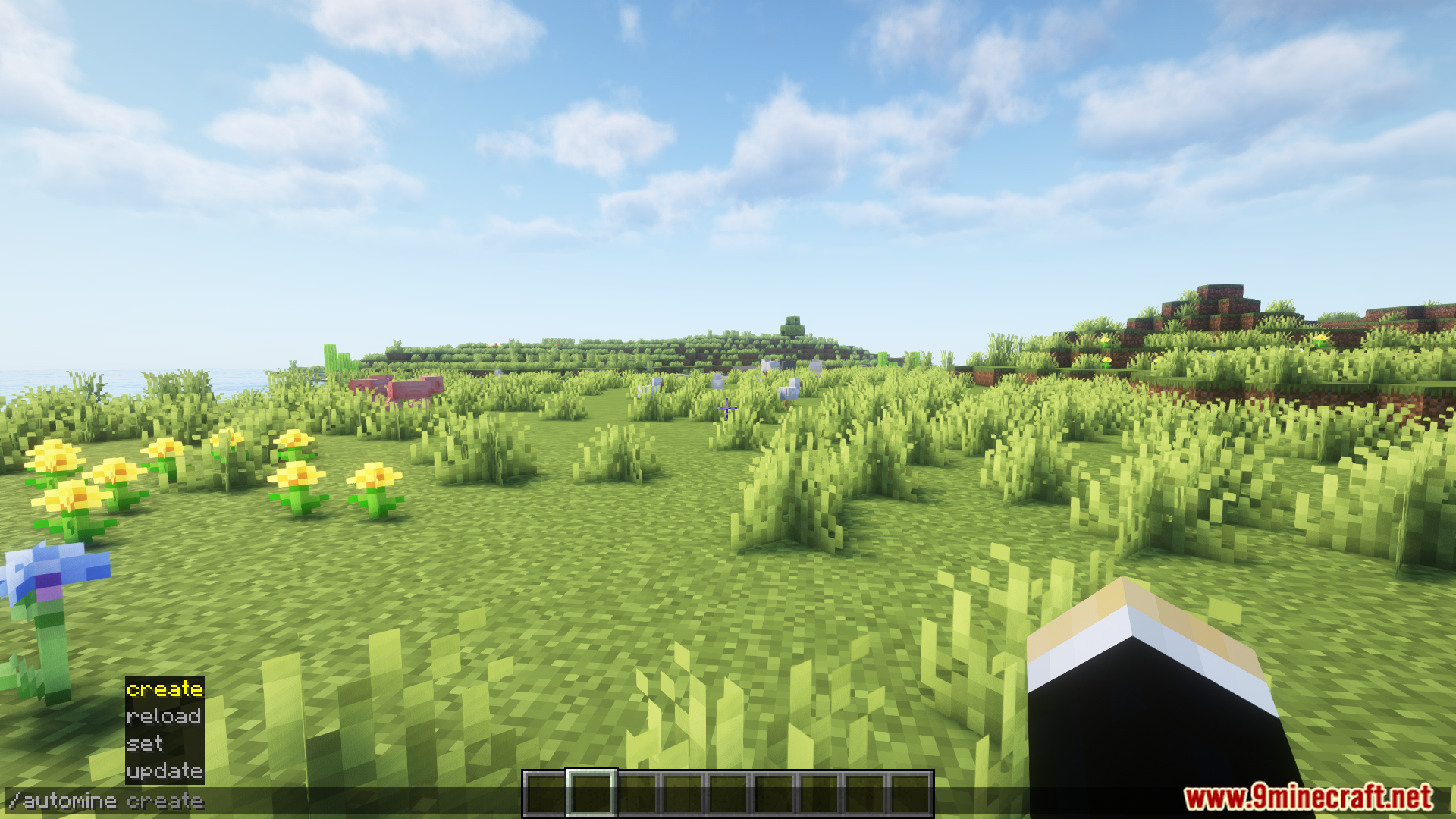
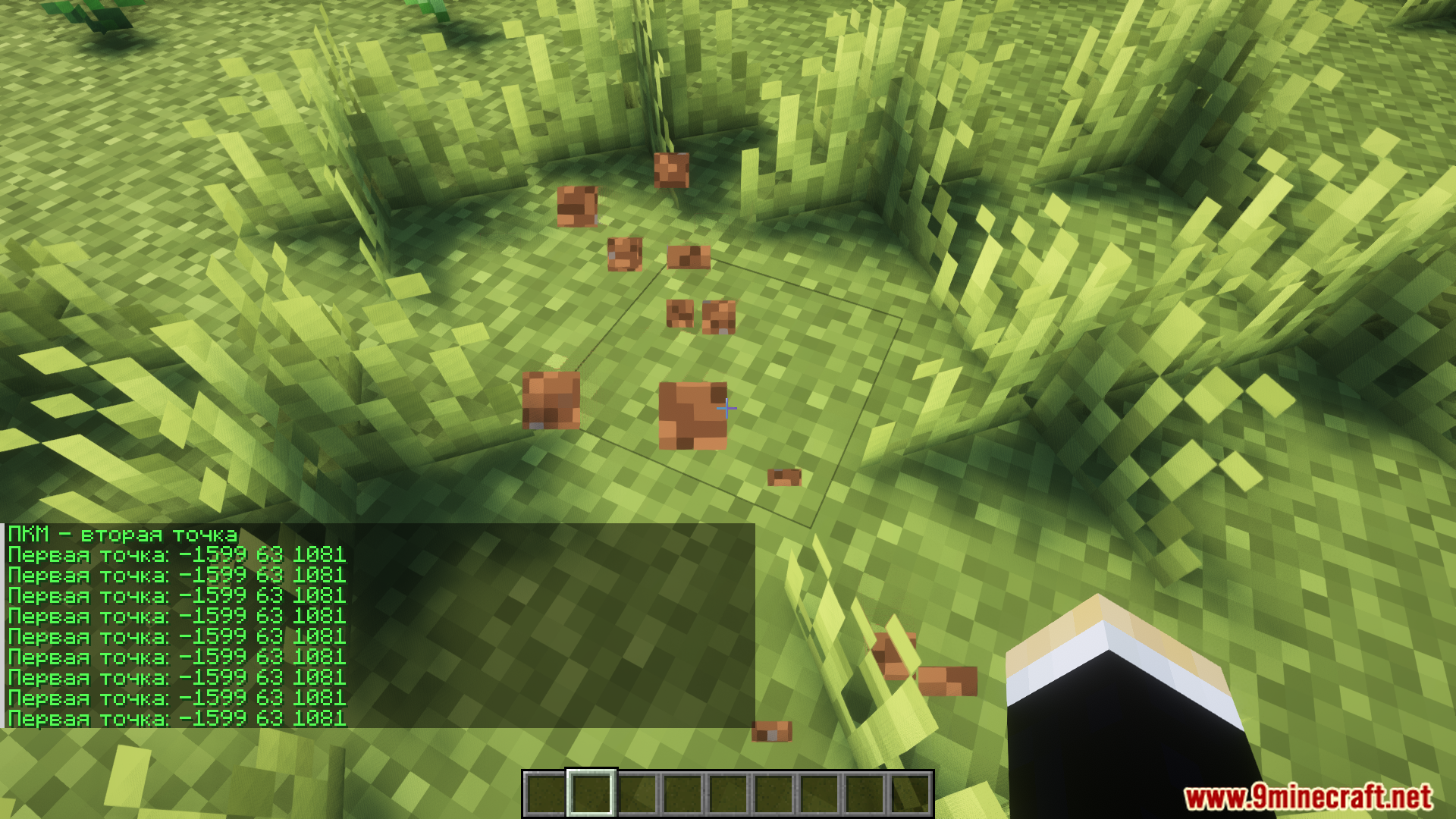
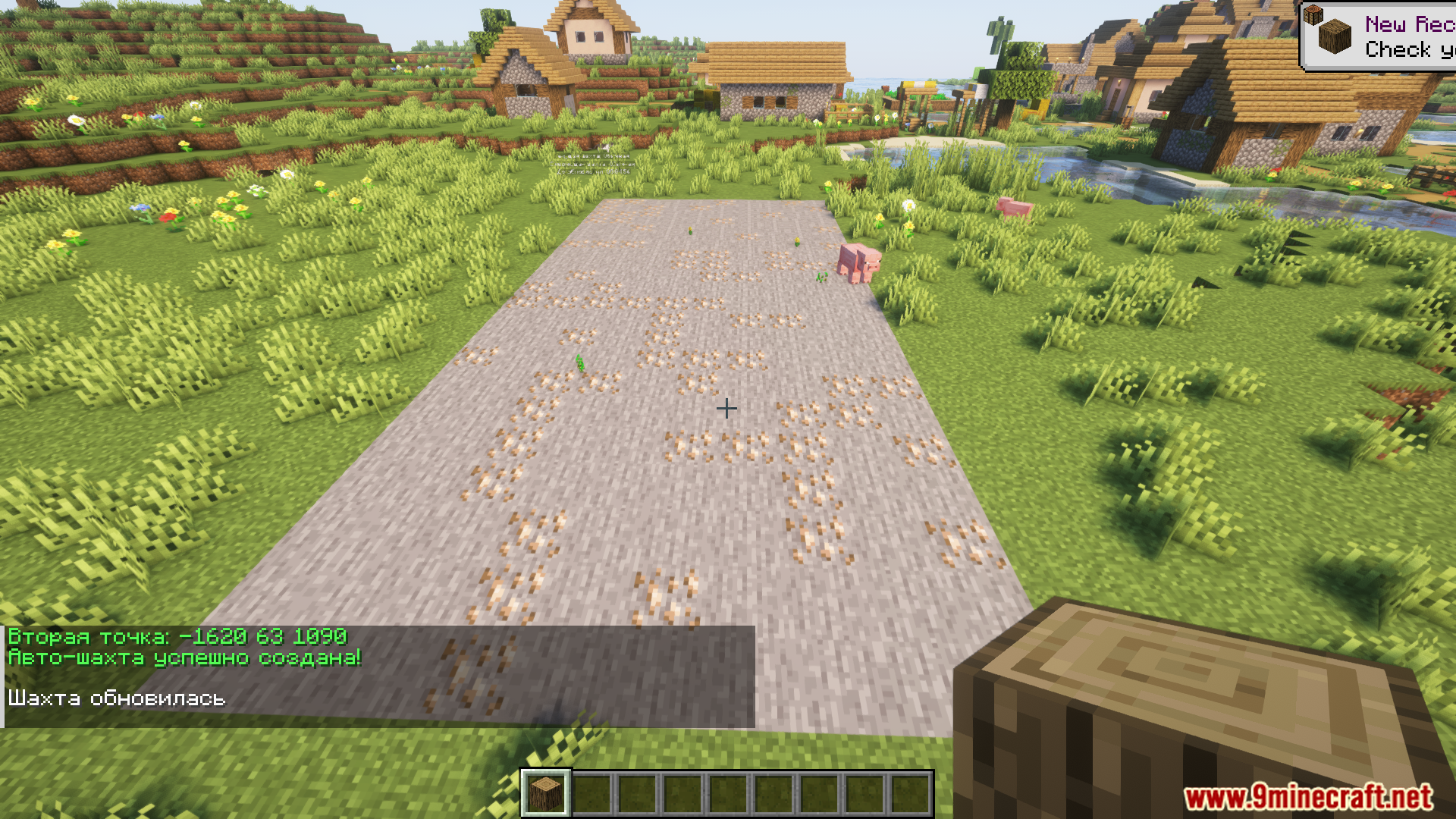
Requireds:
Features:
- Players can set up mining bots or mechanisms to automatically dig up ores and gather resources from marked areas.
- Lets you adjust mining speed, block types, and output storage to fit different server setups.
- Works on Spigot and Paper servers and connects with economy plugins to give resource rewards.
- Provides simple commands to start or stop auto-mining sessions and manage mining zones.
Commands:
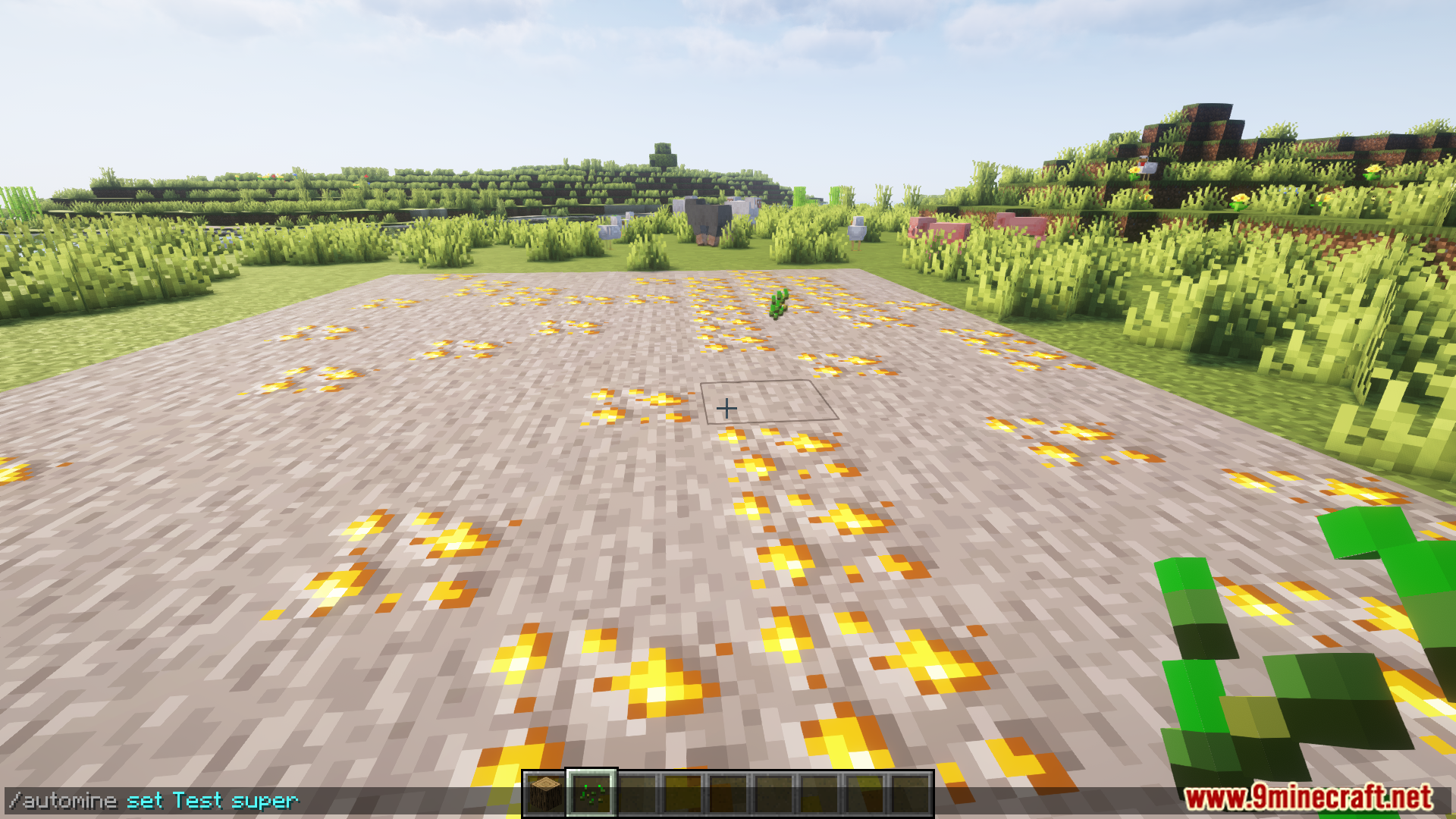
/am create: Creates a new mine./am set: Changes the type of the current mine./am update: Changes the next mine./am update next: Ends the current mine and starts the next one./am reload: Reloads the plugin.
Permissions:
automine.admin: Gives full access to the plugin.automine.create: Allows using the/am createand/am reloadcommands.automine.update: Allows using the/am updatecommand.automine.set: Allows using the/am setcommand.automine.update.name: Lets you interact with a specific mine; without this permission,automine.updatedoes not work.automine.set.name: Lets you change a specific mine.
How to Install:
New to Minecraft? Follow our step-by-step guide to install Plugins on your PC.View Guide
AutoMine Plugin Download Links
For Minecraft
26.1.2,
26.1.1,
26.1
All Versions Covered
26.1.2
26.1.1
26.1
1.21.11
1.21.10
1.21.9
1.21.8
1.21.7
1.21.6
1.21.5
1.21.4
1.21.3
1.21.2
1.21.1
1.21
All Versions Covered
26.1.2
26.1.1
26.1
1.21.11
1.21.10
1.21.9
1.21.8
1.21.7
1.21.6
1.21.5
1.21.4
1.21.3
1.21.2
1.21.1
1.21
For Minecraft
1.21.11,
1.21.10,
1.21.9
All Versions Covered
1.21.11
1.21.10
1.21.9
1.21.8
1.21.7
1.21.6
1.21.5
1.21.4
1.21.3
1.21.2
1.21.1
1.21
1.20.6
1.20.5
1.20.4
1.20.3
1.20.2
1.20.1
1.20
1.2.5
1.2.4
1.2.3
1.2.2
1.2.1
All Versions Covered
1.21.11
1.21.10
1.21.9
1.21.8
1.21.7
1.21.6
1.21.5
1.21.4
1.21.3
1.21.2
1.21.1
1.21
1.20.6
1.20.5
1.20.4
1.20.3
1.20.2
1.20.1
1.20
1.2.5
1.2.4
1.2.3
1.2.2
1.2.1
For Minecraft 1.16 –> 1.20.6
Click to rate this post!
[Total: 4 Average: 5]
You May Also Like
Picked for this page
 WorldGuard Plugin (26.1.2, 1.20.1) – Bukkit, Spigot, Paper
 ViaVersion Plugin (26.3, 1.20.1) – Spigot, Paper, Folia
 Quests Plugin (26.1.2, 1.20.1) – Bukkit, Spigot, Paper
 Orebfuscator Plugin (26.1.2, 1.20.1) – Bukkit, Spigot, Paper
 ValhallaMMO Plugin (26.1.2, 1.20.1) – Bukkit, Spigot, Paper
 SuperVanish Plugin (26.2, 1.20.1) – Bukkit, Spigot, Paper
 Interaction Visualizer Plugin (26.1.2, 1.20.1) – Spigot
 Spark Plugin (26.1.1, 1.20.1) – A Performance Profiler for Clients, Servers
 Grim Anticheat Plugin (26.3, 1.20.1) – Realtime Cheat Detection Plugin
 PlaceholderAPI Plugin (26.1.2, 1.20.1) – Flexible Plugin Information Integration Tool
 BetterGUI Plugin (26.1.2, 1.20.1) – A Simple Menu Designing Tool
 Multiverse Portals Plugin (26.3, 1.20.1) – Create Custom Teleportation Portals
Most viewed in Plugins over the last 7 days
 Dynmap 9minecraft Plugin (26.3) – A Live Google-Maps-Style View of Your Whole Server
 Vulcan Anti Cheat Plugin (1.21.8, 1.20.1) – A Powerful Shield Against Cheating
 Citizens Plugin (1.21.10, 1.20.1) – The Best NPC Plugin
 Displaymotion Plugin (1.21.4) – Amaze Players with Custom Animations and No Client Mods
 MMOItems Premium Plugin (1.21.8, 1.20.1) – Create Stunning Custom Items
 Citizens2 Plugin (1.21.8, 1.20.1) – Craft Unique NPCs
 MythicCrucible Plugin (1.21.8, 1.20.1) – Addon for MythicMobs
 Fish Rework Fishing Plugin (26.3, 1.21.1) – Turn Simple Fishing
 L Claim Plugin (26.3, 1.20.1) – Build Protected Towns and Trade Peacefully
 MythicMobs Premium Plugin (1.21.9, 1.20.1) – Craft Epic Custom Mobs And Bosses
 Ultimate Donut SMP Plugin (26.3, 1.20.1) – Build Teams Trade Goods
 RaspberryJuice Plugin (1.21) – Turn Your World Into a Shared Coding Playground
More from Plugins
 CompanionPets Plugin (1.21.10) – Give Players Cute Animal Friends to Raise Together
 Voidrp Ui Plugin (1.21) – Modern Clickable Menus for Every Unmodded Player
 Windfall AntiCheat Plugin – Keep Every Fight Fair for Honest Players
 MapGUI Plugin (26.1) – Give Players Clickable Menus Right in Their Hands
 Advanced Admin Mode Plugin (26.3, 1.21.11) – Help Players Quickly
 Brainrotgame Plugin (1.21.11, 1.21.1) – Chaotic Base Wars That Keep Your Lobby
 Mc Kordon Plugin – Keep Lobbies Safe and Free From Annoying Bot Raids
 ArcMenu Plugin (1.21) – Give Players Crisp Floating Menus Without Any Extra Mods
 ActionHealth Plugin (1.13) – Show Enemy Health Bars Without Chat Clutter
 Simple Carry on Plugin (26.3, 1.21.1) – Carry Friends and Full Chests
 Advanced Hunt Plugin (26.3, 1.20.1) – Keep Players Exploring with Hidden Server
 Emotify Plugin (26.3, 1.21.1) – Share Animated Emojis Without Typing in Chat

This post has no comments yet. Be the first — your comment will appear here.