
EMC Baubles Mod (1.20.1, 1.19.2) – Earn Passive EMC While Exploring

 0


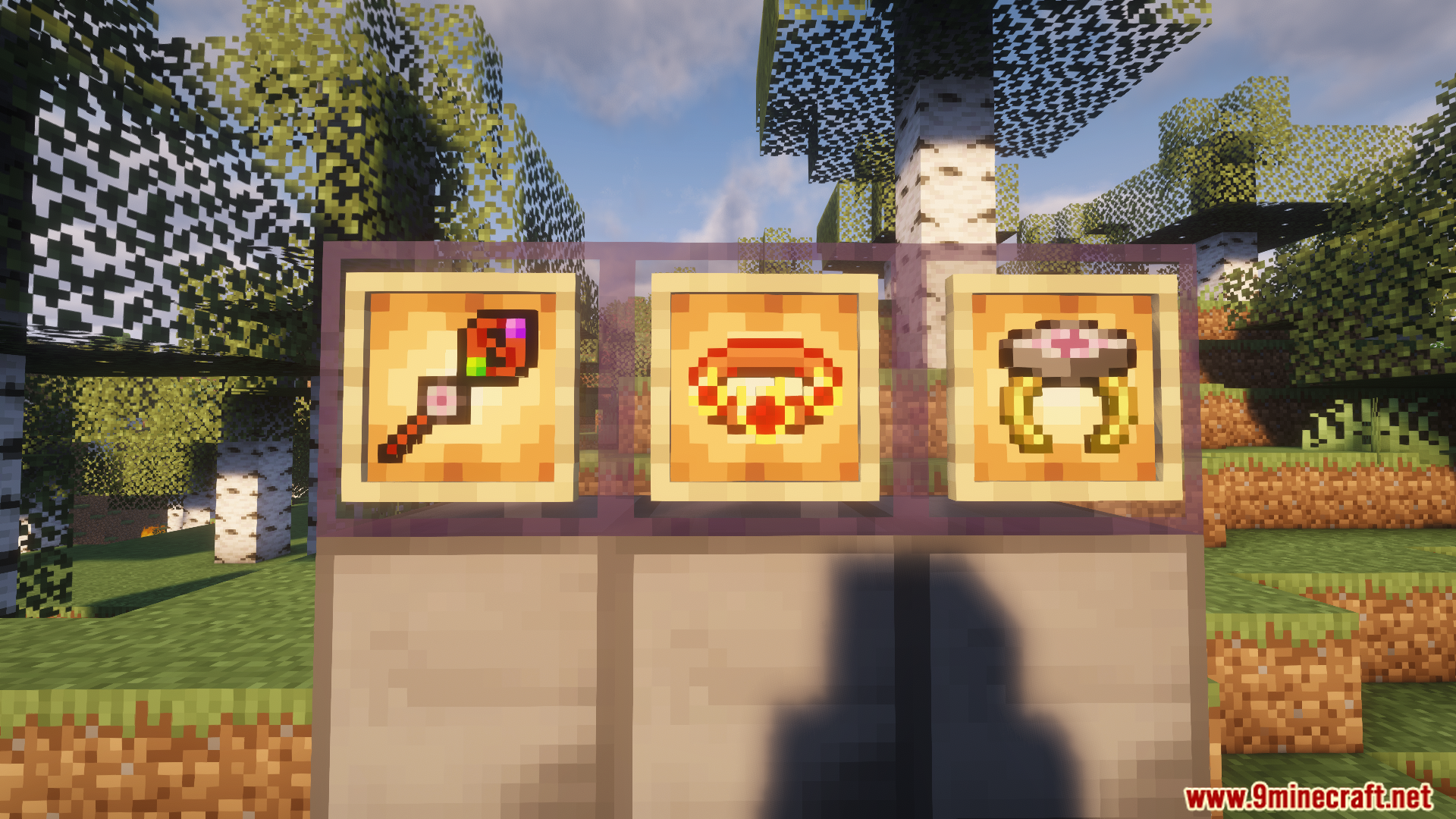
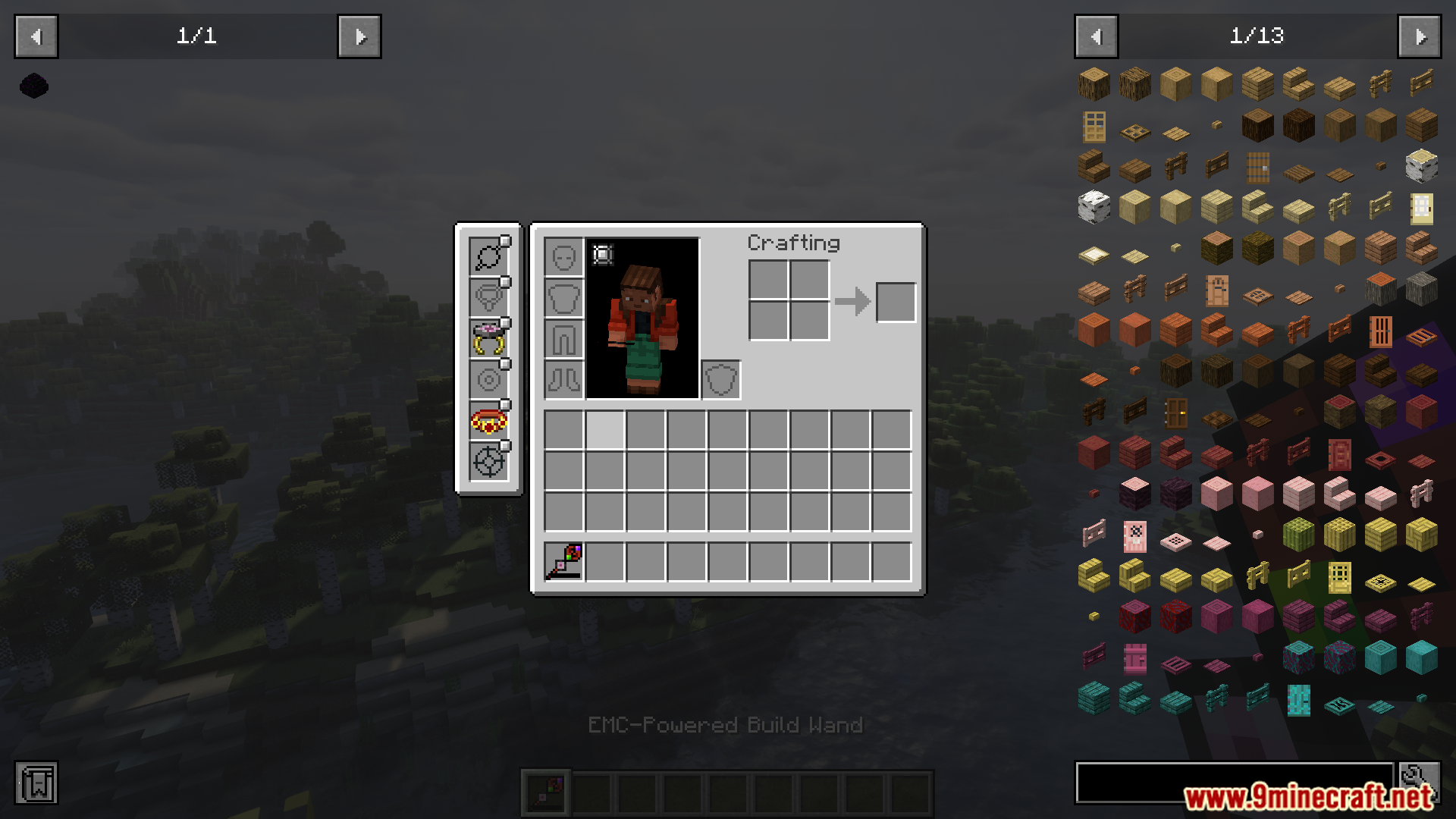
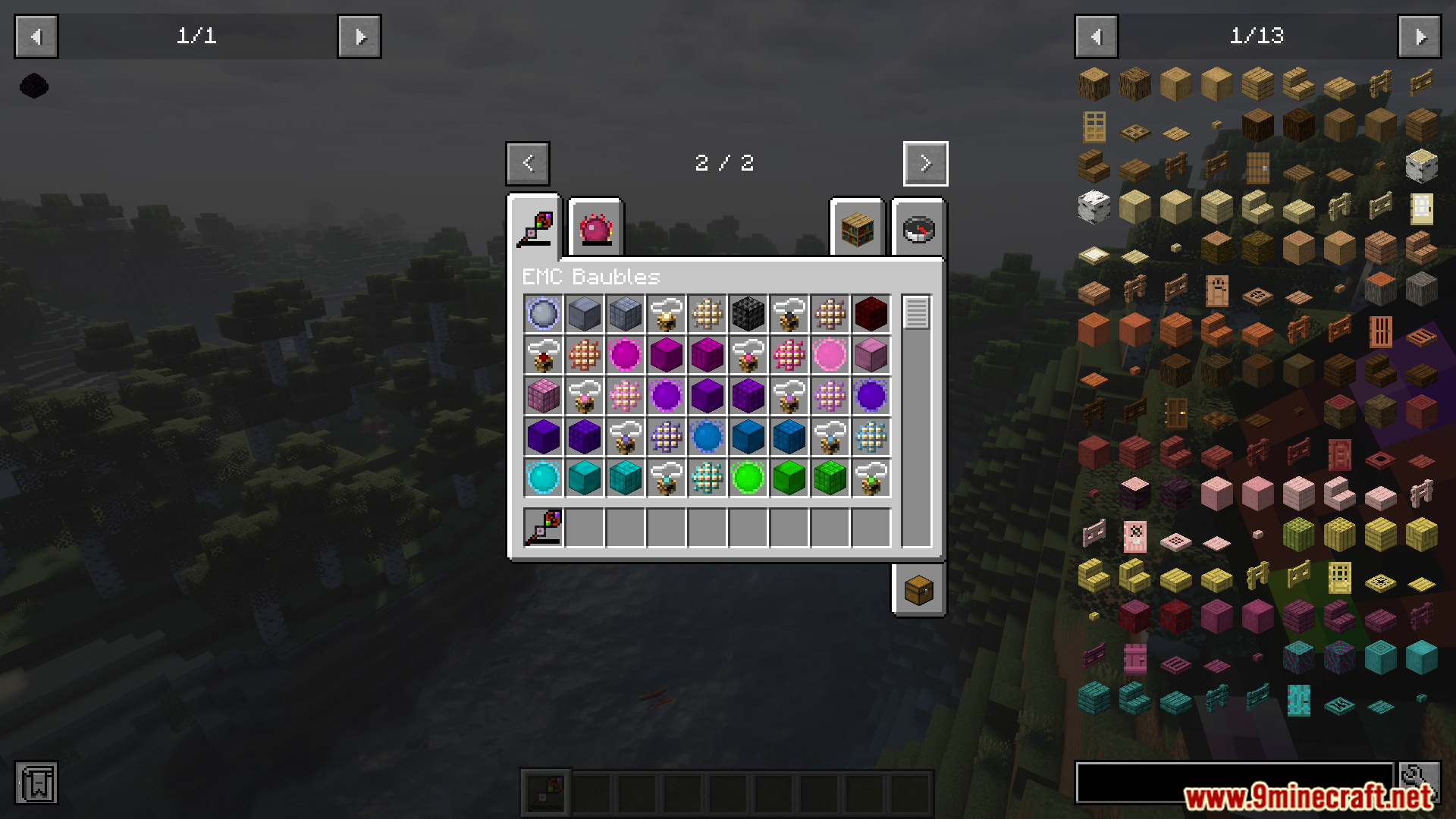
EMC Baubles Mod extends ProjectE with equippable accessories and a smart building wand that make it easier to earn, manage, and spend EMC. It adds Collector Necklaces, Power Flower Charms, an EMC Converting Belt, an Item Auto Refiller Bracelet, an EMC-Powered Build Wand, 15 matter tiers, Matter Blocks, and Compressed Matter Blocks. You can earn passive EMC while exploring, turn picked-up drops straight into EMC while mining, keep your item stacks and tools stocked up, and edit large areas fast. This mod uses Curios API so you can wear each accessory in its own necklace, pin, belt, or bracelet slot.
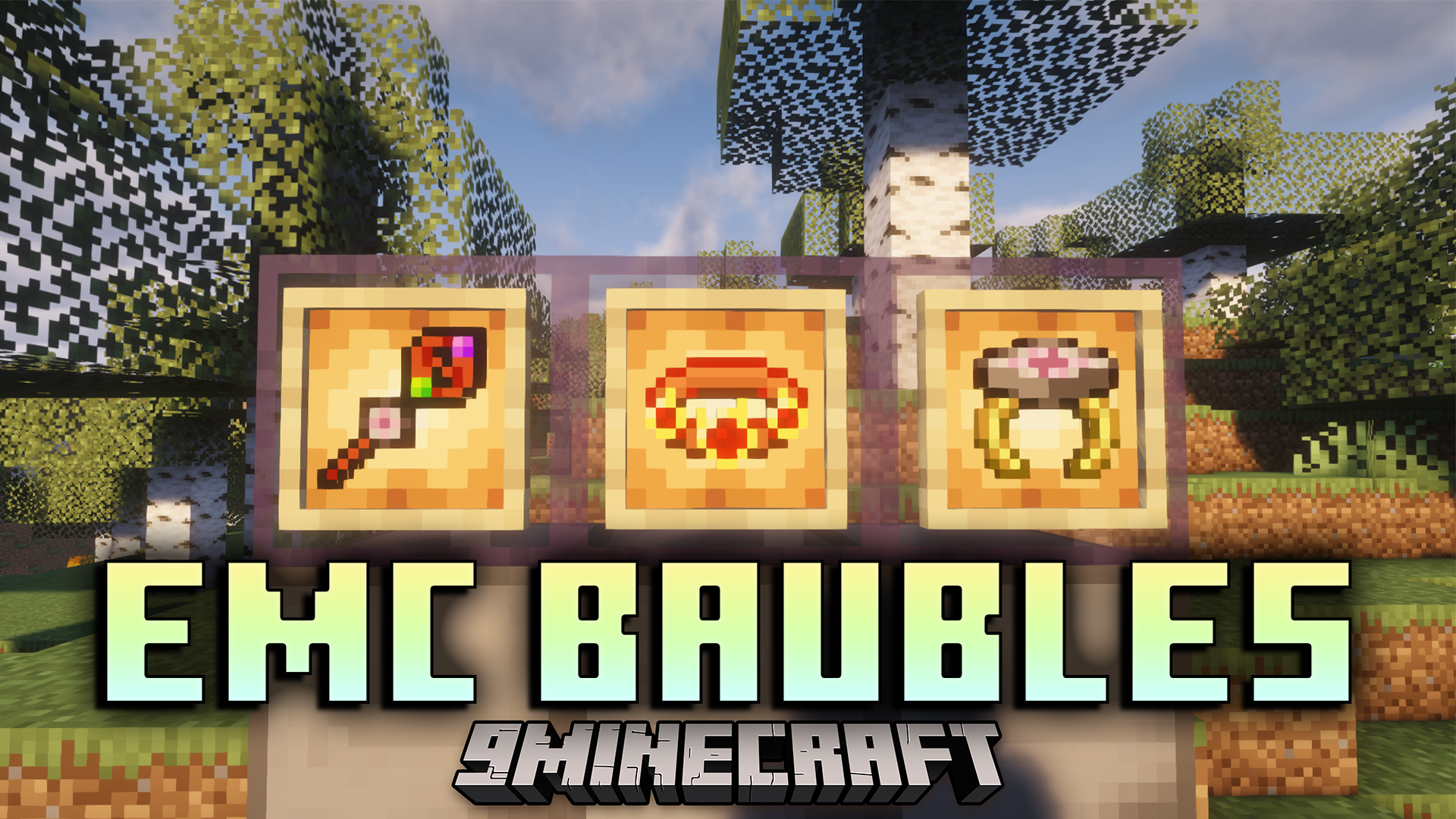
Features:
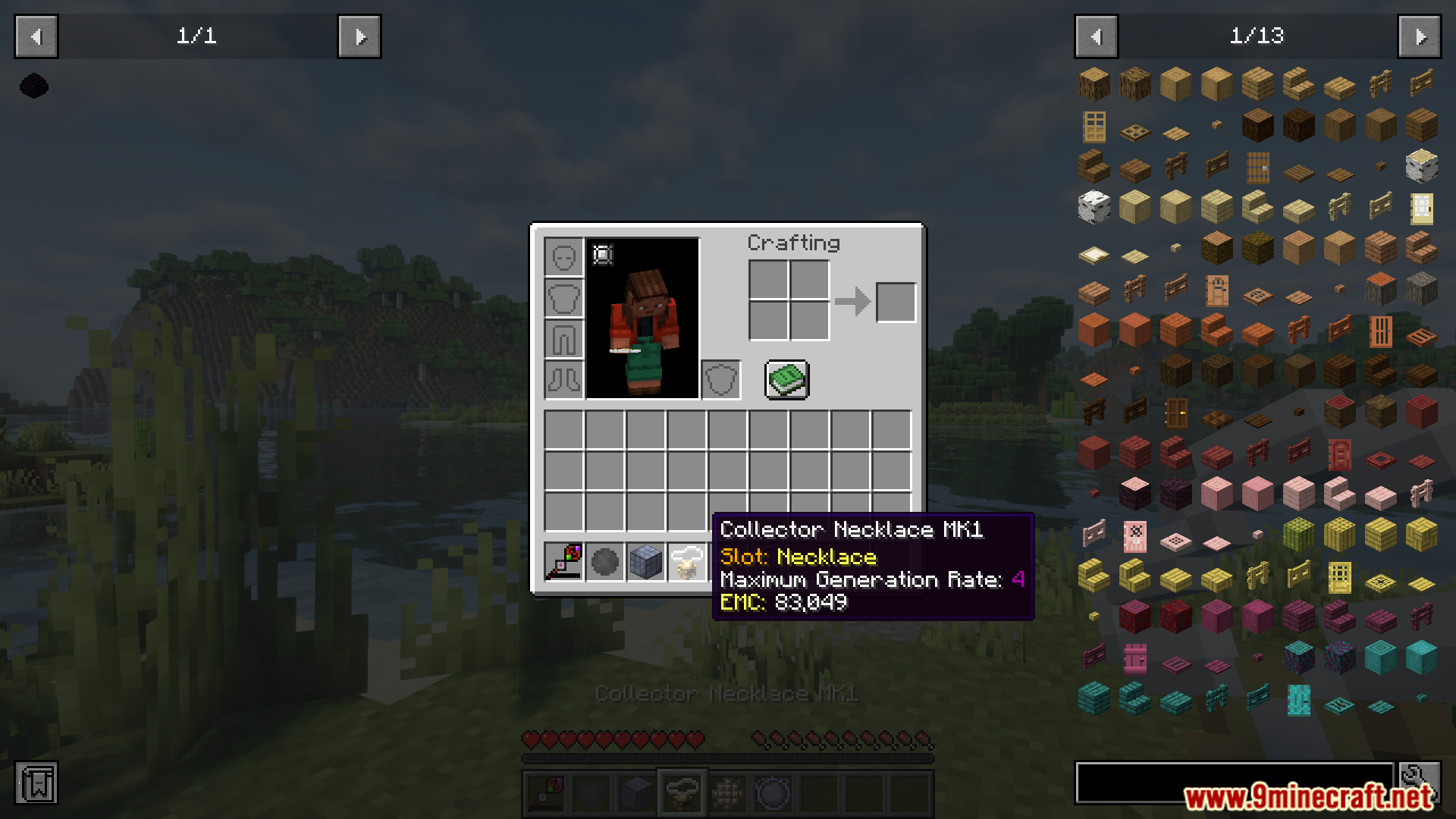
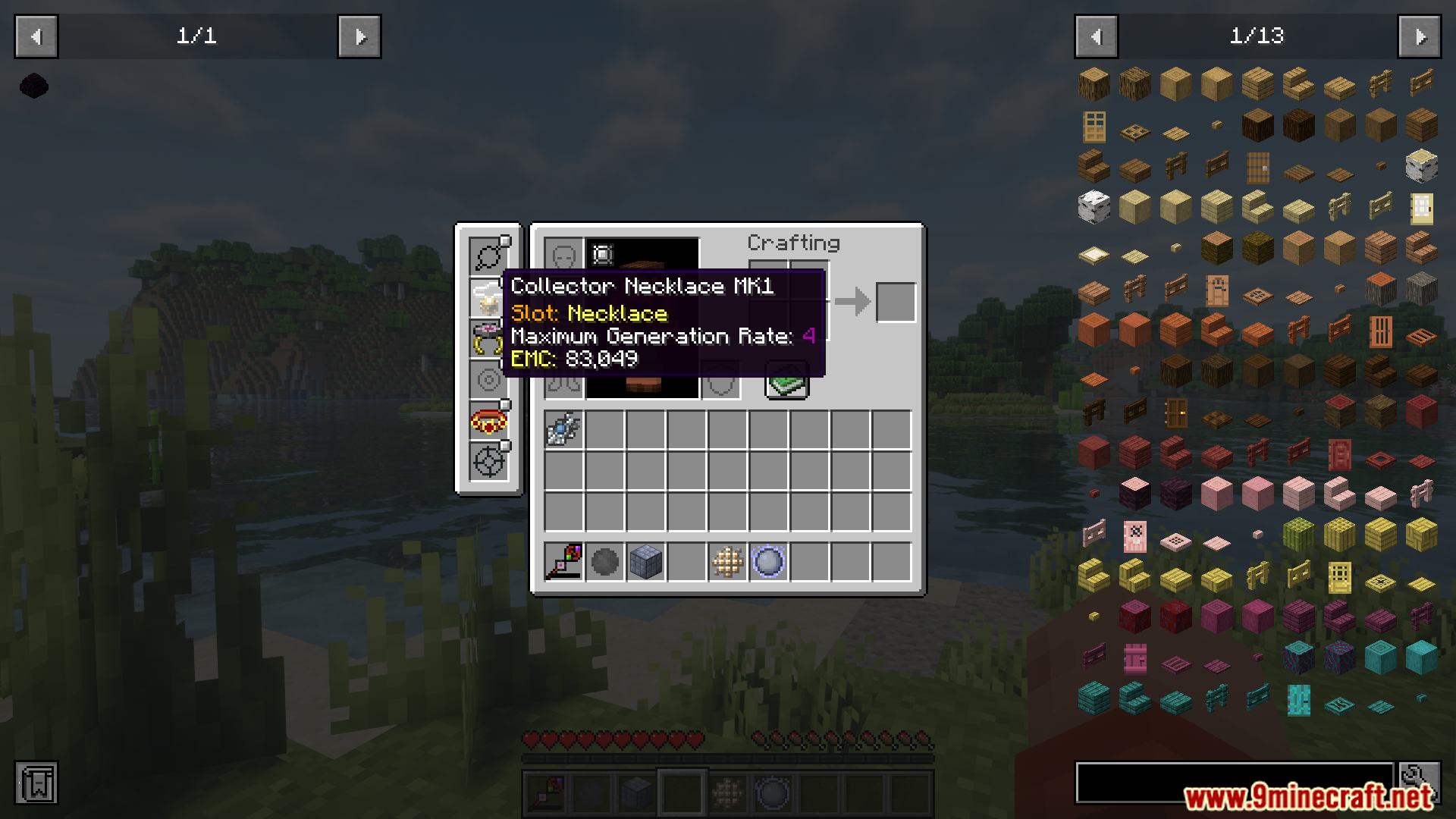
- Collector Necklaces: Generate EMC straight into your player balance when worn in a Curios necklace slot or placed on a Dark Matter Pedestal. Craft the MK1 version with a Collector MK1 surrounded by 8 string, and upgrade higher tiers with the previous necklace and the matching tier matter.
- Power Flower Charms: Produce much more EMC than Collector Necklaces when worn in a Curios pin slot or placed on a Dark Matter Pedestal, though they cost more to craft. Make them with Gold Ingots in the top-left and bottom-right corners, Compressed Matter Blocks of that tier in the top-middle and bottom-middle slots, and an Energy Condenser (for MK1) or the previous charm in the center.
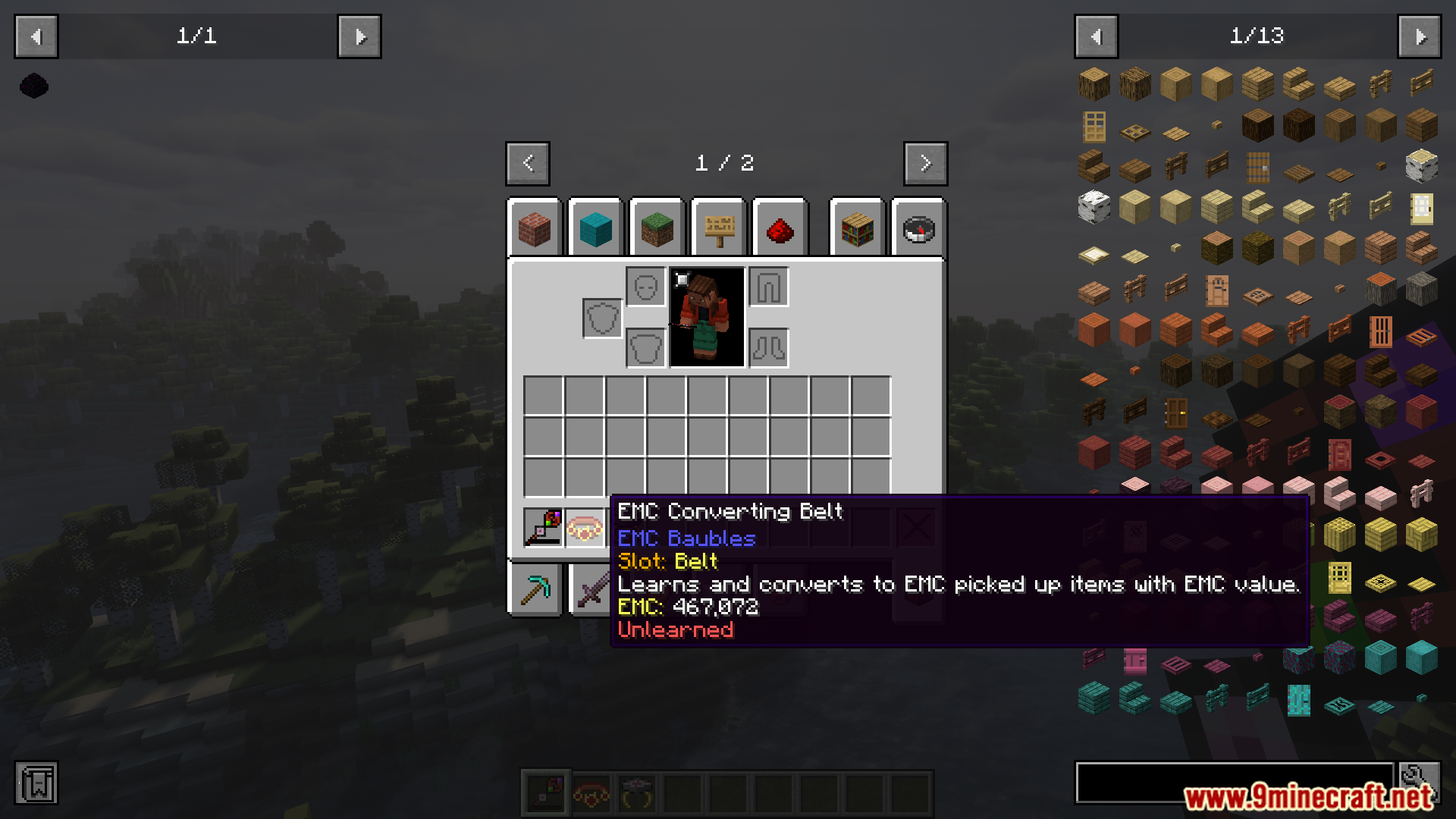
- EMC Converting Belt: Turns picked-up items straight into their EMC sell value while worn in a Curios belt slot, stopping dirt and stone from filling your inventory when digging big areas. Craft it with two pieces of leather on each side and one Red Matter in the middle.
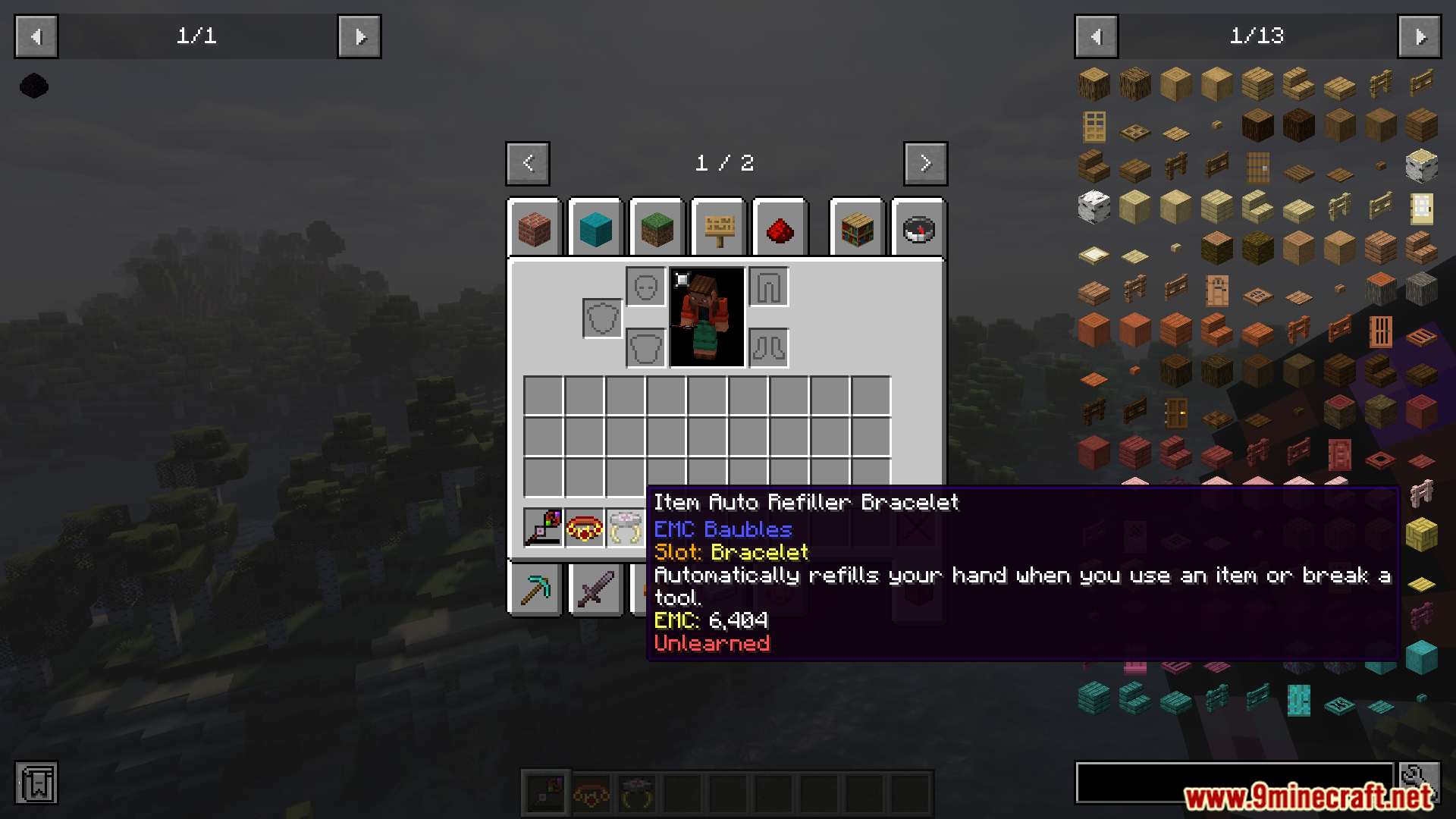
- Item Auto Refiller Bracelet: Refills completely spent item stacks when worn in a Curios bracelet slot, as long as you have learned the item and have enough EMC. It also replaces broken tools that disappear from your inventory and is crafted with a Transmutation Table in the top-middle slot and Gold Ingots in the left, right, and bottom-middle slots.
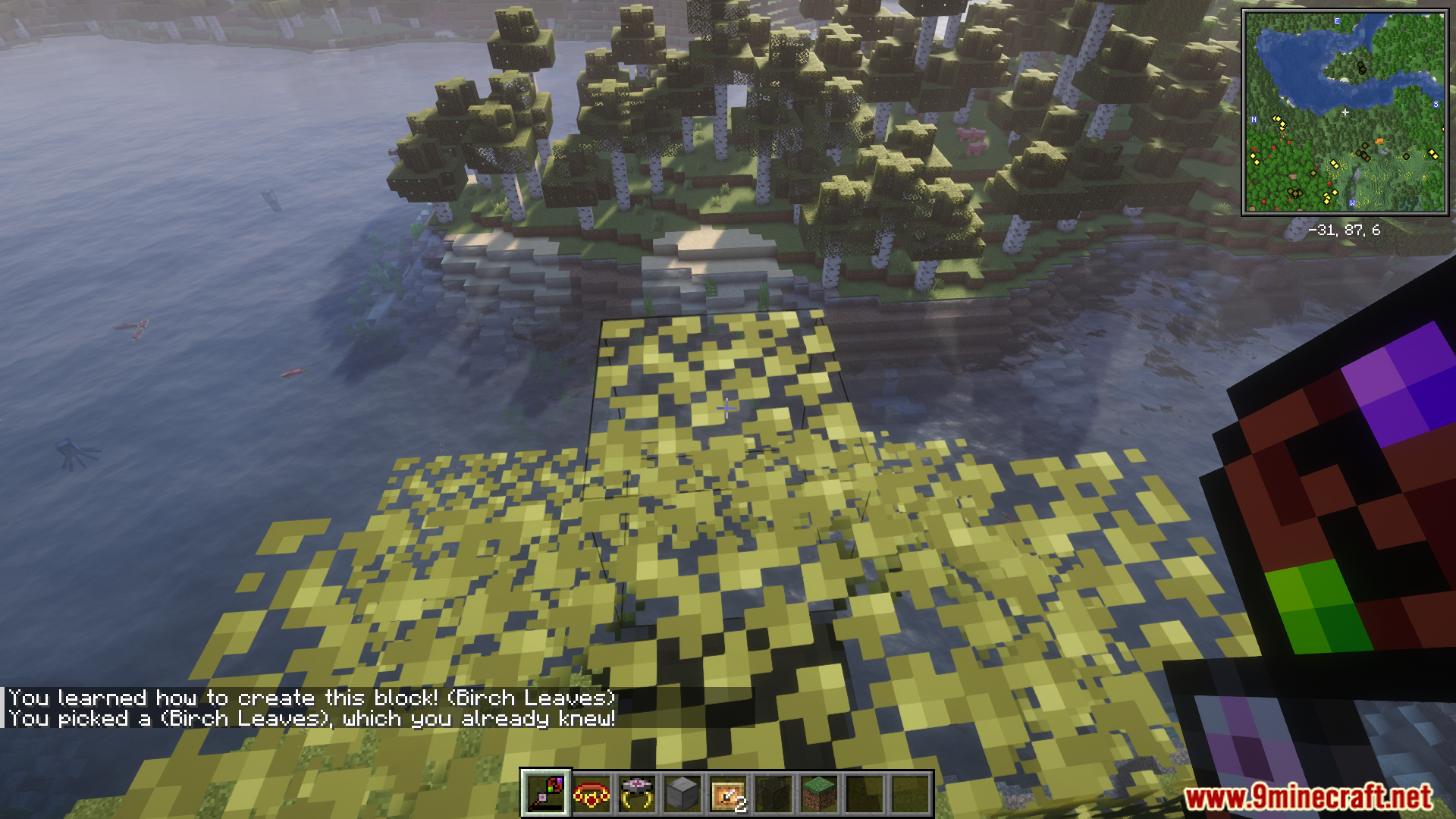
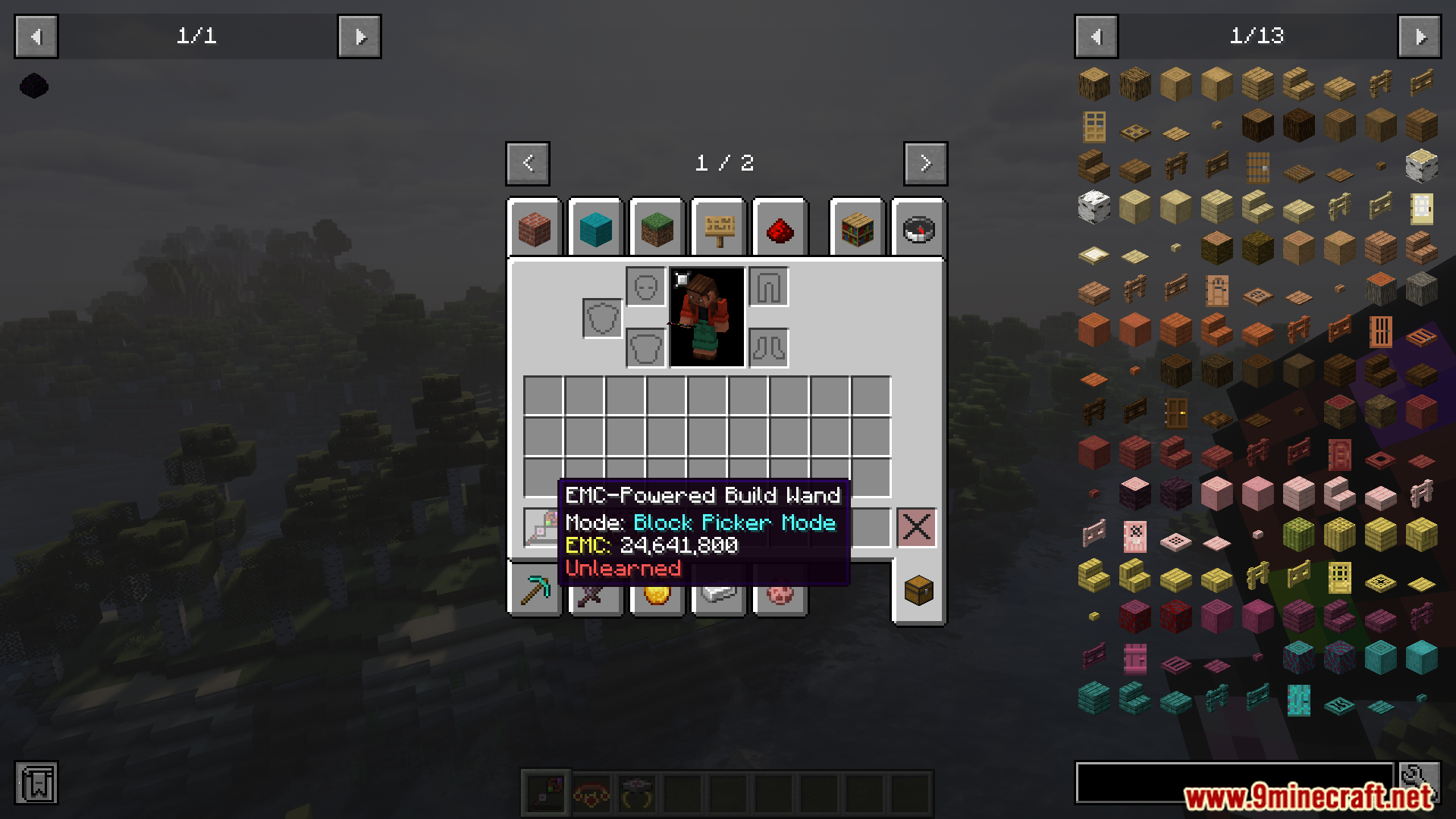
- EMC-Powered Build Wand: Lets you edit large areas using EMC through a built-in GUI menu, turning destroyed blocks into EMC so you can even gain EMC while working. Craft it with a Transmutation Tablet in the bottom-left corner, three Red Matter Blocks in the middle, center-left, and middle-top slots, and a Compressed Red Matter Block in the top-right corner.
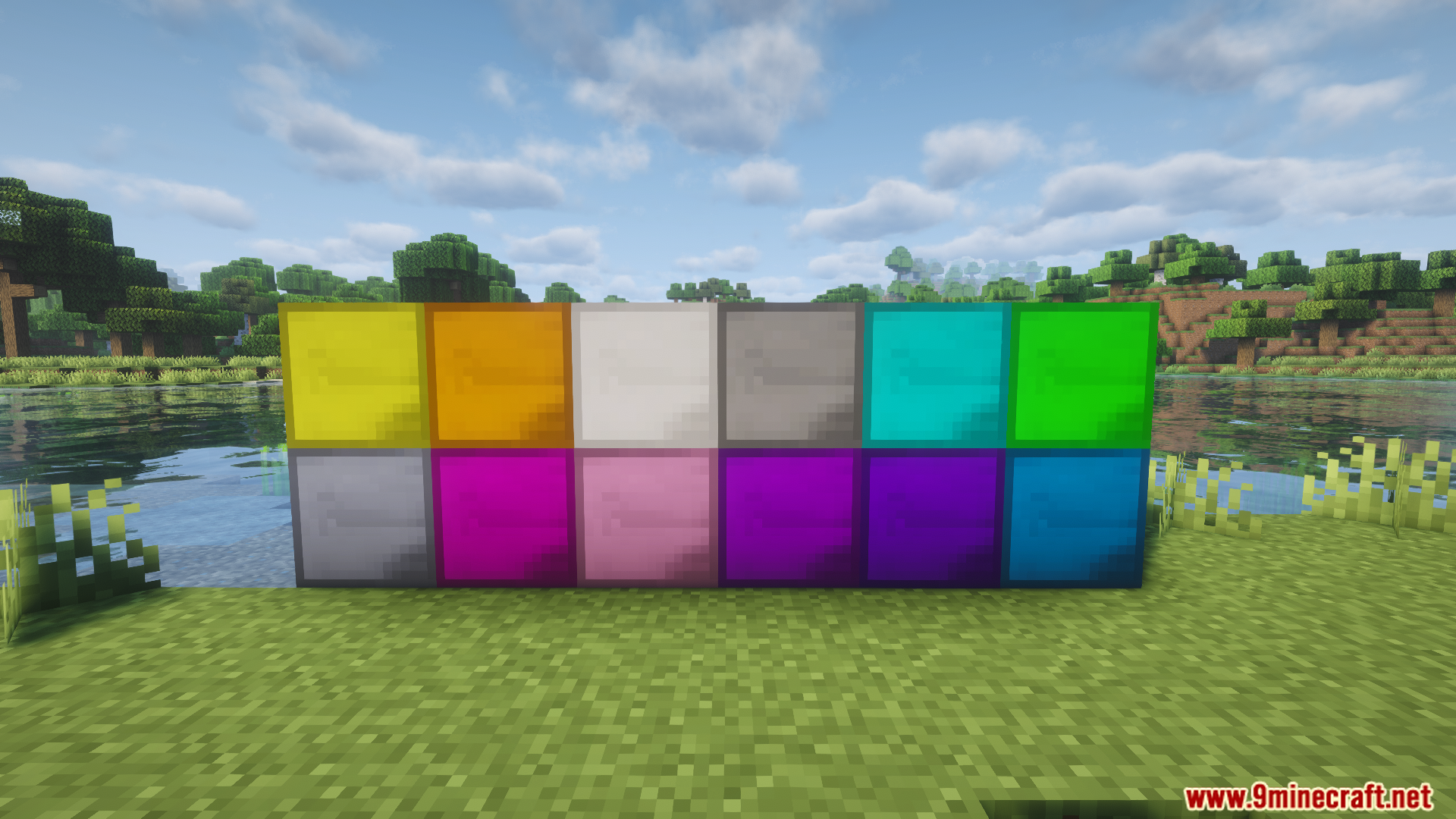
- Adds Matter Blocks crafted from 4 matching matters in a square, plus Compressed Matter Blocks crafted from 9 of the matching Matter Blocks, so you can craft higher necklace and charm tiers.
- Includes config options for the EMC Converting Belt to blacklist items (skip by default or skip always), send tools to your inventory instead of converting them, or fill matching item stacks already in your inventory before converting extra pickups.
- Provides config options for the EMC-Powered Build Wand to blacklist blocks from being changed, keeping Bedrock safe from deletion by default unless you change the config to allow it.
Build Wand Modes and Shapes:
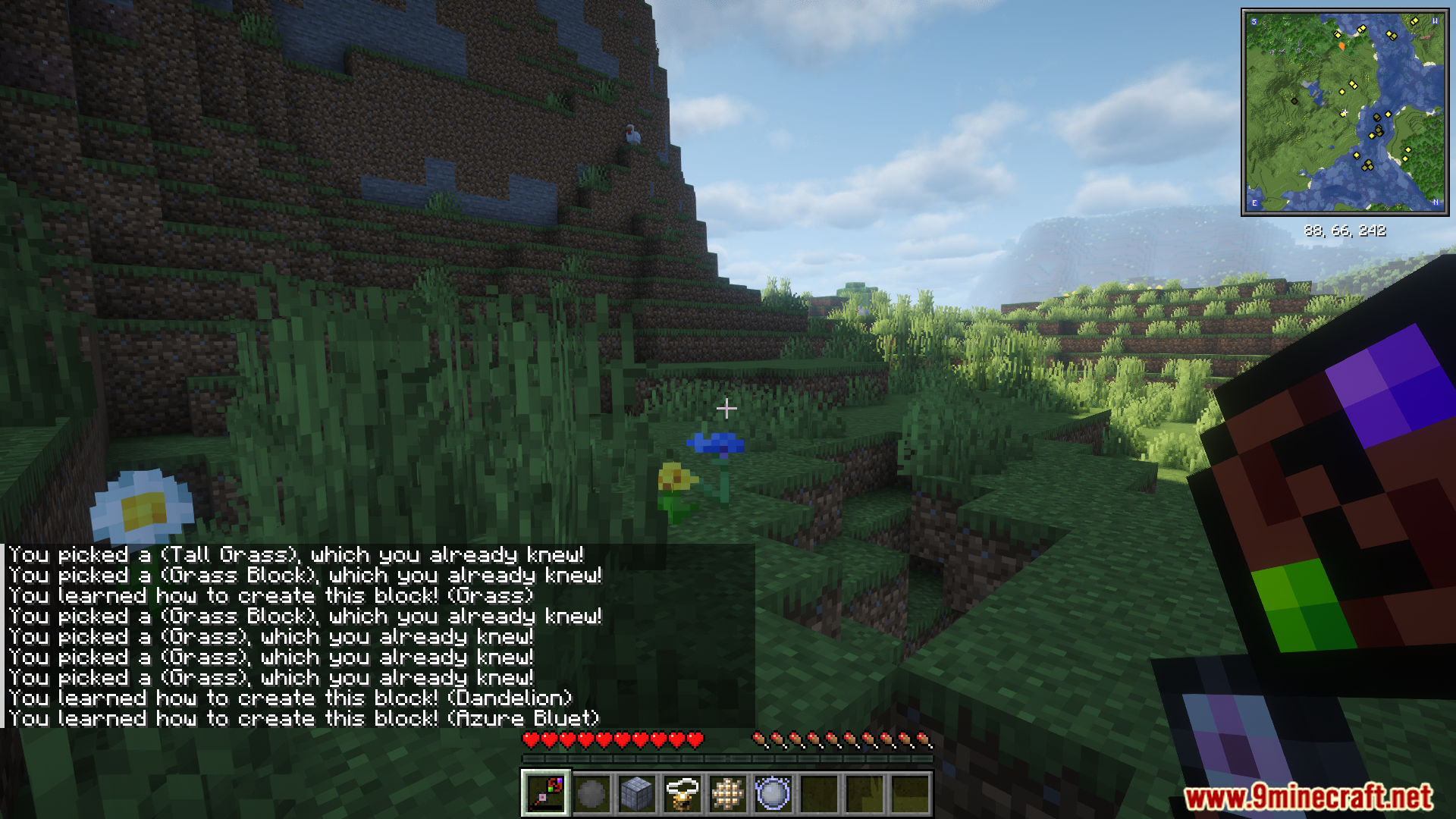
- Pick and learn blocks directly into the GUI Chosen slot, or place any item with EMC into that slot without using it up, so the wand uses it for filling, replacing, or applying; grab a copy by clicking the slot with an empty mouse cursor.
- Switch between six actions: pick and learn a block, erase, fill, replace, fill and replace, or apply an item across the selected area.
- View selected corner positions in the GUI as non-removable items along with their X, Y, and Z coordinates, and adjust each number using the up and down arrows next to it.
- Build in wireframe or solid filled style across four shapes: square/rectangle/cube, sphere, triangle (which needs a third point), or a line from one point to another.
- Switch between diameter-based (default) and radius-based sizing for every shape except triangles using the button below the shapes.
- Use Apply Item mode to right-click any item with EMC onto the top of each selected block, such as using a hoe to make farmland, placing mass torches on walls and floors, bonemealing crops, or using a shovel to create dirt paths.
Matter Tiers:
- MK1: Clay Matter
- MK2: Dark Matter (from ProjectE)
- MK3: Red Matter (from ProjectE)
- MK4: Magenta Matter
- MK5: Pink Matter
- MK6: Purple Matter
- MK7: Violet Matter
- MK8: Blue Matter
- MK9: Cyan Matter
- MK10: Green Matter
- MK11: Lime Matter
- MK12: Yellow Matter
- MK13: Orange Matter
- MK14: White Matter
- MK15: Fading Matter
How to Use:
Using Curios Accessories:
- Equip a Collector Necklace in your Curios necklace slot, or place it on a Dark Matter Pedestal, to earn passive EMC straight into your balance.
- Equip a Power Flower Charm in your Curios pin slot, or place it on a Dark Matter Pedestal, to generate much more passive EMC.
- Wear the EMC Converting Belt in your Curios belt slot to turn picked-up items straight into EMC instead of filling your inventory.
- Wear the Item Auto Refiller Bracelet in your Curios bracelet slot to refill fully spent learned stacks and replace broken tools whenever you have enough EMC.
Using the EMC-Powered Build Wand:
- Hold the EMC-Powered Build Wand and press the Charge button to open its GUI menu.
- Use pick-and-learn mode to learn a block and place it in the Chosen slot, or drop any item with EMC into the Chosen slot without using it up; click the slot with an empty mouse cursor to grab a copy.
- Select your corner points in the world (pick a third point when building a triangle) so the saved positions and coordinates show up in the GUI.
- Click the up and down arrows next to the X, Y, and Z numbers in the GUI to adjust any corner position.
- Choose an action mode (erase, fill, replace, fill and replace, or apply item) and pick your shape (square/rectangle/cube, sphere, triangle, or line) in wireframe or solid filled style.
- Press the button below the shapes to switch between diameter-based (default) and radius-based sizing for all shapes except triangles.
- Use Apply Item mode to right-click items with EMC like hoes, shovels, torches, or bonemeal onto the top of every selected block.
Screenshots:

How to Install:
New to Minecraft? Follow our step-by-step guide to install Mods on your PC.View Guide
Requirements:
EMC Baubles Mod Download Links
For Minecraft 1.20.1, 1.20
Forge version: Download from Server 1 – Download from Server 2
For Minecraft 1.19.2
Forge version: Download from Server 1 – Download from Server 2
For Minecraft 1.18.2
Forge version: Download from Server 1 – Download from Server 2
For Minecraft 1.16.5
Forge version: Download from Server 1 – Download from Server 2
For Minecraft 1.15.2, 1.15.1, 1.15
Forge version: Download from Server 1 – Download from Server 2
What graphic style do you prefer for your modded game?
13 responses · See the full results →
You May Also Like
Picked for this page
 Chisels & Bits Mod (26.1.2, 1.20.1) – The Ultimate of Building Tool
 Create Crafts and Additions Mod (1.21.1, 1.20.1) – Electrifying the Create Mod
 Masonry Mod (26.1.2, 1.20.1) – New Building Blocks from Existing Materials
 Smooth Swapping Mod (26.3, 1.20.1) – Moving Items Smoothly
 Project Red Mod (1.21.1, 1.20.1) – Run Redstone Up Your Walls
 Capsule Mod (1.21.1, 1.20.1) – Move Your Base in One Item
 ACME Heavy Industries Pack Mod (1.20.1) – Military Aircraft, Assorted Weapons
 Compact Machines Mod (1.21.8, 1.20.1) – Build a Factory in a Block
 ChatShot Mod (26.3, 1.20.1) – Capture And Share Chat Messages
 Skyblock Infinite Mod (26.3, 1.20.1) – Infinite Void Survival
 Vanity: Ornate Weaponry Mod (1.21.1, 1.20.1) – Ornate Designs
 Eugenes Guan Dao Mod (1.20.4, 1.20.1) – Traditional Chinese Polearm Weapon
Most viewed in Mods over the last 7 days
 Ala Industrial Mod (26.3) – Run Electric Power Grids and Automated Factories
 PleasureCraft Mod (26.3, 1.21.1) – Jenny Mod Remake for Fabric
 Jennycraft Mod (26.3, 1.20.1) – Virtual Girlfriend in Minecraft
 Fapcraft Mod (26.3, 1.12.2) – Comprehensive and Detailed Content
 Jenny Mod (Fapcraft) Official Complete Guide – How to use, Tutorial
 BangCraft Mod (1.20.1) – Jenny, Ellie and Elliot
 Fabric Loader (26.3, 1.20.1) – Fabric Installer for All Minecraft Versions
 Meteor Client Mod (26.3, 1.20.1) – Xray, HUD, Fly
 OptiFine HD (26.3, 1.20.1) – Run Faster, FPS Boost, Shaders Support
 The Shooting Star Demo Mod (26.3, 1.20.1) – Vaporize Terrain From Orbit
 Aristois Client Mod (1.21.4, 1.20.1) – World Class Minecraft Utility
 SchnurriTV Mod (1.12.2) – Characters and Features
More from Mods
 SimpleRPGCore Mod (1.21.4, 1.21.1) – Fight with Classic RPG Stats
 Bard RPG Series Plus by Fichte Mod (1.21.1, 1.20.1) – Buff Allies in Combat
 Fabric Gui ImGui Mod (26.3, 1.21.11) – Clean Custom Menus and In-Game Control
 Multi Item Lib Mod (1.20.1) – Wield Custom Gear with Flawless Hand Animations
 Universe3090 Mod (1.20.1) – Survive Corrupted Dimensions Filled
 Wireless Automate Mod (1.21.1) – Automate Base Logistics Without Messy Pipes
 Vaskars Opus Faction War Quests & Bosses Mod (1.21.11, 1.20.1)
 Multitools and More Mod (26.3, 1.20.1) – Clear Your Hotbar and Travel
 Luxium Let There Be Light Mod (1.20.1) – Stunning Lighting on Low-End Computers
 Soulscraft Tarnished Legacy Mod (1.21.1) – Hunt Relics to Forge Dark Fantasy
 Fetzi’s Displays Mod (26.1.2, 1.20.1) – Turn Rare Gear and Weapons
 Primal Plushies Paleo Pals Mod (1.21.1, 1.20.1) – Decorate Your Base

This post has no comments yet. Be the first — your comment will appear here.