


Cobblemon Utility Plus Mod (1.21.1, 1.21) – Build Your Perfect Cobblemon Team

 0
0 

🌐 Read this article in your language! Choose your preferred language below.
Or pick the one you like:
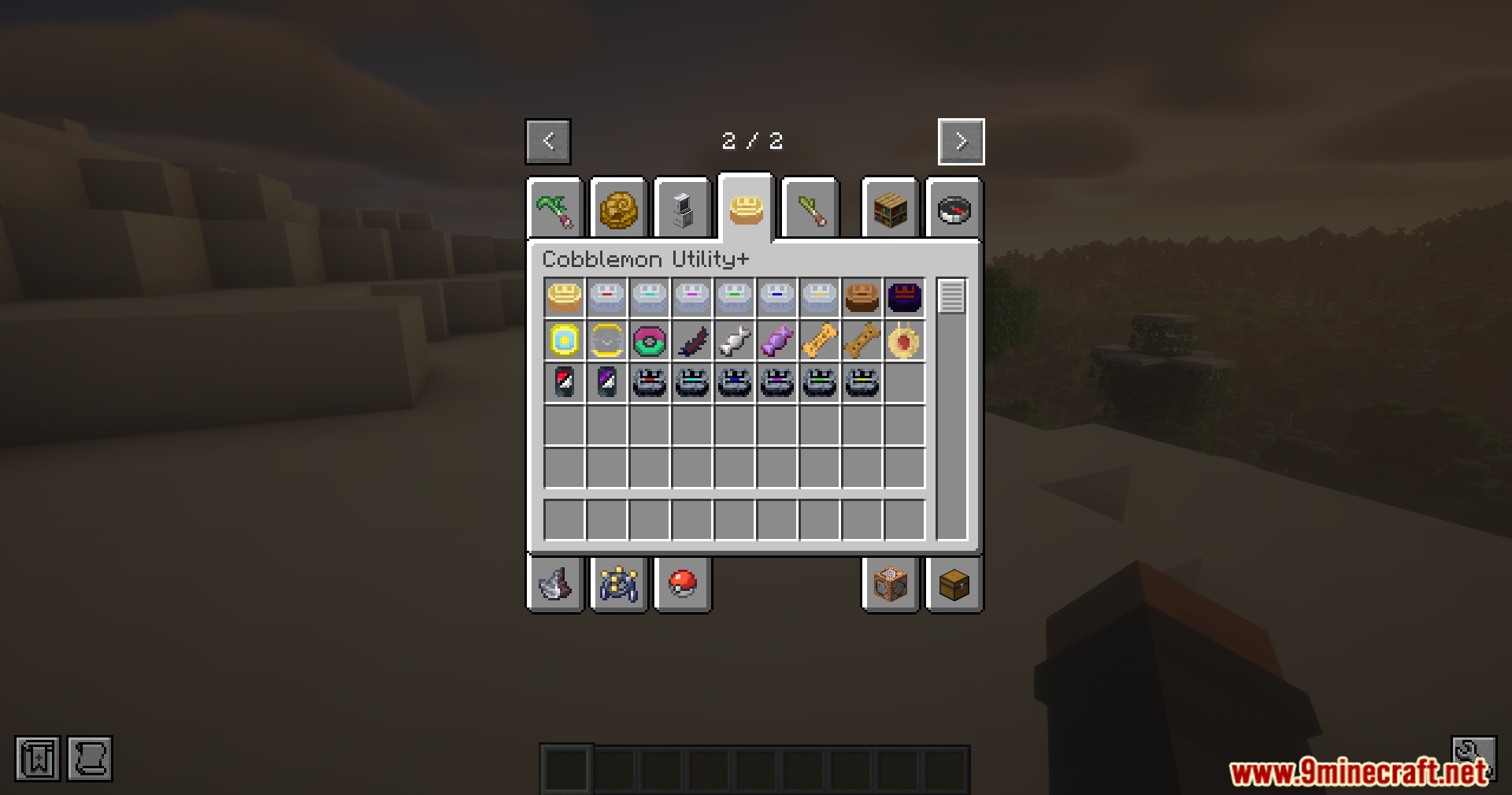
Cobblemon Utility Plus Mod adds helpful items for managing your Cobblemon. You can use them to change stats like IVs, EVs, levels, and friendship. The mod includes tools to instantly max out a Cobblemon or even turn it shiny. It is not compatible with Brendon’s Bottlecaps.

Features:
Change Your Cobblemon’s Stats (IVs & EVs)
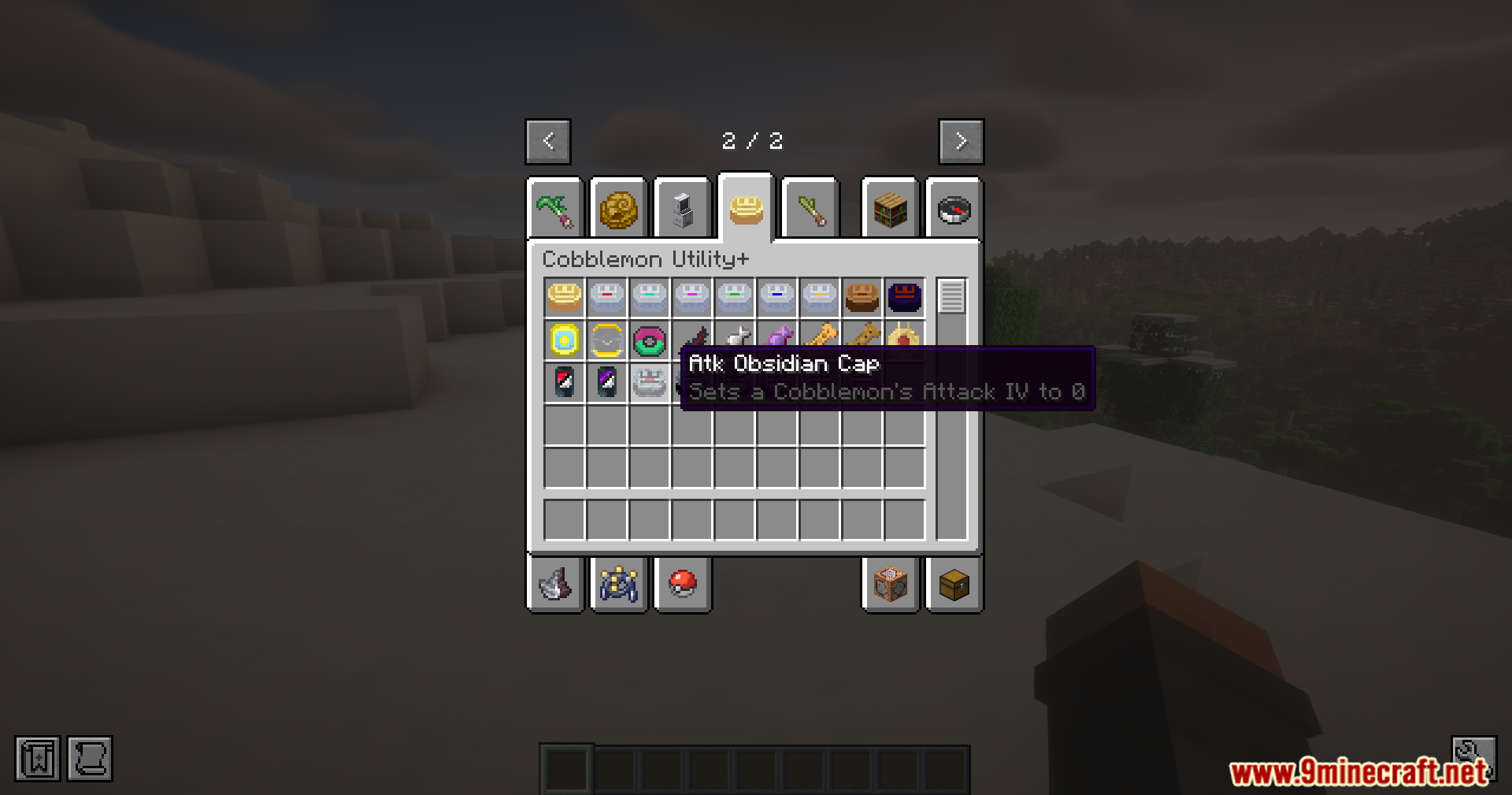
- Use a Golden Cap to make all of a Cobblemon’s IVs the highest they can be.
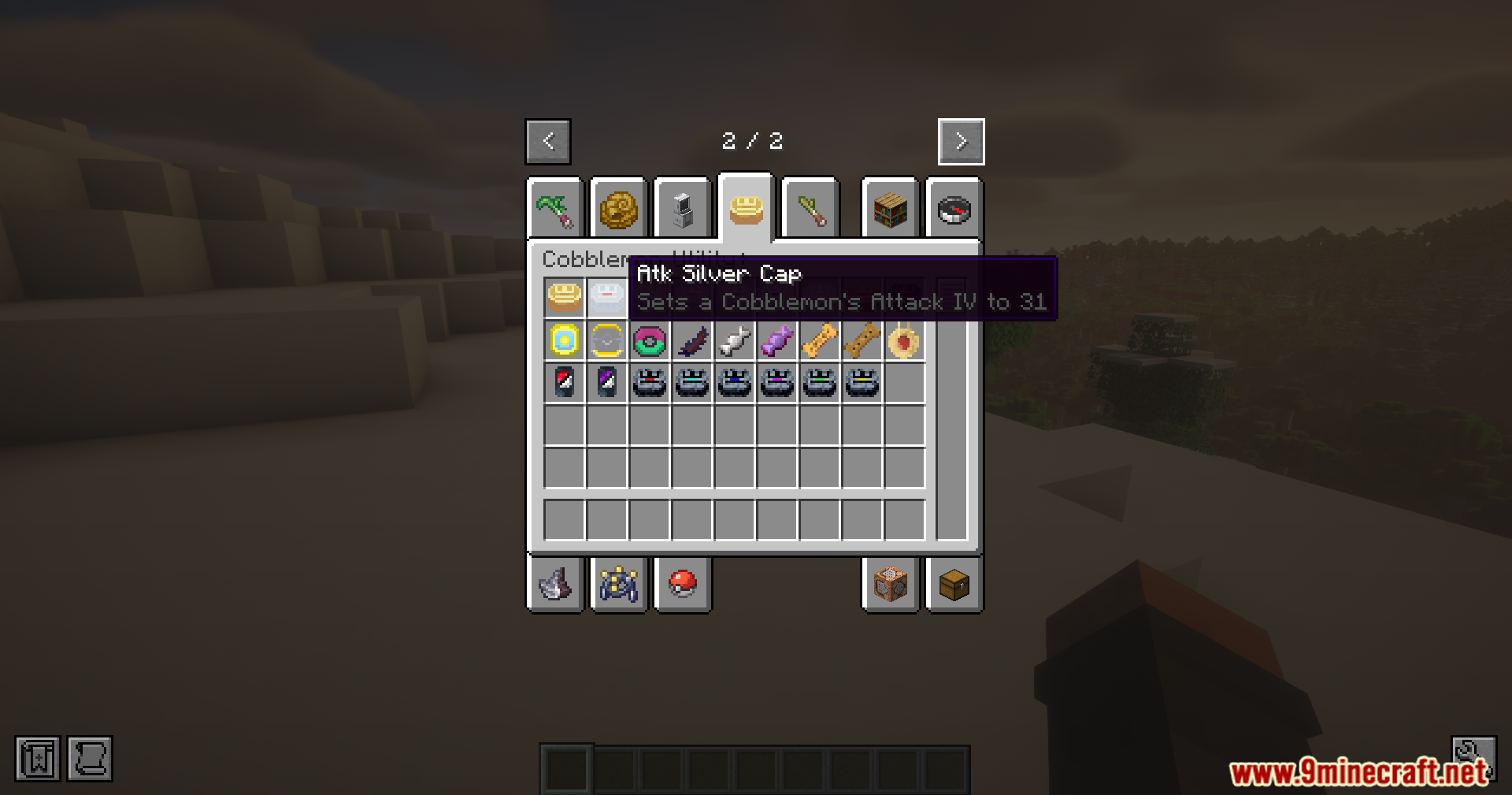
- Use Silver Caps to raise a single, specific IV to its maximum value.
- A Wooden Cap will completely randomize all of your Cobblemon’s IVs.
- The Void Cap sets all IVs to zero, and Obsidian Caps set a specific IV to zero.
- Reset all EVs on a Cobblemon back to zero with the Void Feather.
Adjust Levels and Friendship
- Give a Poké Treat to make your Cobblemon more friendly.
- Use a Stale Poké Treat to lower its friendship level.
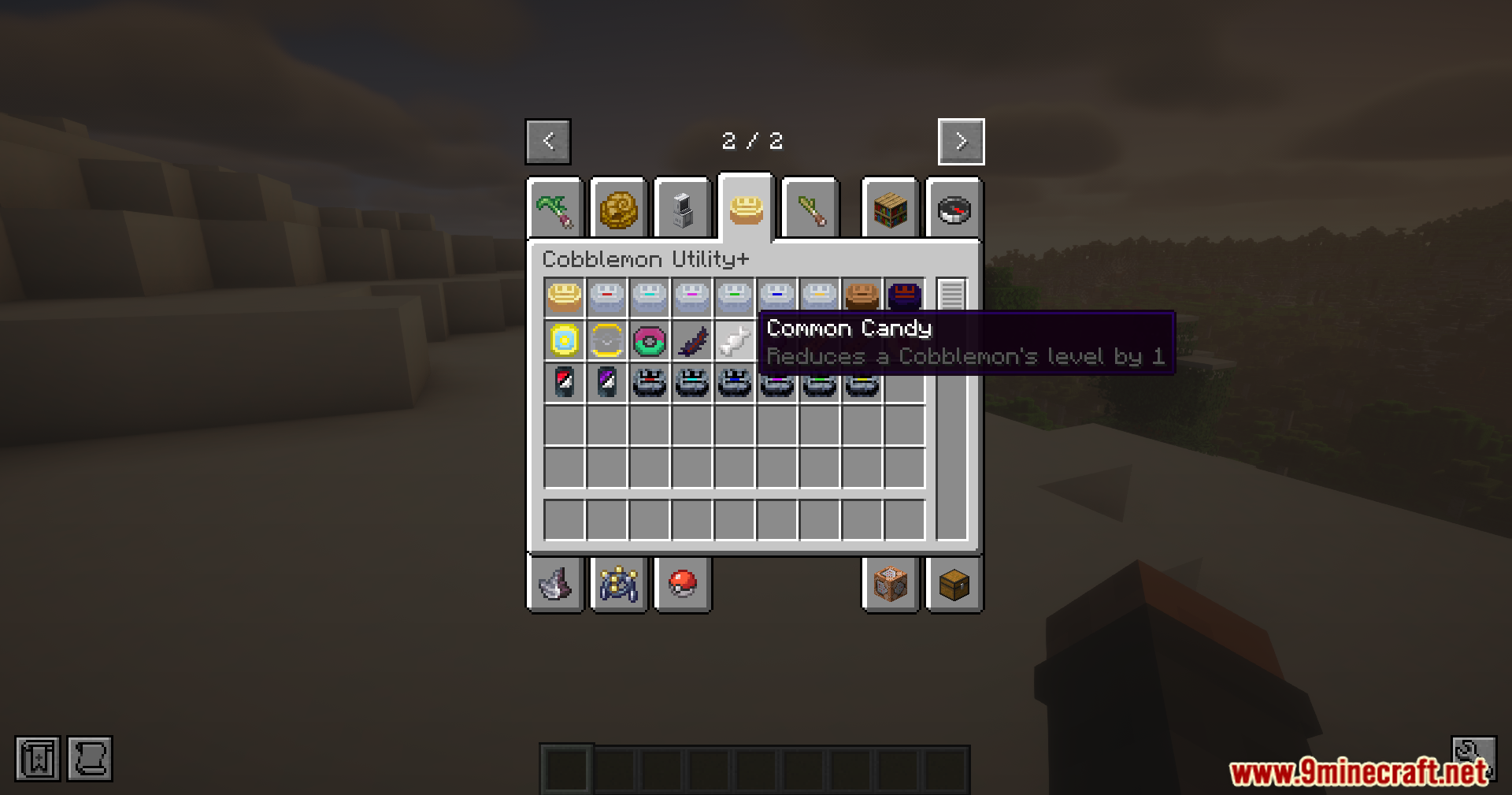
- Feed your Cobblemon a Common Candy to reduce its level by one.
- A Master Candy instantly raises a Cobblemon’s level to 100.
Other Useful Tools
- The Shiny Card can turn a regular Cobblemon into its shiny version, or change it back.
- Use the Ball Synchronizer to change the type of Poké Ball your Cobblemon is in.
- A Transmutation Orb lets you switch a Cobblemon’s gender.
- The Devolution Relic can reverse an evolution, turning a Cobblemon back to its previous form.
- Instantly max out a Cobblemon’s level, IVs, and friendship with the Cobblemax item.
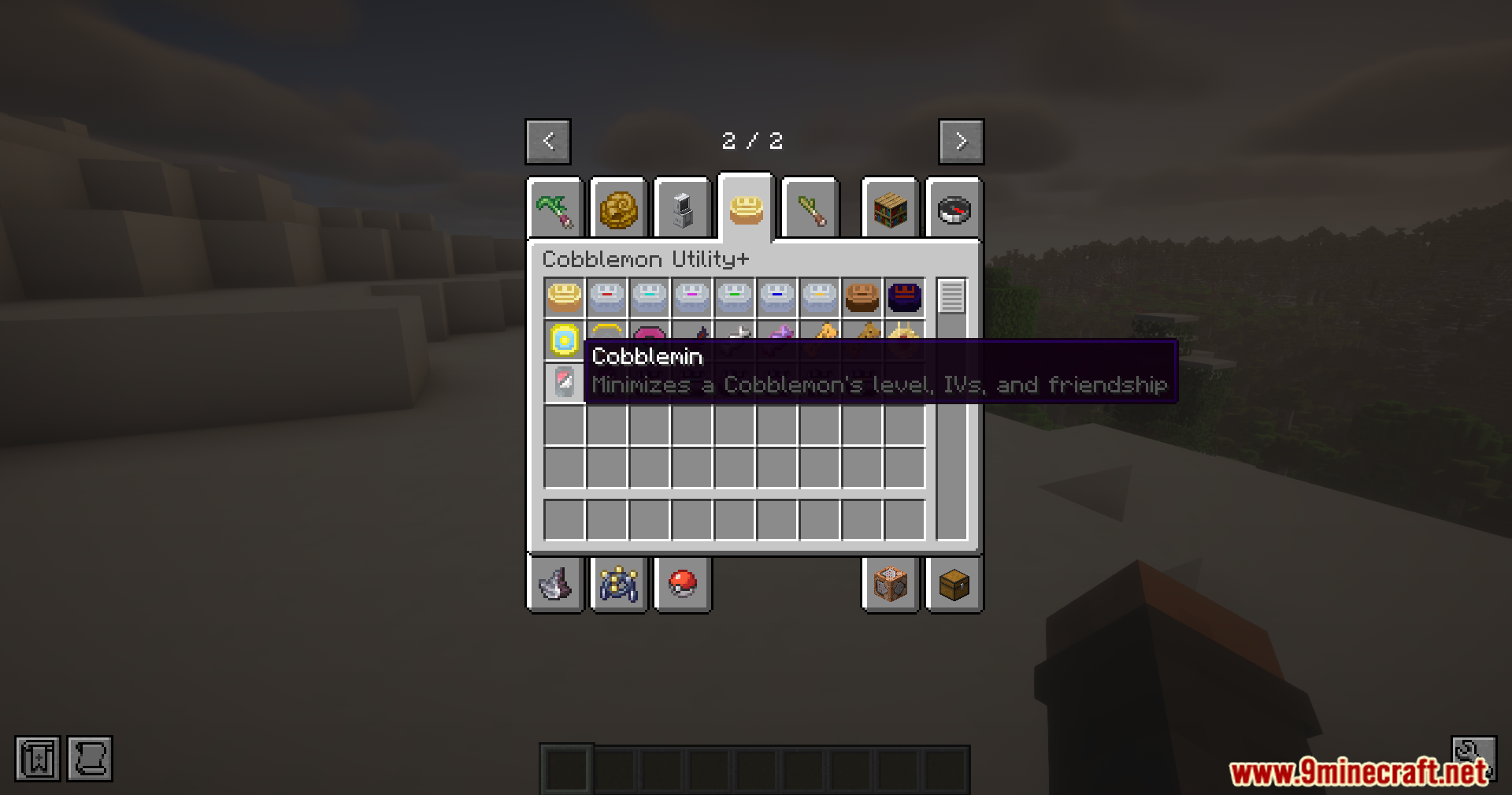
- The Cobblemin item does the opposite, setting level, IVs, and friendship to their lowest values.
Screenshots:









How to Install:
New to Minecraft? Follow our step-by-step guide to install Mods on your PC.View Guide
Requirements:

Cobblemon Utility Plus Mod Download Links
For Minecraft 1.21.1, 1.21
Fabric version: Download from Server 1 – Download from Server 2
NeoForge version: Download from Server 1 – Download from Server 2
Click to rate this post!
[Total: 2 Average: 5]
You May Also Like


















This post has no comments yet. Be the first — your comment will appear here.