
Here N There Mod (26.3, 1.21.1) – Never Type Out F3 Numbers Again
 68
 0


Here N There Mod lets you add coordinates to chat messages and commands by typing a short keyword and pressing the Tab key. It comes with four default aliases for your current position and the block you look at, with spaces or commas between numbers. You can also open the Cloth Config menu through ModMenu or the mod list to create custom aliases with placeholders for positions, single axes, facing angles, target IDs, player names, and dimensions. This client-side mod keeps location sharing quick and simple during gameplay.
Features:
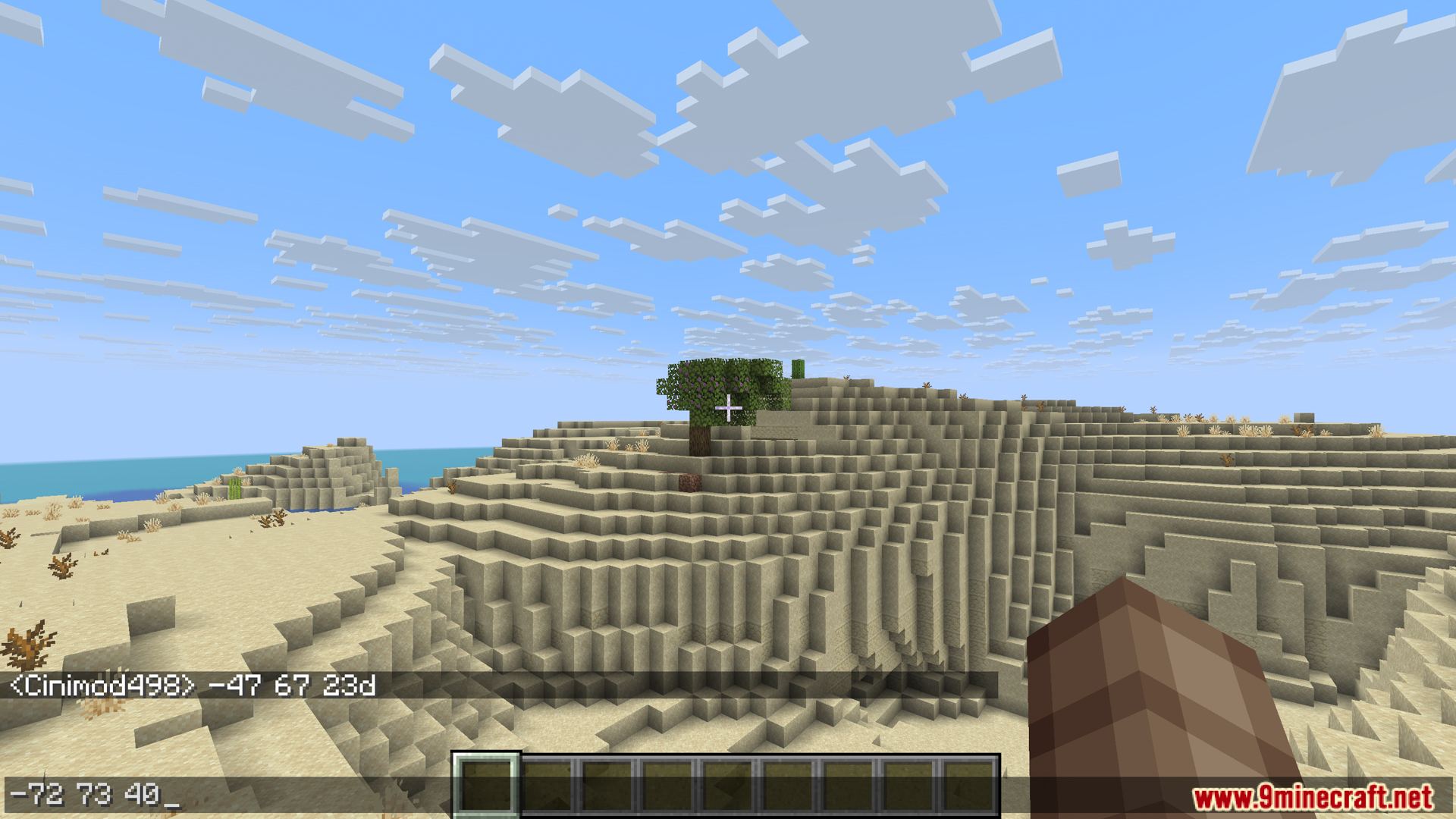
- Quick Tab-Complete Coordinates: Type a short alias in chat or a command and press the Tab key to swap it for coordinates right away.
- Custom Placeholder System: Open the Cloth Config options screen through ModMenu or the mod list to build your own aliases for positions, angles, names, targets, and dimensions.
- Supports both space-separated and comma-separated coordinate formats out of the box.
- Lets you combine placeholder modifiers for exact decimal values, caret position offsets, custom commas, and basic math operations.
- Grabs extra info such as your facing angle, player name, current dimension, and the UUID of the target you are looking at.
- Works on the client side for fast location sharing in chat messages and commands.
Default Aliases:
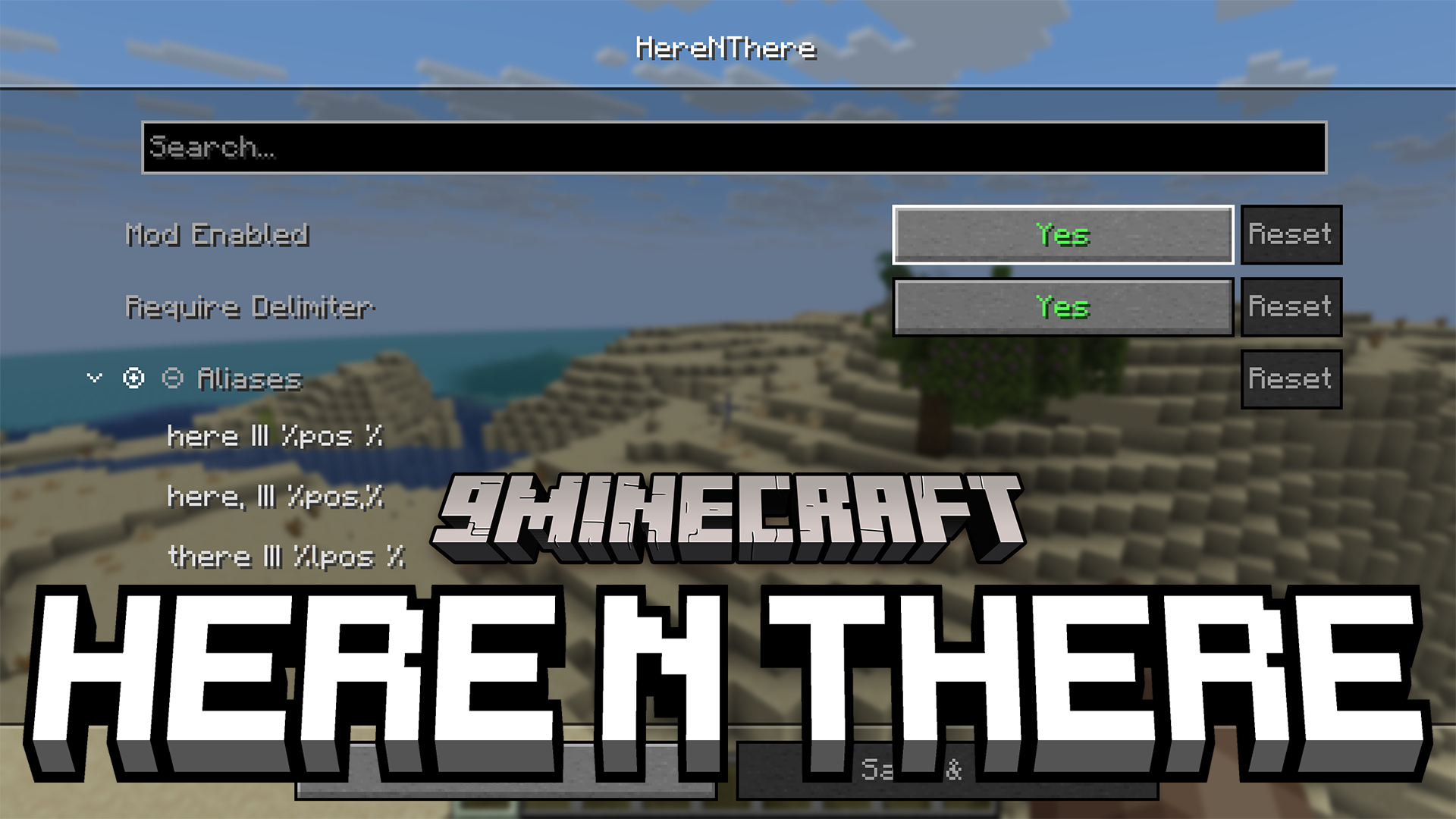
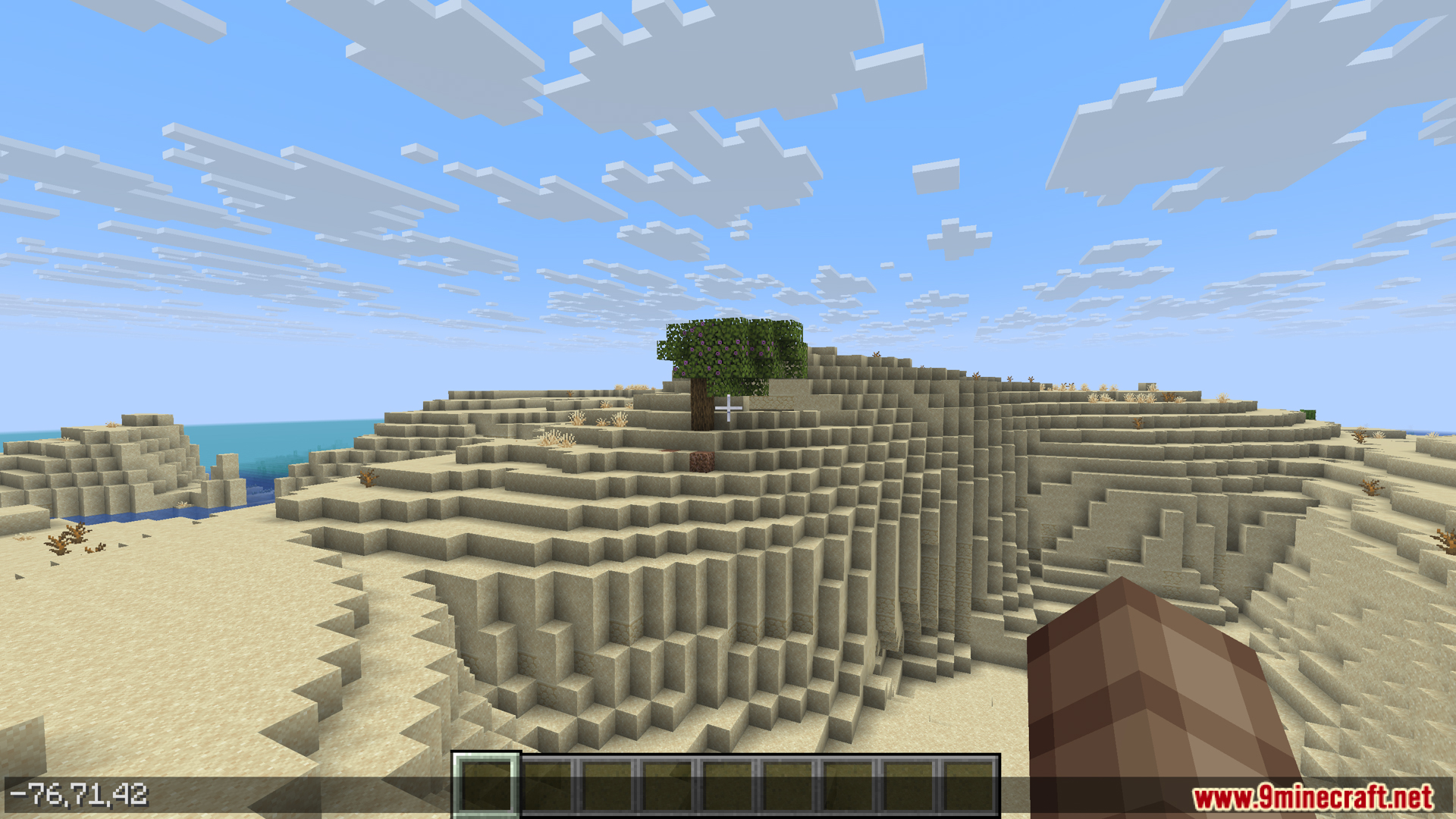
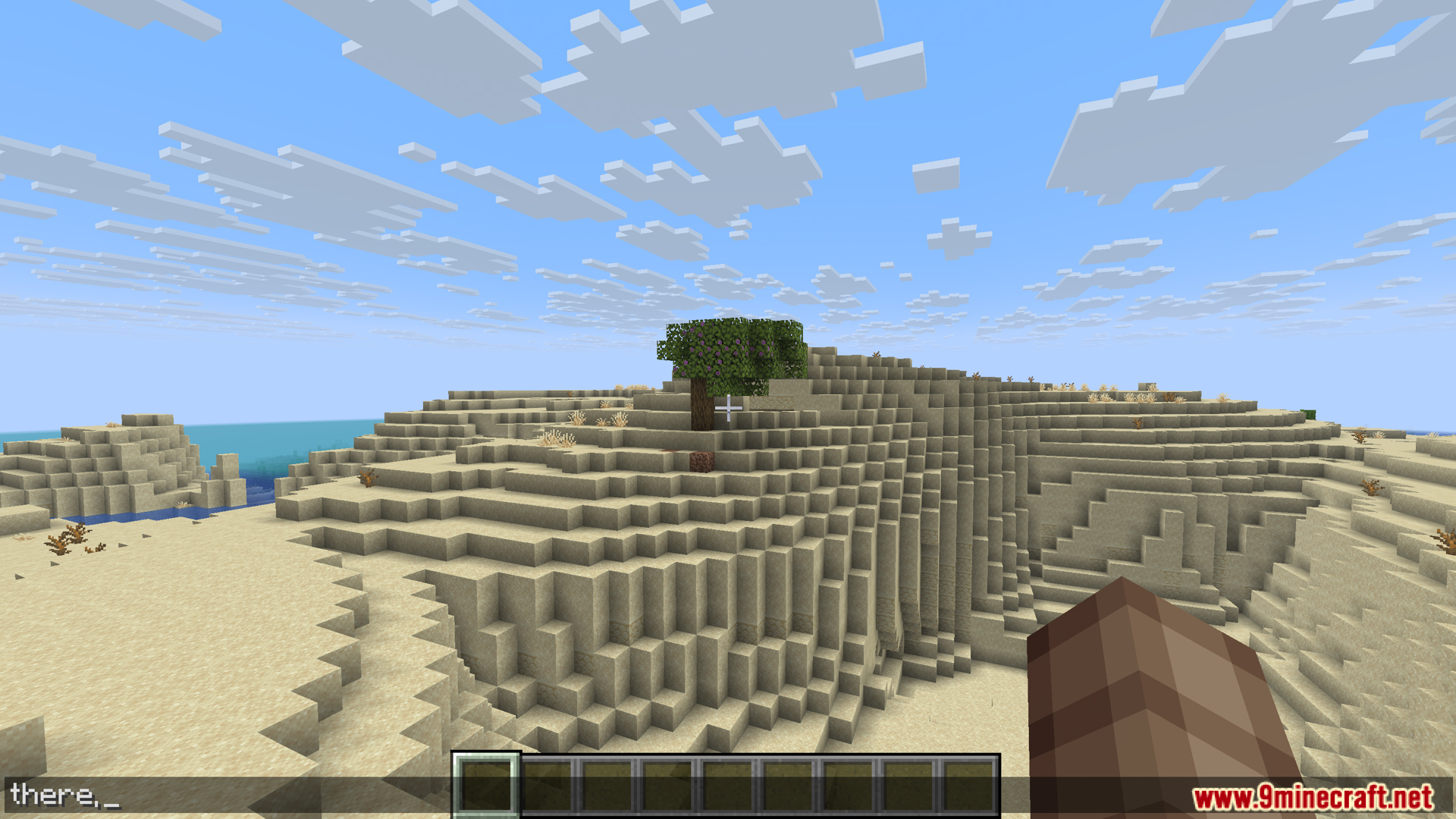
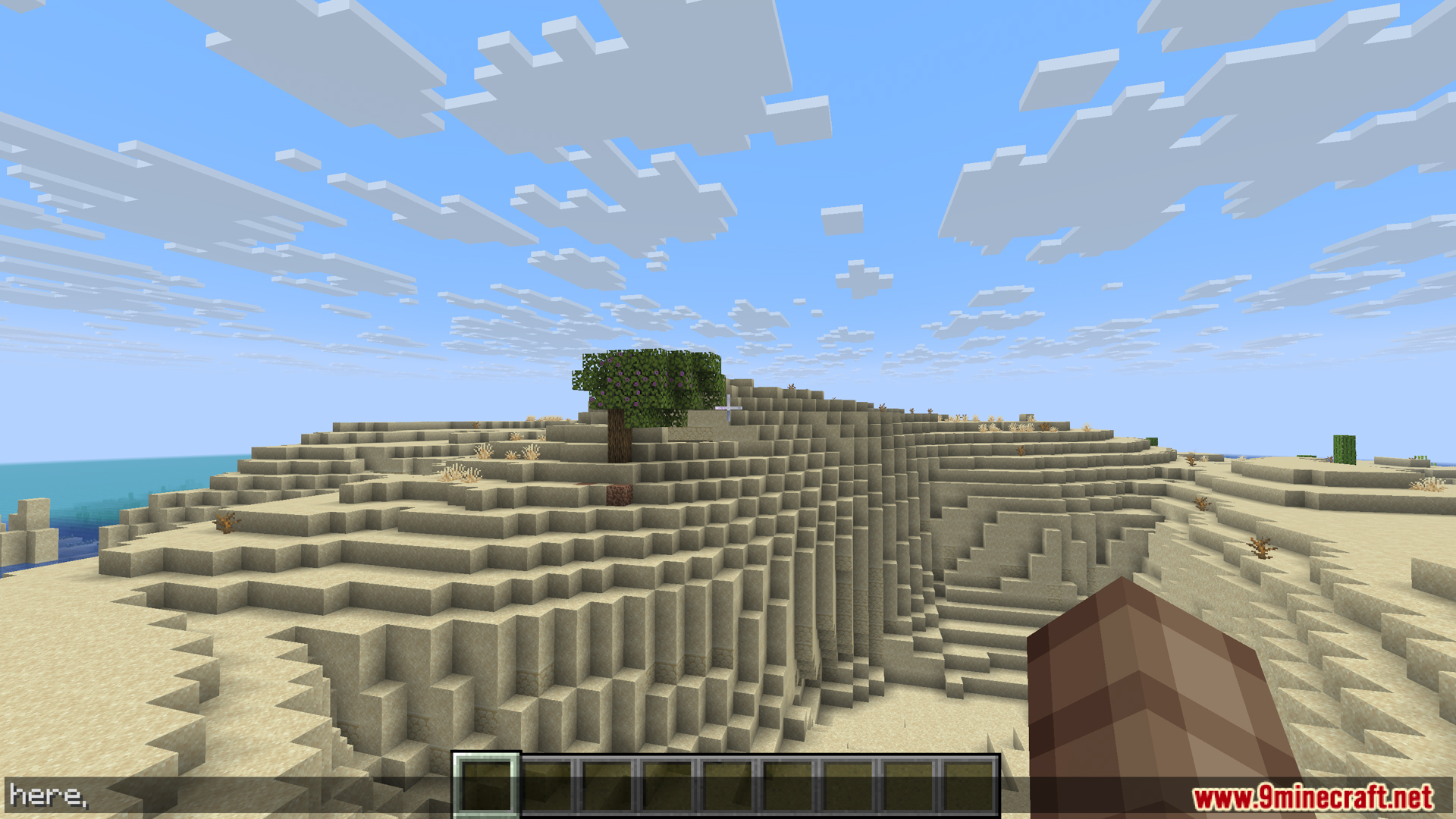
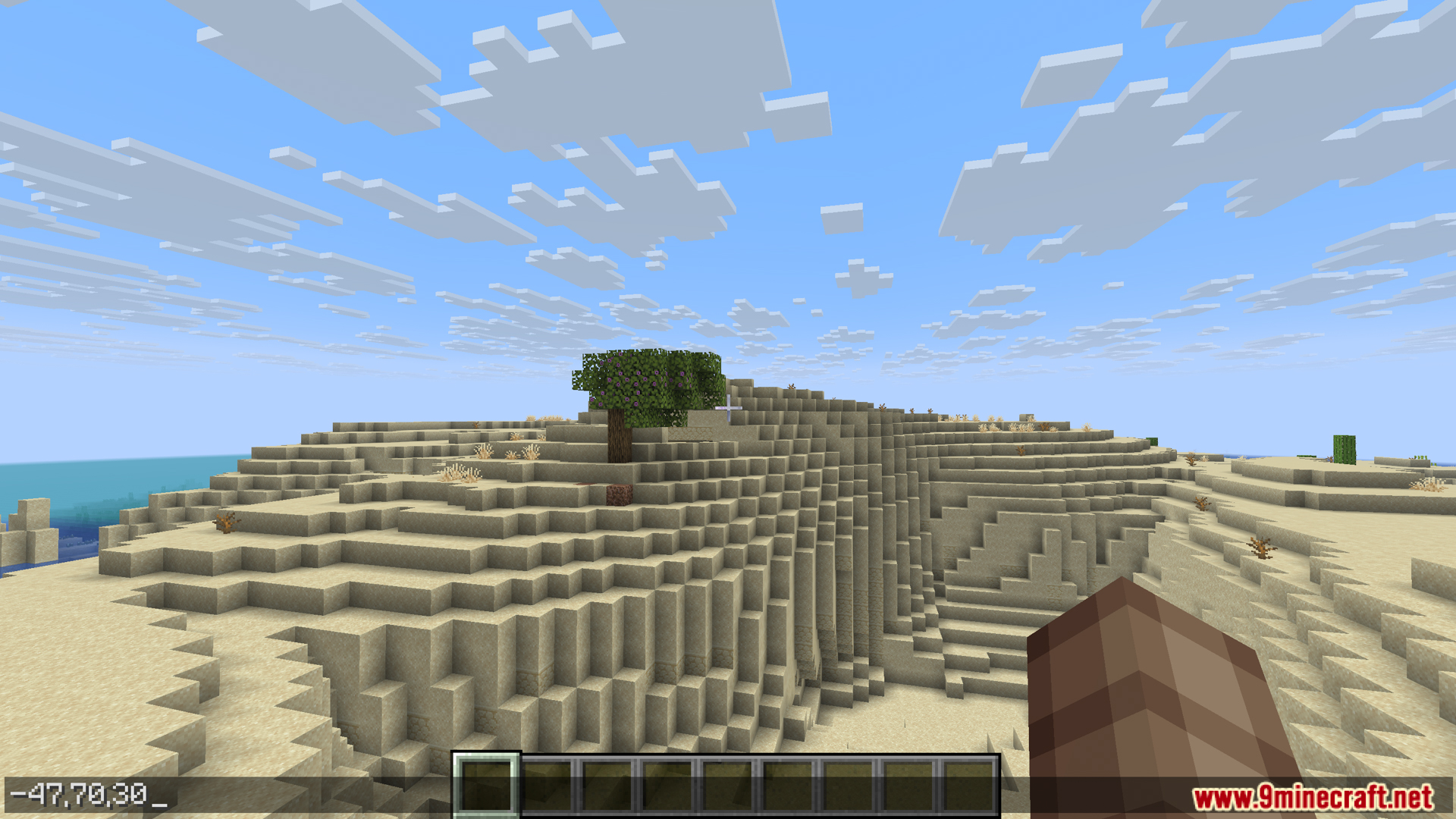
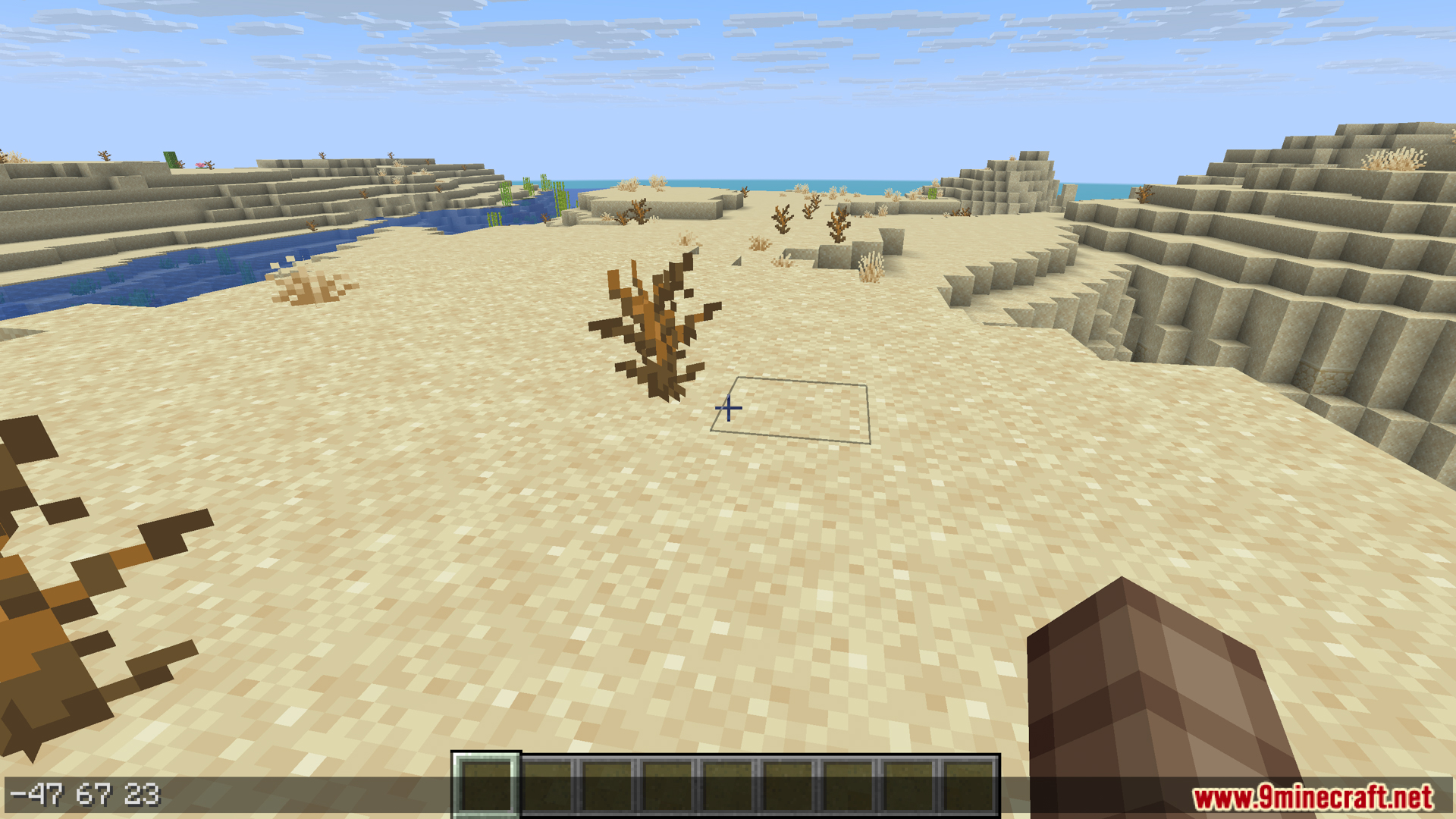
here: Inserts your current player coordinates formatted asx y z.here,: Inserts your current player coordinates formatted with commas asx,y,z.there: Inserts the coordinates of the block you are looking at formatted asx y z.there,: Inserts the coordinates of the block you are looking at formatted with commas asx,y,z.
Configuration:
%pos%: Inserts your current position (for example,35 -14 183). You can combine it with any of the position variations below.%lpos%: Gets the position of the block you are looking at.%posd%: Gets your exact position as a 3D decimal vector.%pos,%: Changes the separator between position numbers to a comma.%pos^1.3^^-2%: Shifts the position using caret modifiers for distance left, up, and forwards based on your facing angle.%x%: Inserts a single X, Y, or Z number from your position (for example,35). You can combine it with the single-axis variations below.%ly%: Gets the Y coordinate of the block you are looking at.%zd%: Gets the exact coordinate as a decimal number.%x+5,%x*7.4: Applies a single math operation (+,-,*, or/) to the coordinate value.%facing%: Inserts the angle you are facing as a 3D decimal vector with a length of1(for example,-0.092361,-0.489725,-0.866971). You can combine it with the facing variations below.%facing,%: Changes the separator between facing vector values to a comma.%facing+14%: Applies a single math operation (+,-,*, or/) to the facing vector.%target-id%: Gets the UUID of the target you are looking at.%name%: Inserts your player name.%dimension%: Inserts the full name of your current dimension (for example,minecraft:overworld).%dimension-path%: Inserts only the dimension path after the:symbol.
How to Use:
- Open the chat box or start typing a command in Minecraft.
- Look at a block if you want its location, then type a default alias such as
here,here,,there, orthere,. - Press the Tab key to replace the alias with the matching coordinates right away.
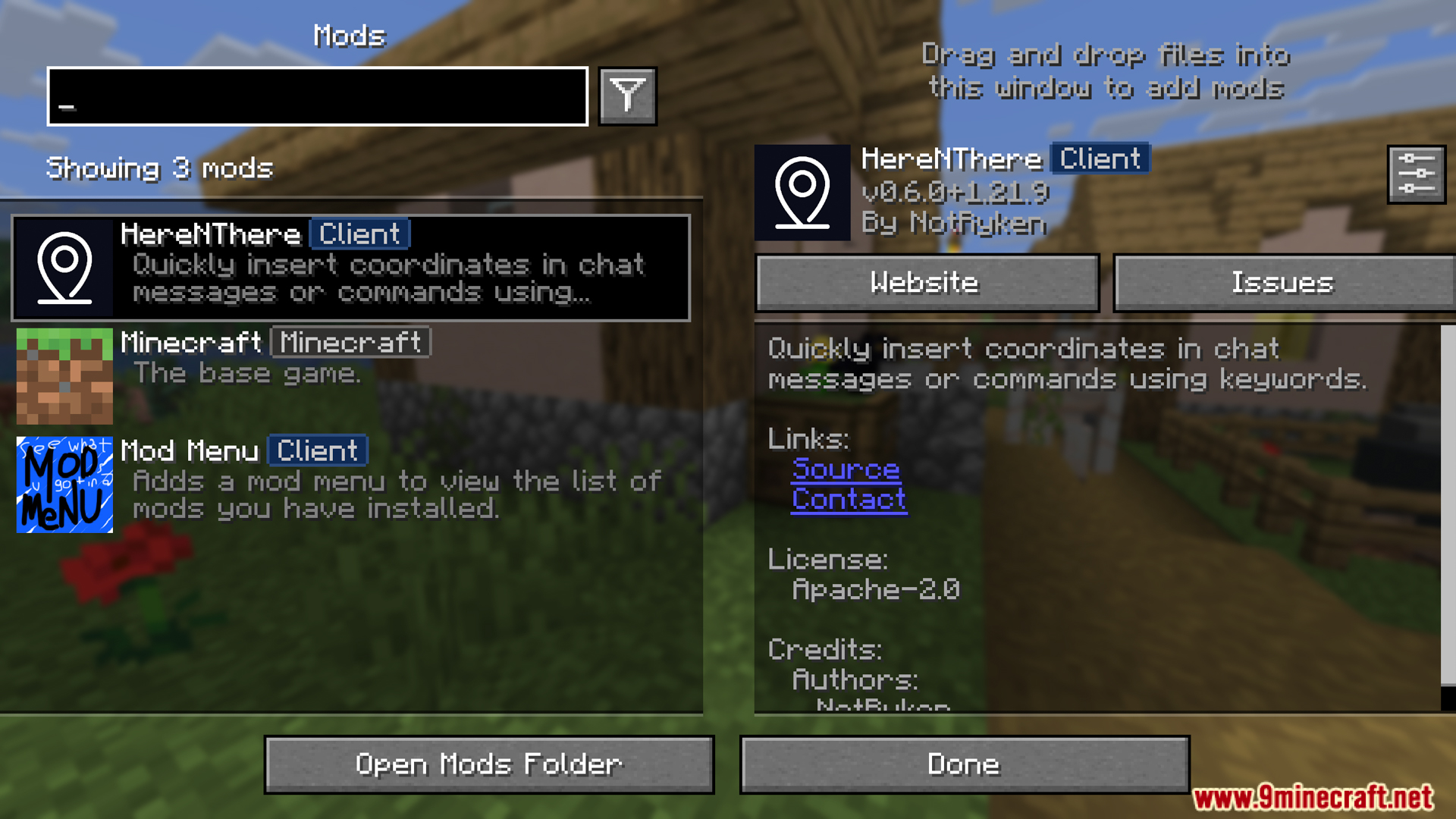
- Open the Cloth Config options menu through ModMenu or the mod list to view and customize your aliases.
- Add a new custom alias with any placeholders like
%pos%,%x%,%facing%, or%dimension%, then type that alias in chat and press Tab to insert its value.
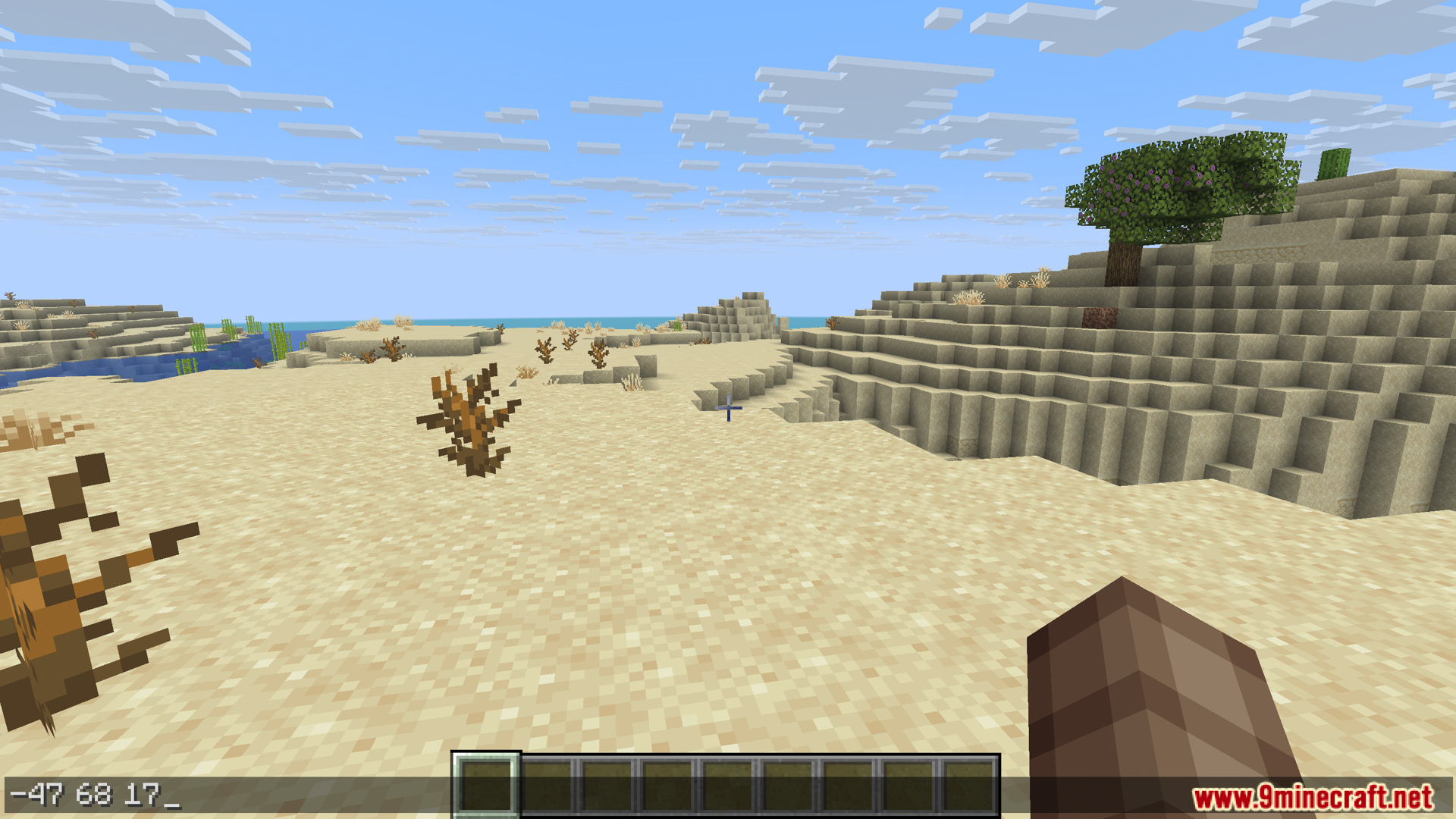
Screenshots:


How to Install:
New to Minecraft? Follow our step-by-step guide to install Mods on your PC.View Guide
Requirements:




Here N There Mod Download Links
For Minecraft 26.3
For Minecraft 26.2
For Minecraft 26.1.2, 26.1.1, 26.1
For Minecraft 1.21.11
For Minecraft 1.21.10, 1.21.9
For Minecraft
1.21.8,
1.21.7,
1.21.6
All Versions Covered
1.21.8
1.21.7
1.21.6
1.21.5
1.21.4
1.21.3
1.21.2
1.21.1
1.21
All Versions Covered
1.21.8
1.21.7
1.21.6
1.21.5
1.21.4
1.21.3
1.21.2
1.21.1
1.21
Click to rate this post!
[Total: 0 Average: 0]
You May Also Like
Picked for this page
 Better Pie Chart Mod (1.21.11, 1.20.1) – Adds More Functions to The F3 Pie Chart
 Universal Enchants Mod (26.3, 1.20.1) – Better Enchantments
 Floral Enchantment Mod (26.2, 1.20.1) – Adding Flower Bushes, Vines, Floral Items
 Animatica Mod (1.21.11, 1.20.1) – Infuse Motion into Minecraft
 Better Night Vision Mod (26.3, 1.20.1) – Customizable Night Vision Effects
 Construction Sticks Mod (26.3, 1.20.1) – Build Giant Walls in Seconds
 Coords Mod (26.3, 1.20.1) – Shows Player Coordinates In Overlay
 Epic Knights Addon Mod (1.21.11, 1.20.1) – Expand Your Medieval Arsenal
 Pepsi’s Super Hopper Mod (26.2, 1.21.11) – 8x Faster Than A Hopper
 Dye All The Things Mod (26.3, 1.20.1) – Ultimate Armor Dyeing Mod
 Dense Flowers Mod (26.3, 1.20.1) – Makes Flower Fields Look Better
 AutoRelog Mod (1.21.11, 1.20.1) – Automatically Reconnects to Servers
Most viewed in Mods over the last 7 days
 Ala Industrial Mod (26.3) – Run Electric Power Grids and Automated Factories
 PleasureCraft Mod (26.3, 1.21.1) – Jenny Mod Remake for Fabric
 Jennycraft Mod (26.3, 1.20.1) – Virtual Girlfriend in Minecraft
 Fapcraft Mod (26.3, 1.12.2) – Comprehensive and Detailed Content
 Jenny Mod (Fapcraft) Official Complete Guide – How to use, Tutorial
 BangCraft Mod (1.20.1) – Jenny, Ellie and Elliot
 Fabric Loader (26.3, 1.20.1) – Fabric Installer for All Minecraft Versions
 The Shooting Star Demo Mod (26.3, 1.20.1) – Vaporize Terrain From Orbit
 Meteor Client Mod (26.3, 1.20.1) – Xray, HUD, Fly
 OptiFine HD (26.3, 1.20.1) – Run Faster, FPS Boost, Shaders Support
 Aristois Client Mod (1.21.4, 1.20.1) – World Class Minecraft Utility
 Prestige Client Mod (1.21.11, 1.21.4) – Powerful Ghost Features for Crystal & Sword PvP
More from Mods
 The Graveyard Mod (26.3, 1.20.1) – Cemeteries in Minecraft
 Enhanced Overlay Mod (26.3, 1.21.11) – Remove Screen Clutter
 Flint Mod (1.21.11) – Run DiamondFire Community Addons Without Crashing
 Not Just Sandwich Mod (26.3, 1.20.1) – Edibles, Sandwiches
 Waddles Mod (26.3, 1.20.1) – Make Icy Biomes Feel Alive
 Artemis’ Thin Logs Mod (26.3, 1.20.1) – Build Custom Trees and Detailed Wood
 Asterion Mod (26.3, 1.20.1) – Survive Ancient Mazes and Slay the Legendary Minotaur
 Passthrough Signs Mod (26.3, 1.20.1) – Right-Click Through Wall Signs
 Packing Tape Mod (26.3, 1.20.1) – Move Chests, Machines
 No XP Anvils Mod (26.3, 1.20.1) – Repair And Enchant Without XP
 Naruto Shippuden Mod (26.3, 1.16.5) – Immerse Yourself in The World of Ninja
 Araxer’s Bestiary Mod (26.3, 1.20.1) – Build an In-Game Encyclopedia of Every Mob

This post has no comments yet. Be the first — your comment will appear here.