
Better Pie Chart Mod (1.21.11, 1.20.1) – Pinpoint Lag Spikes and Fix Low Frame

 0


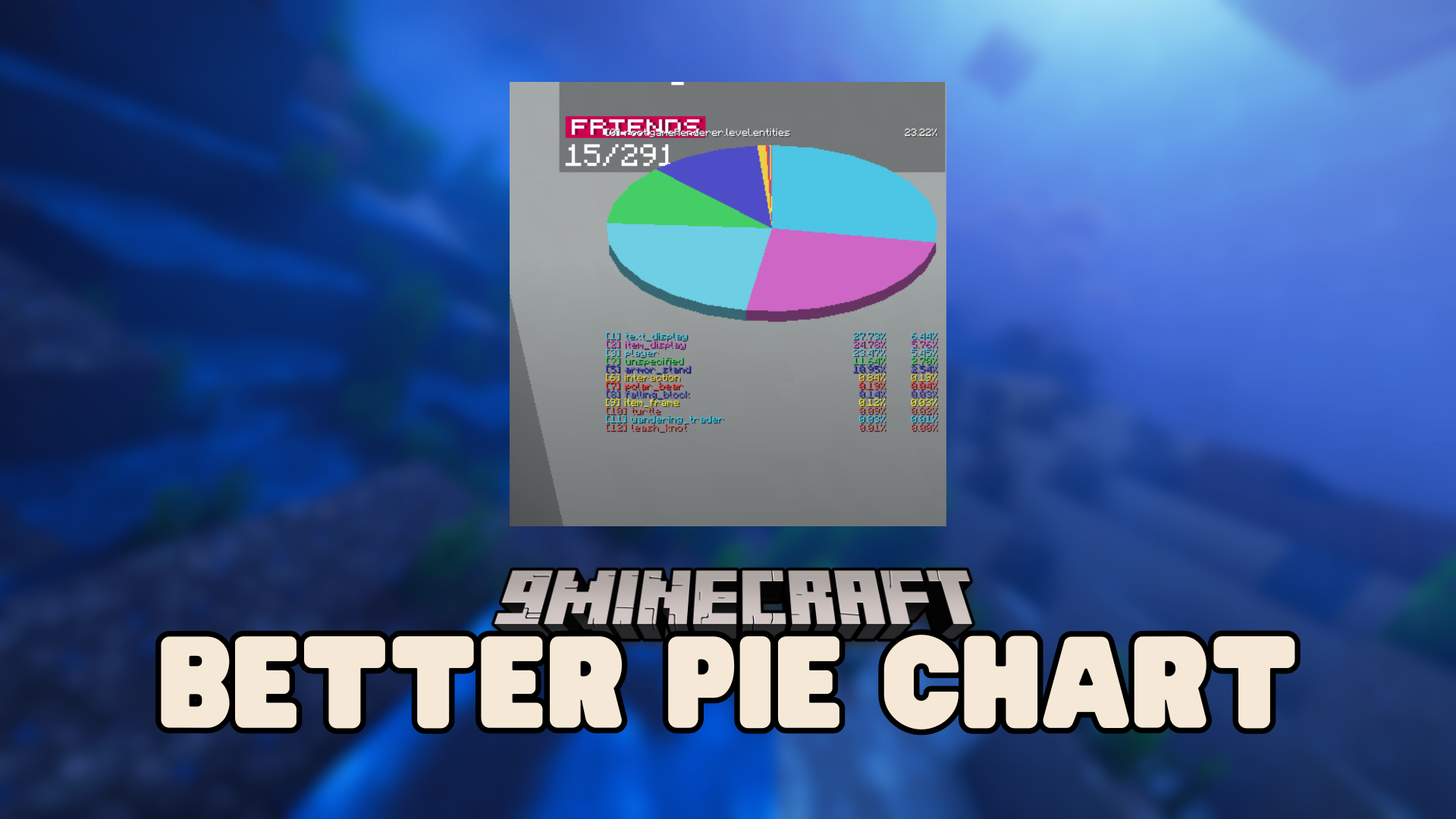
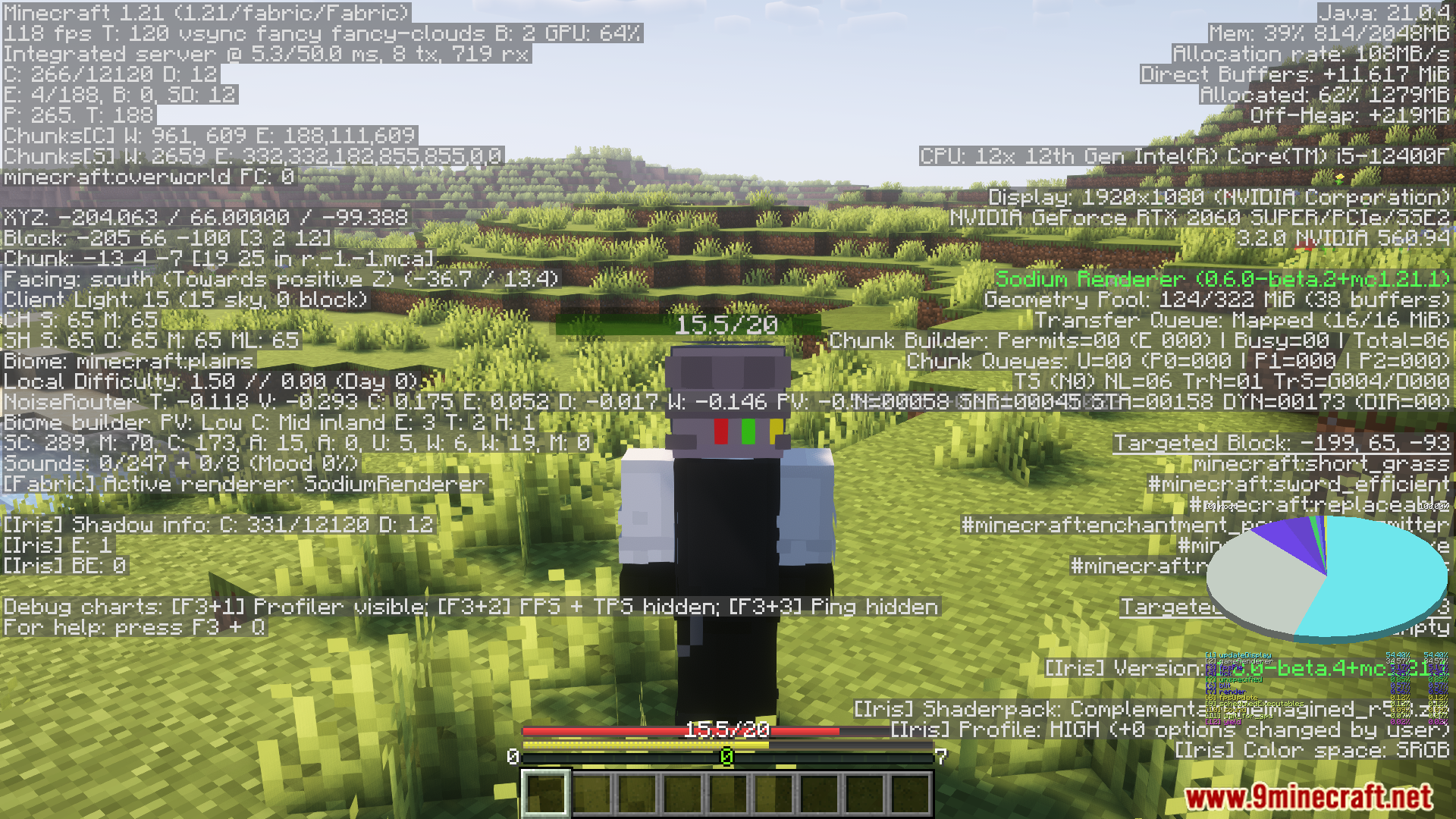
Better Pie Chart Mod adds extra profiling categories for entities and block entities directly to the F3 pie chart in Minecraft. It helps players find the exact causes of FPS drops and lag during gameplay. This mod makes diagnostic data much clearer for spotting performance problem areas.
Features:
- Adds extra profiling categories to the F3 pie chart for individual entities and block entities.
- Helps find the root sources of sudden FPS drops and game lag.
- Shows detailed performance data to make diagnostics much easier.
- Improves overall game performance by pinpointing heavy areas.
How to Use:
- Press F3 + 1 on your keyboard to open the profile pie chart in the debug screen.
- Look at the new profiling categories for entities and block entities to check performance impact.
- Use the displayed data to spot what causes lag in your world.
Screenshots:
How to Install:
New to Minecraft? Follow our step-by-step guide to install Mods on your PC.View Guide
Better Pie Chart Mod Download Links
For Minecraft 1.21.11, 1.21.10, 1.21.9
Fabric Version: Download from Server 1 – Download from Server 2
For Minecraft 1.21.8, 1.21.7, 1.21.6
Fabric Version: Download from Server 1 – Download from Server 2
For Minecraft 1.21.5
Fabric Version: Download from Server 1 – Download from Server 2
For Minecraft 1.21.4
Fabric Version: Download from Server 1 – Download from Server 2
For Minecraft 1.21.3, 1.21.2
Fabric Version: Download from Server 1 – Download from Server 2
For All Versions From Minecraft 1.20.1 to Minecraft 1.21.1
Fabric Version: Download from Server 1 – Download from Server 2
You May Also Like
Picked for this page
 Health Indicator TXF Mod (26.3, 1.20.1) – Displays Entity Name, Armor, and Health
 Miner’s Helmet Mod (26.1.2, 1.16.5) – Helmet with Dynamic Lighting
 FastLeafDecay Mod (1.21.10, 1.20.1) – No More Floating Treetops
 Terrestria Mod (26.3, 1.20.1) – Highly Detailed Biomes
 Optimal Aim Mod (26.3, 1.20.1) – Renders a Configurable Cube for Aiming
 More Carpets Mod (1.21.11, 1.20.1) – Hundreds of New Carpets
 Sapling Tweaks Mod (26.3, 1.20.1) – Enhances Sapling Interactions
 Stardew Fishing Mod (26.2, 1.20.1) – A Skill-based Fishing Minigame
 NBT Copy Mod (26.3, 1.20.1) – Adds A Button To Copy NBT Data
 Mrmelon54’s Clock HUD Mod (1.21.11, 1.20.1) – Time Tracker For Minecraft
 Plague’s Chat Timestamps Mod (26.3, 1.20.1) – Never Miss A Chat Timestamp In Minecraft
 Sprint After Death Mod (26.3, 1.20.1) – Keeps Sprinting On After Dying
Most viewed in Mods over the last 7 days
 Ala Industrial Mod (26.3) – Run Electric Power Grids and Automated Factories
 PleasureCraft Mod (26.3, 1.21.1) – Jenny Mod Remake for Fabric
 Jennycraft Mod (26.3, 1.20.1) – Virtual Girlfriend in Minecraft
 Fapcraft Mod (26.3, 1.12.2) – Comprehensive and Detailed Content
 Jenny Mod (Fapcraft) Official Complete Guide – How to use, Tutorial
 BangCraft Mod (1.20.1) – Jenny, Ellie and Elliot
 Fabric Loader (26.3, 1.20.1) – Fabric Installer for All Minecraft Versions
 The Shooting Star Demo Mod (26.3, 1.20.1) – Vaporize Terrain From Orbit
 Meteor Client Mod (26.3, 1.20.1) – Xray, HUD, Fly
 OptiFine HD (26.3, 1.20.1) – Run Faster, FPS Boost, Shaders Support
 Aristois Client Mod (1.21.4, 1.20.1) – World Class Minecraft Utility
 Prestige Client Mod (1.21.11, 1.21.4) – Powerful Ghost Features for Crystal & Sword PvP
More from Mods
 MCPersist Mod (26.3) – Keep Your World Online for Friends Even After Logging Off
 Minecraft Java MCP Server Mod (1.21.11) – Command Your World Through External AI Tools
 Arcanism Mod (26.2) – Build Magic Factories and Program Custom Spells
 Archangel Client Mod (1.21.11) – Master Every PvP Duel with Clean Screen Stats
 Block Front Survival Patch Mod (1.21.1) – Wage Tactical Warfare in Survival
 Better Enchantment Bookshelf Placement Mod (26.2, 1.20.1)
 SimpleRPGCore Mod (1.21.4, 1.21.1) – Fight with Classic RPG Stats
 Bard RPG Series Plus by Fichte Mod (1.21.1, 1.20.1) – Buff Allies in Combat
 Fabric Gui ImGui Mod (26.3, 1.21.11) – Clean Custom Menus and In-Game Control
 Multi Item Lib Mod (1.20.1) – Wield Custom Gear with Flawless Hand Animations
 Universe3090 Mod (1.20.1) – Survive Corrupted Dimensions Filled
 Wireless Automate Mod (1.21.1) – Automate Base Logistics Without Messy Pipes

This post has no comments yet. Be the first — your comment will appear here.