


BBS Mod (1.20.4, 1.20.1) – Direct Your Own Minecraft Movies

 0
0 

🌐 Read this article in your language! Choose your preferred language below.
Or pick the one you like:
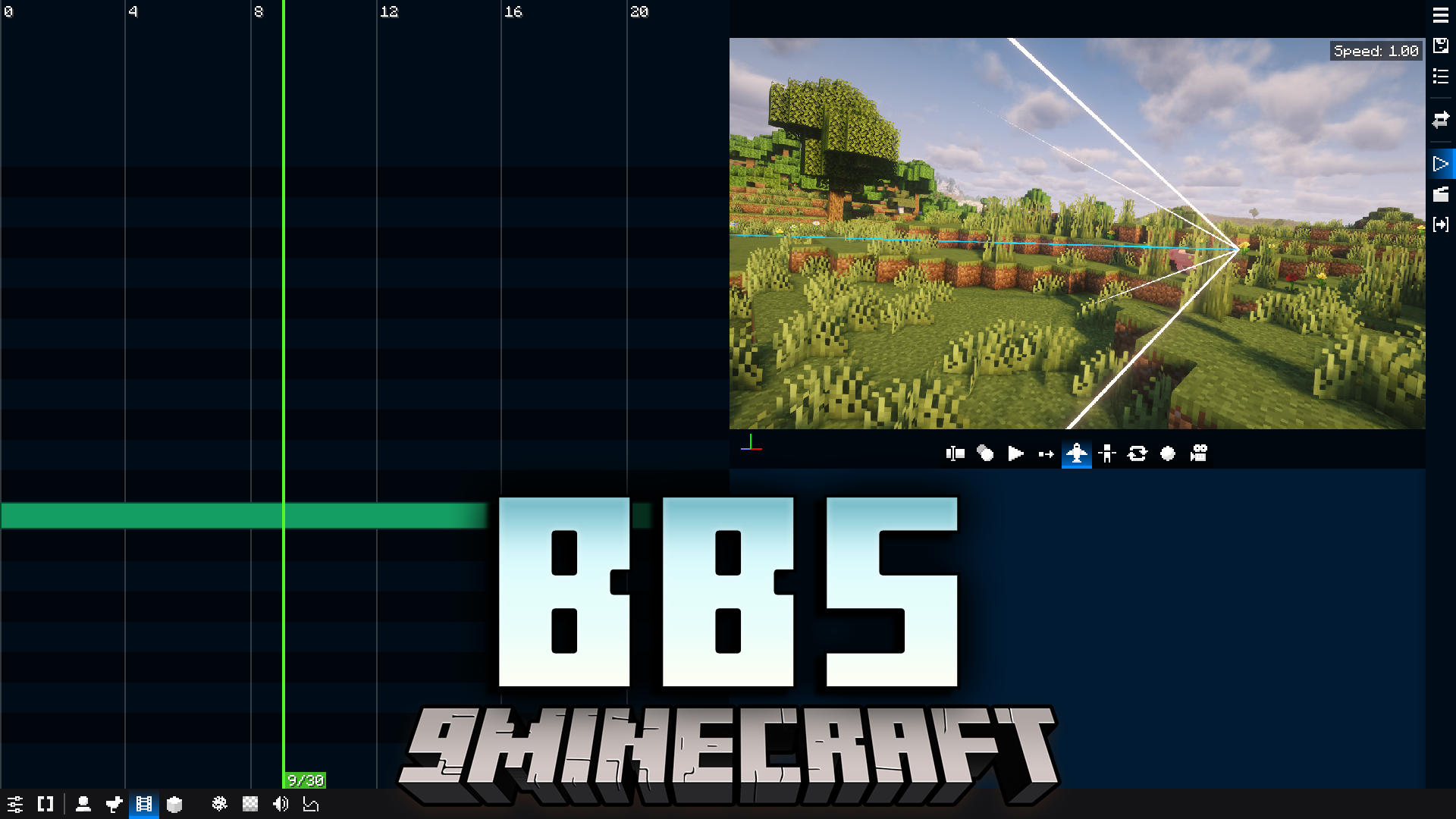
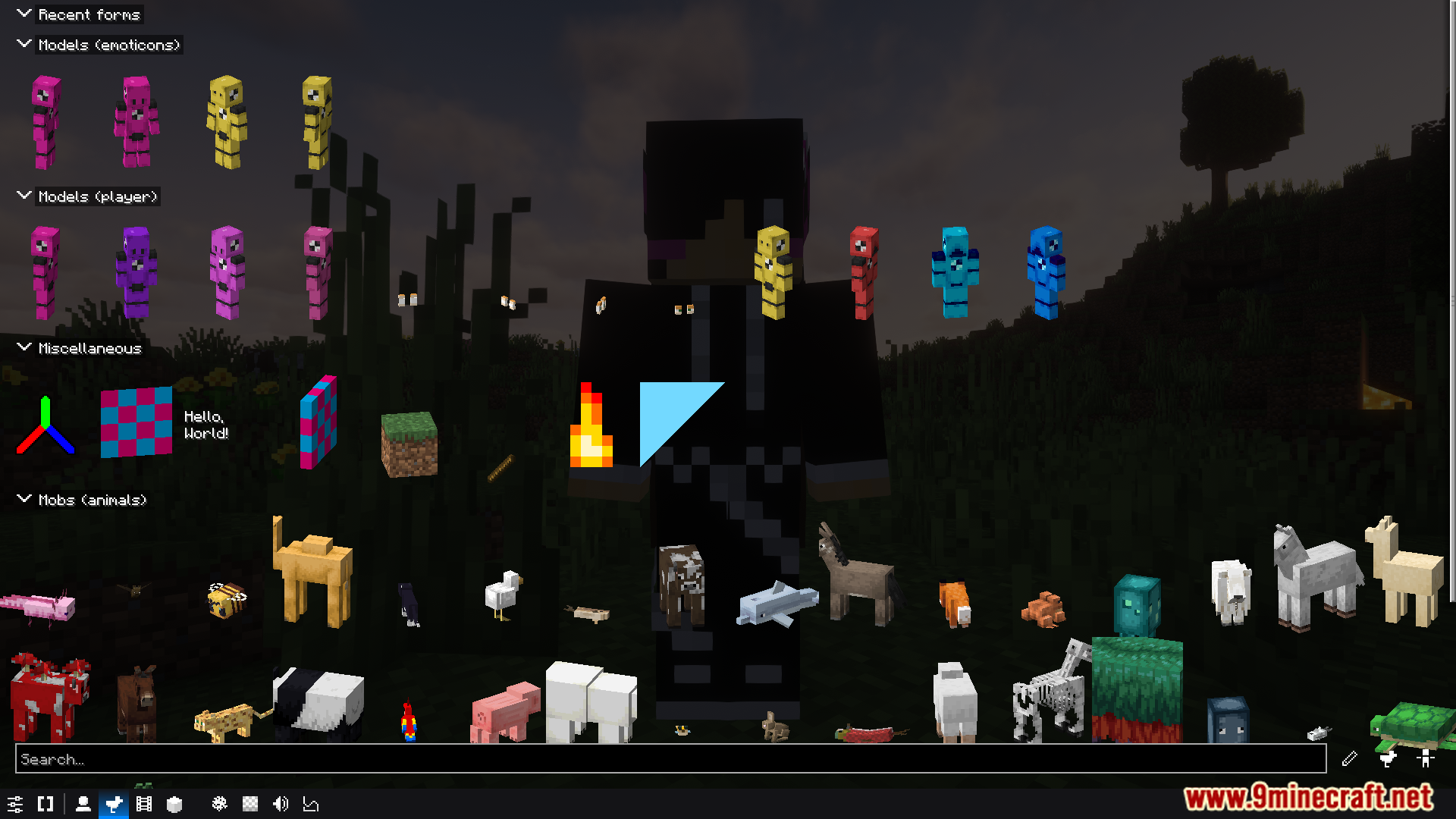
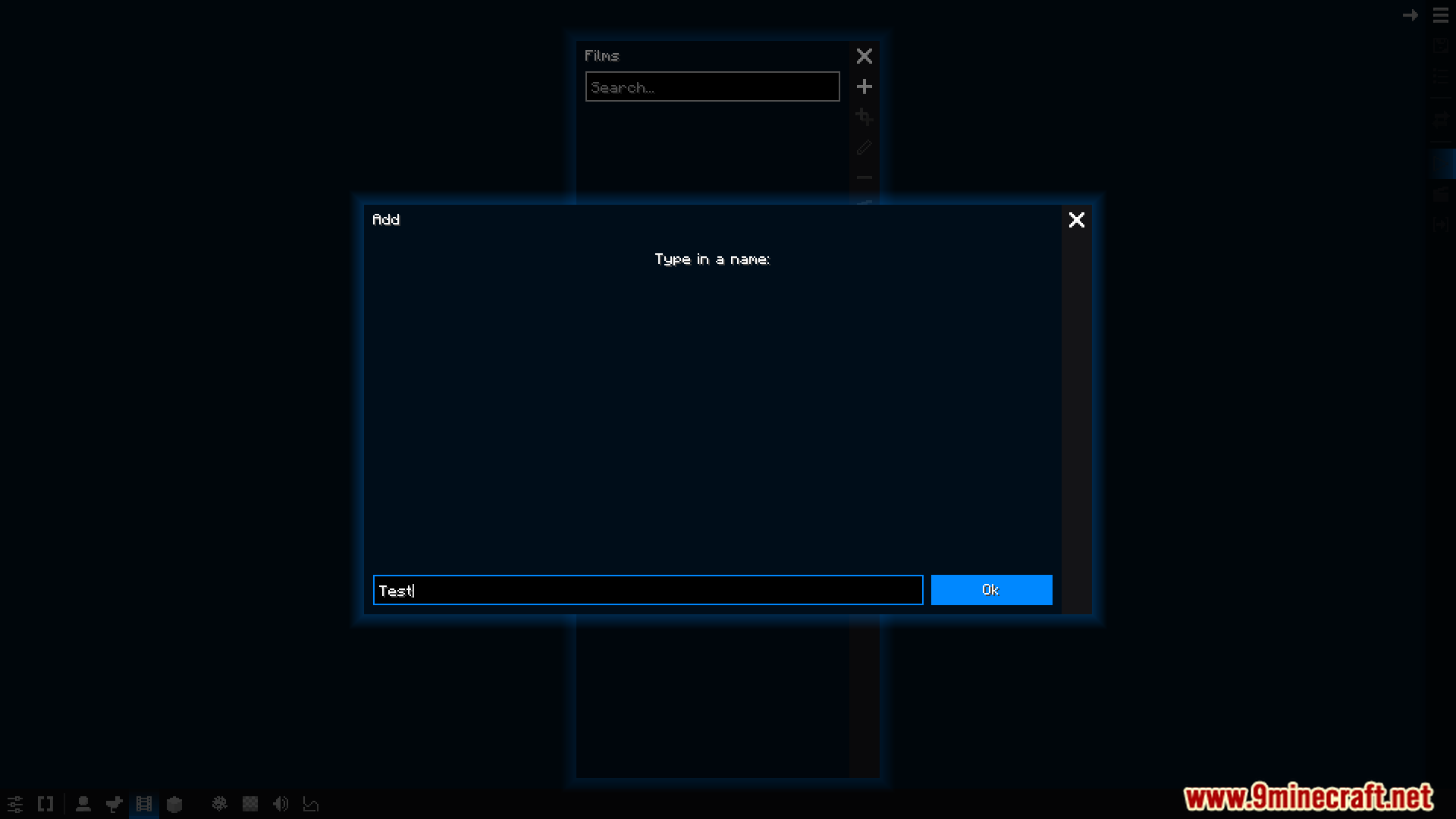
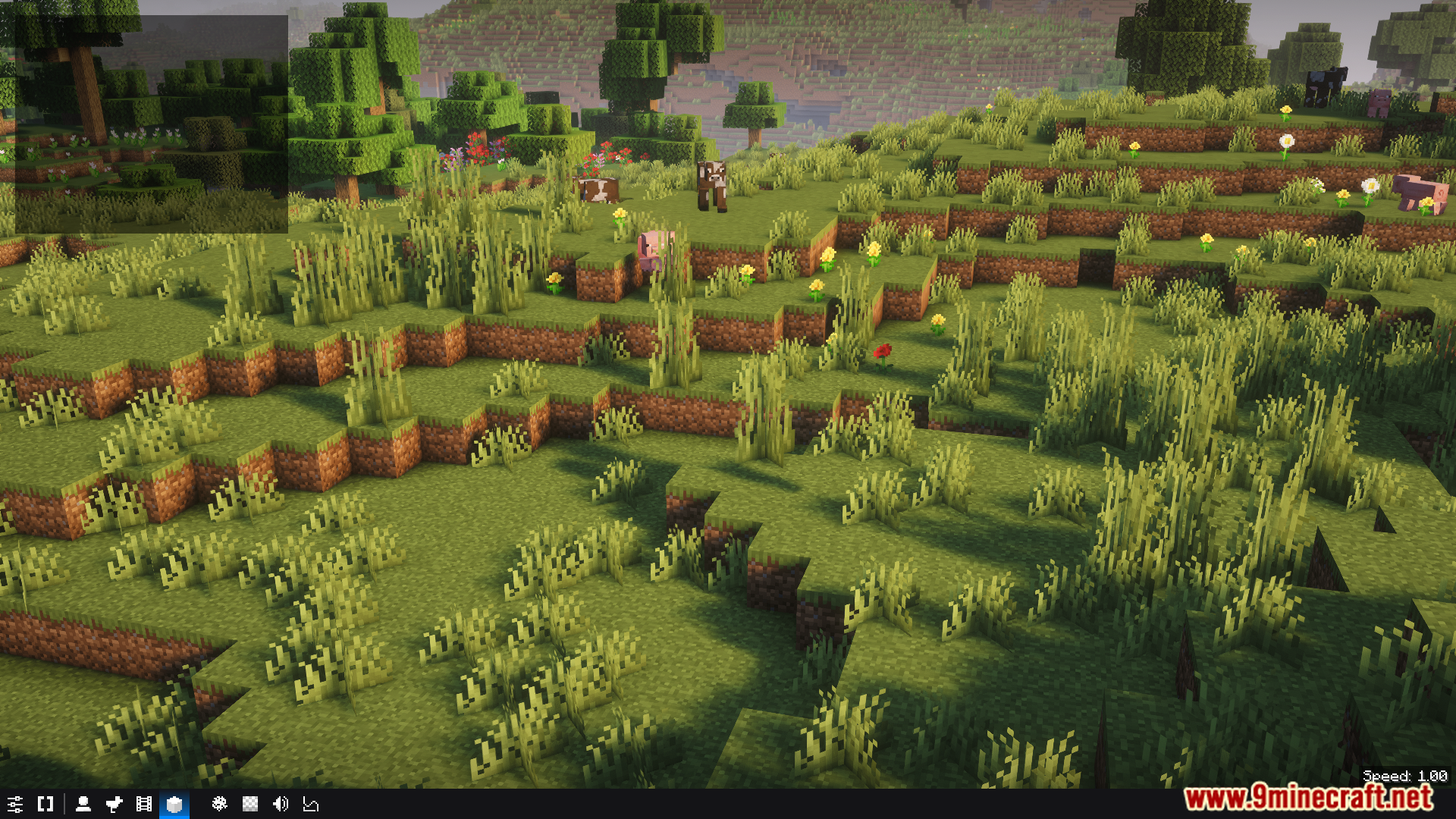
BBS Mod adds a full animation studio directly into Minecraft. It gives you all the tools needed to create your own movies, roleplay scenes, and machinimas without ever leaving the game. The mod lets you record player actions, set up custom camera paths for cinematic shots, and edit everything on a timeline. You can even import custom models from Blockbench to build unique characters and worlds for your stories.
Features:
- Record your character’s actions like walking, jumping, and fighting to create scenes.
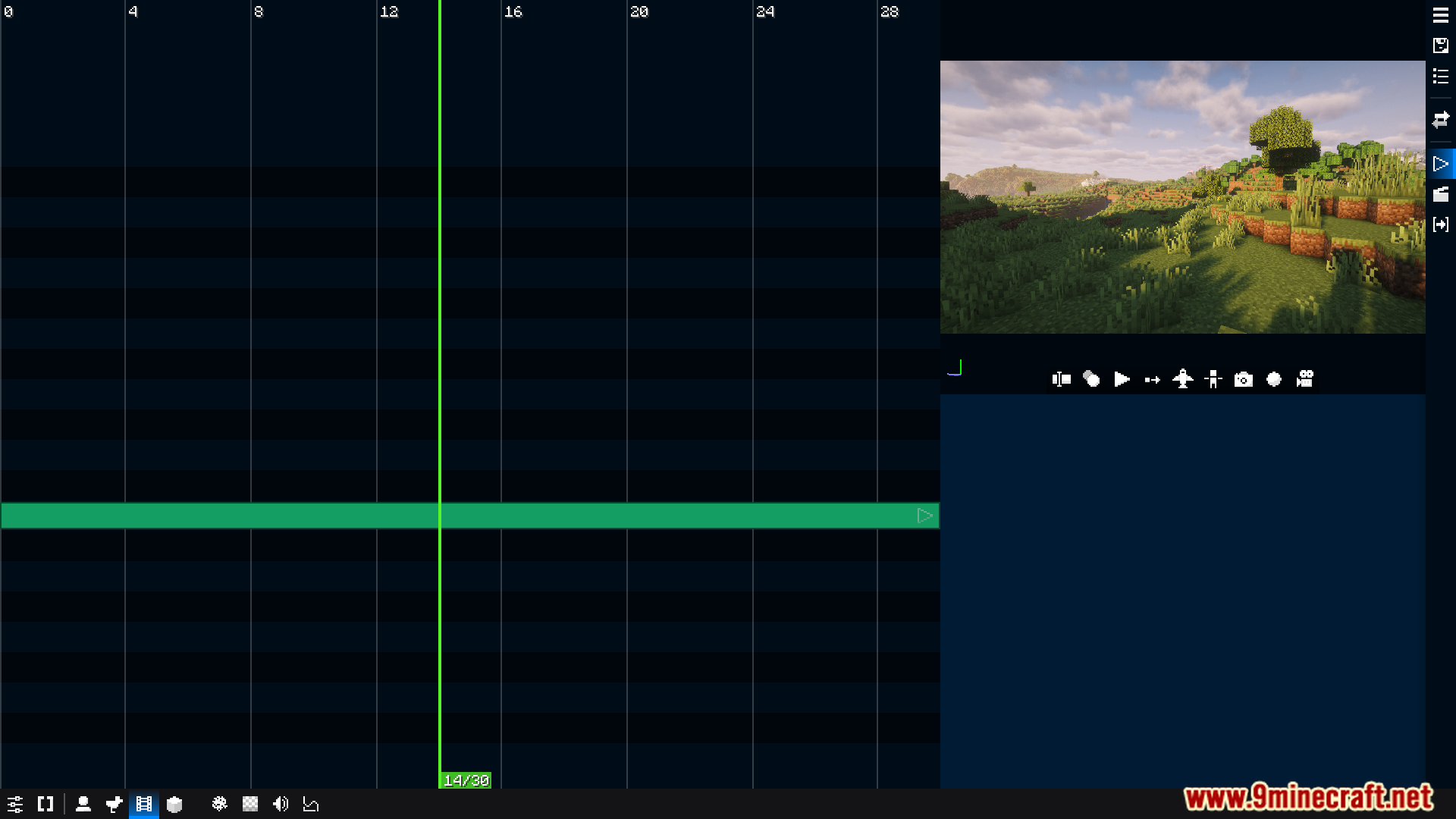
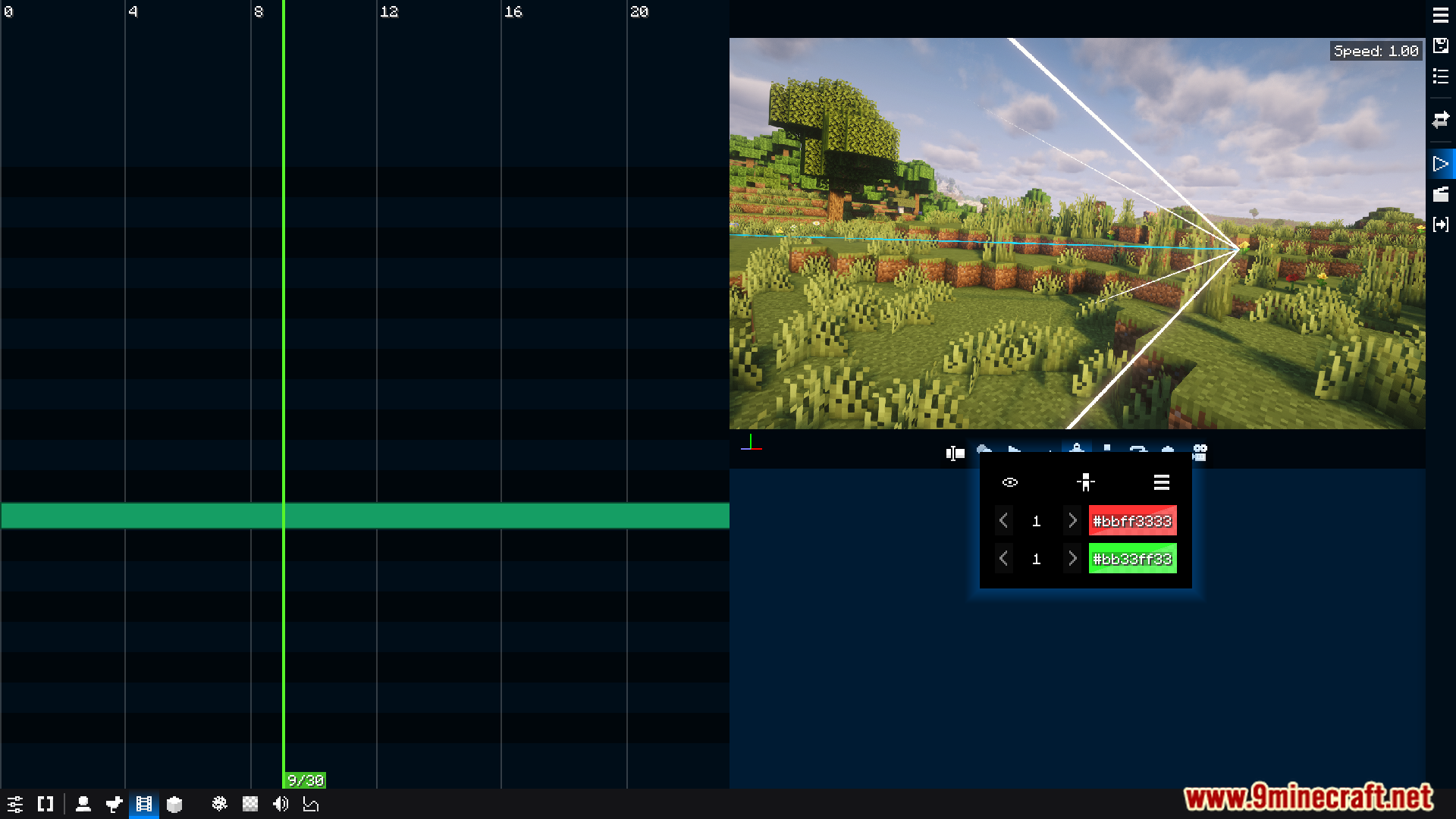
- Use a keyframe editor with a timeline to control every moment of your animation.
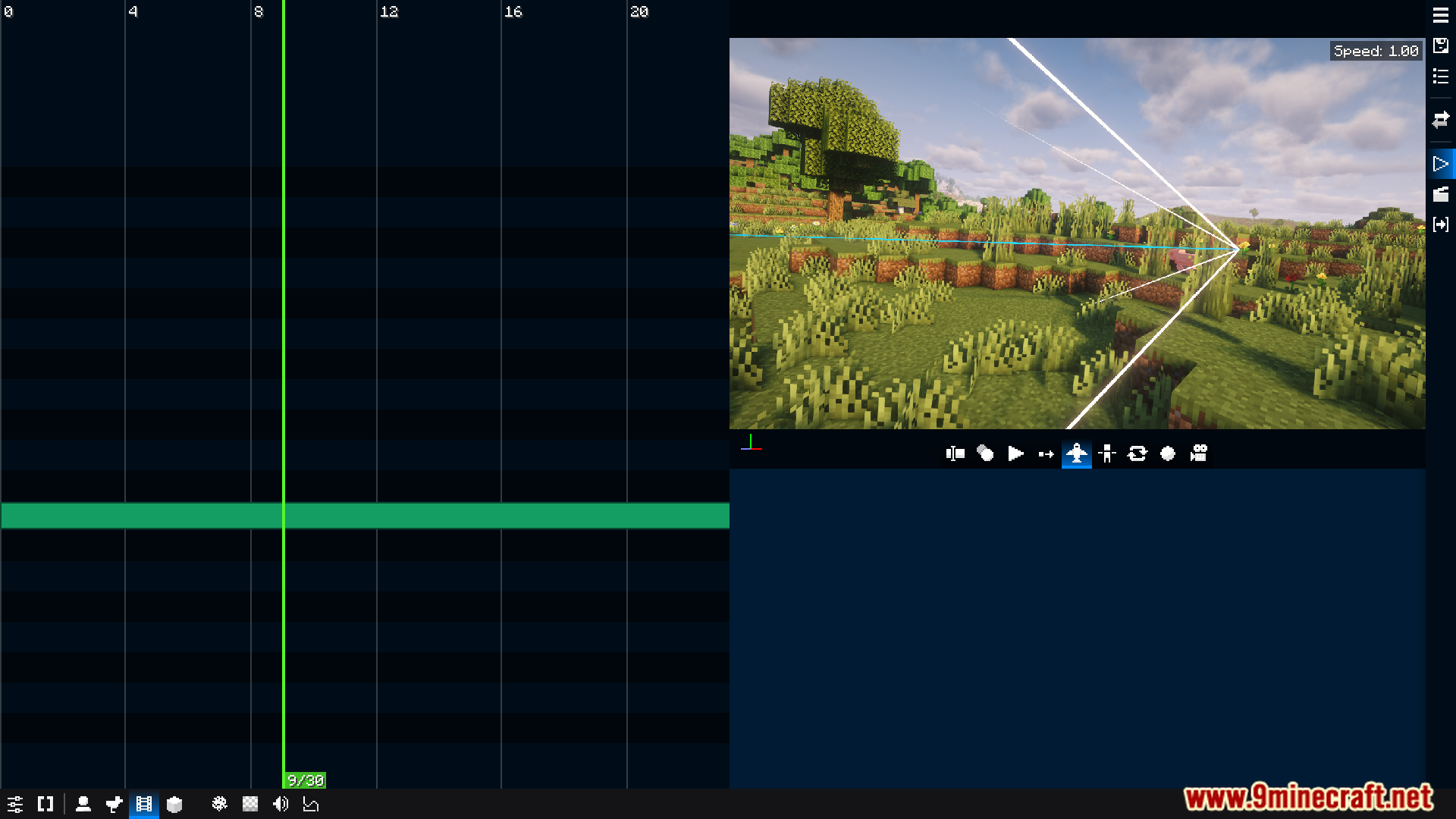
- Create custom camera movements to film your story from any angle, just like in a movie.
- Import your own models and animations directly from Blockbench.
- Adds special model blocks that let you place custom models anywhere in the world.
- Mix different parts like models, blocks, items, and particles to build custom actors and props.
- You can use some particle effects from Snowstorm to add more detail to your animations.
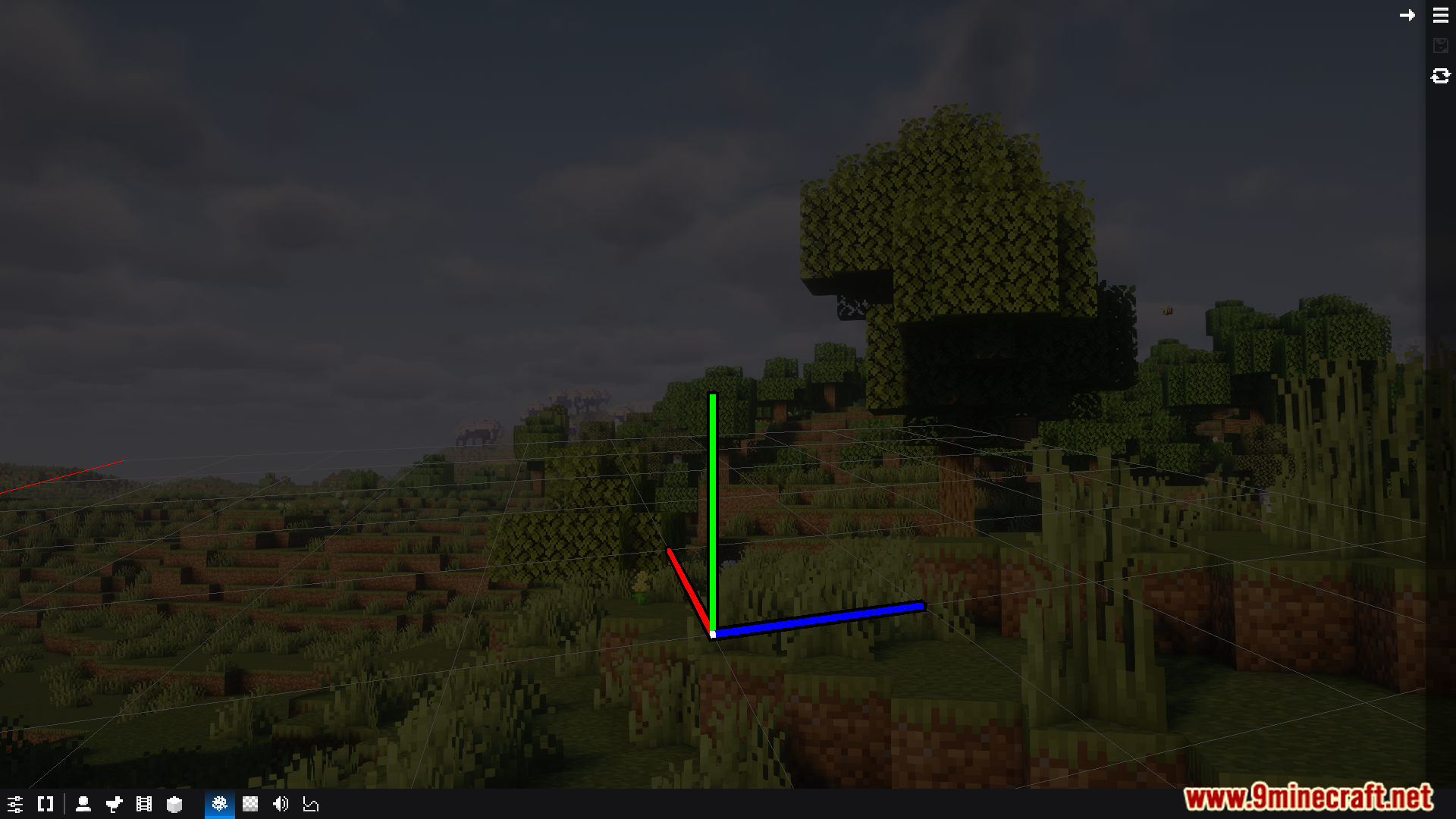
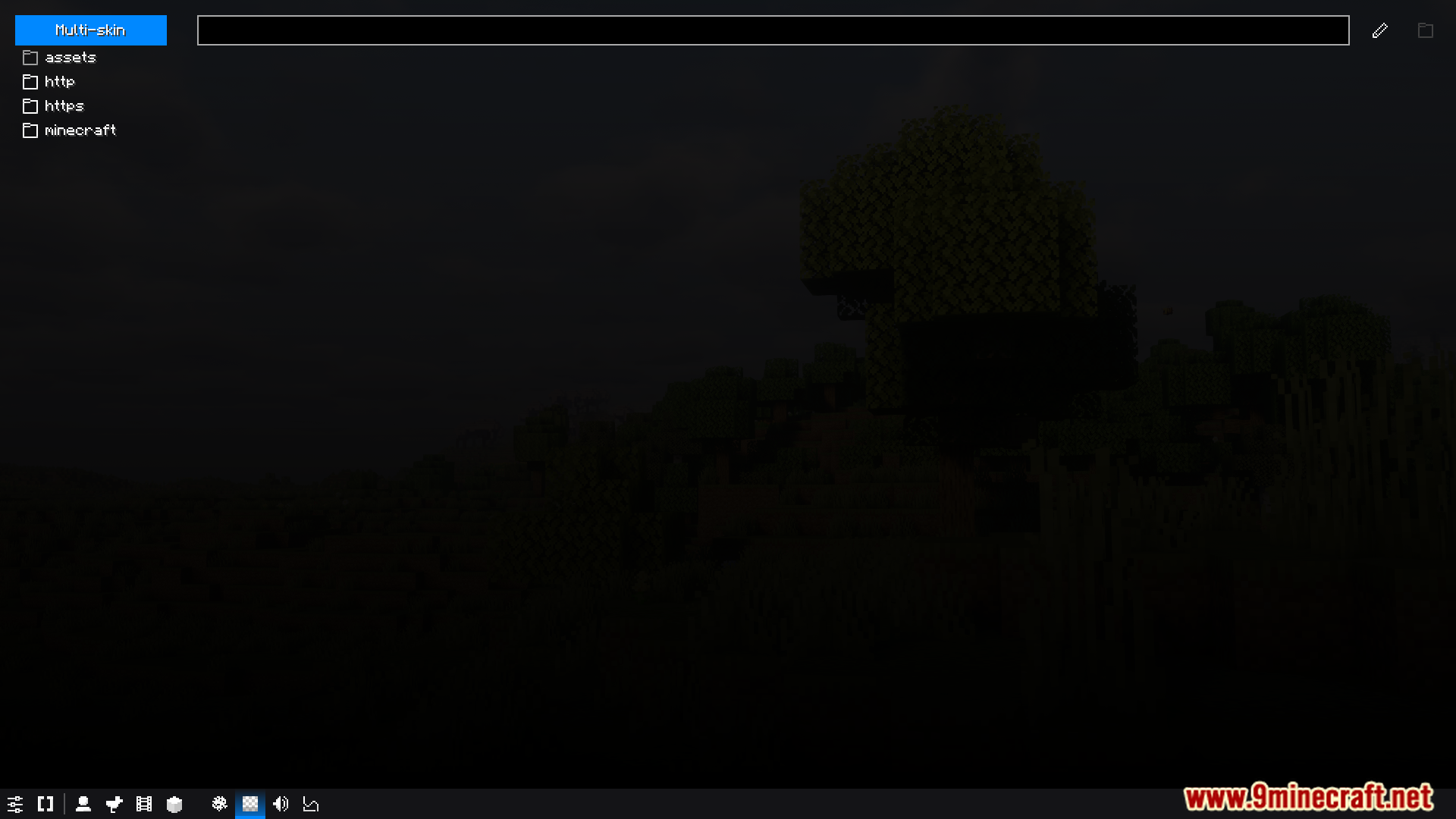
- The mod includes many UI improvements to make the whole process of creating animations easier.
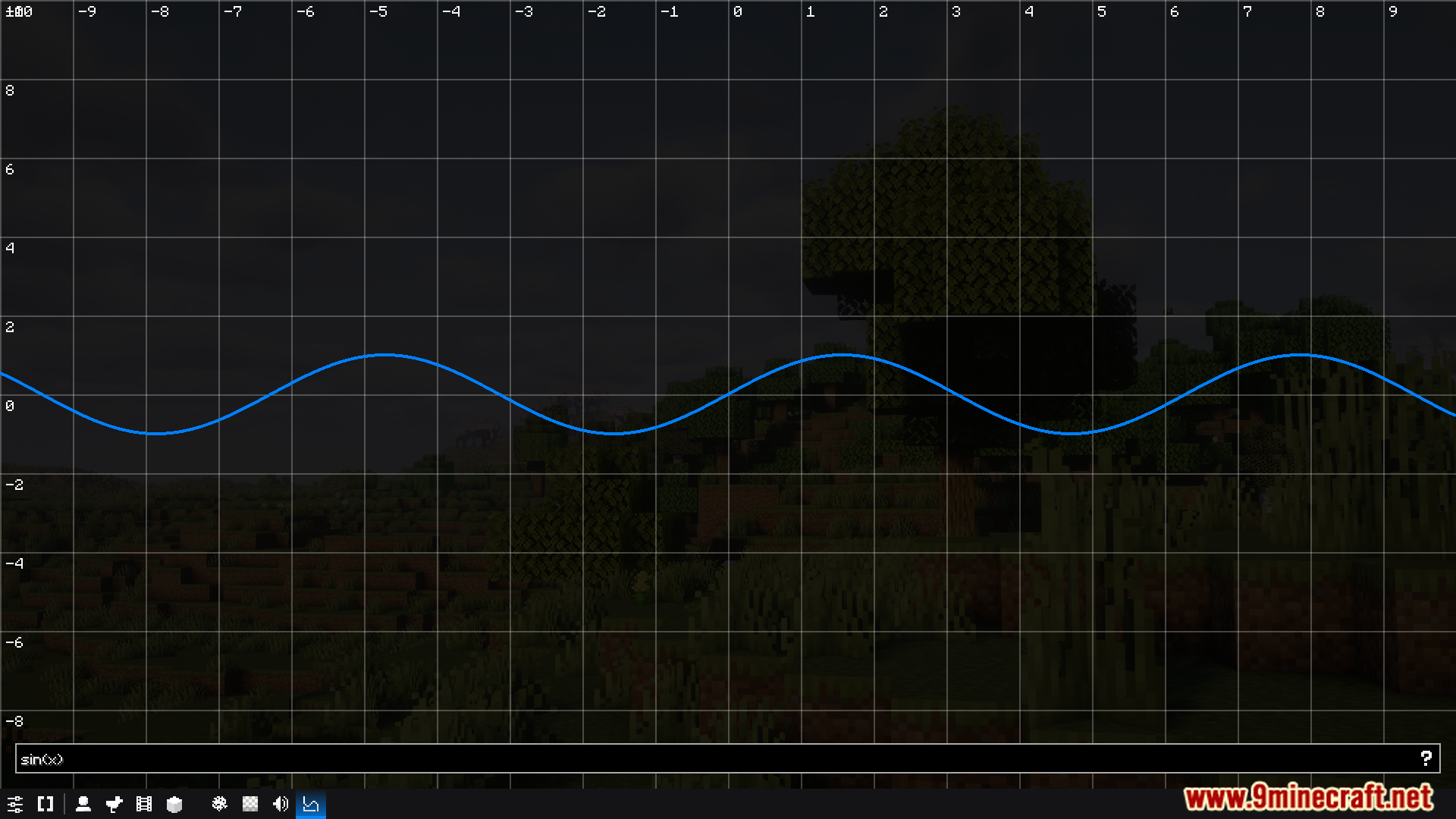
Screenshots:

How to Install:
New to Minecraft? Follow our step-by-step guide to install Mods on your PC.View Guide
Requirements:
BBS Mod Download Links
For Minecraft 1.20.4
Fabric version: Download from Server 1 – Download from Server 2
For Minecraft 1.20.1, 1.20
Forge/Fabric version: Download from Server 1 – Download from Server 2
Click to rate this post!
[Total: 7 Average: 4.4]
You May Also Like

This post has no comments yet. Be the first — your comment will appear here.