
Drippy Early Loading Module Mod (26.3, 1.21.1) – Personalize Minecraft
 143
 0


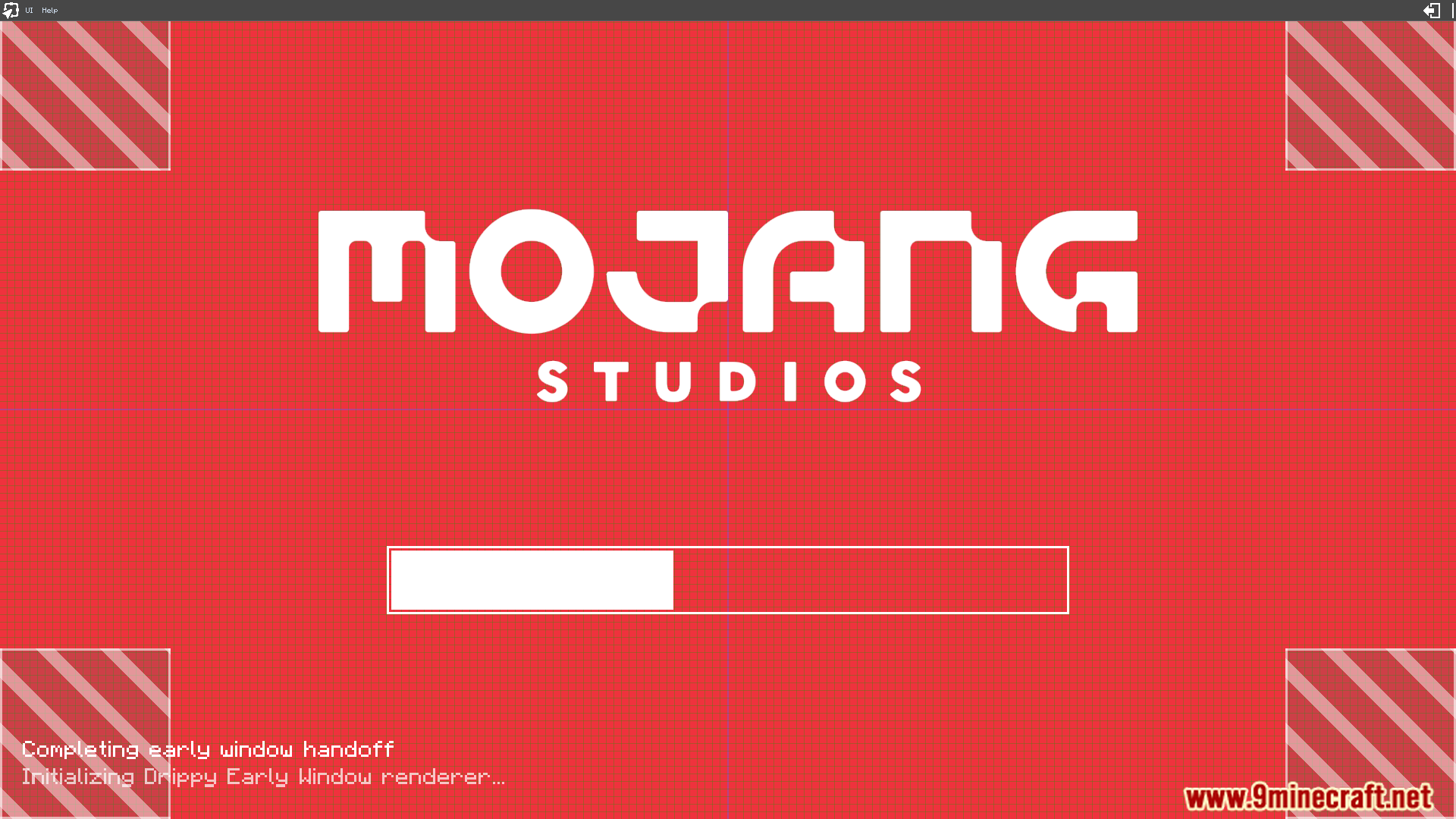
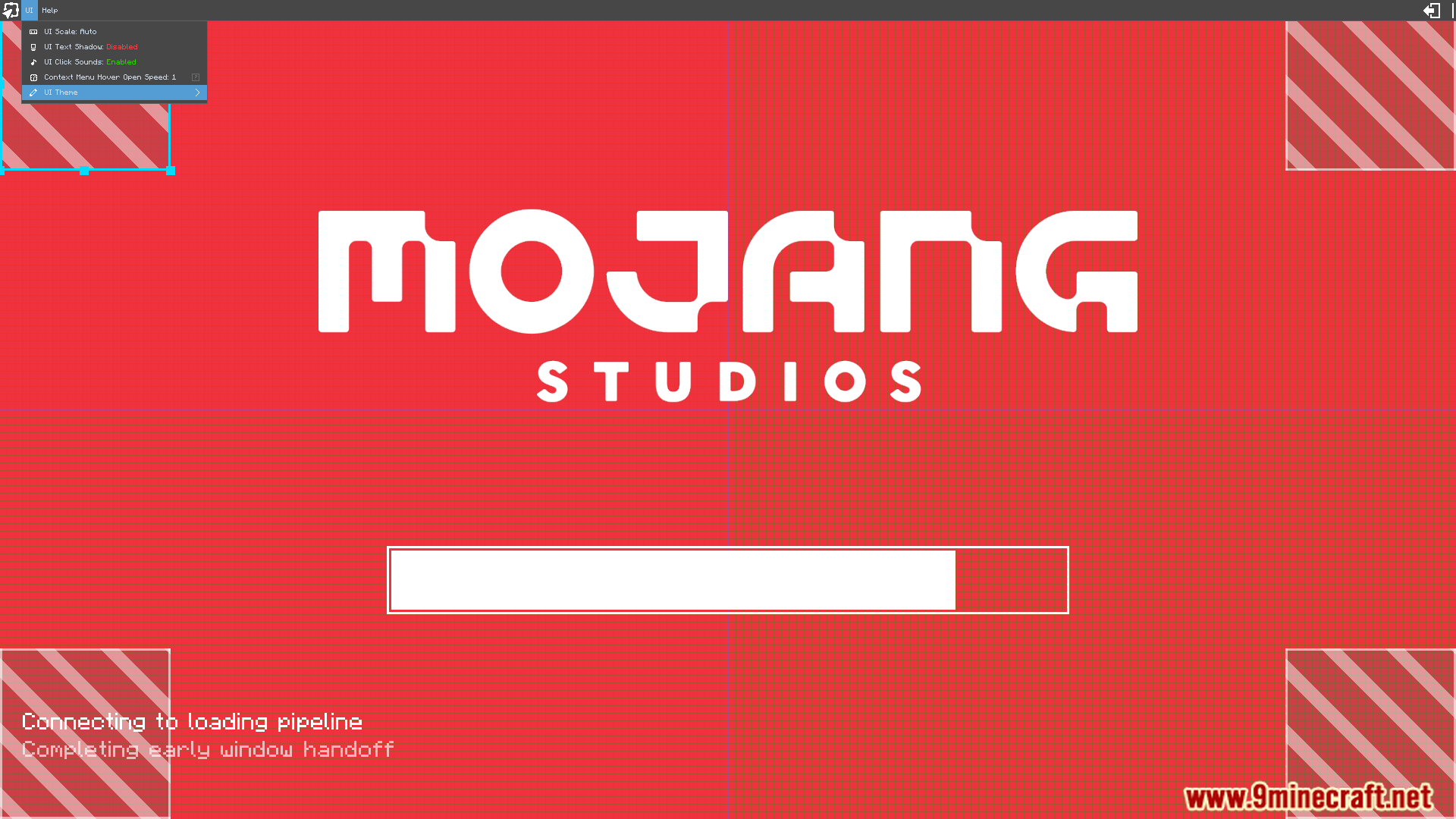
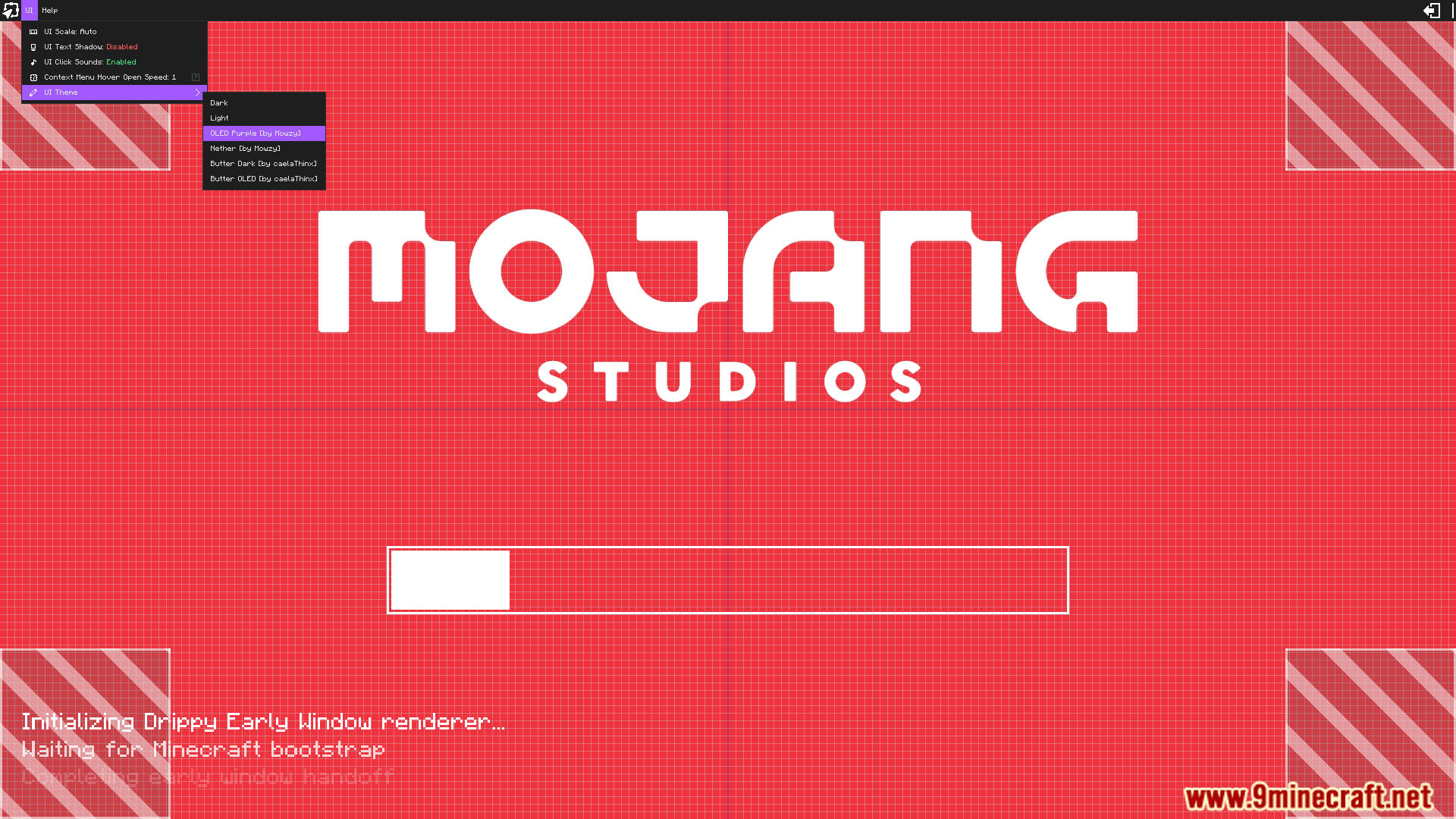
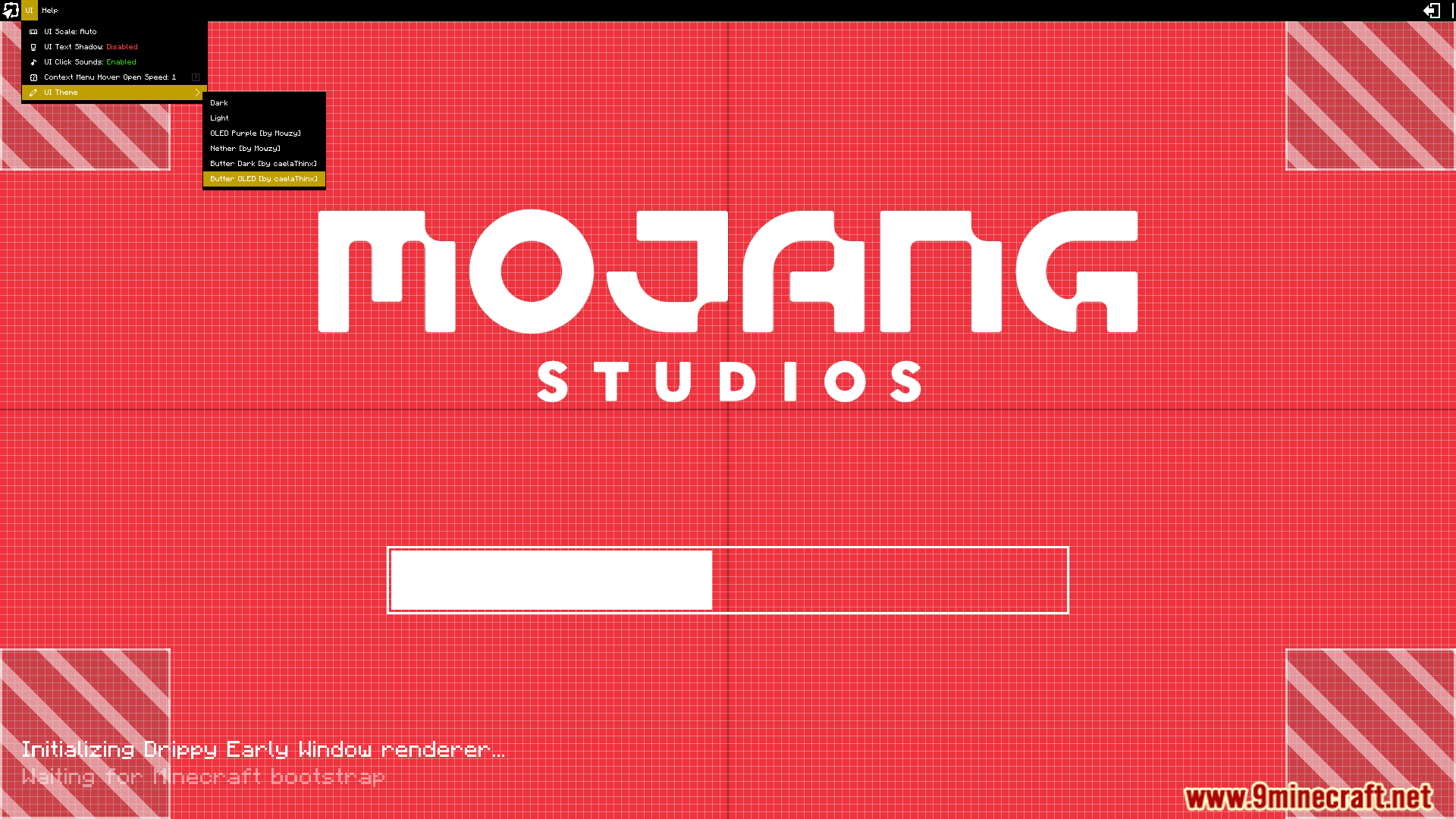
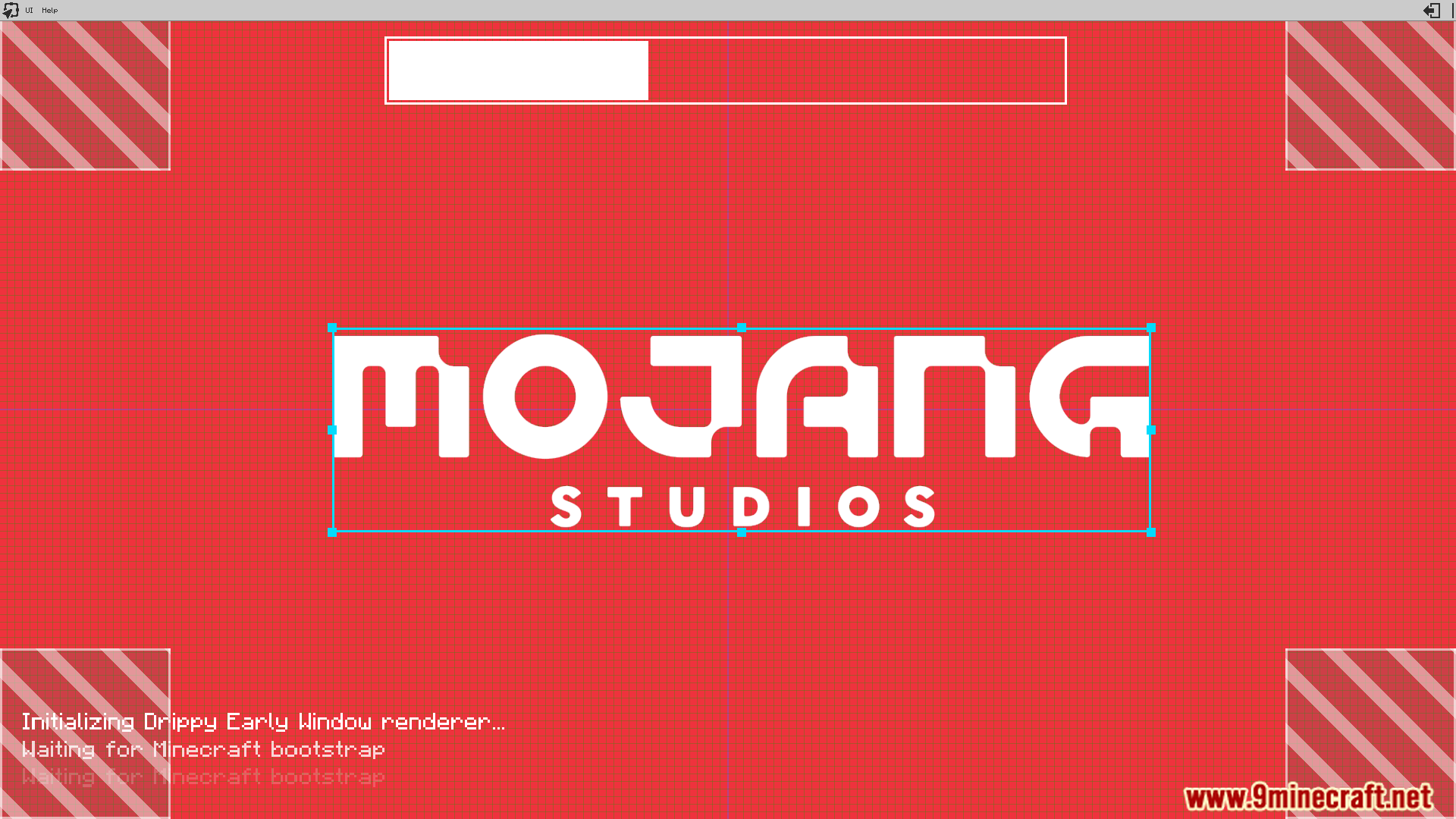
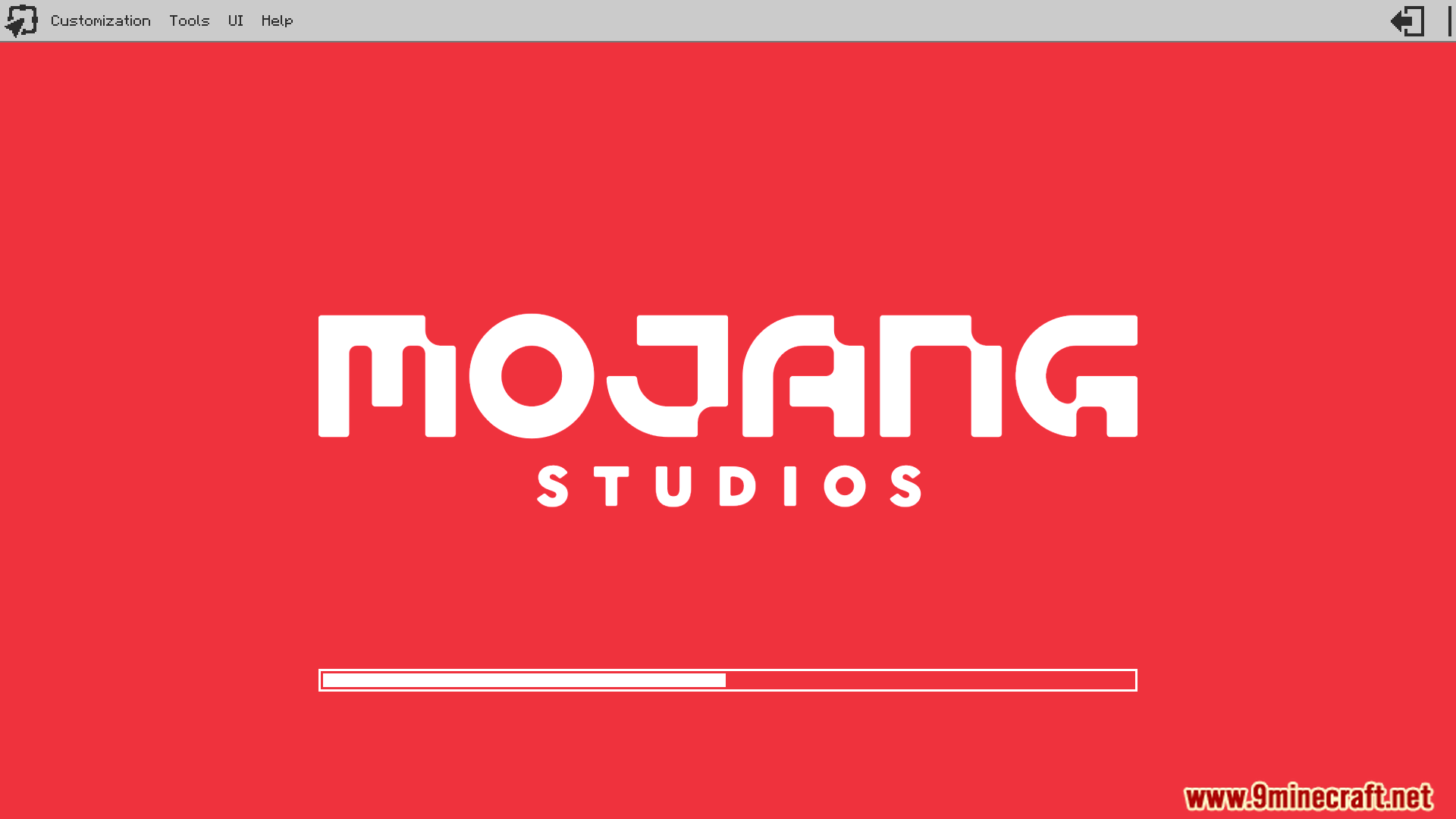
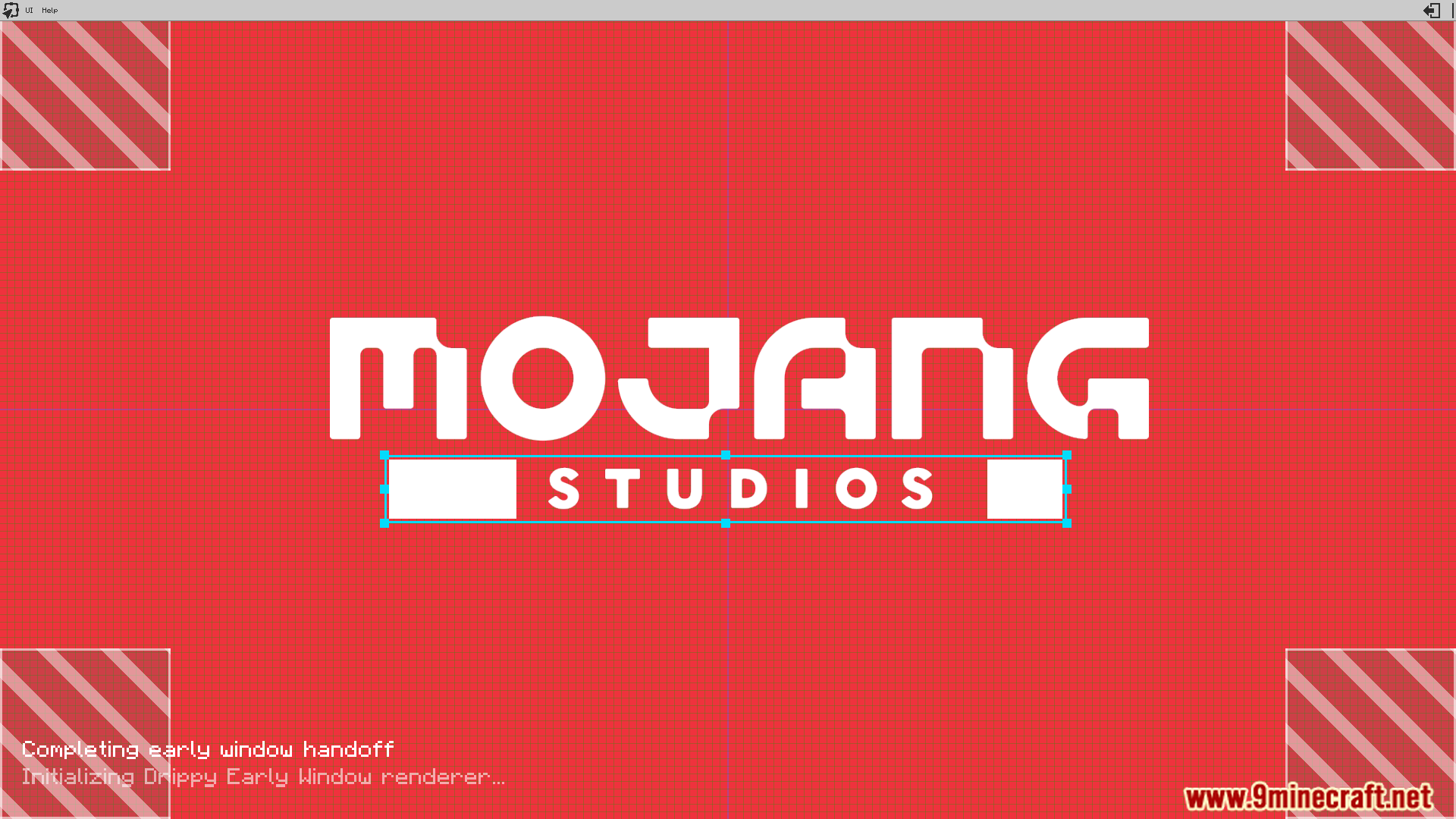
Drippy Early Loading Module Mod extends Drippy Loading Screen with support for NeoForge’s early loading screen. It lets you customize the simple screen that stays up before Minecraft’s main loading screen opens. Because this early stage uses basic rendering, the mod keeps its settings separate from the normal loading screen options.
Features:
- Adds support for NeoForge’s early loading screen, letting you customize the screen shown before Minecraft’s main loading screen opens.
- Keeps early loading screen settings separate from normal Drippy Loading Screen customizations because the early stage uses basic rendering.
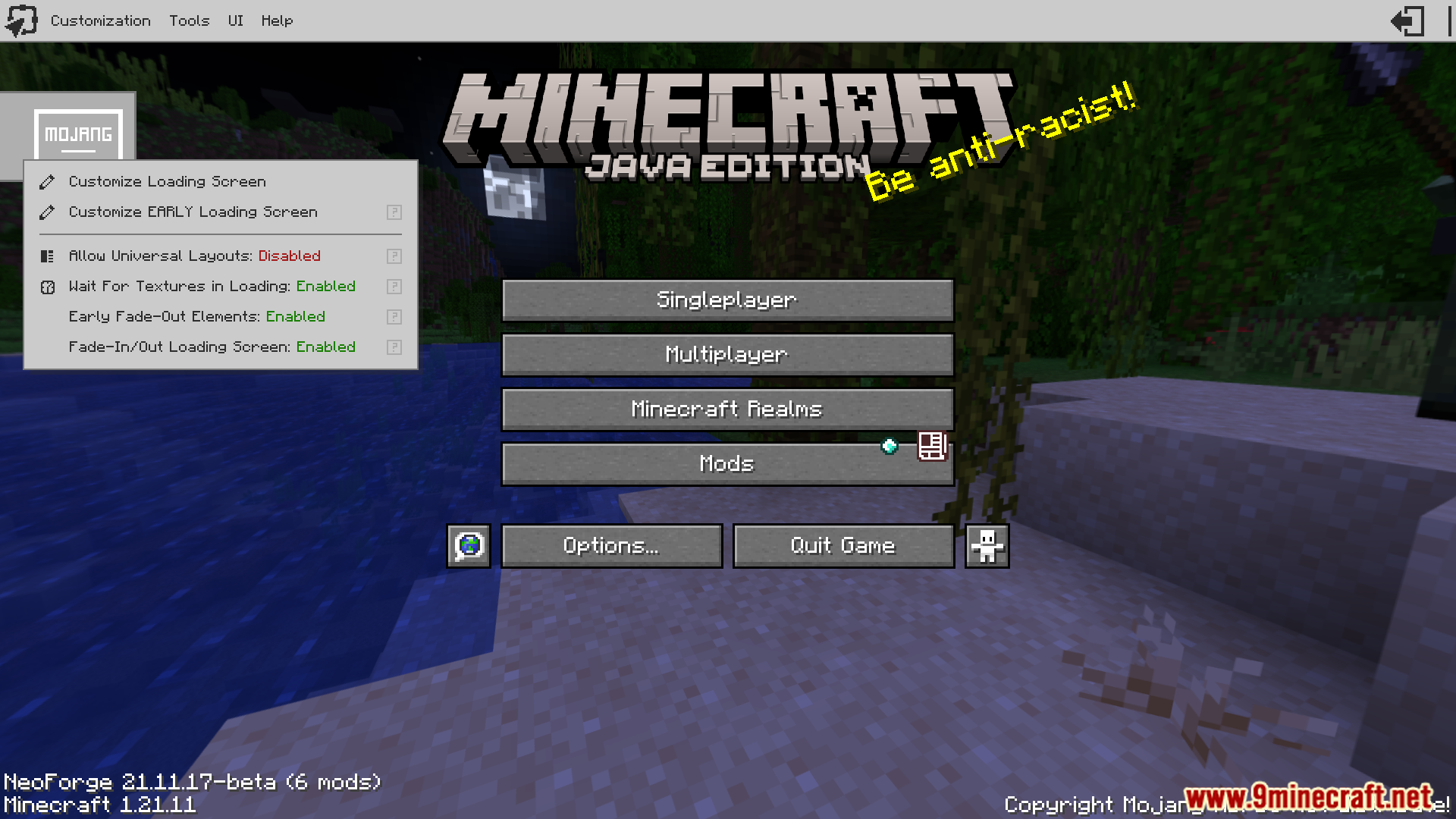
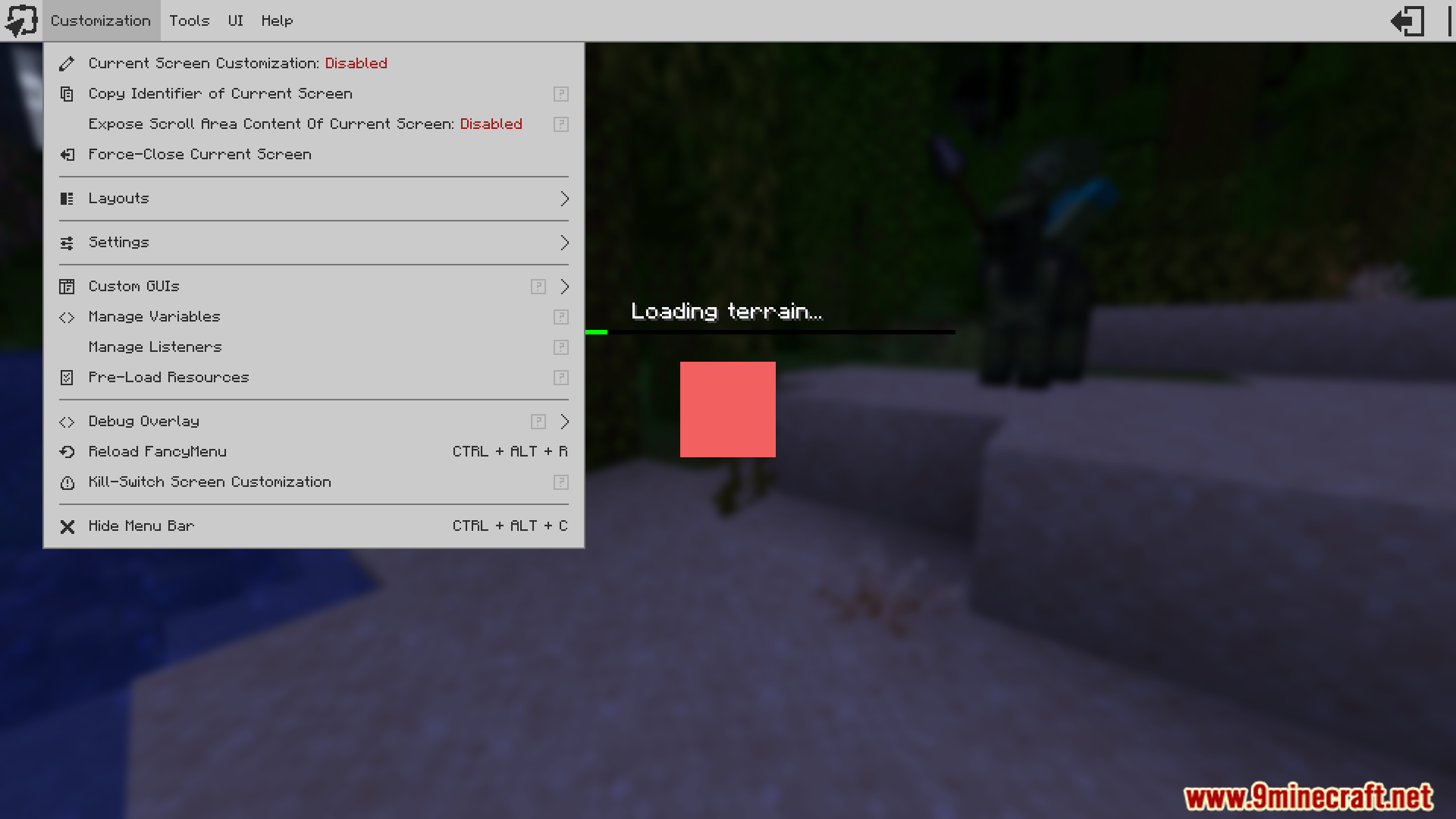
- Provides a dedicated editor option right inside the Drippy menu on the Title screen.
How to Use:
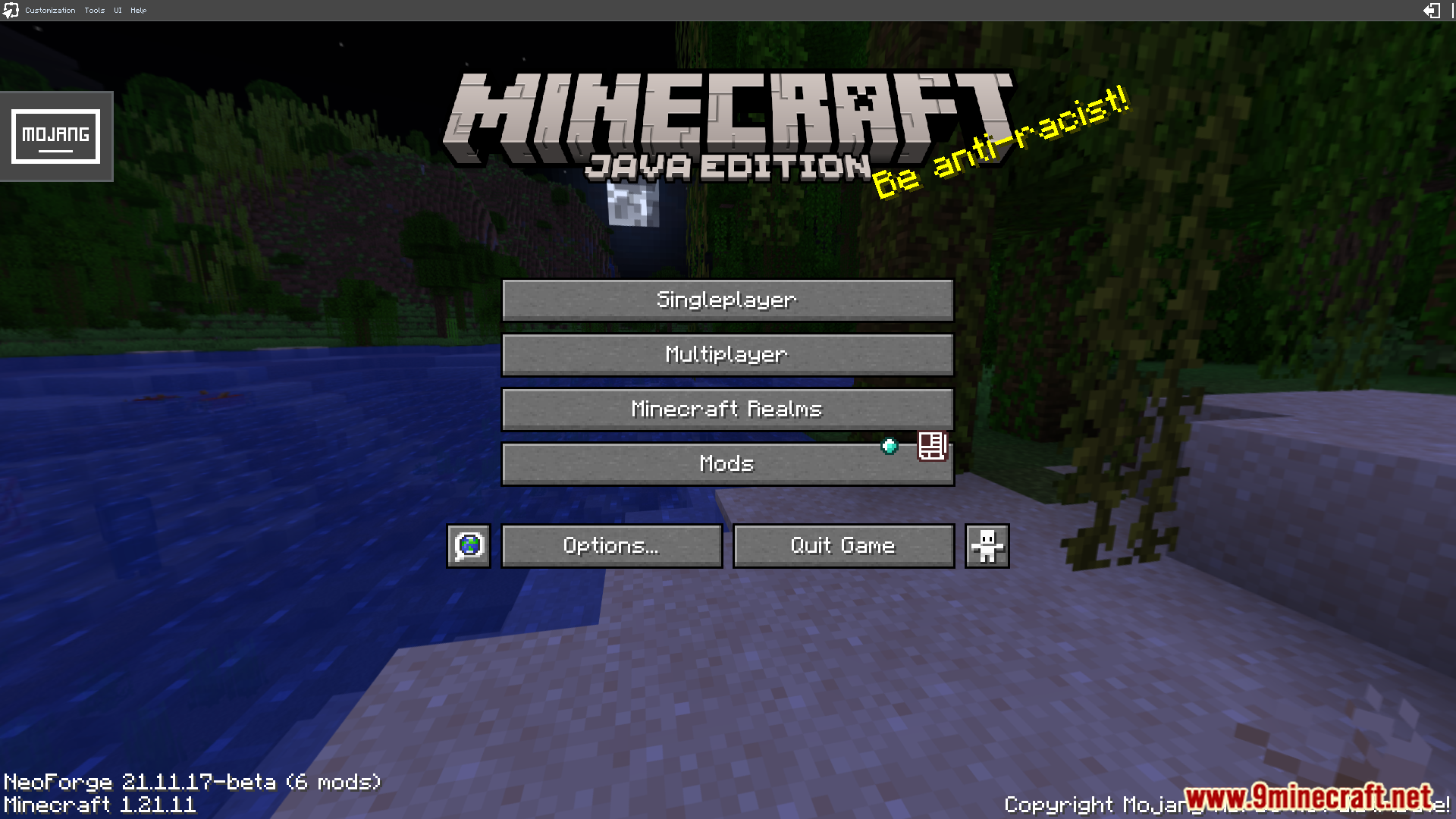
- Go to the Minecraft Title screen and find the big Drippy button with the loading screen icon.
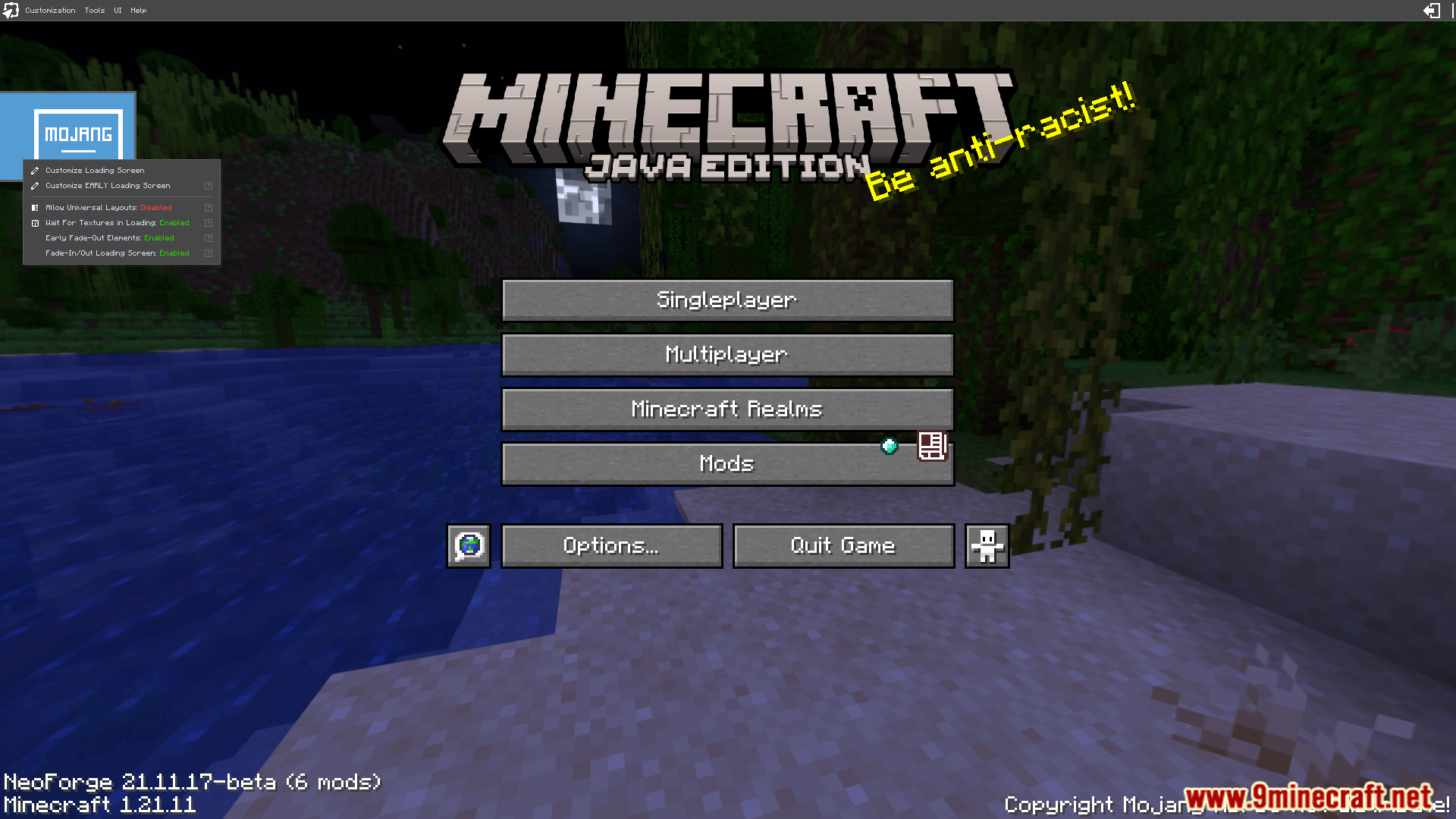
- Left-click the Drippy button to open the menu.
- Click Customize EARLY Loading Screen to open the editor and customize NeoForge’s early loading screen.
Screenshots:
How to Install:
New to Minecraft? Follow our step-by-step guide to install Mods on your PC.View Guide
Requirements:


Drippy Early Loading Module Mod Download Links
For Minecraft 26.3
For Minecraft 26.2
For Minecraft 26.1.2, 26.1.1, 26.1
For Minecraft 1.21.11
For Minecraft 1.21.10, 1.21.9
For Minecraft 1.21.1, 1.21
Click to rate this post!
[Total: 3 Average: 3.7]
QUICK MINECRAFT SURVEY · ONE TAP
Mods & Modpacks
Do you use mods that completely overhaul Minecraft's combat system (like Better Combat or Epic Fight)?
27 responses · See the full results →
You May Also Like
Picked for this page
 WTHIT Mod (26.2, 1.20.1) – What The Hell Is That?
 Everlasting Abilities Mod (26.3, 1.20.1) – Discover Abilities That Stick
 Iron Ender Chests Mod (26.1.2, 1.20.1) – Advanced Ender Chest
 DarkSmelting Mod (26.3, 1.20.1) – RPG Smelt Armor, Tools, Weapons
 Just Enough Characters Mod (26.3, 1.20.1) – Find Any Item Using Pinyin
 Fire Spread Tweaks Mod (26.3, 1.20.1) – Disables Default Fire Spread
 Simply No Shading Mod (26.2, 1.20.1) – Uniform Brightness Across All Blocks
 Rain Be Gone Ritual Mod (26.3, 1.20.1) – Rain-Stopping Ritual
 Raise Sound Limit Simplified Mod (26.3, 1.20.1) – Fix Audio Cutoffs In Minecraft
 Fragmentum Mod (26.1.2, 1.20.1) – Base Module For Obscuria Mods
 Actually Useful Stonecutter Mod (26.1.2, 1.20.1) – Practical Stonecutter Expansion
 Fast Server Pings Mod (26.3, 1.20.1) – Load Your Entire Multiplayer Server
Most viewed in Mods over the last 7 days
 Ala Industrial Mod (26.3) – Run Electric Power Grids and Automated Factories
 PleasureCraft Mod (26.3, 1.21.1) – Jenny Mod Remake for Fabric
 Jennycraft Mod (26.3, 1.20.1) – Virtual Girlfriend in Minecraft
 Fapcraft Mod (26.3, 1.12.2) – Comprehensive and Detailed Content
 Jenny Mod (Fapcraft) Official Complete Guide – How to use, Tutorial
 BangCraft Mod (1.20.1) – Jenny, Ellie and Elliot
 Fabric Loader (26.3, 1.20.1) – Fabric Installer for All Minecraft Versions
 The Shooting Star Demo Mod (26.3, 1.20.1) – Vaporize Terrain From Orbit
 Meteor Client Mod (26.3, 1.20.1) – Xray, HUD, Fly
 OptiFine HD (26.3, 1.20.1) – Run Faster, FPS Boost, Shaders Support
 Aristois Client Mod (1.21.4, 1.20.1) – World Class Minecraft Utility
 Prestige Client Mod (1.21.11, 1.21.4) – Powerful Ghost Features for Crystal & Sword PvP
More from Mods
 Kaleidoscope Cookery Refabricated Mod (26.3, 1.20.1) – Cook Hearty Meals
 Minecraft MusicBox Mod (1.21.12) – Play Your Favorite Songs While Mining and Building
 MTR Navigation Mod (1.21.1) – Plan Railway Trips and Never Miss a Train Stop
 TheHouse Mod (1.21.11) – Host Casino Tables and Track Every Bet in Real Time
 CinematicInteractions Mod (1.21.1) – Watch Your Hands Work at Every Crafting Table
 Earth Platform Mod (1.21.1) – Travel Across Real Continents in a True Scale World
 Taunahi Mod (26.1.2) – Automate Daily Farming and Slayers in Hypixel Skyblock
 HORROR Fake Join Leave Messages Mod (1.20.1) – Trigger Creepy Chat Scares
 Bons Voyage Mod (1.20.1) – Teleport Across Biomes Through Hidden Waystones
 Orbital Railgun UPDATED Mod (26.3) – Flatten Giant Landscapes From Space
 Automobility Autoradio Mod (26.3, 26.1.2) – Trade Custom Mixtapes with Friends
 Towers of the Wild 9minecraft Mod (26.3, 26.2) – Climb Tall Towers for Loot

This post has no comments yet. Be the first — your comment will appear here.