


Neko UI Mod (1.21.11, 1.20.1) – Say Goodbye to Boring Game Menus

 0
0 

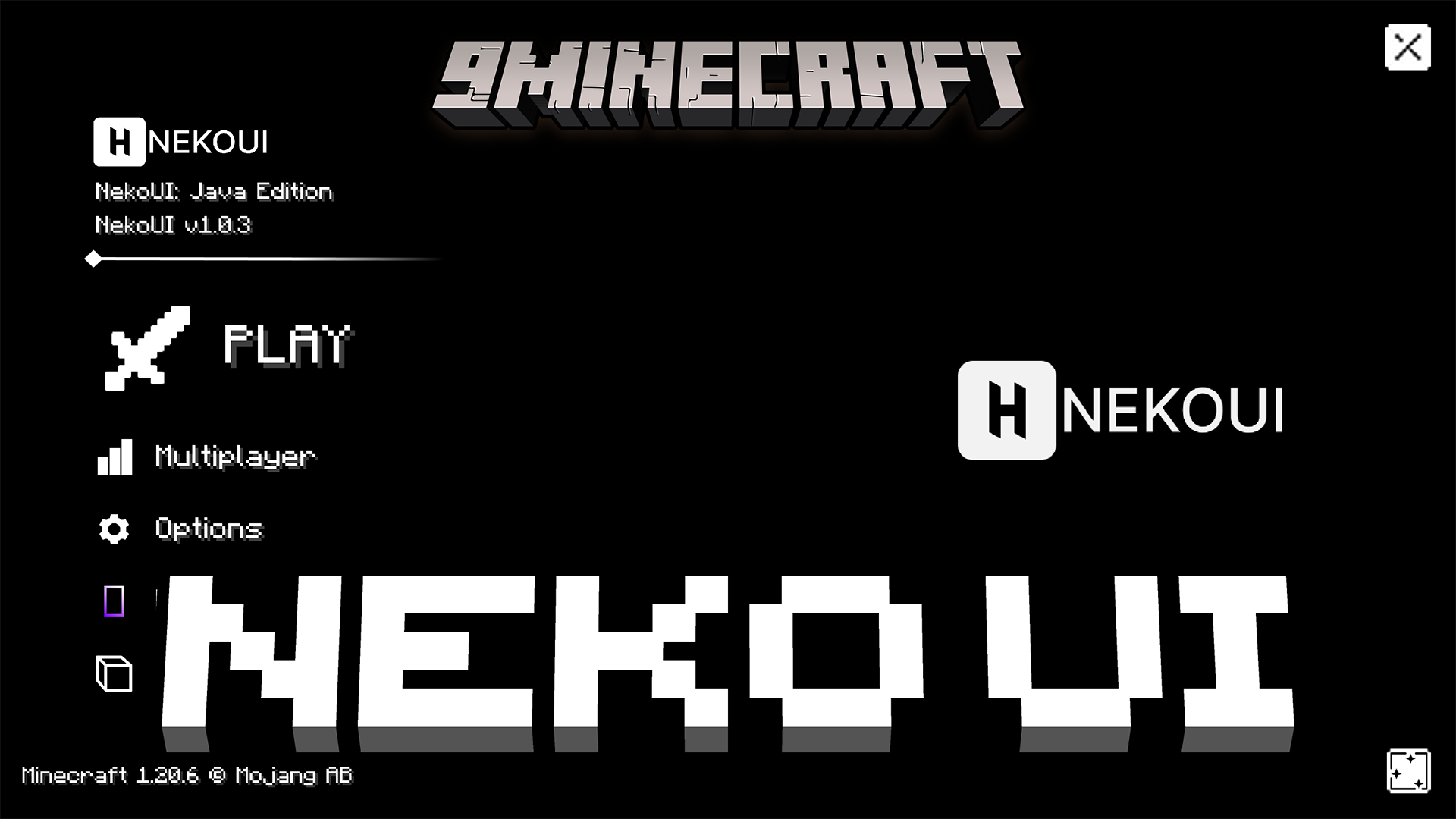
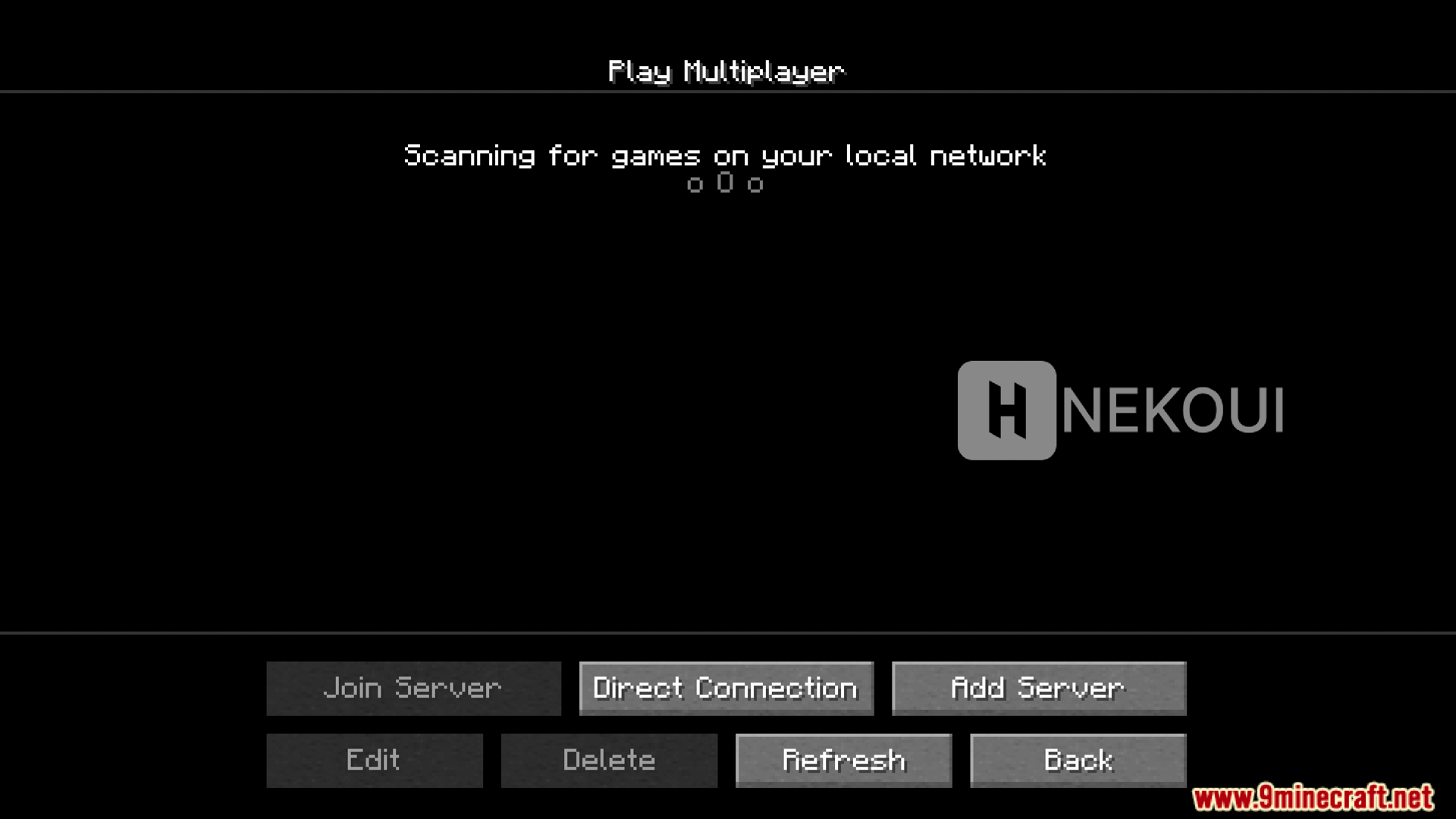
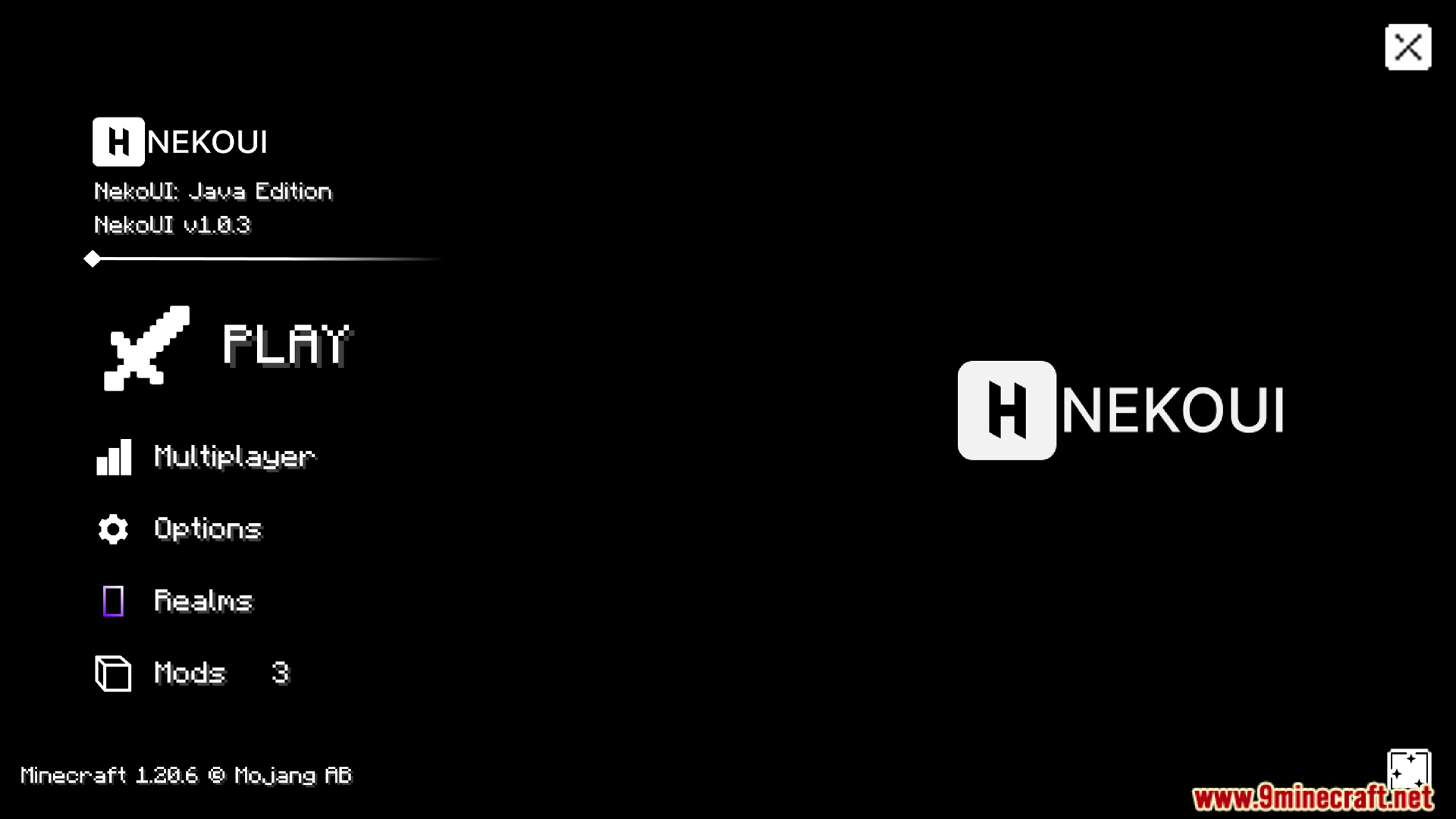
Neko UI Mod redesigns the menus and screens in Minecraft to give the game a fresh new look. It changes everything from the main menu and loading screens to your survival and creative inventories. You can set up custom backgrounds to match your style. This mod also works great with custom font packs to make reading text much easier.
Features:
- Total Interface Change: The Neko UI Mod gives the whole game screen a fresh new look.
- Custom Backgrounds: You can change the pictures behind your menus to make the game match your style.
- It supports moving backgrounds if you turn on the right resource pack in your settings.
- Works best when you add custom font mods to make the text easier to read.
Redesigned Menus:
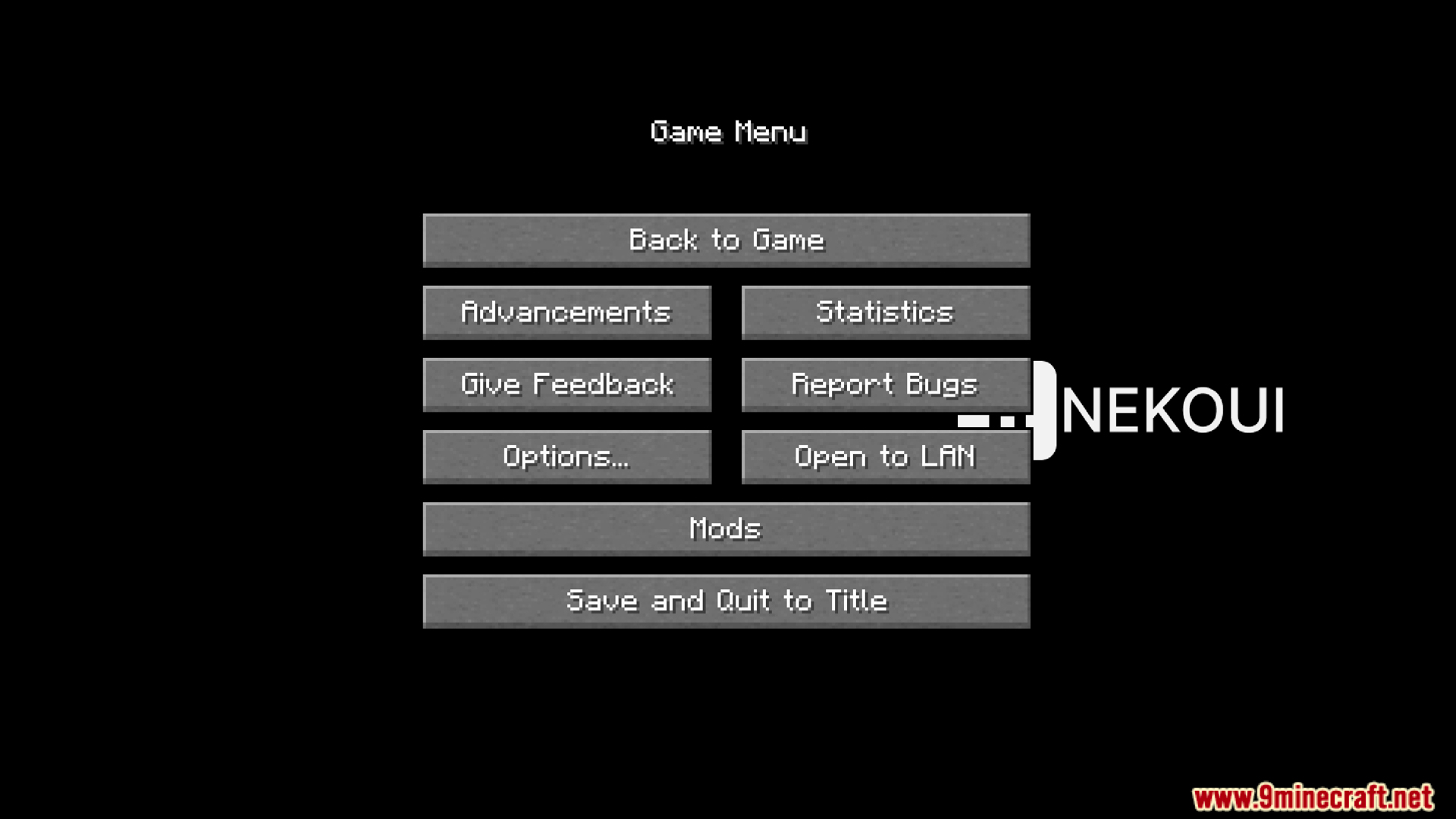
- Changes the main menu and the pause screen with a new layout and updated buttons.
- Updates the multiplayer screen so it looks different when you search for local network games.
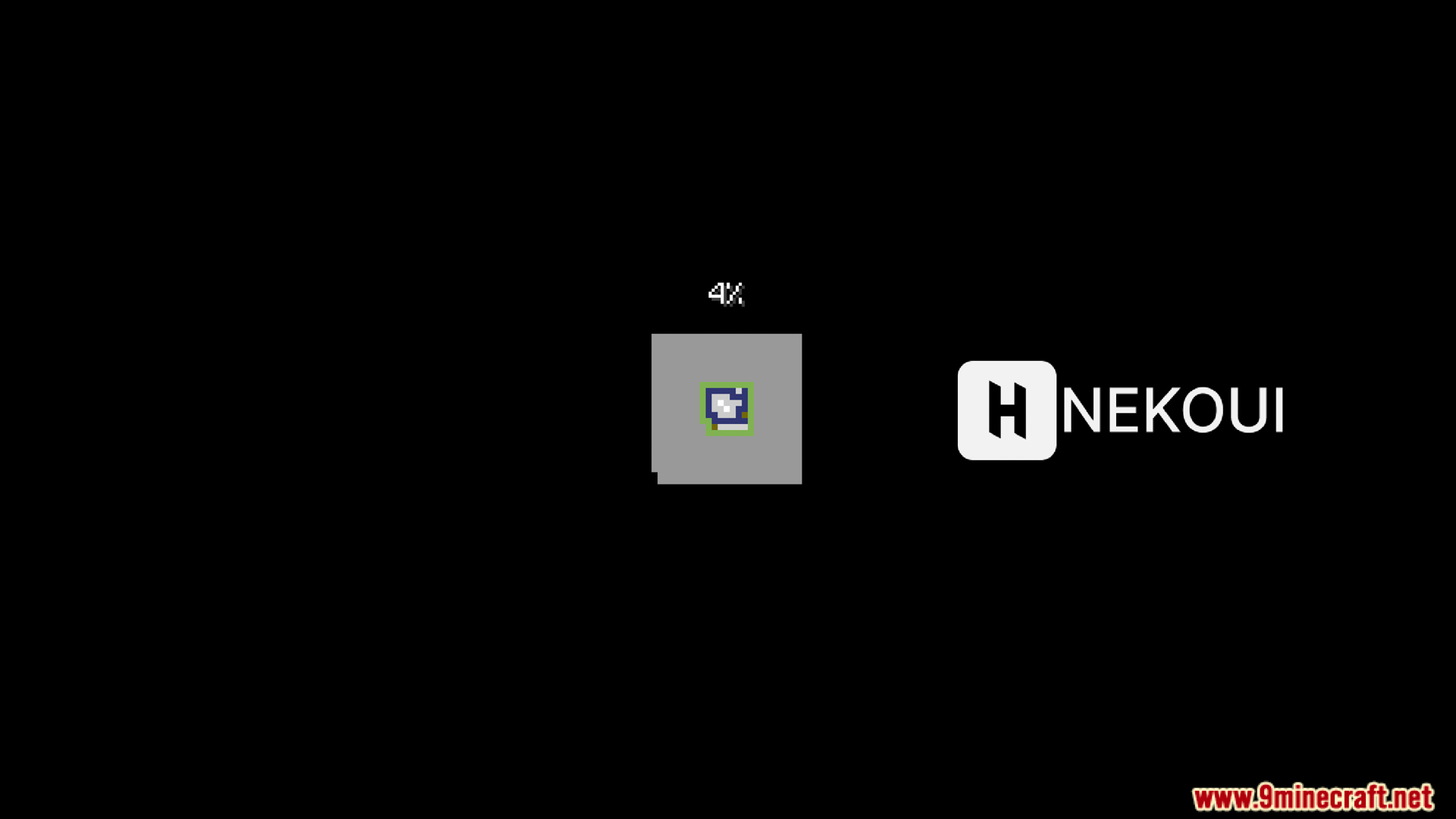
- Brings a custom loading screen when you start up the game.
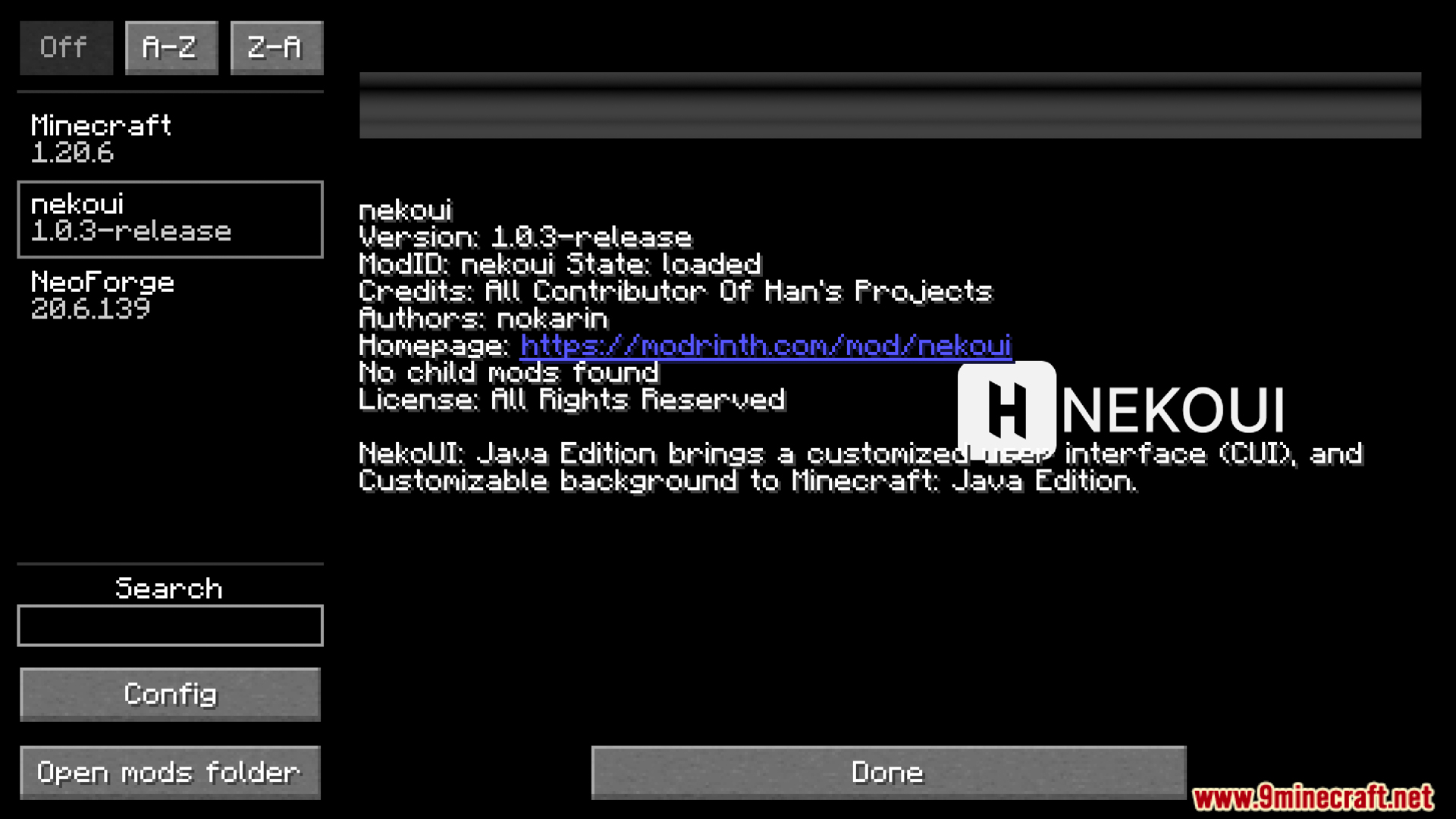
- Shows a new layout for your active add-ons in the mods menu.
Inventory Updates:
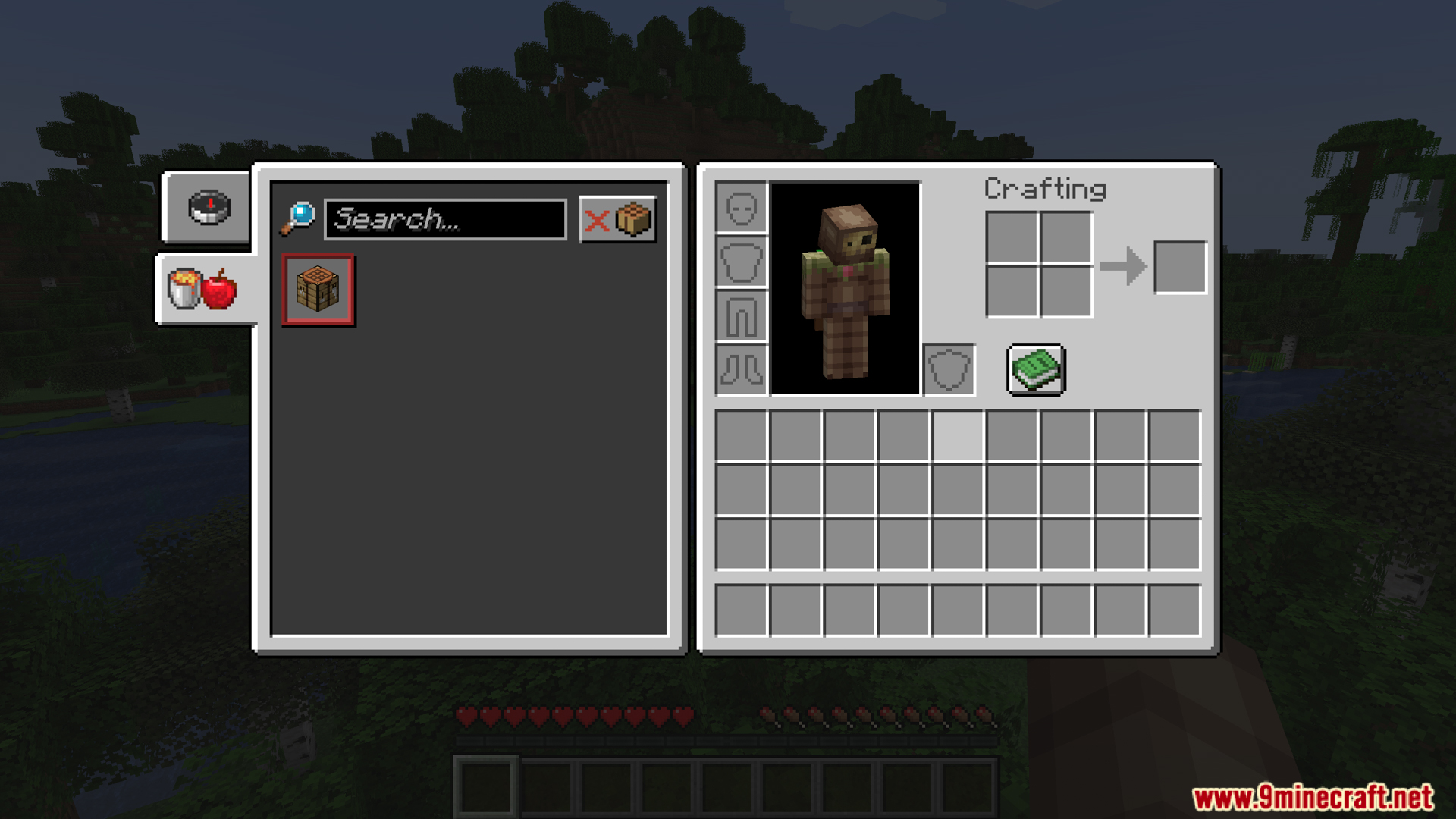
- Gives the survival inventory a custom design with newly shaped tabs.
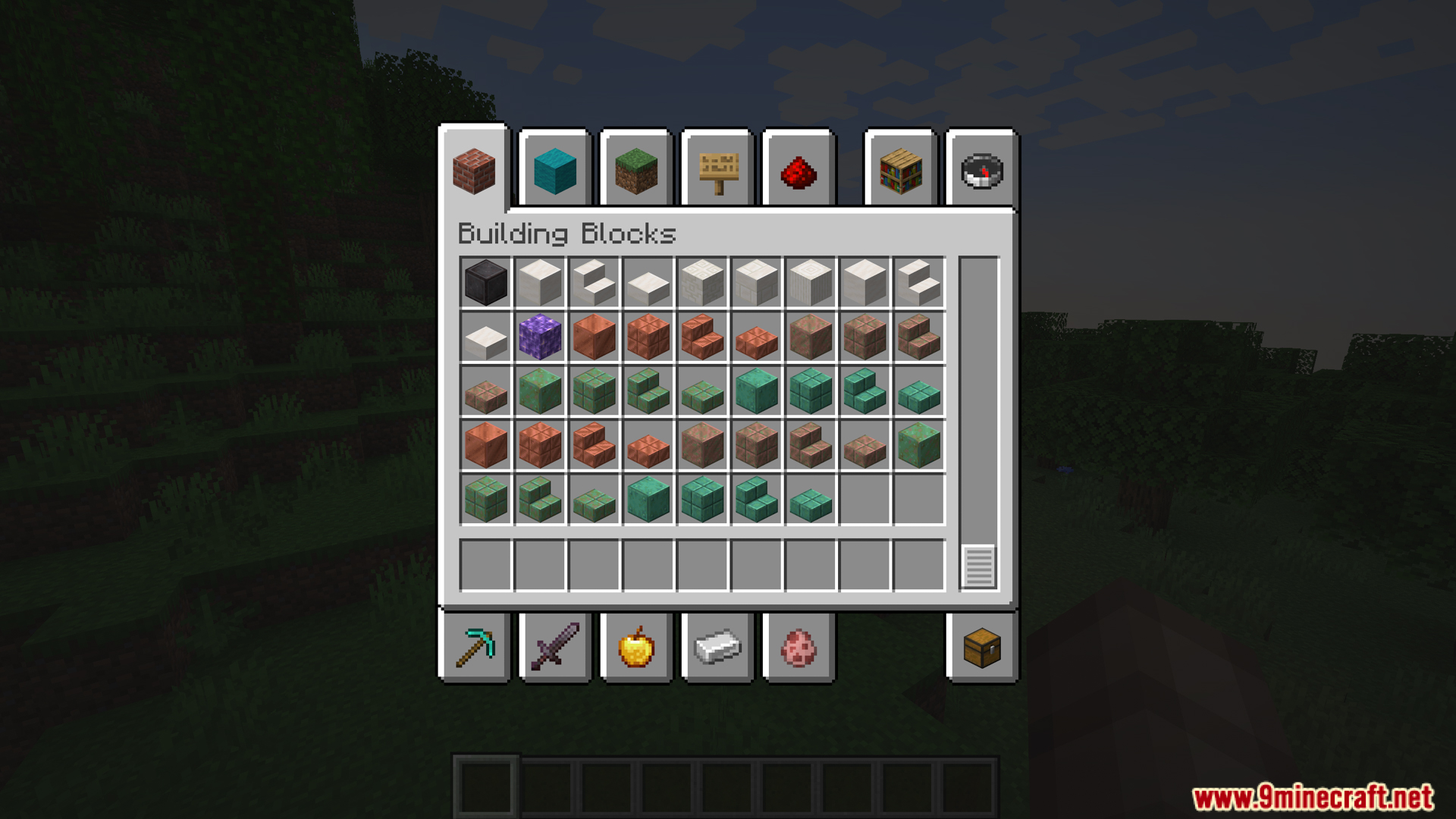
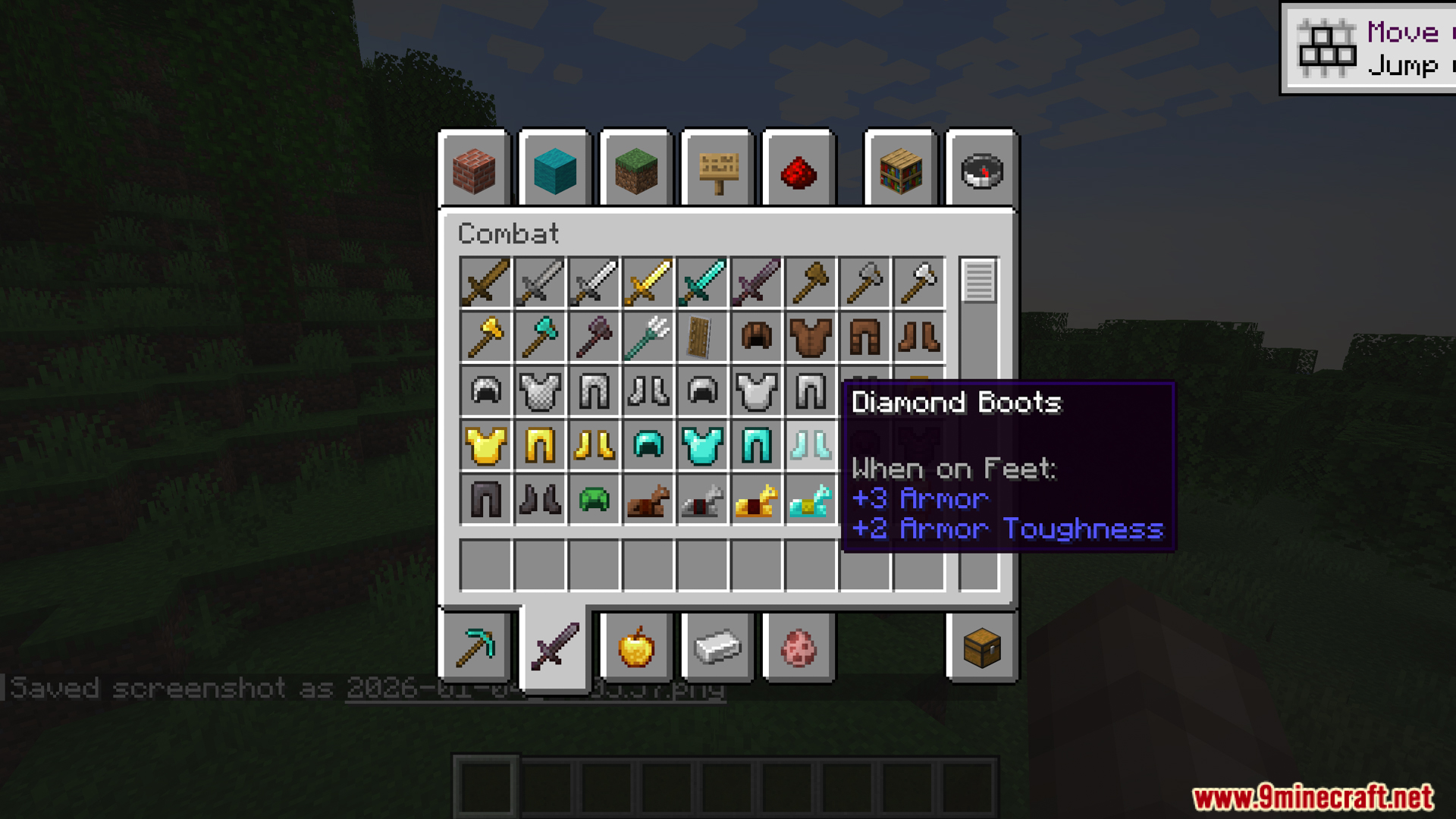
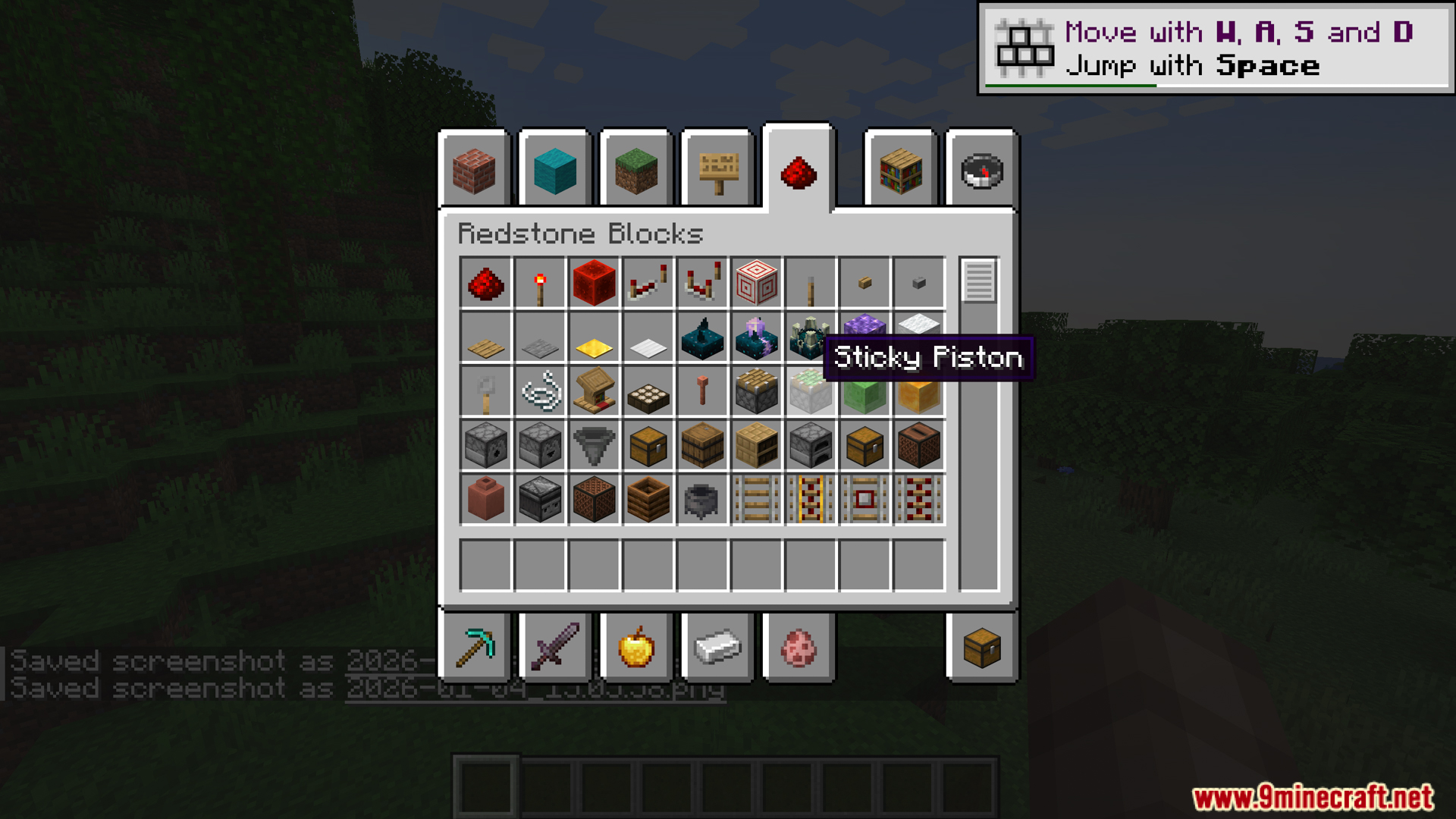
- Neko UI Mod modifies the creative mode inventory to make sorting building blocks, combat gear, and redstone items look cleaner.
Screenshots:
How to Install:
New to Minecraft? Follow our step-by-step guide to install Mods on your PC.View Guide
Neko UI Mod Download Links
For Minecraft 1.20.1, 1.20
Forge version: Download from Server 1 – Download from Server 2
Fabric/Quilt version: Download from Server 1 – Download from Server 2
For Minecraft 1.20.2
Forge version: Download from Server 1 – Download from Server 2
Fabric/Quilt version: Download from Server 1 – Download from Server 2
NeoForge version: Download from Server 1 – Download from Server 2
For Minecraft 1.20.4
Forge version: Download from Server 1 – Download from Server 2
Fabric/Quilt version: Download from Server 1 – Download from Server 2
NeoForge version: Download from Server 1 – Download from Server 2
For Minecraft 1.20.6
Forge version: Download from Server 1 – Download from Server 2
Fabric/Quilt version: Download from Server 1 – Download from Server 2
NeoForge version: Download from Server 1 – Download from Server 2
For Minecraft 1.21.1, 1.21
Forge version: Download from Server 1 – Download from Server 2
Fabric/Quilt version: Download from Server 1 – Download from Server 2
NeoForge version: Download from Server 1 – Download from Server 2
For Minecraft 1.21.3, 1.21.2
Forge version: Download from Server 1 – Download from Server 2
Fabric/Quilt version: Download from Server 1 – Download from Server 2
NeoForge version: Download from Server 1 – Download from Server 2
For Minecraft 1.21.4
Forge version: Download from Server 1 – Download from Server 2
Fabric/Quilt version: Download from Server 1 – Download from Server 2
NeoForge version: Download from Server 1 – Download from Server 2
For Minecraft 1.21.5
Forge version: Download from Server 1 – Download from Server 2
Fabric/Quilt version: Download from Server 1 – Download from Server 2
NeoForge version: Download from Server 1 – Download from Server 2
For Minecraft 1.21.8, 1.21.7, 1.21.6
Forge version: Download from Server 1 – Download from Server 2
Fabric/Quilt version: Download from Server 1 – Download from Server 2
NeoForge version: Download from Server 1 – Download from Server 2
For Minecraft 1.21.10
Forge version: Download from Server 1 – Download from Server 2
Fabric/Quilt version: Download from Server 1 – Download from Server 2
NeoForge version: Download from Server 1 – Download from Server 2
For Minecraft 1.21.11
Forge version: Download from Server 1 – Download from Server 2
Fabric/Quilt version: Download from Server 1 – Download from Server 2
NeoForge version: Download from Server 1 – Download from Server 2
You May Also Like

This post has no comments yet. Be the first — your comment will appear here.