


DarkTitleBar Mod (1.21.5, 1.20.1) – Play Windowed Without a Bright Title Bar
 271
271
 0
0


🌐 Read this article in your language! Choose your preferred language below.
Or pick the one you like:
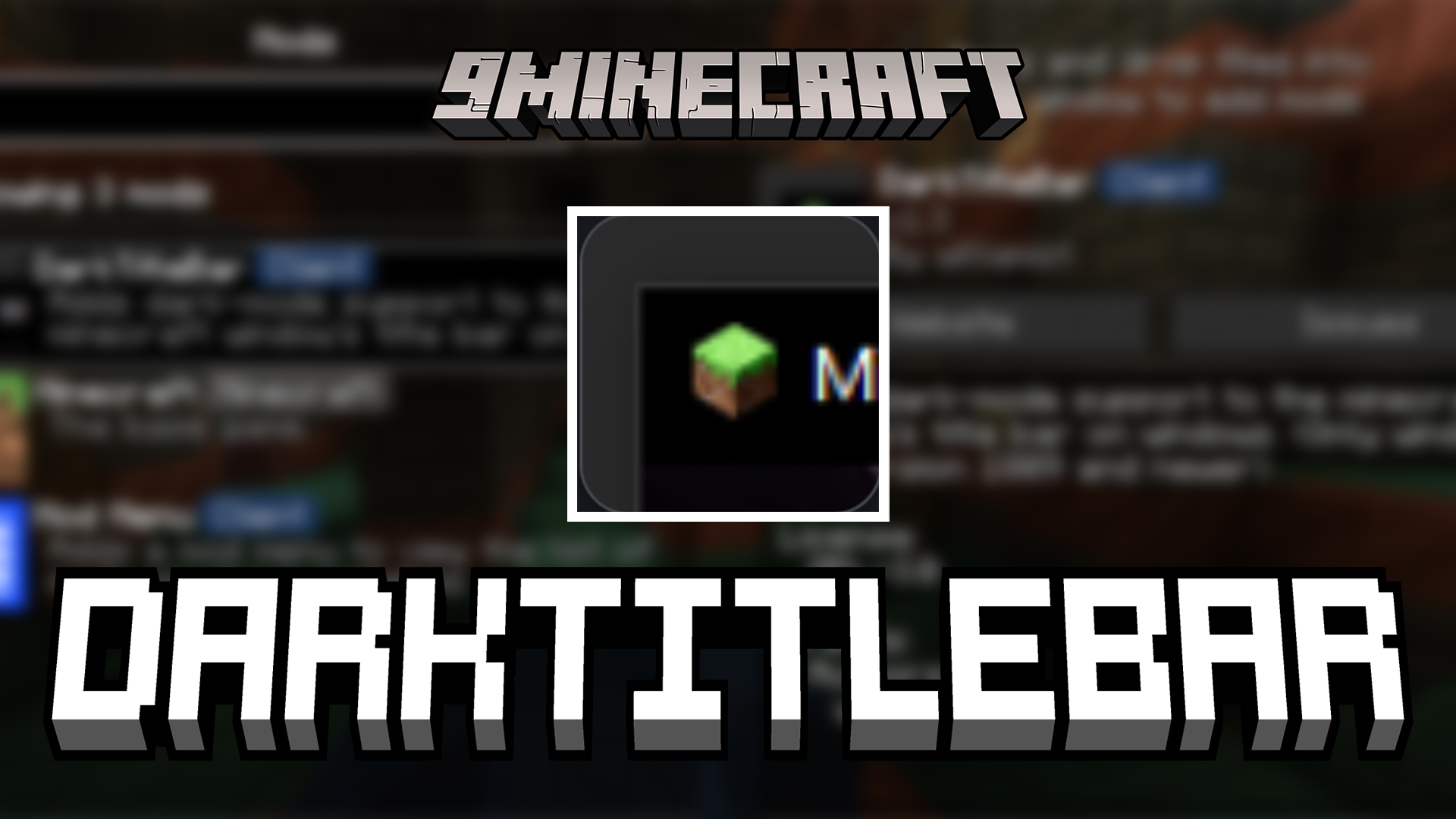
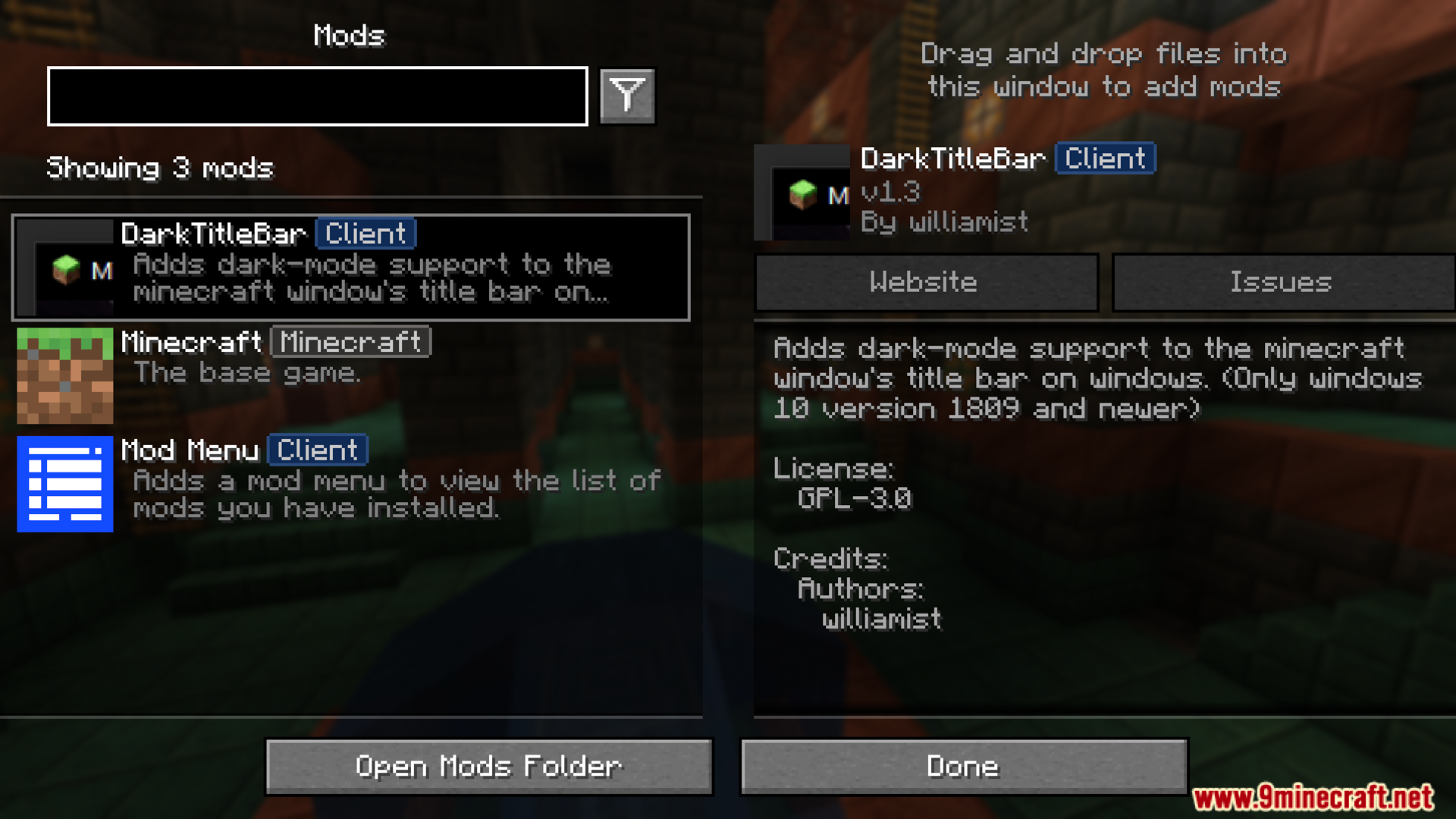
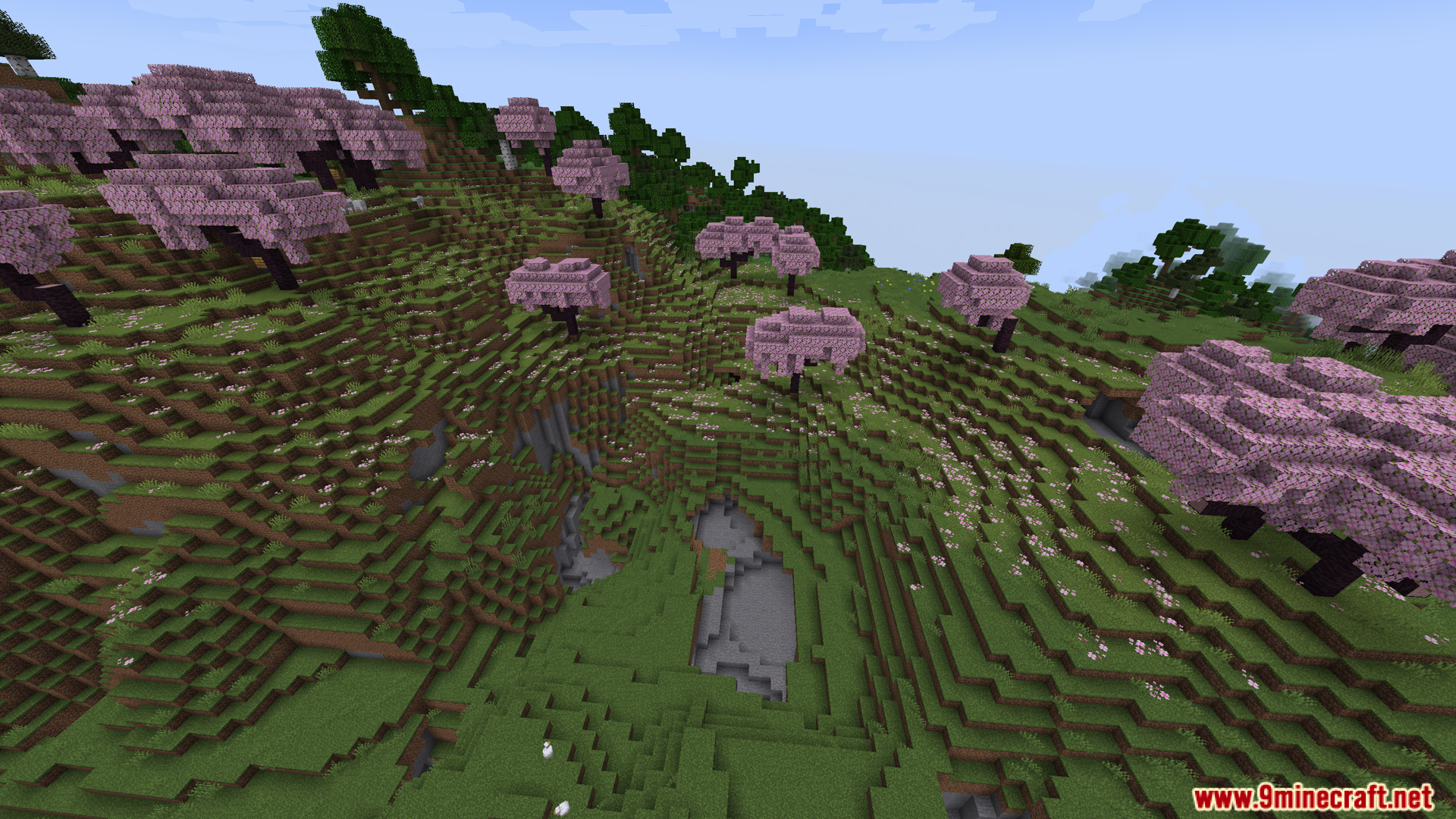
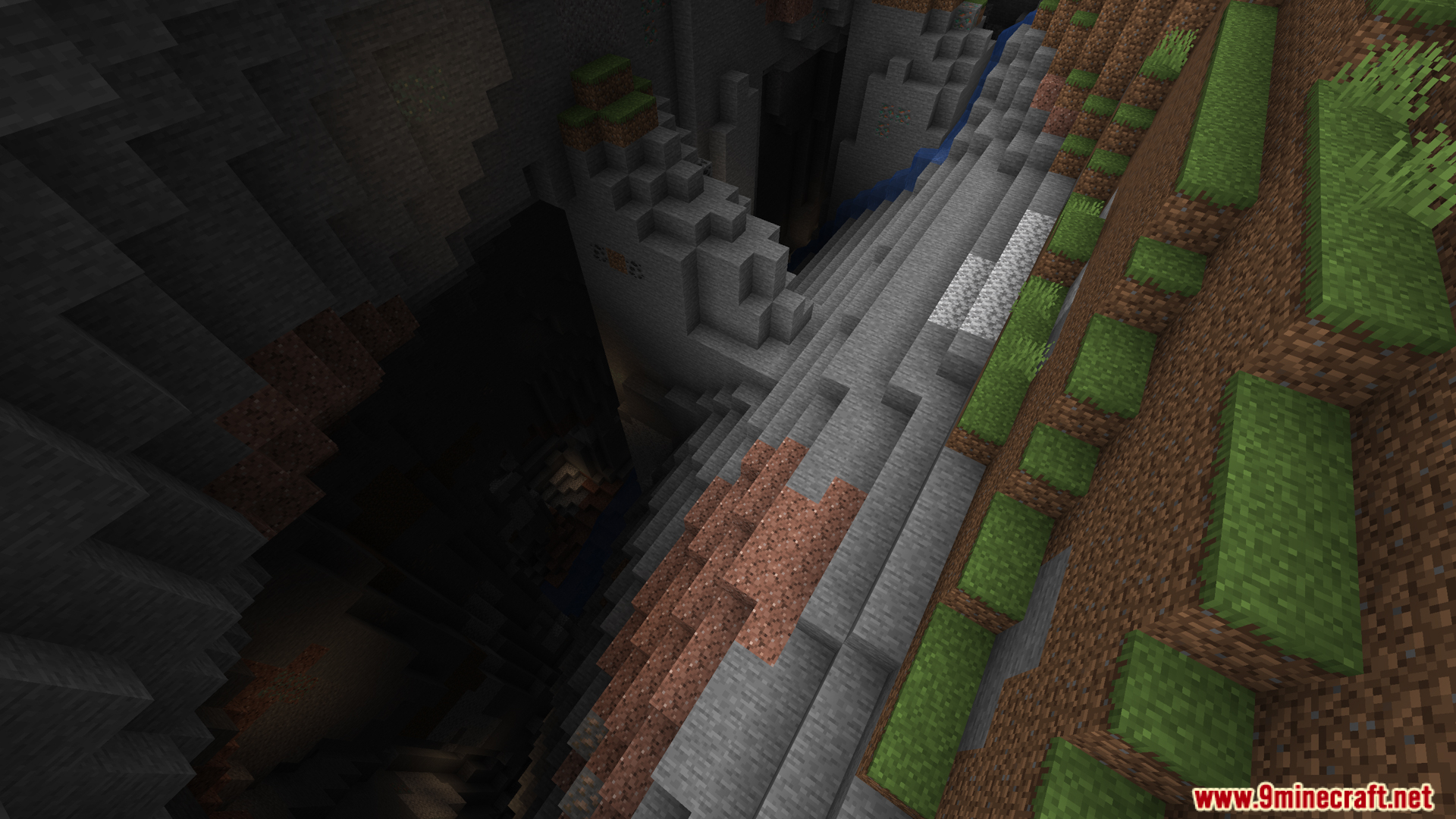
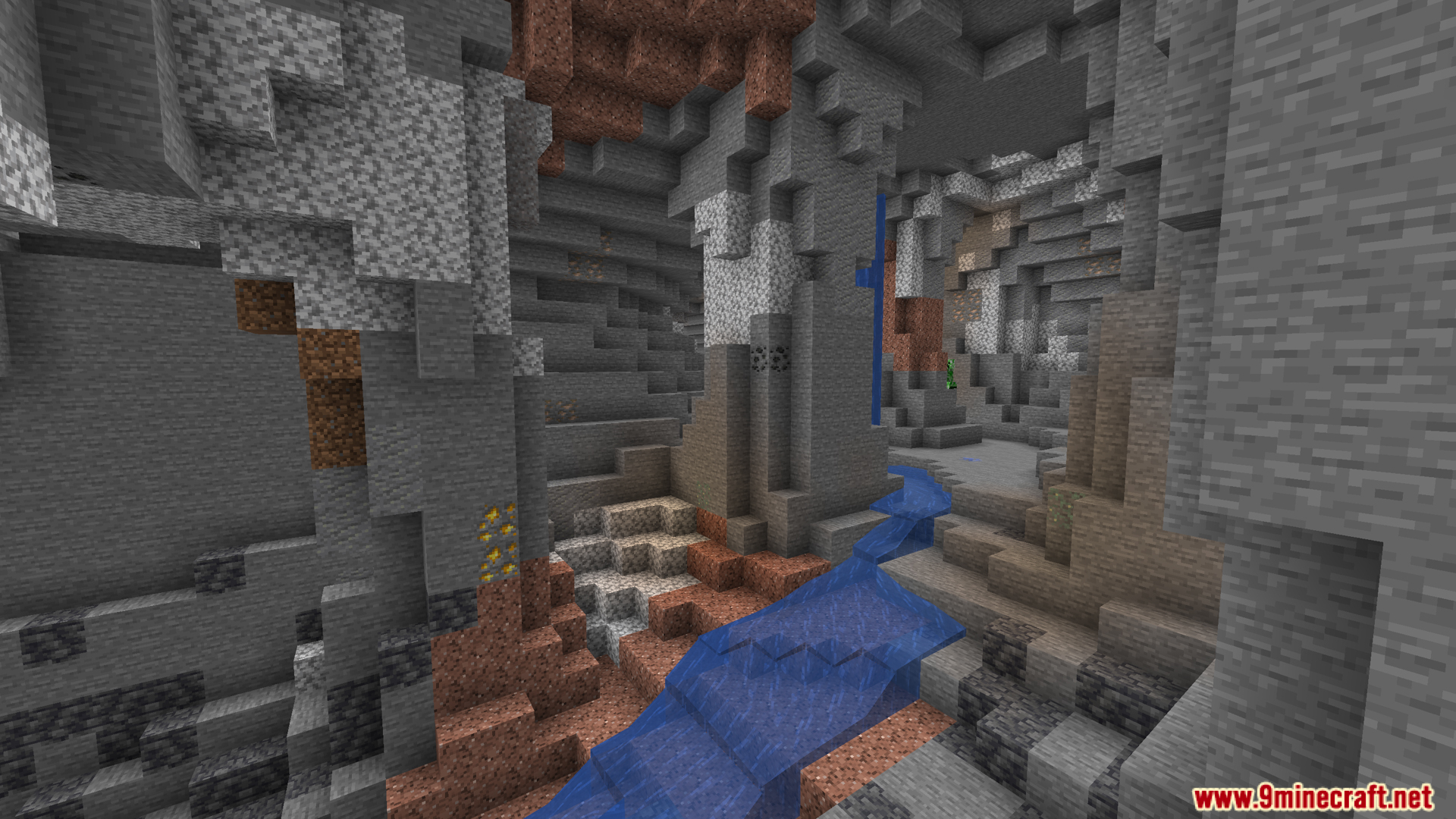
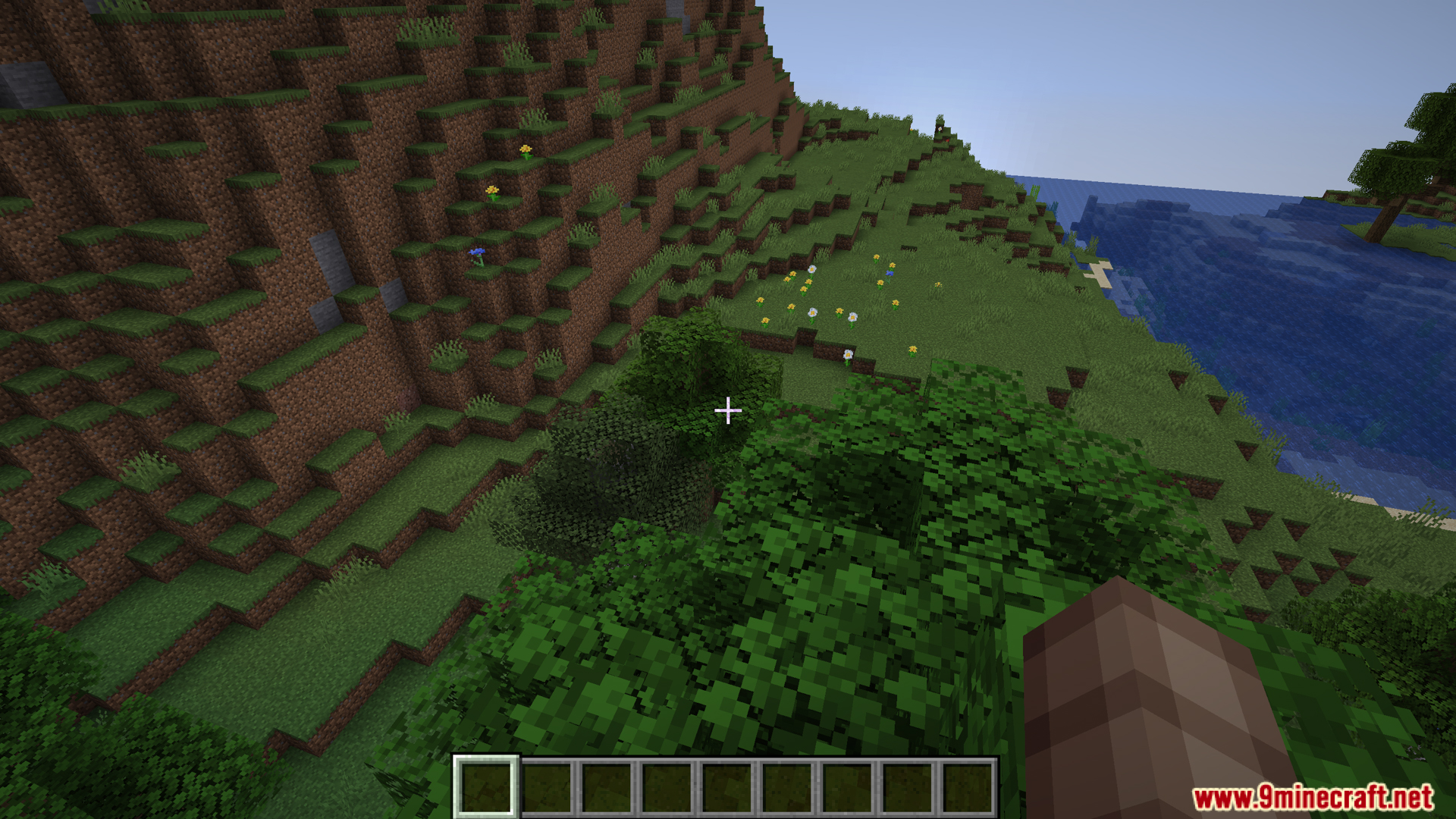
DarkTitleBar Mod changes the top border of your Minecraft window to match your dark mode setting. If you play on Windows 10 or newer with dark mode turned on, this mod replaces the bright white title bar with a dark one. It makes the game blend in nicely with the rest of your screen. As you can see in our screenshots, this small visual tweak keeps the window looking clean whether you are standing in a cherry grove or exploring a deep ravine.
Features:
- The DarkTitleBar Mod changes the top border of your Minecraft window from bright white to a dark color.
- Turns on automatically when your Windows system is already set to dark mode.
- Requires a computer running Windows 10 (version 1809) or a newer update to work.
- Runs perfectly on its own without needing the extra Fabric API file.
- Makes the game window match the rest of your dark computer screen.
Screenshots:
How to Install:
New to Minecraft? Follow our step-by-step guide to install Mods on your PC.View Guide
DarkTitleBar Mod Download Links
For Minecraft 1.21.5, 1.21.4, 1.21.3, 1.21.1, 1.21
Fabric version: Download from Server 1 – Download from Server 2
For Minecraft 1.20.4, 1.20.2, 1.20.1, 1.20
Fabric version: Download from Server 1 – Download from Server 2
Click to rate this post!
[Total: 0 Average: 0]
You May Also Like




This post has no comments yet. Be the first — your comment will appear here.