
The Idol Mod (1.20.1) – Track Paranormal Entities

 0


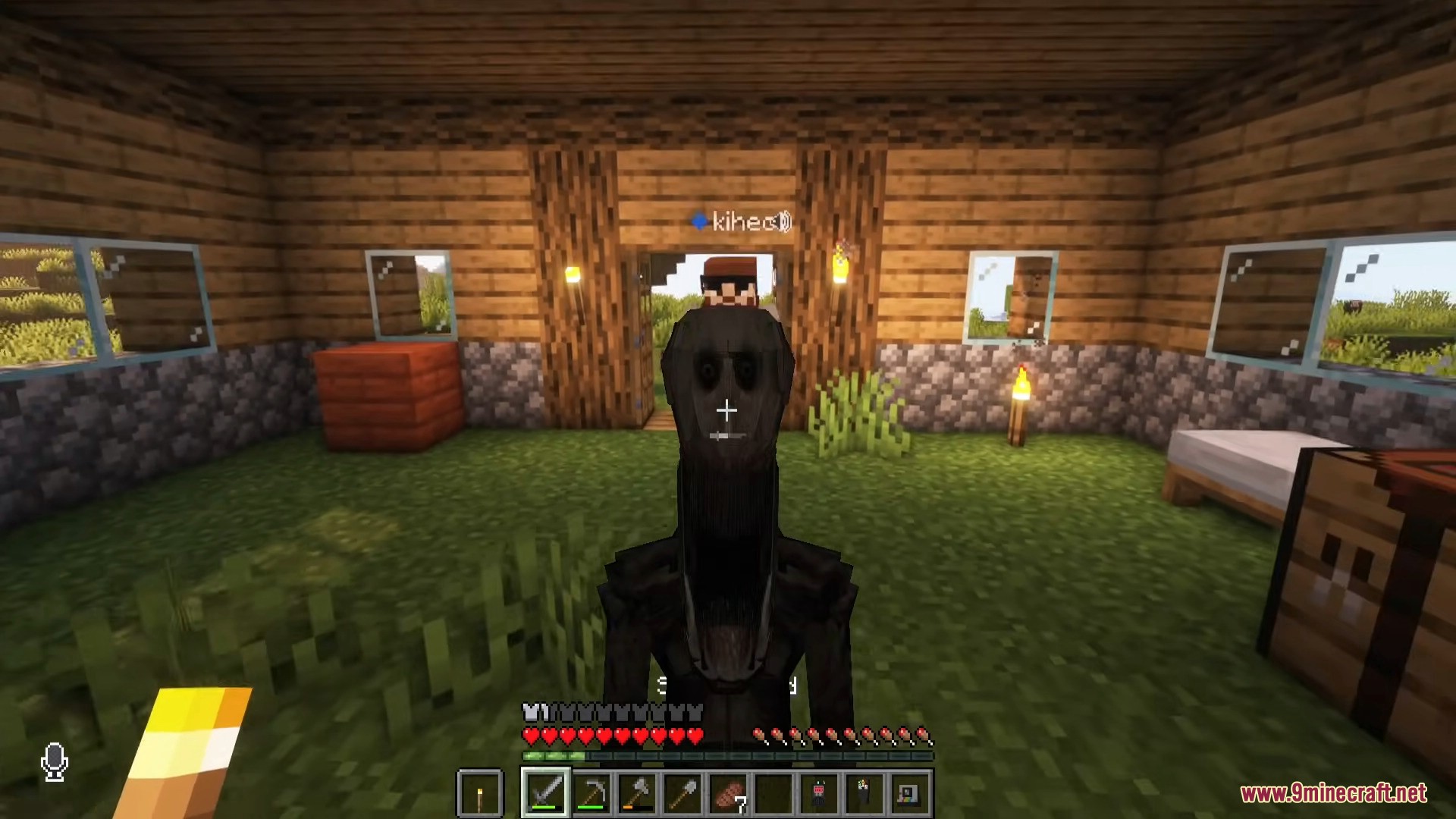
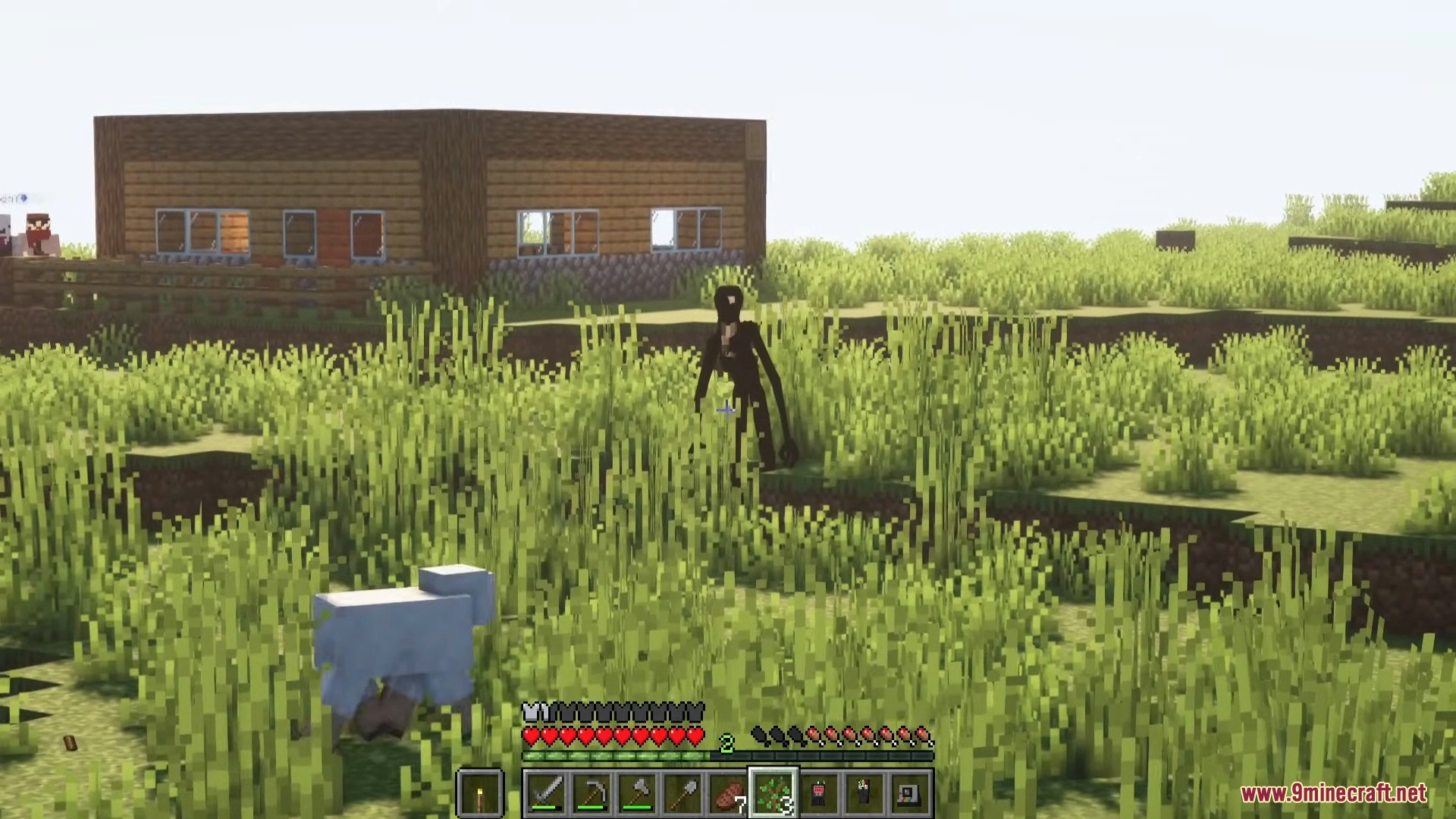
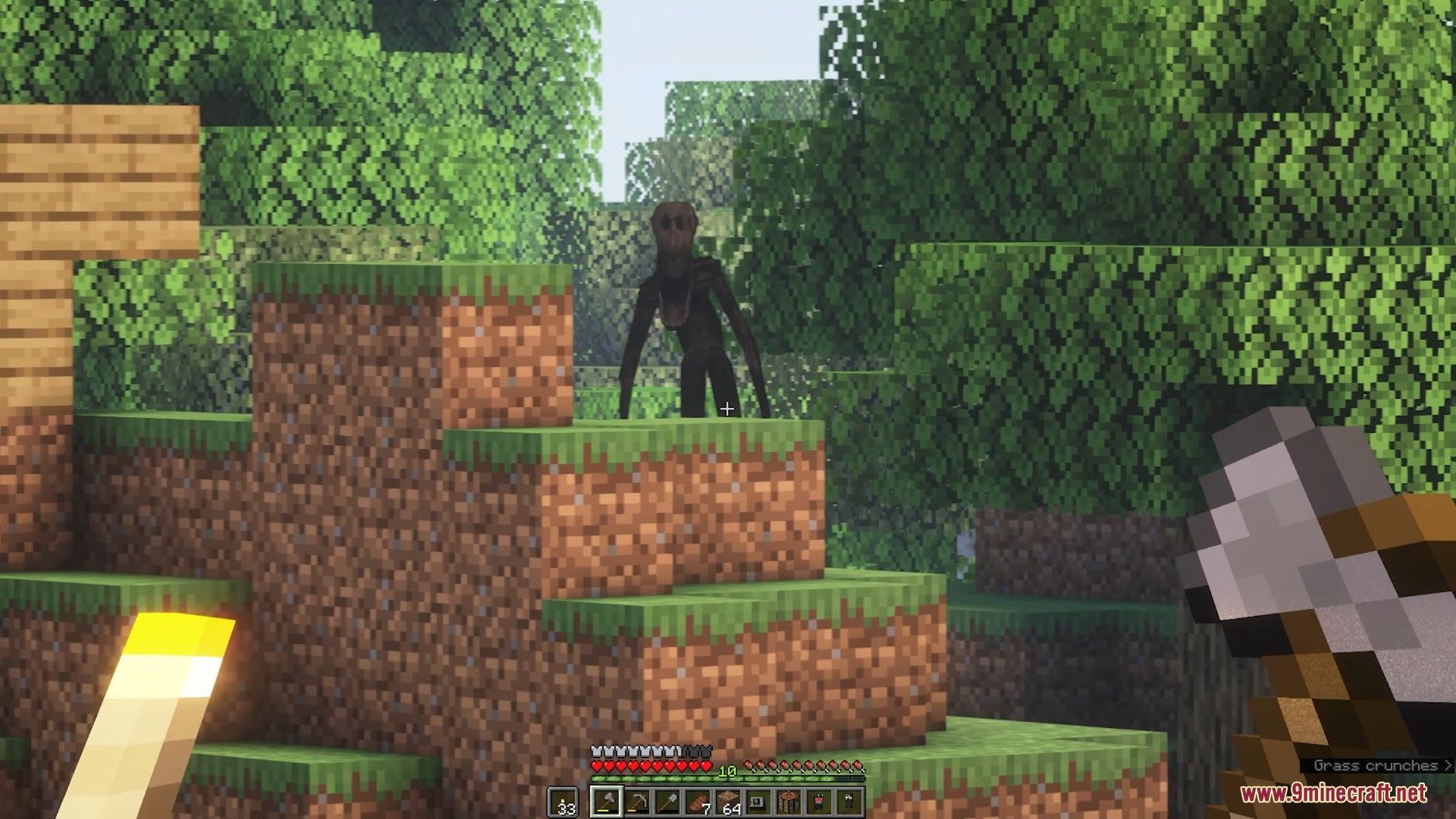
The Idol Mod brings a stalking horror mob inspired by Father Fester into your Minecraft world. This mod fits longer playthroughs with its own custom AI, sounds, and events instead of nonstop jumpscares. You can craft three survival items, including the EMF reader, Spirit Box, and Polaroid, to check the danger level, find the mob, and stay alive during a chase. The mob runs on the server while sending special visual effects and private scares to the player it targets. You can play in singleplayer or multiplayer with friends, though it does not work on dedicated servers.

Features:
- Adds a stalking horror mob with its own custom AI, sounds, and mechanics rather than a standard dweller setup.
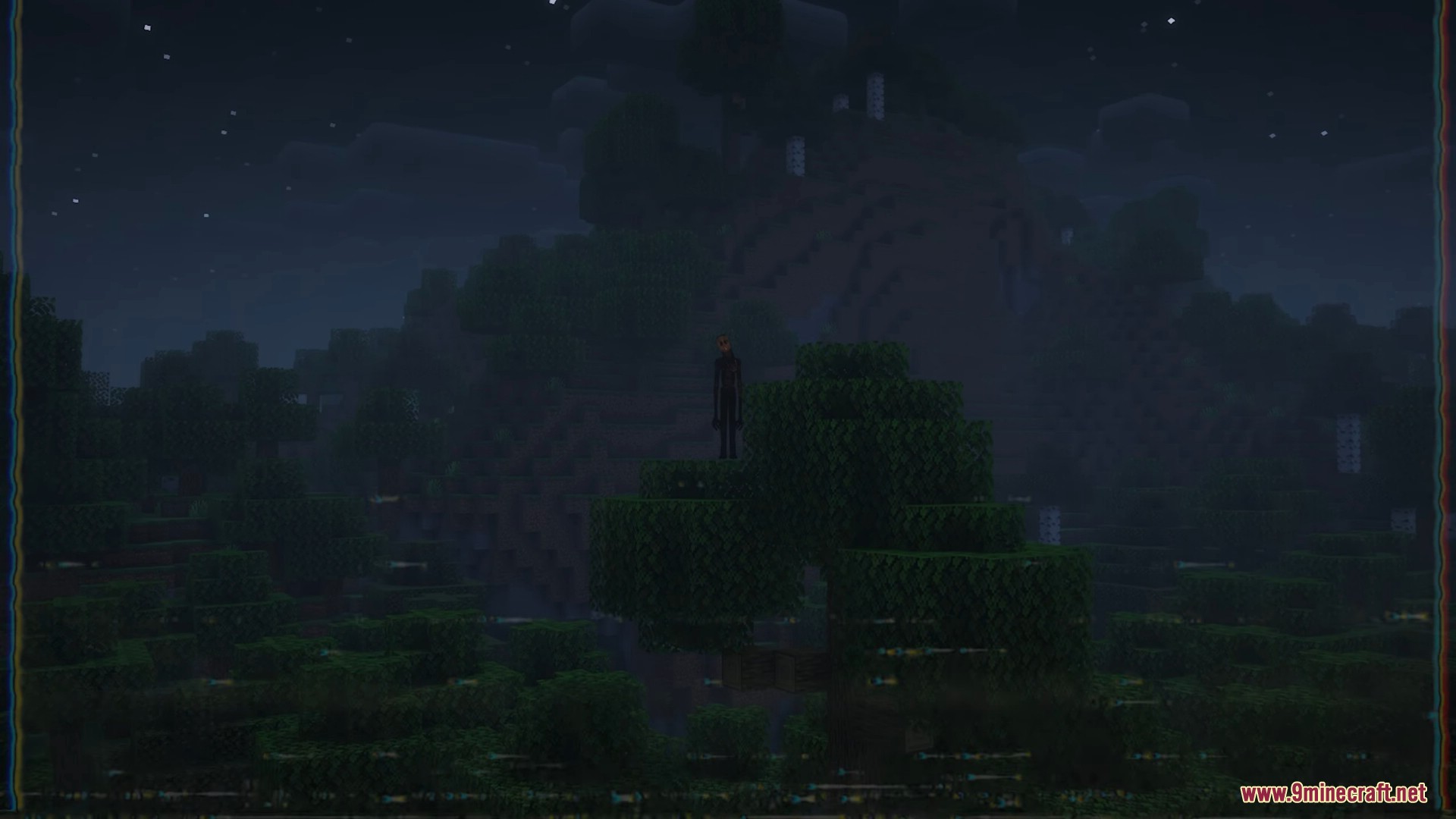
- Tracks players slowly over time, watching from a distance before closing in and adapting to your movement instead of staying in fixed spots.
- Uses a stage system that controls how active the mob is and how deadly it becomes.
- Triggers client-side events where certain scares are visible only to the targeted player.
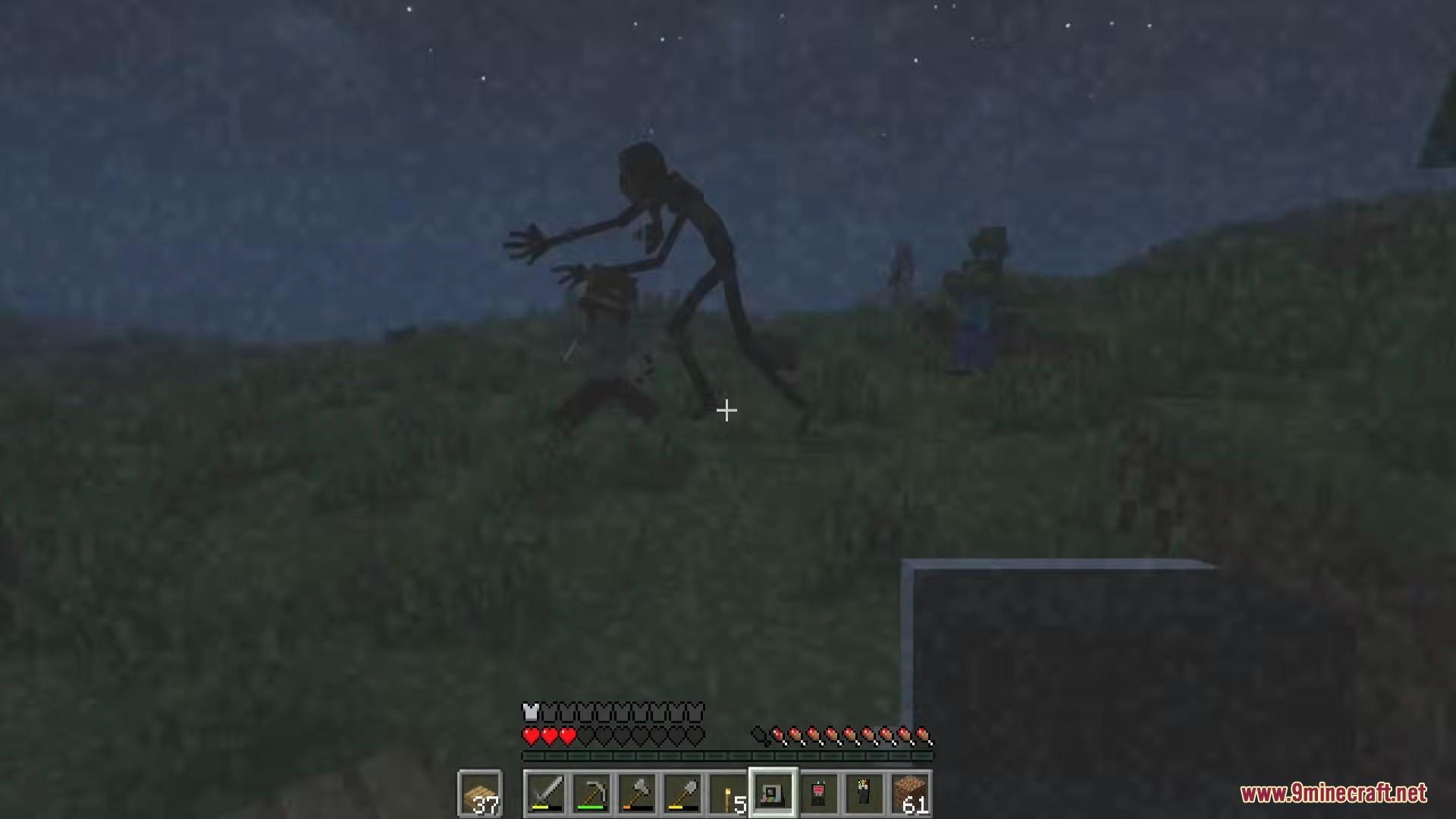
- Creates unique encounters, including an event where hands appear on your screen and kill you unless you close your eyes.
- Fits longer playthroughs with a slow spawn timer that keeps appearances rare and unexpected.
- Supports both singleplayer and multiplayer worlds for scarier group sessions, though dedicated servers do not work.
Survival Items:
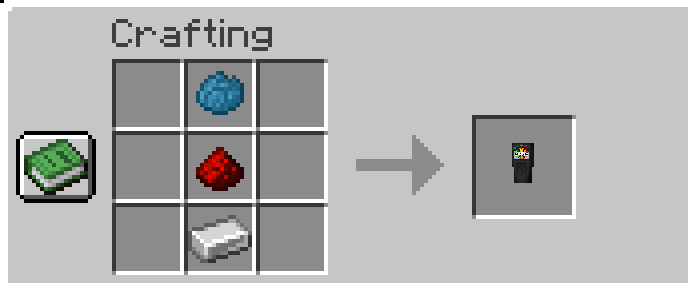
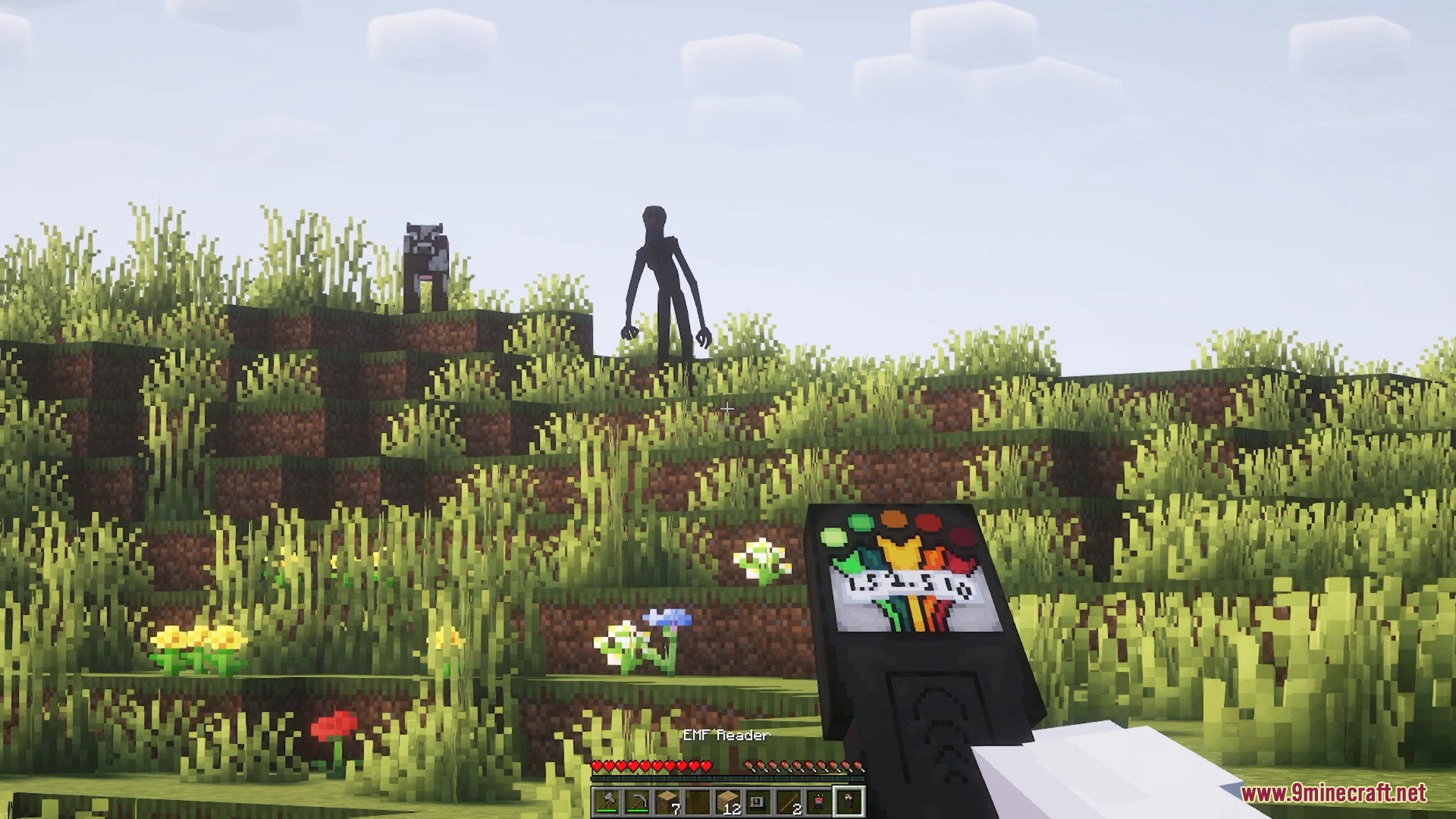
- EMF Reader: Checks the mob’s current stage so you know how deadly it is, since a higher reading means greater danger. You can use any type of dye when crafting it.
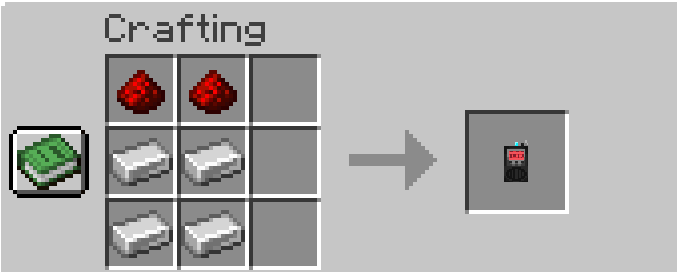
- Spirit Box: Helps you find the mob after it spawns in your world, giving unique answers for each situation. It stays quiet if the mob has not spawned yet.
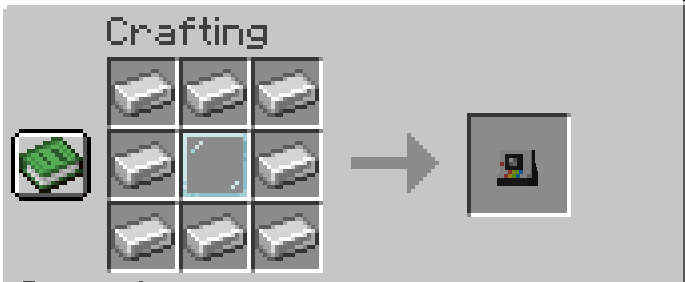
- Polaroid: Stuns the mob during a chase so you can get away. Using it too many times angers the mob and leads to certain death.
Commands:
/the_idol_config: opens the mod config menu so you can change the spawn rate and other settings.
Configuration:
theidolv: JSON config file saved inside theconfigfolder that keeps your settings across all worlds and can be included in modpacks.background: the only client-side setting in multiplayer, available to other players in the client config while only the host (the first player to join the world) can change the main config settings.
How to Use:
- Start a singleplayer or multiplayer world, since dedicated servers are not supported; in multiplayer, the first player to join becomes the host.
- Type
/the_idol_configin chat to open the config menu if you want to adjust how often the mob spawns. - Check your keybinds before playing to find the close-eyes control, and press it whenever hands appear on your screen so you do not get killed.
- Craft and use the EMF Reader to check the mob’s current stage; a higher reading warns you that the mob is more deadly.
- Use the Spirit Box to locate the mob after it spawns; it gives different answers for each situation, but does not respond before the mob spawns.
- Use the Polaroid during a chase to stun the mob and escape, but do not use it too often or it will get angry and kill you.
- If you play in VR, bind your GUIs to your head instead of your arm so jumpscares do not show on your arm, and keep in mind that some events may not work in VR.
Crafting Recipes:
The mod adds multiple items to aid in surviving the entity:
EMF Reader:
Using the EMF reader, you can determine the entity’s stage. The higher the EMF, the more deadly The Idol becomes. (You can use any kind of dye!)
Spirit Box:
Using the Spirit Box, you can locate the entity when it’s spawned in. There are unique answers for every situation you’re in. Although, he will not respond if he’s not spawned in your world. (Note: Only responds to “Where are you?”)
Polaroid:
Using the Polaroid you can stun The Idol when it’s chasing you. But be warned: using it too much can anger the entity and result in certain doom.
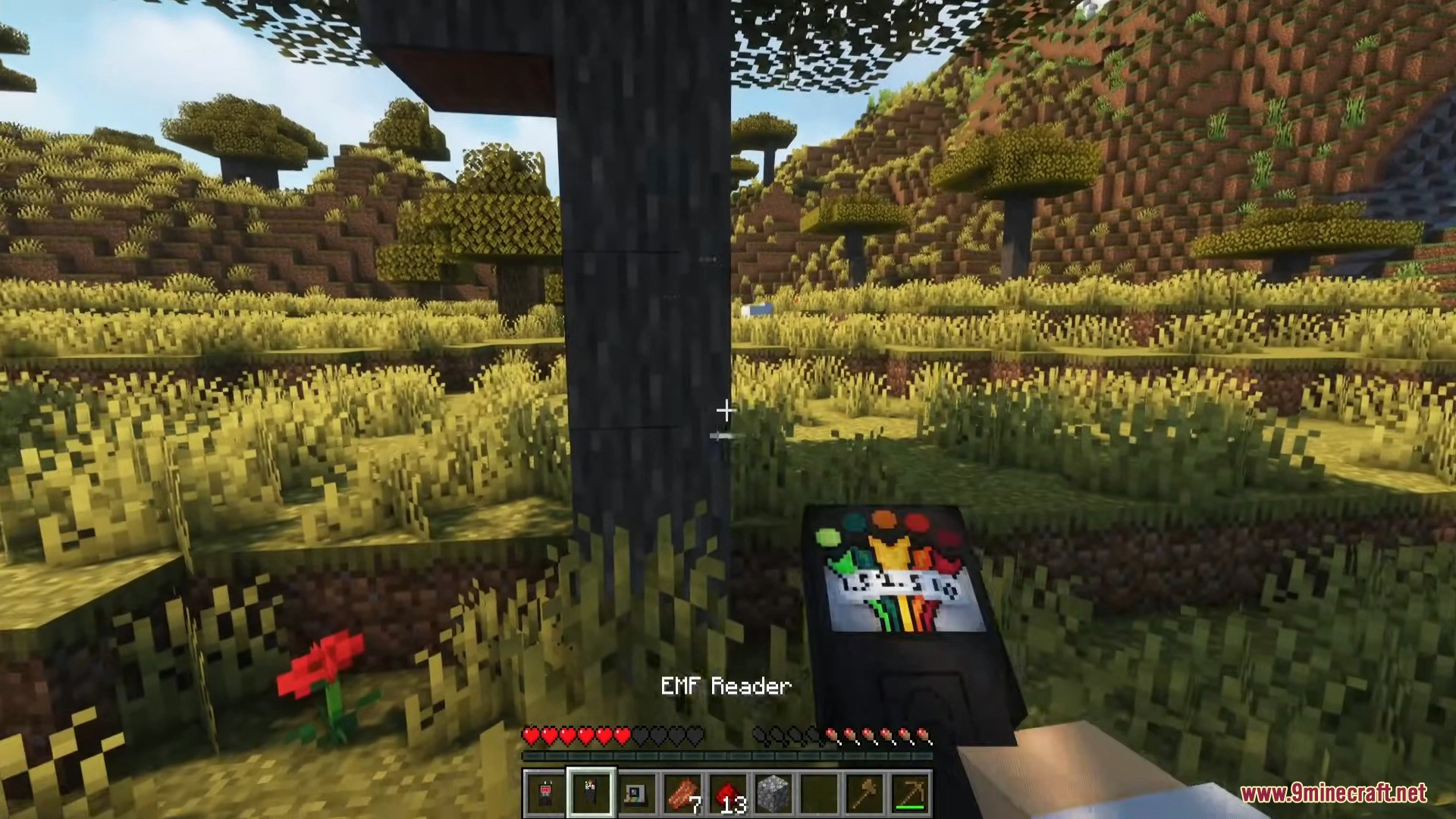
Screenshots:

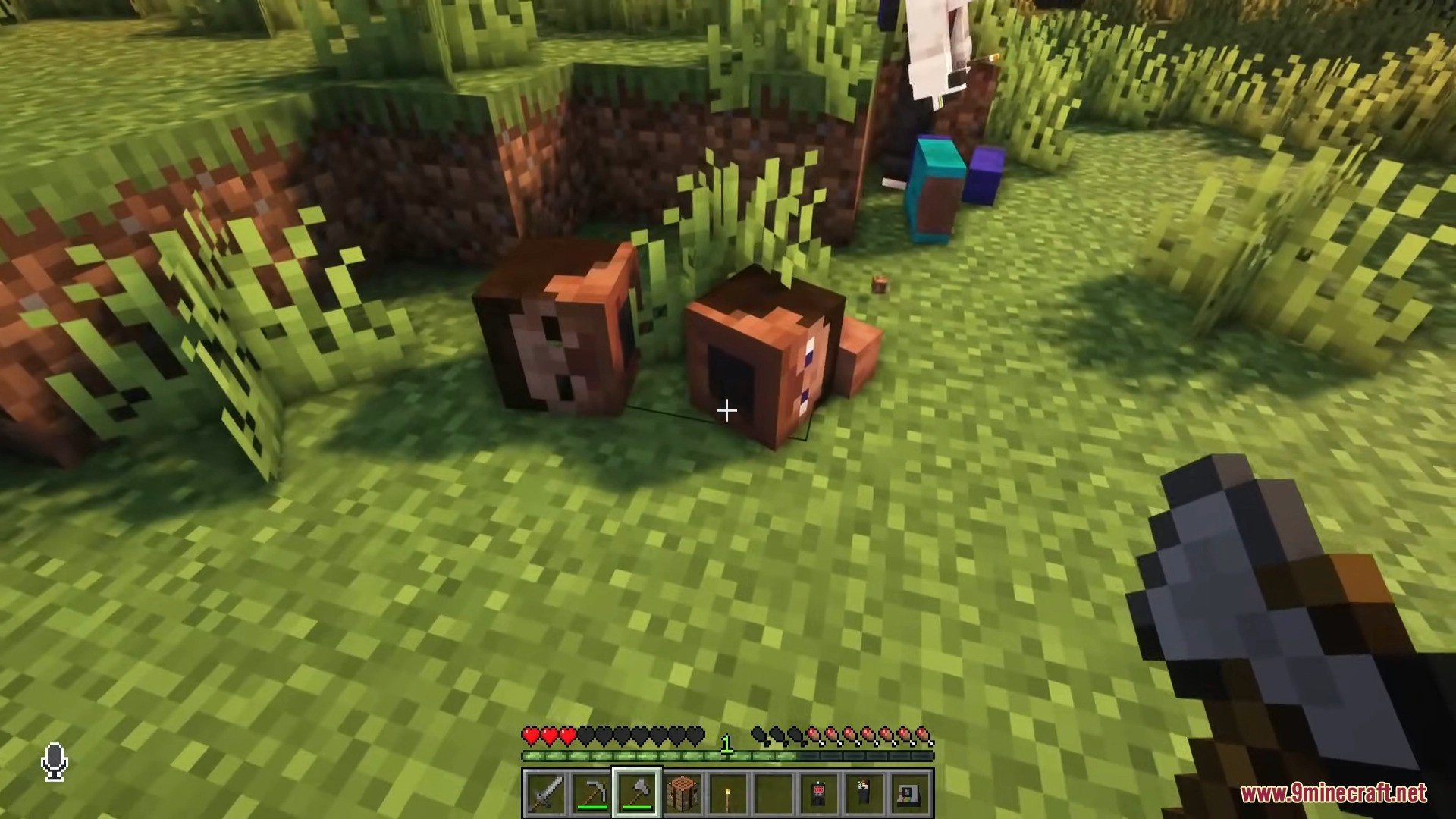
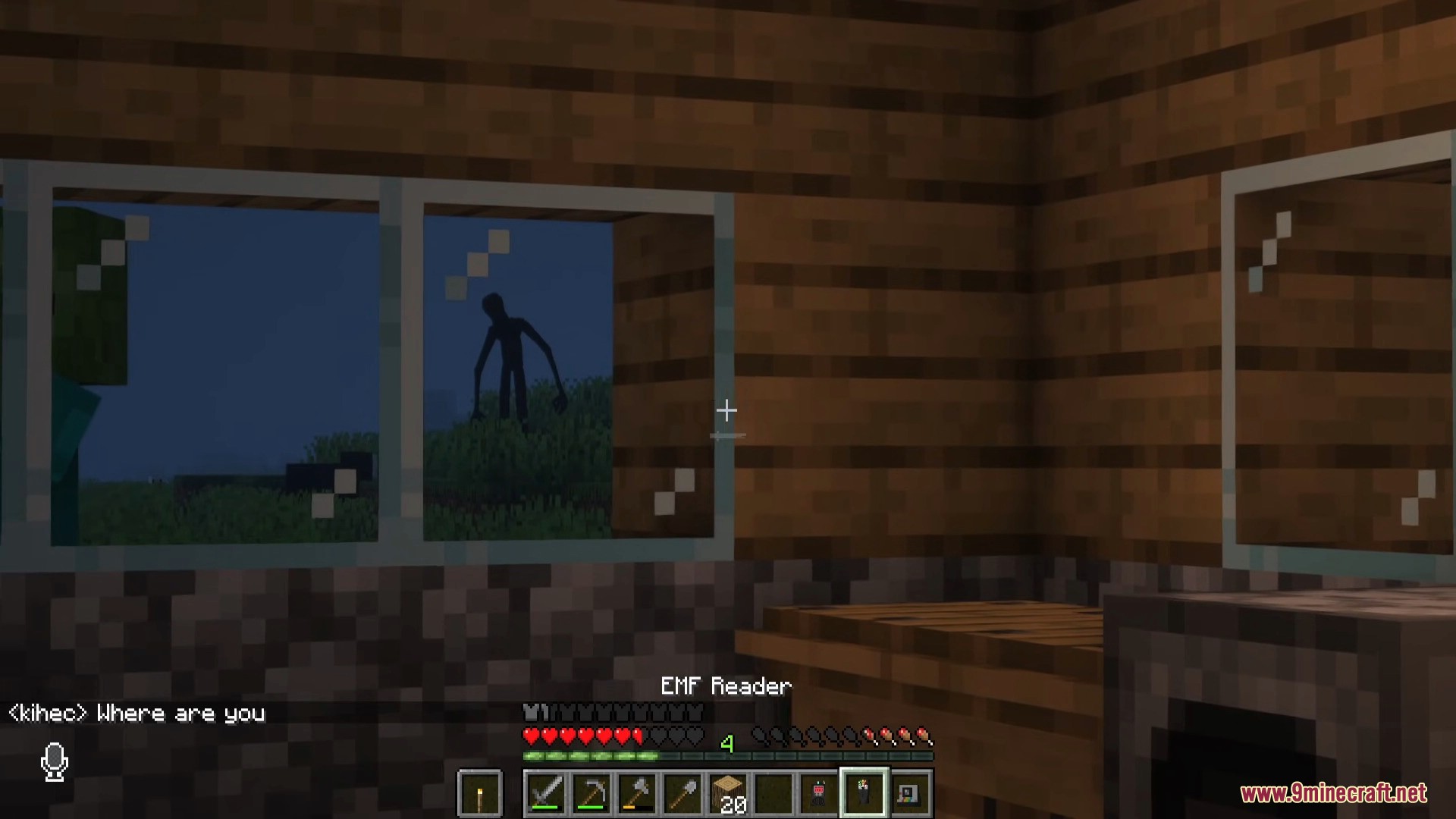
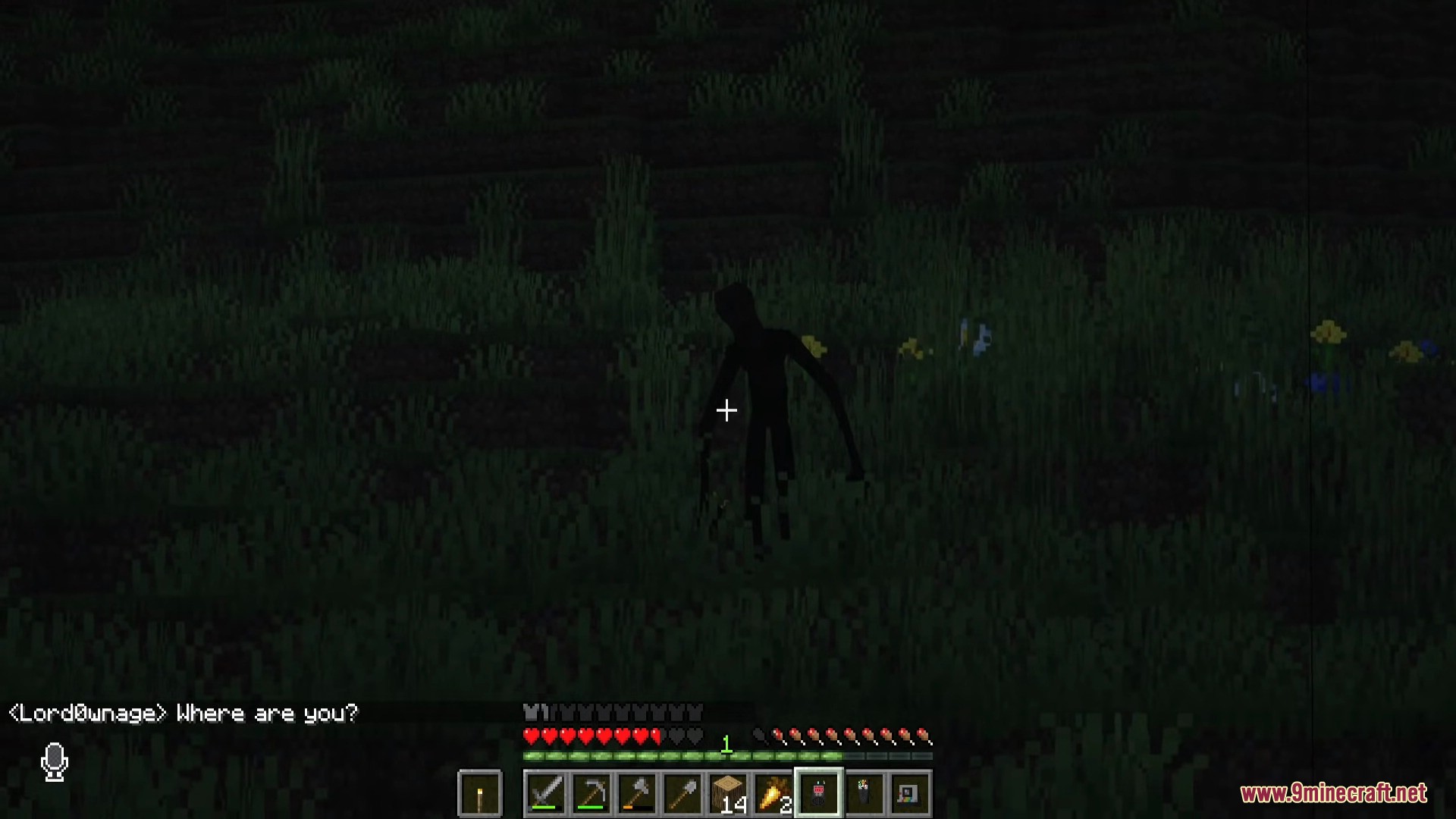
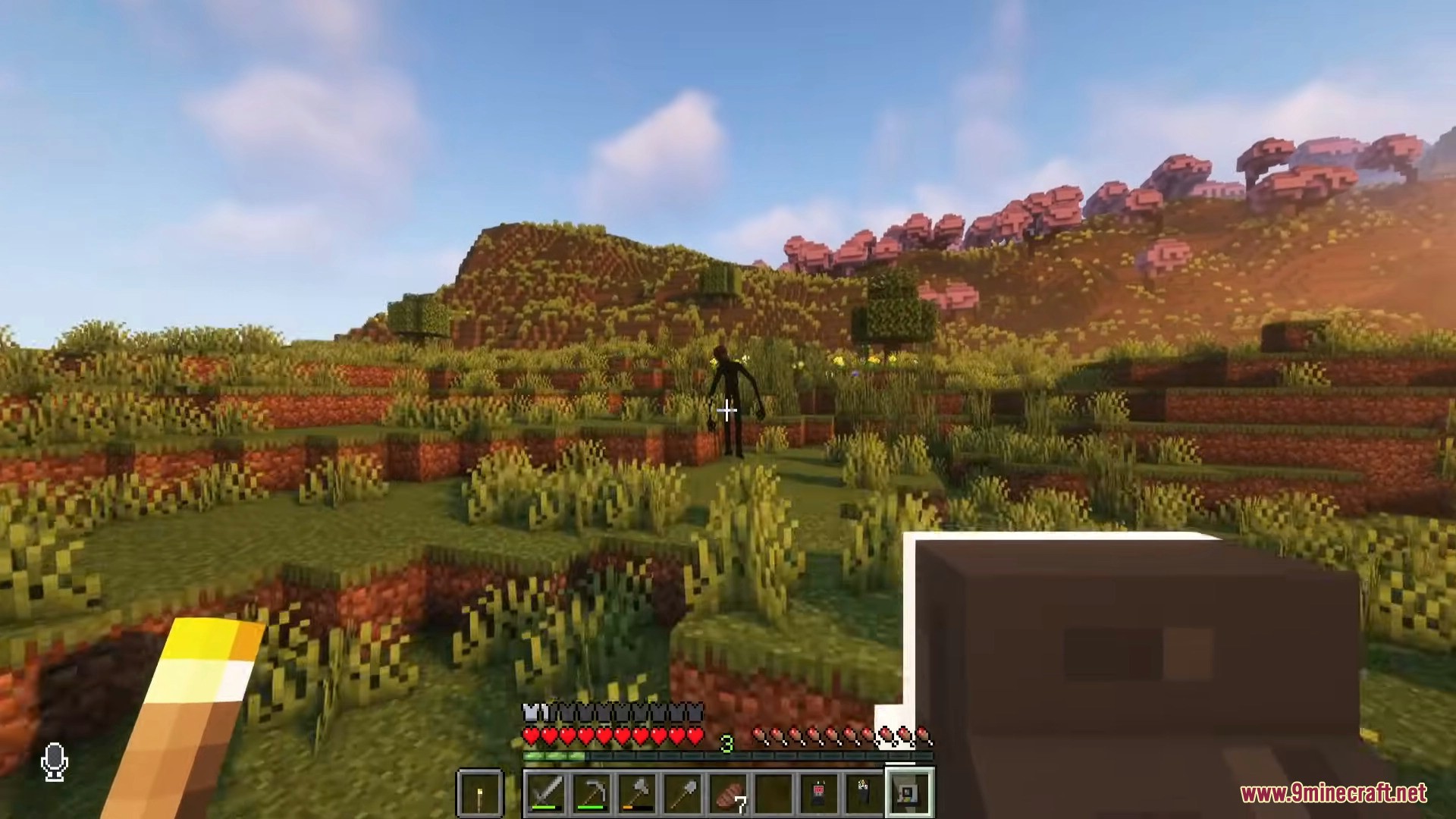






How to Install:
New to Minecraft? Follow our step-by-step guide to install Mods on your PC.View Guide
Requirements:

The Idol Mod Download Links
For Minecraft 1.20.1, 1.20
Forge version: Download from Server 1 – Download from Server 2
You May Also Like
Picked for this page
 The Man From The Fog Mod (1.20.1, 1.19.2) – A Stalker Hides in the Fog
 Better Animations Collection 2 Mod (26.3, 1.20.1) – Change In-Game Models
 Time in a Bottle Mod (26.3, 1.20.1) – Time Reservation
 Glore Glowing Ores Mod (26.2, 1.20.1) – Makes Ores and Trims Gl
 Online Emotes Mod (26.2, 1.20.1) – See Each Other’s Emotes
 No Template Netherite Armor Upgrades Mod (26.3, 1.20.1) – Skip Bastion Grind
 Optifine Capes Reborn Mod (1.21.11, 1.21.1) – Allows You To Only View Optifine Capes
 Wandering Trader May Leave Mod (26.3, 1.20.1) – Peaceful Goodbyes
 Soothing Campfires Mod (26.1.2, 1.21.1) – Healing Around The Fire
 Extra Quests Mod (1.21.1, 1.20.1) – Quest Expansion
 Ability Upgrade Mod (1.21.1, 1.21) – Craftable Ability Patch And Capsule
Most viewed in Mods over the last 7 days
 Ala Industrial Mod (26.3) – Run Electric Power Grids and Automated Factories
 PleasureCraft Mod (26.3, 1.21.1) – Jenny Mod Remake for Fabric
 Jennycraft Mod (26.3, 1.20.1) – Virtual Girlfriend in Minecraft
 Fapcraft Mod (26.3, 1.12.2) – Comprehensive and Detailed Content
 Jenny Mod (Fapcraft) Official Complete Guide – How to use, Tutorial
 BangCraft Mod (1.20.1) – Jenny, Ellie and Elliot
 Fabric Loader (26.3, 1.20.1) – Fabric Installer for All Minecraft Versions
 The Shooting Star Demo Mod (26.3, 1.20.1) – Vaporize Terrain From Orbit
 Meteor Client Mod (26.3, 1.20.1) – Xray, HUD, Fly
 OptiFine HD (26.3, 1.20.1) – Run Faster, FPS Boost, Shaders Support
 Aristois Client Mod (1.21.4, 1.20.1) – World Class Minecraft Utility
 Prestige Client Mod (1.21.11, 1.21.4) – Powerful Ghost Features for Crystal & Sword PvP
More from Mods
 Simply Light 9minecraft Mod (26.3) – Decorate Builds Without Torches
 Alex’s Caves Continued Mod (26.3, 1.20.1) – Conquer Six Massive Underground
 Anvil Uses Mod (26.3, 1.20.1) – Track Item Anvil Usage
 Animal Info Mod (26.3, 1.21.11) – Quick Stats For Your Animals
 Timber Tales Dynamic Tree System Mod (26.3, 1.20.1) – Watch Entire Trees Topple
 Gabou’s Libs Mod (26.3, 1.20.1) – Keep Custom Weather and Survival Mods Stable
 /Sit Mod (26.3, 1.21.1) – Make The Player Sit Down
 Arcane Redstone Dial Mod (26.3, 1.20.1) – Trigger Commands and Shortcuts
 The Graveyard Mod (26.3, 1.20.1) – Cemeteries in Minecraft
 Enhanced Overlay Mod (26.3, 1.21.11) – Remove Screen Clutter
 Flint Mod (1.21.11) – Run DiamondFire Community Addons Without Crashing
 Not Just Sandwich Mod (26.3, 1.20.1) – Edibles, Sandwiches

This post has no comments yet. Be the first — your comment will appear here.