
Wwz’s Better Chat Mod (1.20.1, 1.20) – Read Incoming Server Chats in Style

 0


Wwz’s Better Chat Mod adds smooth animations to the Minecraft chat box. When you open chat, it fades in gently instead of popping up all at once, and it fades out cleanly when you close it. Sent messages slide, fade, and glow as they appear from the left side of your screen and fade back out in the same direction. This mod works completely on the client side, so it changes how chat looks without affecting server messages or normal chat features.

Features:
- Adds a smooth fade-in animation when you open the chat box and a fade-out effect when you close it.
- Makes sent messages fade in from the left side of your screen and fade back out in the same direction.
- Replaces instant message pop-ups with sliding text transitions, upward slides, and glow effects based on your settings.
- Includes optional color blending to change how chat messages show up on screen.
- Runs fully on the client side with no server setup needed, so server messages and normal chat features stay the same.
- Works smoothly with most other interface and chat mods.
Screenshots:
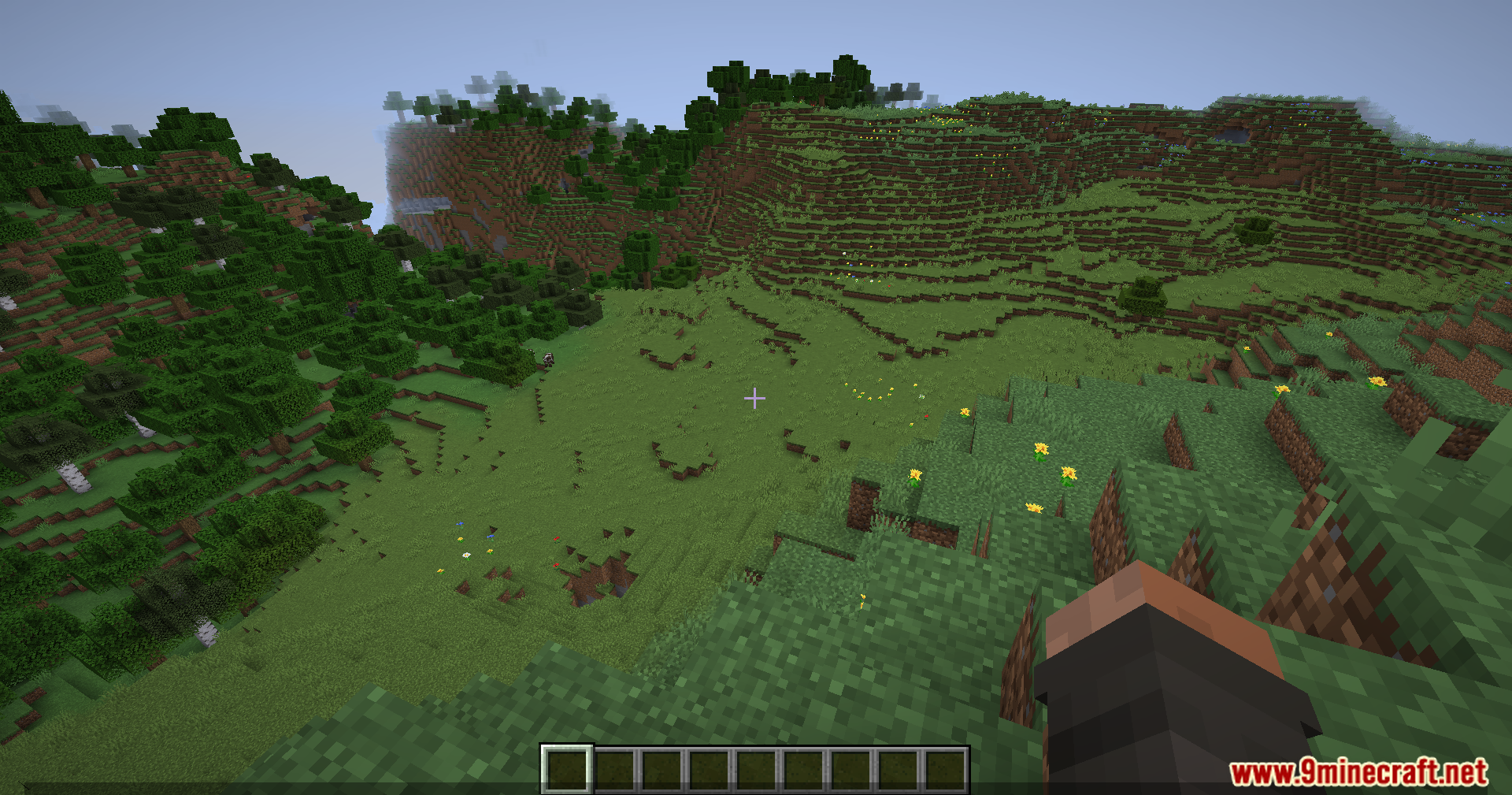
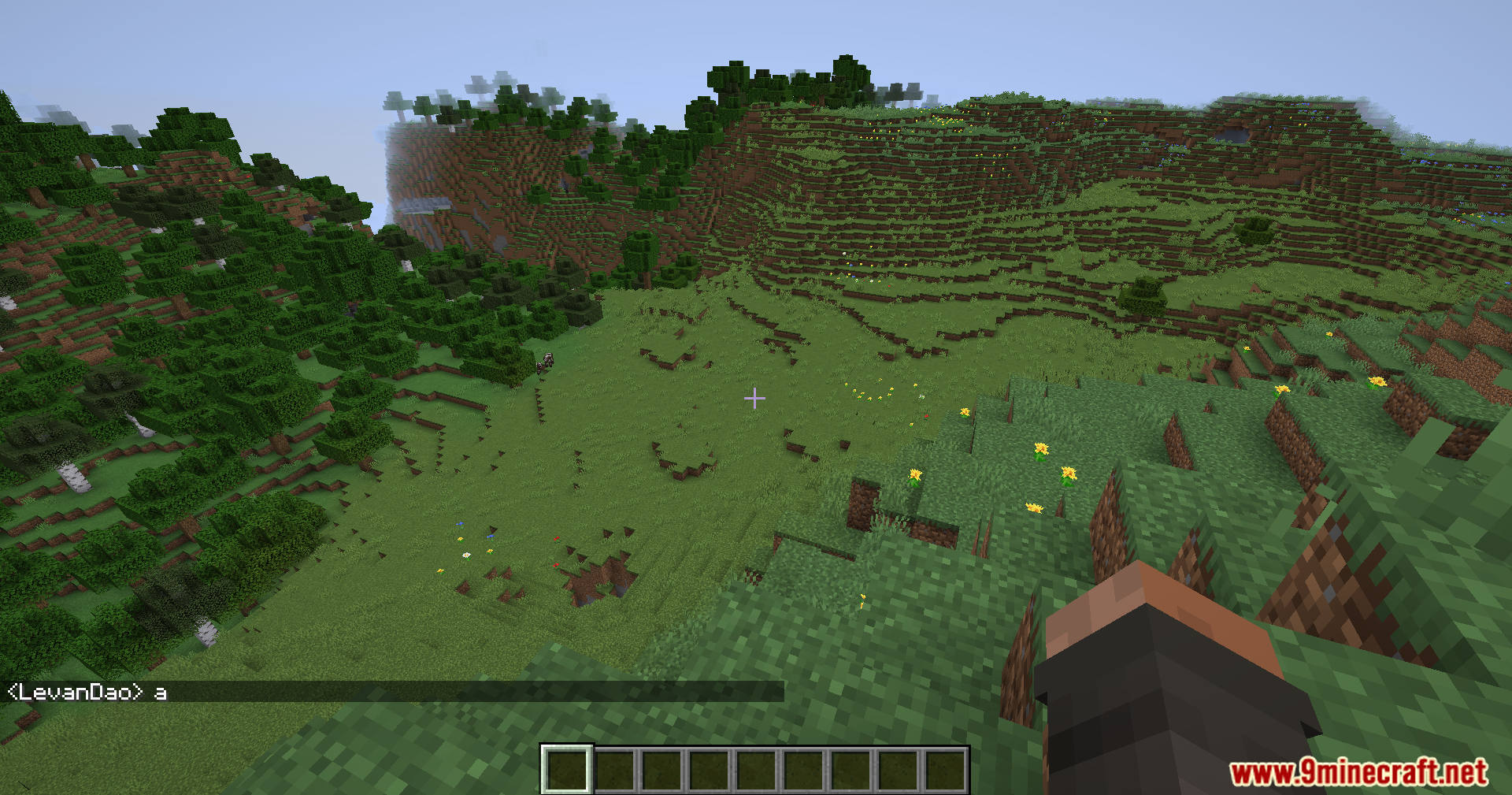
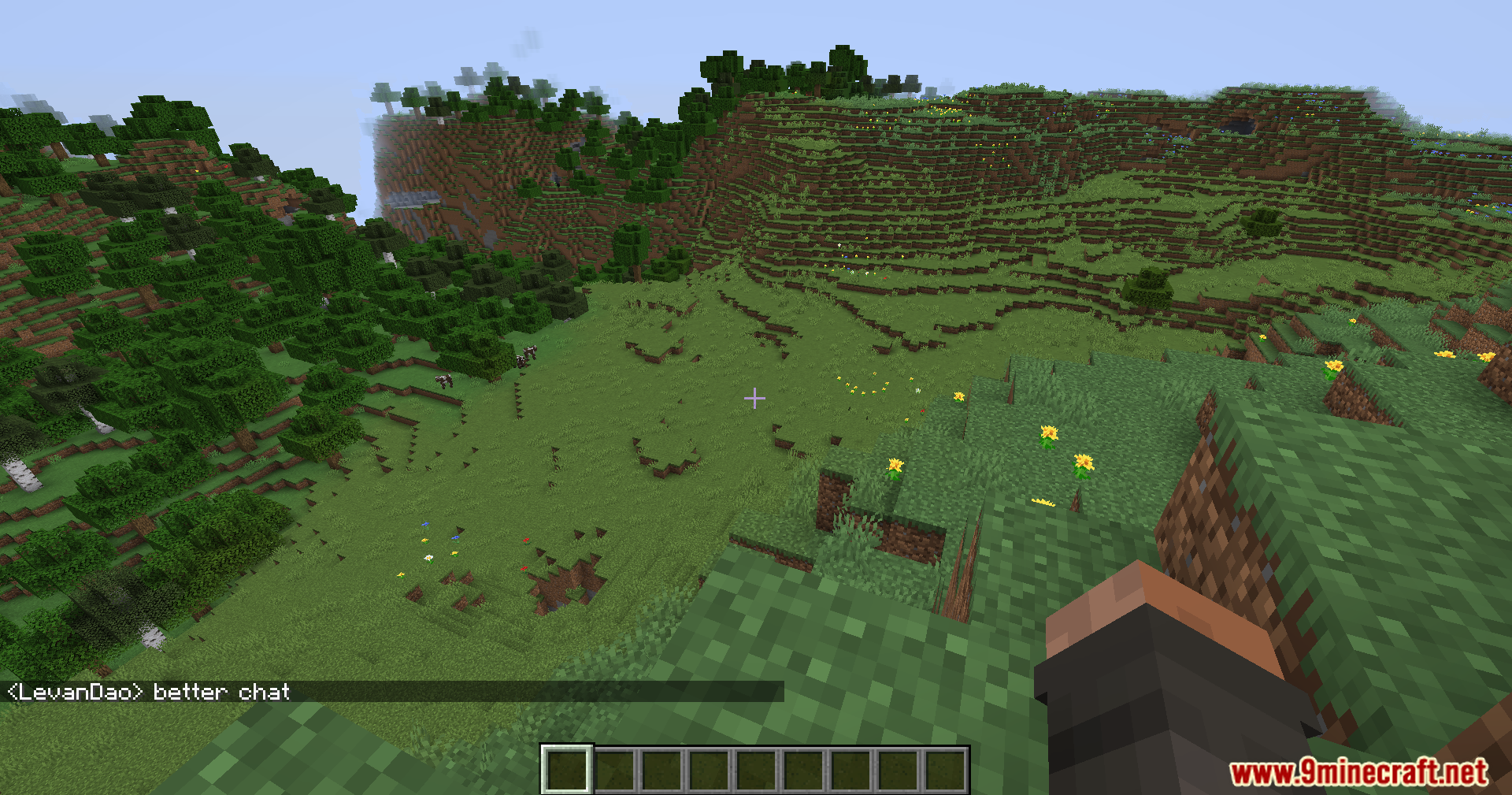
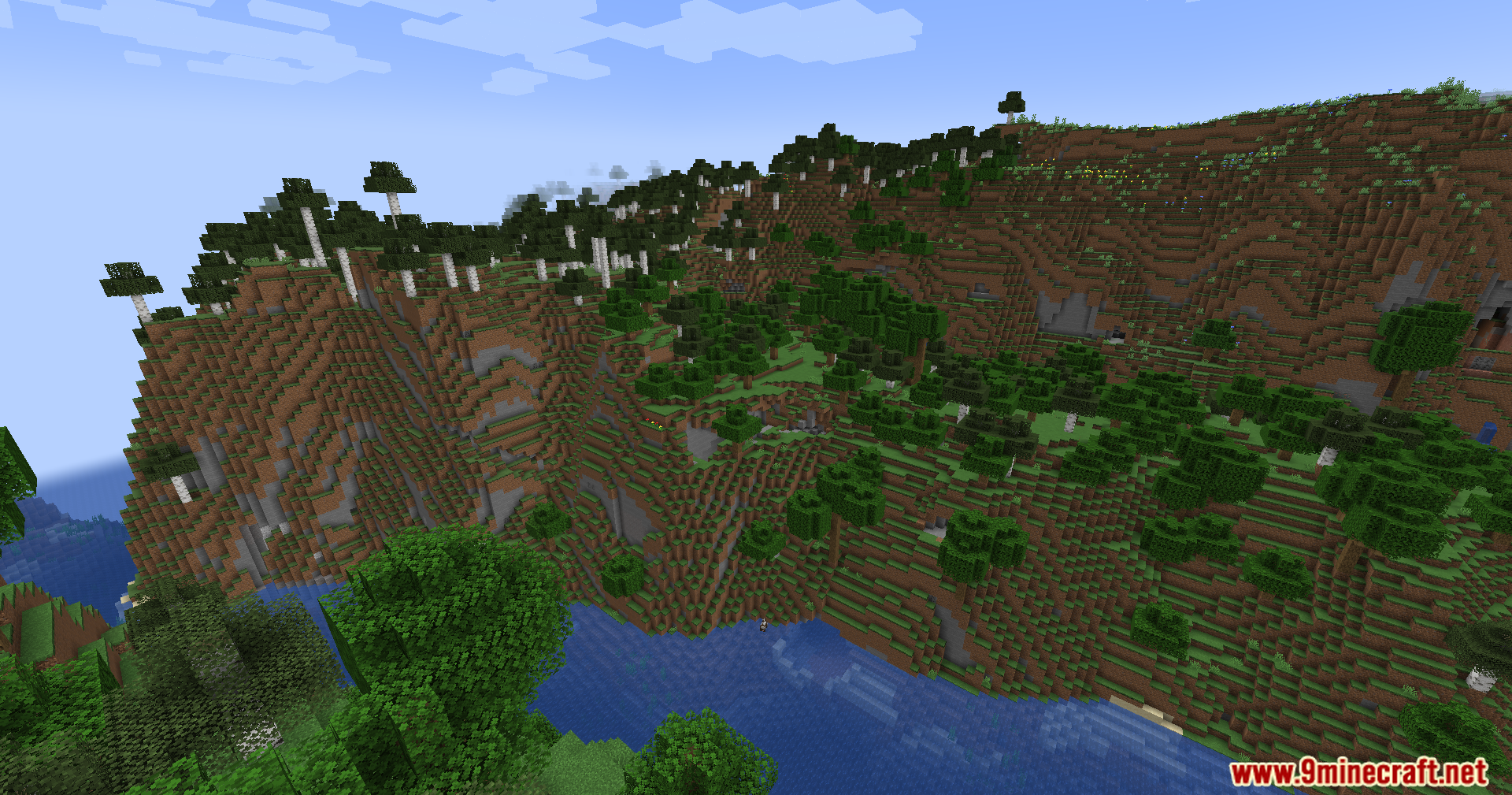
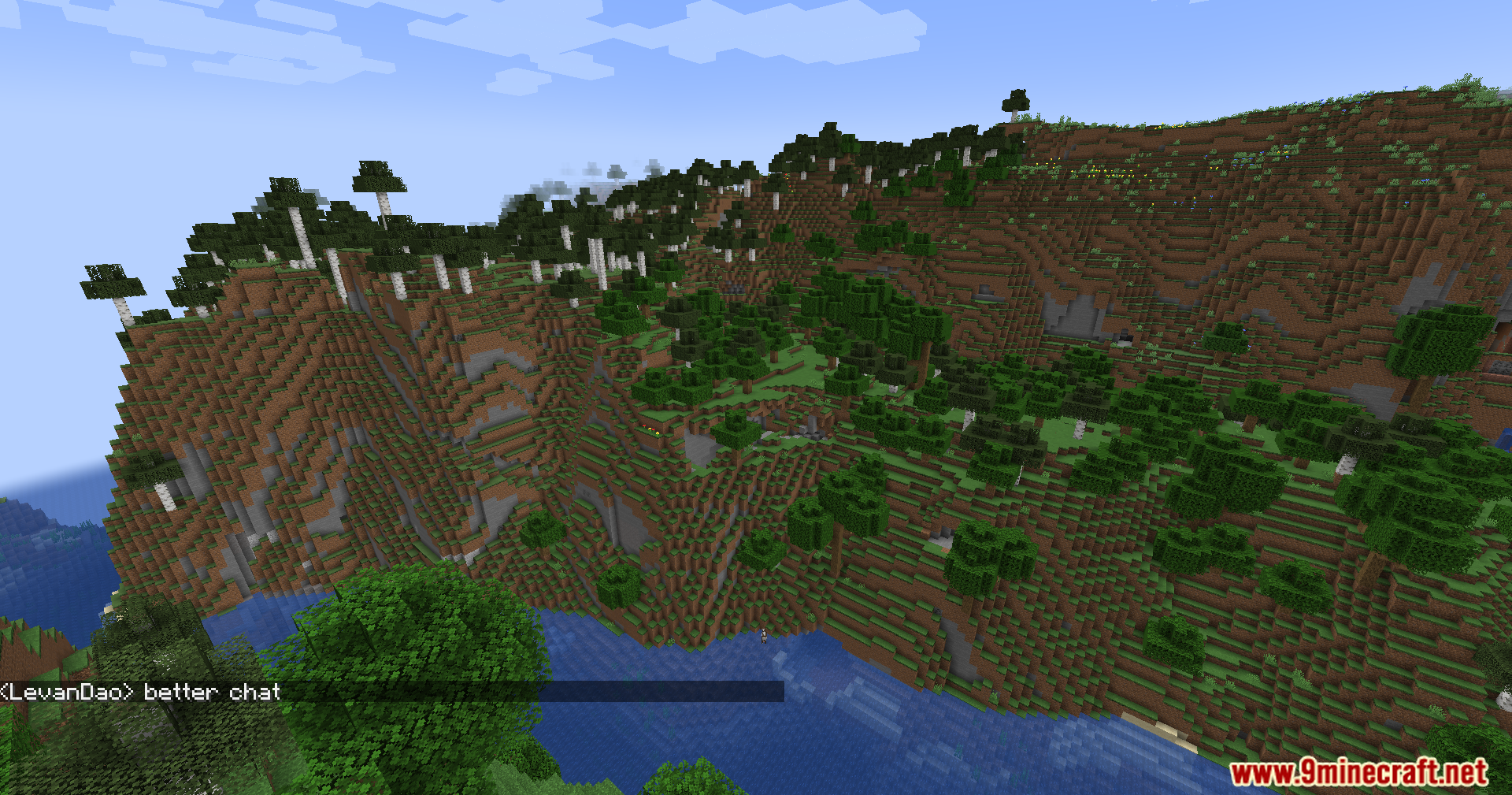
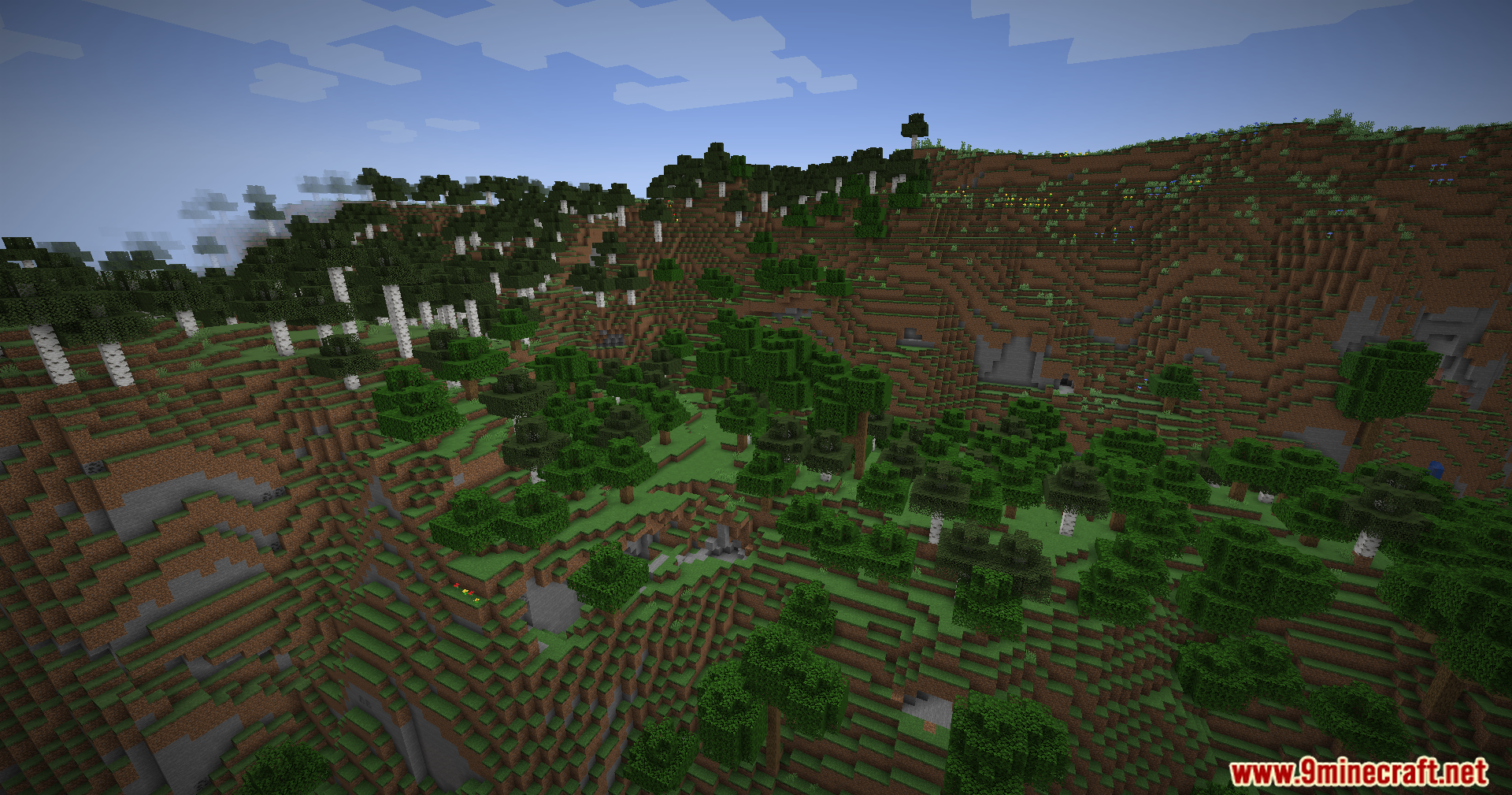
How to Install:
New to Minecraft? Follow our step-by-step guide to install Mods on your PC.View Guide
Wwz's Better Chat Mod Download Links
For Minecraft 1.20.1, 1.20
Forge Version: Download from Server 1 – Download from Server 2
Click to rate this post!
[Total: 2 Average: 5]
You May Also Like
Picked for this page
 Elytra Chestplate Swapper Mod (26.3, 1.20.1) – Functionality to Keystroke
 Easier Sleeping Mod (26.3, 1.20.1) – Server-Sided Sleeping
 More Crafting Tables Mod (1.21.11, 1.20.1) – Made from All Types of Wood
 Smooth Gui Mod (26.3, 1.20.1) – Smooth Animation When Opening GUI
 Noxesium Mod (26.3, 1.20.1) – Elevate Your Minecraft Experience
 Simple Night Vision Mod (1.21.11, 1.20.1) – Permanent Night Vision for Everyone
 Rotted Mod (1.20.2, 1.20.1) – A Zombie-Themed Modification
 Mob Filter Mod (26.3, 1.20.1) – Managing Mob Populations
 QuickCraft Mod (26.1.2, 1.20.1) – Simplify Your Crafting Experience
 Cardboard Mod (26.1.2, 1.20.1) – Implements Plugins API as a Fabric Mod
 Arc Lib Mod (26.2, 1.20.1) – Data Driven Action, Reward Library
 No More Phantoms Mod (1.21.5, 1.20.1) – Disables Phantoms From Spawning
Most viewed in Mods over the last 7 days
 Ala Industrial Mod (26.3) – Run Electric Power Grids and Automated Factories
 PleasureCraft Mod (26.3, 1.21.1) – Jenny Mod Remake for Fabric
 Jennycraft Mod (26.3, 1.20.1) – Virtual Girlfriend in Minecraft
 Fapcraft Mod (26.3, 1.12.2) – Comprehensive and Detailed Content
 Jenny Mod (Fapcraft) Official Complete Guide – How to use, Tutorial
 BangCraft Mod (1.20.1) – Jenny, Ellie and Elliot
 Fabric Loader (26.3, 1.20.1) – Fabric Installer for All Minecraft Versions
 Meteor Client Mod (26.3, 1.20.1) – Xray, HUD, Fly
 OptiFine HD (26.3, 1.20.1) – Run Faster, FPS Boost, Shaders Support
 The Shooting Star Demo Mod (26.3, 1.20.1) – Vaporize Terrain From Orbit
 Aristois Client Mod (1.21.4, 1.20.1) – World Class Minecraft Utility
 SchnurriTV Mod (1.12.2) – Characters and Features
More from Mods
 Create Hand Made Mod (1.21.1) – Craft Create Recipes By Hand in Your Workshop
 Seed Map for Xaero Mod (26.1) – See Rare Biomes and Dungeons Before You Travel
 MCPersist Mod (26.3) – Keep Your World Online for Friends Even After Logging Off
 Minecraft Java MCP Server Mod (1.21.11) – Command Your World Through External AI Tools
 Allay Folks UI & HALLOWEEN UPDATE Mod (1.21.1) – Turn Friendly Allays
 Chiseleded OG Mod (26.3, 1.20.1) – Carve Custom Building Patterns Directly
 Equestria Mythical Creatures Legacy Mod (1.20.1) – Befriend Ponies and Slay
 Irislowka Mod (1.20.1) – Drive Modern Cars Through Mysterious Story Dimensions
 Omni Isle Mod (26.2, 1.20.1) – Survive on a Single Custom Island
 Wall Grab Mod (26.3, 1.20.1) – Survive Steep Cliff Falls By Clinging
 Fabric Exporter Mod (26.3, 1.20.1) – Adds A Prometheus Exporter With General Server Metrics
 Wildwood Echoes Mod (26.3, 1.20.1) – See Flocks of Birds and Butterflies

This post has no comments yet. Be the first — your comment will appear here.